
Ultra-Realistic Graphite Pencil Portrait
A highly detailed prompt for generating an ultra-realistic graphite pencil portrait of a woman, specifying preservation of facial structure, detailed rendering of skin and hair texture, and a contemplative pose with the…
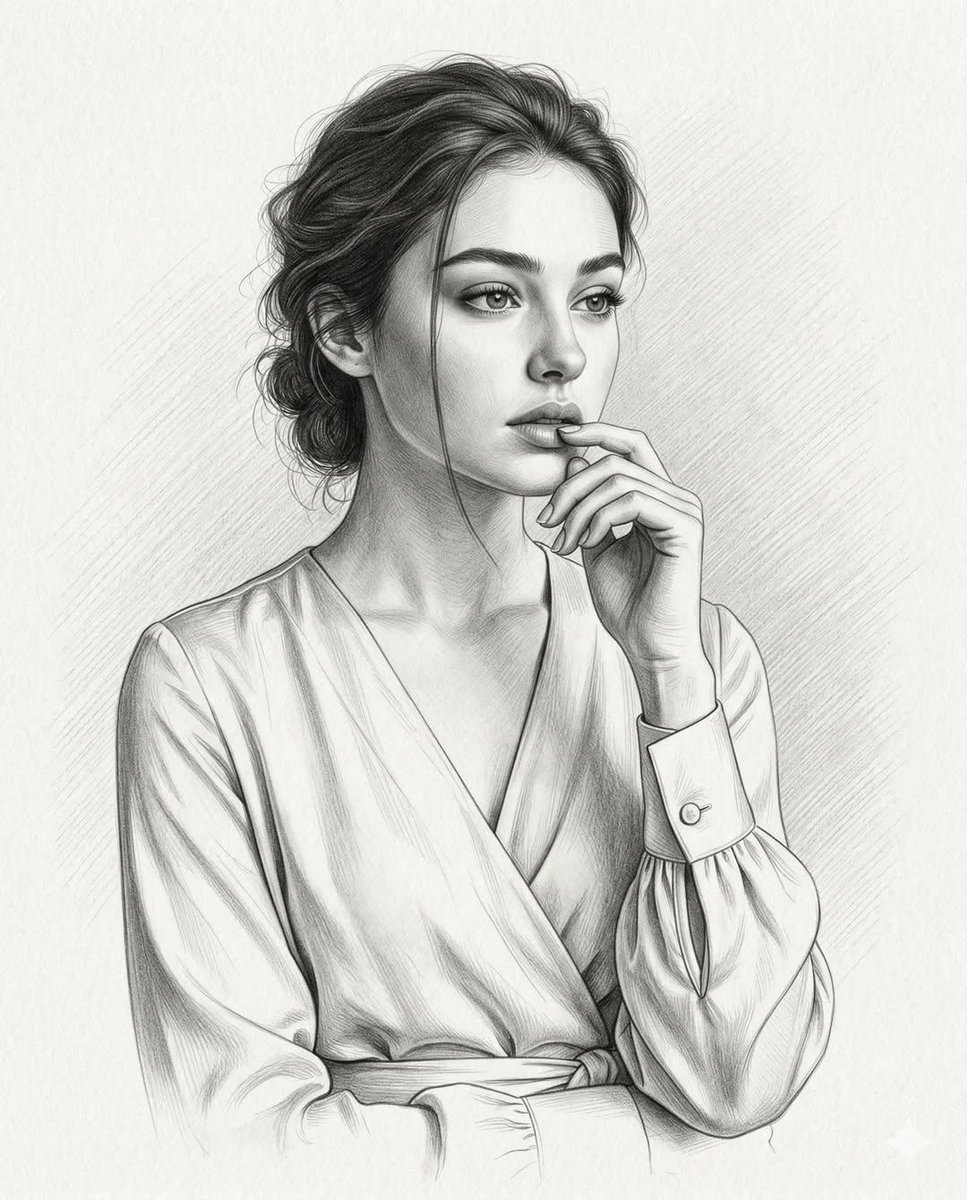
- Prompt included
- Model and format preset
- Free template
The prompt behind this image
Copy the exact prompt behind Ultra-Realistic Graphite Pencil Portrait, or open it in the studio and make it yours.
Create an ultra-realistic graphite pencil portrait of a woman. Preserve the original: facial structure and proportions bone structure and jawline , eye shape and spacing nose structure lip shape and fullness skin tone interpretation in graphite values hairstyle, hairline, and parting Composition & Framing Mid-torso / waist-up composition showing the upper body down to the tied waistline of the blouse. 4:5 vertical portrait. Subject positioned slightly off-center with open negative space toward the direction of her gaze. Body posture: torso angled slightly to the left shoulders relaxed and natural head gently turned to the right Eyes gazing softly off-camera to the right side of the frame. Expression: soft, distant, contemplative and thoughtful. The composition should feel elegant and balanced, with the head placed in the upper third of the frame and the blouse folds and arm gesture guiding the viewer’s eye upward toward the face. Hand Pose Her right hand is raised thoughtfully toward her face: wrist elegantly bent index finger resting lightly against the lower lip thumb placed beneath the chin area remaining fingers softly curled inward anatomically correct hand structure visible knuckle definition natural fingernails delicate finger proportions The gesture should feel relaxed and introspective, like a quiet thinking pose. Facial Detail Rendering Refined graphite rendering including: smooth high cheekbones delicate, well-defined nose sculpted jawline full lips softly shaded with darker graphite at the center parting to create depth highly detailed eyes with subtle eyelid shading long eyelashes thick, naturally arched eyebrows Skin rendered using seamless graphite blending and ultra-smooth tonal gradients. Hair Dark natural hair rendered with fine pencil strand detail. Hair is loosely styled in a relaxed, slightly messy low bun or gathered style at the back of the head. Details include: soft natural volume loose strands around the temples and forehead wispy strands framing the ear one thin strand falling vertically across the left cheek Natural pencil flow with layered graphite strokes to create realistic hair texture and depth. Clothing She wears an elegant wrap-style V-neck blouse made from soft, flowing fabric resembling silk or satin. Garment details include: overlapping wrap front forming a deep V neckline a fabric belt or tie cinching the blouse at the waist soft draping folds radiating from the waist knot fluid fabric tension across the torso Sleeves: long, slightly loose sleeves gathered fabric volume along the forearm deep natural folds at the inner elbow due to the raised arm pose Cuffs: structured cuff with a clean tailored edge single round button fastening vertical slit placket opening beside the button The blouse should display realistic fabric weight, smooth highlights, and natural tension lines created by the wrap structure. Background textured fine-art drawing paper very subtle di
How to use Ultra-Realistic Graphite Pencil Portrait in 3 steps
- 1
Open
The prompt is already in the box next to the preview, with the template's model and format selected.
- 2…a portrait of your subject in softgolden-hour light, 85mm…
Personalize
Edit the subject and creative details for your destination.
- 3Generate
Generate
Press Generate — your image is created in PicX Studio, so you can compare it with the original and refine one variable at a time.
More like this
Templates with the same subject, style or setup. Open one to see its prompt.
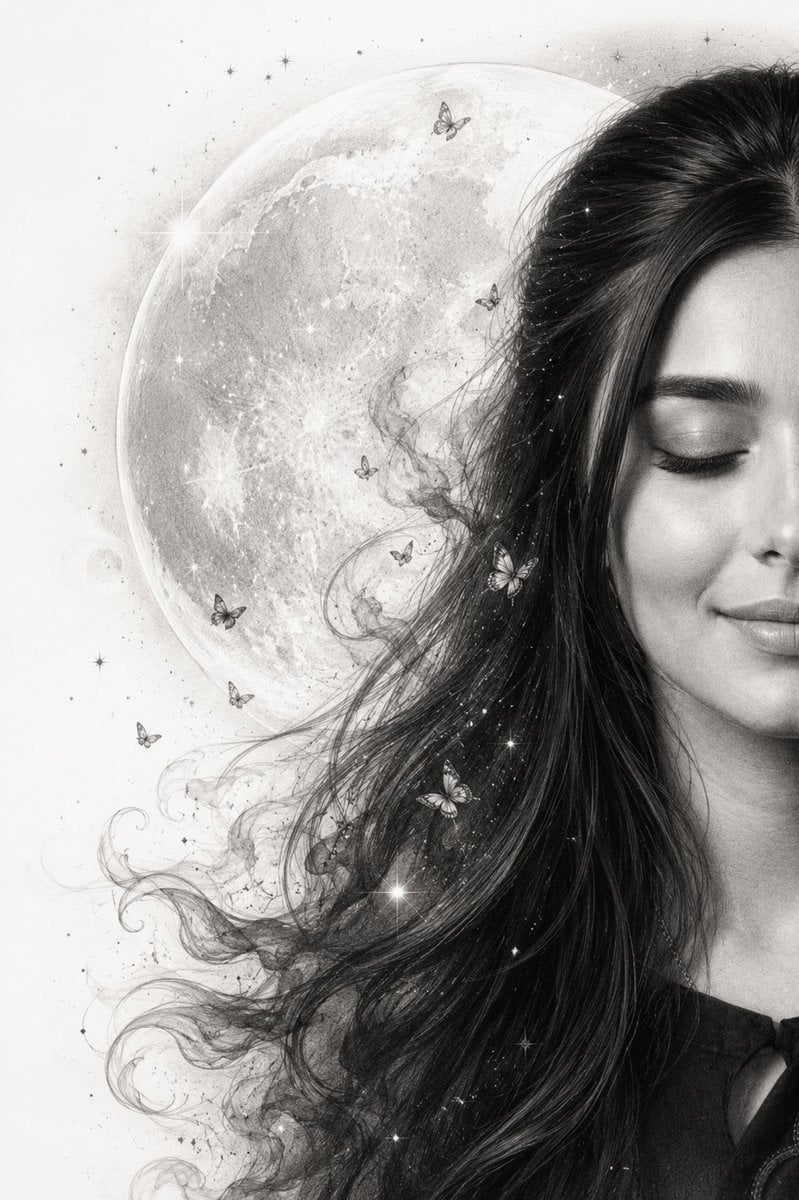
Graphite Pencil Celestial Portrait
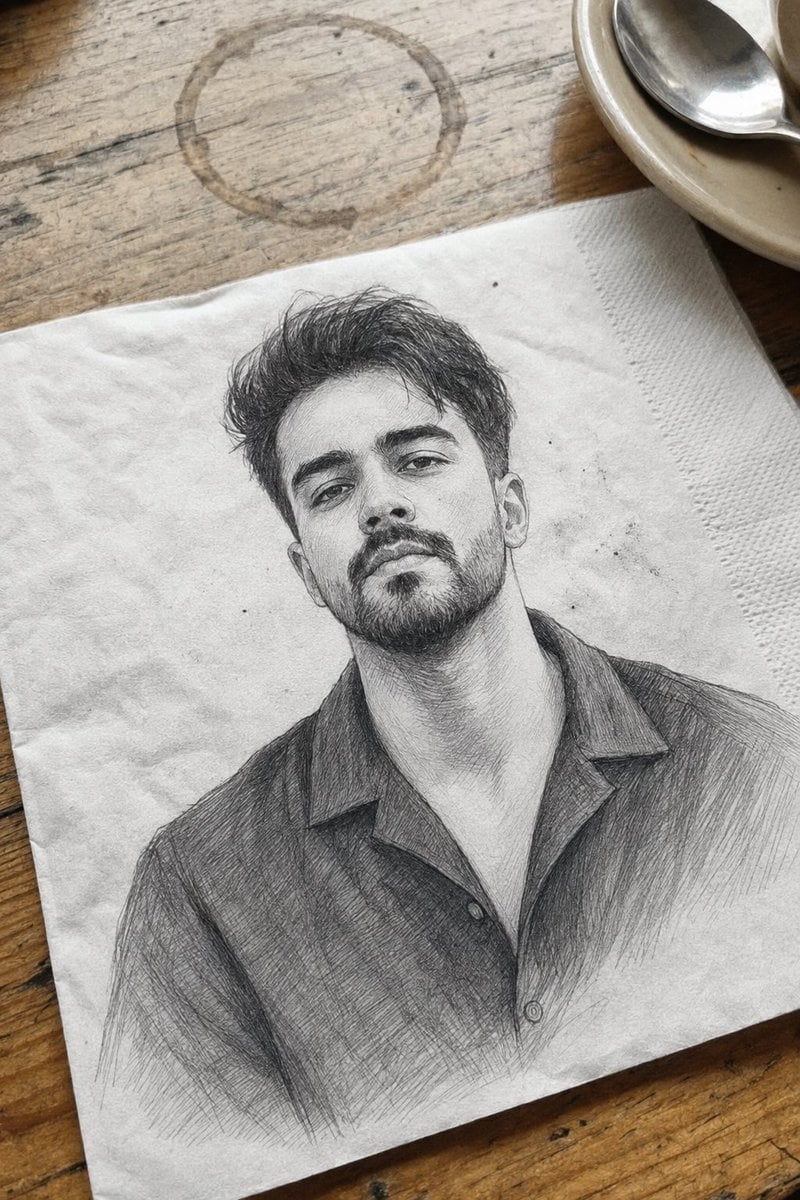
Professional Graphite Pencil Sketch Portrait
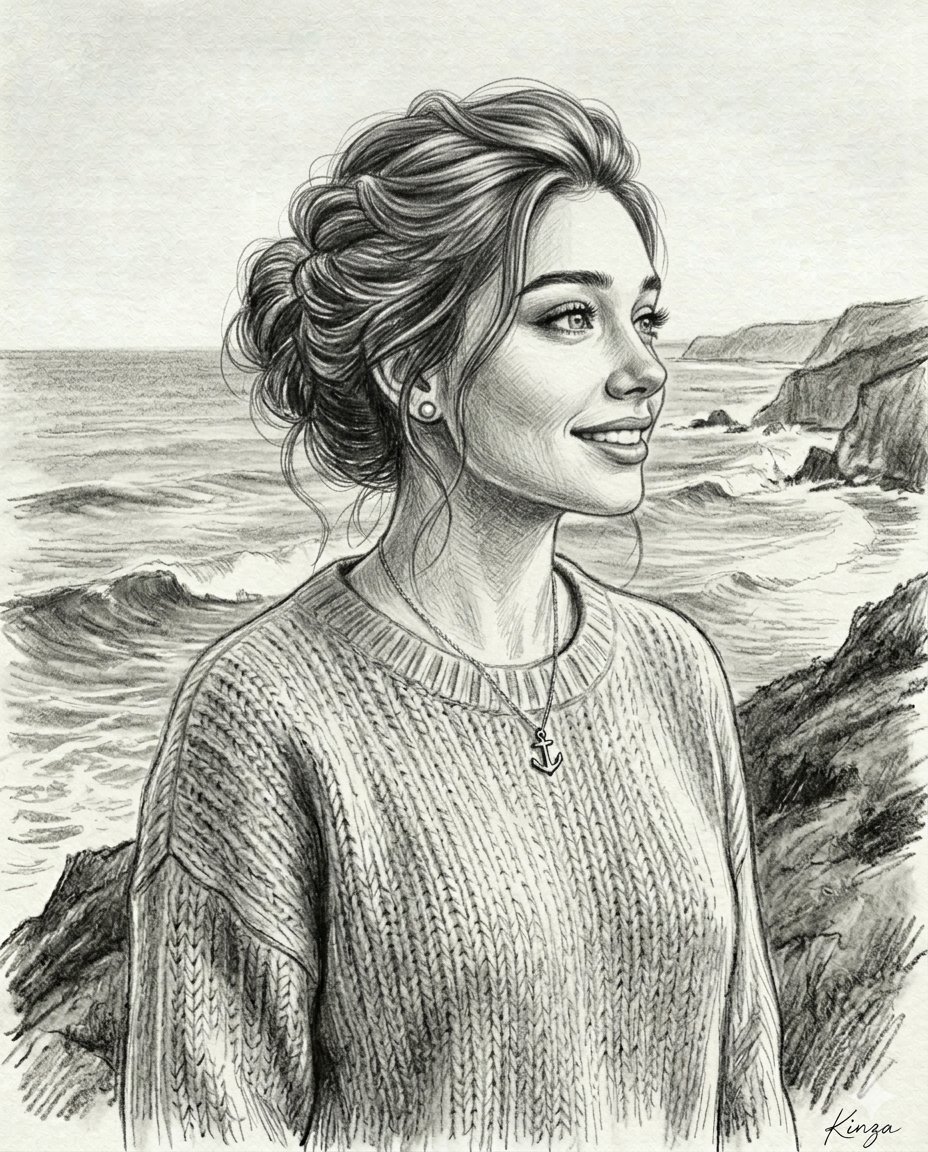
Vintage Graphite Pencil Portrait

Found Photograph: Us, 1970

80s Couple Studio Portrait

80s Bollywood Star

80s Golden Hour Cinema

Me in 1985

1985 Studio Portrait
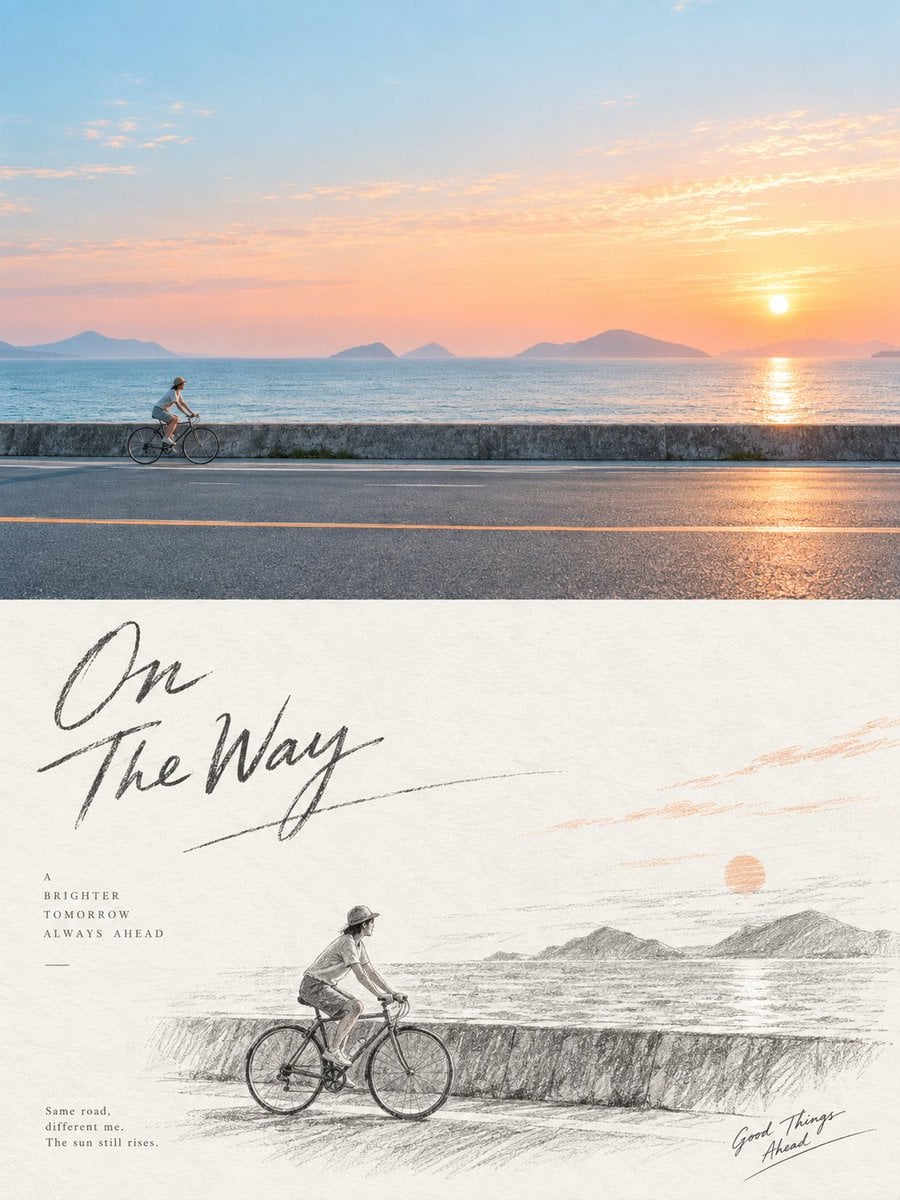
Graphite Pencil Sketch Poster

Hyper-Realistic Minecraft POV Portrait
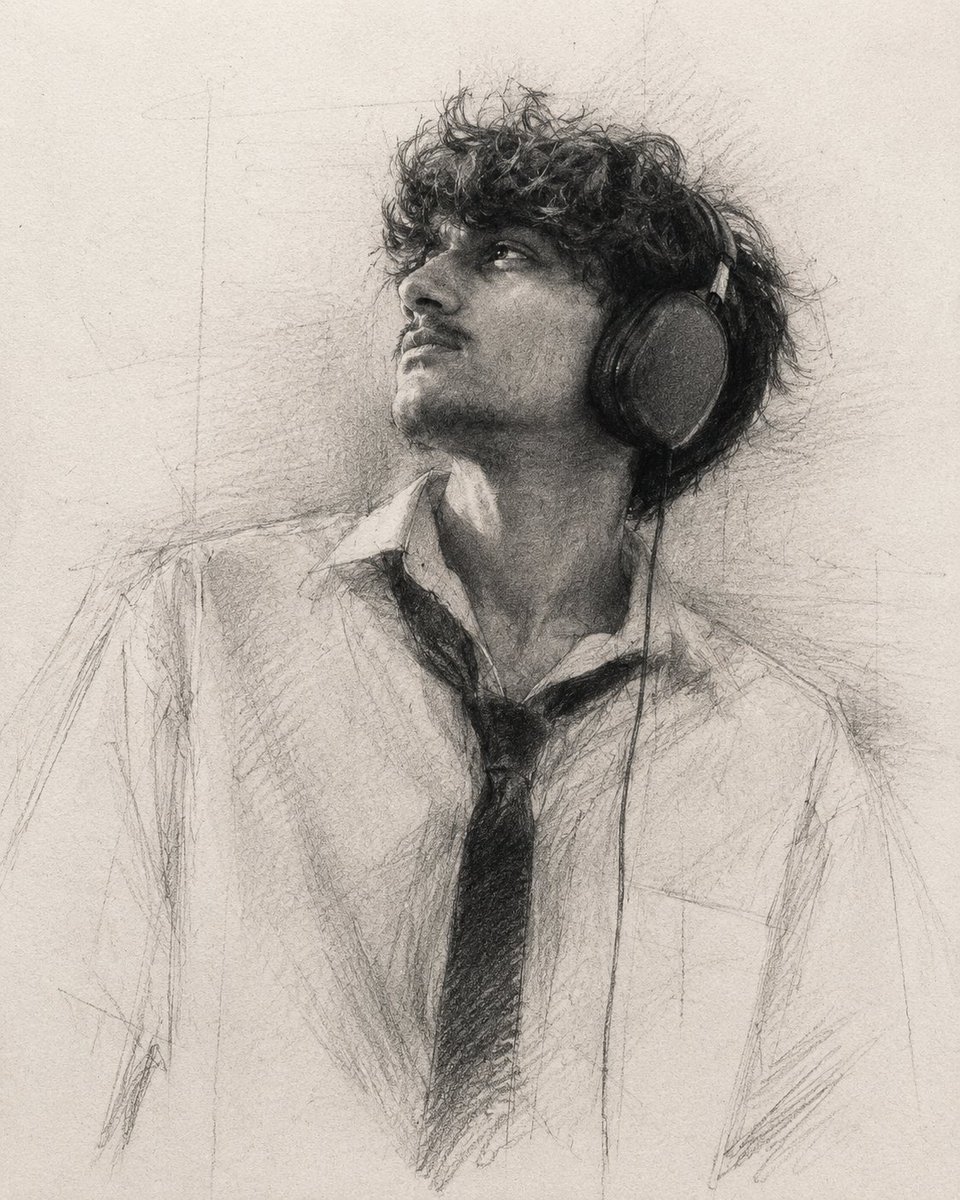
Expressive Graphite Pencil Study
Make it yours
Ultra-Realistic Graphite Pencil Portrait works as-is. These are the safest ways to change it without losing the look.
Change one field
Copy a single group, rewrite it, and generate again so you can see what that field is doing.
Keep the frame, change the subject
Hold the composition and light of Ultra-Realistic Graphite Pencil Portrait, then swap wardrobe, props or the person for a new take.
| If the result… | Why | Fix |
|---|---|---|
| The result drifts from the preview | Too many fields changed at once. | Reuse Ultra-Realistic Graphite Pencil Portrait as-is first, then change one group — subject, light, or setting. |
| The model over-stylizes the scene | The prose prompt leaves finish and camera underspecified. | Add one camera or lighting sentence and stay on Nano Banana 2. |
More Nano Banana 2 templates
Other prompts made for Nano Banana 2.

Photorealistic Leaf Shaped Like a Dragon

K-Pop Idol Portrait Grid for Rapid Selection

Poetic Rain Forest Portrait During Golden Hour

Urban Street Portrait with Cartoon Inner Self Duo

Candid Nighttime Photo with Cat Prompt

High-Concept 3D Diorama Generation Prompt

Cinematic Futuristic Studio Portrait Template

Skincare Editorial Photography Collage Prompt

Hyper-Realistic Commercial Product Photography (Splash Effect)

Hyper-Realistic Nightclub Portrait Prompt
More image prompts
Fresh picks from across the catalog.
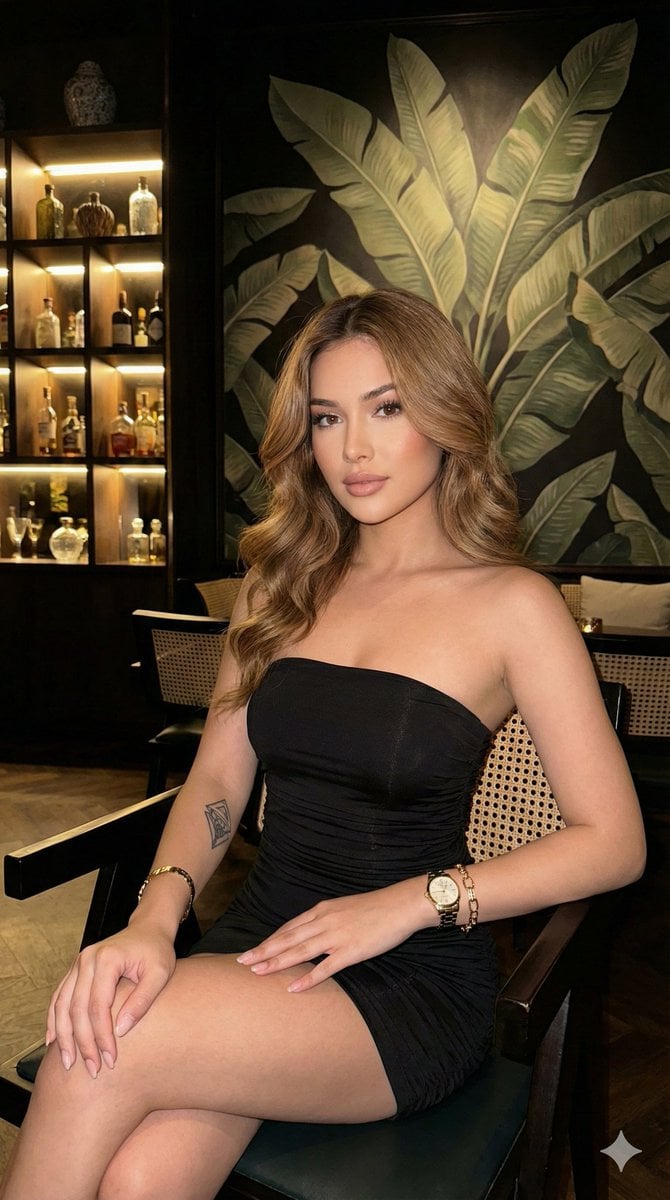
Ultra-realistic portrait in a luxury lounge
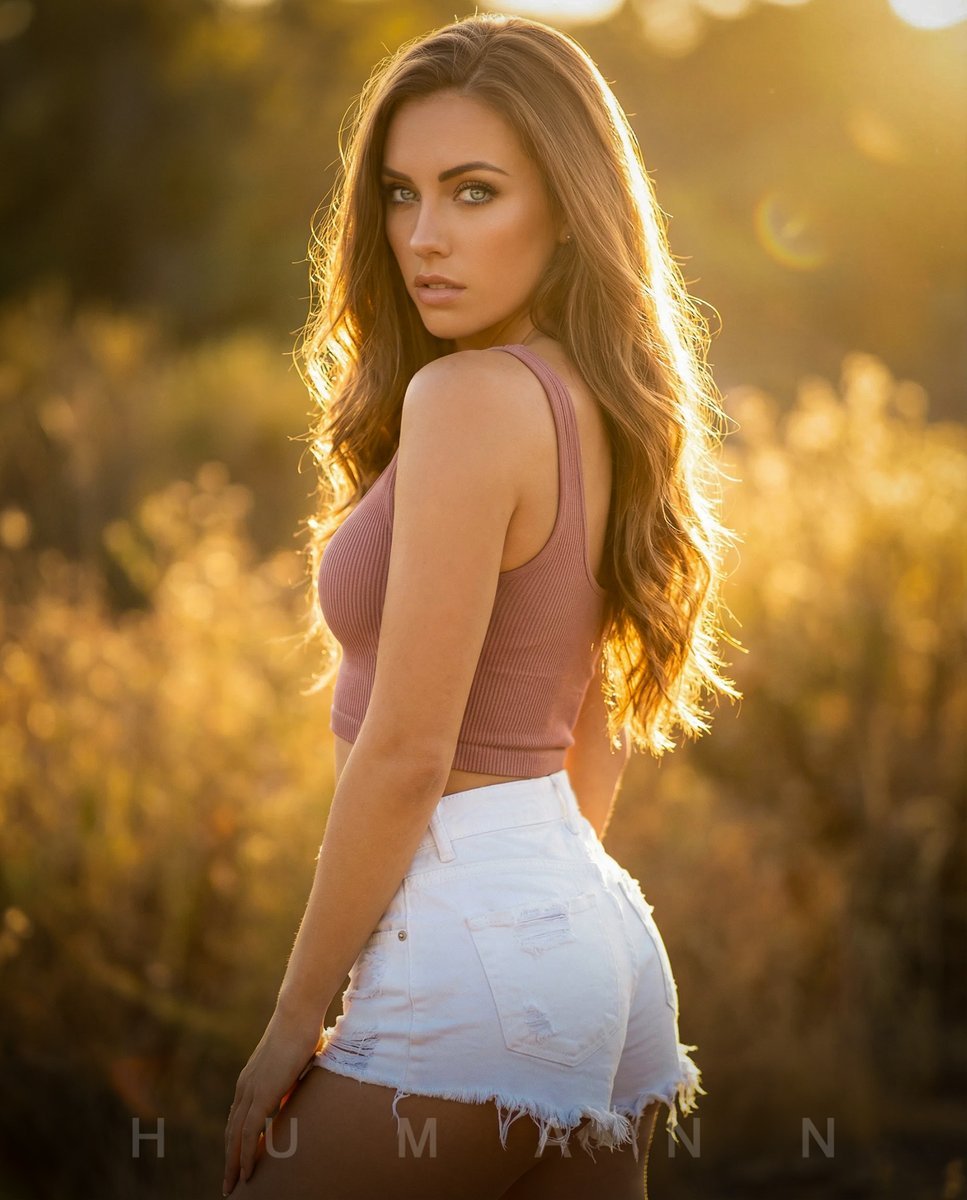
Golden Hour Backlit Portrait
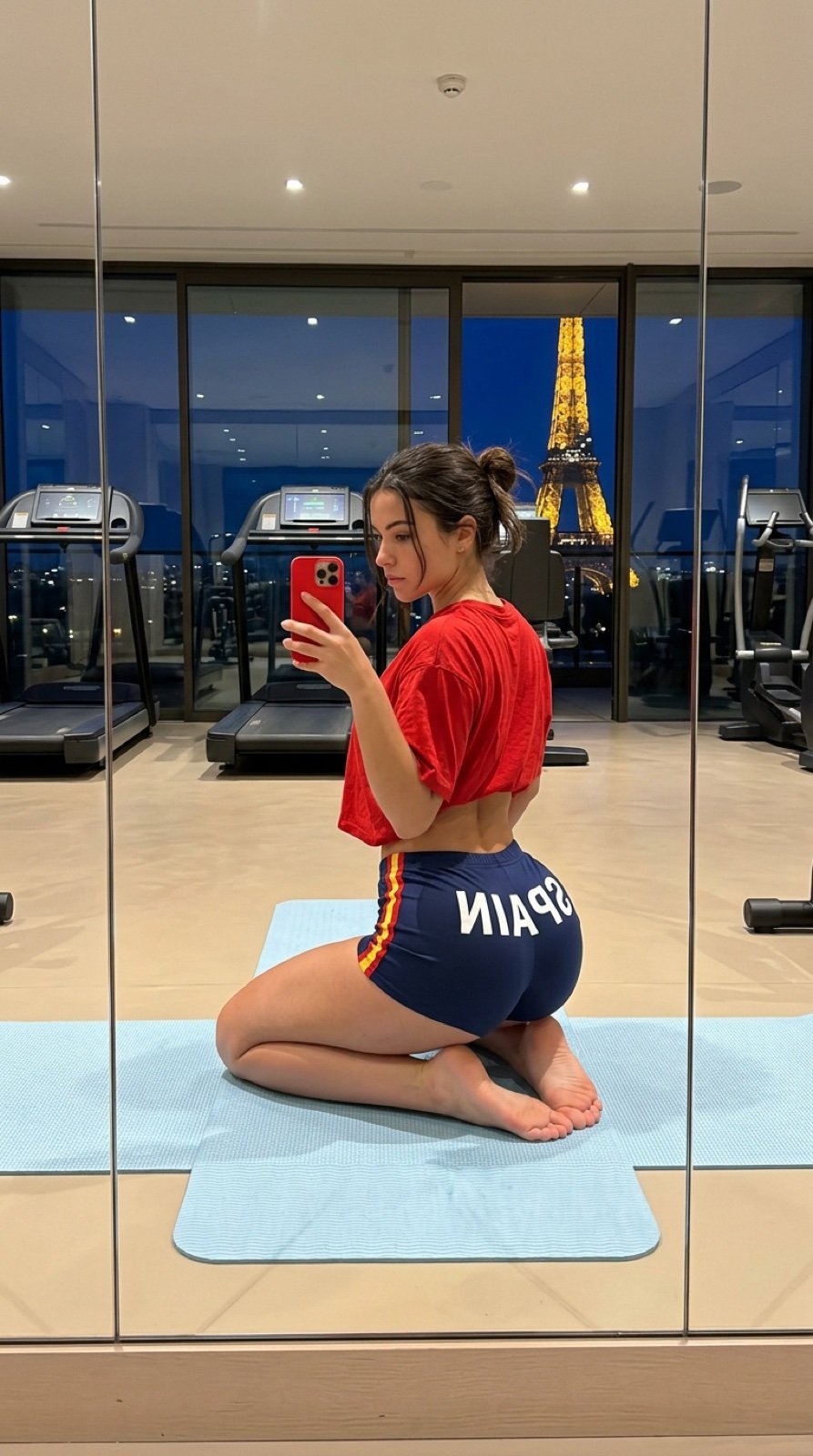
Gym Mirror Selfie with Eiffel Tower View
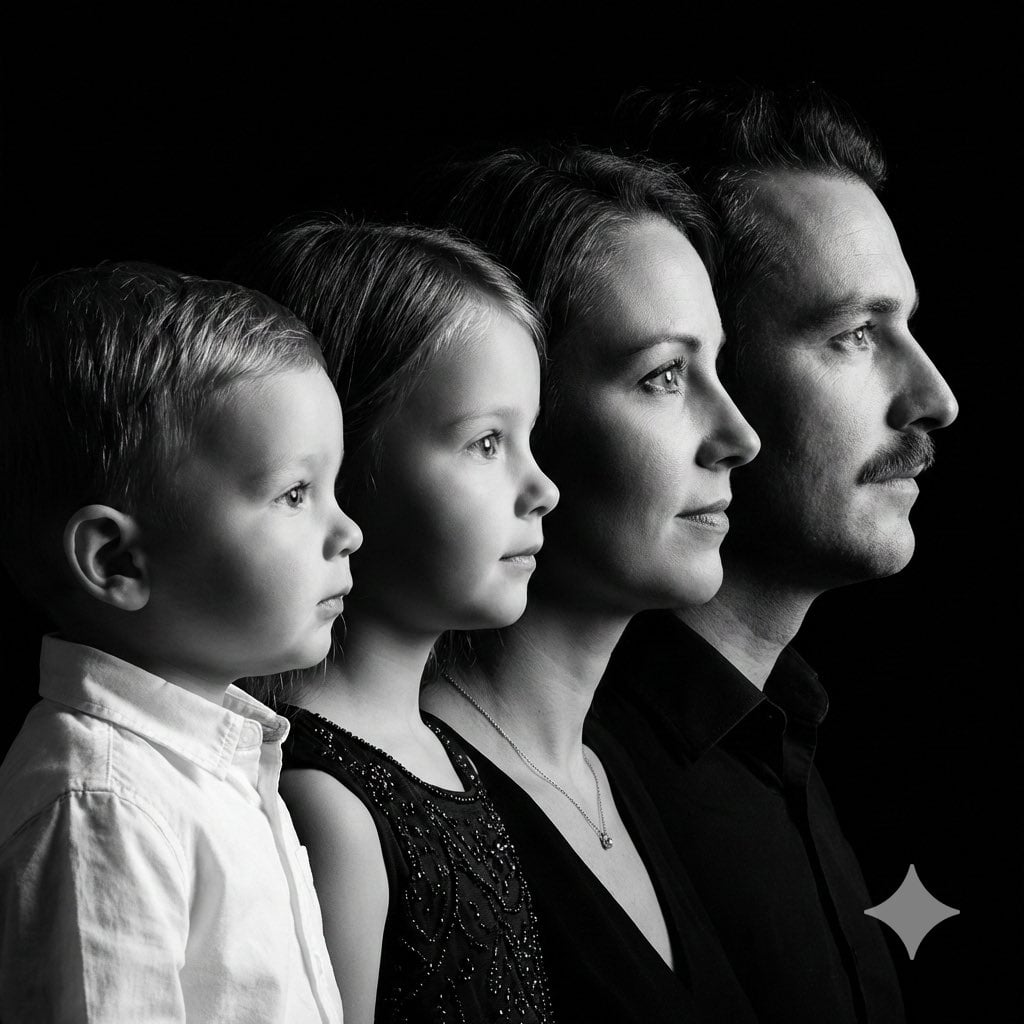
High-Contrast Black and White Family Studio Portrait
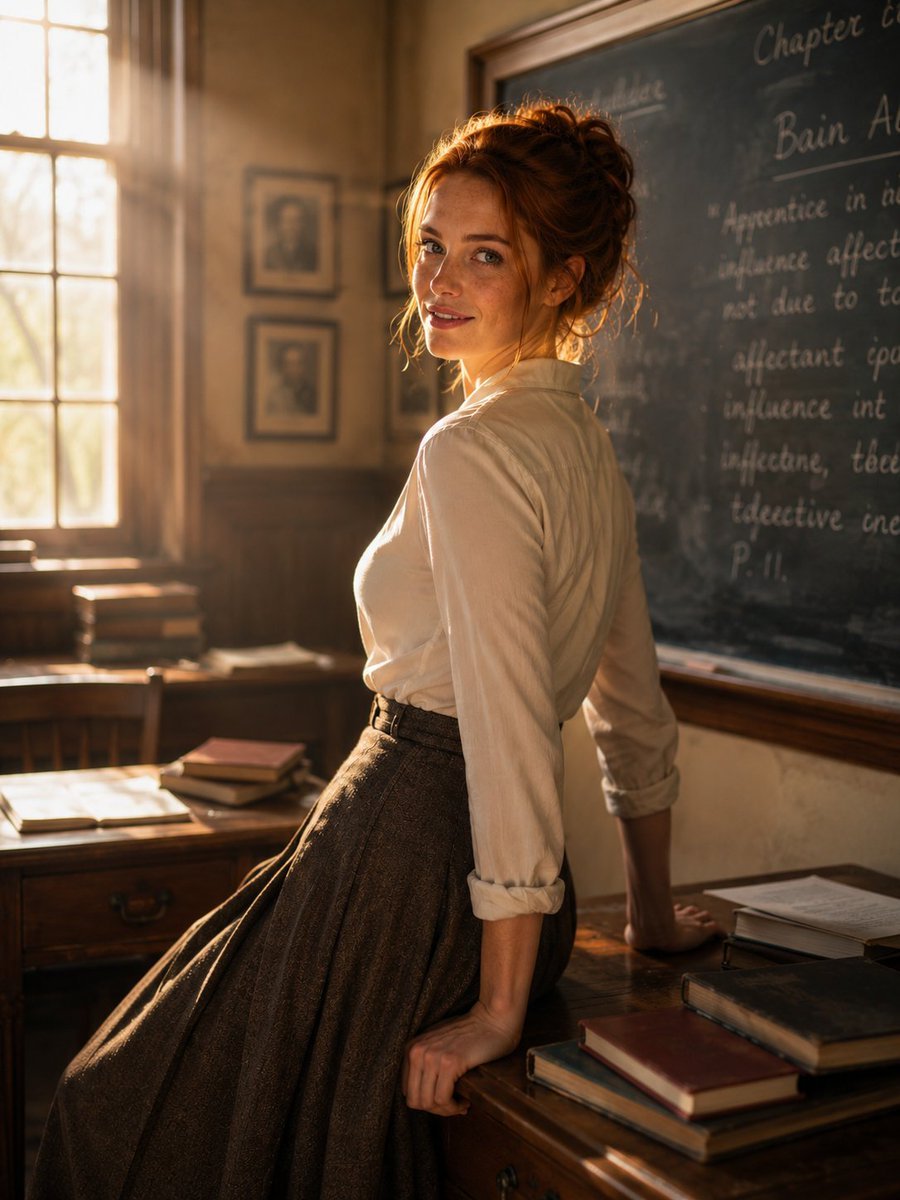
Cinematic Academic Portrait
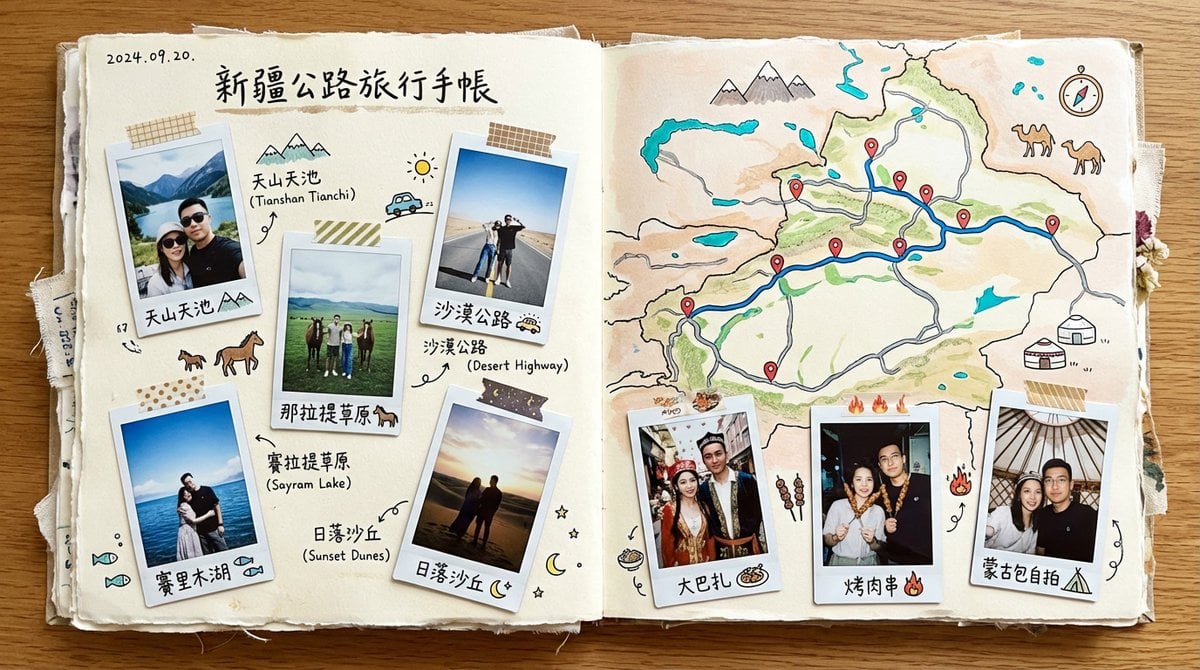
Xinjiang Road Trip Scrapbook Spread
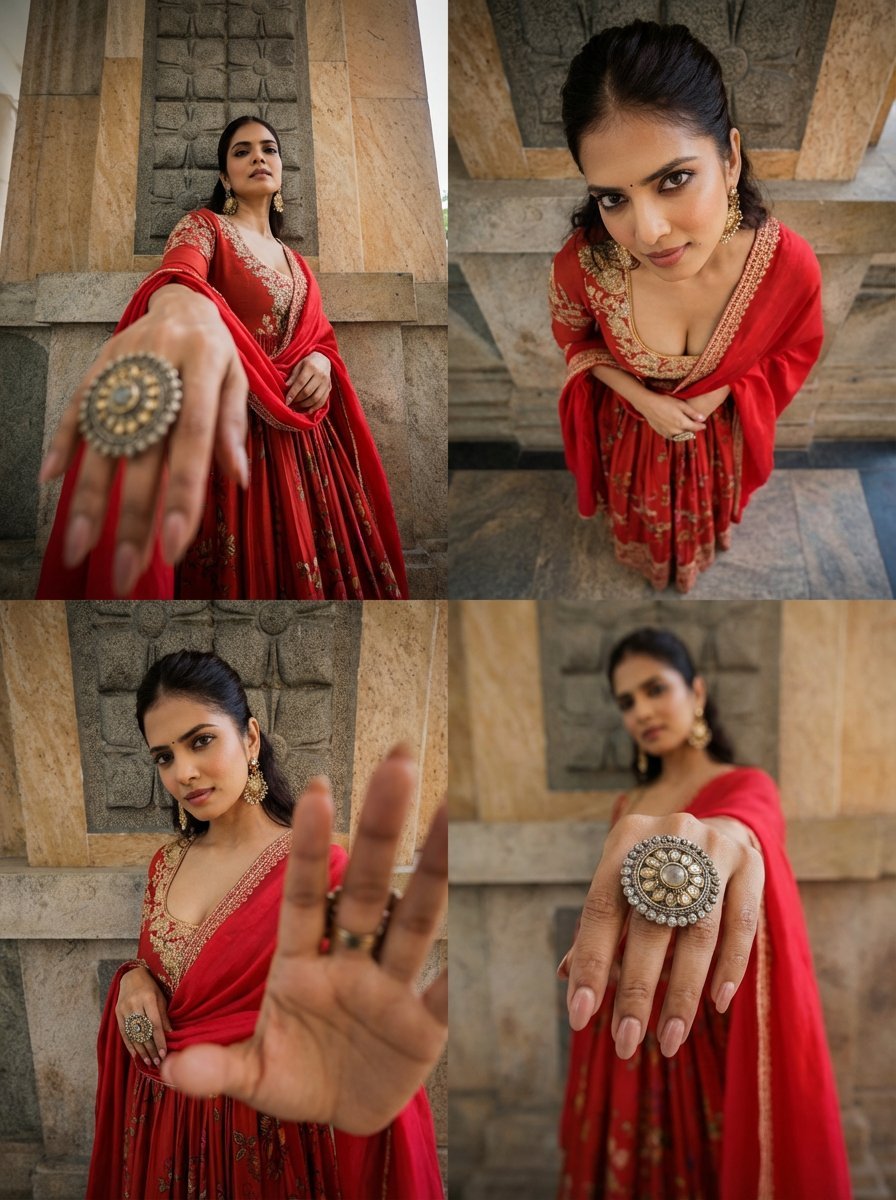
Dramatic Photorealistic Character Portrait in 4 Styles
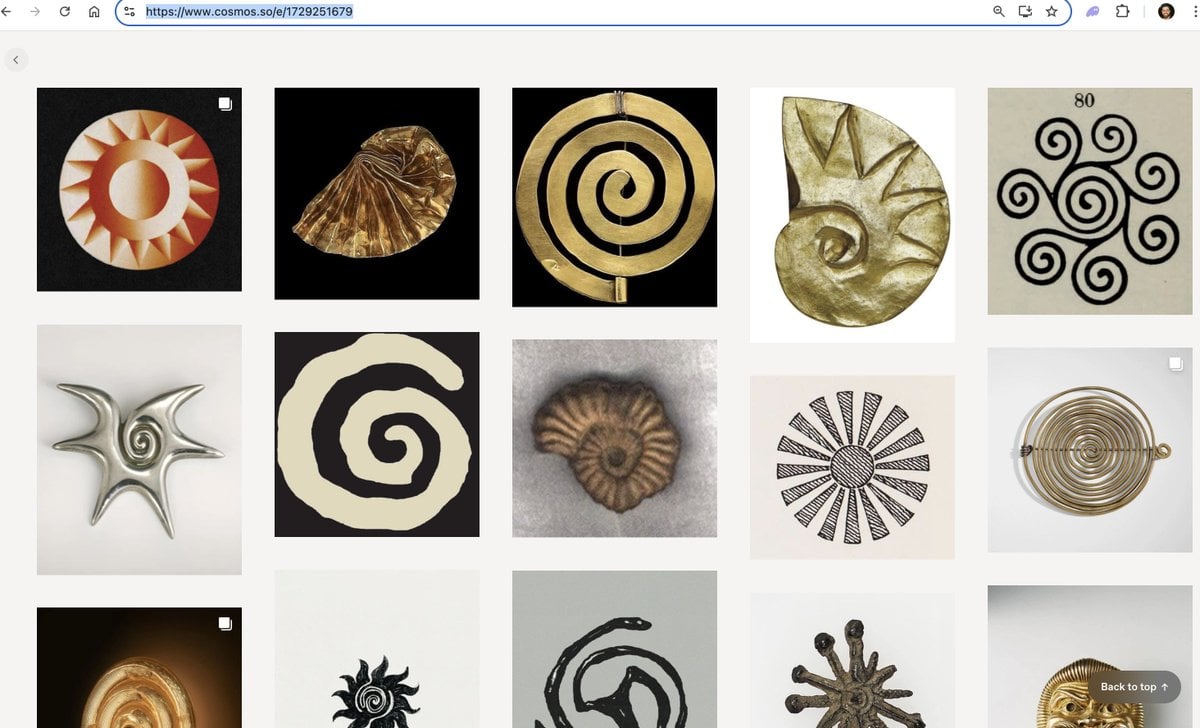
Logo generation prompt for Nano Banana Pro
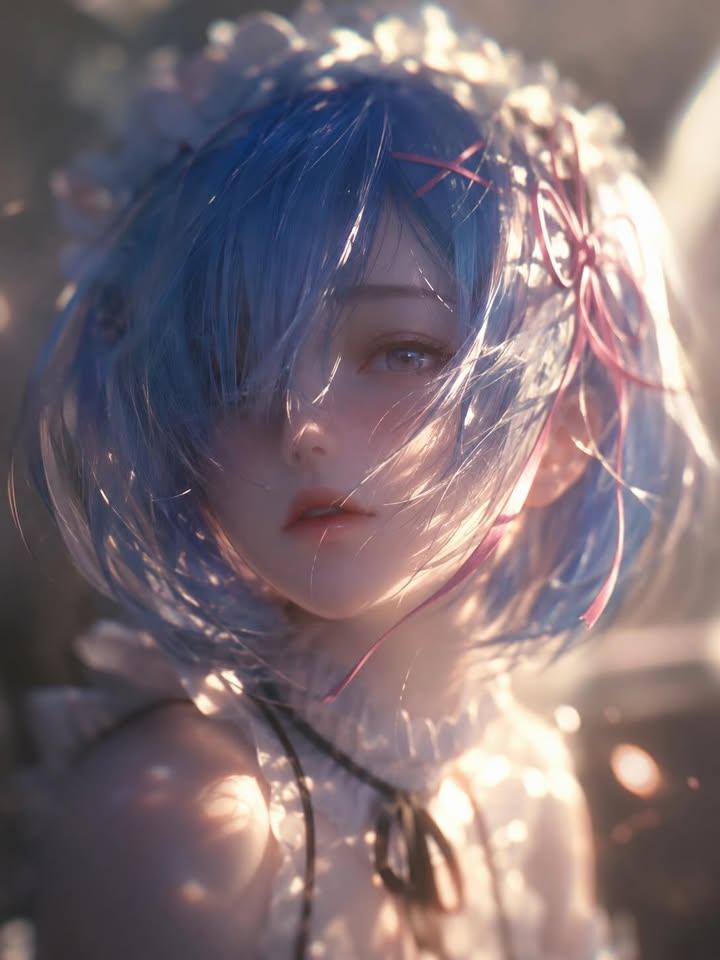
Ethereal Anime Character Portrait

Golden Hour Korean Classroom Portrait
Browse template categories
Ultra-Realistic Graphite Pencil Portrait questions
How do I use the Ultra-Realistic Graphite Pencil Portrait template?
Add your photo if the template asks for one, edit the prompt if you like — the template's model and format are already selected — and press Generate. Your version opens in PicX Studio.
Can I customize the Ultra-Realistic Graphite Pencil Portrait template?
Yes. You can change the subject, setting, lighting, mood, format, and available model controls before creating your image.
Is the Ultra-Realistic Graphite Pencil Portrait template free?
Opening and editing this template is free. Generating uses credits, shown on the Generate button when you are signed in.
Which AI model should I use?
Start with Nano Banana 2, which is the model associated with this template. You can compare another compatible model for a different finish.
Looking for something else? Browse all templates.

Your photo, any look
Thousands of ready templates for every top image and video model, from one credit balance.