How do I use the Graphite Pencil Celestial Portrait template?
Choose the primary action to open PicX Studio with the available template settings. Review the model and format, personalize the creative direction, and generate when ready.
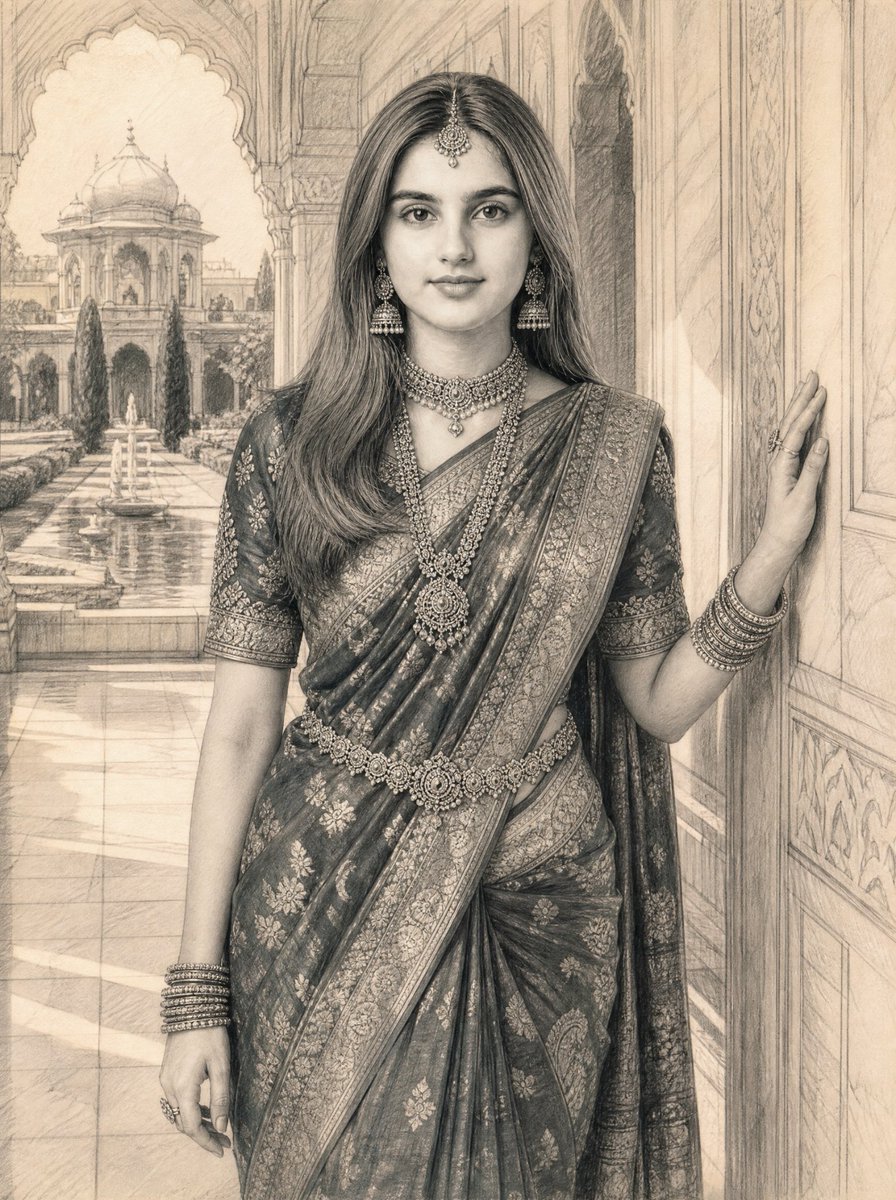
An elegant prompt for GPT Image 2 to generate a monochrome graphite pencil masterpiece featuring a half-face portrait against a large luminous moon.

Create an ultra-detailed monochrome graphite pencil masterpiece featuring a graceful {argument name="portrait type" default="HALF-FACE"} portrait emerging from a {argument name="background" default="pure white background"}. Position the face on the {argument name="alignment" default="far right"} side of the composition, with eyes gently closed in peaceful reflection. The visible half of the face should be large, elegant, and highly detailed with realistic graphite shading and delicate pencil textures. Behind the subject, place a MASSIVE luminous full moon dominating the background, occupying nearly half of the artwork. Surround it with tiny graphite stars, subtle stardust, and soft celestial particles. Long flowing black hair dissolves into dreamy smoke-like wisps, delicate butterflies, and elegant swirling pencil strokes that blend into the moonlit atmosphere. Maintain a minimalist fine-art composition with generous negative space, museum-quality graphite rendering, ultra-realistic pencil textures, soft shadows, emotional elegance, ethereal beauty, luxury gallery artwork, vertical phone wallpaper, masterpiece, 8K, hyper-detailed, Moon Whisper theme.
Choose the primary action to open PicX Studio with the available template settings. Review the model and format, personalize the creative direction, and generate when ready.
Yes. You can change the subject, setting, lighting, mood, format, and available model controls before creating your image.
This template is free to open and customize. Generation usage is shown in PicX Studio before you create.
Start with GPT Image 2, which is the model associated with this template. You can compare another compatible model for a different finish.
Follow a topic to a crawlable collection of related PicX Studio templates.