
Expressive Graphite Pencil Study
A sophisticated prompt designed to generate a high-contrast graphite drawing with intentional unfinished elements, mimicking a museum-quality academic sketch.
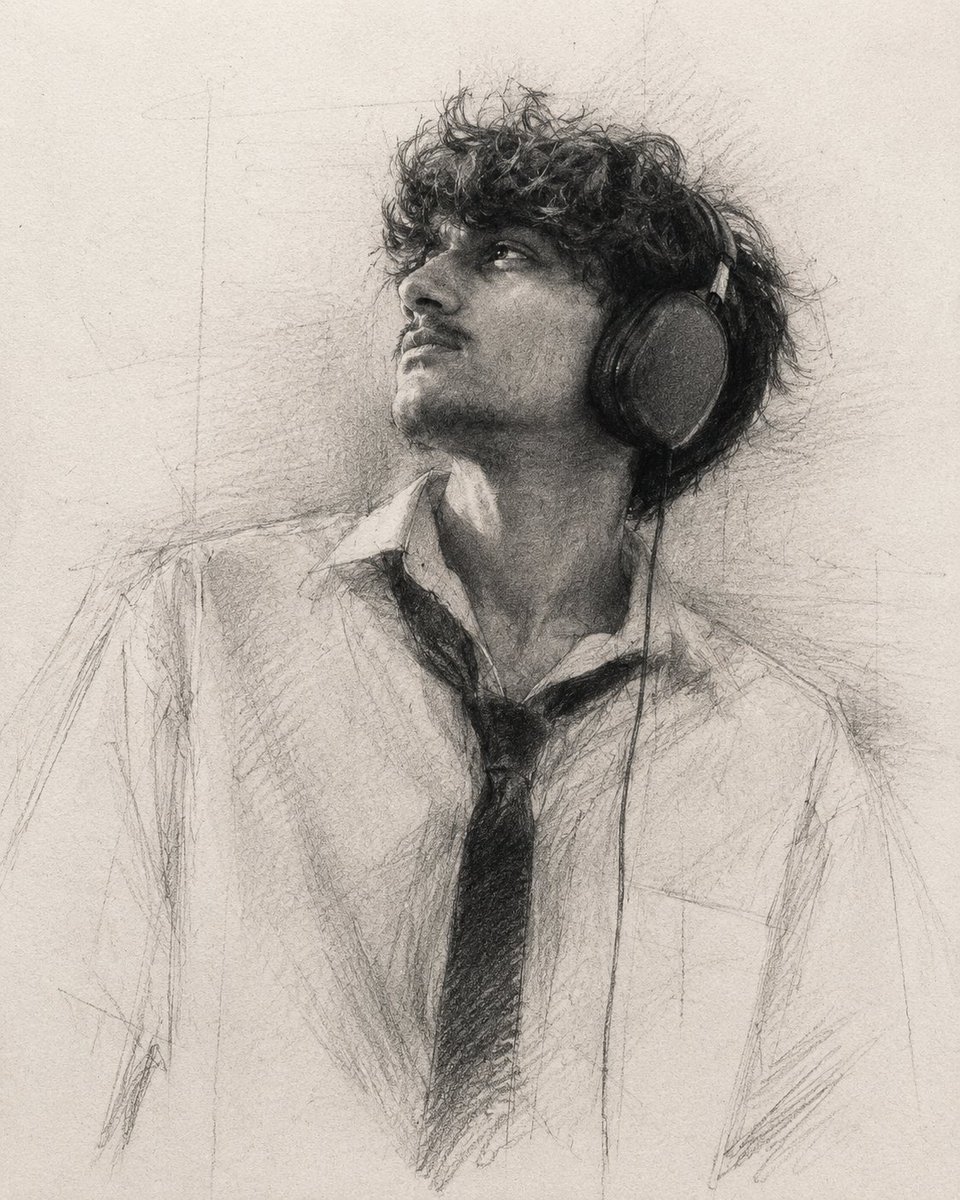
- Prompt included
- Model and format preset
- Premium template
The prompt behind this image
Copy the exact prompt behind Expressive Graphite Pencil Study, or open it in the studio and make it yours.
A highly expressive graphite pencil portrait on textured fine art drawing paper, 4:5 aspect ratio. Create the drawing with approximately 85–90% completion, intentionally leaving unfinished passages, open contours, construction lines, and visible artistic decisions. The portrait should feel like a museum-quality graphite study rather than a fully rendered illustration. Use extremely rich, {argument name="shading intensity" default="deep graphite blacks"} with dramatic tonal contrast. Build powerful black focal points using heavy {argument name="pencil grade" default="8B–14B"} graphite, creating bold shadow masses that immediately attract the viewer's eye. The darkest values should feel dense, velvety, and tactile without appearing digitally crushed. Instead of rendering every detail equally, selectively emphasize only the most expressive features of the face—especially the eyes, eyebrows, nose bridge, beard texture, hairline, and facial structure. Allow these key areas to receive the highest level of detail and contrast. The remaining areas should gradually dissolve into loose graphite marks, incomplete shading, broken contours, and unfinished forms, with less than 80% rendering. Large areas of the portrait should intentionally remain suggested rather than fully described, allowing negative space and the viewer's imagination to complete the image. Use confident, energetic pencil strokes with natural variation in pressure. Build form through layered graphite, cross-hatching, feathered shading, irregular line work, and spontaneous sketch gestures. Visible graphite powder should softly spread across the paper, producing subtle atmospheric transitions without becoming overly blended. Include realistic graphite grain, charcoal-like dust, accidental smudges, erased highlights, paper fibers, dirty whites, and authentic hand-drawn imperfections. Hair should be rendered with expressive overlapping strokes that alternate between razor-sharp strands and loose graphite masses. Facial hair should appear organic, rough, and richly textured using layered broken graphite marks instead of smooth rendering. Maintain a dramatic high-contrast lighting setup. Define the portrait primarily through tonal masses rather than outlines. Deep blacks should anchor the composition while soft midtones gradually disappear into unfinished paper texture. The overall tonal mood should resemble a traditional academic graphite master drawing using {argument name="tonal palette" default="cool neutral graphite tones"} with rich charcoal blacks and warm paper highlights. Avoid flat gray rendering. Preserve strong black accents and crisp value separation throughout the composition. Traditional graphite drawing, museum-quality pencil art, expressive realism, selective rendering, dramatic chiaroscuro, powerful black focal points, authentic graphite texture, tactile paper surface, unfinished artistic process, handmade appearance, fine art sketchbook aesthetic, high contrast, deep graphite blacks, visible graphite dust.
How to use Expressive Graphite Pencil Study in 3 steps
- 1
Open
The prompt is already in the box next to the preview, with the template's model and format selected.
- 2…a portrait of your subject in softgolden-hour light, 85mm…
Personalize
Edit the subject and creative details for your destination.
- 3Generate
Generate
Press Generate — your image is created in PicX Studio, so you can compare it with the original and refine one variable at a time.
More like this
Templates with the same subject, style or setup. Open one to see its prompt.
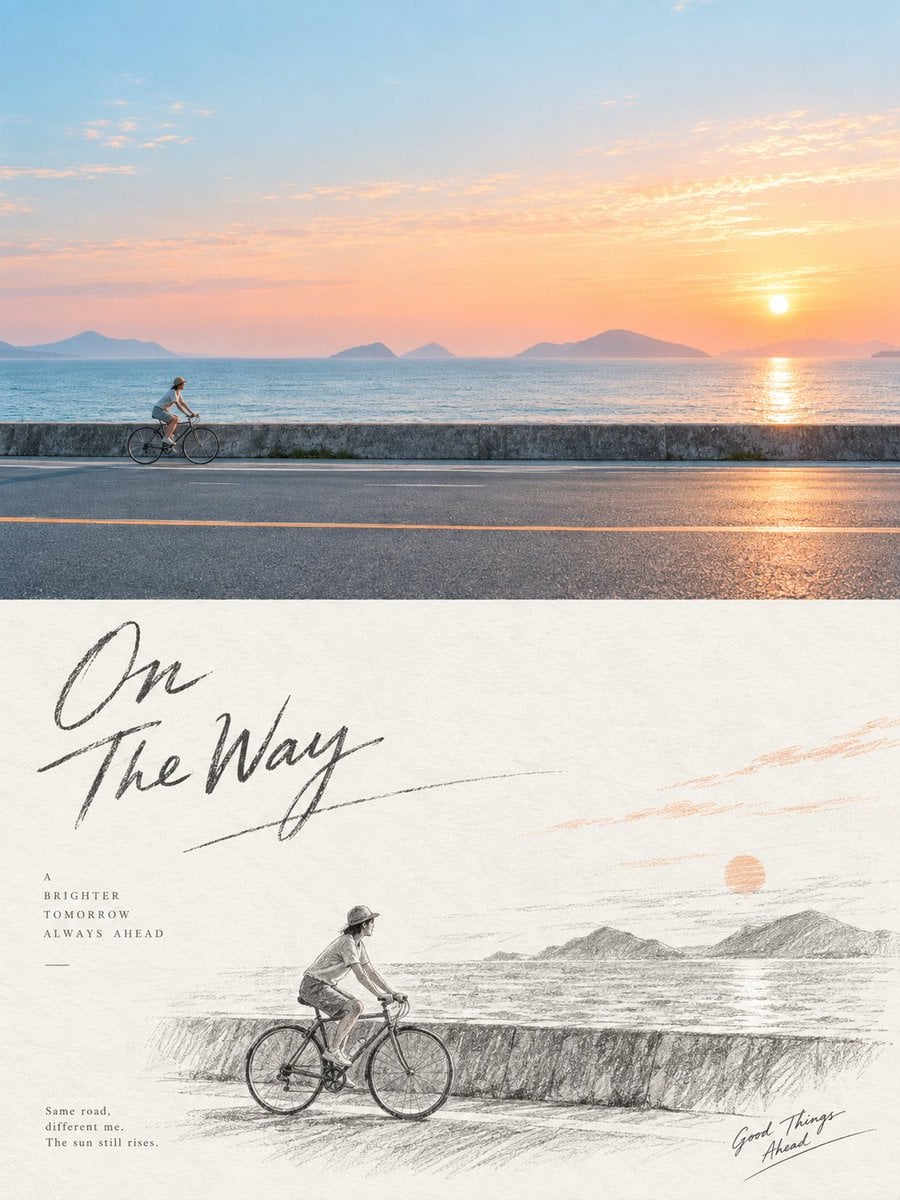
Graphite Pencil Sketch Poster
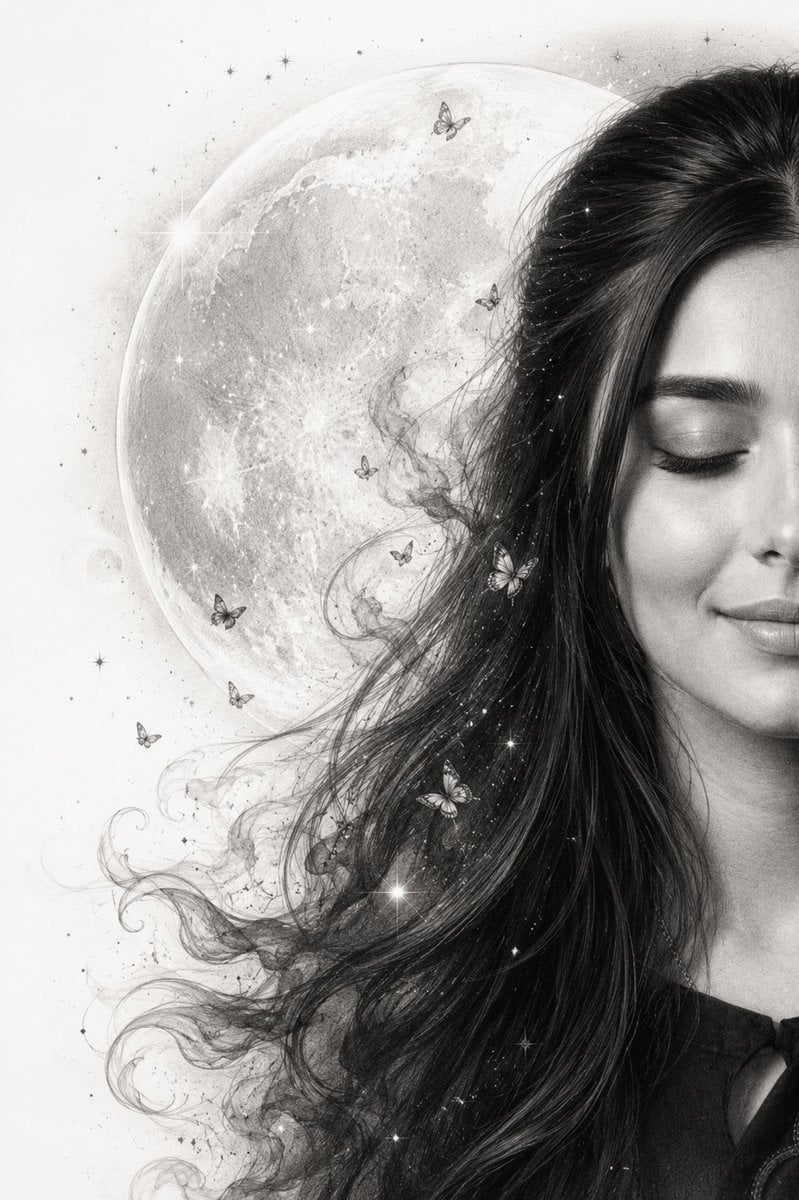
Graphite Pencil Celestial Portrait
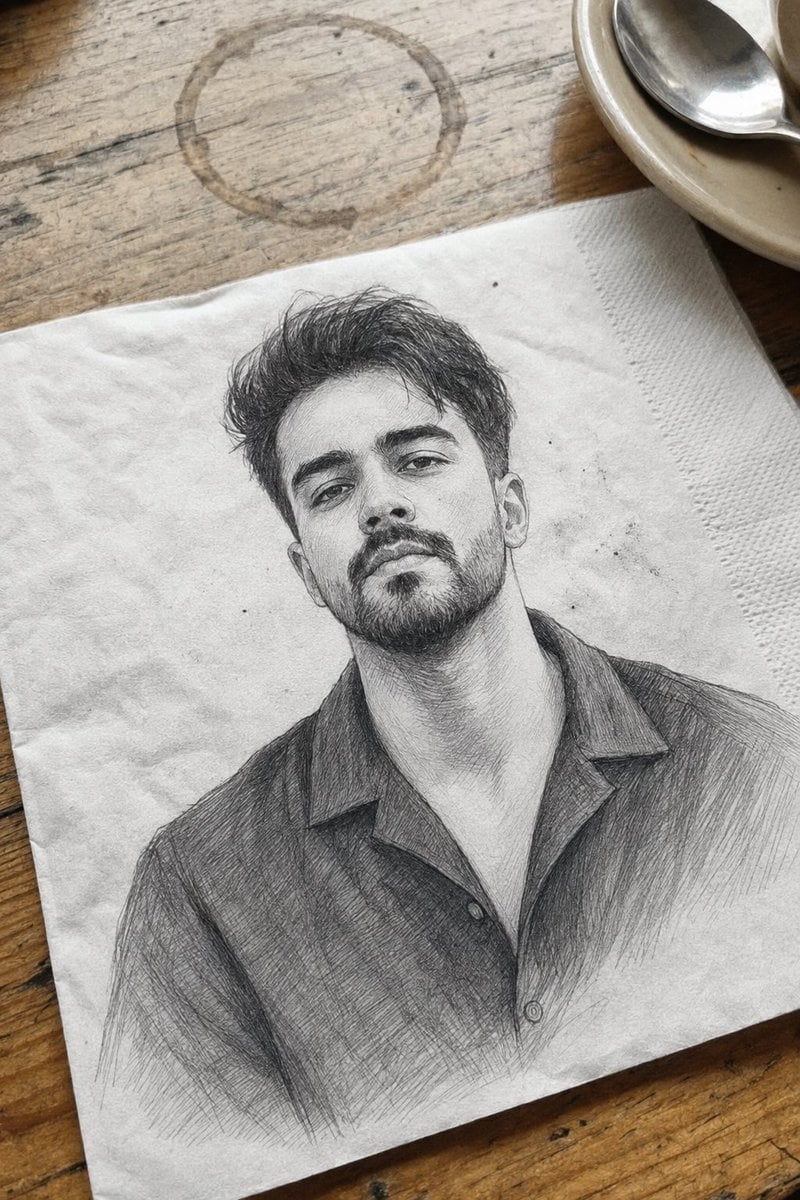
Professional Graphite Pencil Sketch Portrait

Notebook Page Emergence Illusion
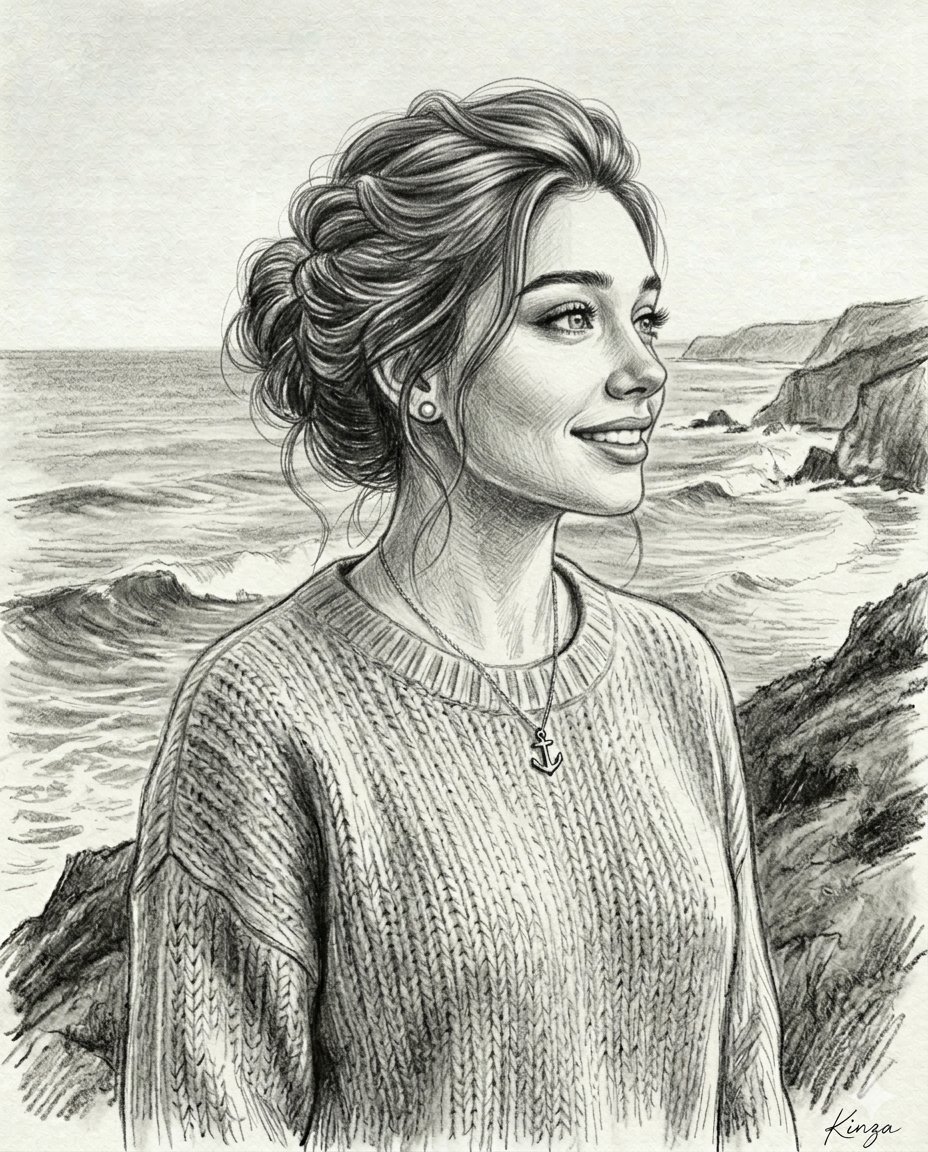
Vintage Graphite Pencil Portrait
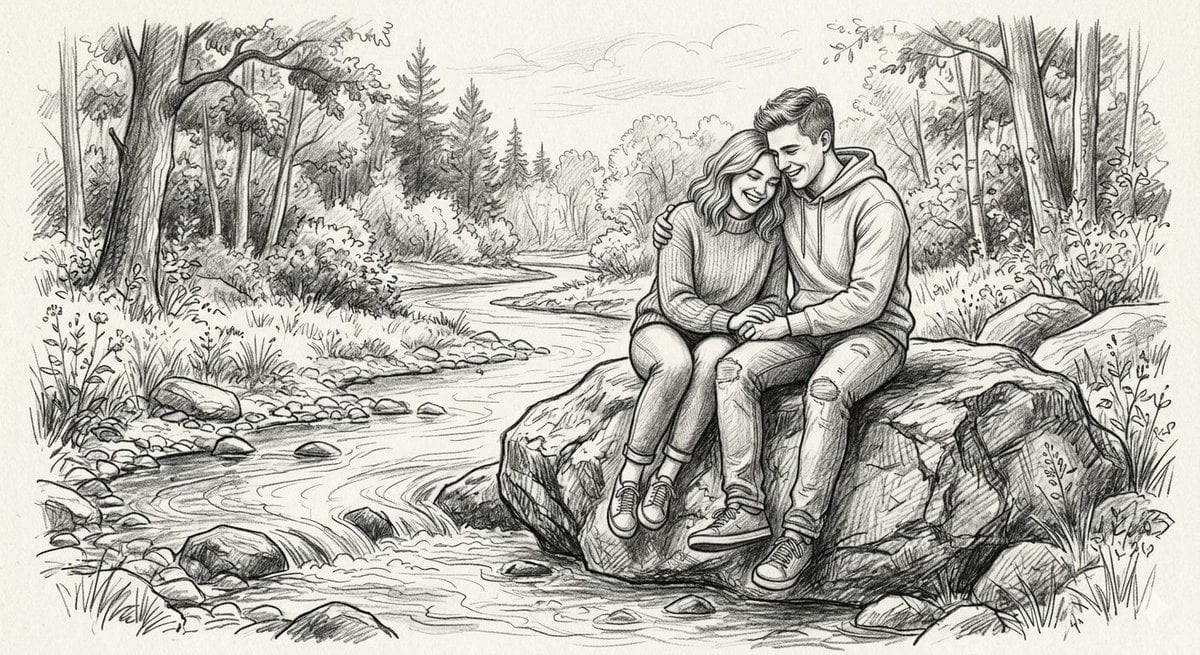
Detailed Graphite Pencil Sketch
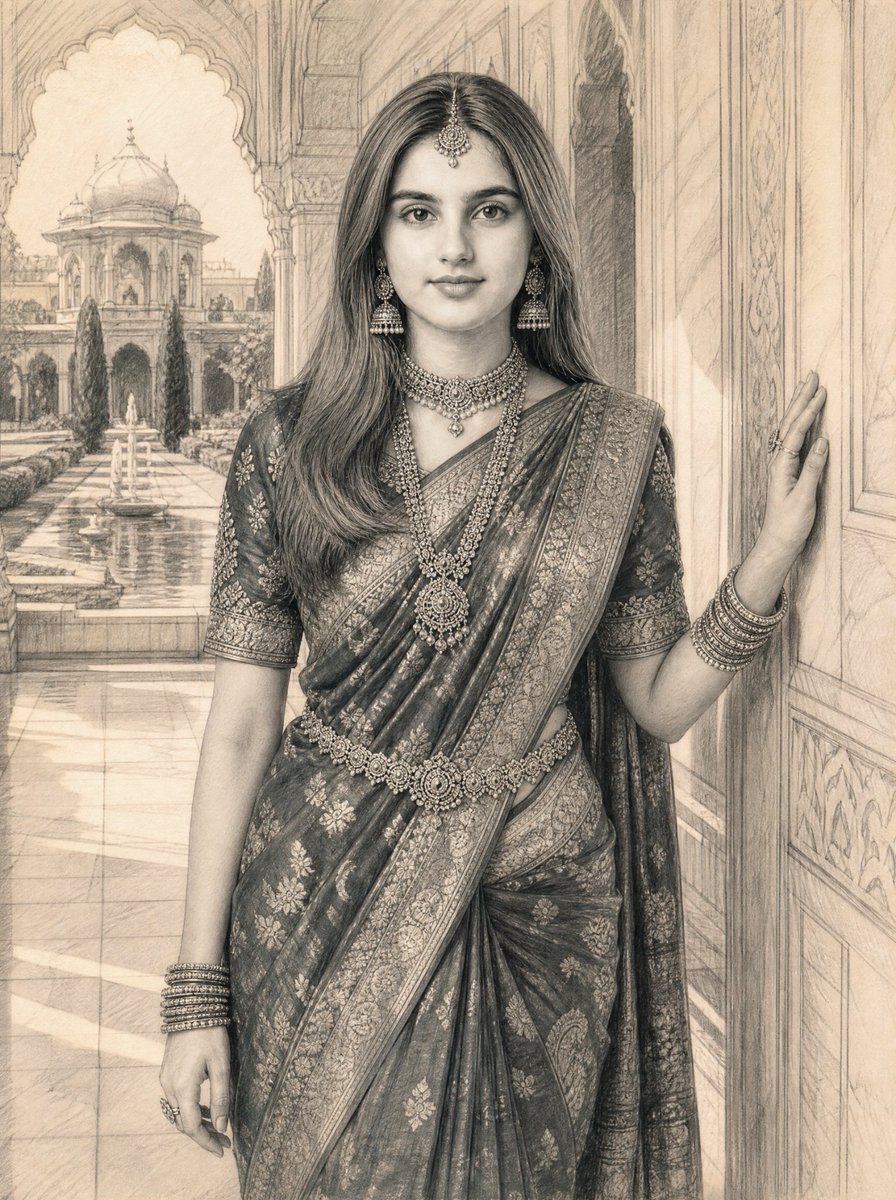
Graphite Pencil Sketch of South Asian Woman
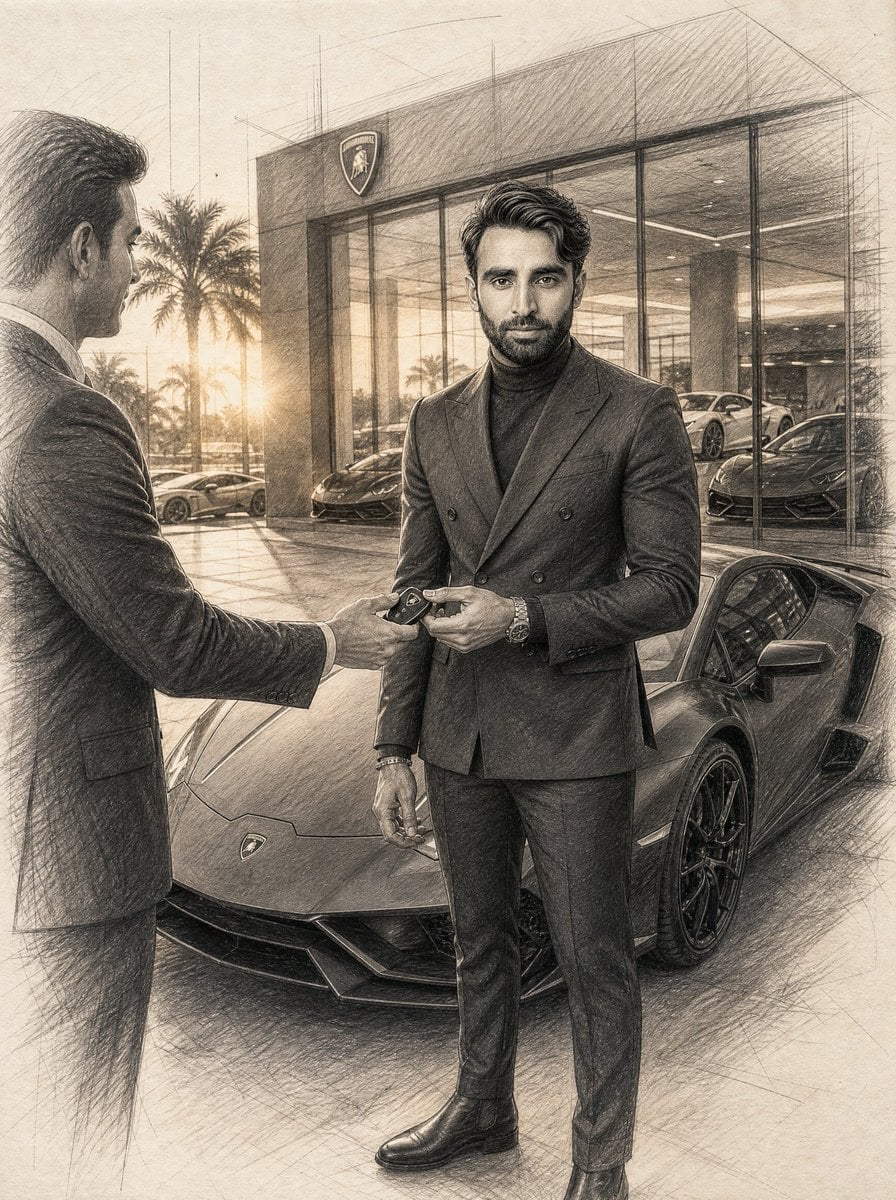
Graphite Pencil Entrepreneur Sketch
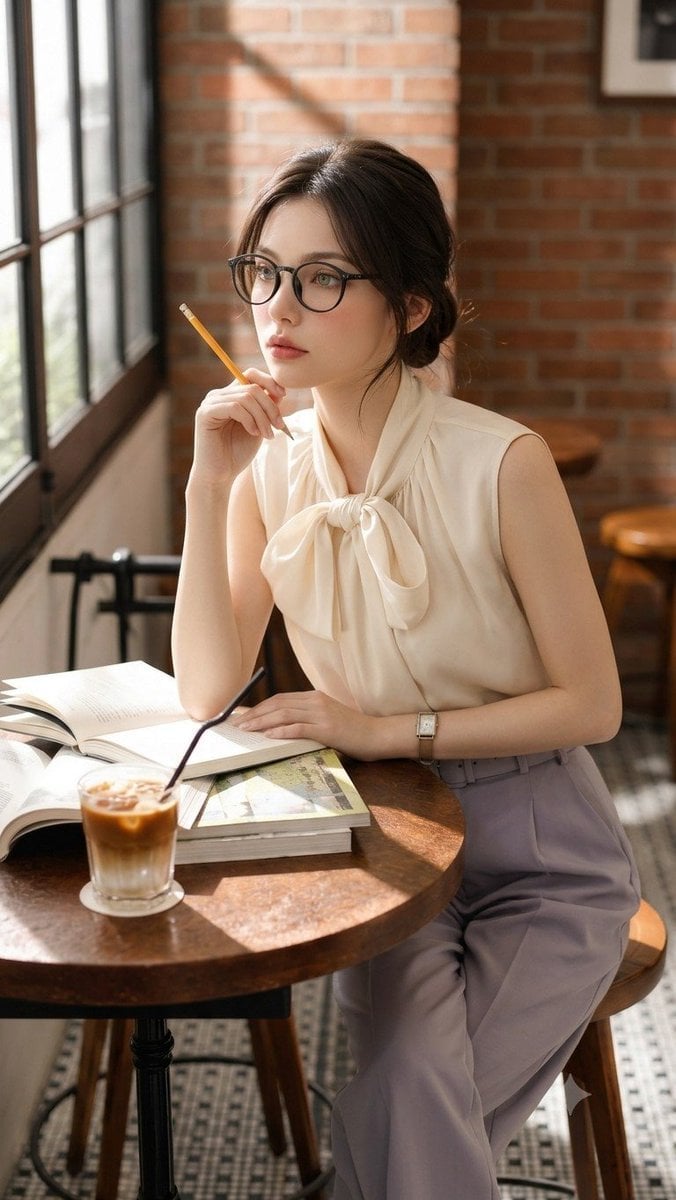
Douyin Aesthetic Café Study Portrait
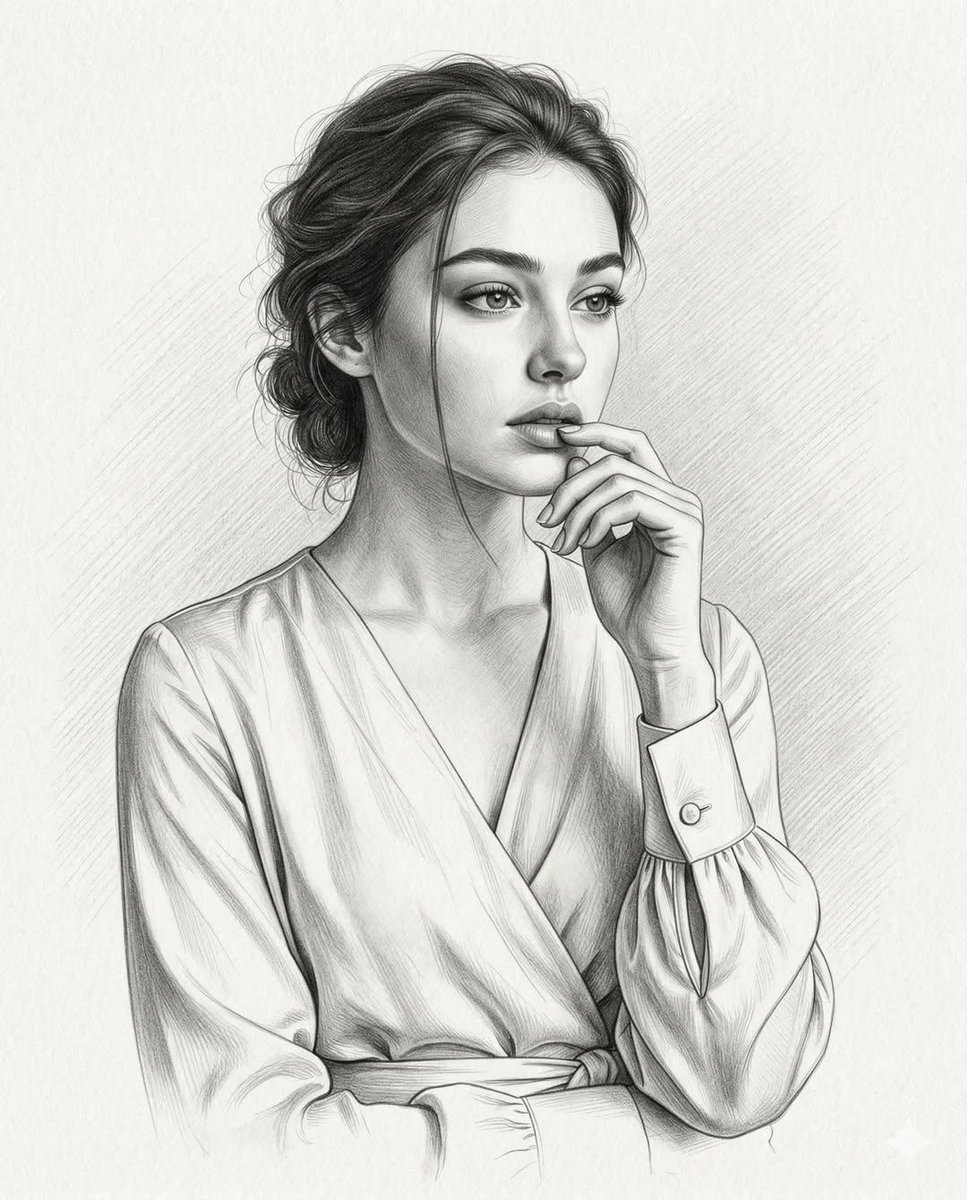
Ultra-Realistic Graphite Pencil Portrait
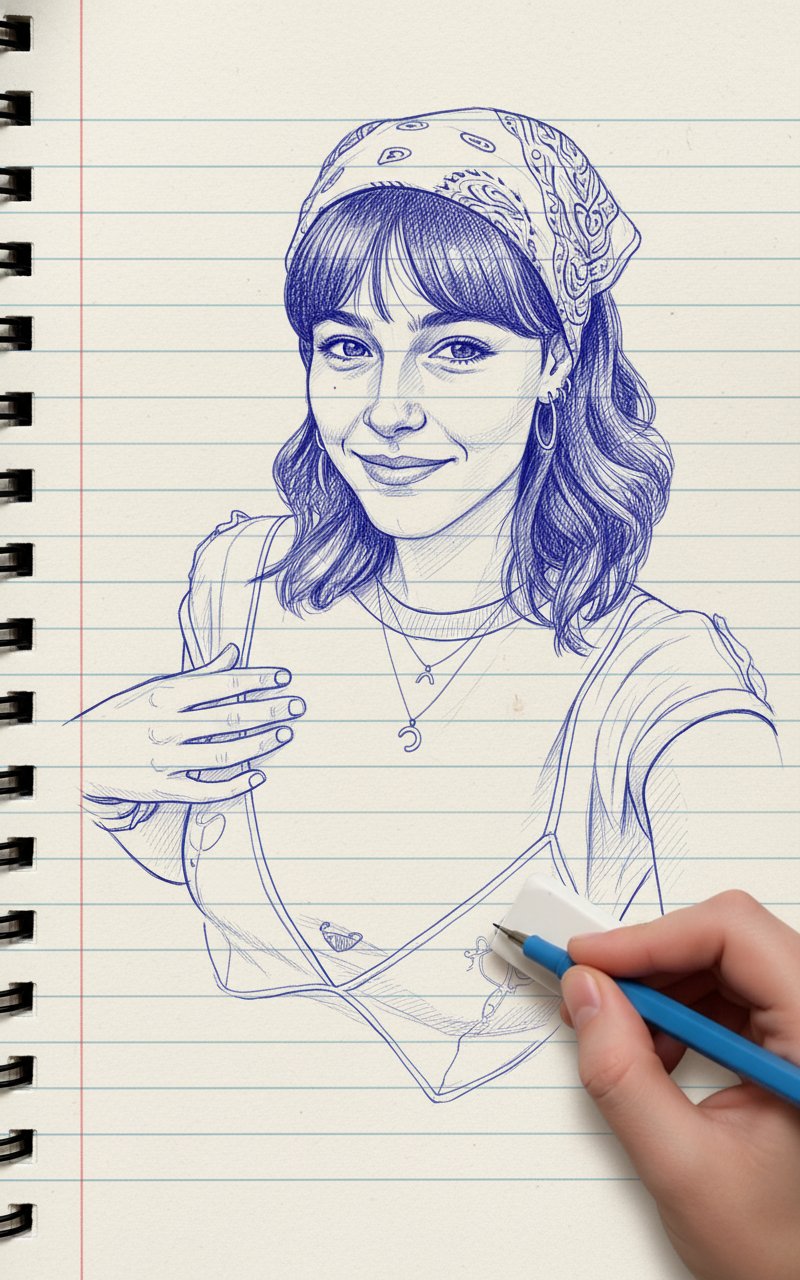
Blue Pencil Sketching
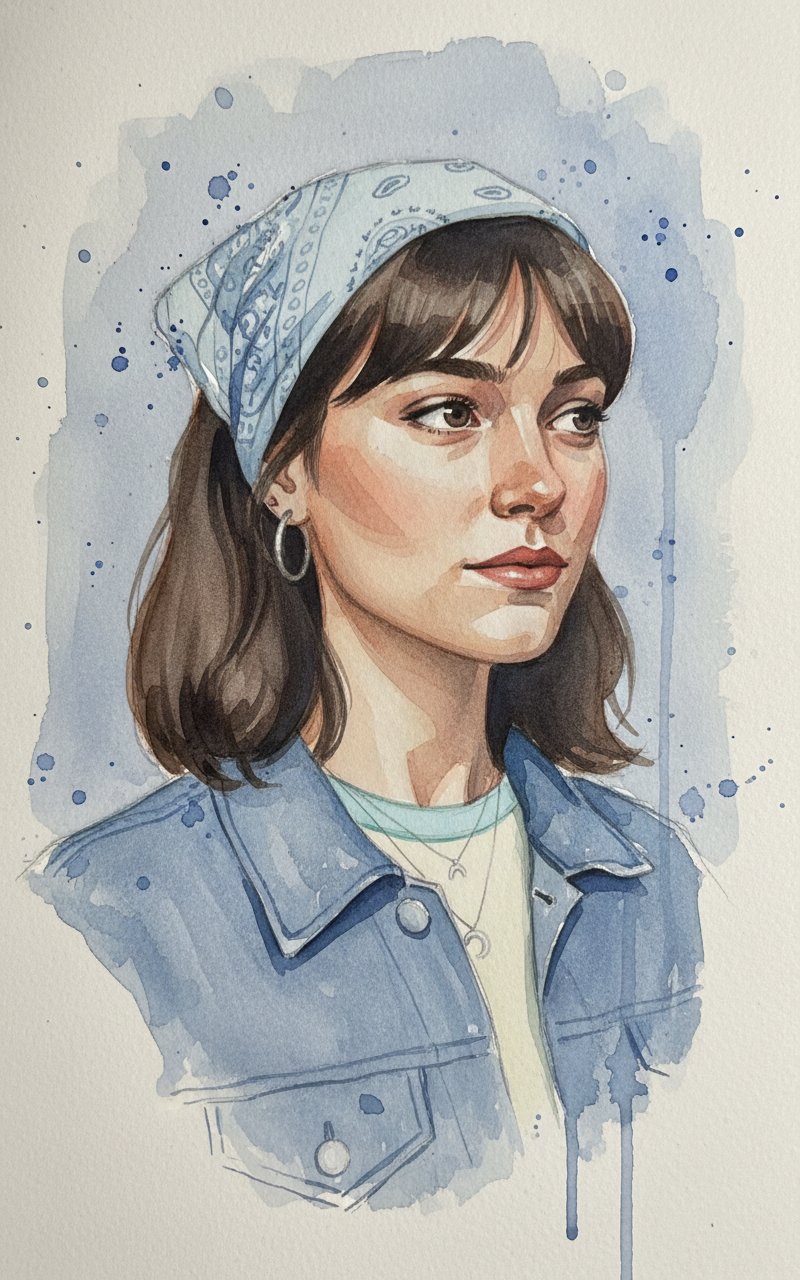
Face Sketching
Make it yours
Expressive Graphite Pencil Study works as-is. These are the safest ways to change it without losing the look.
Change one field
Copy a single group, rewrite it, and generate again so you can see what that field is doing.
Keep the frame, change the subject
Hold the composition and light of Expressive Graphite Pencil Study, then swap wardrobe, props or the person for a new take.
| If the result… | Why | Fix |
|---|---|---|
| The result drifts from the preview | Too many fields changed at once. | Reuse Expressive Graphite Pencil Study as-is first, then change one group — subject, light, or setting. |
| The model over-stylizes the scene | The prose prompt leaves finish and camera underspecified. | Add one camera or lighting sentence and stay on GPT Image 2. |
More GPT Image 2 templates
Other prompts made for GPT Image 2.

Six VTuber Japanese Logo Sheet

Realistic Portrait of Woman and Deer

The Vista Modular Condo Poster

AI Model Routing Comparison Infographic

2.5D Anime Art Board

Isometric Productivity Desk Scene

New York Double Exposure Poster

Four-Panel AI Landscape Comparison

Japanese Tatami Lifestyle Magazine Cover

NESCAFÉ Coffee Map Poster
More image prompts
Fresh picks from across the catalog.
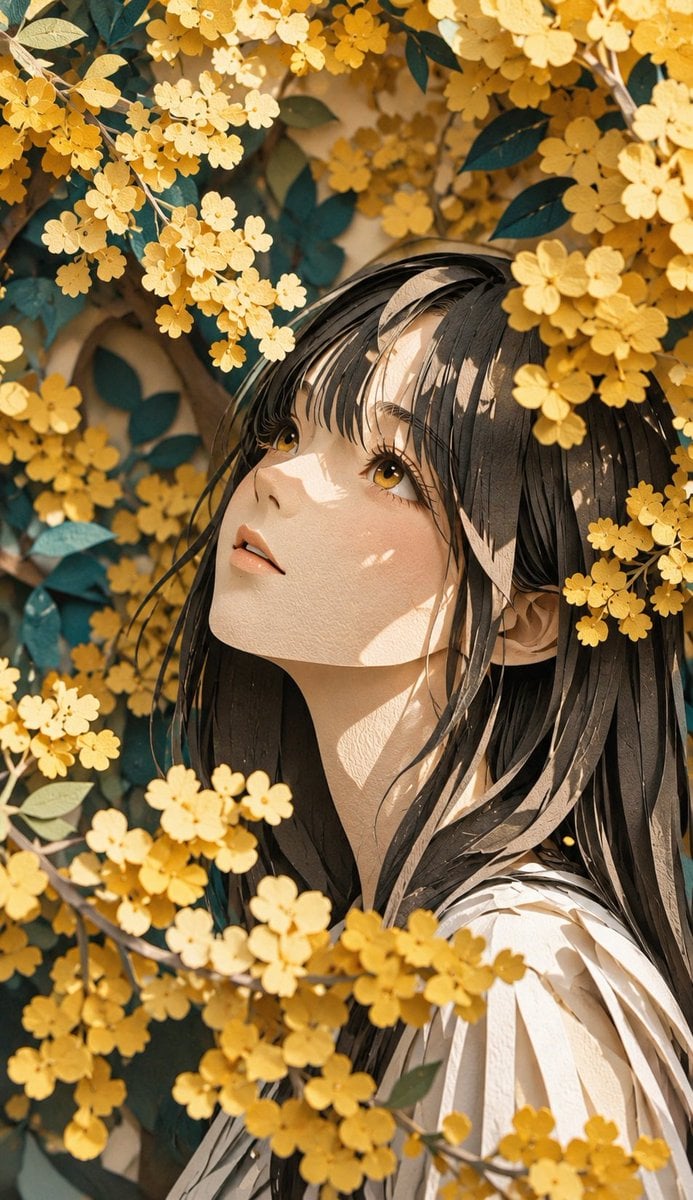
Modern Paper Sculpture Style Transformation
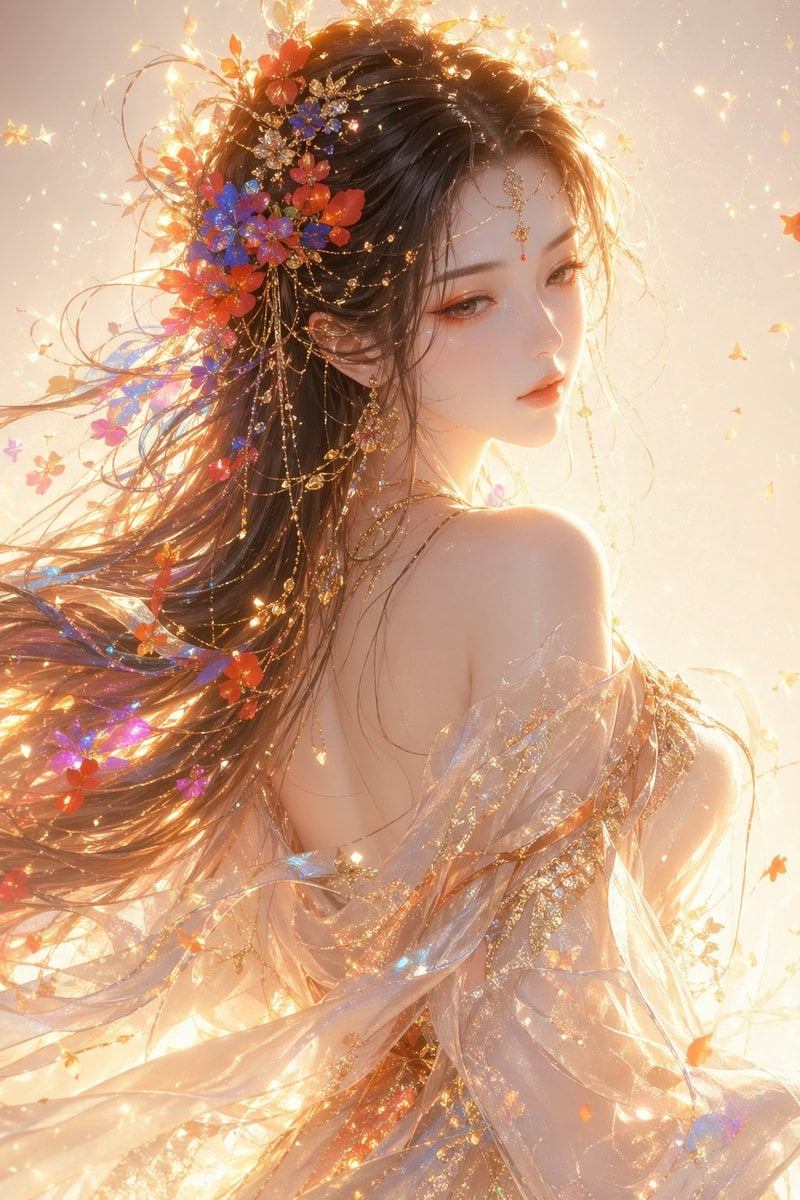
Oriental Fantasy Female Portrait Prompt
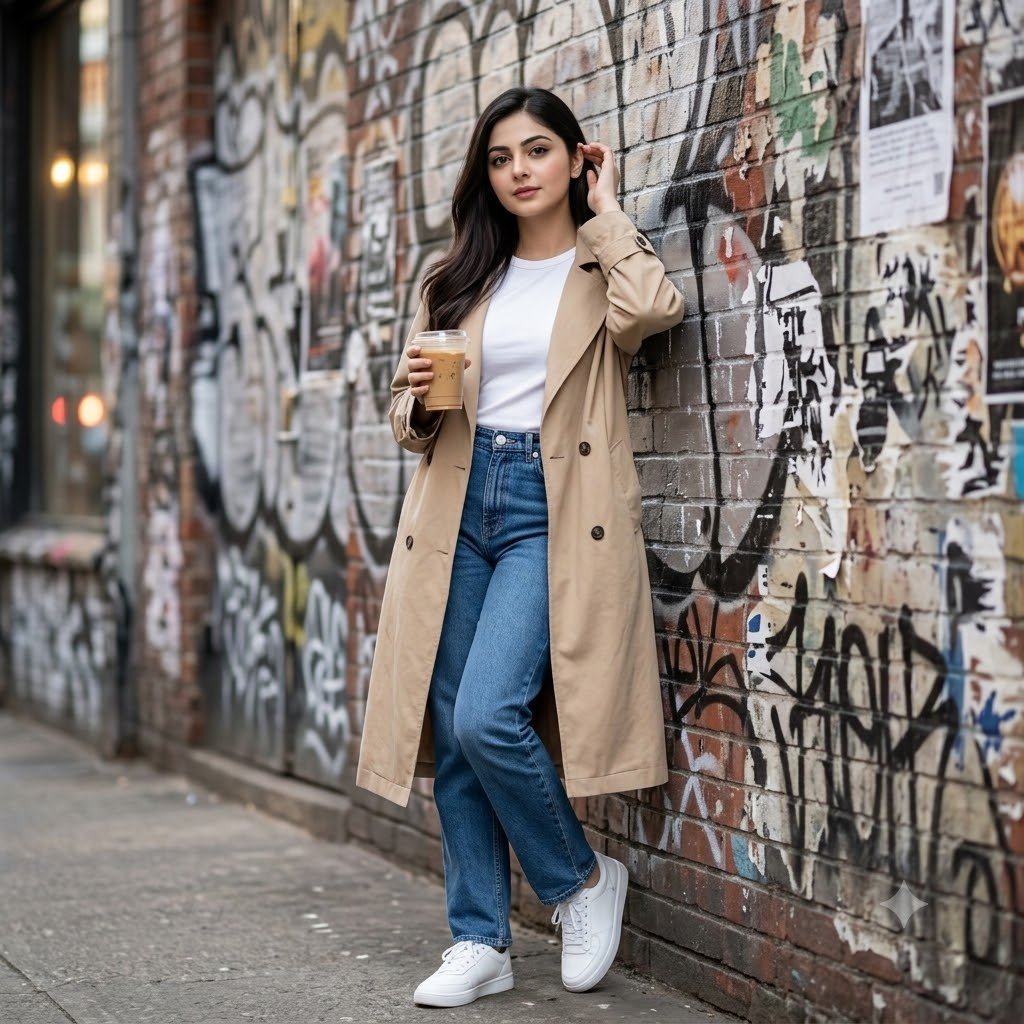
Urban Graffiti Brick Wall Portrait
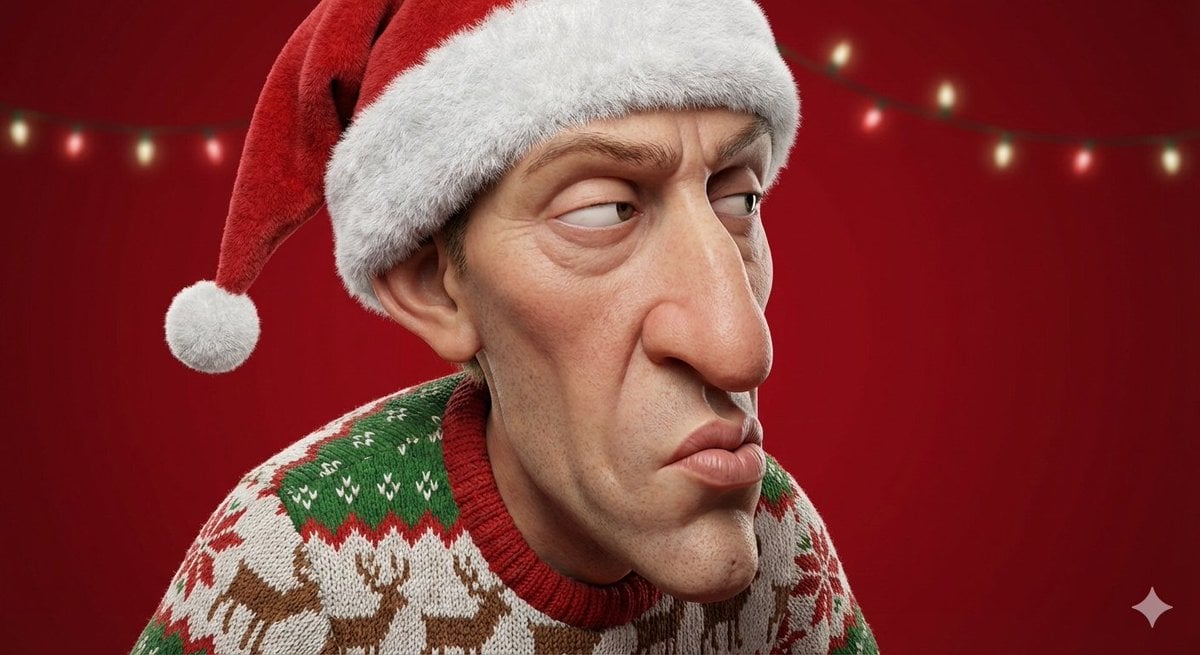
Stylized 3D Cartoon Portrait with Realistic Textures
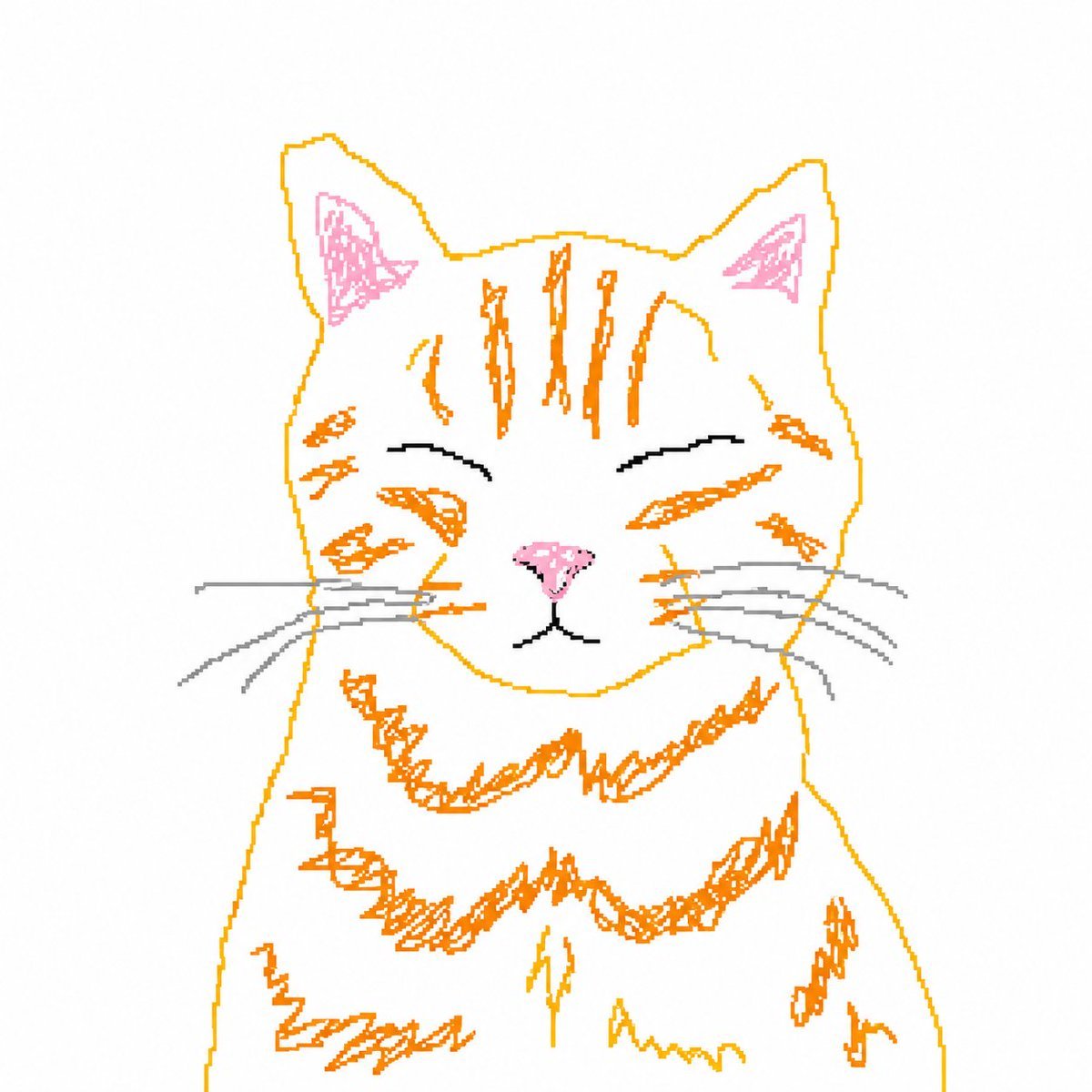
Bad MS Paint Cat Redraw
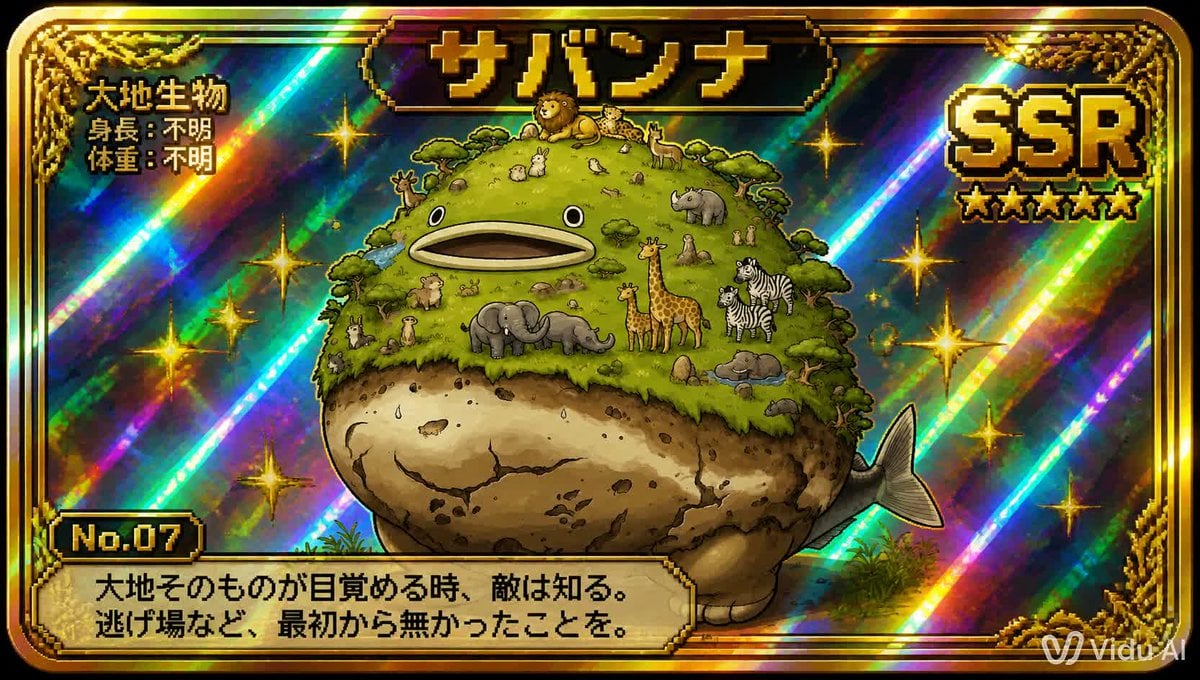
SSR Savanna Creature Card
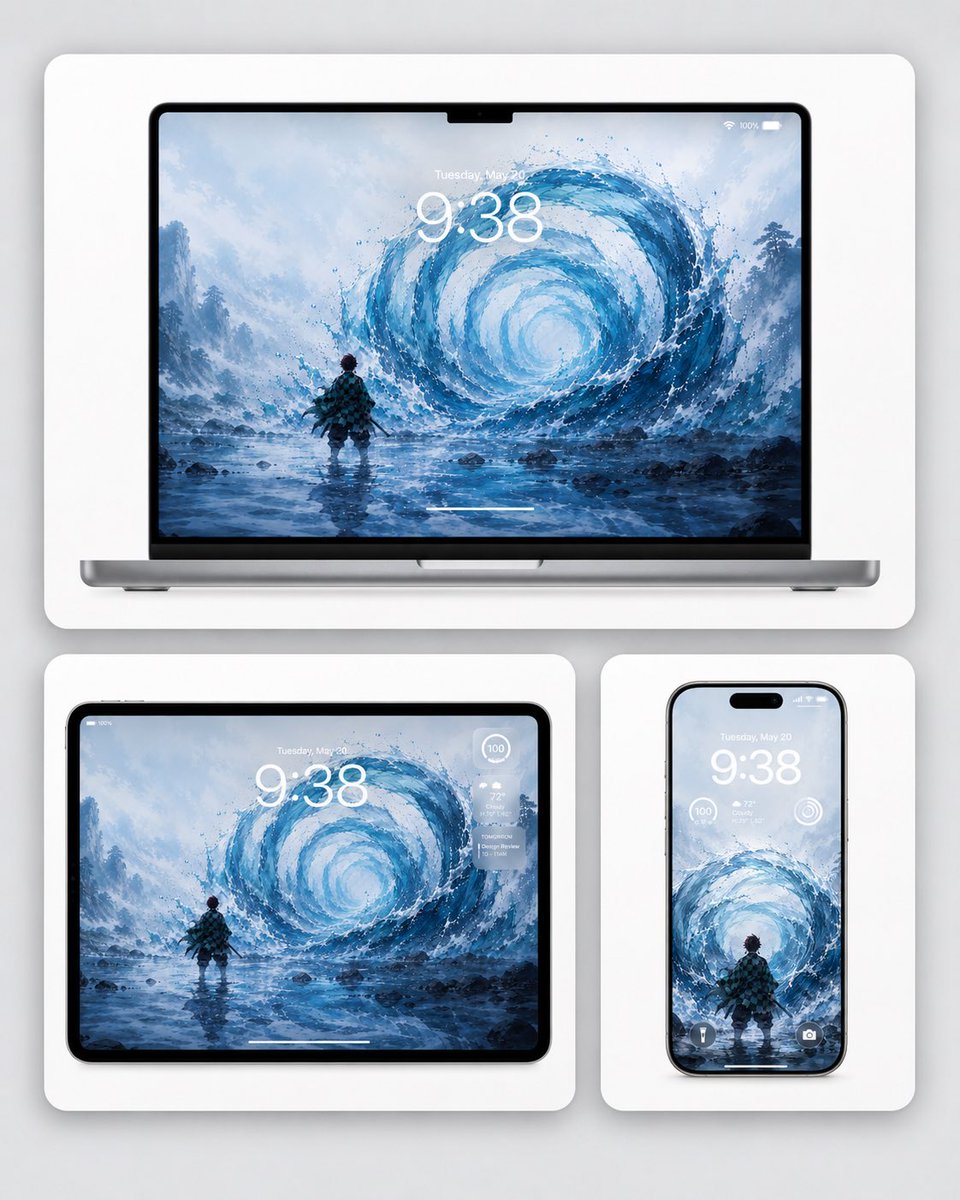
Water Breathing Device Wallpaper Mockup
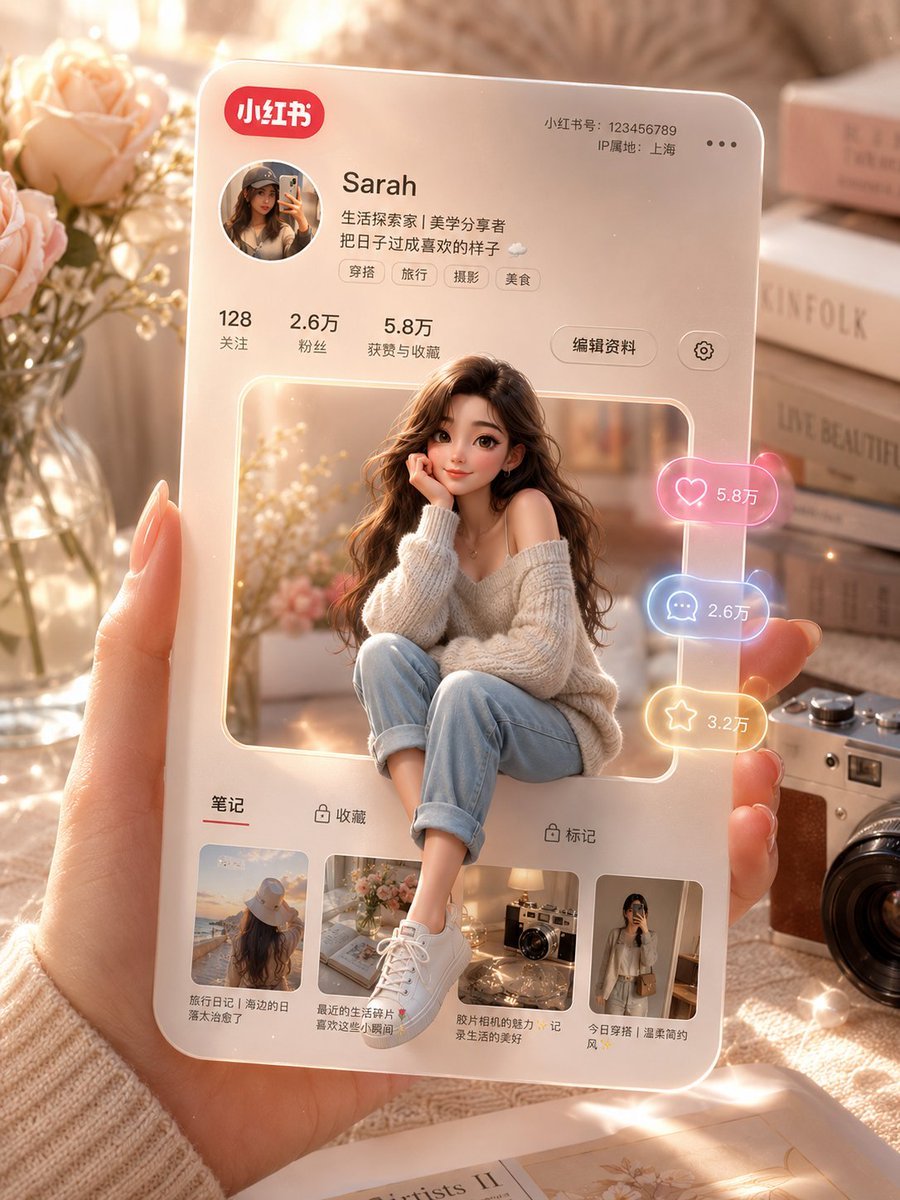
3D Social Media Profile Card
Gpt2 Youtube Thumbnail Monika Anime Banner Illustration
Cozy Pixel Farm Island Village
Browse template categories
Expressive Graphite Pencil Study questions
How do I use the Expressive Graphite Pencil Study template?
Add your photo if the template asks for one, edit the prompt if you like — the template's model and format are already selected — and press Generate. Your version opens in PicX Studio.
Can I customize the Expressive Graphite Pencil Study template?
Yes. You can change the subject, setting, lighting, mood, format, and available model controls before creating your image.
Is the Expressive Graphite Pencil Study template free?
Opening and editing this template is free. Generating uses credits, shown on the Generate button when you are signed in.
Which AI model should I use?
Start with GPT Image 2, which is the model associated with this template. You can compare another compatible model for a different finish.
Looking for something else? Browse all templates.

Your photo, any look
Thousands of ready templates for every top image and video model, from one credit balance.