
Cozy Pixel Farm Island Village
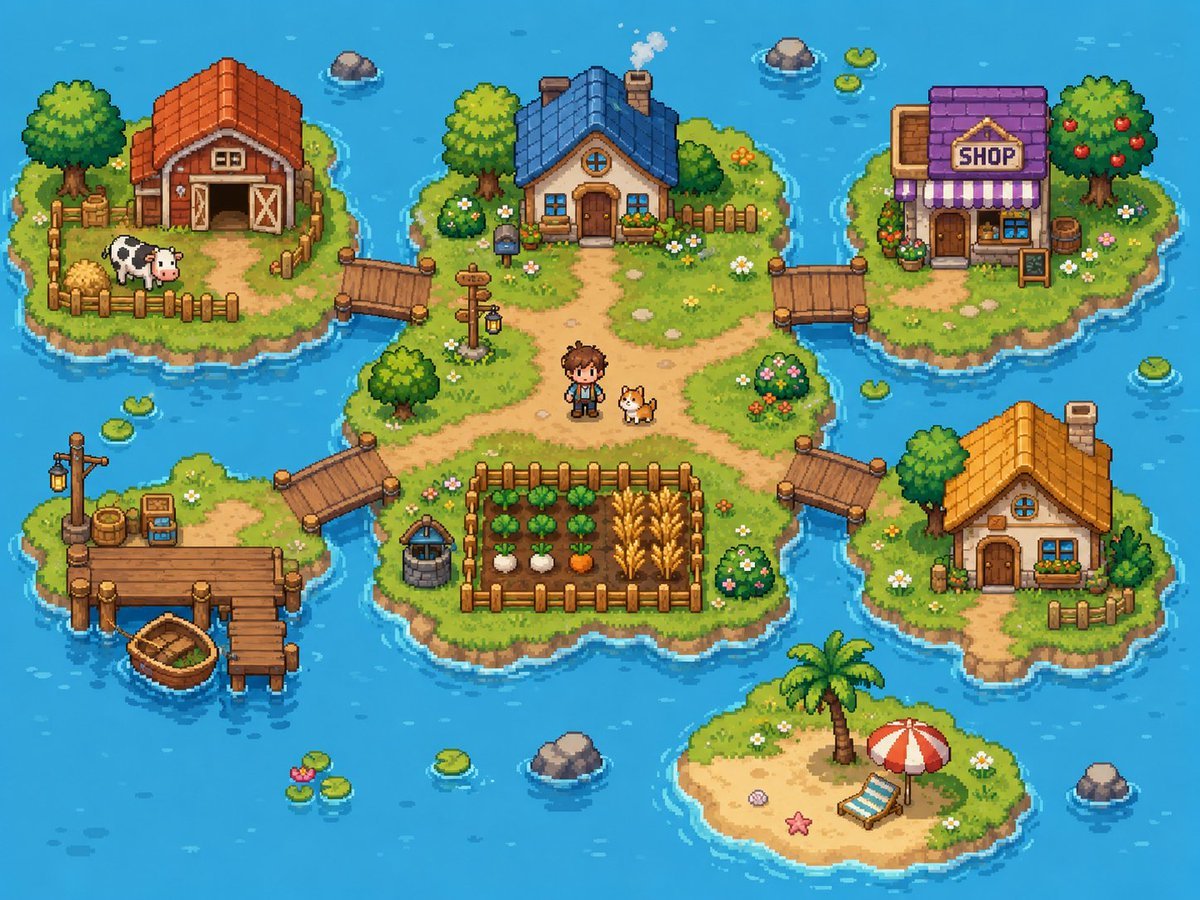
Generates a colorful top-down pixel-art farming village spread across connected ocean islands for game concept art or cozy worldbuilding.
- Prompt included
- Model and format preset
- Free template
The prompt behind this image
Copy the exact prompt behind Cozy Pixel Farm Island Village, or open it in the studio and make it yours.
Goal: Create a bright cozy pixel-art farming village map on small islands in a blue ocean, like a top-down/isometric 16-bit life-sim game screenshot. Canvas: 4:3 landscape image, about 1024×768, crisp pixel art with no UI overlay, no borders, no watermark. Use a vibrant turquoise ocean background with gentle wave highlights, ripples around shores, scattered lily pads, and small rocks. Layout: Show exactly 6 grassy/sandy islands connected by wooden bridges and docks. The largest central island sits in the middle and contains the main house, paths, a fenced crop field, a well, a signpost, a human character, and a dog. Four smaller grassy islands surround it at upper left, upper right, lower left, and right. One small sandy beach island sits near the bottom center. Island count and contents: 1. Central island: irregular grassy island with dirt paths forming a crossroad. Place a cozy blue-roof cottage near the top center with a chimney puffing smoke, round attic window, wooden front door, flower boxes, shrubs, and a short fence behind it. Put a small pixel farmer character named {argument name="character name" default="young farmer"} standing slightly below center beside a corgi-like dog. Add a fenced crop plot at the lower center with exactly 4 crop rows: leafy green vegetables, white turnips, orange carrots, and golden wheat. Add a stone well to the left of the crop plot, a wooden signpost with a hanging lantern near the left-center path, bushes with flowers, small stones, and daisies. 2. Upper-left island: red-roof barn with open double doors, hay bales, a fenced pen, and exactly 1 black-and-white cow. Include a large leafy tree, crates, flowers, and a wooden bridge connecting to the central island. 3. Upper-right island: village shop with purple roof, striped purple-and-white awning, front door, window display, flower pots, barrel, and a freestanding signboard. The sign above the awning must read {argument name="shop sign text" default="SHOP"}. Include a fruit tree with red apples and a bridge connecting to the central island. 4. Lower-left island: fishing dock island with a wooden pier, a lamppost, barrels, crates, small tackle box/sign, and exactly 1 small wooden rowboat tied near the dock. Connect this island to the central island with a wooden bridge. 5. Right island: small orange-roof cottage with chimney, round attic window, front door, blue window, flower box, small fence, trees, flowers, and a wooden bridge connecting to the central island. 6. Bottom-center island: tiny sandy beach with a palm tree, red-and-white beach umbrella, blue-striped lounge chair, starfish, shell, and grass around the edges; it is not connected by a bridge. Discrete element counts to preserve: exactly 6 islands, exactly 4 bridges connecting to the central island, exactly 4 buildings total (barn, blue-roof cottage, purple shop, orange-roof cottage), exactly 1 human character, exactly 2 animals (1 cow and 1 dog), exactly 1 rowboat, exactly 1 crop field with 4 visible crop types, exactly 1 well, exactly 1 signpost lantern, exactly 1 beach umbrella, exactly 1 lounge chair, exactly 1 palm tree. Visual style: Cute high-detail pixel art, top-down three-quarter perspective, warm sunny daylight, saturated colors, soft shadows, chunky readable shapes, detailed grass texture, tiny flowers, rounded shoreline outlines, and animated-game charm. Use {argument name="water color" default="bright turquoise blue"} for the surrounding ocean, {argument name="main roof color" default="blue"} for the central cottage roof, and {argument name="overall mood" default="cheerful cozy farming adventure"} as the emotional tone. Constraints: Keep the whole scene visible as a single map-like composition. Do not add interface buttons, text besides the shop sign, extra characters, extra animals, vehicles, modern objects, or photorealism.
How to use Cozy Pixel Farm Island Village in 3 steps
- 1Upload ImagePNG, JPG or paste
Add your photo
Upload the photo the template builds on. The prompt, model and format are already set.
- 2…a portrait of your subject in softgolden-hour light, 85mm…
Personalize
Edit the subject and creative details for your destination.
- 3Generate
Generate
Press Generate — your image is created in PicX Studio, so you can compare it with the original and refine one variable at a time.
More like this
Templates with the same subject, style or setup. Open one to see its prompt.
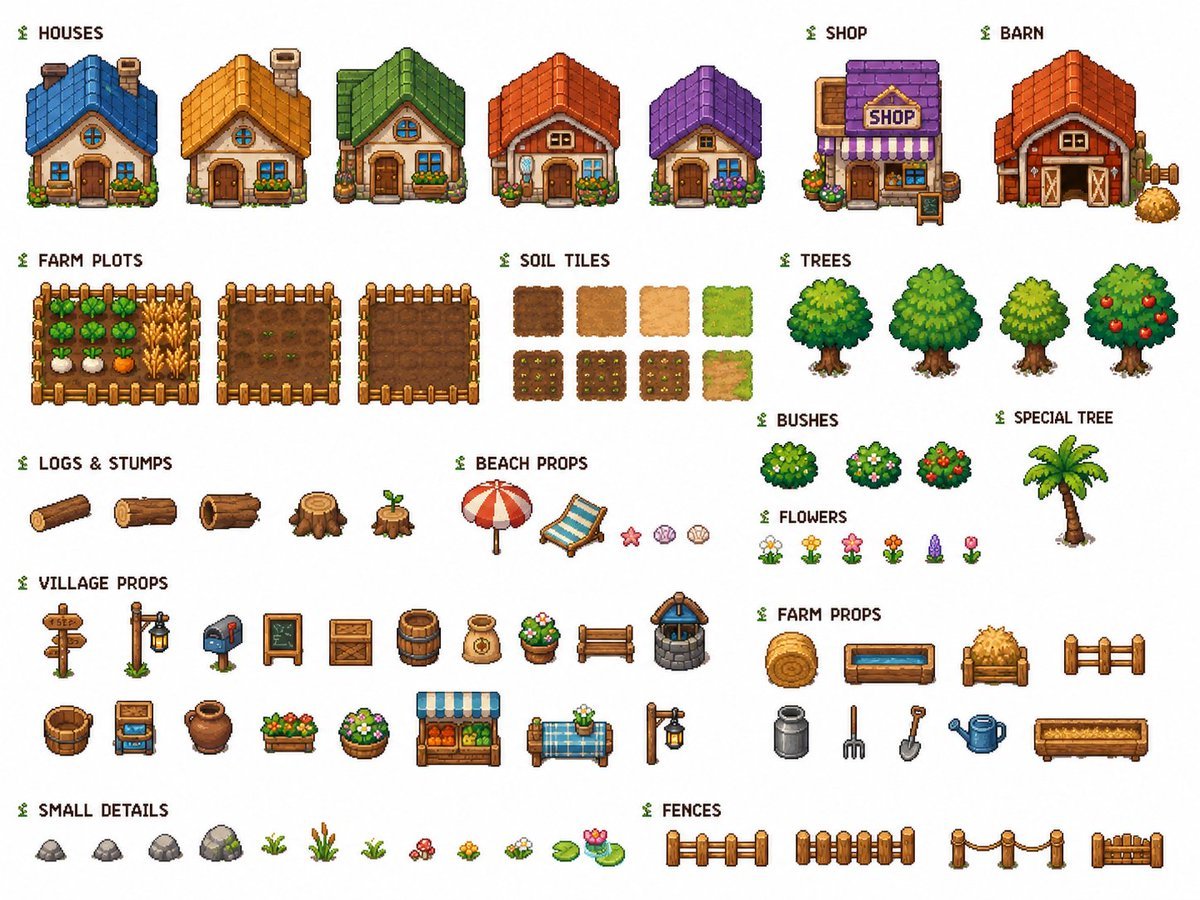
Cozy Farming Village Pixel Asset Sheet

Pixel Limited Finale Fireworks

Pixel Limited Garden Maze

Pixel Limited Rooftop Concert

Pixel Limited Bicycle Coast

Pixel Limited Castle Gate

Pixel Limited Kitchen Chaos

Pixel Limited Carnival Ride

Pixel Limited Rainy Bus Stop

Pixel Limited Space Dock

Pixel Limited Cafe Morning

Pixel Limited Mountain Summit
Make it yours
Cozy Pixel Farm Island Village works as-is. These are the safest ways to change it without losing the look.
Change one field
Copy a single group, rewrite it, and generate again so you can see what that field is doing.
Keep the frame, change the subject
Hold the composition and light of Cozy Pixel Farm Island Village, then swap wardrobe, props or the person for a new take.
| If the result… | Why | Fix |
|---|---|---|
| The result drifts from the preview | Too many fields changed at once. | Reuse Cozy Pixel Farm Island Village as-is first, then change one group — subject, light, or setting. |
| The model over-stylizes the scene | The prose prompt leaves finish and camera underspecified. | Add one camera or lighting sentence and stay on GPT Image 2. |
More GPT Image 2 templates
Other prompts made for GPT Image 2.

Six VTuber Japanese Logo Sheet

Realistic Portrait of Woman and Deer

The Vista Modular Condo Poster

AI Model Routing Comparison Infographic

2.5D Anime Art Board

Isometric Productivity Desk Scene

New York Double Exposure Poster

Four-Panel AI Landscape Comparison

Japanese Tatami Lifestyle Magazine Cover

NESCAFÉ Coffee Map Poster
More image prompts
Fresh picks from across the catalog.

Cinematic Portrait of Indian Astronaut in ISRO Spacesuit

Exaggerated Long Legs Image Generation Prompt (Seedream 4.5)
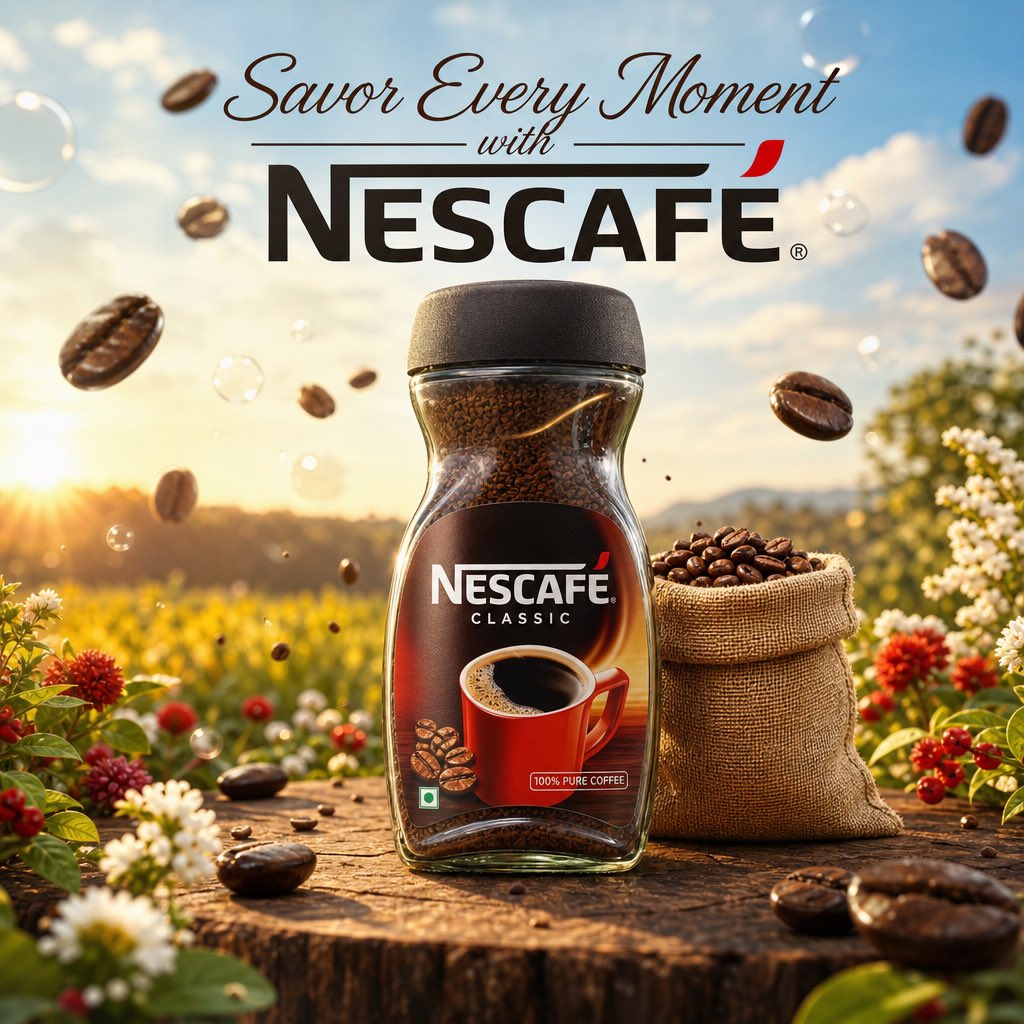
Cinematic Nescafé Product Advertisement

Seedance 2.0 - Old Money Man
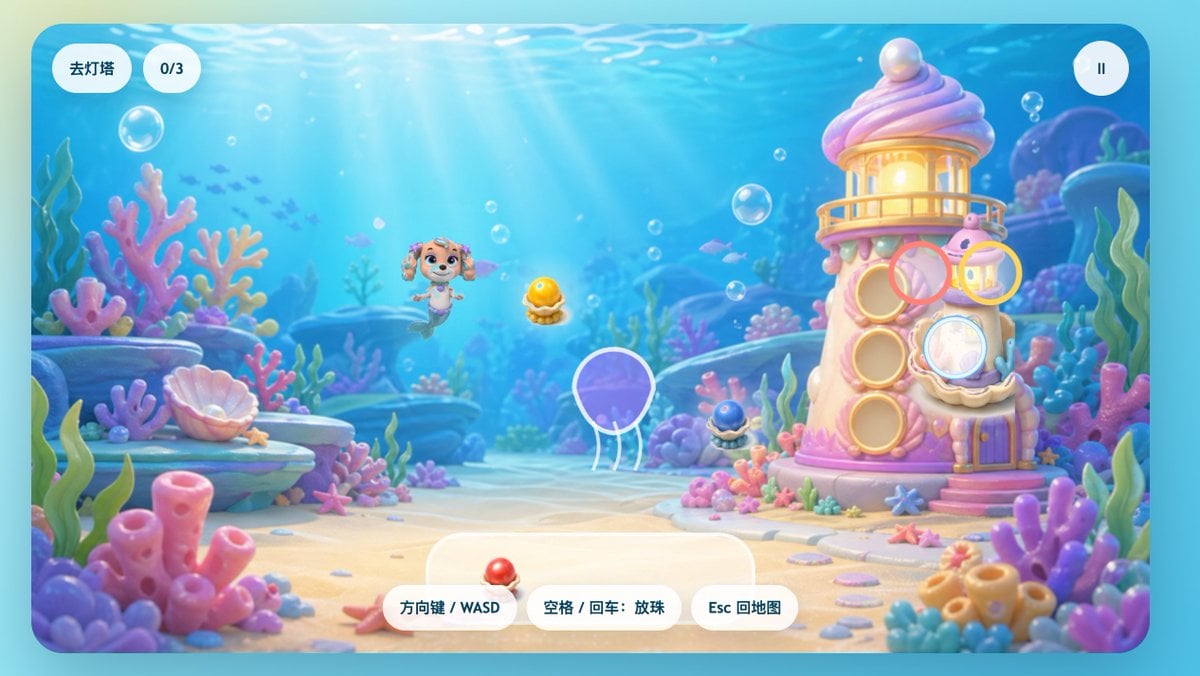
Pastel Underwater Mermaid Puppy Game UI

Ultra-Realistic Banana Caramel Tart Food Photography Prompt
Moody Winter Close-Up Portrait Prompt
Rainy Night Café 360 Panorama
Structured JSON Prompt for Luxury Couple Editorial Campaign
Engineering Assembly Documentation Layout
Browse template categories
Cozy Pixel Farm Island Village questions
How do I use the Cozy Pixel Farm Island Village template?
Add your photo if the template asks for one, edit the prompt if you like — the template's model and format are already selected — and press Generate. Your version opens in PicX Studio.
Can I customize the Cozy Pixel Farm Island Village template?
Yes. You can change the subject, setting, lighting, mood, format, and available model controls before creating your image.
Is the Cozy Pixel Farm Island Village template free?
Opening and editing this template is free. Generating uses credits, shown on the Generate button when you are signed in.
Which AI model should I use?
Start with GPT Image 2, which is the model associated with this template. You can compare another compatible model for a different finish.
Looking for something else? Browse all templates.

Your photo, any look
Thousands of ready templates for every top image and video model, from one credit balance.