
Modern Paper Sculpture Style Transformation
Transforms an illustration into a contemporary paper sculpture style, emphasizing 3D depth, layered cardstock textures, and soft lighting while maintaining original features.
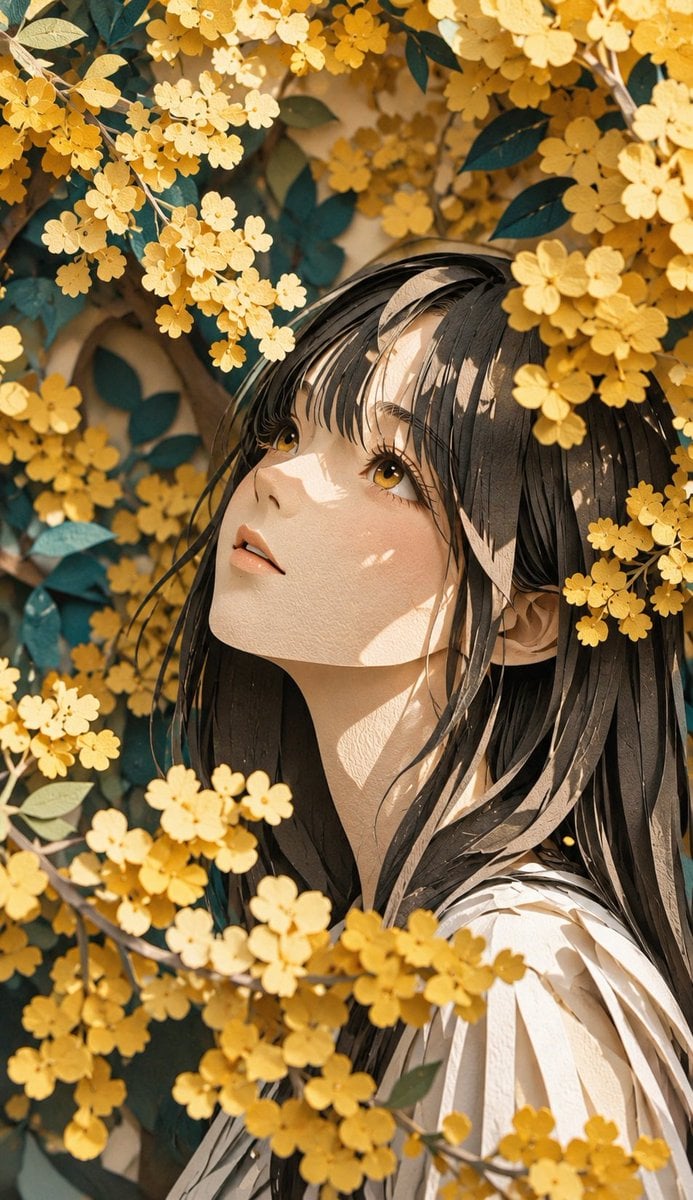
- Prompt included
- Model and format preset
- Free template
The prompt behind this image
Copy the exact prompt behind Modern Paper Sculpture Style Transformation, or open it in the studio and make it yours.
Please transform this illustration into a modern paper sculpture style. Emphasize a rich, dynamic three-dimensional expression, as if thick paper or cardstock had been carved, molded, and folded into three-dimensional form. Express an organic, artistic form as if the paper had been layered and carved away, raised up in three dimensions, or bent, and beautifully render the sharpness of the paper's edges, the deep shadows and highlights created by overlapping layers, and the paper's natural texture and fiber grain down to the smallest detail. Give the whole piece the weight and presence of a sculptural work while also preserving the lightness and fragility unique to paper, finishing it with the refined beauty characteristic of contemporary art. Light should fall softly and naturally, so as to bring out the sense of three-dimensionality. In particular, keep the paper-sculpture effect subtle on the face and skin, preserving a smooth, natural texture so as not to lose the character's cuteness. For the hair, clothing, and overall silhouette, boldly emphasize the three-dimensionality and artistic form characteristic of paper sculpture. The overall mood should come together as a striking, dreamlike paper sculpture work that fuses a warm, artistic quality and a handmade texture that makes you want to touch it with a refined, modern beauty. Faithfully preserve the original illustration's composition, the character's facial expression, pose, silhouette, and key features without altering them at all.
How to use Modern Paper Sculpture Style Transformation in 3 steps
- 1Upload ImagePNG, JPG or paste
Add your photo
Upload the photo the template builds on. The prompt, model and format are already set.
- 2…a portrait of your subject in softgolden-hour light, 85mm…
Personalize
Edit the subject and creative details for your destination.
- 3Generate
Generate
Press Generate — your image is created in PicX Studio, so you can compare it with the original and refine one variable at a time.
More like this
Templates with the same subject, style or setup. Open one to see its prompt.

Paper Cut Craft Illustration
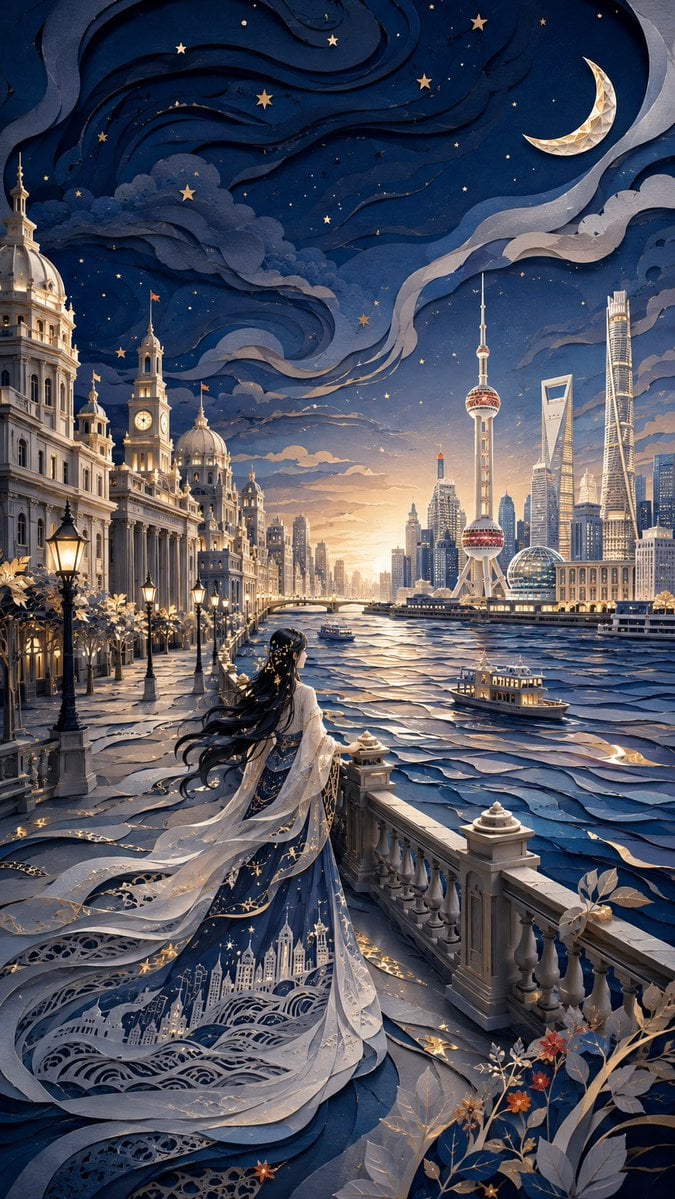
Modern Oriental Papercut Art Cityscape
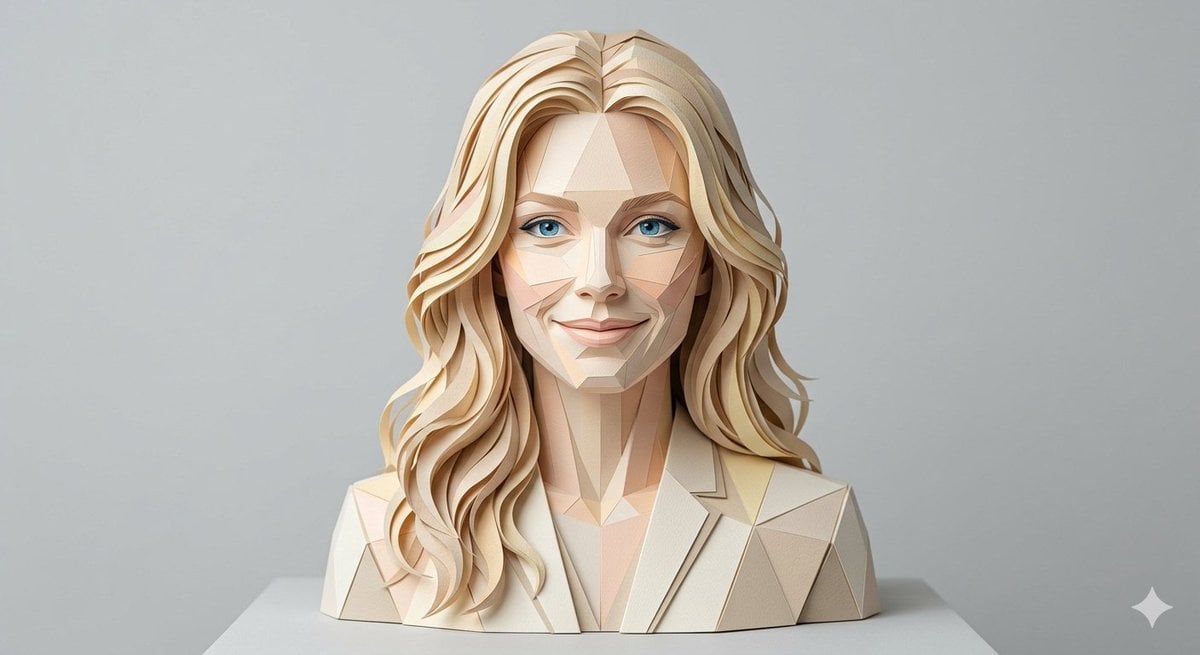
Realistic Paper Sculpture Portrait
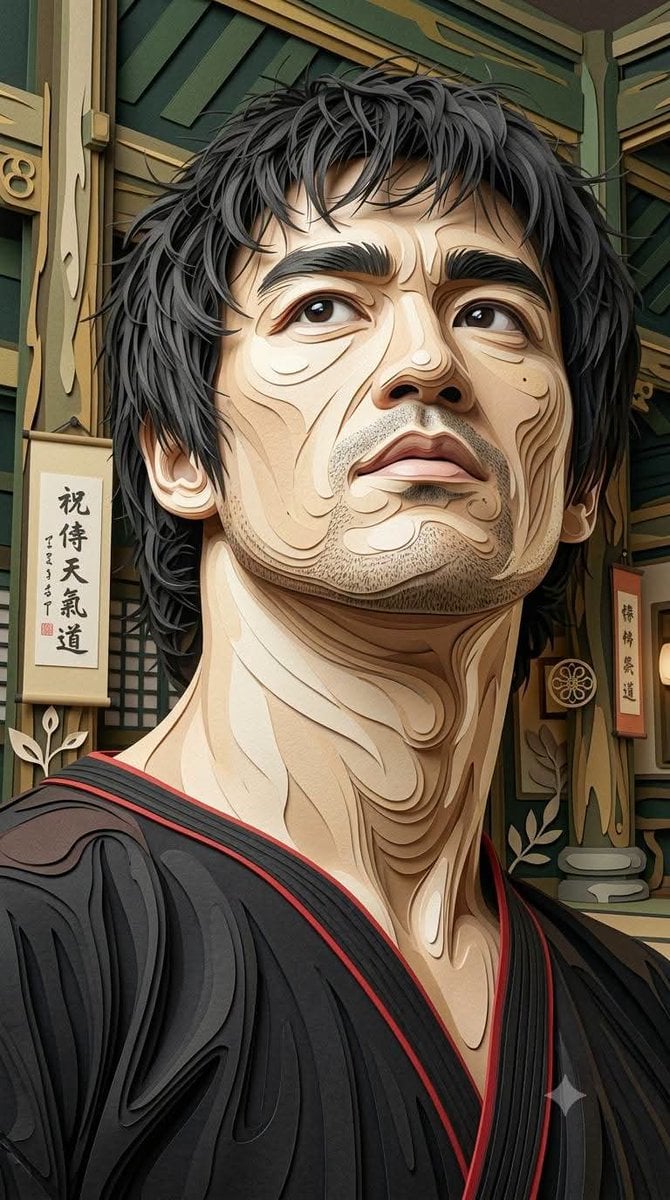
Multi-Layered Paper Relief Sculpture

Premium Editorial Branding Poster Charcoal Green

Stylized Fashion Portrait Bold Color Contrast Editorial
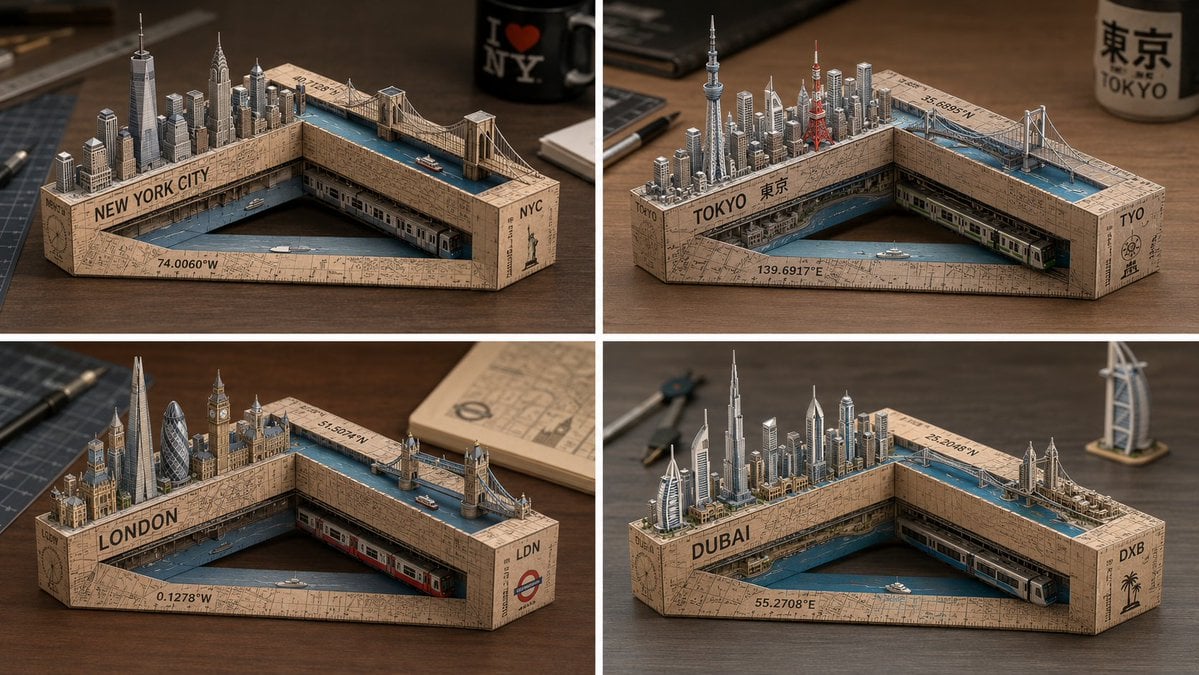
Laser-Cut Paper City Sculpture

Woman in Mall with Chanel Bag - Heart Gesture
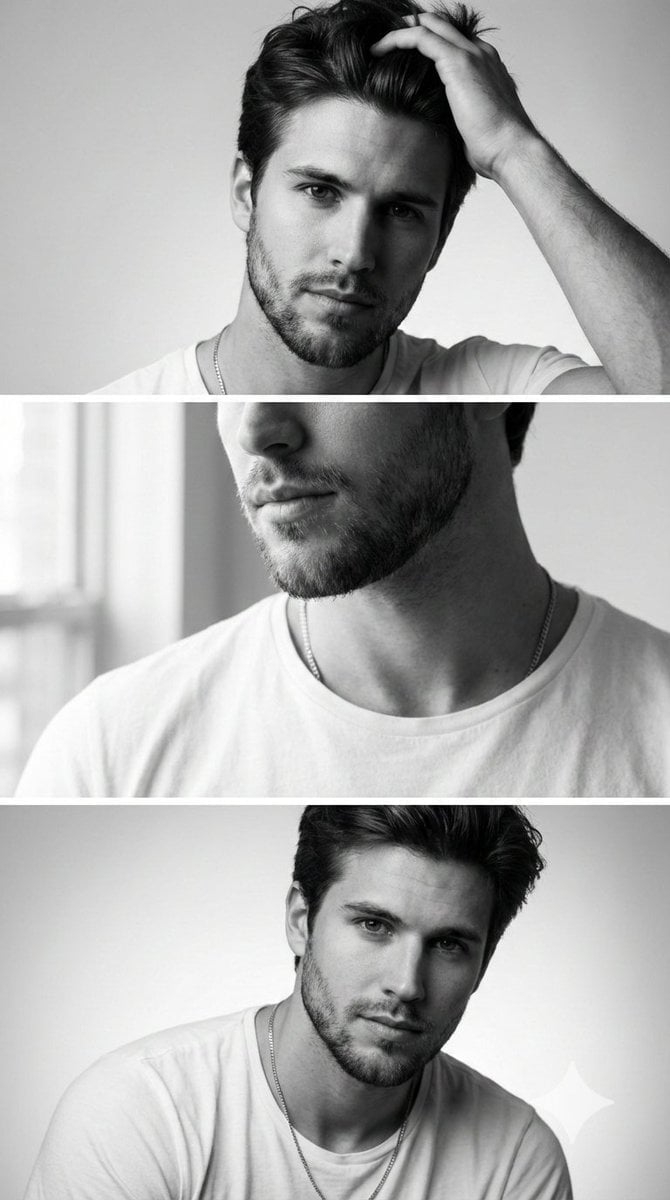
Modern Sculpture Monochrome Triptych Prompt

Gpt2 Avant Garde Tennis Fashion
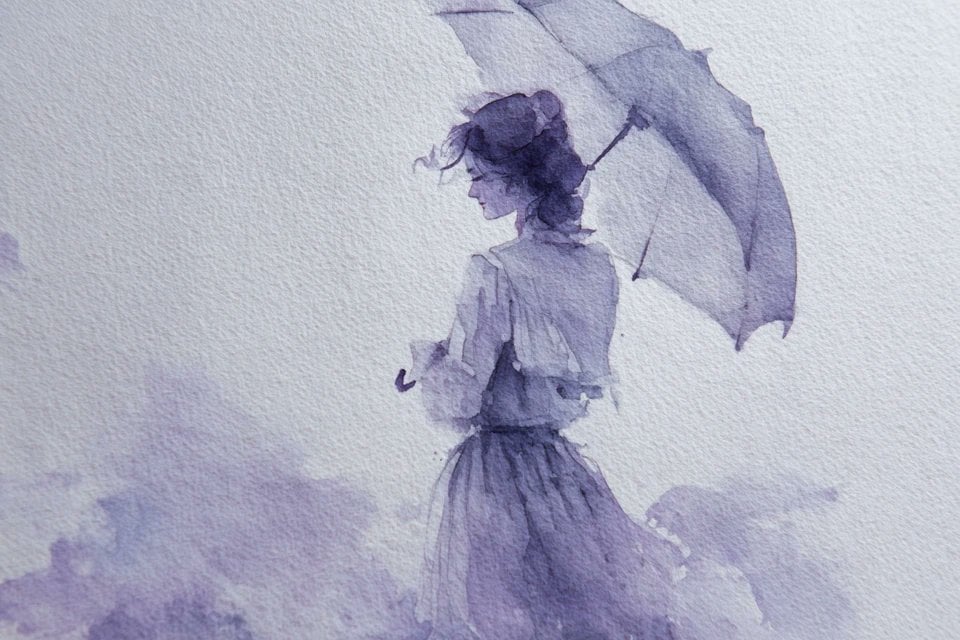
Watercolor Dreamscape — Nano Banana
Seedance - Character Transition
Make it yours
Modern Paper Sculpture Style Transformation works as-is. These are the safest ways to change it without losing the look.
Change one field
Copy a single group, rewrite it, and generate again so you can see what that field is doing.
Keep the frame, change the subject
Hold the composition and light of Modern Paper Sculpture Style Transformation, then swap wardrobe, props or the person for a new take.
| If the result… | Why | Fix |
|---|---|---|
| The result drifts from the preview | Too many fields changed at once. | Reuse Modern Paper Sculpture Style Transformation as-is first, then change one group — subject, light, or setting. |
| The model over-stylizes the scene | The prose prompt leaves finish and camera underspecified. | Add one camera or lighting sentence and stay on GPT Image 2. |
More GPT Image 2 templates
Other prompts made for GPT Image 2.

Six VTuber Japanese Logo Sheet

Realistic Portrait of Woman and Deer

The Vista Modular Condo Poster

AI Model Routing Comparison Infographic

2.5D Anime Art Board

Isometric Productivity Desk Scene

New York Double Exposure Poster

Four-Panel AI Landscape Comparison

Japanese Tatami Lifestyle Magazine Cover

NESCAFÉ Coffee Map Poster
More image prompts
Fresh picks from across the catalog.
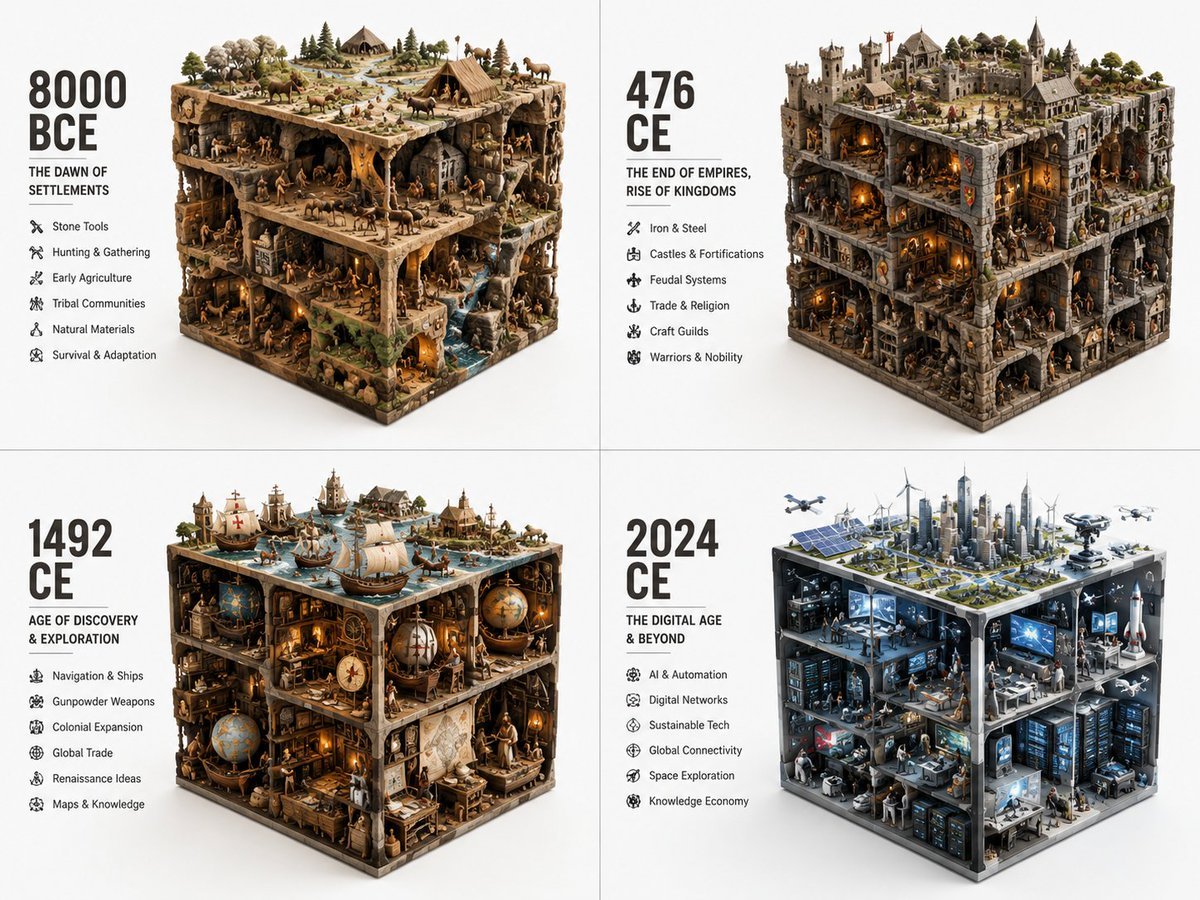
Historical Era Visualization Cube
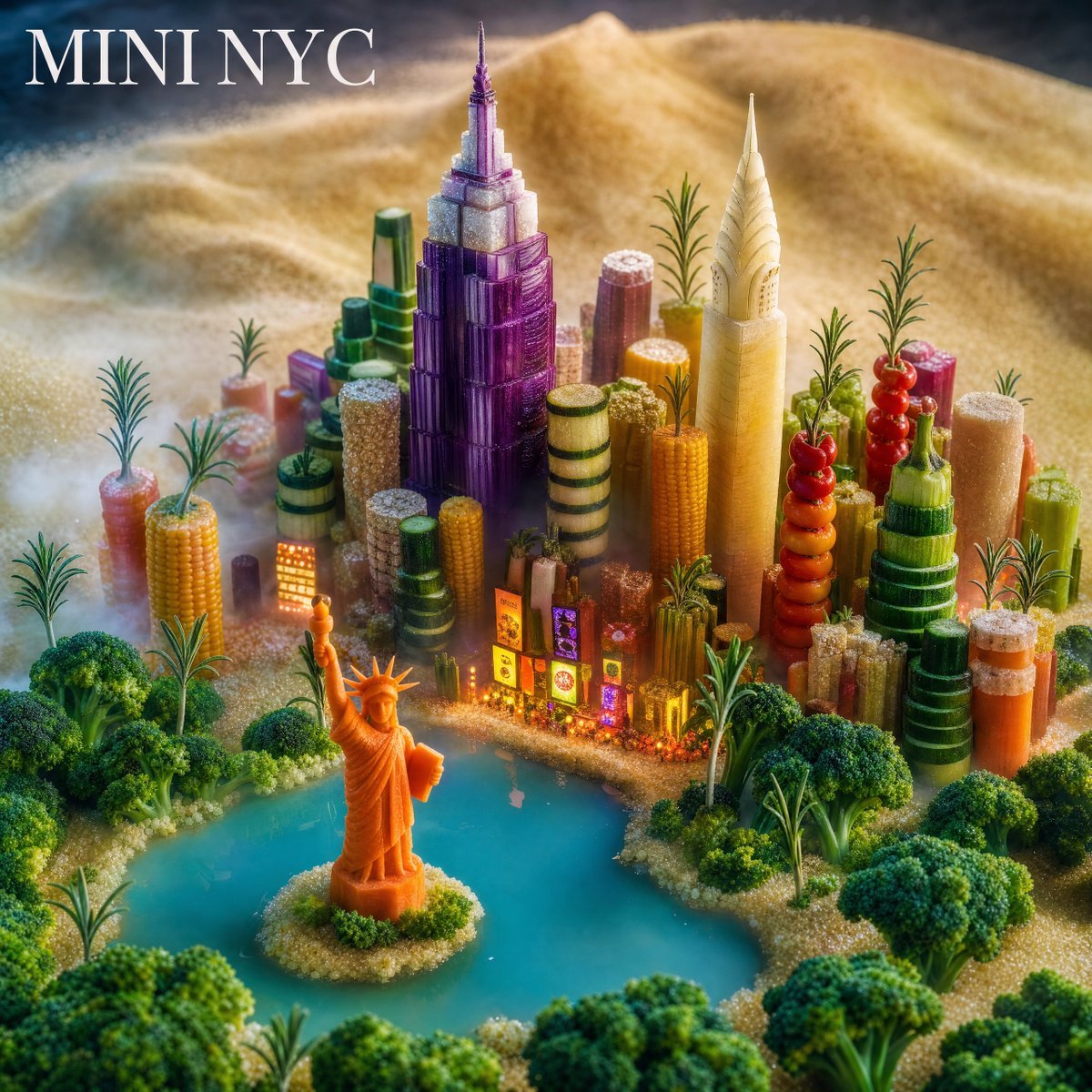
Mini NYC Food Landscape

Futuristic Gaming Headset Render
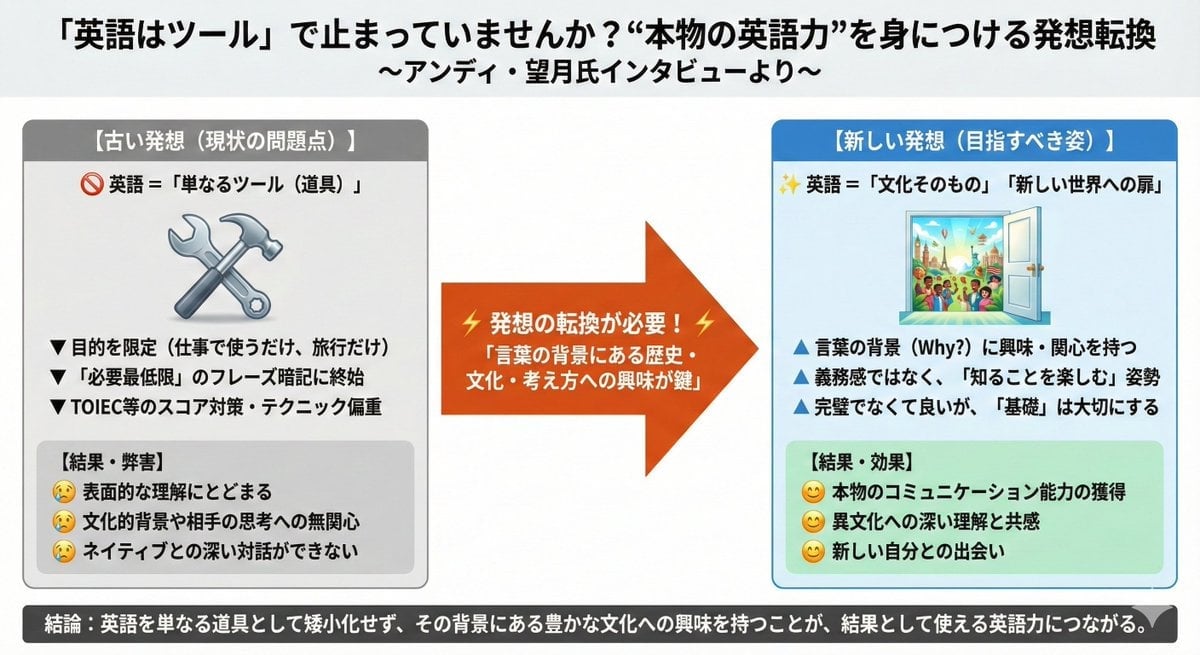
News Article Diagram Generation

NanoBanana2
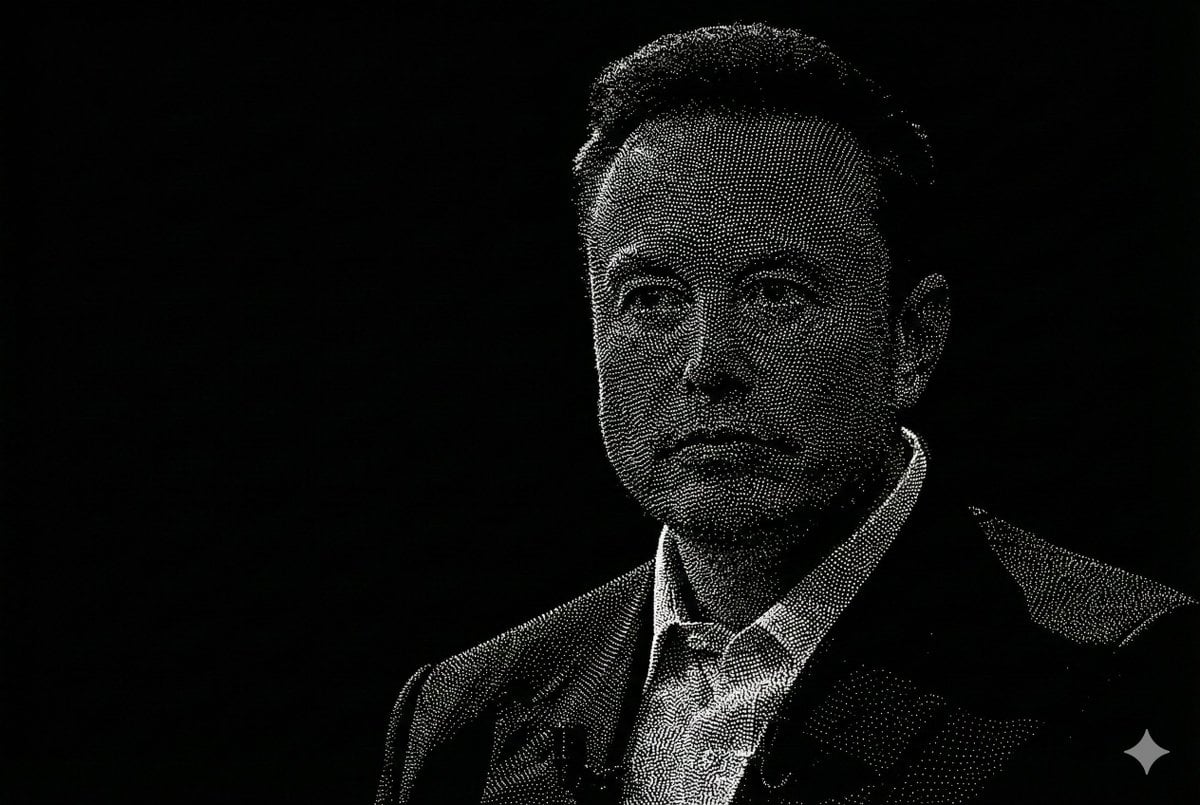
Censored Point-Cloud Portrait
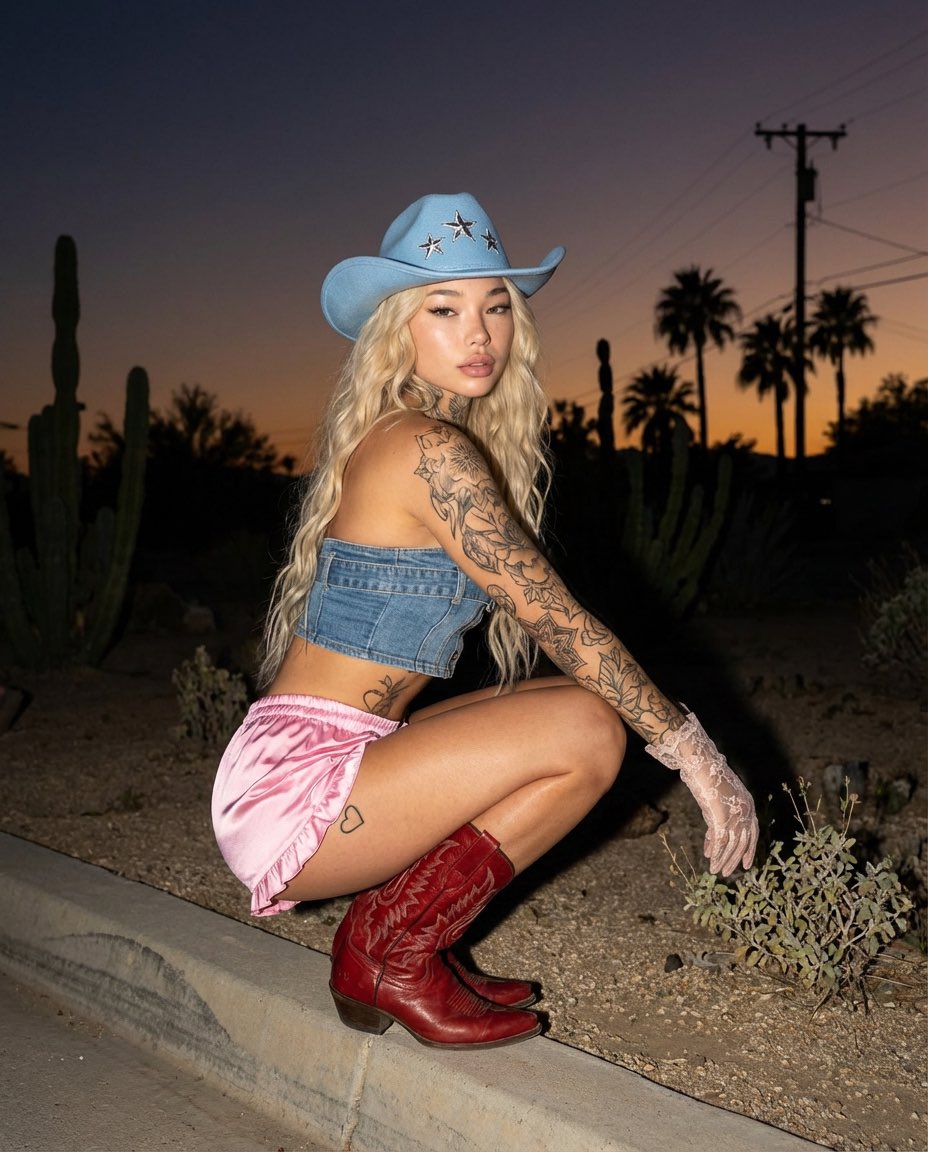
Desert Doll Golden Hour Portrait with Flash
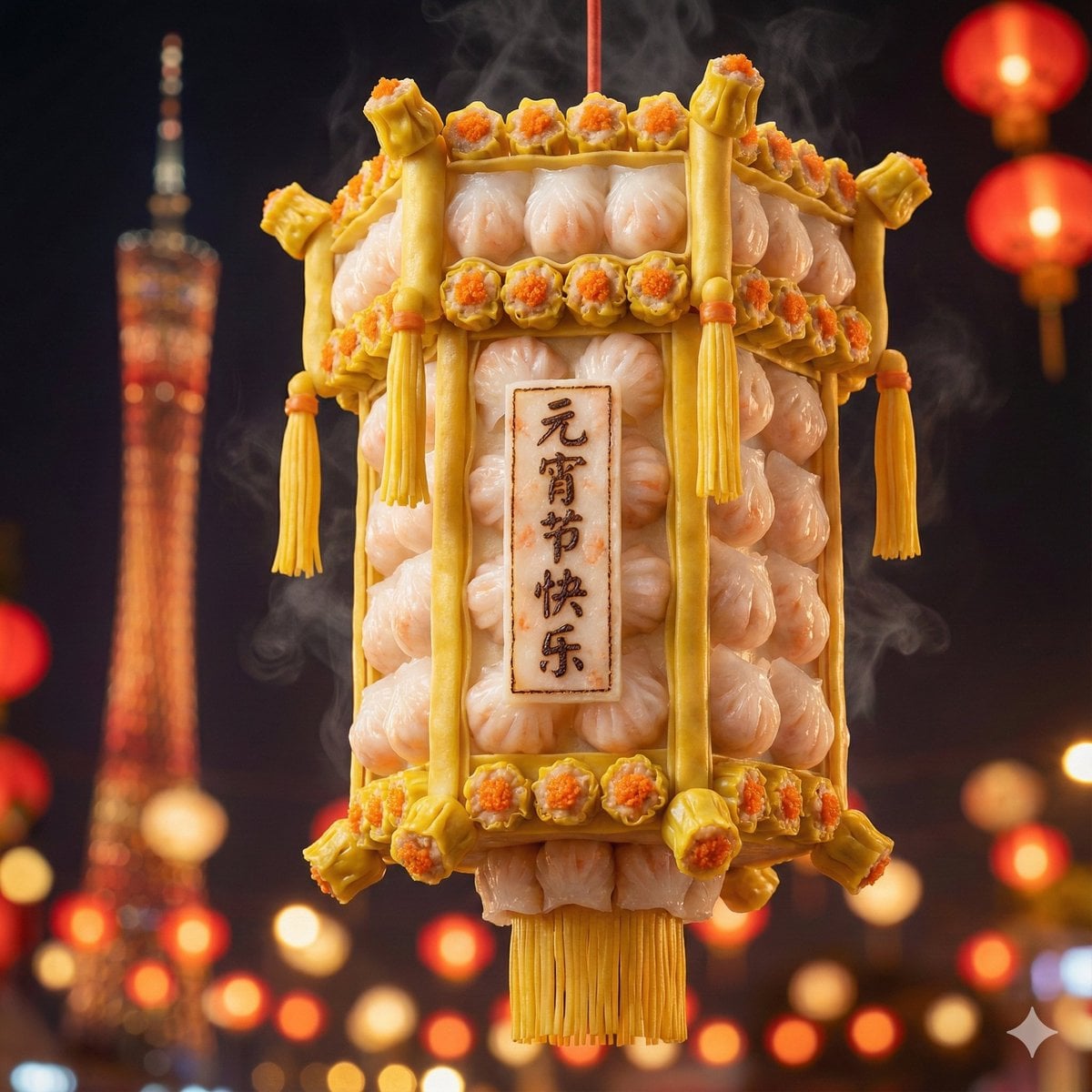
Food-Themed Festival Scene Generation Prompt (Iterative)
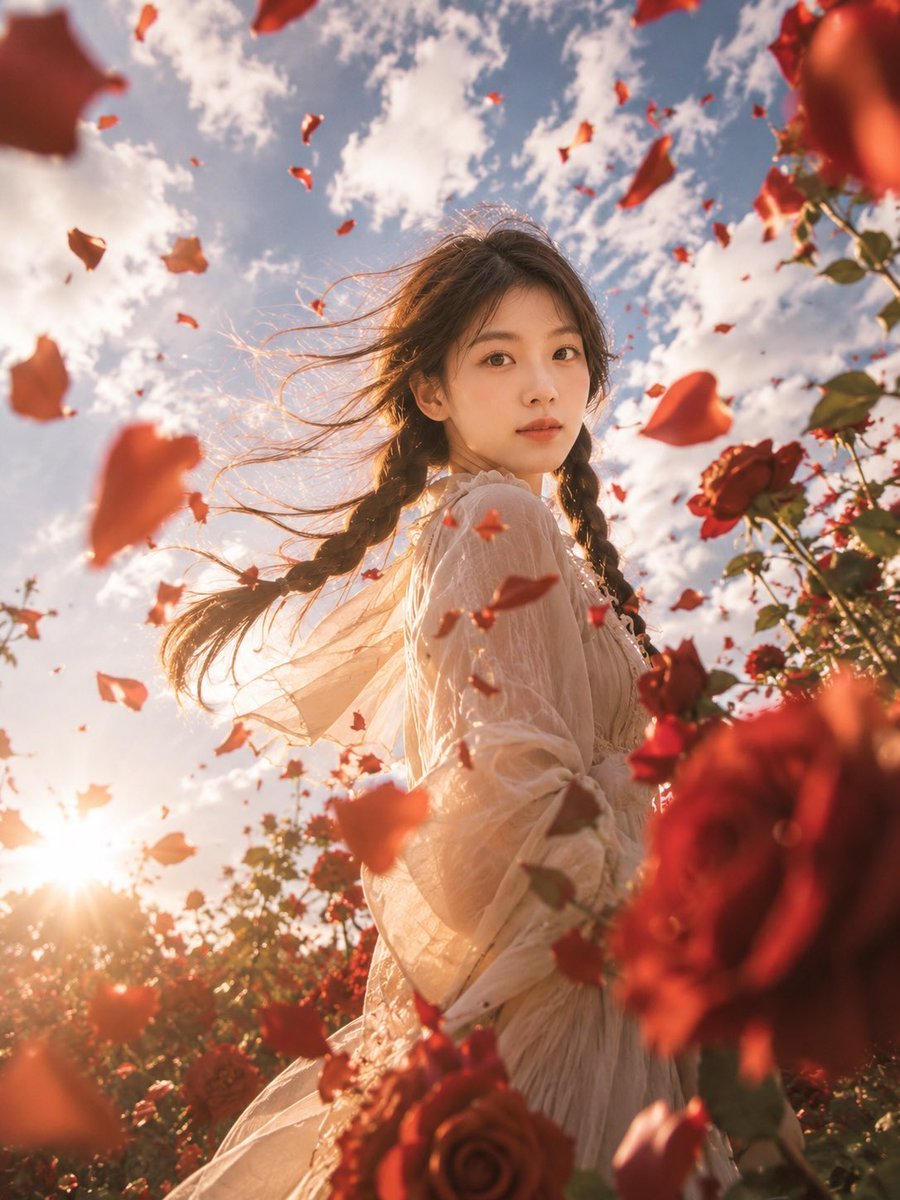
Windblown Rose Garden Portrait
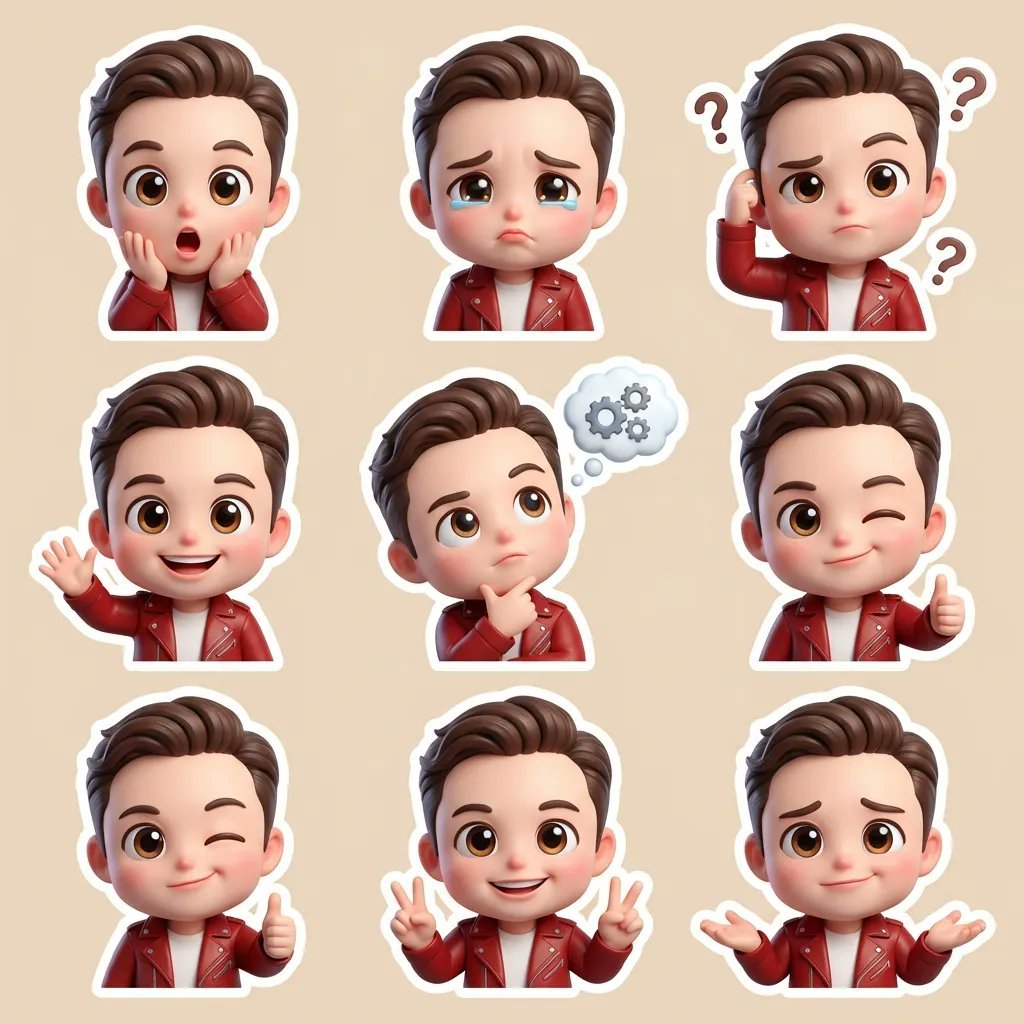
3D Chibi Cartoon Sticker Set Generation Prompt
Browse template categories
Modern Paper Sculpture Style Transformation questions
How do I use the Modern Paper Sculpture Style Transformation template?
Add your photo if the template asks for one, edit the prompt if you like — the template's model and format are already selected — and press Generate. Your version opens in PicX Studio.
Can I customize the Modern Paper Sculpture Style Transformation template?
Yes. You can change the subject, setting, lighting, mood, format, and available model controls before creating your image.
Is the Modern Paper Sculpture Style Transformation template free?
Opening and editing this template is free. Generating uses credits, shown on the Generate button when you are signed in.
Which AI model should I use?
Start with GPT Image 2, which is the model associated with this template. You can compare another compatible model for a different finish.
Looking for something else? Browse all templates.

Your photo, any look
Thousands of ready templates for every top image and video model, from one credit balance.