
Multi-Layered Paper Relief Sculpture
A detailed prompt for generating intricate, three-dimensional paper relief artwork with luxurious textures and organic botanical shapes.
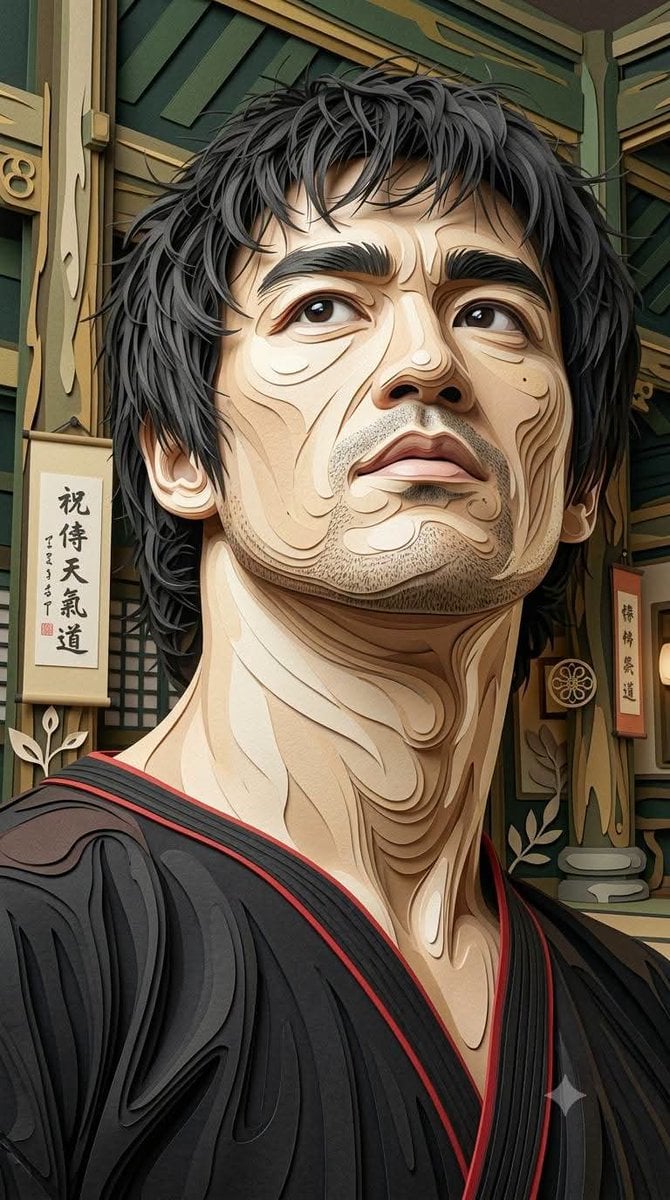
- Prompt included
- Model and format preset
- Free template
The prompt behind this image
Copy the exact prompt behind Multi-Layered Paper Relief Sculpture, or open it in the studio and make it yours.
Make a same object 100%. {argument name="style description" default="Intricate multi-layered paper relief art with a luxurious handcrafted paper sculpture aesthetic, featuring strong dimensional 3D depth"}. Built from dozens of individually cut paper layers stacked at varying heights to create pronounced shadows, realistic thickness, and sculptural volume. Smooth flowing contour lines divide every section into organic paper segments with clean precision. Surfaces display subtle handmade paper fibers, fine embossed grain, delicate cracked parchment textures, soft matte finish, and lightly pressed paper details. Raised elements cast natural ambient shadows, emphasizing the layered construction and realistic paper thickness. Decorative circular motifs, flowing organic curves, and elegant botanical-inspired shapes are integrated seamlessly throughout the composition. Rich color palette dominated by {argument name="color palette" default="warm ivory, cream, soft beige, sand, muted gold, deep forest green, olive green, charcoal outlines, and vivid crimson red accents"}. Lighting is soft and directional from above, enhancing every paper edge, bevel, elevation, and shadow to maximize the sculptural 3D effect. Highly refined handcrafted papercut artwork with premium gallery-quality craftsmanship, elegant composition, tactile layered textures, cinematic depth, and ultra-detailed dimensional realism. R {argument name="aspect ratio" default="9:16"}.
How to use Multi-Layered Paper Relief Sculpture in 3 steps
- 1
Open
The prompt is already in the box next to the preview, with the template's model and format selected.
- 2…a portrait of your subject in softgolden-hour light, 85mm…
Personalize
Edit the subject and creative details for your destination.
- 3Generate
Generate
Press Generate — your image is created in PicX Studio, so you can compare it with the original and refine one variable at a time.
More like this
Templates with the same subject, style or setup. Open one to see its prompt.
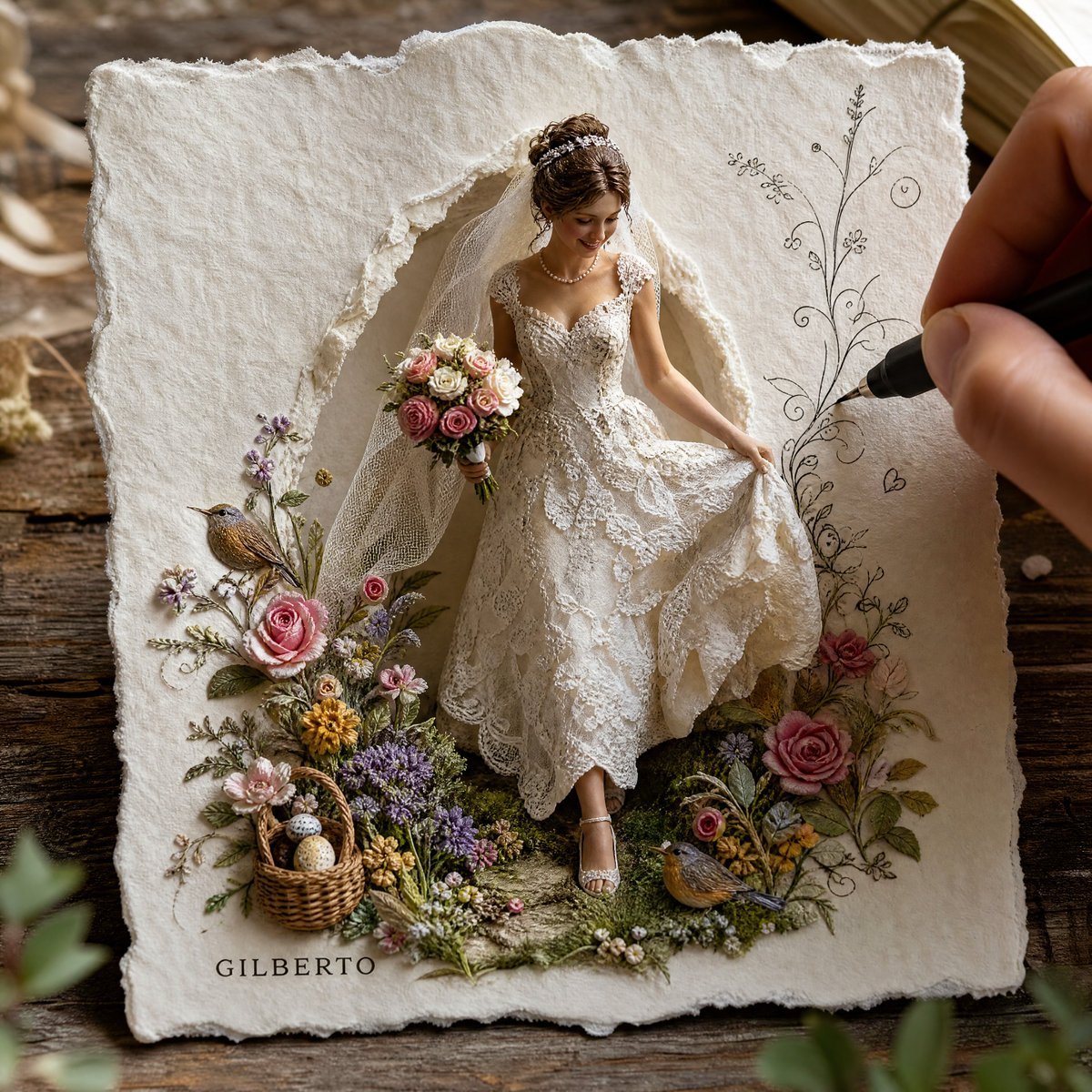
3D Paper-Craft Relief Sculpture

Saudi Arabia Paper Cut Travel Poster

Cute Layered Paper Cut Chibi Girl

Soft Handcrafted Paper-Cut Layered Illustration

Paper Cut Craft Illustration

Layered Paper Cut Illustration Template

Decorative Folk Flat Paper Cut Illustration

Paper Cut Finale Fireworks

Paper Cut Garden Maze

Paper Cut Rooftop Concert

Paper Cut Bicycle Coast

Paper Cut Castle Gate
Make it yours
Multi-Layered Paper Relief Sculpture works as-is. These are the safest ways to change it without losing the look.
Change one field
Copy a single group, rewrite it, and generate again so you can see what that field is doing.
Keep the frame, change the subject
Hold the composition and light of Multi-Layered Paper Relief Sculpture, then swap wardrobe, props or the person for a new take.
| If the result… | Why | Fix |
|---|---|---|
| The result drifts from the preview | Too many fields changed at once. | Reuse Multi-Layered Paper Relief Sculpture as-is first, then change one group — subject, light, or setting. |
| The model over-stylizes the scene | The prose prompt leaves finish and camera underspecified. | Add one camera or lighting sentence and stay on Nano Banana 2. |
More Nano Banana 2 templates
Other prompts made for Nano Banana 2.

Photorealistic Leaf Shaped Like a Dragon

K-Pop Idol Portrait Grid for Rapid Selection

Poetic Rain Forest Portrait During Golden Hour

Urban Street Portrait with Cartoon Inner Self Duo

Candid Nighttime Photo with Cat Prompt

High-Concept 3D Diorama Generation Prompt

Cinematic Futuristic Studio Portrait Template

Skincare Editorial Photography Collage Prompt

Hyper-Realistic Commercial Product Photography (Splash Effect)

Hyper-Realistic Nightclub Portrait Prompt
More image prompts
Fresh picks from across the catalog.
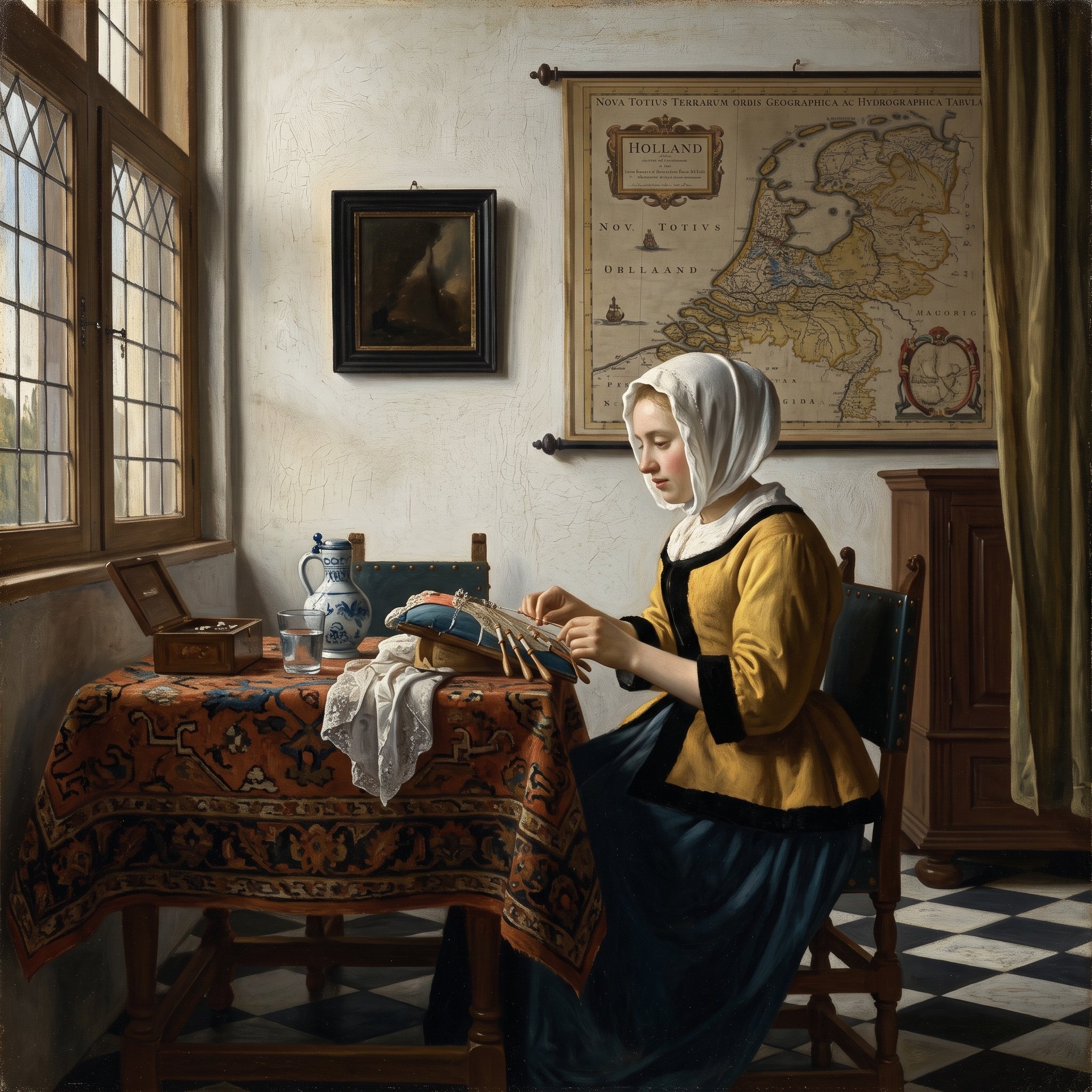
Vermeer Style Image Generation
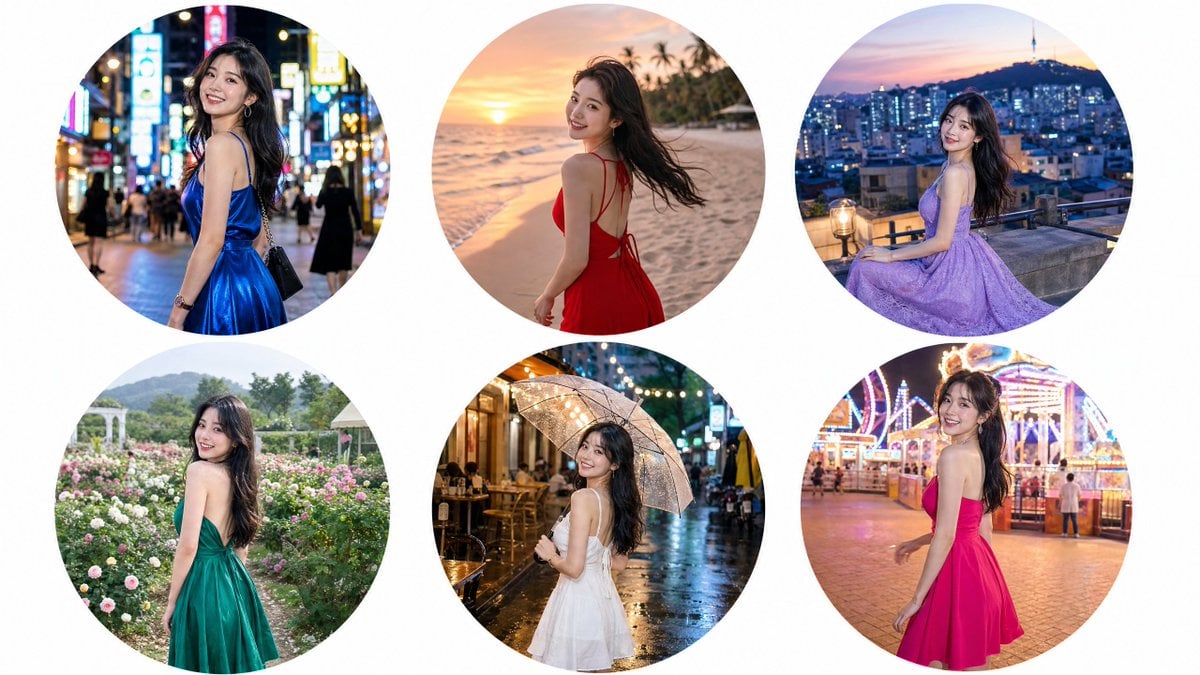
Luxury Editorial Circle Frame Portrait
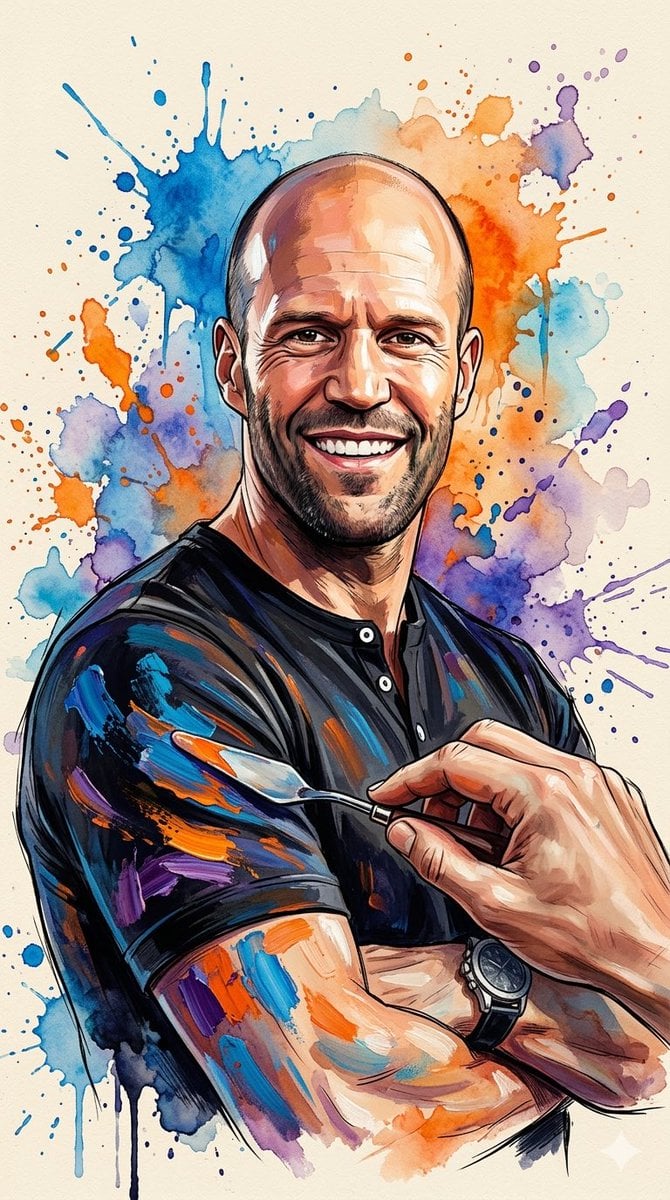
Oil Painting Style Portrait Prompt with Reference
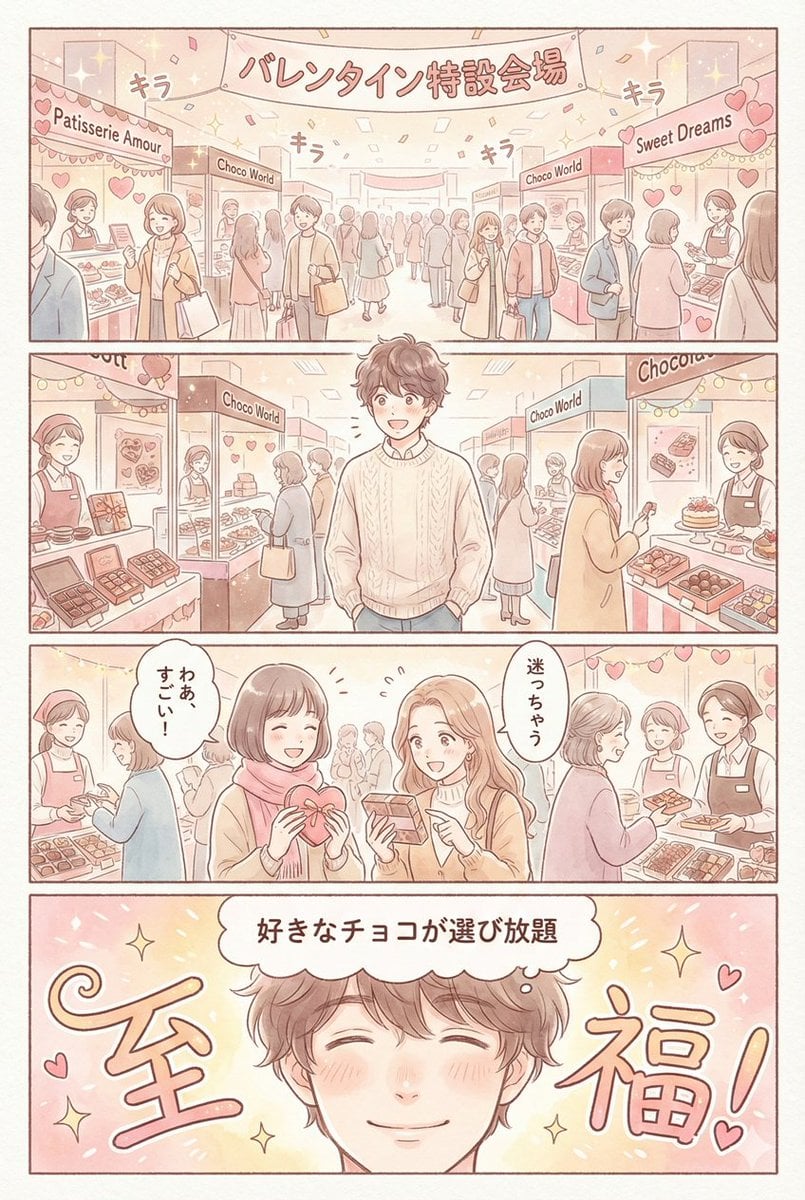
Valentine's Chocolate Shopping Manga Panel Generation
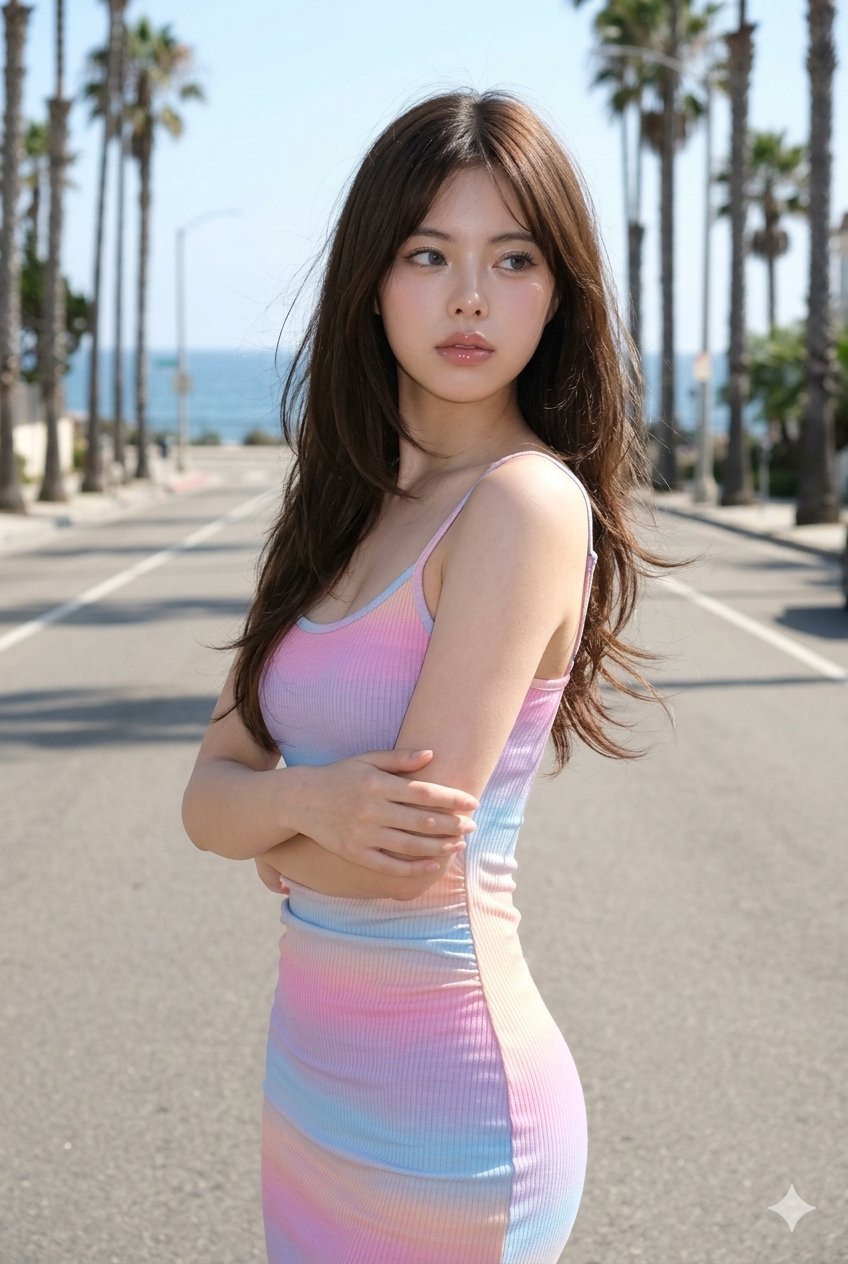
Gemini Nano Banana Ultra Realistic Coast
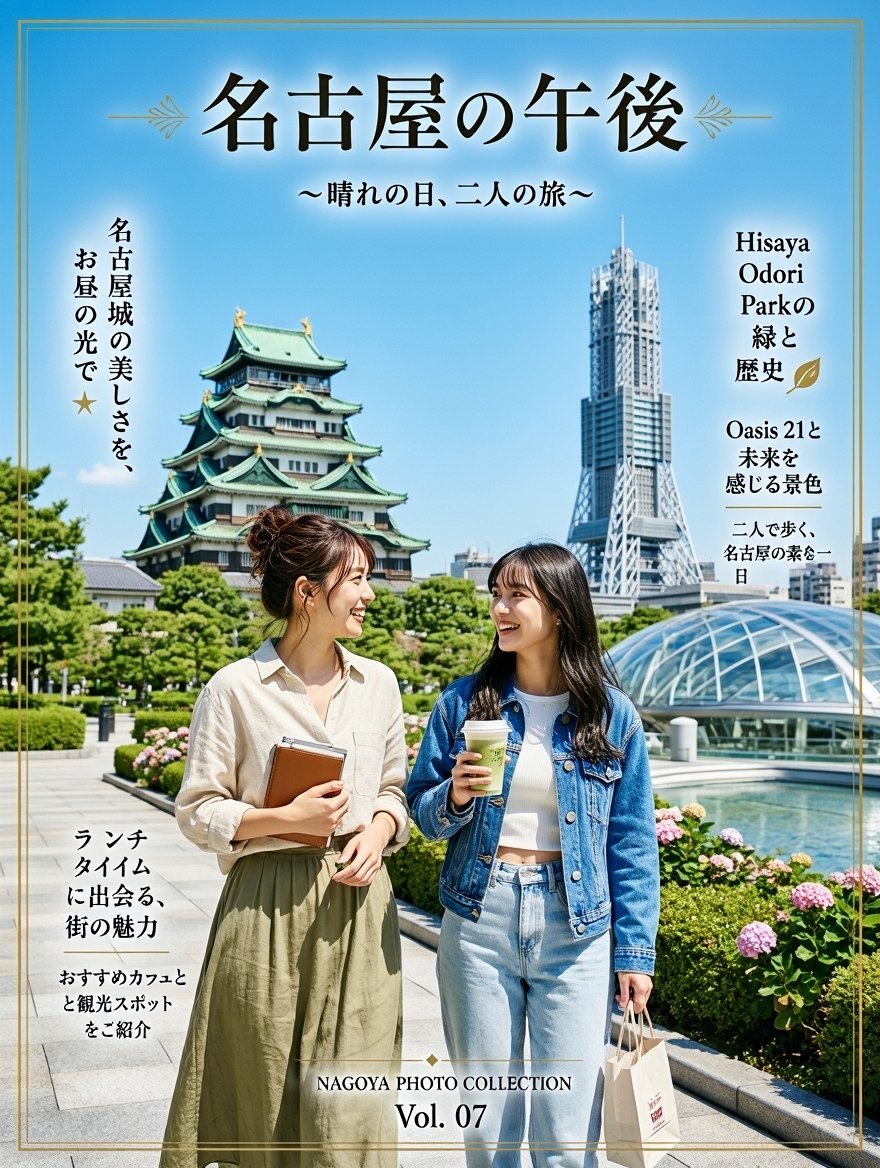
Nagoya Afternoon Travel Poster

Azed Double Exposure
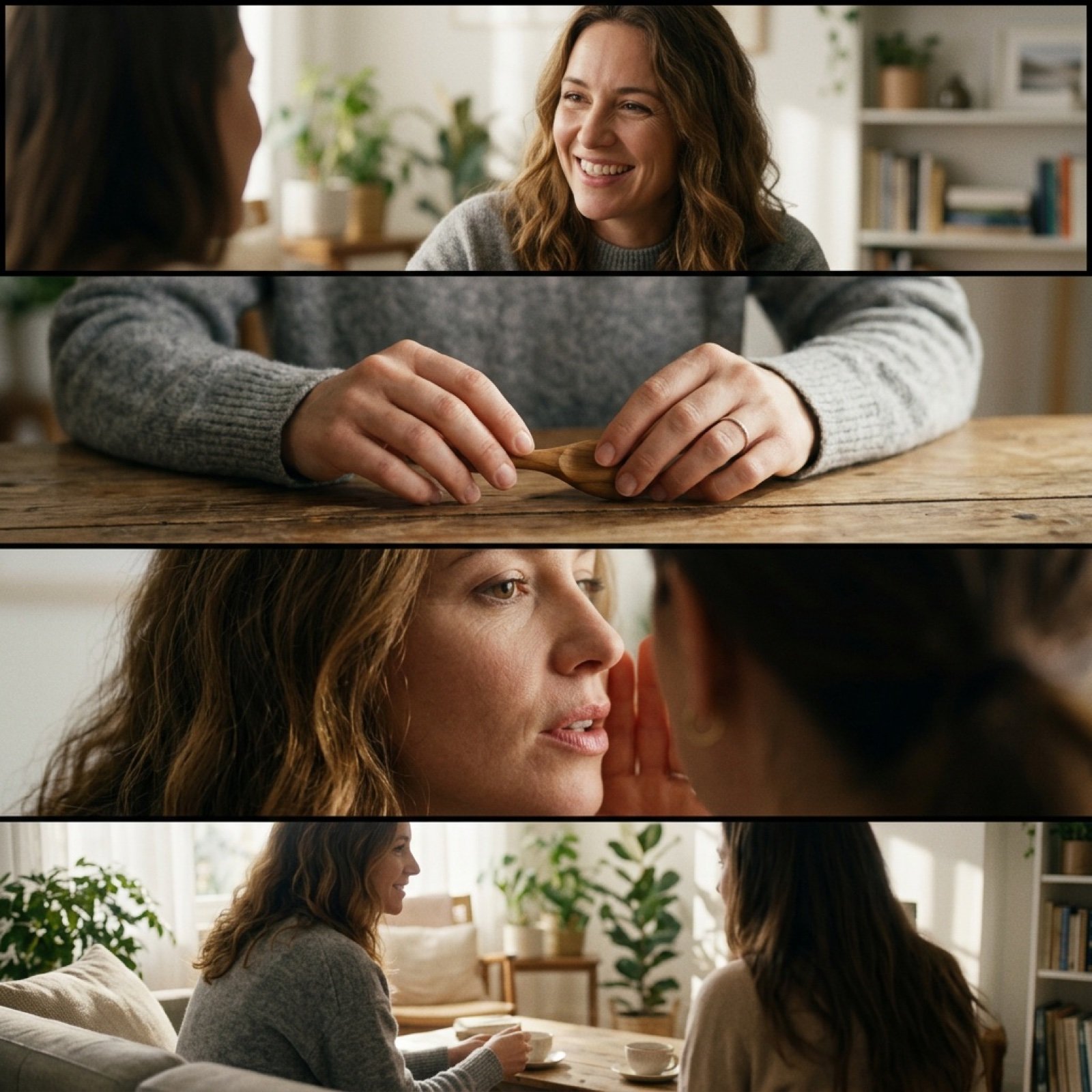
Cinematic 4-Cut Video Prompt of Women Chatting
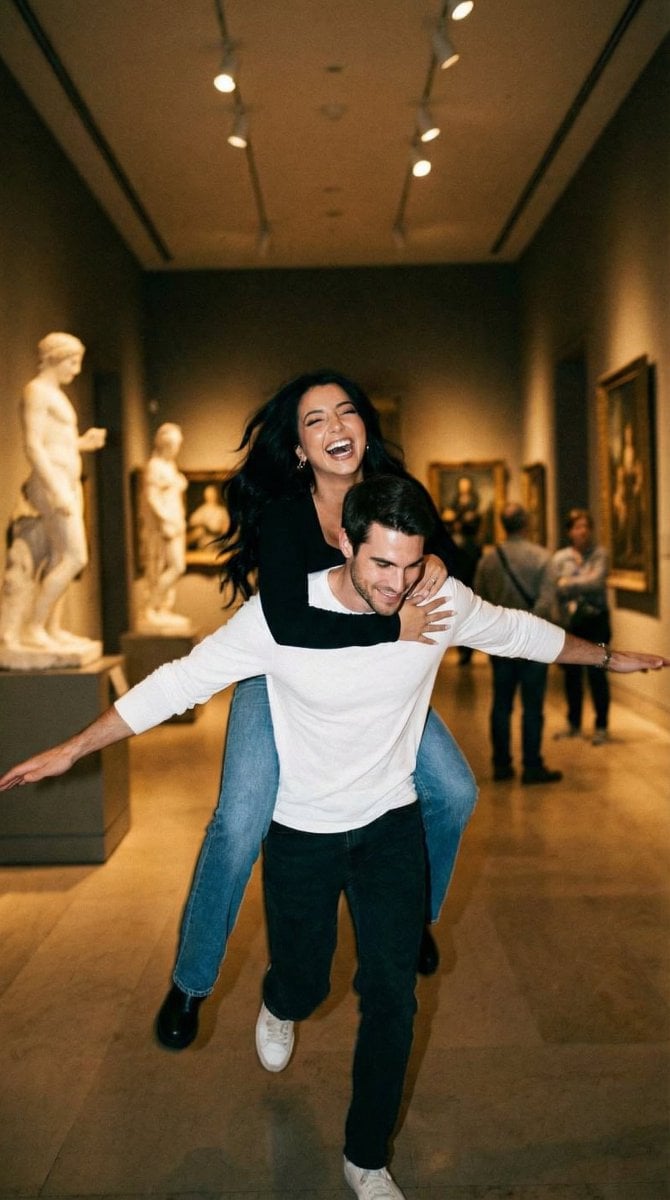
Cinematic Playful Couple Action Blur Editorial
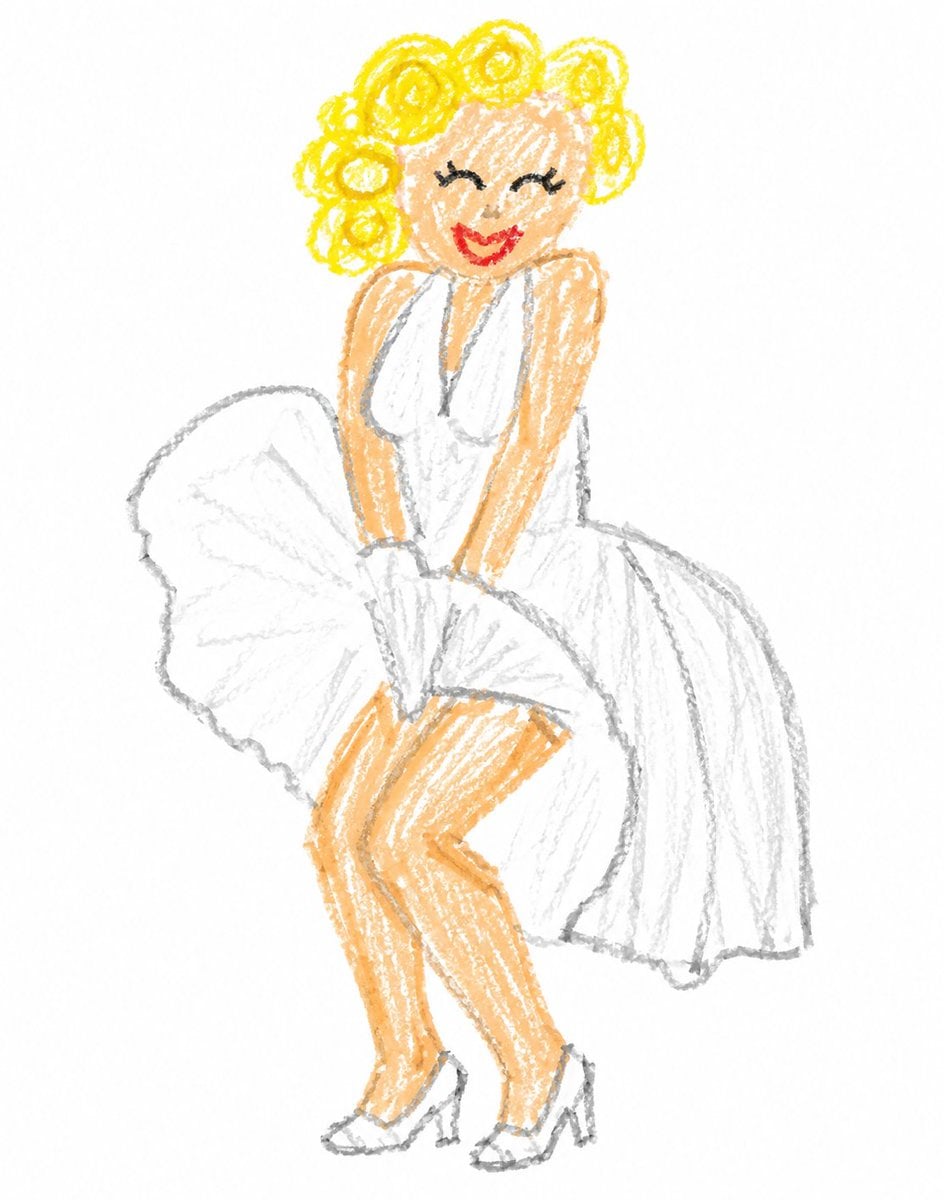
Crayon Style Clumsy Drawing
Browse template categories
Multi-Layered Paper Relief Sculpture questions
How do I use the Multi-Layered Paper Relief Sculpture template?
Add your photo if the template asks for one, edit the prompt if you like — the template's model and format are already selected — and press Generate. Your version opens in PicX Studio.
Can I customize the Multi-Layered Paper Relief Sculpture template?
Yes. You can change the subject, setting, lighting, mood, format, and available model controls before creating your image.
Is the Multi-Layered Paper Relief Sculpture template free?
Opening and editing this template is free. Generating uses credits, shown on the Generate button when you are signed in.
Which AI model should I use?
Start with Nano Banana 2, which is the model associated with this template. You can compare another compatible model for a different finish.
Looking for something else? Browse all templates.

Your photo, any look
Thousands of ready templates for every top image and video model, from one credit balance.