
Cinematic Playful Couple Action Blur Editorial
A highly structured JSON prompt for generating a cinematic editorial image of a couple in a museum.
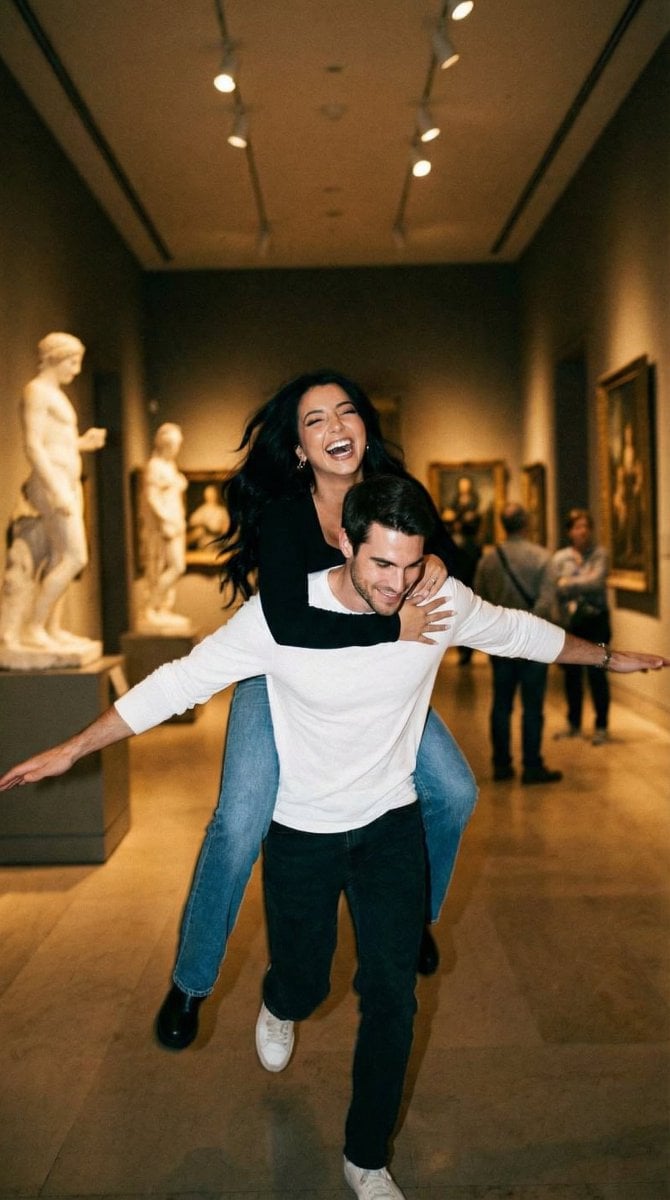
- Prompt included
- Model and format preset
- Premium template
The prompt behind this image
Copy the exact prompt behind Cinematic Playful Couple Action Blur Editorial, or open it in the studio and make it yours.
{ "generation_request": { "meta_data": { "tool": "NanoBanana Pro", "task_type": "photoreal_cinematic_playful_couple_action_blur_editorial", "priority": "highest", "language": "en", "version": "v1.0_MUSEUM_PIGGYBACK_AIRPLANE_MOTION_BLUR_NO_TEXT" }, "output": { "aspect_ratio": "1:1", "resolution": "ultra_high", "num_images": 4 }, "scene": { "concept": "A playful candid moment in a quiet museum corridor: a man runs while carrying a laughing woman on his back. He stretches his arms out like an airplane. The shot has intentional motion blur and a warm filmic look, capturing chaotic joy and spontaneous romance.", "environment": "museum or gallery hallway with pale stone floors, large classical sculpture bust on a pedestal, framed art on the walls, soft ambient interior lighting, long corridor depth", "time_of_day": "indoor evening", "atmosphere": "warm, slightly hazy, film-like" }, "subjects": { "female_character": { "age_appearance": "young adult", "expression": "laughing, delighted", "pose": "lying across his upper back in a piggyback carry, arms reaching down, legs bent up behind", "hair": "long hair, loose and swinging from motion", "wardrobe": "black long-sleeve top, blue jeans, black ankle boots" }, "male_character": { "age_appearance": "young adult", "expression": "excited, joyful, open-mouth laugh", "pose": "running forward, arms stretched wide like airplane wings, knees bent from motion", "hair": "short dark hair, slightly messy", "wardrobe": "white long-sleeve shirt with a blue graphic on the front, slim dark pants, casual shoes" } }, "camera": { "camera_body": "ARRI Alexa Mini", "lens": "35mm spherical", "aperture": "f/2.0", "shutter_angle": "120 degrees (crisp enough but still motion blur)", "focus": "focus locked mid-distance, faces slightly soft from movement, readable emotion", "framing": "centered action shot, slight low angle, corridor leading lines behind", "look": "cinematic handheld, documentary romance" }, "lighting": { "key_light": "soft museum overhead lighting, warm tungsten mix", "fill_light": "subtle bounce off pale floors and walls", "contrast": "medium", "highlights": "controlled, no blown whites" }, "color_grading": { "palette": "warm beige and cream tones, muted blacks, subtle blue accents", "film_emulation": "35mm film still with gentle grain", "grain": "medium fine film grain", "halation": "subtle bloom on highlights" }, "composition": { "visual_hierarchy": "couple’s dynamic pose and laughter first, then sculpture bust and corridor depth", "motion_language": "intentional blur and slight camera shake, authentic candid energy", "mo
How to use Cinematic Playful Couple Action Blur Editorial in 3 steps
- 1
Open
The prompt is already in the box next to the preview, with the template's model and format selected.
- 2…a portrait of your subject in softgolden-hour light, 85mm…
Personalize
Edit the subject and creative details for your destination.
- 3Generate
Generate
Press Generate — your image is created in PicX Studio, so you can compare it with the original and refine one variable at a time.
More like this
Templates with the same subject, style or setup. Open one to see its prompt.












Make it yours
Cinematic Playful Couple Action Blur Editorial works as-is. These are the safest ways to change it without losing the look.
Change one field
Copy a single group, rewrite it, and generate again so you can see what that field is doing.
Keep the frame, change the subject
Hold the composition and light of Cinematic Playful Couple Action Blur Editorial, then swap wardrobe, props or the person for a new take.
| If the result… | Why | Fix |
|---|---|---|
| The result drifts from the preview | Too many fields changed at once. | Reuse Cinematic Playful Couple Action Blur Editorial as-is first, then change one group — subject, light, or setting. |
| The model over-stylizes the scene | The prose prompt leaves finish and camera underspecified. | Add one camera or lighting sentence and stay on Nano Banana 2. |
More Nano Banana 2 templates
Other prompts made for Nano Banana 2.

Photorealistic Leaf Shaped Like a Dragon

K-Pop Idol Portrait Grid for Rapid Selection

Poetic Rain Forest Portrait During Golden Hour

Urban Street Portrait with Cartoon Inner Self Duo

Candid Nighttime Photo with Cat Prompt

High-Concept 3D Diorama Generation Prompt

Cinematic Futuristic Studio Portrait Template

Skincare Editorial Photography Collage Prompt

Hyper-Realistic Commercial Product Photography (Splash Effect)

Hyper-Realistic Nightclub Portrait Prompt
More image prompts
Fresh picks from across the catalog.
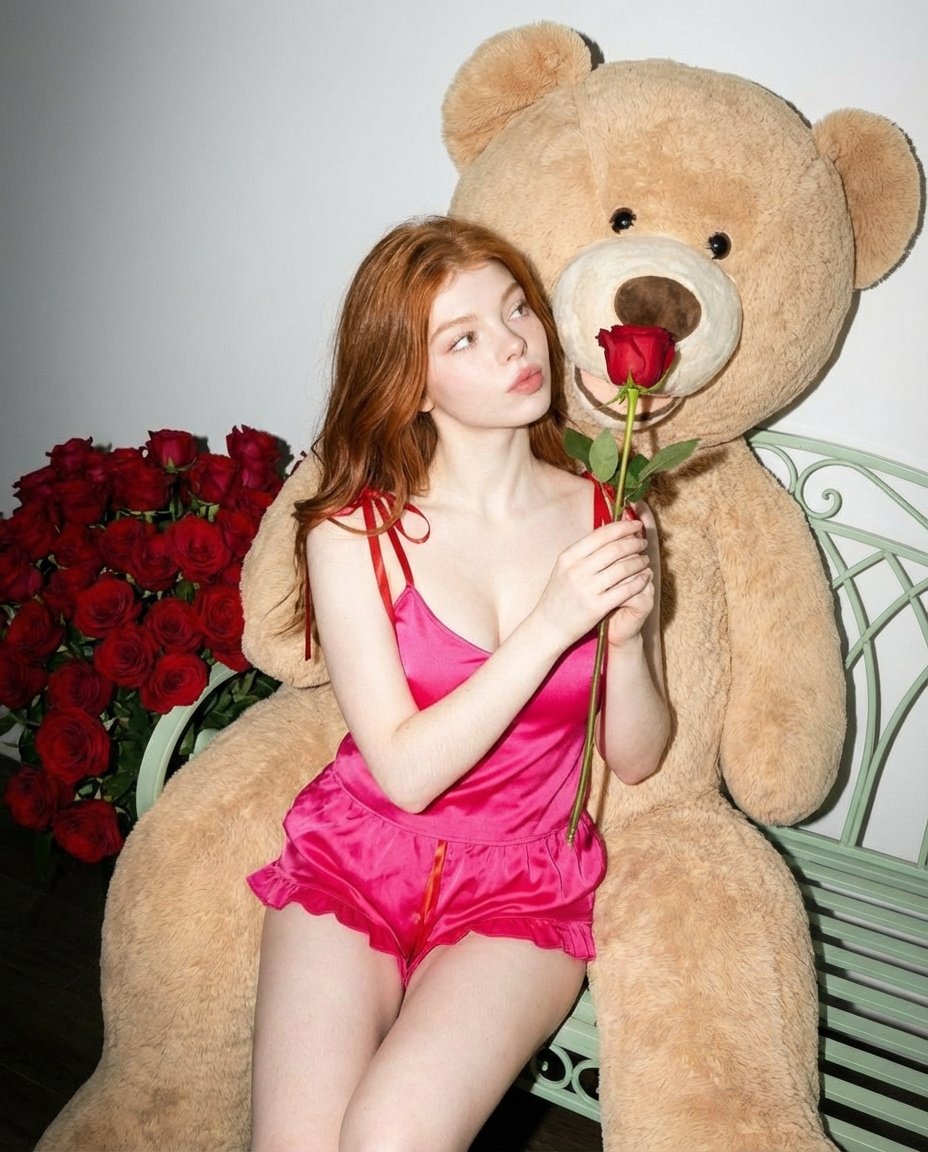
Romantic Fashion Editorial Portrait Prompt
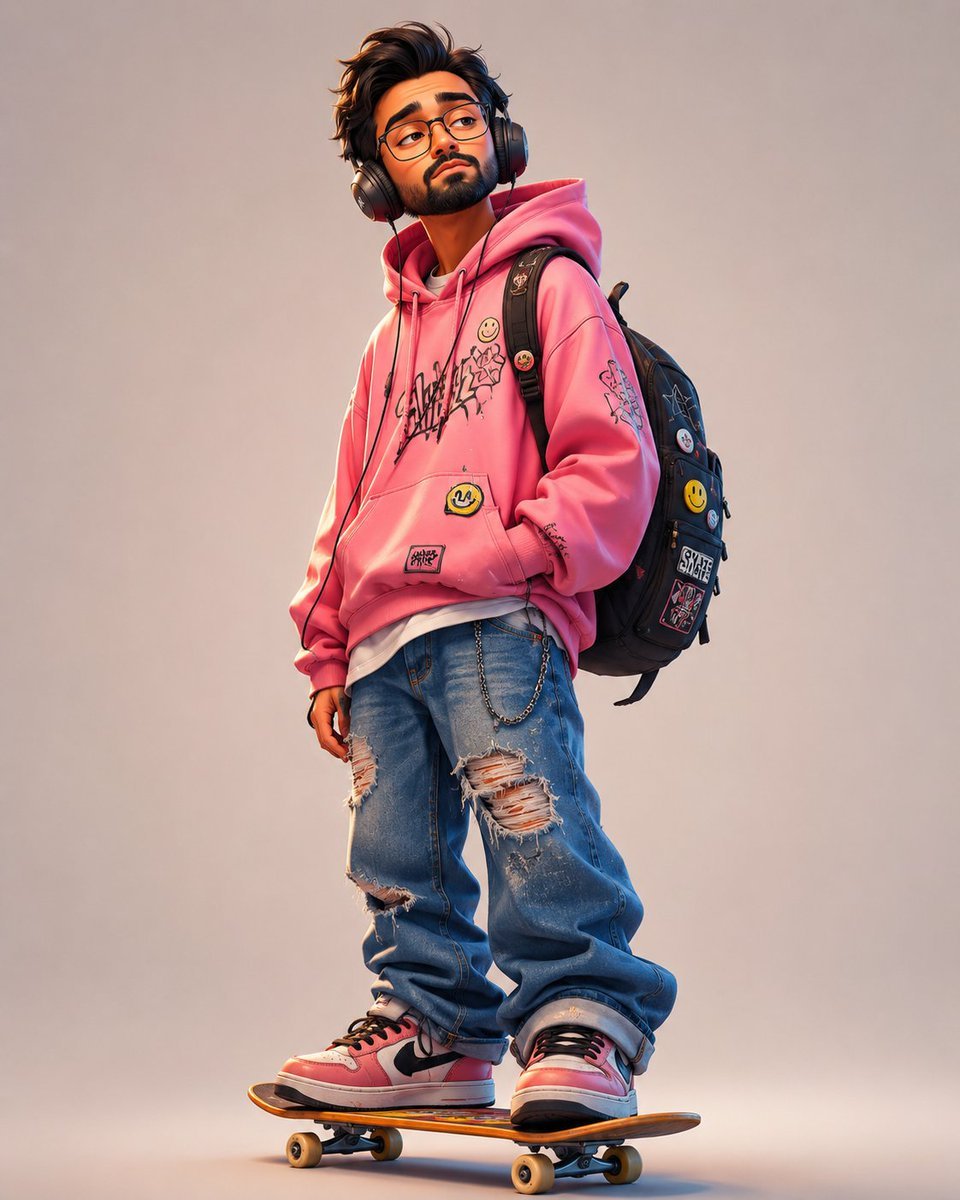
Anonymous Pink Hoodie Skater
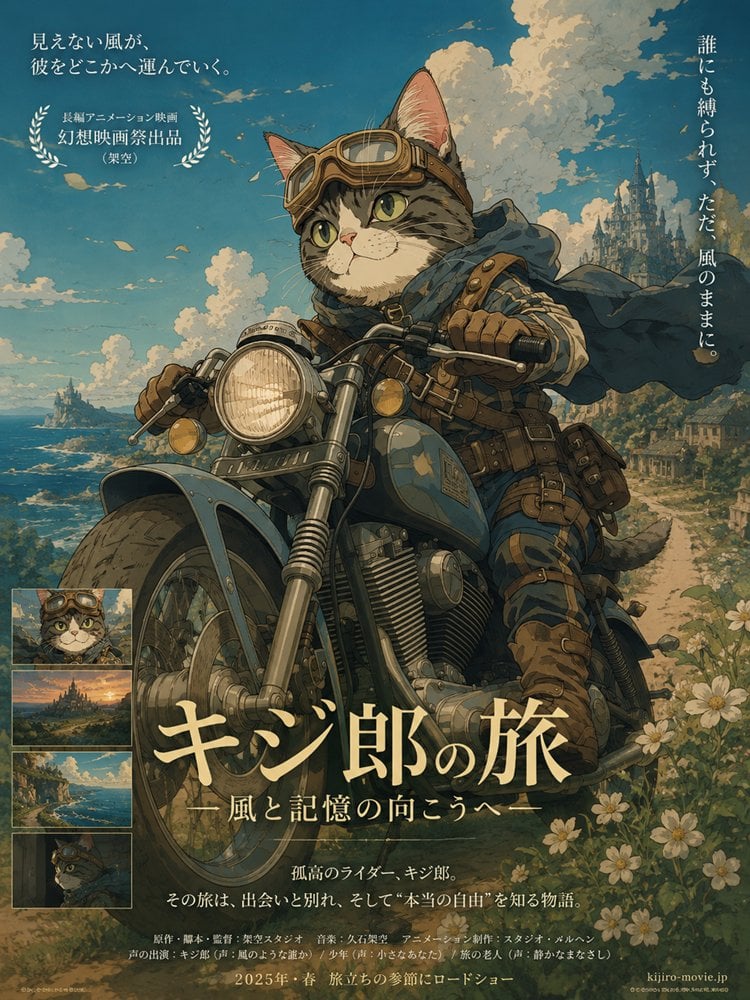
Kijiro Cat Rider Movie Poster
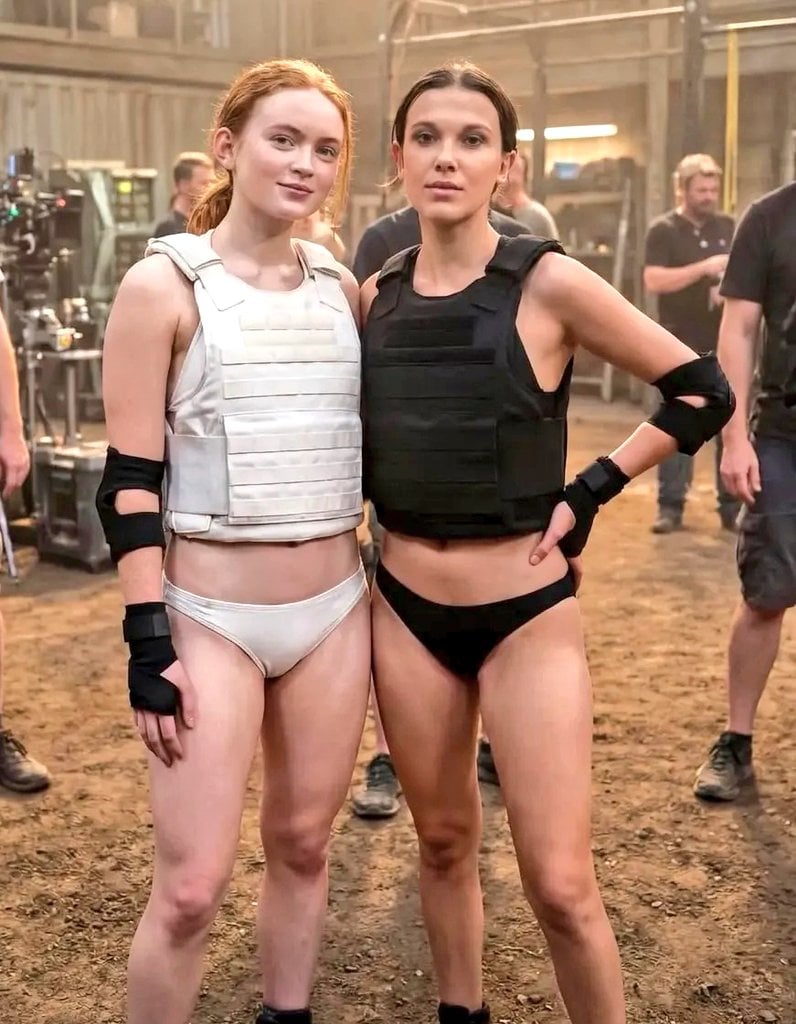
Cinematic Photo of Tactical Female Characters
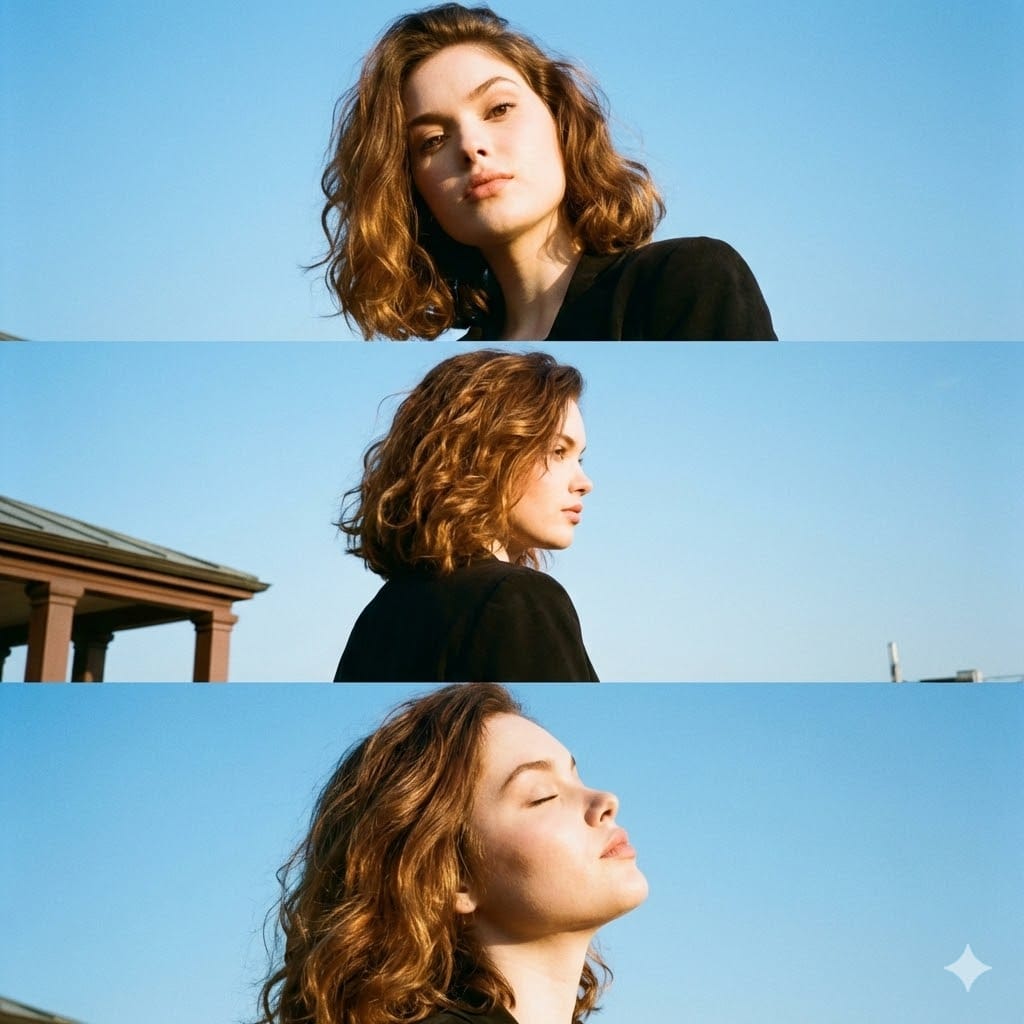
Triptych Portrait with Strict Identity Lock

Nano Banana 2
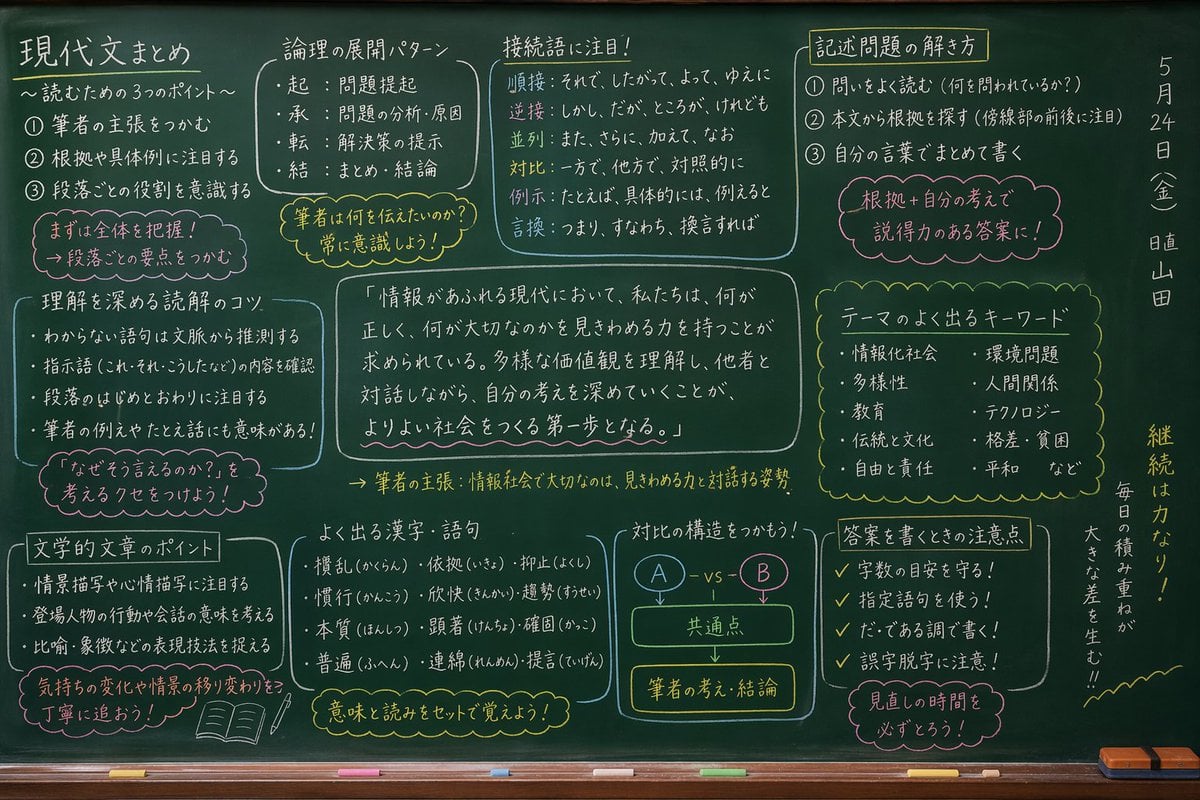
Japanese Classroom Chalkboard Notes
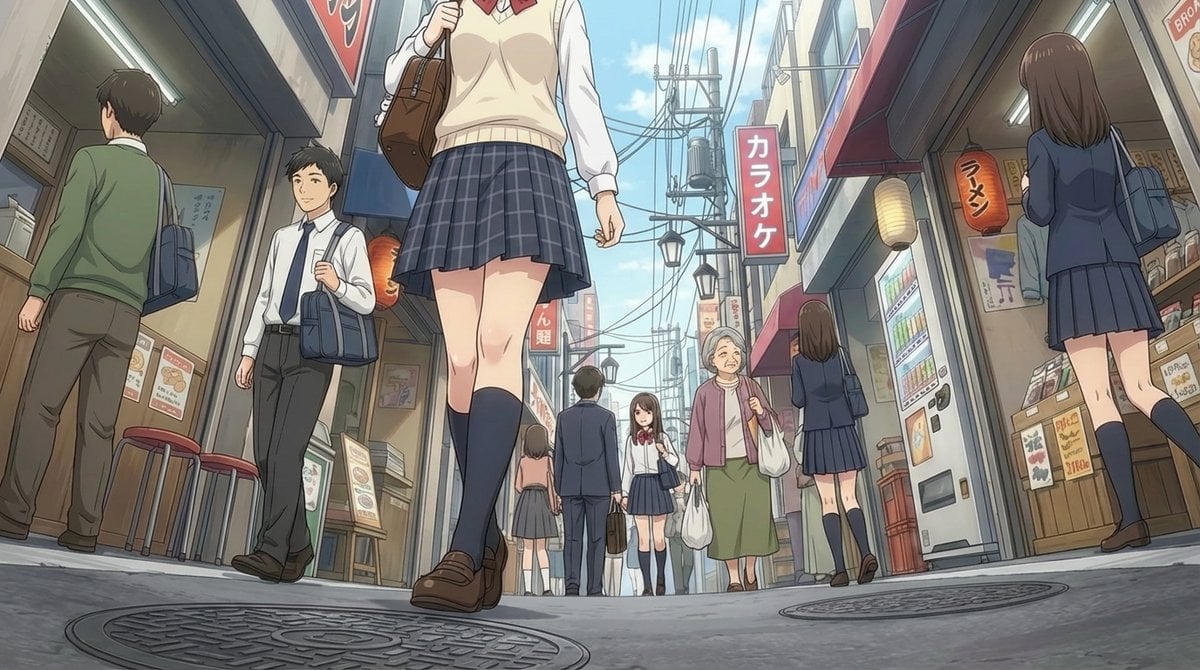
Extreme low-angle shot

Japanese Udemy Course Sale Thumbnail
Watercolor Illustration of a Cute Owl with Pink Roses
Browse template categories
Cinematic Playful Couple Action Blur Editorial questions
How do I use the Cinematic Playful Couple Action Blur Editorial template?
Add your photo if the template asks for one, edit the prompt if you like — the template's model and format are already selected — and press Generate. Your version opens in PicX Studio.
Can I customize the Cinematic Playful Couple Action Blur Editorial template?
Yes. You can change the subject, setting, lighting, mood, format, and available model controls before creating your image.
Is the Cinematic Playful Couple Action Blur Editorial template free?
Opening and editing this template is free. Generating uses credits, shown on the Generate button when you are signed in.
Which AI model should I use?
Start with Nano Banana 2, which is the model associated with this template. You can compare another compatible model for a different finish.
Looking for something else? Browse all templates.

Your photo, any look
Thousands of ready templates for every top image and video model, from one credit balance.