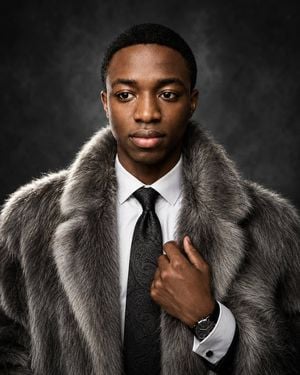
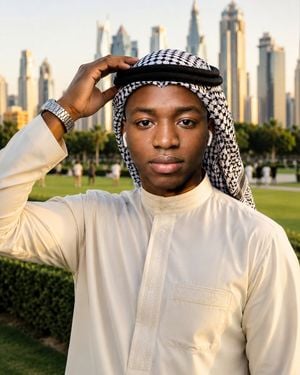
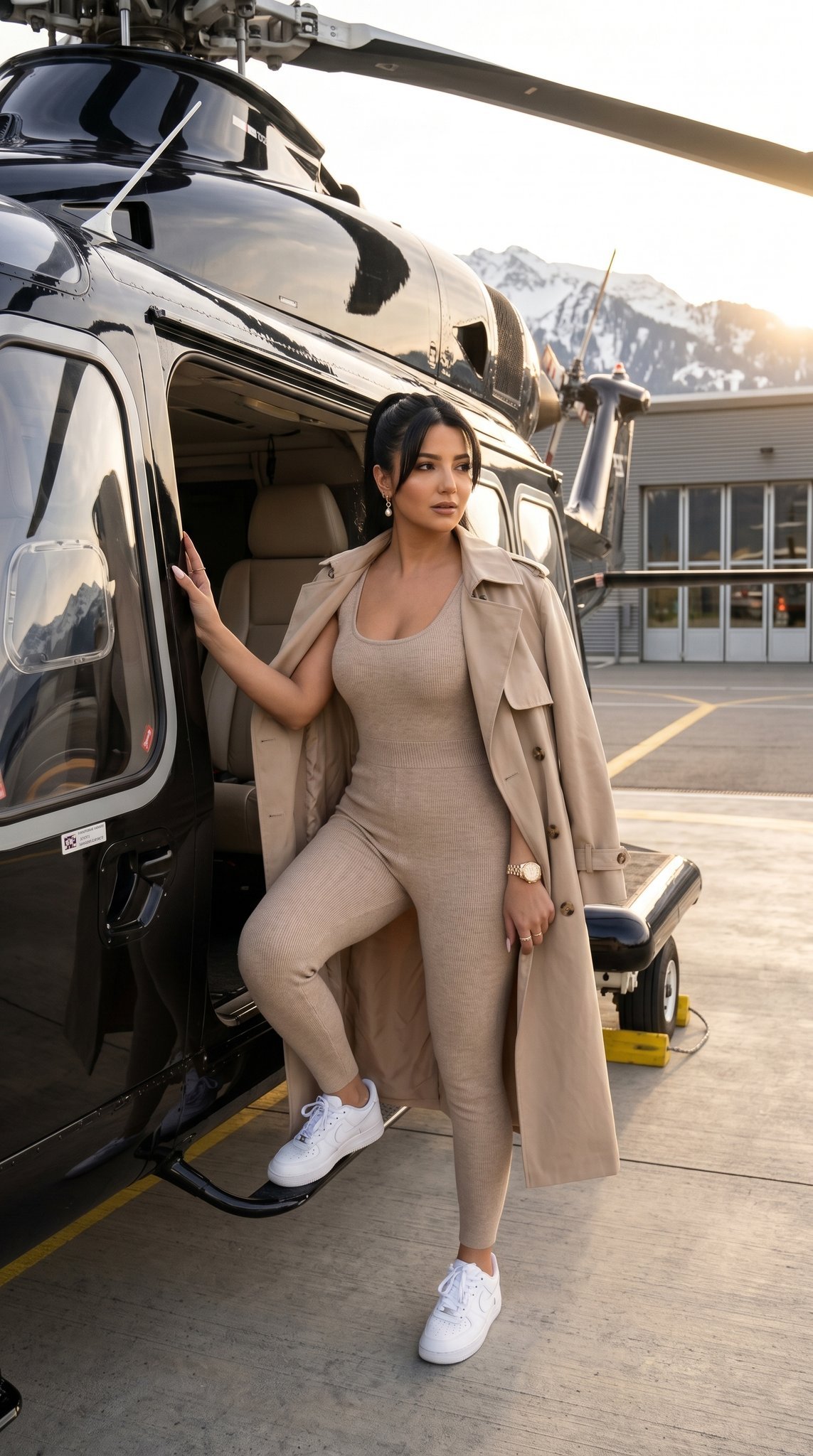
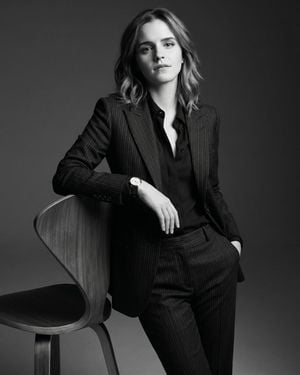
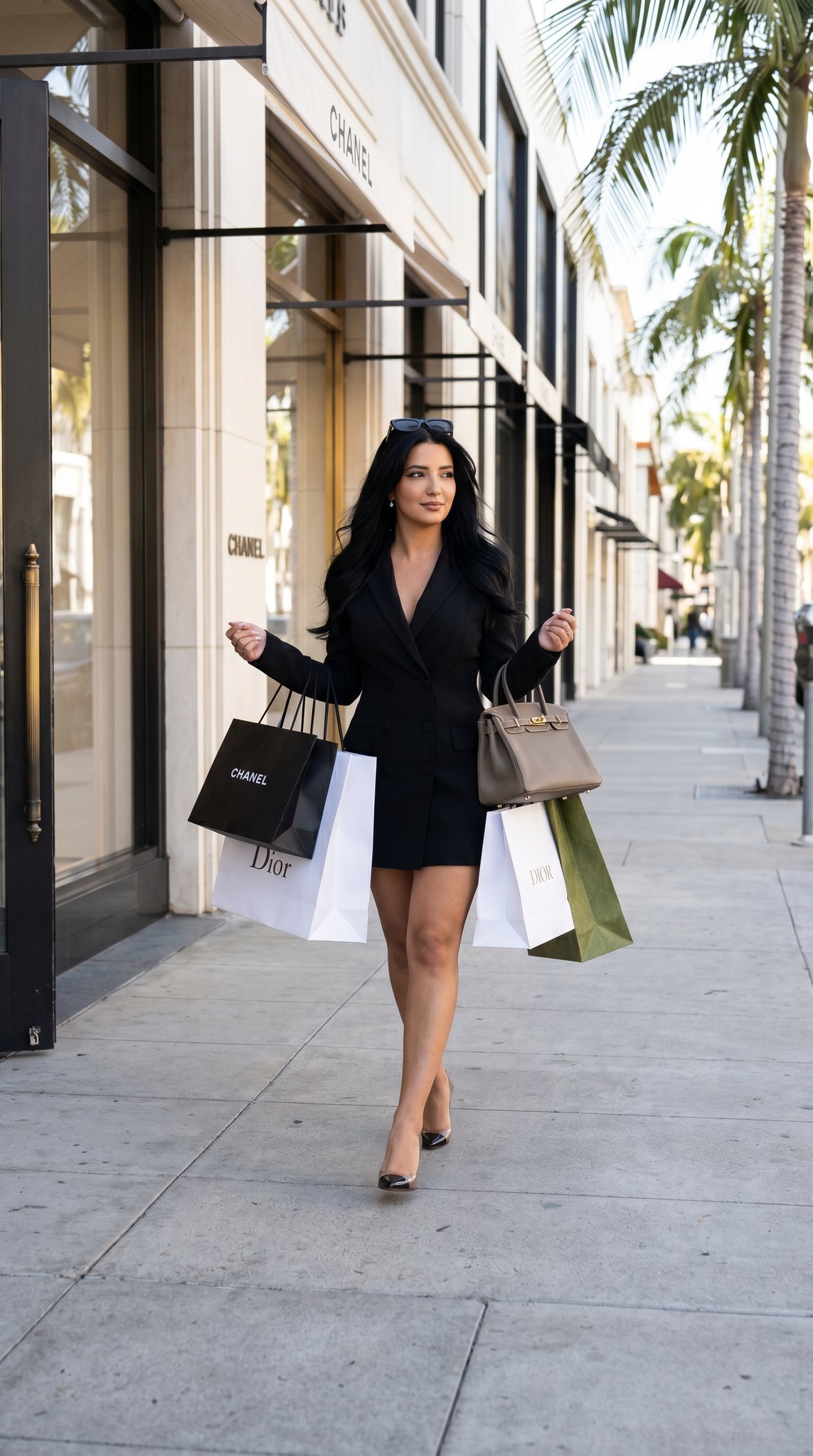
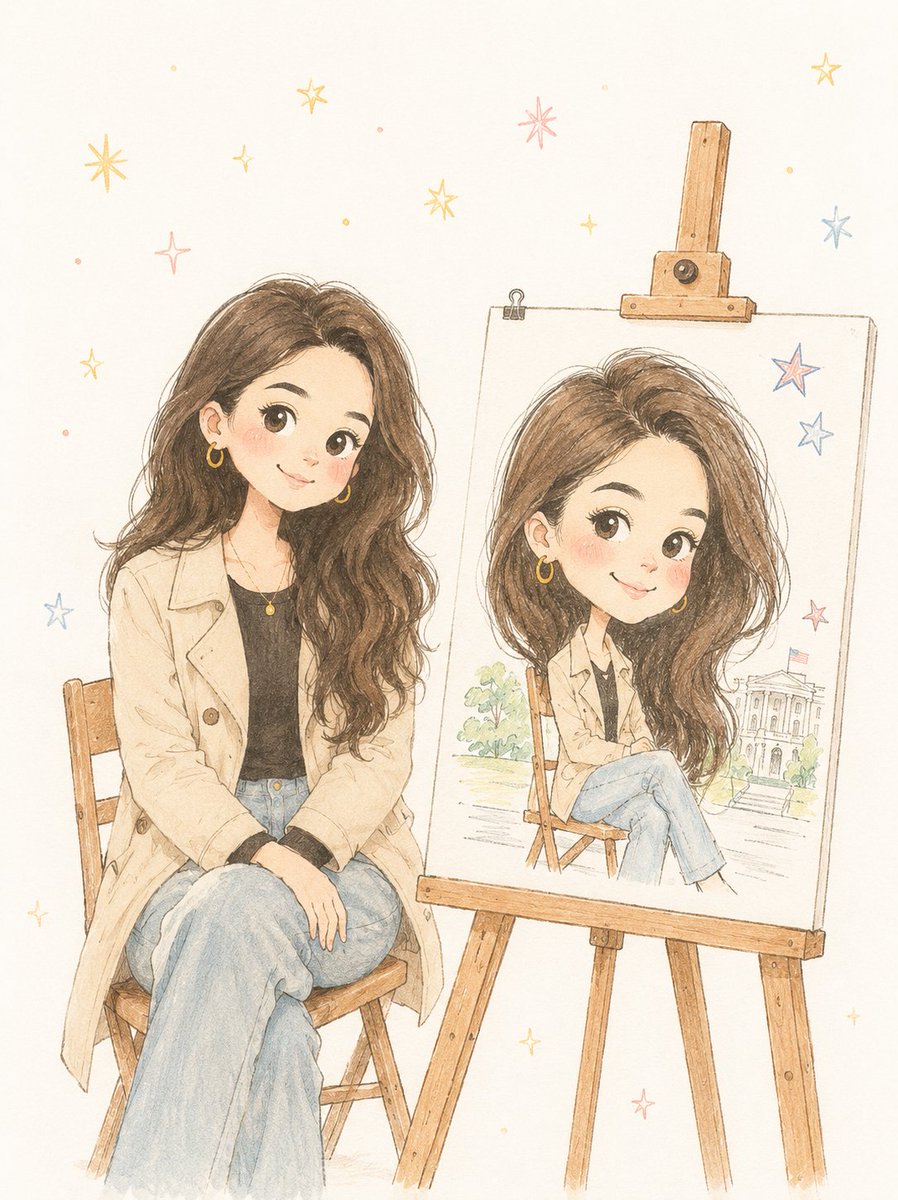
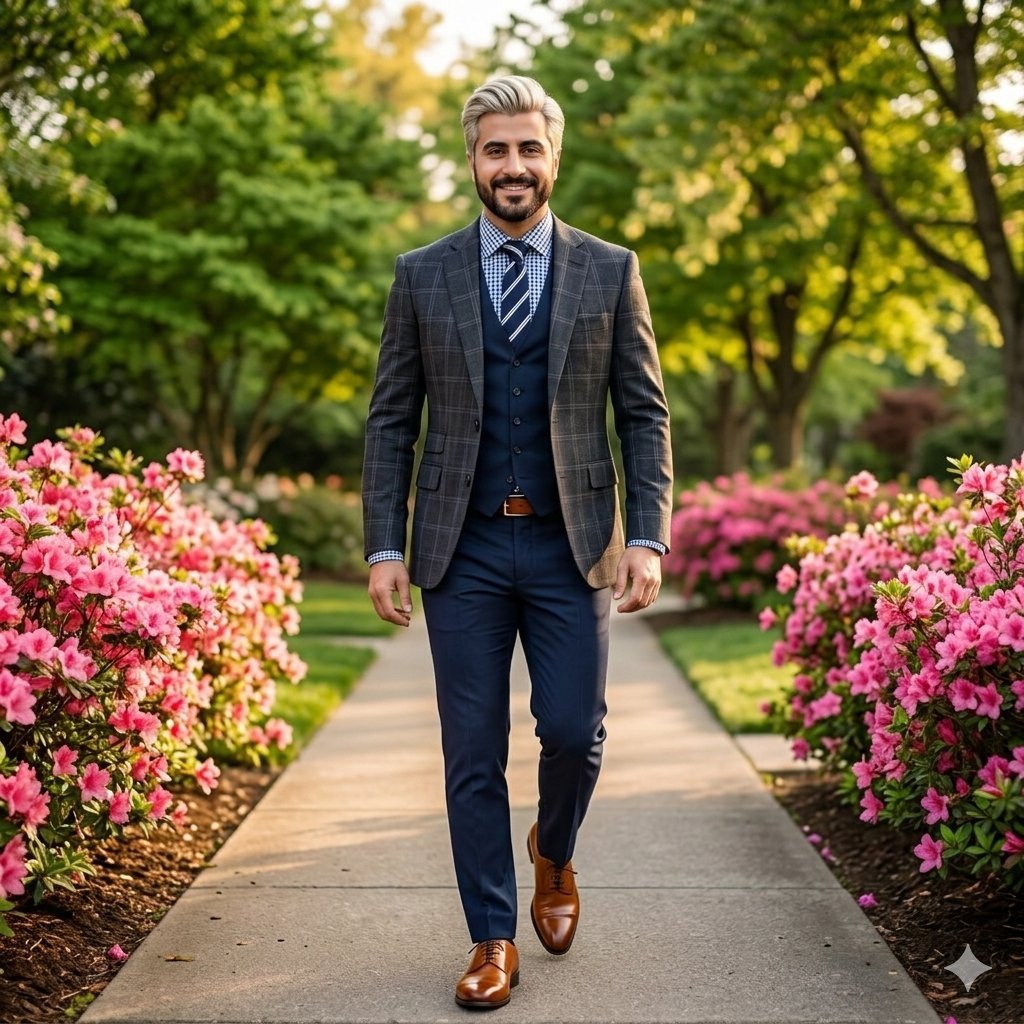
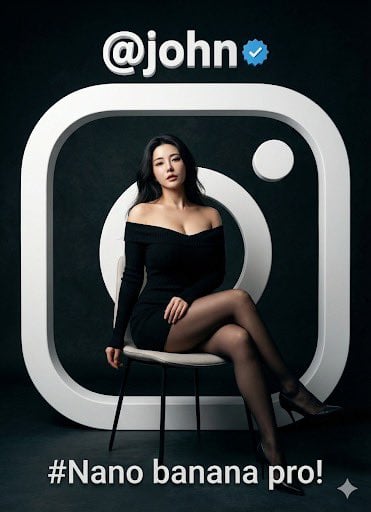
How do I use the Luxury Editorial Circle Frame Portrait template?
Edit the prompt in the box under the preview — the template's model and format are already selected — and press Generate. Your version appears right on this page.
A high-end editorial transformation prompt for selfies, placing the subject in a perfect large circular frame with diverse cinematic backgrounds.

This template uses your photo — add one with the + button.
Ultra-realistic consistent identity based on the uploaded selfie in every image — natural facial features preserved, realistic skin texture, expressive glossy eyes, soft cinematic beauty styling, premium lifestyle aesthetic, highly detailed and photorealistic character consistency across all variations. Cinematic lifestyle photography series with luxury Instagram editorial vibe. Composition requirement: Each image must be inside a perfect {argument name="frame type" default="large circular frame (round crop / circle mask)"}. The circle must be large enough to clearly show full upper body + environment context, with balanced margins so the subject is not cropped. Subject must always be centered inside the circle with natural breathing space around. Locations (random cinematic scenes): {argument name="locations" default="neon night street, tropical beach sunset, rooftop city view, flower garden, rainy café street, glowing festival amusement park"}. Poses (candid natural energy): laughing naturally, running playfully, hair blowing in wind, looking back at camera, sitting relaxed, dancing lightly, enjoying music. Outfits (change every scene): {argument name="outfit colors" default="electric blue, cherry red, lavender purple, emerald green, pure white, hot pink, matte black"}. Style: cinematic DSLR photography, ultra-realistic human skin, soft golden glow lighting, dreamy bokeh, shallow depth of field, rich color grading, natural motion blur, premium fashion editorial aesthetic, vibrant colors, luxury lifestyle feel, NOT AI-looking. IMPORTANT: Perfect circular composition, centered framing, subject fully visible inside circle, high-end portrait clarity.
Ultra-realistic consistent identity based on the uploaded selfie in every image — natural facial features preserved, realistic skin texture, expressive glossy eyes, soft cinematic beauty styling, premium lifestyle aesthetic, highly detailed and photorealistic character consistency across all variations. Cinematic lifestyle photography series with luxury Instagram editorial vibe. Composition requirement: Each image must be inside a perfect {argument name="frame type" default="large circular frame (round crop / circle mask)"}. The circle must be large enough to clearly show full upper body + environment context, with balanced margins so the subject is not cropped. Subject must always be centered inside the circle with natural breathing space around. Locations (random cinematic scenes): {argument name="locations" default="neon night street, tropical beach sunset, rooftop city view, flower garden, rainy café street, glowing festival amusement park"}. Poses (candid natural energy): laughing naturally, running playfully, hair blowing in wind, looking back at camera, sitting relaxed, dancing lightly, enjoying music. Outfits (change every scene): {argument name="outfit colors" default="electric blue, cherry red, lavender purple, emerald green, pure white, hot pink, matte black"}. Style: cinematic DSLR photography, ultra-realistic human skin, soft golden glow lighting, dreamy bokeh, shallow depth of field, rich color grading, natural motion blur, premium fashion editorial aesthetic, vibrant colors, luxury lifestyle feel, NOT AI-looking. IMPORTANT: Perfect circular composition, centered framing, subject fully visible inside circle, high-end portrait clarity.
Edit the prompt in the box under the preview — the template's model and format are already selected — and press Generate. Your version appears right on this page.
Yes. You can change the subject, setting, lighting, mood, format, and available model controls before creating your image.
Opening and editing this template is free. Generating uses credits, shown on the Generate button when you are signed in.
Start with GPT Image 2, which is the model associated with this template. You can compare another compatible model for a different finish.
Follow a topic to a crawlable collection of related PicX Studio templates.