
Nagoya Afternoon Travel Poster
Creates a photorealistic Japanese tourism magazine poster featuring two travelers, Nagoya Castle, Oasis 21, and elegant editorial text.
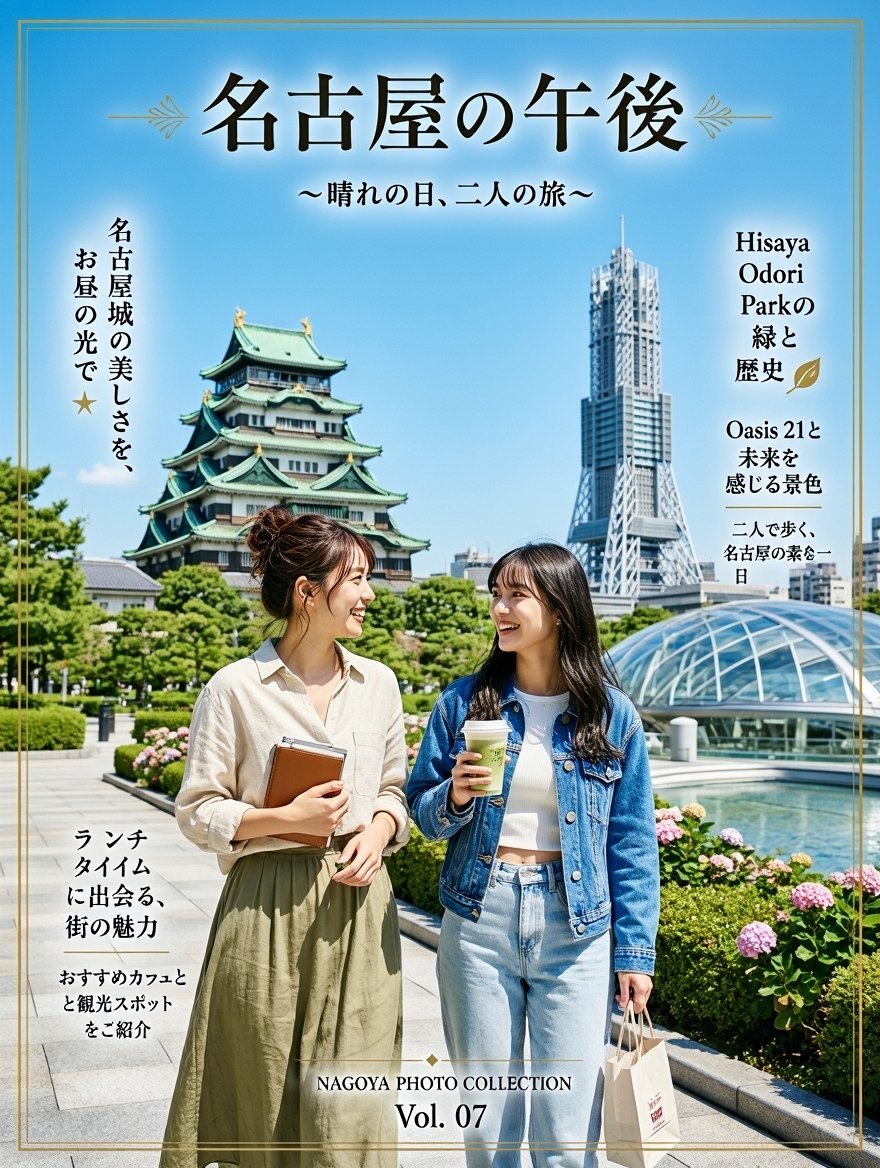
- Prompt included
- Model and format preset
- Free template
The prompt behind this image
Copy the exact prompt behind Nagoya Afternoon Travel Poster, or open it in the studio and make it yours.
Goal: Create a vertical Japanese travel-magazine poster for a sunny afternoon trip in Nagoya, combining realistic photography with elegant editorial typography. Canvas: Portrait 3:4 poster, bright midday lighting, clear blue sky, thin double-line gold border near the edges, polished tourism brochure look. Main scene: Show exactly 2 young adult women standing in the foreground on a clean stone walkway, faces softly blurred/anonymized. Woman 1 on the left has dark hair in a loose bun, wears a cream button-up shirt and an olive-green long skirt, and holds a brown notebook against her chest. Woman 2 on the right has long dark hair, wears a blue denim jacket over a white top with light blue jeans, holds a takeaway coffee cup in one hand and a small shopping bag in the other. They look like friends sightseeing together. Background landmarks: Include exactly 3 prominent Nagoya sightseeing elements: 1) Nagoya Castle on the left with green tiled roofs and gold details, 2) a tall modern TV tower-like structure in the right-center background, 3) a glass-domed Oasis 21-style roof structure on the right above a reflecting pool. Add manicured greenery, hydrangea flowers, trees, and a clean urban park atmosphere. Text layout: Use elegant black Japanese serif typography with subtle white glow for the main title. Add decorative gold leaf/flourish ornaments near the title and small gold accent lines around side text blocks. Include exactly 6 text areas: 1) large top headline {argument name="headline text" default="名古屋の午後"}, 2) centered subtitle below it {argument name="subtitle text" default="〜晴れの日、二人の旅〜"}, 3) vertical left text near the castle {argument name="left feature text" default="名古屋城の美しさを、お昼の光で★"}, 4) right feature text near the tower and dome {argument name="right feature text" default="Hisaya Odori Parkの緑と歴史\nOasis 21と未来を感じる景色\n二人で歩く、名古屋の柔らかい一日"}, 5) lower-left lunch text {argument name="lunch text" default="ランチタイムに出会う、街の魅力\nおすすめカフェと観光スポットをご紹介"}, 6) bottom centered issue label reading "NAGOYA PHOTO COLLECTION" and "Vol. 07". Style constraints: Photorealistic travel poster, natural proportions, crisp architecture, soft editorial color grading, no cartoon style, no extra people, no extra text beyond the 6 specified text areas, keep the Japanese text visually vertical where shown on the sides, and maintain a premium magazine-cover composition.
How to use Nagoya Afternoon Travel Poster in 3 steps
- 1Upload ImagePNG, JPG or paste
Add your photo
Upload the photo the template builds on. The prompt, model and format are already set.
- 2…a portrait of your subject in softgolden-hour light, 85mm…
Personalize
Edit the subject and creative details for your destination.
- 3Generate
Generate
Press Generate — your image is created in PicX Studio, so you can compare it with the original and refine one variable at a time.
More like this
Templates with the same subject, style or setup. Open one to see its prompt.

Japan Travel Brochure Poster

Clay Miniature Landmark Travel Diorama
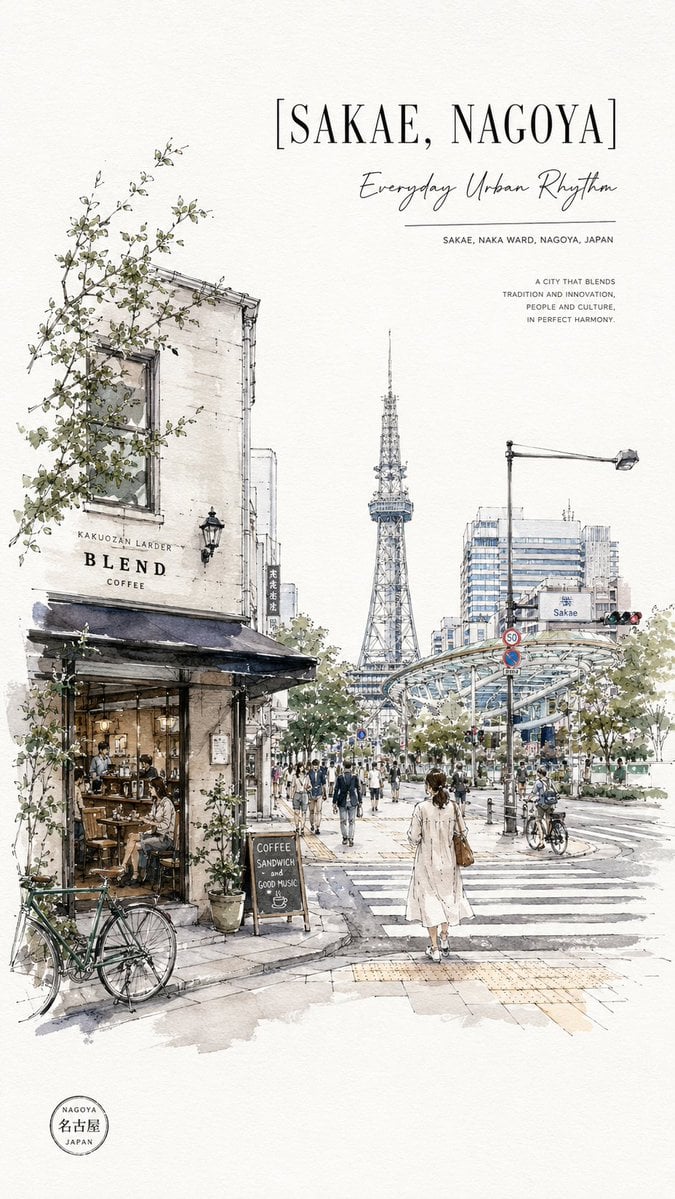
Sakae Nagoya Watercolor Travel Poster

City Posters by Nano Banana Pro

Cartoon TV Show Poster Pack

Trendy Cafe Drink Promo Poster

Urban Fashion Editorial Collage Streetwear Poster

Premium Fashion Editorial Cover Layout System

Polo Ralph Lauren Luxury American Heritage Fashion Campaign

Monochrome Halftone Editorial Fashion Poster

Retro Mirror Luxury Fashion Campaign Poster

Luxury Fashion Campaign Typography Poster System
Make it yours
Nagoya Afternoon Travel Poster works as-is. These are the safest ways to change it without losing the look.
Change one field
Copy a single group, rewrite it, and generate again so you can see what that field is doing.
Keep the frame, change the subject
Hold the composition and light of Nagoya Afternoon Travel Poster, then swap wardrobe, props or the person for a new take.
| If the result… | Why | Fix |
|---|---|---|
| The result drifts from the preview | Too many fields changed at once. | Reuse Nagoya Afternoon Travel Poster as-is first, then change one group — subject, light, or setting. |
| The model over-stylizes the scene | The prose prompt leaves finish and camera underspecified. | Add one camera or lighting sentence and stay on GPT Image 2. |
More GPT Image 2 templates
Other prompts made for GPT Image 2.

Six VTuber Japanese Logo Sheet

Realistic Portrait of Woman and Deer

The Vista Modular Condo Poster

AI Model Routing Comparison Infographic

2.5D Anime Art Board

Isometric Productivity Desk Scene

New York Double Exposure Poster

Four-Panel AI Landscape Comparison

Japanese Tatami Lifestyle Magazine Cover

NESCAFÉ Coffee Map Poster
More image prompts
Fresh picks from across the catalog.
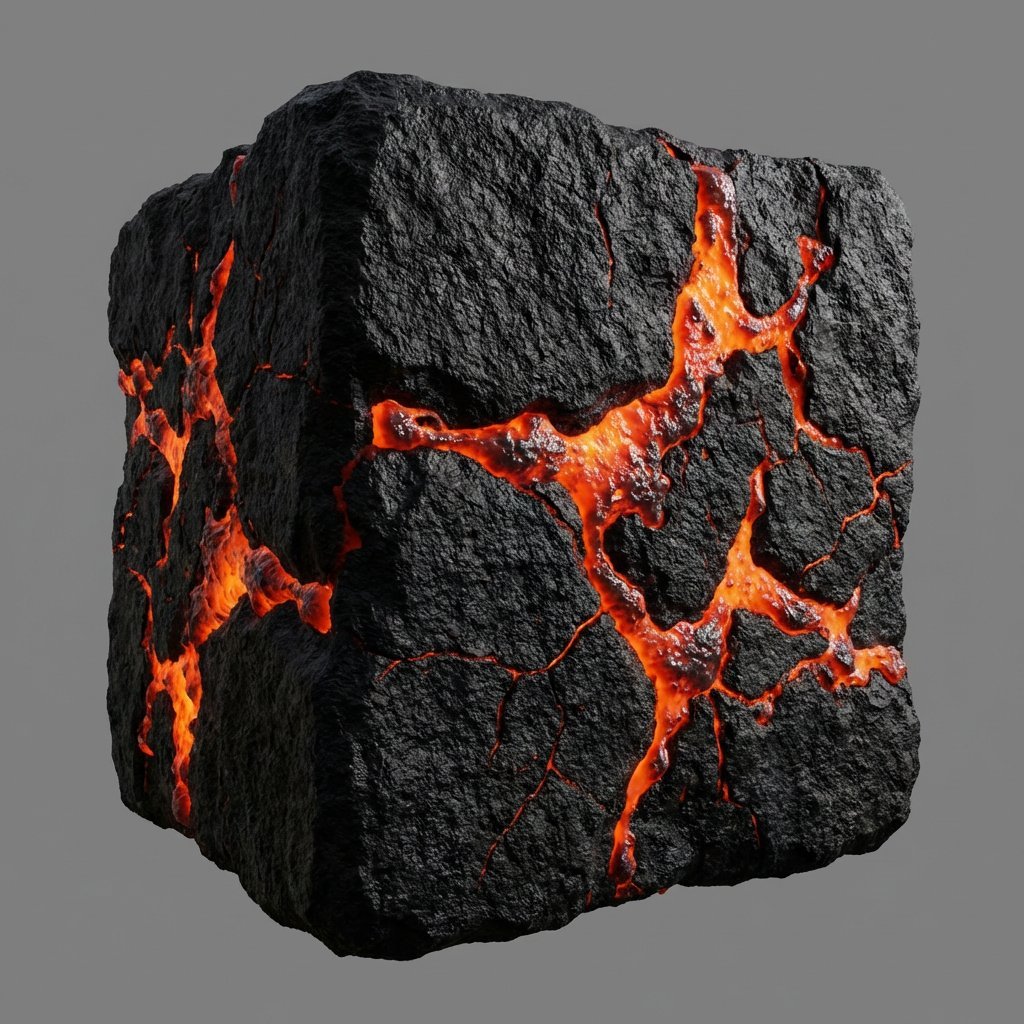
Lava Stone Texture Cube
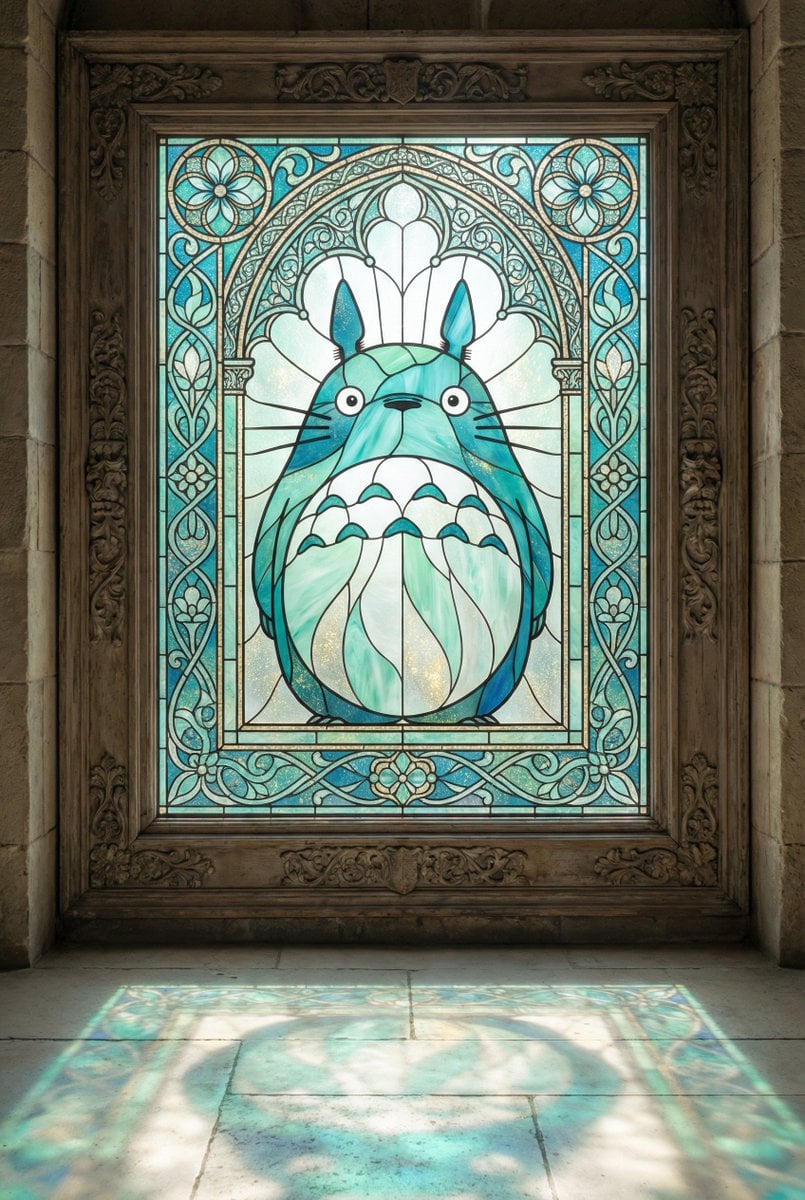
Stained Glass Window Art Prompt
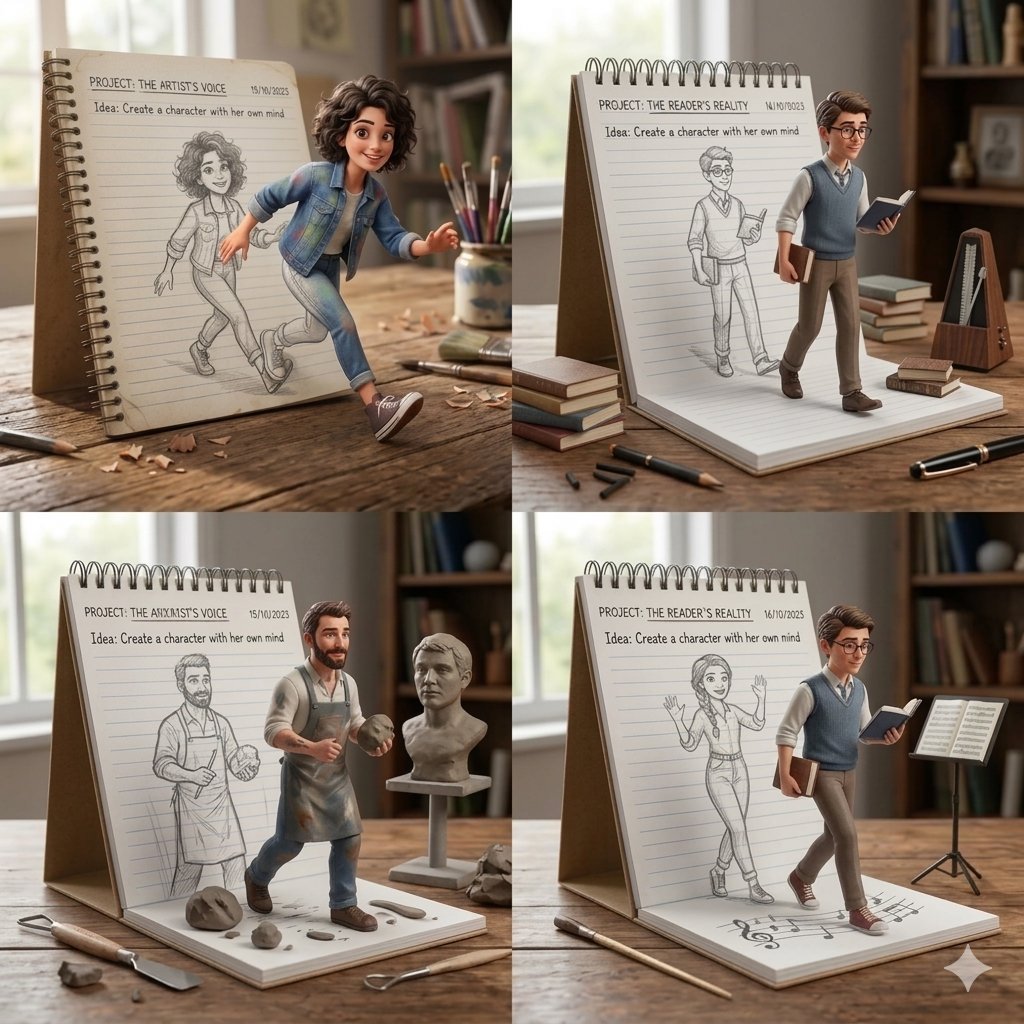
Creative Concept of Hand-Drawn Characters Coming to Life
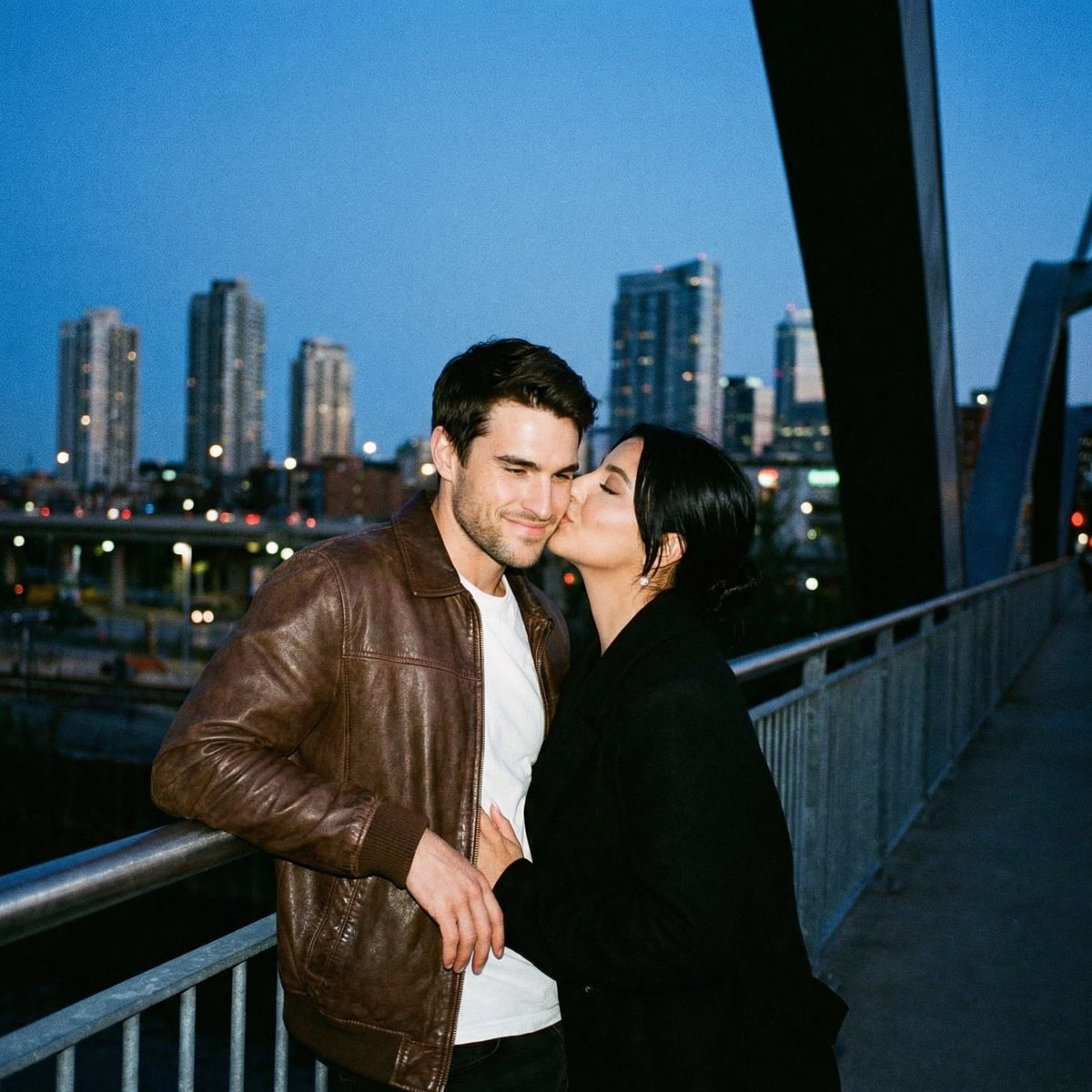
Ultra Analog Film Candid Romance Scene
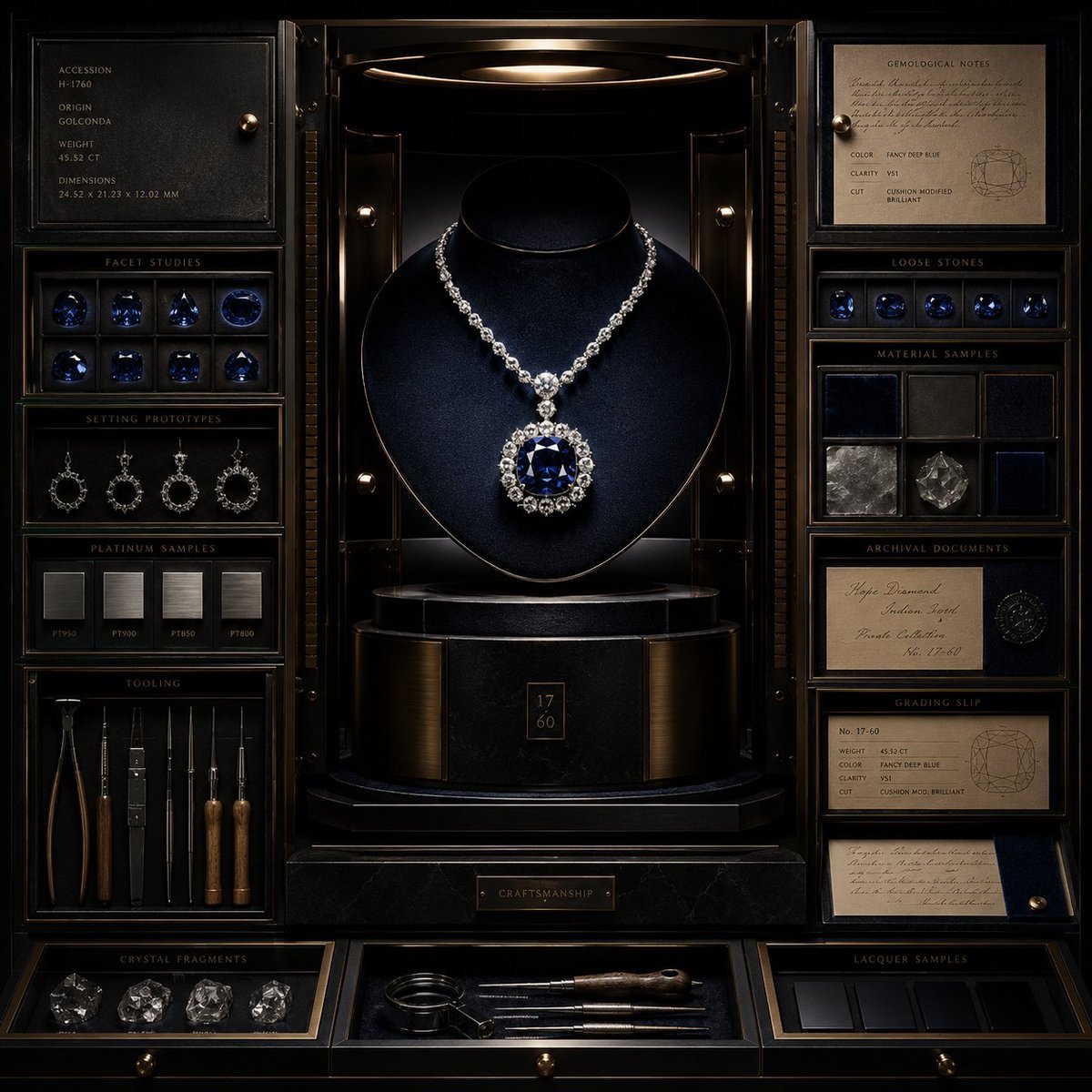
Luxury Jewelry Vault Exhibition
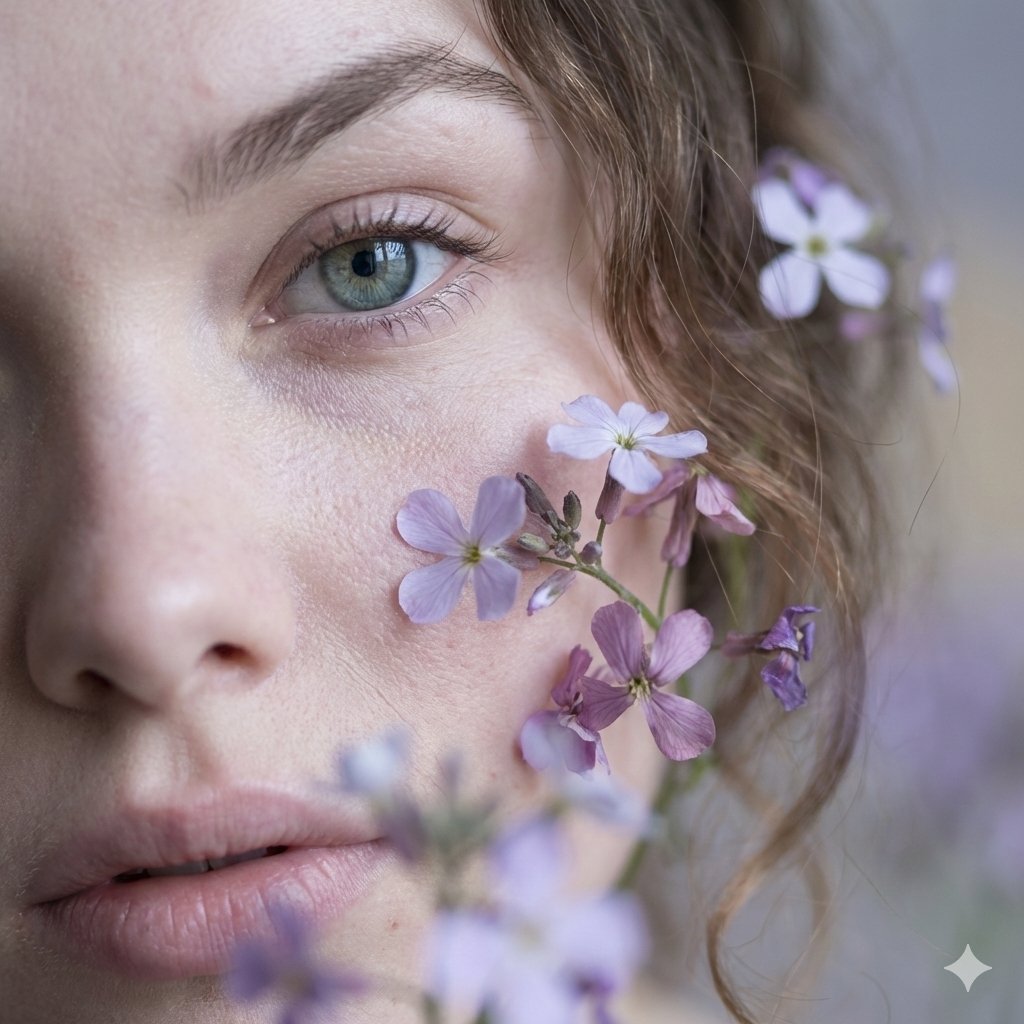
Hyper-Realistic Macro Fine Art Portrait Prompt
Elf Girl Coastal Driver POV
Cinematic Close-up in a Rainy Taxi
Cinematic Pokemon Champion Poster
Mirror Selfie with Exaggerated Hourglass Figure and Charmander Shorts
Browse template categories
Nagoya Afternoon Travel Poster questions
How do I use the Nagoya Afternoon Travel Poster template?
Add your photo if the template asks for one, edit the prompt if you like — the template's model and format are already selected — and press Generate. Your version opens in PicX Studio.
Can I customize the Nagoya Afternoon Travel Poster template?
Yes. You can change the subject, setting, lighting, mood, format, and available model controls before creating your image.
Is the Nagoya Afternoon Travel Poster template free?
Opening and editing this template is free. Generating uses credits, shown on the Generate button when you are signed in.
Which AI model should I use?
Start with GPT Image 2, which is the model associated with this template. You can compare another compatible model for a different finish.
Looking for something else? Browse all templates.

Your photo, any look
Thousands of ready templates for every top image and video model, from one credit balance.