
Luxury Jewelry Vault Exhibition
A prompt for creating high-end campaign visuals of jewelry or watches displayed in an architectural, museum-grade vault setting.
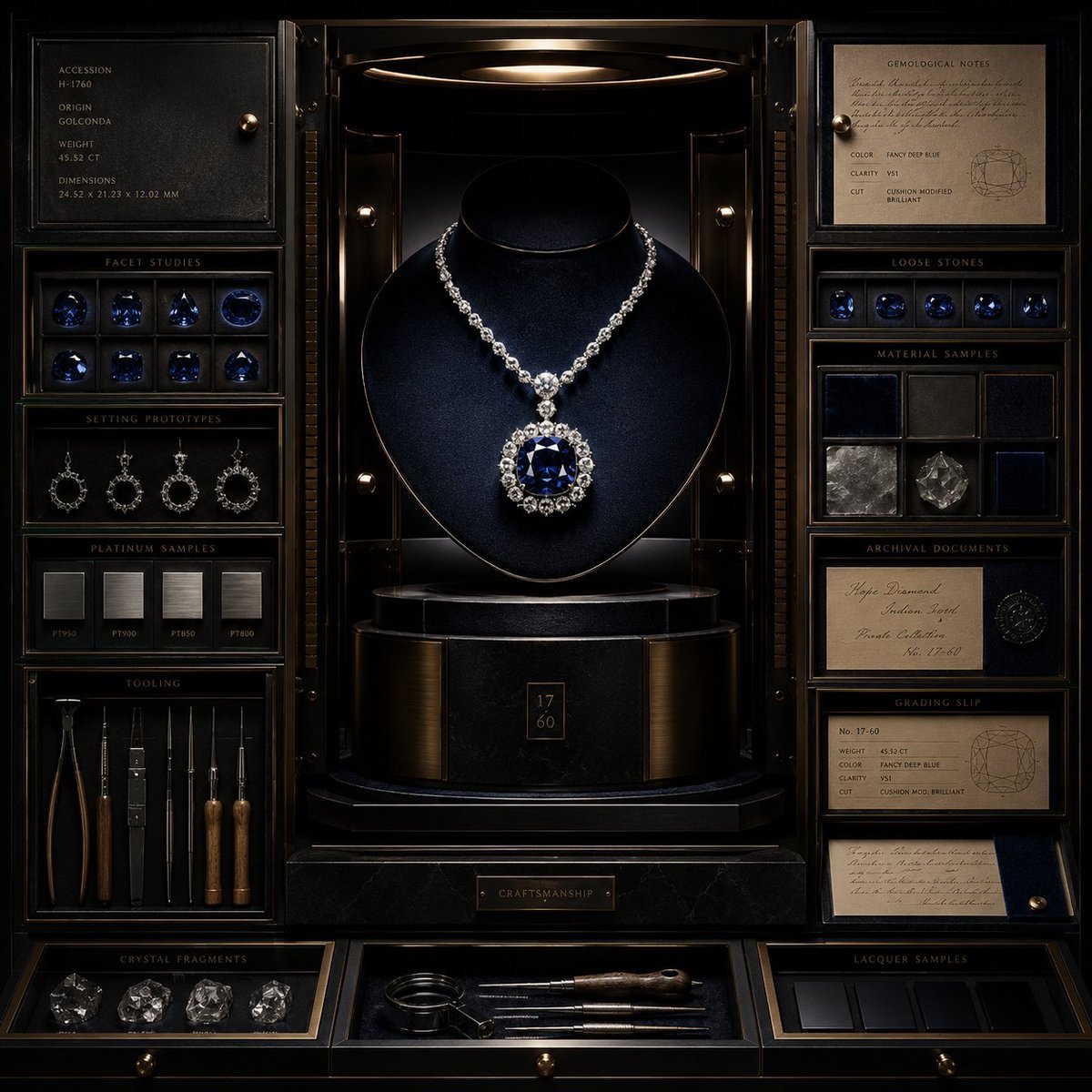
- Prompt included
- Model and format preset
- Free template
The prompt behind this image
Copy the exact prompt behind Luxury Jewelry Vault Exhibition, or open it in the studio and make it yours.
ultra-luxury campaign visual for {argument name="luxury item" default="jewel / watch / accessory"}, displayed inside an architectural vault-like composition as if it belongs to a private collection unavailable to the public. the hero item should sit elevated on a sculptural pedestal or suspended in a controlled showcase niche, surrounded by layered compartments, trays, sliding panels, polished surfaces, and curated supporting artifacts. layout concept: the image should feel like a secret collector’s chamber opened at the perfect moment. use a front-facing or slightly angled composition with strong symmetry or near-symmetry. surround the hero piece with micro-arrangements of {argument name="gem details" default="gem details"}, [craft elements], [archival notes], [material samples], and [custom tooling or stands], all arranged with extreme precision. luxury details: include velvet-lined cavities, smoked glass panels, brushed brass inlays, lacquered wood, polished stone, dark mirror surfaces, subtle engraved numbering, and museum-grade display hardware. everything should feel custom-built around the hero object. visual style: high-jewelry campaign meets private museum exhibition meets brutalist-luxury product staging. refined, crisp, reserved, expensive, with immaculate spatial control. composition guidelines: hero object is unquestionably dominant. supporting compartments must enhance desirability, not distract. keep the scene sparse enough to feel exclusive, but layered enough to reward inspection. use intentional repetition of shapes and lines to create luxury rhythm. lighting & background: pinpoint specular highlights on precious materials, soft shadow falloff, dramatic edge light, velvet-deep blacks, and warm reflected metallic tones. background or housing in {argument name="vault palette" default="vault palette"}. ultra-crisp, editorial campaign finish, no watermark.
How to use Luxury Jewelry Vault Exhibition in 3 steps
- 1
Open
The prompt is already in the box next to the preview, with the template's model and format selected.
- 2…a portrait of your subject in softgolden-hour light, 85mm…
Personalize
Edit the subject and creative details for your destination.
- 3Generate
Generate
Press Generate — your image is created in PicX Studio, so you can compare it with the original and refine one variable at a time.
More like this
Templates with the same subject, style or setup. Open one to see its prompt.
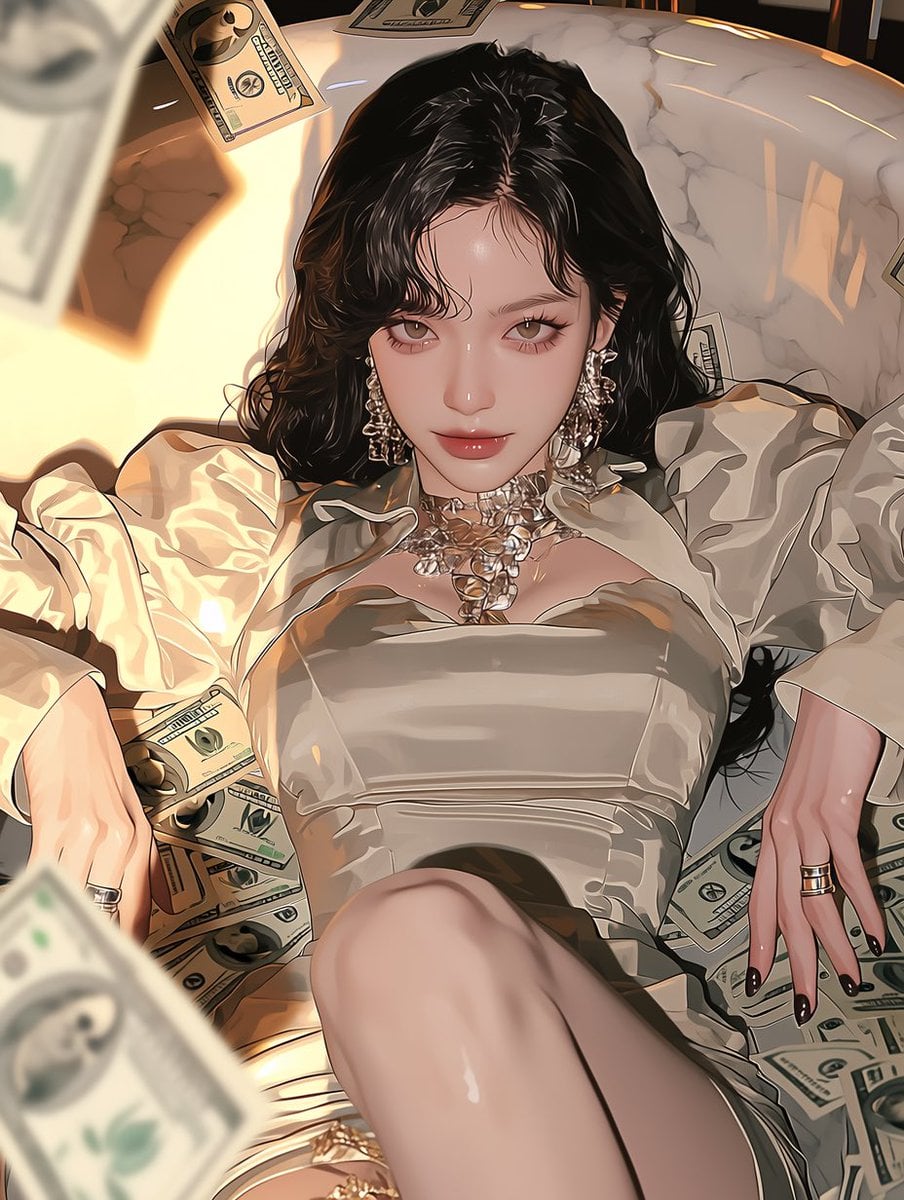







Make it yours
Luxury Jewelry Vault Exhibition works as-is. These are the safest ways to change it without losing the look.
Change one field
Copy a single group, rewrite it, and generate again so you can see what that field is doing.
Keep the frame, change the subject
Hold the composition and light of Luxury Jewelry Vault Exhibition, then swap wardrobe, props or the person for a new take.
| If the result… | Why | Fix |
|---|---|---|
| The result drifts from the preview | Too many fields changed at once. | Reuse Luxury Jewelry Vault Exhibition as-is first, then change one group — subject, light, or setting. |
| The model over-stylizes the scene | The prose prompt leaves finish and camera underspecified. | Add one camera or lighting sentence and stay on GPT Image 2. |
More GPT Image 2 templates
Other prompts made for GPT Image 2.

Six VTuber Japanese Logo Sheet

Realistic Portrait of Woman and Deer

The Vista Modular Condo Poster

AI Model Routing Comparison Infographic

2.5D Anime Art Board

Isometric Productivity Desk Scene

New York Double Exposure Poster

Four-Panel AI Landscape Comparison

Japanese Tatami Lifestyle Magazine Cover

NESCAFÉ Coffee Map Poster
More image prompts
Fresh picks from across the catalog.
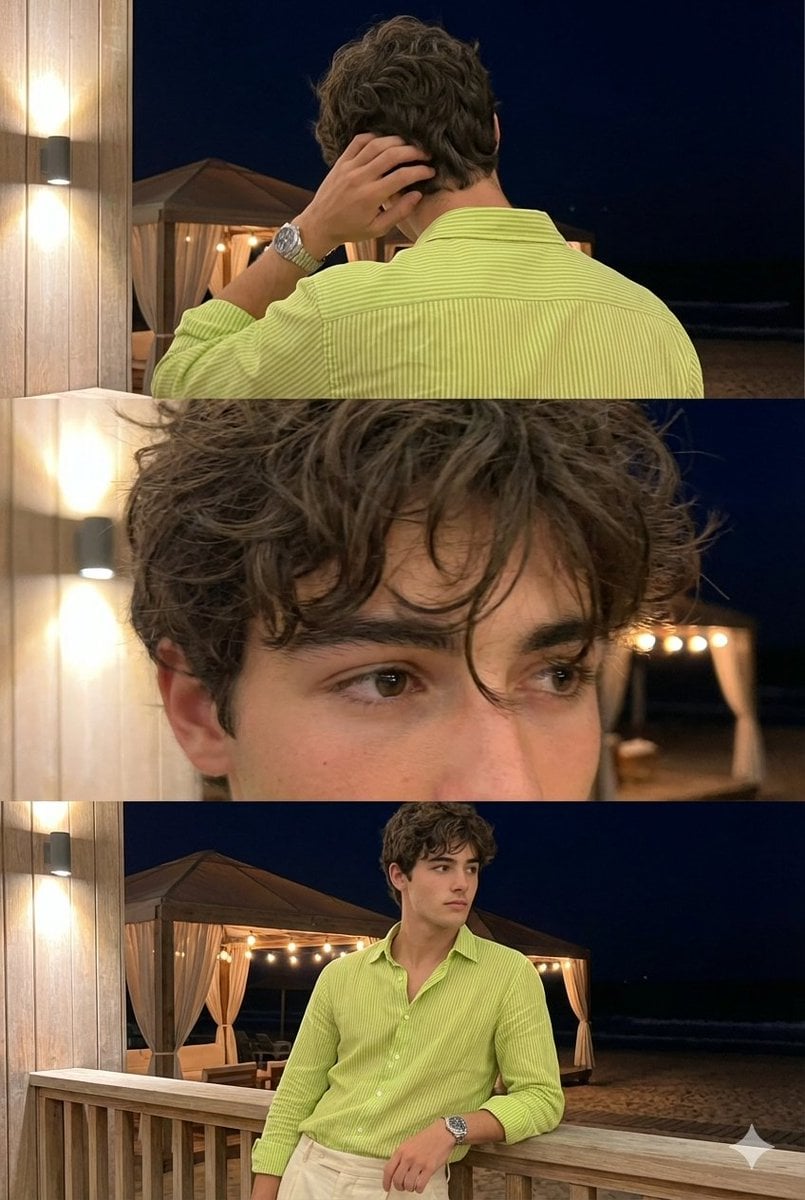
Triple-Frame Candid Portrait with Locked Facial Identity
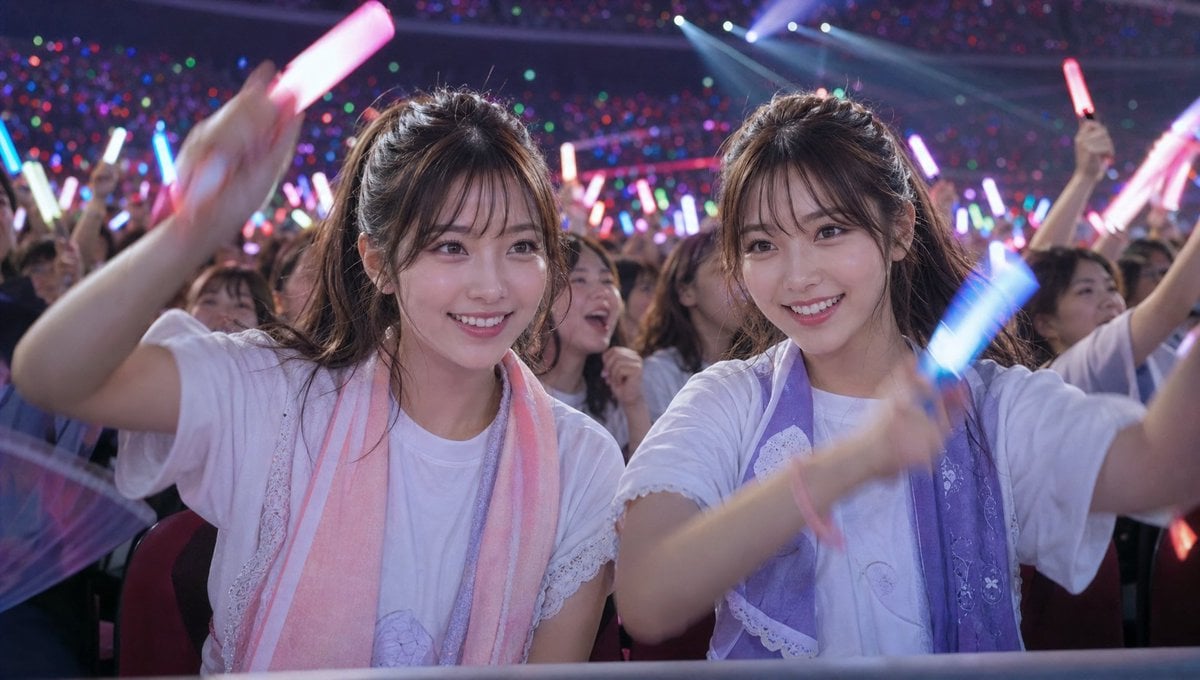
Crowd Energy at Idol Live Concert

Frozen Valley of Fallen Titans Concept Art
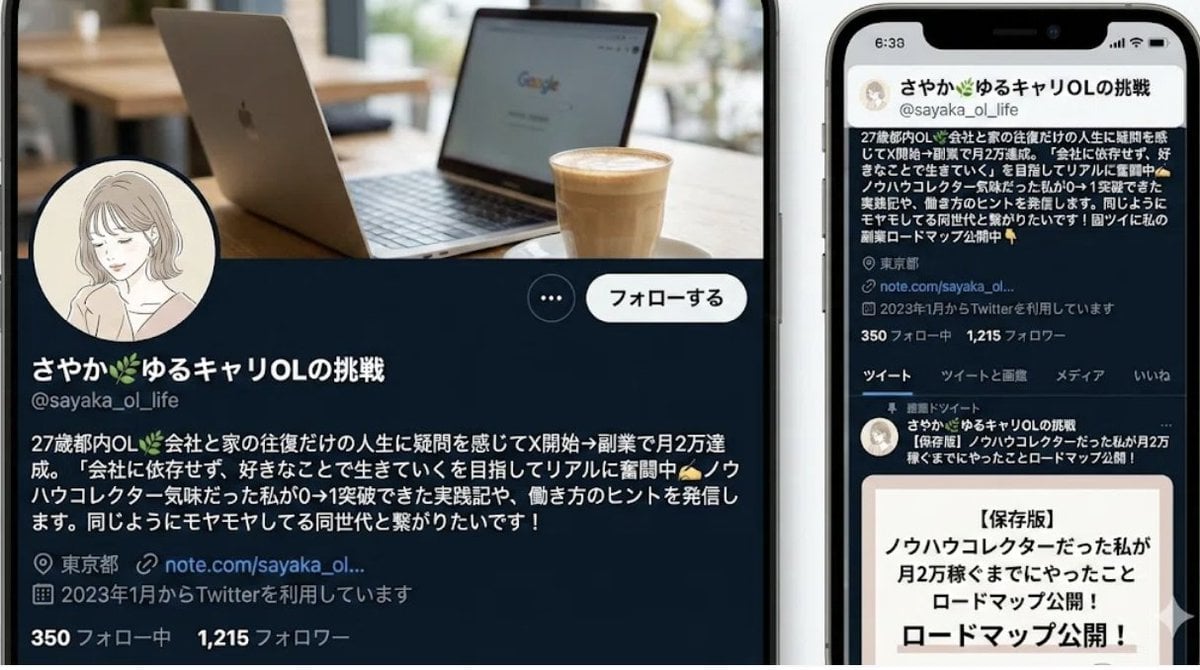
Nano-banana Pro Persona Generation Prompt
Minimalist Fashion Moodboard Outfit
Anime Streetwear Techwear Redesign
AI Transformation to Dryad
Flash Mirror Selfie in Retro Bathroom
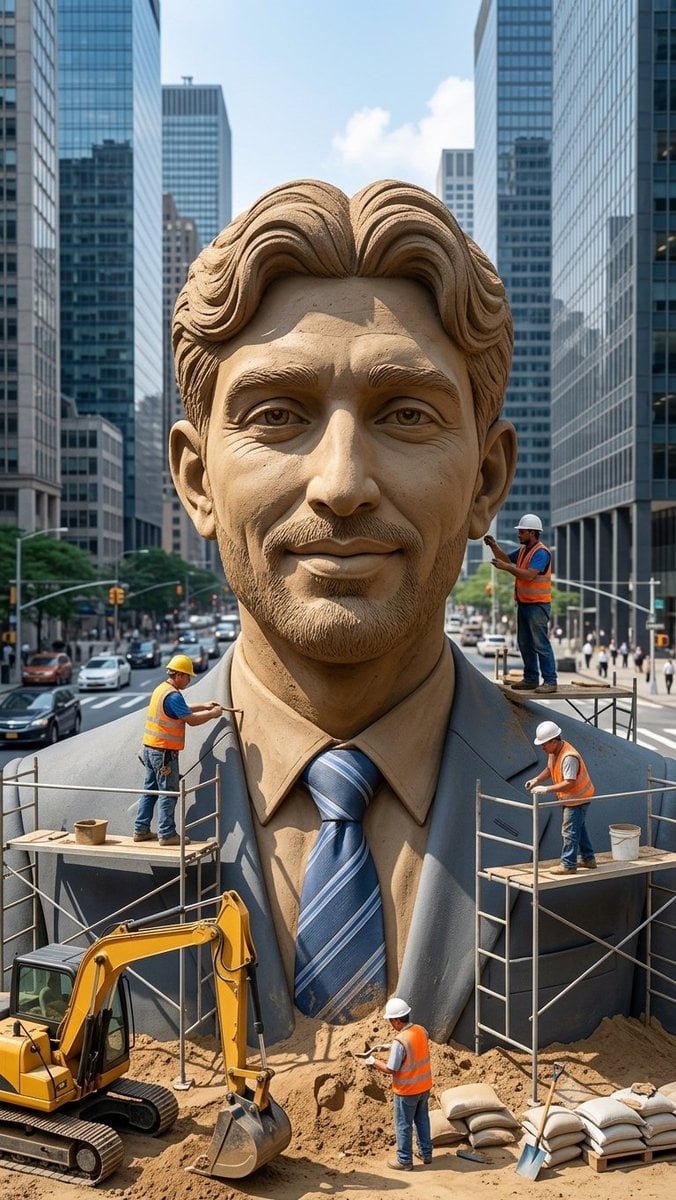
Censored Sand Businessman Statue
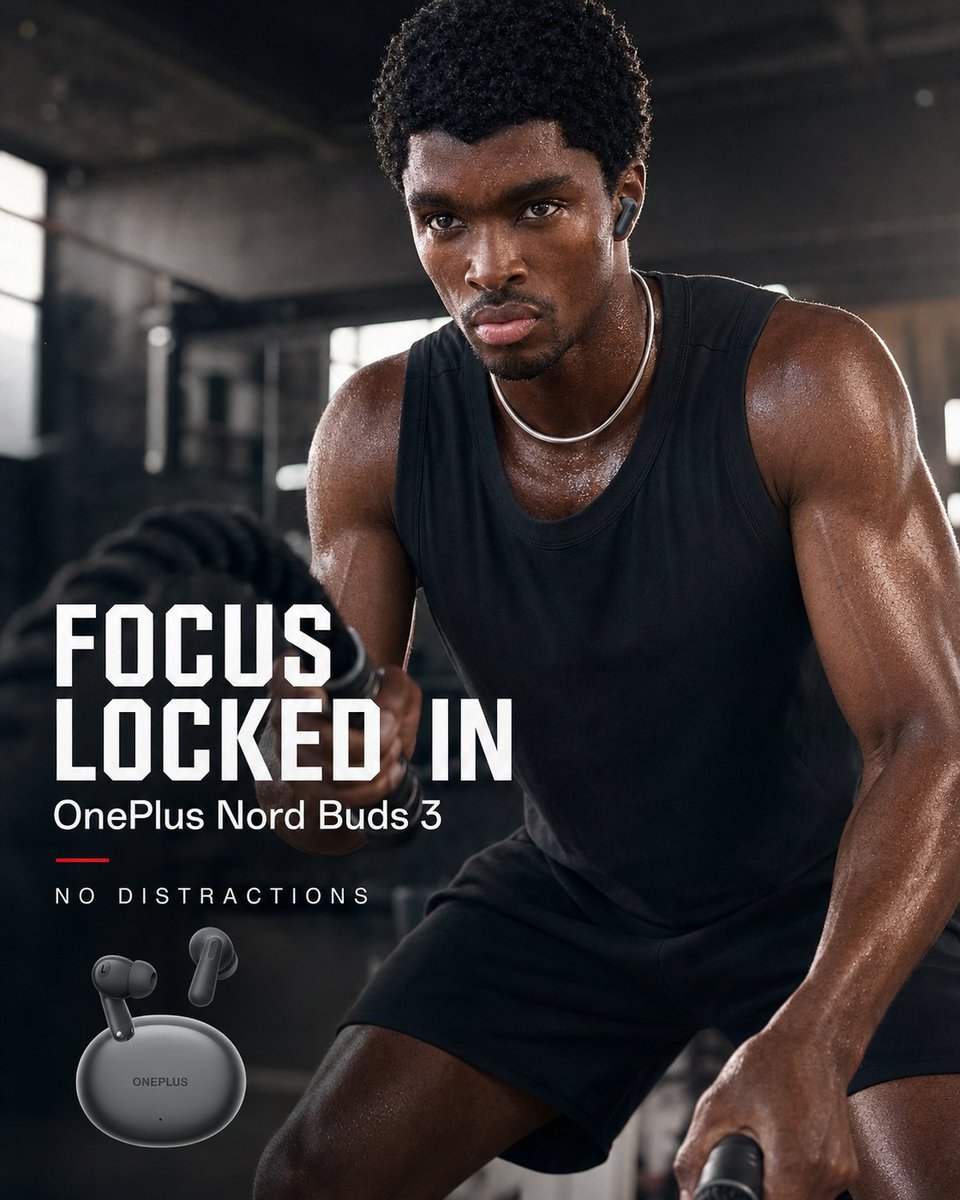
OnePlus Fitness Earbuds Ad
Browse template categories
Luxury Jewelry Vault Exhibition questions
How do I use the Luxury Jewelry Vault Exhibition template?
Add your photo if the template asks for one, edit the prompt if you like — the template's model and format are already selected — and press Generate. Your version opens in PicX Studio.
Can I customize the Luxury Jewelry Vault Exhibition template?
Yes. You can change the subject, setting, lighting, mood, format, and available model controls before creating your image.
Is the Luxury Jewelry Vault Exhibition template free?
Opening and editing this template is free. Generating uses credits, shown on the Generate button when you are signed in.
Which AI model should I use?
Start with GPT Image 2, which is the model associated with this template. You can compare another compatible model for a different finish.
Looking for something else? Browse all templates.

Your photo, any look
Thousands of ready templates for every top image and video model, from one credit balance.