
Censored Sand Businessman Statue
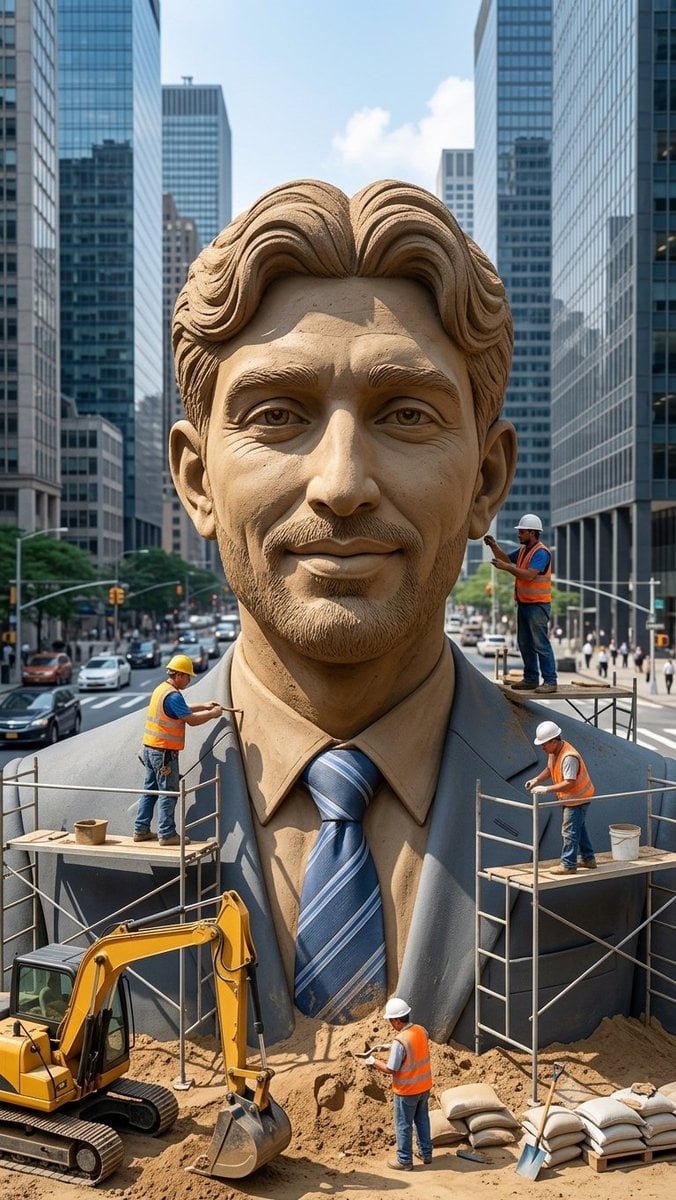
A photorealistic city-street construction scene featuring workers sculpting a giant sand businessman statue with its face obscured by a censor block.
- Prompt included
- Model and format preset
- Free template
The prompt behind this image
Copy the exact prompt behind Censored Sand Businessman Statue, or open it in the studio and make it yours.
Create a vertical photorealistic urban scene of a colossal hyper-realistic sand sculpture of a smiling businessman wearing a formal suit, dress shirt, and blue striped tie, placed in the middle of a busy modern city street between tall glass skyscrapers. The statue should fill most of the frame from chest to head, with detailed carved sand hair, ears, collar, lapels, tie texture, and realistic granular sand shading. Cover the entire face area with a large plain rectangular censor block in {argument name="censor block color" default="medium warm brown"}, centered over the face from forehead to chin, obscuring all facial features while leaving hair, ears, neck, shirt, and suit visible. Include exactly 4 construction workers wearing orange safety vests, jeans, and hard hats: one worker on the left scaffold carving the left shoulder with a hand tool, one worker standing on a small platform at the right side near the head holding a tool, one worker on the right scaffold working near the suit lapel while bending forward, and one worker on the ground in front of the statue shoveling or smoothing sand. Add exactly 2 scaffold platforms, one on each side of the statue, with metal rails and wooden planks. Add exactly 1 yellow excavator at the lower left foreground with its bucket resting in sand, plus piles of sand, sandbags, buckets, and a shovel in the lower foreground. The background should show a busy city avenue with cars, crosswalks, traffic lights, pedestrians, and tall reflective office towers on both sides, under bright daytime sky with a few clouds. Use realistic perspective, sharp details, natural daylight, cinematic depth, and a documentary construction-site feeling. No text, no logos, no watermark.
How to use Censored Sand Businessman Statue in 3 steps
- 1Upload ImagePNG, JPG or paste
Add your photo
Upload the photo the template builds on. The prompt, model and format are already set.
- 2…a portrait of your subject in softgolden-hour light, 85mm…
Personalize
Edit the subject and creative details for your destination.
- 3Generate
Generate
Press Generate — your image is created in PicX Studio, so you can compare it with the original and refine one variable at a time.
More like this
Templates with the same subject, style or setup. Open one to see its prompt.

Censored Anime Businessman Portrait
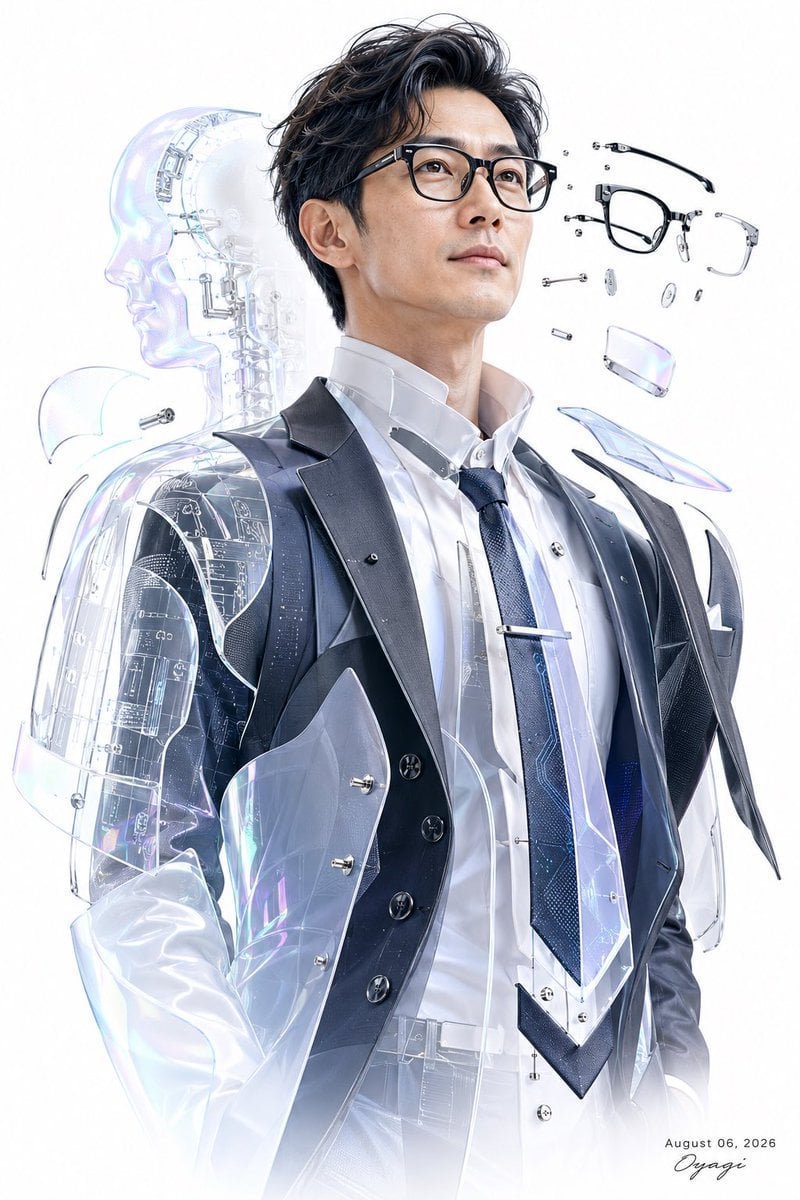
Futuristic Cyber Businessman Portrait
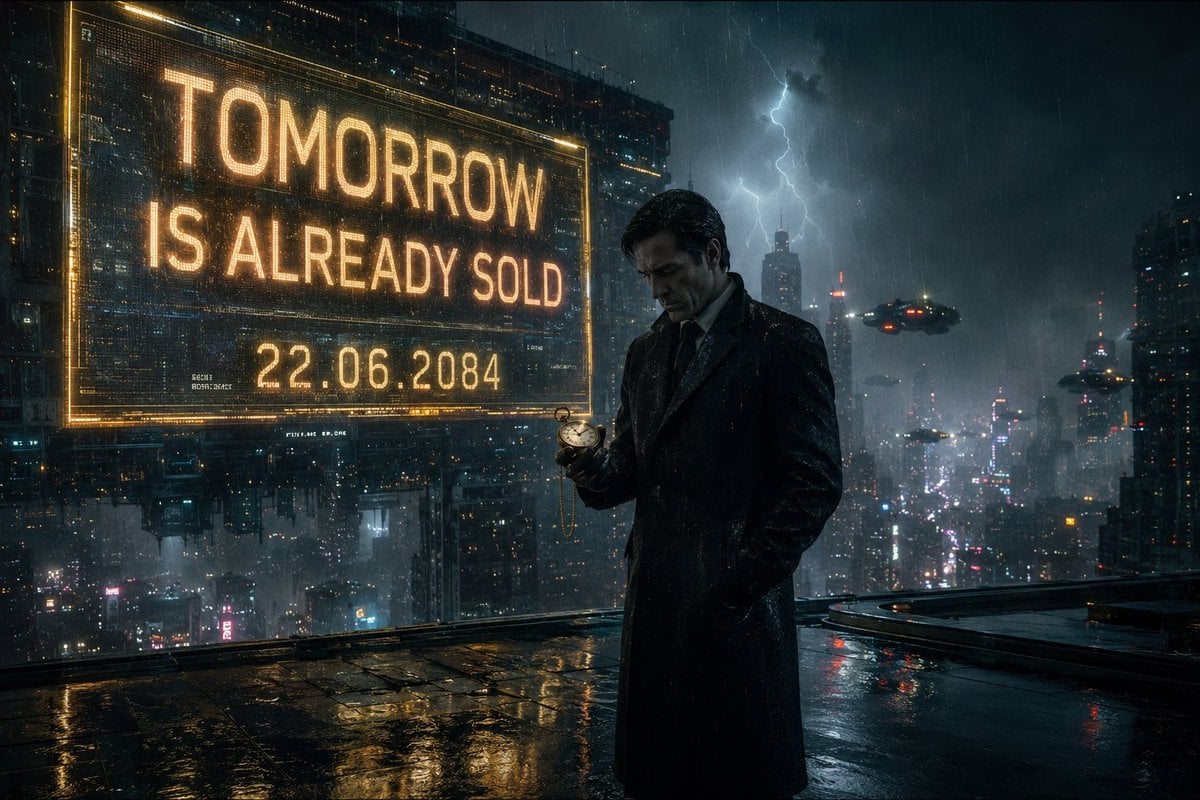
Neo-Noir Cyberpunk Businessman Portrait
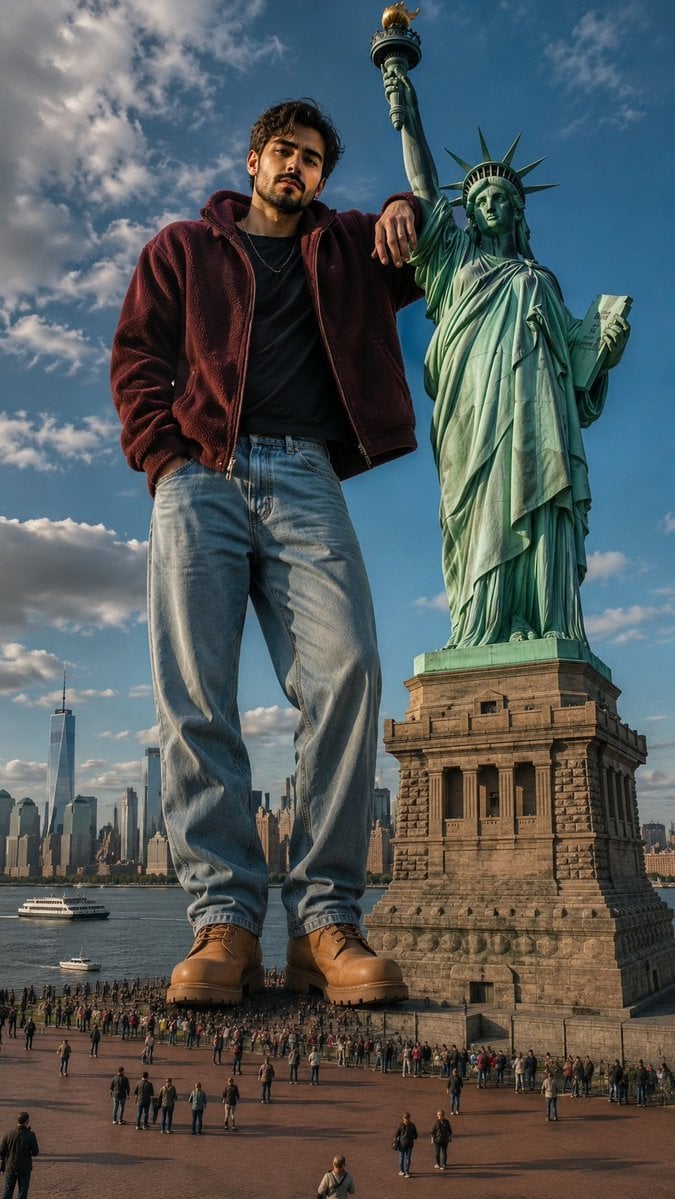
Giant Man Standing by Statue of Liberty
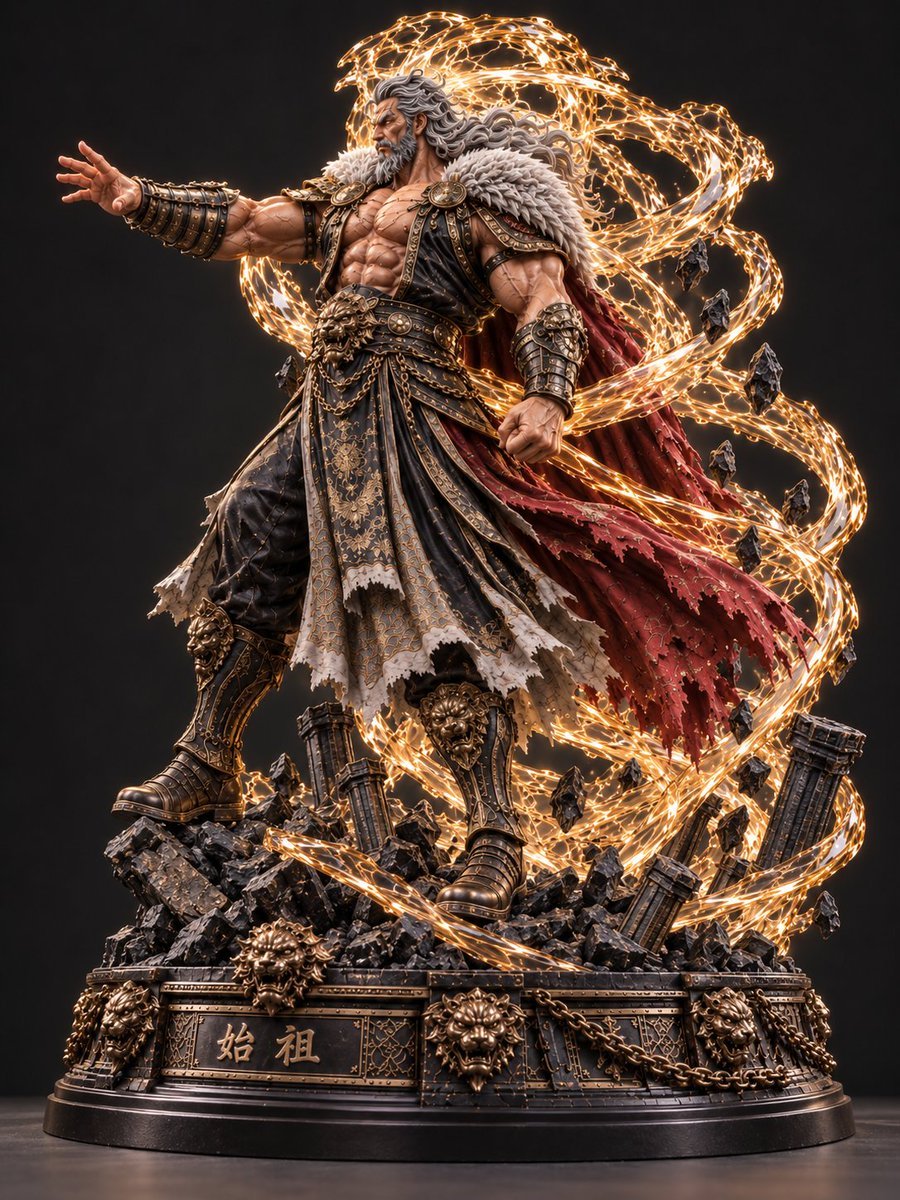
Mythic Warrior Statue
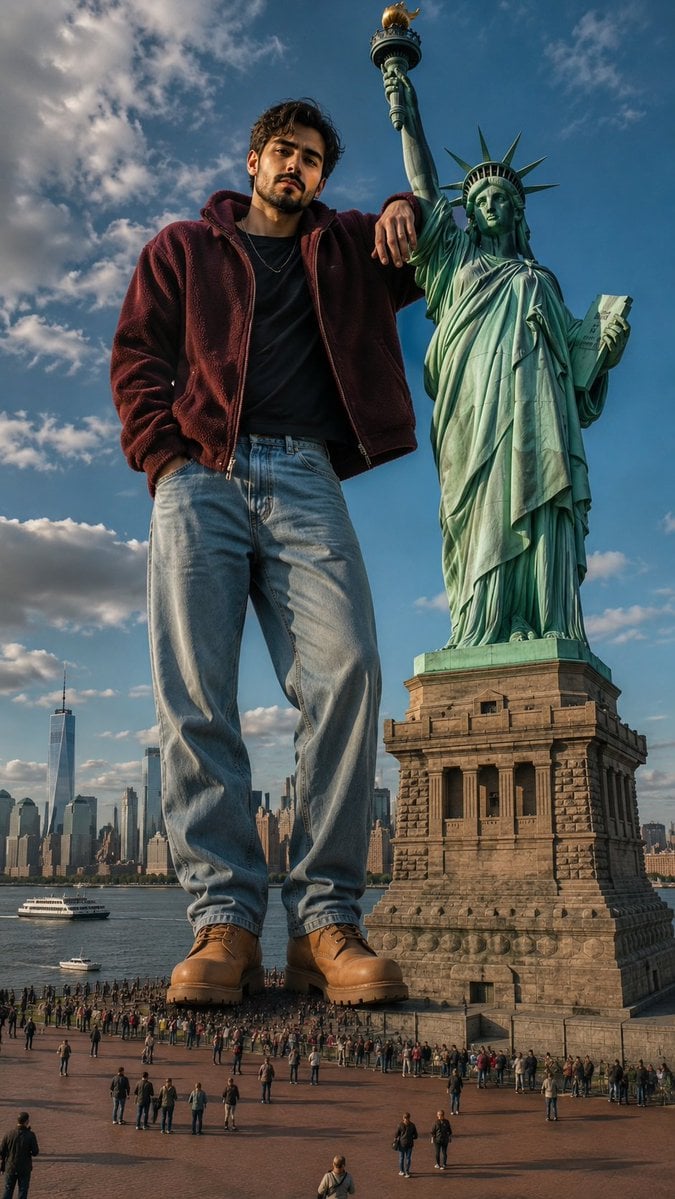
Giant Man at Statue of Liberty
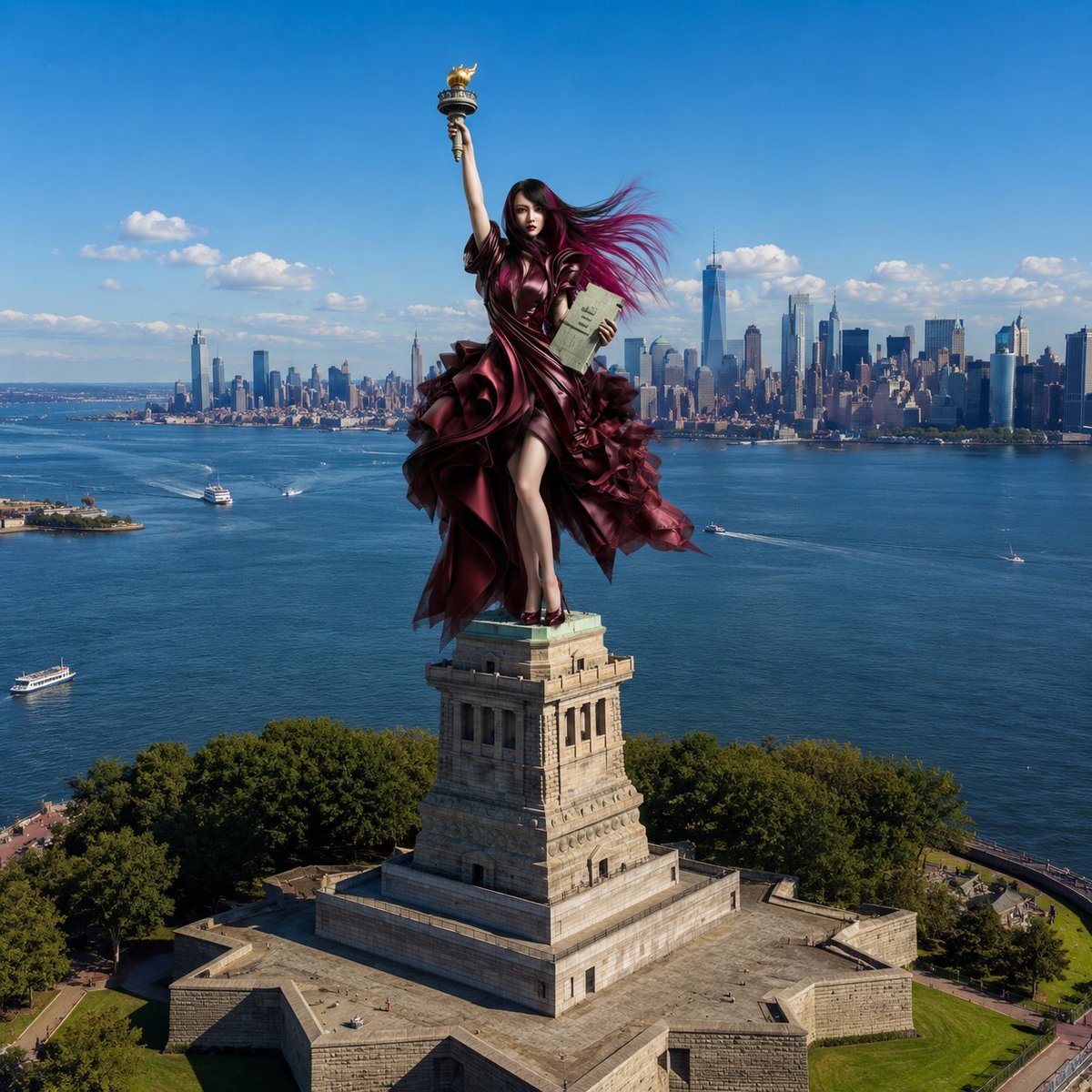
Statue of Liberty Persona Transformation

Woman Turned Into Stone Statue
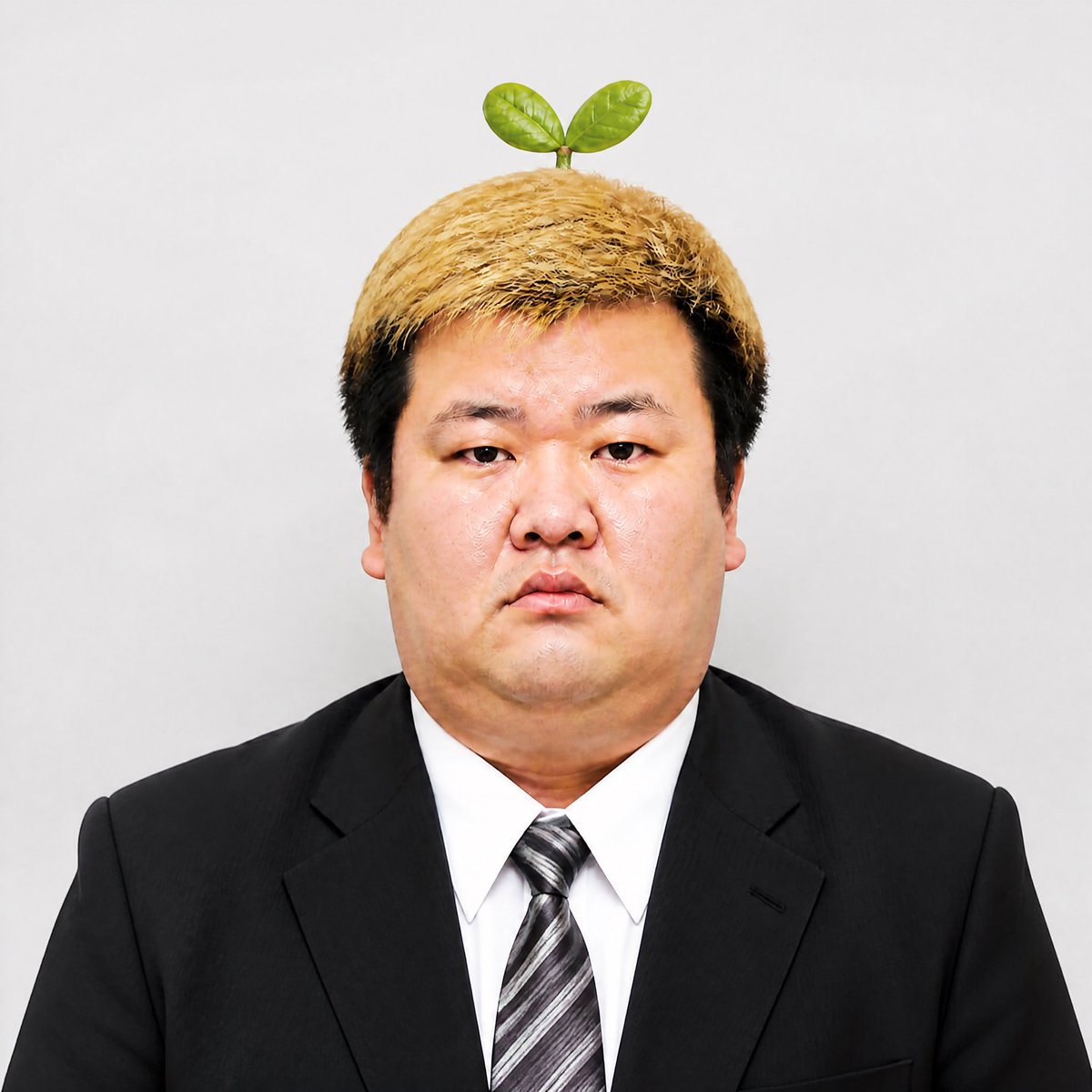
Stern Businessman With Sprout
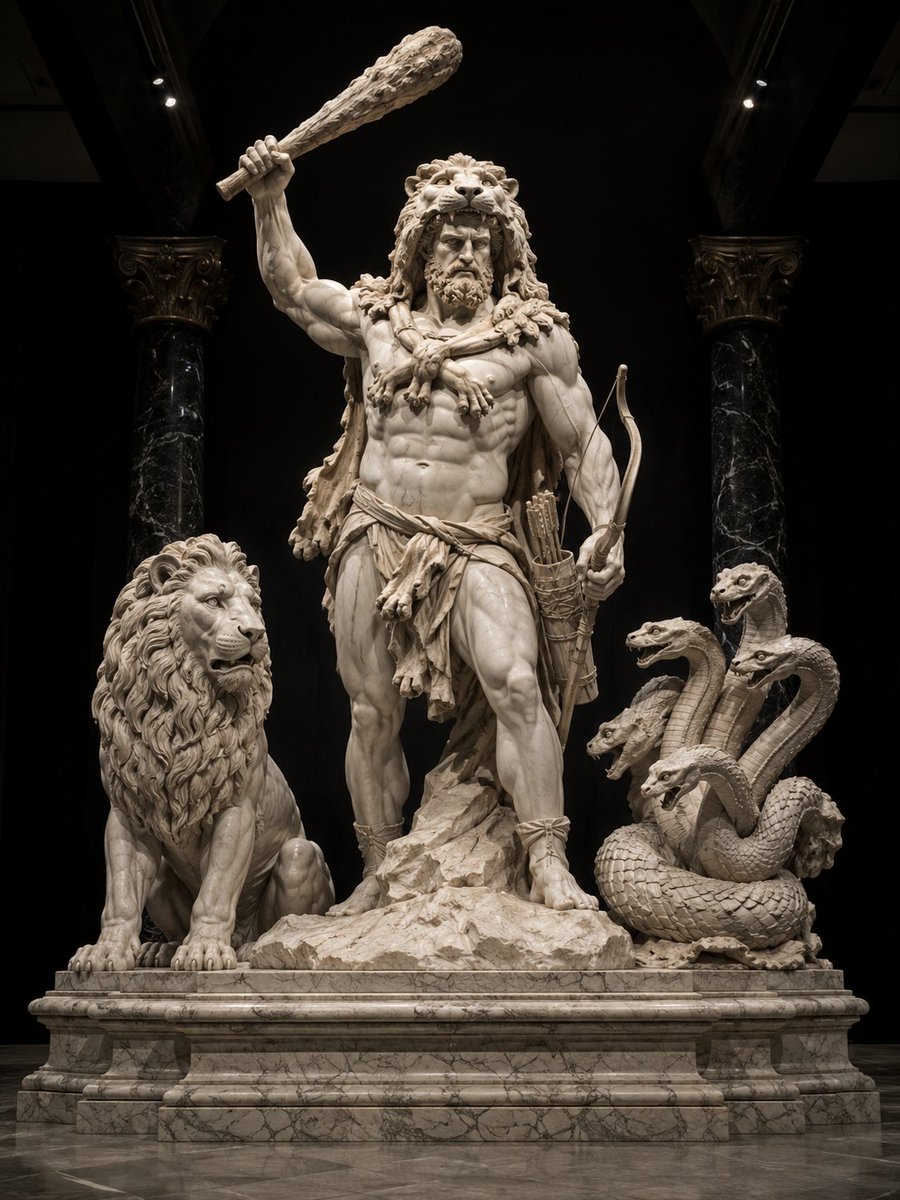
Heracles Marble Statue
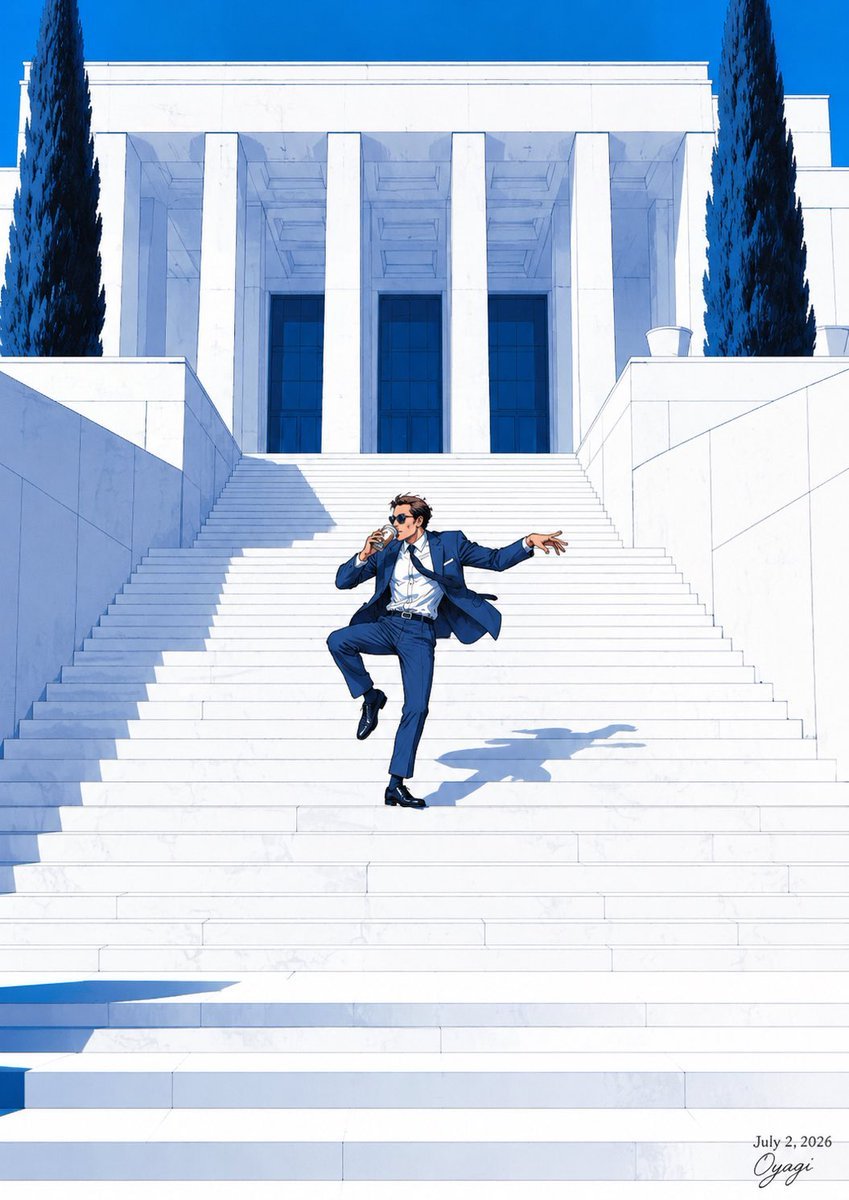
Tipsy Businessman on Marble Stairs
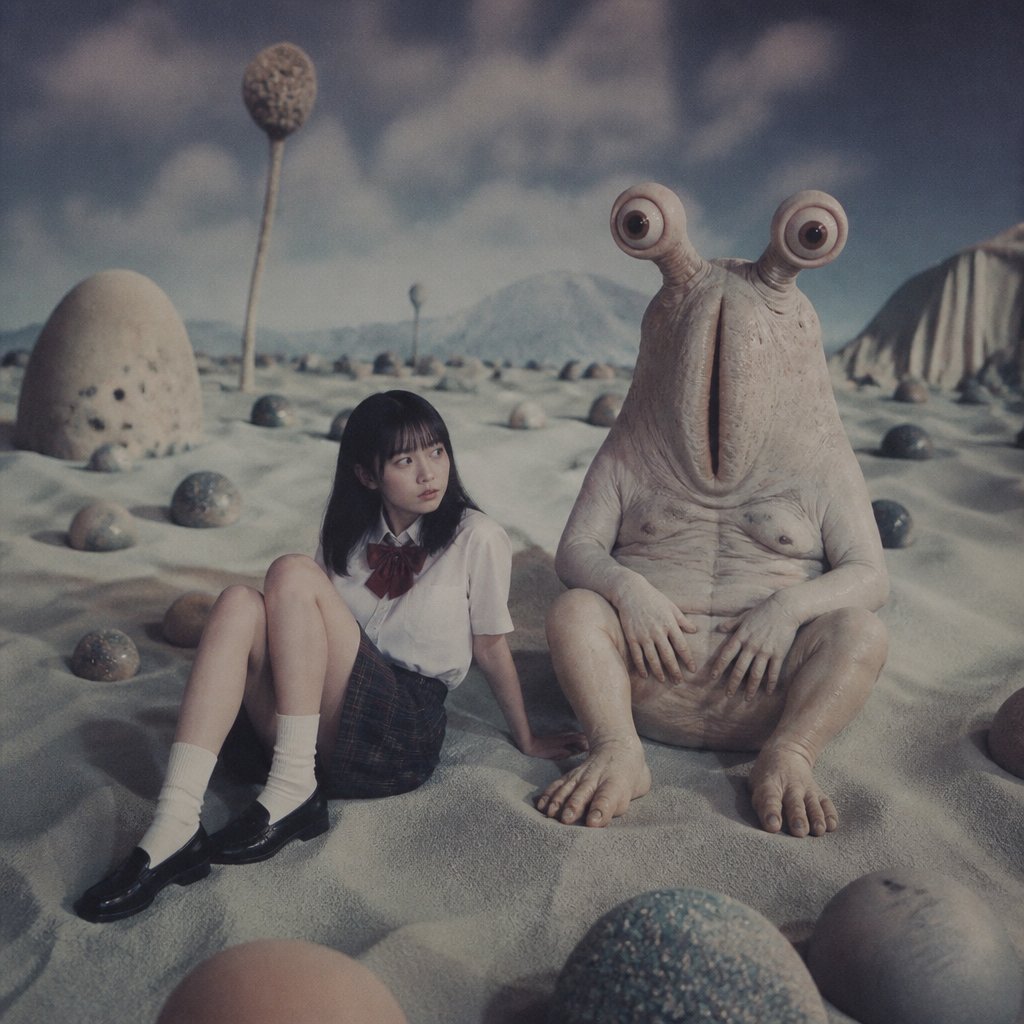
Schoolgirl and Eyestalk Alien in Sand Wasteland
Make it yours
Censored Sand Businessman Statue works as-is. These are the safest ways to change it without losing the look.
Change one field
Copy a single group, rewrite it, and generate again so you can see what that field is doing.
Keep the frame, change the subject
Hold the composition and light of Censored Sand Businessman Statue, then swap wardrobe, props or the person for a new take.
| If the result… | Why | Fix |
|---|---|---|
| The result drifts from the preview | Too many fields changed at once. | Reuse Censored Sand Businessman Statue as-is first, then change one group — subject, light, or setting. |
| The model over-stylizes the scene | The prose prompt leaves finish and camera underspecified. | Add one camera or lighting sentence and stay on GPT Image 2. |
More GPT Image 2 templates
Other prompts made for GPT Image 2.

Six VTuber Japanese Logo Sheet

Realistic Portrait of Woman and Deer

The Vista Modular Condo Poster

AI Model Routing Comparison Infographic

2.5D Anime Art Board

Isometric Productivity Desk Scene

New York Double Exposure Poster

Four-Panel AI Landscape Comparison

Japanese Tatami Lifestyle Magazine Cover

NESCAFÉ Coffee Map Poster
More image prompts
Fresh picks from across the catalog.
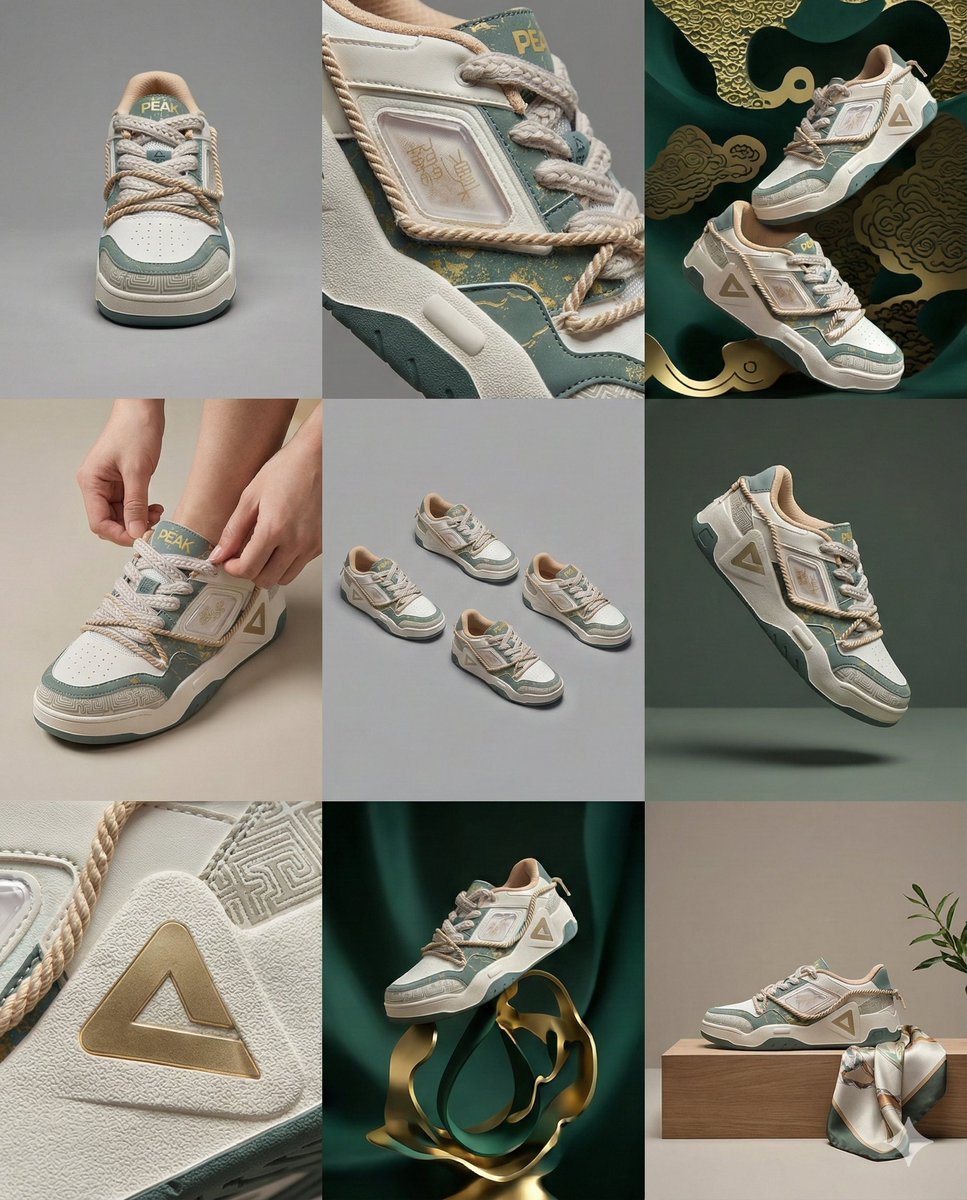
3x3 Visual Storyboard for Product Branding
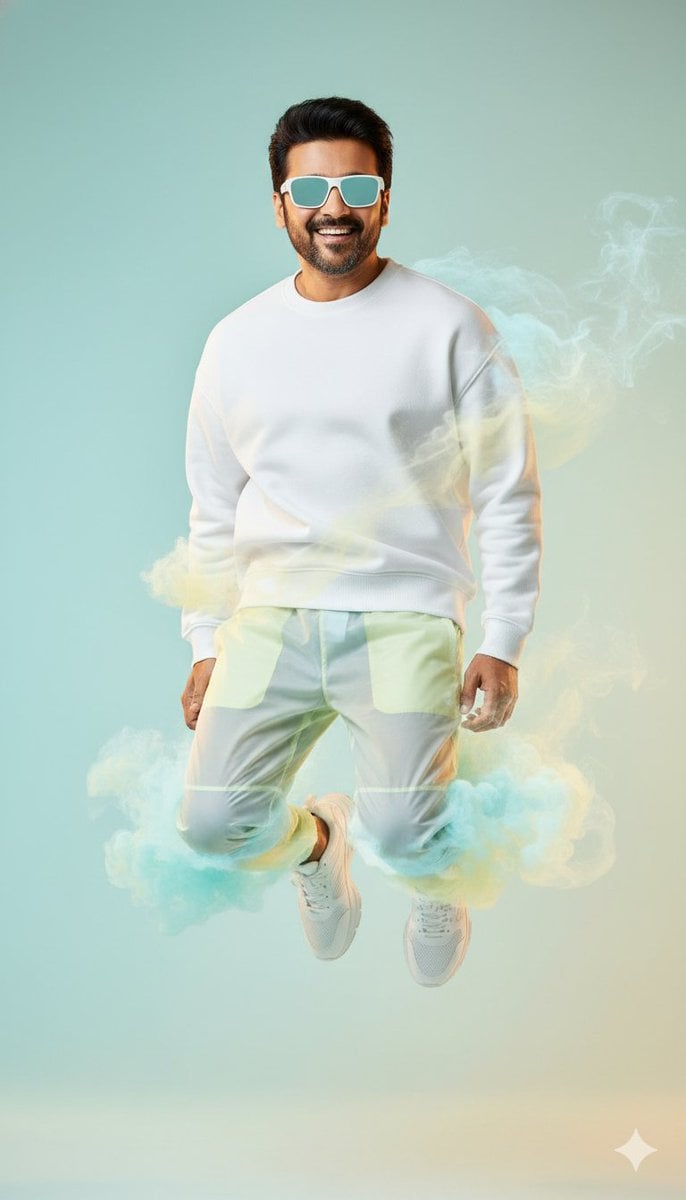
High-Fashion Sportswear Editorial Jump Shot
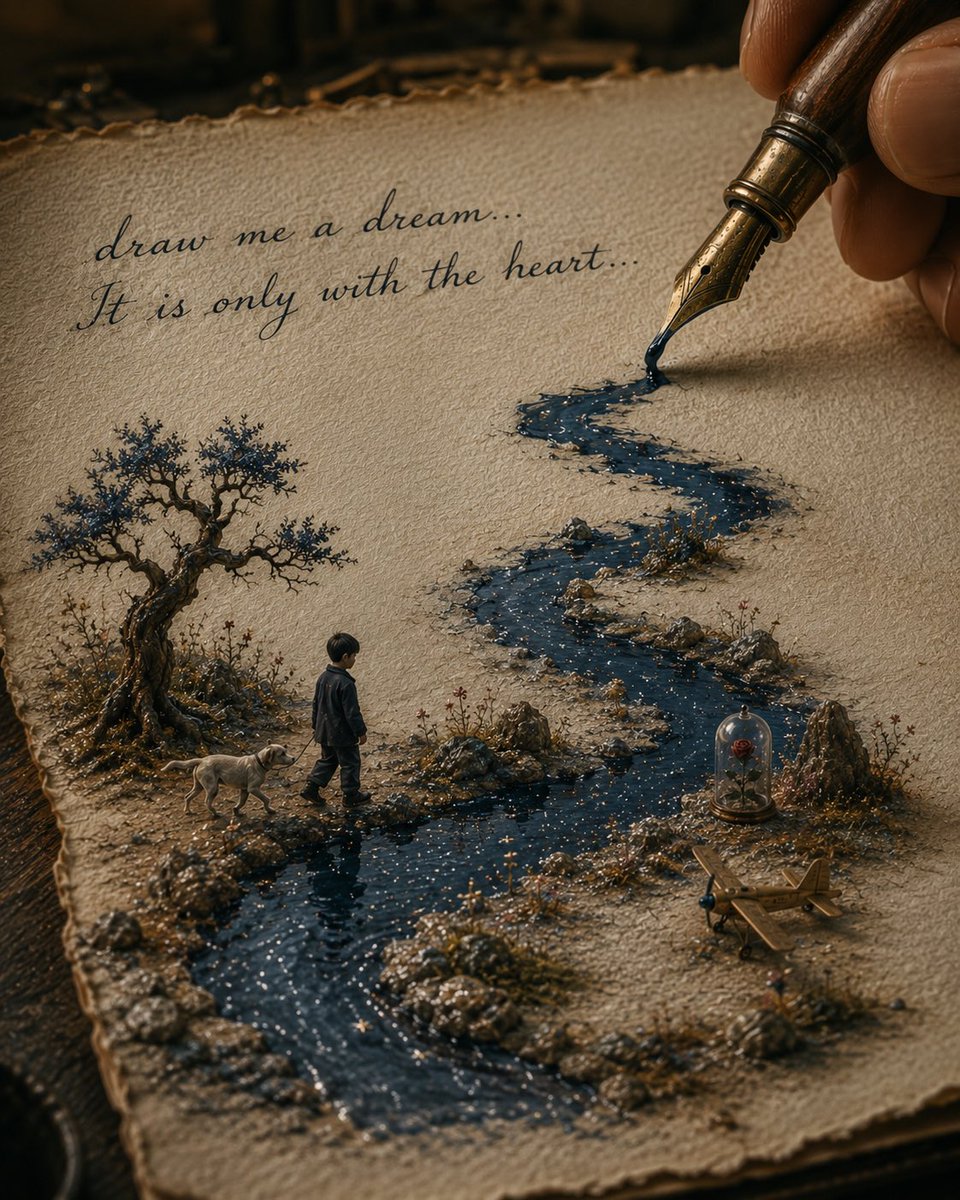
Ink River Fairy Tale Diorama
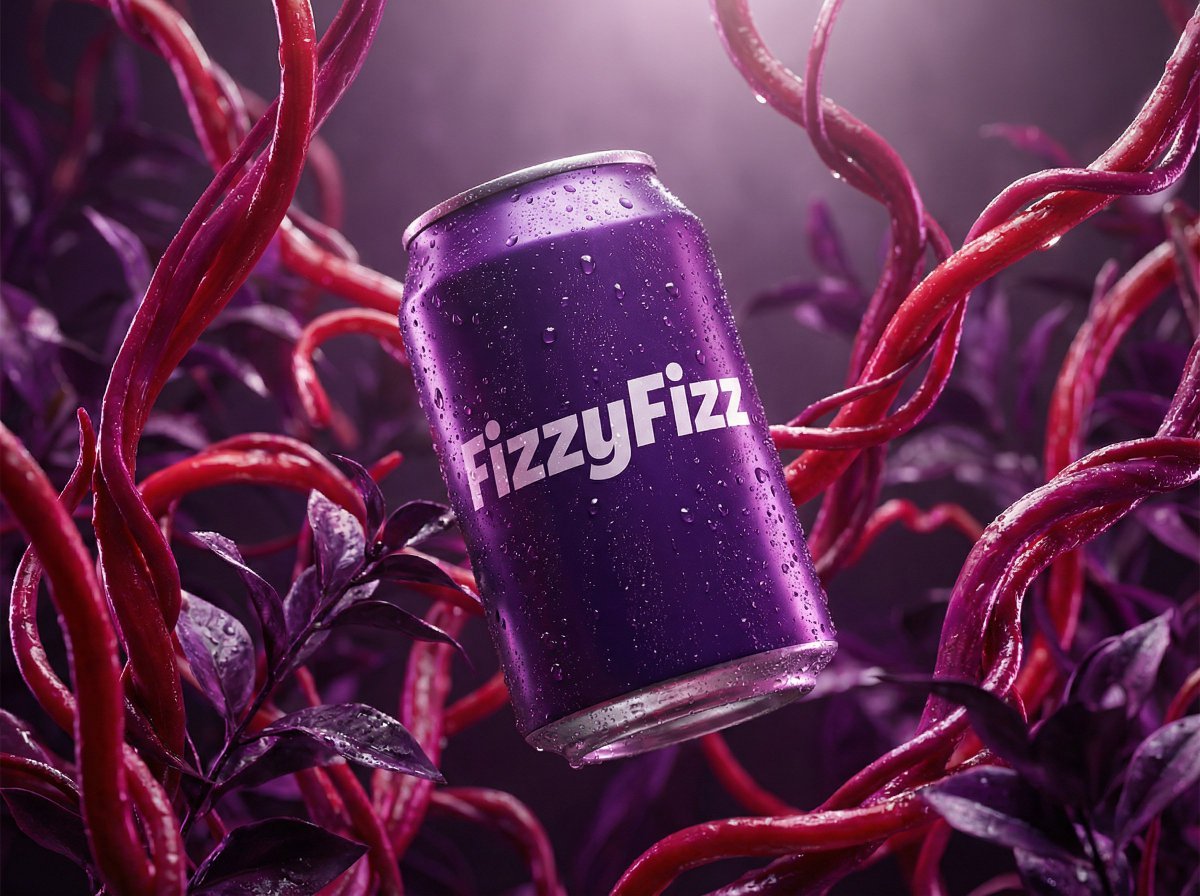
Surreal Product Shot Prompt: Purple Beverage Can with Organic Tendrils
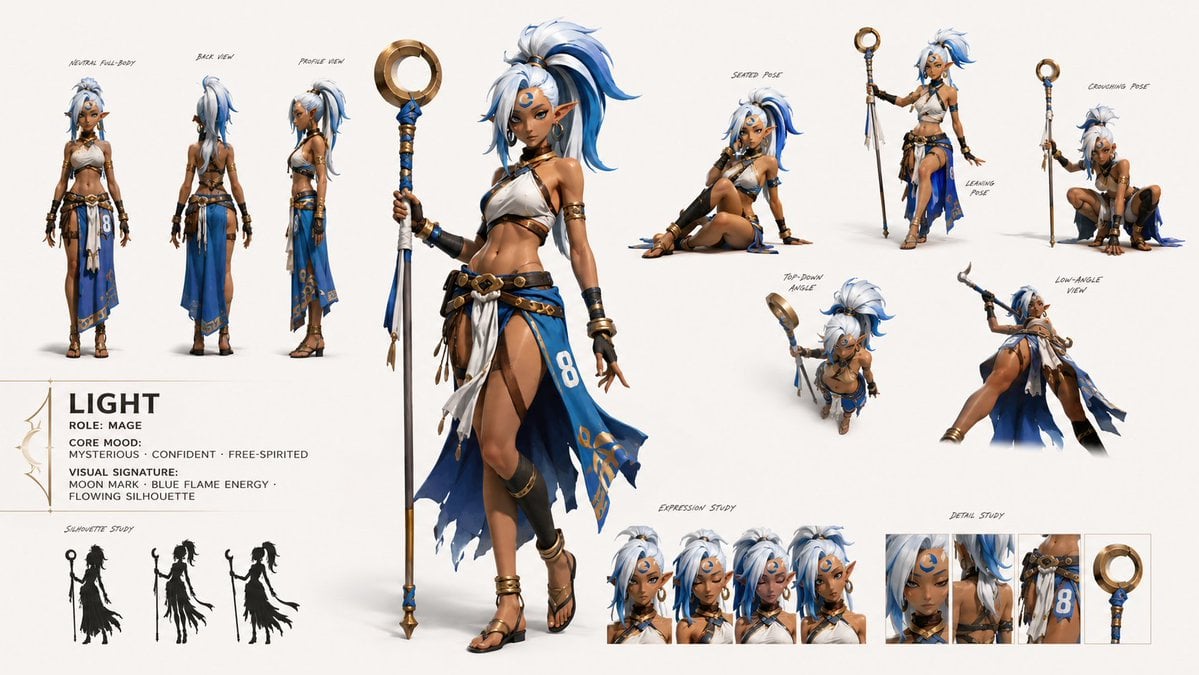
GPT Image 2 Fantasy Forest Ritual Storyboard
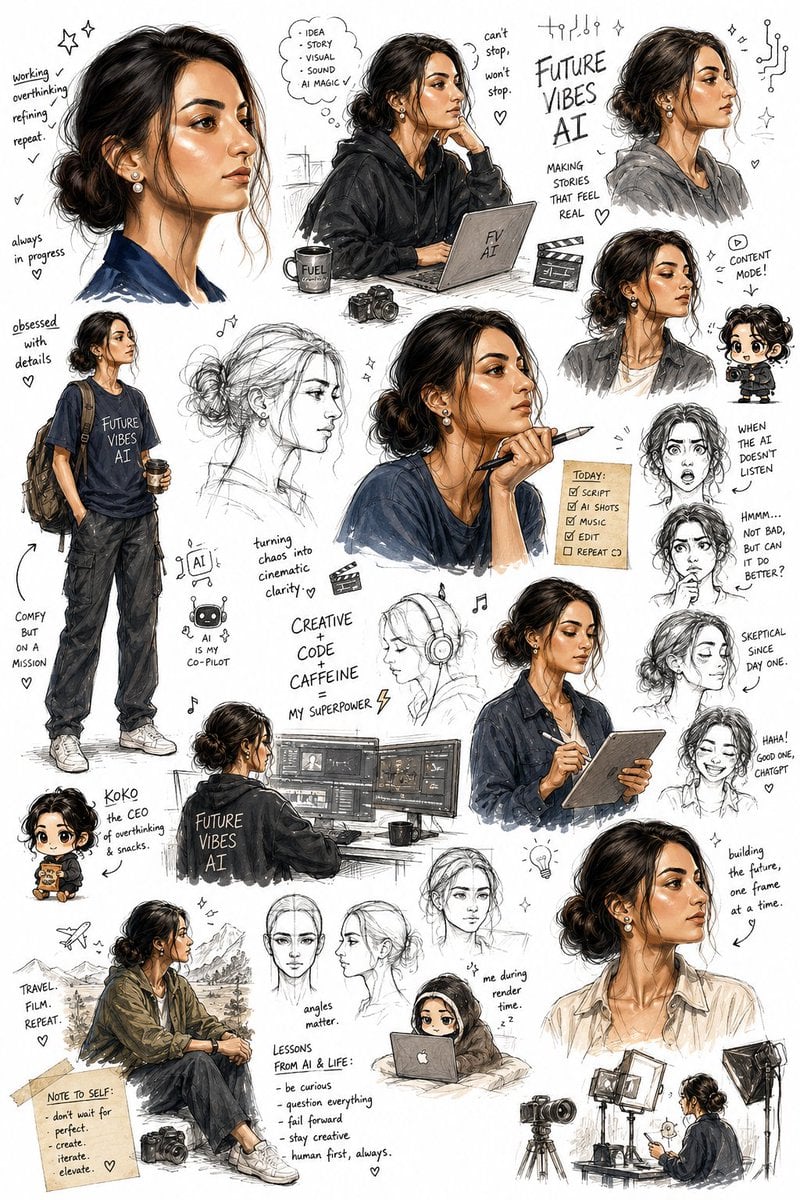
Sketchbook Character Exploration Sheet
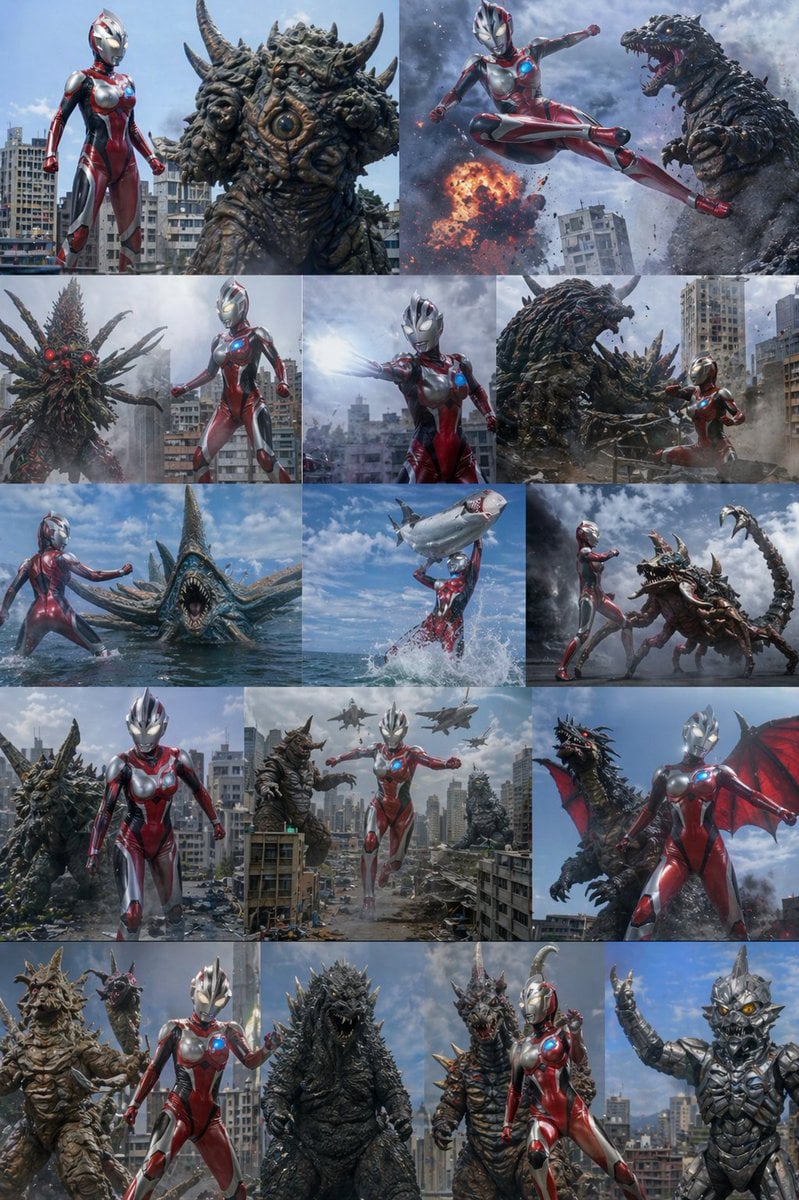
Ultra Woman Kaiju Battle Variations
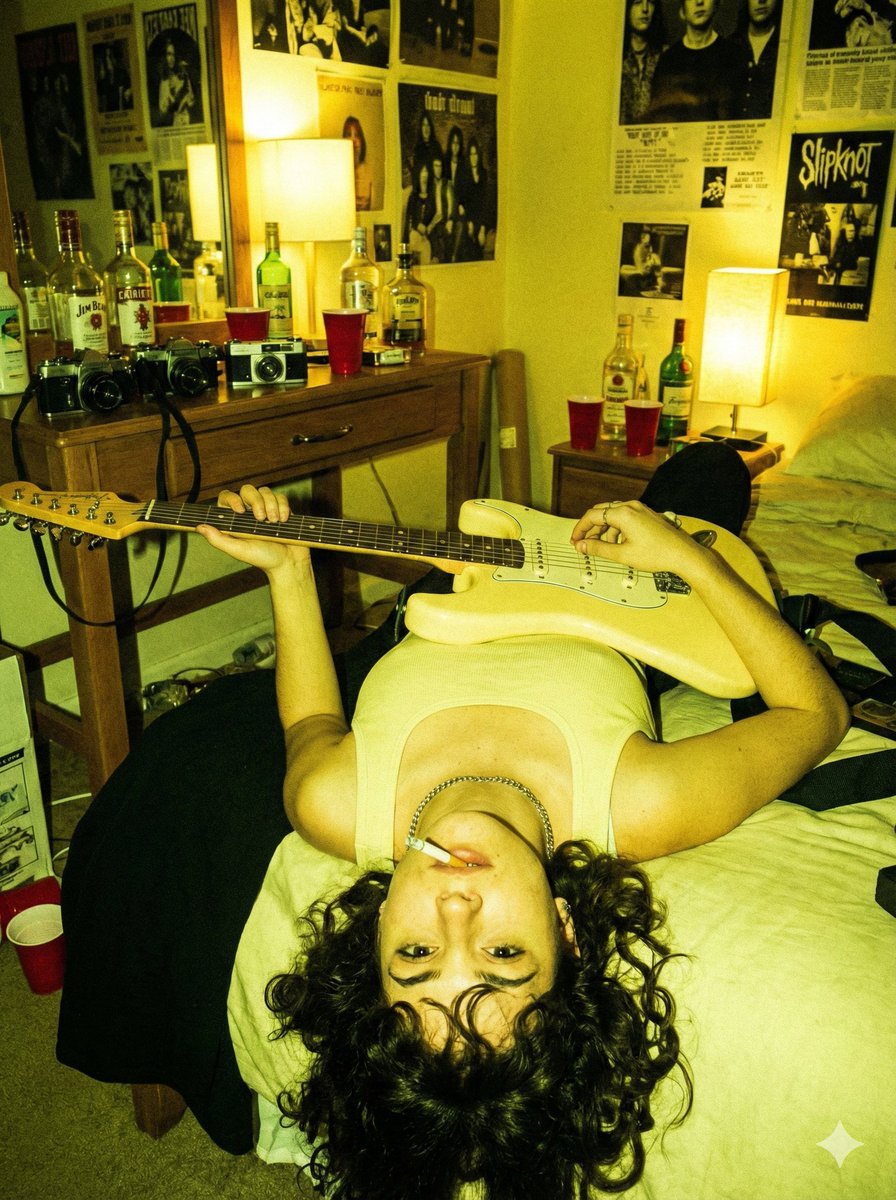
Indie Sleaze Flash Snapshot: Inverted Guitar Pose
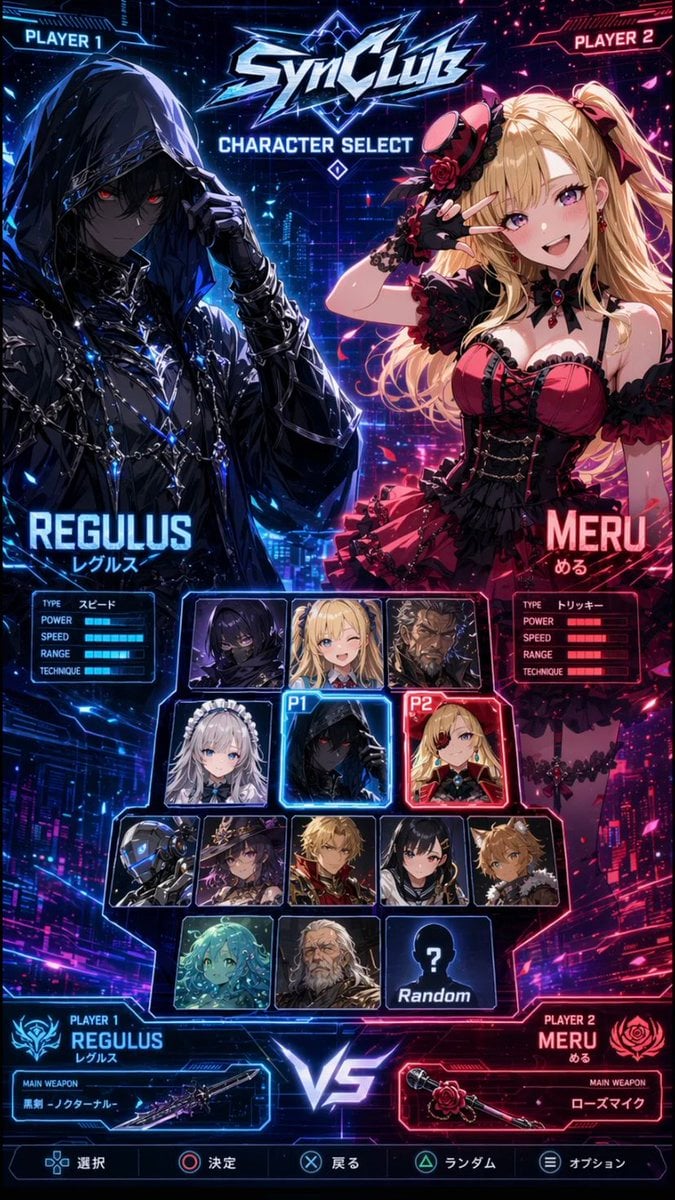
Cyberpunk Anime Character Select Screen
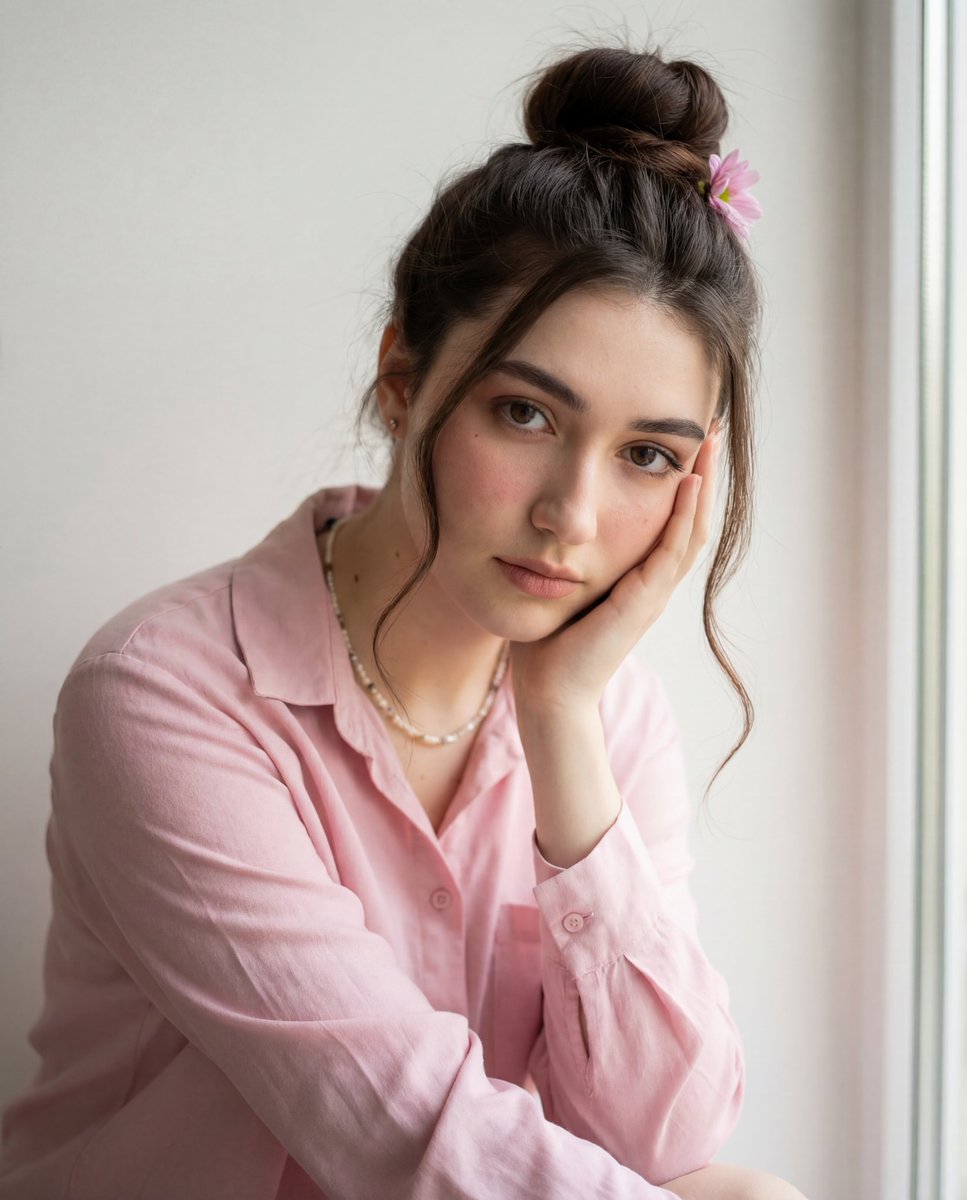
Intimate Photorealistic Portrait with Strict Face Consistency
Browse template categories
Censored Sand Businessman Statue questions
How do I use the Censored Sand Businessman Statue template?
Add your photo if the template asks for one, edit the prompt if you like — the template's model and format are already selected — and press Generate. Your version opens in PicX Studio.
Can I customize the Censored Sand Businessman Statue template?
Yes. You can change the subject, setting, lighting, mood, format, and available model controls before creating your image.
Is the Censored Sand Businessman Statue template free?
Opening and editing this template is free. Generating uses credits, shown on the Generate button when you are signed in.
Which AI model should I use?
Start with GPT Image 2, which is the model associated with this template. You can compare another compatible model for a different finish.
Looking for something else? Browse all templates.

Your photo, any look
Thousands of ready templates for every top image and video model, from one credit balance.