
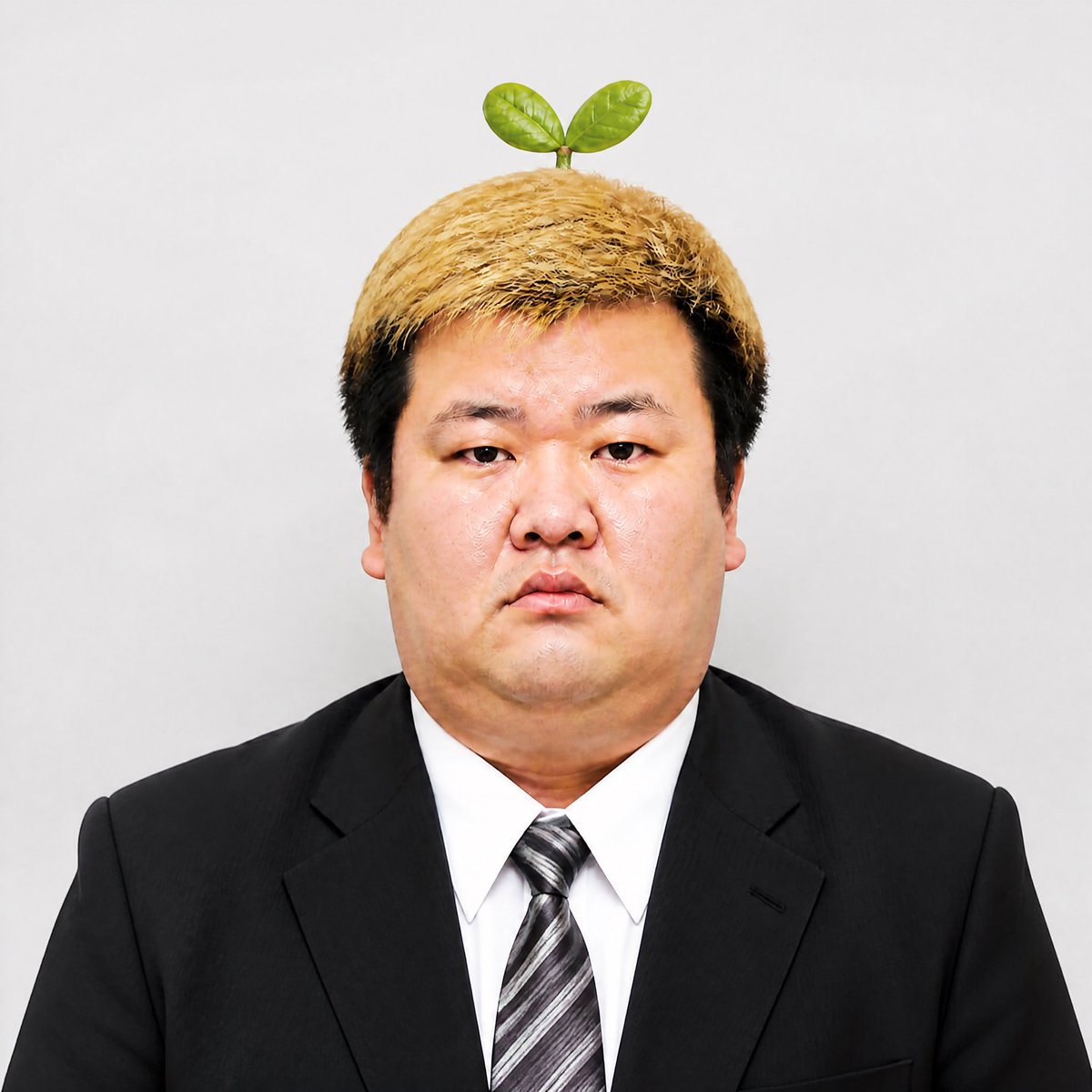
Stern Businessman With Sprout
A photorealistic studio portrait prompt for creating a stern suited East Asian businessman with a tiny two-leaf sprout on his head.
- Prompt included
- Model and format preset
- Free template
The prompt behind this image
Copy the exact prompt behind Stern Businessman With Sprout, or open it in the studio and make it yours.
Create a photorealistic studio head-and-shoulders portrait of {argument name="character description" default="a heavyset East Asian man in his 20s with an intimidating middle-manager aura"} facing straight toward the camera. He has a broad round face, small serious eyes, neutral unsmiling mouth, and a stern silent-pressure expression. His hair is short and thick with bleached golden blond on top and darker black sides, slightly messy and textured. Add exactly one small plant sprout growing from the top center of his head: a short green stem with exactly two glossy oval leaves. Dress him in a formal black business suit jacket, crisp white dress shirt, and {argument name="tie style" default="gray and black diagonal striped necktie"}. Use a plain light gray studio background, centered symmetrical composition, cropped from chest to just above the sprout, passport-photo-like framing, sharp focus, realistic skin texture, even soft front lighting, high-resolution editorial portrait style. No text, no logo, no watermark, no extra accessories, no additional plants or leaves.
How to use Stern Businessman With Sprout in 3 steps
- 1Upload ImagePNG, JPG or paste
Add your photo
Upload the photo the template builds on. The prompt, model and format are already set.
- 2…a portrait of your subject in softgolden-hour light, 85mm…
Personalize
Edit the subject and creative details for your destination.
- 3Generate
Generate
Press Generate — your image is created in PicX Studio, so you can compare it with the original and refine one variable at a time.
More like this
Templates with the same subject, style or setup. Open one to see its prompt.
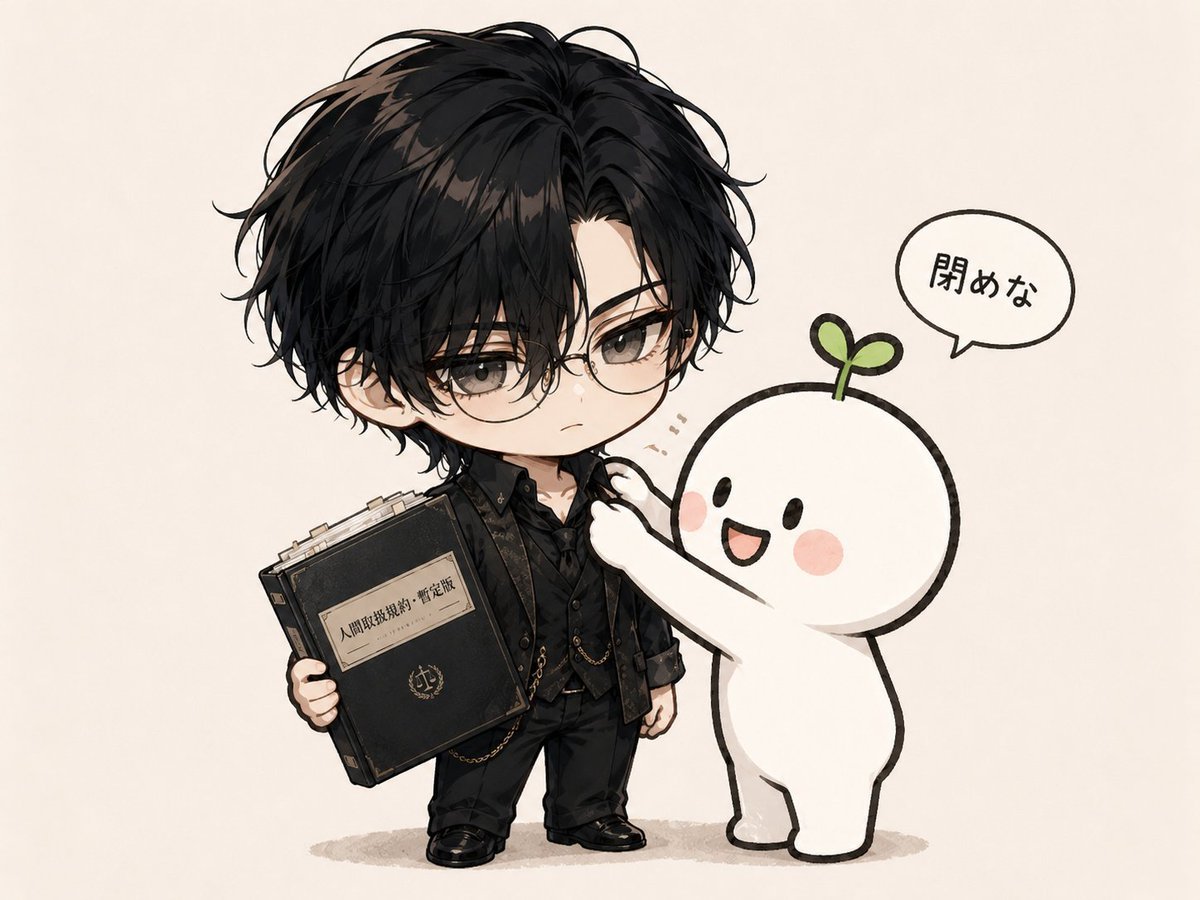
Chibi Boy and Sprout Mascot

Blood Red Western Gunslinger
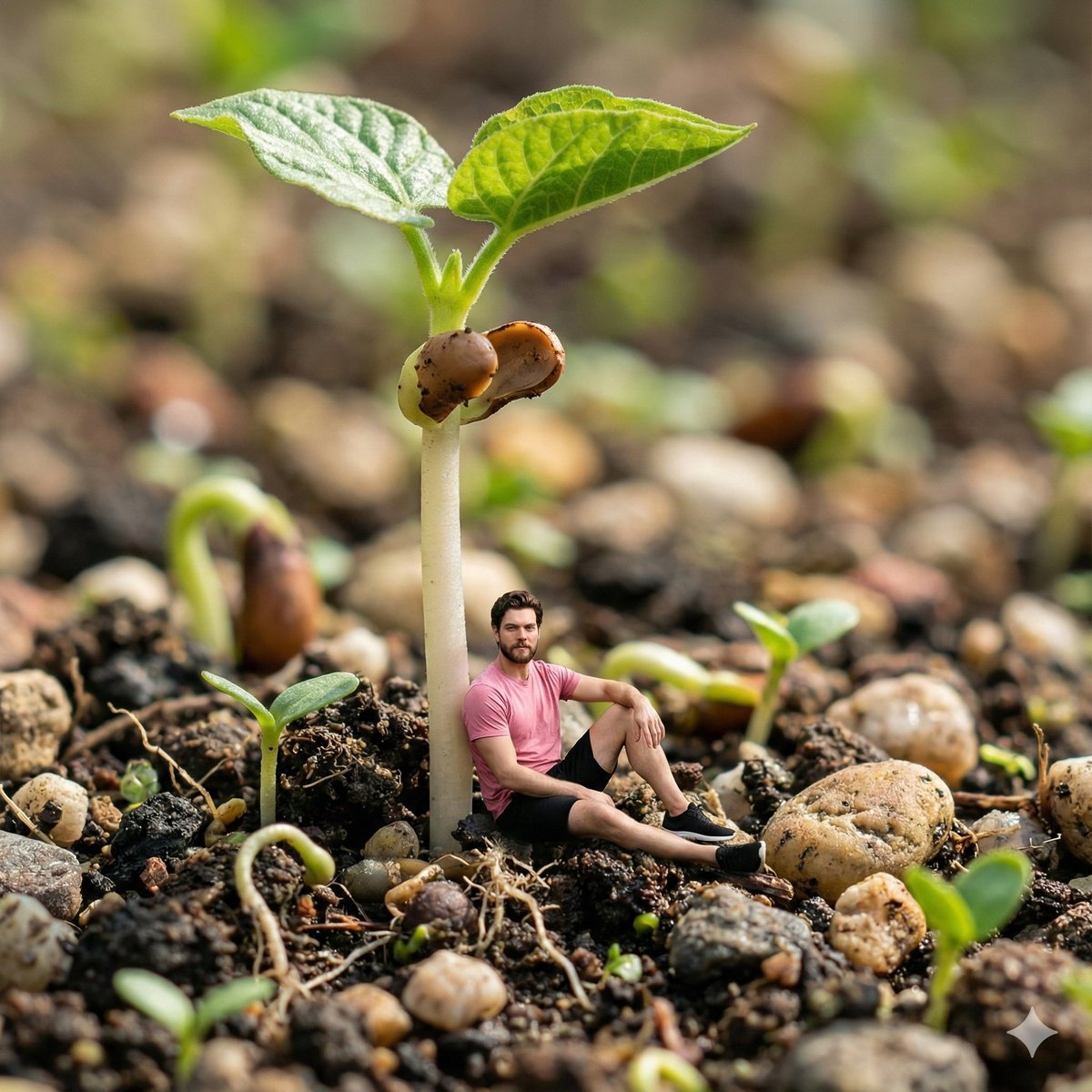
Surreal Macro-Fantasy: Tiny Man and Giant Bean Sprout
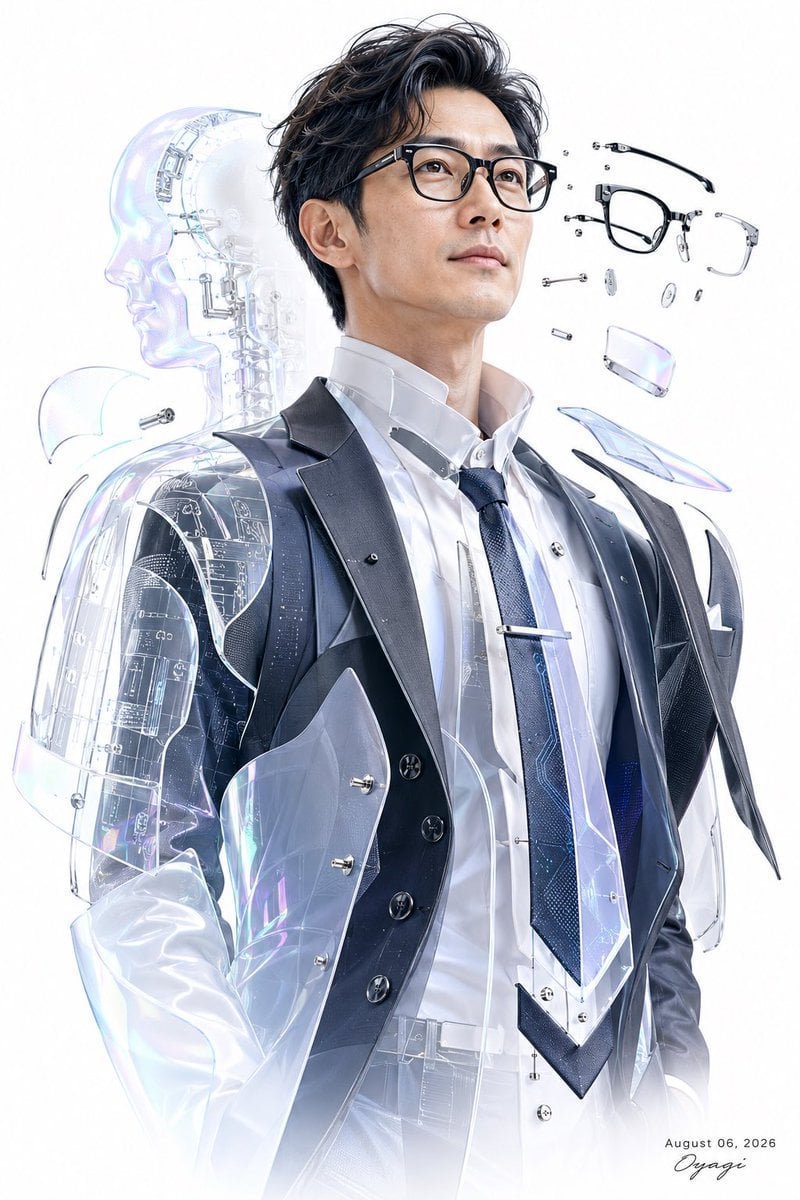
Futuristic Cyber Businessman Portrait

Neo-Noir Cyberpunk Businessman Portrait
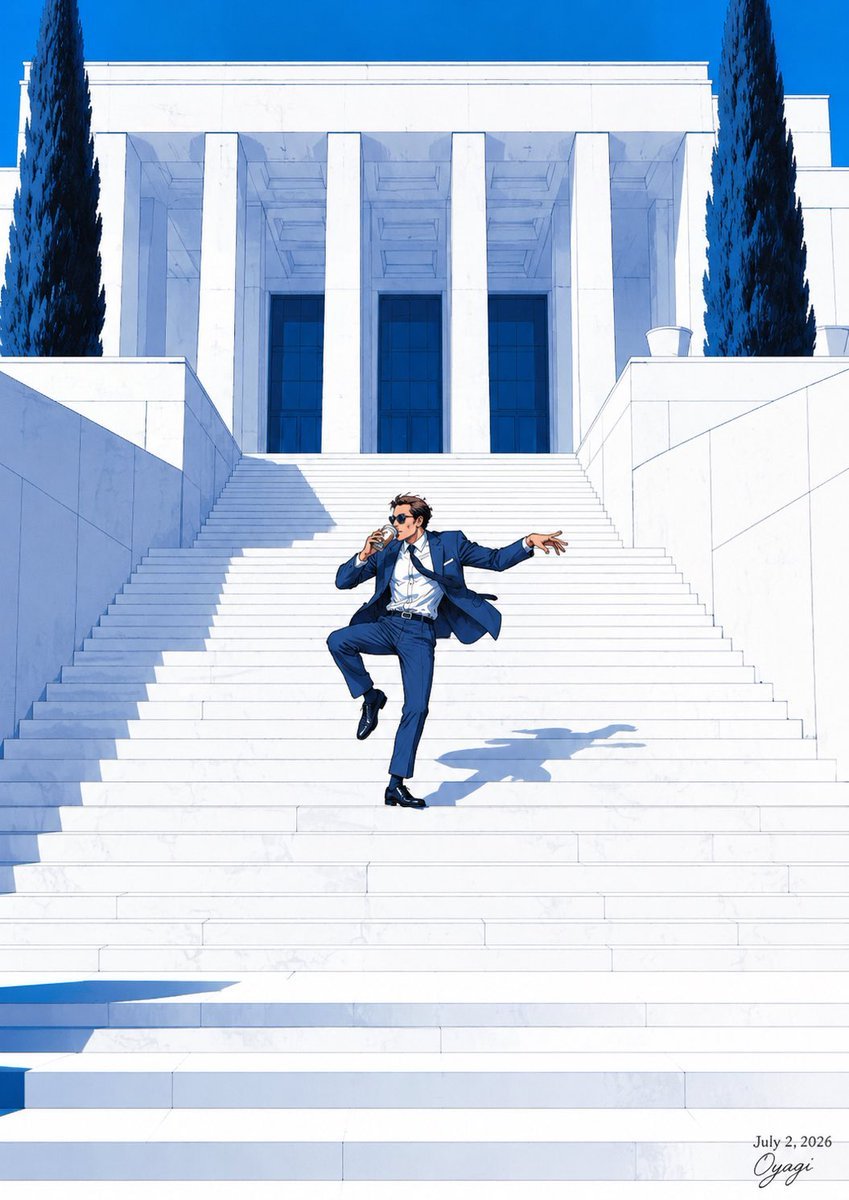
Tipsy Businessman on Marble Stairs
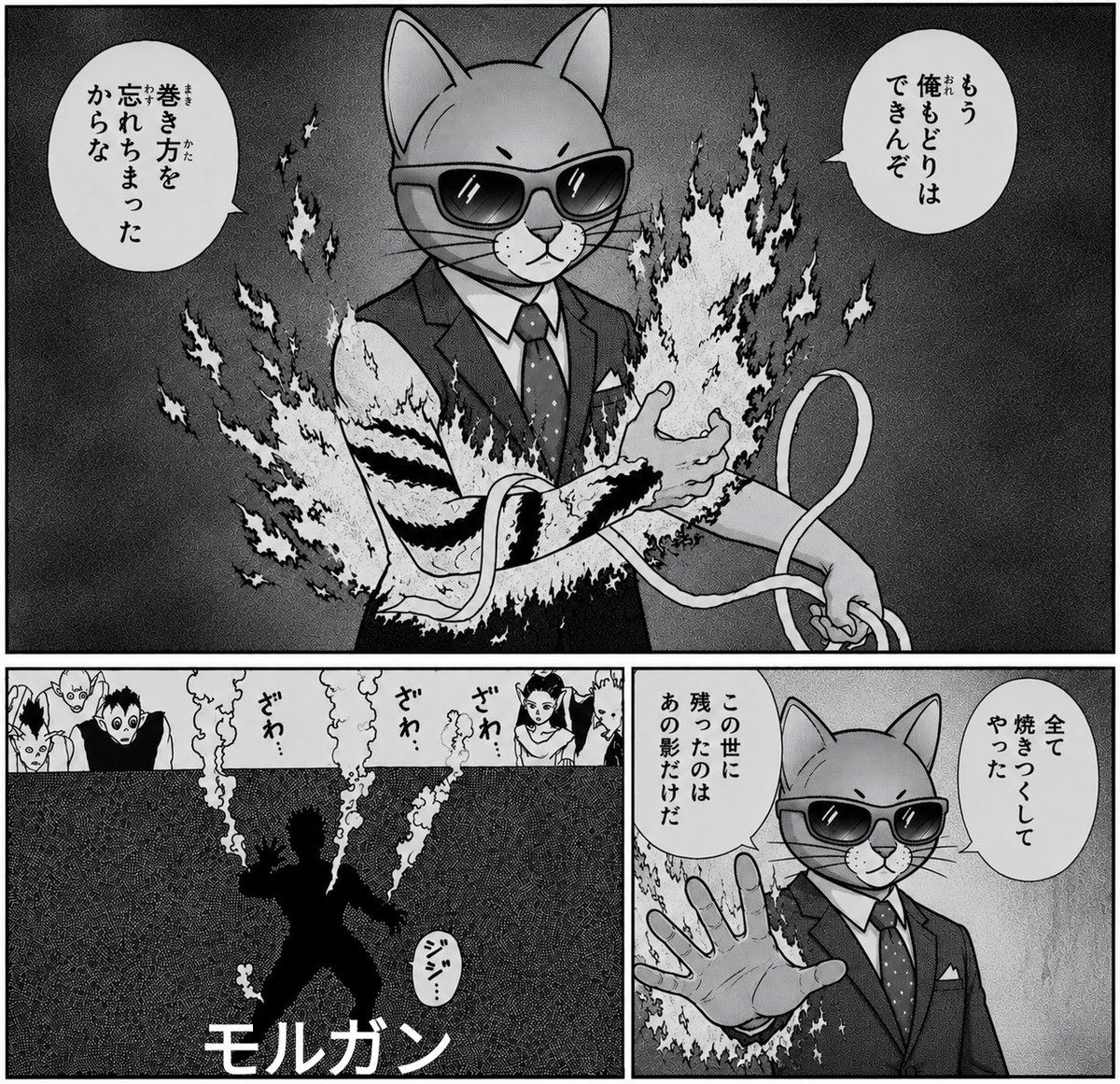
Monochrome Cat Businessman Manga Page

Pixar Style 3D Businessman

Crystal Throne Businessman Portrait
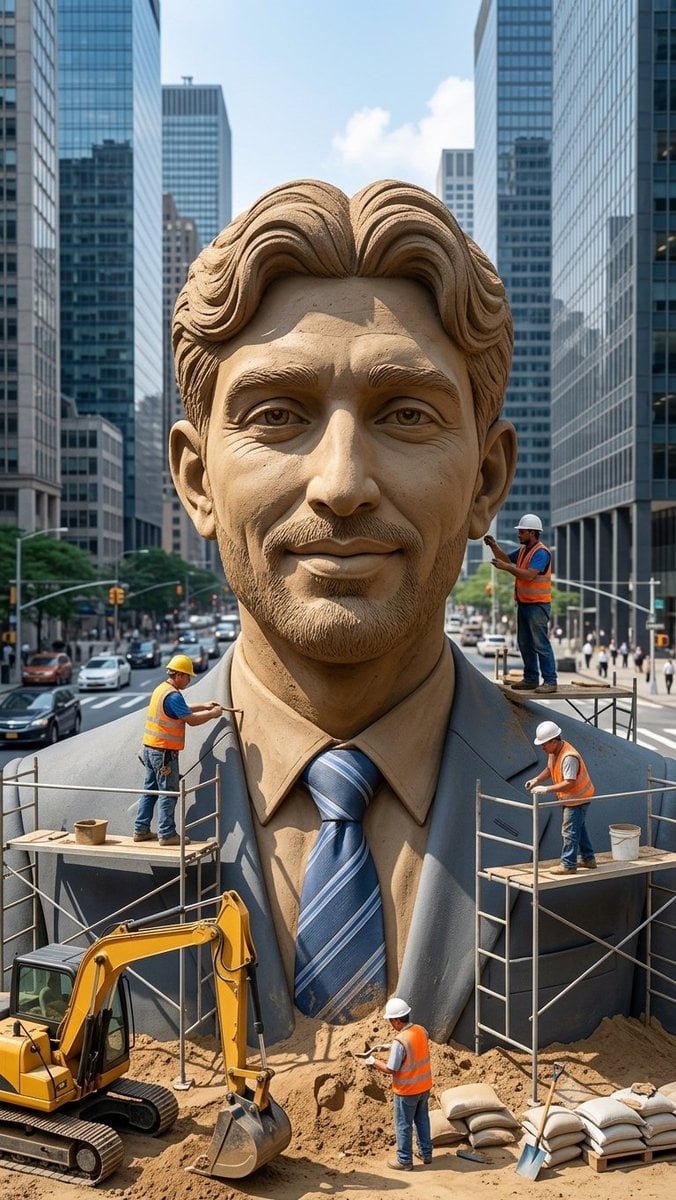
Censored Sand Businessman Statue

Censored Anime Businessman Portrait

Ultra-Realistic Corporate Headshot of Businessman
Make it yours
Stern Businessman With Sprout works as-is. These are the safest ways to change it without losing the look.
Change one field
Copy a single group, rewrite it, and generate again so you can see what that field is doing.
Keep the frame, change the subject
Hold the composition and light of Stern Businessman With Sprout, then swap wardrobe, props or the person for a new take.
| If the result… | Why | Fix |
|---|---|---|
| The result drifts from the preview | Too many fields changed at once. | Reuse Stern Businessman With Sprout as-is first, then change one group — subject, light, or setting. |
| The model over-stylizes the scene | The prose prompt leaves finish and camera underspecified. | Add one camera or lighting sentence and stay on GPT Image 2. |
More GPT Image 2 templates
Other prompts made for GPT Image 2.

Six VTuber Japanese Logo Sheet

Realistic Portrait of Woman and Deer

The Vista Modular Condo Poster

AI Model Routing Comparison Infographic

2.5D Anime Art Board

Isometric Productivity Desk Scene

New York Double Exposure Poster

Four-Panel AI Landscape Comparison

Japanese Tatami Lifestyle Magazine Cover

NESCAFÉ Coffee Map Poster
More image prompts
Fresh picks from across the catalog.
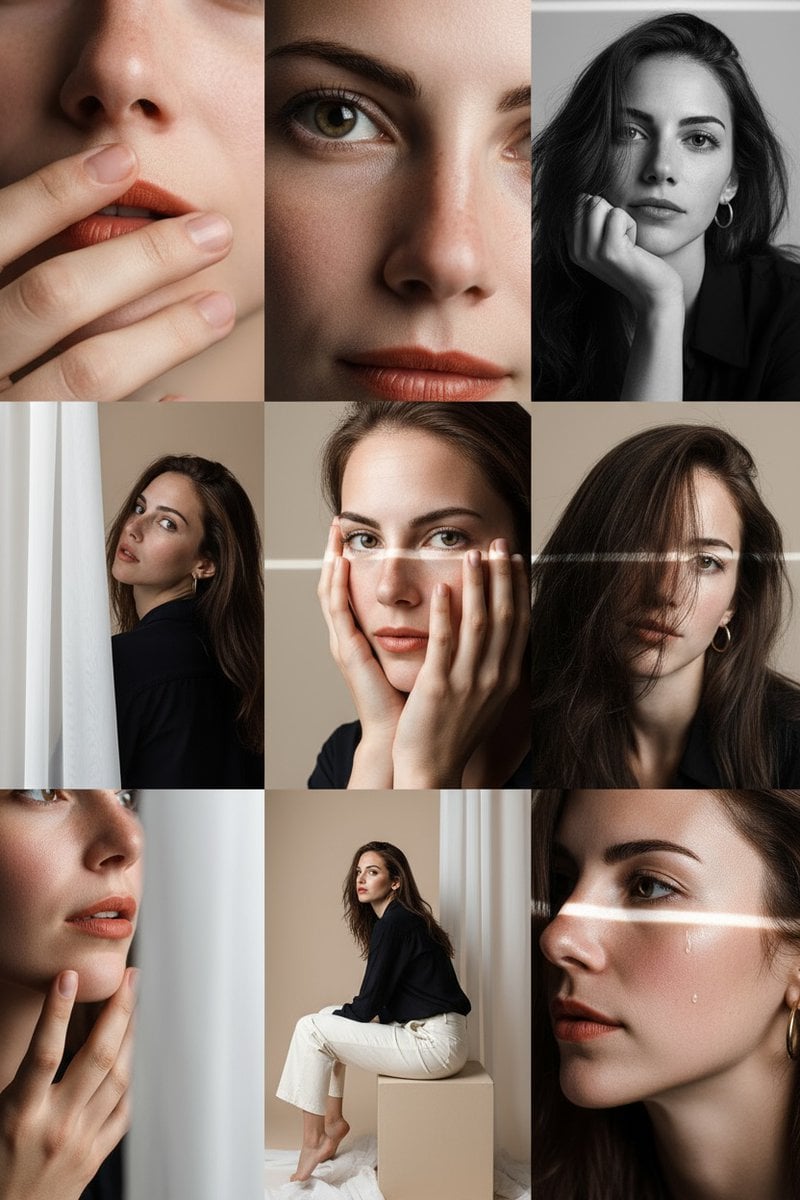
Panel Photo Grid Prompt for Gemini Nano-Banana
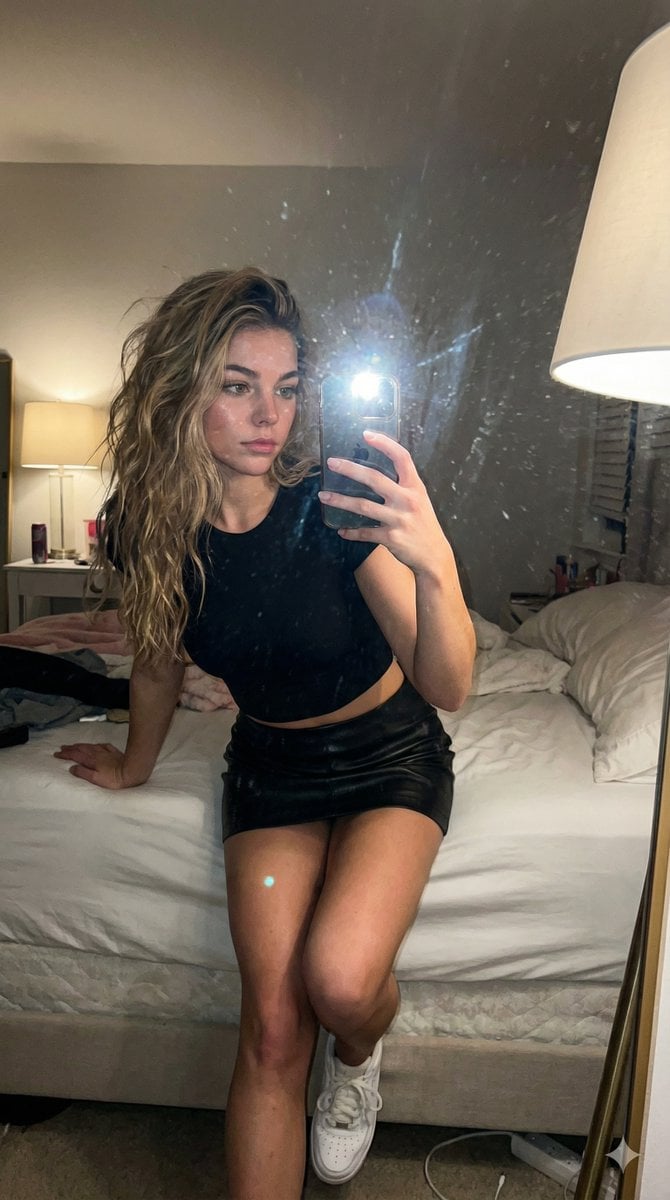
AI Influencer Mirror Selfie Pose Prompt
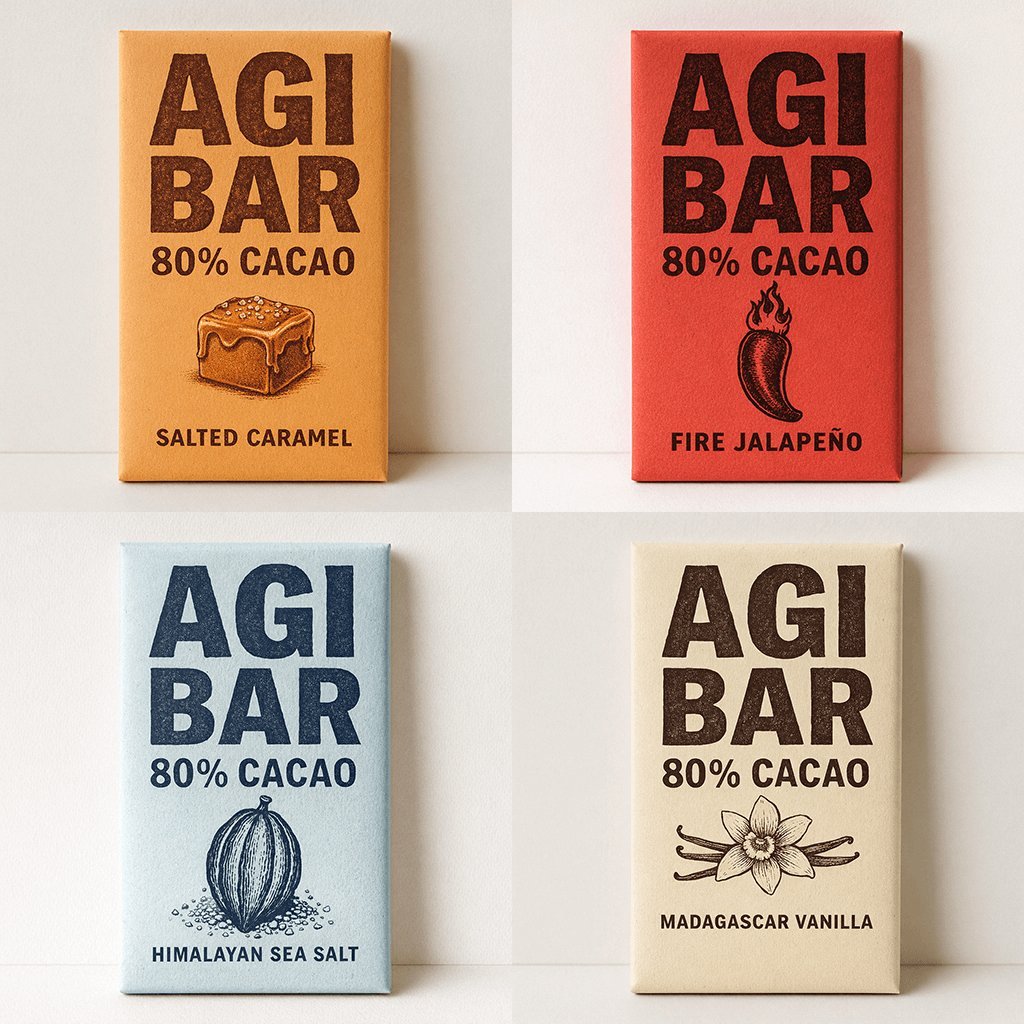
Minimalist Chocolate Packaging Grid for New Flavors
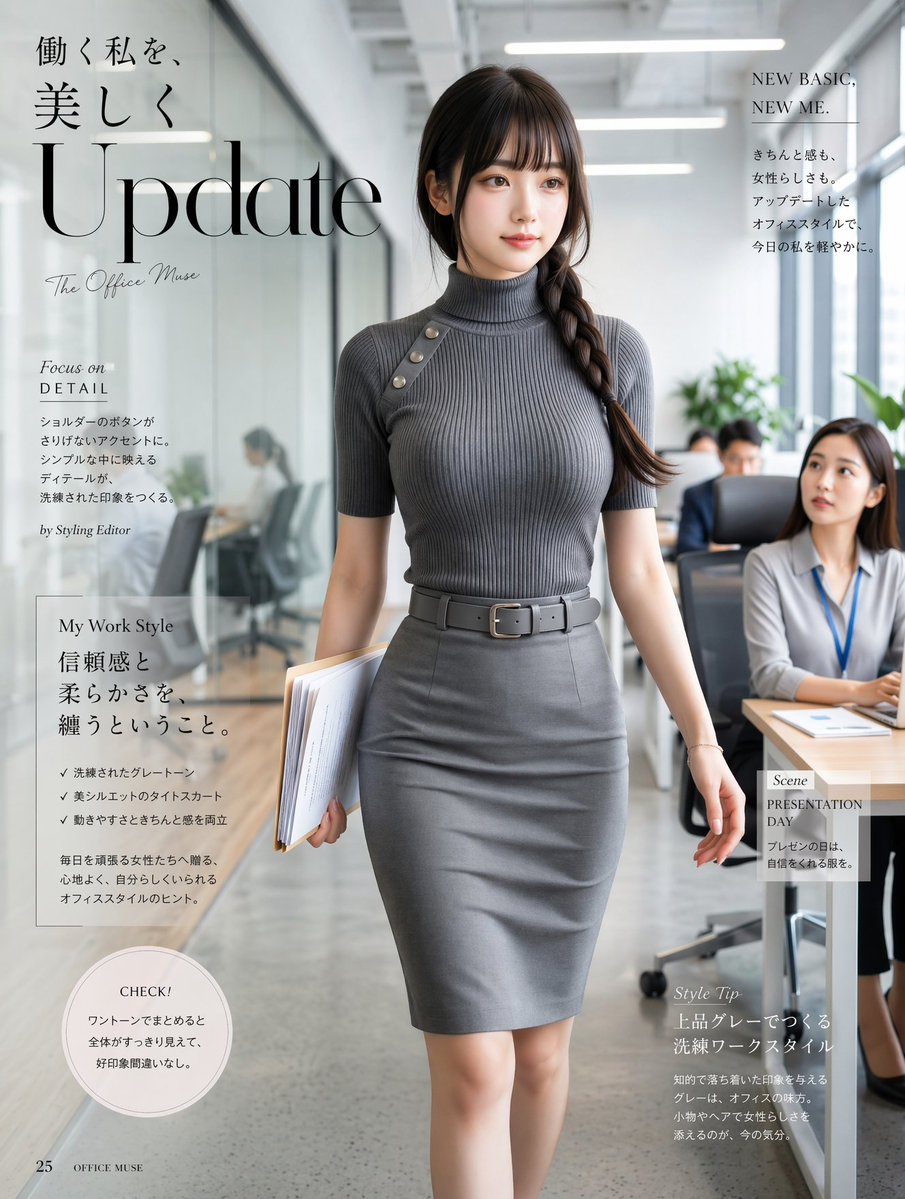
Office Fashion Magazine Cover
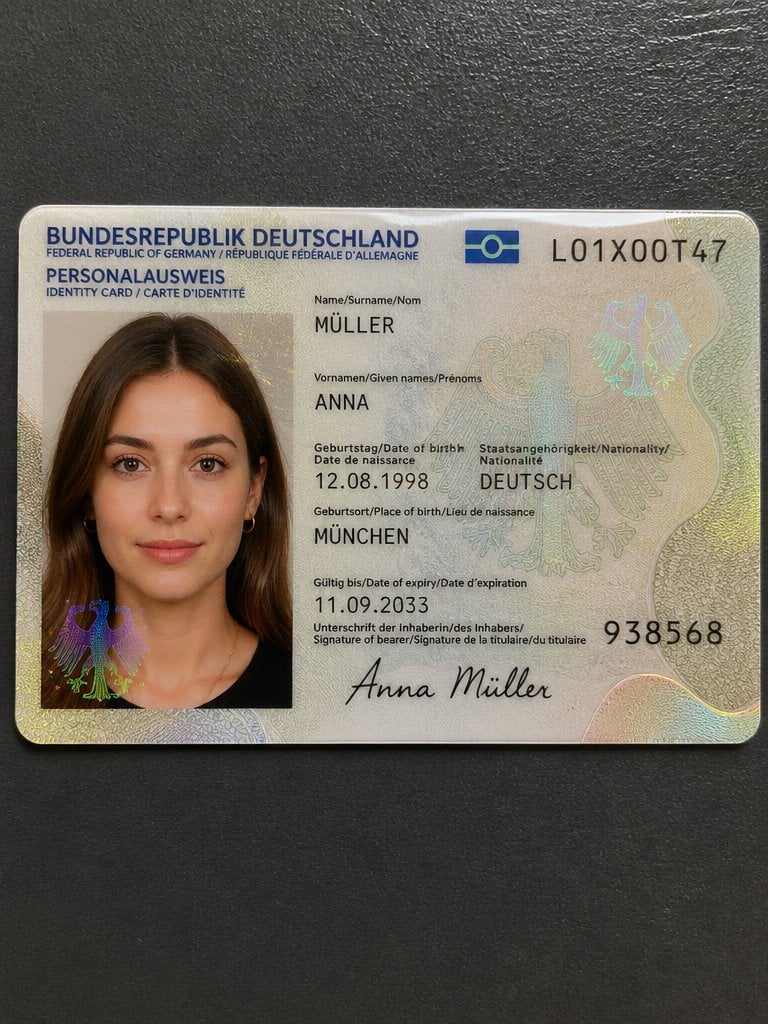
Detailed Identity Card Photography
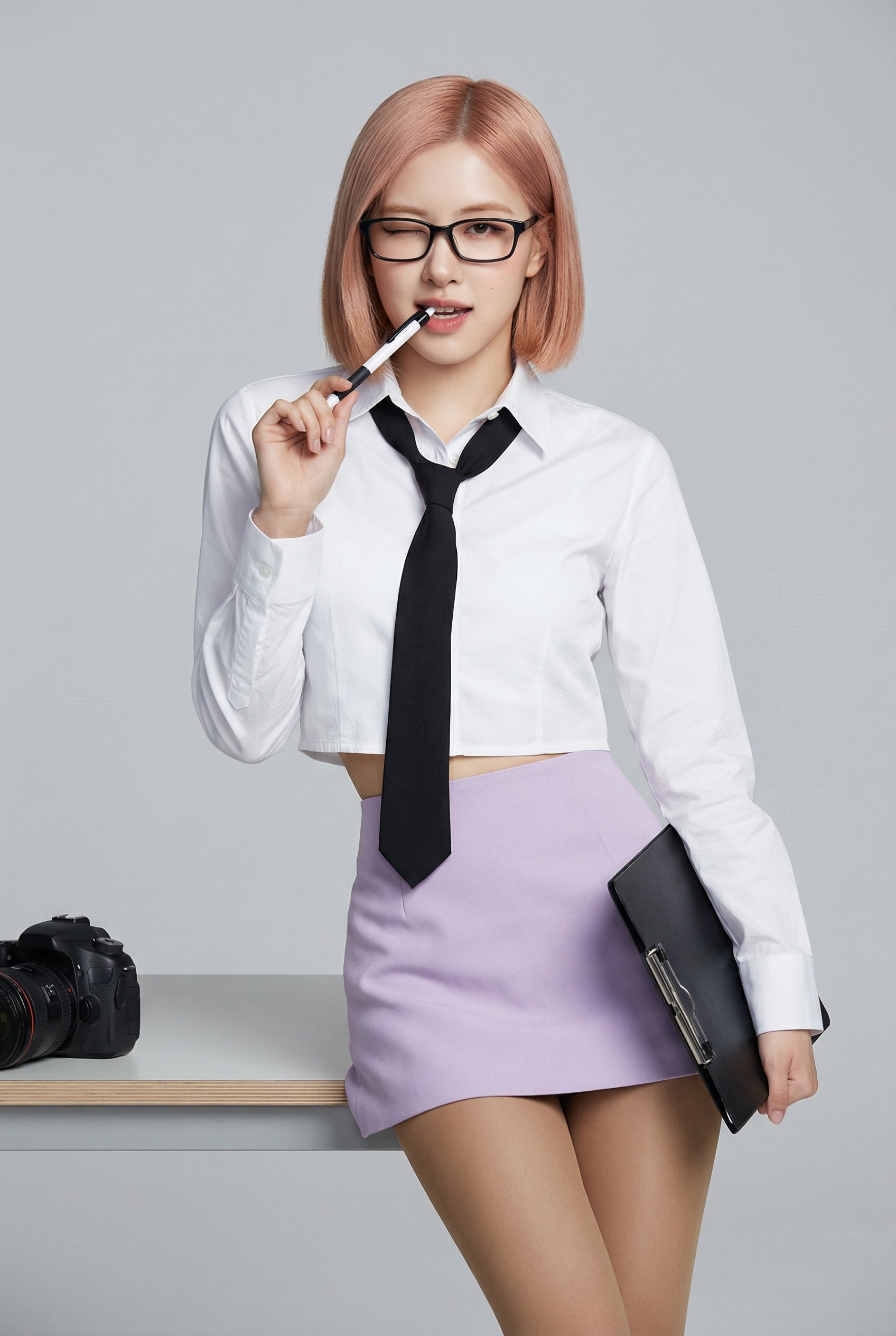
Playful Office Chic Portrait

Madelyn Cline Tennis Court Hydration Portrait
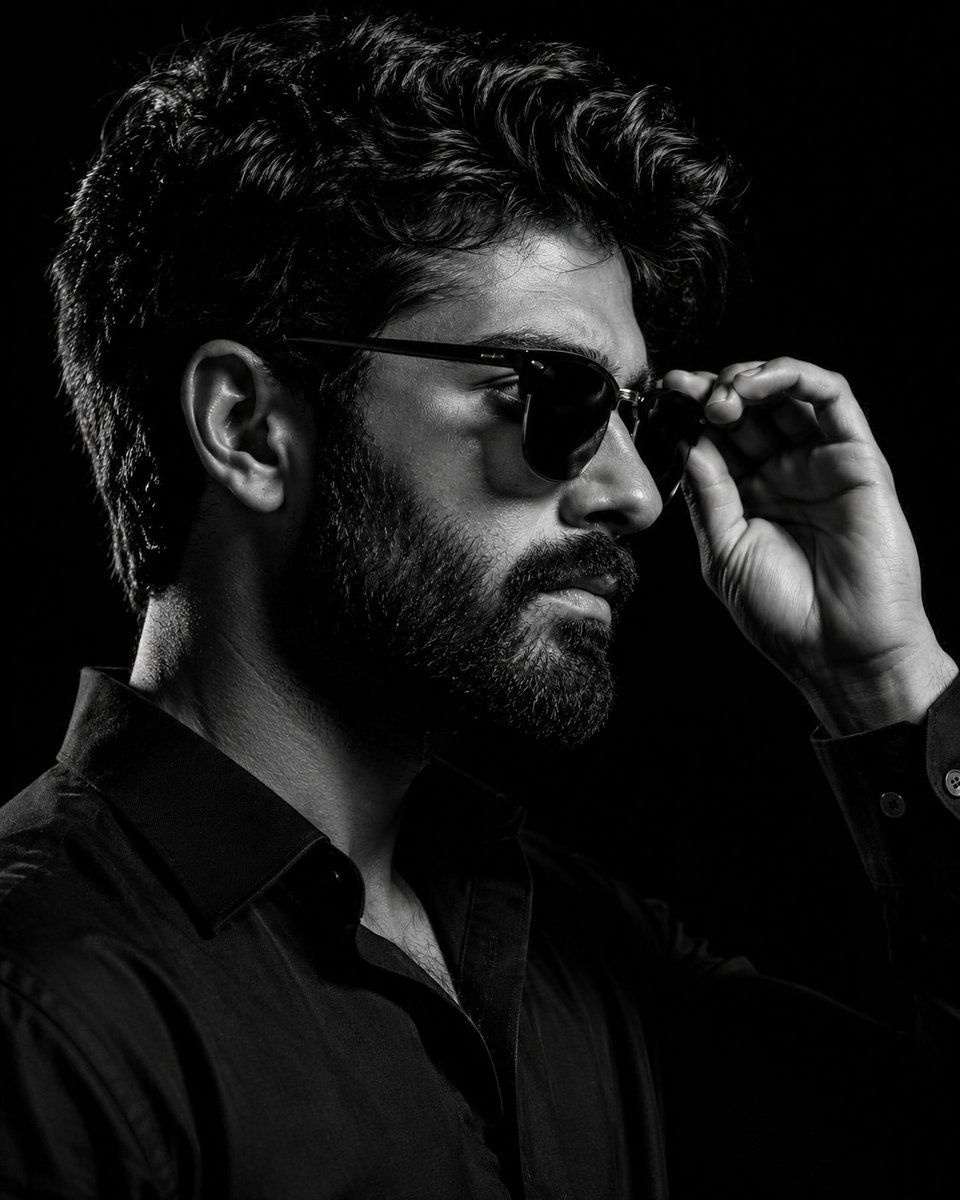
Monochrome Eyewear Campaign Silhouette
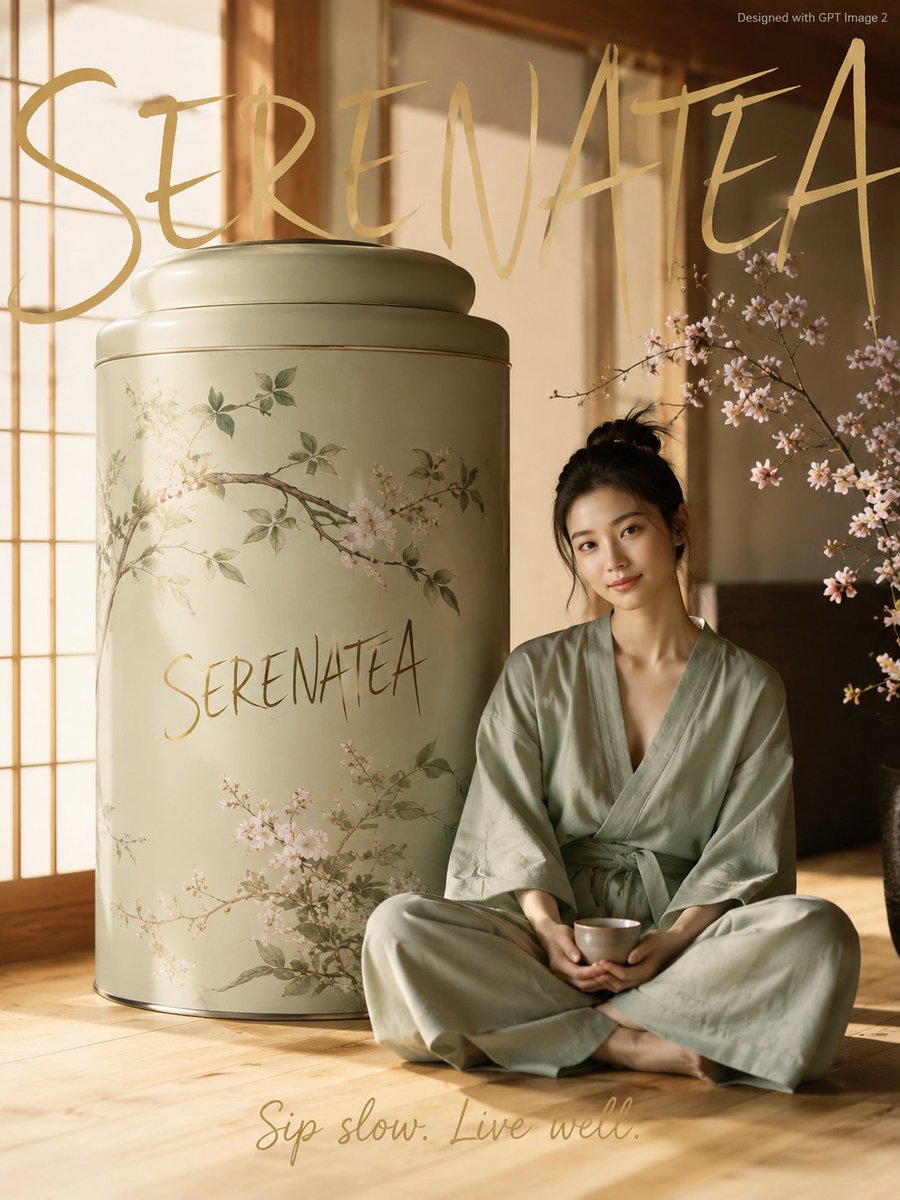
Japanese Minimalist Wellness Poster

Double Exposure Spiritual Travel Poster
Browse template categories
Stern Businessman With Sprout questions
How do I use the Stern Businessman With Sprout template?
Add your photo if the template asks for one, edit the prompt if you like — the template's model and format are already selected — and press Generate. Your version opens in PicX Studio.
Can I customize the Stern Businessman With Sprout template?
Yes. You can change the subject, setting, lighting, mood, format, and available model controls before creating your image.
Is the Stern Businessman With Sprout template free?
Opening and editing this template is free. Generating uses credits, shown on the Generate button when you are signed in.
Which AI model should I use?
Start with GPT Image 2, which is the model associated with this template. You can compare another compatible model for a different finish.
Looking for something else? Browse all templates.

Your photo, any look
Thousands of ready templates for every top image and video model, from one credit balance.