
Office Fashion Magazine Cover
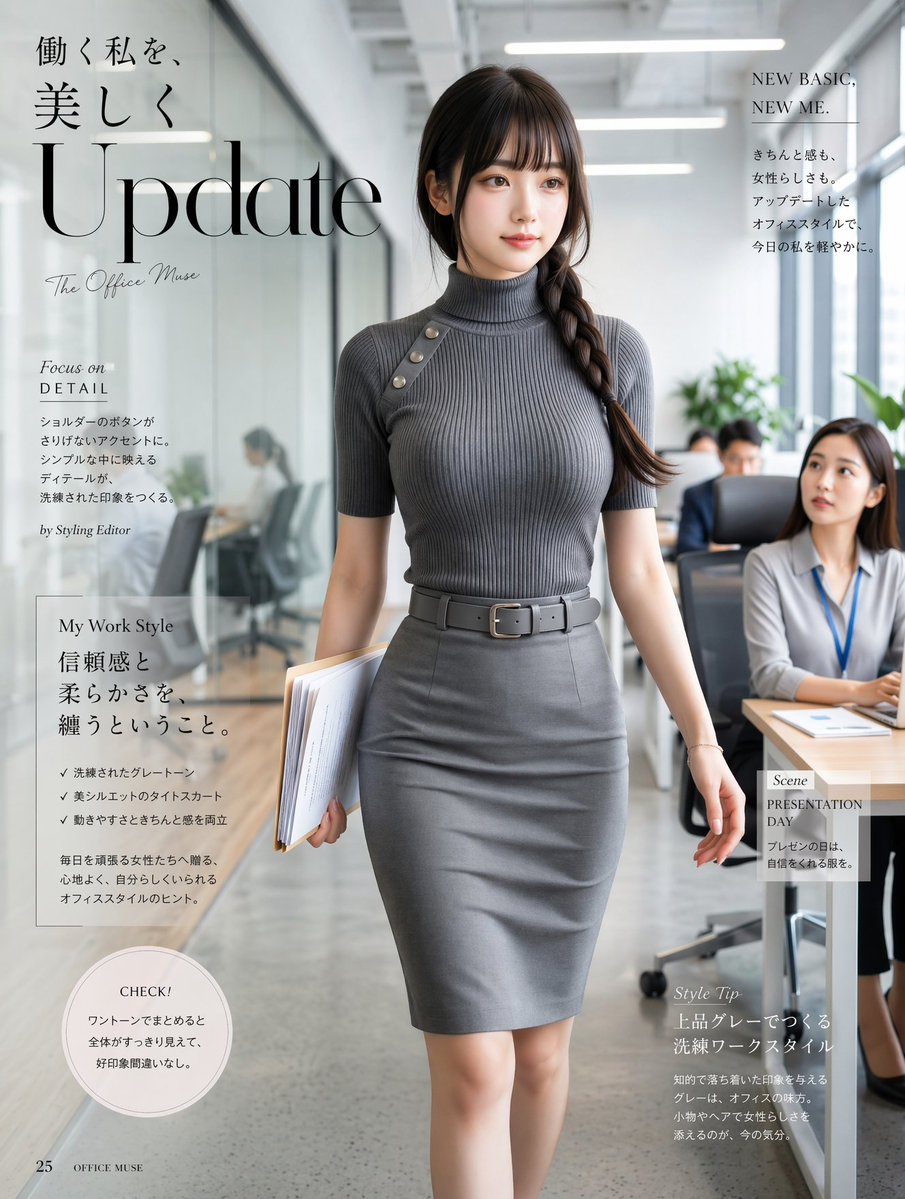
This prompt generates a polished fashion-magazine-style office portrait with Japanese editorial typography, ideal for creating stylish career-wear cover art.
- Prompt included
- Model and format preset
- Free template
The prompt behind this image
Copy the exact prompt behind Office Fashion Magazine Cover, or open it in the studio and make it yours.
A refined Japanese fashion magazine editorial cover set inside a bright modern office corridor, featuring a full-body portrait of a beautiful professional woman walking confidently toward the camera. She wears a sleek monochrome gray office outfit: a fitted ribbed mock-neck short-sleeve knit top with a diagonal shoulder strap detail accented by 4 metallic buttons, a high-waisted gray pencil skirt, and a matching gray belt with a rectangular buckle. She carries a folder and documents in one hand, with the other arm relaxed mid-stride. Her hair is long, dark brown, and styled in a thick side braid draped over one shoulder, with soft neat bangs. The mood is elegant, mature, feminine, and quietly powerful. The setting is a sophisticated open-plan office with glass meeting rooms on the left, desks and seated coworkers on the right, soft daylight mixed with clean overhead office lighting, subtle indoor plants, and a shallow depth of field that keeps the woman sharply in focus while the background remains softly blurred. Compose the image vertically like a premium magazine cover, with the model centered and occupying most of the frame from head to knees, polished editorial retouching, realistic fabric texture, flattering natural skin tones, and understated luxury styling. Overlay stylish magazine typography in Japanese and English: a large serif headline reading {argument name="headline text" default="Update"} across the upper left, smaller Japanese copy above it, a script subtitle reading "The Office Muse," a right-side teaser block with "NEW BASIC, NEW ME.", a left feature block titled "Focus on DETAIL", a mid-left article box titled "My Work Style", a lower-right feature titled "Style Tip", a small right-side box titled "Scene PRESENTATION DAY", a circular callout near the lower left reading "CHECK!", and small footer text with page number 25. Use a luxury fashion magazine aesthetic, clean layout, restrained grayscale palette, editorial balance between text and subject, realistic photography, high detail, soft contrast, and an aspirational office-wear campaign feel.
How to use Office Fashion Magazine Cover in 3 steps
- 1Upload ImagePNG, JPG or paste
Add your photo
Upload the photo the template builds on. The prompt, model and format are already set.
- 2…a portrait of your subject in softgolden-hour light, 85mm…
Personalize
Edit the subject and creative details for your destination.
- 3Generate
Generate
Press Generate — your image is created in PicX Studio, so you can compare it with the original and refine one variable at a time.
More like this
Templates with the same subject, style or setup. Open one to see its prompt.

High-Fashion Editorial Magazine Cover ICON

Korean Model Floating Magazine Pages Campaign

Off Duty Fashion Magazine Cover

High-Fashion Magazine Cover Portrait

Blue Hour Editorial Fashion Portrait
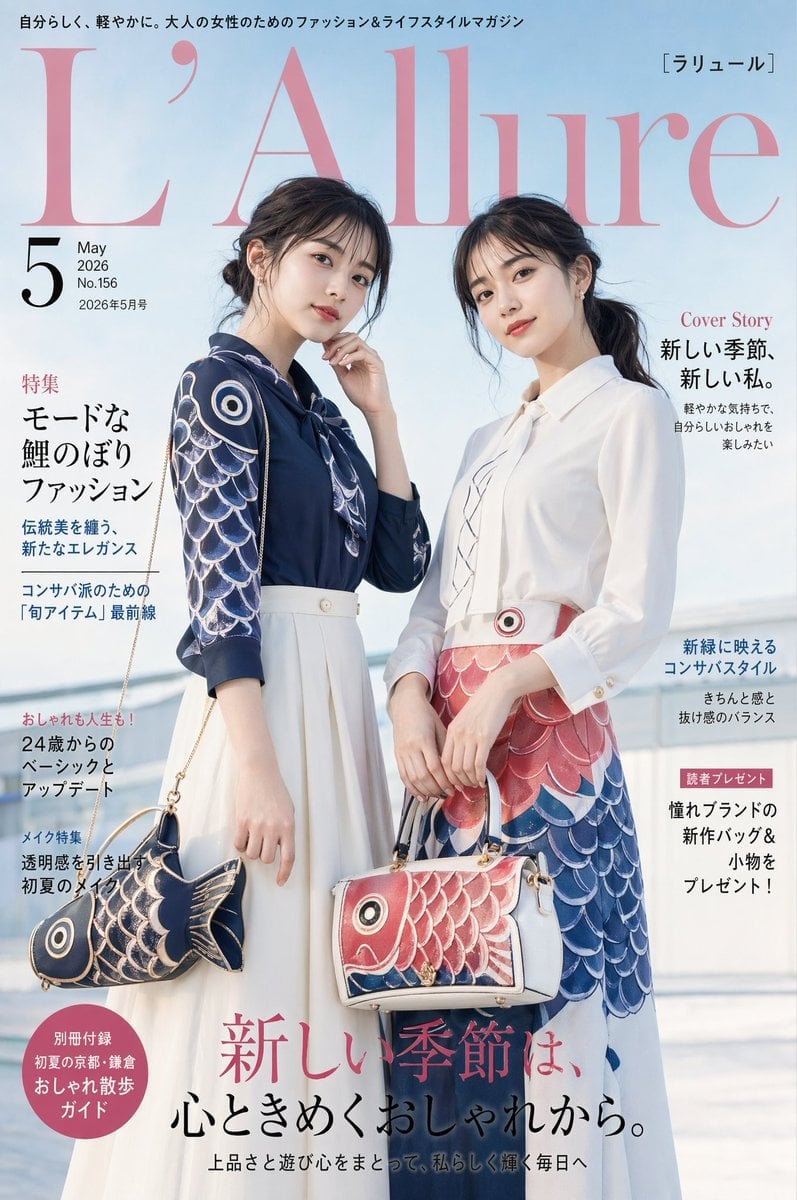
Japanese Koinobori Fashion Magazine Cover
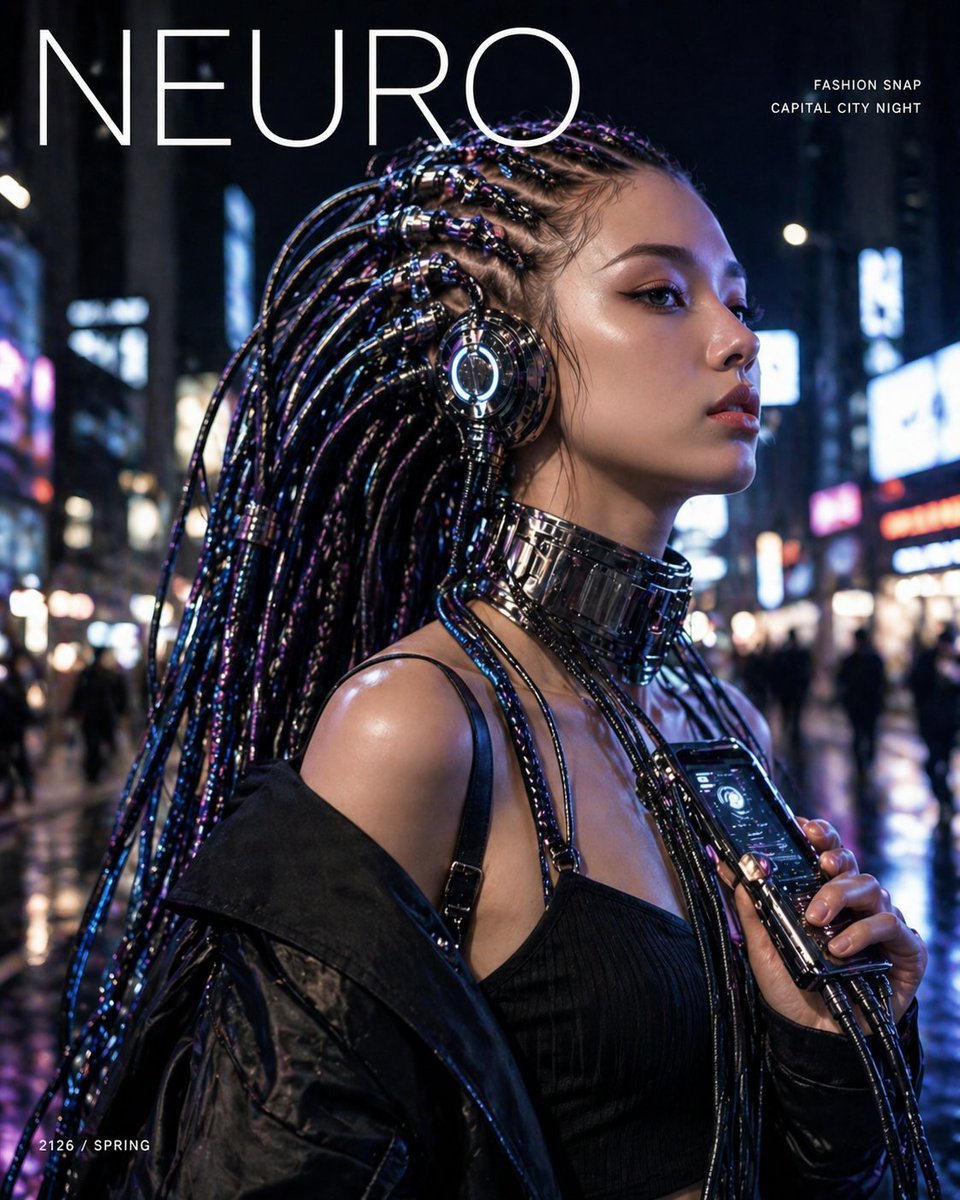
Cyberpunk Fashion Magazine Cover
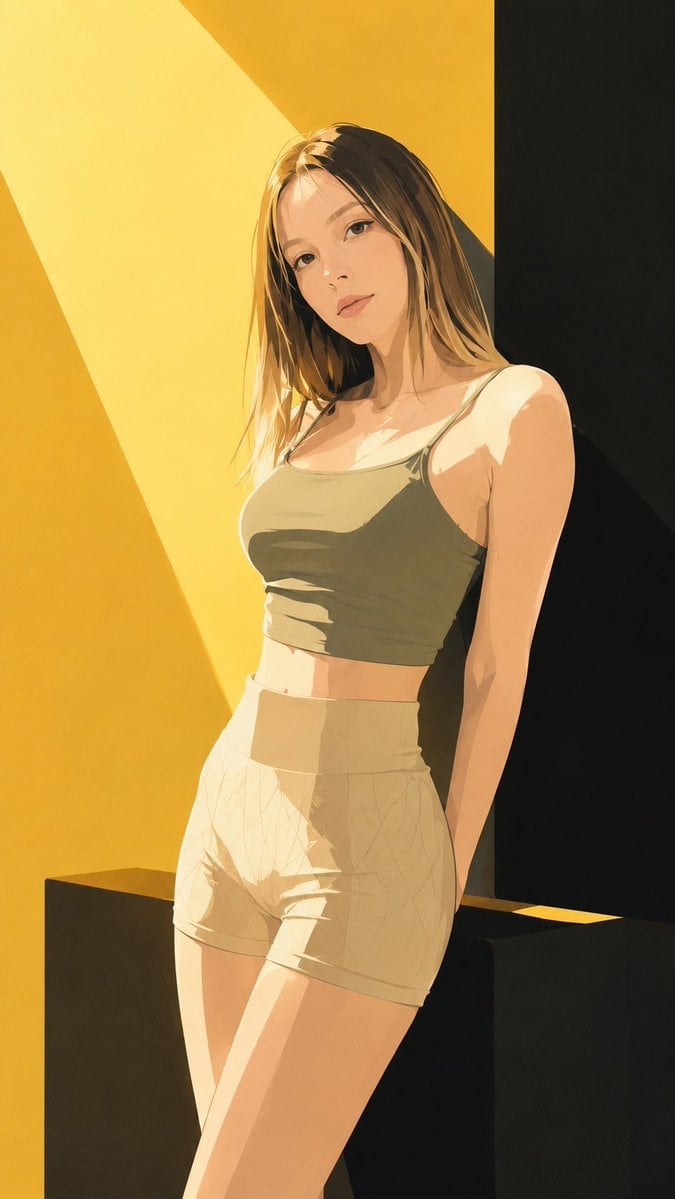
Japanese Fashion Magazine Anime Cover
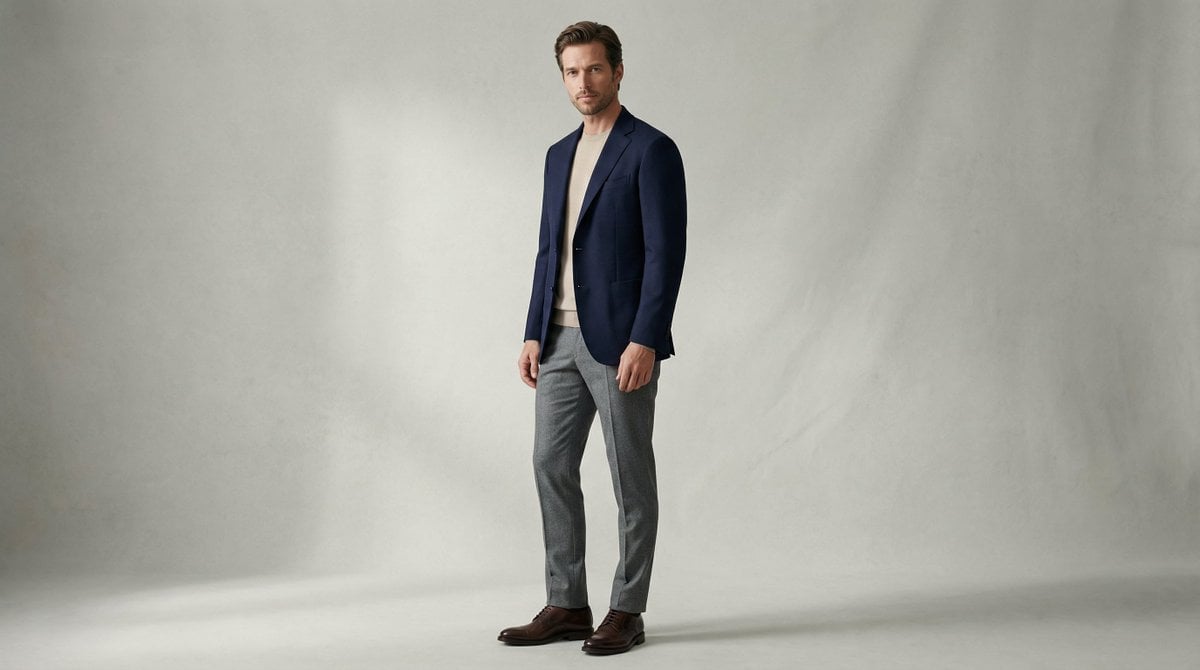
Fashion Magazine Style Photo of a Male Model in Office Casual

80s College Gate

1988 Mall Style

80s Polka Dot Saree
Make it yours
Office Fashion Magazine Cover works as-is. These are the safest ways to change it without losing the look.
Change one field
Copy a single group, rewrite it, and generate again so you can see what that field is doing.
Keep the frame, change the subject
Hold the composition and light of Office Fashion Magazine Cover, then swap wardrobe, props or the person for a new take.
| If the result… | Why | Fix |
|---|---|---|
| The result drifts from the preview | Too many fields changed at once. | Reuse Office Fashion Magazine Cover as-is first, then change one group — subject, light, or setting. |
| The model over-stylizes the scene | The prose prompt leaves finish and camera underspecified. | Add one camera or lighting sentence and stay on GPT Image 2. |
More GPT Image 2 templates
Other prompts made for GPT Image 2.

Six VTuber Japanese Logo Sheet

Realistic Portrait of Woman and Deer

The Vista Modular Condo Poster

AI Model Routing Comparison Infographic

2.5D Anime Art Board

Isometric Productivity Desk Scene

New York Double Exposure Poster

Four-Panel AI Landscape Comparison

NESCAFÉ Coffee Map Poster

Brutalist Cogito Chinese Typography Poster
More image prompts
Fresh picks from across the catalog.

Conceptual brand storytelling visual prompt
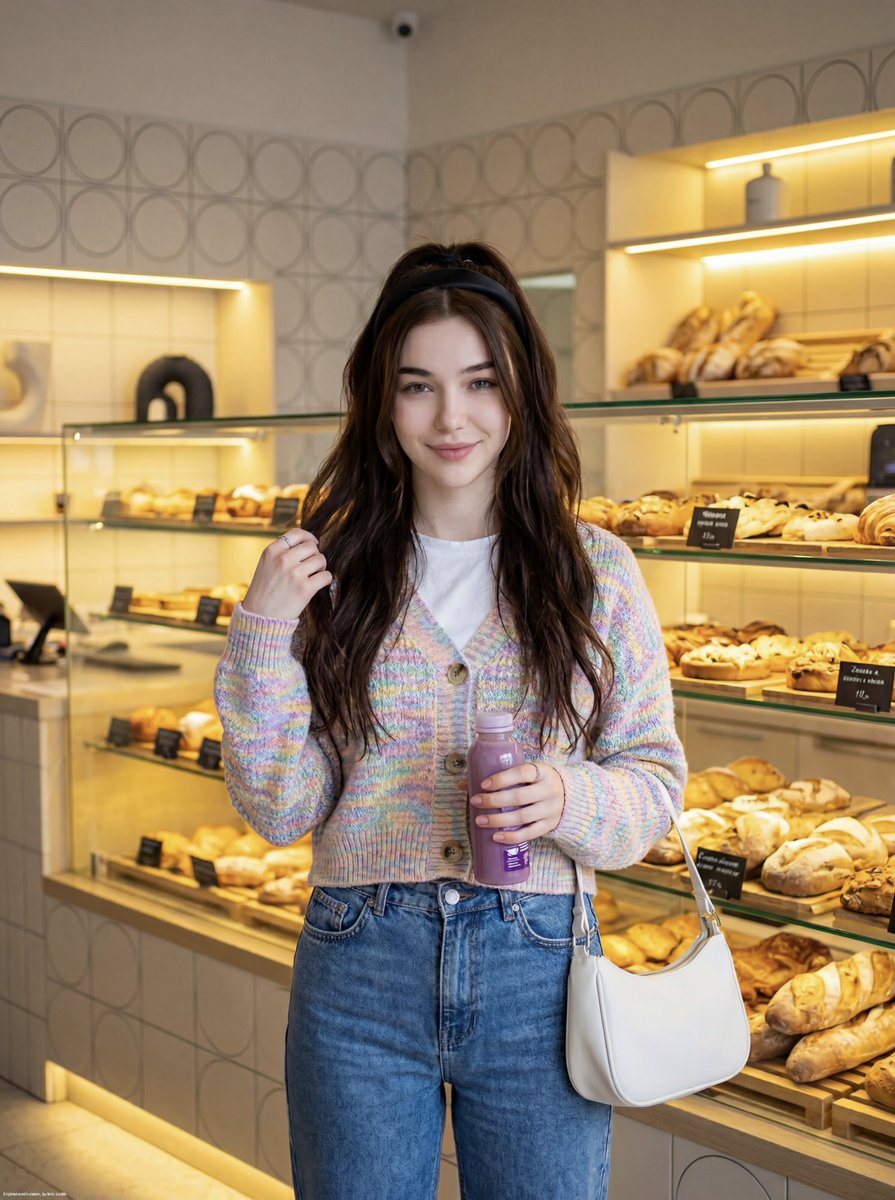
Cute Lifestyle Photo in a Modern Bakery
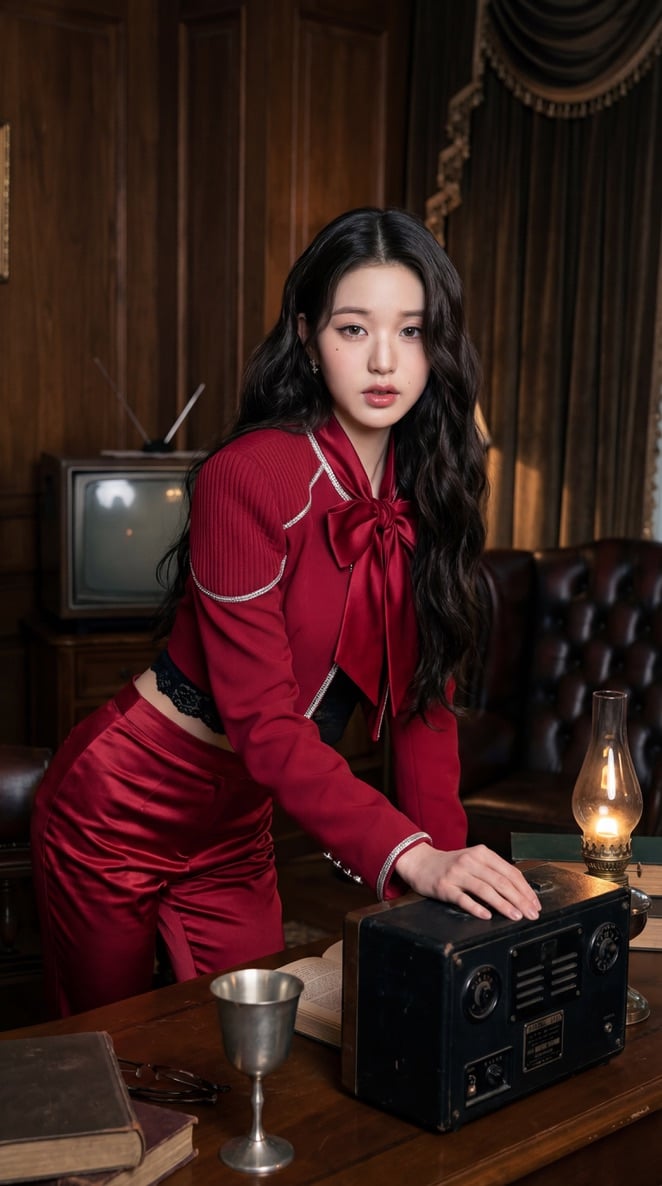
IVE KPOP Idol Retro Cinematic Portraits
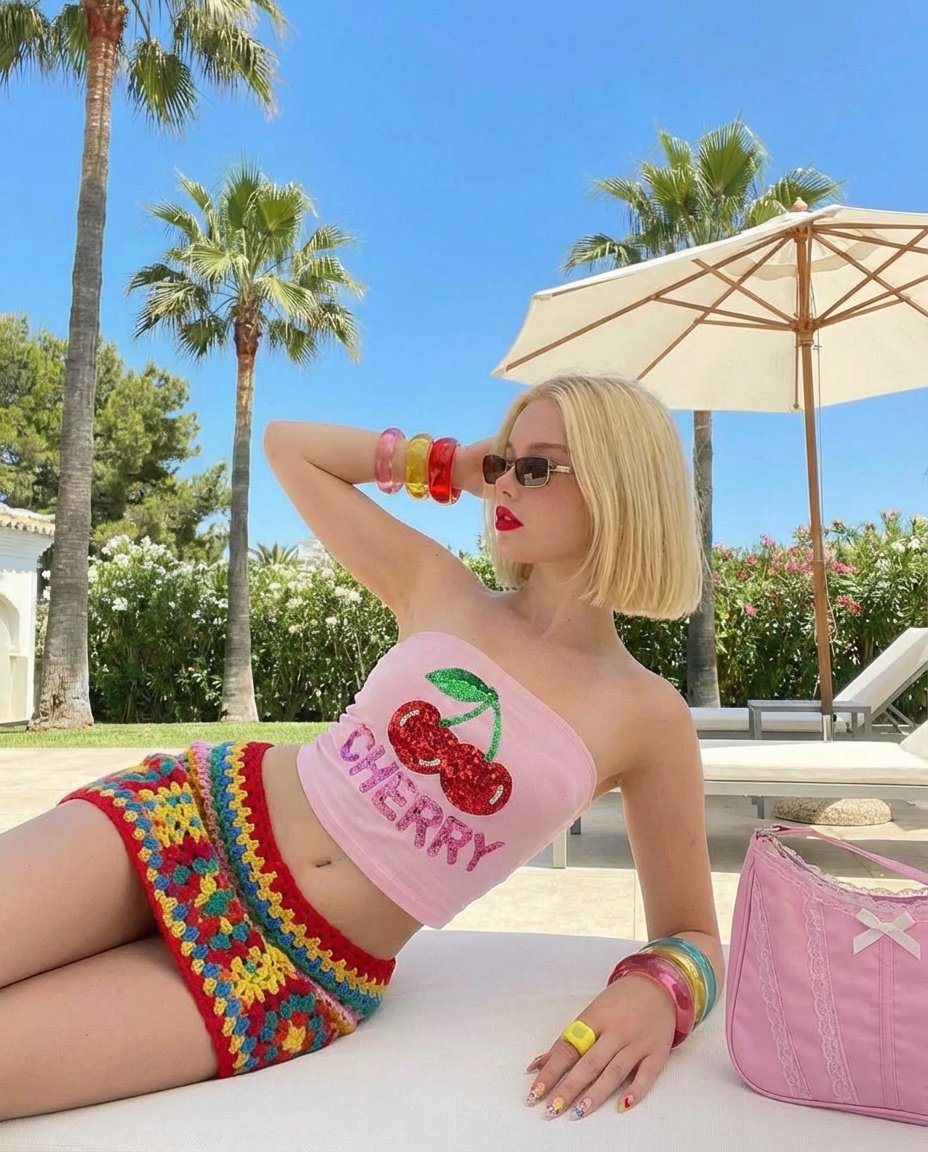
Stylish Poolside Retro Fashion Prompt
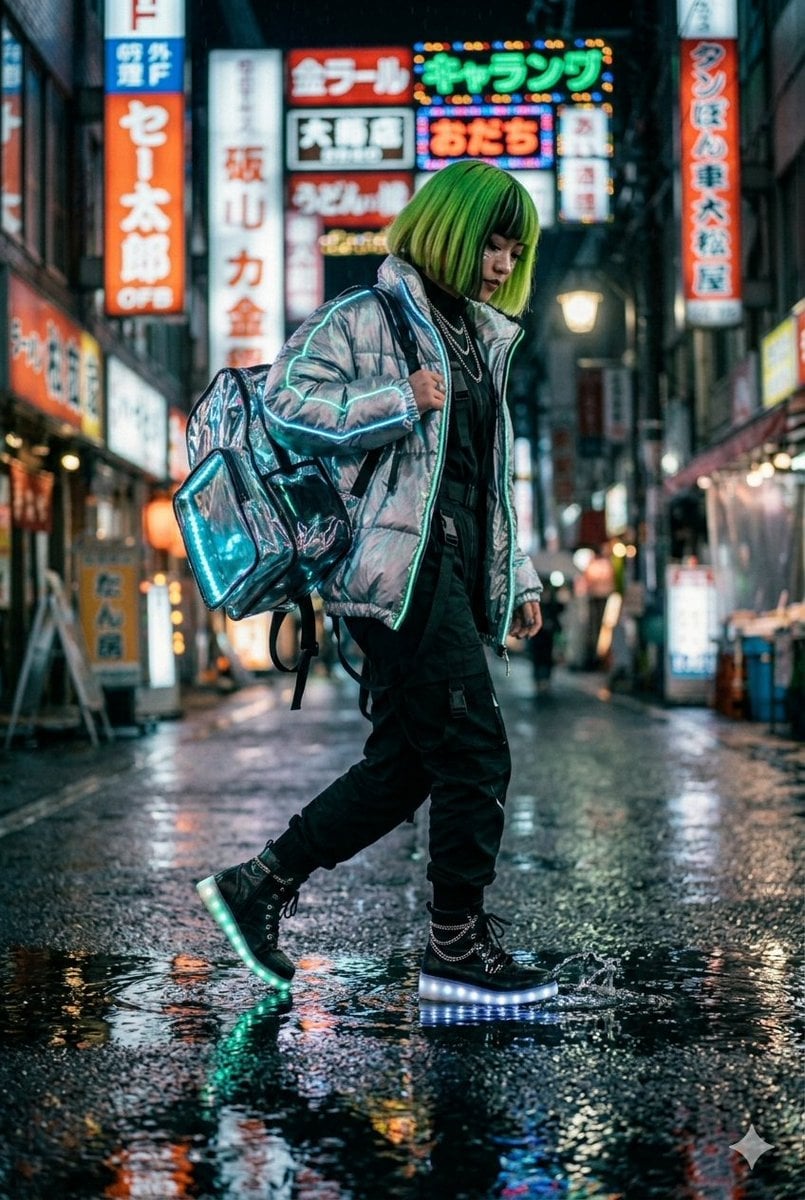
Cyberpunk Techwear Street Shot

Urban Fantasy Summoning Scene with Liquid Sharks
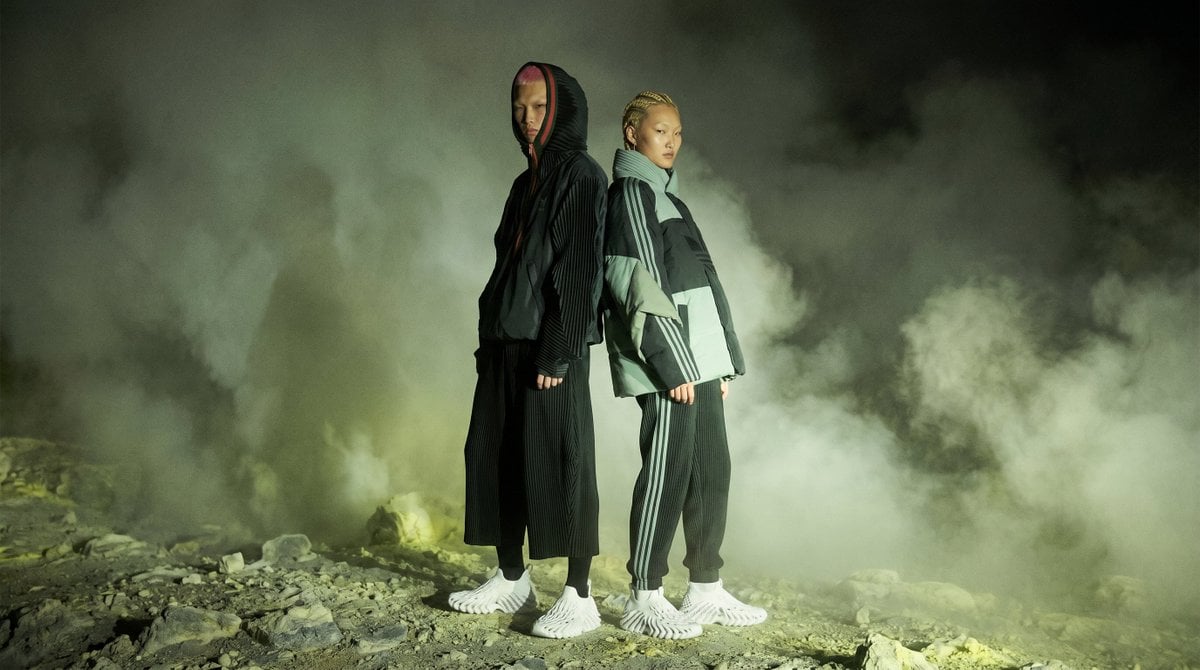
Volcanic Streetwear Fashion Editorial
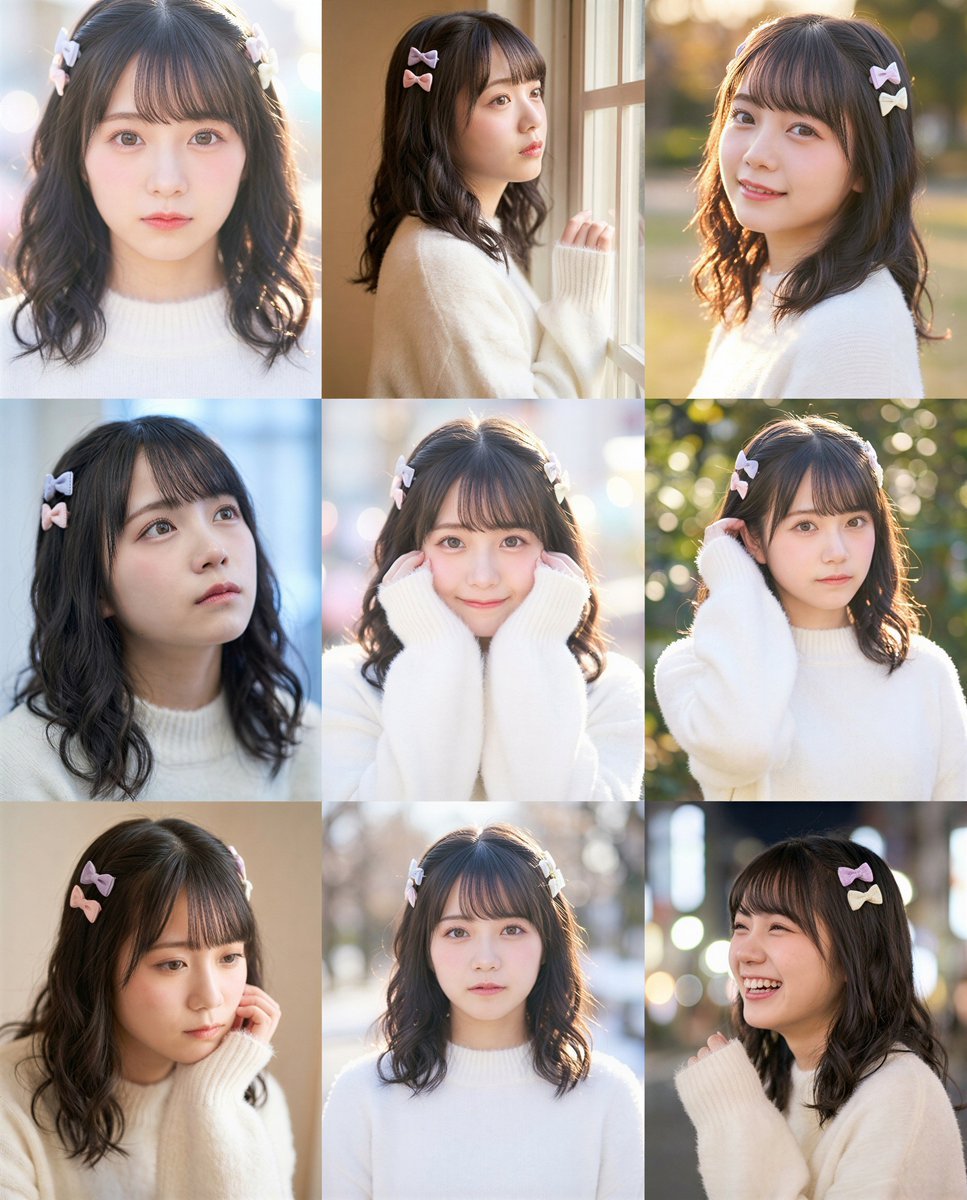
grid Instagram portrait variation prompt for Nano Banana Pro
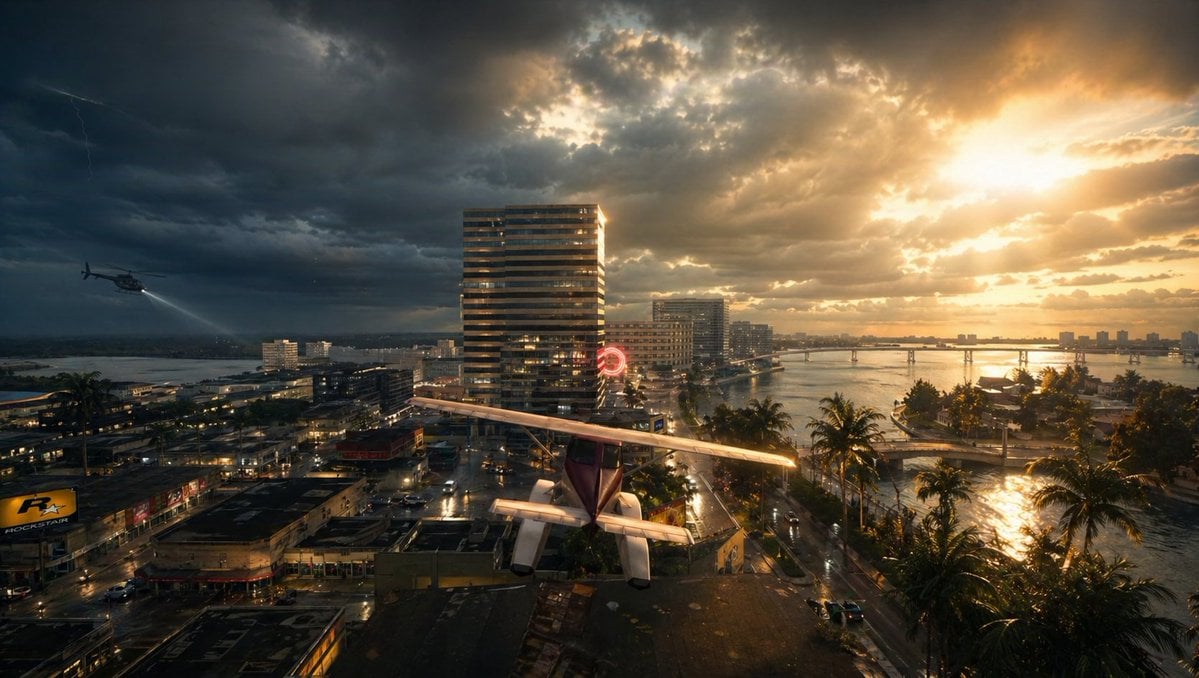
Gpt2 Comic Storyboard Stormy Tropical City with Rooftop Plane
Photorealistic Gym Selfie Portrait with Specific Composition and Color Palette
Browse template categories
Office Fashion Magazine Cover questions
How do I use the Office Fashion Magazine Cover template?
Add your photo if the template asks for one, edit the prompt if you like — the template's model and format are already selected — and press Generate. Your version opens in PicX Studio.
Can I customize the Office Fashion Magazine Cover template?
Yes. You can change the subject, setting, lighting, mood, format, and available model controls before creating your image.
Is the Office Fashion Magazine Cover template free?
Opening and editing this template is free. Generating uses credits, shown on the Generate button when you are signed in.
Which AI model should I use?
Start with GPT Image 2, which is the model associated with this template. You can compare another compatible model for a different finish.
Looking for something else? Browse all templates.

Your photo, any look
Thousands of ready templates for every top image and video model, from one credit balance.