
Monochrome Eyewear Campaign Silhouette
A dramatic black-and-white profile shot of a bearded man in sunglasses, ideal for a luxury eyewear campaign.
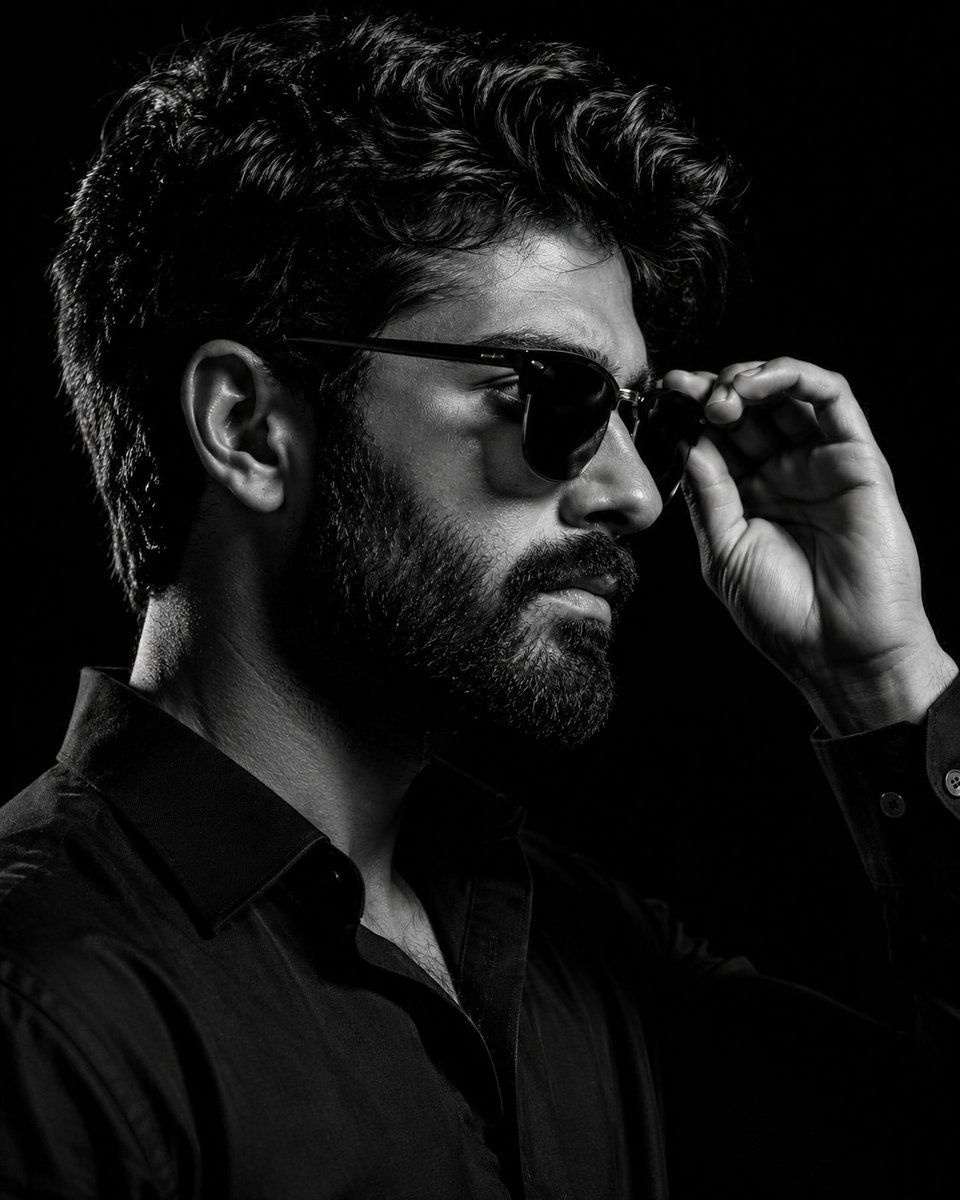
- Prompt included
- Model and format preset
- Free template
The prompt behind this image
Copy the exact prompt behind Monochrome Eyewear Campaign Silhouette, or open it in the studio and make it yours.
A dramatic black-and-white studio portrait of a {argument name="subject" default="stylish bearded man"} captured in a medium close-up profile shot against a completely black seamless background. The man faces toward the right side of the frame with his head slightly tilted forward, creating a bold editorial silhouette. He has a messy hair with sharp texture and a perfectly groomed full beard with visible individual hair strands and detailed mustache definition. He wears {argument name="eyewear" default="glossy dark Clubmaster-style sunglasses"} with subtle metallic bridge details and reflective lenses. His right hand is raised naturally toward his face, gently adjusting the sunglasses with partially bent fingers. The hand is sharply detailed, showing realistic skin texture, knuckles, and soft shadows. The subject is dressed in a {argument name="outfit" default="fitted matte black shirt"} with slight fabric texture, visible folds, and a cuff button catching a soft highlight. The entire image uses a high-contrast monochrome aesthetic with strong chiaroscuro lighting. A Rembrandt-style studio light from the right side creates crisp highlights on the forehead, cheekbone, nose bridge, beard edge, and hand while leaving the back side of the face and neck fading into deep shadow. Shot with an 85mm prime lens at eye level using a shallow depth of field, keeping the face and sunglasses razor sharp while the edges fall subtly out of focus. The background is pure matte black with no visible texture or gradients, emphasizing the cinematic luxury fashion aesthetic. Ultra-realistic editorial photography, premium eyewear campaign style, moody masculine portrait, luxury fashion advertisement look, sharp beard texture, glossy sunglasses reflections, dramatic studio shadows, clean monochrome tones, high detail skin texture, minimal composition, modern men’s fashion branding
How to use Monochrome Eyewear Campaign Silhouette in 3 steps
- 1
Open
The prompt is already in the box next to the preview, with the template's model and format selected.
- 2…a portrait of your subject in softgolden-hour light, 85mm…
Personalize
Edit the subject and creative details for your destination.
- 3Generate
Generate
Press Generate — your image is created in PicX Studio, so you can compare it with the original and refine one variable at a time.
More like this
Templates with the same subject, style or setup. Open one to see its prompt.

Monochrome Portrait Jersey Accent Poster
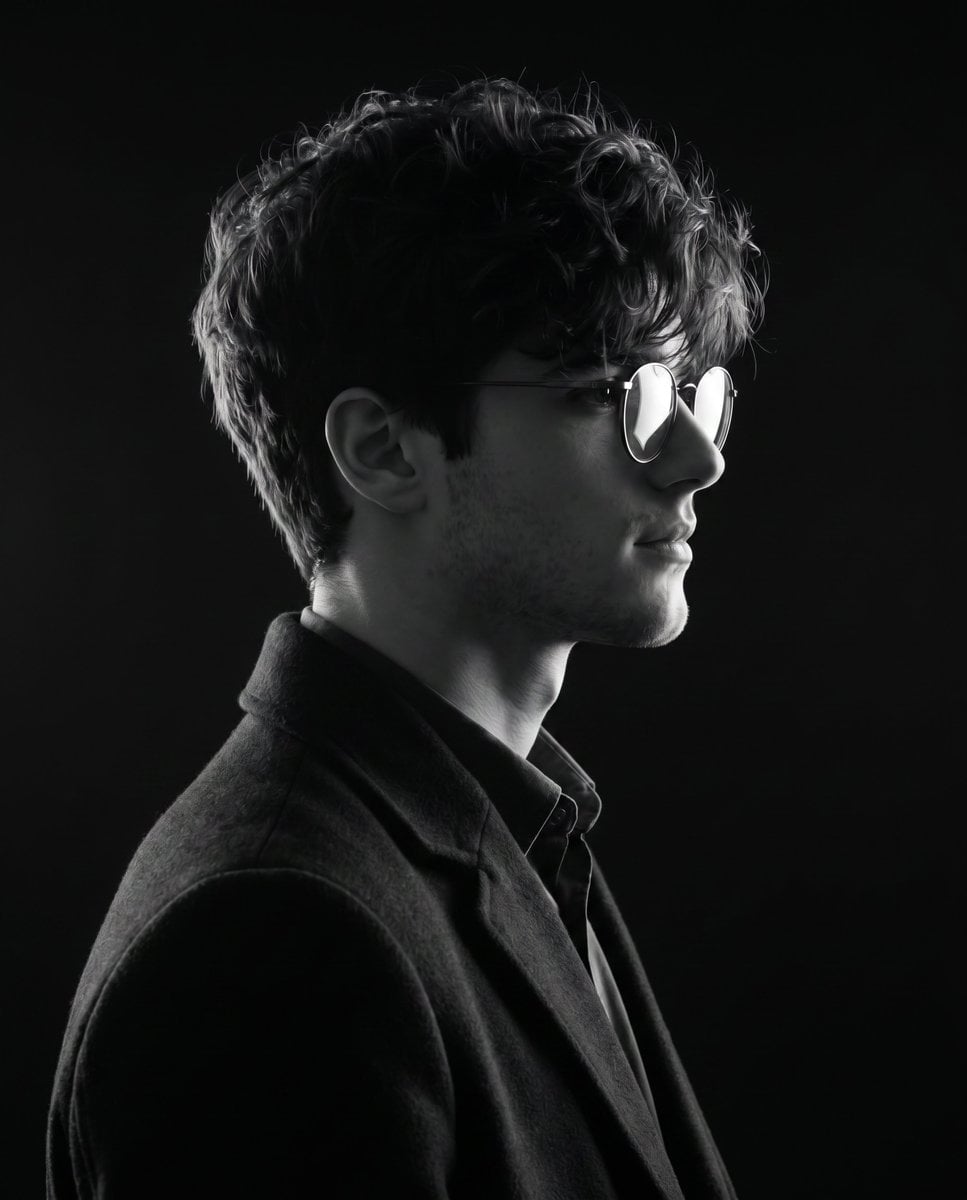
Monochrome Side-Profile Silhouette

Retro Pop-Art K-Fashion Ultraluxury Campaign Poster

Monochrome Hypebeast Street Fashion Editorial Motion

Monroe and Ash Mediterranean Luxury Fashion Campaign

Polo Ralph Lauren Luxury American Heritage Fashion Campaign

Monochrome Halftone Editorial Fashion Poster

Retro Mirror Luxury Fashion Campaign Poster

Luxury Fashion Campaign Typography Poster System

Premium Fashion Editorial Campaign Poster System

Cinematic Street Fashion Photographer Portrait

Quiet Luxury Black and White Fashion Editorial Portrait
Make it yours
Monochrome Eyewear Campaign Silhouette works as-is. These are the safest ways to change it without losing the look.
Change one field
Copy a single group, rewrite it, and generate again so you can see what that field is doing.
Keep the frame, change the subject
Hold the composition and light of Monochrome Eyewear Campaign Silhouette, then swap wardrobe, props or the person for a new take.
| If the result… | Why | Fix |
|---|---|---|
| The result drifts from the preview | Too many fields changed at once. | Reuse Monochrome Eyewear Campaign Silhouette as-is first, then change one group — subject, light, or setting. |
| The model over-stylizes the scene | The prose prompt leaves finish and camera underspecified. | Add one camera or lighting sentence and stay on GPT Image 2. |
More GPT Image 2 templates
Other prompts made for GPT Image 2.

Six VTuber Japanese Logo Sheet

Realistic Portrait of Woman and Deer

The Vista Modular Condo Poster

AI Model Routing Comparison Infographic

2.5D Anime Art Board

Isometric Productivity Desk Scene

New York Double Exposure Poster

Four-Panel AI Landscape Comparison

Japanese Tatami Lifestyle Magazine Cover

NESCAFÉ Coffee Map Poster
More image prompts
Fresh picks from across the catalog.
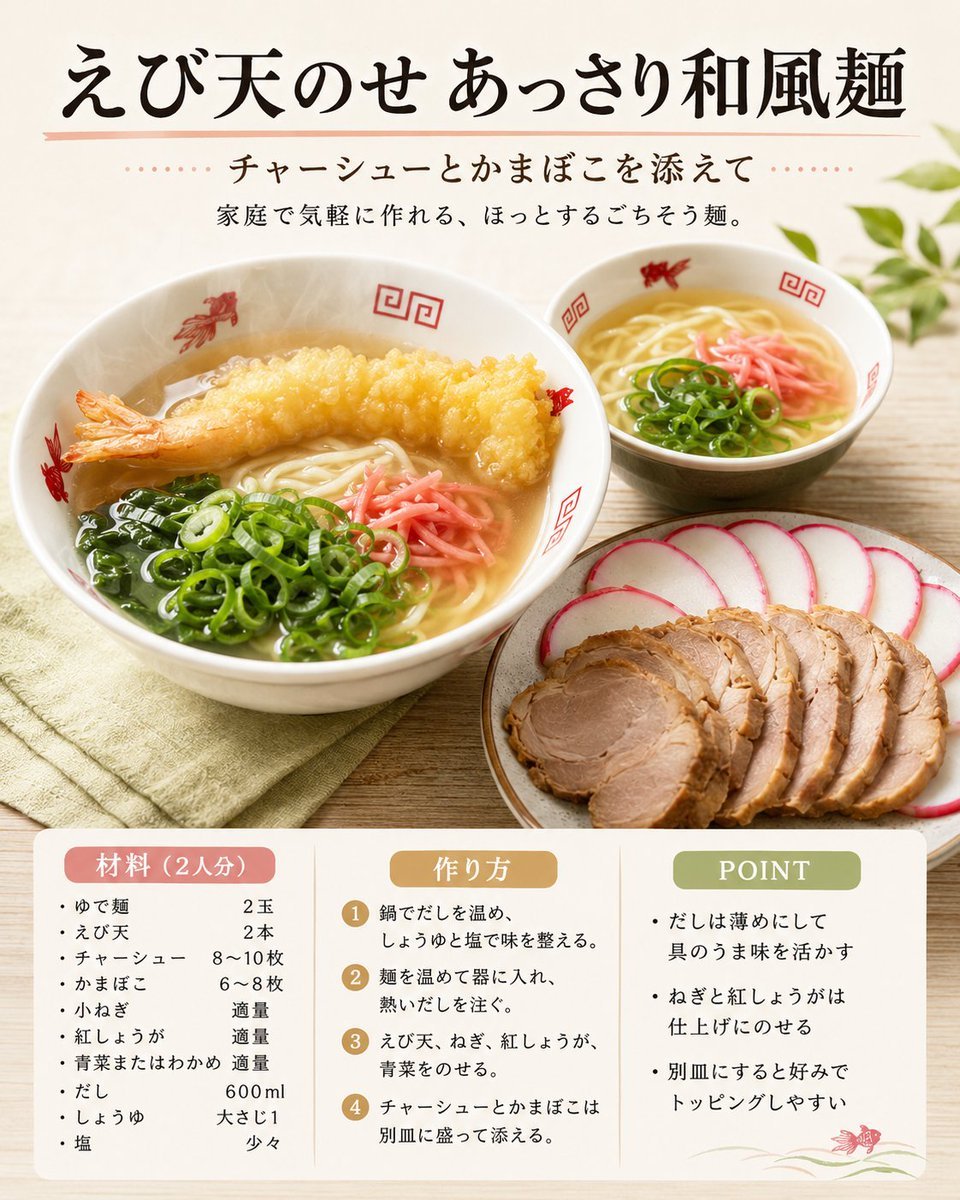
Japanese Tempura Noodle Recipe Card
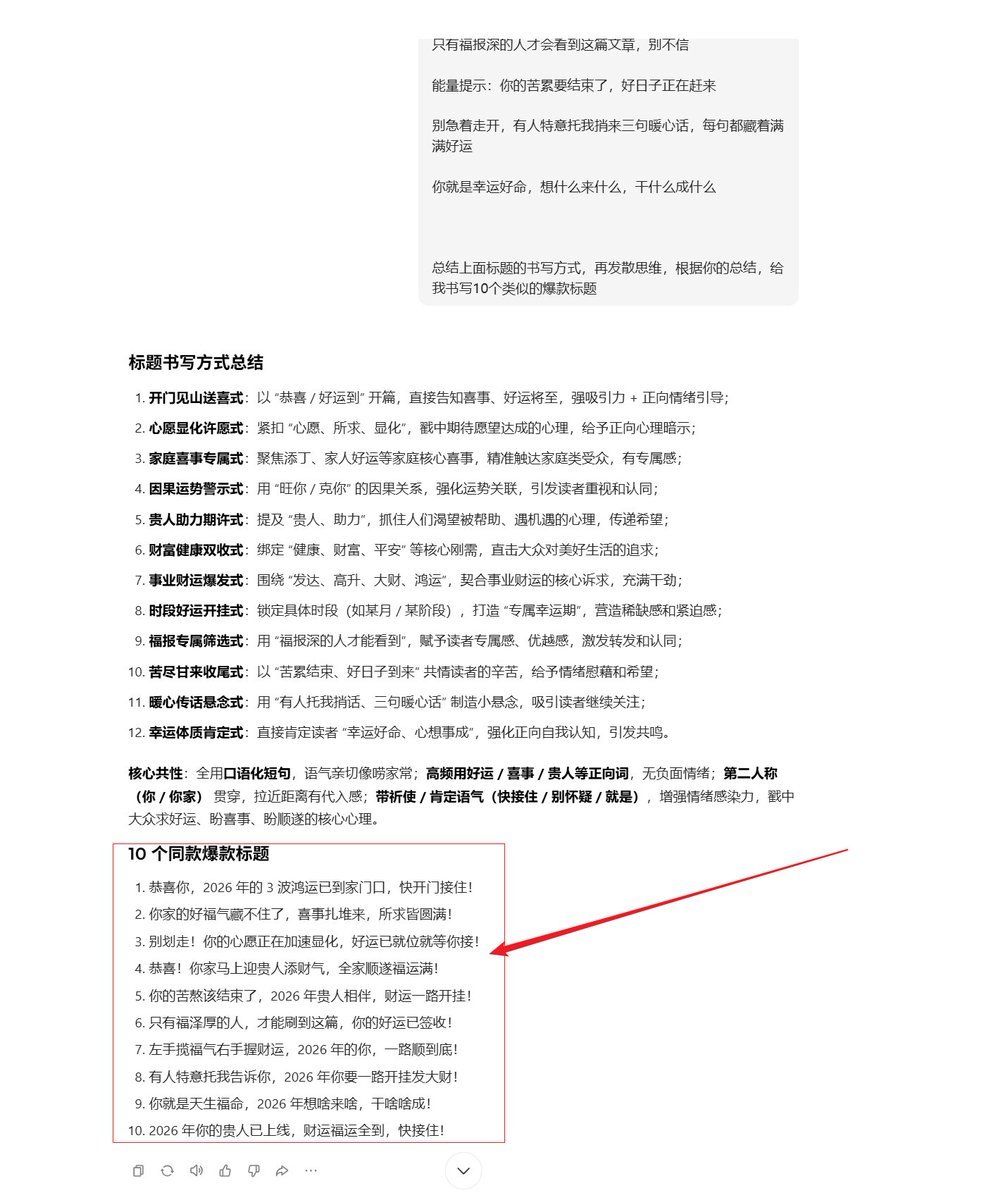
AI Prompt Template for Generating Viral Titles and Copy for Middle-Aged and Elderly Audiences
Bauhaus Functional Identity Brand Logo Generation
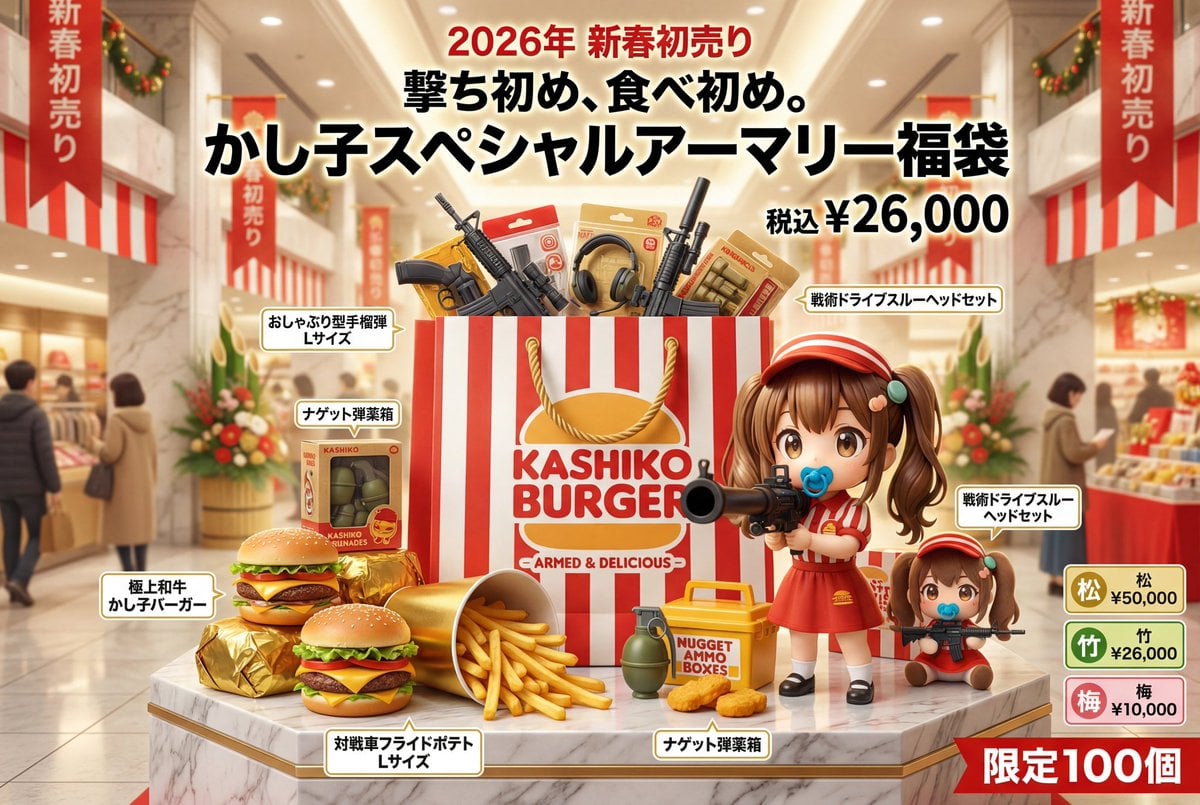
Luxury Fukubukuro (Lucky Bag) Advertisement Key Visual Prompt
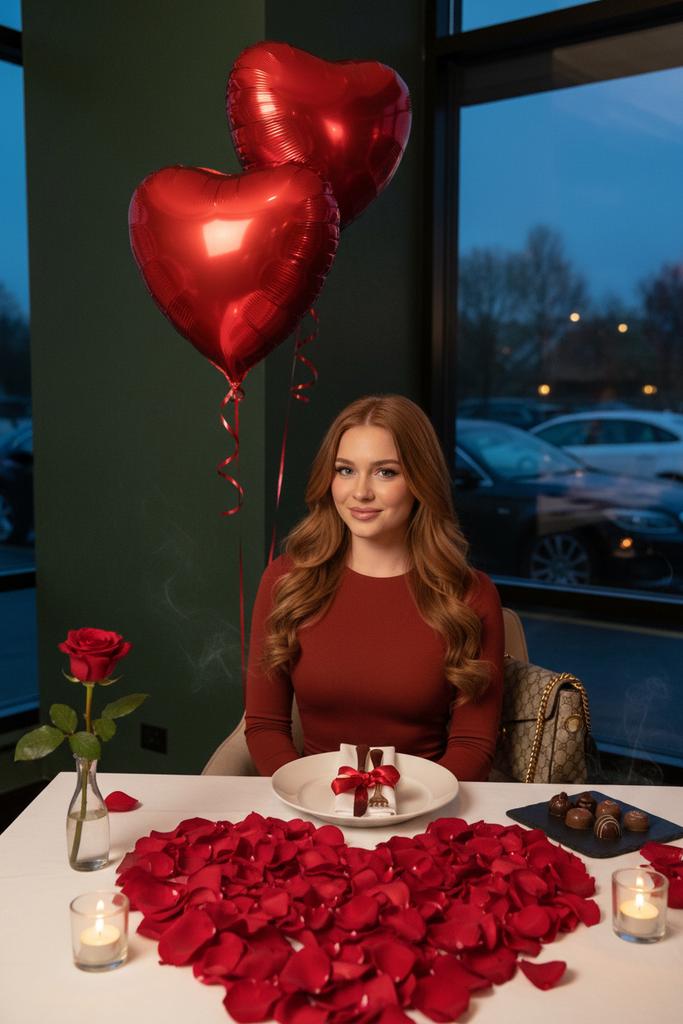
Luxury Valentine’s Dinner Photoshoot (Reddish-Brown Hair)
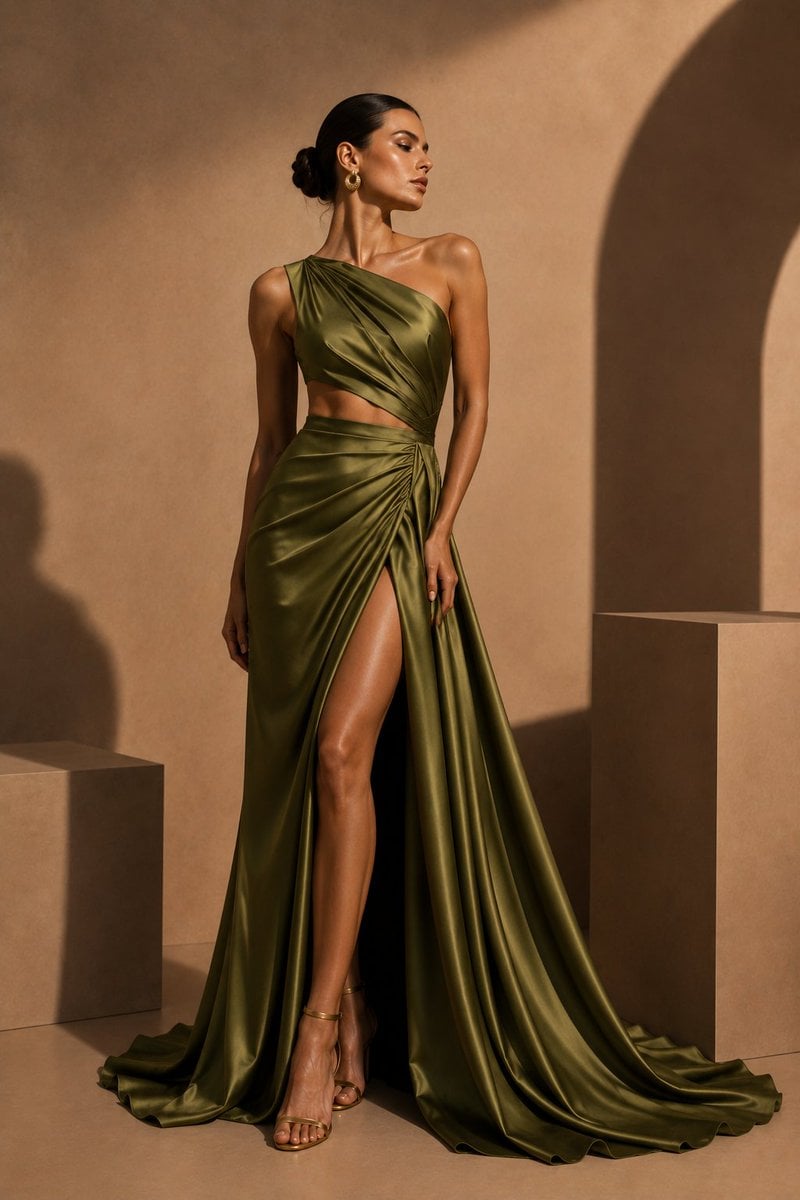
Olive Satin Couture Editorial
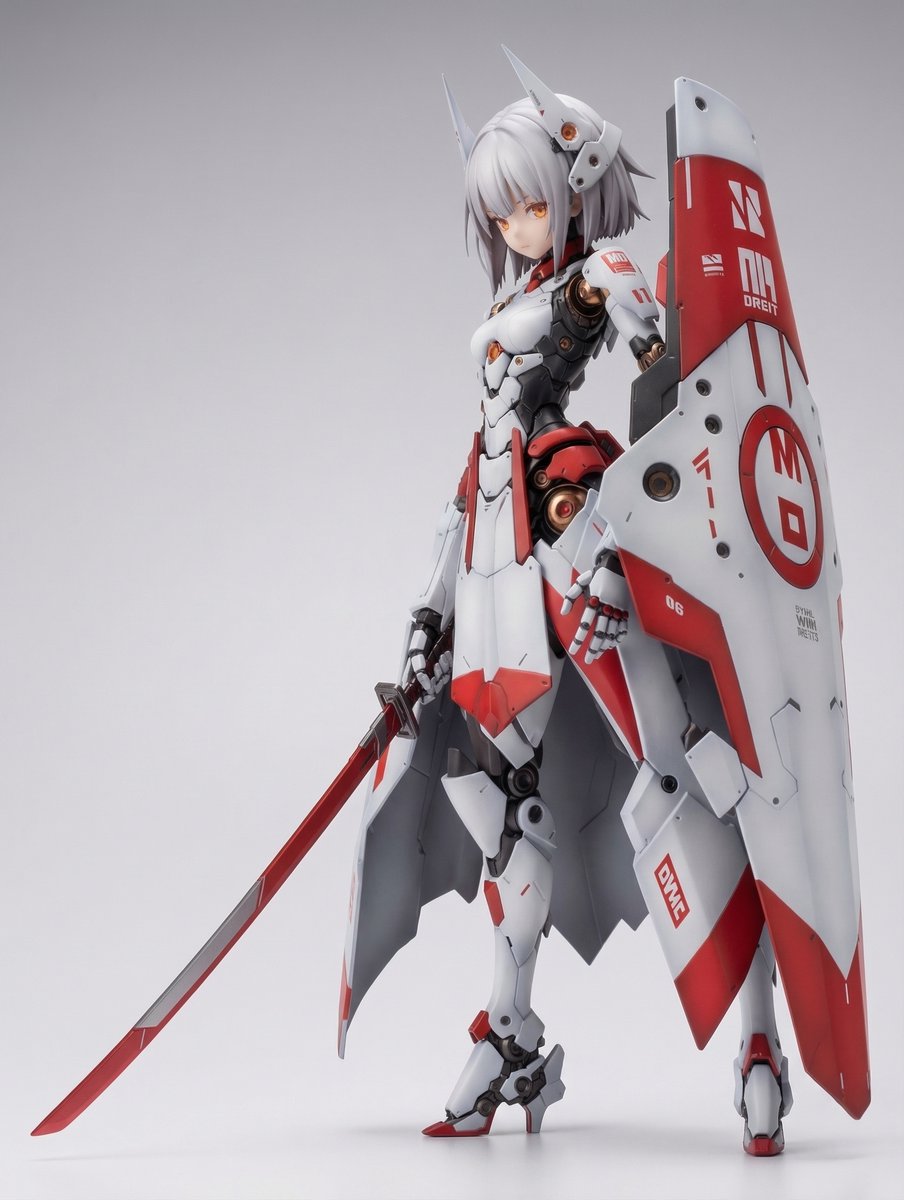
KNIGHT MECHA GIRL Figure Generation Prompt
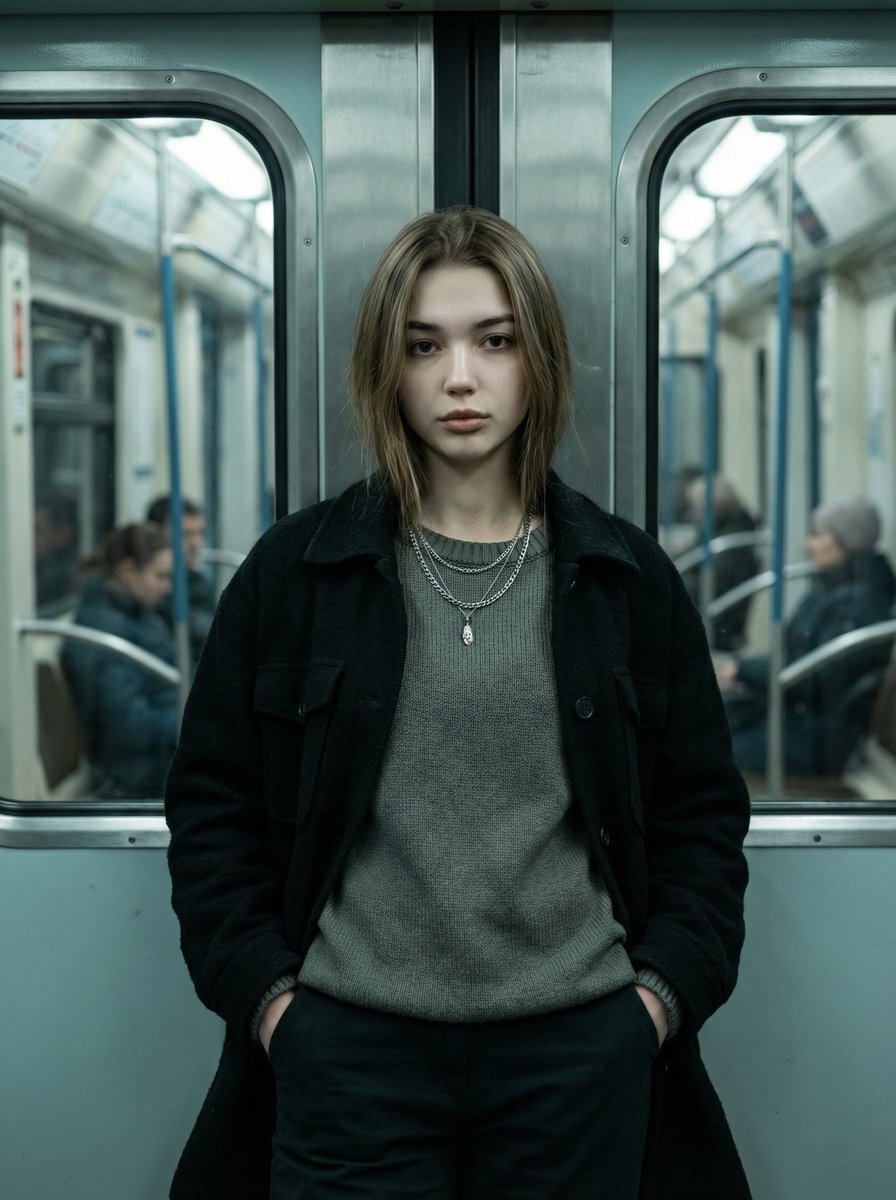
Cinematic Editorial Fashion Portrait in Subway
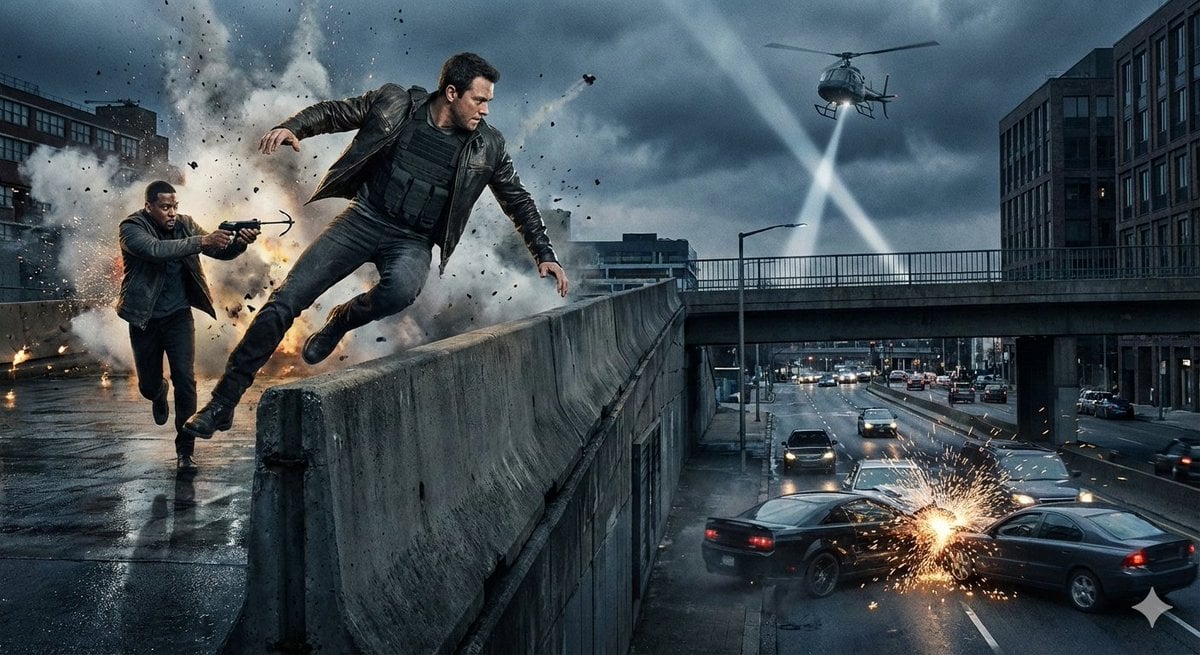
Simple action movie scene
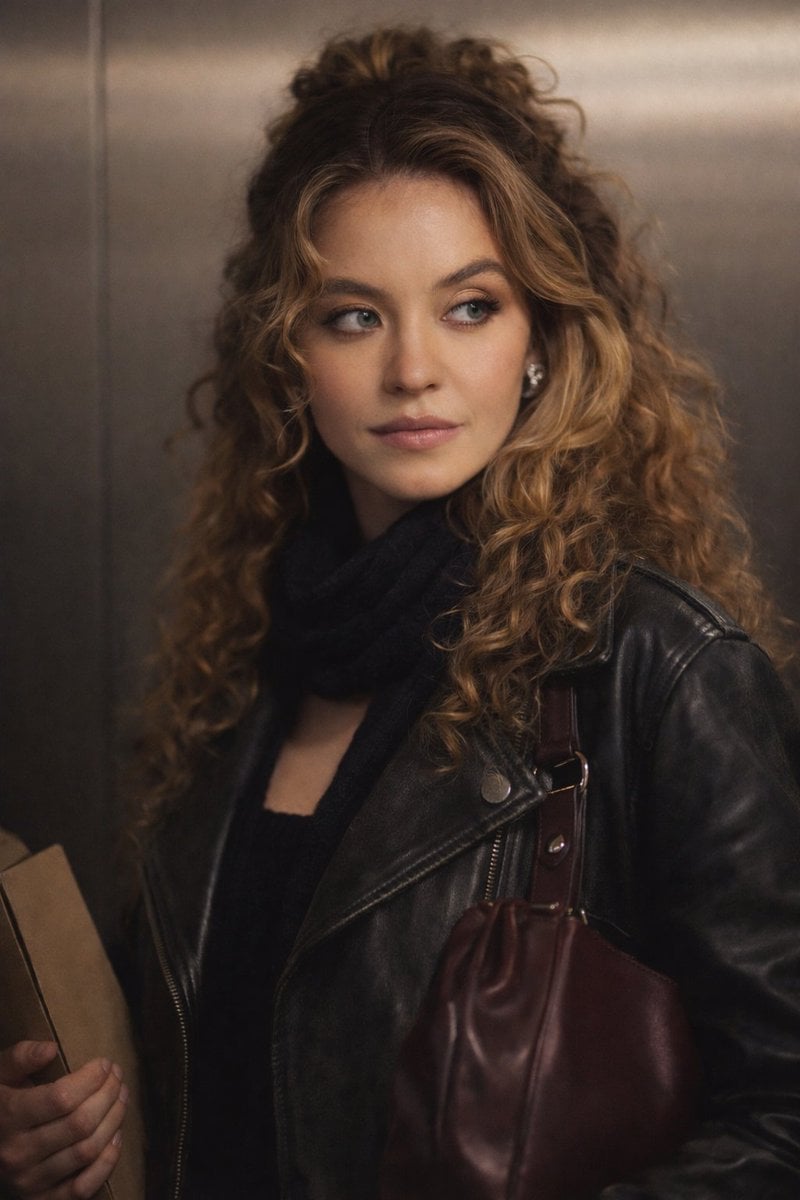
Cinematic Indoor Portrait Prompt for Gemini Nano Banana Pro
Browse template categories
Monochrome Eyewear Campaign Silhouette questions
How do I use the Monochrome Eyewear Campaign Silhouette template?
Add your photo if the template asks for one, edit the prompt if you like — the template's model and format are already selected — and press Generate. Your version opens in PicX Studio.
Can I customize the Monochrome Eyewear Campaign Silhouette template?
Yes. You can change the subject, setting, lighting, mood, format, and available model controls before creating your image.
Is the Monochrome Eyewear Campaign Silhouette template free?
Opening and editing this template is free. Generating uses credits, shown on the Generate button when you are signed in.
Which AI model should I use?
Start with GPT Image 2, which is the model associated with this template. You can compare another compatible model for a different finish.
Looking for something else? Browse all templates.

Your photo, any look
Thousands of ready templates for every top image and video model, from one credit balance.