How do I use the Monochrome Side-Profile Silhouette template?
Choose the primary action to open PicX Studio with the available template settings. Review the model and format, personalize the creative direction, and generate when ready.
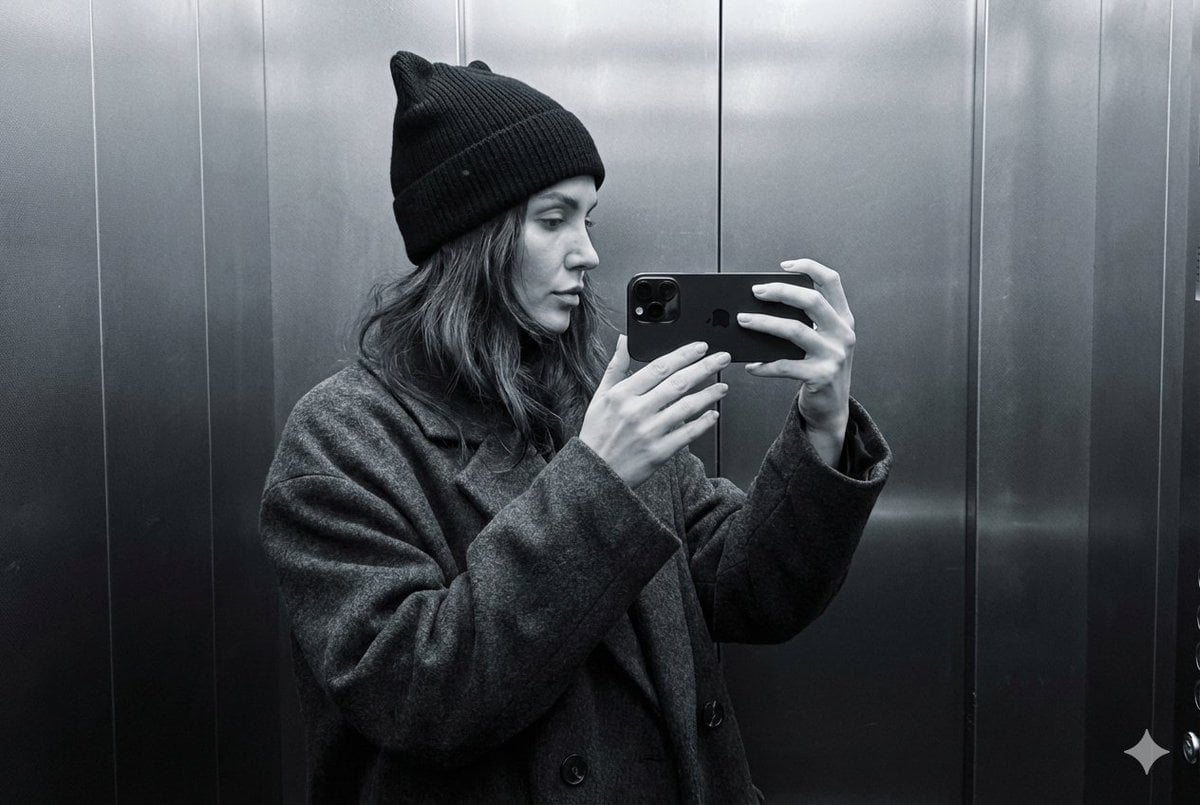
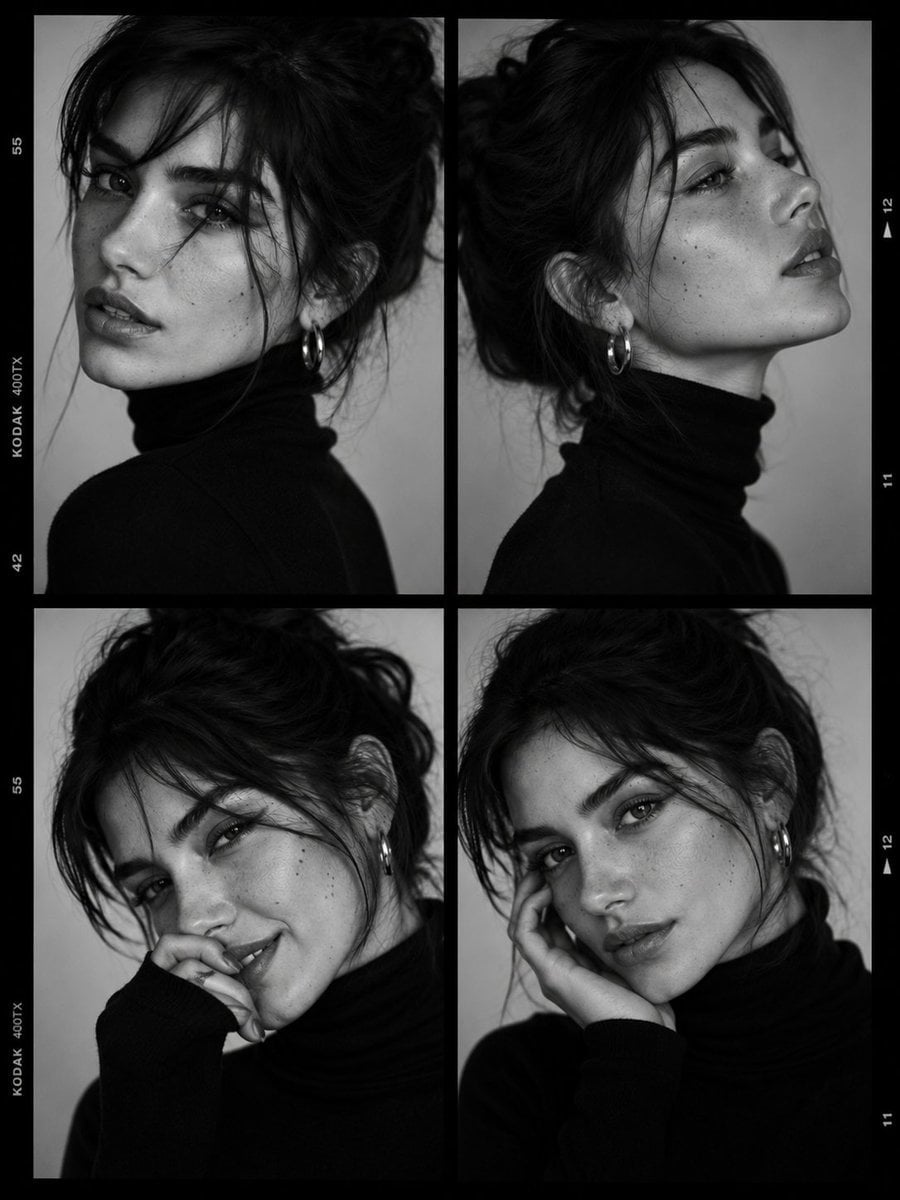
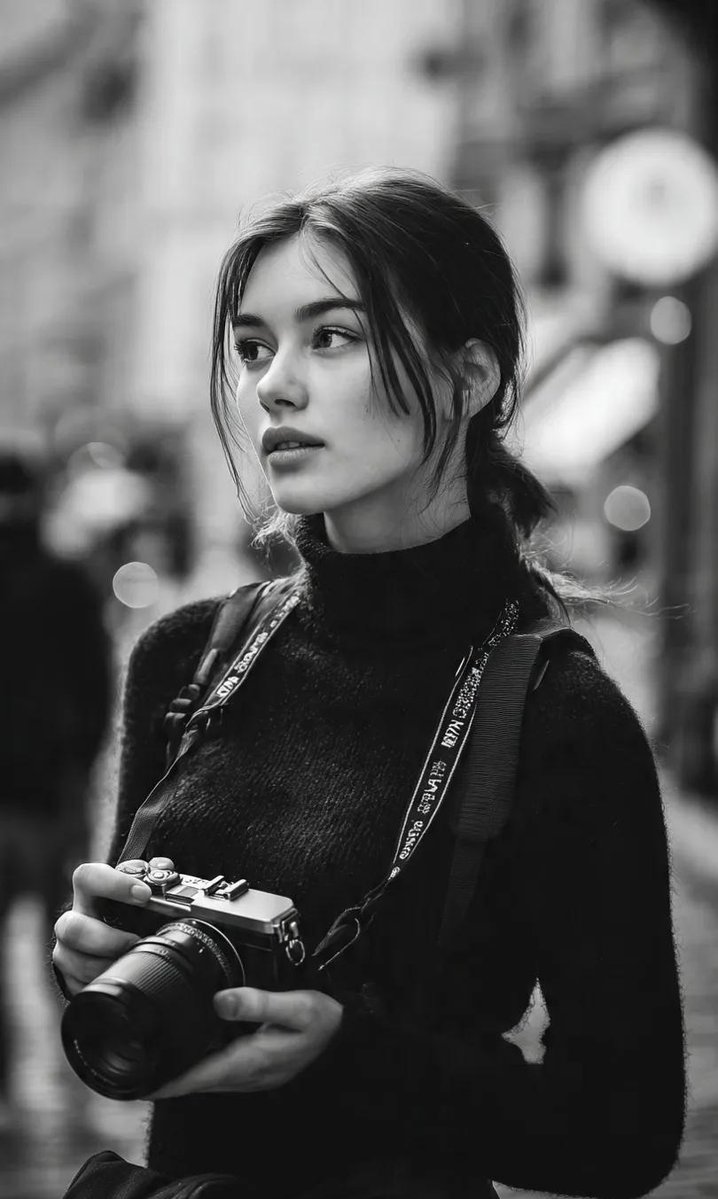
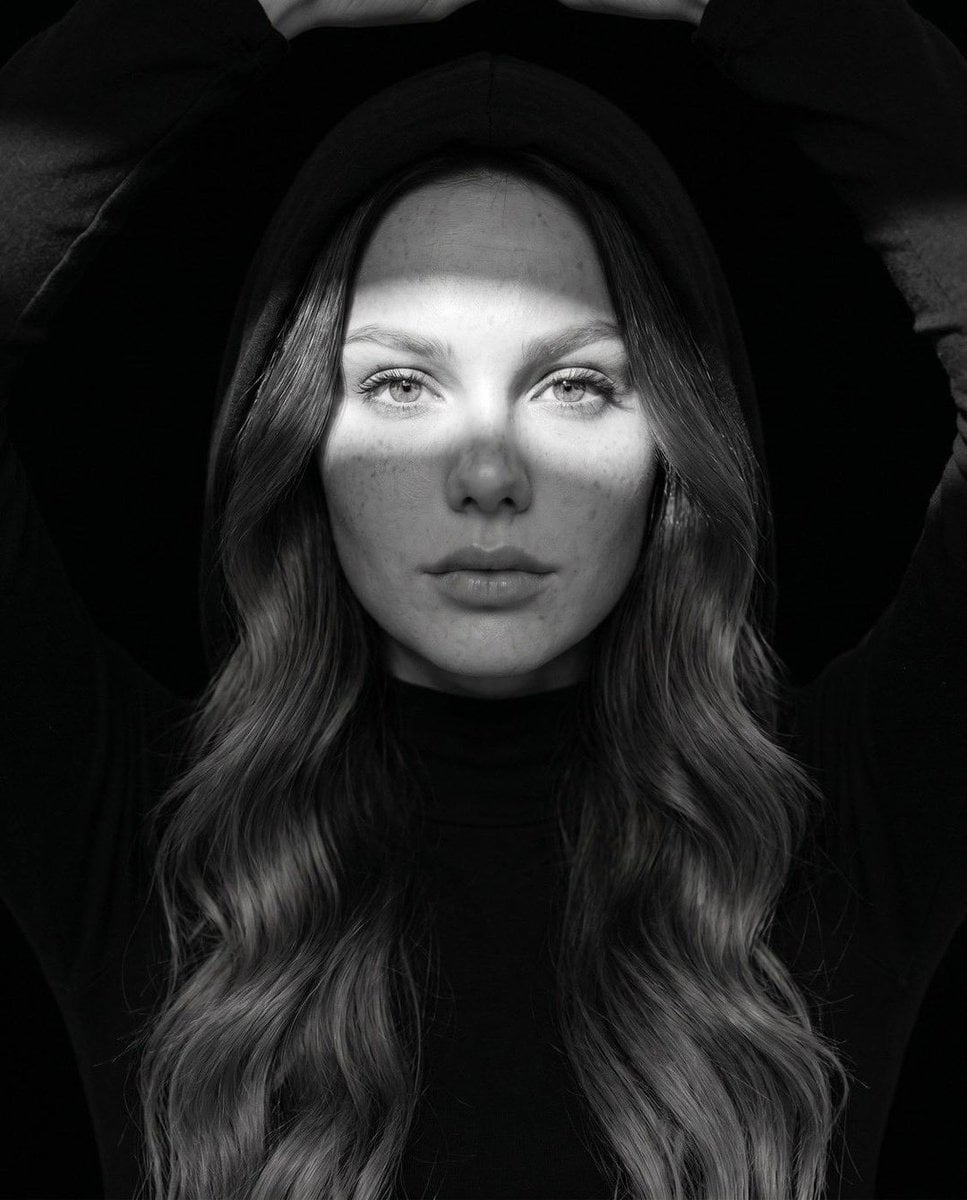
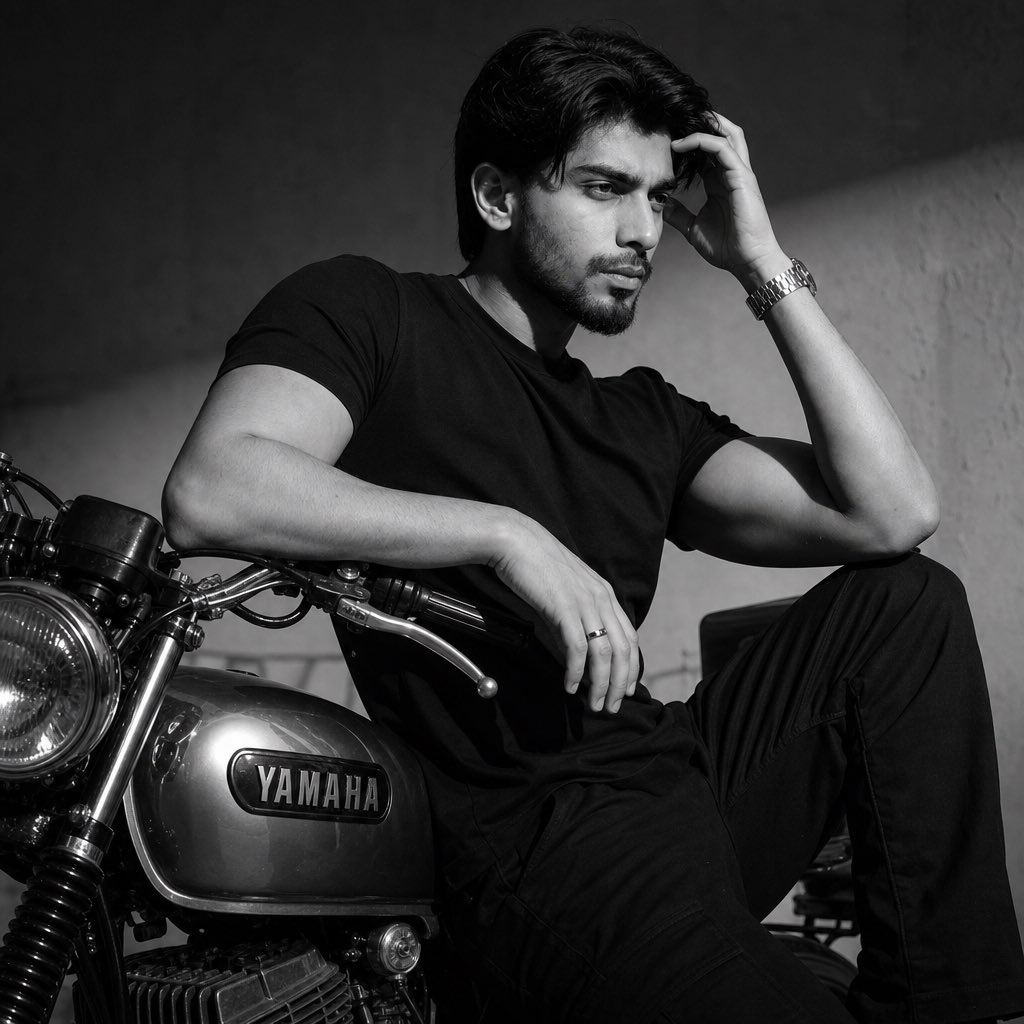
A reference-based prompt for generating a monochrome side-profile portrait with rim lighting and a pure dark background.
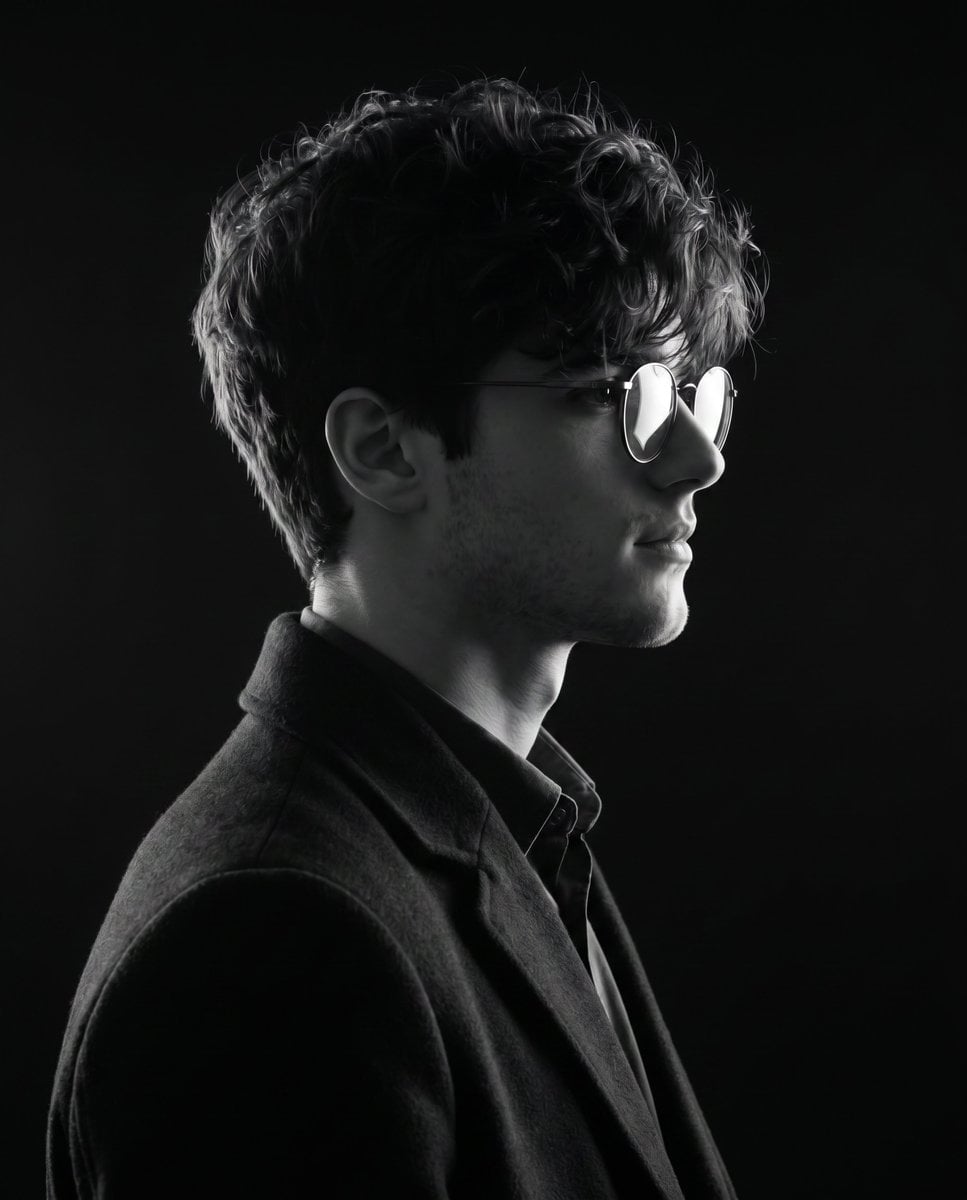
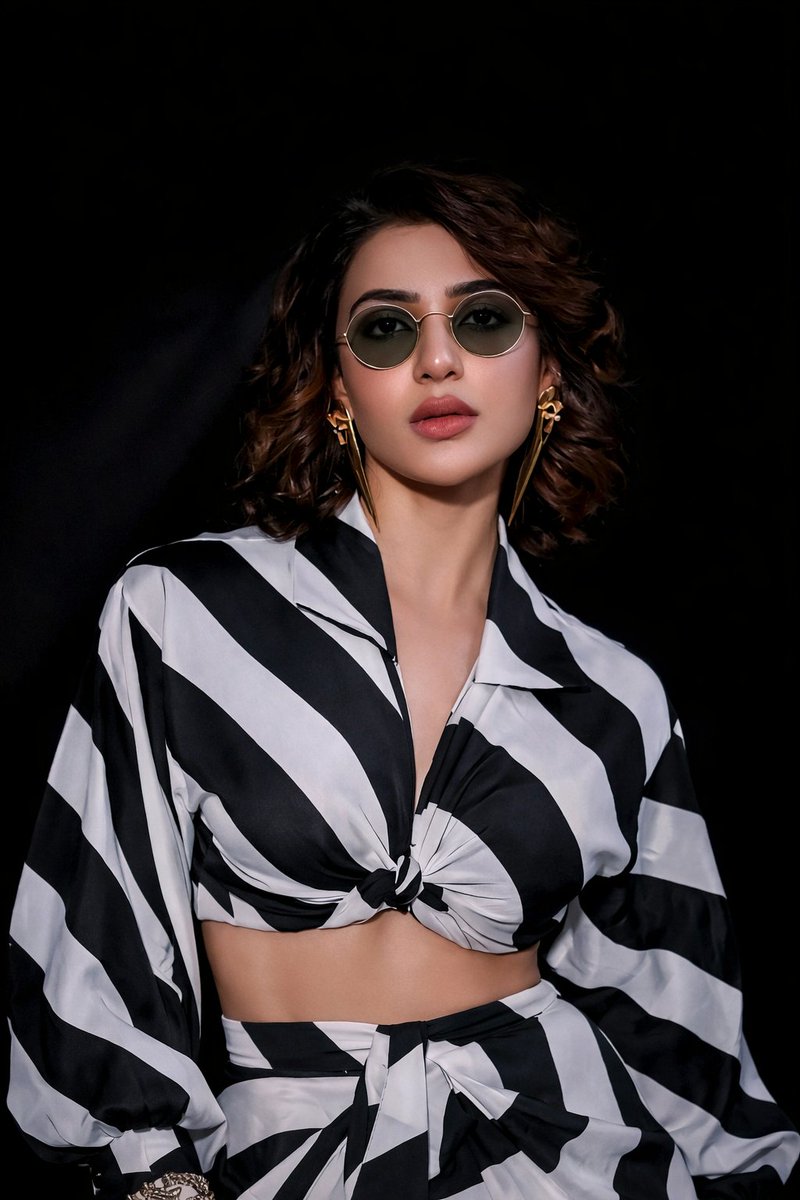
Generate an exact {argument name="color style" default="monochrome"} {argument name="angle" default="side-profile"} portrait of the uploaded subject in this scene. The subject faces right, head slightly tilted, wearing {argument name="outfit" default="round glasses and a dark coat over a collared shirt"}. Lighting highlights the edges of hair, face, and glasses, creating a soft rim light effect while the rest fades smoothly into shadow. The background is pure dark, fading into black, adding depth and isolating the silhouette. Composition is tight, cropped from chest up, camera angle at side profile, emphasizing clean lines and elegant simplicity. Final result must lock pose, clothing, glasses, background, lighting, framing, and contrast exactly as reference-only swap subject's identity. Aspect ratio 4:5
Choose the primary action to open PicX Studio with the available template settings. Review the model and format, personalize the creative direction, and generate when ready.
Yes. You can change the subject, setting, lighting, mood, format, and available model controls before creating your image.
This template is free to open and customize. Generation usage is shown in PicX Studio before you create.
Start with Nano Banana 2, which is the model associated with this template. You can compare another compatible model for a different finish.
Follow a topic to a crawlable collection of related PicX Studio templates.