
Anime Football Legend Poster
A dynamic, anime-style sports poster featuring a soccer player in a high-energy stadium environment with cinematic lighting and manga elements.
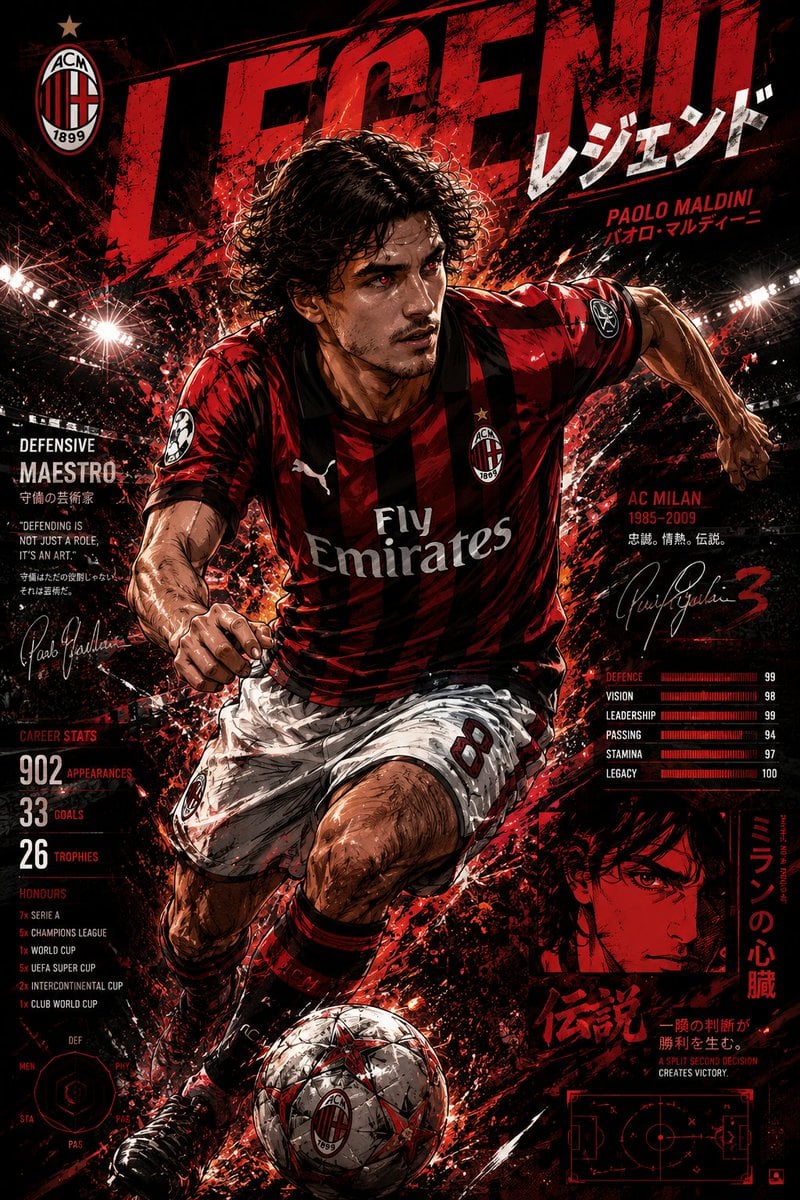
- Prompt included
- Model and format preset
- Free template
The prompt behind this image
Copy the exact prompt behind Anime Football Legend Poster, or open it in the studio and make it yours.
Ultra-detailed anime football legend poster, cinematic sports illustration, {argument name="action" default="dynamic soccer player sprinting through a glowing stadium"}, {argument name="effects" default="red and black energy explosion effects"}, aggressive brush-stroke splashes, dramatic stadium floodlights, manga-inspired action scene, powerful low-angle perspective, hyper detailed facial features, wet hair strands, intense glowing eyes, athletic muscular anatomy, realistic football kit folds, {argument name="team aesthetic" default="AC Milan-inspired red-and-black jersey aesthetic"}, legendary football hero atmosphere, collectible sports poster design, oversized distressed typography, Japanese katakana text elements, tactical UI graphics, stat bars, signature scribbles, player quotes, gritty textures, explosive motion energy, football sparks and debris flying around, highly detailed soccer ball, cinematic shadows, black background with red lightning accents, modern anime + sports editorial fusion, emotional champion aura, premium manga cover composition, dynamic movement blur, ultra sharp linework, epic stadium atmosphere, trending ArtStation anime style, 8k masterpiece.
How to use Anime Football Legend Poster in 3 steps
- 1
Open
The prompt is already in the box next to the preview, with the template's model and format selected.
- 2…a portrait of your subject in softgolden-hour light, 85mm…
Personalize
Edit the subject and creative details for your destination.
- 3Generate
Generate
Press Generate — your image is created in PicX Studio, so you can compare it with the original and refine one variable at a time.
More like this
Templates with the same subject, style or setup. Open one to see its prompt.

Captain Tsubasa Anime World Cup Poster
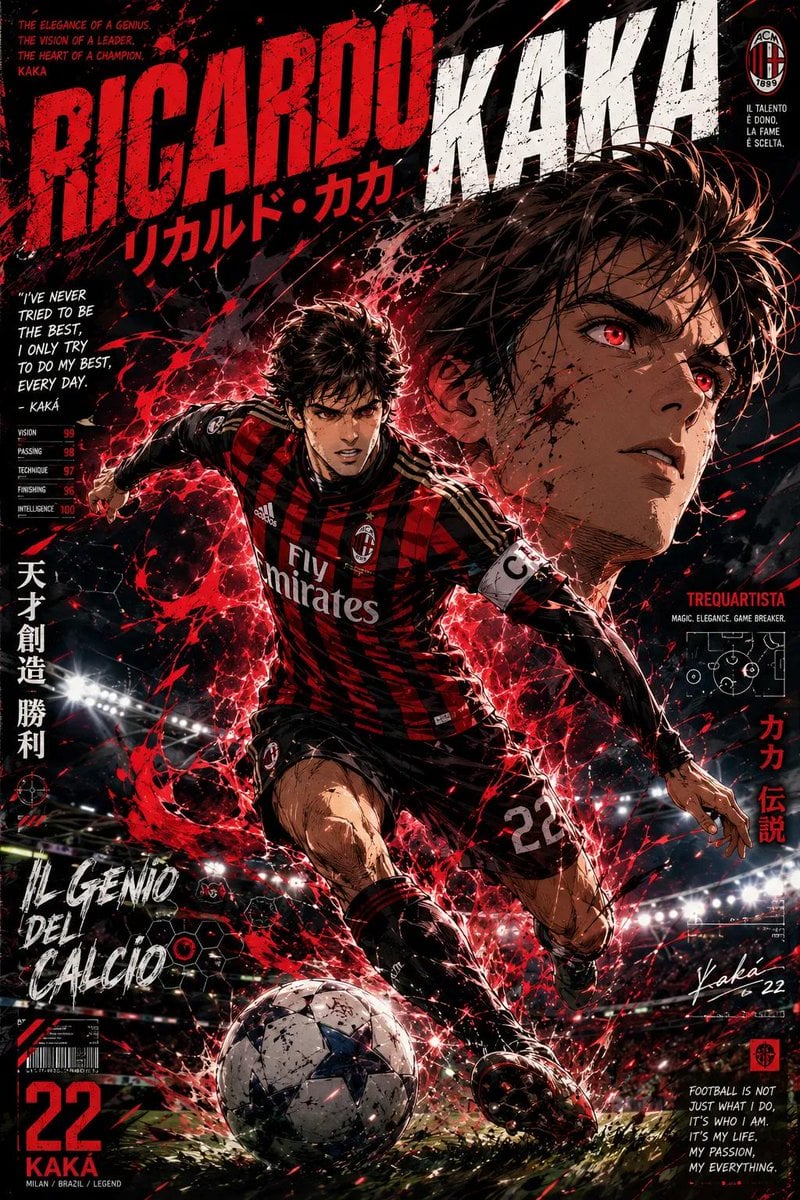
Anime Football Legend Poster
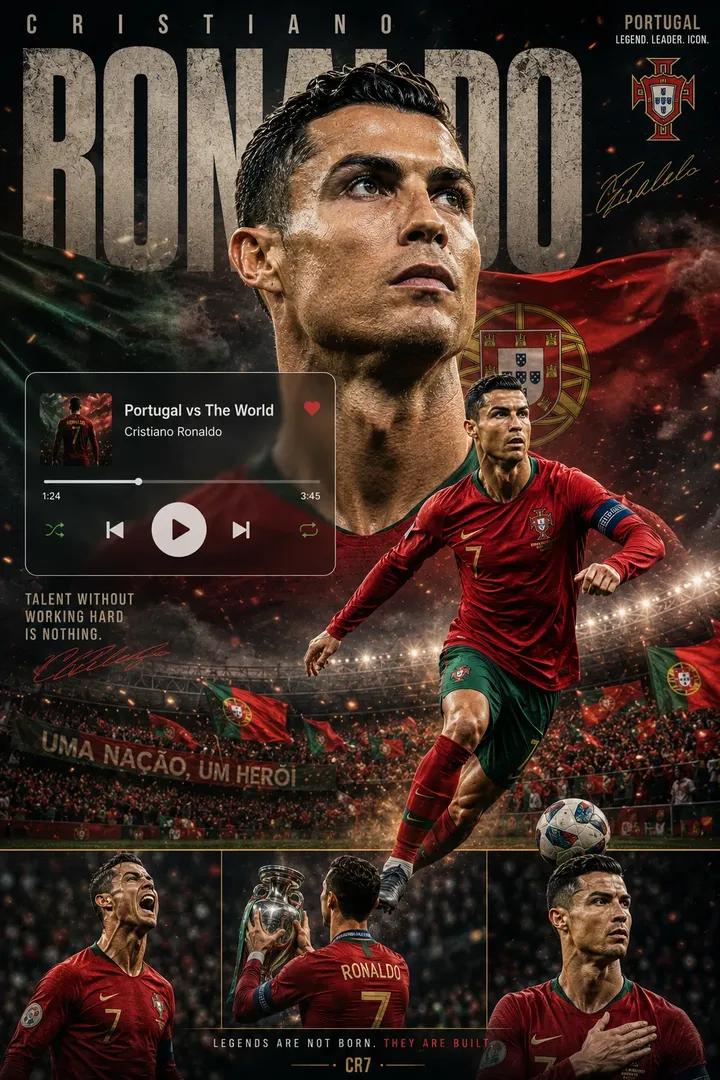
Premium Football Legend Poster
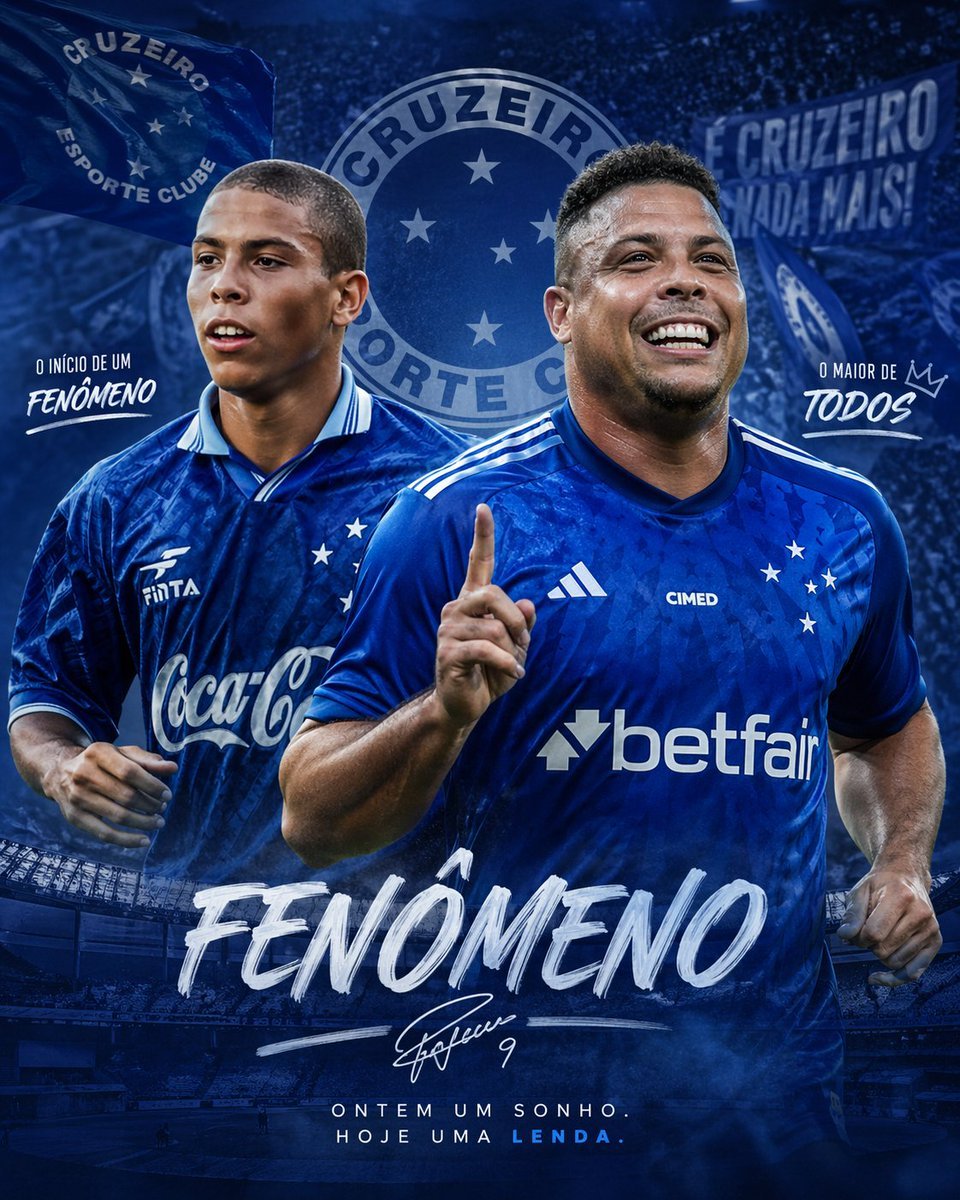
Blue Football Legend Tribute Poster
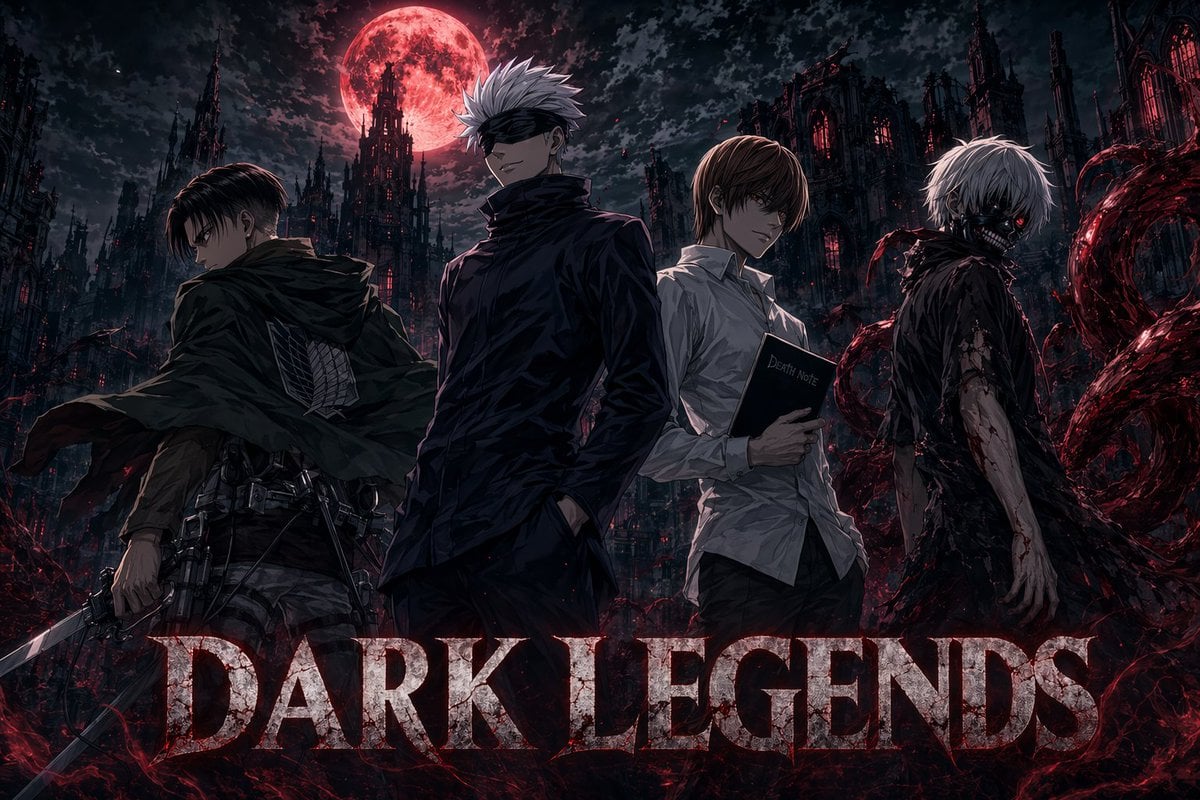
Dark Anime Legends Poster

Gpt2 Youtube Thumbnail Anime Music Bootcamp Promo Poster

Japan Travel Brochure Poster
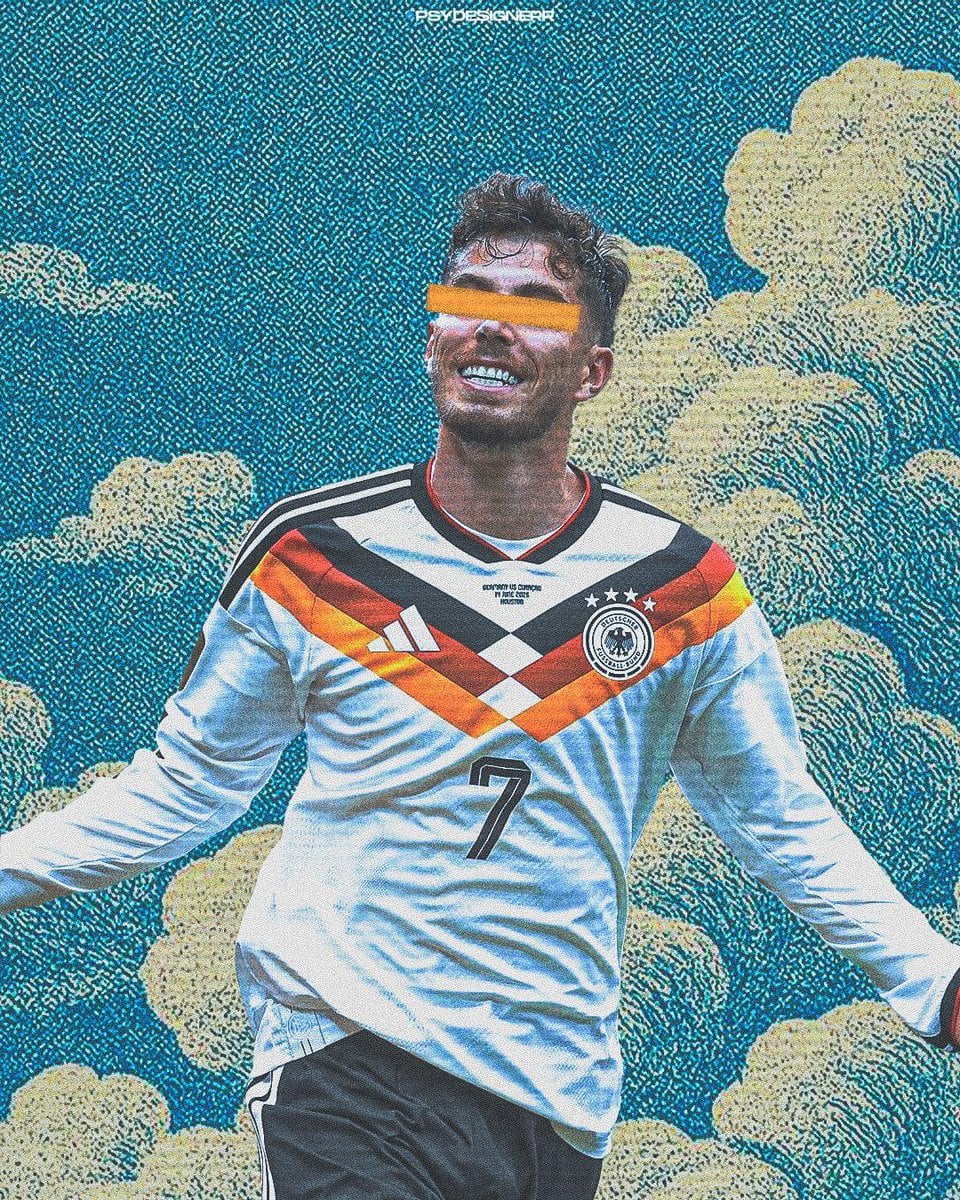
Cinematic Stylized Football Poster
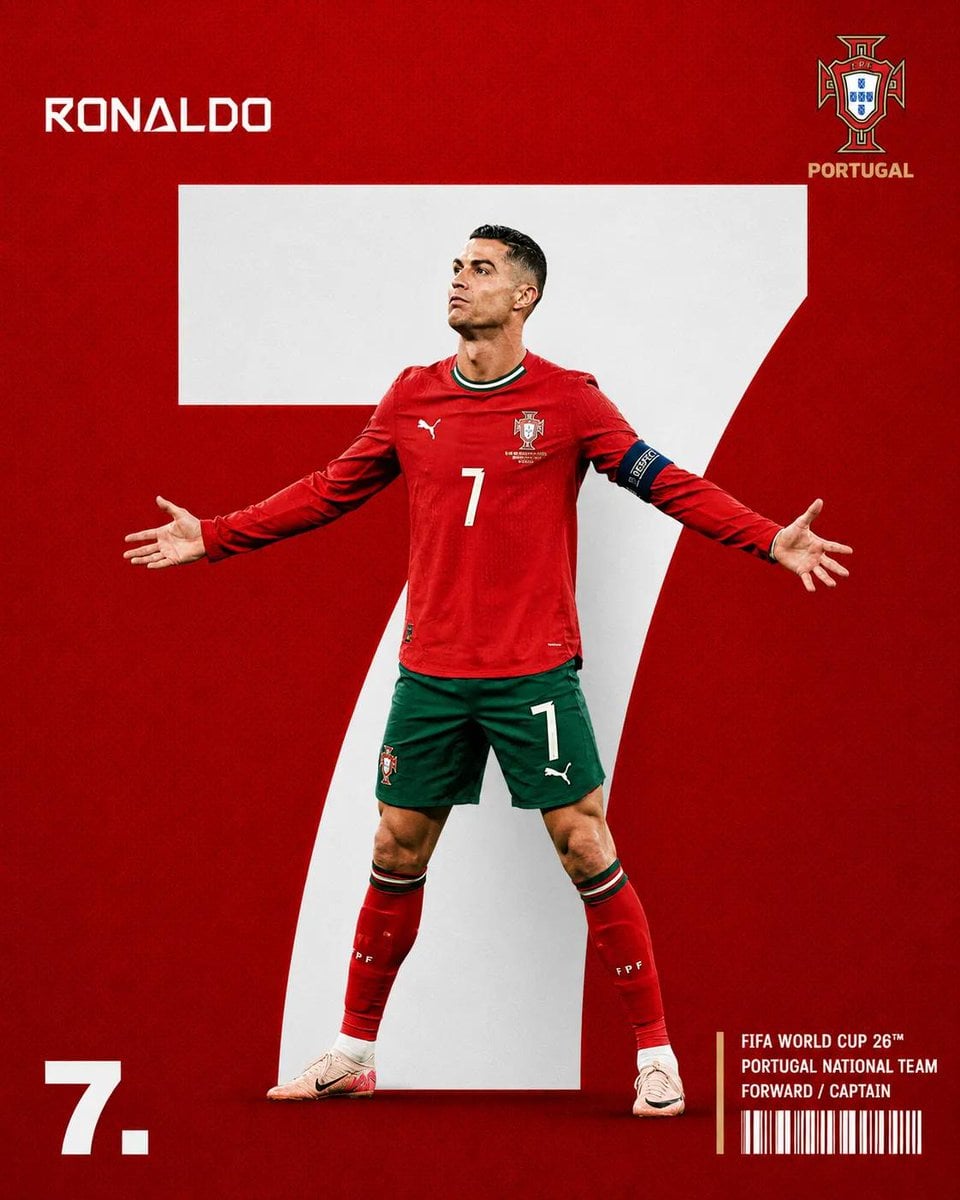
Minimalist Sports Editorial Football Poster
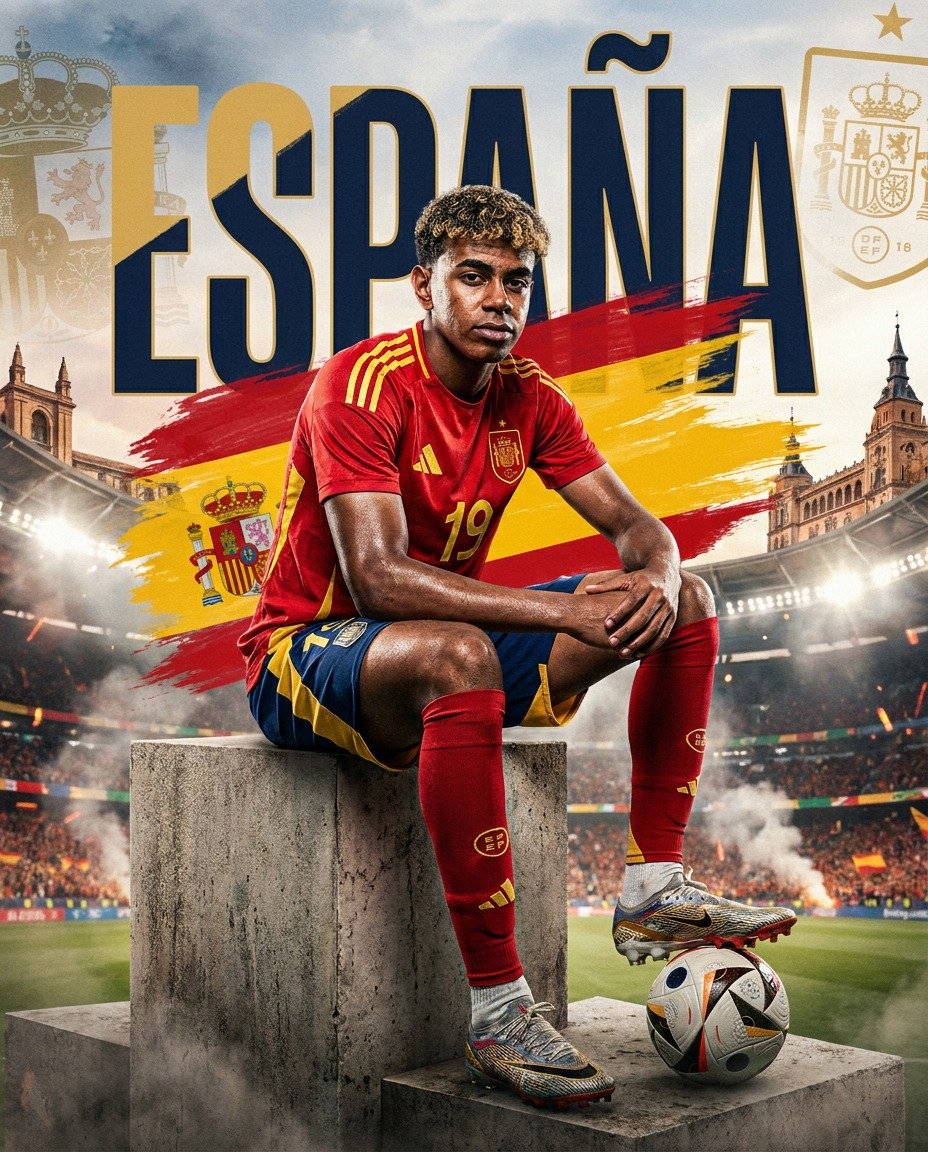
Spain World Cup Football Poster
Legendary Footballer Figurines Studio

Nice Day Anime Poster
Make it yours
Anime Football Legend Poster works as-is. These are the safest ways to change it without losing the look.
Change one field
Copy a single group, rewrite it, and generate again so you can see what that field is doing.
Keep the frame, change the subject
Hold the composition and light of Anime Football Legend Poster, then swap wardrobe, props or the person for a new take.
| If the result… | Why | Fix |
|---|---|---|
| The result drifts from the preview | Too many fields changed at once. | Reuse Anime Football Legend Poster as-is first, then change one group — subject, light, or setting. |
| The model over-stylizes the scene | The prose prompt leaves finish and camera underspecified. | Add one camera or lighting sentence and stay on GPT Image 2. |
More GPT Image 2 templates
Other prompts made for GPT Image 2.

Six VTuber Japanese Logo Sheet

Realistic Portrait of Woman and Deer

The Vista Modular Condo Poster

AI Model Routing Comparison Infographic

2.5D Anime Art Board

Isometric Productivity Desk Scene

New York Double Exposure Poster

Four-Panel AI Landscape Comparison

Japanese Tatami Lifestyle Magazine Cover

NESCAFÉ Coffee Map Poster
More image prompts
Fresh picks from across the catalog.
Japanese Google Homepage Screenshot
Ultra-Cinematic Beverage Advertising Shot
Travel Influencer Photo Prompt for Nano Banana Pro
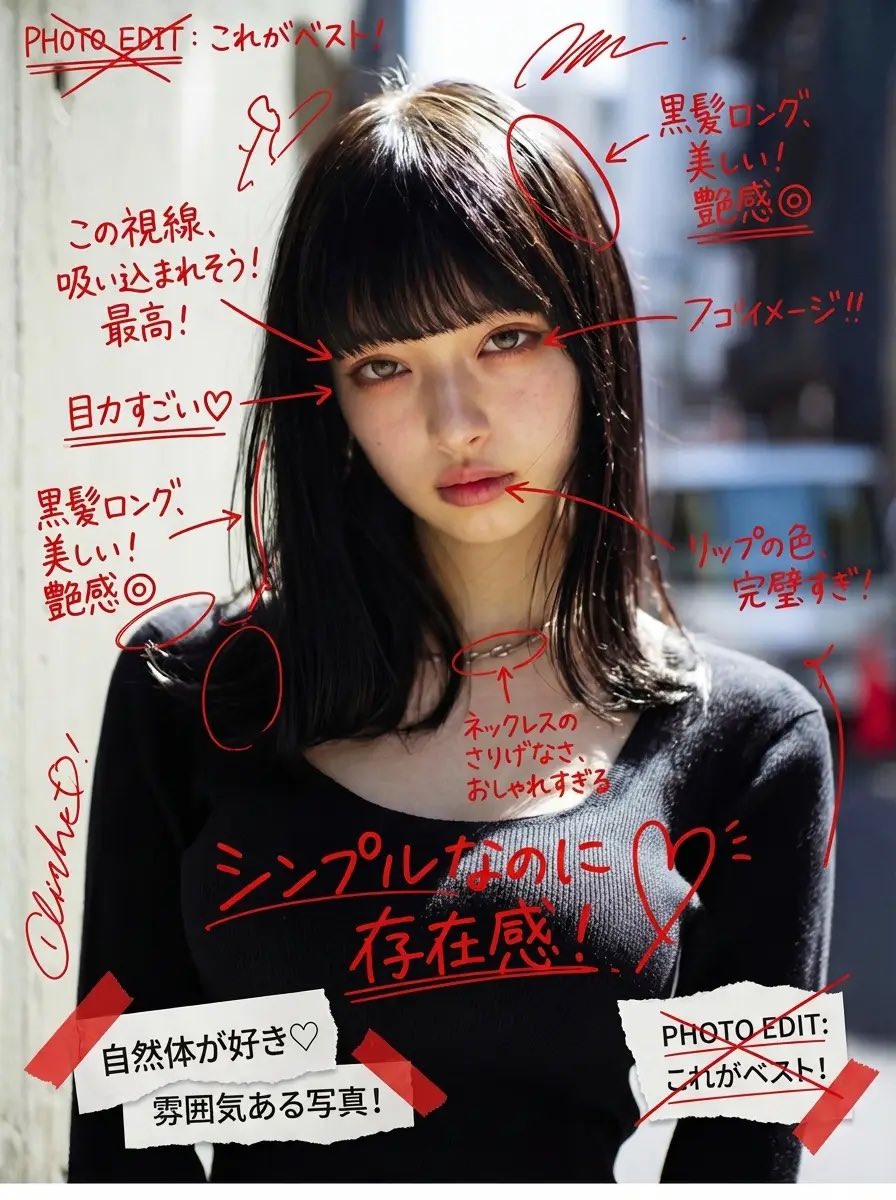
Image Annotation and Praise Commentary Prompt
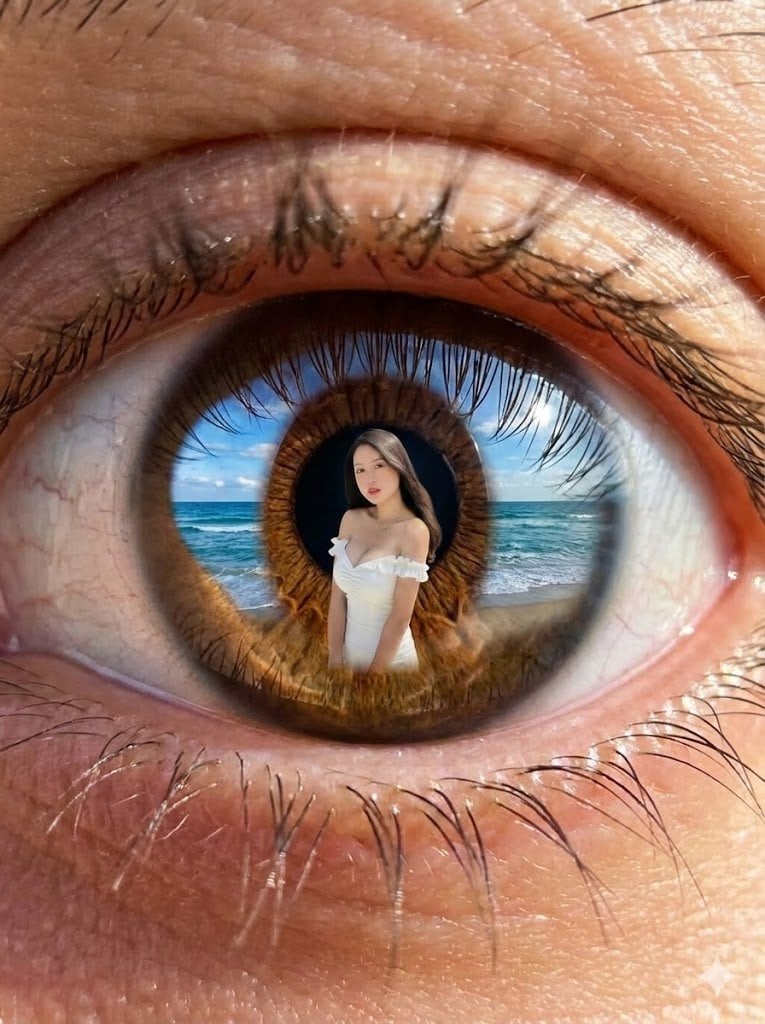
Reflection in Pupil Image Generation Prompt
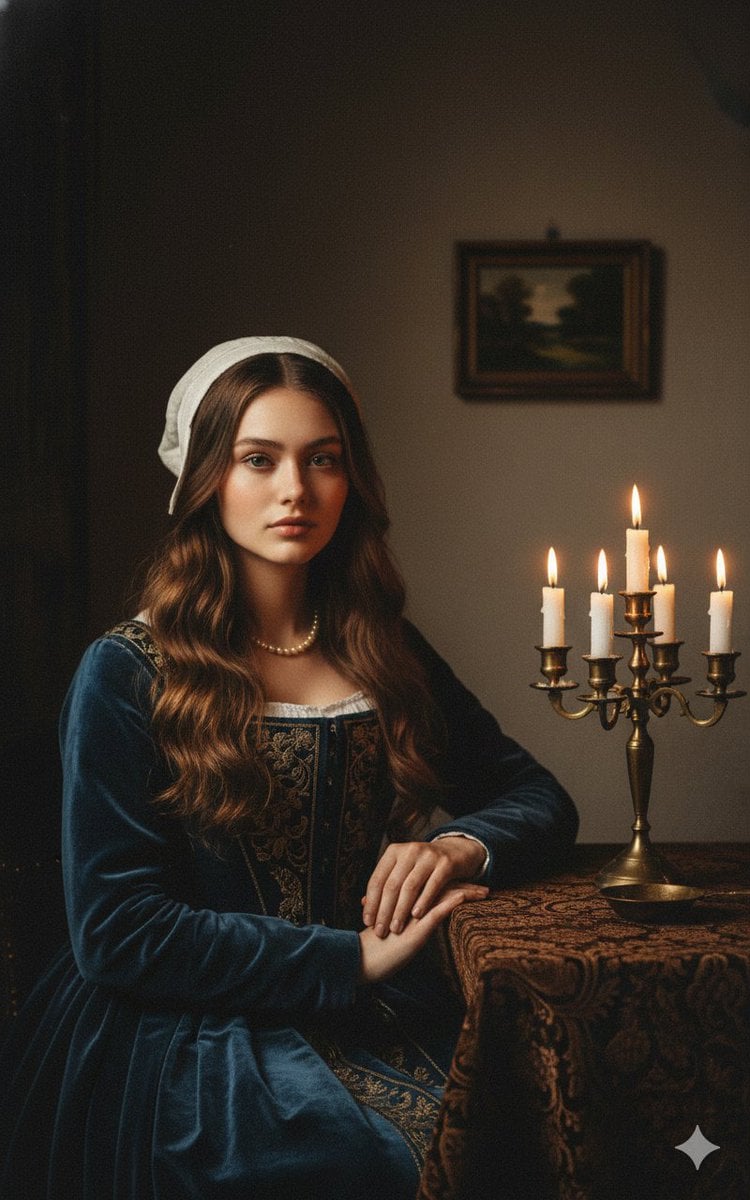
Vermeer-Style Cinematic Portrait with Modern Twist

Tropical Greenhouse Editorial Portrait

Hyper-Realistic Chrome Wall Breakthrough Prompt
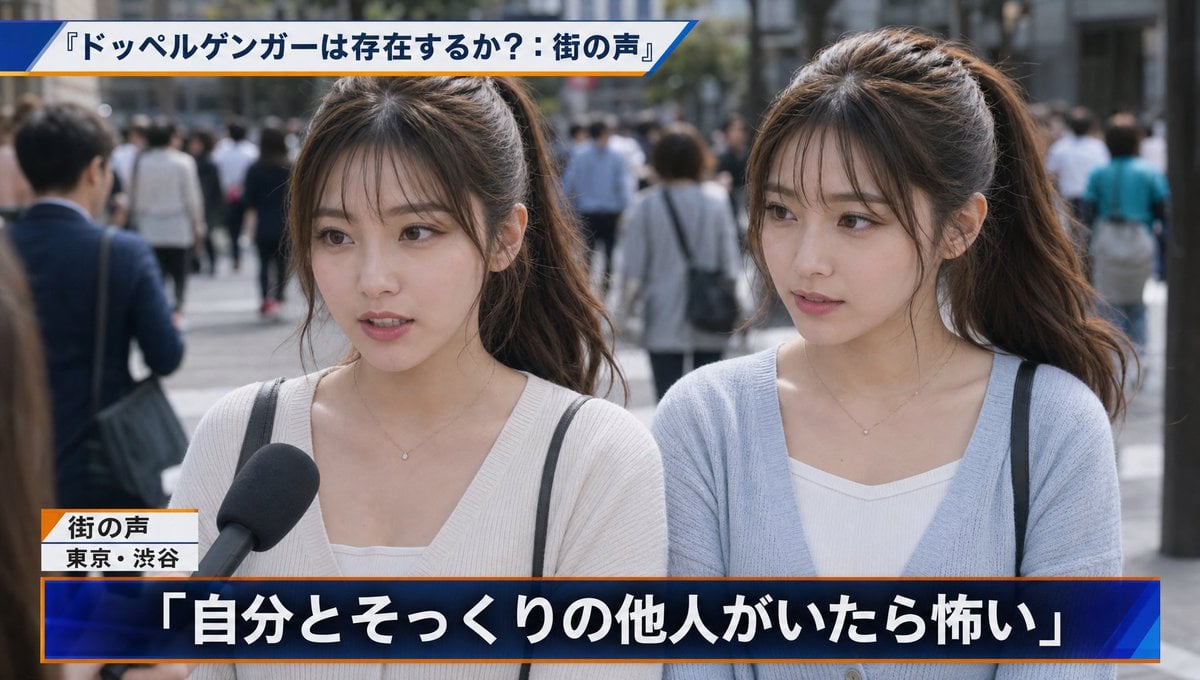
Japanese News Interview Broadcast

2000s Character Design Prompt
Browse template categories
Anime Football Legend Poster questions
How do I use the Anime Football Legend Poster template?
Add your photo if the template asks for one, edit the prompt if you like — the template's model and format are already selected — and press Generate. Your version opens in PicX Studio.
Can I customize the Anime Football Legend Poster template?
Yes. You can change the subject, setting, lighting, mood, format, and available model controls before creating your image.
Is the Anime Football Legend Poster template free?
Opening and editing this template is free. Generating uses credits, shown on the Generate button when you are signed in.
Which AI model should I use?
Start with GPT Image 2, which is the model associated with this template. You can compare another compatible model for a different finish.
Looking for something else? Browse all templates.

Your photo, any look
Thousands of ready templates for every top image and video model, from one credit balance.