
Y2K Flash Photo Aesthetic Prompt
A JSON prompt designed to generate an image with a Y2K-style smartphone flash photo aesthetic.
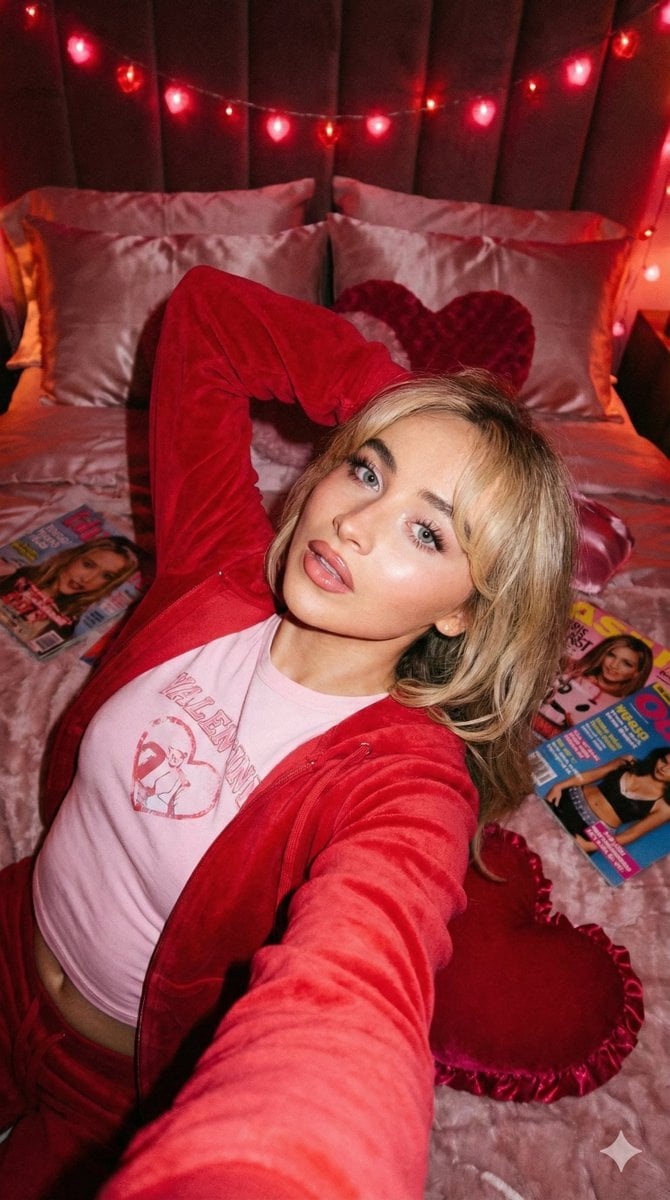
- Prompt included
- Model and format preset
- Free template
The prompt behind this image
Copy the exact prompt behind Y2K Flash Photo Aesthetic Prompt, or open it in the studio and make it yours.
- Project Type
- image_generation_from_reference
- Preservation Constraints › Facial Fidelity
- 100% identical to original (features, bone structure, skin tone)
- Preservation Constraints › Expression Lock
- true
- Preservation Constraints › Texture Quality
- Preserve realistic skin texture and pores; strictly avoid plastic smoothing
- Visual Style › Aesthetic
- Y2K-style smartphone flash photo
- Visual Style › Era
- Early 2000s / Y2K
- Visual Style › Lighting
- Direct flash mixed with colored light ({argument name="colored light" default="soft pink or red"})
- Visual Style › Color Grading
- True-to-life colors, raw intimate snapshot look
- Composition › Camera Angle
- High angle (held above)
- Composition › Setting
- Bed or sofa
- Composition › Pose
- Lying down, relaxed, playful, unposed moment
- Composition › Mood
- Confident, self-love, intimate Valentine
- Subject Styling › Archetype
- Female blogger
- Subject Styling › Apparel
- Fitted Y2K-inspired top, oversized hoodie or jacket
- Subject Styling › Makeup
- Glossy lips, subtle shimmer, visible fluffy false eyelashes
Raw JSON
{
  "project_type": "image_generation_from_reference",
  "preservation_constraints": {
    "facial_fidelity": "100% identical to original (features, bone structure, skin tone)",
    "expression_lock": true,
    "texture_quality": "Preserve realistic skin texture and pores; strictly avoid plastic smoothing"
  },
  "visual_style": {
    "aesthetic": "Y2K-style smartphone flash photo",
    "era": "Early 2000s / Y2K",
    "lighting": "Direct flash mixed with colored light ({argument name=\"colored light\" default=\"soft pink or red\"})",
    "color_grading": "True-to-life colors, raw intimate snapshot look"
  },
  "composition": {
    "camera_angle": "High angle (held above)",
    "setting": "Bed or sofa",
    "pose": "Lying down, relaxed, playful, unposed moment",
    "mood": "Confident, self-love, intimate Valentine"
  },
  "subject_styling": {
    "archetype": "Female blogger",
    "apparel": "Fitted Y2K-inspired top, oversized hoodie or jacket",
    "makeup": "Glossy lips, subtle shimmer, visible fluffy false eyelashes"
  }
}How to use Y2K Flash Photo Aesthetic Prompt in 3 steps
- 1
Open
The prompt is already in the box next to the preview, with the template's model and format selected.
- 2…a portrait of your subject in softgolden-hour light, 85mm…
Personalize
Edit the subject and creative details for your destination.
- 3Generate
Generate
Press Generate — your image is created in PicX Studio, so you can compare it with the original and refine one variable at a time.
More like this
Templates with the same subject, style or setup. Open one to see its prompt.
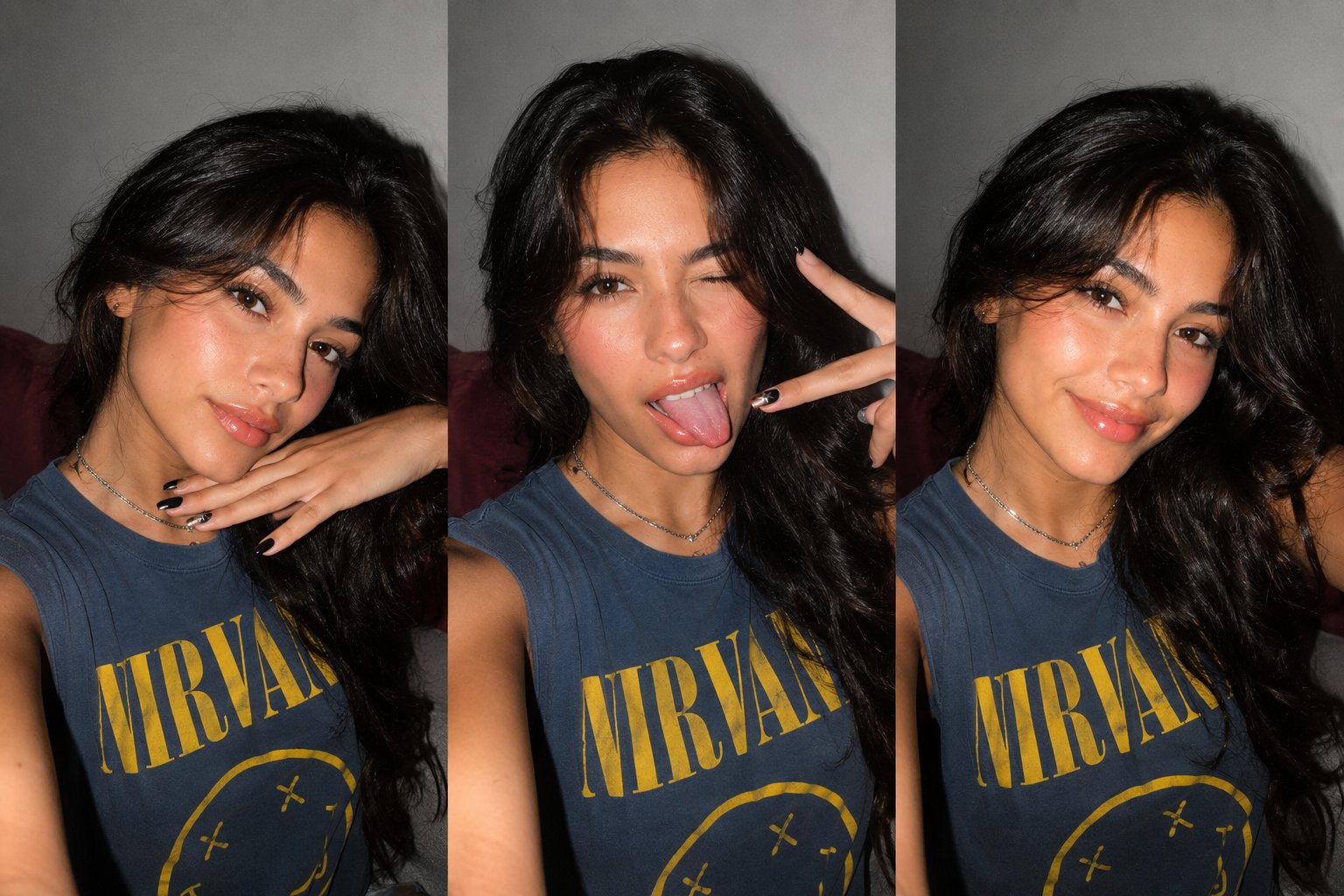
Gen Z Triple Selfie Collage — Y2K Flash Photography
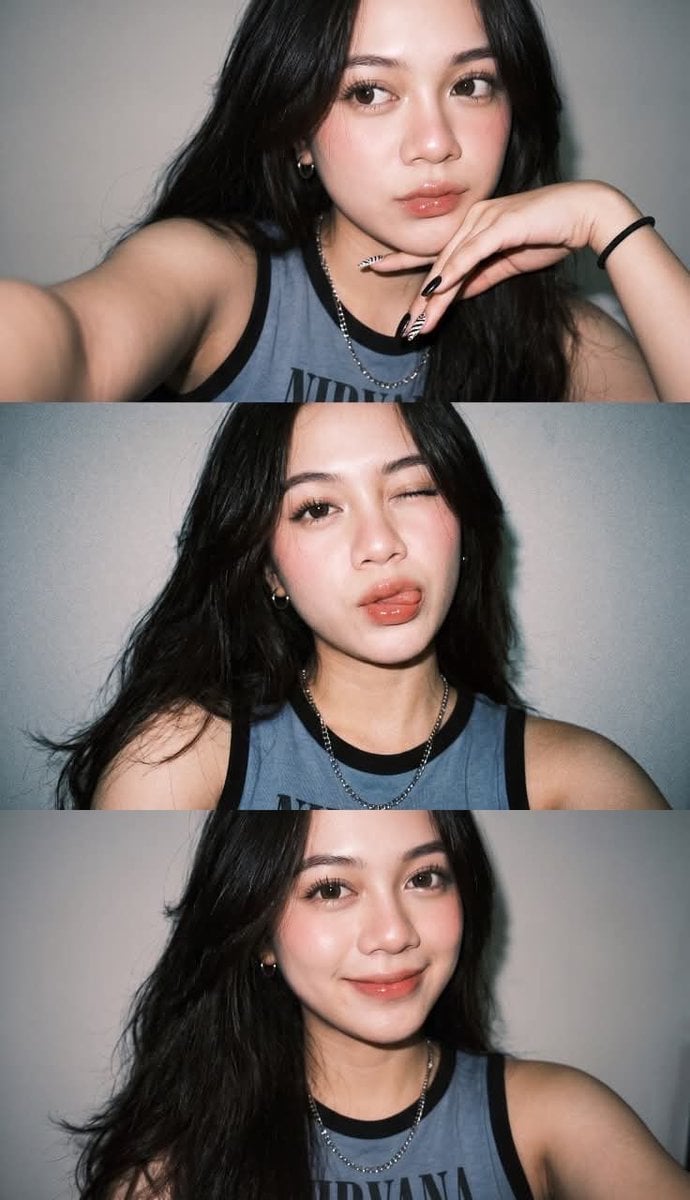
Gen Z Flash Selfie Triple Collage
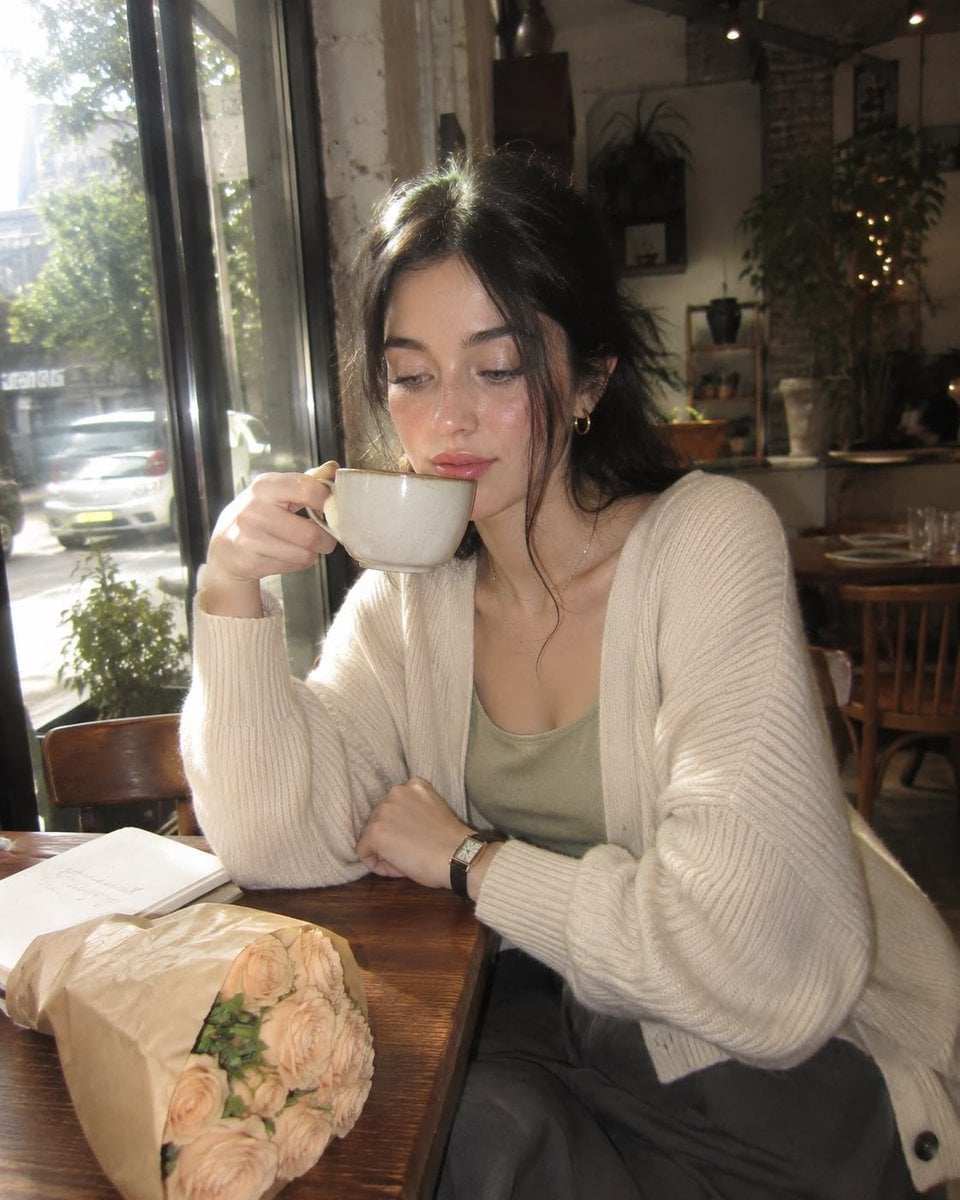
Nostalgic Digicam Café Afternoon Portrait
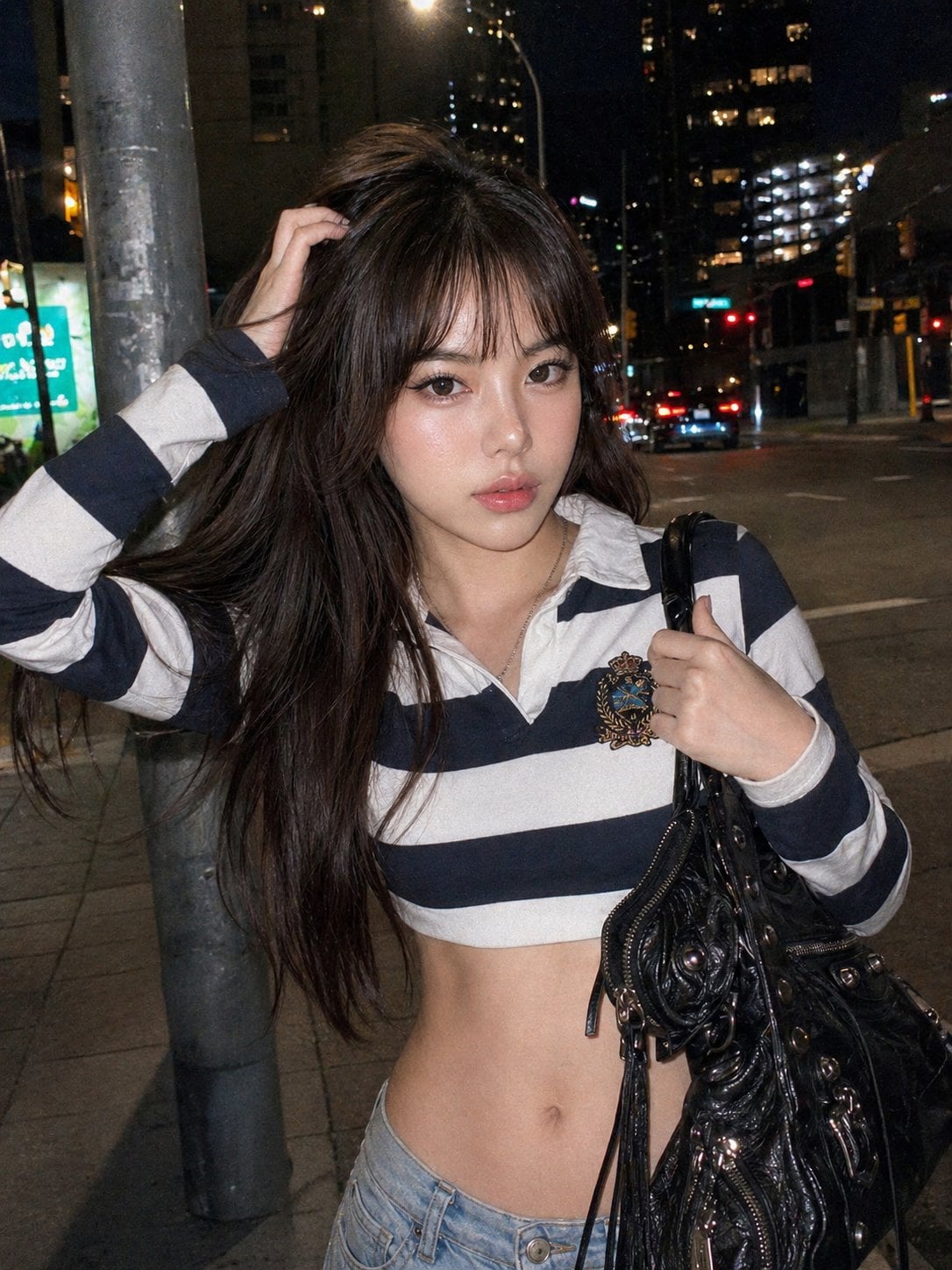
Y2k Nano Banana Chryzleen
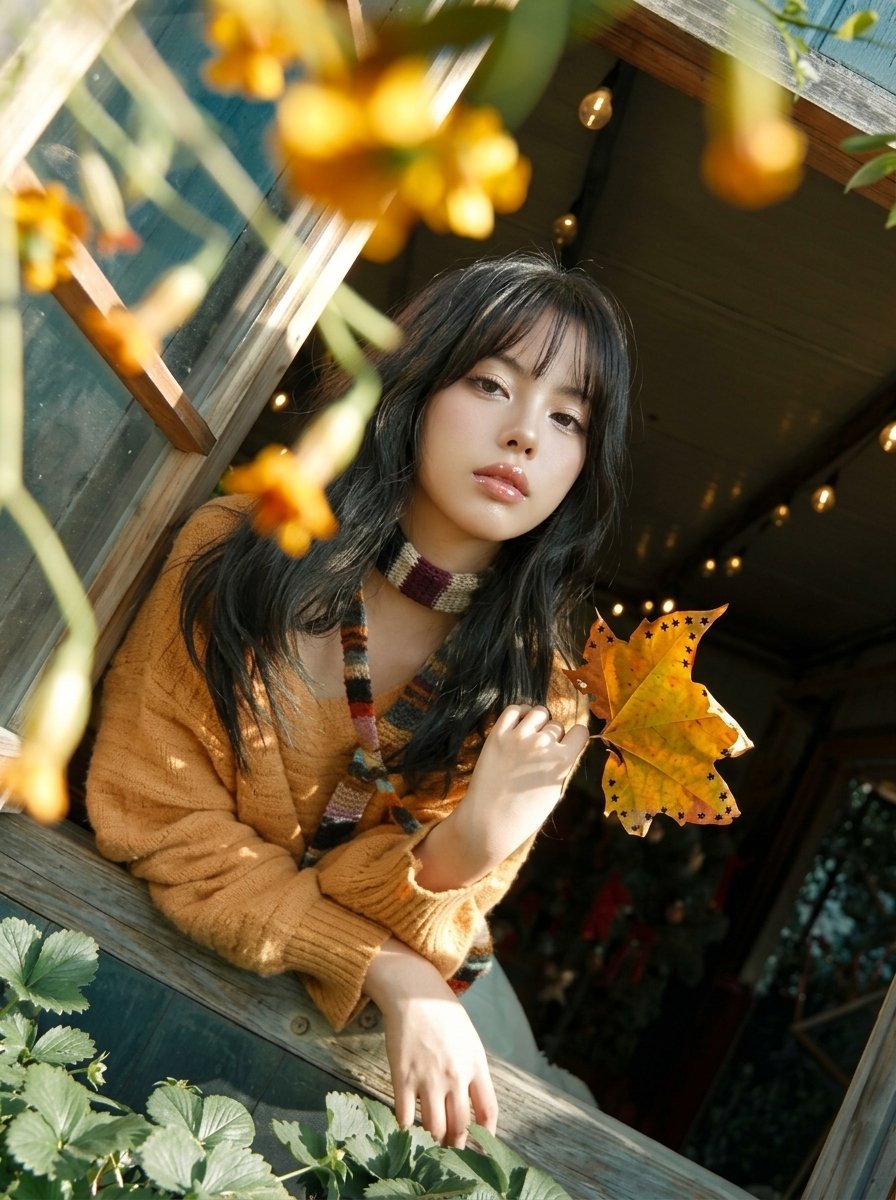
Y2K Windowsill Maple Leaf — Early 2000s Digital Photo
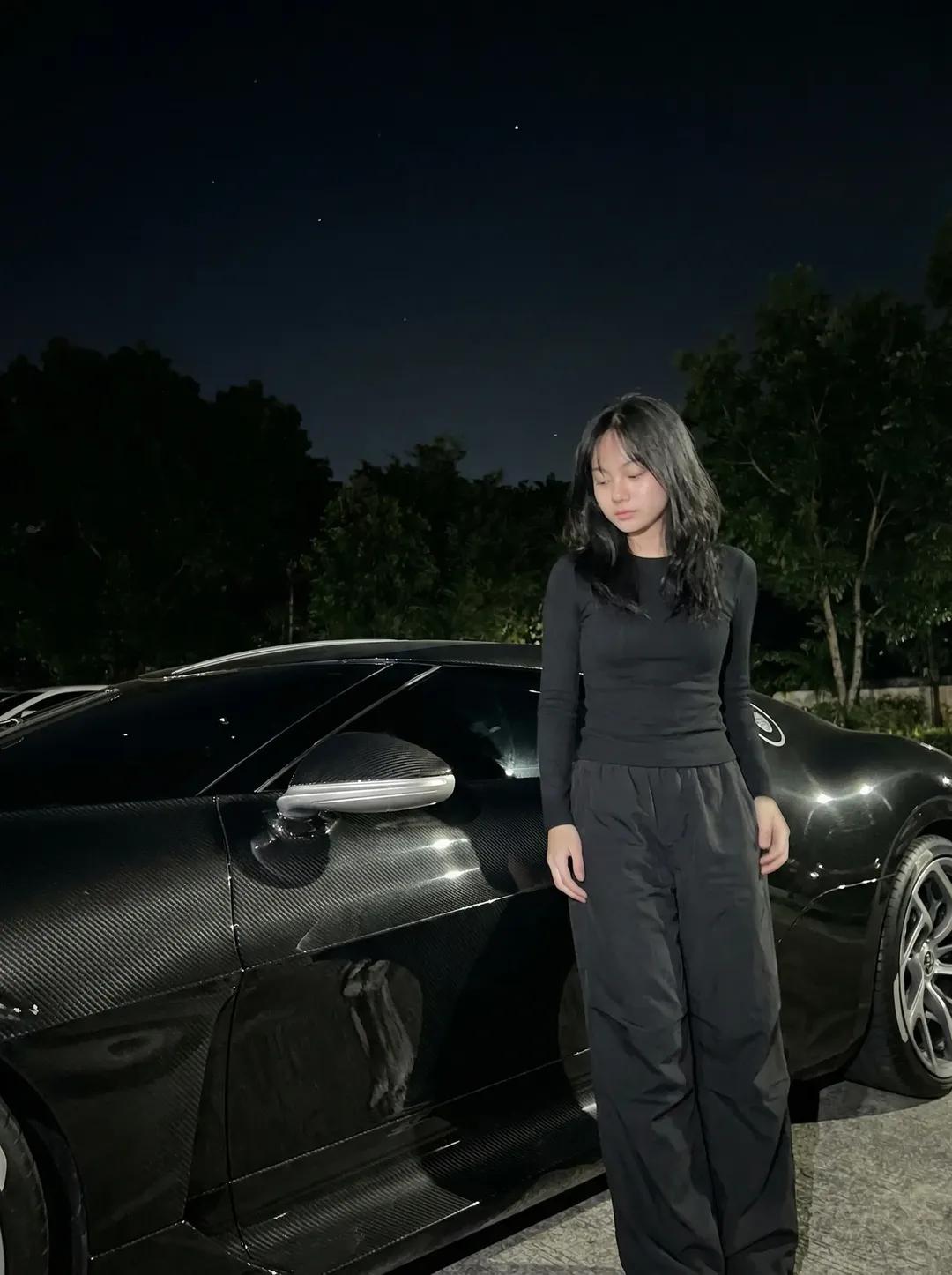
Night Sports Car Portrait — Cinematic Moody
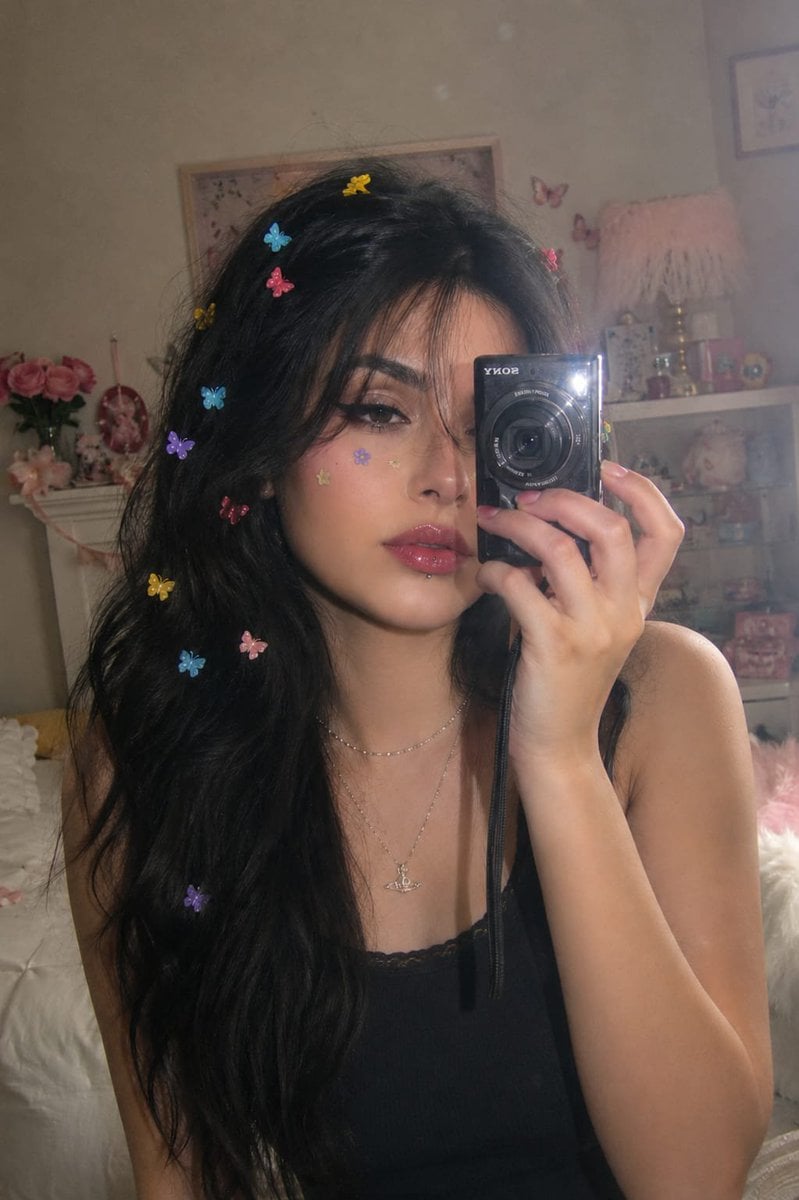
Dreamy Y2K Digital Camera Mirror Selfie
Y2K Fisheye Streetwear Portrait
Y2K Music Editorial Portrait
Feminine Y2K Ribbed Knit Dress
Y2K Rooftop Dance Tutorial Sheet
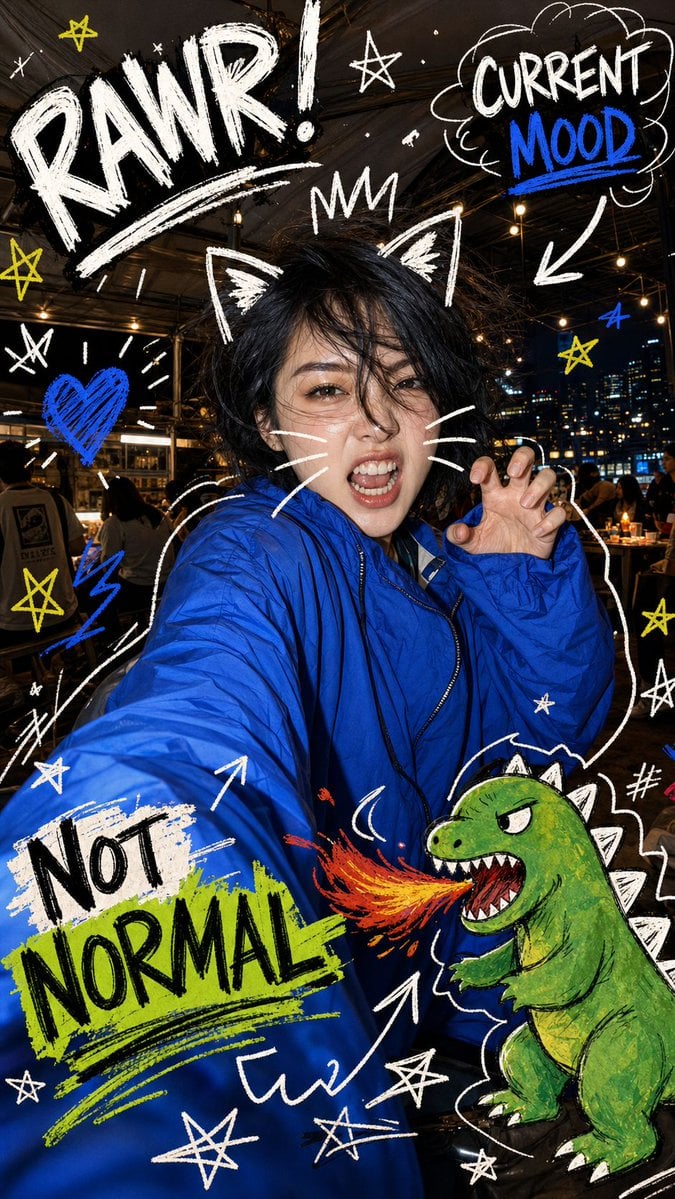
Nighttime Doodle Flash Selfie
Make it yours
Y2K Flash Photo Aesthetic Prompt works as-is. These are the safest ways to change it without losing the look.
Swap the setting
Keep the rest of the prompt and replace the location block. The current setting is “Bed or sofa”.
Swap the light
One lighting change is enough to compare takes. Current light: “Direct flash mixed with colored light ({argument name="colored light" default="s”.
Change one field
Copy a single group, rewrite it, and generate again so you can see what that field is doing.
| If the result… | Why | Fix |
|---|---|---|
| The result drifts from the preview | Too many fields changed at once. | Reuse Y2K Flash Photo Aesthetic Prompt as-is first, then change one group — subject, light, or setting. |
| Nano Banana 2 ignores part of the JSON | Some models flatten or skip nested keys. | Keep the same values and paste them as a short paragraph instead. |
More Nano Banana 2 templates
Other prompts made for Nano Banana 2.

Photorealistic Leaf Shaped Like a Dragon

K-Pop Idol Portrait Grid for Rapid Selection

Poetic Rain Forest Portrait During Golden Hour

Urban Street Portrait with Cartoon Inner Self Duo

Candid Nighttime Photo with Cat Prompt

High-Concept 3D Diorama Generation Prompt

Cinematic Futuristic Studio Portrait Template

Skincare Editorial Photography Collage Prompt

Hyper-Realistic Commercial Product Photography (Splash Effect)

Hyper-Realistic Nightclub Portrait Prompt
More image prompts
Fresh picks from across the catalog.
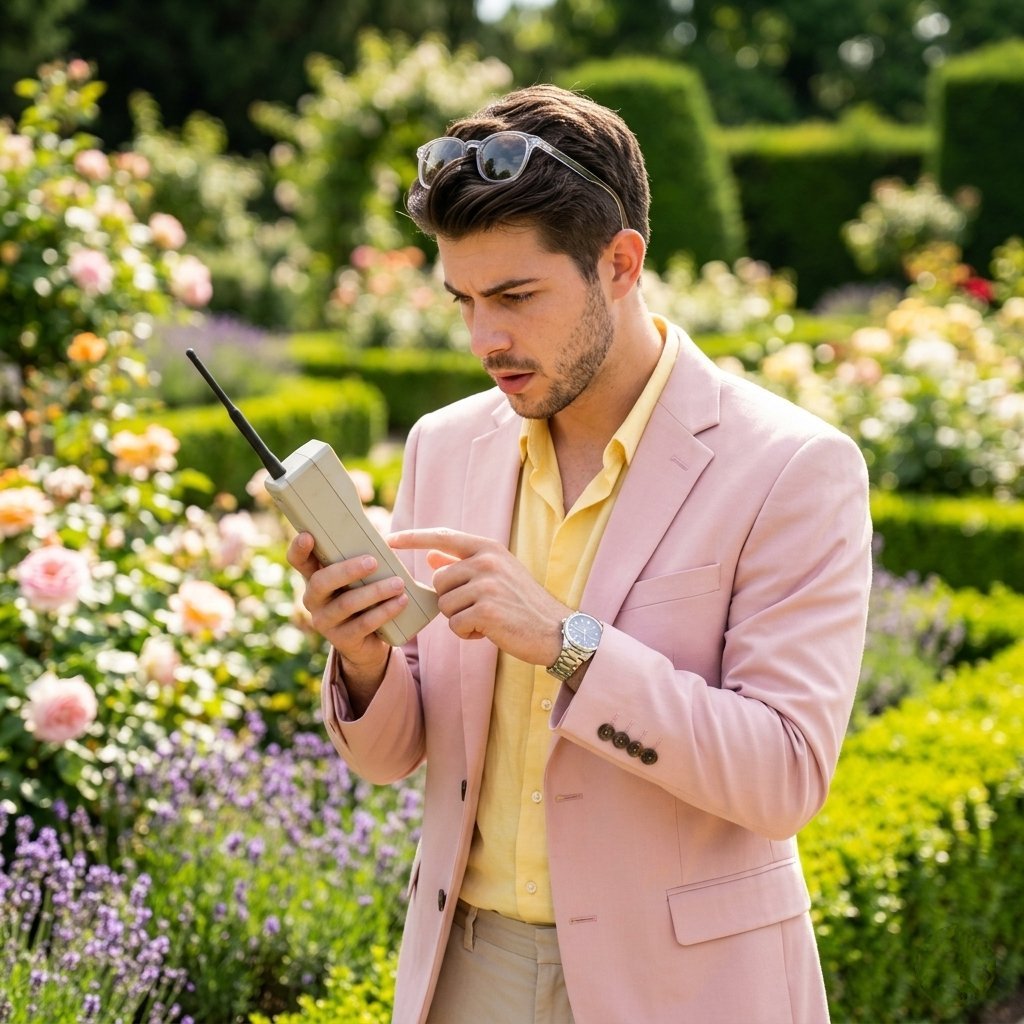
Lifestyle Garden Photography with Retro Tech
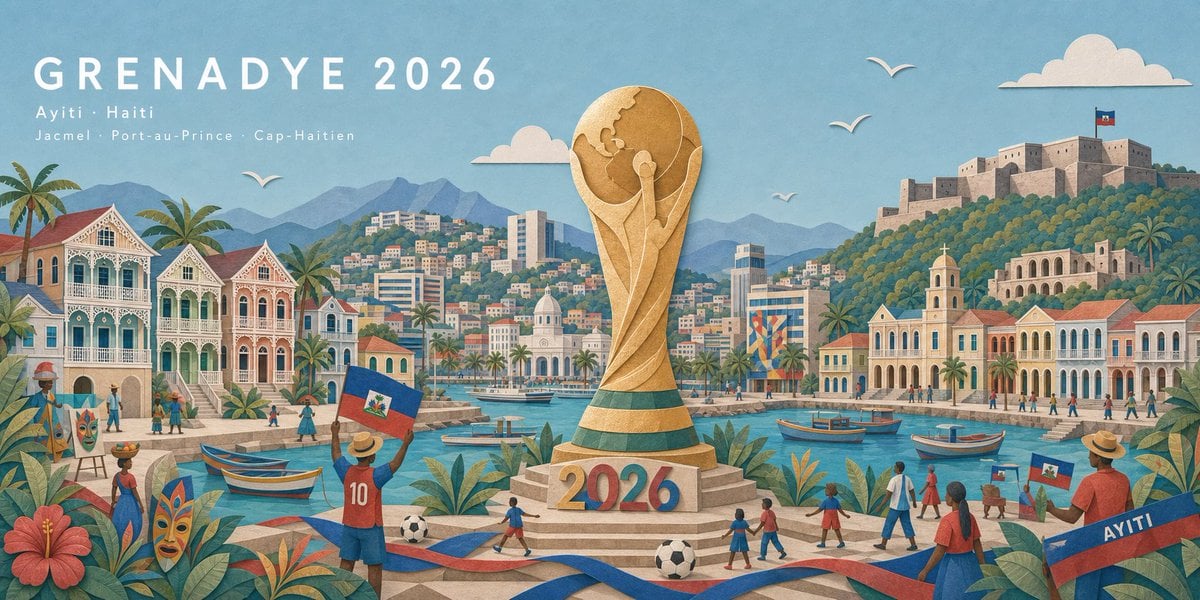
Haitian Football Poster Panorama
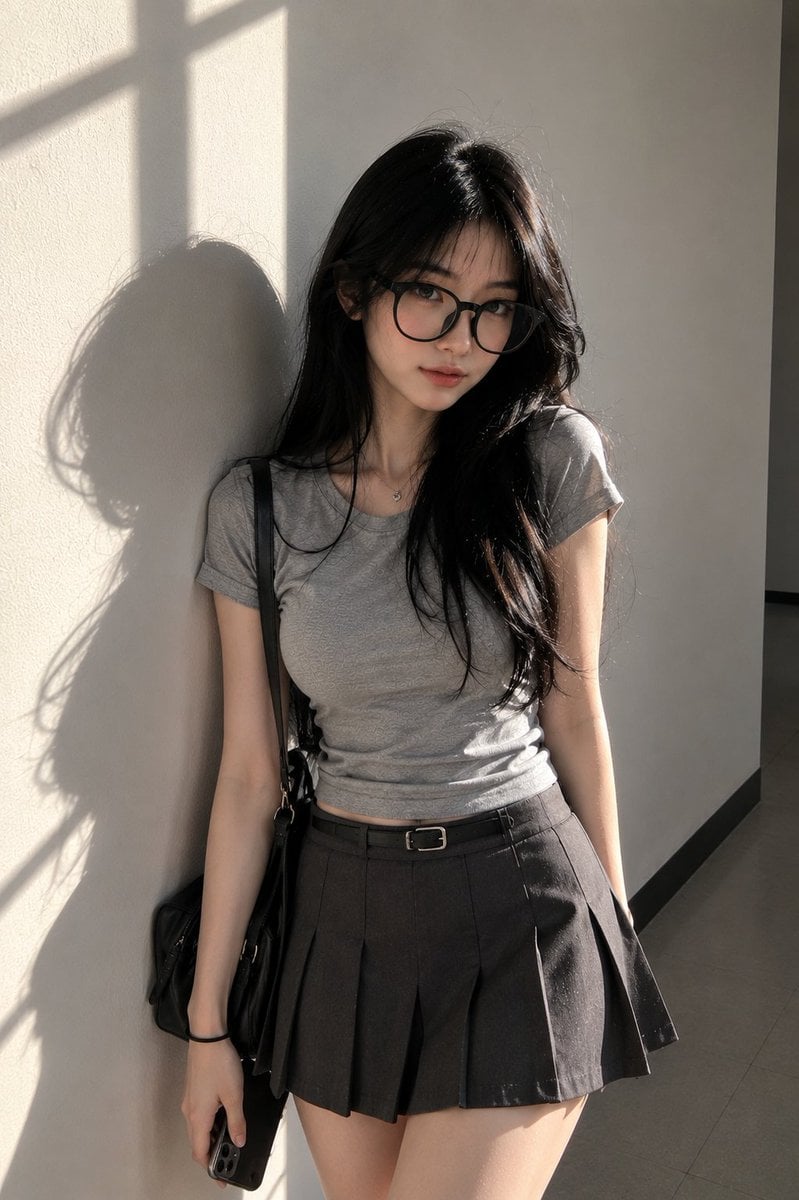
Candid Campus Student Portrait
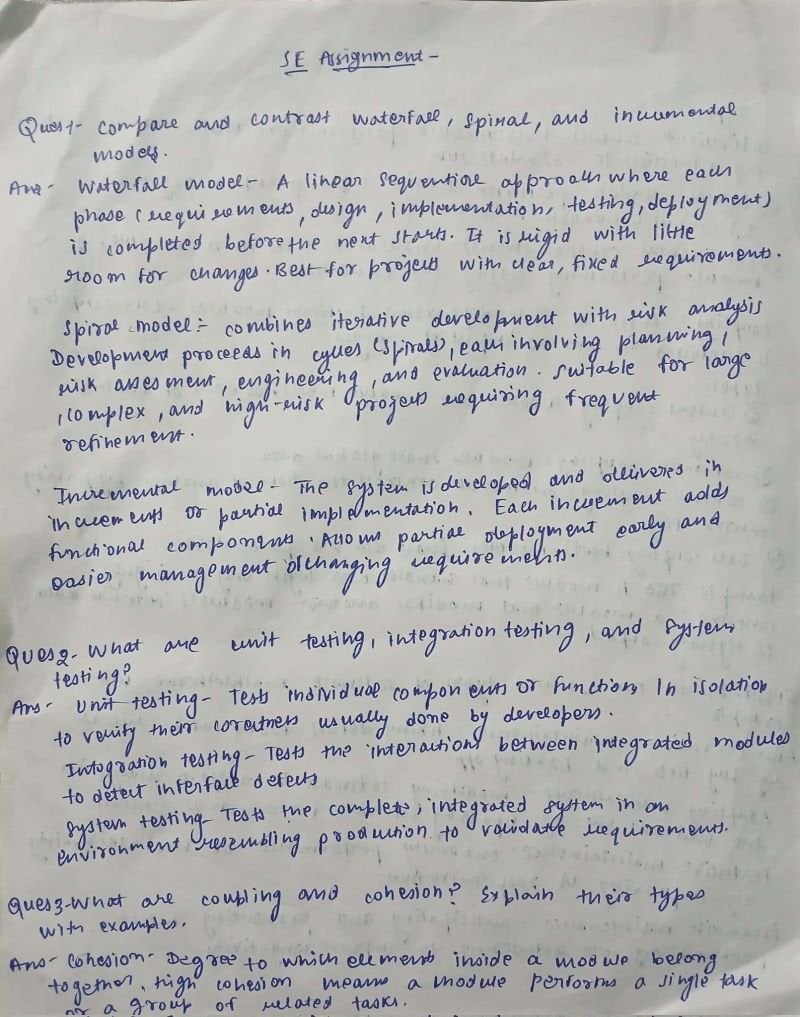
AI Solves Assignment from Handwriting and Blank Paper
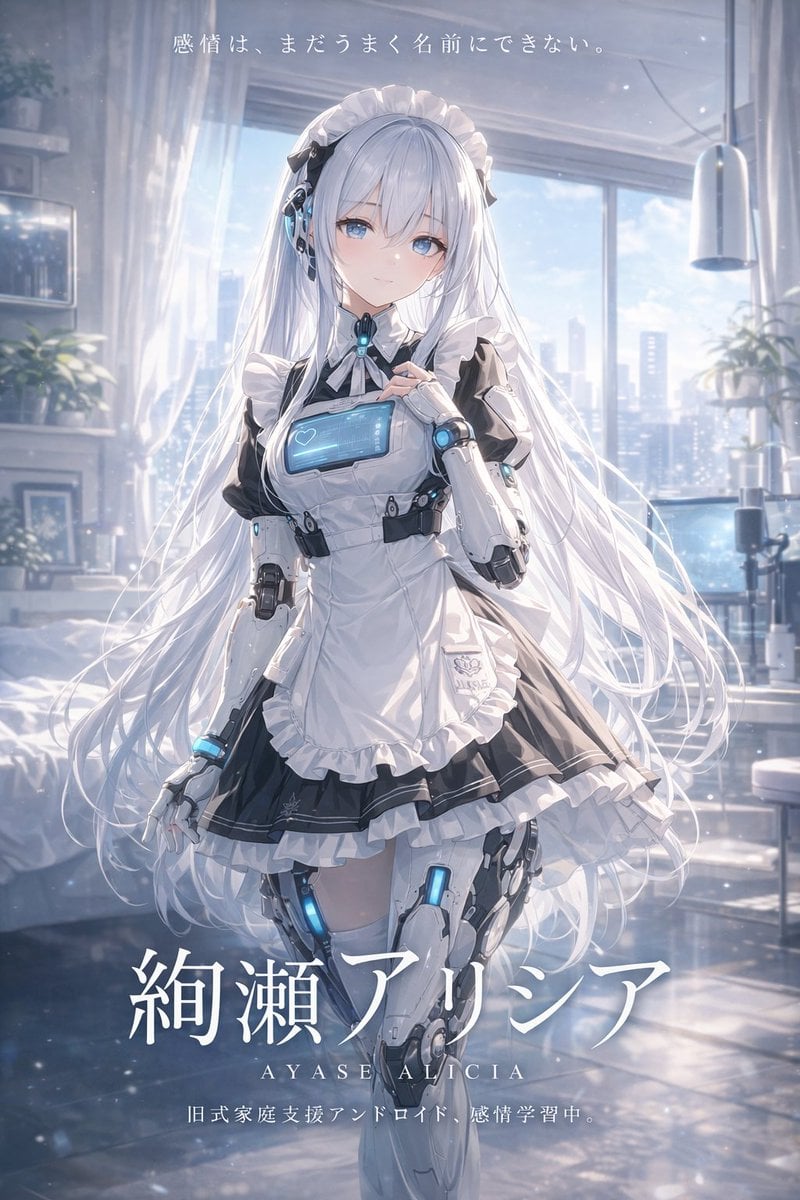
Sci-Fi Android Maid Light Novel Cover
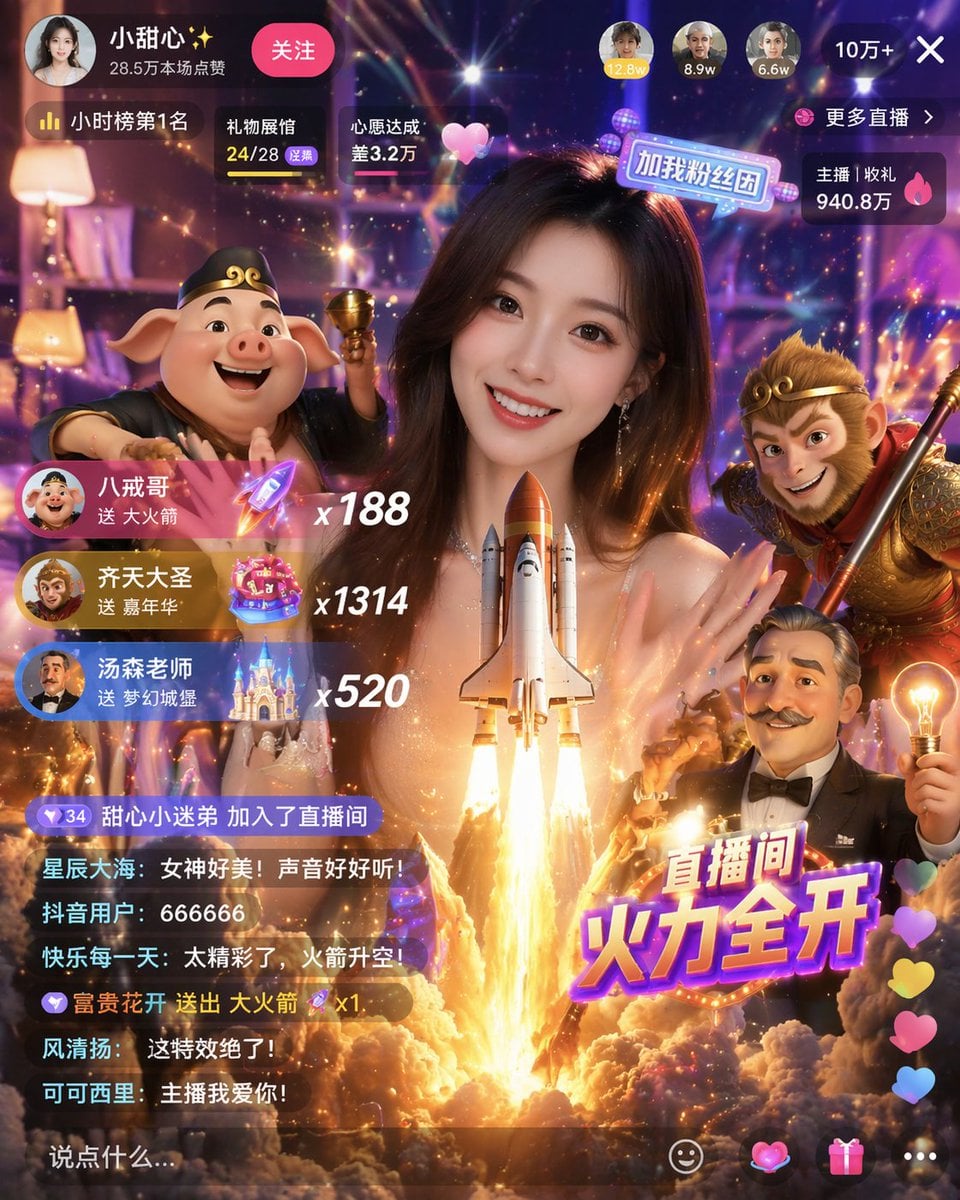
Live Stream UI Mockup with 3D Effects
Character Prompt with Drinking Action for Anifusion/Nano Banana
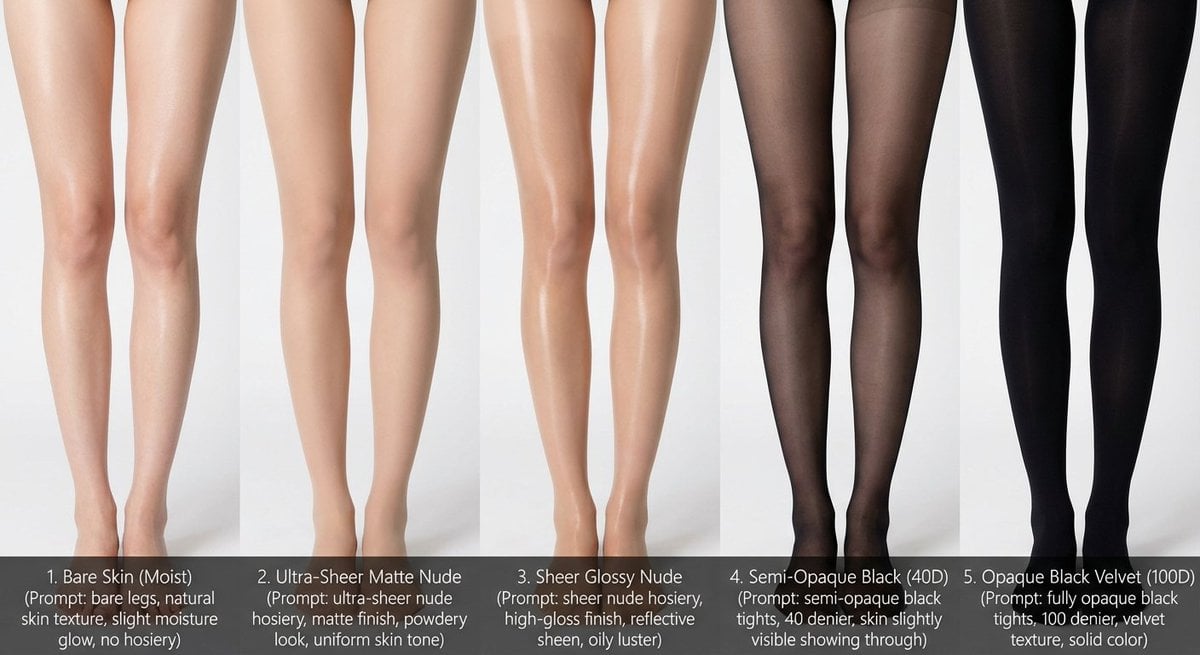
Comparative Infographic Grid Generator Prompt (Legs and Stockings)
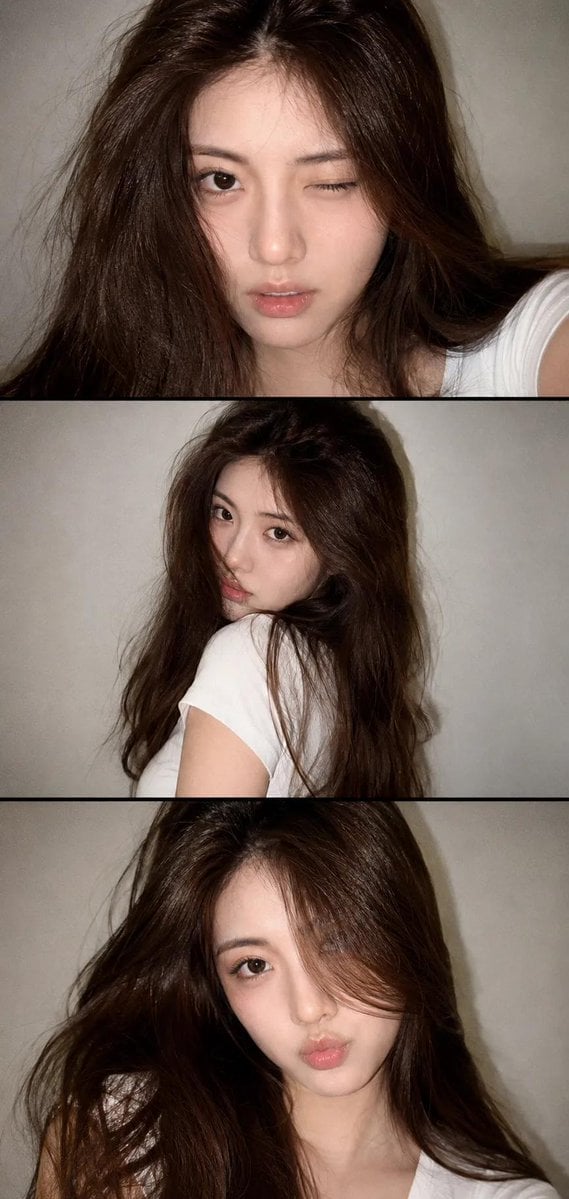
Vintage Style Selfie Collage
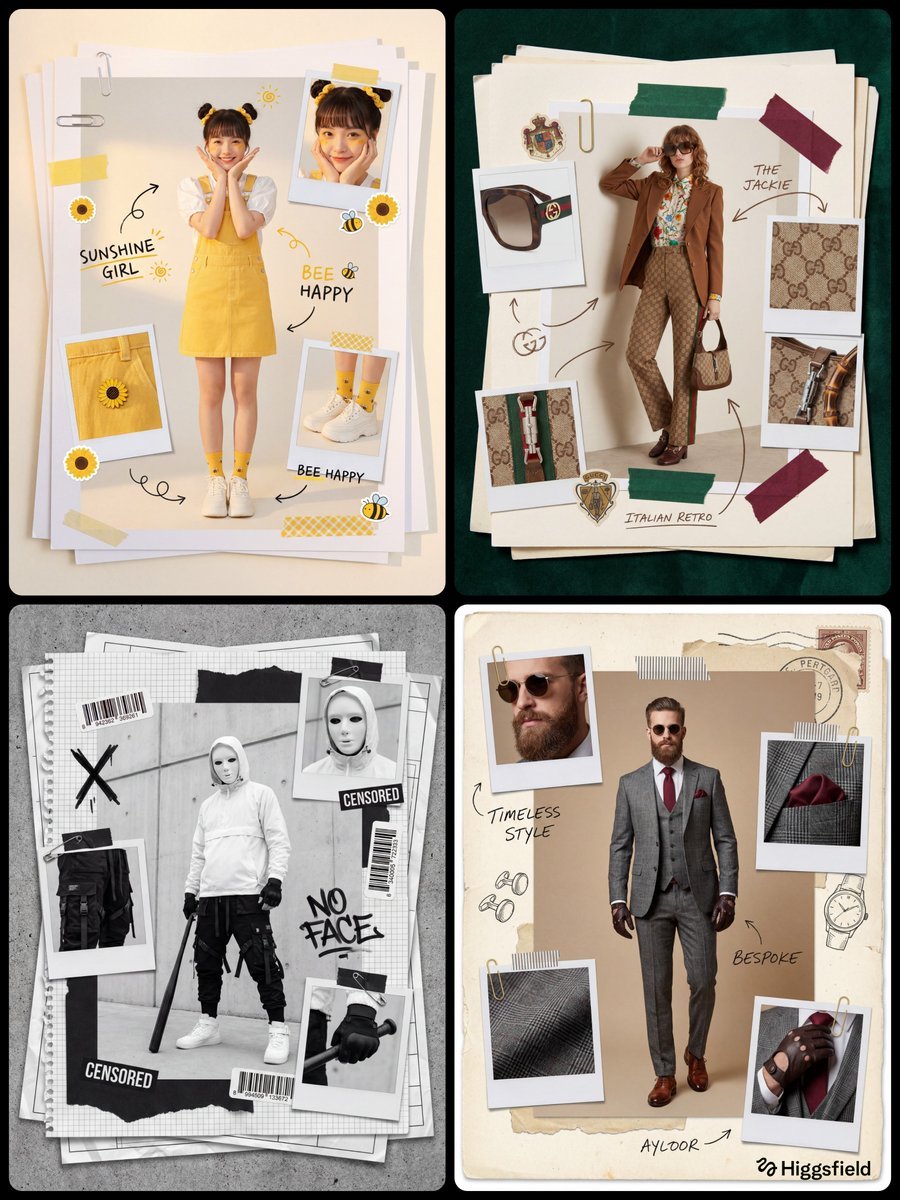
Fashion Scrapbook Page Layout Prompt Template
Browse template categories
Y2K Flash Photo Aesthetic Prompt questions
How do I use the Y2K Flash Photo Aesthetic Prompt template?
Add your photo if the template asks for one, edit the prompt if you like — the template's model and format are already selected — and press Generate. Your version opens in PicX Studio.
Can I customize the Y2K Flash Photo Aesthetic Prompt template?
Yes. You can change the subject, setting, lighting, mood, format, and available model controls before creating your image.
Is the Y2K Flash Photo Aesthetic Prompt template free?
Opening and editing this template is free. Generating uses credits, shown on the Generate button when you are signed in.
Which AI model should I use?
Start with Nano Banana 2, which is the model associated with this template. You can compare another compatible model for a different finish.
Looking for something else? Browse all templates.

Your photo, any look
Thousands of ready templates for every top image and video model, from one credit balance.