
Candid Campus Student Portrait
An ultra-realistic documentary-style prompt for a candid campus portrait of a young woman with natural sunlight and academic atmosphere.
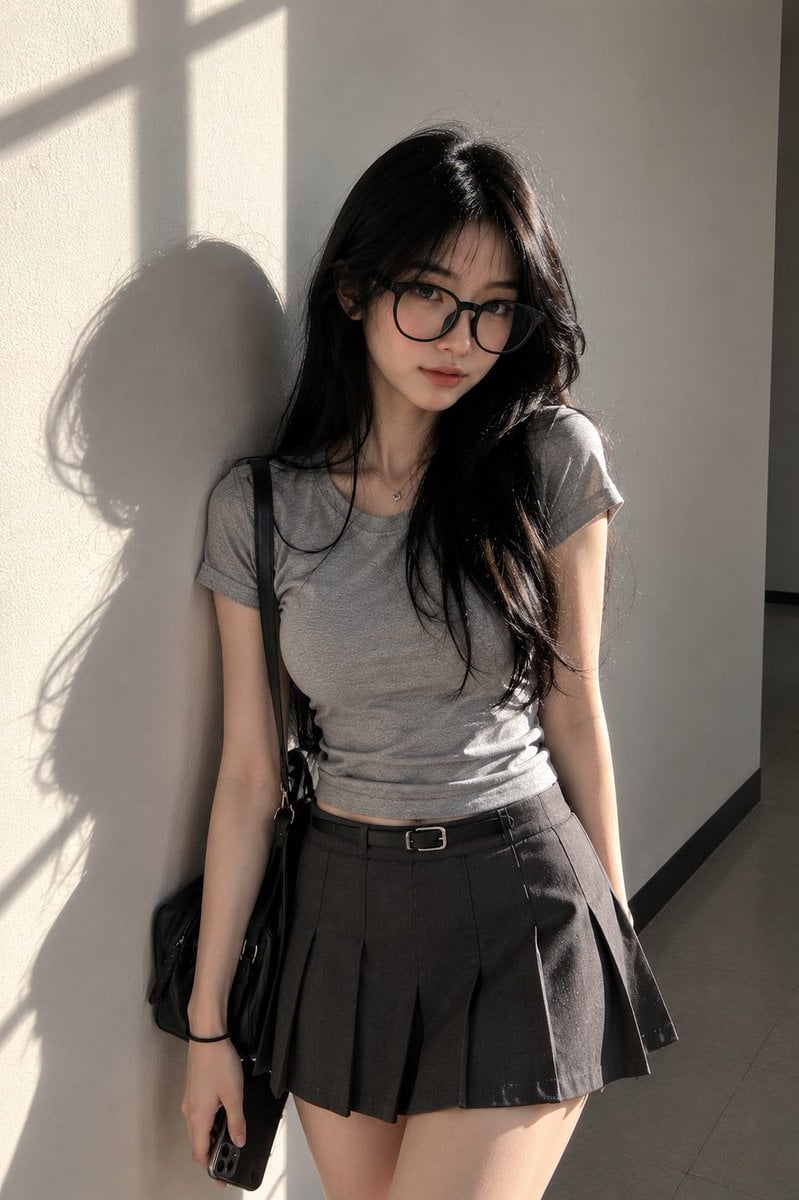
- Prompt included
- Model and format preset
- Free template
The prompt behind this image
Copy the exact prompt behind Candid Campus Student Portrait, or open it in the studio and make it yours.
Ultra-photorealistic candid portrait of a {argument name="subject" default="young East Asian woman"} standing against a {argument name="background" default="clean light-gray classroom wall"} during {argument name="time" default="late afternoon sunlight"}. Preserve a natural facial appearance with a softly contoured oval face, gentle jawline, realistic nose shape, balanced eye placement, subtle asymmetry, authentic skin texture, visible pores, and natural complexion. No beauty filters, no retouching, no stylization.\nShe has long dark brown-black hair with natural volume and soft flyaway strands illuminated by sunlight. Large round black acetate eyeglasses with realistic reflections and transparent lens behavior.\nOutfit: fitted heather-gray cotton t-shirt with realistic fabric texture and natural creasing, charcoal pleated half-skirt, slim black belt, simple shoulder bag hanging naturally from one shoulder. Casual student aesthetic, understated and believable.\nPose: standing casually with her back lightly resting against the wall, one shoulder slightly closer to camera, hands relaxed, head tilted subtly downward while maintaining direct eye contact with the camera. Relaxed posture, calm expression, quiet confidence, natural body language.\nEnvironment: empty classroom corridor or classroom corner with smooth neutral walls, minimal distractions, soft floor reflections, clean academic atmosphere. No crowds, no decorations.\nLighting: strong natural sunlight entering through nearby classroom windows, creating authentic window-frame shadows across the wall and floor. Soft highlight rolloff, realistic skin sheen, accurate exposure, natural contrast, no HDR effect, no cinematic grading.\nCamera: professional documentary-style photograph, 85mm lens equivalent, eye-level perspective, vertical composition, shallow depth of field, realistic optical imperfections, subtle sensor noise, natural color science, genuine photographic appearance.\nComposition: full upper-body to mid-thigh framing, subject slightly off-center, strong negative space on the wall, clean minimalist aesthetic, Korean campus photography mood, candid yet polished, maximum realism, authentic anatomy, true-to-life proportions, natural lighting physics, no CGI appearance.
How to use Candid Campus Student Portrait in 3 steps
- 1
Open
The prompt is already in the box next to the preview, with the template's model and format selected.
- 2…a portrait of your subject in softgolden-hour light, 85mm…
Personalize
Edit the subject and creative details for your destination.
- 3Generate
Generate
Press Generate — your image is created in PicX Studio, so you can compare it with the original and refine one variable at a time.
More like this
Templates with the same subject, style or setup. Open one to see its prompt.










Make it yours
Candid Campus Student Portrait works as-is. These are the safest ways to change it without losing the look.
Change one field
Copy a single group, rewrite it, and generate again so you can see what that field is doing.
Keep the frame, change the subject
Hold the composition and light of Candid Campus Student Portrait, then swap wardrobe, props or the person for a new take.
| If the result… | Why | Fix |
|---|---|---|
| The result drifts from the preview | Too many fields changed at once. | Reuse Candid Campus Student Portrait as-is first, then change one group — subject, light, or setting. |
| The model over-stylizes the scene | The prose prompt leaves finish and camera underspecified. | Add one camera or lighting sentence and stay on GPT Image 2. |
More GPT Image 2 templates
Other prompts made for GPT Image 2.

Six VTuber Japanese Logo Sheet

Realistic Portrait of Woman and Deer

The Vista Modular Condo Poster

AI Model Routing Comparison Infographic

2.5D Anime Art Board

Isometric Productivity Desk Scene

New York Double Exposure Poster

Four-Panel AI Landscape Comparison

Japanese Tatami Lifestyle Magazine Cover

NESCAFÉ Coffee Map Poster
More image prompts
Fresh picks from across the catalog.

Cyberpunk Pink Mecha Angel Girl
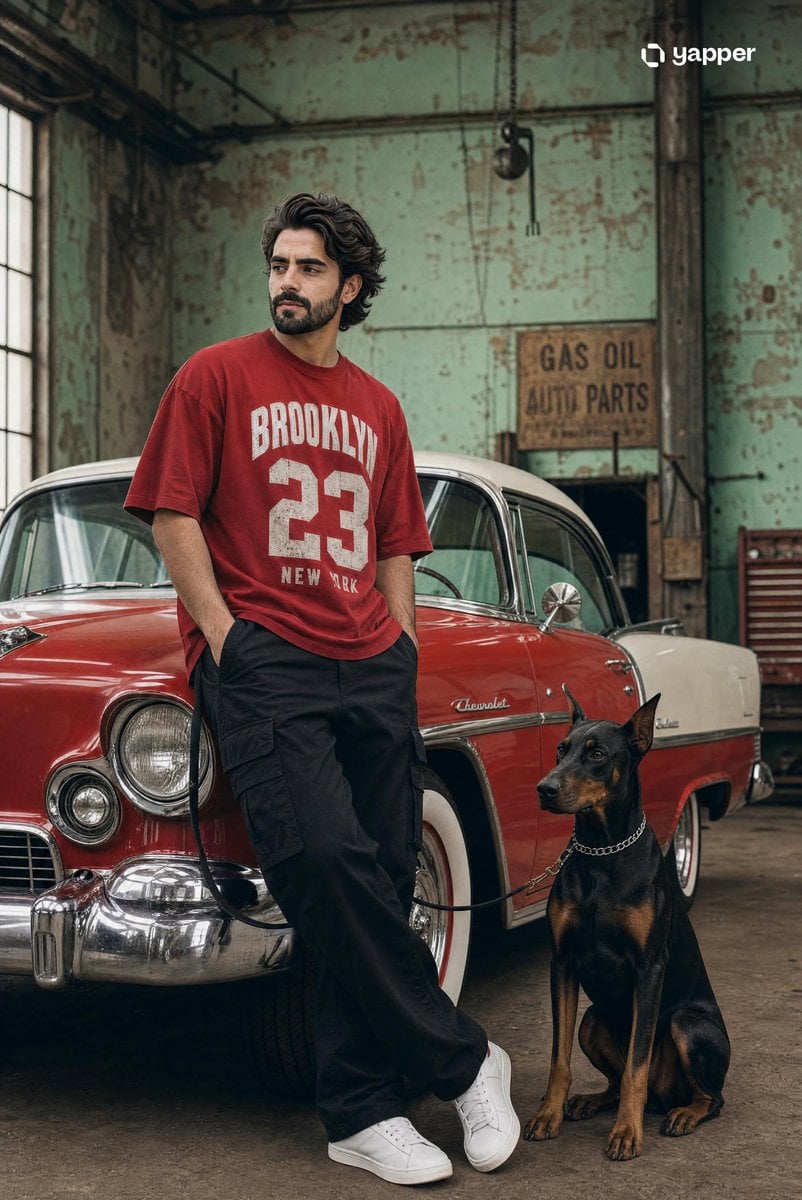
Vintage Car Streetwear Fashion Shoot

Cat with Toy Car at Go-Kart Track
Chinese Palace Components Board
3D Pop-Out Illusion Artwork of a Boy from a Notebook
Cinematic black-and-white portrait of a woman
Hyper-realistic Tom & Jerry Fashion Shoot
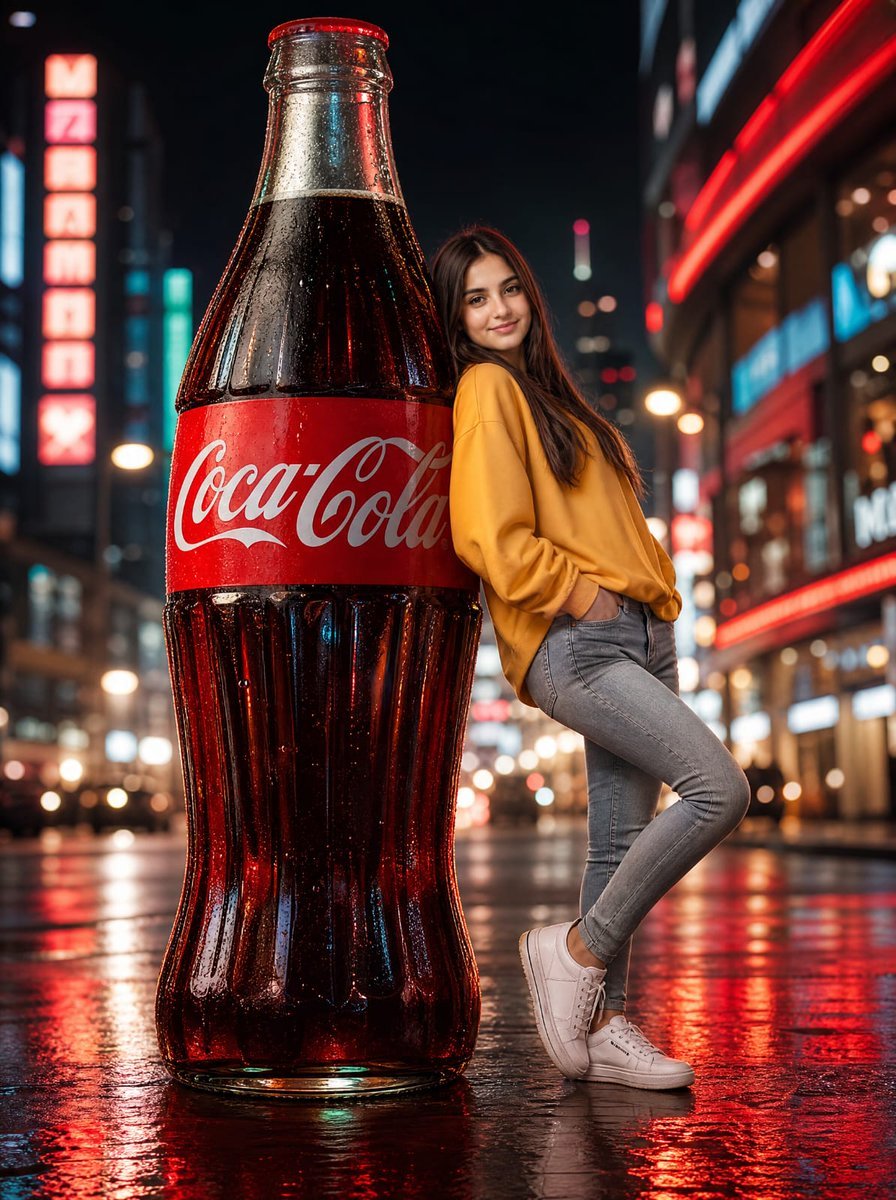
Neon Coca-Cola Street Portrait
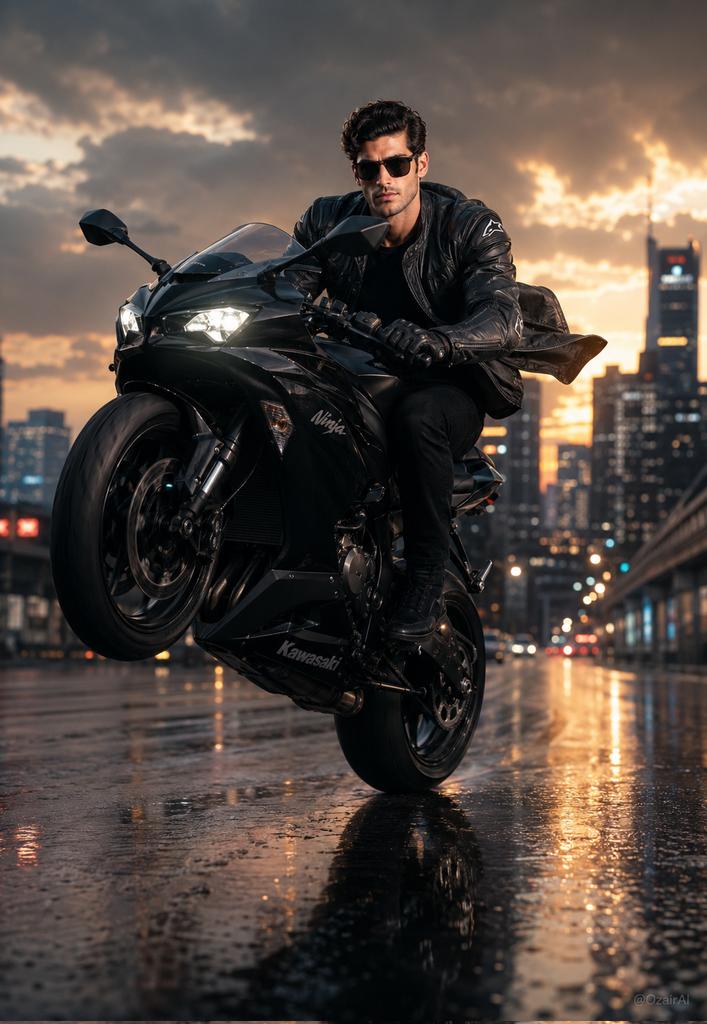
Hyper-Realistic Biker Wheelie Portrait

Enhancing Three-View Drawings and Generating Angles with Nano Banana
Browse template categories
Candid Campus Student Portrait questions
How do I use the Candid Campus Student Portrait template?
Add your photo if the template asks for one, edit the prompt if you like — the template's model and format are already selected — and press Generate. Your version opens in PicX Studio.
Can I customize the Candid Campus Student Portrait template?
Yes. You can change the subject, setting, lighting, mood, format, and available model controls before creating your image.
Is the Candid Campus Student Portrait template free?
Opening and editing this template is free. Generating uses credits, shown on the Generate button when you are signed in.
Which AI model should I use?
Start with GPT Image 2, which is the model associated with this template. You can compare another compatible model for a different finish.
Looking for something else? Browse all templates.

Your photo, any look
Thousands of ready templates for every top image and video model, from one credit balance.