
Cyberpunk Pink Mecha Angel Girl
A high-energy anime cyberpunk character illustration for generating dramatic key art, posters, or splash images featuring a pink mechanical heroine in a neon sci-fi city.
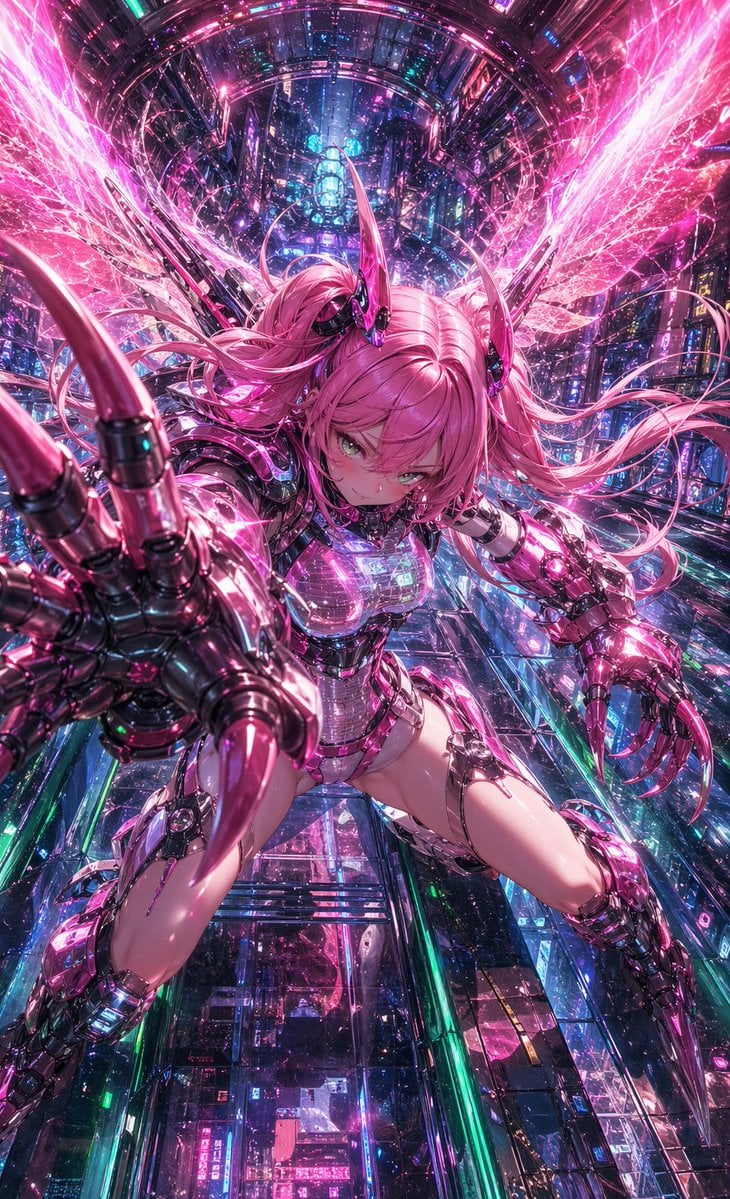
- Prompt included
- Model and format preset
- Free template
The prompt behind this image
Copy the exact prompt behind Cyberpunk Pink Mecha Angel Girl, or open it in the studio and make it yours.
A dynamic anime cyberpunk action illustration of a young female cyborg with {argument name="hair color" default="bright pink"} twin-tail hair, suspended in a vast futuristic neon city shaft filled with glowing circuitry, holographic reflections, and dense sci-fi architecture. She is viewed in an extreme foreshortened perspective, lunging directly toward the camera with one oversized mechanical hand thrust forward, fingers spread and tipped with long glossy claws, while the other cybernetic arm is bent back in attack posture. She has a fierce focused expression, luminous green eyes, small glossy black-and-magenta horn-like head implants, and long flowing hair whipping outward in all directions. Her body is encased in a high-detail reflective chrome-and-magenta cybernetic exosuit with translucent chest plating, segmented armored shoulders, mechanical gauntlets, exposed joint details, armored thighs, and blade-like lower leg armor. Behind her are 2 large radiant energy wings made of pink crystalline electricity and particle streaks, exploding outward symmetrically. The environment is a vertical futuristic corridor or megacity canyon with layered glass panels, glowing signage, metallic frameworks, blue and cyan lights mixed with dominant hot pink illumination, countless spark-like particles, lens glow, and high-density detail. Use a dramatic low-angle composition, centered character, aggressive attack pose, glossy surfaces, intense specular highlights, saturated magenta and cyan palette, cinematic sci-fi atmosphere, ultra-detailed anime rendering, sharp linework, and a sense of speed, power, and overwhelming visual density.
How to use Cyberpunk Pink Mecha Angel Girl in 3 steps
- 1Upload ImagePNG, JPG or paste
Add your photo
Upload the photo the template builds on. The prompt, model and format are already set.
- 2…a portrait of your subject in softgolden-hour light, 85mm…
Personalize
Edit the subject and creative details for your destination.
- 3Generate
Generate
Press Generate — your image is created in PicX Studio, so you can compare it with the original and refine one variable at a time.
More like this
Templates with the same subject, style or setup. Open one to see its prompt.

Seedance 2.0 - Anime Girl Fight

Teen Girl Alpine Lake Mountain View

Obscured Cyberpunk Girl Poster
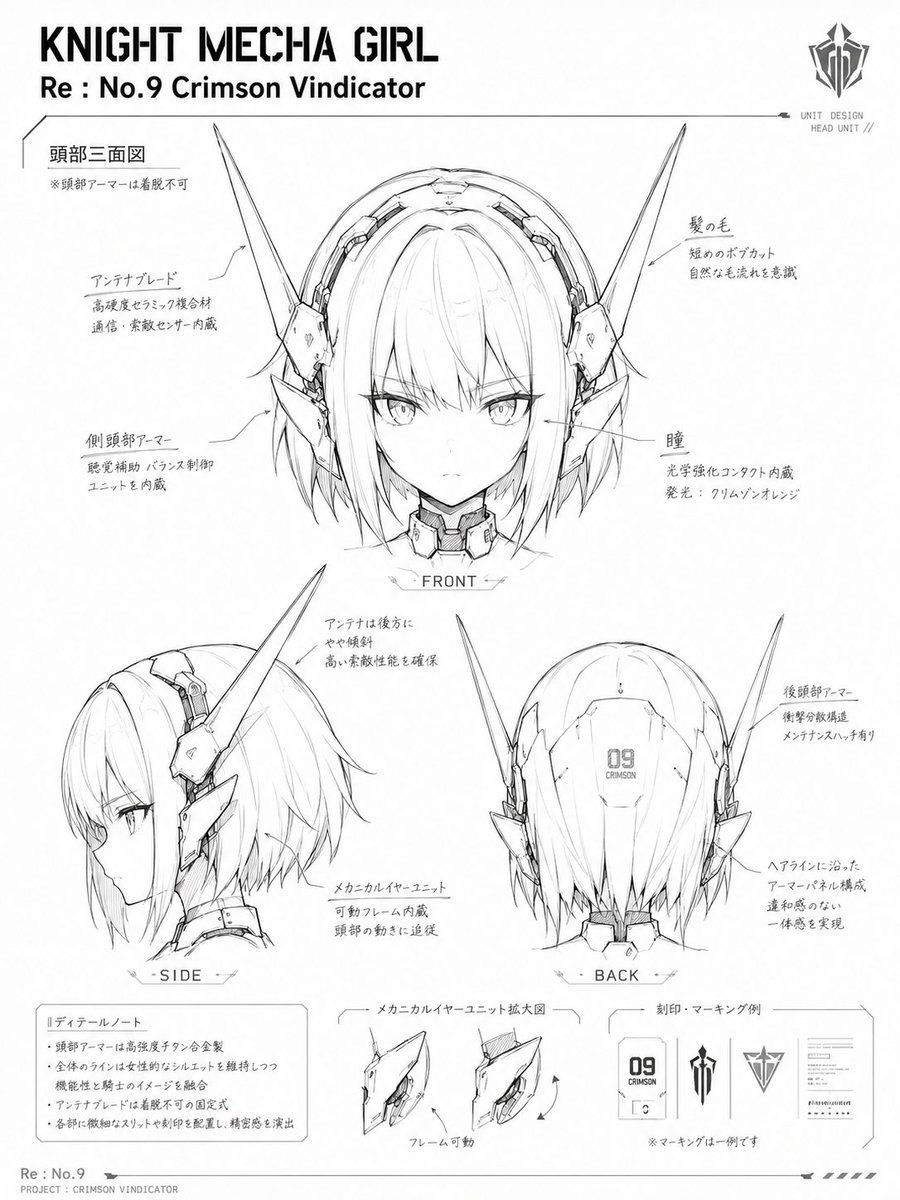
Knight Mecha Girl Model Kit Style

Rainy Night Android Cyberpunk Portrait

Korean Idol Partial Shadow Editorial Portrait

Cinematic Sci-Fi Interface Side Profile

Cyberpunk Neon Profile Fashion Portrait

Cinematic Neon Light Strip Studio Portrait

Futuristic Studio Neon Ring Minimalist Portrait

Neon Violet Streetwear Fashion Portrait

Neon Night Crosswalk Candid Portrait
Make it yours
Cyberpunk Pink Mecha Angel Girl works as-is. These are the safest ways to change it without losing the look.
Change one field
Copy a single group, rewrite it, and generate again so you can see what that field is doing.
Keep the frame, change the subject
Hold the composition and light of Cyberpunk Pink Mecha Angel Girl, then swap wardrobe, props or the person for a new take.
| If the result… | Why | Fix |
|---|---|---|
| The result drifts from the preview | Too many fields changed at once. | Reuse Cyberpunk Pink Mecha Angel Girl as-is first, then change one group — subject, light, or setting. |
| The model over-stylizes the scene | The prose prompt leaves finish and camera underspecified. | Add one camera or lighting sentence and stay on GPT Image 2. |
More GPT Image 2 templates
Other prompts made for GPT Image 2.

Six VTuber Japanese Logo Sheet

Realistic Portrait of Woman and Deer

The Vista Modular Condo Poster

AI Model Routing Comparison Infographic

2.5D Anime Art Board

Isometric Productivity Desk Scene

New York Double Exposure Poster

Four-Panel AI Landscape Comparison

Japanese Tatami Lifestyle Magazine Cover

NESCAFÉ Coffee Map Poster
More image prompts
Fresh picks from across the catalog.
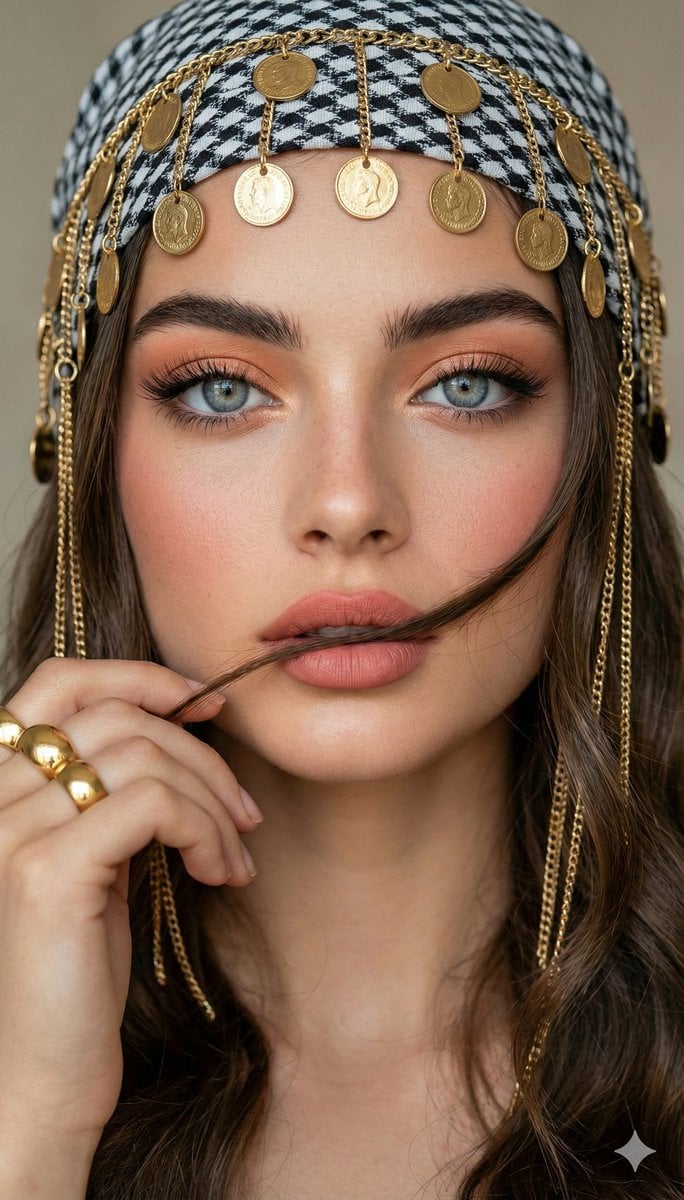
Close-up Portrait with Headscarf and Jewelry Prompt (Image Reference)
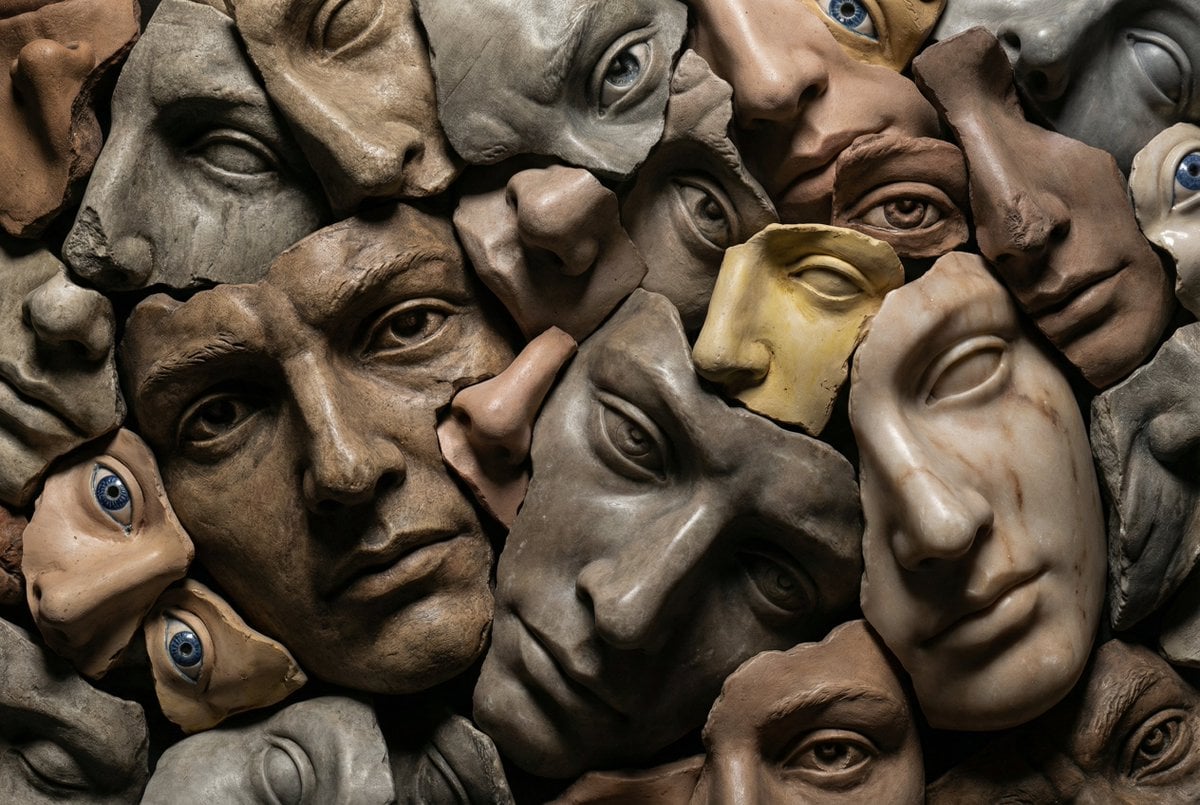
Hyperrealistic Sculptural Collage of Fragmented Faces

Ultra-Realistic Product Photography of Yogurt
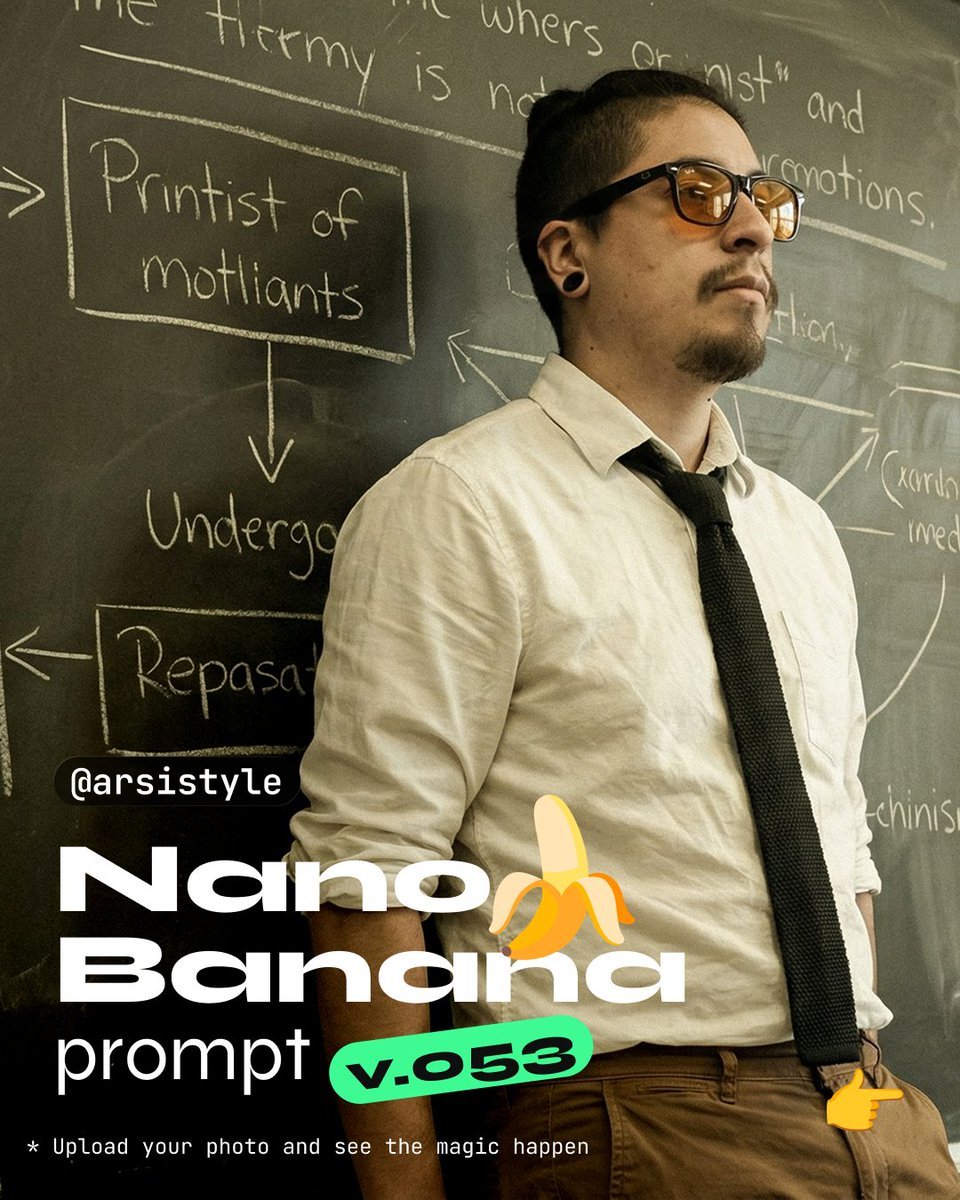
Cinematic Medium Shot with Chalkboard Background Prompt
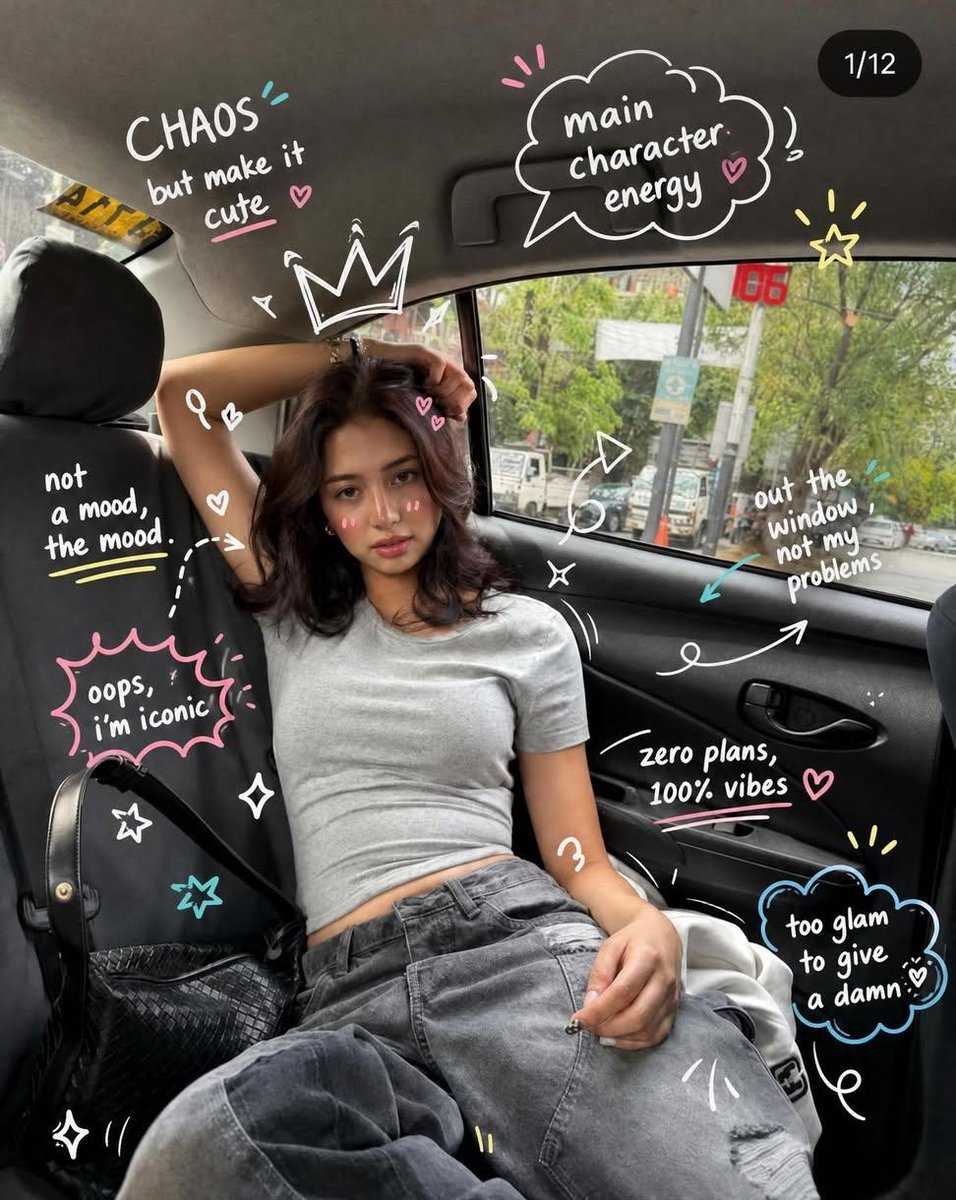
Trendy Car Interior Portrait

Violet Ghost in a Golden Room K-Pop Aesthetic Image Prompt

X Chatgptpaglu Gpt Image 2 on Yapper So
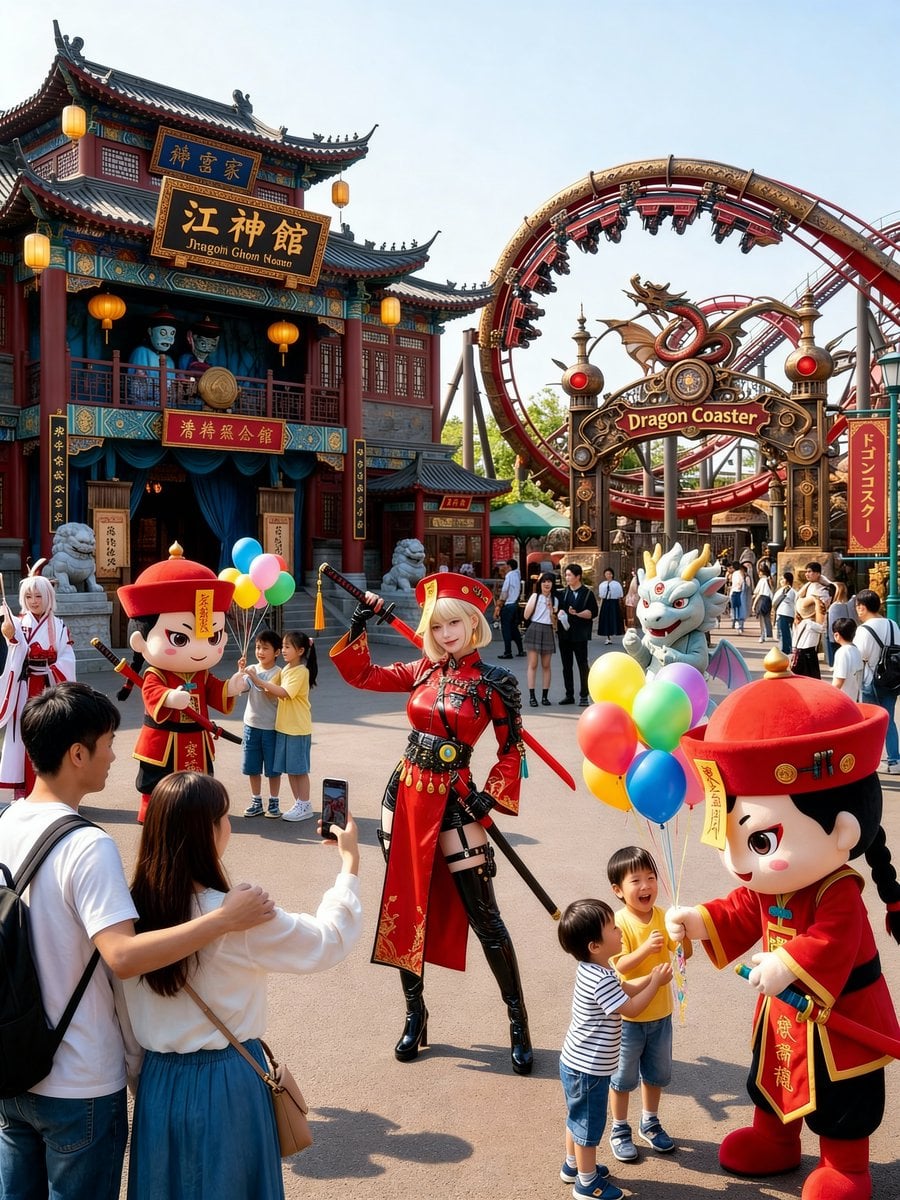
Amusement Park Prompt Template for Character Placement
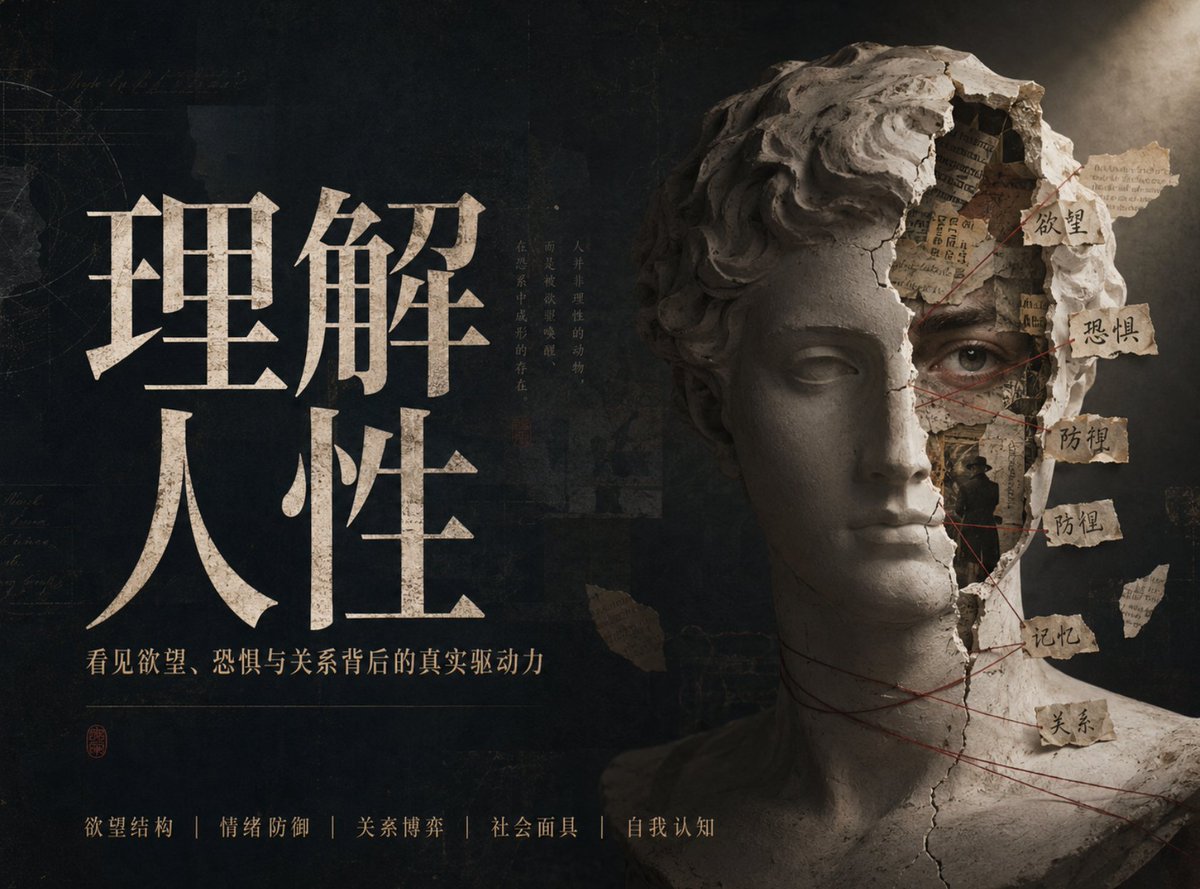
Chinese Conceptual Poster Generator
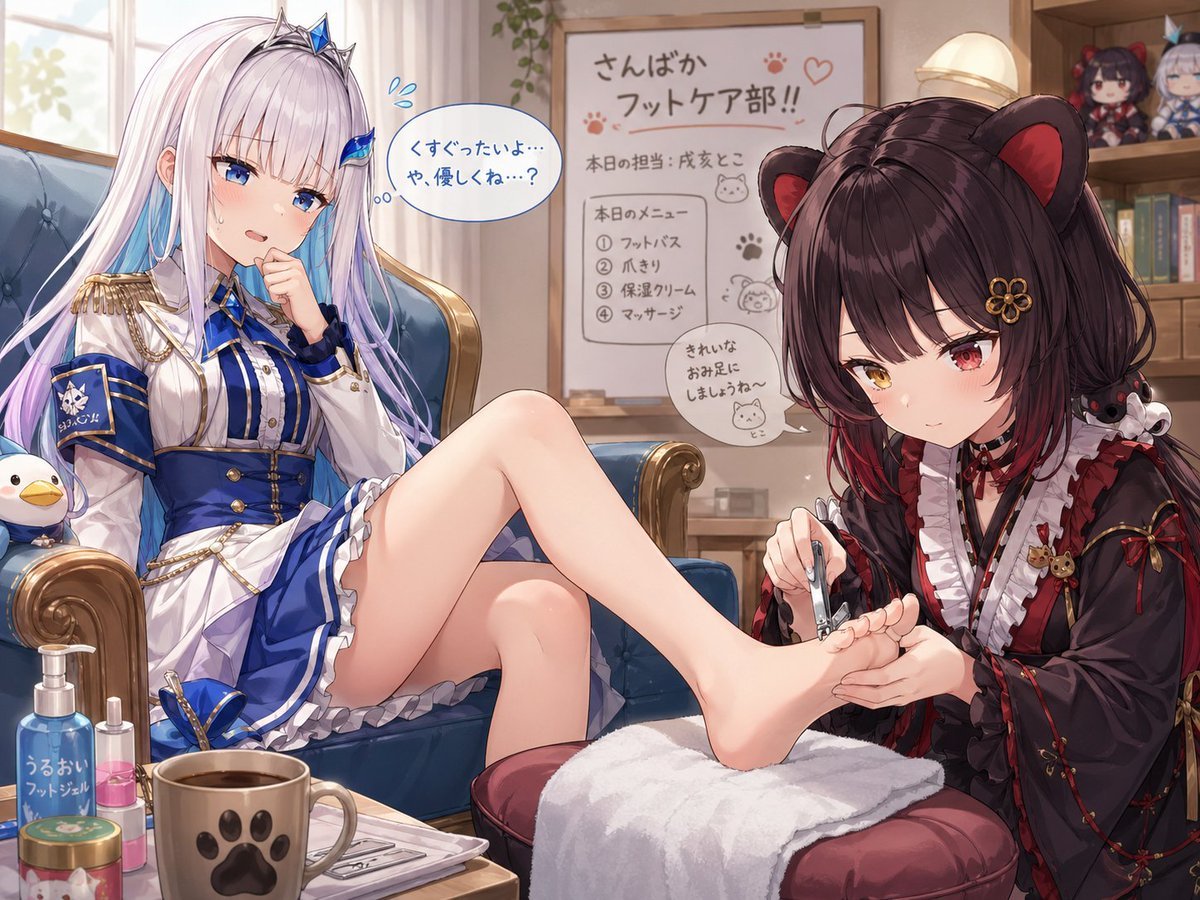
Toko Inui and Lize Helesta Illustration
Browse template categories
Cyberpunk Pink Mecha Angel Girl questions
How do I use the Cyberpunk Pink Mecha Angel Girl template?
Add your photo if the template asks for one, edit the prompt if you like — the template's model and format are already selected — and press Generate. Your version opens in PicX Studio.
Can I customize the Cyberpunk Pink Mecha Angel Girl template?
Yes. You can change the subject, setting, lighting, mood, format, and available model controls before creating your image.
Is the Cyberpunk Pink Mecha Angel Girl template free?
Opening and editing this template is free. Generating uses credits, shown on the Generate button when you are signed in.
Which AI model should I use?
Start with GPT Image 2, which is the model associated with this template. You can compare another compatible model for a different finish.
Looking for something else? Browse all templates.

Your photo, any look
Thousands of ready templates for every top image and video model, from one credit balance.