
Enhancing Three-View Drawings and Generating Angles with Nano Banana
The user describes a two-step process: first, using Nano Banana Pro to enhance a three-view drawing (specifically interpreting a mysterious neck decoration as a 'magic-infused stone'), and second, using Novel AI to…
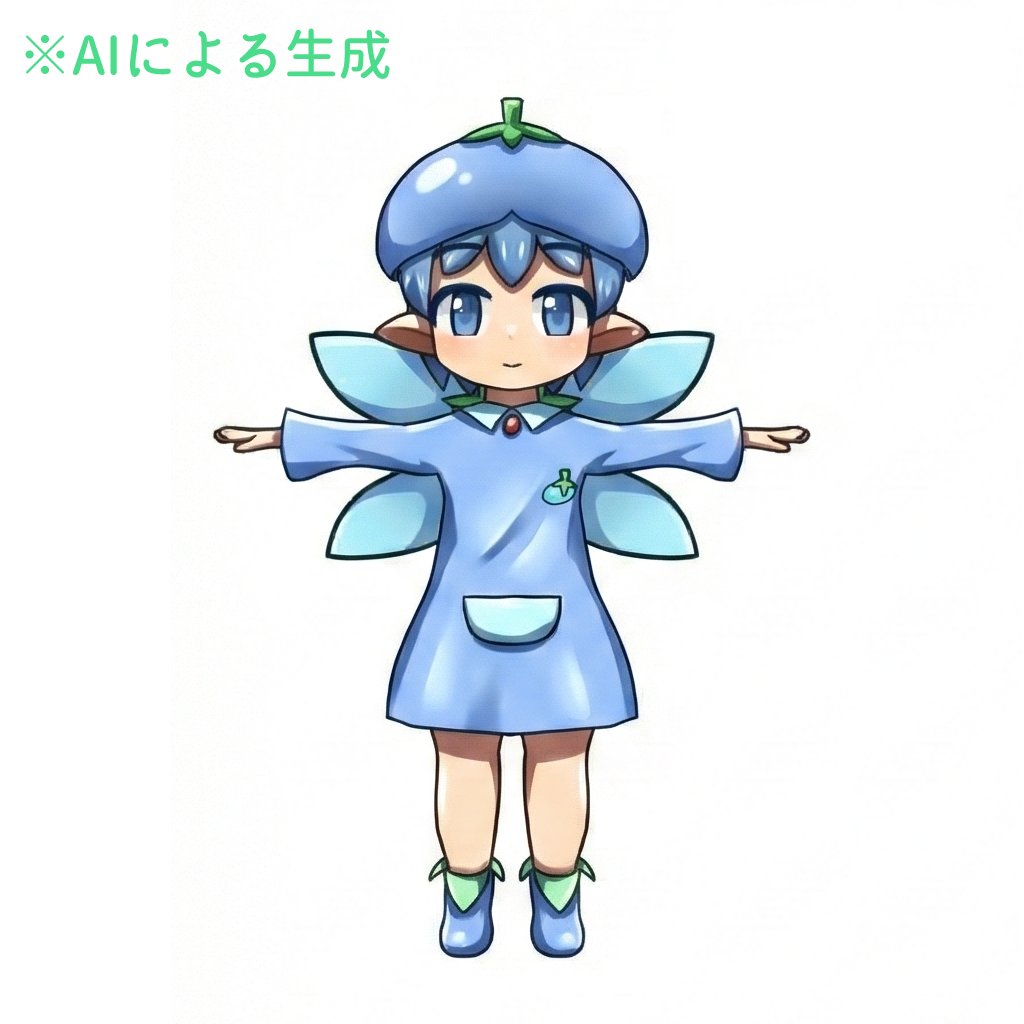
- Prompt included
- Model and format preset
- Premium template
The prompt behind this image
Copy the exact prompt behind Enhancing Three-View Drawings and Generating Angles with Nano Banana, or open it in the studio and make it yours.
With the power of nano banana, first have it enhance the three-view (front/side/back) reference sheet. It seems nano banana judged the mysterious decoration around the neck as some kind of stone imbued with magical power. Indeed, that kind of decoration is plausible too, so I decided to go with this. (Since this area of decoration varies depending on my mood at the time, from now on I'll just fix it as "a stone imbued with magical power.") Then, using Novel AI's feature, I had it generate images with different angles and expressions added. I'm using these to prepare the minimum amount of training material.
How to use Enhancing Three-View Drawings and Generating Angles with Nano Banana in 3 steps
- 1Upload ImagePNG, JPG or paste
Add your photo
Upload the photo the template builds on. The prompt, model and format are already set.
- 2…a portrait of your subject in softgolden-hour light, 85mm…
Personalize
Edit the subject and creative details for your destination.
- 3Generate
Generate
Press Generate — your image is created in PicX Studio, so you can compare it with the original and refine one variable at a time.
More like this
Templates with the same subject, style or setup. Open one to see its prompt.
Woman in Mall with Chanel Bag - Heart Gesture
Generating Rich 4-Panel Manga with NanoBanana Pro
Generating 'Meme Hybrid' Beauties using Nano Banana Pro
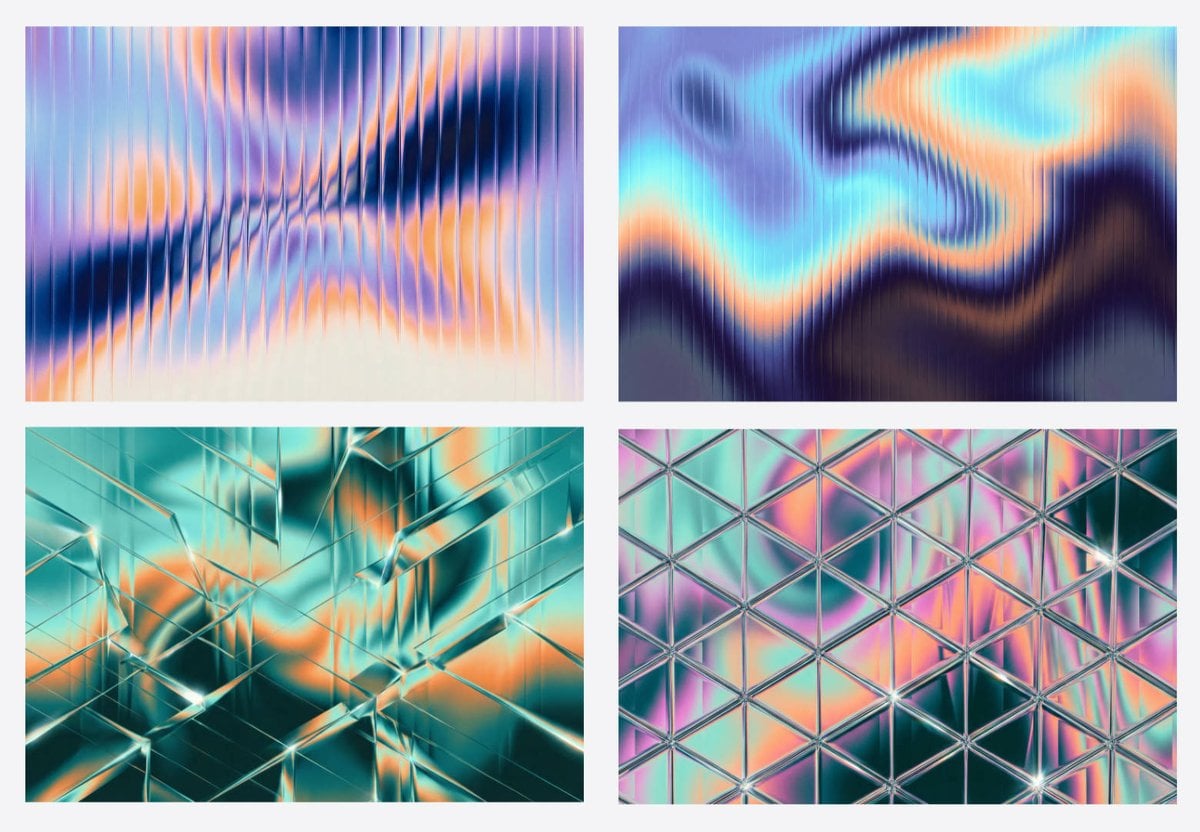
Generating Fractal Glass Gradient Images with Nano Banana Pro
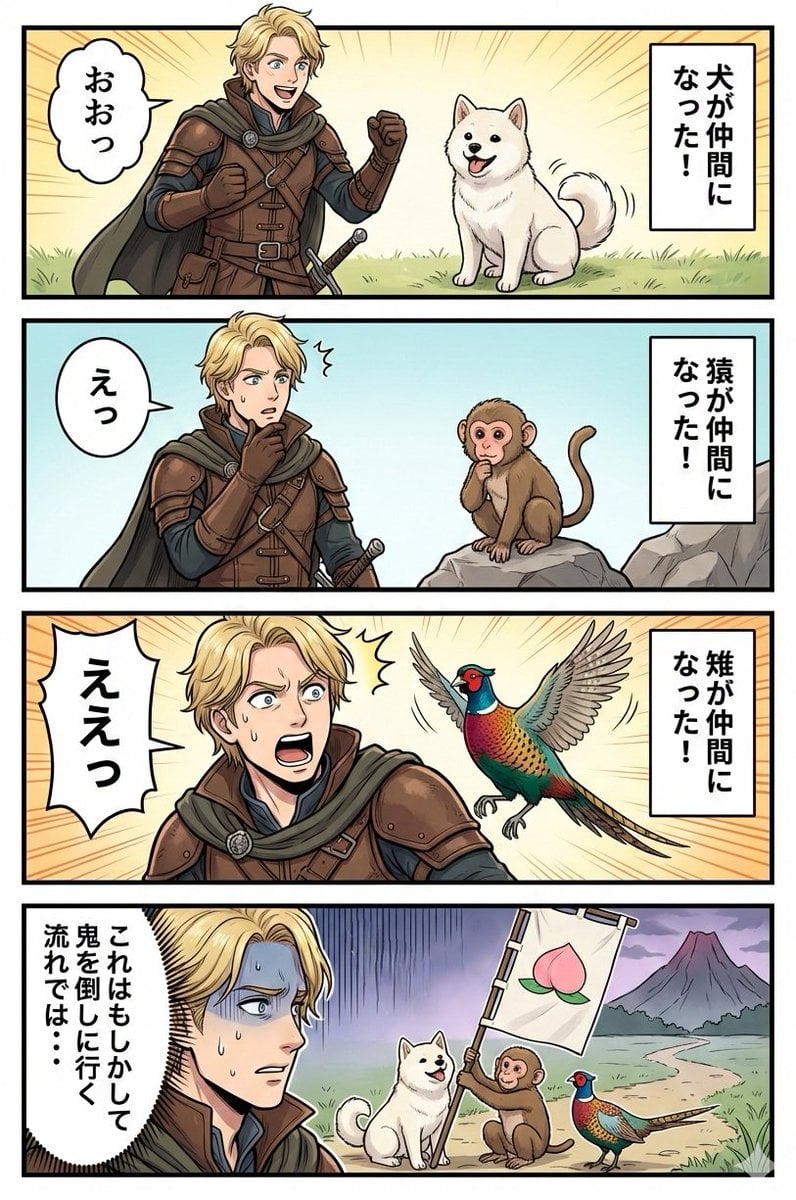
Google Nano Banana Manga: One Person and Three Animals
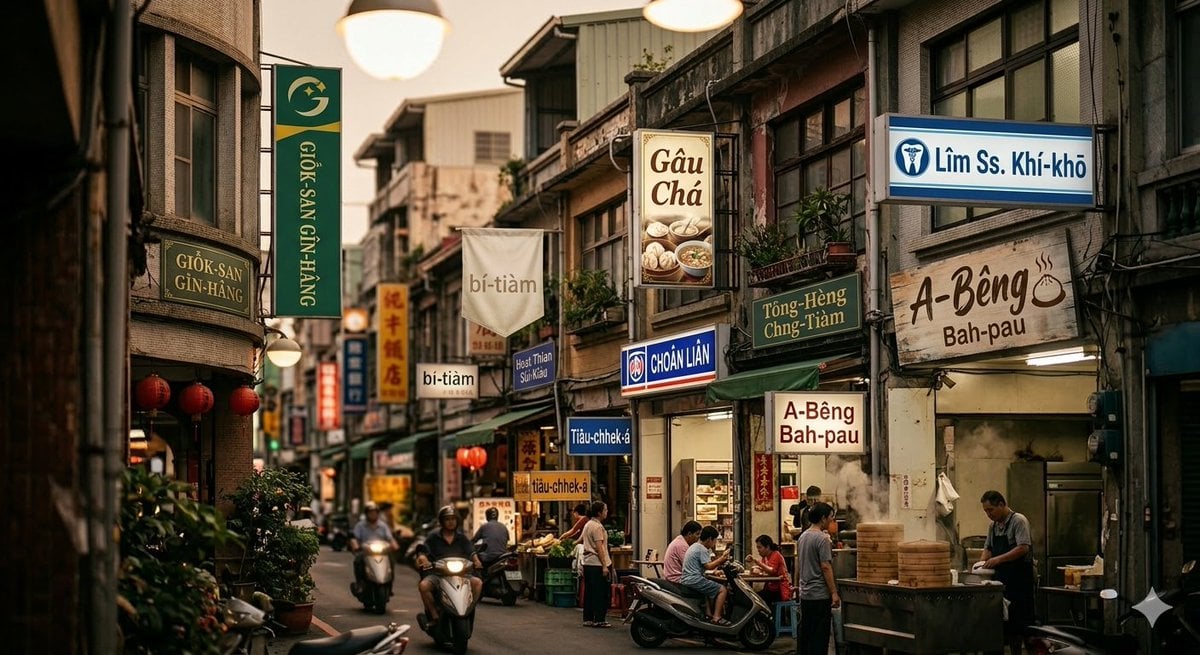
Generating Romanized Taiwanese streetscape with Nano Banana 2
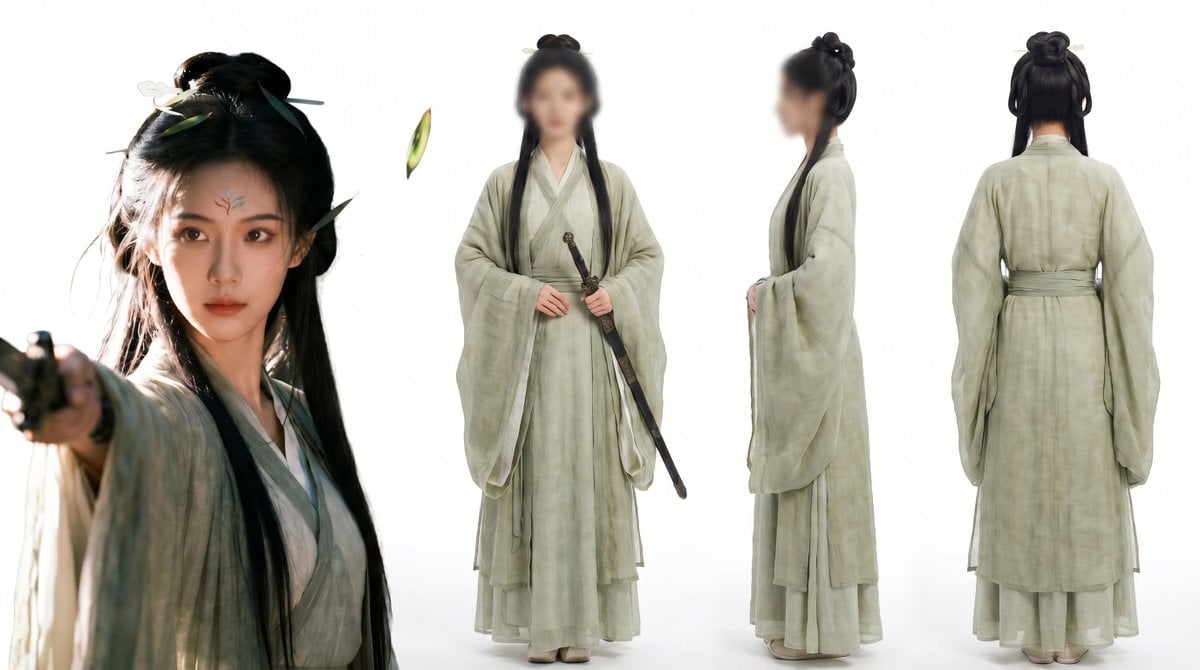
Consistent Three-View Character Sheet
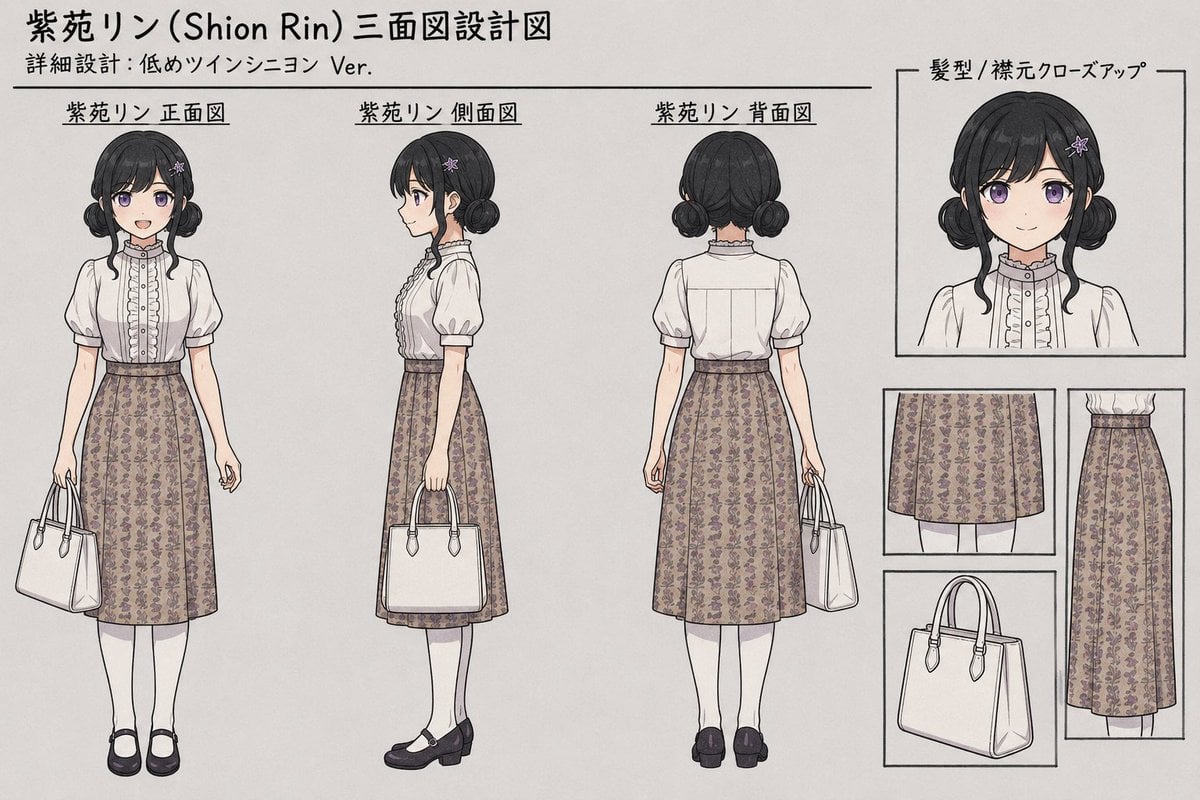
Shion Rin Three-View Design Sheet
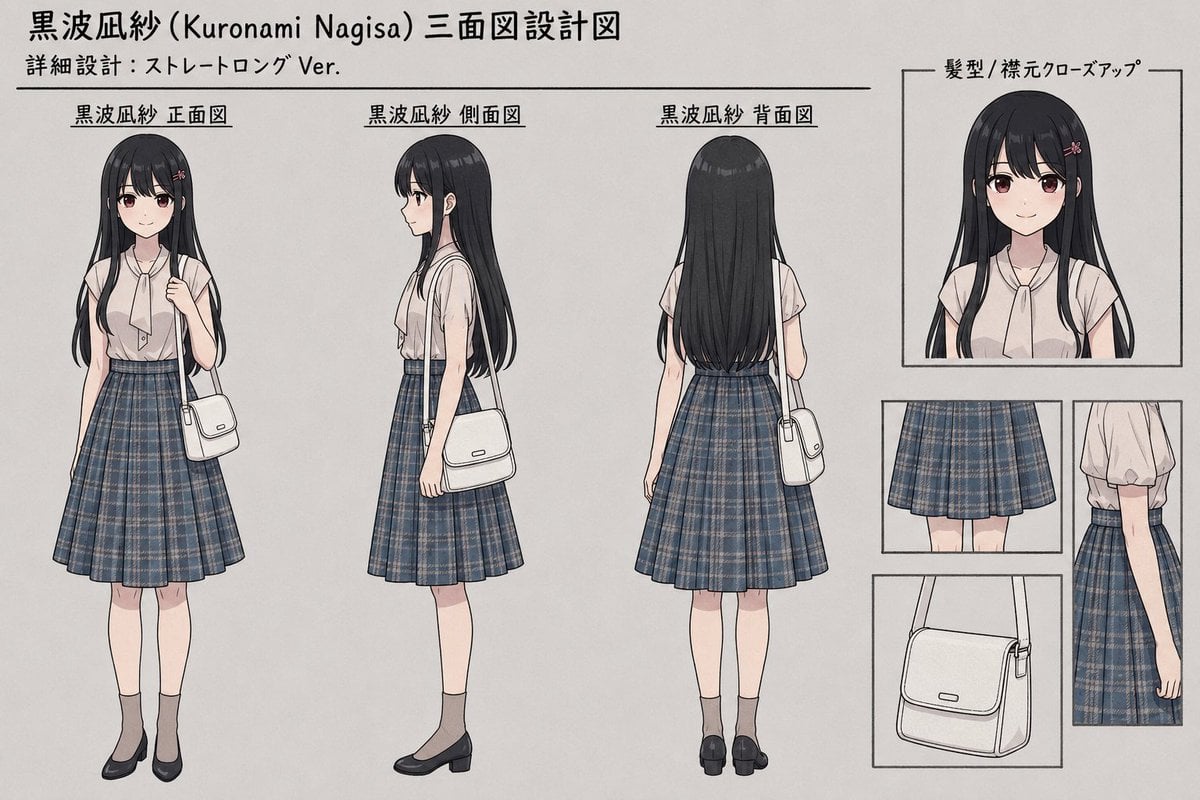
Anime Three-View Character Sheet
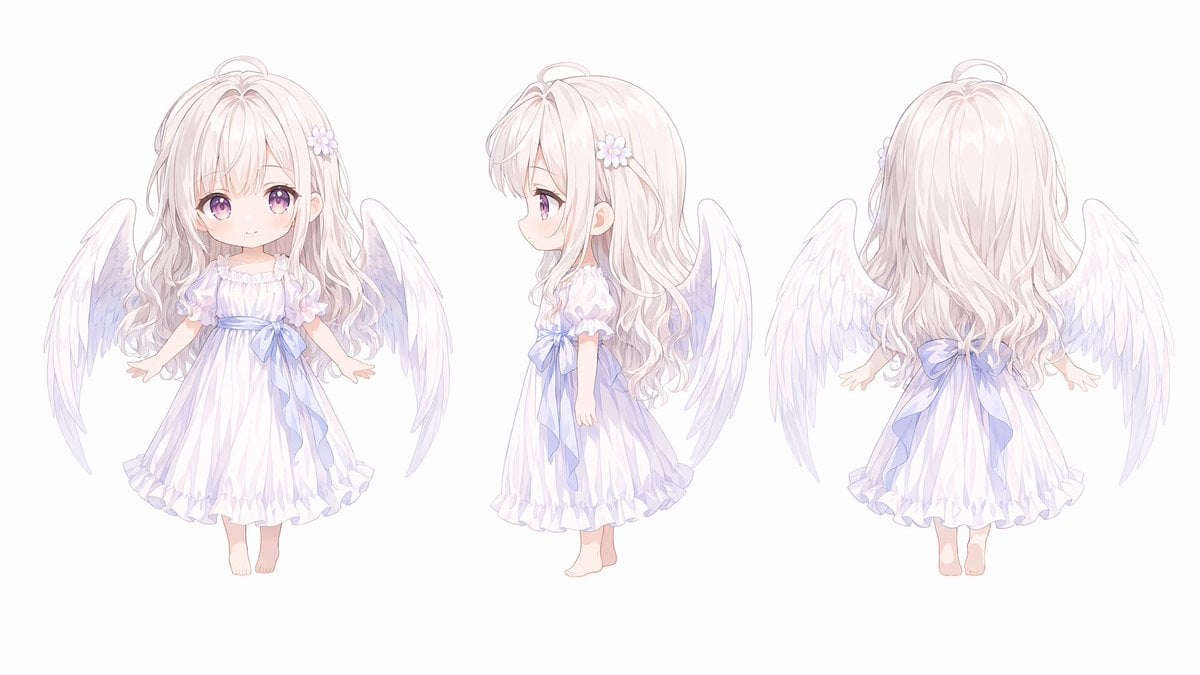
Chibi Angel Three-View Turnaround
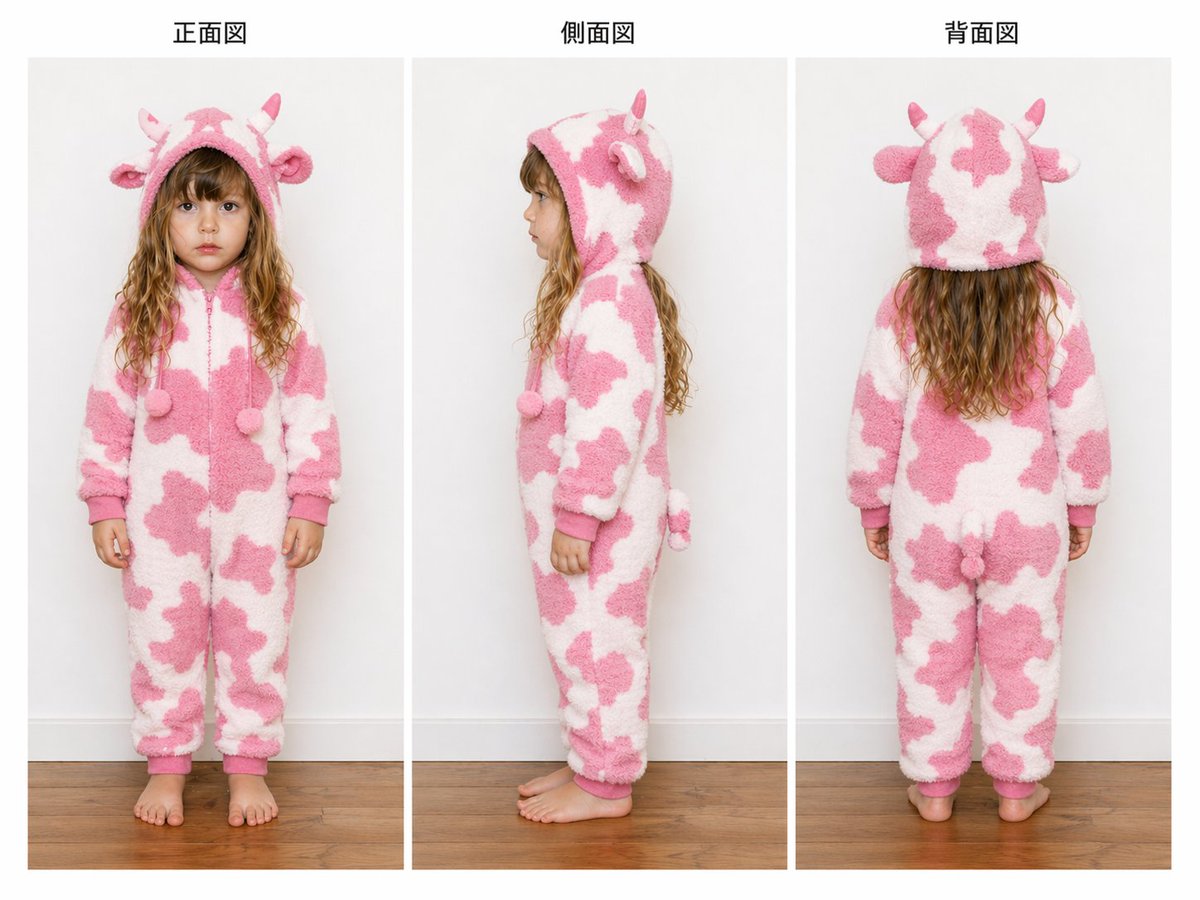
Child Cow Onesie Three-View Sheet
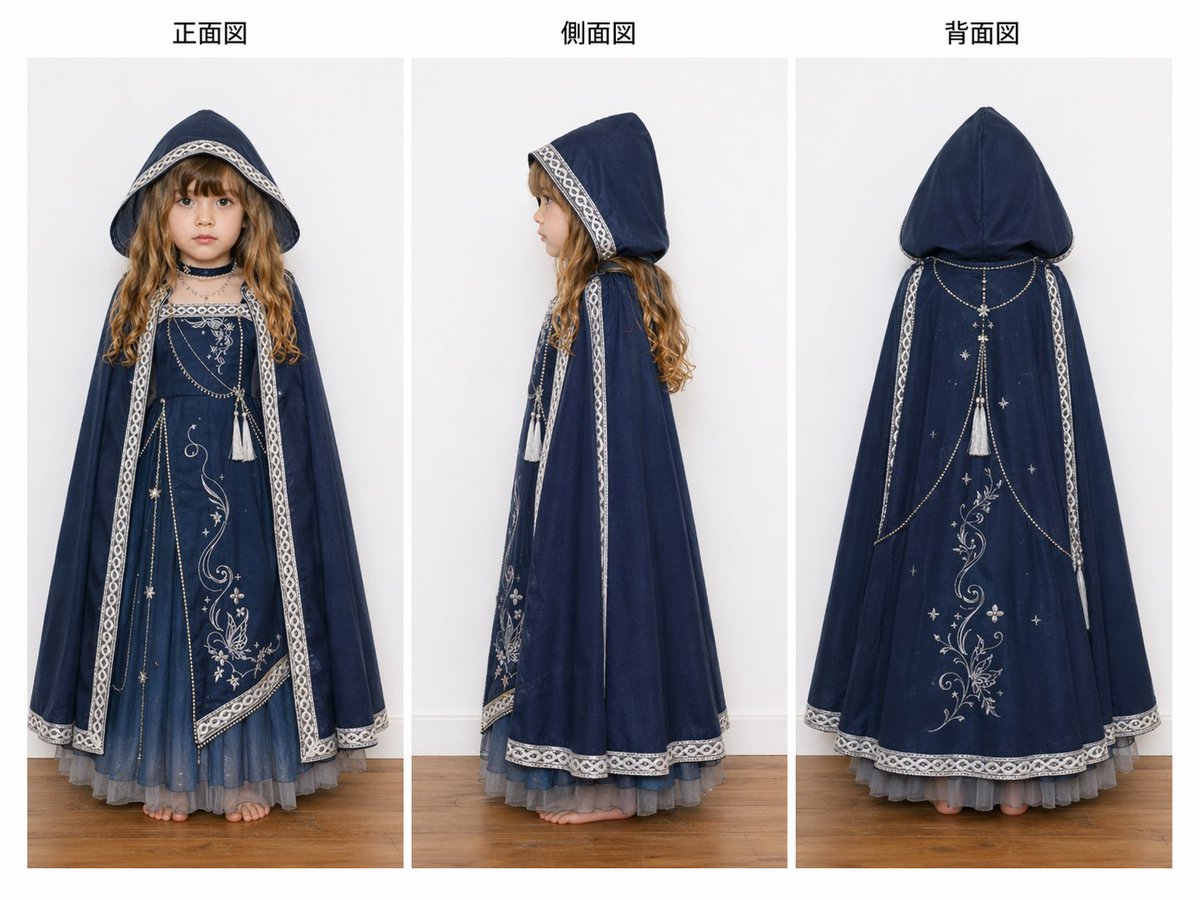
Three-View Hooded Fantasy Dress Sheet
Make it yours
Enhancing Three-View Drawings and Generating Angles with Nano Banana works as-is. These are the safest ways to change it without losing the look.
Change one field
Copy a single group, rewrite it, and generate again so you can see what that field is doing.
Keep the frame, change the subject
Hold the composition and light of Enhancing Three-View Drawings and Generating Angles with Nano Banana, then swap wardrobe, props or the person for a new take.
| If the result… | Why | Fix |
|---|---|---|
| The result drifts from the preview | Too many fields changed at once. | Reuse Enhancing Three-View Drawings and Generating Angles with Nano Banana as-is first, then change one group — subject, light, or setting. |
| The model over-stylizes the scene | The prose prompt leaves finish and camera underspecified. | Add one camera or lighting sentence and stay on Nano Banana 2. |
More Nano Banana 2 templates
Other prompts made for Nano Banana 2.

Photorealistic Leaf Shaped Like a Dragon

K-Pop Idol Portrait Grid for Rapid Selection

Poetic Rain Forest Portrait During Golden Hour

Urban Street Portrait with Cartoon Inner Self Duo

Candid Nighttime Photo with Cat Prompt

High-Concept 3D Diorama Generation Prompt

Cinematic Futuristic Studio Portrait Template

Skincare Editorial Photography Collage Prompt

Hyper-Realistic Commercial Product Photography (Splash Effect)

Hyper-Realistic Nightclub Portrait Prompt
More image prompts
Fresh picks from across the catalog.
Catgirl Maid Free Wallpaper Banner
High-Fashion Double Exposure Portrait with Reflection
Portrait of a Middle-Aged Man Lying Down
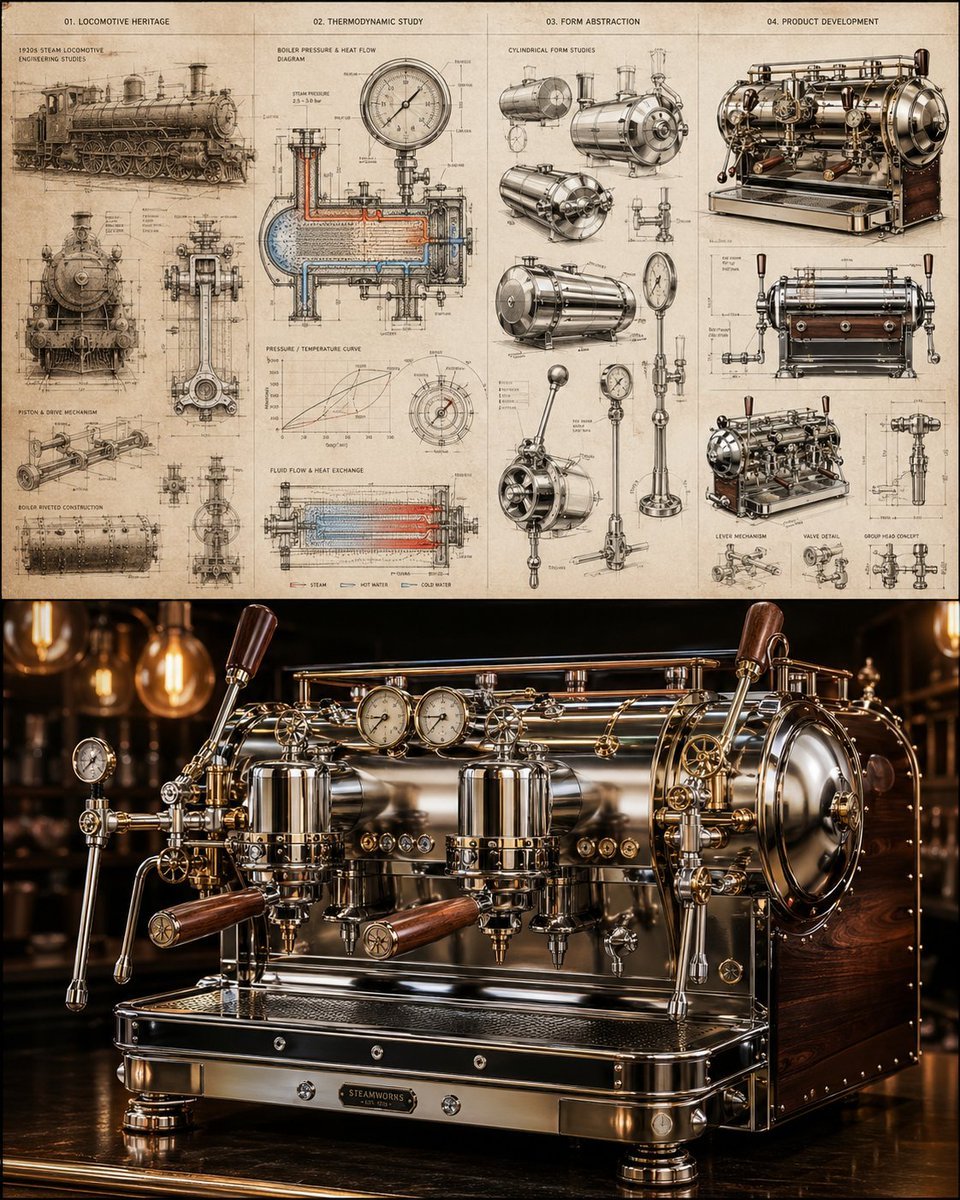
Locomotive-Inspired Espresso Machine Design
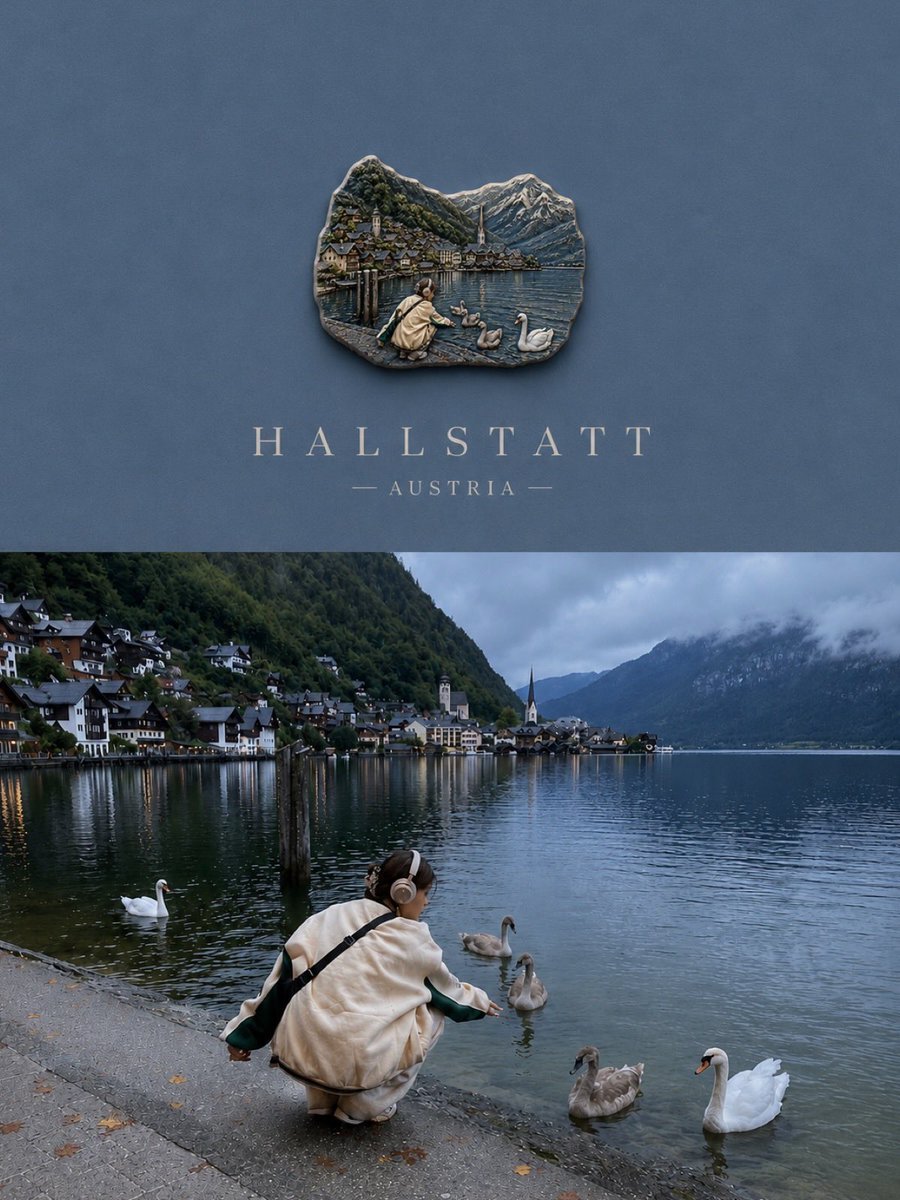
Luxury Travel Poster Split Layout
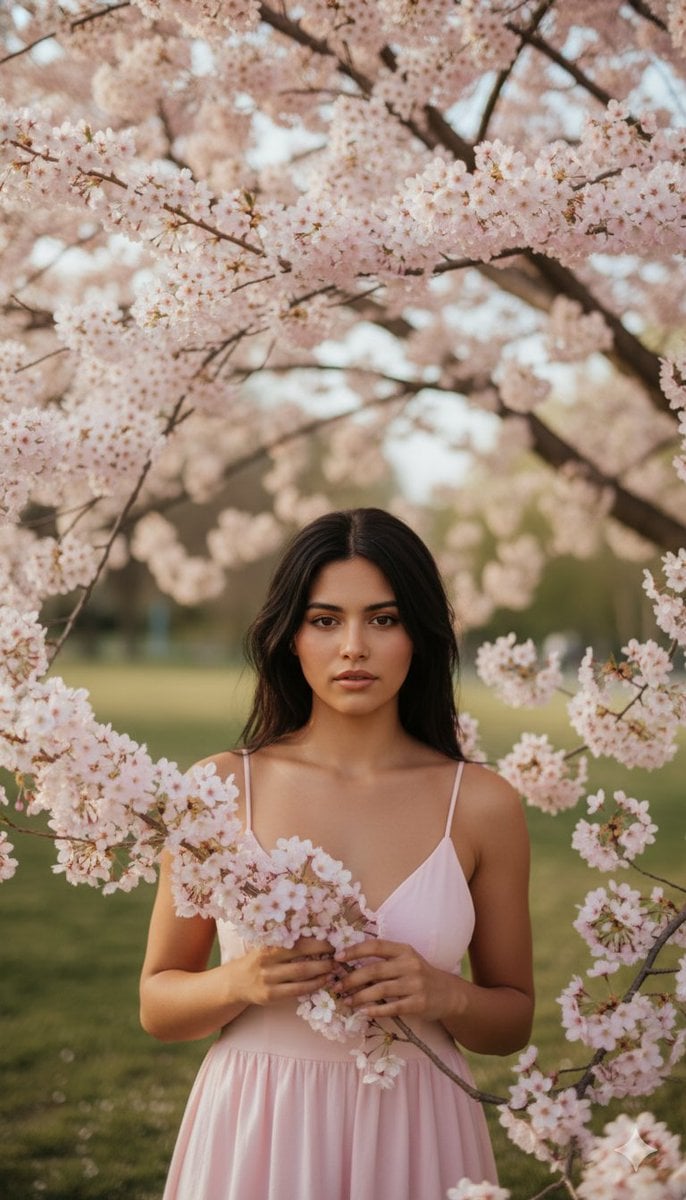
Springtime Cherry Blossom Portrait Recreation Prompt
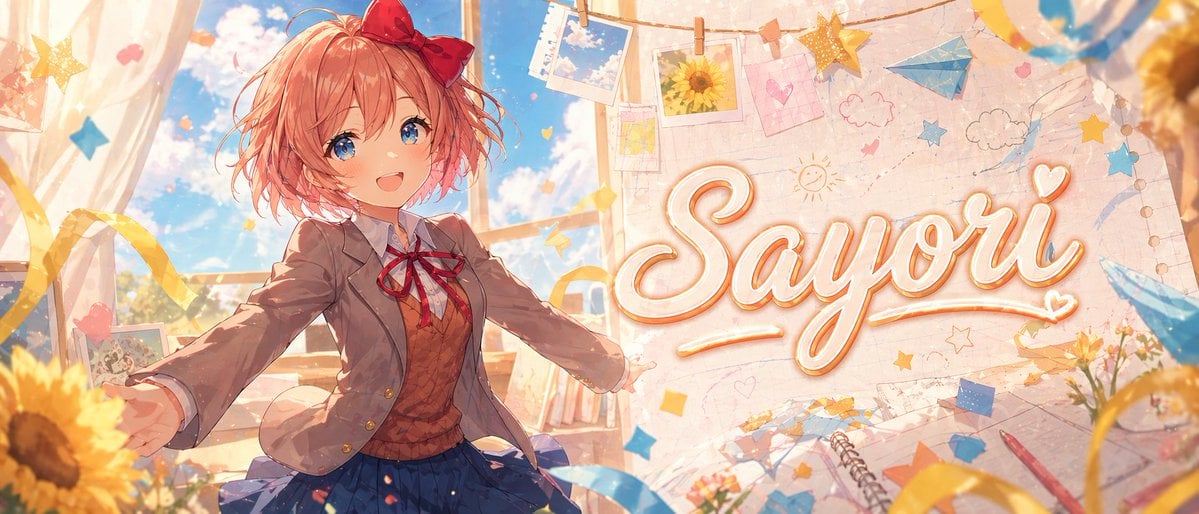
Dreamy Anime Sayori Banner
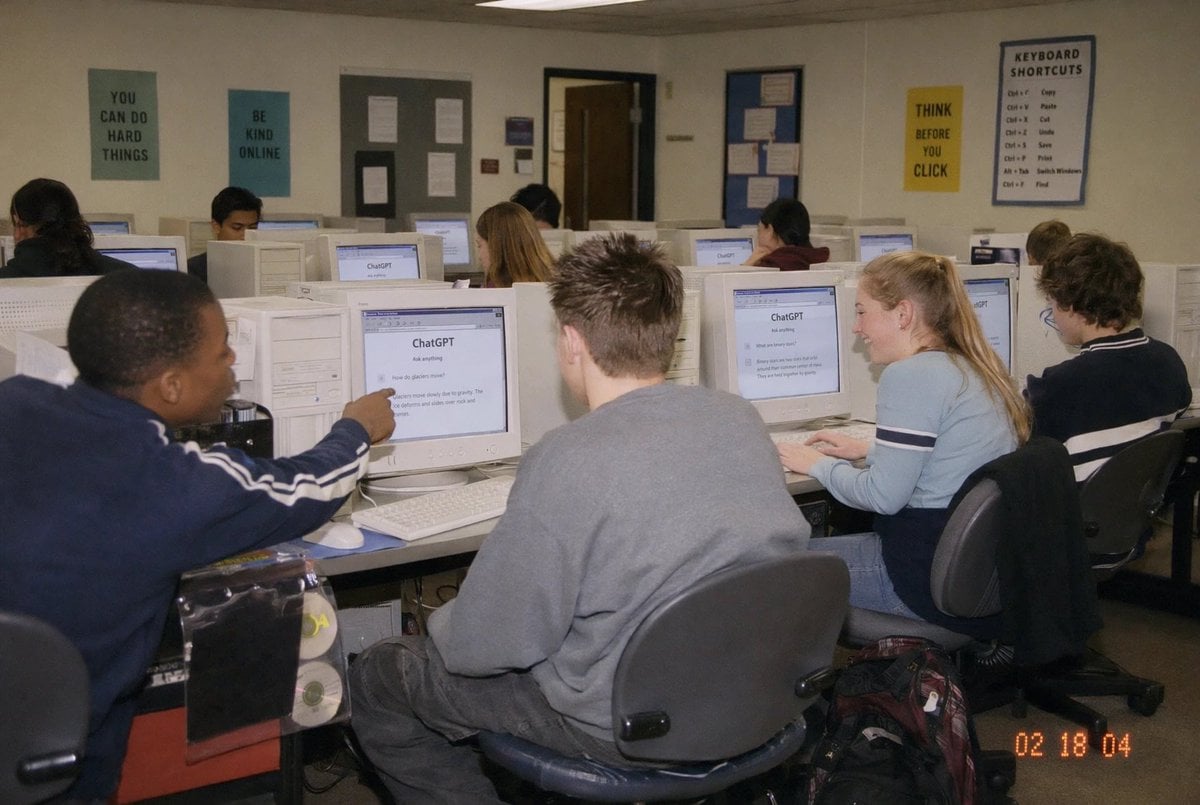
Early 2000s Computer Lab With ChatGPT
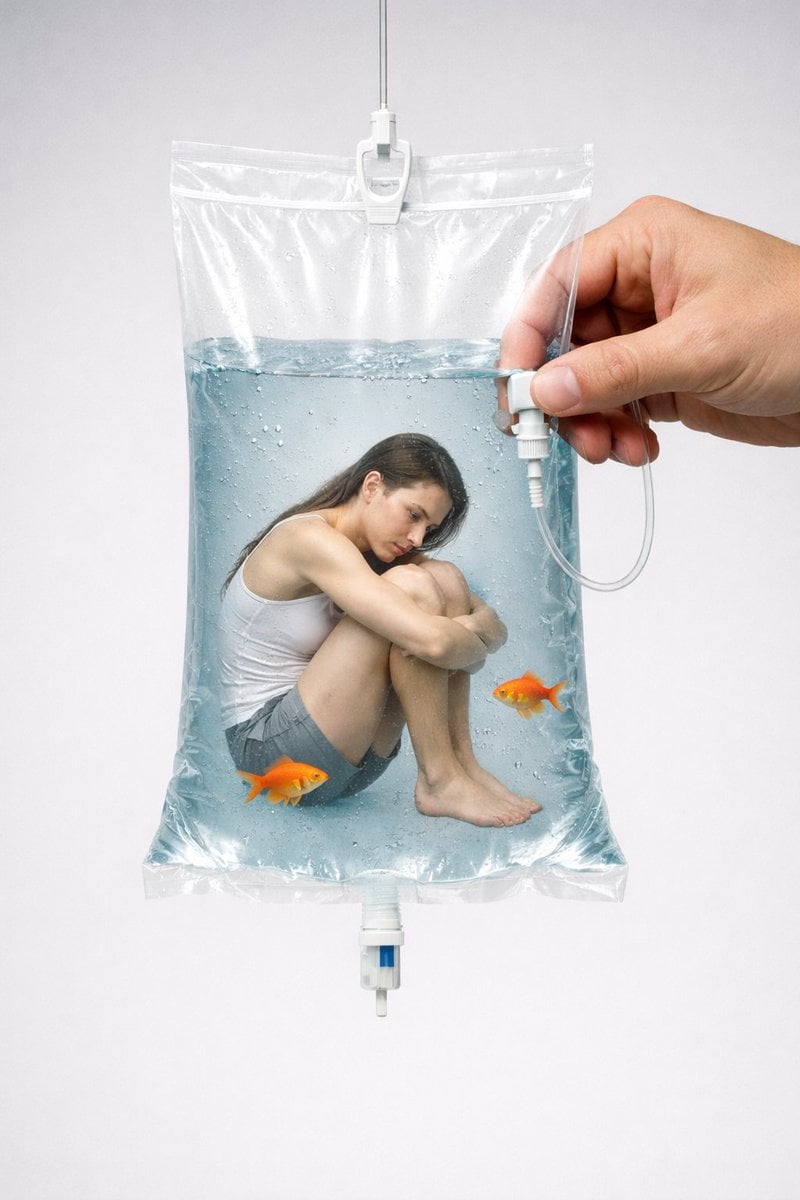
Conceptual Editorial Visual Prompt: Contained Human Aquarium
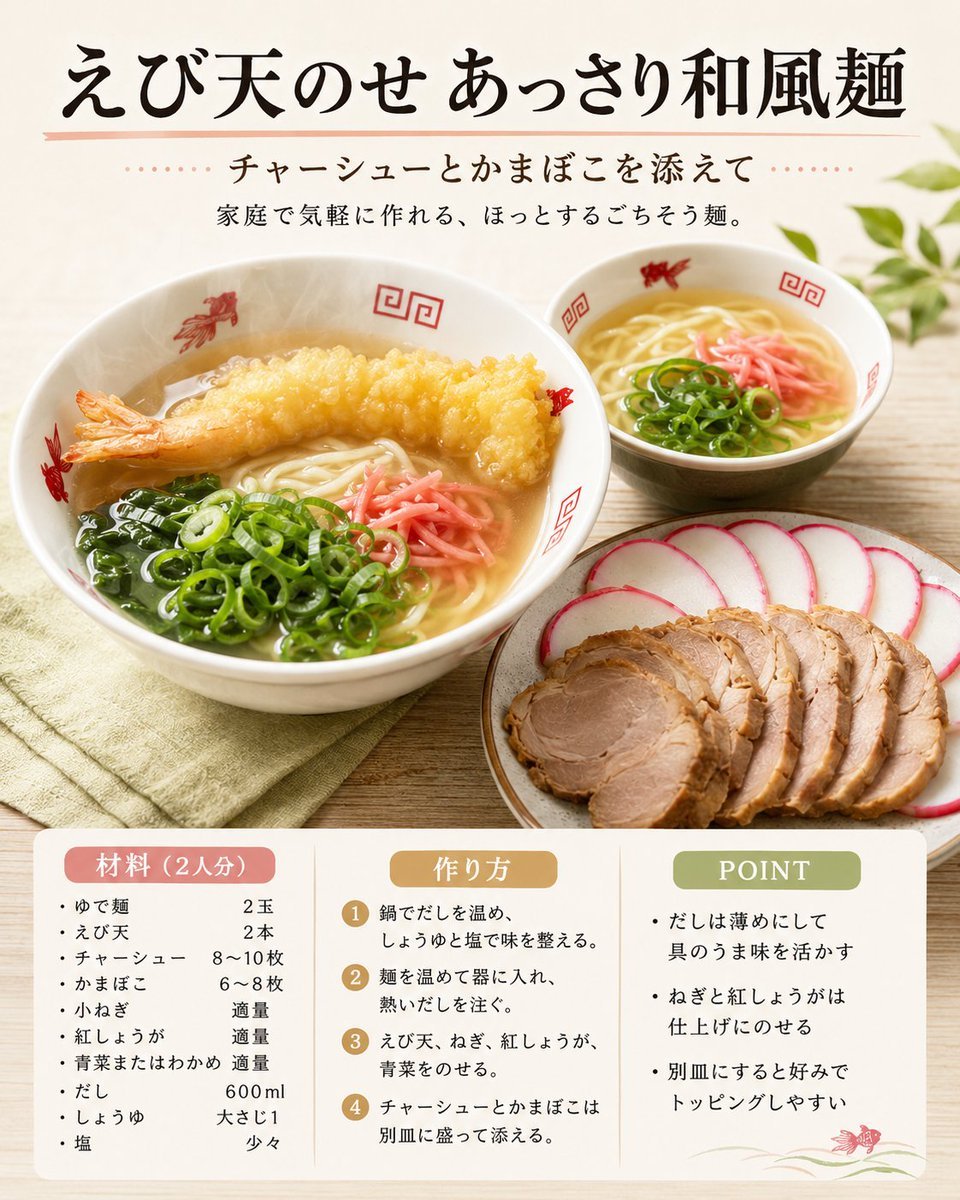
Japanese Tempura Noodle Recipe Card
Browse template categories
Enhancing Three-View Drawings and Generating Angles with Nano Banana questions
How do I use the Enhancing Three-View Drawings and Generating Angles with Nano Banana template?
Add your photo if the template asks for one, edit the prompt if you like — the template's model and format are already selected — and press Generate. Your version opens in PicX Studio.
Can I customize the Enhancing Three-View Drawings and Generating Angles with Nano Banana template?
Yes. You can change the subject, setting, lighting, mood, format, and available model controls before creating your image.
Is the Enhancing Three-View Drawings and Generating Angles with Nano Banana template free?
Opening and editing this template is free. Generating uses credits, shown on the Generate button when you are signed in.
Which AI model should I use?
Start with Nano Banana 2, which is the model associated with this template. You can compare another compatible model for a different finish.
Looking for something else? Browse all templates.

Your photo, any look
Thousands of ready templates for every top image and video model, from one credit balance.