
Child Cow Onesie Three-View Sheet
This prompt generates a realistic studio reference sheet showing front, side, and back views of a child wearing a pink-and-white cow-themed fleece onesie, useful for apparel design, catalog presentation, or AI outfit…
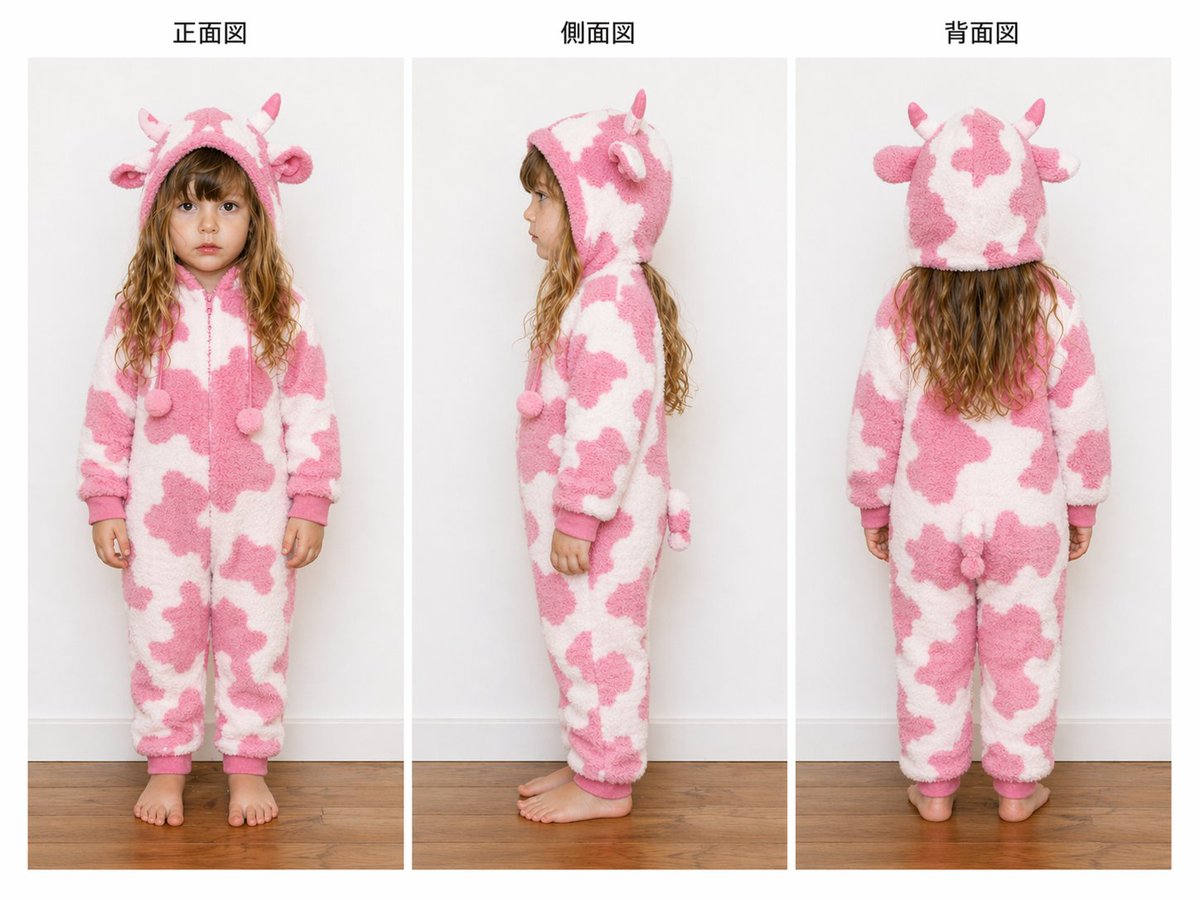
- Prompt included
- Model and format preset
- Free template
The prompt behind this image
Copy the exact prompt behind Child Cow Onesie Three-View Sheet, or open it in the studio and make it yours.
- Type
- apparel turnarounds reference sheet
- Subject › Model
- young child
- Subject › Gender Presentation
- girl
- Subject › Face
- intentionally anonymized with a soft rectangular blur over the face in the front and side views
- Subject › Hair
- long wavy light brown to dark blonde hair extending below the hood
- Subject › Pose Count
- 3
- Garment › Type
- one-piece hooded fleece pajama kigurumi
- Garment › Theme
- cow
- Garment › Primary Colors
- white, pastel pink
- Garment › Material
- thick fluffy sherpa or plush fleece texture
- Garment › Closure
- front zipper
- Garment › Fit
- loose cozy full-length fit with cuffed wrists and ankles
- Garment › Details › Hood Features Count
- 4
- Garment › Details › Hood Features
- 2 small horns, 2 rounded ears
- Garment › Details › Front Dangling Poms Count
- 2
- Garment › Details › Front Dangling Poms
- two pom-pom drawstring ends at chest height
- Garment › Details › Back Features Count
- 1
- Garment › Details › Back Features
- small stuffed tail
- Garment › Details › Pattern
- irregular pink cow spots over a white base
- Garment › Details › Trim
- solid pink cuffs and hood edge
- Layout › Background
- clean studio interior with a light gray wall and warm medium-tone wooden floor
- Layout › Composition
- three evenly spaced vertical panels showing full-body views of the same child wearing the onesie
- Layout › Sections › 0 › Title
- 正面図
- Layout › Sections › 0 › Position
- left
Raw JSON
{"type":"apparel turnarounds reference sheet","subject":{"model":"young child","gender_presentation":"girl","face":"intentionally anonymized with a soft rectangular blur over the face in the front and side views","hair":"long wavy light brown to dark blonde hair extending below the hood","pose_count":3},"garment":{"type":"one-piece hooded fleece pajama kigurumi","theme":"cow","primary_colors":["white","pastel pink"],"material":"thick fluffy sherpa or plush fleece texture","closure":"front zipper","fit":"loose cozy full-length fit with cuffed wrists and ankles","details":{"hood_features_count":4,"hood_features":["2 small horns","2 rounded ears"],"front_dangling_poms_count":2,"front_dangling_poms":"two pom-pom drawstring ends at chest height","back_features_count":1,"back_features":["small stuffed tail"],"pattern":"irregular pink cow spots over a white base","trim":"solid pink cuffs and hood edge"}},"layout":{"background":"clean studio interior with a light gray wall and warm medium-tone wooden floor","composition":"three evenly spaced vertical panels showing full-body views of the same child wearing the onesie","sections":[{"title":"正面図","position":"left","count":1,"labels":["front view"]},{"title":"側面図","position":"center","count":1,"labels":["side view"]},{"title":"背面図","position":"right","count":1,"labels":["back view"]}],"panel_style":"catalog-style reference sheet with thin white spacing between panels and centered headings above each panel","camera":"straight-on eye-level full-body framing","lighting":"soft even studio lighting with minimal shadows"},"style":"high-resolution realistic product photography, neutral documentation style, clear garment construction visibility, designed like a clothing three-view reference image for e-commerce or design review","customization":{"garment color":"{argument name=\"garment color\" default=\"pastel pink and white\"}","animal theme":"{argument name=\"animal theme\" default=\"cow\"}","model age":"{argument name=\"model age\" default=\"young child\"}","headline left":"{argument name=\"headline left\" default=\"正面図\"}","headline center":"{argument name=\"headline center\" default=\"側面図\"}"}}How to use Child Cow Onesie Three-View Sheet in 3 steps
- 1Upload ImagePNG, JPG or paste
Add your photo
Upload the photo the template builds on. The prompt, model and format are already set.
- 2…a portrait of your subject in softgolden-hour light, 85mm…
Personalize
Edit the subject and creative details for your destination.
- 3Generate
Generate
Press Generate — your image is created in PicX Studio, so you can compare it with the original and refine one variable at a time.
More like this
Templates with the same subject, style or setup. Open one to see its prompt.
Consistent Three-View Character Sheet
Shion Rin Three-View Design Sheet
Anime Three-View Character Sheet
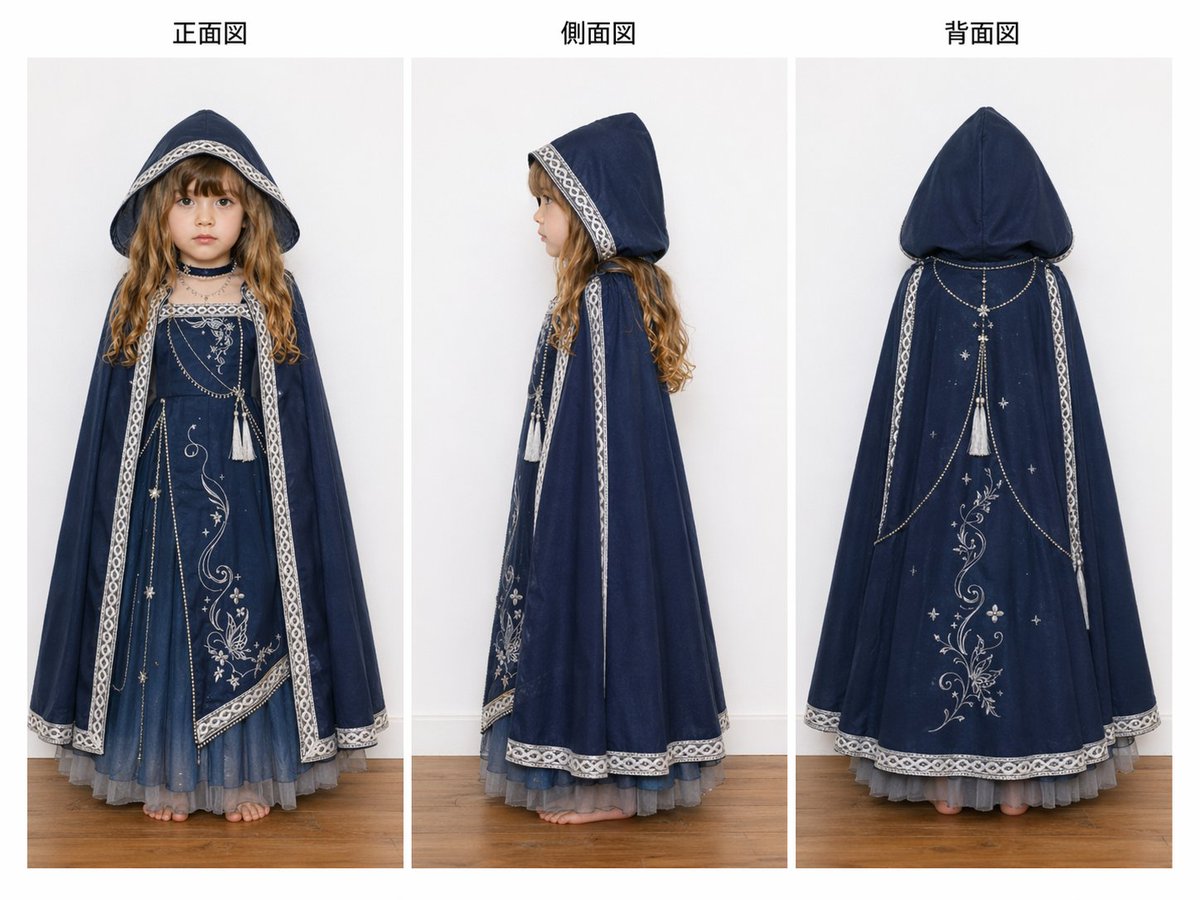
Three-View Hooded Fantasy Dress Sheet
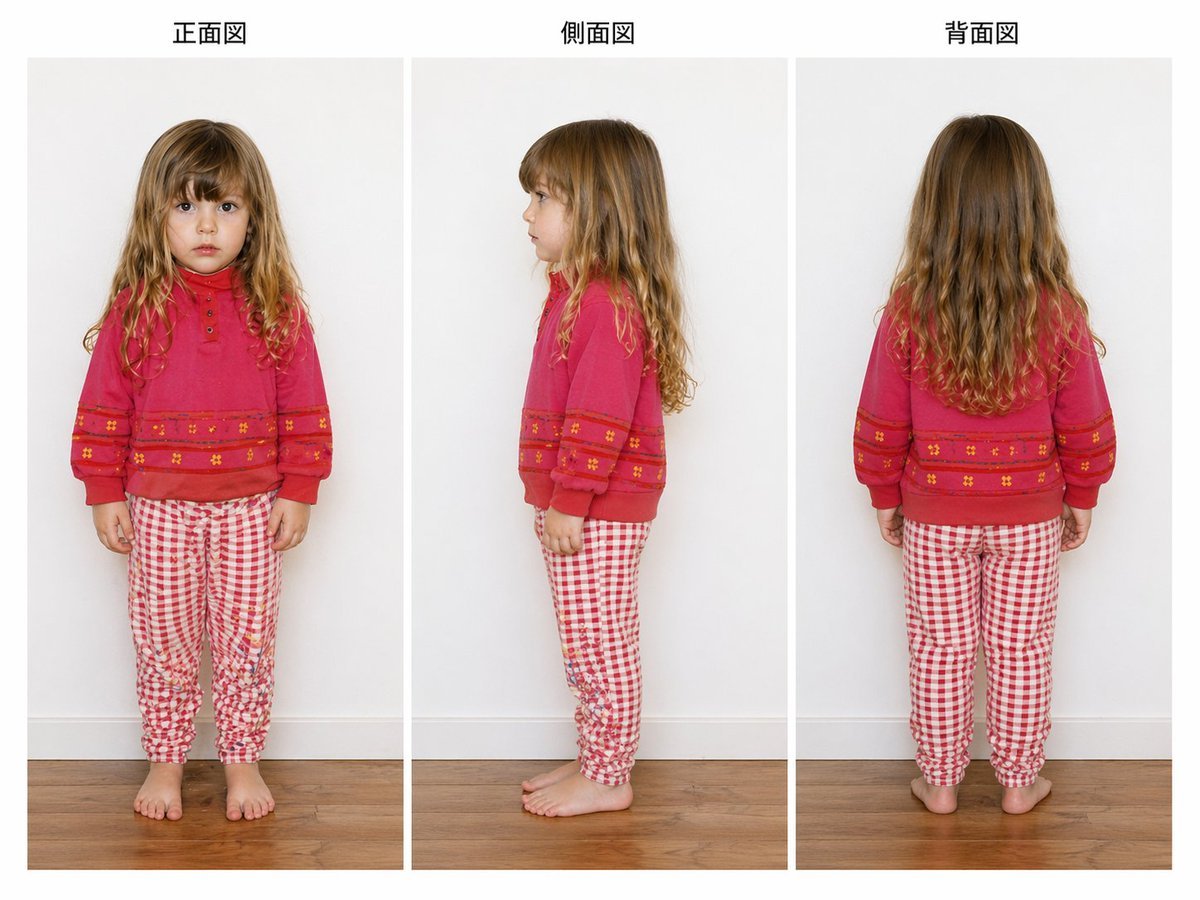
Child Three-View Clothing Reference

Dancer Character - Four View Reference Sheet

Eid al-Adha Cute Chaos — Fisheye Selfie with Farm Selfie, Mosque & Animals
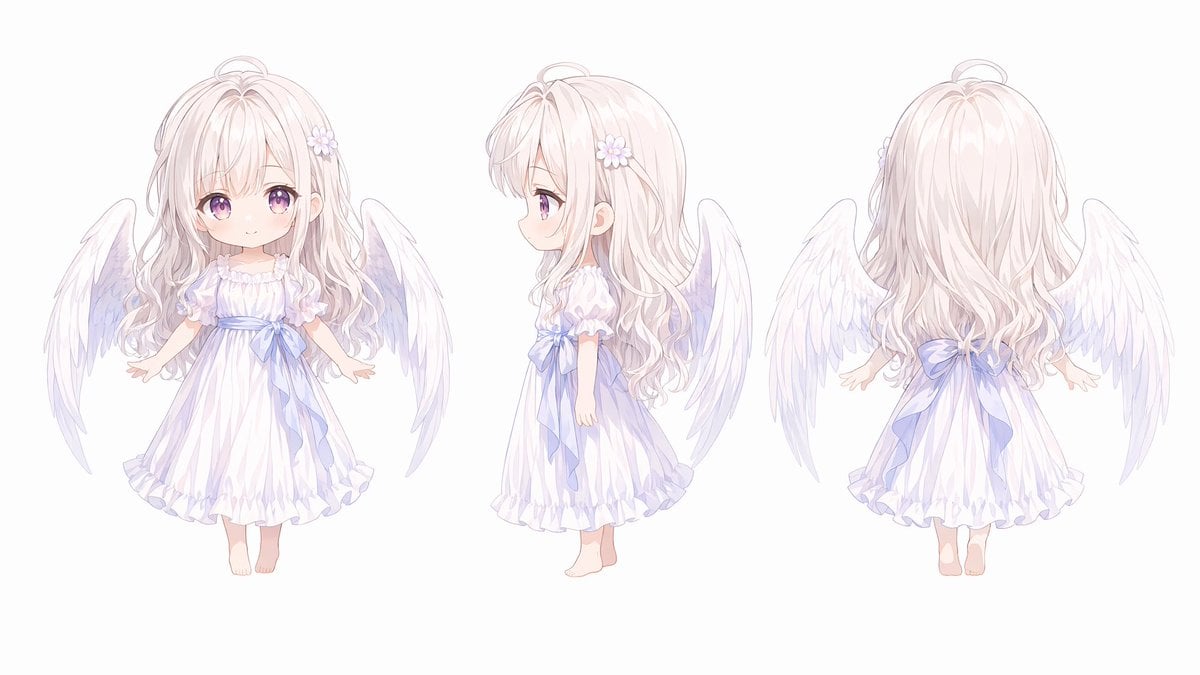
Chibi Angel Three-View Turnaround
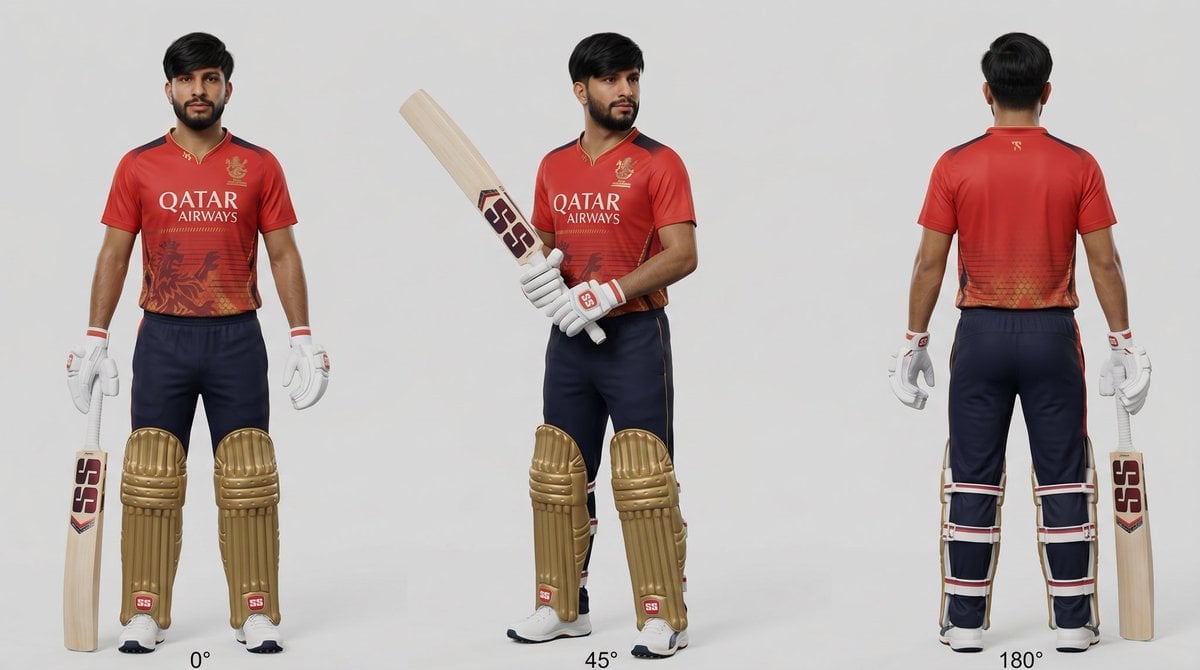
Cricket Player Three-Angle Character Sheet

Movement Sheet - Dance Reference (Seedance 2.0)
Tokyo Police Robot Rescuing Cow

Three Character Asset Comparison Board
Make it yours
Child Cow Onesie Three-View Sheet works as-is. These are the safest ways to change it without losing the look.
Swap the setting
Keep the rest of the prompt and replace the location block. The current setting is “clean studio interior with a light gray wall and warm medium-tone wooden floor”.
Swap the light
One lighting change is enough to compare takes. Current light: “soft even studio lighting with minimal shadows”.
Change one field
Copy a single group, rewrite it, and generate again so you can see what that field is doing.
| If the result… | Why | Fix |
|---|---|---|
| The result drifts from the preview | Too many fields changed at once. | Reuse Child Cow Onesie Three-View Sheet as-is first, then change one group — subject, light, or setting. |
| GPT Image 2 ignores part of the JSON | Some models flatten or skip nested keys. | Keep the same values and paste them as a short paragraph instead. |
More GPT Image 2 templates
Other prompts made for GPT Image 2.

Realistic Portrait of Woman and Deer

The Vista Modular Condo Poster

AI Model Routing Comparison Infographic

2.5D Anime Art Board

Isometric Productivity Desk Scene

New York Double Exposure Poster

Four-Panel AI Landscape Comparison

Japanese Tatami Lifestyle Magazine Cover

NESCAFÉ Coffee Map Poster

Brutalist Cogito Chinese Typography Poster
More image prompts
Fresh picks from across the catalog.
Hanfu Pipa Garden Portrait
Hyper-Realistic Chiaroscuro Portrait
3x3 Grid Makeup Product Advertisement
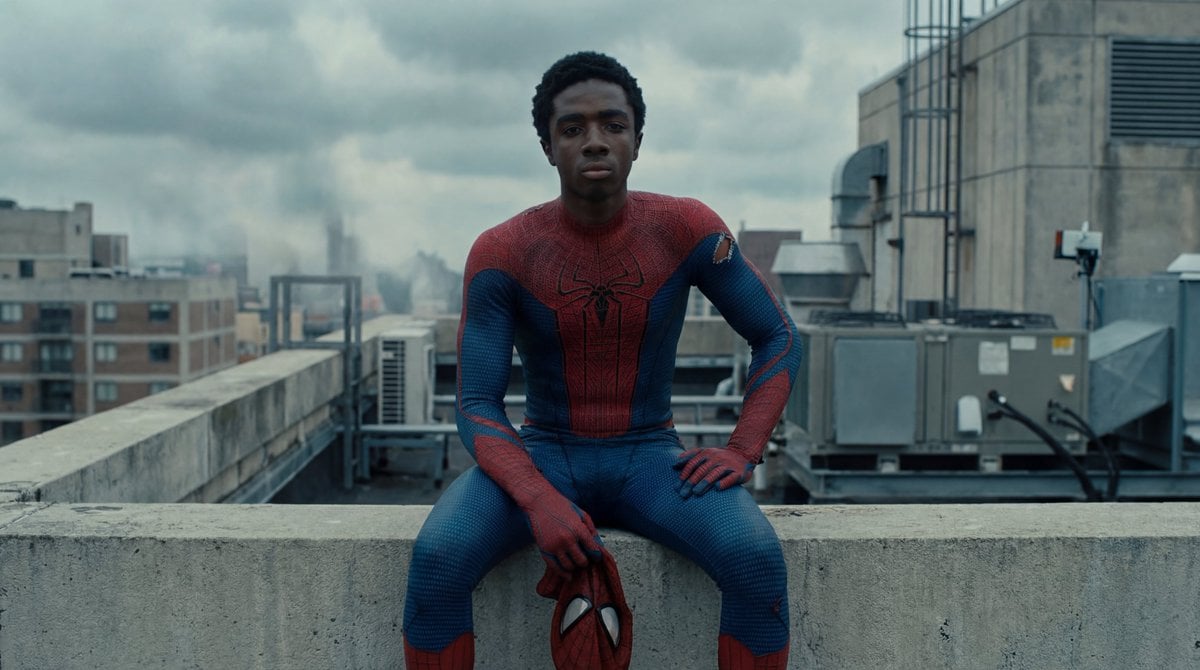
Photorealistic Superhero on Skyscraper Rooftop
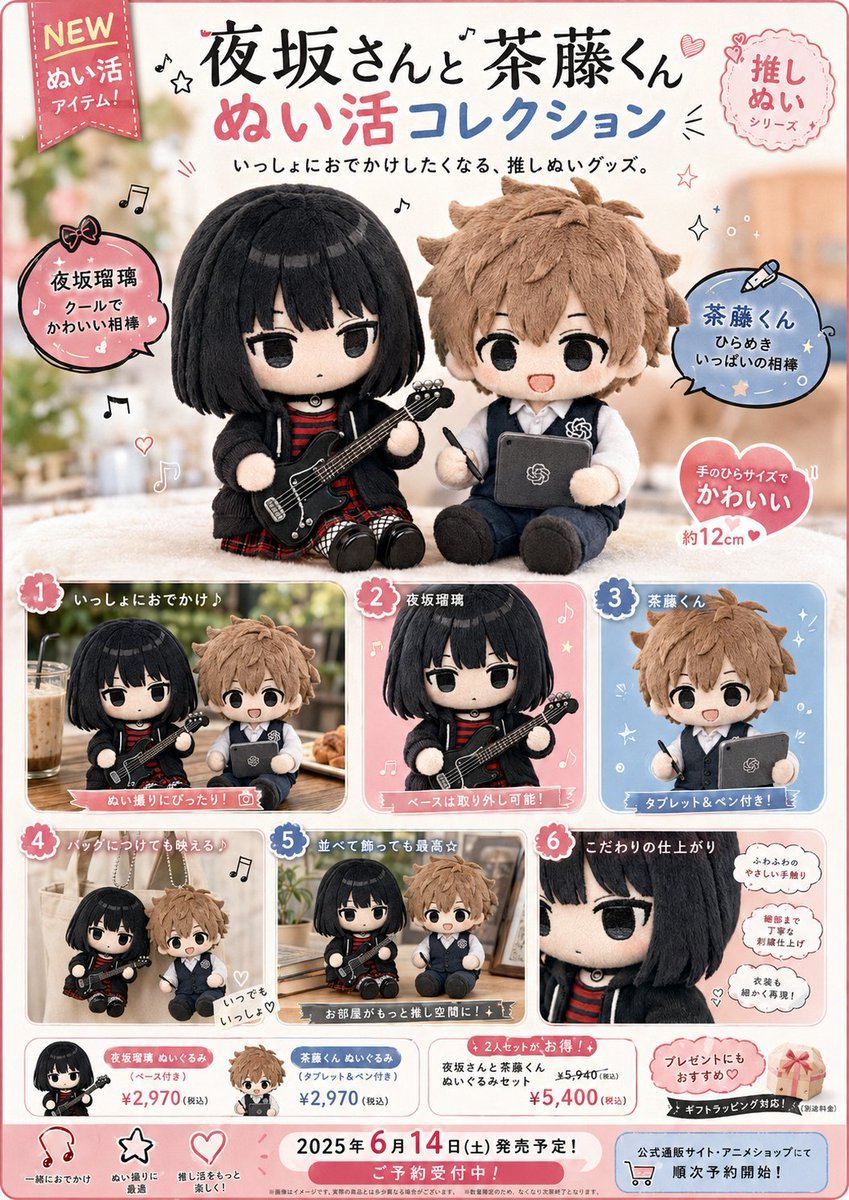
Japanese Plush Goods Ad Poster

Indian Republic Day Patriotic Portrait Prompts (3 Variations)
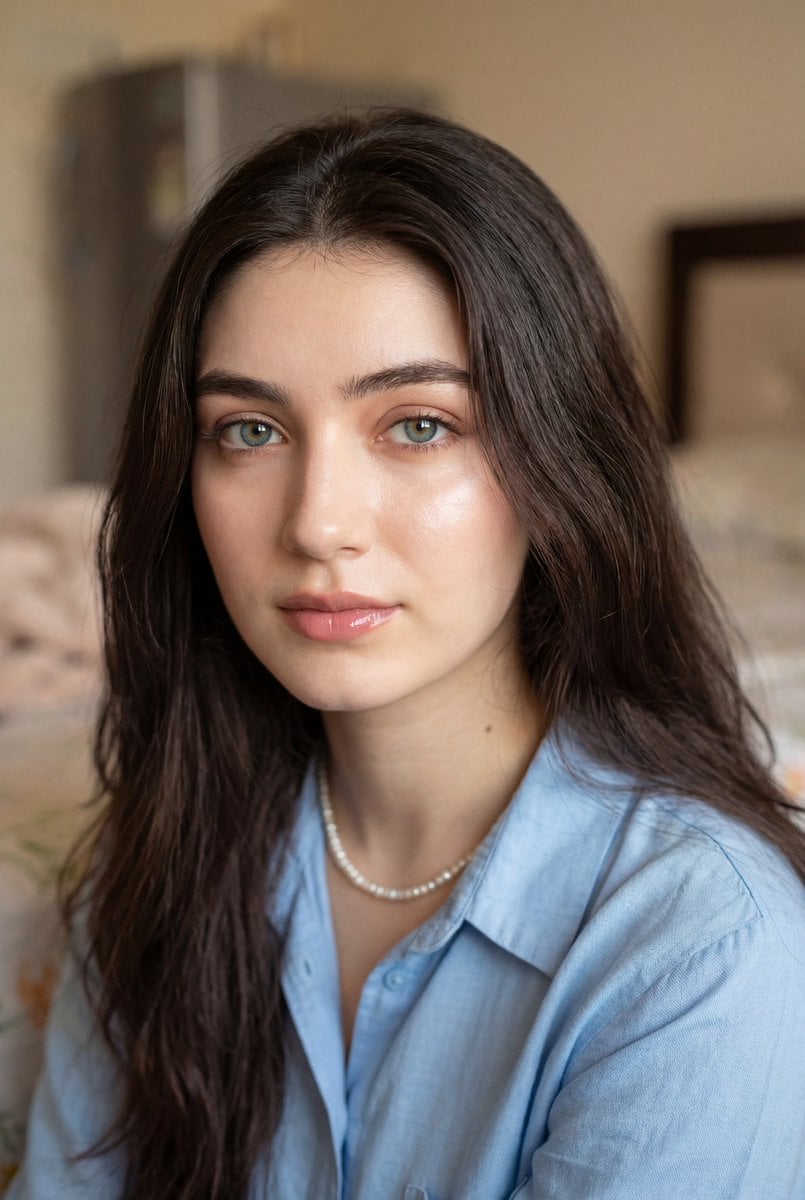
Ultra-Realistic Close-Up Portrait
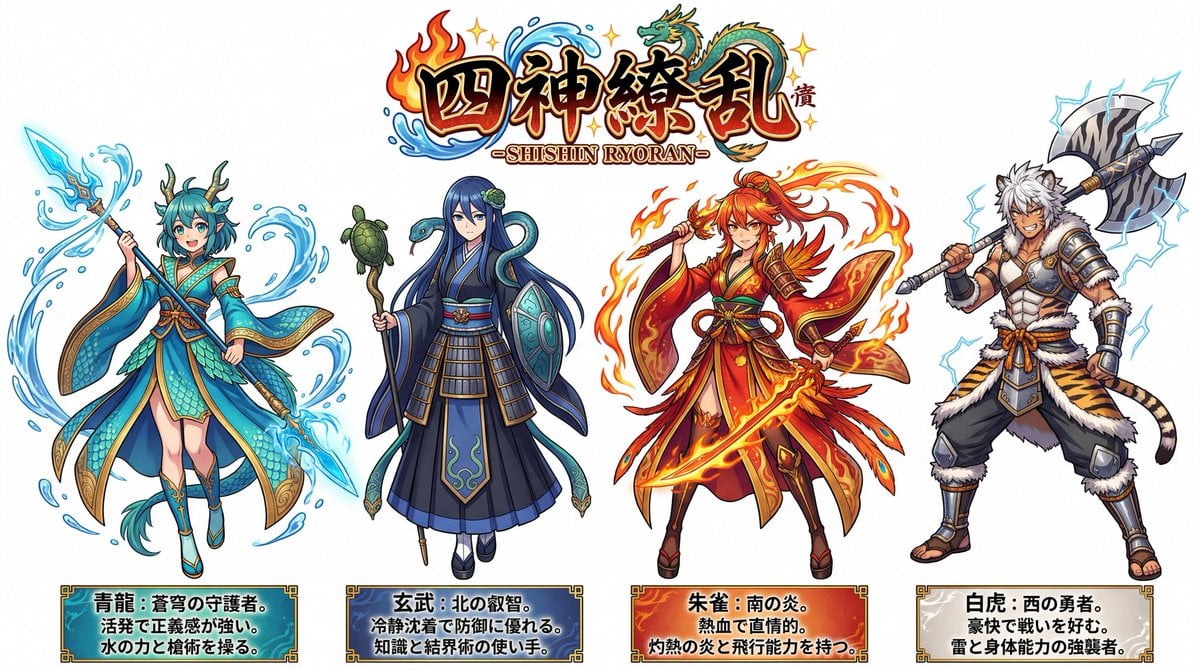
Four Divine Beasts (Shishin) Generation
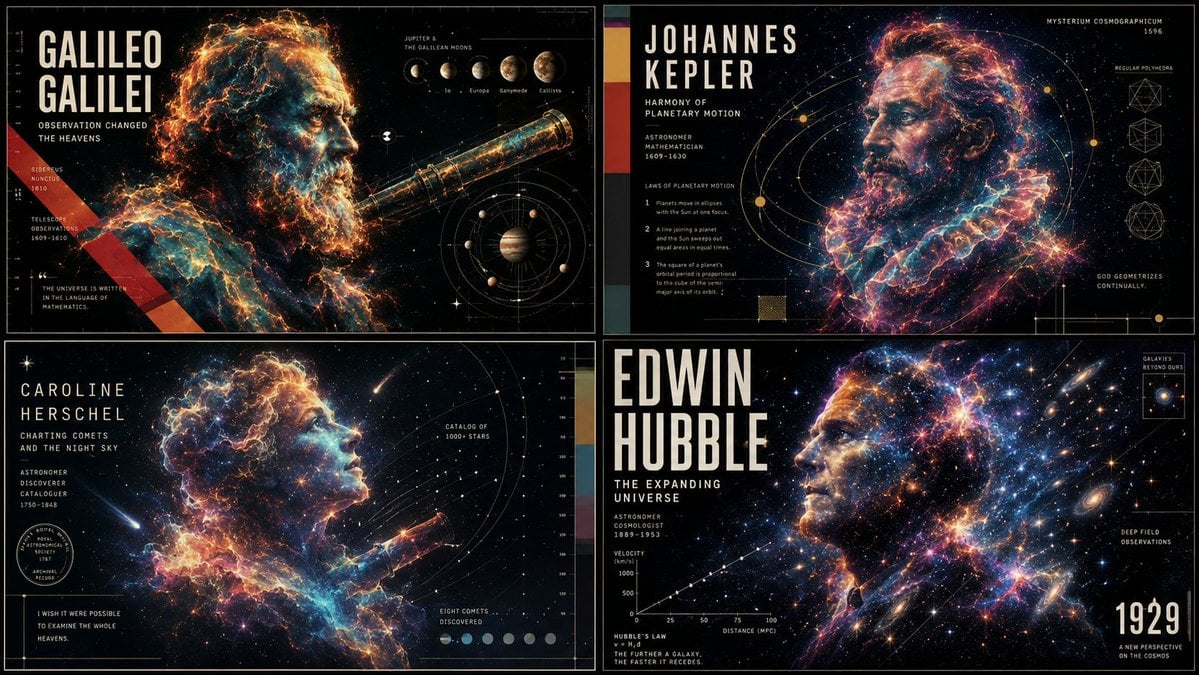
Ethereal Data Portrait for Astronomers
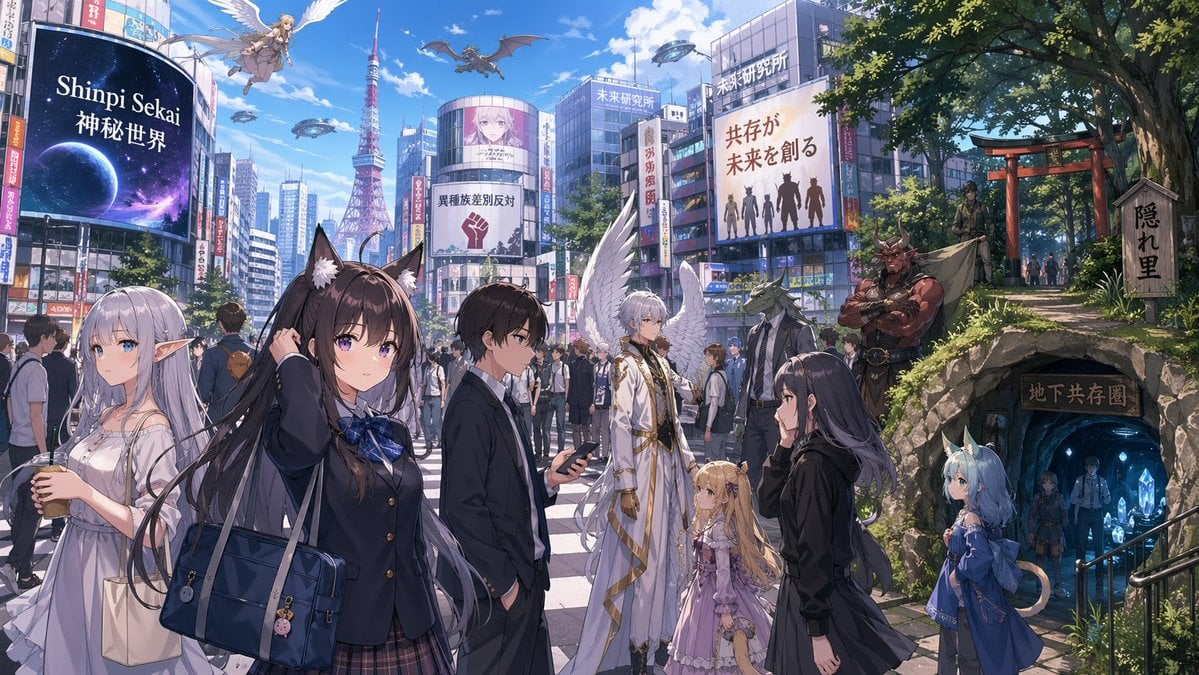
Gpt2 Comic Storyboard Urban Fantasy Coexistence Crossing
Browse template categories
Child Cow Onesie Three-View Sheet questions
How do I use the Child Cow Onesie Three-View Sheet template?
Add your photo if the template asks for one, edit the prompt if you like — the template's model and format are already selected — and press Generate. Your version opens in PicX Studio.
Can I customize the Child Cow Onesie Three-View Sheet template?
Yes. You can change the subject, setting, lighting, mood, format, and available model controls before creating your image.
Is the Child Cow Onesie Three-View Sheet template free?
Opening and editing this template is free. Generating uses credits, shown on the Generate button when you are signed in.
Which AI model should I use?
Start with GPT Image 2, which is the model associated with this template. You can compare another compatible model for a different finish.
Looking for something else? Browse all templates.

Your photo, any look
Thousands of ready templates for every top image and video model, from one credit balance.