
Three Character Asset Comparison Board
Generates a 16:9 comparison board of three realistic character asset sheets across two model columns, useful for visual AI output comparisons.

- Prompt included
- Model and format preset
- Free template
The prompt behind this image
Copy the exact prompt behind Three Character Asset Comparison Board, or open it in the studio and make it yours.
Goal: Create a dark-background comparison board showing character asset sheets for three office-dressed people, comparing two image-generation systems side by side. Canvas: 16:9 landscape presentation image, approximately 2048×1152, with a deep navy-black background, clean white typography, and six large white image panels arranged in a 3-row by 2-column grid. Header text: At the top left, place the large Chinese title {argument name="headline text" default="3组 女生人物资产 · 同提示词对比"}. Under it, add a smaller subtitle line: {argument name="comparison subtitle" default="左:历史 GPT Image 2 右:ChatGPT Images 2.5 网页"}. Layout: Use exactly 6 rectangular white panels with thin spacing: left column represents the older model, right column represents the newer model. There are exactly 3 character rows: Clara, Julian, and Evelyn. Each row has a small Chinese row label above the left panel: “纯文字角色资产 - Clara”, “纯文字角色资产 - Julian”, and “纯文字角色资产 - Evelyn”. Each of the 6 panels contains exactly 4 character depictions on a white studio background: 1 large cropped head-and-shoulders portrait on the left, plus 3 smaller full-body turnaround views on the right: front view, side profile view, and back view. Total visible character depictions: exactly 24. Row 1 subject details: Clara, a young fair-skinned woman with long wavy dark brown hair, soft natural makeup, neutral serious expression, wearing a cream ribbed turtleneck, brown cropped blazer, high-waisted wide-leg cream trousers, a black belt, and low heels. In each Clara panel show 4 views: close portrait, full-body front, full-body side, full-body back. Row 2 subject details: Julian, a young slim fair-skinned man with light brown/blond swept hair, rectangular glasses, calm serious expression, wearing an off-white linen suit, white open-collar shirt, narrow trousers, brown belt, and tan loafers. In each Julian panel show 4 views: close portrait, full-body front, full-body side, full-body back. Row 3 subject details: Evelyn, a middle-aged woman with medium tan skin, dark hair pulled back into a low bun, composed neutral expression, wearing a black business suit, dark gray blouse, small gold necklace, small earrings, black trousers, and black flats. In each Evelyn panel show 4 views: close portrait, full-body front, full-body side, full-body back. Visual style: Realistic photography-like character asset sheets, clean studio lighting, white seamless backgrounds inside each panel, consistent professional wardrobe styling, neutral expressions, no decorative graphics except the dark board and labels. The left and right columns should be visibly similar but not identical, as if comparing outputs from two systems. Footer text: At the bottom left, add two small Chinese notes: {argument name="footer note one" default="历史成品 2048×1152 / 网页新图 1672×941 · 仅排版缩放,无修图、无超分。"} and {argument name="footer note two" default="提示词正文相同,两页端仅补充16:9比例。"}. Constraints: Keep the exact 3-row by 2-column comparison layout, exactly 3 named characters, exactly 6 panels, exactly 4 depictions per panel, with no watermark, no extra logos, and no additional characters.
How to use Three Character Asset Comparison Board in 3 steps
- 1Upload ImagePNG, JPG or paste
Add your photo
Upload the photo the template builds on. The prompt, model and format are already set.
- 2…a portrait of your subject in softgolden-hour light, 85mm…
Personalize
Edit the subject and creative details for your destination.
- 3Generate
Generate
Press Generate — your image is created in PicX Studio, so you can compare it with the original and refine one variable at a time.
More like this
Templates with the same subject, style or setup. Open one to see its prompt.
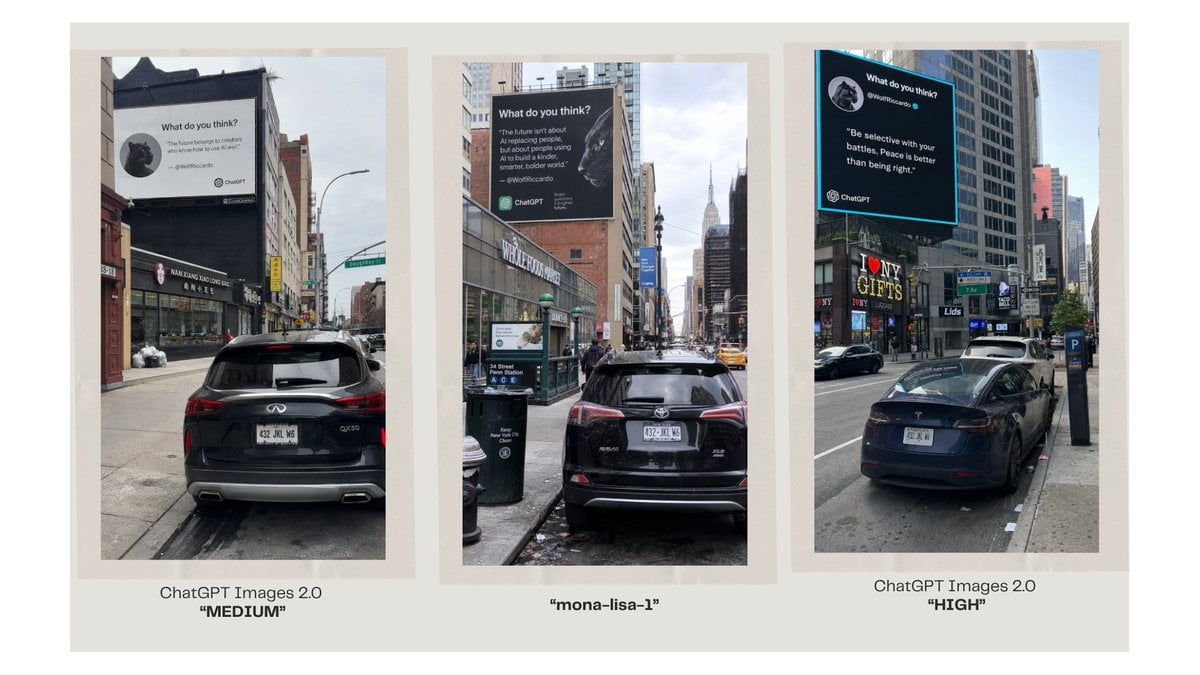
Three-Panel AI Billboard Comparison
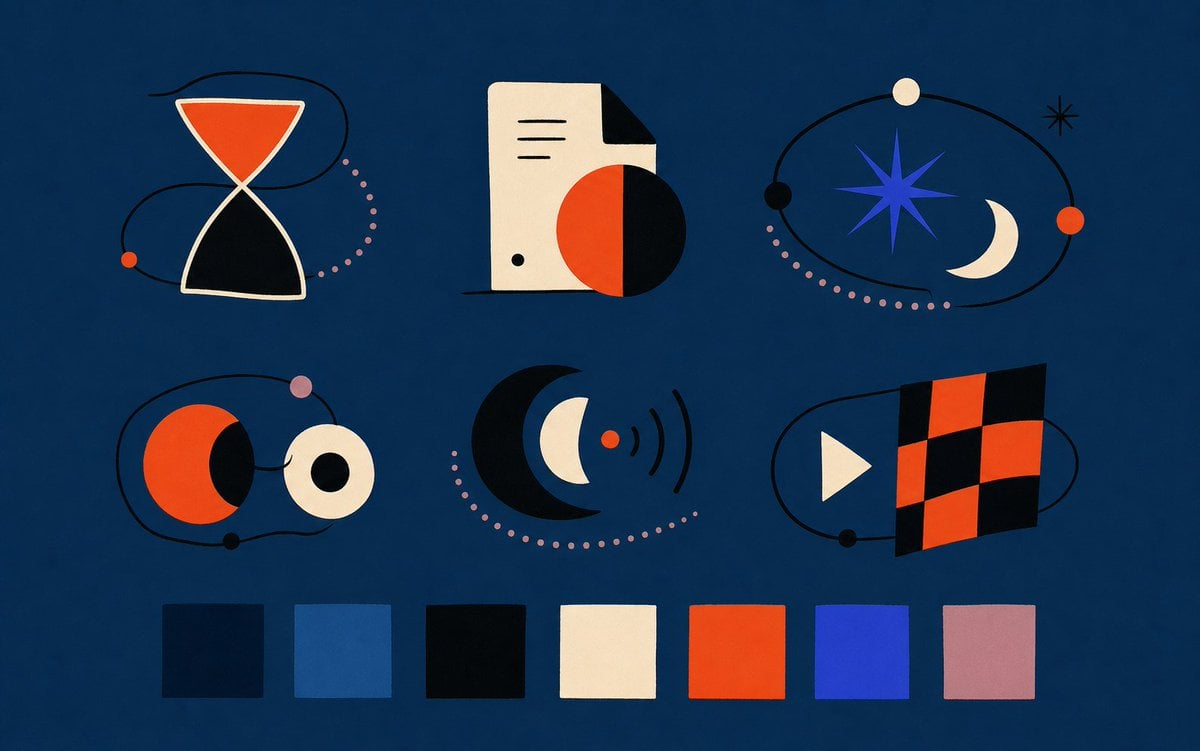
Abstract Vector Icon Asset Board
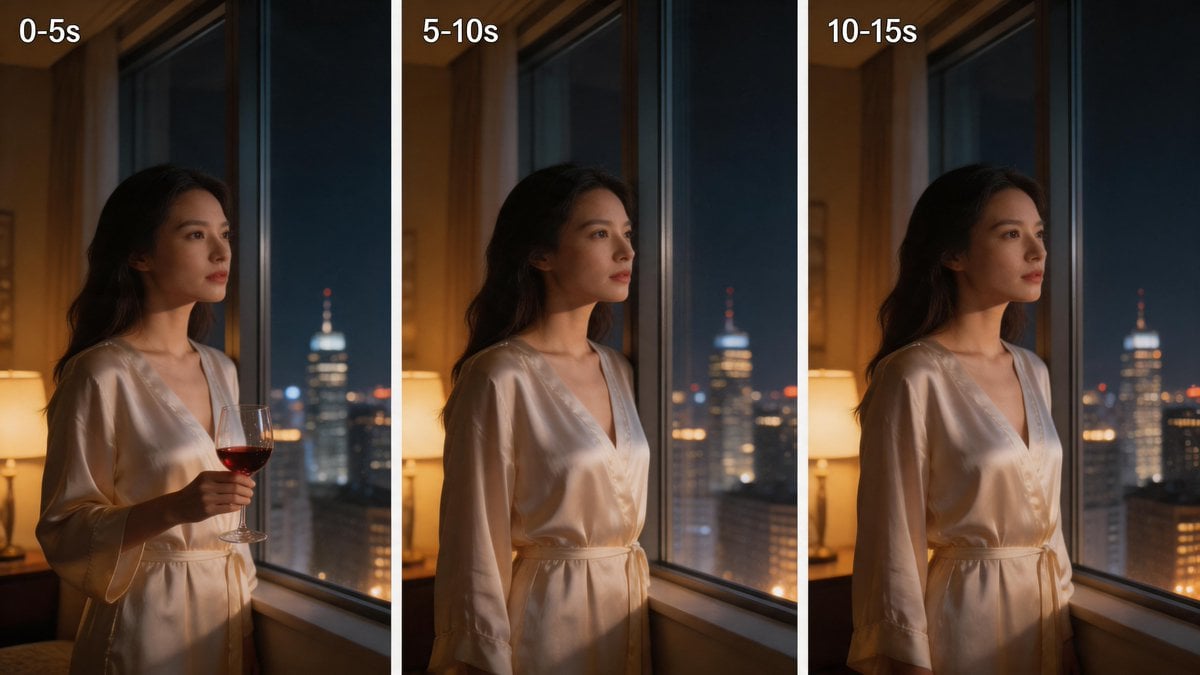
Three-Panel Night Window Comparison
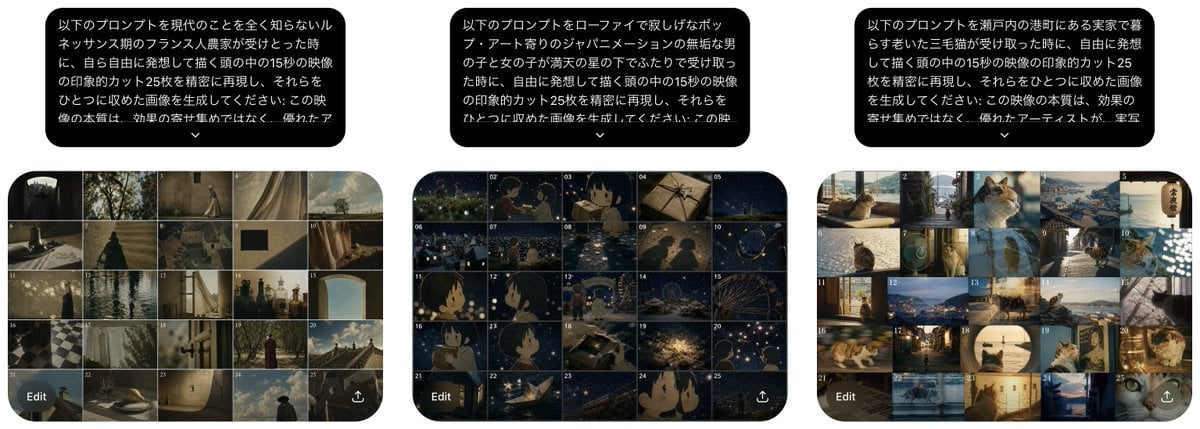
Three Prompt Interpretation Storyboards

Skin Comparison Portrait — Nano Banana Pro

Glossy Potted Plant Asset
2D Necromancer Game Asset Sprite
Stylized Hand-Painted 3D Game Asset

A luxury brand advertisement featuring three stylish arranged
Yokohama Three Men Splash Art

Modern Korean Fashion Editorial Board

AI Model Routing Comparison Infographic
Make it yours
Three Character Asset Comparison Board works as-is. These are the safest ways to change it without losing the look.
Change one field
Copy a single group, rewrite it, and generate again so you can see what that field is doing.
Keep the frame, change the subject
Hold the composition and light of Three Character Asset Comparison Board, then swap wardrobe, props or the person for a new take.
| If the result… | Why | Fix |
|---|---|---|
| The result drifts from the preview | Too many fields changed at once. | Reuse Three Character Asset Comparison Board as-is first, then change one group — subject, light, or setting. |
| The model over-stylizes the scene | The prose prompt leaves finish and camera underspecified. | Add one camera or lighting sentence and stay on GPT Image 2. |
More GPT Image 2 templates
Other prompts made for GPT Image 2.

Six VTuber Japanese Logo Sheet

Realistic Portrait of Woman and Deer

The Vista Modular Condo Poster

Isometric Productivity Desk Scene

New York Double Exposure Poster

Japanese Tatami Lifestyle Magazine Cover

NESCAFÉ Coffee Map Poster

Brutalist Cogito Chinese Typography Poster

Cinematic Luxury Terrace Portrait
Superhero Era Transformation Split Portrait
More image prompts
Fresh picks from across the catalog.

3D Layered Paper-Cut Chibi Art
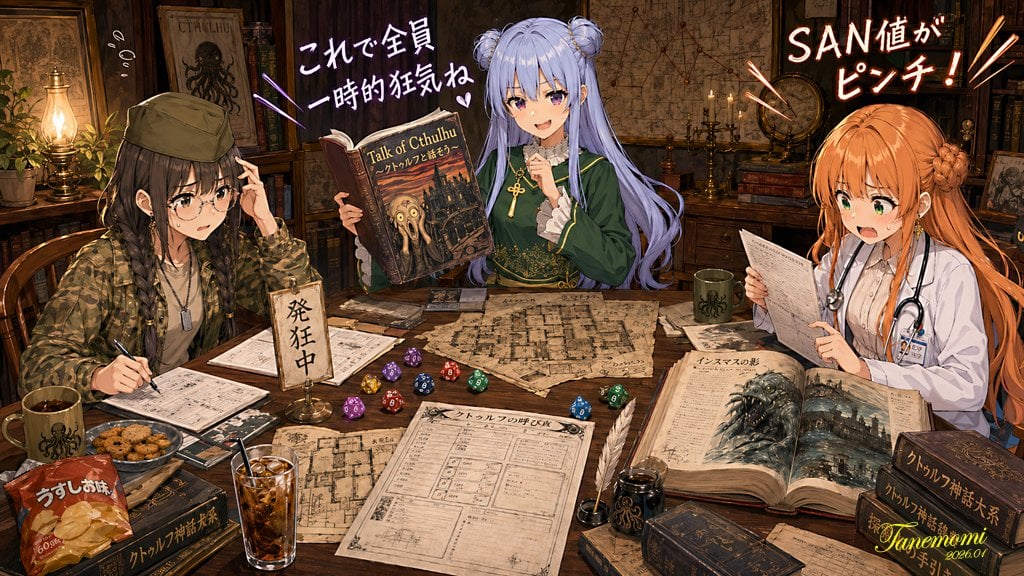
Anime Cthulhu TRPG Study Session

Backlit Anime Girl with Cat
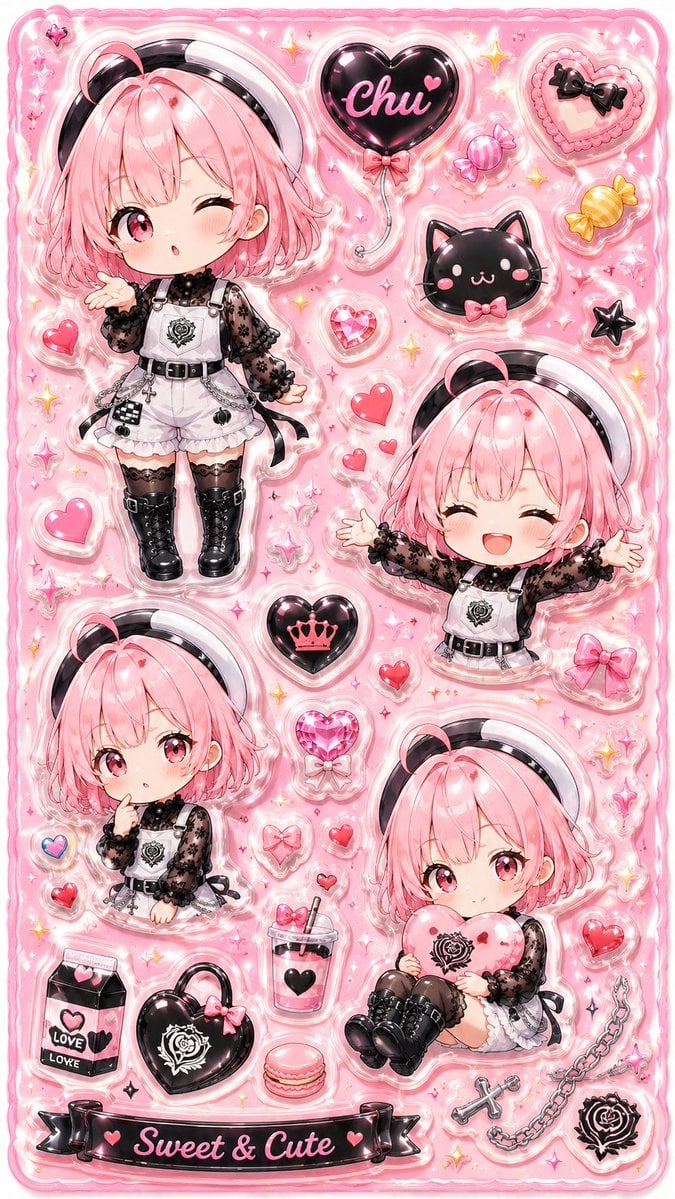
3D Puffy Resin Character Sticker Sheet
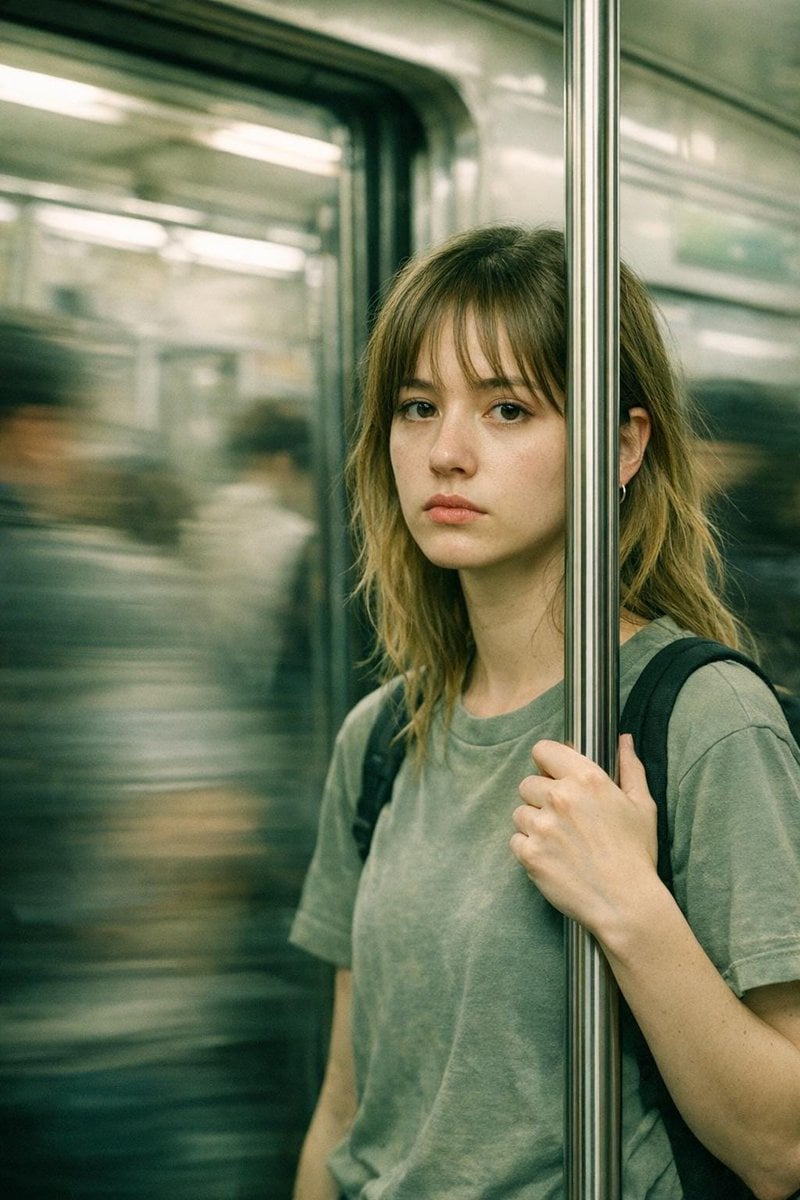
Abstract Cinematic Portrait Style Prompt
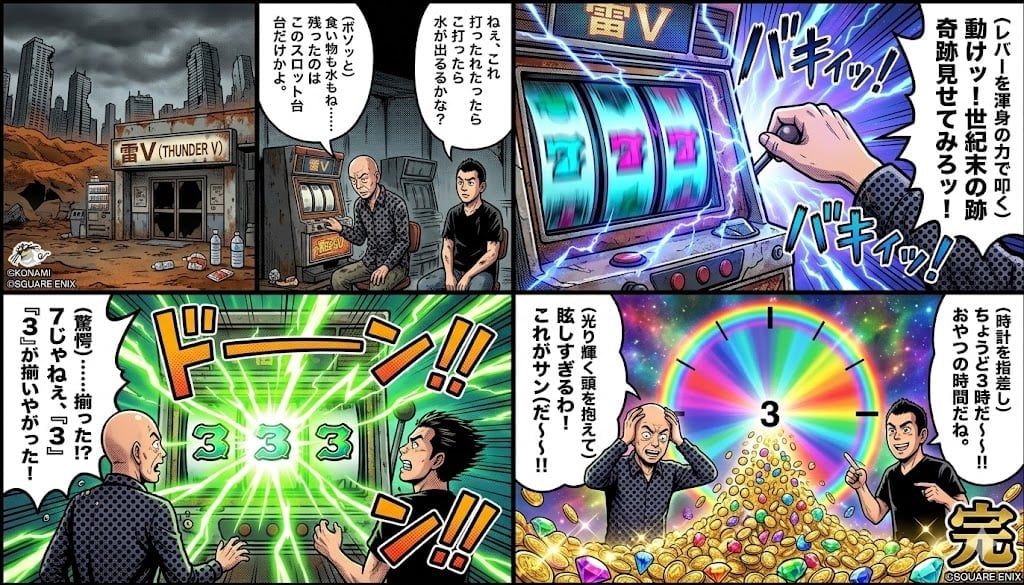
Four-Panel Manga: Viking Thunder V Century's End Version
Renaissance Bathing Portrait

Universal Christmas Food Poster Prompt
Black Comedy Manga Prompt: Ministry of Magic
3D Tiny Anime Girl 'Gugu' Sequence
Browse template categories
Three Character Asset Comparison Board questions
How do I use the Three Character Asset Comparison Board template?
Add your photo if the template asks for one, edit the prompt if you like — the template's model and format are already selected — and press Generate. Your version opens in PicX Studio.
Can I customize the Three Character Asset Comparison Board template?
Yes. You can change the subject, setting, lighting, mood, format, and available model controls before creating your image.
Is the Three Character Asset Comparison Board template free?
Opening and editing this template is free. Generating uses credits, shown on the Generate button when you are signed in.
Which AI model should I use?
Start with GPT Image 2, which is the model associated with this template. You can compare another compatible model for a different finish.
Looking for something else? Browse all templates.

Your photo, any look
Thousands of ready templates for every top image and video model, from one credit balance.