
Abstract Vector Icon Asset Board
Generates a Bauhaus-inspired geometric icon style board with six abstract frontend asset motifs and a seven-color palette strip.
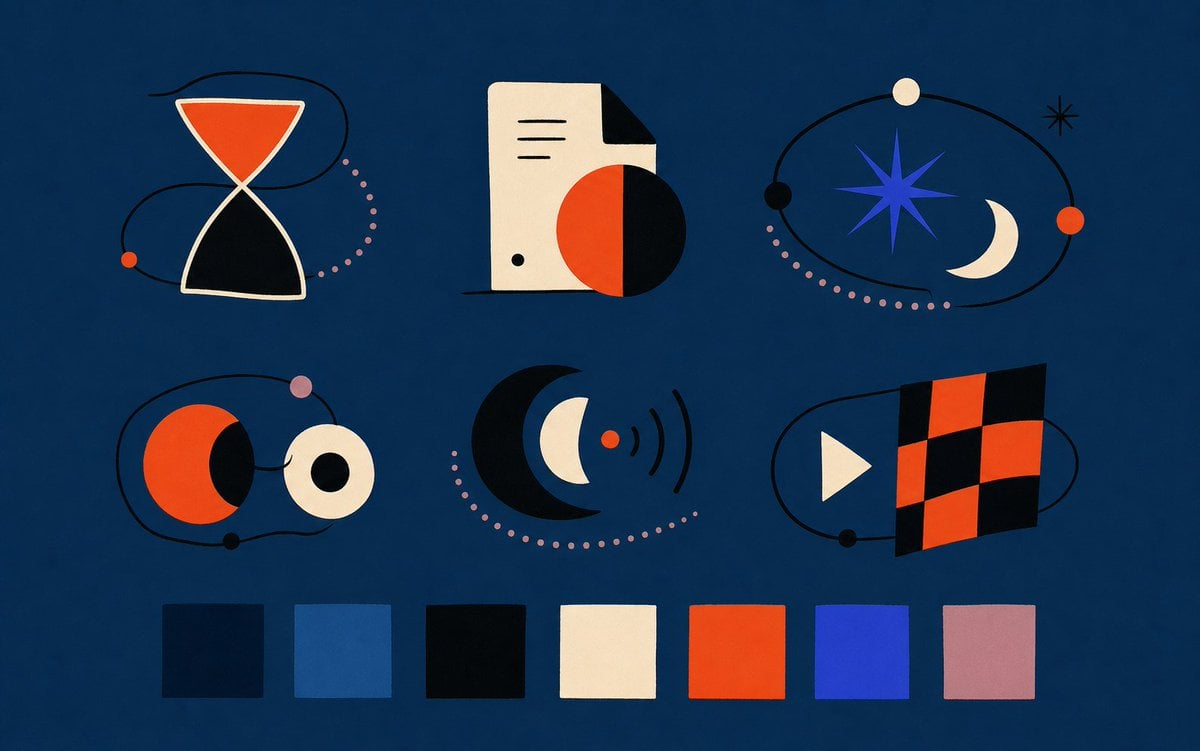
- Prompt included
- Model and format preset
- Free template
The prompt behind this image
Copy the exact prompt behind Abstract Vector Icon Asset Board, or open it in the studio and make it yours.
{"type":"modern abstract vector icon style board for frontend assets","overall_style":"flat geometric editorial illustration, Bauhaus-inspired, crisp cut-paper shapes, subtle grain texture, minimal black linework, deep navy background, balanced negative space, high contrast, no text","canvas":{"aspect_ratio":"wide 16:10","background_color":"{argument name=\"background color\" default=\"deep navy blue\"}","composition":"two rows of three abstract icon compositions, with a palette strip along the bottom"},"layout":{"icon_count":6,"icons":[{"position":"top left","description":"hourglass icon made from two cream-outlined triangles, upper chamber filled orange-red, lower chamber black, surrounded by a loose black orbital line with one small orange dot and a dotted pink arc"},{"position":"top center","description":"cream document sheet with folded black corner, three short black horizontal lines, small black dot near bottom, overlapped by a large half orange-red half black circle casting a dark geometric shadow"},{"position":"top right","description":"celestial orbit icon with a blue eight-point star at center, cream crescent moon on right, black orbit ring, small cream, black, and orange-red planets, small black starburst, and dotted pink trail"},{"position":"middle left","description":"two circular planet forms linked by a black orbit line: orange-red circle with black crescent shadow on left, cream ring circle with black center on right, plus small pink and black dots"},{"position":"middle center","description":"large black crescent surrounding a blue crescent and cream crescent, with a small orange-red dot emitting three black radio-wave arcs, plus a dotted pink semicircular trail"},{"position":"middle right","description":"media flag icon with cream play triangle on left and an angled checkered rectangle on right made of alternating orange-red and black squares, encircled by a black orbital line with a small black dot"}],"palette_strip":{"position":"bottom","swatch_count":7,"swatches":[{"index":1,"color":"very dark navy"},{"index":2,"color":"medium muted blue"},{"index":3,"color":"near black"},{"index":4,"color":"warm cream"},{"index":5,"color":"{argument name=\"accent orange\" default=\"vivid orange-red\"}"},{"index":6,"color":"{argument name=\"accent blue\" default=\"electric royal blue\"}"},{"index":7,"color":"{argument name=\"accent pink\" default=\"dusty mauve pink\"}"}]},"visual_details":"use clean vector edges with slight paper texture and soft imperfections; keep shapes simple and symbolic, with black orbit lines weaving around objects; pink dotted paths should be evenly spaced small circles; preserve a premium design-system mood suitable for shippable web UI illustrations","rendering":"high-resolution flat vector asset sheet, centered layout, consistent icon scale, no labels, no typography"}
How to use Abstract Vector Icon Asset Board in 3 steps
- 1Upload ImagePNG, JPG or paste
Add your photo
Upload the photo the template builds on. The prompt, model and format are already set.
- 2…a portrait of your subject in softgolden-hour light, 85mm…
Personalize
Edit the subject and creative details for your destination.
- 3Generate
Generate
Press Generate — your image is created in PicX Studio, so you can compare it with the original and refine one variable at a time.
More like this
Templates with the same subject, style or setup. Open one to see its prompt.

Three Character Asset Comparison Board
Foxy App Icon Exploration Board

Floraverse Botanical Fusion

FLORAVERSE BOTANICAL FUSION
Franchise Hero Stylized Poster Blueprint
Glossy Potted Plant Asset
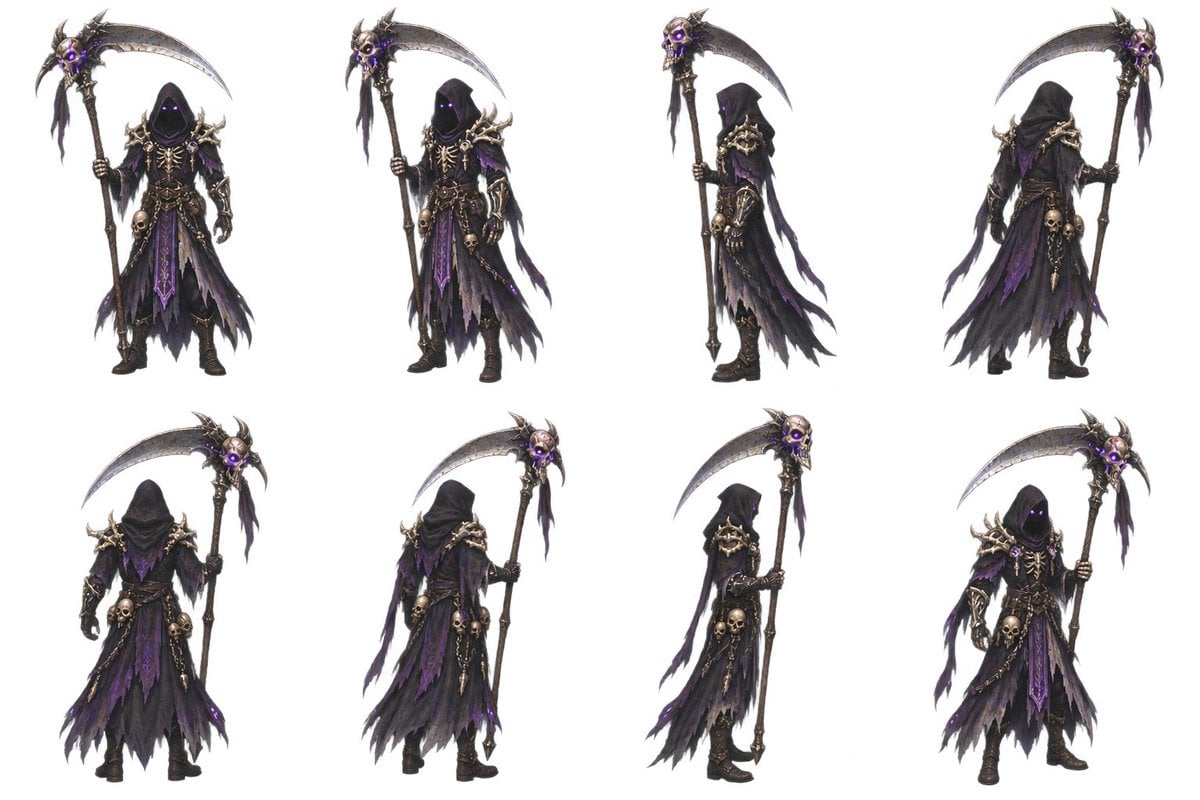
2D Necromancer Game Asset Sprite
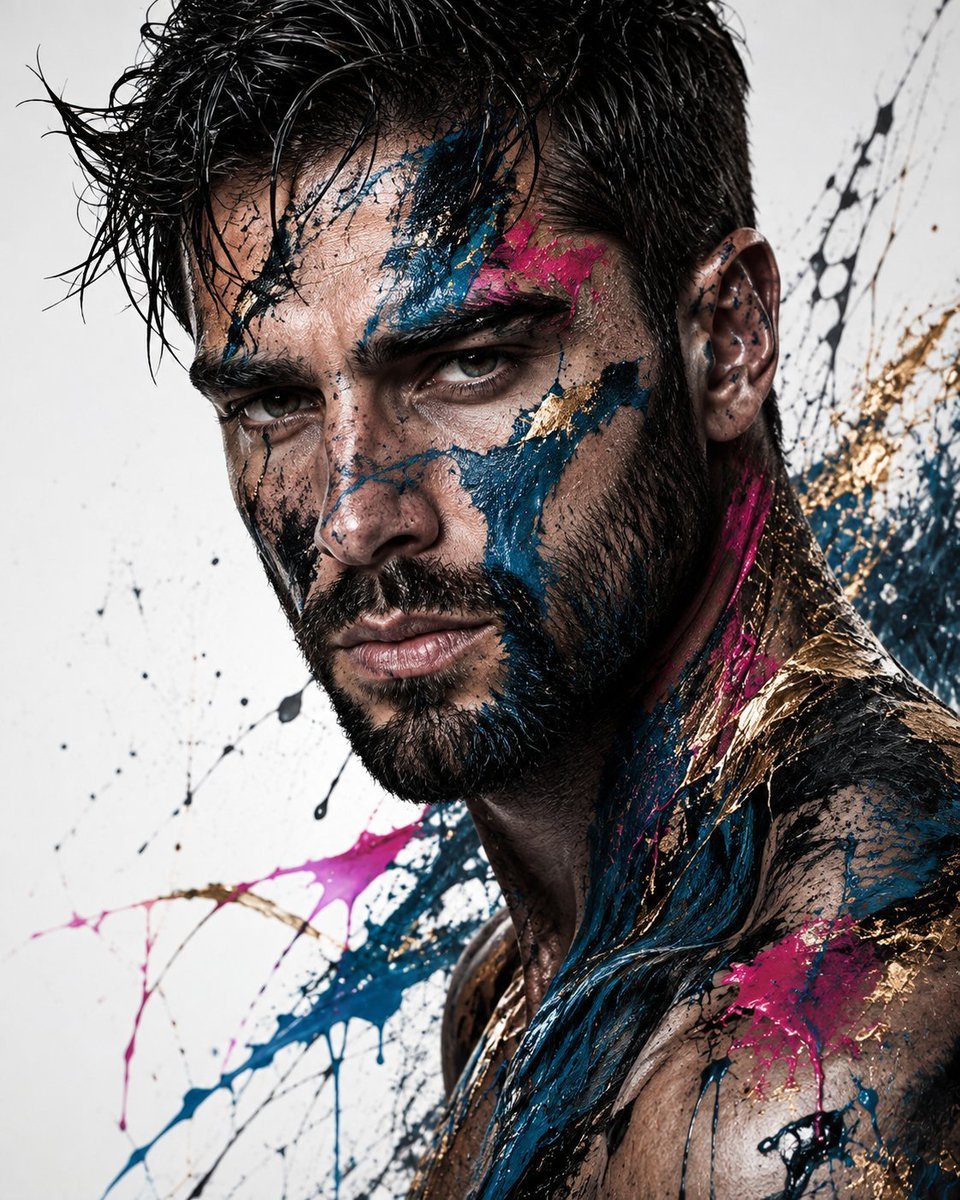
Abstract Fine-Art Editorial Portrait
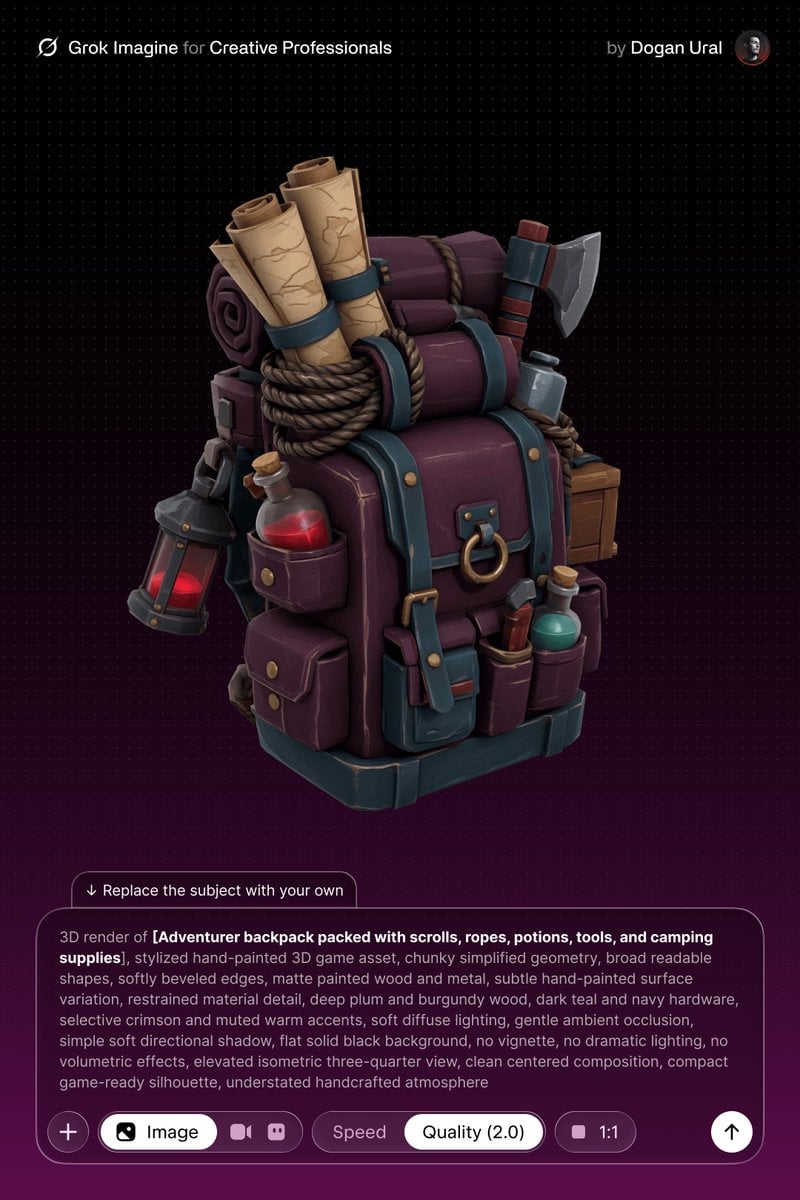
Stylized Hand-Painted 3D Game Asset
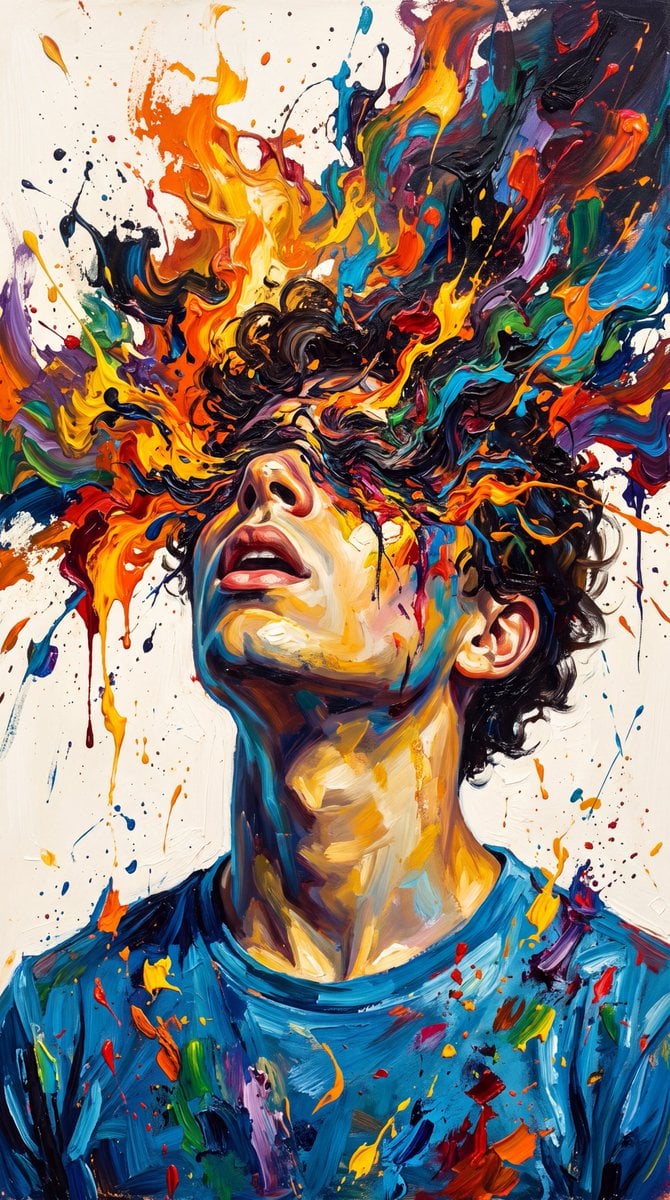
Abstract Expressionist Paint Eruption

Brand Sticker Sheet Monoline Vector

Music Album Cover Abstract Liquid Mercury
Make it yours
Abstract Vector Icon Asset Board works as-is. These are the safest ways to change it without losing the look.
Change one field
Copy a single group, rewrite it, and generate again so you can see what that field is doing.
Keep the frame, change the subject
Hold the composition and light of Abstract Vector Icon Asset Board, then swap wardrobe, props or the person for a new take.
| If the result… | Why | Fix |
|---|---|---|
| The result drifts from the preview | Too many fields changed at once. | Reuse Abstract Vector Icon Asset Board as-is first, then change one group — subject, light, or setting. |
| The model over-stylizes the scene | The prose prompt leaves finish and camera underspecified. | Add one camera or lighting sentence and stay on GPT Image 2. |
More GPT Image 2 templates
Other prompts made for GPT Image 2.

Six VTuber Japanese Logo Sheet

Realistic Portrait of Woman and Deer

The Vista Modular Condo Poster

AI Model Routing Comparison Infographic

Isometric Productivity Desk Scene

New York Double Exposure Poster

Four-Panel AI Landscape Comparison

Japanese Tatami Lifestyle Magazine Cover

NESCAFÉ Coffee Map Poster

Brutalist Cogito Chinese Typography Poster
More image prompts
Fresh picks from across the catalog.
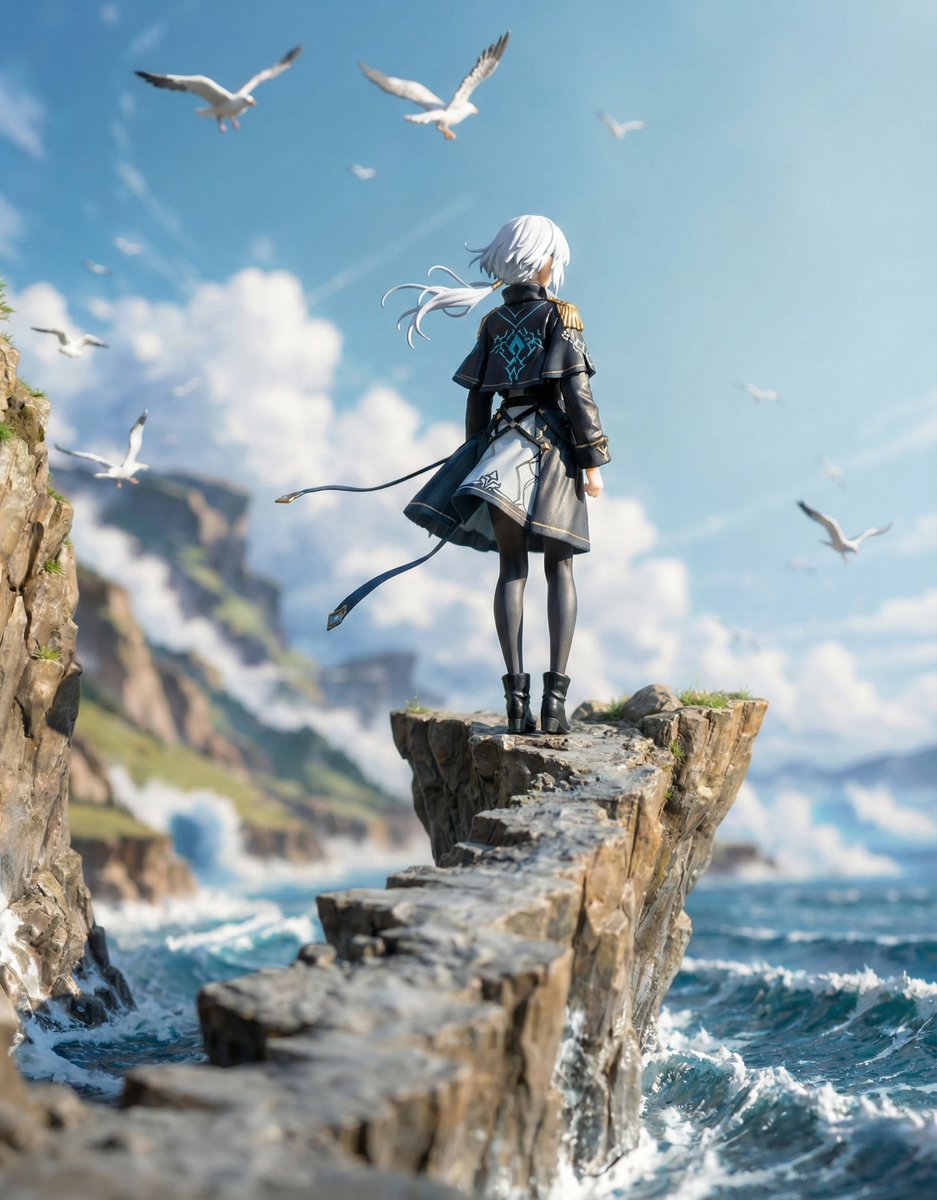
Structured Figure/Diorama Generation Prompt for Nano Banana Pro

2025 Aesthetic Photography
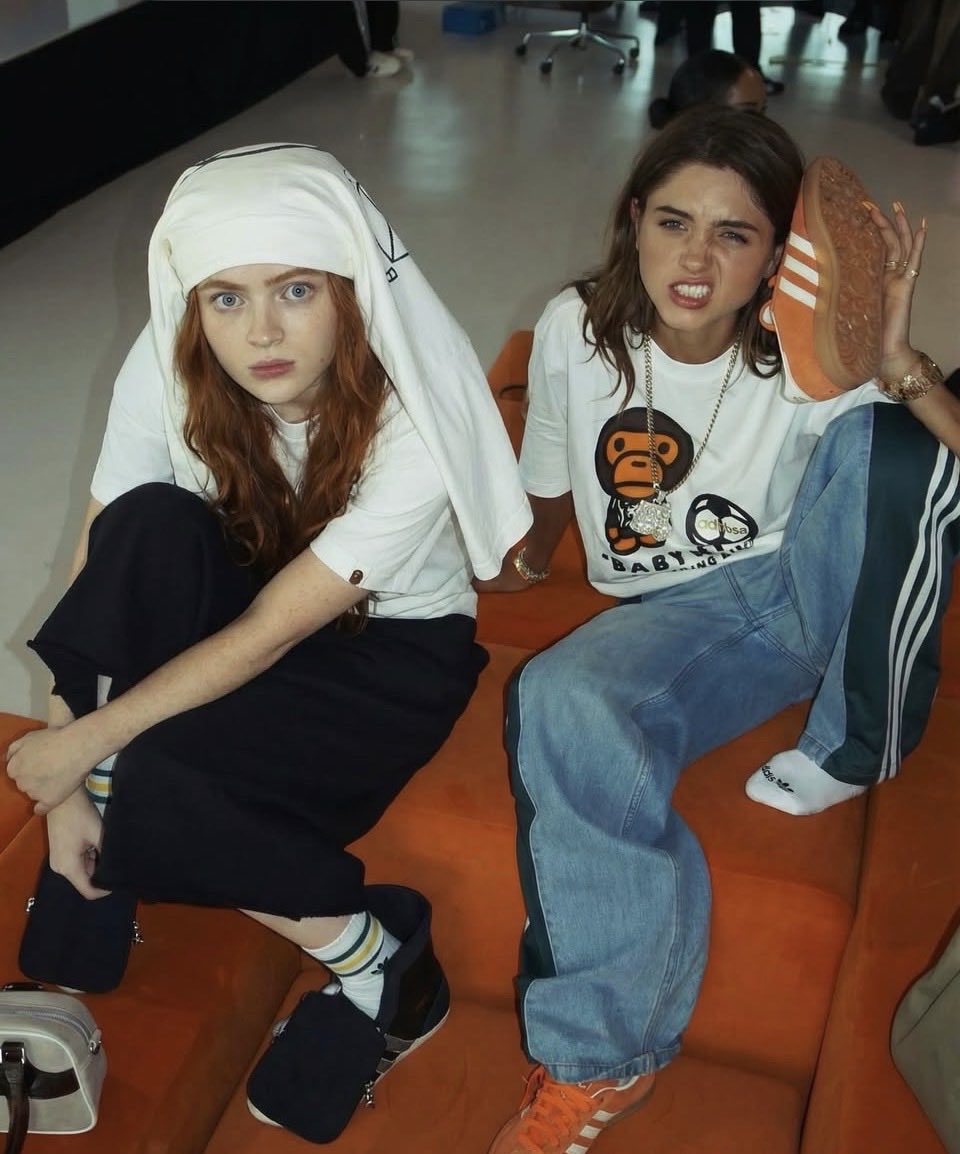
Nancy and Max Realistic Portrait
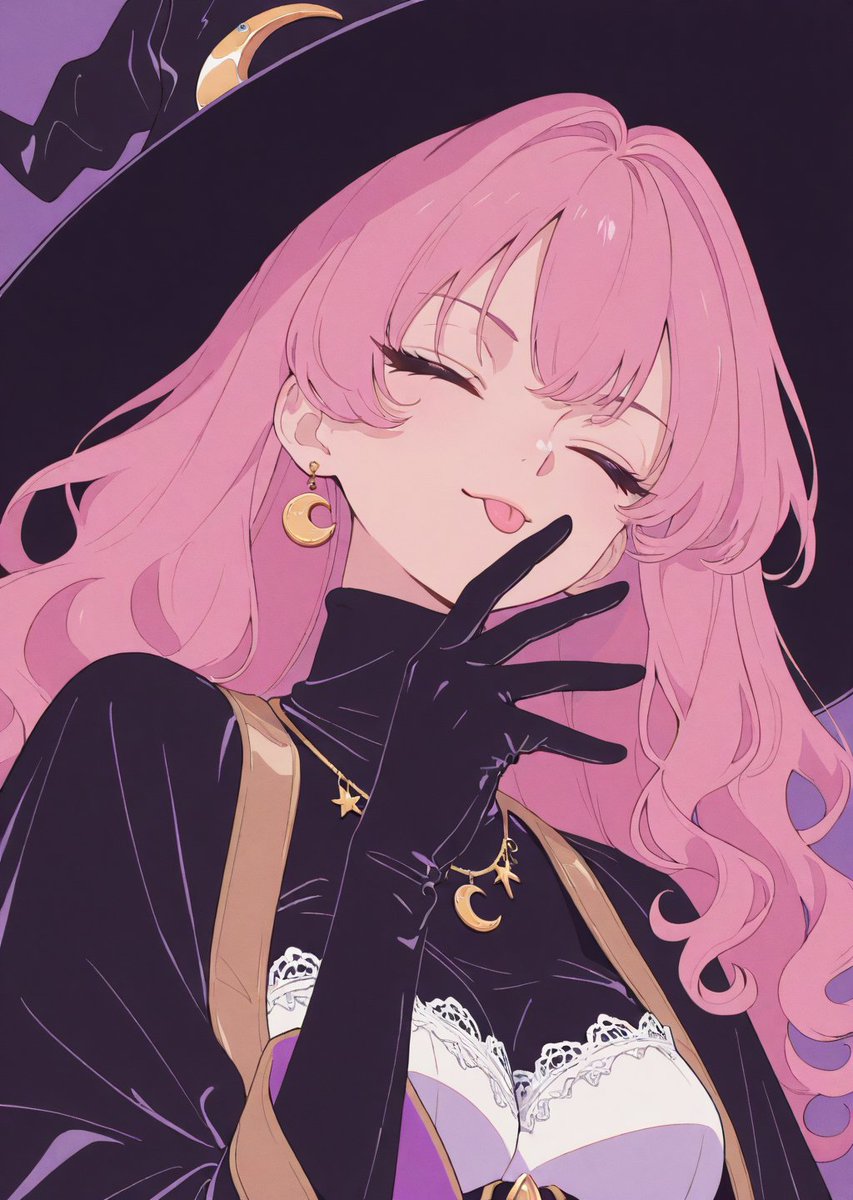
Adding Fabric Texture to Clothing
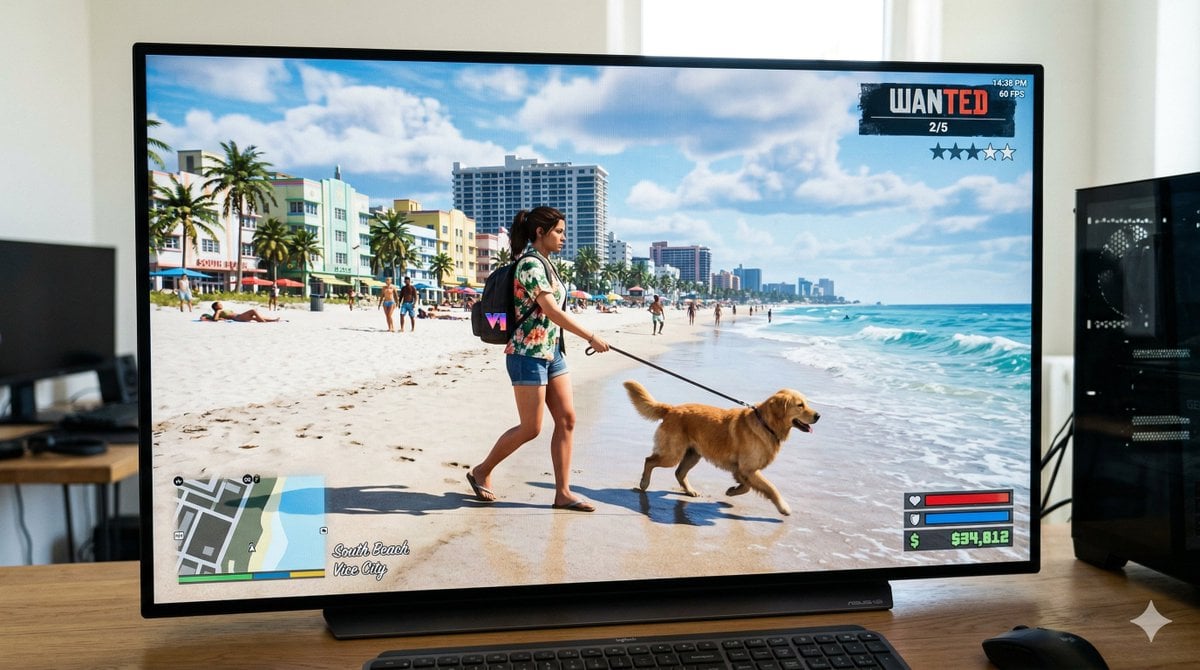
GTA 6 In-Game Footage Test Prompt
Summer Grape Girl Photo Series
Detailed Character Prompt: Vampire Girl with Werewolves
Mint Compact Car by the Sea

High Fidelity Face Swap Task Definition
How to Generate Ai Humans That Look 100
Browse template categories
Abstract Vector Icon Asset Board questions
How do I use the Abstract Vector Icon Asset Board template?
Add your photo if the template asks for one, edit the prompt if you like — the template's model and format are already selected — and press Generate. Your version opens in PicX Studio.
Can I customize the Abstract Vector Icon Asset Board template?
Yes. You can change the subject, setting, lighting, mood, format, and available model controls before creating your image.
Is the Abstract Vector Icon Asset Board template free?
Opening and editing this template is free. Generating uses credits, shown on the Generate button when you are signed in.
Which AI model should I use?
Start with GPT Image 2, which is the model associated with this template. You can compare another compatible model for a different finish.
Looking for something else? Browse all templates.

Your photo, any look
Thousands of ready templates for every top image and video model, from one credit balance.