
Summer Grape Girl Photo Series
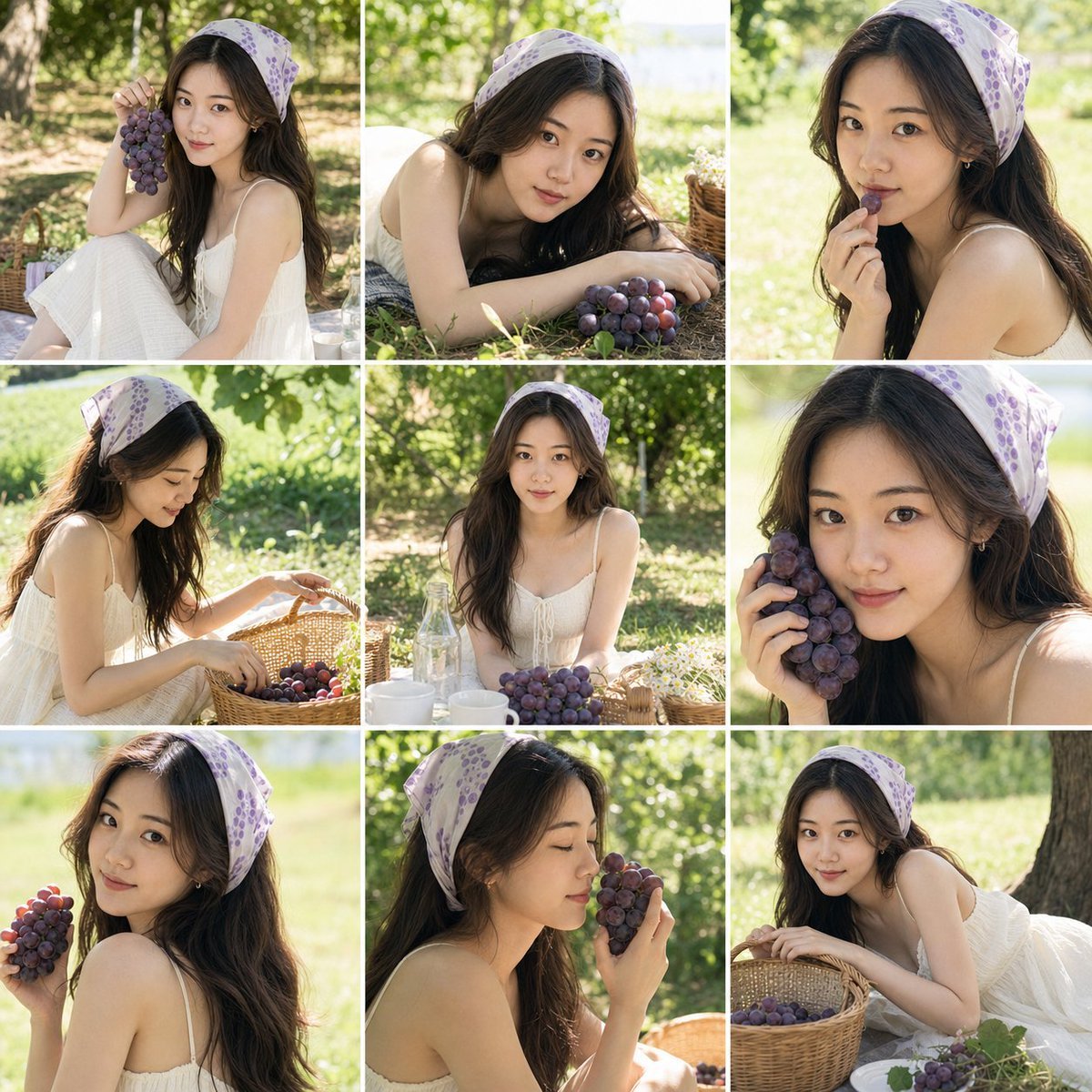
A prompt designed to generate a 3x3 grid of summer-themed portraits featuring a girl with grapes, maintaining facial consistency from reference photos.
- Prompt included
- Model and format preset
- Free template
The prompt behind this image
Copy the exact prompt behind Summer Grape Girl Photo Series, or open it in the studio and make it yours.
Based on the 1-3 clear personal photos uploaded by the user, please generate a 3x3 grid-collage portrait shoot themed "{argument name="photo theme" default="summer grape girl portrait"}". Please strictly preserve the subject's true identity features, including face shape, facial-feature proportions, brow-and-eye structure, nose, lips, skin tone, apparent age, hairstyle characteristics, and overall vibe. The person in all nine images must clearly look like the same real girl — she must not turn into a stranger, must not be Westernized, must not be turned into an "influencer face," must not be over-beautified, and no AI fake face should be generated. The overall theme is a fresh, natural, everyday-girl portrait. The subject wears a {argument name="outfit description" default="soft cream-white or off-white dress / slip dress"}, and wears a {argument name="accessory" default="purple-toned vintage-print headscarf"} on her head; the overall styling is clean, natural, everyday, with a summer-girl feel. Accessories are simple — small earrings are fine, but avoid anything overly ornate. The setting is a summer outdoor picnic shoot on grass, under tree shade, or beside a vineyard. Include elements such as purple grapes, grape clusters, a wicker basket, glass bottles, a picnic blanket, and light-colored tableware to create a natural, lived-in feel. Sunlight filters through the leaves, forming soft dappled light and shadow, with the background naturally blurred. Please design the final image as a 3x3 grid collage separated by white borders. All nine small images must feature the same person, the same outfit, and the same scene set, but each image must be clearly different: different expressions, different face angles, different actions, different camera positions, and different framing distances. Don't make the nine images just slight variations of the same angle. The nine small images can show the following moments: holding grapes and smiling, lying on the grass looking at the camera, bringing grapes close to her mouth, tidying the wicker basket, sitting still facing forward, a close-up with grapes against her cheek, a candid over-the-shoulder glance, eyes closed smelling the grapes, and lying back against the grass while hugging the wicker basket. The expressions should be varied, including quiet, playful, gentle, a soft laugh with closed eyes, a natural dreamy look, and a candid-snapshot smile, among others. The overall style should have a Fujifilm camera texture, Japanese film-photography style, an authentic shot-on-film feel, soft natural light, shallow depth of field, a slight film-grain texture, fresh and natural tones, with the purple grapes as the visual focal point; the image should be clean and pleasant to look at, with a lived-in, girlish feel. Avoid: Western-looking face, influencer face, over-beautification, plastic-looking skin, fake face, repetitive expressions, repetitive face angles across the nine images, malformed hands, distorted props, cluttered background, studio-photo-shoot look, illustration feel, CG feel.
How to use Summer Grape Girl Photo Series in 3 steps
- 1Upload ImagePNG, JPG or paste
Add your photo
Upload the photo the template builds on. The prompt, model and format are already set.
- 2…a portrait of your subject in softgolden-hour light, 85mm…
Personalize
Edit the subject and creative details for your destination.
- 3Generate
Generate
Press Generate — your image is created in PicX Studio, so you can compare it with the original and refine one variable at a time.
More like this
Templates with the same subject, style or setup. Open one to see its prompt.
Summer Grape Girl 3x3 Grid Portrait

Teen Girl Alpine Lake Mountain View
2000s Retro-Pop Fashion Cinematic Editorial Portrait

Japanese Negative Film Rooftop Summer Portrait
Nostalgic Summer Schoolgirl Snapshot
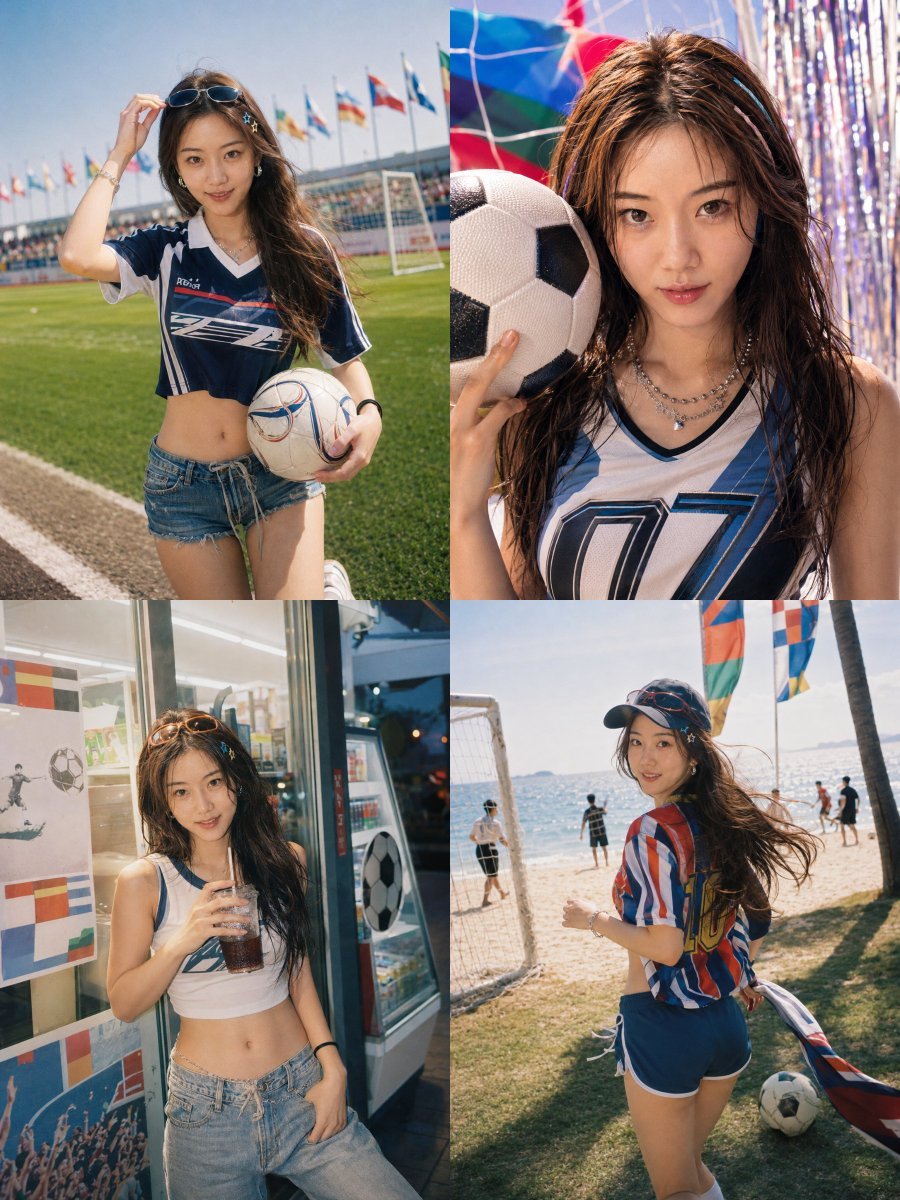
Detailed Summer World Cup Kpop Portrait Series
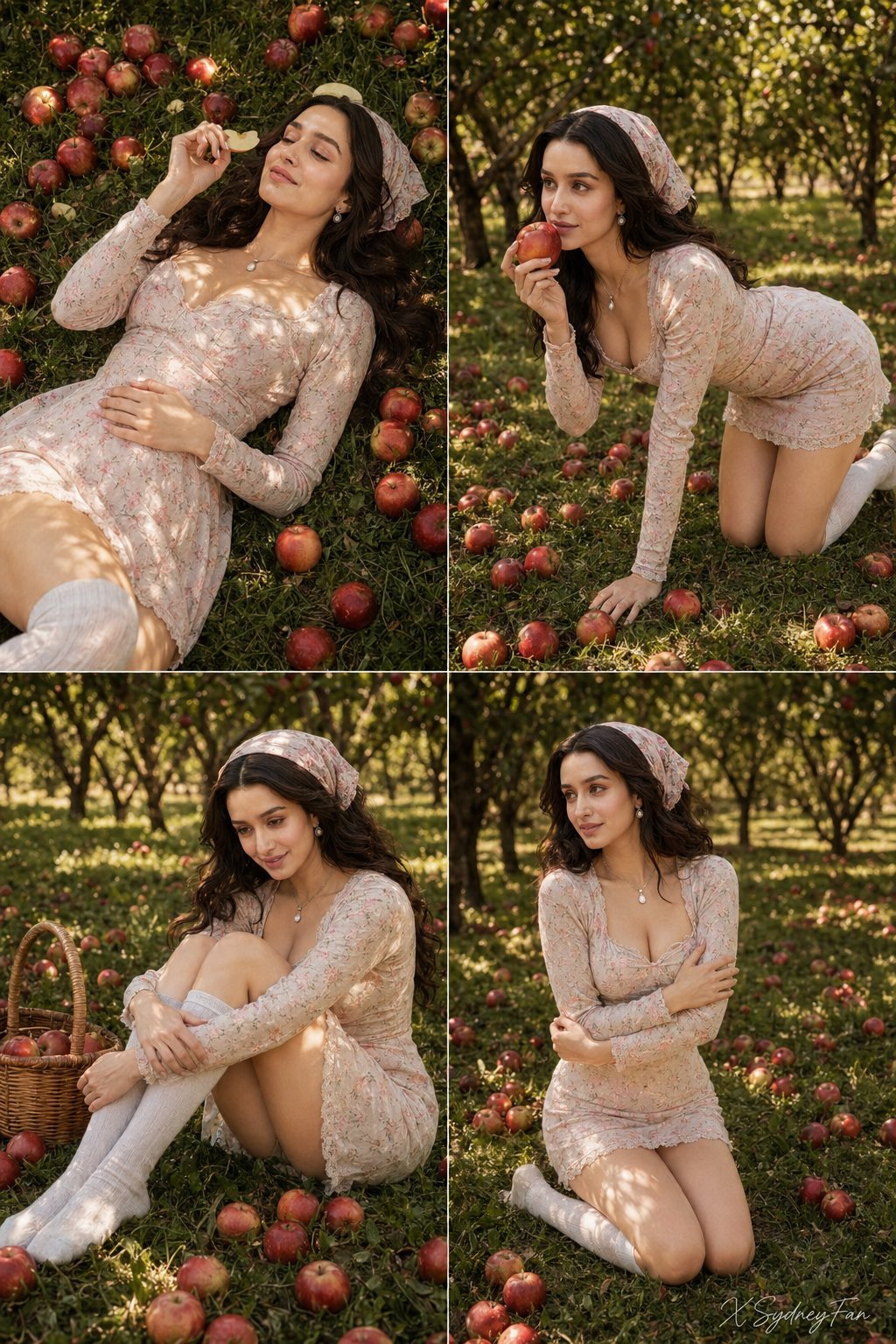
Nano Banana Apple Orchard Collage
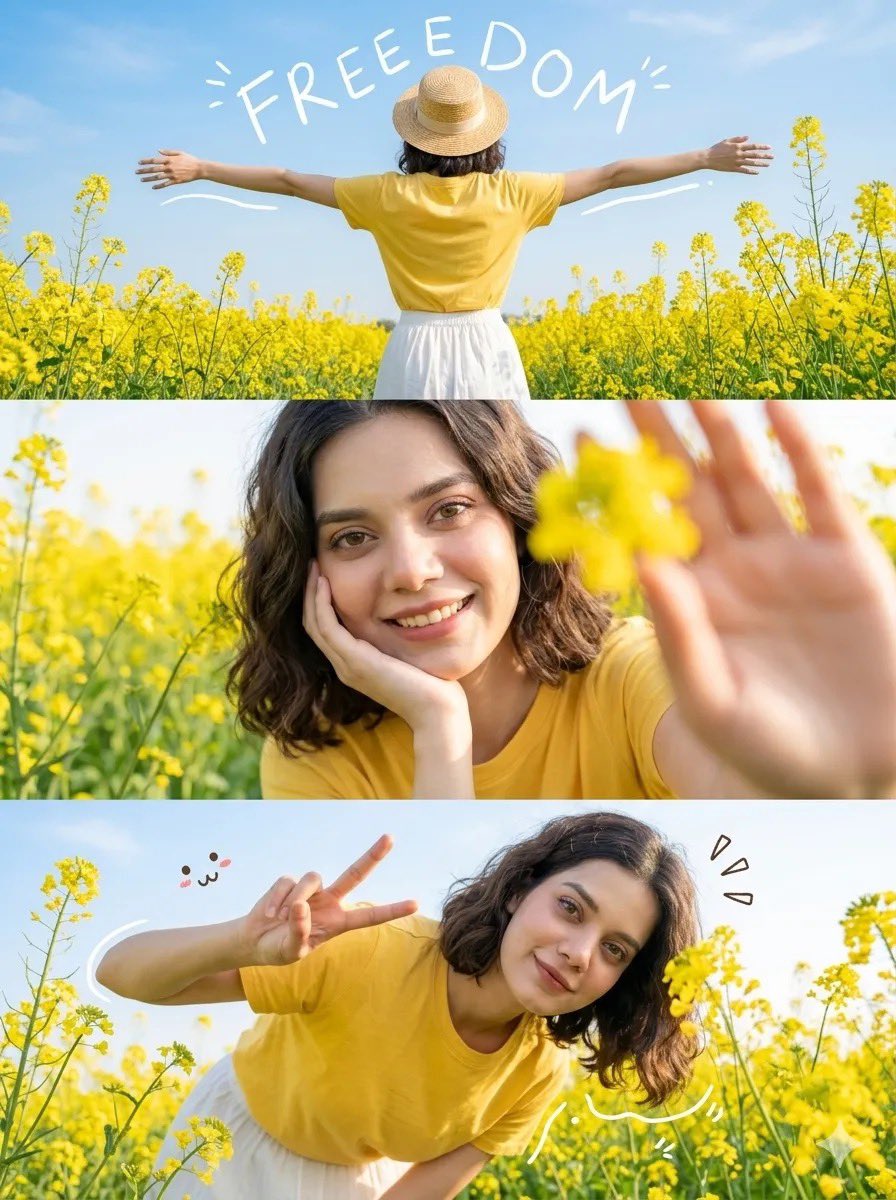
Mustard Flower Field Summer

Tropical Vacation Selfie — Nano Banana (Chryzleen)

Seedance 2.0 - Old Money Man
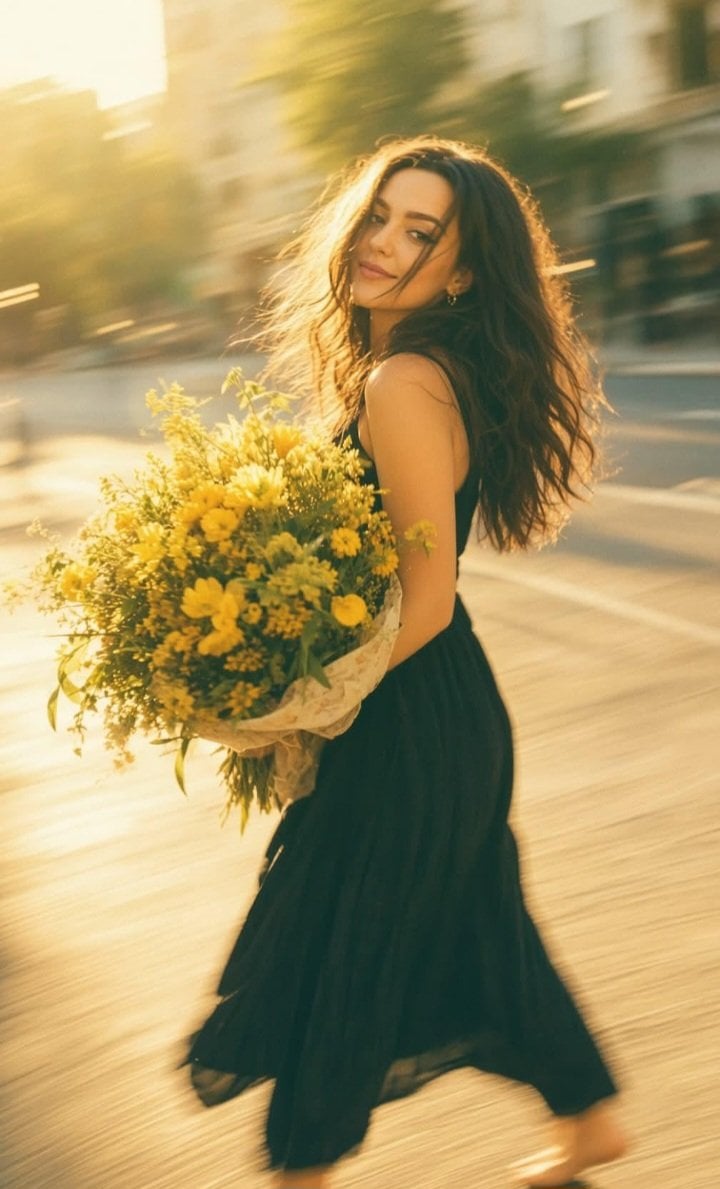
Consistent Series Character Street Snapshot

Dual Car Typography Poster Series
Make it yours
Summer Grape Girl Photo Series works as-is. These are the safest ways to change it without losing the look.
Change one field
Copy a single group, rewrite it, and generate again so you can see what that field is doing.
Keep the frame, change the subject
Hold the composition and light of Summer Grape Girl Photo Series, then swap wardrobe, props or the person for a new take.
| If the result… | Why | Fix |
|---|---|---|
| The result drifts from the preview | Too many fields changed at once. | Reuse Summer Grape Girl Photo Series as-is first, then change one group — subject, light, or setting. |
| The model over-stylizes the scene | The prose prompt leaves finish and camera underspecified. | Add one camera or lighting sentence and stay on GPT Image 2. |
More GPT Image 2 templates
Other prompts made for GPT Image 2.

Six VTuber Japanese Logo Sheet

Realistic Portrait of Woman and Deer

The Vista Modular Condo Poster

AI Model Routing Comparison Infographic

2.5D Anime Art Board

Isometric Productivity Desk Scene

New York Double Exposure Poster

Four-Panel AI Landscape Comparison

Japanese Tatami Lifestyle Magazine Cover

NESCAFÉ Coffee Map Poster
More image prompts
Fresh picks from across the catalog.

Commercial Food Photography Modules (Waffles, Biscuits, Ice Cream Bar)
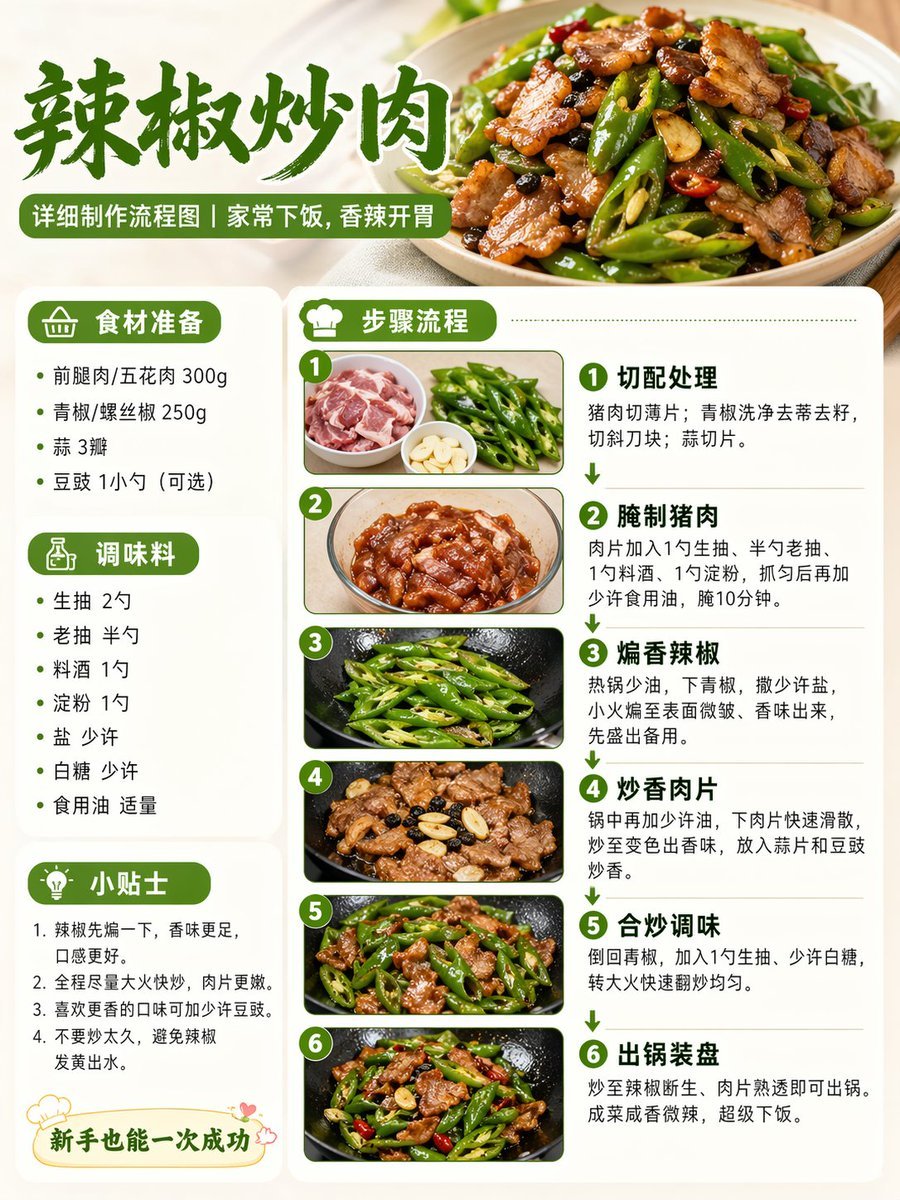
Food Recipe Flowchart Prompt

AI-Proof Prompt Generation (Japanese)
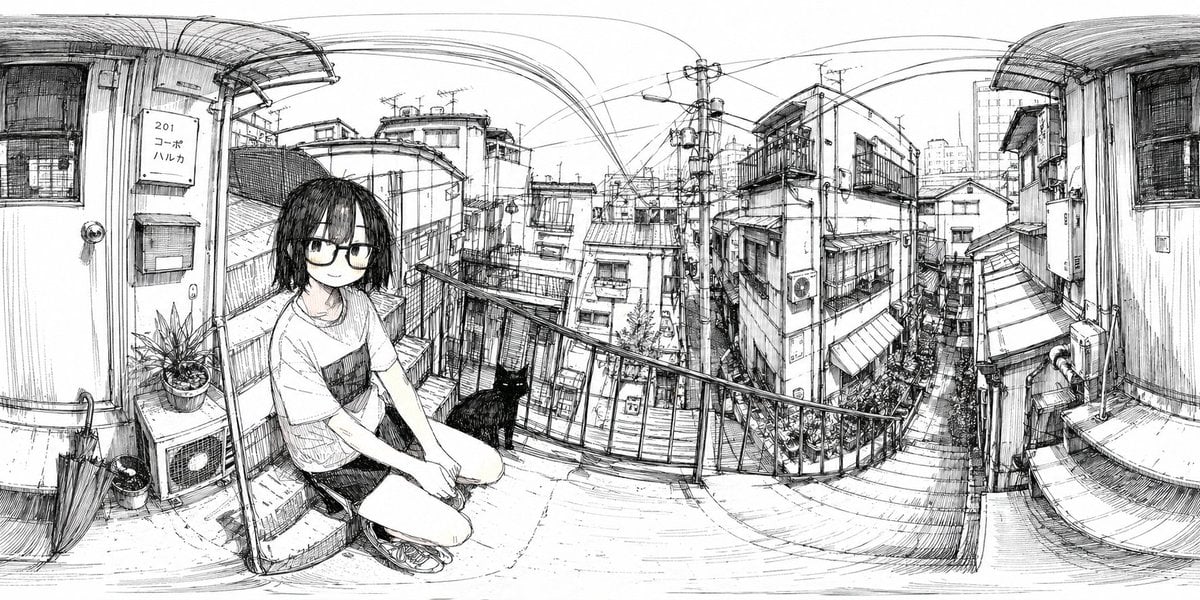
Ink 360 Panorama of Tokyo Backstreet

Summer Drink Food Photography Prompt

Pop Art comic book illustration prompt for Nano Banana Pro
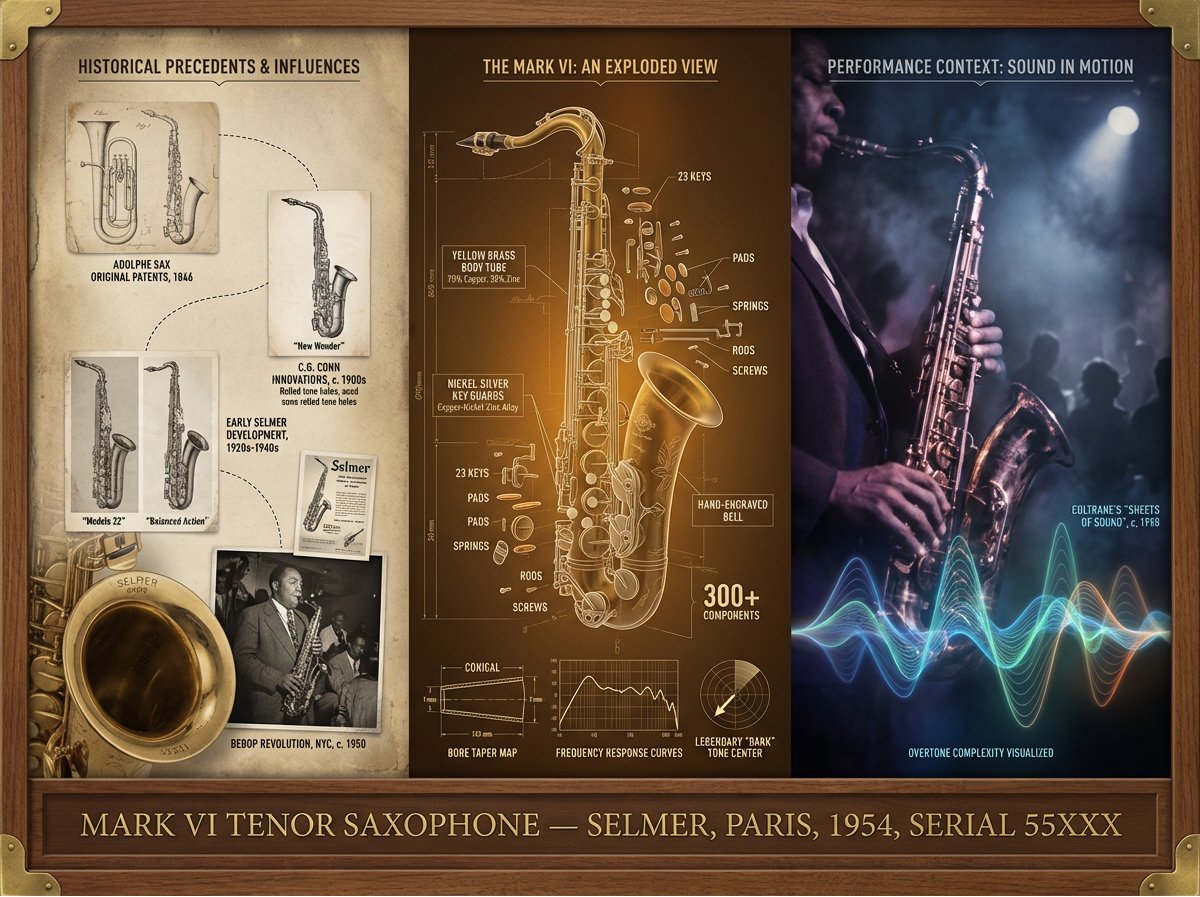
Instrument Genealogy Board (Luthier's Legacy)
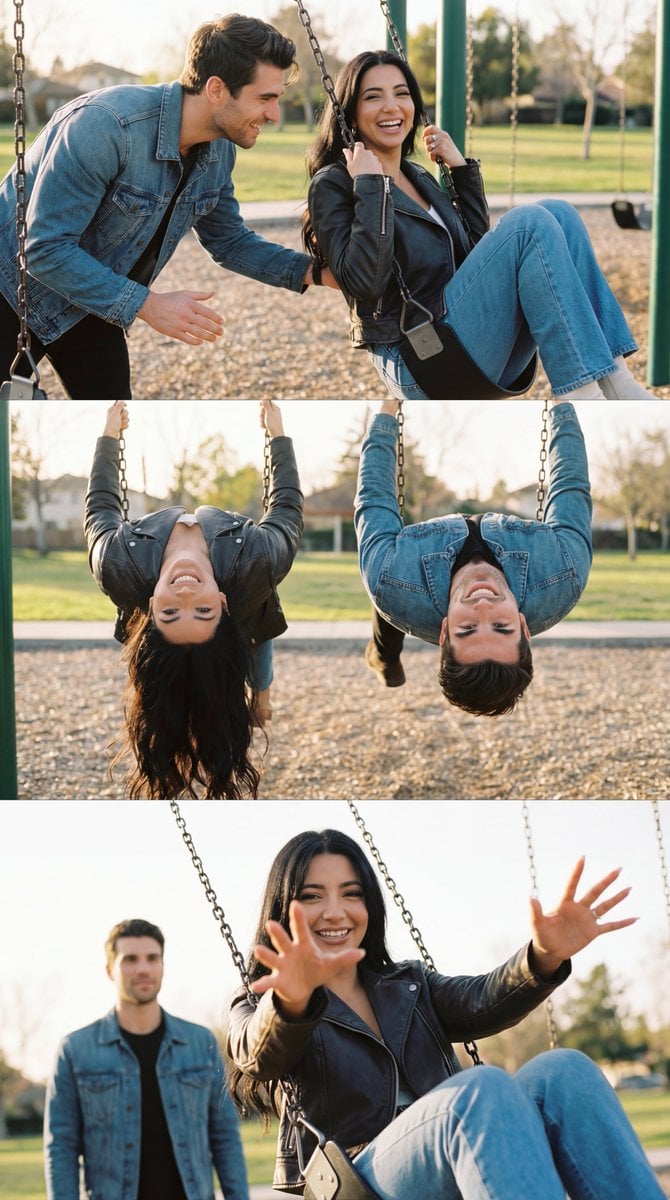
Ultra-Photorealistic Cinematic Couple Triptych Storyboard
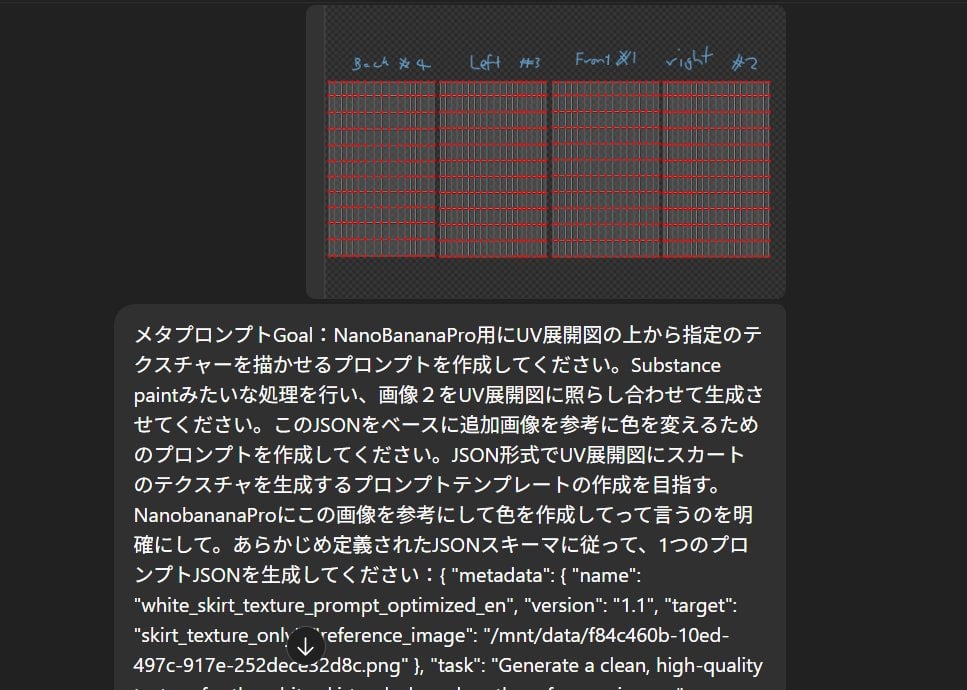
Texture Creation via JSON and UV Map Metaprompt
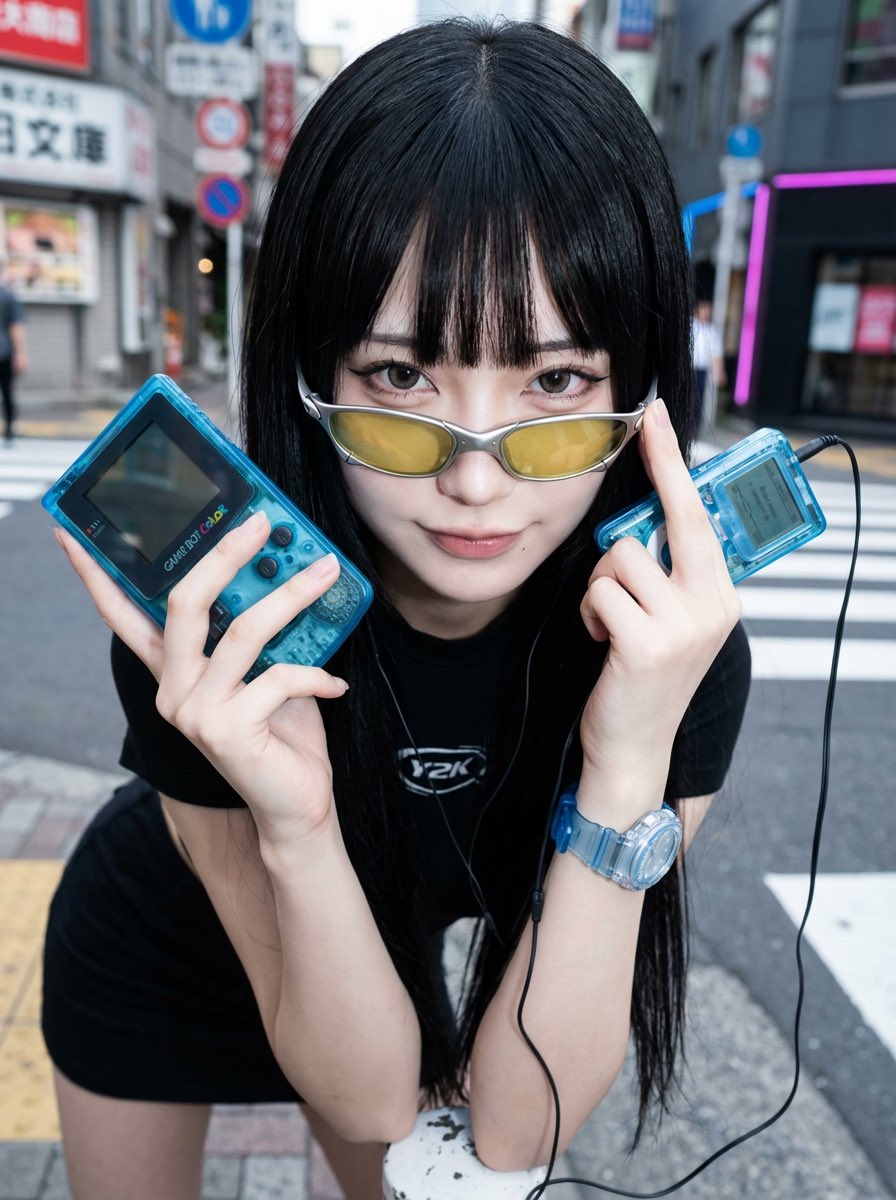
Y2K Fashion Influencer Character Generation Prompt
Browse template categories
Summer Grape Girl Photo Series questions
How do I use the Summer Grape Girl Photo Series template?
Add your photo if the template asks for one, edit the prompt if you like — the template's model and format are already selected — and press Generate. Your version opens in PicX Studio.
Can I customize the Summer Grape Girl Photo Series template?
Yes. You can change the subject, setting, lighting, mood, format, and available model controls before creating your image.
Is the Summer Grape Girl Photo Series template free?
Opening and editing this template is free. Generating uses credits, shown on the Generate button when you are signed in.
Which AI model should I use?
Start with GPT Image 2, which is the model associated with this template. You can compare another compatible model for a different finish.
Looking for something else? Browse all templates.

Your photo, any look
Thousands of ready templates for every top image and video model, from one credit balance.