
Summer Grape Girl 3x3 Grid Portrait
A comprehensive prompt for creating a 3x3 photo grid of a summer-themed 'Grape Girl' with specific instructions for consistency and style.
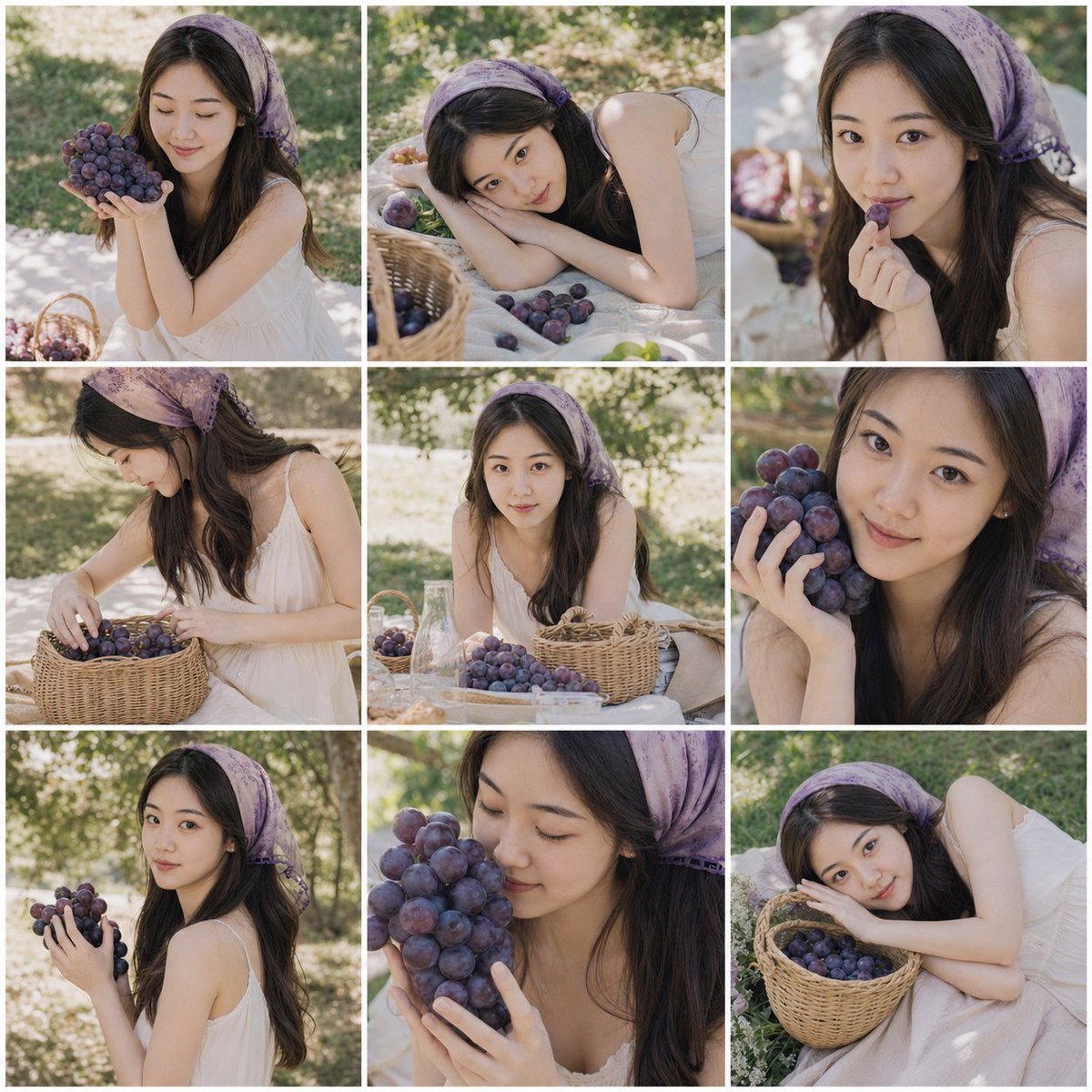
- Prompt included
- Model and format preset
- Free template
The prompt behind this image
Copy the exact prompt behind Summer Grape Girl 3x3 Grid Portrait, or open it in the studio and make it yours.
# Summer Grape Girl Photoshoot | 3x3 Grid Prompt Based on the **1-3 clear personal photos** uploaded by the user, generate a **3x3 grid collage photoshoot**, themed **"{argument name="photoshoot theme" default="Summer Grape Girl Photoshoot"}"**. --- ## 1. Subject Requirements Strictly preserve the user's real identity features, including but not limited to: - Face shape - Facial proportions - Eyebrow-and-eye structure - Nose shape - Lip shape - Skin tone - Sense of age - Hairstyle characteristics - Overall temperament The person in all nine final images must clearly look like **the same real girl** — she must not turn into a stranger, must not be westernized, must not look like an internet influencer, must not be over-beautified, and no AI fake face should appear. All the small images must maintain the same consistent identity. --- ## 2. Theme Setting The theme of the whole set is **"Grape Girl Photoshoot"**, with an atmosphere that is: - Fresh - Natural - Lightly sweet - An everyday girlish feel - A summer outdoor feel - With a touch of Japanese film-photography character - But overall it should still look like a set of elevated lifestyle photos taken of an ordinary girl, not an exaggerated photo-studio style --- ## 3. Styling Setting The subject wears: - **{argument name="outfit style" default="cream white / off-white dress or slip dress"}**, in a soft, natural, girlish material - **{argument name="hair accessory" default="purple-toned vintage-print headscarf"}** worn on the head, in a soft purple shade such as light purple, grape purple, or misty purple - May be paired with simple small earrings; overall accessories should not be complex or overly fashion-forward The overall styling should be natural, clean, and strongly evoke an ordinary-girl photoshoot feel — not overly polished, and not too much like a commercial advertising campaign. --- ## 4. Scene Setting The scene is a **summer outdoor grassy field / by a vineyard / a picnic scene in the shade of trees**. Add the following elements to the scene: - Purple grapes - Bunches of grapes - A woven wicker basket - A picnic blanket - Glass bottles - White plates or light-colored dishware - Grass, tree shadows, natural sunlight - A small amount of tabletop or picnic setup The background should be softly blurred, with a natural, realistic atmosphere, and dappled light and shadow formed by sunlight passing through the leaves. --- ## 5. Grid Requirements Output a **3x3 grid collage**, separated by white borders. The nine images must feature **the same person, the same styling, and the same thematic scene**, but each image must have clearly different: - Facial angle - Pose - Camera distance - Camera position - Expression - Hand movement - Composition ### Key Requirements - Do not have all nine faces facing the same direction - Do not have all nine expressions be nearly identical - Do not make the variation only slight It should look like a set of behind-the-scenes candid shots captured continuously during a real shoot. --- ## 6. Suggested Actions for the Nine Images The nine images can each depict the following different states: 1. Sitting beside the picnic blanket, holding a bunch of purple grapes with both hands, eyes closed, smiling 2. Lying on the grass, head gently tilted, looking at the camera, with grapes scattered nearby 3. Holding a grape near the mouth, eyes looking playfully at the camera 4. Half-body side shot, head lowered while arranging the grapes in the wicker basket, quiet and natural expression 5. Facing forward in a seated pose, with grapes, a glass bottle, and the wicker basket in front, calm expression 6. Close-up shot, gently pressing a grape to the cheek, showing a relaxed smile 7. Turning slightly to look back over the shoulder, holding a bunch of grapes, natural candid-shot feel 8. Eyes closed, smelling the grapes or gently leaning toward them, relaxed and happy expression 9. Reclining on the grass or under a tree, holding the wicker basket in the arms, looking tenderly at the camera --- ## 7. Photography Style Overall it should be: - A Fujifilm film-camera texture - Japanese film-photography style - Soft natural light - A slight film-grain feel - Shallow depth of field - A genuine, real-shoot feel - A fresh summer color tone - Purple grapes as the visual focal point - A clean image with a lived-in, girlish feel --- ## 8. Image Requirements - Highly realistic portrait photography - Natural skin texture - No plastic-looking skin - No excessive skin smoothing - No exaggerated beautification - No excessive sharpening - No cartoon feel - No illustration feel - No CG feel - No cheap photo-studio style
How to use Summer Grape Girl 3x3 Grid Portrait in 3 steps
- 1Upload ImagePNG, JPG or paste
Add your photo
Upload the photo the template builds on. The prompt, model and format are already set.
- 2…a portrait of your subject in softgolden-hour light, 85mm…
Personalize
Edit the subject and creative details for your destination.
- 3Generate
Generate
Press Generate — your image is created in PicX Studio, so you can compare it with the original and refine one variable at a time.
More like this
Templates with the same subject, style or setup. Open one to see its prompt.
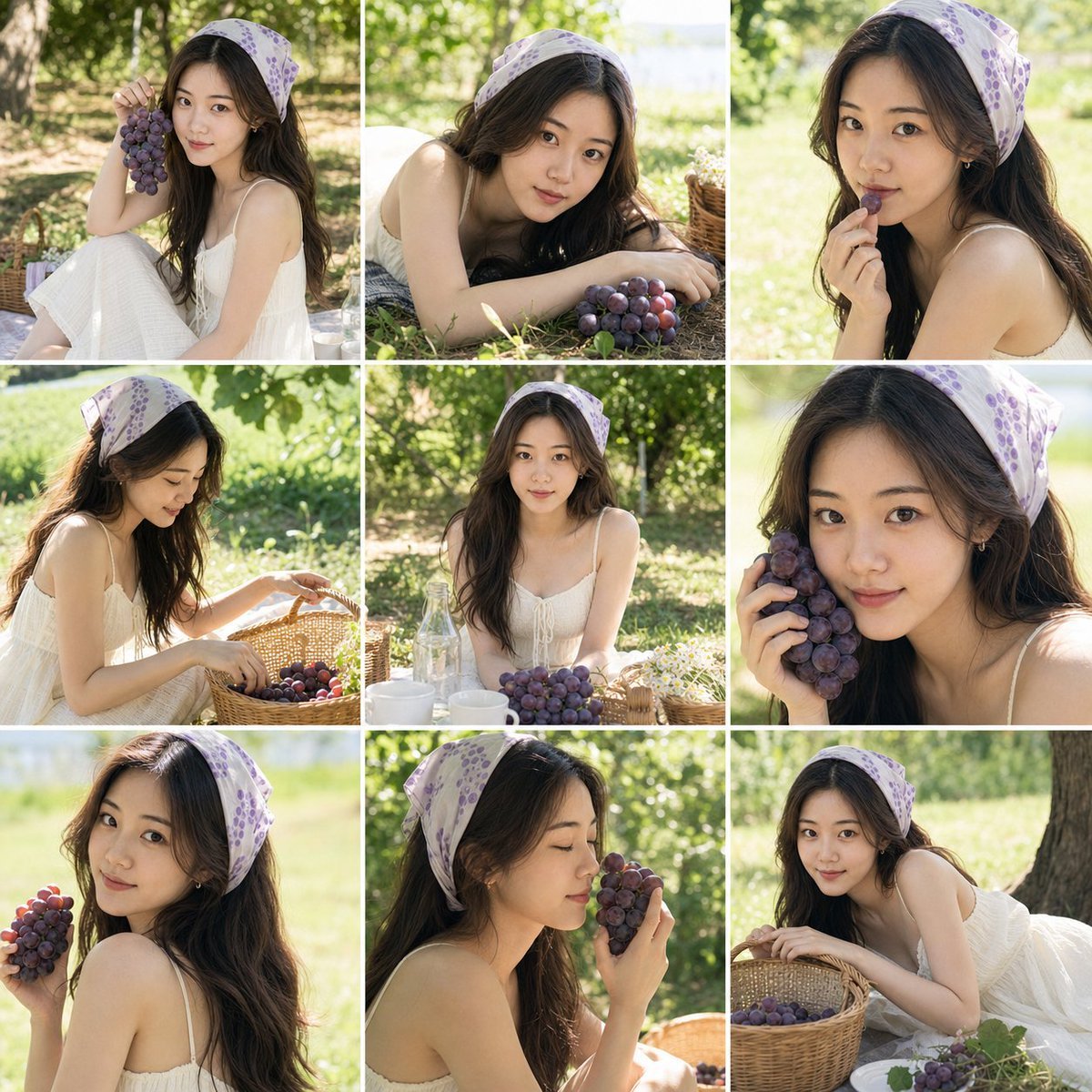
Summer Grape Girl Photo Series
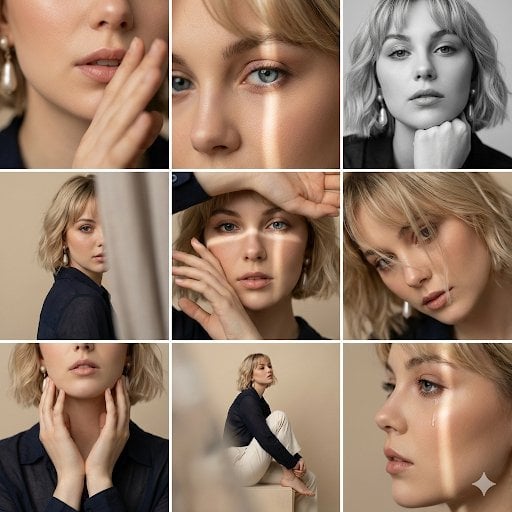
Editorial 3x3 Photo Grid of Intimate Portraits
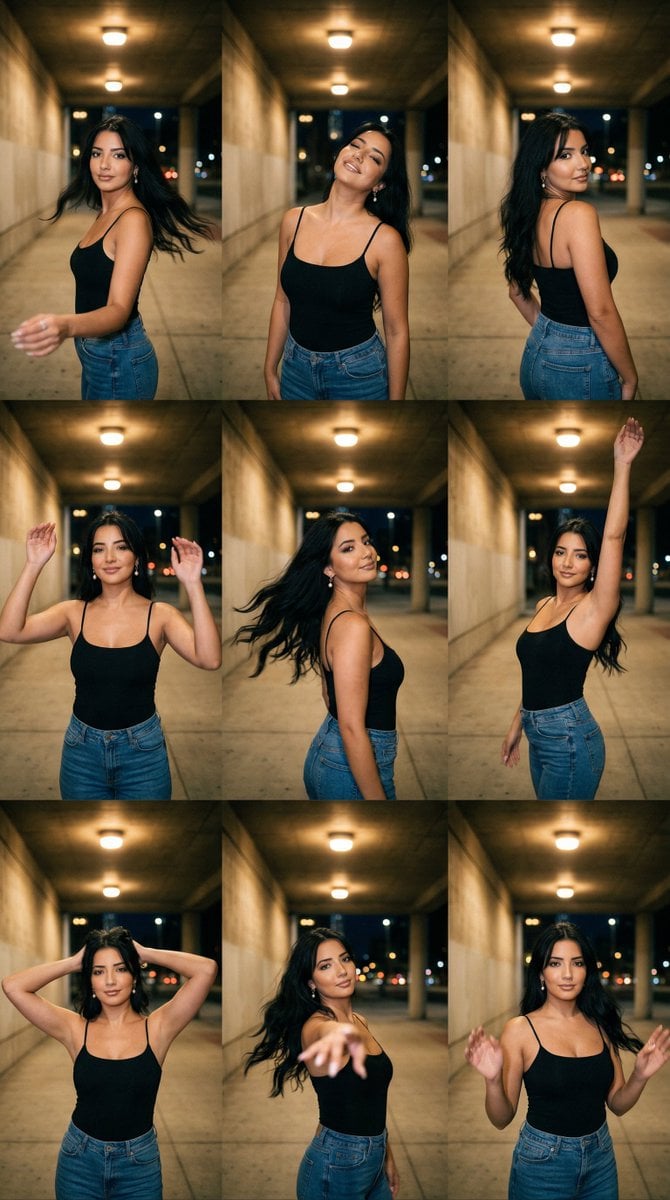
Urban Underpass Motion Portrait Series 3x3 Grid

B&W Photobooth Expression Grid 4x4 — Nano Banana

Gen Z TikTok Viral Expression Grid 4x4 — Nano Banana

Found Photograph: Us, 1970

80s Couple Studio Portrait

80s Bollywood Star

80s Golden Hour Cinema

Me in 1985

1985 Studio Portrait

Hyper-Realistic Minecraft POV Portrait
Make it yours
Summer Grape Girl 3x3 Grid Portrait works as-is. These are the safest ways to change it without losing the look.
Change one field
Copy a single group, rewrite it, and generate again so you can see what that field is doing.
Keep the frame, change the subject
Hold the composition and light of Summer Grape Girl 3x3 Grid Portrait, then swap wardrobe, props or the person for a new take.
| If the result… | Why | Fix |
|---|---|---|
| The result drifts from the preview | Too many fields changed at once. | Reuse Summer Grape Girl 3x3 Grid Portrait as-is first, then change one group — subject, light, or setting. |
| The model over-stylizes the scene | The prose prompt leaves finish and camera underspecified. | Add one camera or lighting sentence and stay on GPT Image 2. |
More GPT Image 2 templates
Other prompts made for GPT Image 2.

Six VTuber Japanese Logo Sheet

Realistic Portrait of Woman and Deer

The Vista Modular Condo Poster

AI Model Routing Comparison Infographic

2.5D Anime Art Board

Isometric Productivity Desk Scene

New York Double Exposure Poster

Four-Panel AI Landscape Comparison

Japanese Tatami Lifestyle Magazine Cover

NESCAFÉ Coffee Map Poster
More image prompts
Fresh picks from across the catalog.
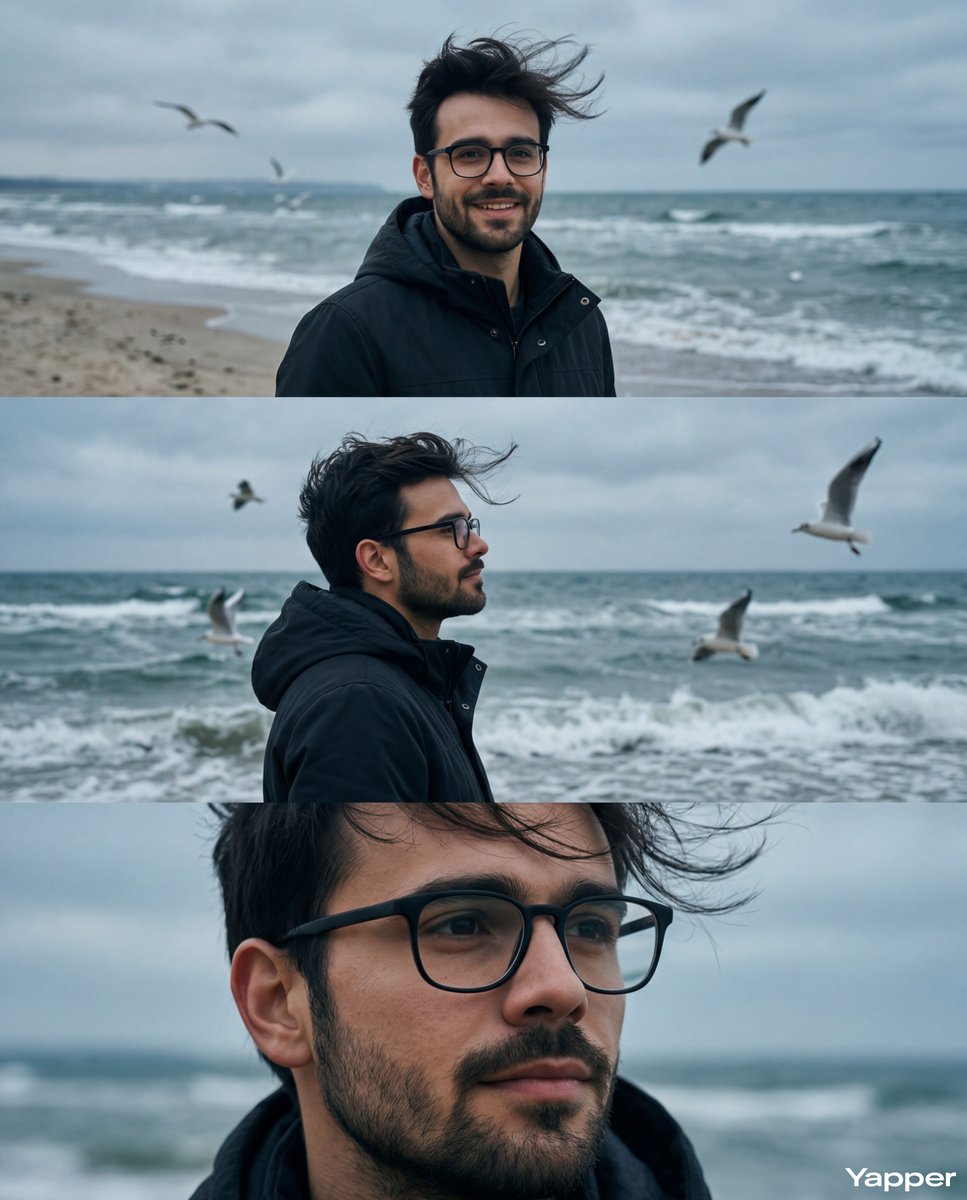
Cinematic Seaside Triptych Portrait Prompt
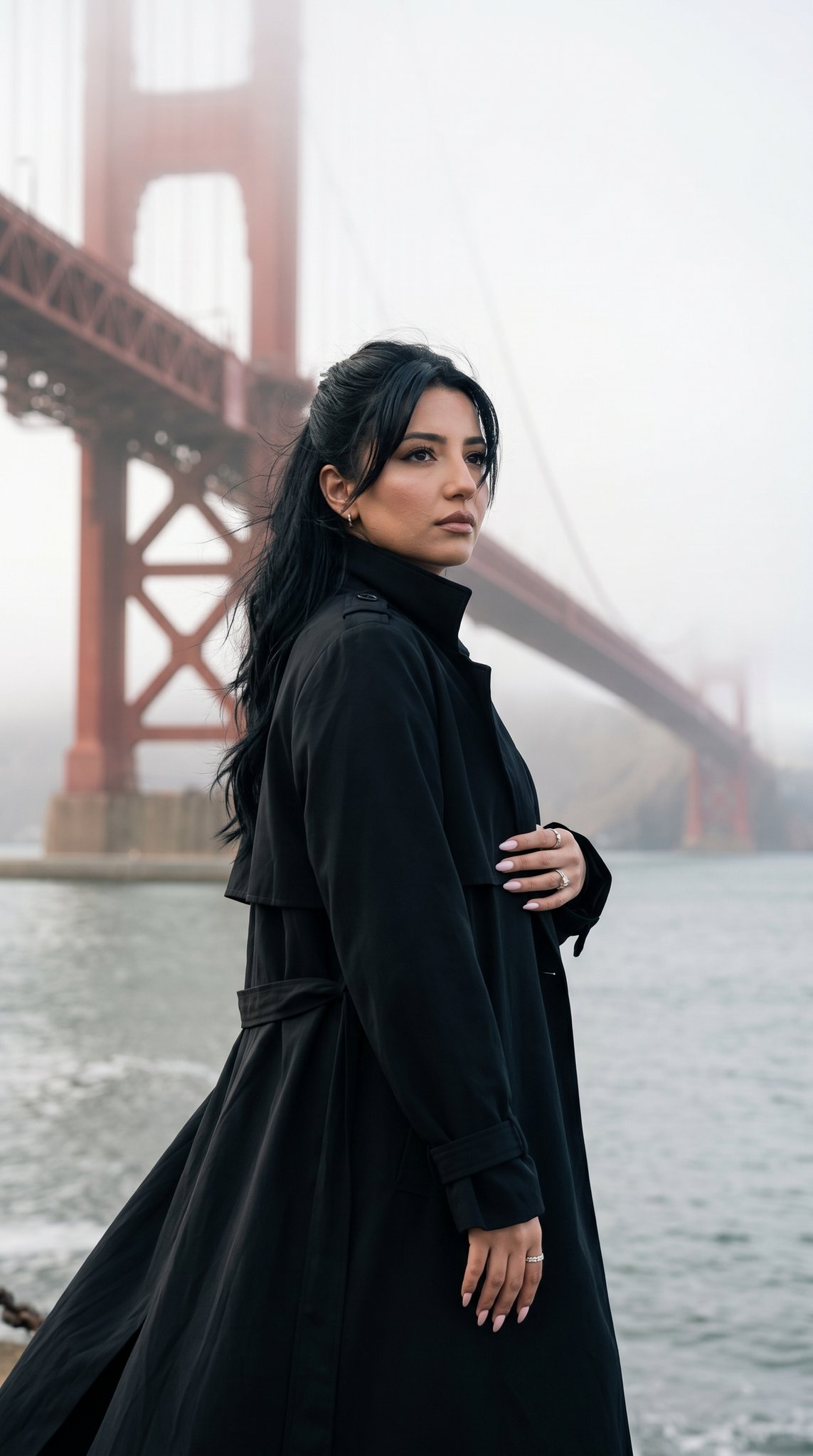
15 Golden Gate Bridge — California Series

Hyper Realistic Romantic Couple Portrait

Pearlescent Glass Sculpture
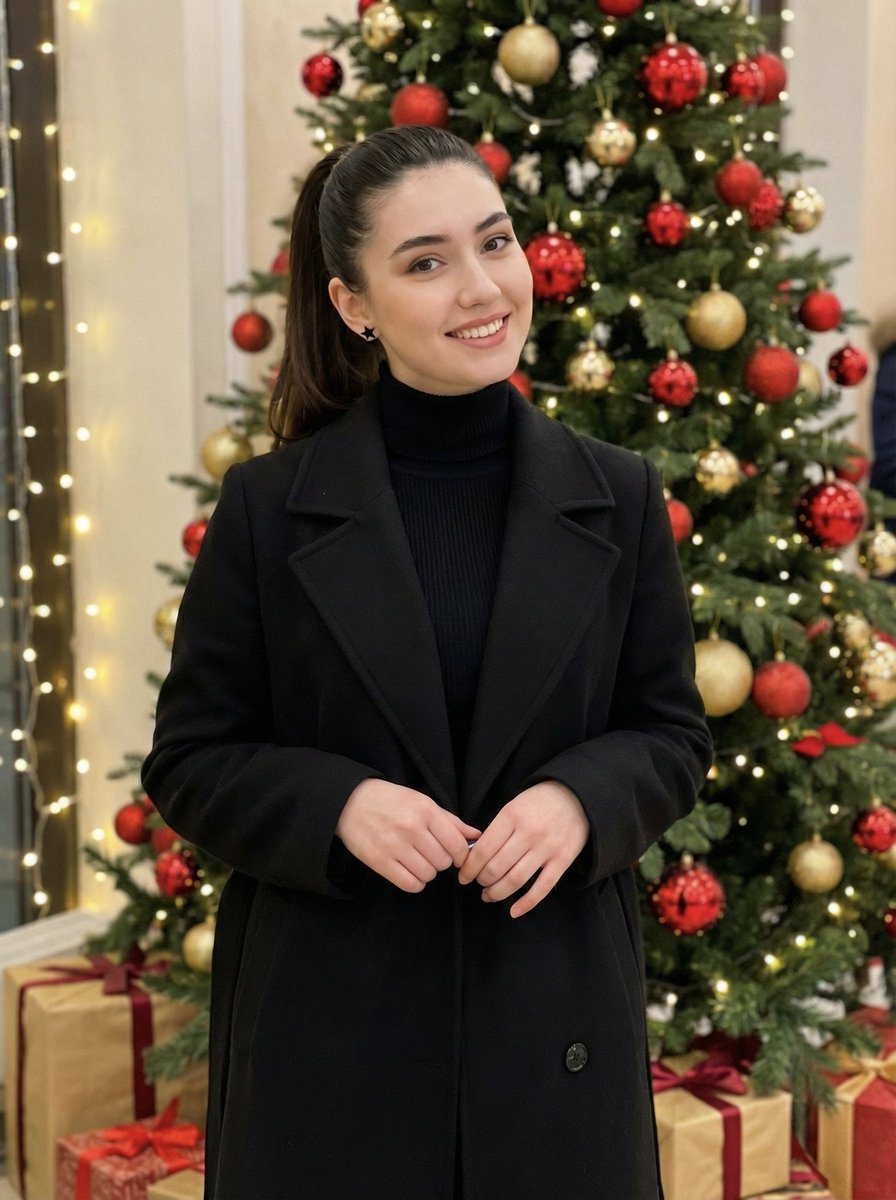
Holiday Elegance Portrait with Face Reference
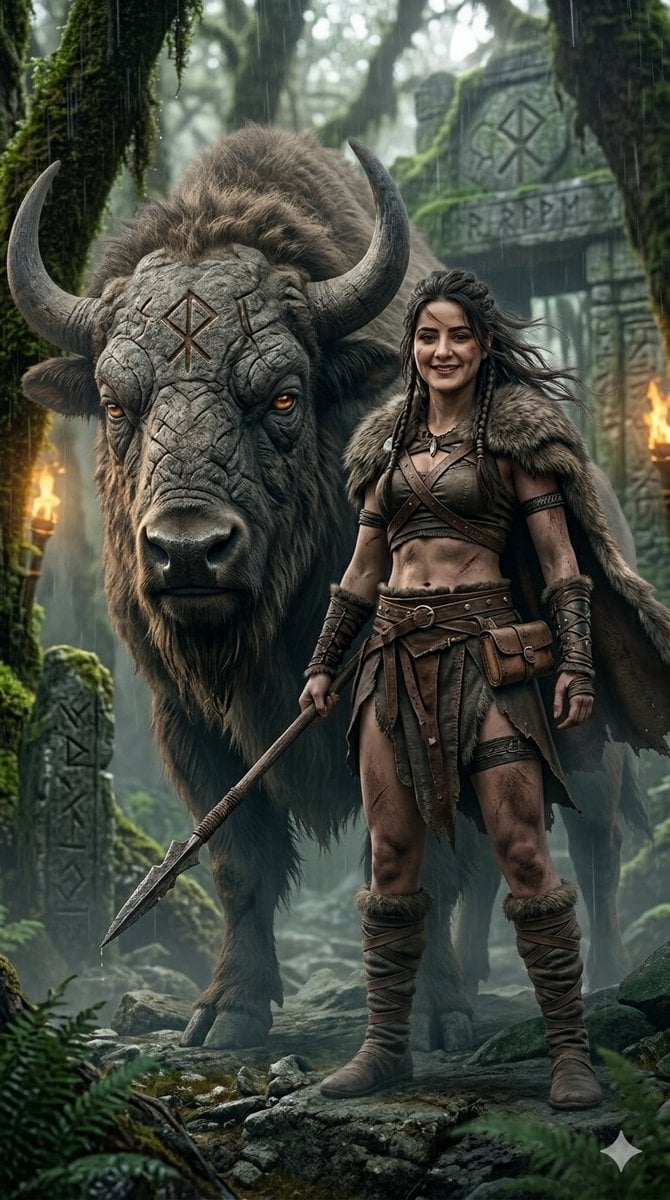
Fantasy Huntress and Ancient Beast
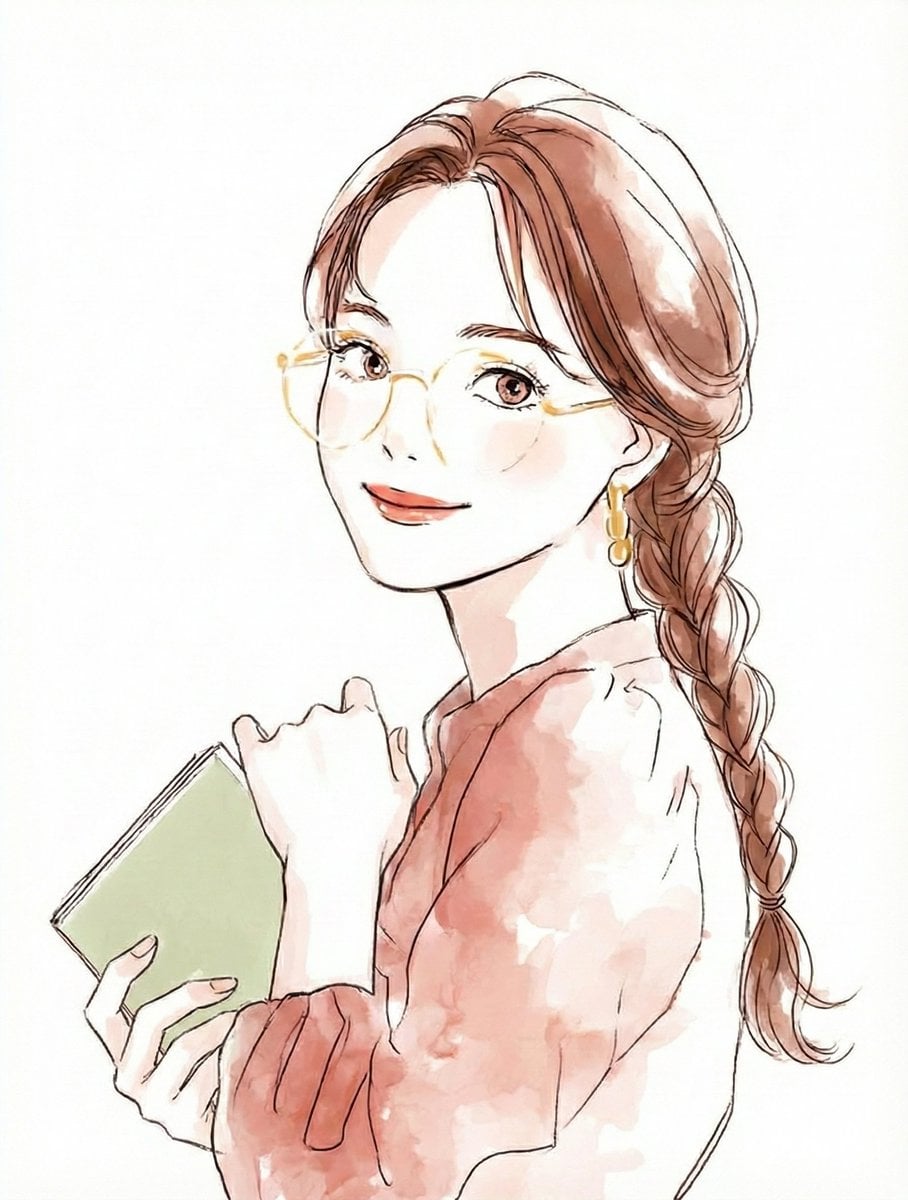
Illustration Anthropomorphism Prompt
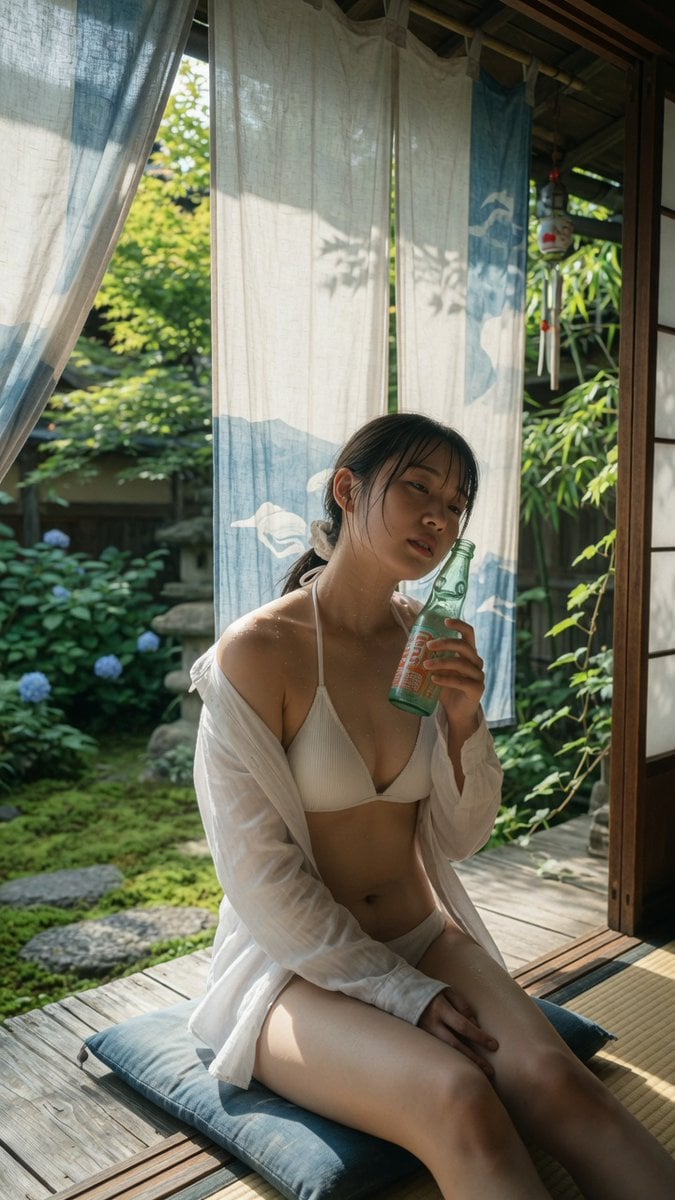
Japanese Veranda Summer Portrait

Censored Neon Noir Anime Portrait
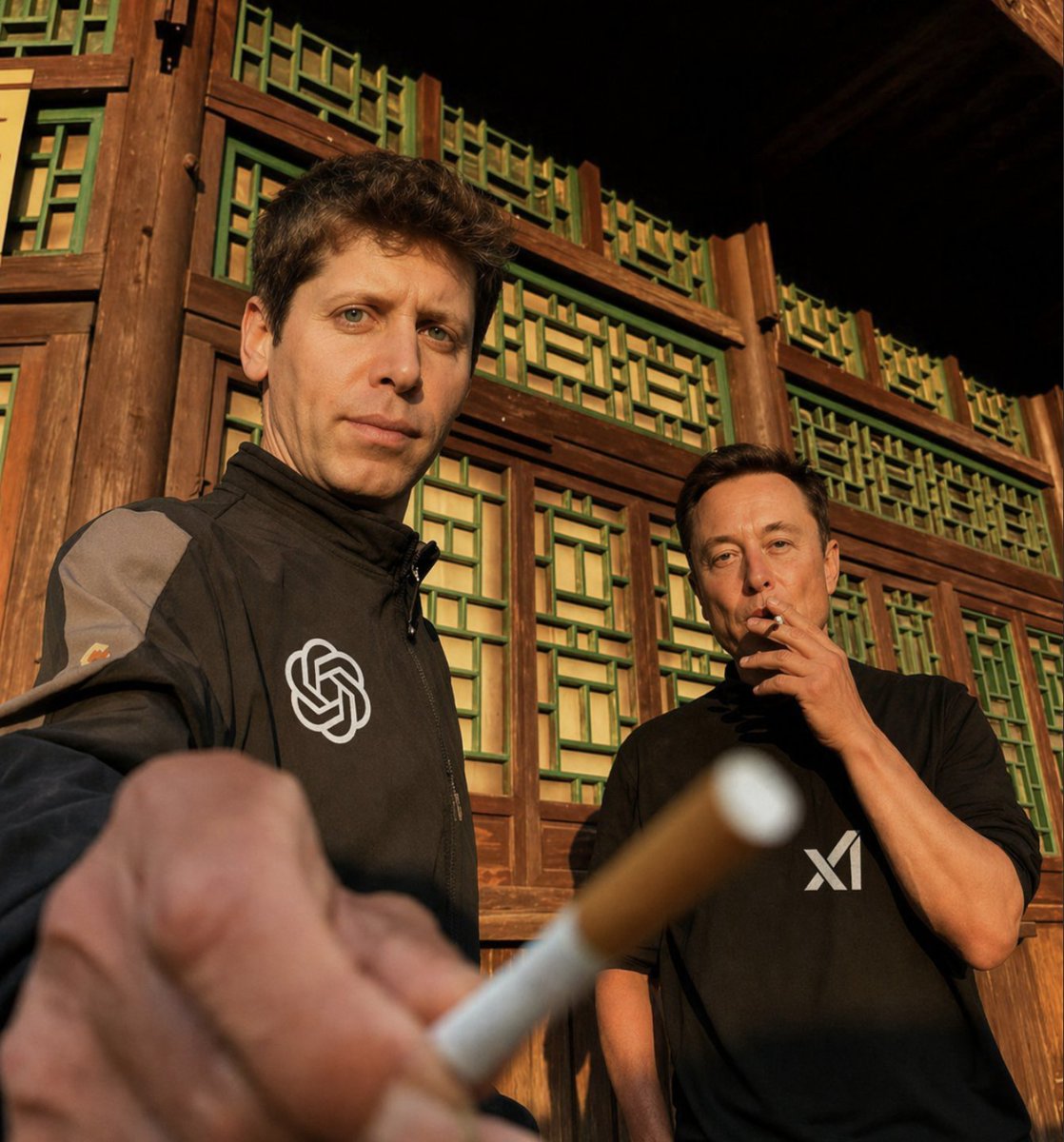
Golden Hour Tech Rivals Portrait
Browse template categories
Summer Grape Girl 3x3 Grid Portrait questions
How do I use the Summer Grape Girl 3x3 Grid Portrait template?
Add your photo if the template asks for one, edit the prompt if you like — the template's model and format are already selected — and press Generate. Your version opens in PicX Studio.
Can I customize the Summer Grape Girl 3x3 Grid Portrait template?
Yes. You can change the subject, setting, lighting, mood, format, and available model controls before creating your image.
Is the Summer Grape Girl 3x3 Grid Portrait template free?
Opening and editing this template is free. Generating uses credits, shown on the Generate button when you are signed in.
Which AI model should I use?
Start with GPT Image 2, which is the model associated with this template. You can compare another compatible model for a different finish.
Looking for something else? Browse all templates.

Your photo, any look
Thousands of ready templates for every top image and video model, from one credit balance.