
Golden Hour Tech Rivals Portrait
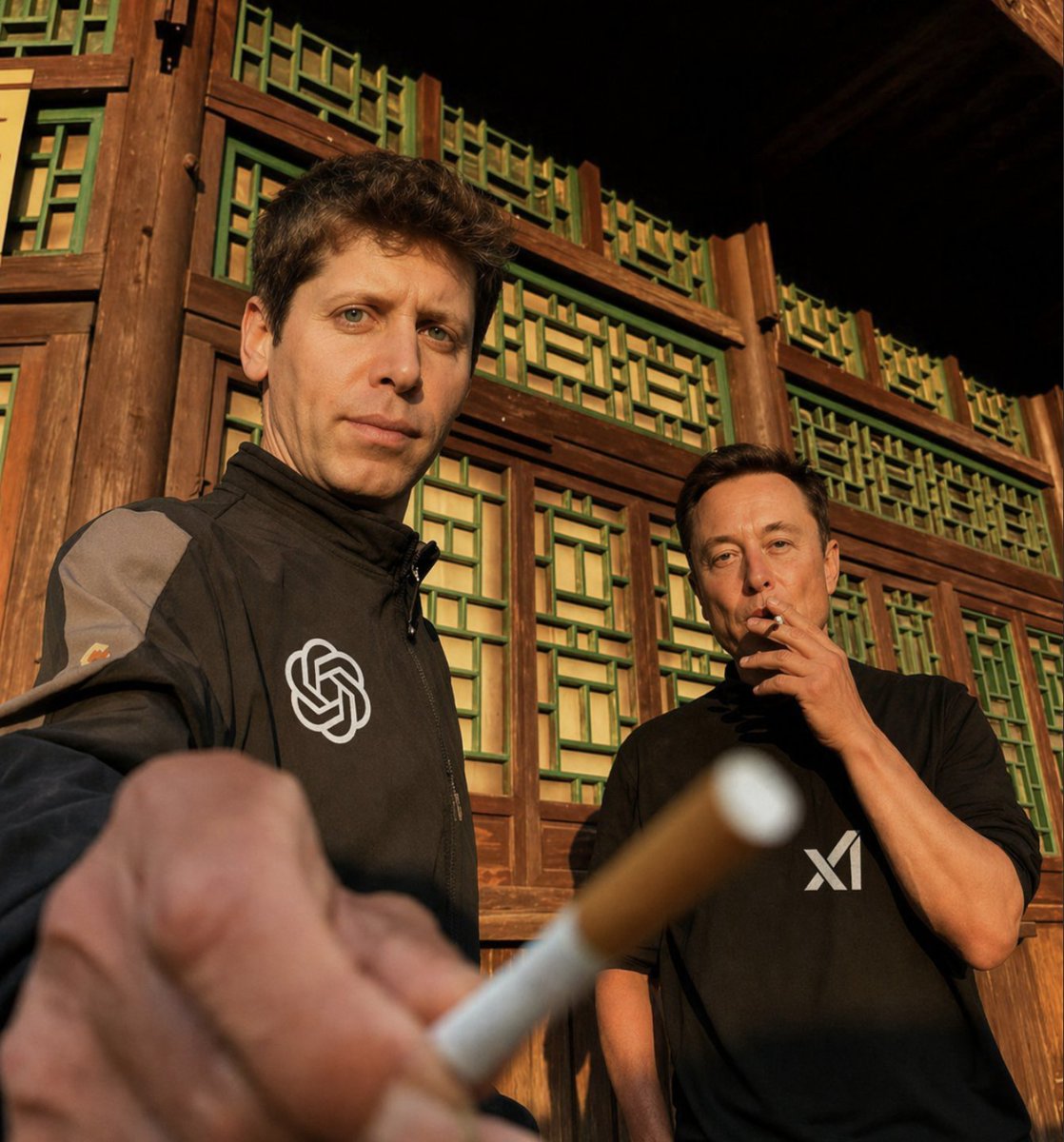
This prompt generates a realistic editorial-style photo of two anonymous men in branded black clothing posed outside a traditional wooden building, useful for social commentary, satire, or tech-culture visuals.
- Prompt included
- Model and format preset
- Free template
The prompt behind this image
Copy the exact prompt behind Golden Hour Tech Rivals Portrait, or open it in the studio and make it yours.
A candid low-angle photograph of two adult men standing in front of a traditional East Asian wooden building with warm brown timber framing and repeating green lattice window panels, shot during golden hour with strong warm sunlight and deep shadows. The man on the left is much closer to the camera, partially cropped, wearing a black zip-up jacket with a large white OpenAI logo on the chest and a gray panel on the sleeve. His arm is extended directly toward the lens, holding a cigarette in the extreme foreground so the hand and cigarette dominate the lower-left area and appear slightly out of focus due to shallow depth of field. The man on the right stands farther back, wearing a loose black T-shirt with a bold white "xAI" style logo on the chest, one hand raised near his mouth as if smoking or thinking. Both men have their faces obscured by smooth rectangular blur blocks, preserving anonymity. Use a realistic documentary street-photo aesthetic, natural skin tones, subtle lens distortion from a wide-angle perspective, cinematic contrast, rich sunset lighting, and a casual confrontational composition that emphasizes the brands on their clothing and the cigarette thrust toward the viewer. Include exactly 2 men, 1 cigarette visible in the foreground, 1 black jacket with the OpenAI emblem, and 1 black T-shirt with the xAI logo.
How to use Golden Hour Tech Rivals Portrait in 3 steps
- 1Upload ImagePNG, JPG or paste
Add your photo
Upload the photo the template builds on. The prompt, model and format are already set.
- 2…a portrait of your subject in softgolden-hour light, 85mm…
Personalize
Edit the subject and creative details for your destination.
- 3Generate
Generate
Press Generate — your image is created in PicX Studio, so you can compare it with the original and refine one variable at a time.
More like this
Templates with the same subject, style or setup. Open one to see its prompt.

80s Golden Hour Cinema

Rooftop Fisheye — Cat-Ear Balaclava at Golden Hour

Cinematic Golden Hour Garden Portrait

Cinematic Golden Hour Urban Portrait

Golden Hour Redhead Portrait

Golden Hour Cinematic Boss Energy Portrait

Golden Hour Cinematic Portrait
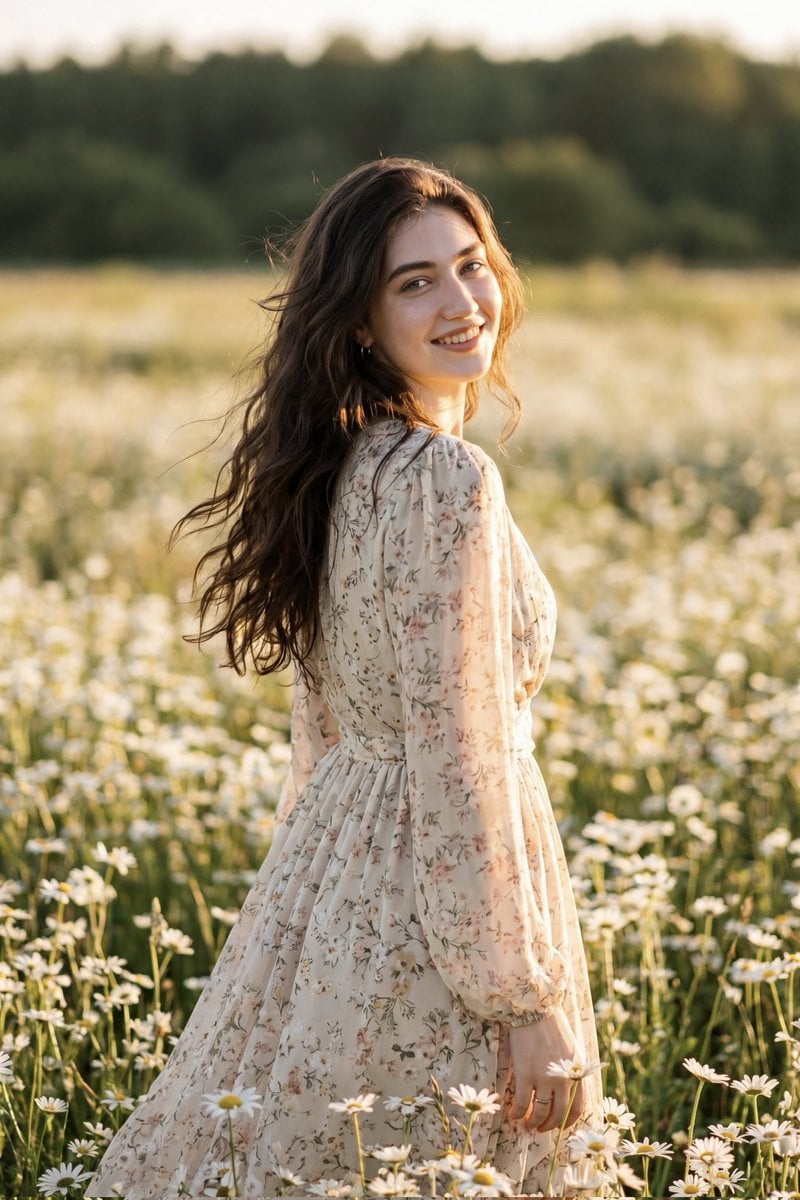
Golden Hour Daisy Field Portrait
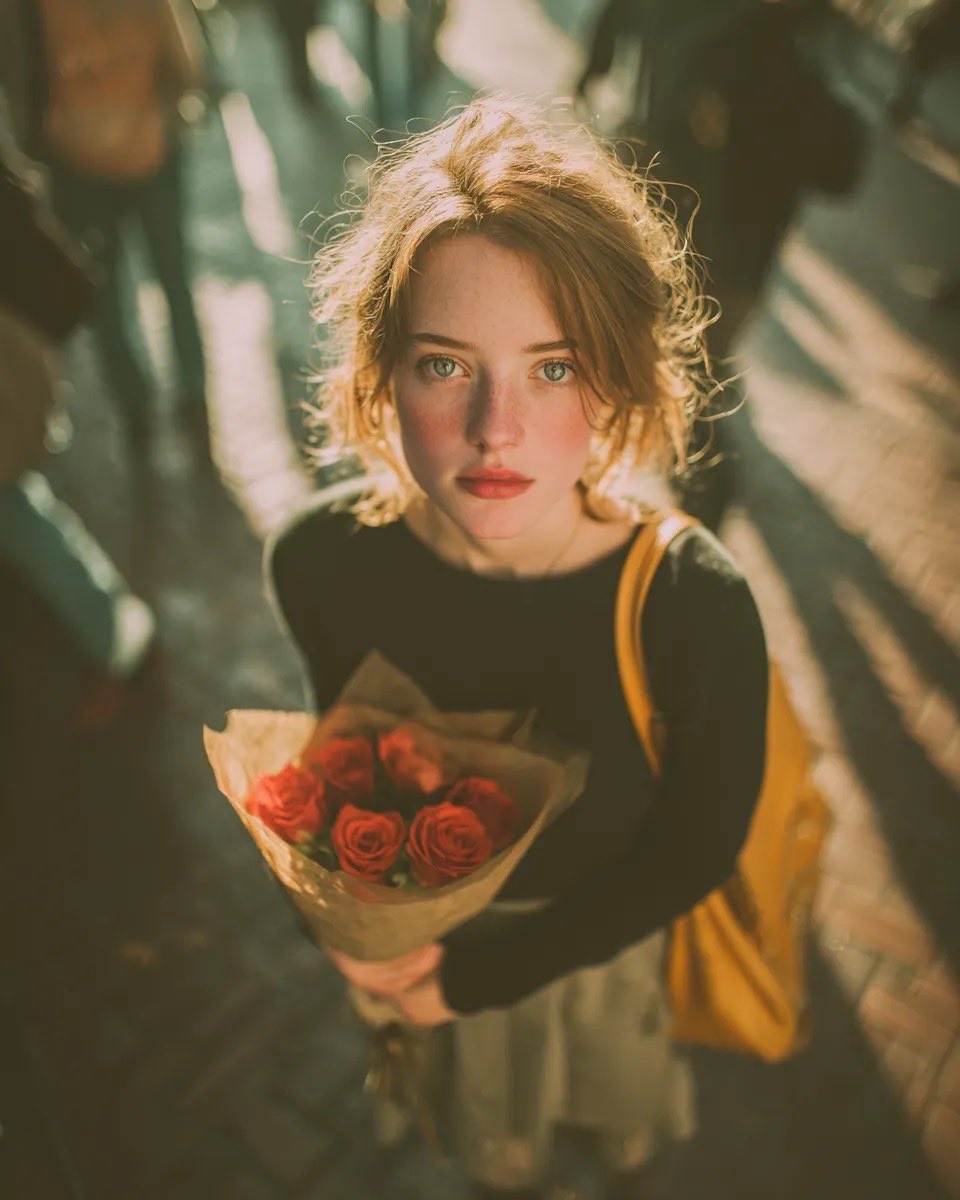
Golden Hour Rose Portrait

Golden Hour Korean Classroom Portrait
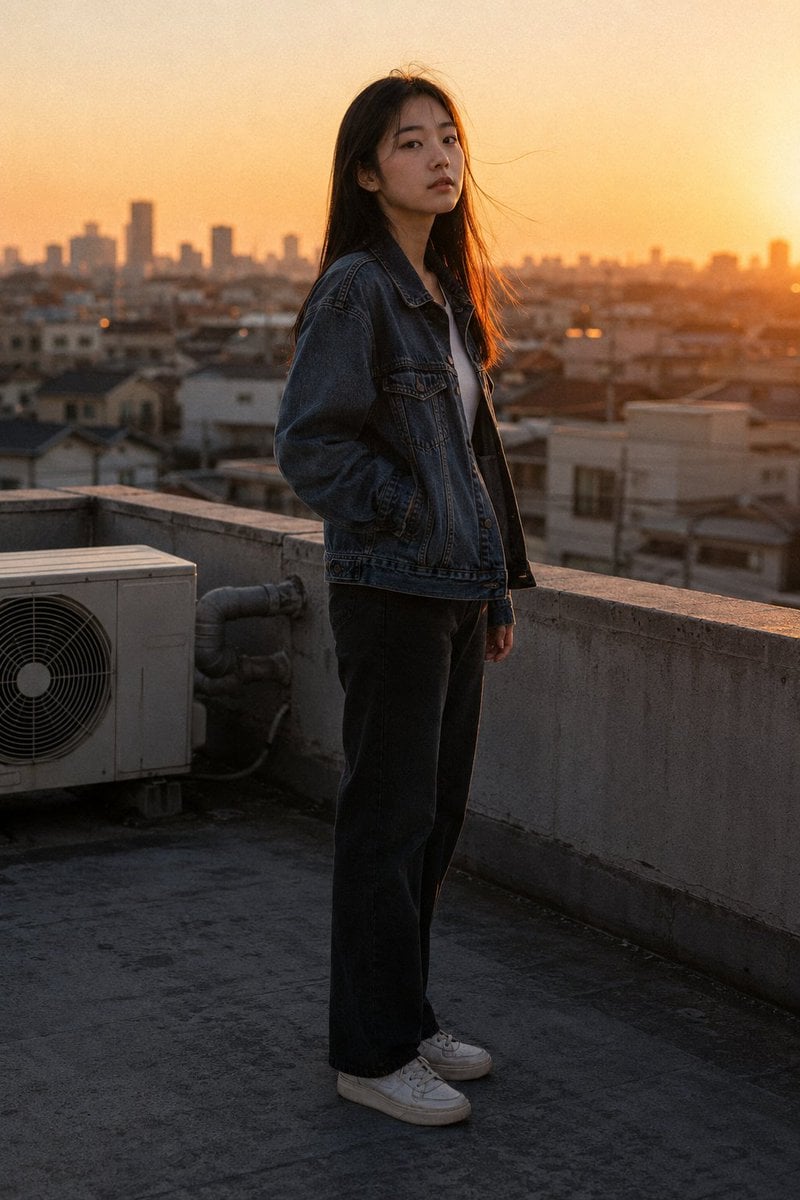
Golden Hour Rooftop Portrait
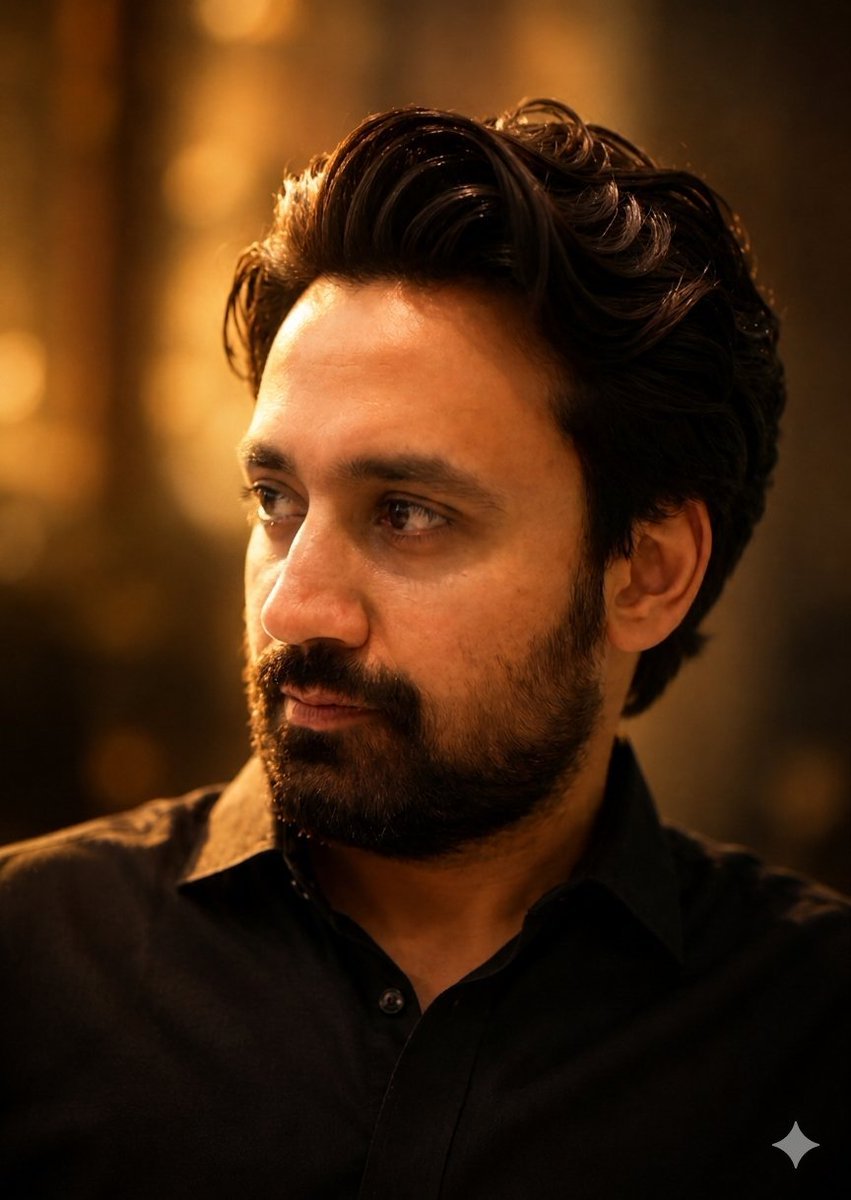
Golden Hour Contemplative Portrait
Make it yours
Golden Hour Tech Rivals Portrait works as-is. These are the safest ways to change it without losing the look.
Change one field
Copy a single group, rewrite it, and generate again so you can see what that field is doing.
Keep the frame, change the subject
Hold the composition and light of Golden Hour Tech Rivals Portrait, then swap wardrobe, props or the person for a new take.
| If the result… | Why | Fix |
|---|---|---|
| The result drifts from the preview | Too many fields changed at once. | Reuse Golden Hour Tech Rivals Portrait as-is first, then change one group — subject, light, or setting. |
| The model over-stylizes the scene | The prose prompt leaves finish and camera underspecified. | Add one camera or lighting sentence and stay on GPT Image 2. |
More GPT Image 2 templates
Other prompts made for GPT Image 2.

Six VTuber Japanese Logo Sheet

Realistic Portrait of Woman and Deer

The Vista Modular Condo Poster

AI Model Routing Comparison Infographic

2.5D Anime Art Board

Isometric Productivity Desk Scene

New York Double Exposure Poster

Four-Panel AI Landscape Comparison

Japanese Tatami Lifestyle Magazine Cover

NESCAFÉ Coffee Map Poster
More image prompts
Fresh picks from across the catalog.
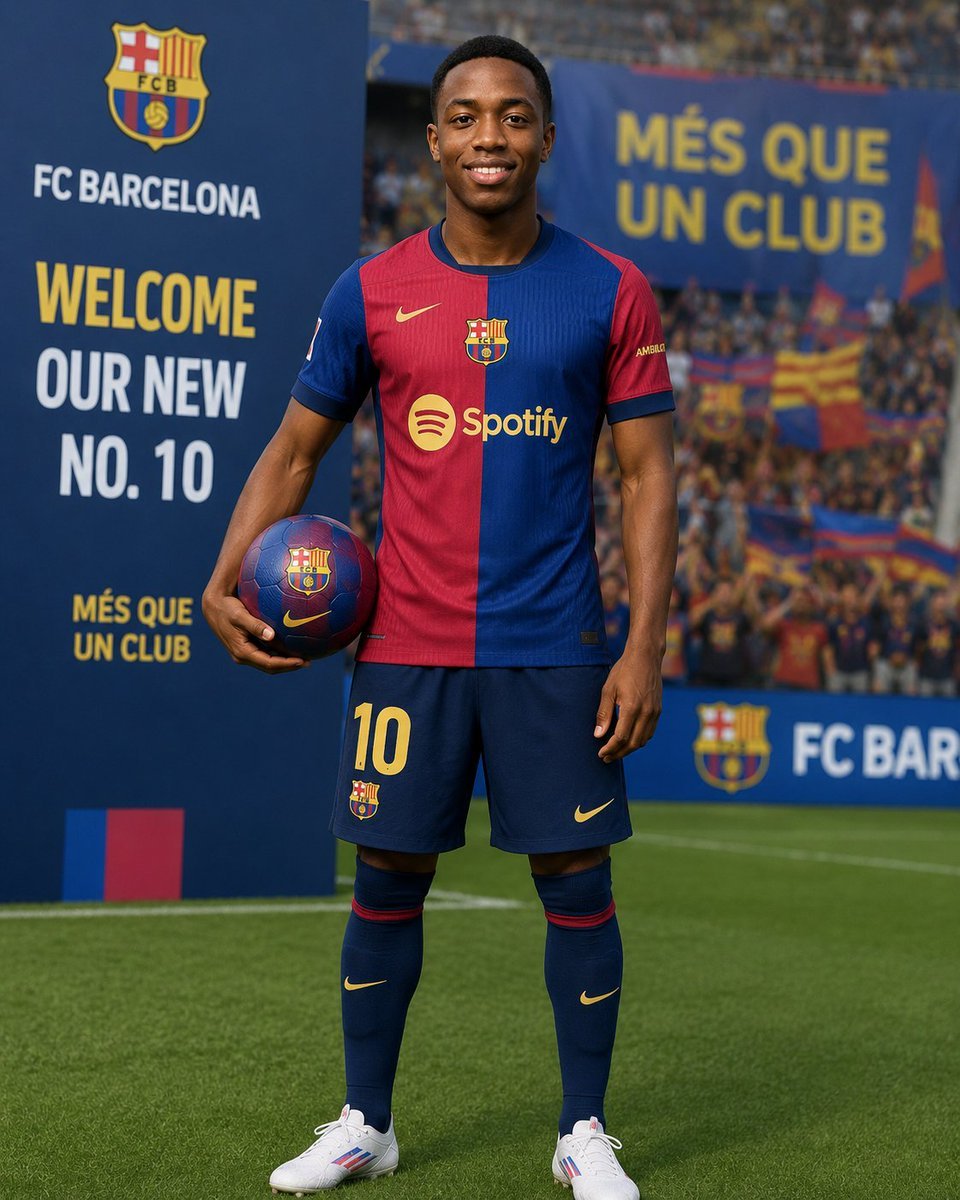
Football Player Signing Presentation
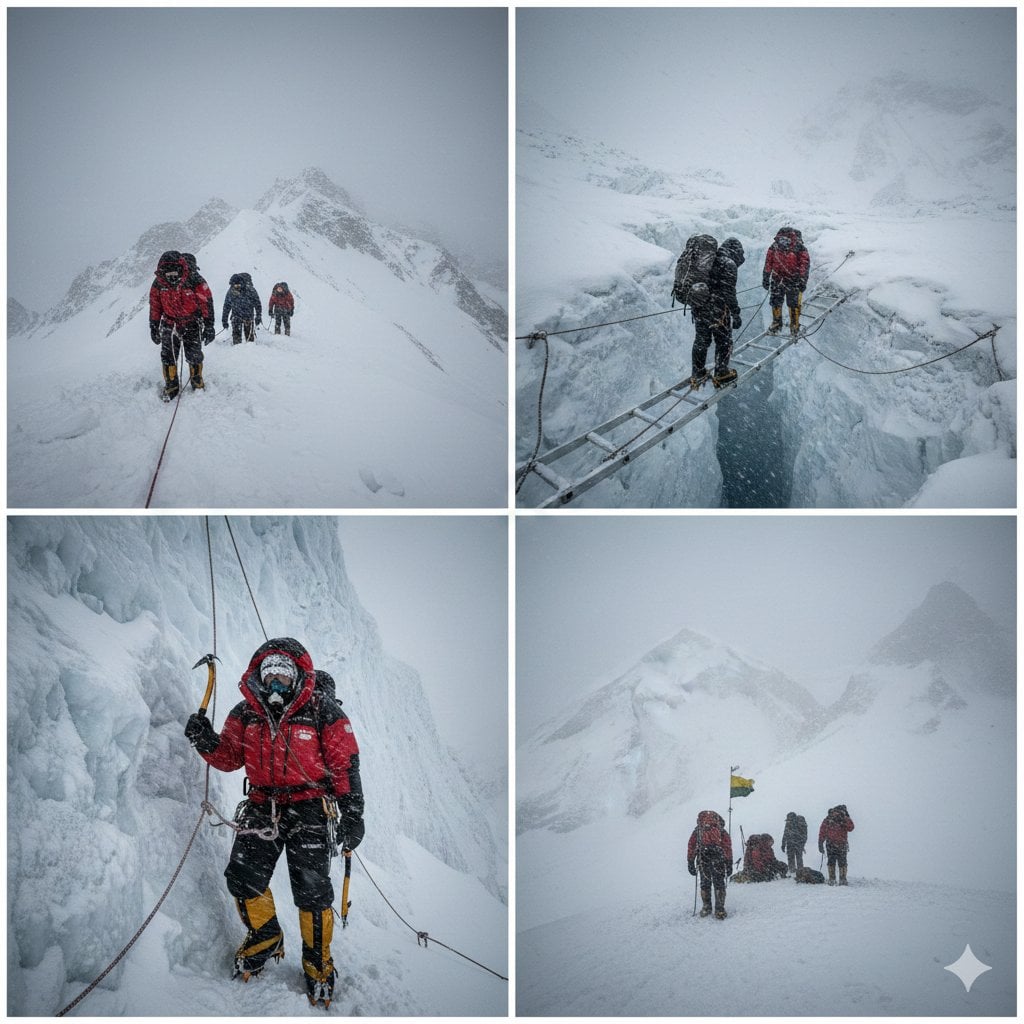
High-Altitude Mountaineering Cinematic Collage Prompt
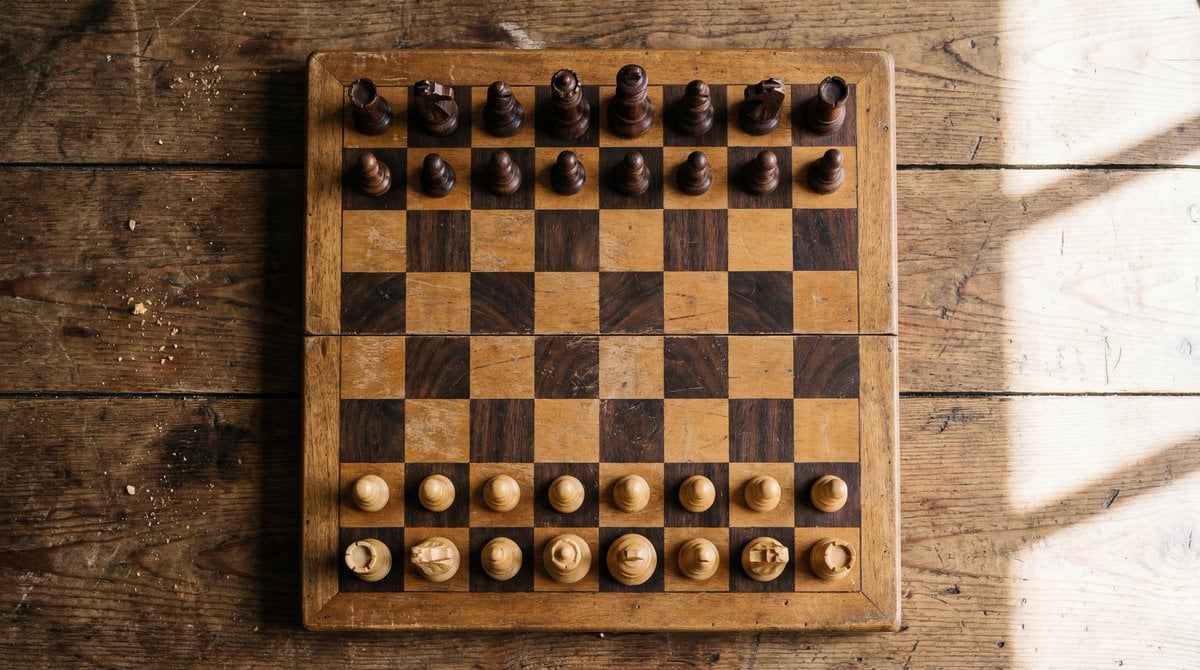
Top View of Chess Board in Starting Position
Structured JSON Prompt for Luxury Couple Editorial Campaign
Photorealistic Fashion Portrait with Urban Industrial Background
Collection of Low-Poly Origami Animals
Ultra-realistic Portrait of a Blonde Woman in Crochet Outfit
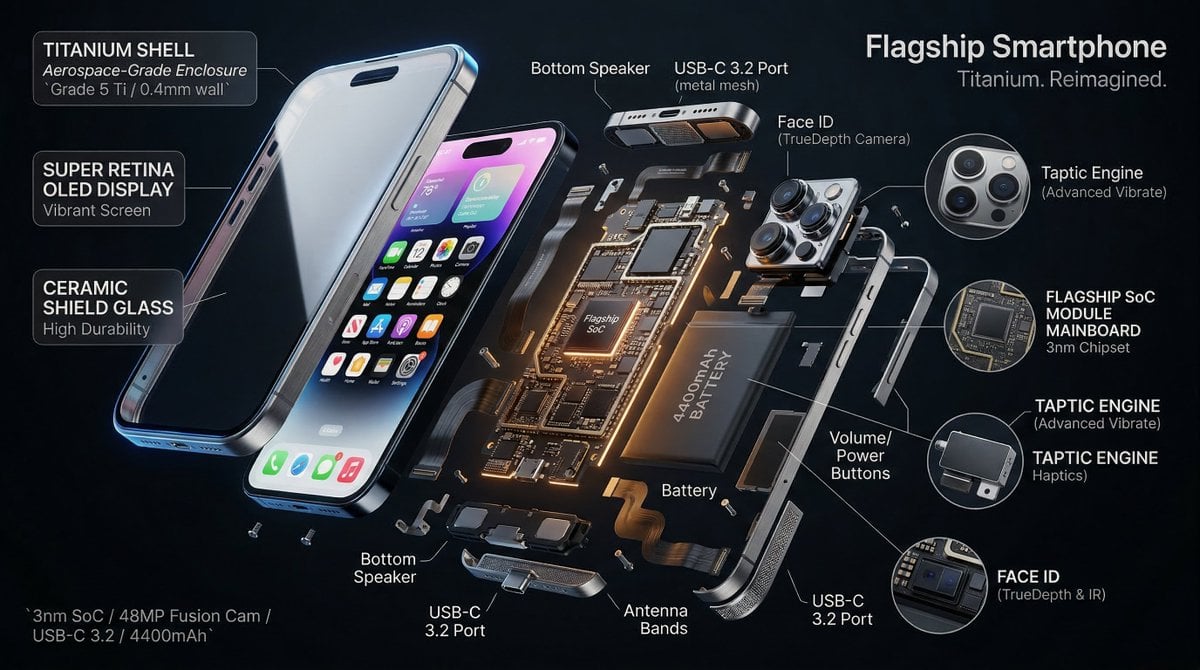
3D Radial Explosion Product Visualization Prompt for Nano Banana 2
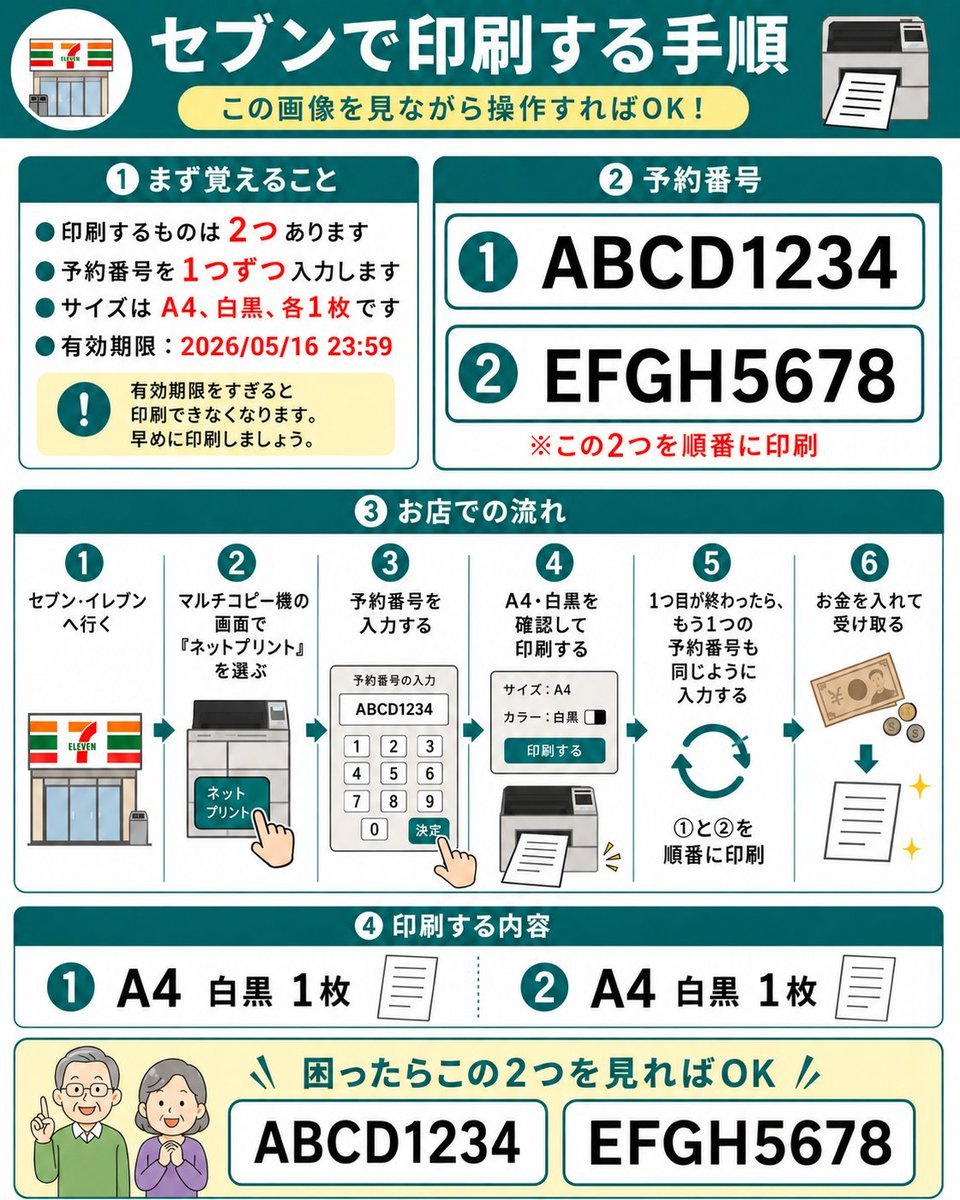
Eleven Net Print Instruction Sheet
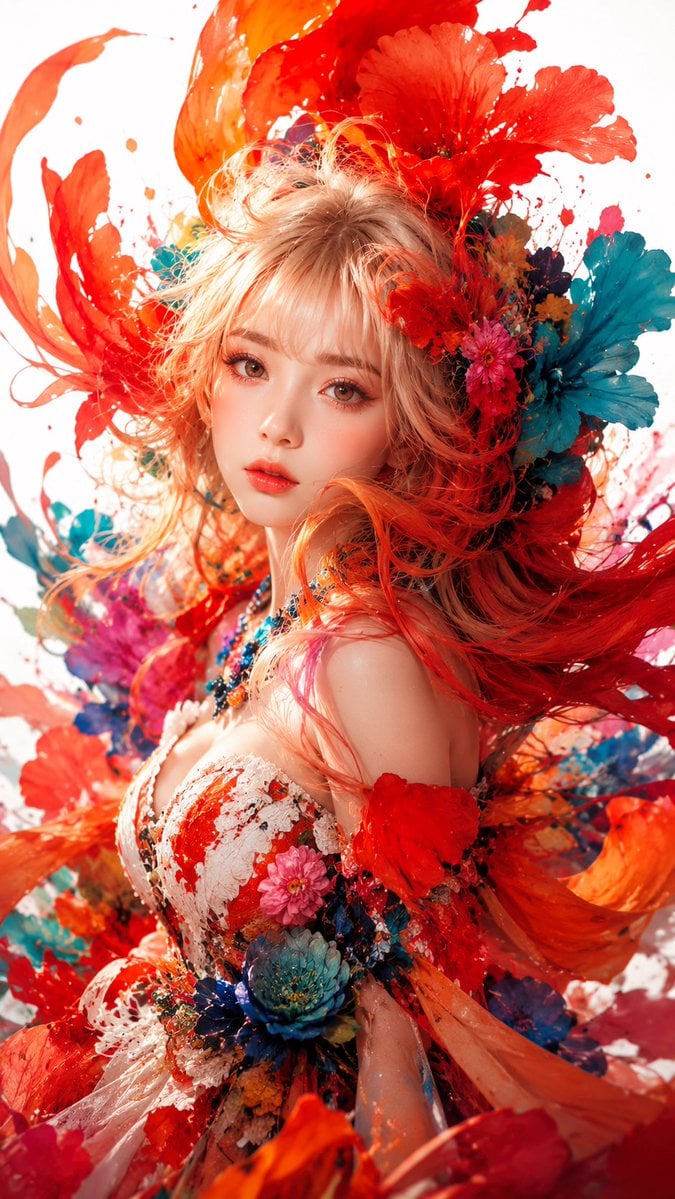
Surreal Floral Couture Portrait
Browse template categories
Golden Hour Tech Rivals Portrait questions
How do I use the Golden Hour Tech Rivals Portrait template?
Add your photo if the template asks for one, edit the prompt if you like — the template's model and format are already selected — and press Generate. Your version opens in PicX Studio.
Can I customize the Golden Hour Tech Rivals Portrait template?
Yes. You can change the subject, setting, lighting, mood, format, and available model controls before creating your image.
Is the Golden Hour Tech Rivals Portrait template free?
Opening and editing this template is free. Generating uses credits, shown on the Generate button when you are signed in.
Which AI model should I use?
Start with GPT Image 2, which is the model associated with this template. You can compare another compatible model for a different finish.
Looking for something else? Browse all templates.

Your photo, any look
Thousands of ready templates for every top image and video model, from one credit balance.