
Hyper Realistic Romantic Couple Portrait
Hyper Realistic Romantic Couple Portrait is a ready photo look for Nano Banana.

- Prompt included
- Model and format preset
- Free template
The prompt behind this image
Copy the exact prompt behind Hyper Realistic Romantic Couple Portrait, or open it in the studio and make it yours.
Create a hyper-realistic close-up portrait of a couple (use uploaded face 100%, don't alter). Boy has a mash shaggy with mullet textured hairstyle. The framing is messy, croppeu too close so only hold book. Both she and he wears an oversized red knit sweater with white hearts. His left hand leans on the wooden table and covers part of his cheek, and small smile slightly against his lips. other hand book holding book name is " Something I Never Told You", YOU written in pink colour.
How to use Hyper Realistic Romantic Couple Portrait in 3 steps
- 1Upload ImagePNG, JPG or paste
Add your photo
Upload the photo the template builds on. The prompt, model and format are already set.
- 2…a portrait of your subject in softgolden-hour light, 85mm…
Personalize
Edit the subject and creative details for your destination.
- 3Generate
Generate
Press Generate — your image is created in PicX Studio, so you can compare it with the original and refine one variable at a time.
More like this
Templates with the same subject, style or setup. Open one to see its prompt.

Cinema Date Popcorn Realistic By Nano Ba

Romantic Cinematic Still of a Couple in

Found Photograph: Us, 1970

80s Couple Studio Portrait

Comparing Realism Keywords in Midjourney

Enchanted Forest Root Kiss Scene By Nano

Nano Banana Pro Photoreal Playful Couple

Couple Goals from the Google Gemini Nano

Festive Couple Holiday Magic Template

Sunday Afternoon, 1988

Two Tickets, One Night

If We Met in 1985
Make it yours
Hyper Realistic Romantic Couple Portrait works as-is. These are the safest ways to change it without losing the look.
Change one field
Copy a single group, rewrite it, and generate again so you can see what that field is doing.
Keep the frame, change the subject
Hold the composition and light of 30-hyper-realistic-romantic-couple-portrait, then swap wardrobe, props or the person for a new take.
| If the result… | Why | Fix |
|---|---|---|
| The result drifts from the preview | Too many fields changed at once. | Reuse 30-hyper-realistic-romantic-couple-portrait as-is first, then change one group — subject, light, or setting. |
| The model over-stylizes the scene | The prose prompt leaves finish and camera underspecified. | Add one camera or lighting sentence and stay on Nano Banana. |
More Nano Banana templates
Other prompts made for Nano Banana.










More image prompts
Fresh picks from across the catalog.
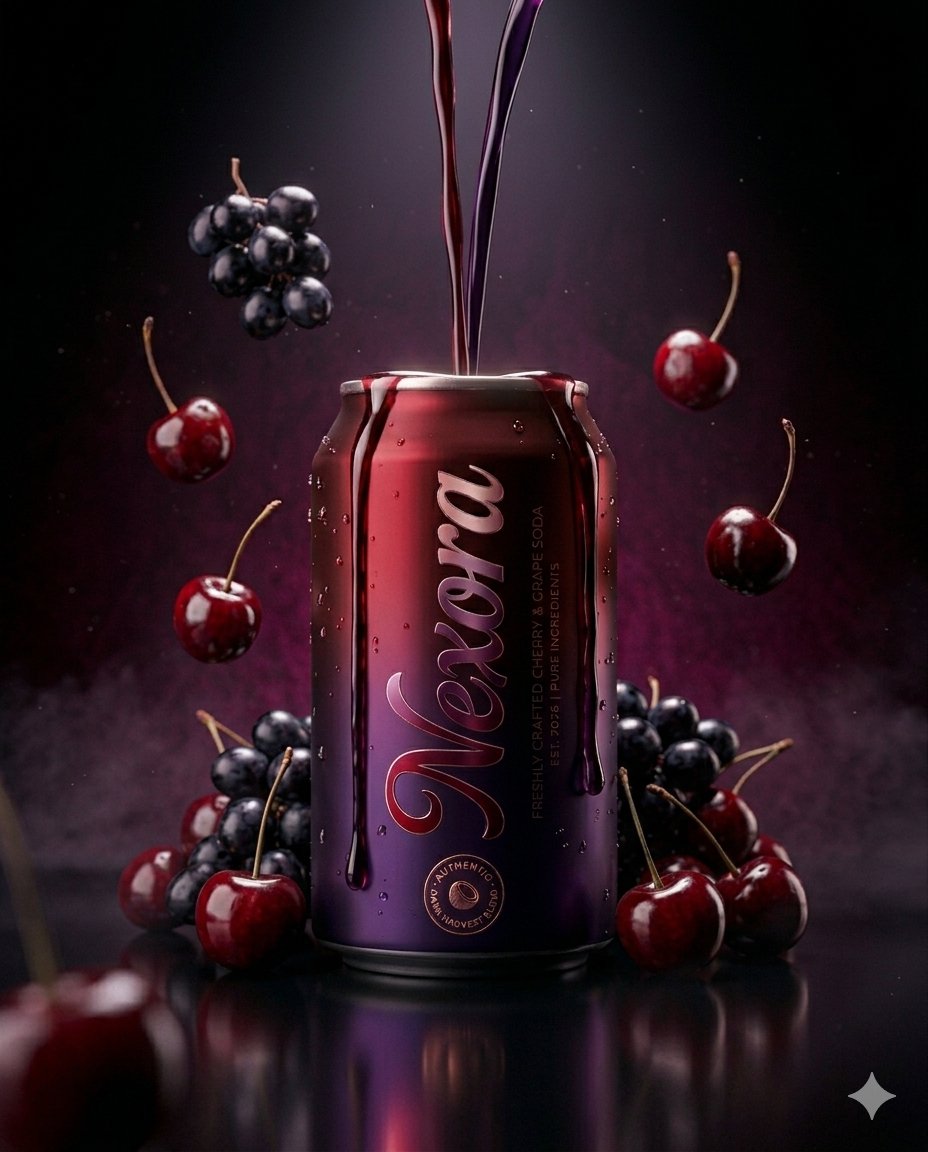
Ultra-realistic Beverage Product Photography Prompt
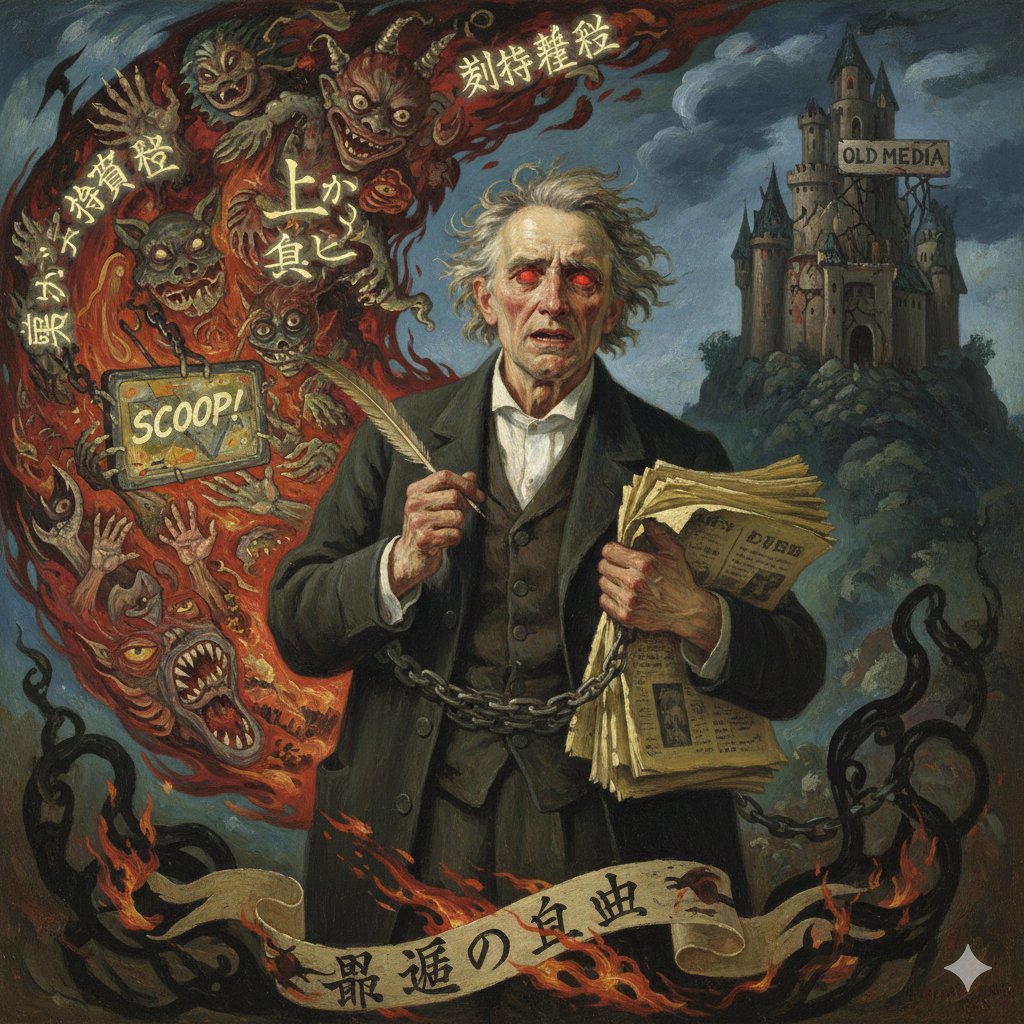
Image Generation Prompt for Chopin in Delacroix Style (Attempt 2)
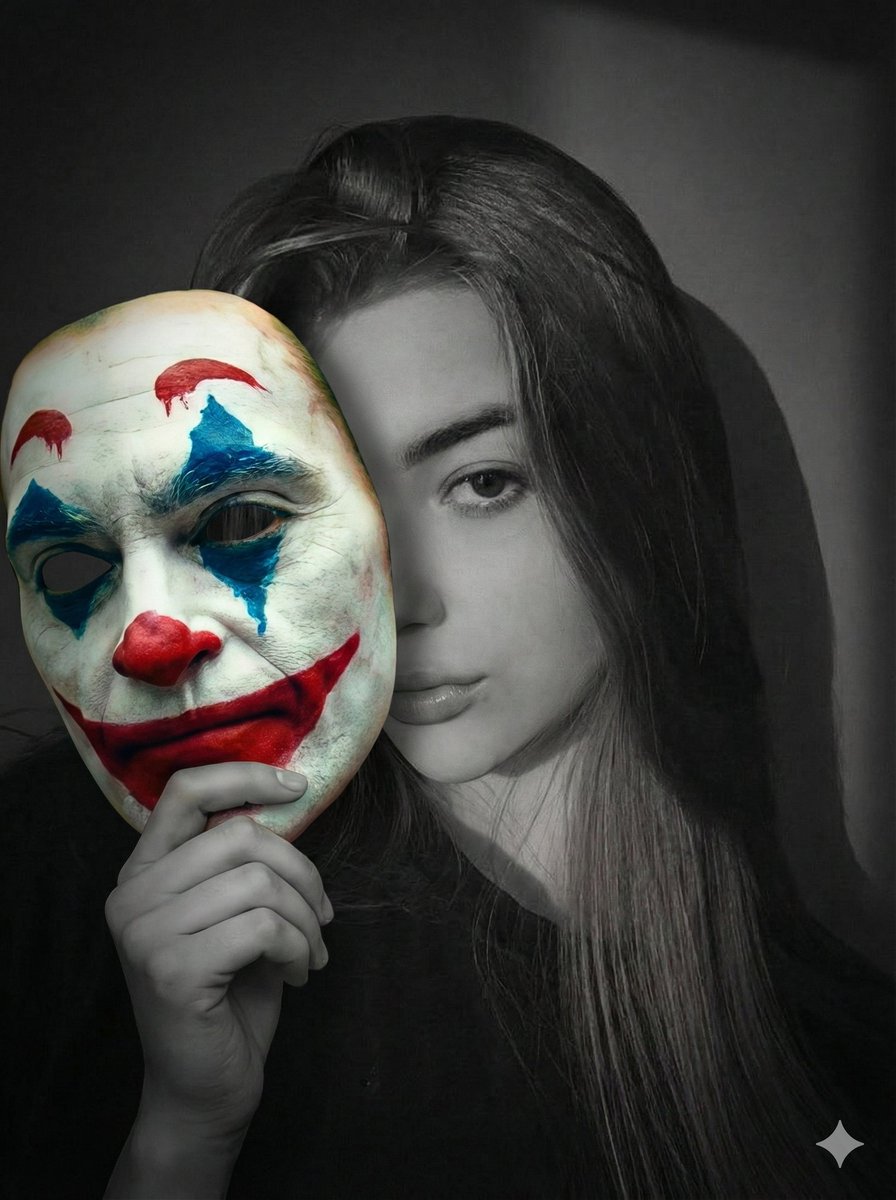
Cinematic Portrait Prompt: Grayscale Subject with Colorful Joker Mask
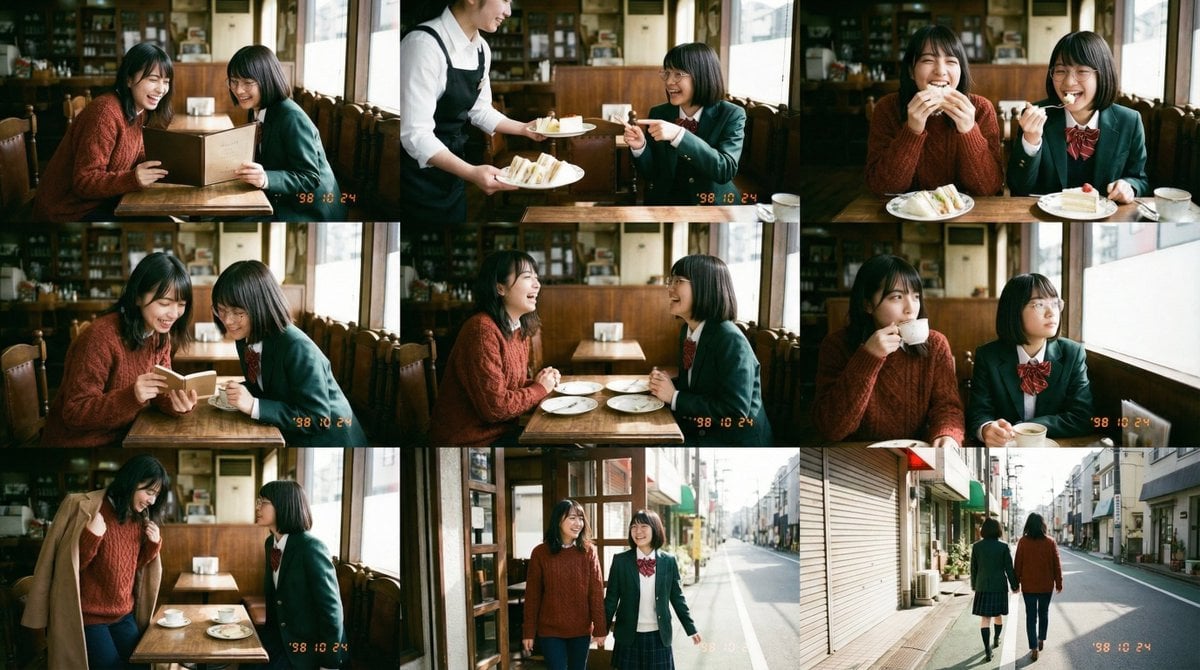
Panel Episode Continuation Prompt
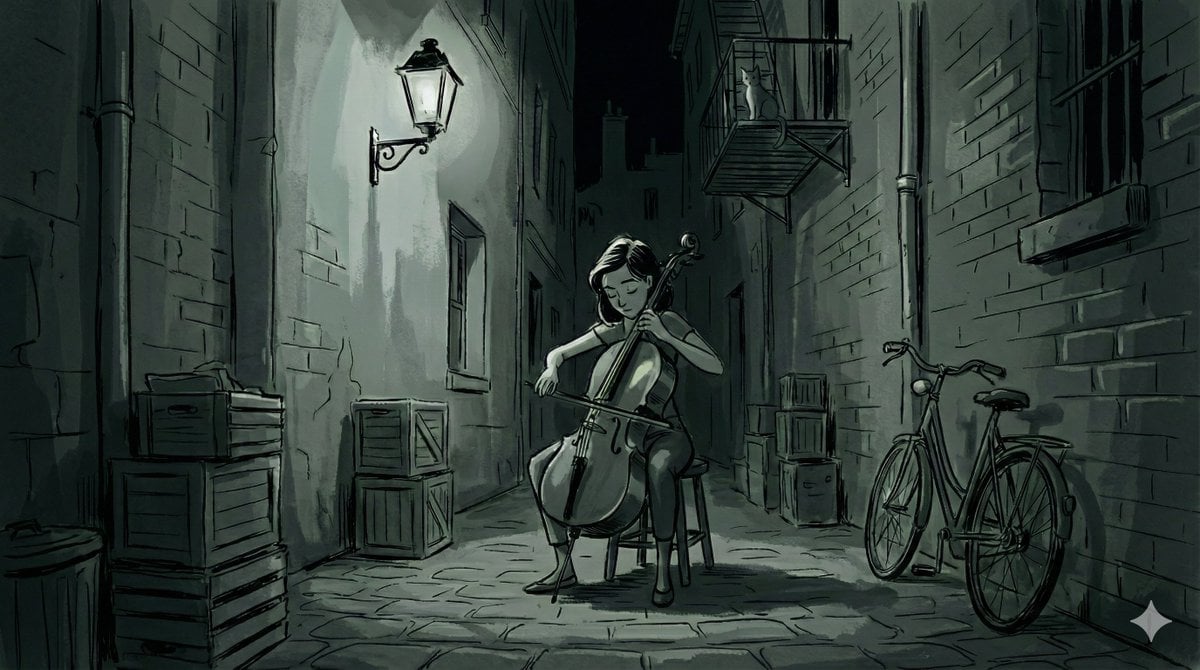
Nano Banana Pro Style Variations
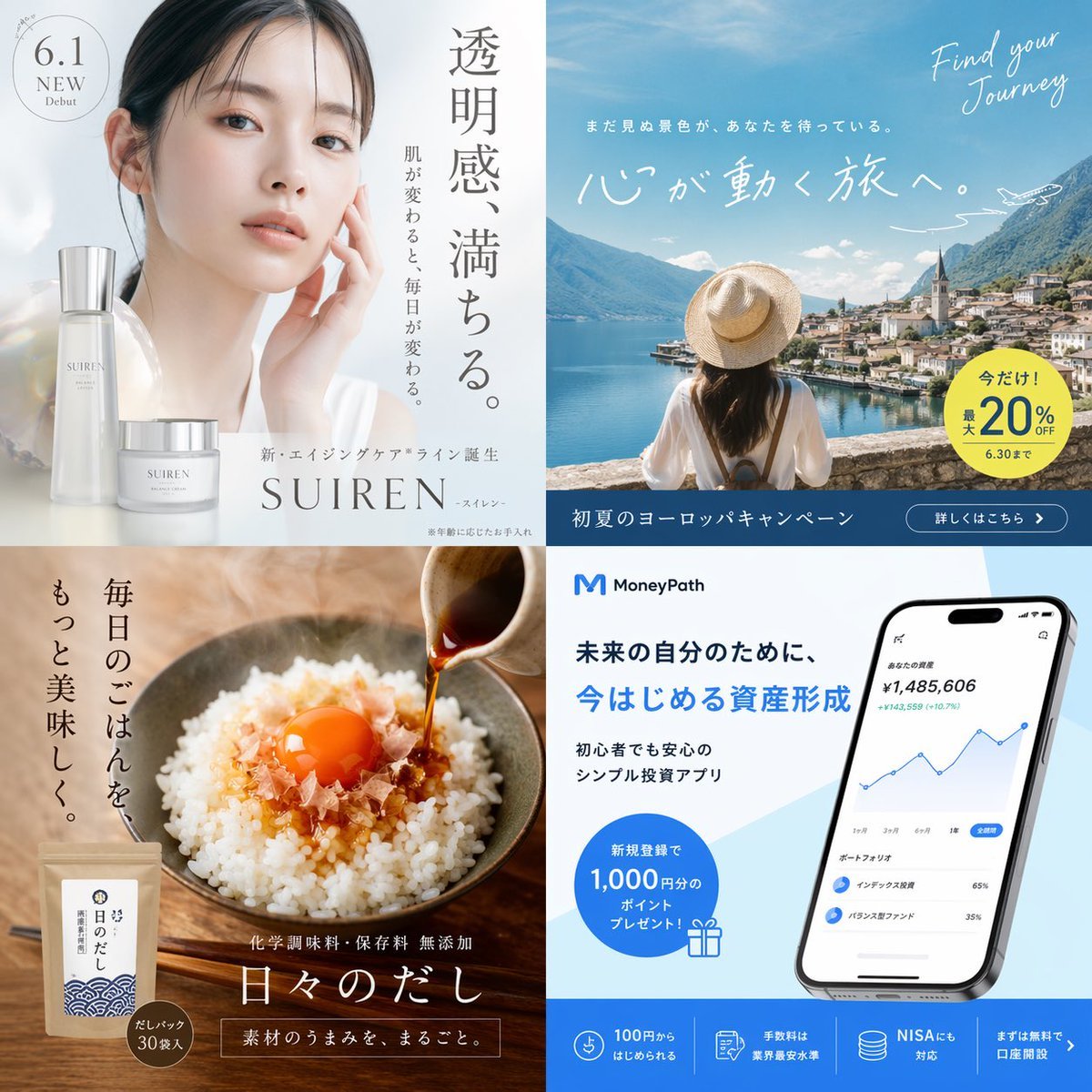
Panel Japanese Advertising Grid
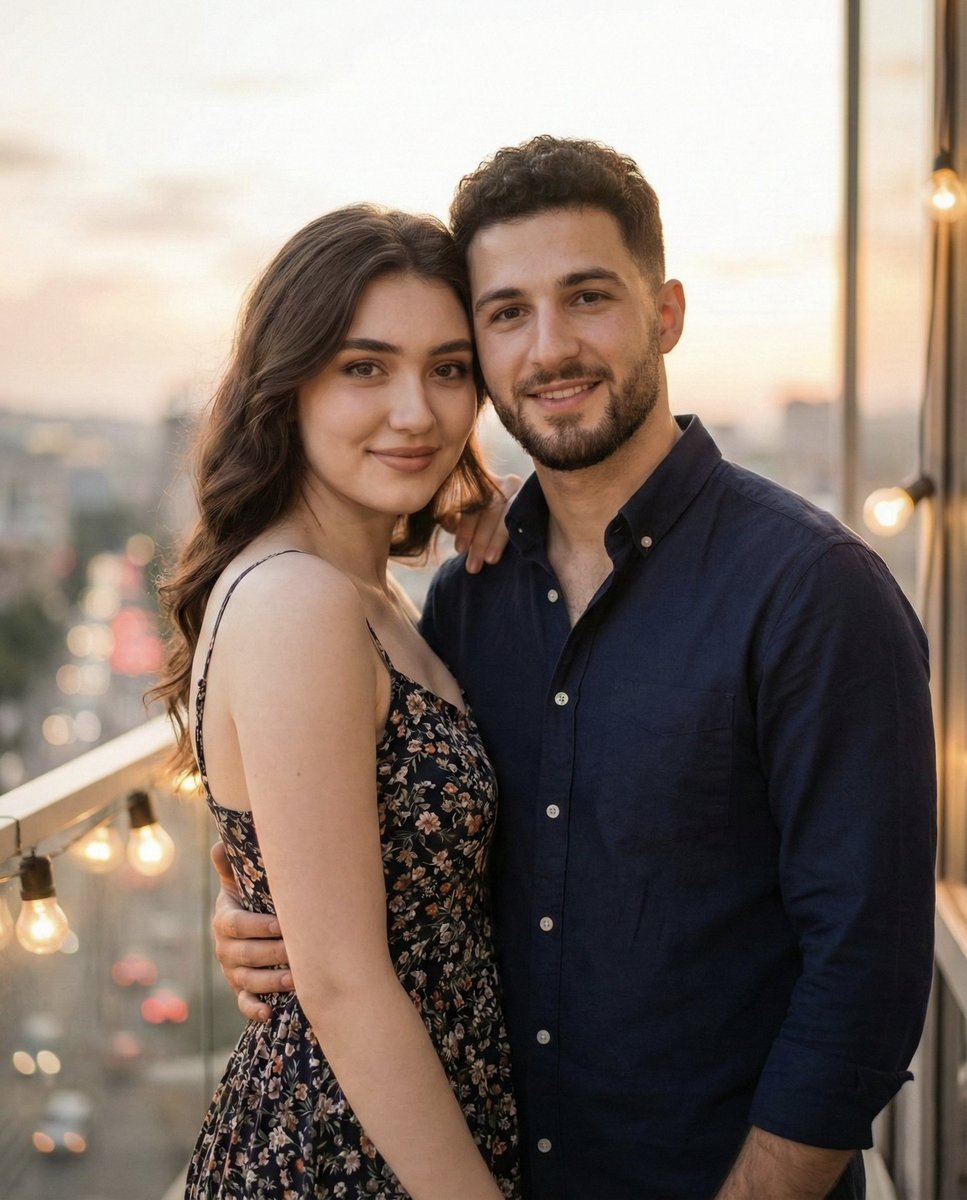
Photorealistic Romantic Couple Portrait with Identity Preservation
![[ Just upload your portrait to generate it ] Prom](https://cdn.picxstudio.com/cdn-cgi/image/format=auto,quality=85,fit=scale-down,onerror=redirect,width=3840,metadata=none/templates/media/image/783884dc42e5c41aafc56600151d0ddc.jpg)
[ Just upload your portrait to generate it ] Prom
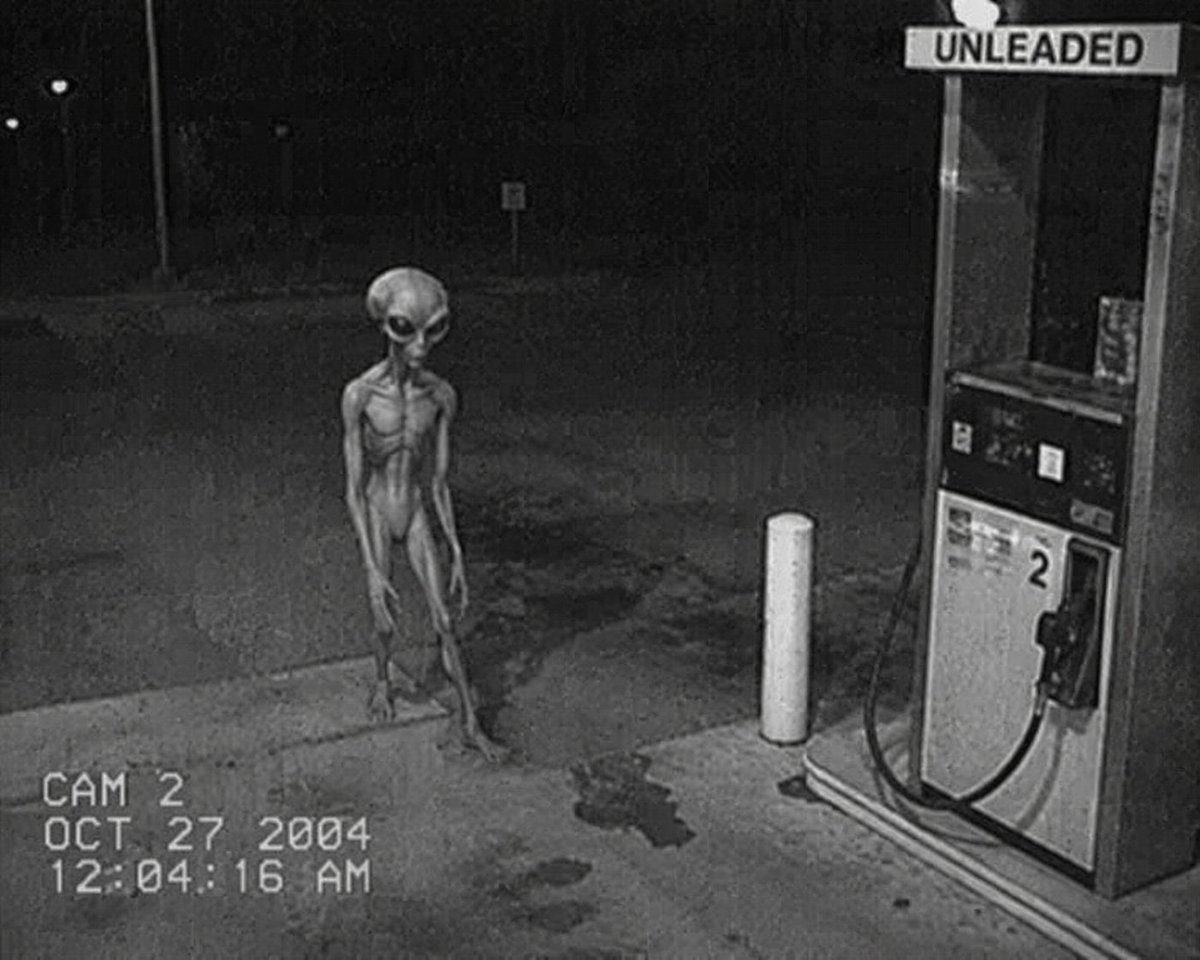
CCTV Security Camera Footage
Mint Compact Car by the Sea
Browse template categories
Hyper Realistic Romantic Couple Portrait questions
How do I use the 30-hyper-realistic-romantic-couple-portrait template?
Add your photo if the template asks for one, edit the prompt if you like — the template's model and format are already selected — and press Generate. Your version opens in PicX Studio.
Can I customize the 30-hyper-realistic-romantic-couple-portrait template?
Yes. You can change the subject, setting, lighting, mood, format, and available model controls before creating your image.
Is the 30-hyper-realistic-romantic-couple-portrait template free?
Opening and editing this template is free. Generating uses credits, shown on the Generate button when you are signed in.
Which AI model should I use?
Start with Nano Banana, which is the model associated with this template. You can compare another compatible model for a different finish.
Looking for something else? Browse all templates.

Your photo, any look
Thousands of ready templates for every top image and video model, from one credit balance.