
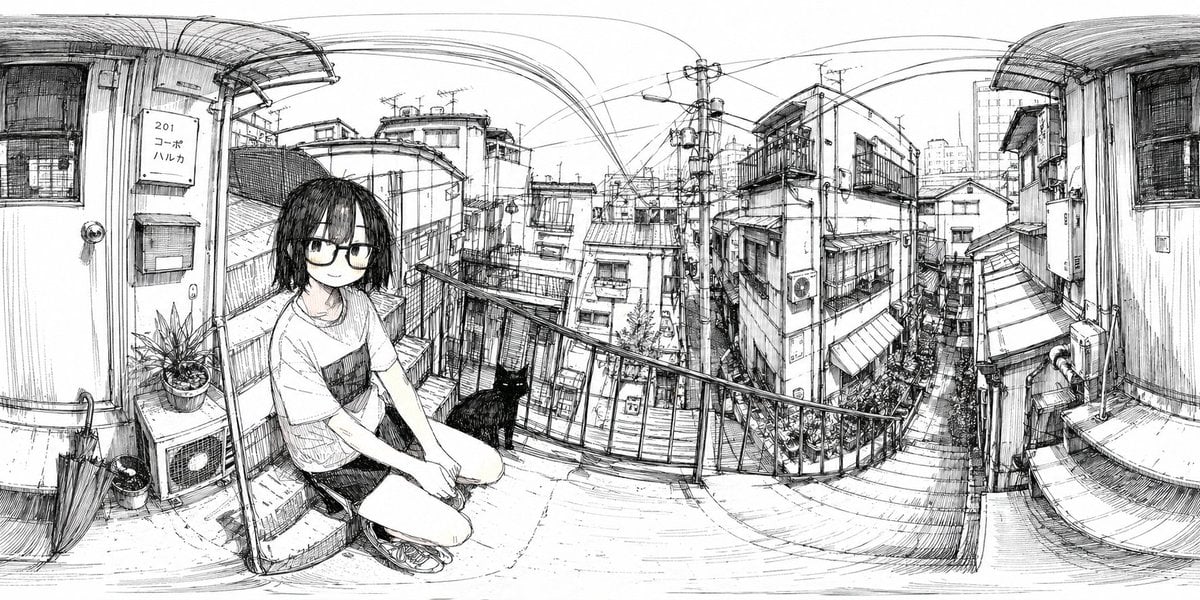
Ink 360 Panorama of Tokyo Backstreet
A hand-drawn black-and-white panoramic city sketch for creating immersive 360-degree Japanese urban scenes with a human figure and cat.
- Prompt included
- Model and format preset
- Free template
The prompt behind this image
Copy the exact prompt behind Ink 360 Panorama of Tokyo Backstreet, or open it in the studio and make it yours.
A monochrome black-ink line drawing designed specifically as a 360-degree panorama in equirectangular projection, with strong panoramic warping and curved architectural lines across the entire extra-wide frame. The scene is a narrow outdoor landing or walkway in a dense Japanese urban residential neighborhood, viewed from eye level, with the left and right edges bending upward as if wrapped for VR or polar panorama conversion. In the left foreground, a young woman with a deliberately blurred face crouches on the concrete floor near a metal railing, wearing a loose short-sleeve T-shirt with a dark chest pocket, shorts, and sneakers; her medium-length dark hair hangs forward. Next to her, exactly 1 black cat sits on the ground facing toward the city view. Also in the left foreground are exactly 1 closed umbrella leaning against the wall, exactly 2 plant pots, exactly 1 outdoor air-conditioning unit, exactly 1 mailbox, exactly 1 doorbell/intercom, and exactly 1 vertical apartment sign reading “201 コーポ ハルカ.” The midground opens to a descending staircase and tightly packed houses and apartment buildings with balconies, awnings, windows, utility boxes, and narrow alleyways. The background is filled with an intricate web of power poles, transformers, and overhead electrical wires stretching across the sky in dramatic arcs. Render everything with fine pen-and-ink hatching, sketchbook crosshatching, architectural detail, and a quiet observational manga-travel-sketch aesthetic on a clean white background, no color, no gray wash except the intentional face blur. Emphasize everyday realism, dense city texture, slight fisheye distortion, and the feeling of standing inside a hand-drawn panoramic slice of Tokyo. Use {argument name="aspect ratio" default="2:1"} panoramic composition and preserve the image as a seamless 360 environment illustration suitable for conversion into a polar panorama. Optionally let the crouching subject be {argument name="character description" default="young woman in casual summer clothes"} and the neighborhood be {argument name="location style" default="dense Japanese residential backstreet"}.
How to use Ink 360 Panorama of Tokyo Backstreet in 3 steps
- 1Upload ImagePNG, JPG or paste
Add your photo
Upload the photo the template builds on. The prompt, model and format are already set.
- 2…a portrait of your subject in softgolden-hour light, 85mm…
Personalize
Edit the subject and creative details for your destination.
- 3Generate
Generate
Press Generate — your image is created in PicX Studio, so you can compare it with the original and refine one variable at a time.
More like this
Templates with the same subject, style or setup. Open one to see its prompt.

Vintage Lithograph Retro World Cup Poster
Vintage Lithograph Retro World Cup Poster
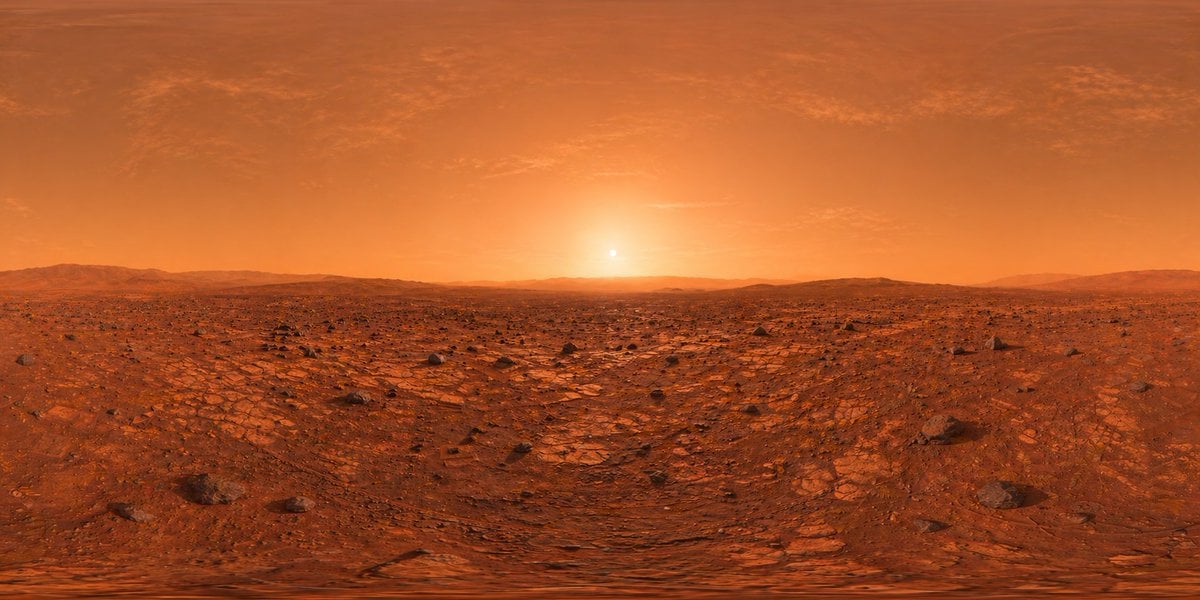
Mars Panorama Generator
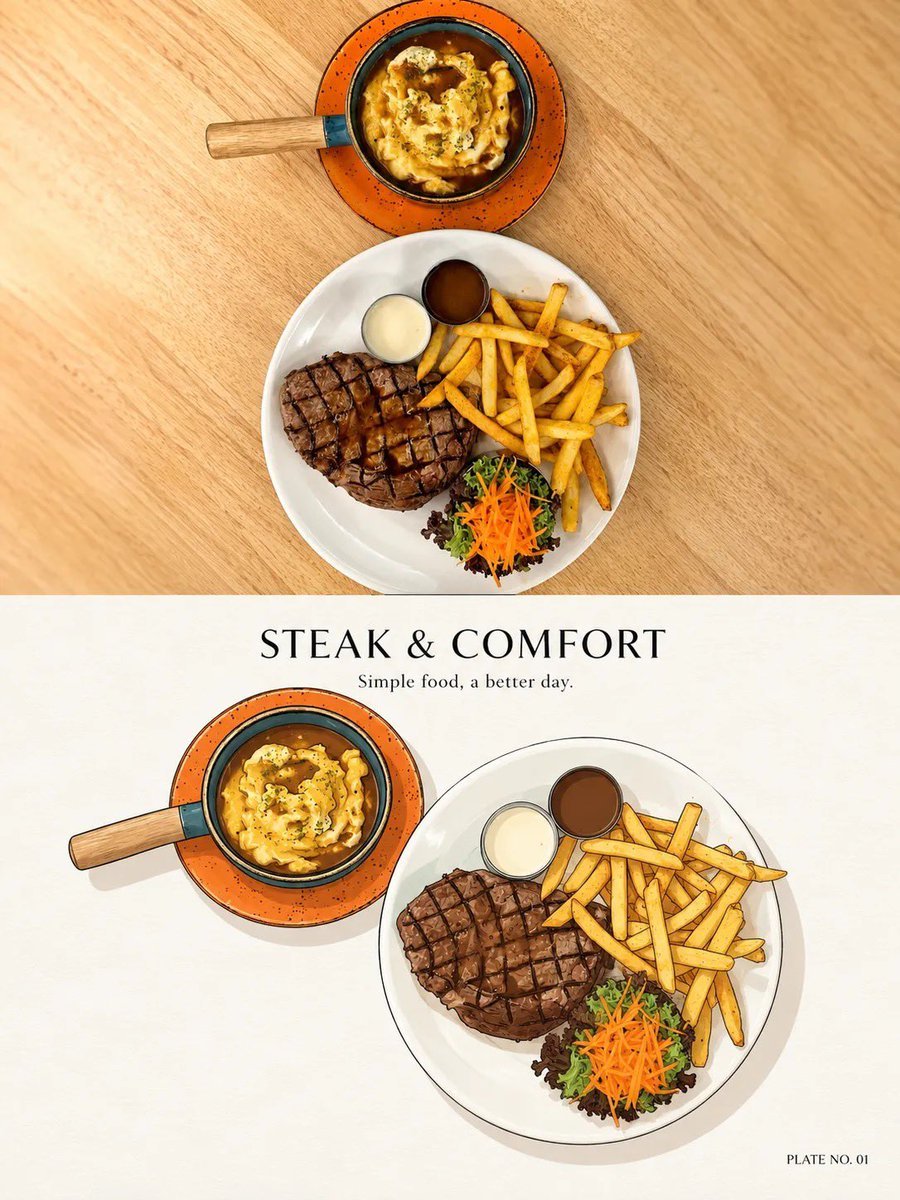
Minimal Ink Vignette Archive
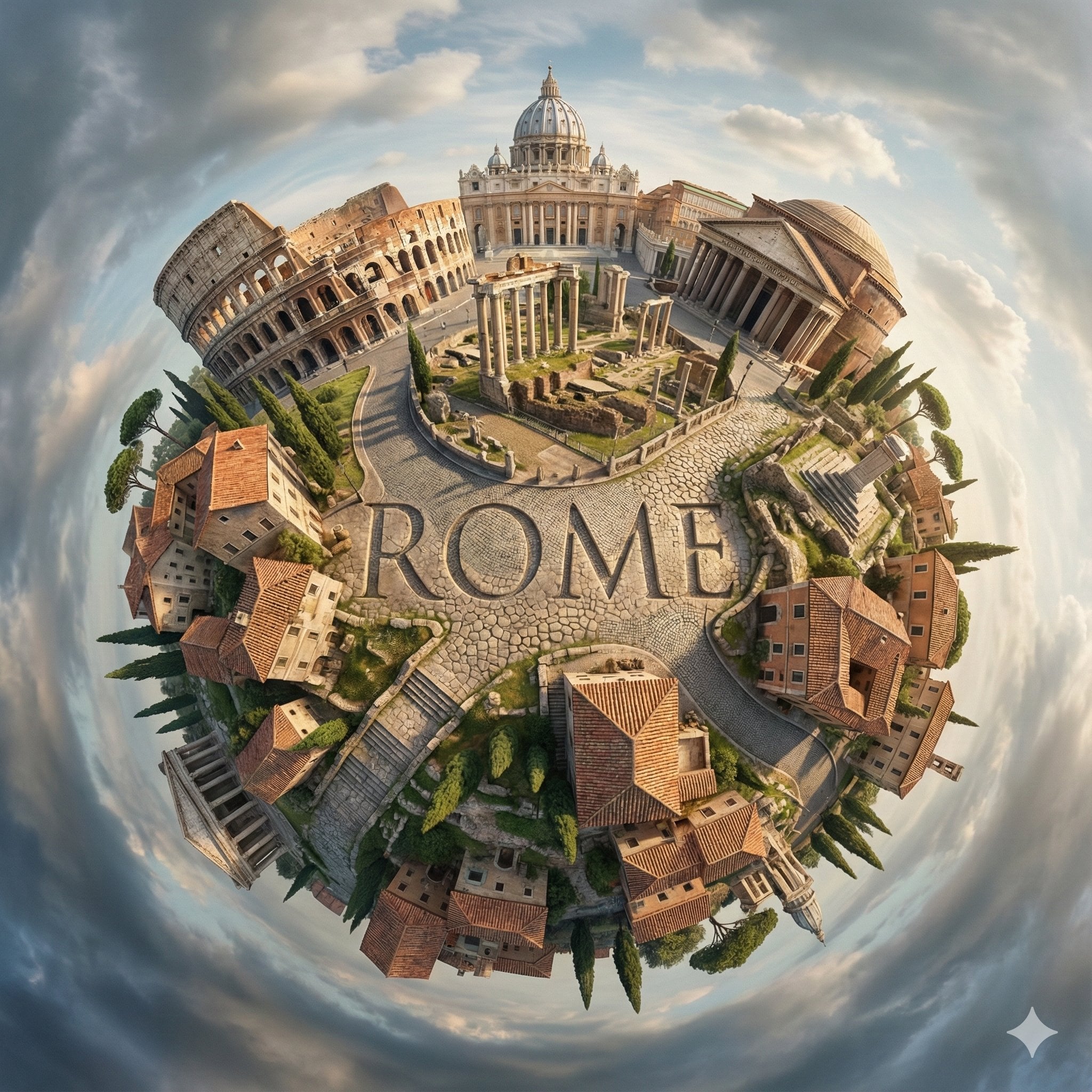
City Spherical Panorama Tiny Planet
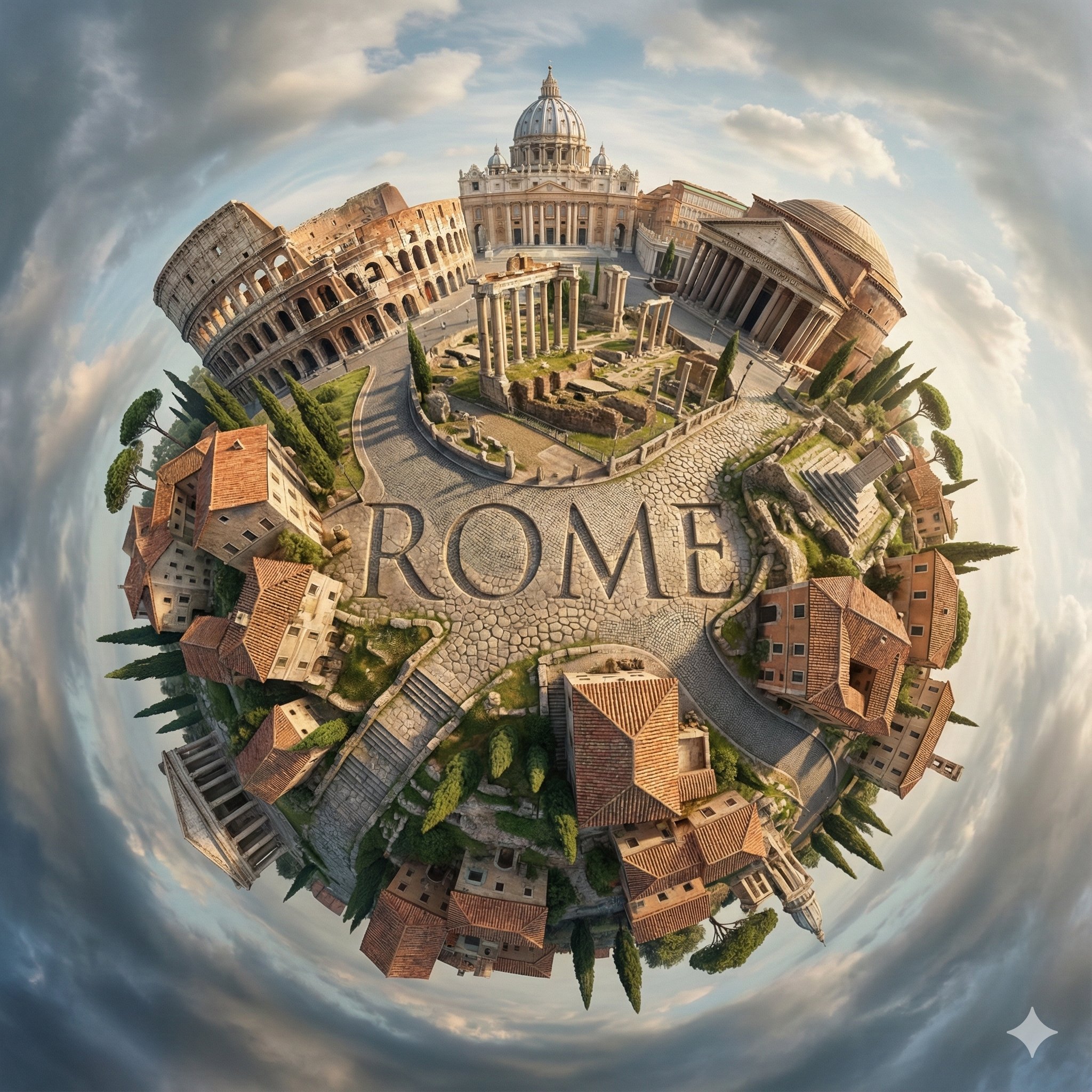
Hyperrealistic, surreal spherical panorama with its most iconic
Angel Shih Tzu Over Ink Pond
Tokyo Night Crosswalk Fashion Portrait
Ink-Twin Doodle Stylization
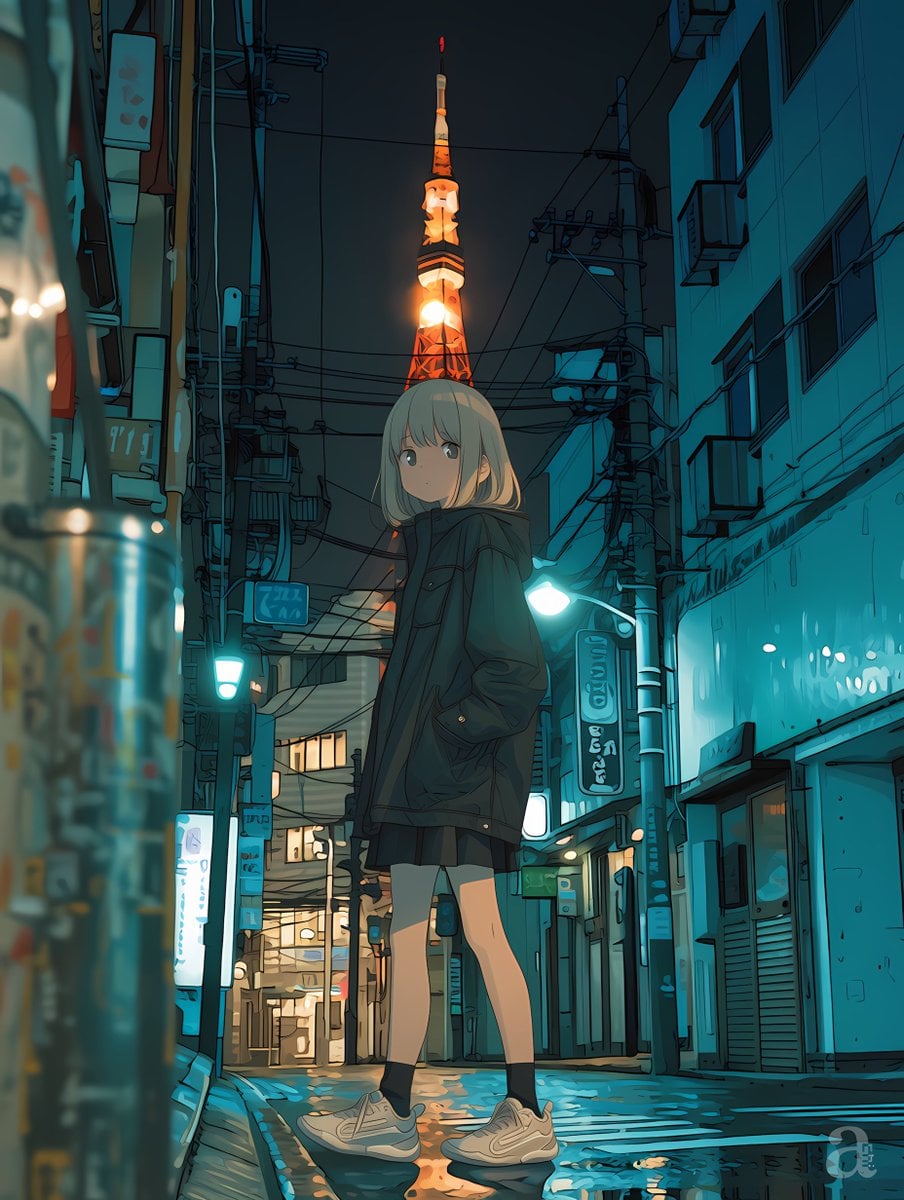
Anime Girl in Rainy Tokyo Alley

Anime Catgirl in Chinese Ink Landscape
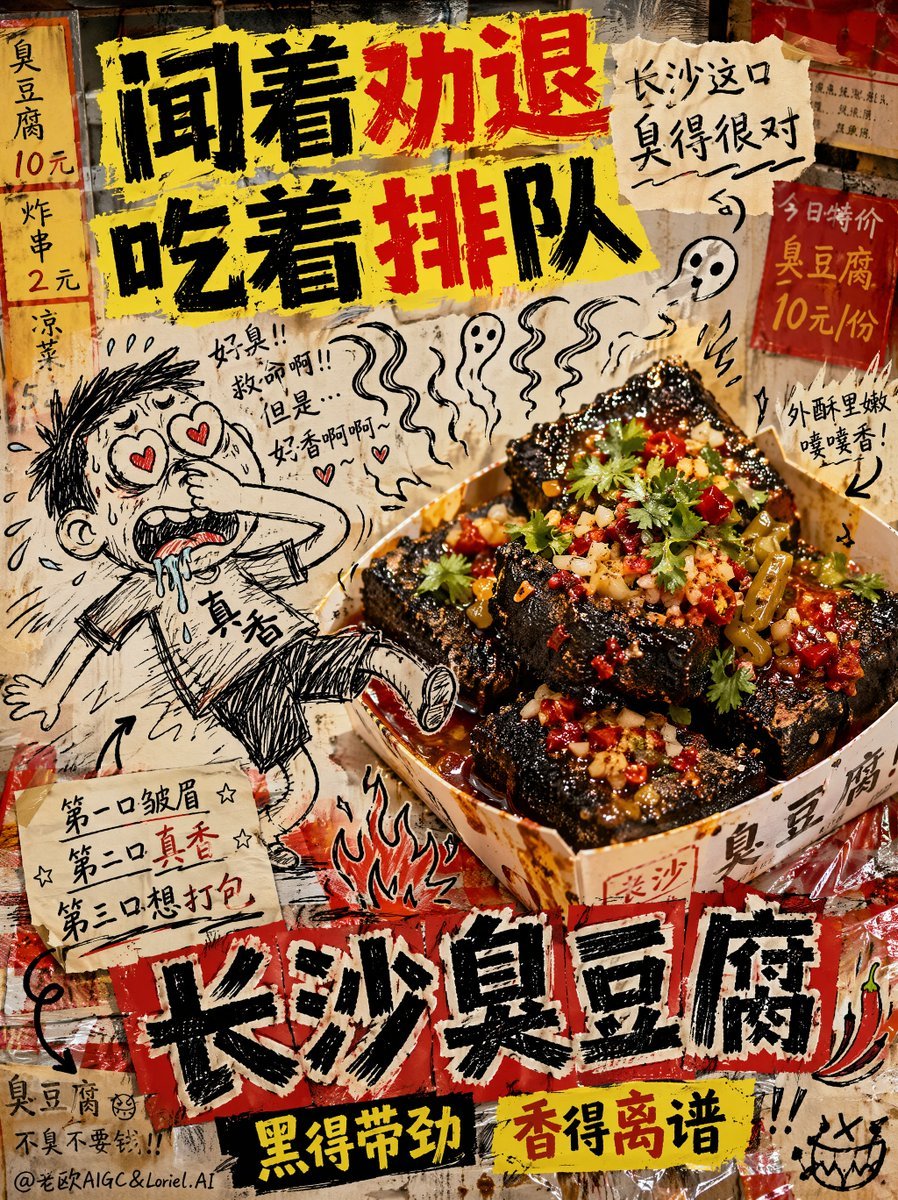
Anti-Design Stinky Tofu Advertisement
Make it yours
Ink 360 Panorama of Tokyo Backstreet works as-is. These are the safest ways to change it without losing the look.
Change one field
Copy a single group, rewrite it, and generate again so you can see what that field is doing.
Keep the frame, change the subject
Hold the composition and light of Ink 360 Panorama of Tokyo Backstreet, then swap wardrobe, props or the person for a new take.
| If the result… | Why | Fix |
|---|---|---|
| The result drifts from the preview | Too many fields changed at once. | Reuse Ink 360 Panorama of Tokyo Backstreet as-is first, then change one group — subject, light, or setting. |
| The model over-stylizes the scene | The prose prompt leaves finish and camera underspecified. | Add one camera or lighting sentence and stay on GPT Image 2. |
More GPT Image 2 templates
Other prompts made for GPT Image 2.

Six VTuber Japanese Logo Sheet

Realistic Portrait of Woman and Deer

The Vista Modular Condo Poster

AI Model Routing Comparison Infographic

2.5D Anime Art Board

Isometric Productivity Desk Scene

New York Double Exposure Poster

Four-Panel AI Landscape Comparison

Japanese Tatami Lifestyle Magazine Cover

NESCAFÉ Coffee Map Poster
More image prompts
Fresh picks from across the catalog.
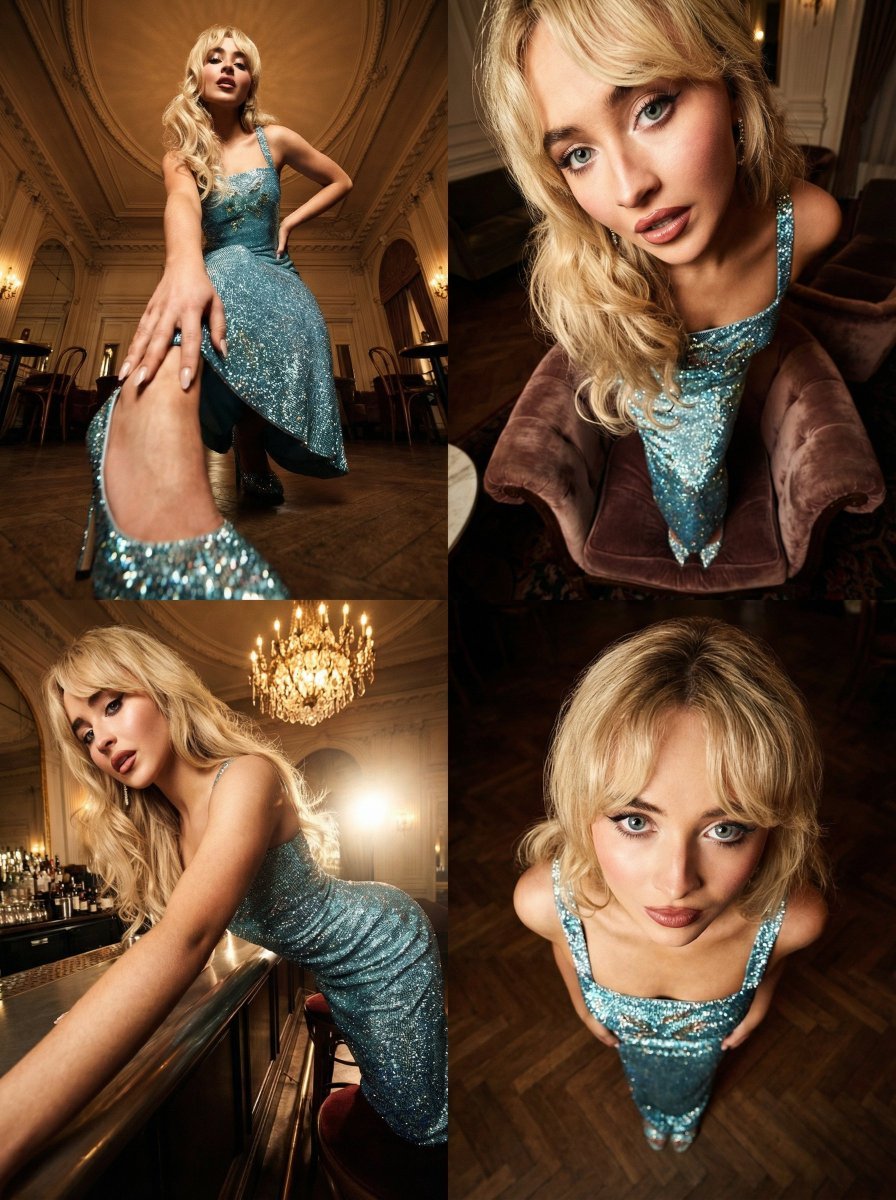
Dramatic Cinematic Style Transformation Prompt
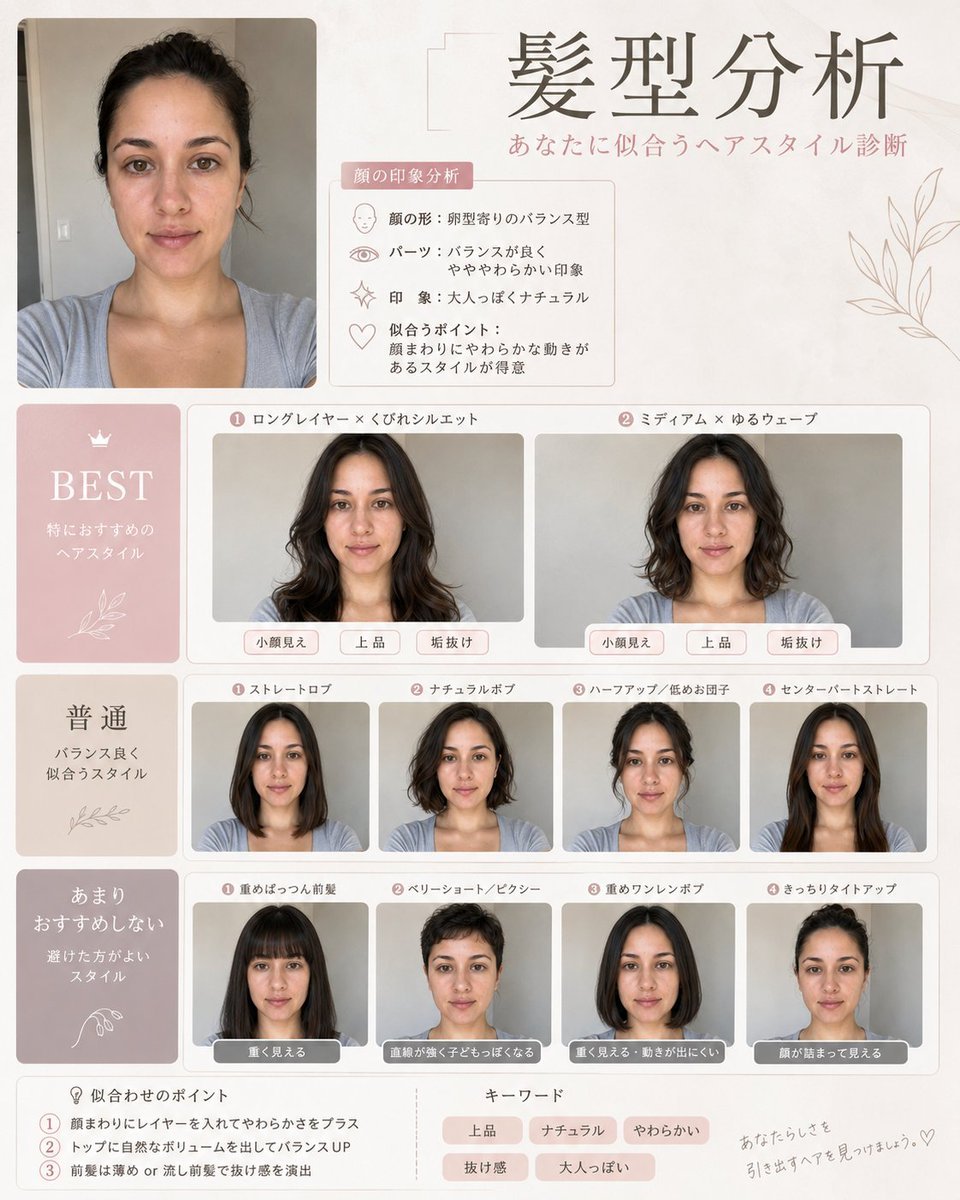
Professional Hairstyle and Makeup Analysis Guide
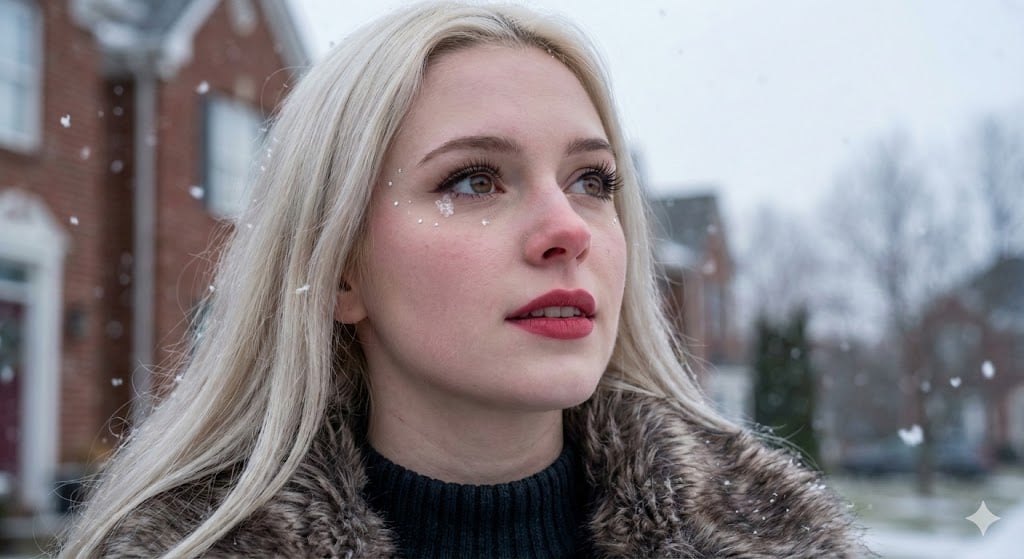
Hyper-Photorealistic Winter Glamour Close-up Prompt
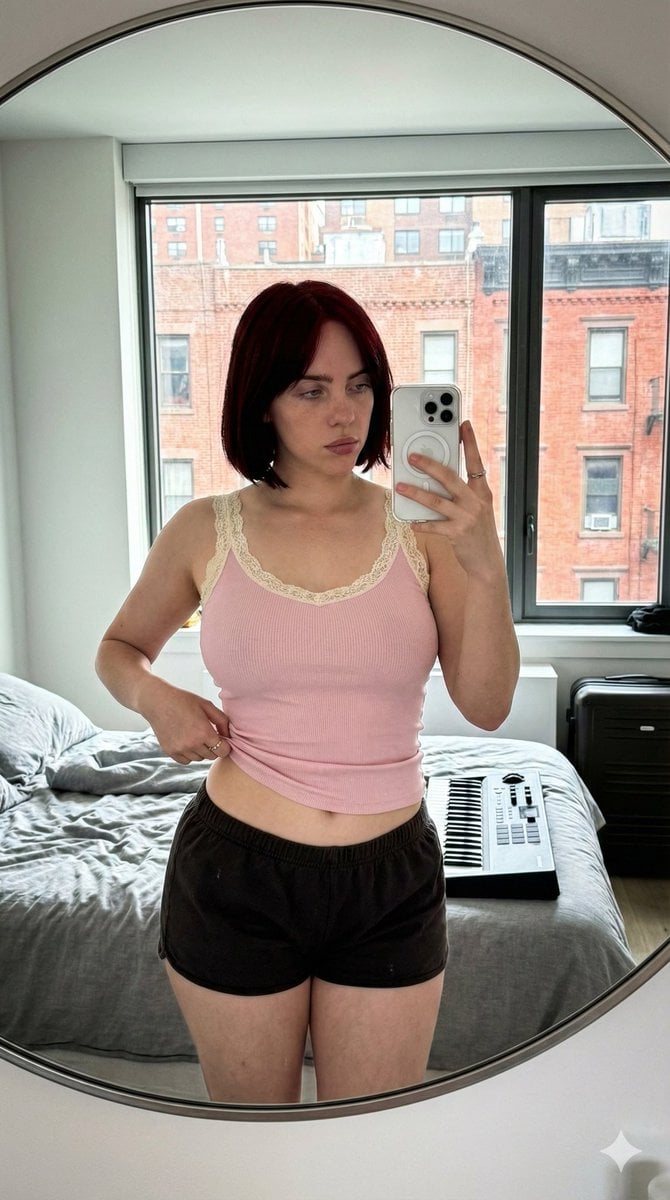
Ultra-Wide Candid Mirror Documentation Portrait Prompt
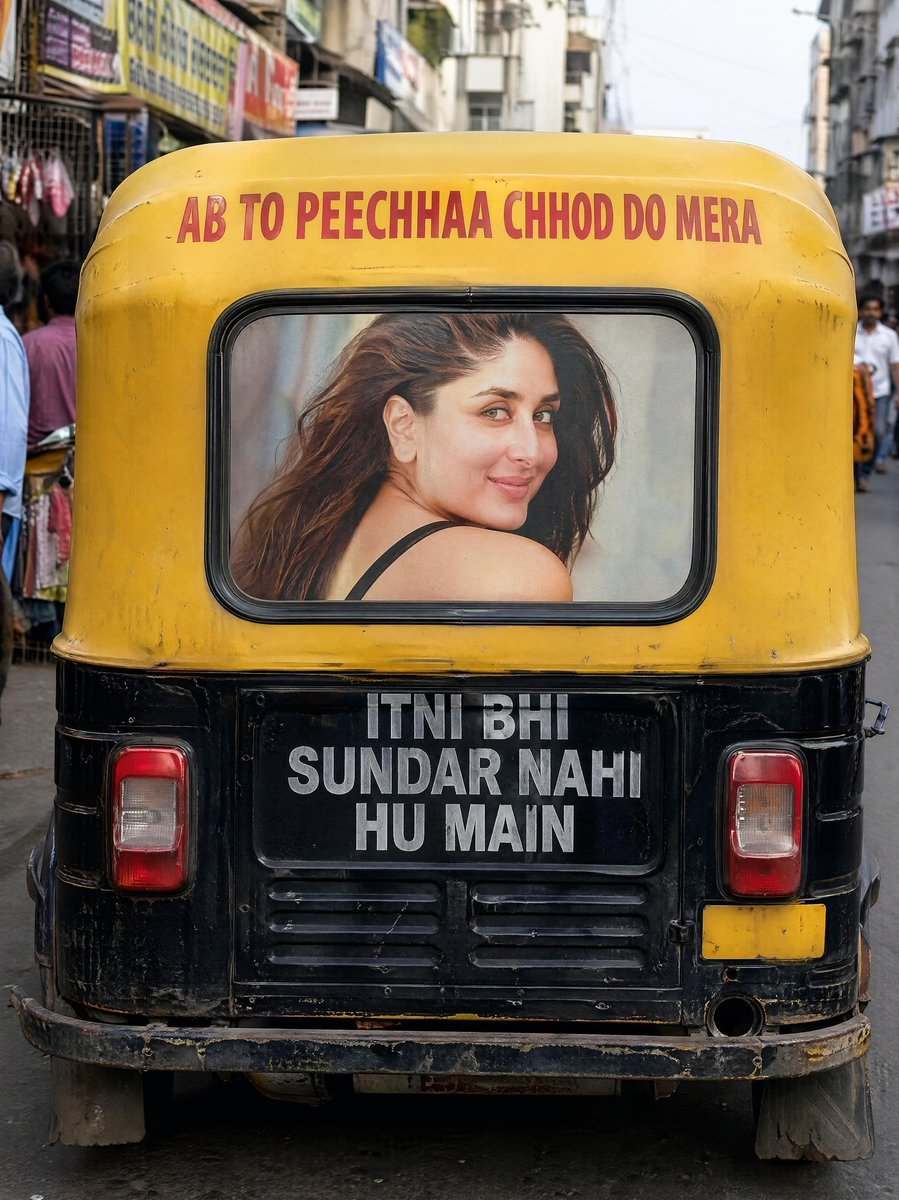
Indian Auto Rickshaw Street Photo
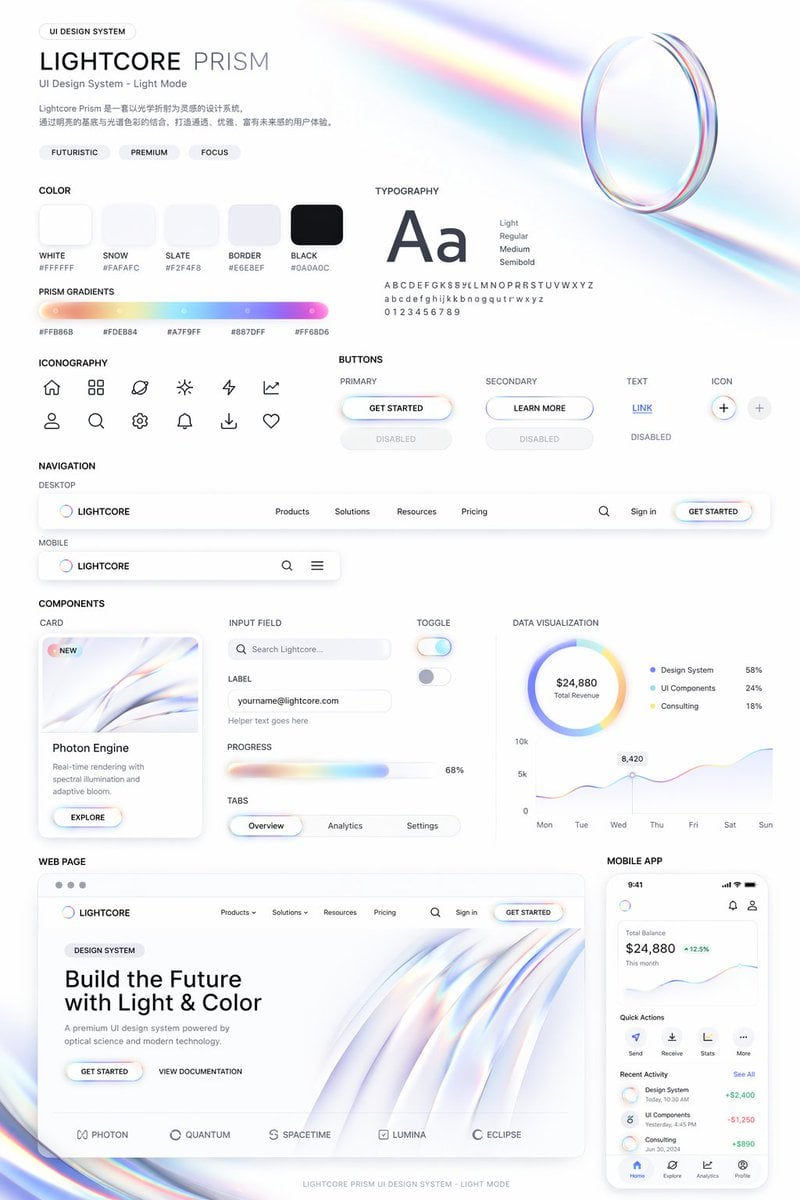
Light Mode UI Design System Board
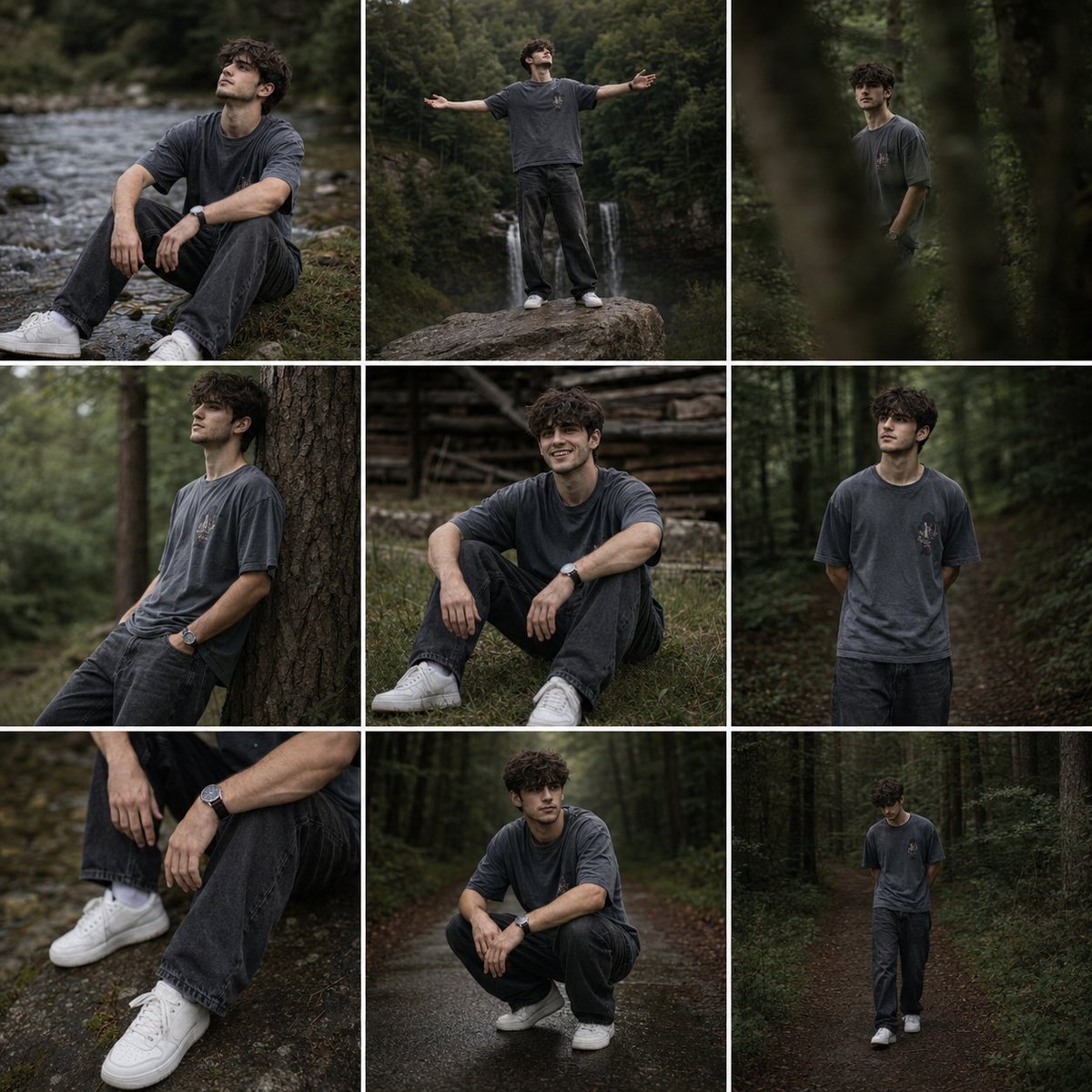
Forest Lifestyle Editorial Moodboard
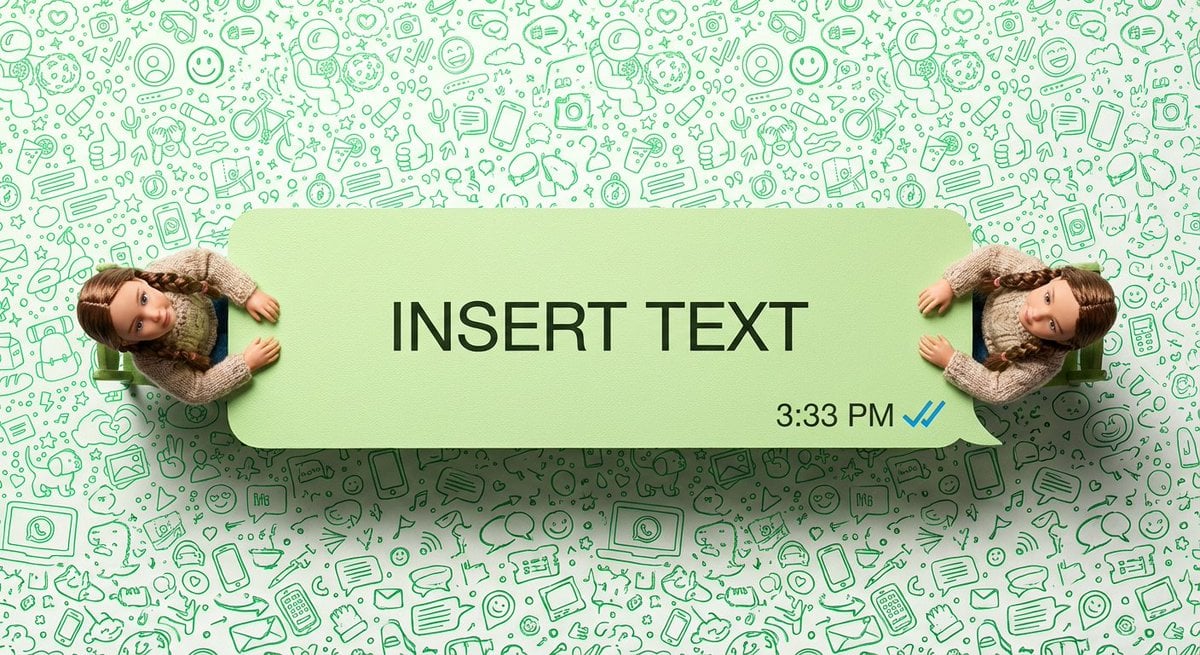
WhatsApp Speech Bubble Dining Table Macro Shot
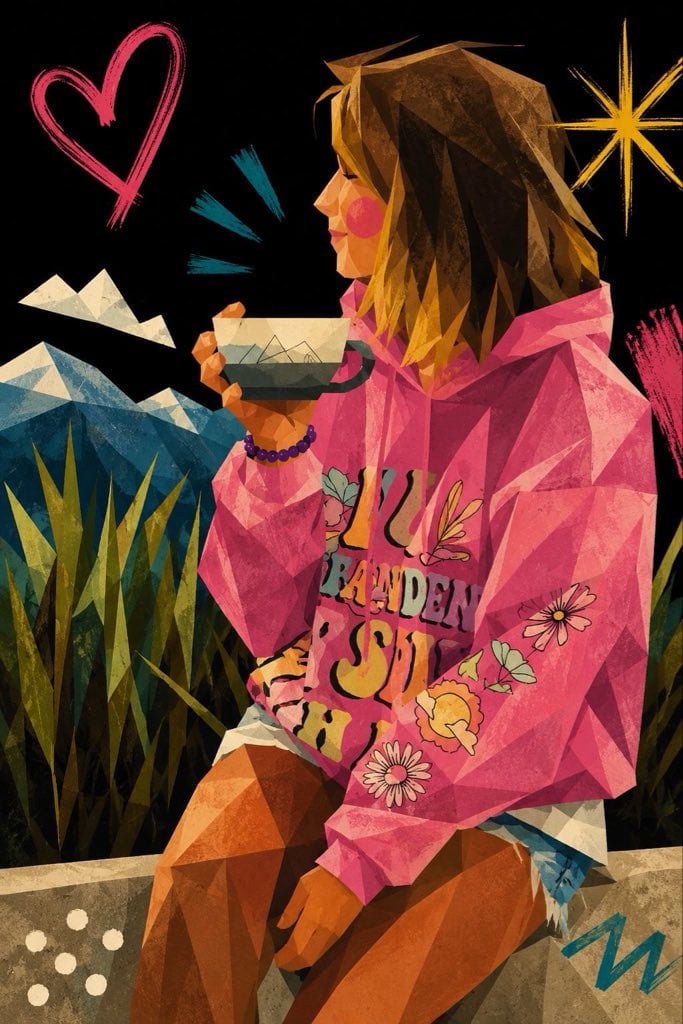
Cubist Minimalist Fashion Portrait

Black and White Dynamic Street Fashion Prompt
Browse template categories
Ink 360 Panorama of Tokyo Backstreet questions
How do I use the Ink 360 Panorama of Tokyo Backstreet template?
Add your photo if the template asks for one, edit the prompt if you like — the template's model and format are already selected — and press Generate. Your version opens in PicX Studio.
Can I customize the Ink 360 Panorama of Tokyo Backstreet template?
Yes. You can change the subject, setting, lighting, mood, format, and available model controls before creating your image.
Is the Ink 360 Panorama of Tokyo Backstreet template free?
Opening and editing this template is free. Generating uses credits, shown on the Generate button when you are signed in.
Which AI model should I use?
Start with GPT Image 2, which is the model associated with this template. You can compare another compatible model for a different finish.
Looking for something else? Browse all templates.

Your photo, any look
Thousands of ready templates for every top image and video model, from one credit balance.