
Hyper-Photorealistic Winter Glamour Close-up Prompt
A highly detailed prompt for generating a hyper-photorealistic, cinematic close-up portrait of a woman in a high-fashion winter glamour style.
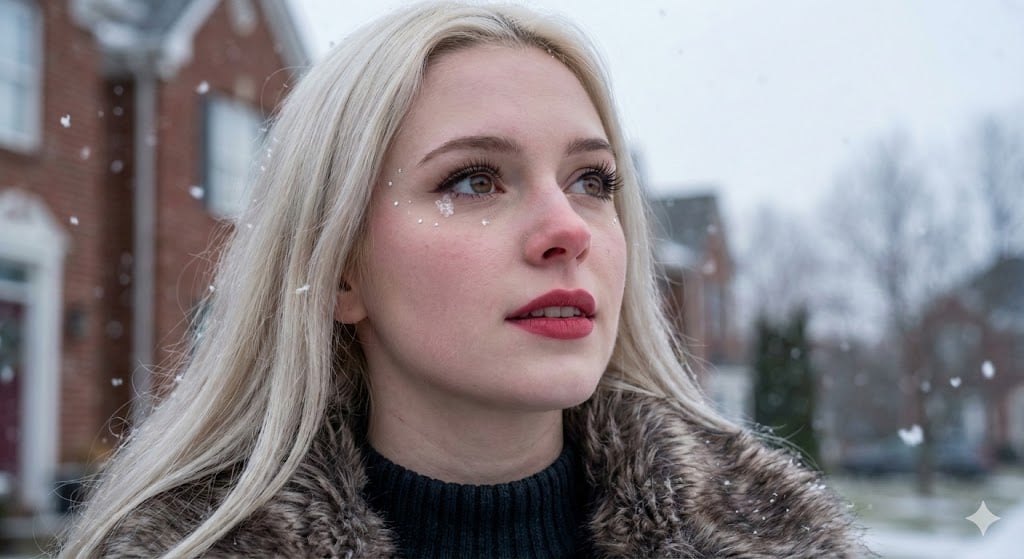
- Prompt included
- Model and format preset
- Free template
The prompt behind this image
Copy the exact prompt behind Hyper-Photorealistic Winter Glamour Close-up Prompt, or open it in the studio and make it yours.
{ "portrait_metadata": { "composition": "Medium Close-up, three-quarter view, high-contrast framing (black clothing against white snow/fur)", "lighting": "Soft, diffused overcast daylight. Natural fill light provided by surrounding snow. Flat lighting profile, high ambient key.", "camera_settings": "85mm Prime Lens, Aperture f/4.0, Shutter Speed 1/250s, ISO 200. Full-frame CMOS sensor. Cinematic color grading with cool temperature bias." }, "subject": { "demographics": "Woman, early twenties, European/Caucasian, long platinum blonde hair.", "expression": "Serene and aspirational gaze, looking upwards and to the right. Lips slightly parted with precise, matte crimson lipstick application. Slight smile/smirk visible at the corners of the mouth.", "skin_micro_details": "Fair, cool-toned complexion showing slight redness from the cold, particularly on the cheeks and nose tip. Makeup is flawless, with minimal visible pores (filtered look). A faint layer of Vellus hair is visible on the cheek contour. Distinct small, white glitter or makeup dots are placed strategically near the temple and outer eye area, simulating frost/snow accents.", "eyes_micro_details": { "iris": "Medium brown/hazel color. Visible delineation of the dark limbus ring against the sclera. Detailed radial pattern within the iris texture (Krypten, Furchen).", "sclera_and_lashes": "Bright, white sclera. Heavy application of false eyelashes or voluminous mascara, forming sharp, separated strands. Precise black liquid eyeliner wing. A small, melted snowflake particle is resting near the lower eyelid crease.", "reflections": "Soft, expansive reflection of the grey, overcast sky, dominating the cornea surface. Lack of sharp point light sources." } }, "environment_and_style": "Upscale suburban exterior during a fresh snowfall. Background features blurred red brick residential architecture and stark, leafless winter trees (shallow depth of field). Large, distinct flakes of snow are visible in the foreground and midground (Snow Bokeh). Style is 'High Fashion Winter Glamour' with high textural contrast (soft fur, ribbed knit fabric).", "image_quality_tokens": "Hyper-Photorealism, 8k resolution, raw photo quality, cinematic close-up, highly detailed skin texture, masterwork editorial photography, precise fabric texture, winter mood." }
How to use Hyper-Photorealistic Winter Glamour Close-up Prompt in 3 steps
- 1
Open
The prompt is already in the box next to the preview, with the template's model and format selected.
- 2…a portrait of your subject in softgolden-hour light, 85mm…
Personalize
Edit the subject and creative details for your destination.
- 3Generate
Generate
Press Generate — your image is created in PicX Studio, so you can compare it with the original and refine one variable at a time.
More like this
Templates with the same subject, style or setup. Open one to see its prompt.

Cozy Knit Sweater Window Portrait

Gen Z Triple Selfie Collage — Y2K Flash Photography

Mountain Lake Sunset Landscape

Elegant Green Evening Gown Studio Fashion Portrait
Elegant Green Evening Gown Studio Fashion Portrait

Frozen Street Luxe Graffiti Fashion Campaign

Cinematic Destination Letter Panel Poster

Spider-Man Rooftop Golden Hour Cinematic Photo

Photoreal Snow Biome Name Tag UI

Minecraft You Died Winter Death Screen

Face-Locked Train Window Lifestyle Portrait

Face-Locked Cream Half-Zip Street Walk
Make it yours
Hyper-Photorealistic Winter Glamour Close-up Prompt works as-is. These are the safest ways to change it without losing the look.
Change one field
Copy a single group, rewrite it, and generate again so you can see what that field is doing.
Keep the frame, change the subject
Hold the composition and light of Hyper-Photorealistic Winter Glamour Close-up Prompt, then swap wardrobe, props or the person for a new take.
| If the result… | Why | Fix |
|---|---|---|
| The result drifts from the preview | Too many fields changed at once. | Reuse Hyper-Photorealistic Winter Glamour Close-up Prompt as-is first, then change one group — subject, light, or setting. |
| The model over-stylizes the scene | The prose prompt leaves finish and camera underspecified. | Add one camera or lighting sentence and stay on Nano Banana 2. |
More Nano Banana 2 templates
Other prompts made for Nano Banana 2.

Photorealistic Leaf Shaped Like a Dragon

K-Pop Idol Portrait Grid for Rapid Selection

Poetic Rain Forest Portrait During Golden Hour

Urban Street Portrait with Cartoon Inner Self Duo

Candid Nighttime Photo with Cat Prompt

High-Concept 3D Diorama Generation Prompt

Cinematic Futuristic Studio Portrait Template

Skincare Editorial Photography Collage Prompt

Hyper-Realistic Commercial Product Photography (Splash Effect)

Hyper-Realistic Nightclub Portrait Prompt
More image prompts
Fresh picks from across the catalog.
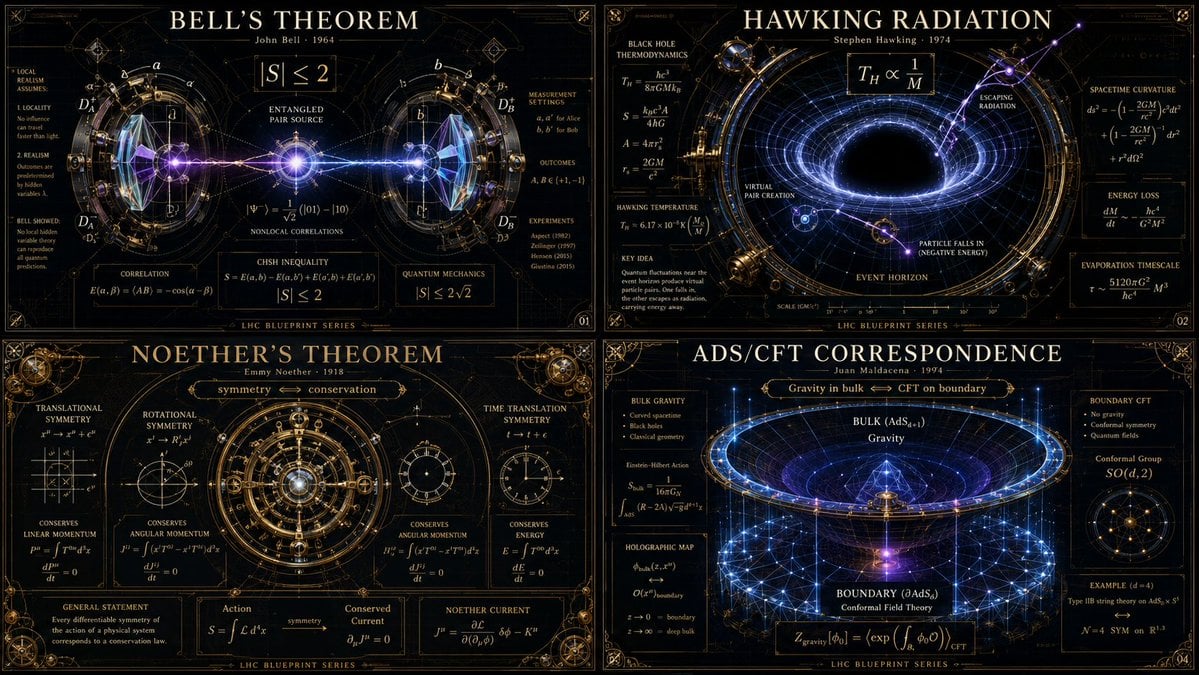
Advanced Physics Paradox Infographic
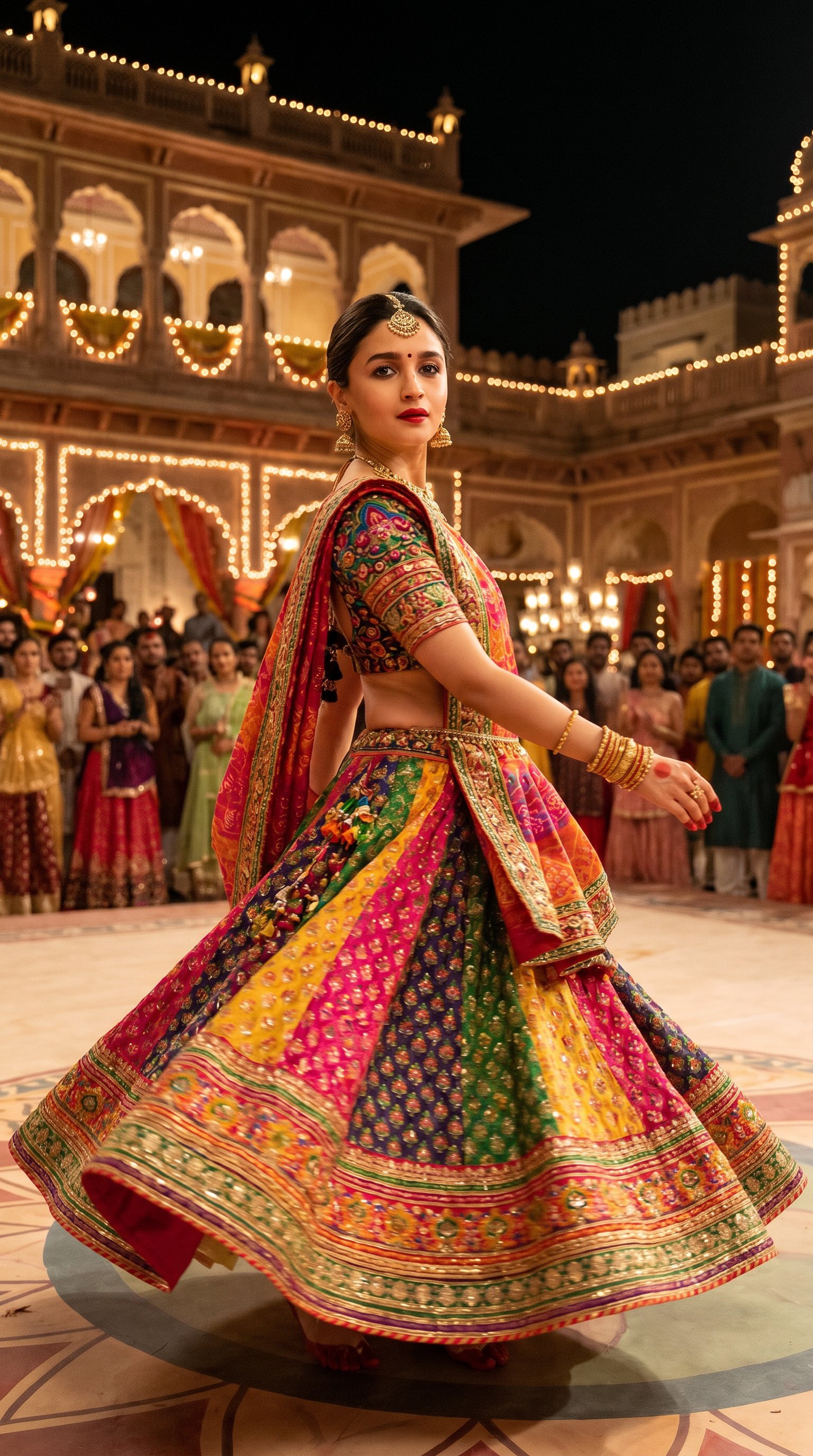
Indian Festival Look
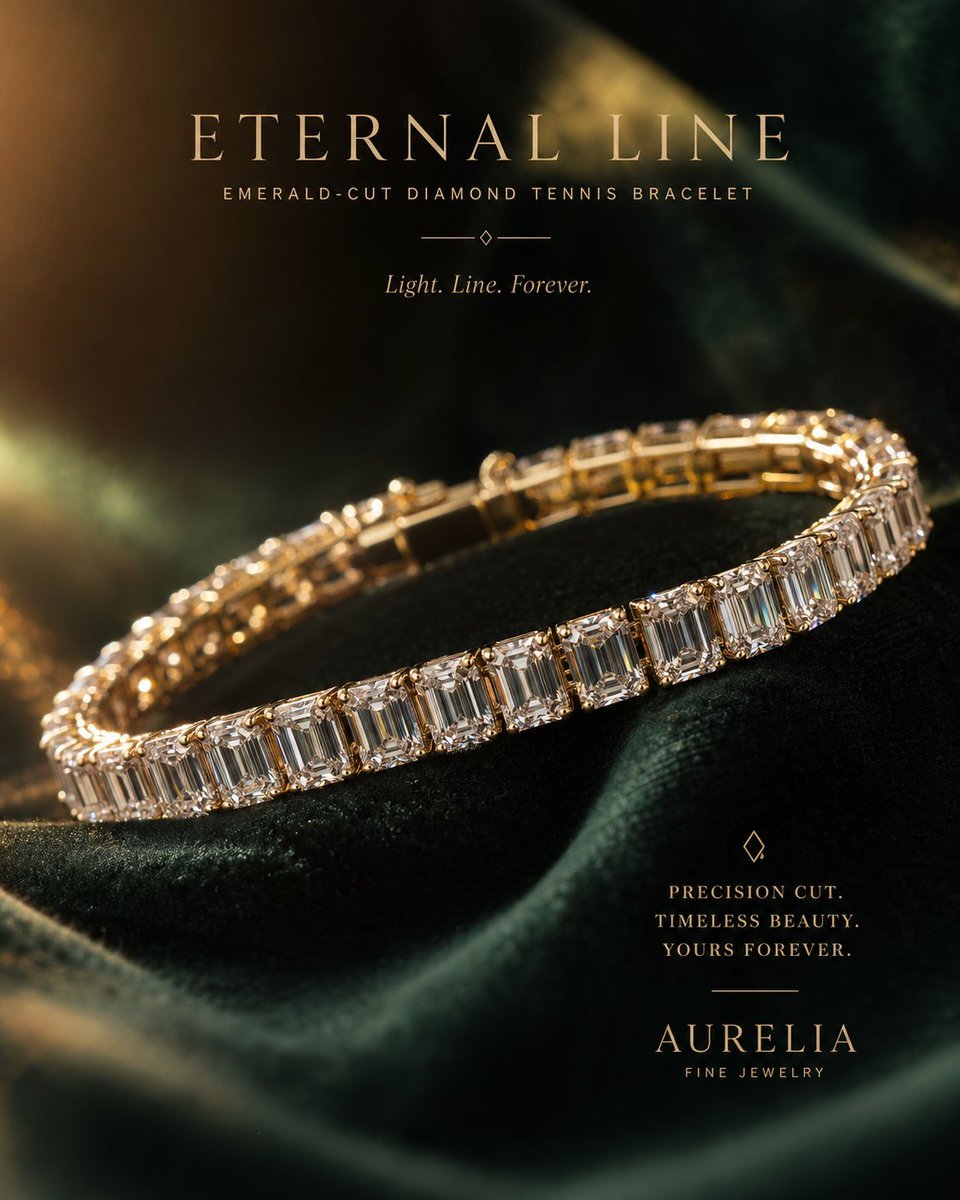
Luxury Jewelry Advertisement

Professional Business Portrait Generation Prompt
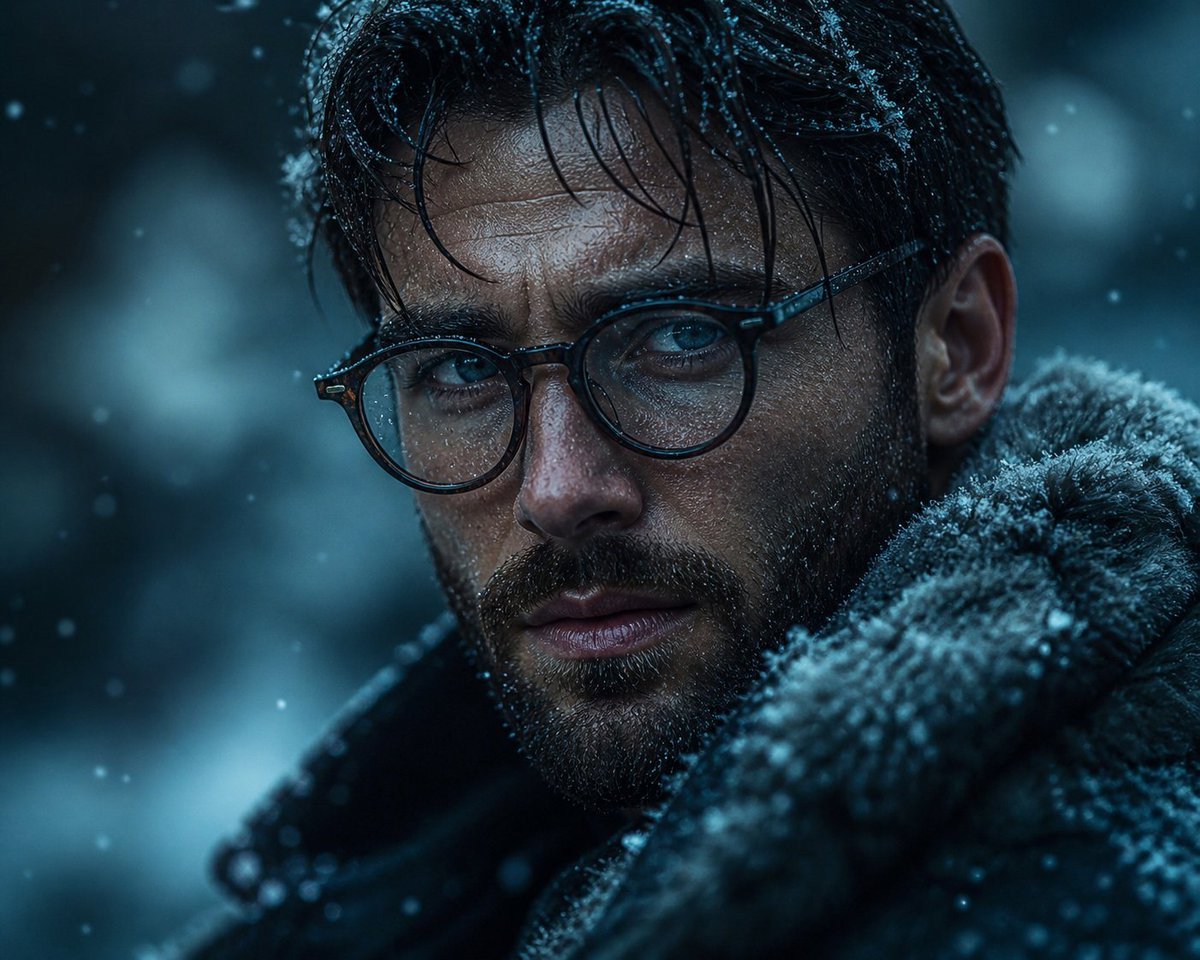
Cinematic Winter Portrait
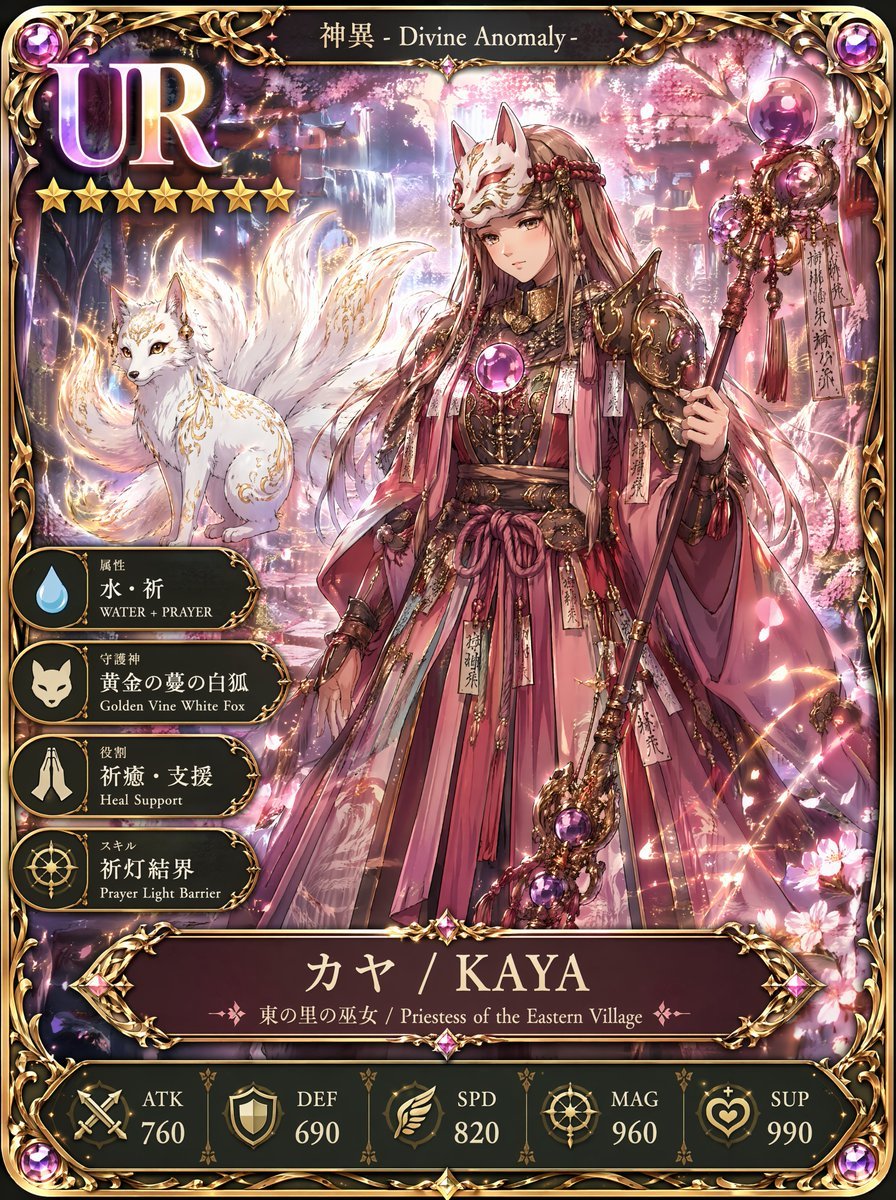
UR Fox Priestess Fantasy Card
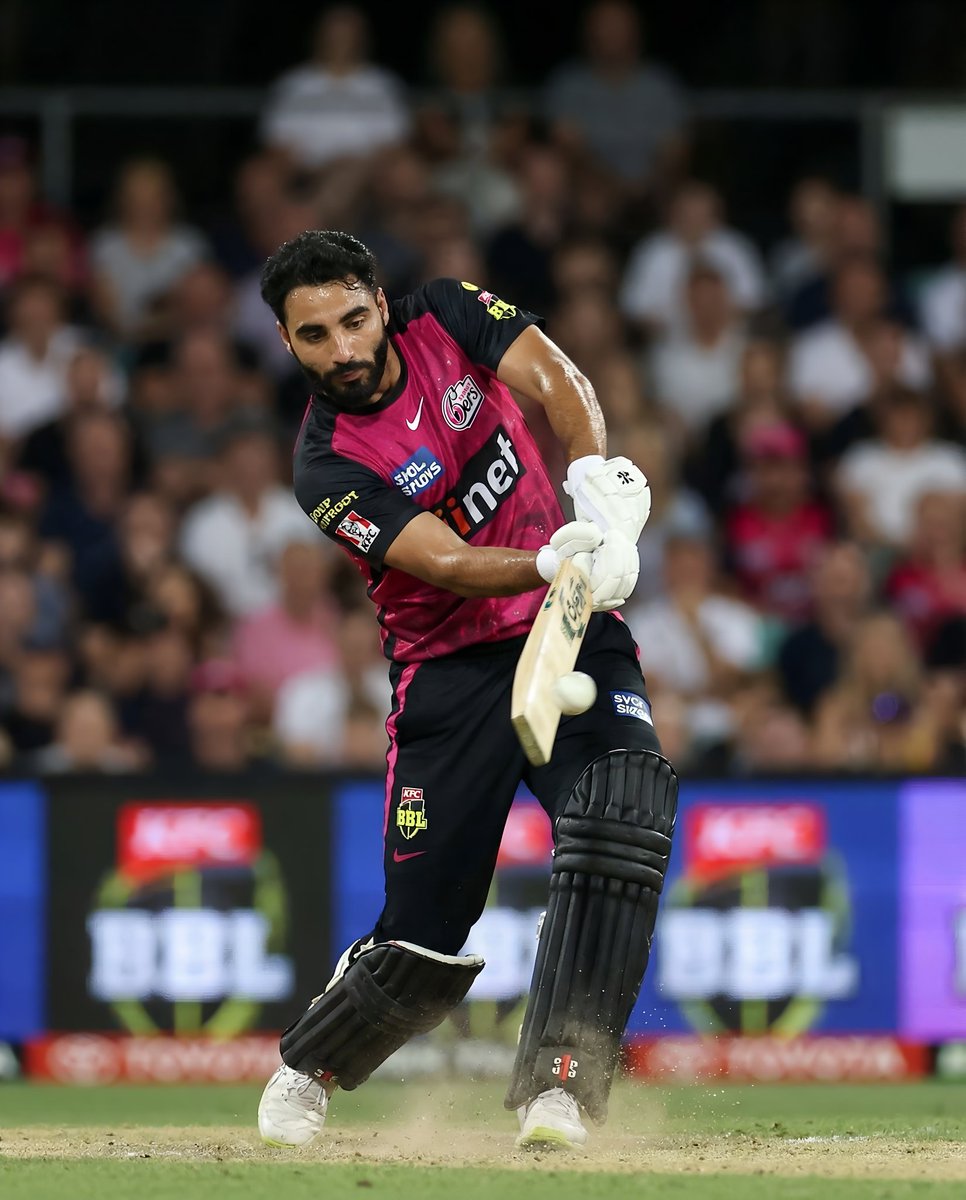
BBL Cricket Action Shot with Face Match
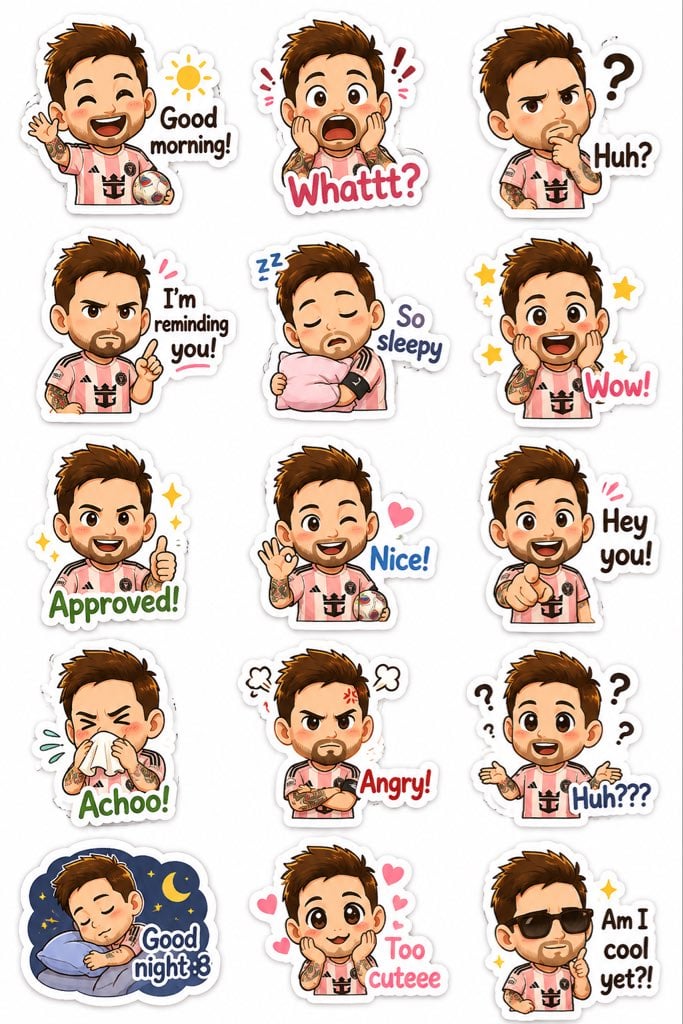
Chibi Expression Sticker Pack
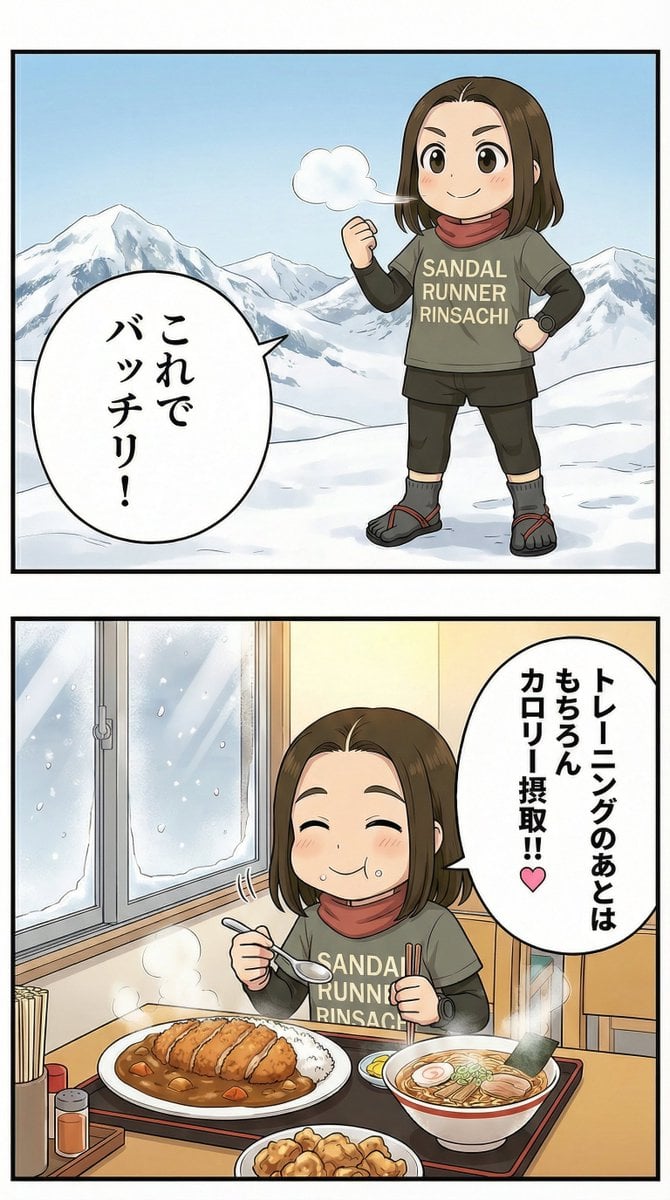
Manga Panel Image Editing Prompt: Katsu Curry Scene
Minimalist Sigil Logo Design
Browse template categories
Hyper-Photorealistic Winter Glamour Close-up Prompt questions
How do I use the Hyper-Photorealistic Winter Glamour Close-up Prompt template?
Add your photo if the template asks for one, edit the prompt if you like — the template's model and format are already selected — and press Generate. Your version opens in PicX Studio.
Can I customize the Hyper-Photorealistic Winter Glamour Close-up Prompt template?
Yes. You can change the subject, setting, lighting, mood, format, and available model controls before creating your image.
Is the Hyper-Photorealistic Winter Glamour Close-up Prompt template free?
Opening and editing this template is free. Generating uses credits, shown on the Generate button when you are signed in.
Which AI model should I use?
Start with Nano Banana 2, which is the model associated with this template. You can compare another compatible model for a different finish.
Looking for something else? Browse all templates.

Your photo, any look
Thousands of ready templates for every top image and video model, from one credit balance.