
Cubist Minimalist Fashion Portrait
A stylized fashion illustration prompt inspired by Picasso and Kawaii minimalism, featuring exaggerated facial features on a matte black background.
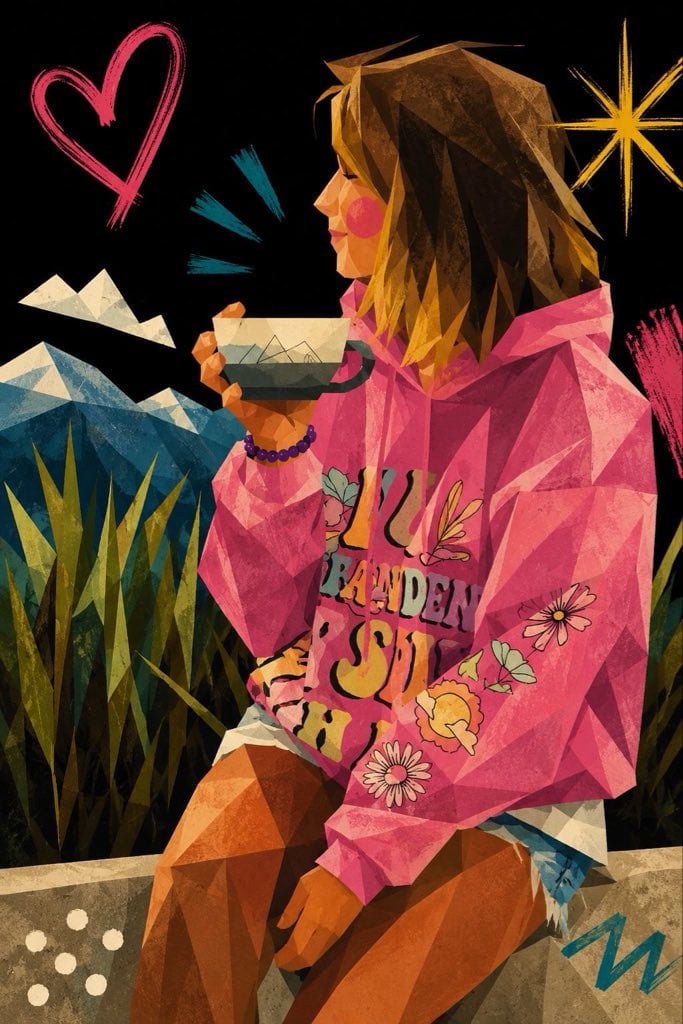
- Prompt included
- Model and format preset
- Free template
The prompt behind this image
Copy the exact prompt behind Cubist Minimalist Fashion Portrait, or open it in the studio and make it yours.
Create a {argument name="style" default="cute neo-expressionist cubist minimal vector portrait illustration"}, Picasso meets kawaii minimalism, inspired by stylized fashion editorials and playful modern art. Ultra-simplified exaggerated facial features with oversized abstract eyes, flat cartoon eye shapes, minimal black dots or single curved strokes, no realistic iris details, no eyelashes, extremely reduced facial detail. Tiny abstract nose drawn with one short angular line. Small single-stroke lips, tiny soft geometric mouth shape, minimal expression marks, no realistic mouth anatomy. Rounded cheeks, dreamy innocent expression, playful asymmetrical proportions, elongated elegant neck, simplified geometric facial planes, stylized angular hair shapes, subtle caricature aesthetics, childlike artistic distortion. Use clean scalable vector shapes, flat color blocking, bold primitive contour lines, sharp Bézier curves, abstract polygon composition, minimal linework, naive handmade drawing quality, expressive empty space, icon-like facial abstraction, no realistic rendering, 2D primitive facial symbols. Add subtle oil pastel grain overlays, rough handmade brush accents, raw scribbled handwritten marks, visible pigment texture, silkscreen poster feeling. Vibrant limited color palette against deep {argument name="background" default="matte black"} background. Luxury editorial gallery poster composition, contemporary fashion illustration, artsy modern cubist poster, stylish and adorable, premium print-ready vector artwork.
How to use Cubist Minimalist Fashion Portrait in 3 steps
- 1
Open
The prompt is already in the box next to the preview, with the template's model and format selected.
- 2…a portrait of your subject in softgolden-hour light, 85mm…
Personalize
Edit the subject and creative details for your destination.
- 3Generate
Generate
Press Generate — your image is created in PicX Studio, so you can compare it with the original and refine one variable at a time.
More like this
Templates with the same subject, style or setup. Open one to see its prompt.

Nano Banana 2 High Fashion Sports Campai

Couture Fashion Editorial Woman and Drag

Ive Yujin Fashion Portrait in Blue

Nano Banana 2 Editorial Fashion Portrait

Caution Tape Fashion — Industrial Editorial
Minimalist High-Fashion Studio Portrait

Minimalist Studio Fashion Portrait Grid
Minimalist Studio Fashion Portrait

Miniature Self Portrait Collage

Found Photograph: Us, 1970

80s Couple Studio Portrait

80s College Gate
Make it yours
Cubist Minimalist Fashion Portrait works as-is. These are the safest ways to change it without losing the look.
Change one field
Copy a single group, rewrite it, and generate again so you can see what that field is doing.
Keep the frame, change the subject
Hold the composition and light of Cubist Minimalist Fashion Portrait, then swap wardrobe, props or the person for a new take.
| If the result… | Why | Fix |
|---|---|---|
| The result drifts from the preview | Too many fields changed at once. | Reuse Cubist Minimalist Fashion Portrait as-is first, then change one group — subject, light, or setting. |
| The model over-stylizes the scene | The prose prompt leaves finish and camera underspecified. | Add one camera or lighting sentence and stay on GPT Image 2. |
More GPT Image 2 templates
Other prompts made for GPT Image 2.

Six VTuber Japanese Logo Sheet

Realistic Portrait of Woman and Deer

The Vista Modular Condo Poster

AI Model Routing Comparison Infographic

2.5D Anime Art Board

Isometric Productivity Desk Scene

New York Double Exposure Poster

Four-Panel AI Landscape Comparison

Japanese Tatami Lifestyle Magazine Cover

NESCAFÉ Coffee Map Poster
More image prompts
Fresh picks from across the catalog.
Video Game Wiki Style Image Generation
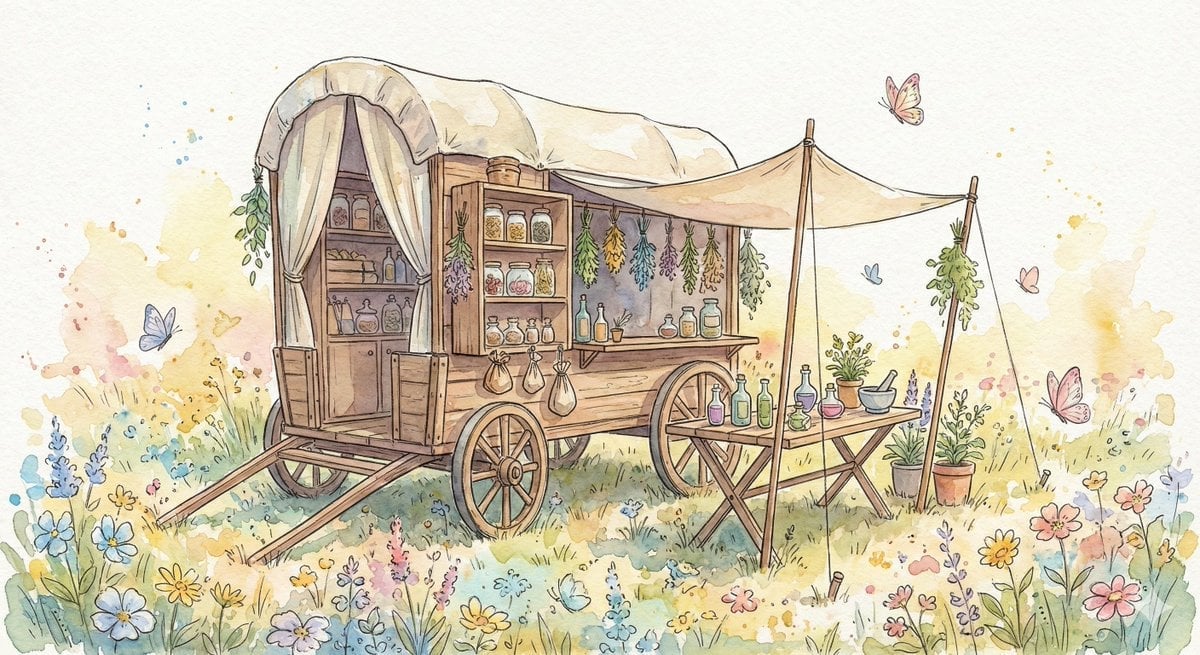
Fantasy Watercolor Herbalist Wagon
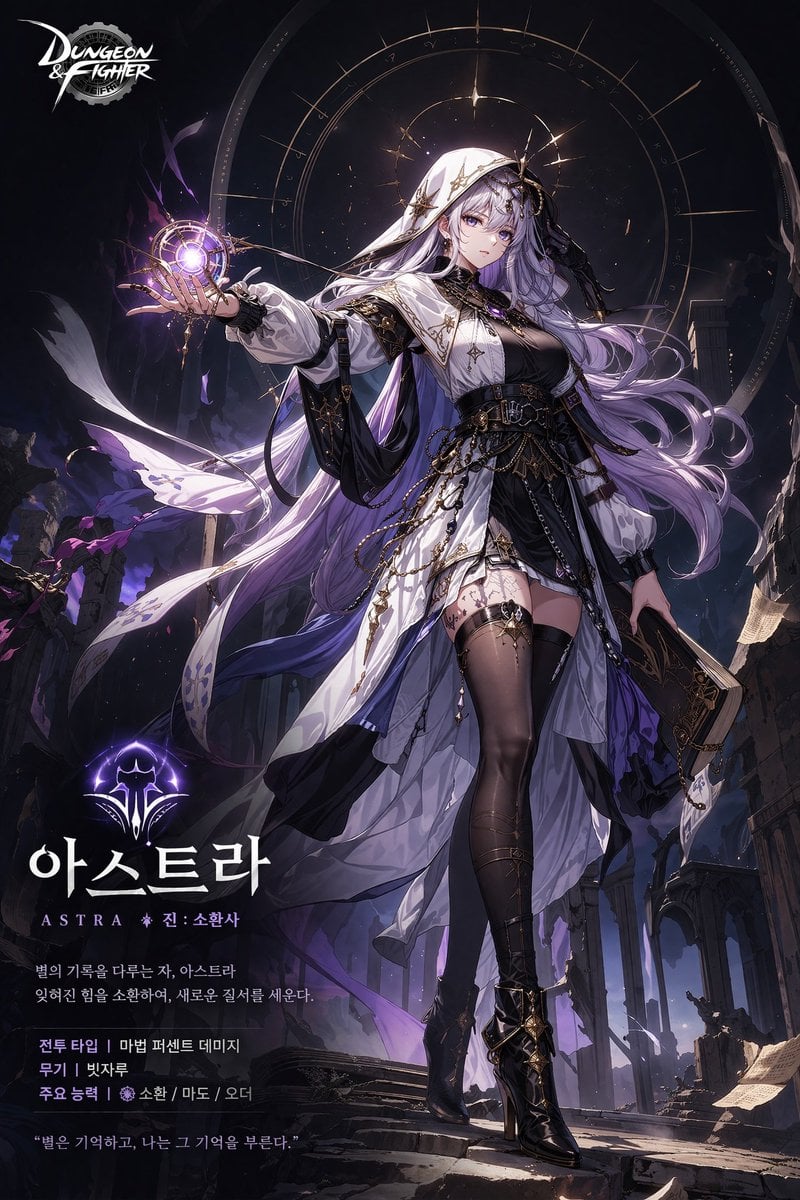
Anime Game Character Promo Poster
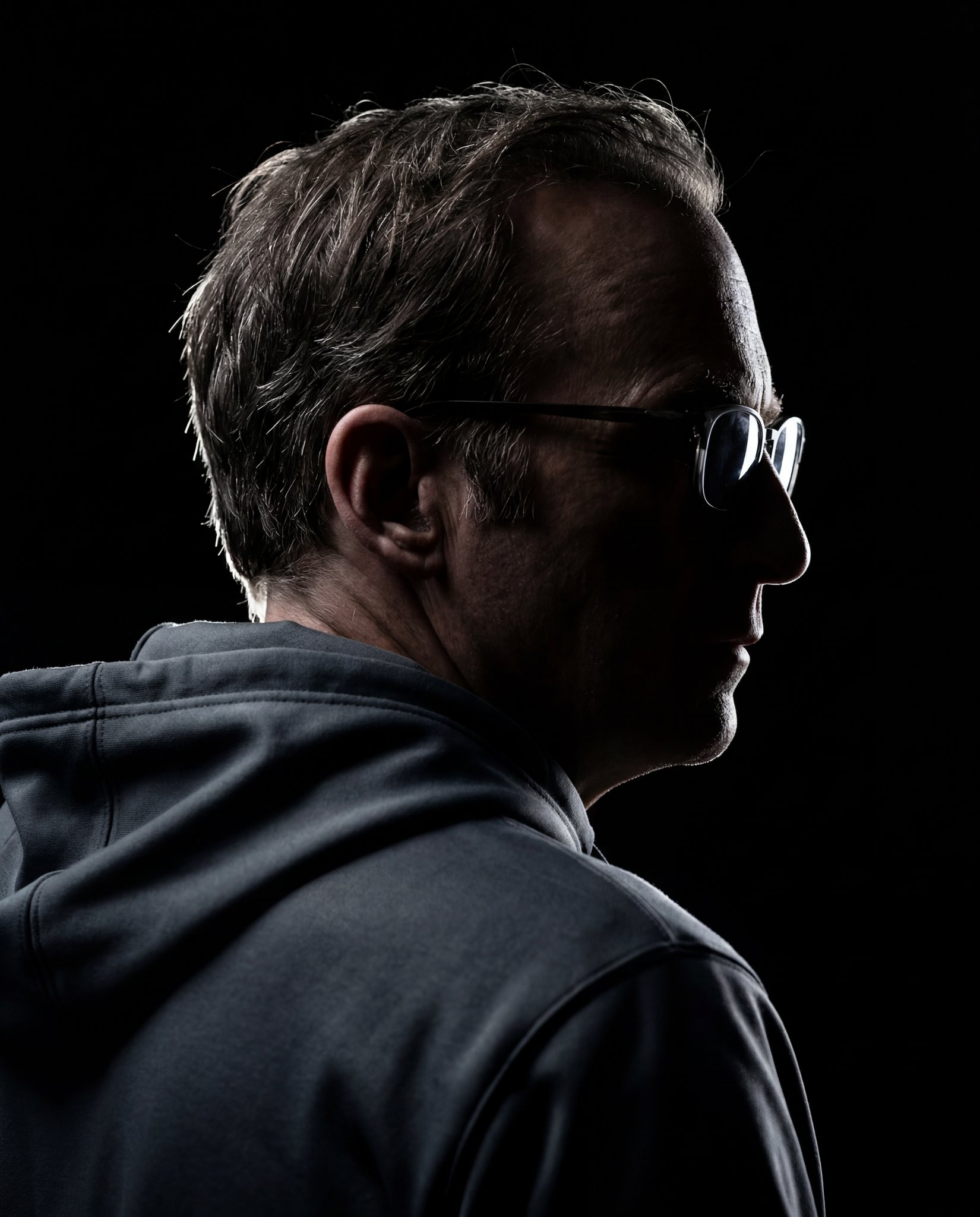
Gemini Nano Banana 2
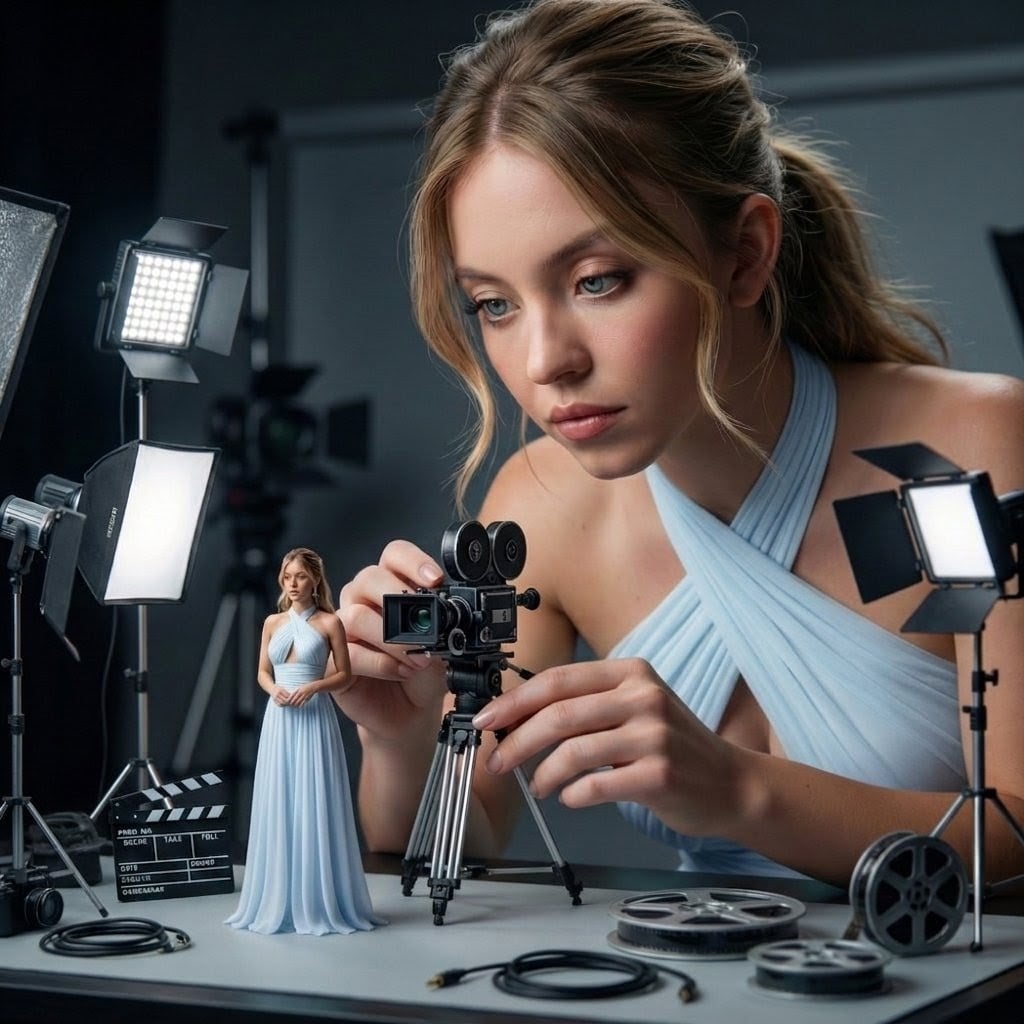
Giant Woman Filmmaker with Miniature Model
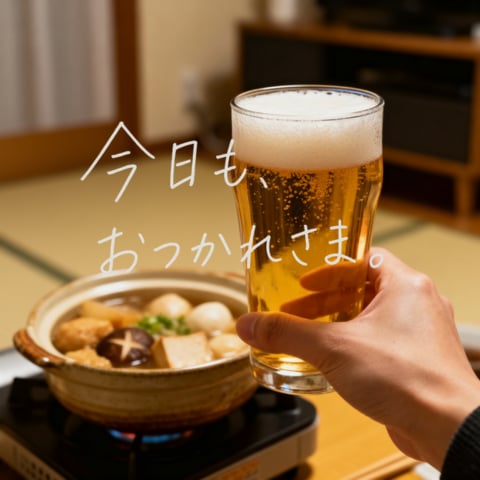
Cozy Beer Toast with Oden
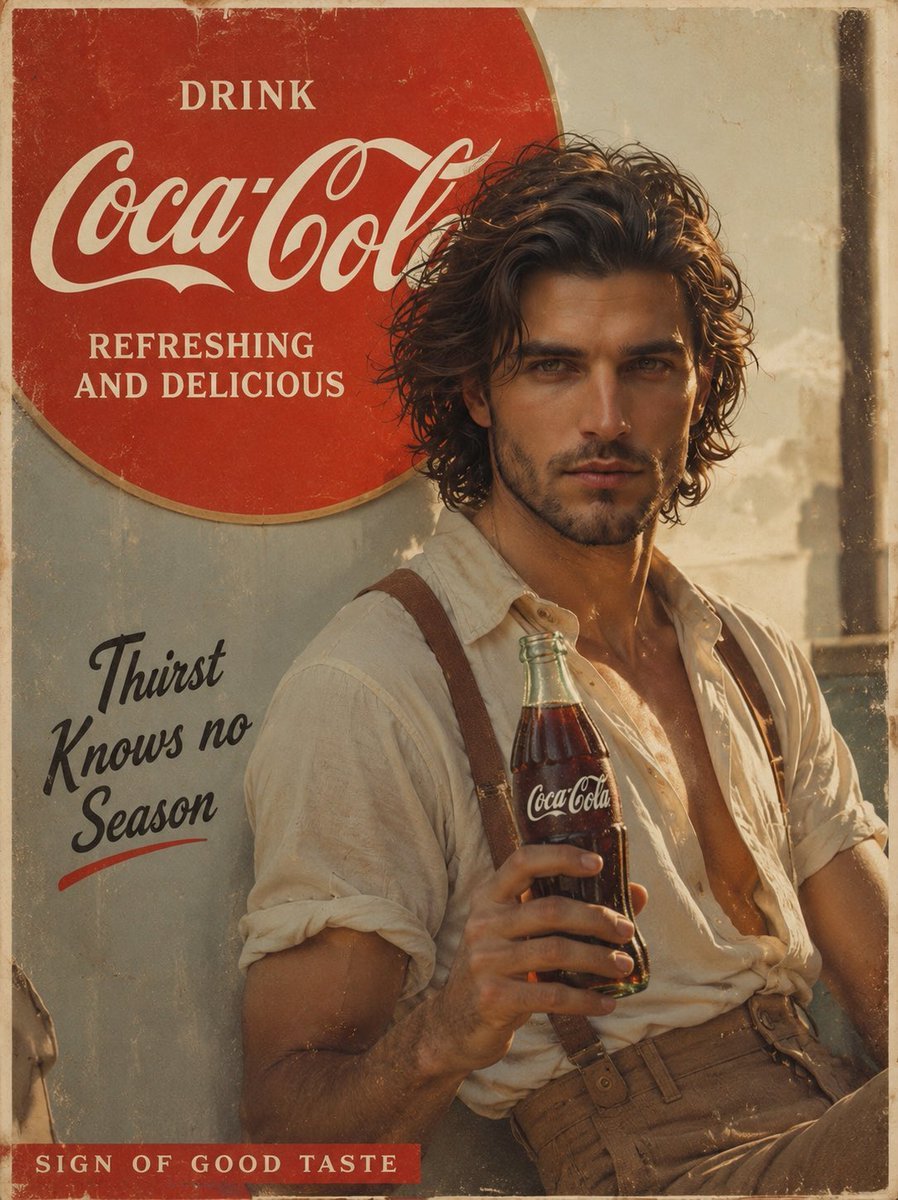
Prompt: Create a cinematic vintage Coca Cola adver
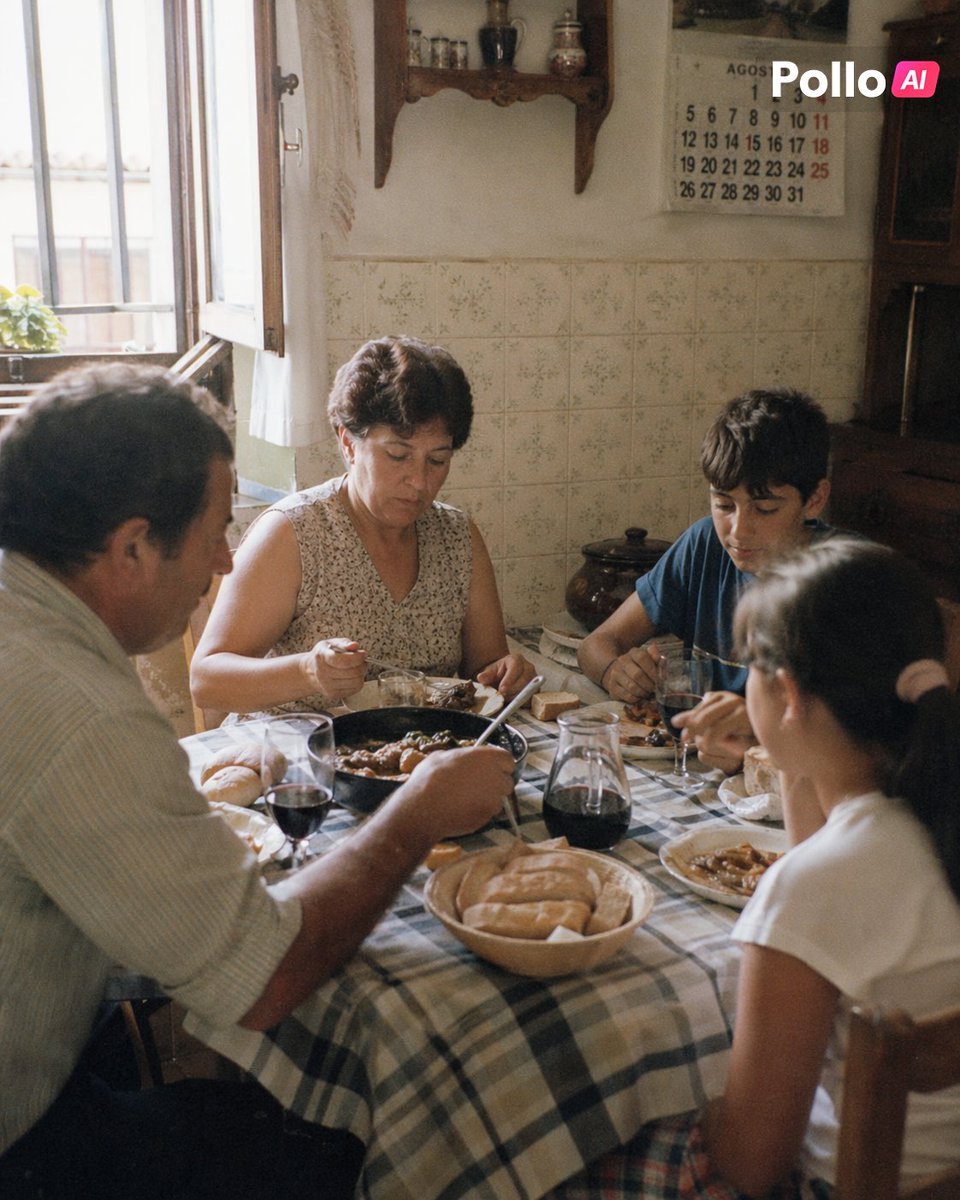
1990s Spanish Family Kitchen Lunch
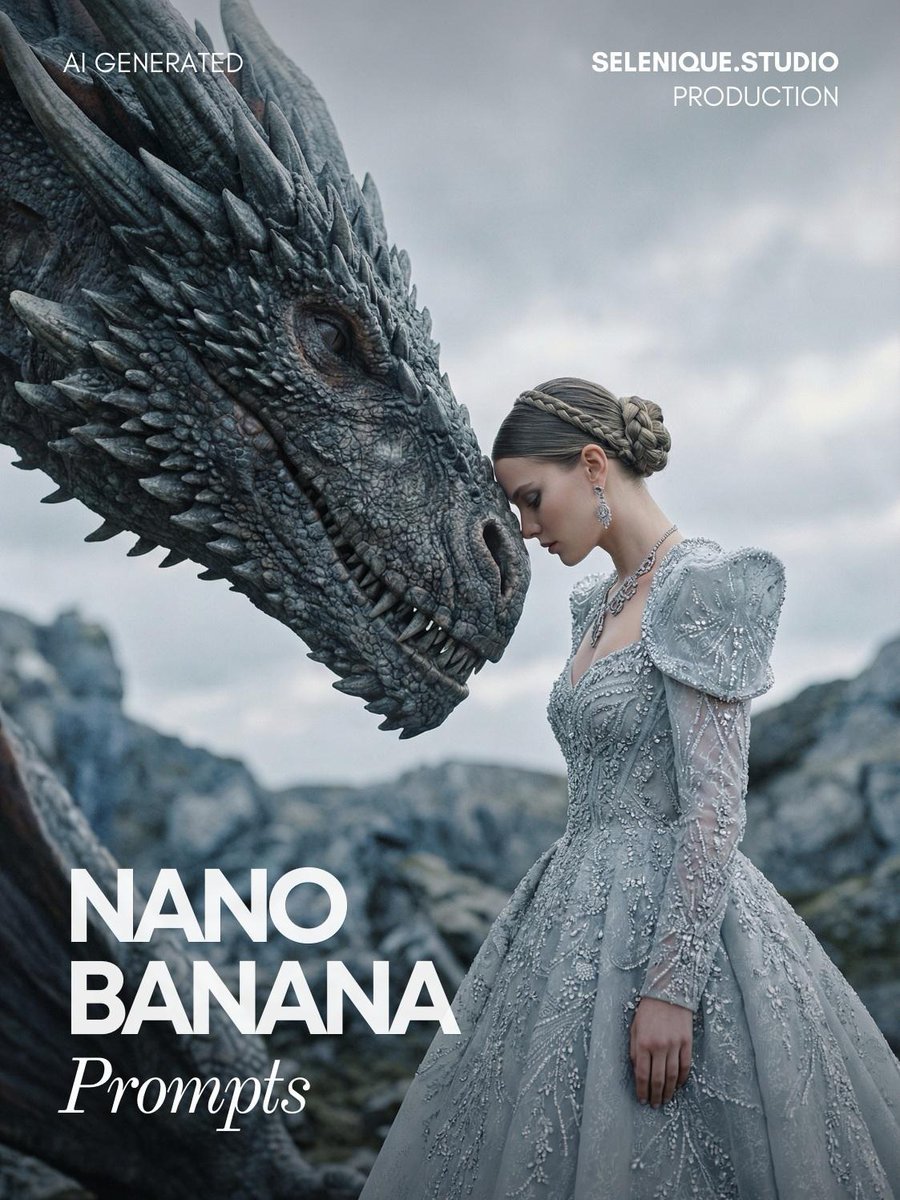
Fantasy Couture Dragon Editorial Portrait
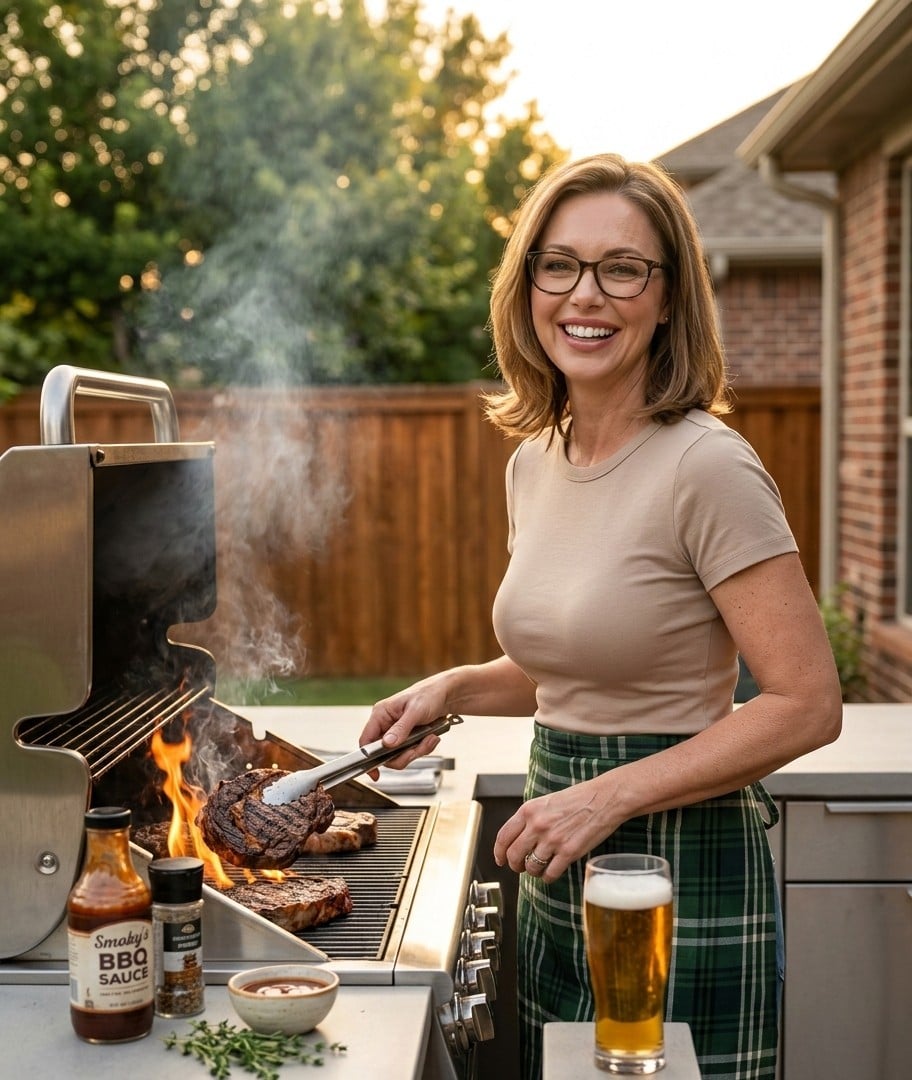
Ultra-Realistic Cinematic Grilling Photograph
Browse template categories
Cubist Minimalist Fashion Portrait questions
How do I use the Cubist Minimalist Fashion Portrait template?
Add your photo if the template asks for one, edit the prompt if you like — the template's model and format are already selected — and press Generate. Your version opens in PicX Studio.
Can I customize the Cubist Minimalist Fashion Portrait template?
Yes. You can change the subject, setting, lighting, mood, format, and available model controls before creating your image.
Is the Cubist Minimalist Fashion Portrait template free?
Opening and editing this template is free. Generating uses credits, shown on the Generate button when you are signed in.
Which AI model should I use?
Start with GPT Image 2, which is the model associated with this template. You can compare another compatible model for a different finish.
Looking for something else? Browse all templates.

Your photo, any look
Thousands of ready templates for every top image and video model, from one credit balance.