How do I use the Fantasy Couture Dragon Editorial Portrait template?
Choose the primary action to open PicX Studio with the available template settings. Review the model and format, personalize the creative direction, and generate when ready.
A prompt for generating a luxury fashion editorial portrait with a cinematic fantasy realism theme.
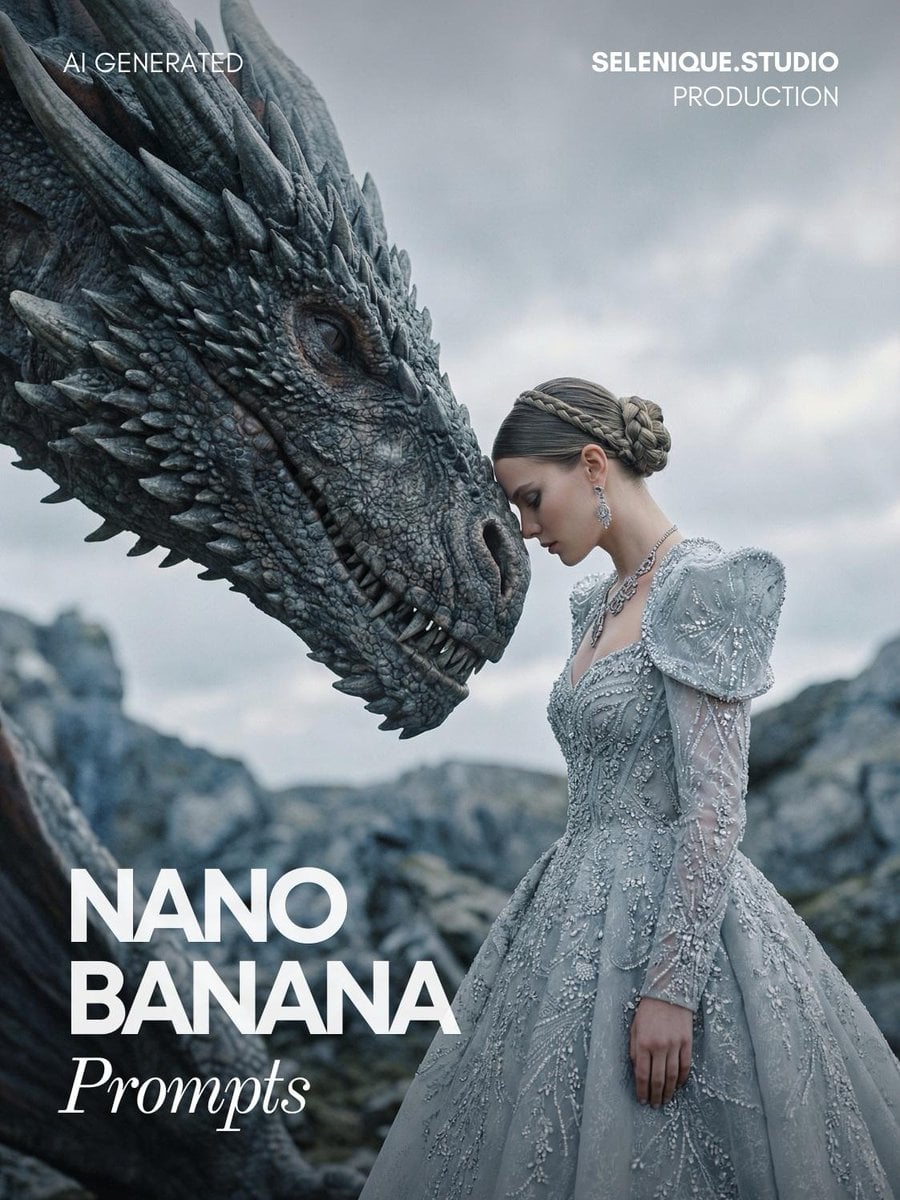
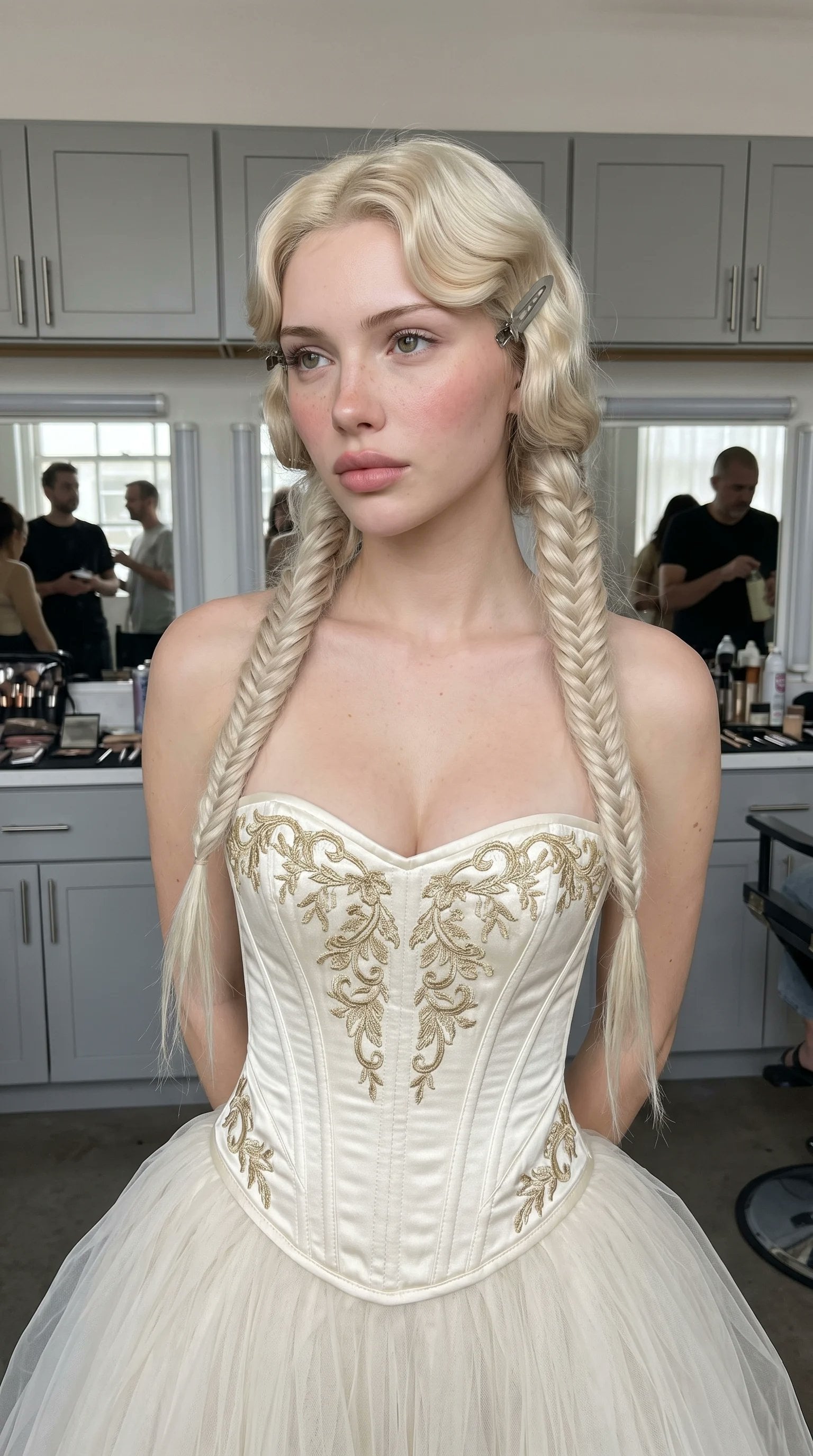
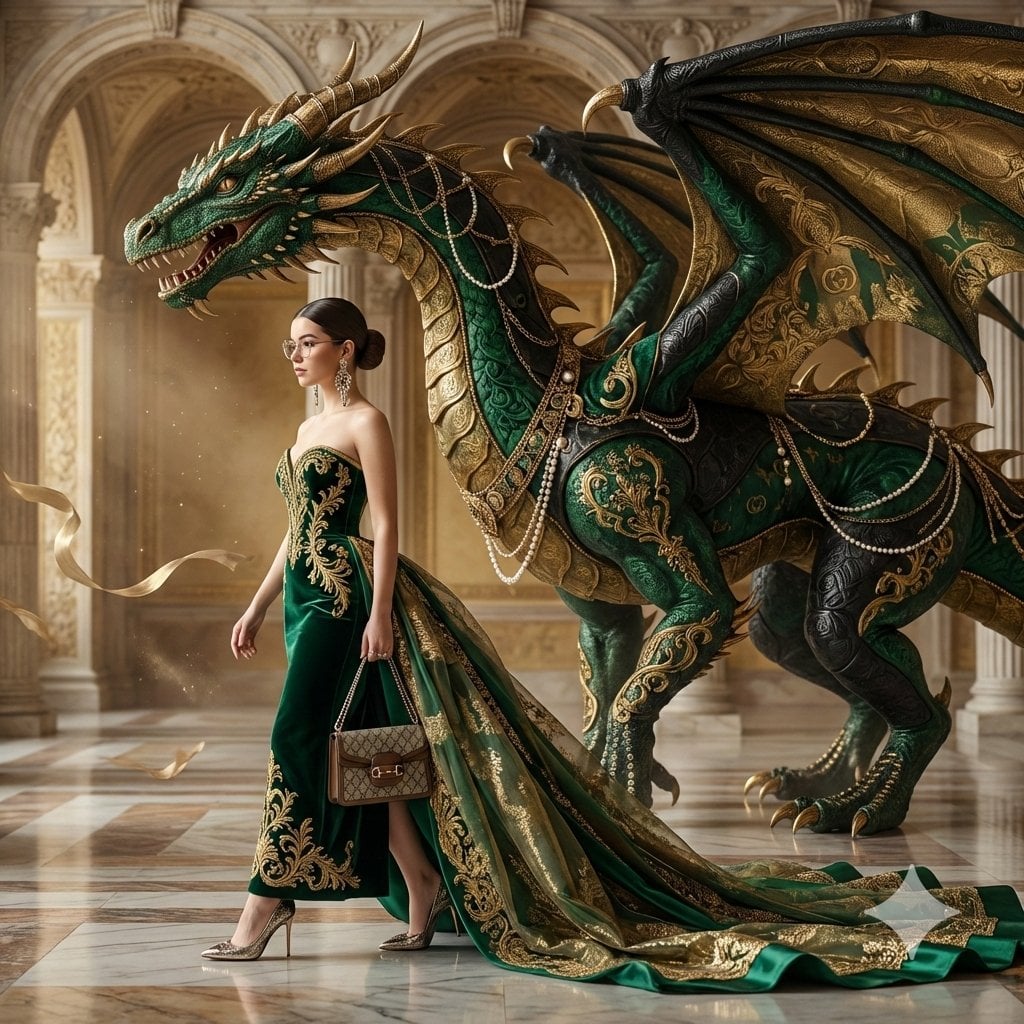
Luxury fashion editorial portrait of a woman standing beside a majestic dragon, her forehead gently resting against its scaled head. She wears an elaborate ice-gray couture gown with intricate embroidery, crystal embellishments, and structured shoulders, evoking regal power and quiet intimacy. Hair styled in a sleek braided updo, adorned with refined statement jewelry. Cinematic fantasy realism, emotional stillness, mythic elegance. Cold, muted color palette of silver, stone, and ash tones. Soft natural overcast light, subtle highlights on textures of fabric and dragon scales. Shallow depth of field, ultra-detailed realism, high-end editorial aesthetic, epic yet intimate mood, medium format photography look, Vogue-level fantasy couture, no text.
Choose the primary action to open PicX Studio with the available template settings. Review the model and format, personalize the creative direction, and generate when ready.
Yes. You can change the subject, setting, lighting, mood, format, and available model controls before creating your image.
This template is free to open and customize. Generation usage is shown in PicX Studio before you create.
Start with Nano Banana 2, which is the model associated with this template. You can compare another compatible model for a different finish.
Follow a topic to a crawlable collection of related PicX Studio templates.