
Forest Lifestyle Editorial Moodboard
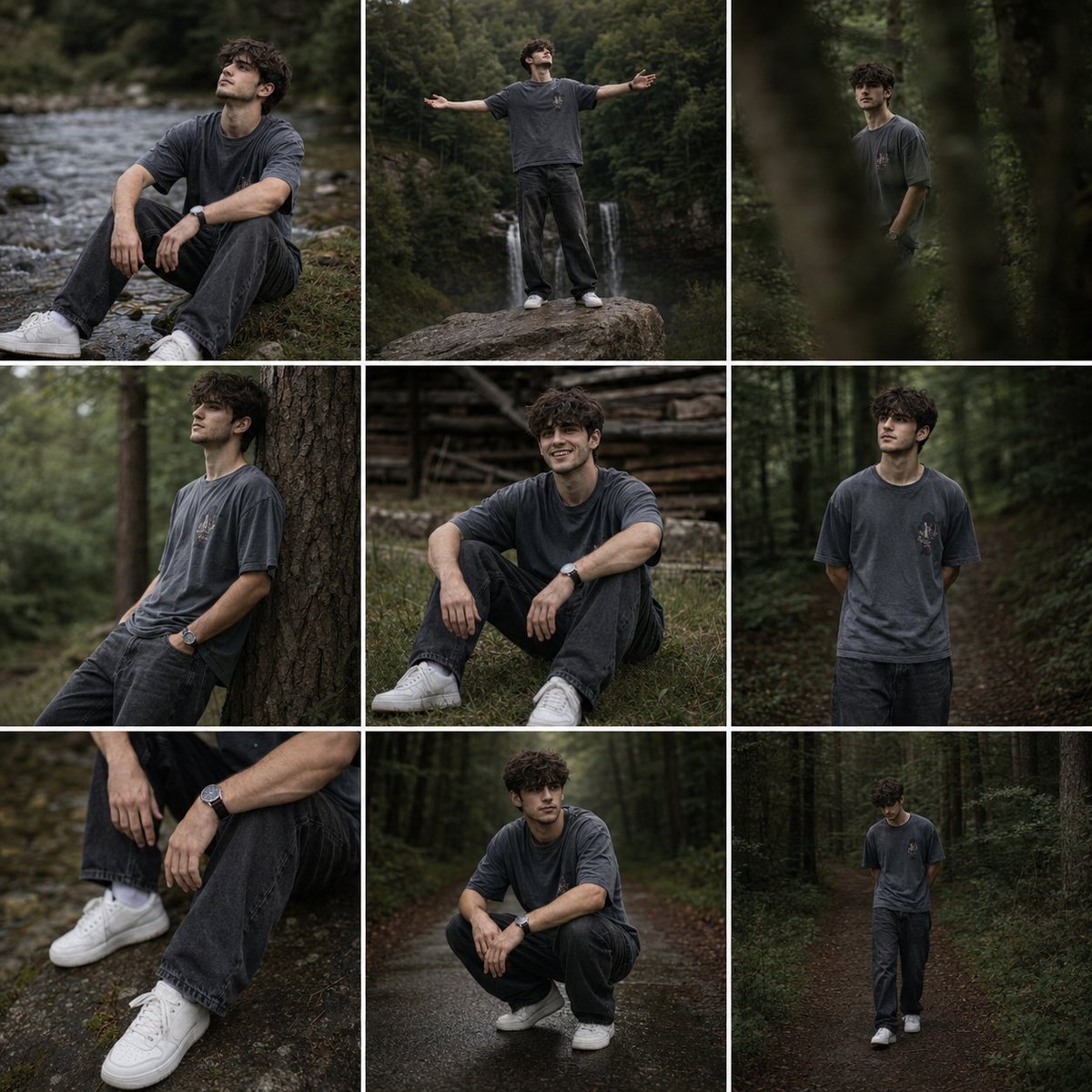
A 9-frame cinematic collage featuring outdoor candid poses in a dense forest setting with soft, moody lighting.
- Prompt included
- Model and format preset
- Free template
The prompt behind this image
Copy the exact prompt behind Forest Lifestyle Editorial Moodboard, or open it in the studio and make it yours.
Create a cinematic editorial lifestyle photo series featuring a {argument name="subject" default="young curly-haired male"} in a peaceful forest environment. Preserve the exact facial structure, hairstyle, body proportions, clothing style, and natural appearance from the reference image. The subject wears an {argument name="outfit" default="oversized faded gray t-shirt with a small graphic detail on the chest, loose dark charcoal jeans, white sneakers, and a minimalist wristwatch"}. The overall styling should feel casual, authentic, and modern, with a subtle Scandinavian outdoor aesthetic. Composition & Layout Generate a 9-frame collage moodboard consisting of different candid poses and perspectives: Sitting by a shallow riverbank surrounded by grass and rocks, gazing upward thoughtfully. Standing on a large rock with arms open wide, looking toward the sky. Soft-focus artistic shot partially obscured by trees, creating a dreamy cinematic effect. Leaning against a tree trunk in a relaxed contemplative pose. Sitting on forest grass near wooden structures, smiling naturally. Standing beside a woodland path with hands behind the back. Close-up detail shot of wristwatch, jeans, and sneakers. Squatting on a wet road surrounded by dense forest. Walking slowly through a dark forest path, captured candidly. Environment {argument name="forest setting" default="Dense green forest, tall pine trees, natural woodland scenery, small waterfall"}, winding dirt roads, wet ground after light rain, rich organic textures, moss, grass, and wooden elements. Lighting Soft overcast daylight, diffused natural light, moody forest shadows, subtle highlights on hair, gentle contrast, no harsh sunlight, atmospheric depth. Color Grading Dark earthy tones, muted greens, desaturated blues, warm gray shadows, cinematic film look, natural skin tones, slightly matte finish, subtle Kodak Portra color science, premium outdoor editorial aesthetic. Photography Style High-end fashion editorial, cinematic storytelling, candid documentary photography, shallow depth of field, 85mm lens, f/1.8 aperture, soft bokeh, realistic textures, natural expressions, emotional and introspective mood. Mood Quiet, reflective, nostalgic, peaceful, grounded, connected with nature, youthful freedom, authentic outdoor lifestyle. Quality Ultra realistic, professional photography, magazine editorial quality, 8K resolution, exceptional detail, realistic skin texture, natural fabric folds, cinematic depth, award-winning outdoor portrait photography.
How to use Forest Lifestyle Editorial Moodboard in 3 steps
- 1Upload ImagePNG, JPG or paste
Add your photo
Upload the photo the template builds on. The prompt, model and format are already set.
- 2…a portrait of your subject in softgolden-hour light, 85mm…
Personalize
Edit the subject and creative details for your destination.
- 3Generate
Generate
Press Generate — your image is created in PicX Studio, so you can compare it with the original and refine one variable at a time.
More like this
Templates with the same subject, style or setup. Open one to see its prompt.

Nano Banana - Paris Cafe Editorial
Playful Semi-Chibi Lifestyle Editorial

Layered Paper Cut Forest Diorama

A k.pop idol on the stage with mic
European Travel Lifestyle Moodboard

High-Fashion Editorial Magazine Cover ICON

Fine Art Monochrome Fashion Portrait

Korean Streetwear Minimalist Campaign Portrait

Cinematic Korean Streetwear Street Portrait

Korean Model Floating Magazine Pages Campaign

Blue Backdrop Luxury Fashion Portrait Campaign

Premium Editorial Branding Poster Charcoal Green
Make it yours
Forest Lifestyle Editorial Moodboard works as-is. These are the safest ways to change it without losing the look.
Change one field
Copy a single group, rewrite it, and generate again so you can see what that field is doing.
Keep the frame, change the subject
Hold the composition and light of Forest Lifestyle Editorial Moodboard, then swap wardrobe, props or the person for a new take.
| If the result… | Why | Fix |
|---|---|---|
| The result drifts from the preview | Too many fields changed at once. | Reuse Forest Lifestyle Editorial Moodboard as-is first, then change one group — subject, light, or setting. |
| The model over-stylizes the scene | The prose prompt leaves finish and camera underspecified. | Add one camera or lighting sentence and stay on GPT Image 2. |
More GPT Image 2 templates
Other prompts made for GPT Image 2.

Six VTuber Japanese Logo Sheet

Realistic Portrait of Woman and Deer

The Vista Modular Condo Poster

AI Model Routing Comparison Infographic

2.5D Anime Art Board

Isometric Productivity Desk Scene

New York Double Exposure Poster

Four-Panel AI Landscape Comparison

Japanese Tatami Lifestyle Magazine Cover

NESCAFÉ Coffee Map Poster
More image prompts
Fresh picks from across the catalog.
Glasses Glare Removal Portrait Collage
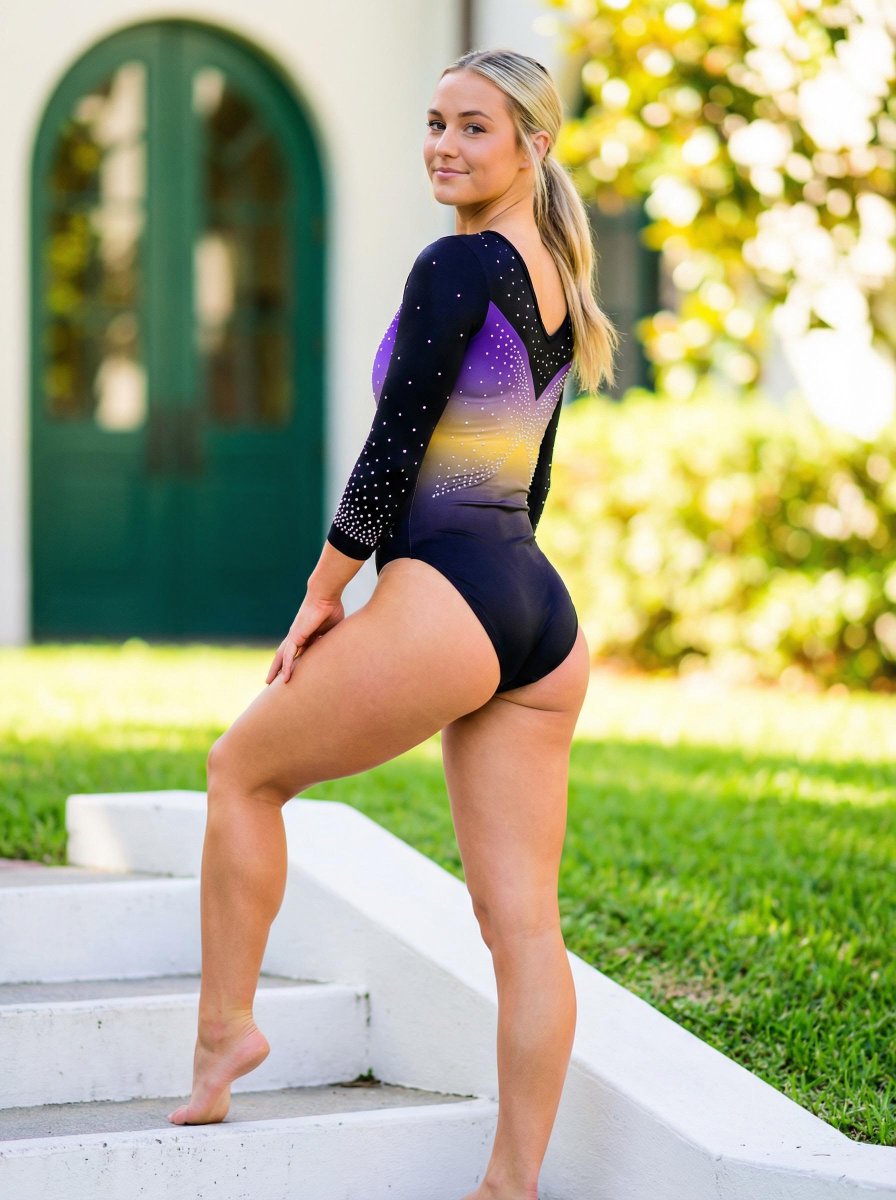
Realistic Vertical Portrait of an Athletic Woman

Juventus Cinematic Player Poster
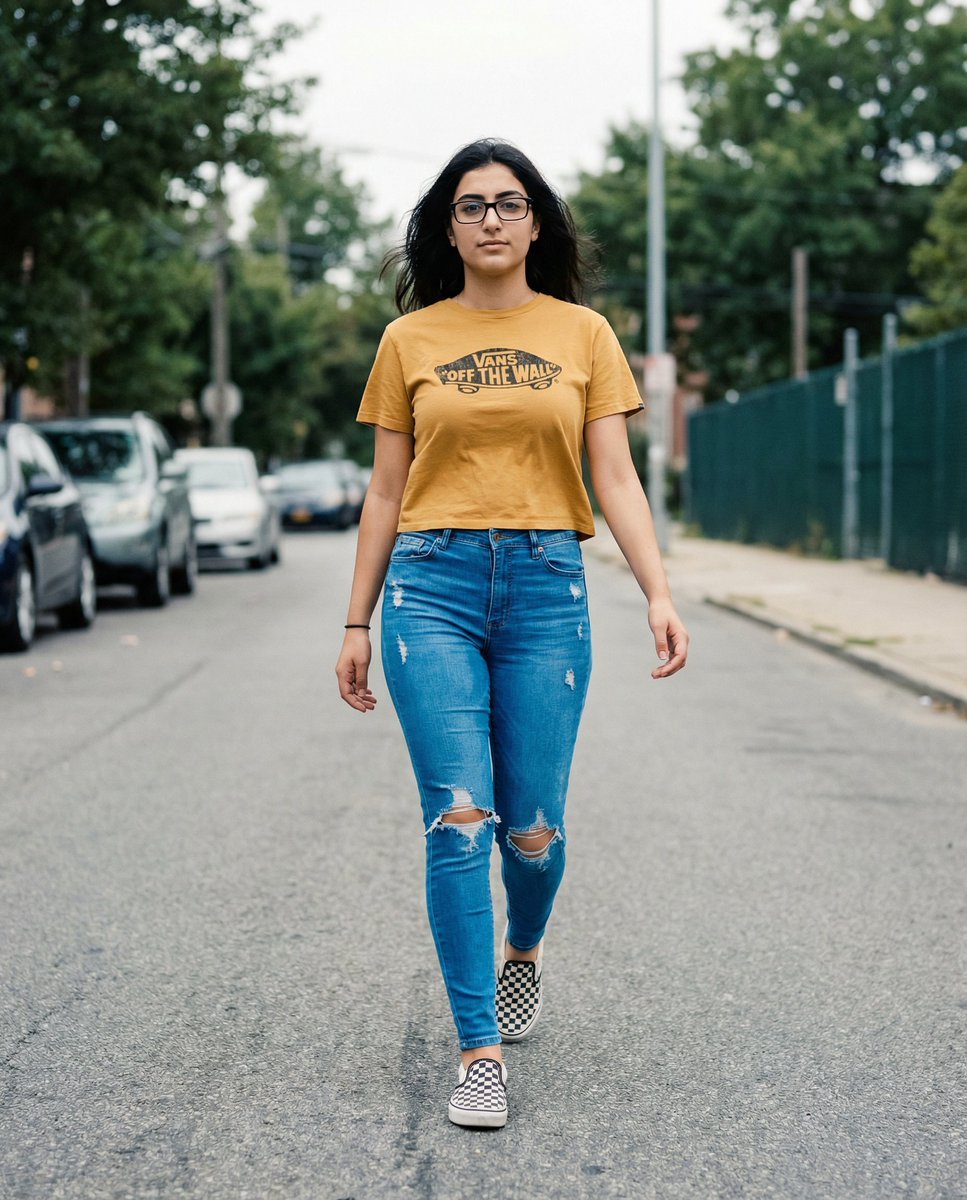
Vans Logo Street Fashion Portrait Replication
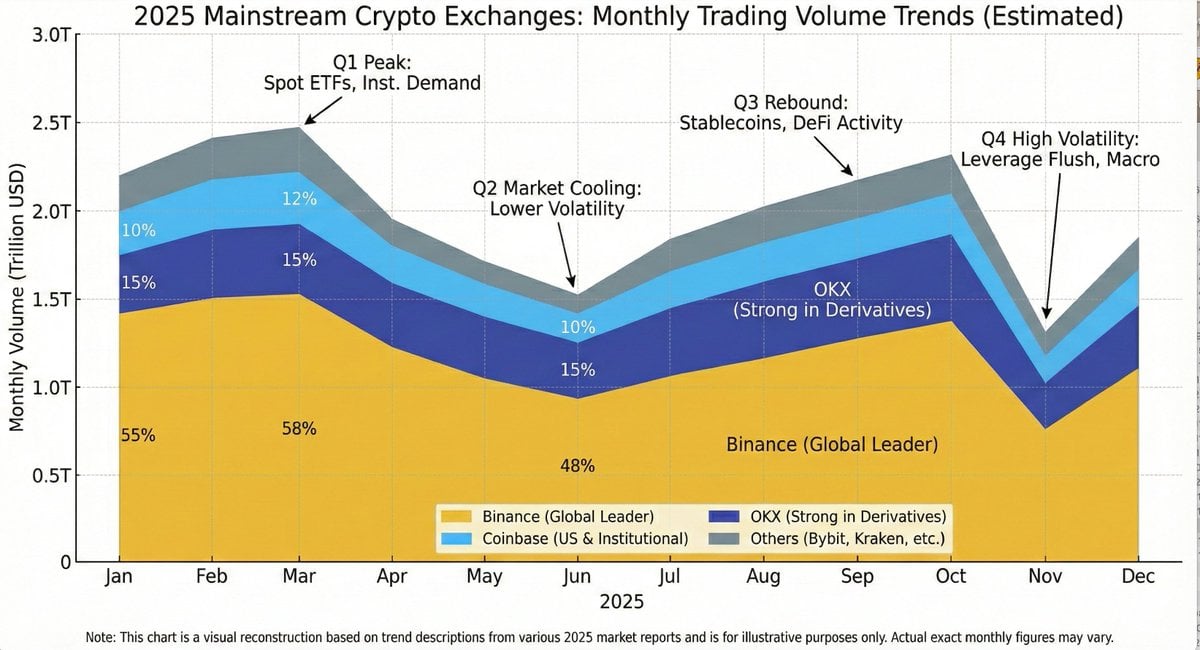
Generating Exchange Volume Change Image
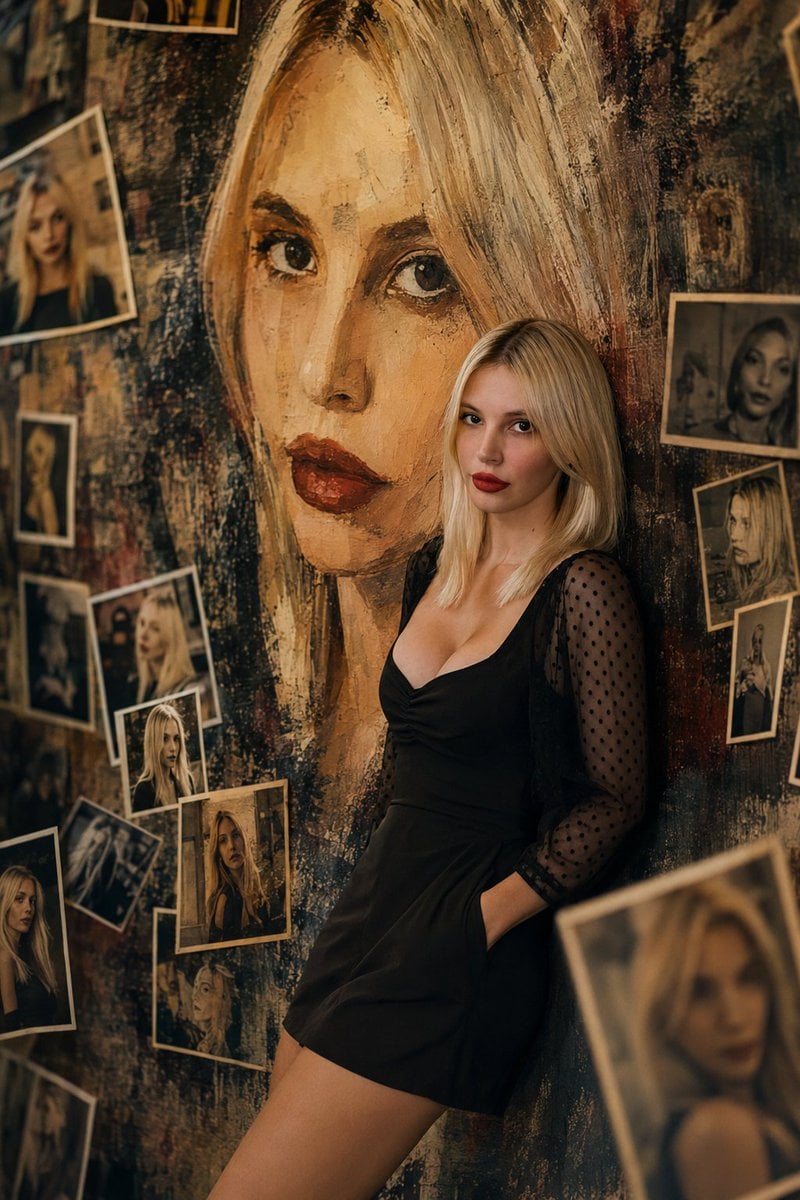
Artistic Mural Gallery Portrait
Himalayan Motorcycle Travel Photography
Blaxploitation Comic Art 'I Got 5 On It' Prompt
Neon Cyberpunk Future Hoodie Portrait
Luxury Automotive Exploded Diagram
Browse template categories
Forest Lifestyle Editorial Moodboard questions
How do I use the Forest Lifestyle Editorial Moodboard template?
Add your photo if the template asks for one, edit the prompt if you like — the template's model and format are already selected — and press Generate. Your version opens in PicX Studio.
Can I customize the Forest Lifestyle Editorial Moodboard template?
Yes. You can change the subject, setting, lighting, mood, format, and available model controls before creating your image.
Is the Forest Lifestyle Editorial Moodboard template free?
Opening and editing this template is free. Generating uses credits, shown on the Generate button when you are signed in.
Which AI model should I use?
Start with GPT Image 2, which is the model associated with this template. You can compare another compatible model for a different finish.
Looking for something else? Browse all templates.

Your photo, any look
Thousands of ready templates for every top image and video model, from one credit balance.