
Playful Semi-Chibi Lifestyle Editorial
A creative and humorous studio-quality portrait prompt that pairs a realistic version of the subject with a 3D semi-chibi version of themselves in a playful struggle.
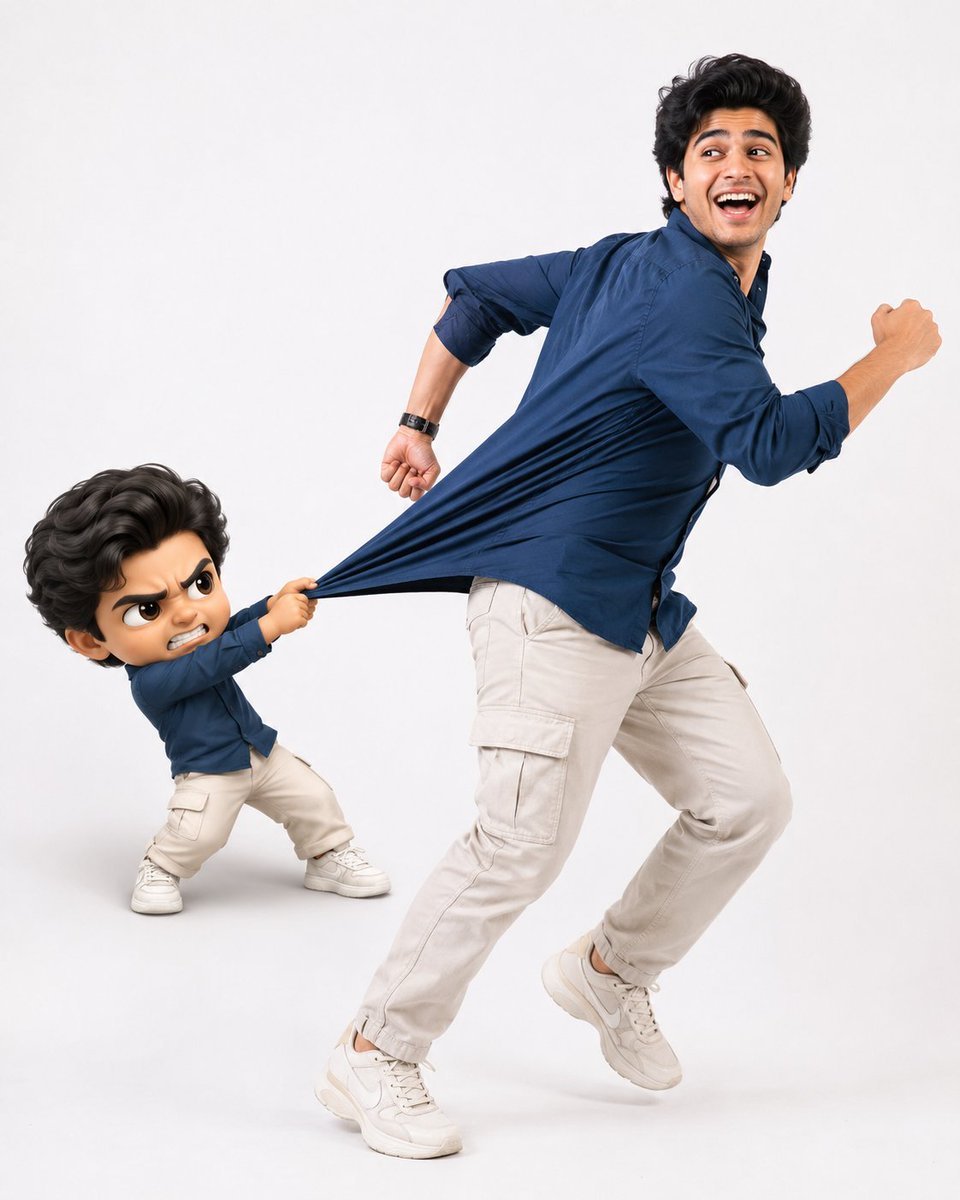
- Prompt included
- Model and format preset
- Premium template
The prompt behind this image
Copy the exact prompt behind Playful Semi-Chibi Lifestyle Editorial, or open it in the studio and make it yours.
Create an ultra-realistic lifestyle editorial studio photo in a 4:5 aspect ratio. Use the uploaded reference photo as the primary source for the character's identity. Preserve the face, facial features, body proportions, hairstyle, outfit, shoes, colors, and overall appearance exactly as shown. Do not redesign or alter the character. Place the character in a clean, minimalist photo studio with a seamless pure white background. The mood should feel modern, bright, playful, energetic, and polished, like a high-end fashion editorial. Capture the character mid-run with natural, believable movement. The body leans forward, one foot is off the ground, and the arms move naturally. The upper body is subtly pulled backward, as though the clothing is being tugged, while the lower body continues driving forward. Give the character a joyful, expressive face with laughter, excitement, and a hint of playful panic. On the left side, add a stylized 3D semi-chibi version of the same person. Keep the identity recognizable while using a larger head, smaller body, expressive eyes, and exaggerated emotions. The semi-chibi character should look frustrated and determined, grabbing the main character's clothing with both hands and pulling backward in an attempt to stop them. Emphasize the comedic struggle. Focus on realistic fabric physics where the clothing is being pulled, showing stretched material, natural folds, wrinkles, and convincing tension. The interaction should feel physically believable and visually entertaining. Use soft professional studio lighting, crisp shadows, ultra-sharp focus, realistic skin textures, detailed fabric, cinematic editorial styling, clean composition, and a premium polished finish. Negative Prompt: Low quality, blurry, noisy, pixelated, bad anatomy, extra or missing fingers, deformed hands, broken joints, stiff pose, weak motion, incorrect fabric physics, flat clothing, missing wrinkles, unrealistic interaction, altered facial identity, changed outfit, changed shoes, altered body proportions, extra characters, cluttered scene, colored background, props, harsh shadows, dark lighting, plastic skin, poor 3D quality, distorted face, watermark, logo, or text.
How to use Playful Semi-Chibi Lifestyle Editorial in 3 steps
- 1Upload ImagePNG, JPG or paste
Add your photo
Upload the photo the template builds on. The prompt, model and format are already set.
- 2…a portrait of your subject in softgolden-hour light, 85mm…
Personalize
Edit the subject and creative details for your destination.
- 3Generate
Generate
Press Generate — your image is created in PicX Studio, so you can compare it with the original and refine one variable at a time.
More like this
Templates with the same subject, style or setup. Open one to see its prompt.

Nano Banana - Paris Cafe Editorial
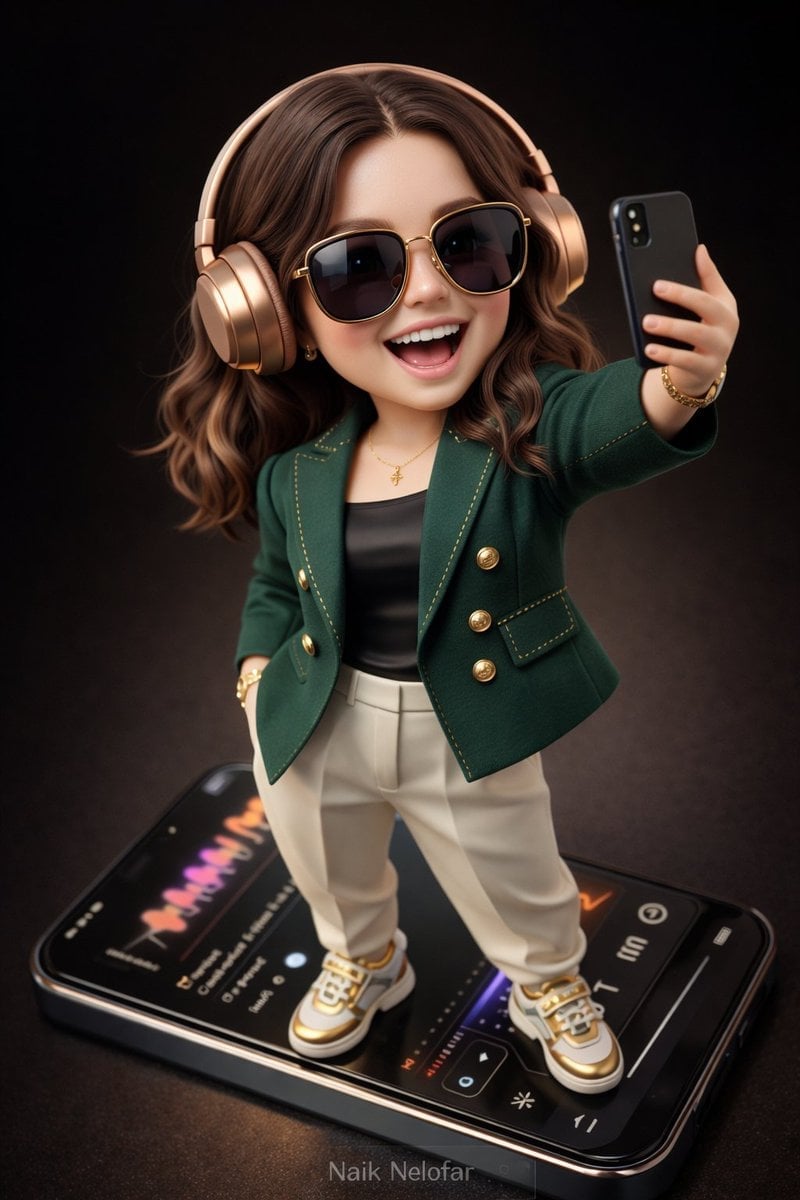
High-detail 3D semi-realistic chibi character with slightly exaggerated

A k.pop idol on the stage with mic
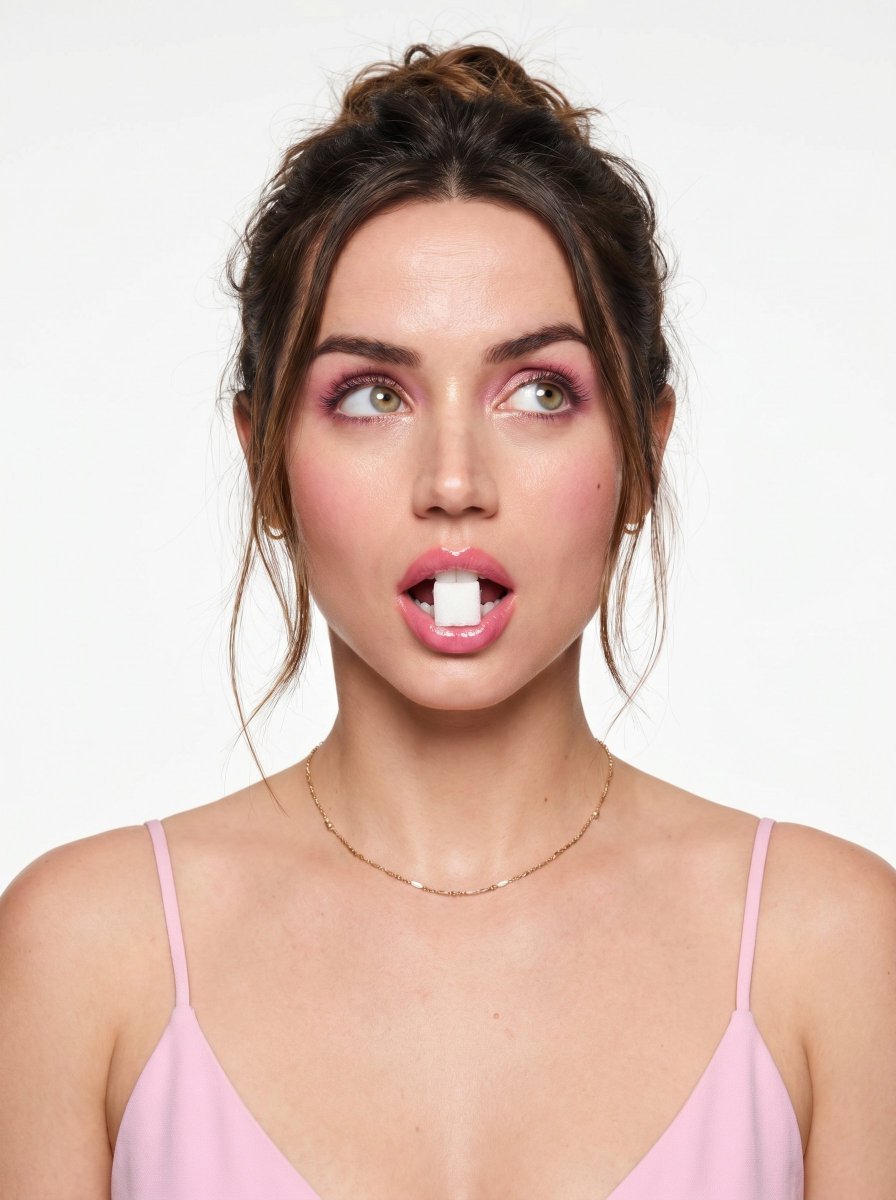
Playful Beauty Editorial Close-up

High-Fashion Editorial Magazine Cover ICON

Korean Streetwear Minimalist Campaign Portrait

Cinematic Korean Streetwear Street Portrait

Korean Model Floating Magazine Pages Campaign

Blue Backdrop Luxury Fashion Portrait Campaign

Premium Editorial Branding Poster Charcoal Green

Urban Fashion Editorial Collage Poster

Typography Mask Editorial Fashion Poster
Make it yours
Playful Semi-Chibi Lifestyle Editorial works as-is. These are the safest ways to change it without losing the look.
Change one field
Copy a single group, rewrite it, and generate again so you can see what that field is doing.
Keep the frame, change the subject
Hold the composition and light of Playful Semi-Chibi Lifestyle Editorial, then swap wardrobe, props or the person for a new take.
| If the result… | Why | Fix |
|---|---|---|
| The result drifts from the preview | Too many fields changed at once. | Reuse Playful Semi-Chibi Lifestyle Editorial as-is first, then change one group — subject, light, or setting. |
| The model over-stylizes the scene | The prose prompt leaves finish and camera underspecified. | Add one camera or lighting sentence and stay on GPT Image 2. |
More GPT Image 2 templates
Other prompts made for GPT Image 2.

Six VTuber Japanese Logo Sheet

Realistic Portrait of Woman and Deer

The Vista Modular Condo Poster

AI Model Routing Comparison Infographic

2.5D Anime Art Board

Isometric Productivity Desk Scene

New York Double Exposure Poster

Four-Panel AI Landscape Comparison

Japanese Tatami Lifestyle Magazine Cover

NESCAFÉ Coffee Map Poster
More image prompts
Fresh picks from across the catalog.
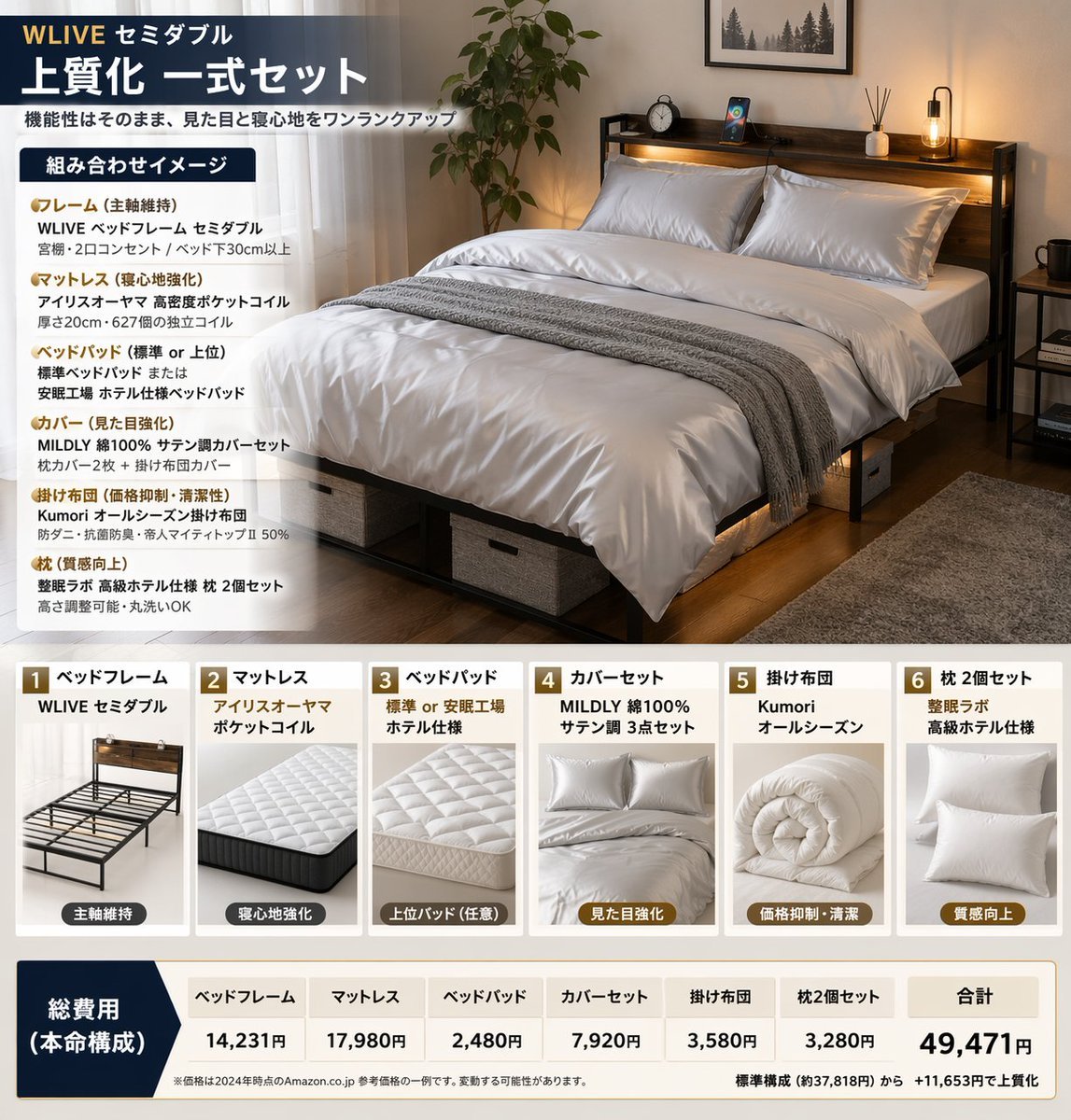
Bedding Bundle Infographic
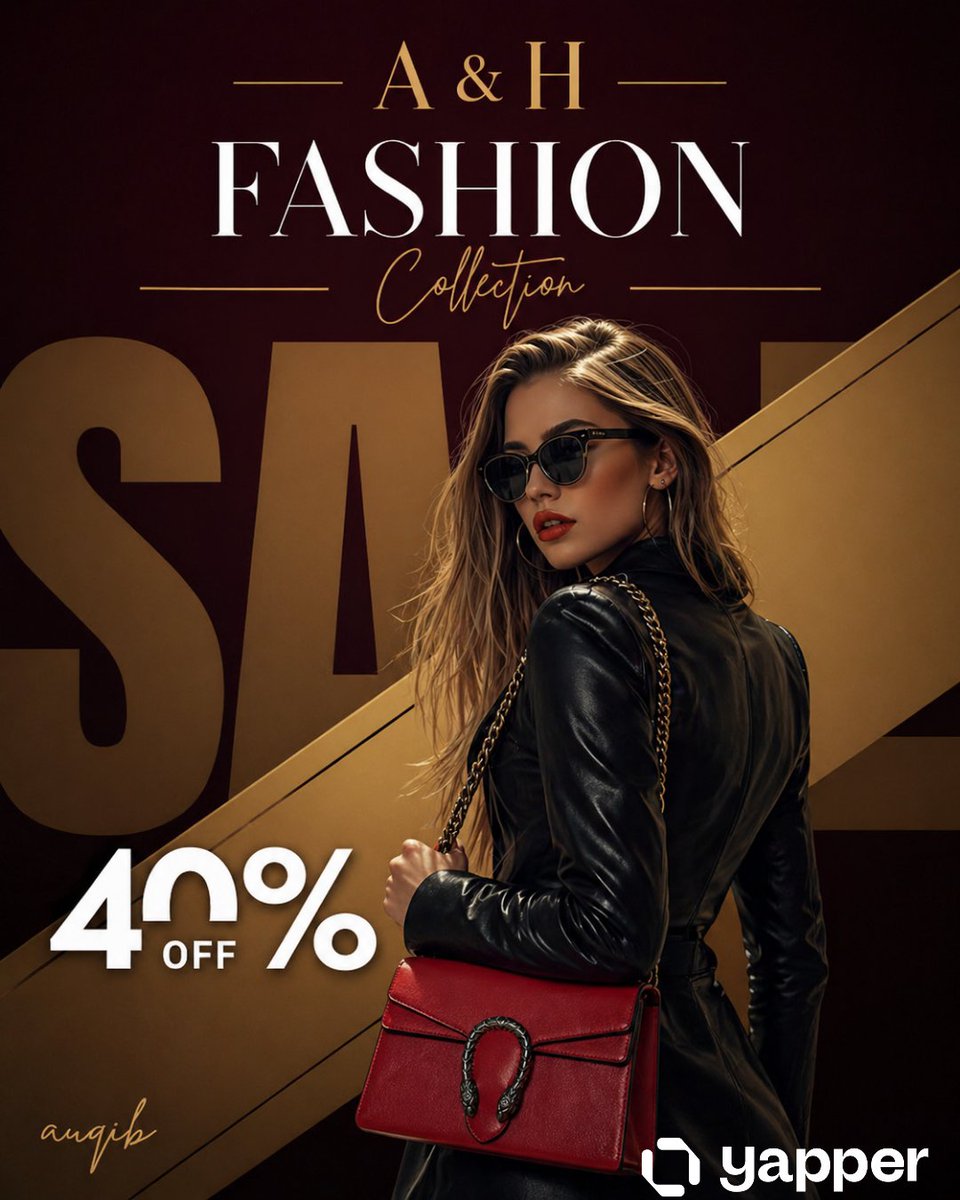
Luxury Fashion Sale Poster

Gpt2 Infographic Edu Visual Japanese Sci Fi Suit Up Process Board
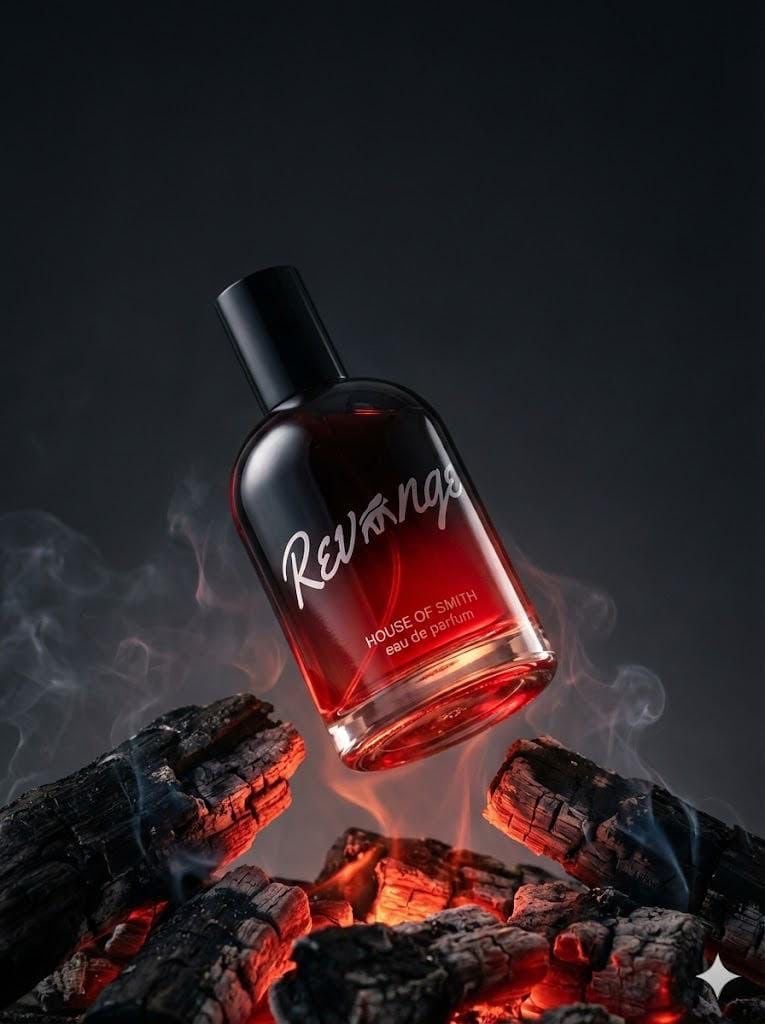
Ultra-realistic Product Portrait for Fragrance Campaign
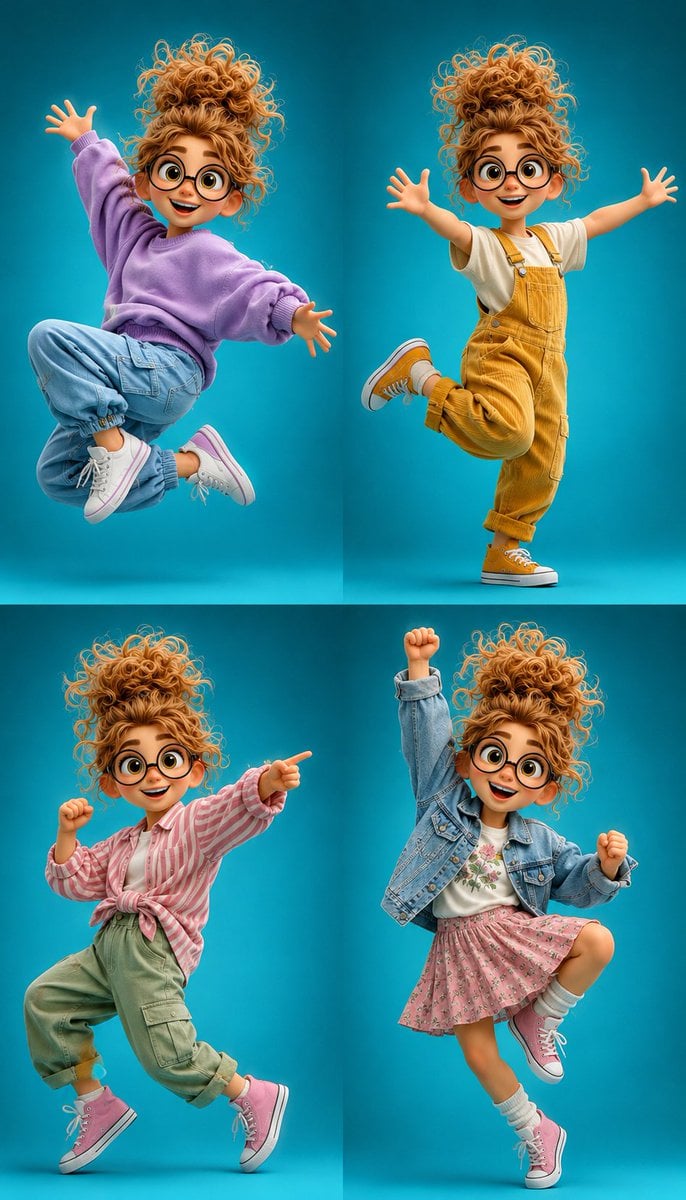
3D Cartoon Character Pose Sheet
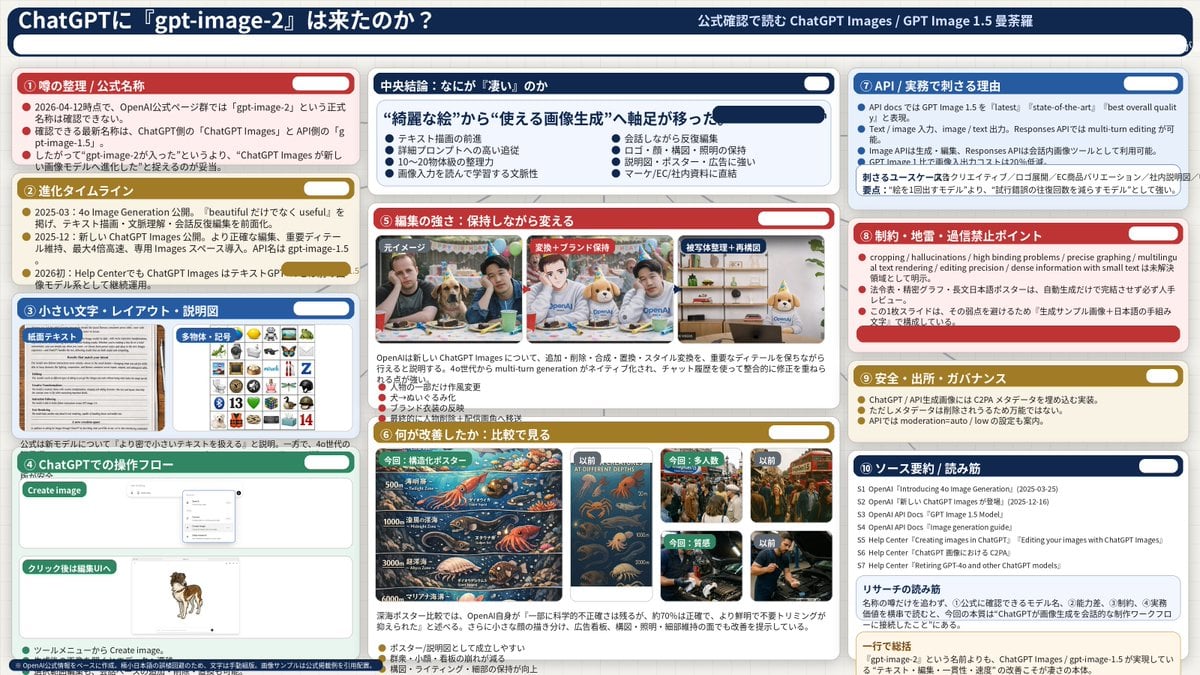
Complex AI Model Analysis Infographic
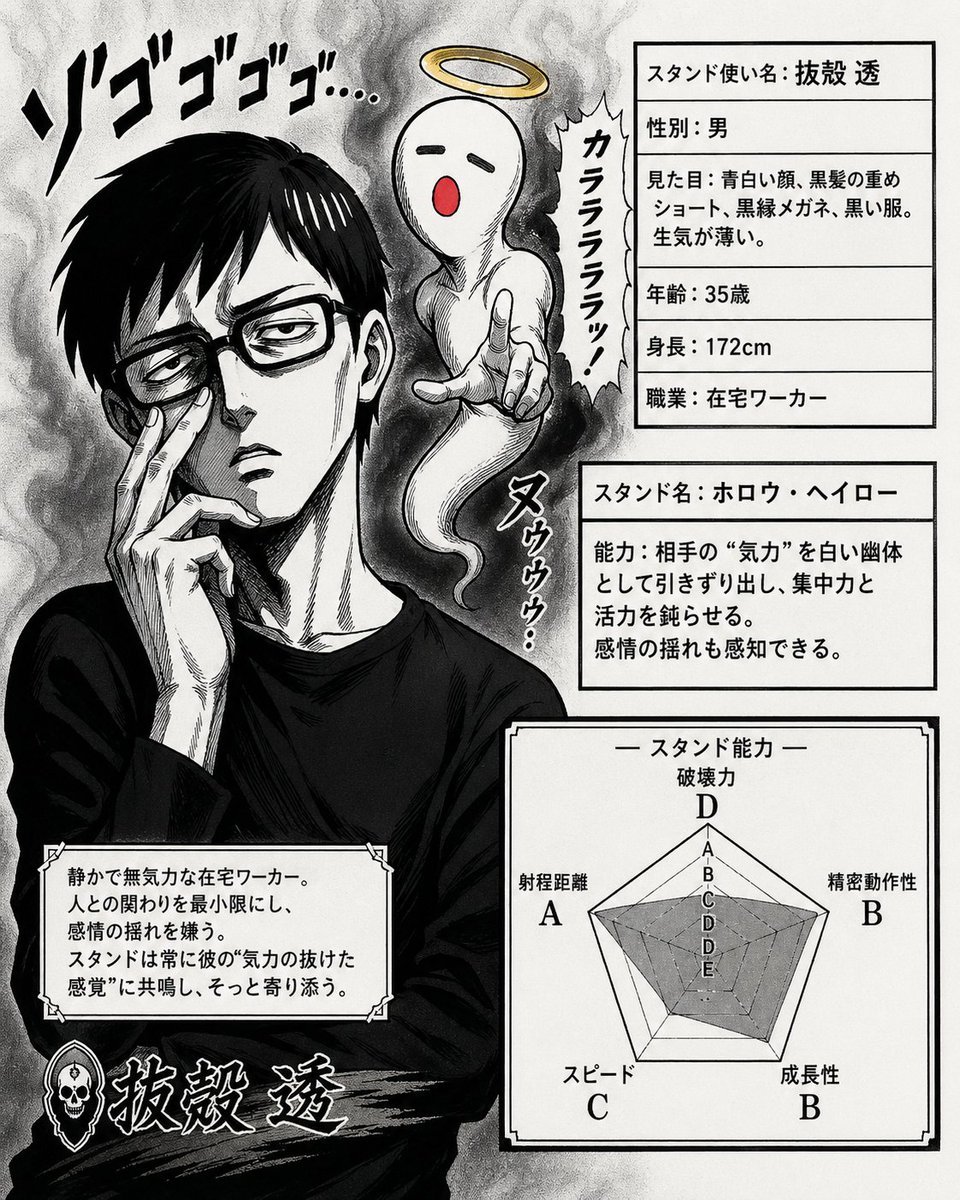
JoJo-Style Stand Character Card
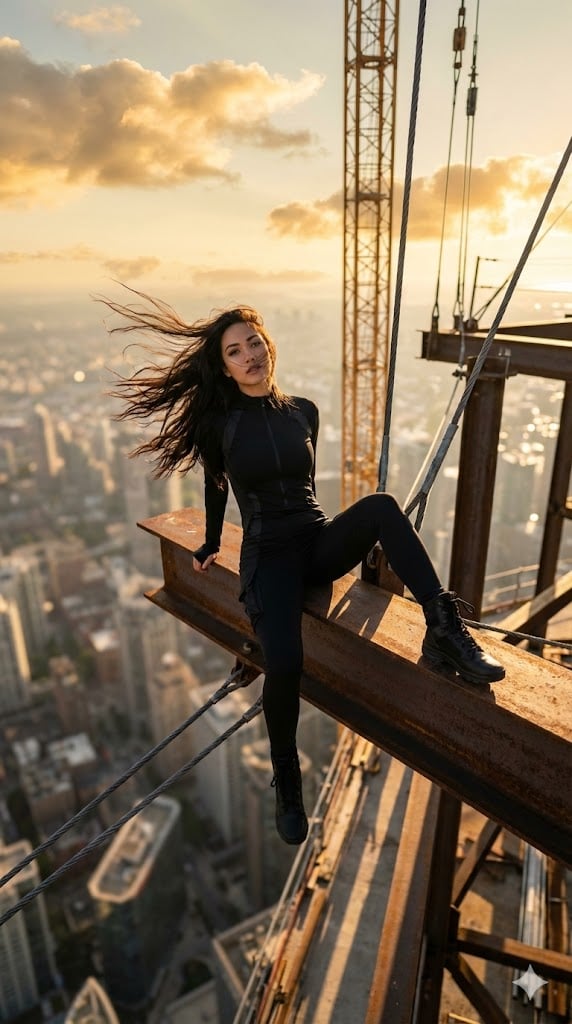
Extreme Height Urban Exploration Portrait at Sunset
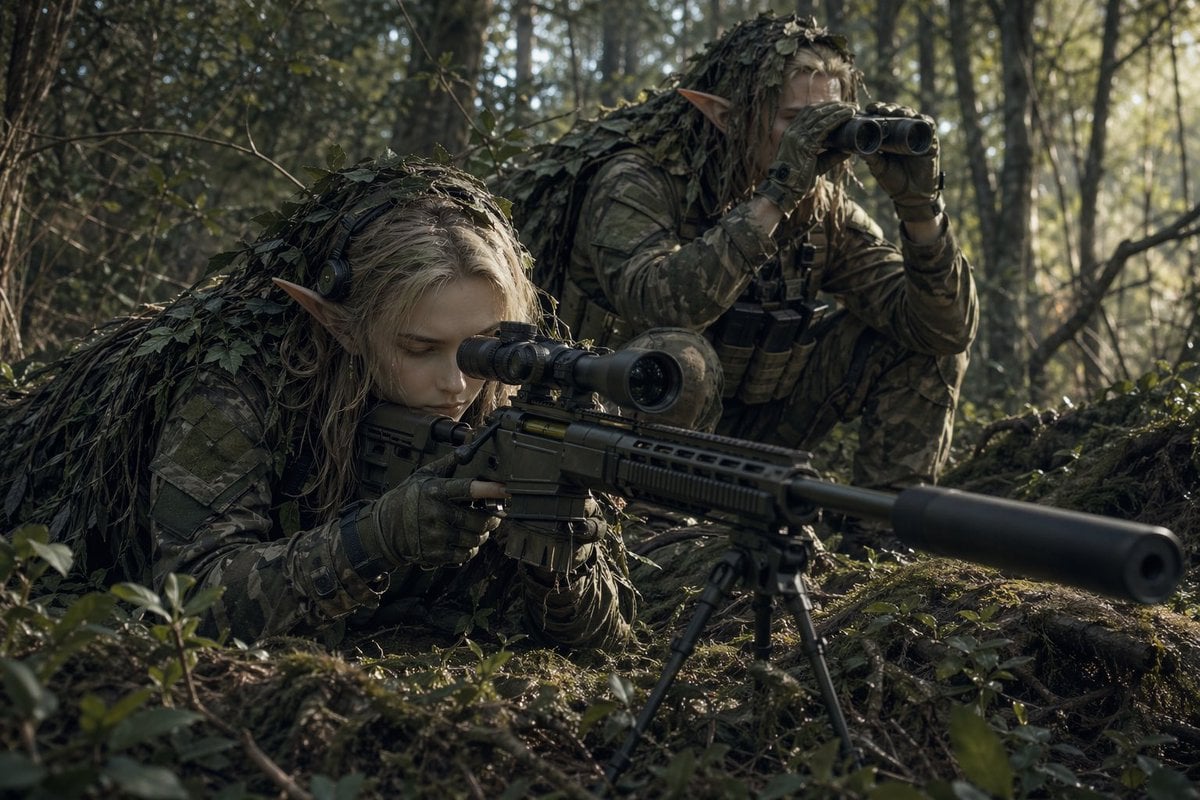
Elf Sniper Team in Forest Ambush
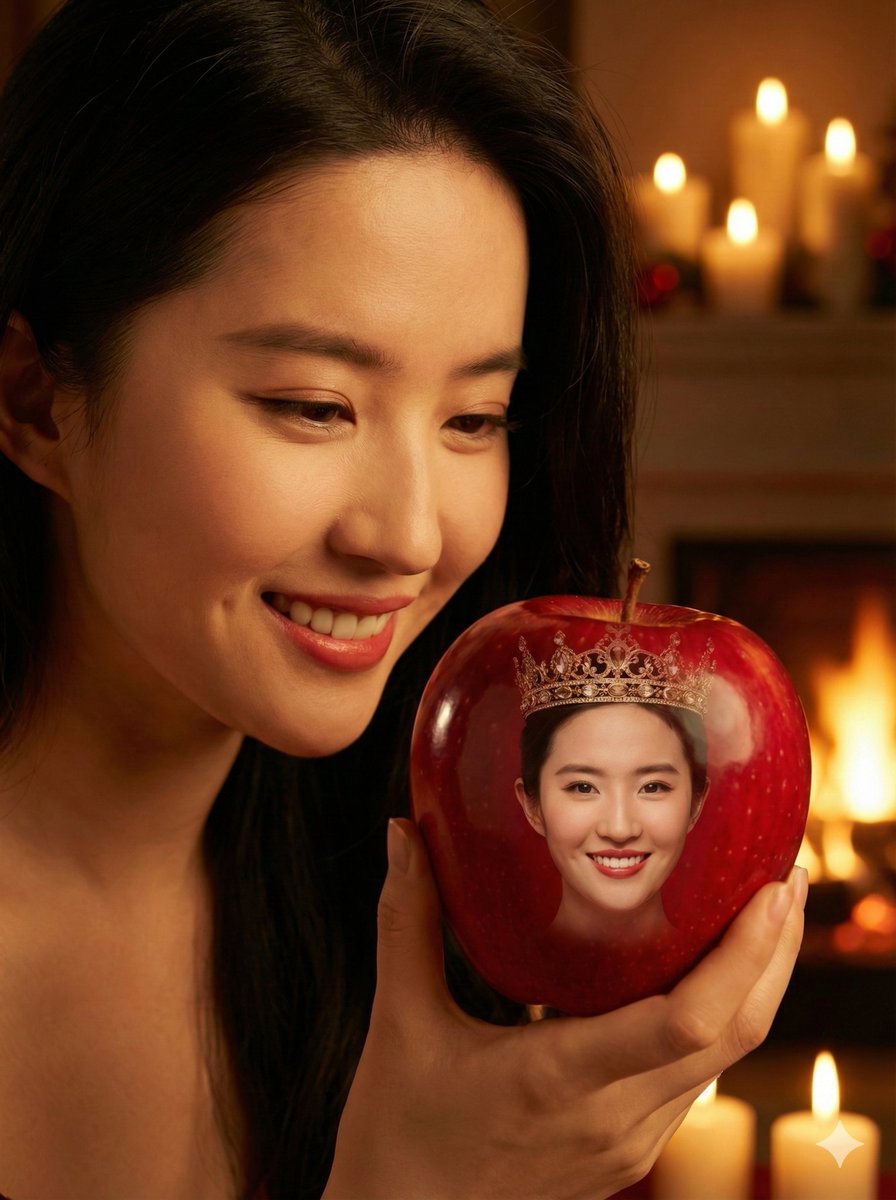
Cinematic Close-up of a Woman Holding a Magical Apple
Browse template categories
Playful Semi-Chibi Lifestyle Editorial questions
How do I use the Playful Semi-Chibi Lifestyle Editorial template?
Add your photo if the template asks for one, edit the prompt if you like — the template's model and format are already selected — and press Generate. Your version opens in PicX Studio.
Can I customize the Playful Semi-Chibi Lifestyle Editorial template?
Yes. You can change the subject, setting, lighting, mood, format, and available model controls before creating your image.
Is the Playful Semi-Chibi Lifestyle Editorial template free?
Opening and editing this template is free. Generating uses credits, shown on the Generate button when you are signed in.
Which AI model should I use?
Start with GPT Image 2, which is the model associated with this template. You can compare another compatible model for a different finish.
Looking for something else? Browse all templates.

Your photo, any look
Thousands of ready templates for every top image and video model, from one credit balance.