
Bedding Bundle Infographic
Generates a detailed product bundle infographic featuring a main lifestyle image, 6 component breakdown cards, and a 7-column pricing table.
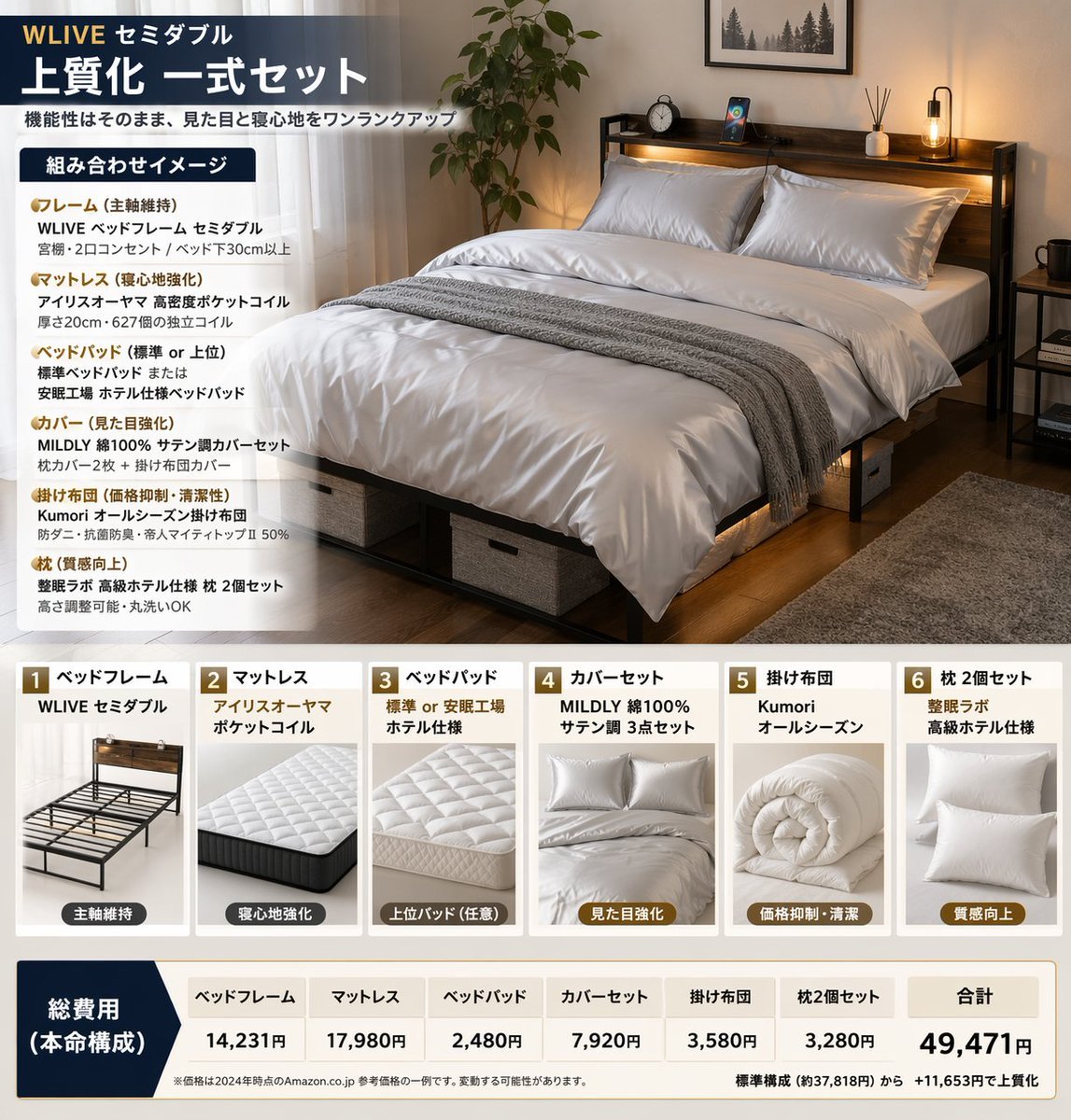
- Prompt included
- Model and format preset
- Free template
The prompt behind this image
Copy the exact prompt behind Bedding Bundle Infographic, or open it in the studio and make it yours.
- Type
- product bundle infographic
- Header › Brand And Size
- {argument name="brand and size" default="WLIVE セミダブル"}
- Header › Title
- {argument name="main title" default="上質化 一式セット"}
- Header › Subtitle
- 機能性はそのまま、見た目と寝心地をワンランクアップ
- Layout › Top Section › Left Panel › Title
- 組み合わせイメージ
- Layout › Top Section › Left Panel › Bullet Points Count
- 6
- Layout › Top Section › Left Panel › Bullet Categories
- フレーム, マットレス, ベッドパッド, カバー, 掛け布団, 枕
- Layout › Top Section › Right Panel › Image Description
- {argument name="main image description" default="a neatly made semi-double bed with dark wood frame, headboard shelf with lights, white satin bedding, grey throw blanket, under-bed storage boxes, potted plant, and rug in a cozy bedroom"}
- Layout › Middle Section › Type
- product cards
- Layout › Middle Section › Count
- 6
- Layout › Middle Section › Cards › 0 › Number
- 1
- Layout › Middle Section › Cards › 0 › Title
- ベッドフレーム
- Layout › Middle Section › Cards › 0 › Brand
- WLIVE セミダブル
- Layout › Middle Section › Cards › 0 › Image Subject
- empty dark wood bed frame
- Layout › Middle Section › Cards › 0 › Tag
- 主軸維持
- Layout › Middle Section › Cards › 1 › Number
- 2
- Layout › Middle Section › Cards › 1 › Title
- マットレス
- Layout › Middle Section › Cards › 1 › Brand
- アイリスオーヤマ ポケットコイル
- Layout › Middle Section › Cards › 1 › Image Subject
- white quilted mattress
- Layout › Middle Section › Cards › 1 › Tag
- 寝心地強化
- Layout › Middle Section › Cards › 2 › Number
- 3
- Layout › Middle Section › Cards › 2 › Title
- ベッドパッド
- Layout › Middle Section › Cards › 2 › Brand
- 標準 or 安眠工場 ホテル仕様
- Layout › Middle Section › Cards › 2 › Image Subject
- white quilted bed pad
Raw JSON
{ "type": "product bundle infographic", "header": { "brand_and_size": "{argument name=\"brand and size\" default=\"WLIVE セミダブル\"}", "title": "{argument name=\"main title\" default=\"上質化 一式セット\"}", "subtitle": "機能性はそのまま、見た目と寝心地をワンランクアップ" }, "layout": { "top_section": { "left_panel": { "title": "組み合わせイメージ", "bullet_points_count": 6, "bullet_categories": ["フレーム", "マットレス", "ベッドパッド", "カバー", "掛け布団", "枕"] }, "right_panel": { "image_description": "{argument name=\"main image description\" default=\"a neatly made semi-double bed with dark wood frame, headboard shelf with lights, white satin bedding, grey throw blanket, under-bed storage boxes, potted plant, and rug in a cozy bedroom\"}" } }, "middle_section": { "type": "product cards", "count": 6, "cards": [ { "number": 1, "title": "ベッドフレーム", "brand": "WLIVE セミダブル", "image_subject": "empty dark wood bed frame", "tag": "主軸維持" }, { "number": 2, "title": "マットレス", "brand": "アイリスオーヤマ ポケットコイル", "image_subject": "white quilted mattress", "tag": "寝心地強化" }, { "number": 3, "title": "ベッドパッド", "brand": "標準 or 安眠工場 ホテル仕様", "image_subject": "white quilted bed pad", "tag": "上位パッド(任意)" }, { "number": 4, "title": "カバーセット", "brand": "MILDLY 綿100% サテン調 3点セット", "image_subject": "folded white satin covers and pillows", "tag": "見た目強化" }, { "number": 5, "title": "掛け布団", "brand": "Kumori オールシーズン", "image_subject": "rolled white comforter", "tag": "価格抑制・清潔" }, { "number": 6, "title": "枕 2個セット", "brand": "整眠ラボ 高級ホテル仕様", "image_subject": "two white pillows", "tag": "質感向上" } ] }, "bottom_section": { "type": "pricing table", "label": "総費用 (本命構成)", "columns_count": 7, "columns": ["ベッドフレーム", "マットレス", "ベッドパッド", "カバーセット", "掛け布団", "枕 2個セット", "合計"], "total_price": "{argument name=\"total price\" default=\"49,471円\"}", "footer_note": "{argument name=\"footer note\" default=\"※価格は2024年時点のAmazon.co.jp 参考価格の一例です。変動する可能性があります。\"}" } } }Reference images included
Bedding Bundle Infographic needs input media to work. They load alongside the prompt when you open it in the studio.
How to use Bedding Bundle Infographic in 3 steps
- 1Upload ImagePNG, JPG or paste
Add your photo
Upload the photo the template builds on. The prompt, model and format are already set.
- 2…a portrait of your subject in softgolden-hour light, 85mm…
Personalize
Edit the subject and creative details for your destination.
- 3Generate
Generate
Press Generate — your image is created in PicX Studio, so you can compare it with the original and refine one variable at a time.
More like this
Templates with the same subject, style or setup. Open one to see its prompt.

Japan Travel Brochure Poster
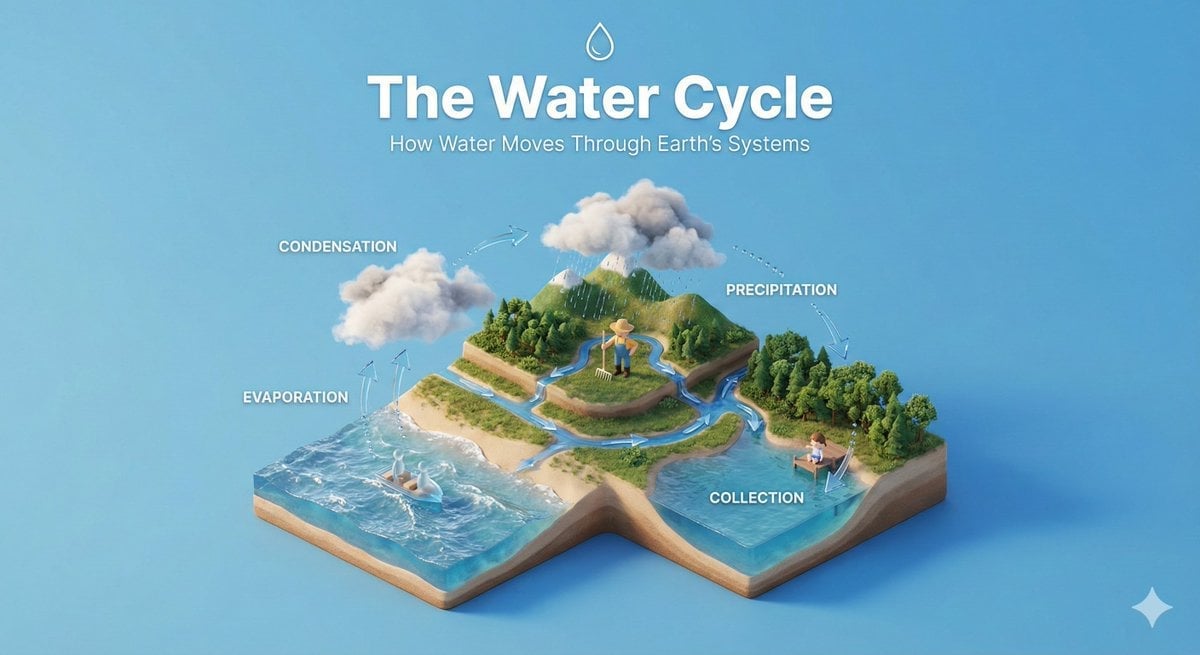
Isometric Process Educational Diorama
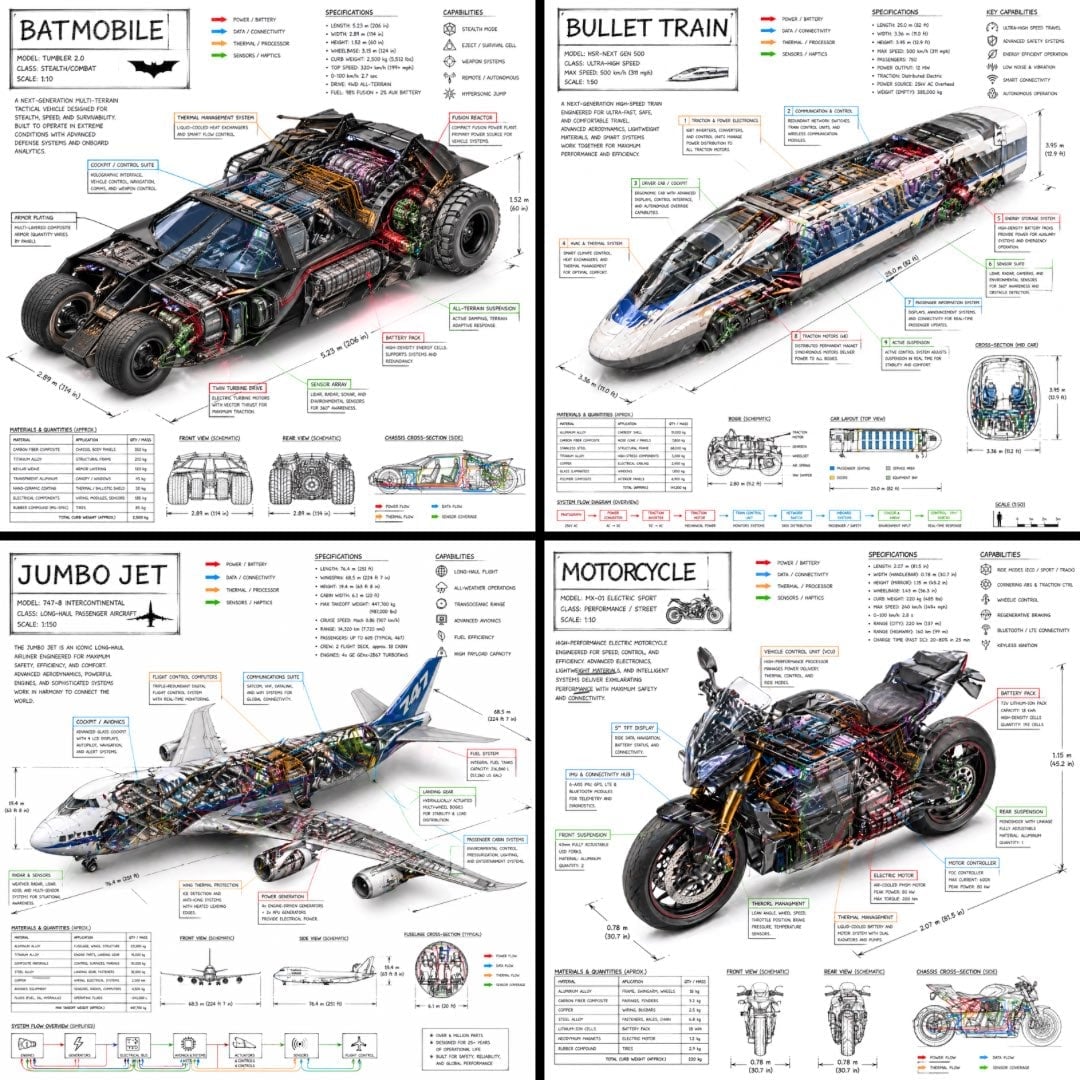
Isometric Vehicle Teardown Infographic Template

Gpt2 E Commerce Main Image Earbuds E Commerce Infographic
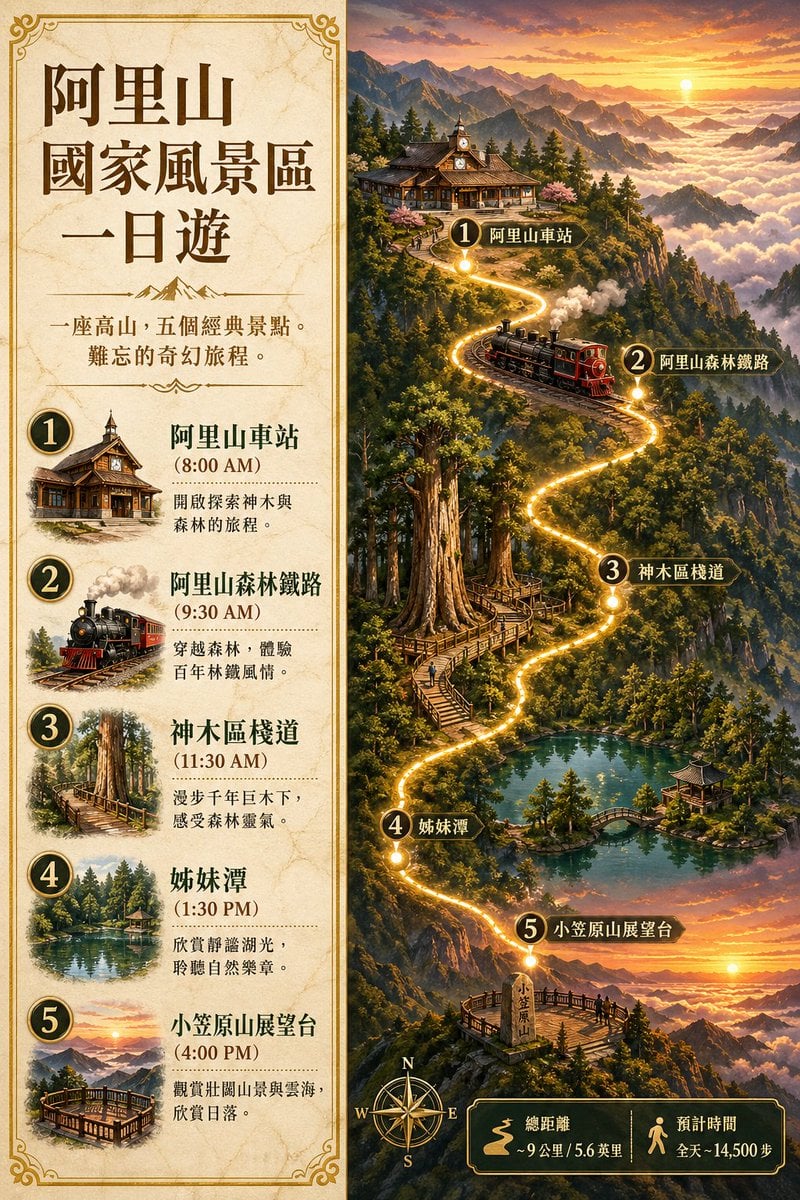
Gpt2 Infographic Edu Visual Alishan One Day Travel Poster

Gpt2 Infographic Edu Visual Ethnographic Plate for Tibetan Ceremonial Hat
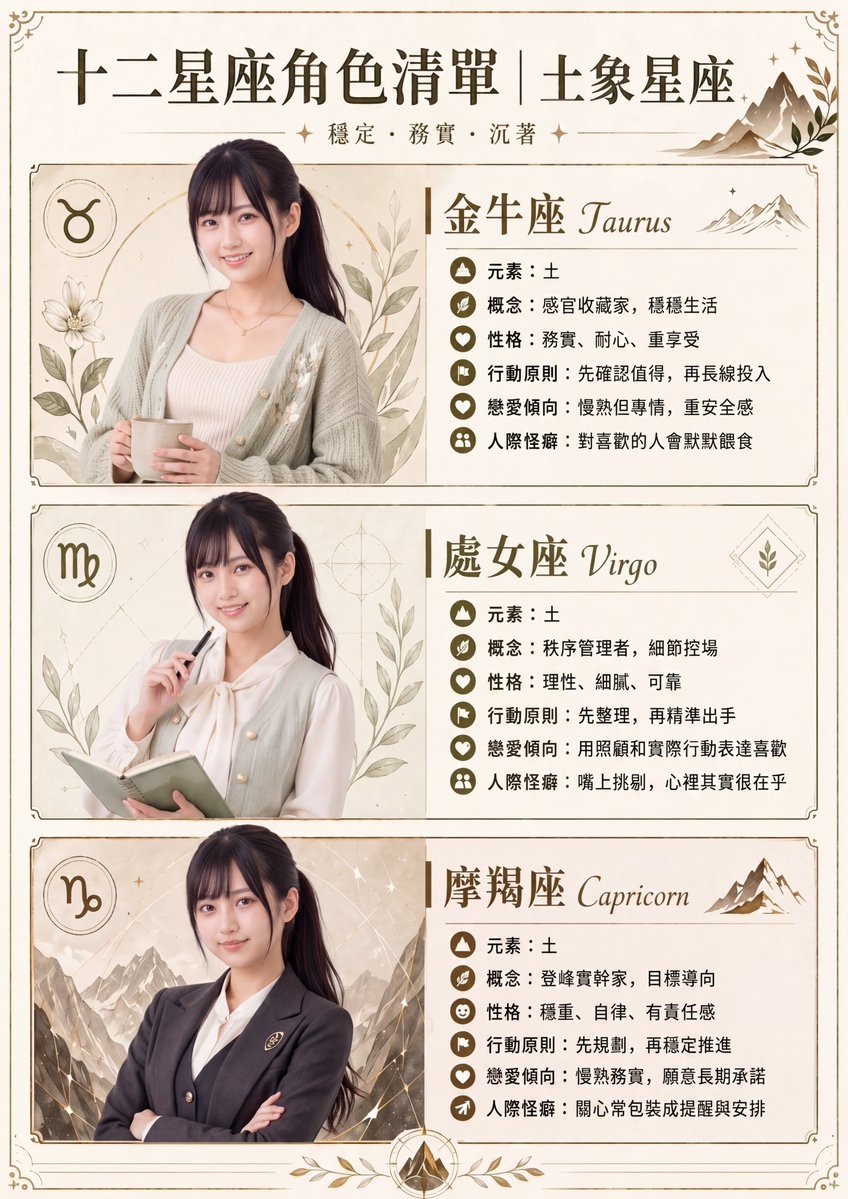
Gpt2 Infographic Edu Visual Earth Signs Zodiac Character Poster
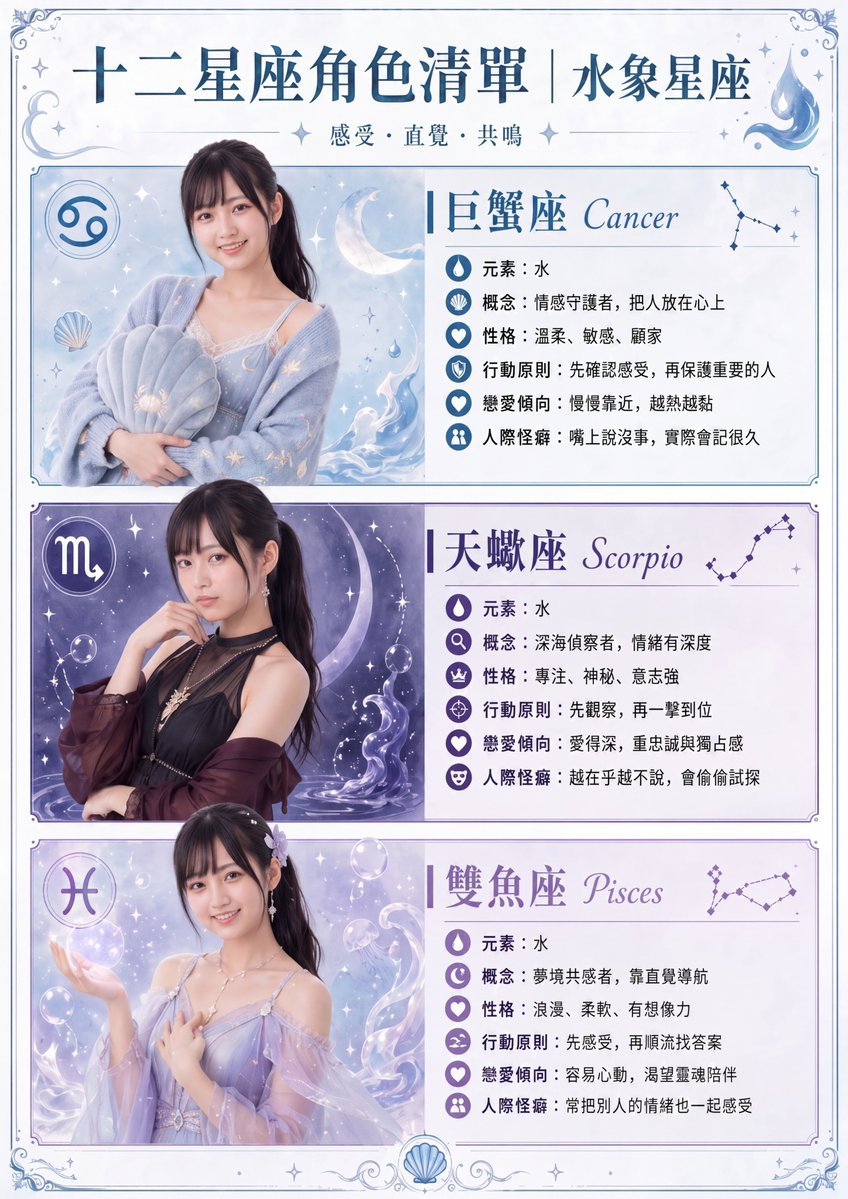
Gpt2 Infographic Edu Visual Water Signs Zodiac Character Poster
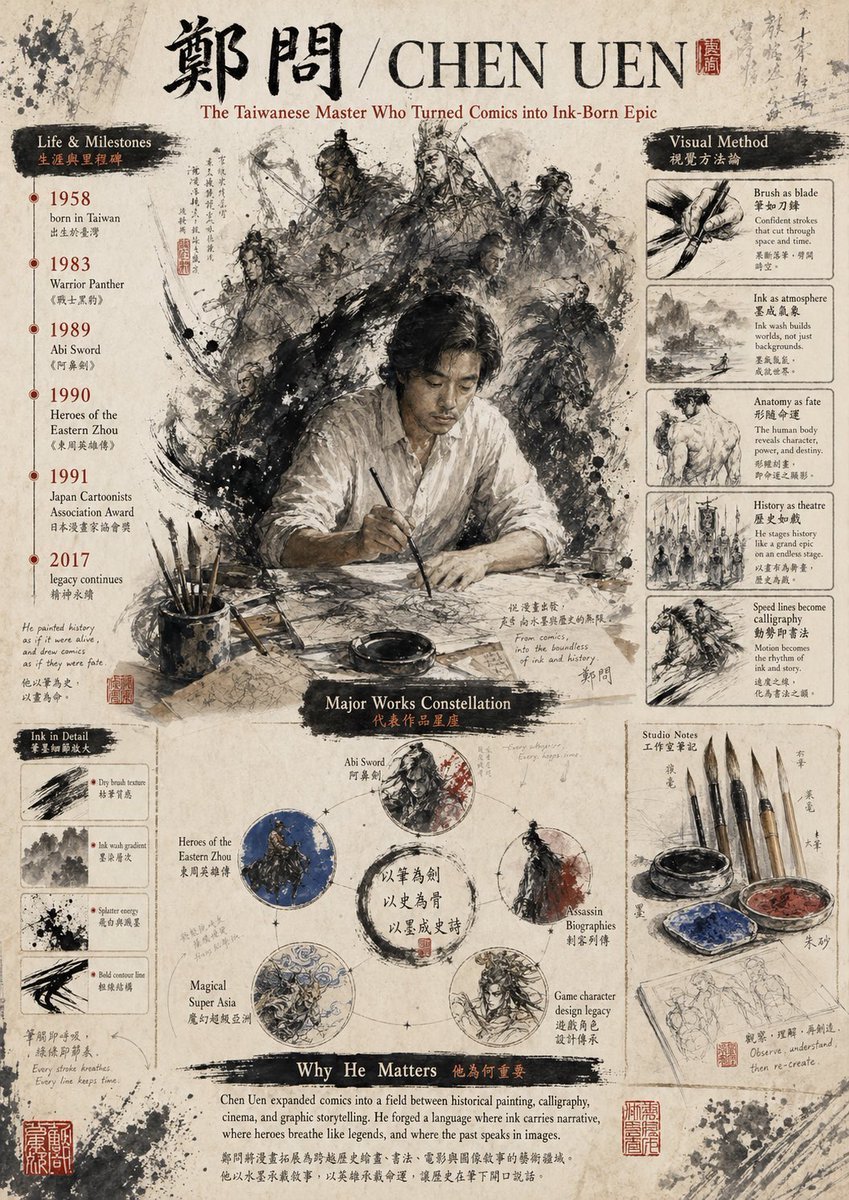
Gpt2 Infographic Edu Visual Ink Wash Tribute Poster for Chen Uen
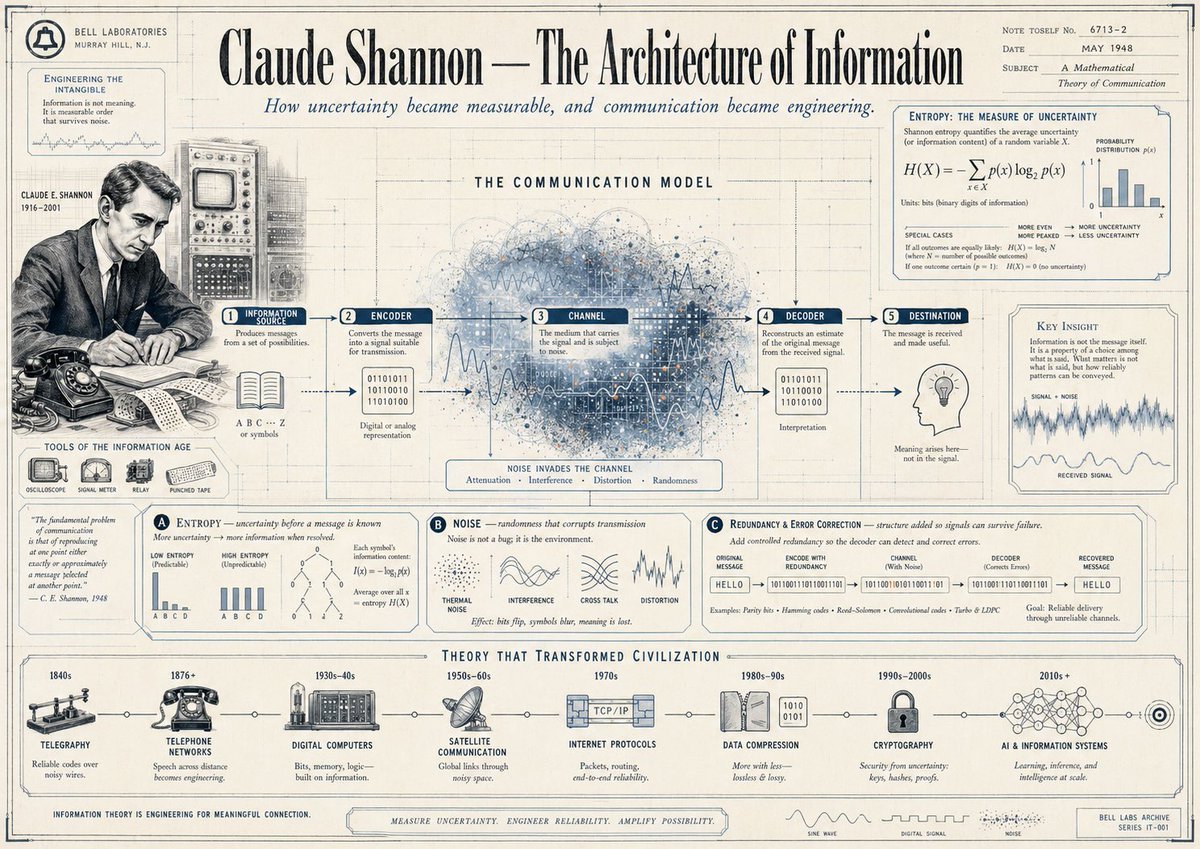
Gpt2 Infographic Edu Visual Vintage Claude Shannon Infographic Poster
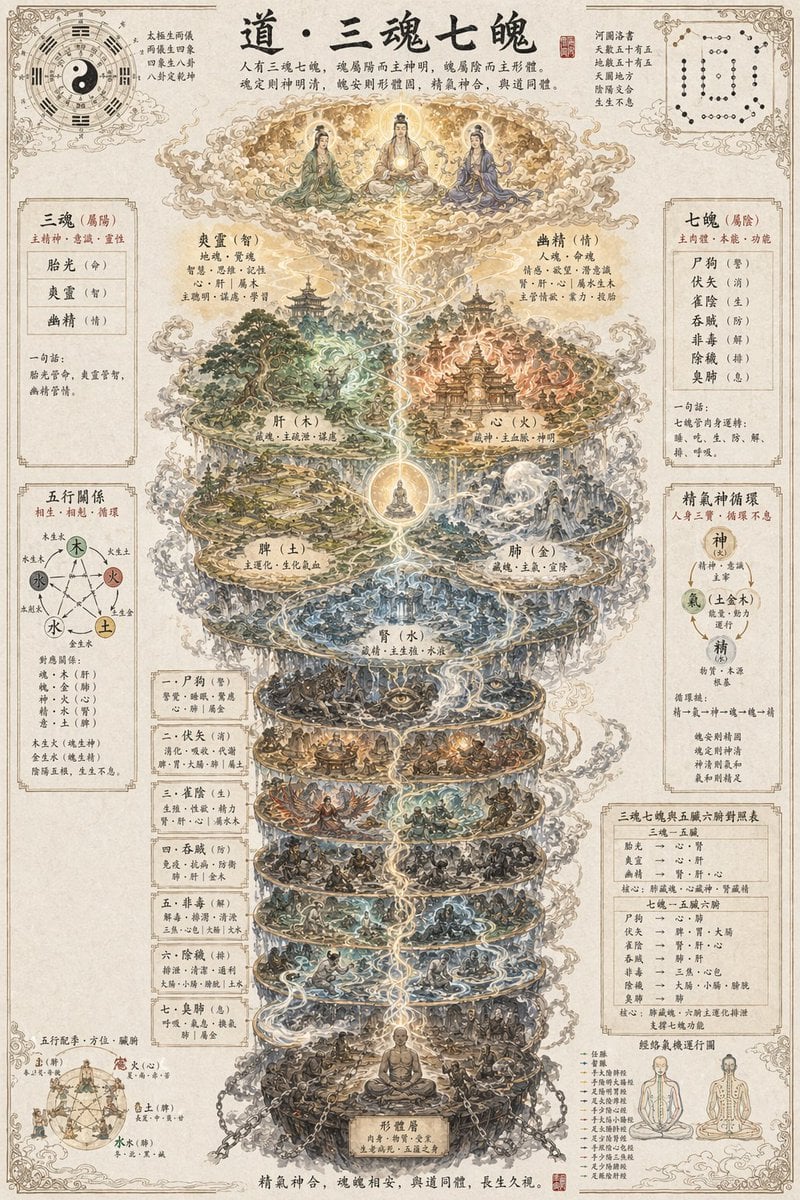
Gpt2 Infographic Edu Visual Taoist Three Souls Seven Po Poster
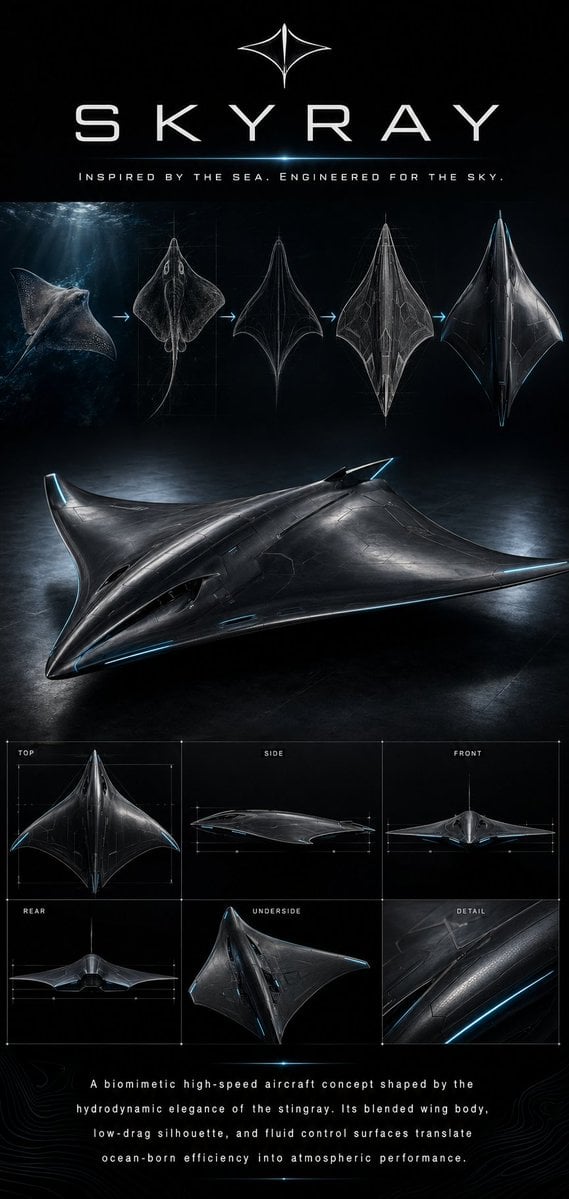
Gpt2 Infographic Edu Visual Biomimetic Skyray Aircraft Poster
Make it yours
Bedding Bundle Infographic works as-is. These are the safest ways to change it without losing the look.
Change one field
Copy a single group, rewrite it, and generate again so you can see what that field is doing.
Keep the frame, change the subject
Hold the composition and light of Bedding Bundle Infographic, then swap wardrobe, props or the person for a new take.
| If the result… | Why | Fix |
|---|---|---|
| The result drifts from the preview | Too many fields changed at once. | Reuse Bedding Bundle Infographic as-is first, then change one group — subject, light, or setting. |
| GPT Image 2 ignores part of the JSON | Some models flatten or skip nested keys. | Keep the same values and paste them as a short paragraph instead. |
More GPT Image 2 templates
Other prompts made for GPT Image 2.

Six VTuber Japanese Logo Sheet

Realistic Portrait of Woman and Deer

The Vista Modular Condo Poster

AI Model Routing Comparison Infographic

2.5D Anime Art Board

Isometric Productivity Desk Scene

New York Double Exposure Poster

Four-Panel AI Landscape Comparison

Japanese Tatami Lifestyle Magazine Cover

NESCAFÉ Coffee Map Poster
More image prompts
Fresh picks from across the catalog.
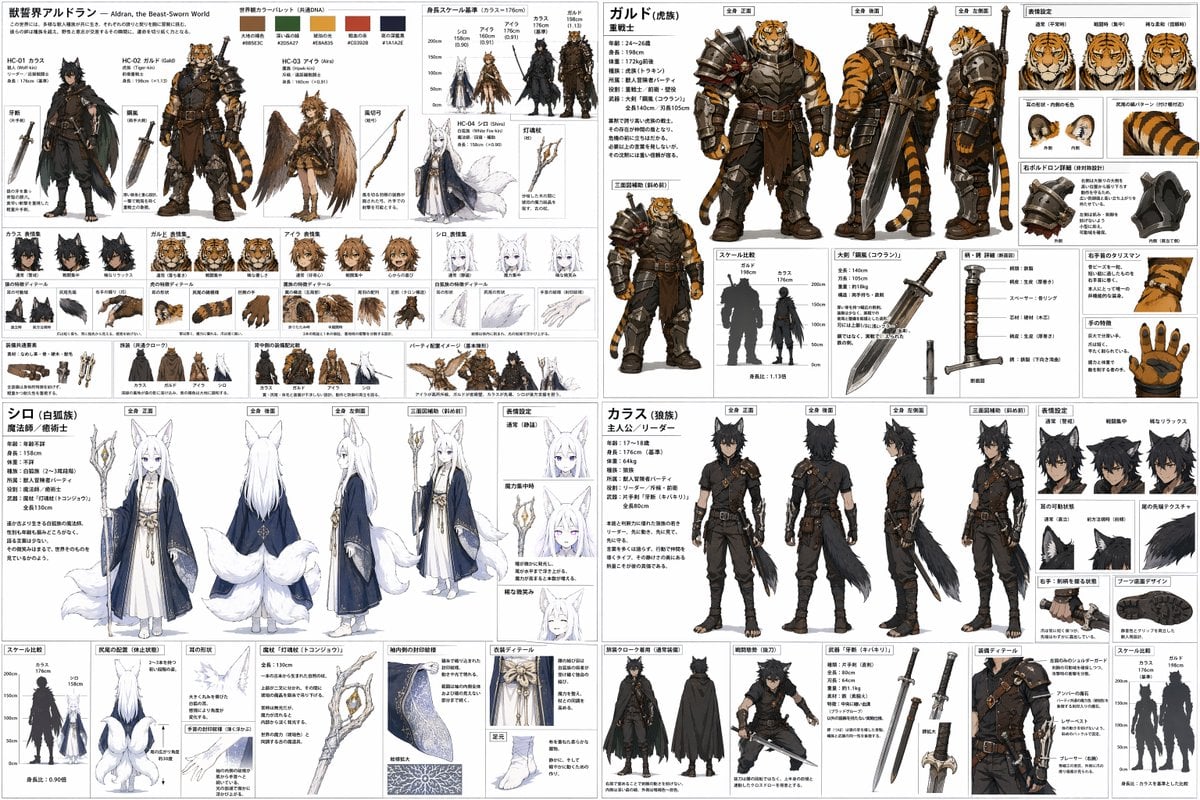
Quadrant RPG Character Design Sheet
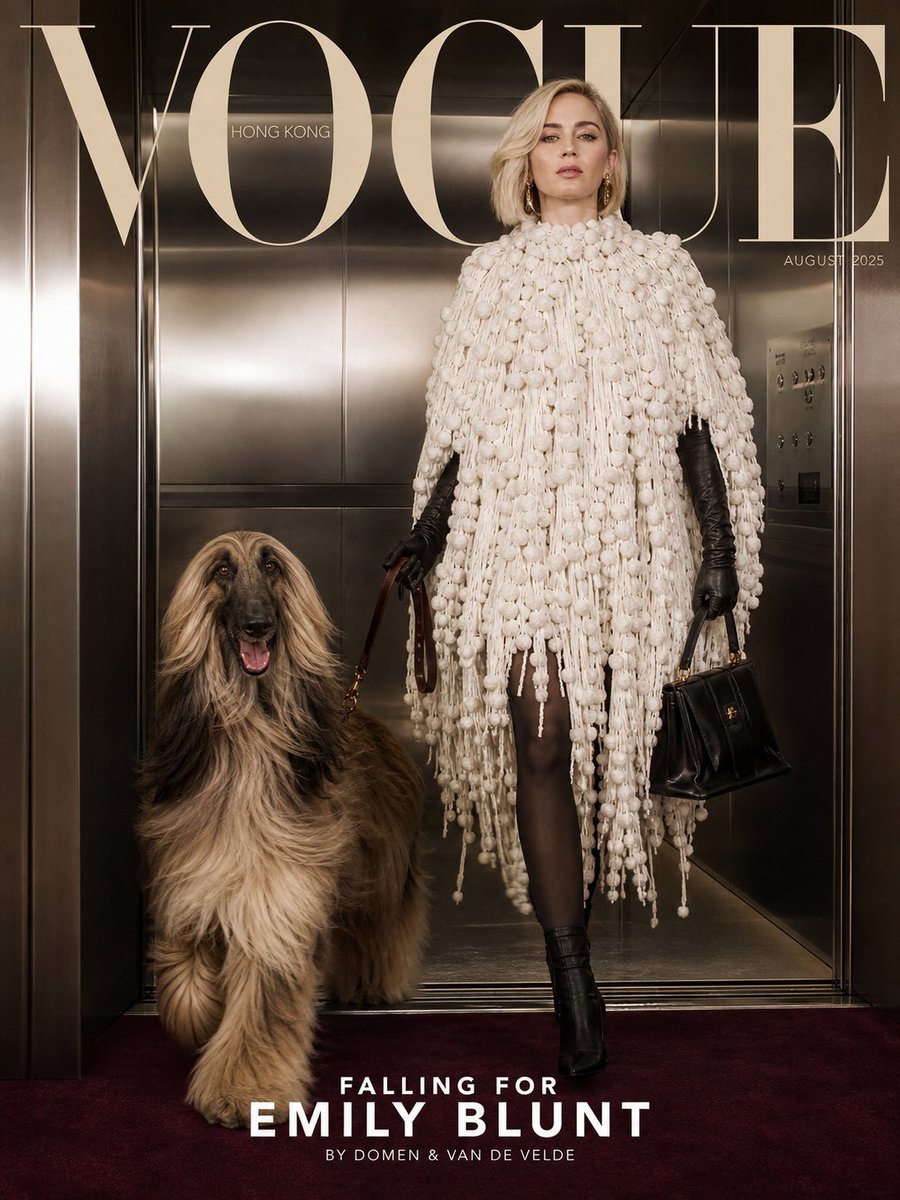
Vogue Cover with Emily Blunt

Ultra-Realistic Portrait of Woman Hugging a Maltese Dog
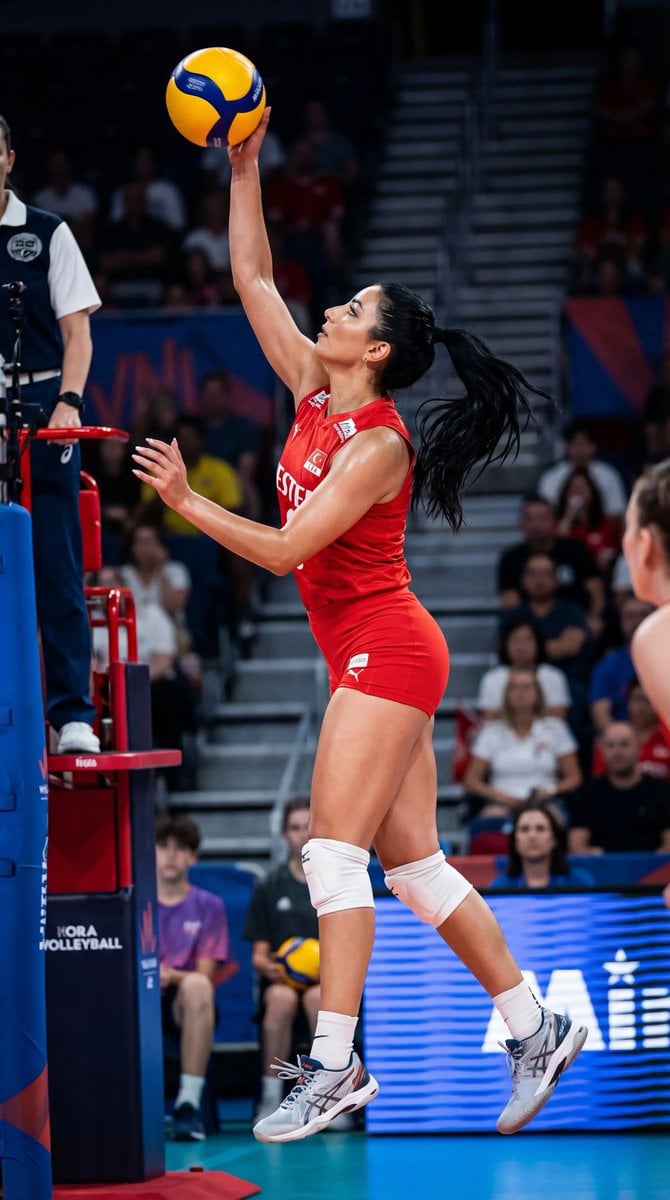
Ultra-Photorealistic Volleyball Action Shot (Identity Lock)

Contemplative Meadow Portrait Prompt (Identity Preservation)

Nostalgic Japanese Suburban Portrait

Fantasy Anime Scene Still

Stylized 3D Caricature Portrait
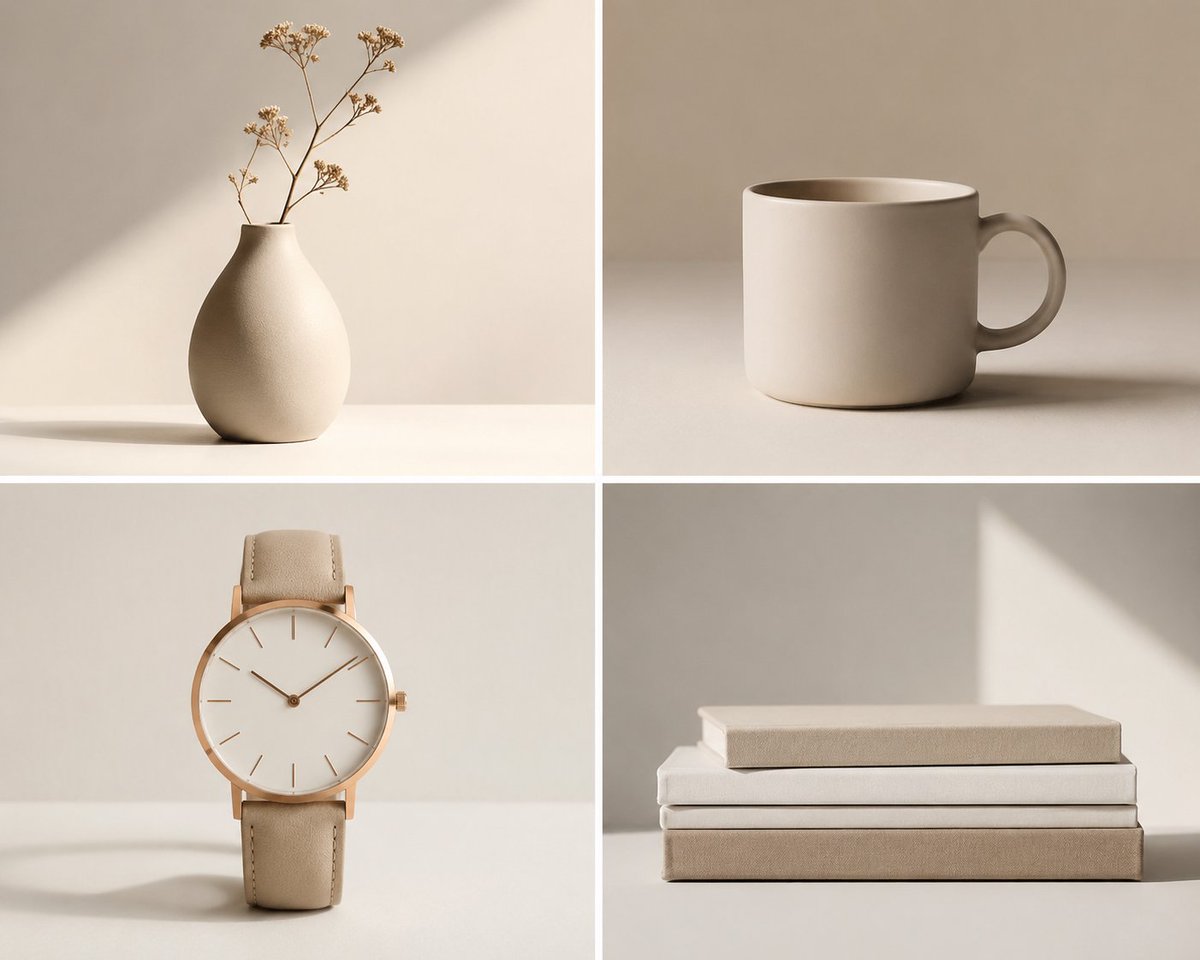
Minimalist Neutral Object Grid

Energy Drink Product Explosion Commercial Prompt Template
Browse template categories
Bedding Bundle Infographic questions
How do I use the Bedding Bundle Infographic template?
Add your photo if the template asks for one, edit the prompt if you like — the template's model and format are already selected — and press Generate. Your version opens in PicX Studio.
Can I customize the Bedding Bundle Infographic template?
Yes. You can change the subject, setting, lighting, mood, format, and available model controls before creating your image.
Is the Bedding Bundle Infographic template free?
Opening and editing this template is free. Generating uses credits, shown on the Generate button when you are signed in.
Which AI model should I use?
Start with GPT Image 2, which is the model associated with this template. You can compare another compatible model for a different finish.
Looking for something else? Browse all templates.

Your photo, any look
Thousands of ready templates for every top image and video model, from one credit balance.