
Minimalist Neutral Object Grid
Generates a four-panel minimalist product photography grid of elegant everyday objects for design inspiration, mood boards, or clean background visuals.
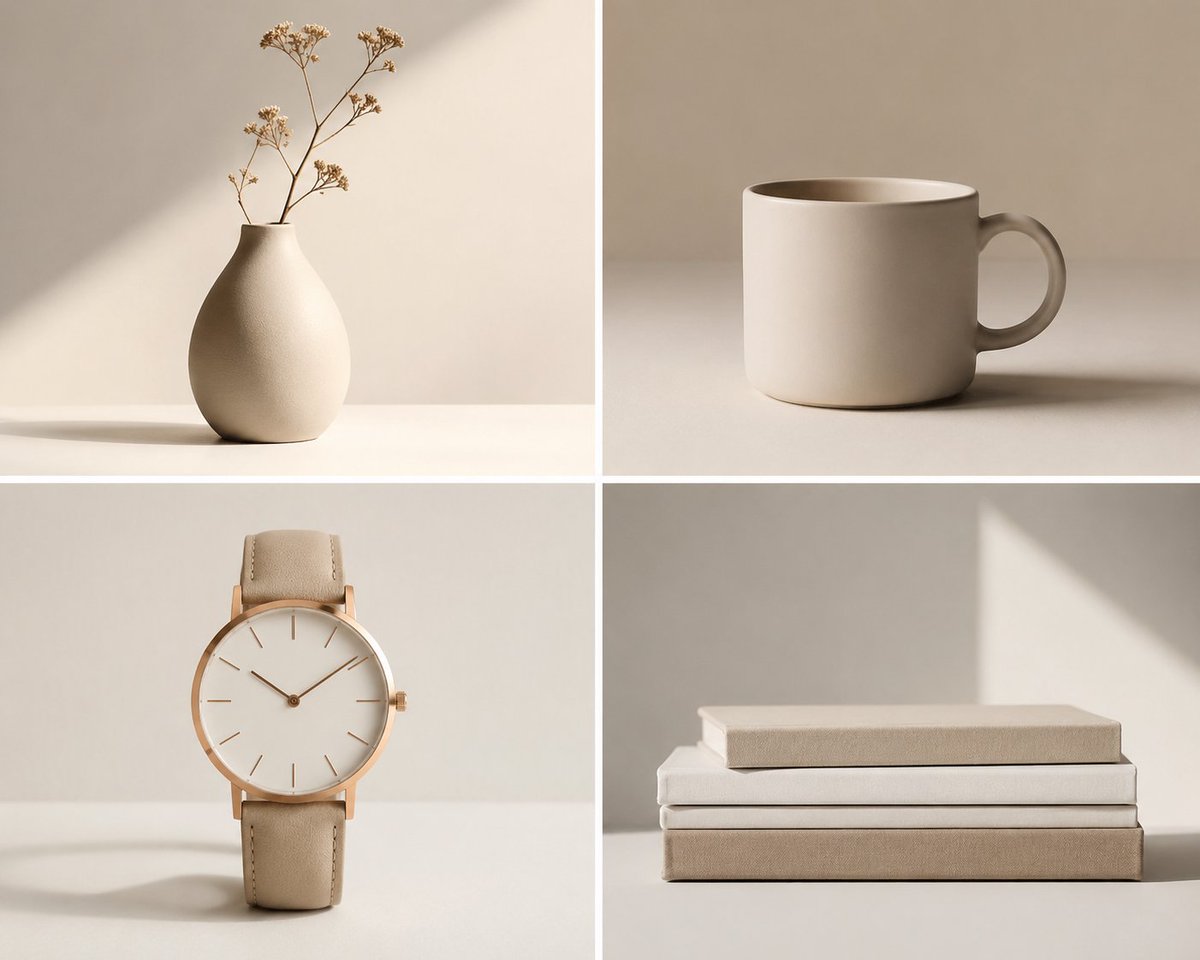
- Prompt included
- Model and format preset
- Free template
The prompt behind this image
Copy the exact prompt behind Minimalist Neutral Object Grid, or open it in the studio and make it yours.
Create a clean 2x2 minimalist object photography grid featuring exactly 4 everyday items in a warm neutral beige palette: 1) top-left, a matte cream ceramic vase with a rounded pear-shaped body and narrow neck holding a few delicate dried flower stems, placed on a white tabletop with a soft diagonal sunlight beam and long subtle shadow; 2) top-right, a simple cylindrical cream ceramic mug with a rounded handle on the right, seen slightly from above, centered on a beige tabletop with a soft horizontal shadow; 3) bottom-left, an elegant minimalist wristwatch standing upright, with a thin rose-gold case, blank white dial, slim hour markers, two hands, small crown on the right, and beige leather strap, casting a faint shadow; 4) bottom-right, a neat stack of exactly 3 closed books in cream, white, and taupe covers, aligned horizontally, with the top book slightly smaller and a triangular patch of sunlight on the wall behind. Use a square canvas divided by thick white gutters into four equal panels. Style: high-end editorial product photography, soft natural window light, muted shadows, smooth off-white background, uncluttered composition, matte textures, calm Scandinavian/Japandi aesthetic, no people, no logos, no visible text, no watermark. Overall mood should emphasize {argument name="aesthetic mood" default="quiet simplicity"}, {argument name="color palette" default="warm cream, beige, ivory, and taupe"}, and {argument name="lighting style" default="soft natural window light with gentle geometric shadows"}.
How to use Minimalist Neutral Object Grid in 3 steps
- 1Upload ImagePNG, JPG or paste
Add your photo
Upload the photo the template builds on. The prompt, model and format are already set.
- 2…a portrait of your subject in softgolden-hour light, 85mm…
Personalize
Edit the subject and creative details for your destination.
- 3Generate
Generate
Press Generate — your image is created in PicX Studio, so you can compare it with the original and refine one variable at a time.
More like this
Templates with the same subject, style or setup. Open one to see its prompt.

Minimalist Fashion Editorial Split Layout

Minimalist Studio Fashion Portrait Grid

Japanese Minimalist Concrete Studio Fashion Editorial

Korean Luxury Fashion Editorial 2x2 Grid Series

Korean Streetwear Minimalist Campaign Portrait

Ultra-Realistic Vogue-Style Editorial Fashion Grid

Minimalist Scandinavian Editorial Fashion Portrait Series

Quiet Minimalist Anime Style Guide

Premium Vintage Travel Poster Landscape
Elegant Minimalist Product Photography

Soft Shadow Studio Minimalist Product Shot

Futuristic Studio Neon Ring Minimalist Portrait
Make it yours
Minimalist Neutral Object Grid works as-is. These are the safest ways to change it without losing the look.
Change one field
Copy a single group, rewrite it, and generate again so you can see what that field is doing.
Keep the frame, change the subject
Hold the composition and light of Minimalist Neutral Object Grid, then swap wardrobe, props or the person for a new take.
| If the result… | Why | Fix |
|---|---|---|
| The result drifts from the preview | Too many fields changed at once. | Reuse Minimalist Neutral Object Grid as-is first, then change one group — subject, light, or setting. |
| The model over-stylizes the scene | The prose prompt leaves finish and camera underspecified. | Add one camera or lighting sentence and stay on GPT Image 2. |
More GPT Image 2 templates
Other prompts made for GPT Image 2.

Six VTuber Japanese Logo Sheet

Realistic Portrait of Woman and Deer

The Vista Modular Condo Poster

AI Model Routing Comparison Infographic

2.5D Anime Art Board

Isometric Productivity Desk Scene

New York Double Exposure Poster

Four-Panel AI Landscape Comparison

Japanese Tatami Lifestyle Magazine Cover

NESCAFÉ Coffee Map Poster
More image prompts
Fresh picks from across the catalog.
Fashion Editorial Portrait with Grunge Collage
Pastel Pink and Silver Ornate Style Transfer
Photo-to-Realistic Anime Character Conversion
Cinematic Chiaroscuro Portrait of a South Asian Man in a Library

Japanese Potato Chip Advertisement
Cinematic Flash Editorial Couple Portrait in Paris

Kid-Friendly Emotion Illustrations (Cartoon Dog)
Cosmic Product Photography: Futuristic Energy Serum
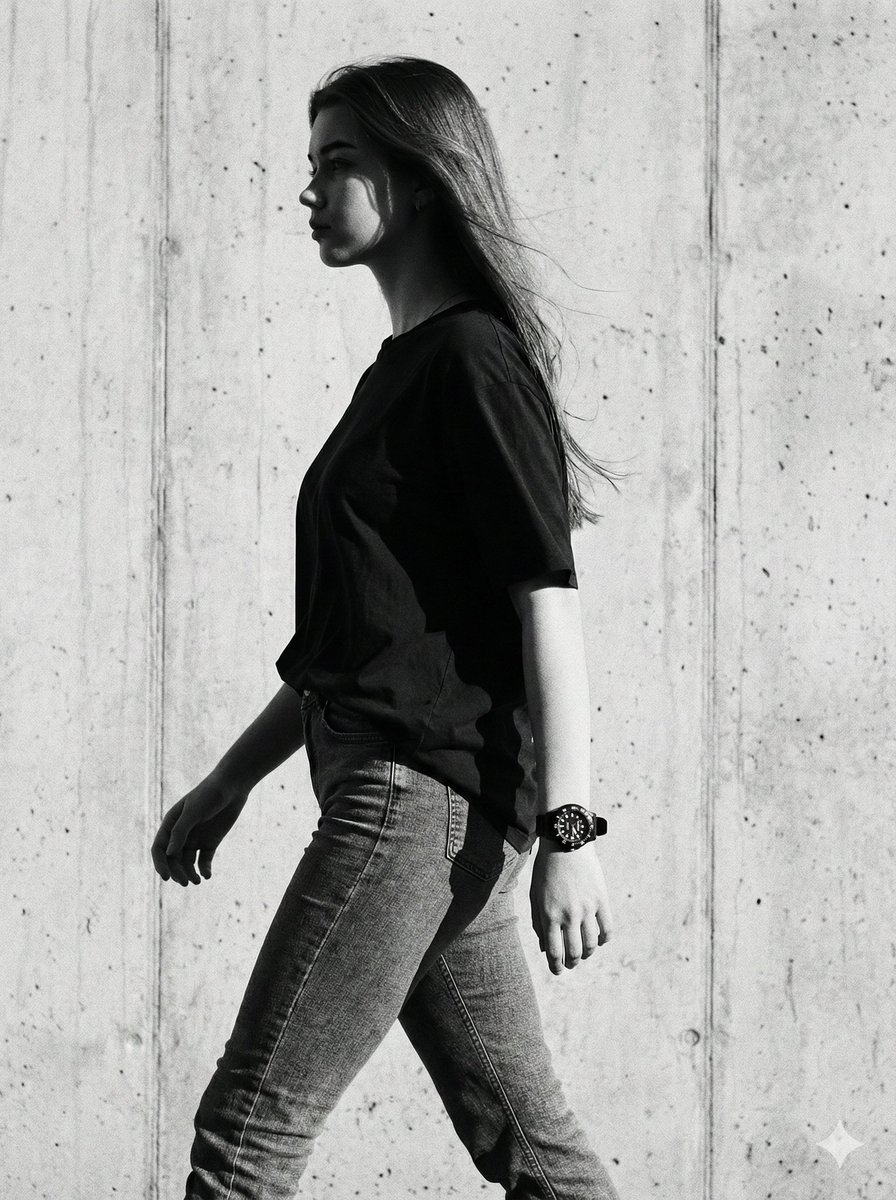
Cinematic Black-and-White High-Fashion Portrait
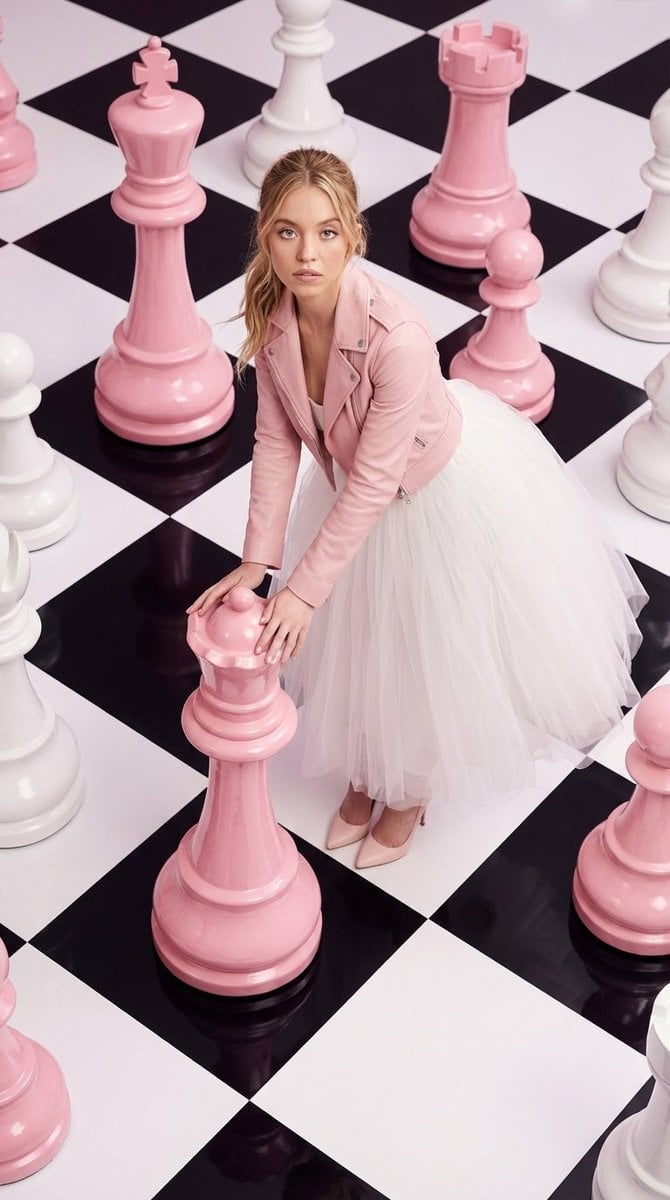
High-Fashion Surreal Chessboard Editorial
Browse template categories
Minimalist Neutral Object Grid questions
How do I use the Minimalist Neutral Object Grid template?
Add your photo if the template asks for one, edit the prompt if you like — the template's model and format are already selected — and press Generate. Your version opens in PicX Studio.
Can I customize the Minimalist Neutral Object Grid template?
Yes. You can change the subject, setting, lighting, mood, format, and available model controls before creating your image.
Is the Minimalist Neutral Object Grid template free?
Opening and editing this template is free. Generating uses credits, shown on the Generate button when you are signed in.
Which AI model should I use?
Start with GPT Image 2, which is the model associated with this template. You can compare another compatible model for a different finish.
Looking for something else? Browse all templates.

Your photo, any look
Thousands of ready templates for every top image and video model, from one credit balance.