
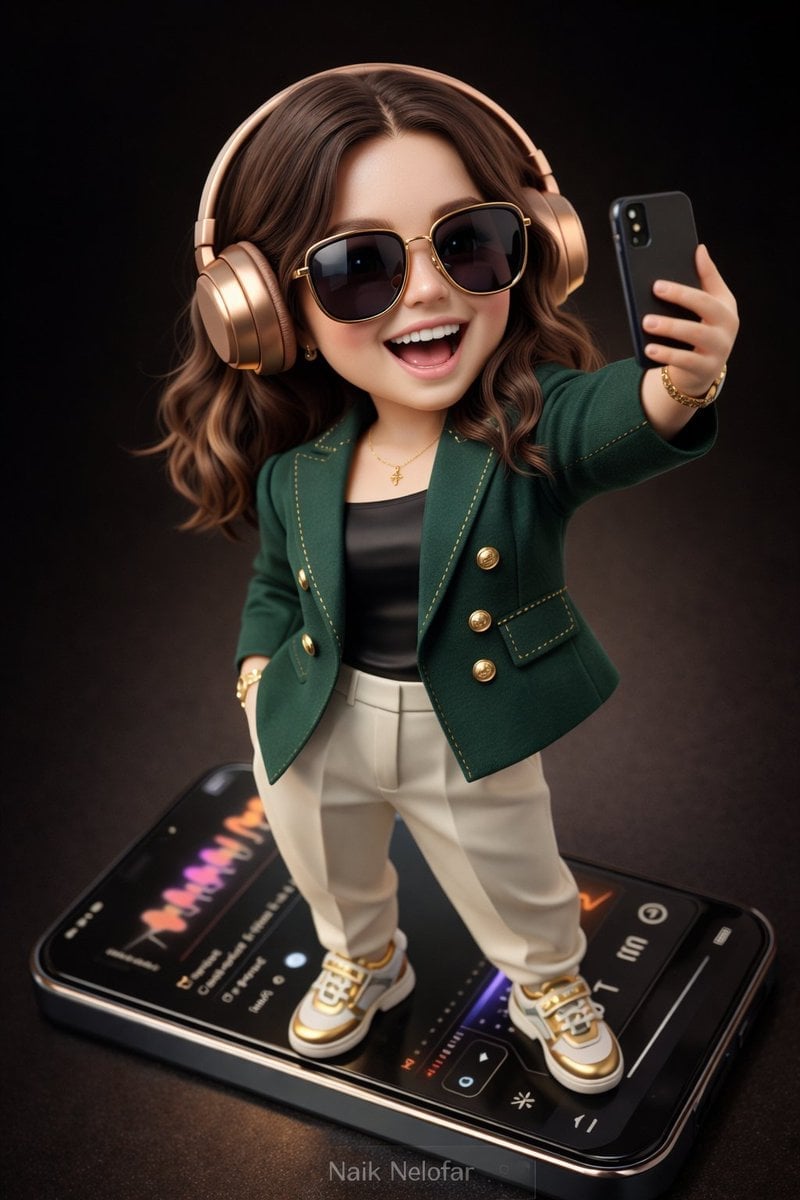
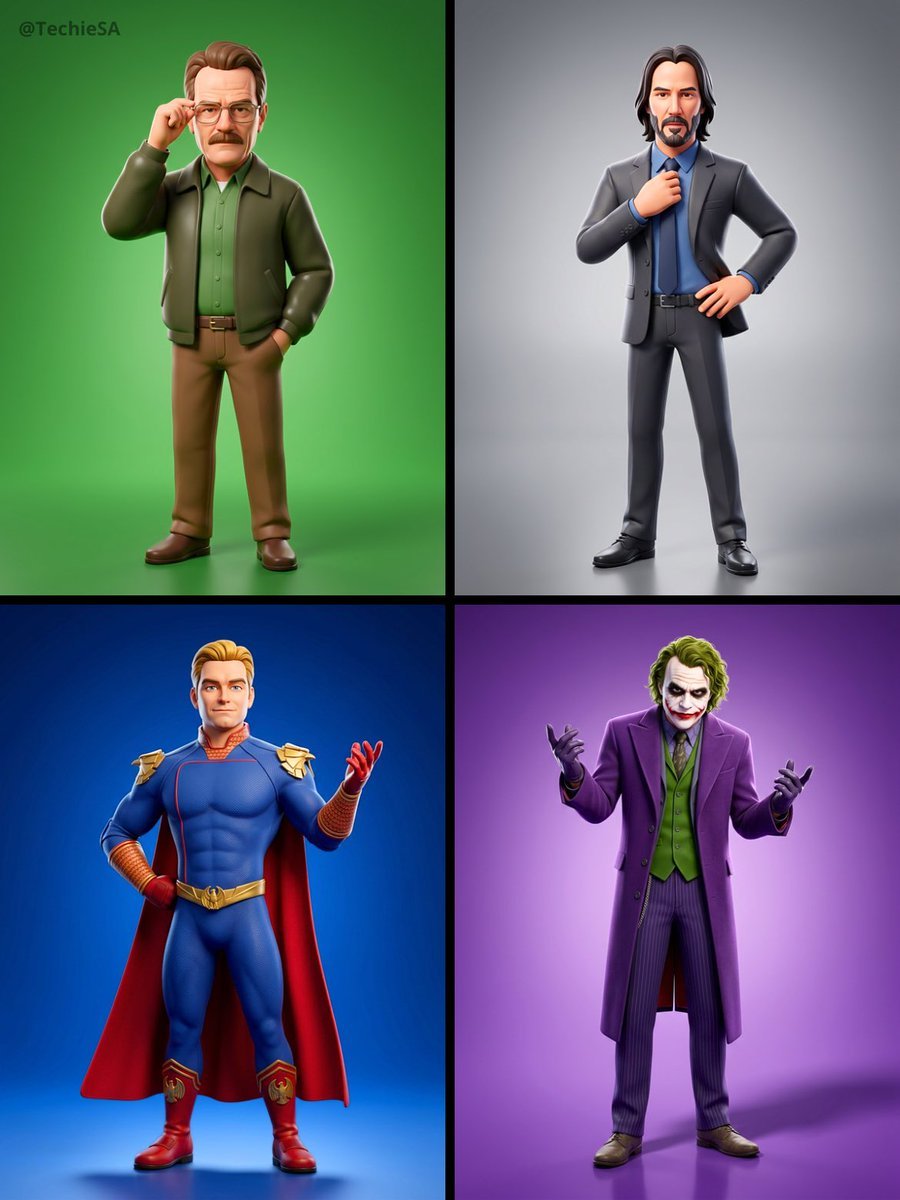
High-detail 3D semi-realistic chibi character with slightly exaggerated
Create a high-detail 3D semi-realistic chibi character with slightly exaggerated cute proportions but with photorealistic facial rendering, natural skin pores, realistic lighting, and finely detailed hair strands.
- Prompt included
- Model and format preset
- Premium template
The prompt behind this image
Copy the exact prompt behind High-detail 3D semi-realistic chibi character with slightly exaggerated, or open it in the studio and make it yours.
Create a high-detail 3D semi-realistic chibi character with slightly exaggerated cute proportions but with photorealistic facial rendering, natural skin pores, realistic lighting, and finely detailed hair strands. The character should look like a collectible designer toy figure with smooth surfaces, high-end materials, and ultra-clean edges. The character is styled in an fashion look: A tailored designer jacket in deep emerald green with gold stitching accents A sleek black silk fitted top underneath High-fashion tapered trousers in matte ivory tone designer sneakers / footwear in white and gold with polished details Accessories must feel ultra- and fashionable: oversized sunglasses with glossy black lenses and gold frame wristwatch with metallic gold case and elegant dial Subtle designer bracelet and minimal accents The character stands confidently on top of a giant modern smartphone, like a collectible display piece. They are wearing stylish wireless over-ear headphones in metallic rose gold and holding the phone slightly forward while taking a playful joyful selfie, smiling and laughing with energetic expression. The smartphone screen displays a realistic modern music-player interface with colorful waveform animations and elegant UI elements. Scene style and lighting: Background: deep cinematic dark brown gradient studio backdrop Lighting: soft studio lighting with subtle reflections and rim light Materials: high-quality fabric textures, polished metals, and realistic plastics Style: collectible toy aesthetic mixed with semi-realistic chibi design Camera perspective: Aerial / top-down camera angle Slight cinematic depth of field for realism Rendering quality: Ultra-detailed 3D render 8K resolution smooth shading hyper-clean edges high clarity Add a small elegant watermark text “Naik Nelofar ” at the bottom of the image, subtle but clearly readable. Aspect ratio: 3:4 vertical composition
How to use High-detail 3D semi-realistic chibi character with slightly exaggerated in 3 steps
- 1
Open
The prompt is already in the box next to the preview, with the template's model and format selected.
- 2…a portrait of your subject in softgolden-hour light, 85mm…
Personalize
Edit the subject and creative details for your destination.
- 3Generate
Generate
Press Generate — your image is created in PicX Studio, so you can compare it with the original and refine one variable at a time.
More like this
Templates with the same subject, style or setup. Open one to see its prompt.
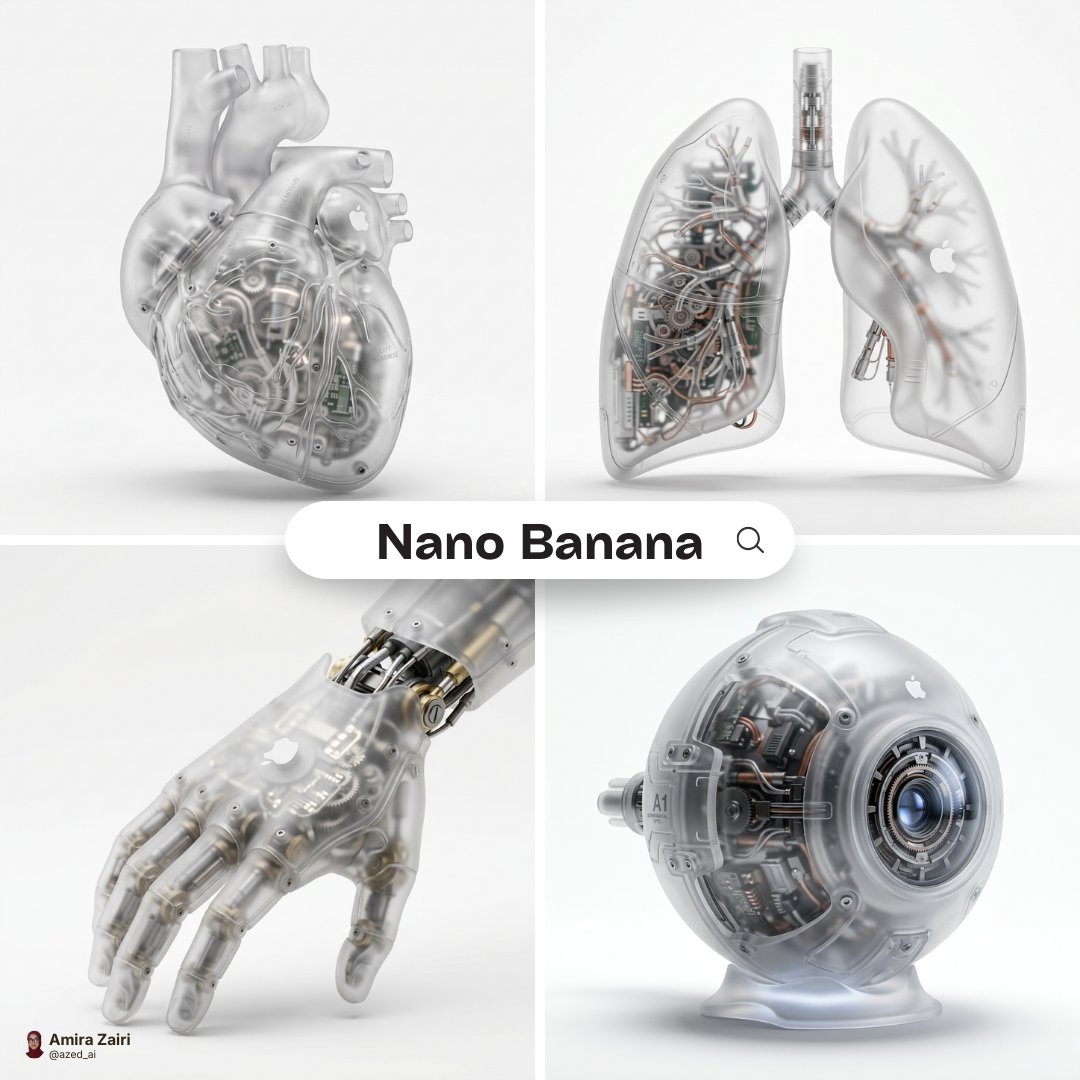
A hyper-realistic 3D anatomical human made from semi-translucent frosted
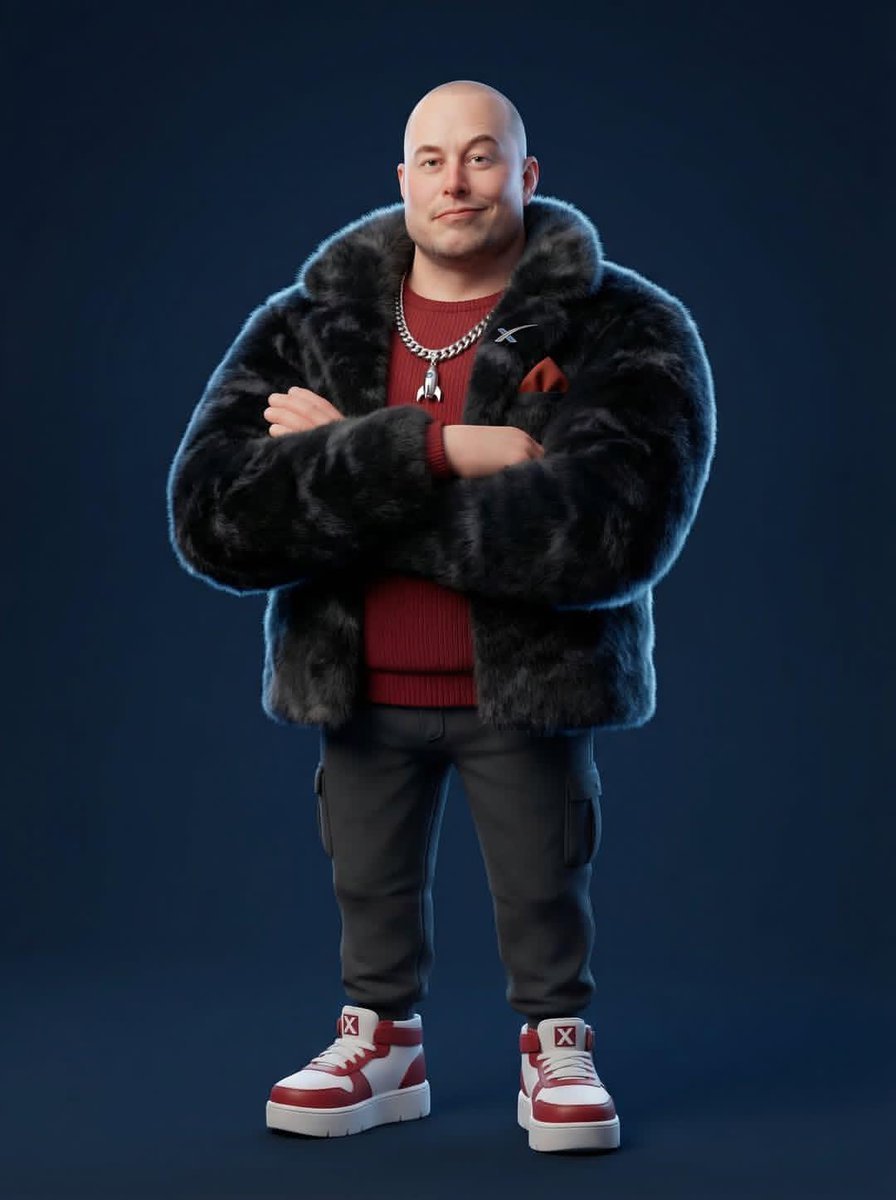
Slightly enlarged head 1 3x natural, compact torso, simplified facial
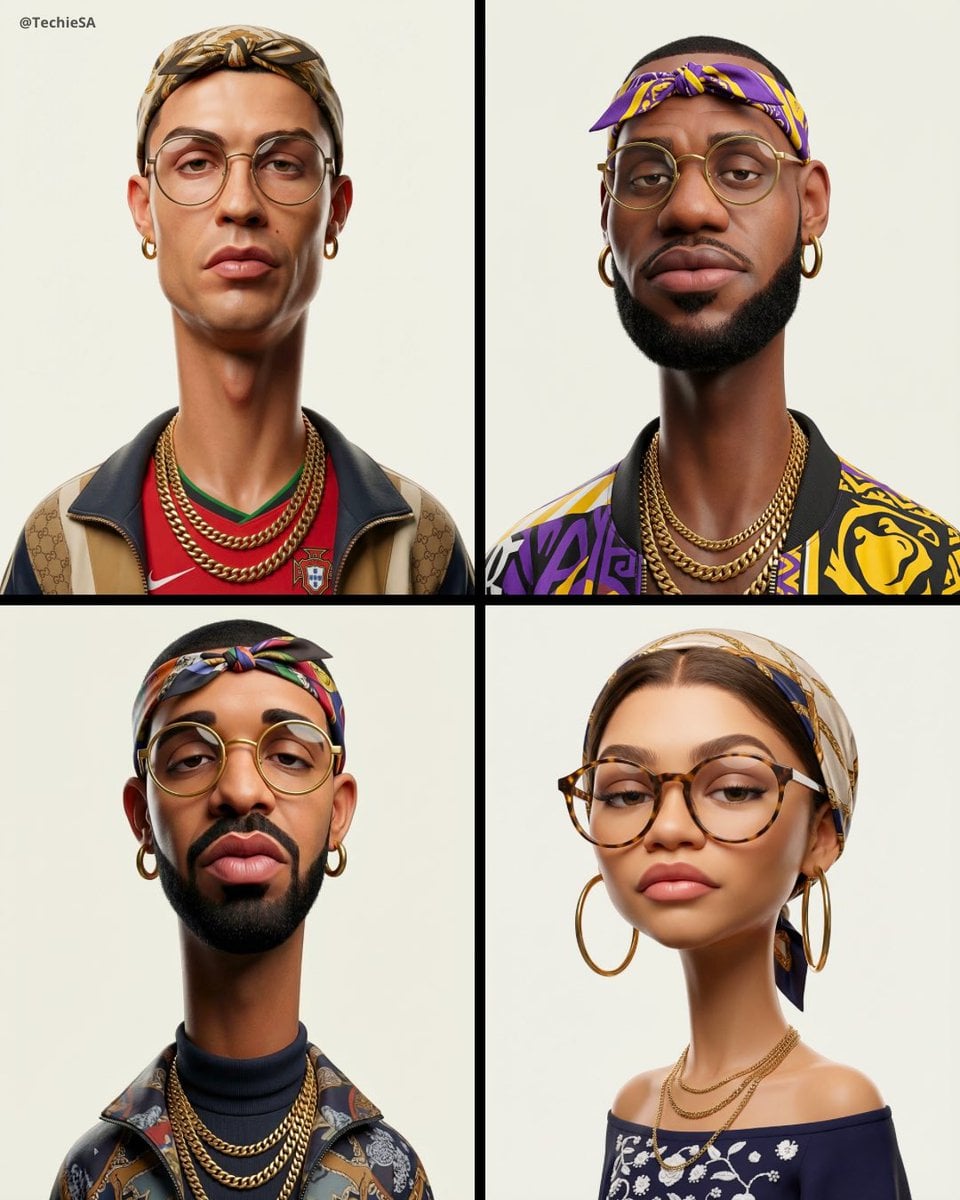
Exaggerated stylized 3D caricature character portrait with strong
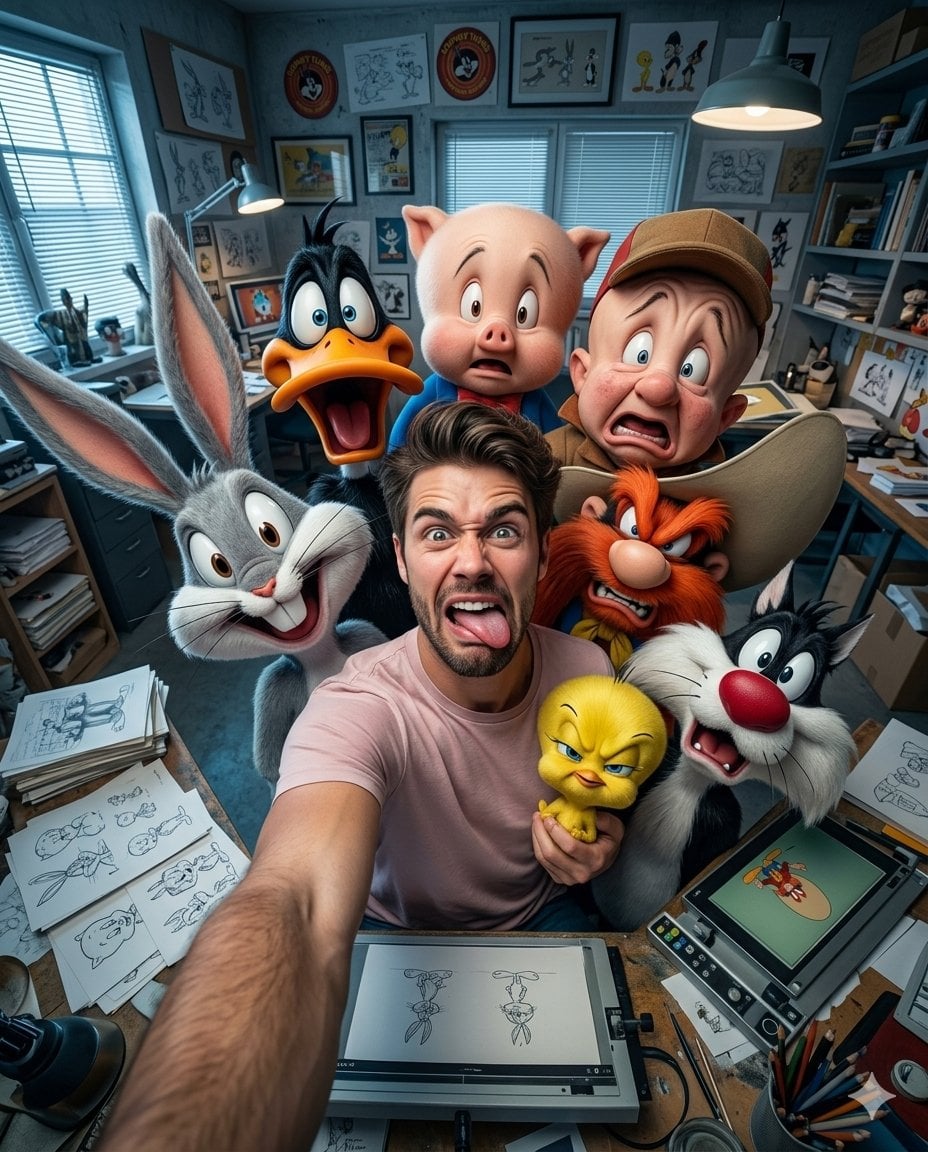
Illustration & 3D Prompt #533
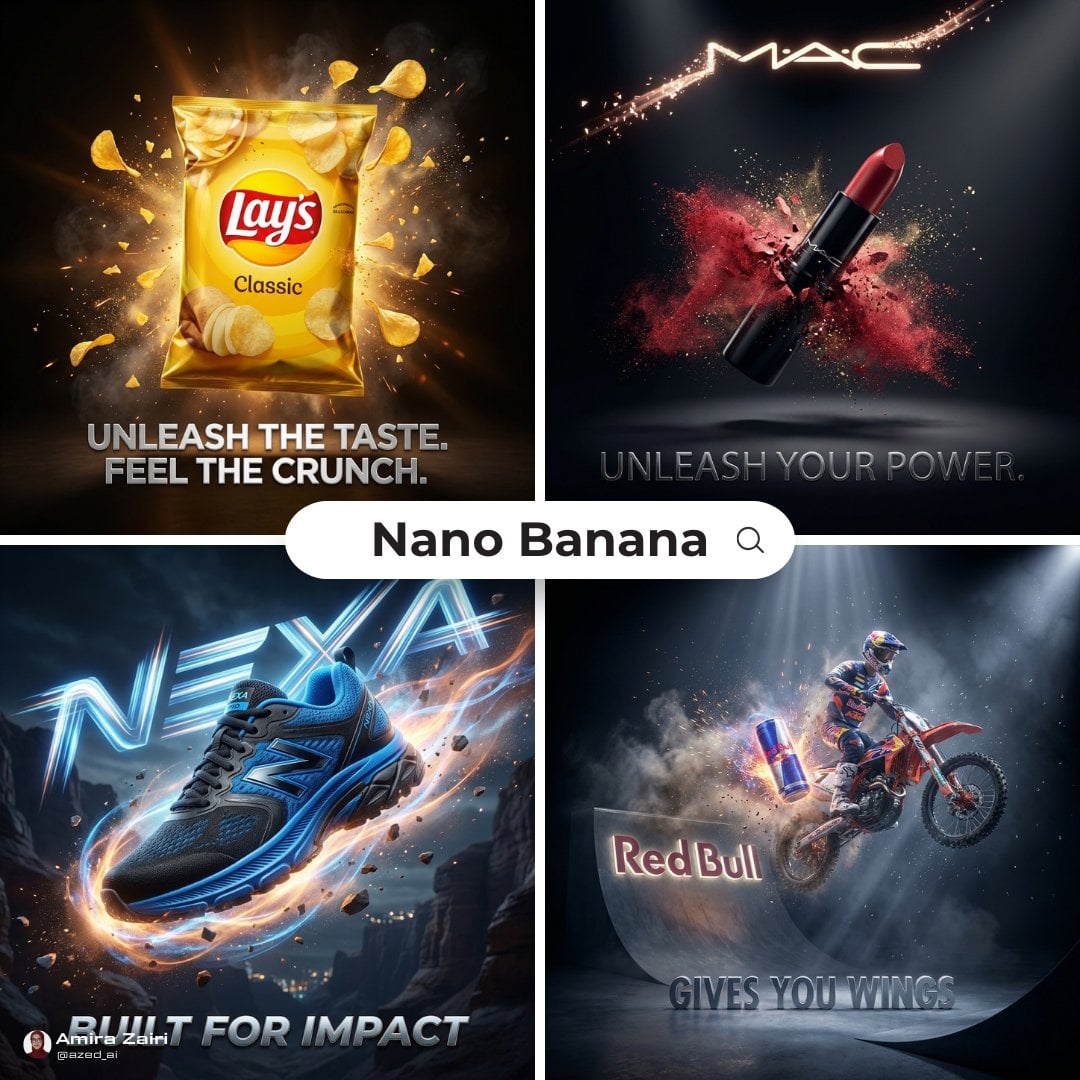
Cinematic 3D action-packed advertisement captured in an intense
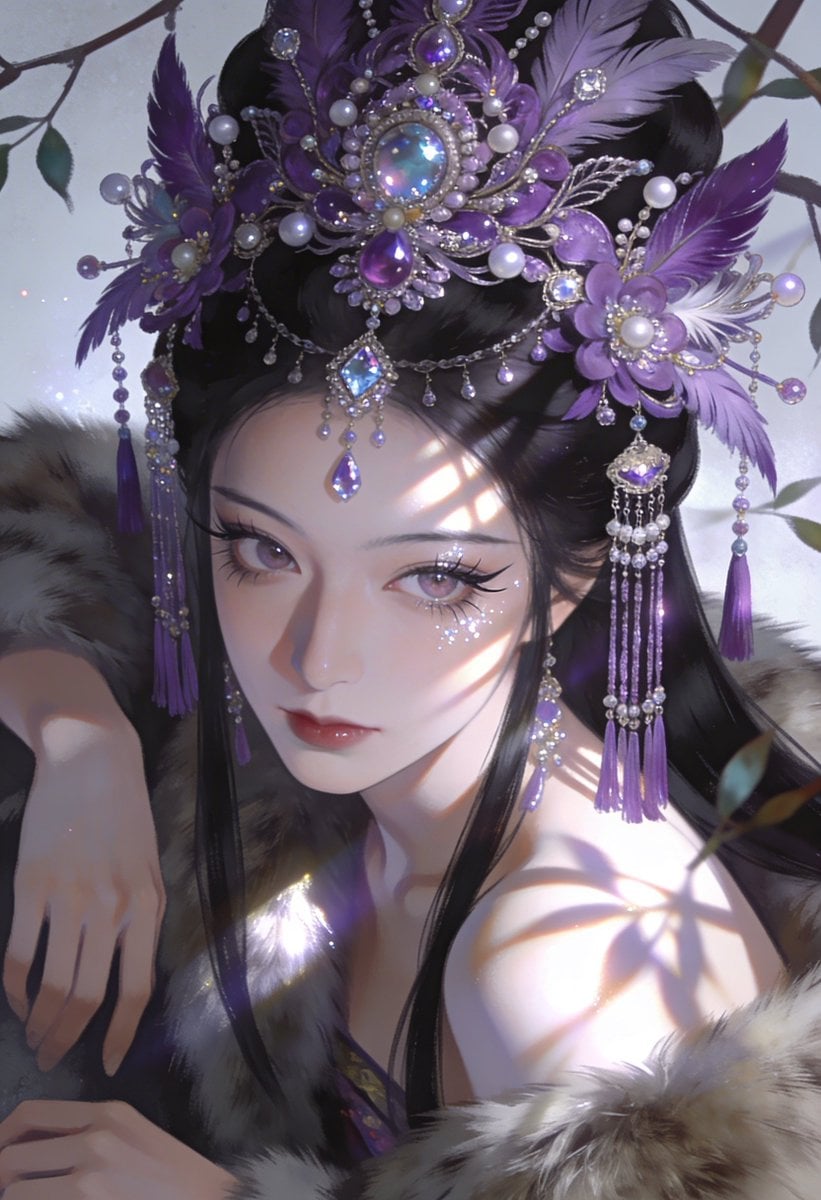
Ime characters into realistic human portraits Convert character
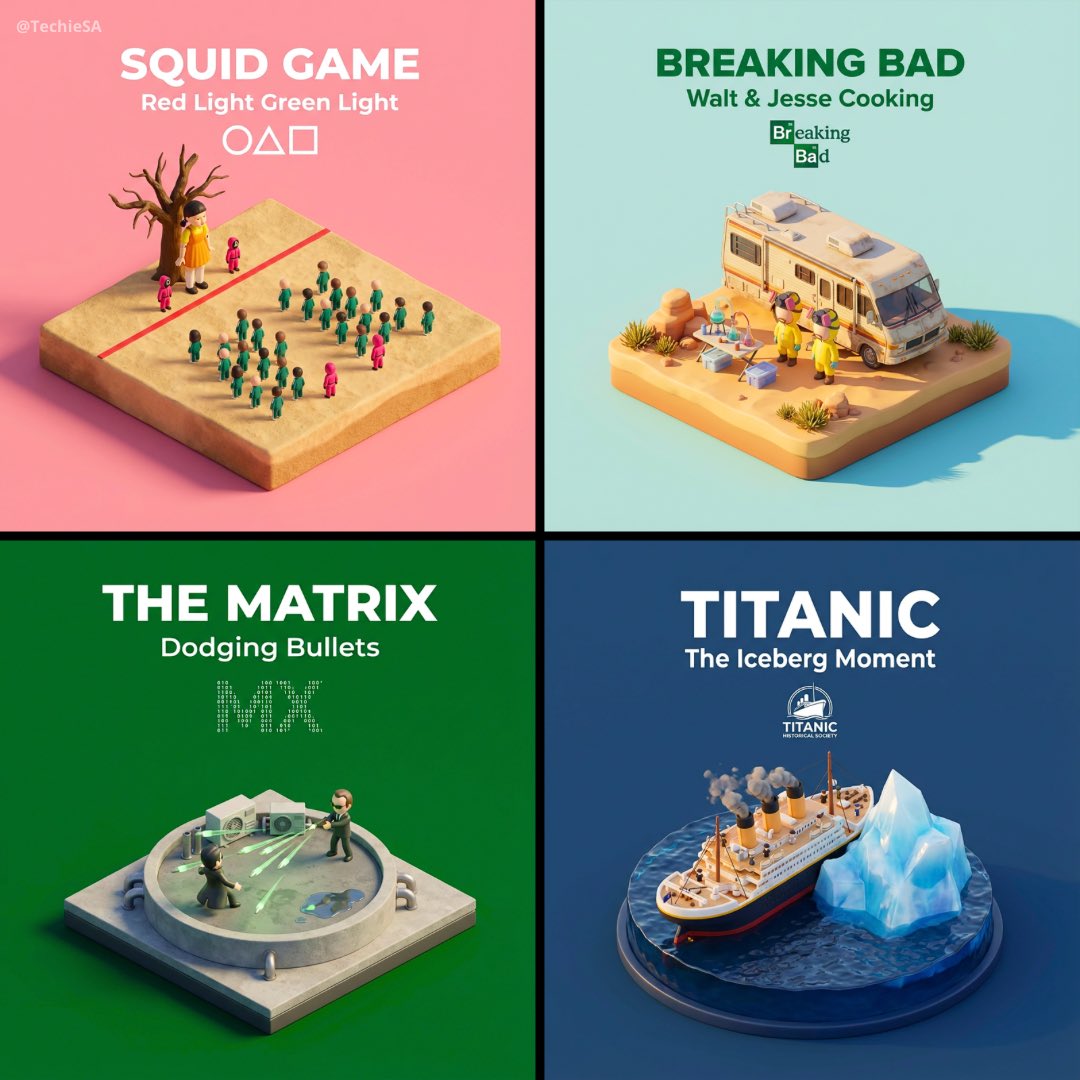
Clear, 45 top-down isometric miniature 3D cartoon scene of the iconic
Referenced person into a premium stylized 3D animated character, full
Illustration & 3D Prompt #1437
To hyper-realistic 3D CGI collectible figurine render
Illustration & 3D Prompt #1419
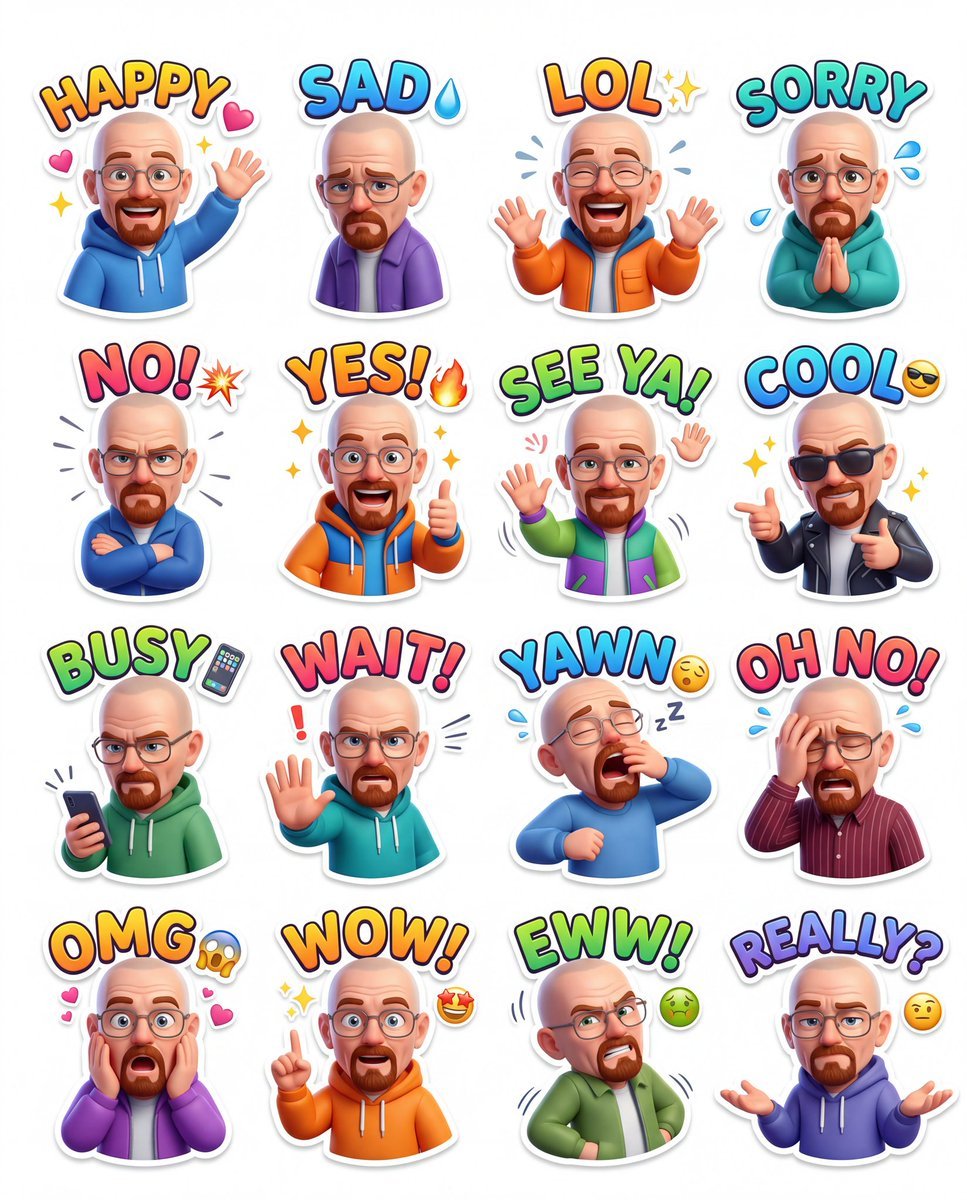
Illustration & 3D Prompt #813
Make it yours
High-detail 3D semi-realistic chibi character with slightly exaggerated works as-is. These are the safest ways to change it without losing the look.
Change one field
Copy a single group, rewrite it, and generate again so you can see what that field is doing.
Keep the frame, change the subject
Hold the composition and light of High-detail 3D semi-realistic chibi character with slightly exaggerated, then swap wardrobe, props or the person for a new take.
| If the result… | Why | Fix |
|---|---|---|
| The result drifts from the preview | Too many fields changed at once. | Reuse High-detail 3D semi-realistic chibi character with slightly exaggerated as-is first, then change one group — subject, light, or setting. |
| The model over-stylizes the scene | The prose prompt leaves finish and camera underspecified. | Add one camera or lighting sentence and stay on GPT Image 2. |
More GPT Image 2 templates
Other prompts made for GPT Image 2.

Six VTuber Japanese Logo Sheet

Realistic Portrait of Woman and Deer

The Vista Modular Condo Poster

AI Model Routing Comparison Infographic

2.5D Anime Art Board

Isometric Productivity Desk Scene

New York Double Exposure Poster

Four-Panel AI Landscape Comparison

Japanese Tatami Lifestyle Magazine Cover

NESCAFÉ Coffee Map Poster
More image prompts
Fresh picks from across the catalog.
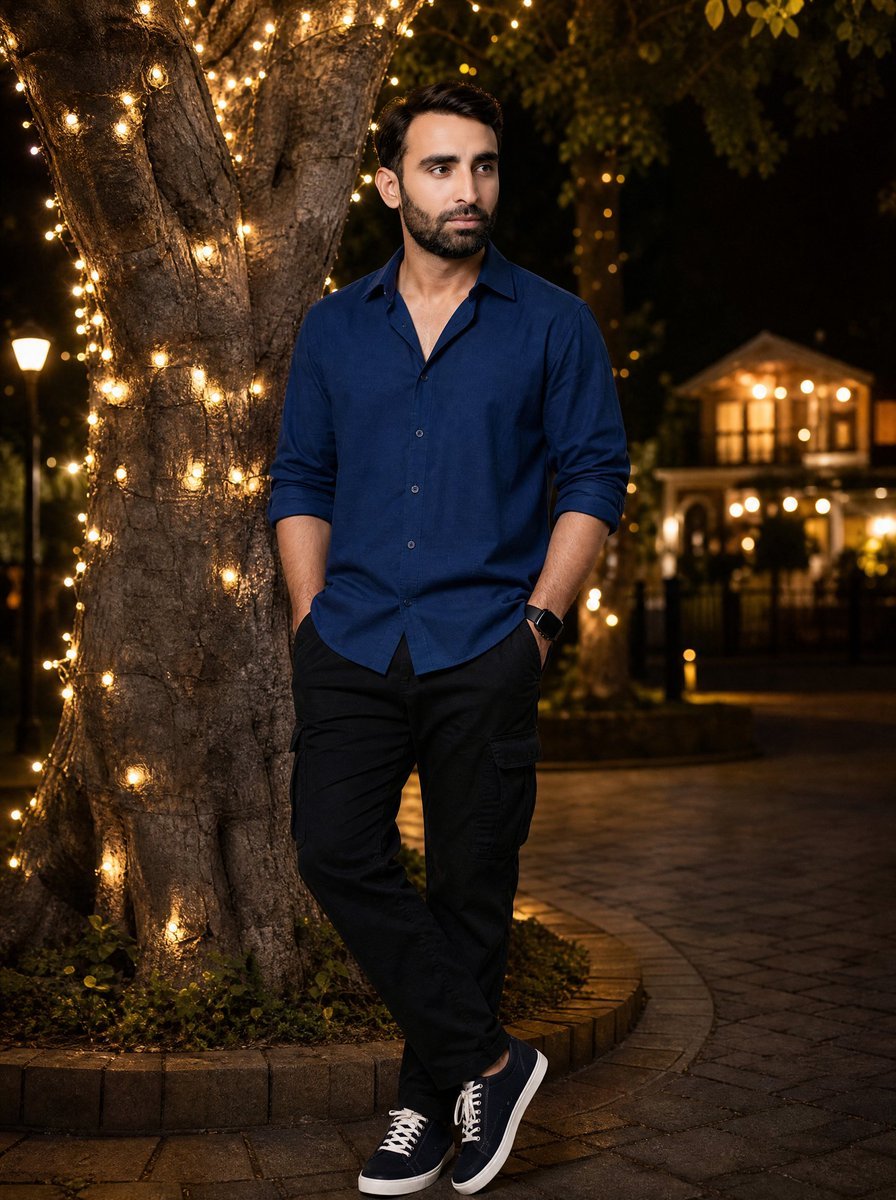
Night Portrait by Fairy Light Tree
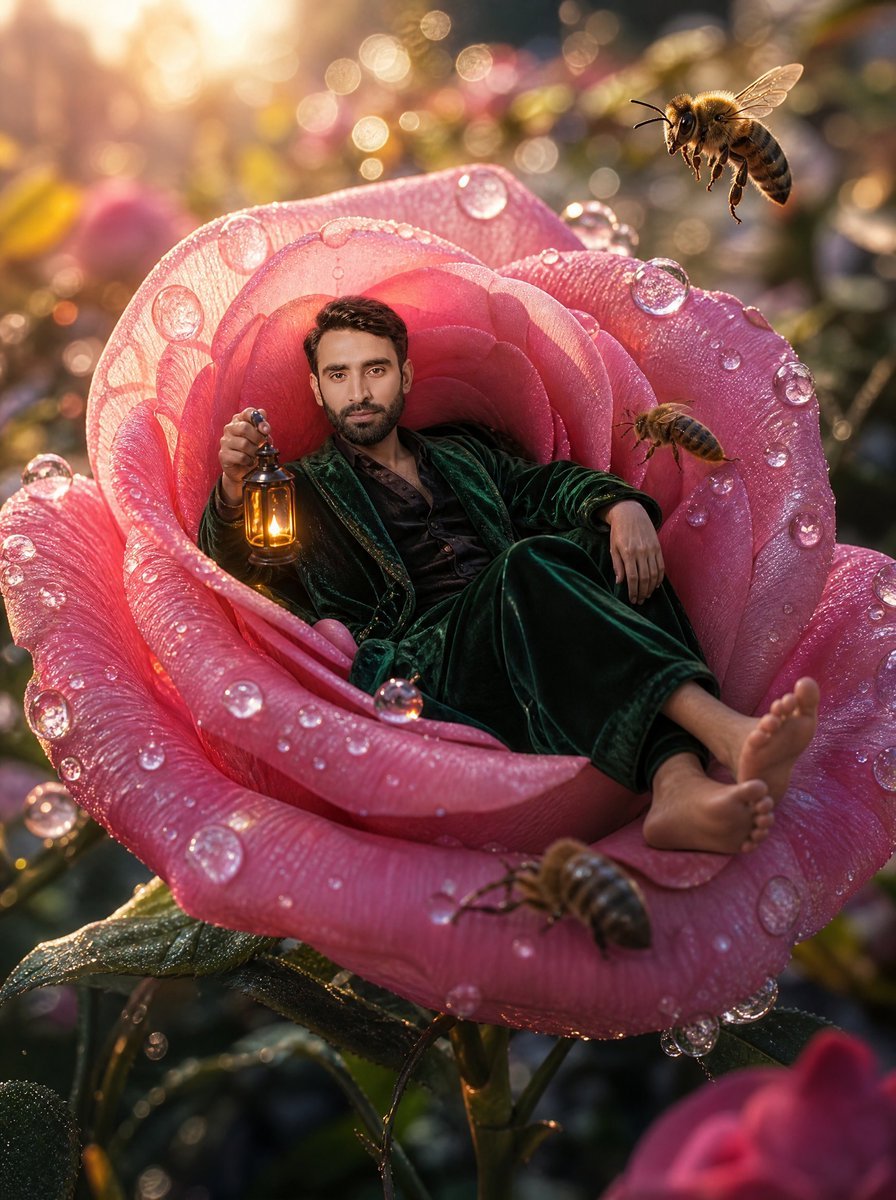
Tiny Man Lounging in Giant Rose
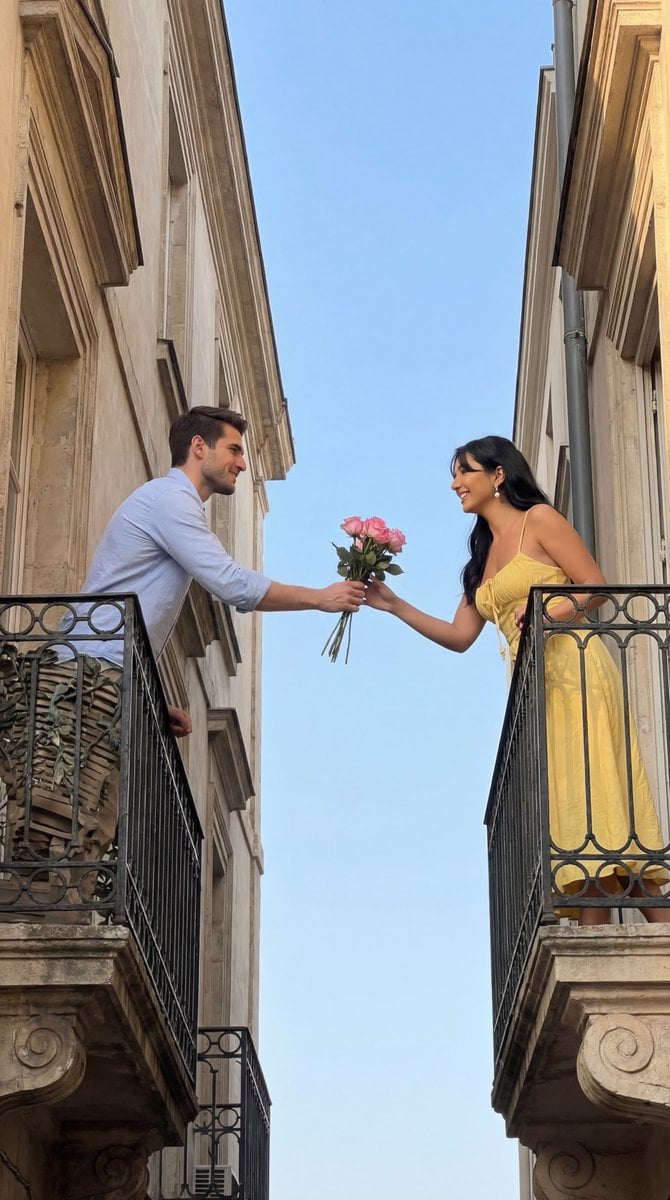
Cinematic Romantic Editorial: Balcony Flower Exchange
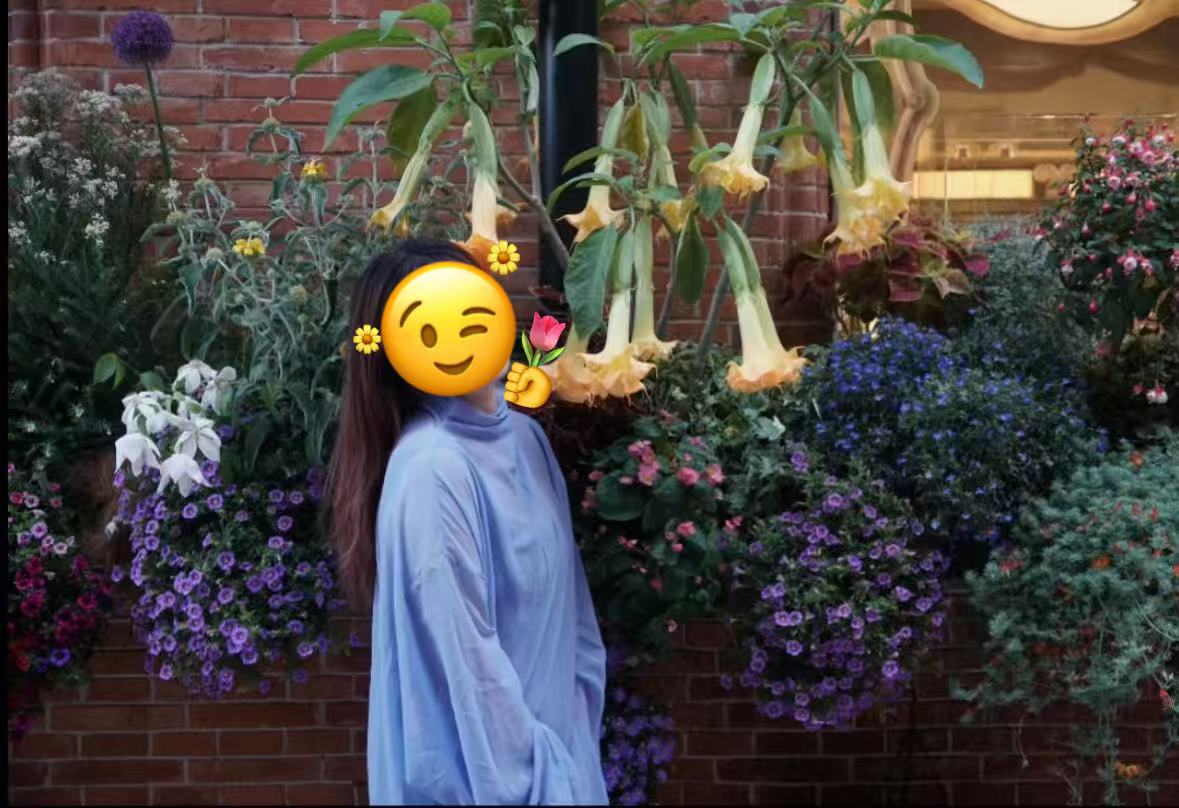
Impasto Oil Painting Aesthetic
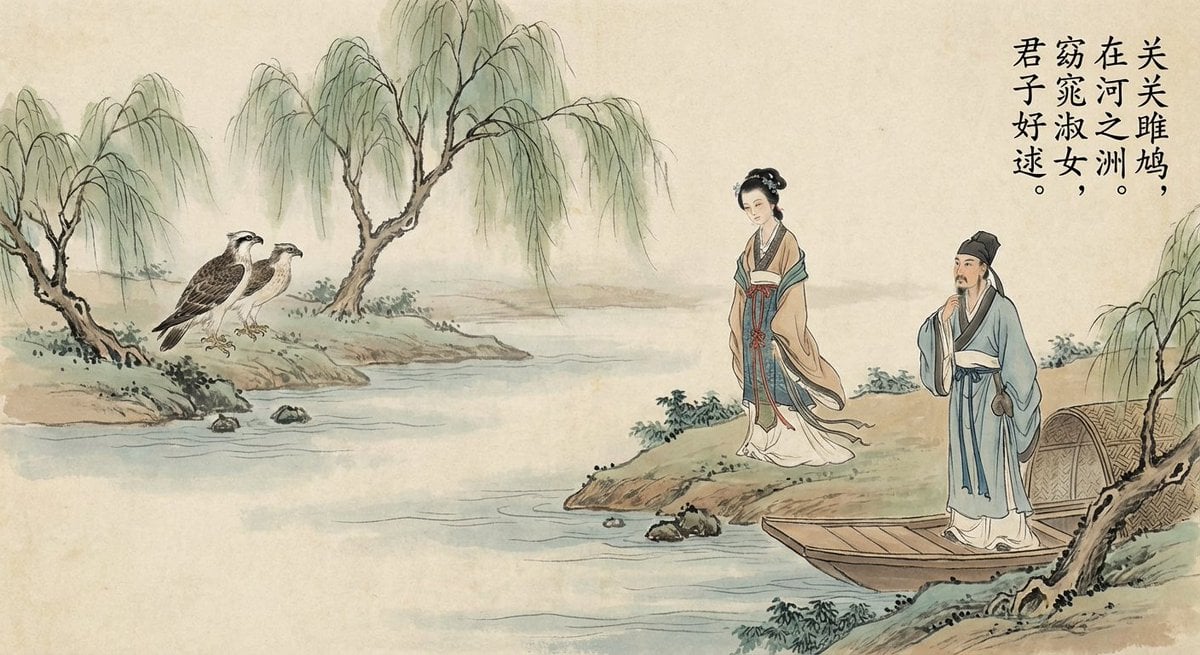
Nano Banana Pro brand hero image (another duplicate)
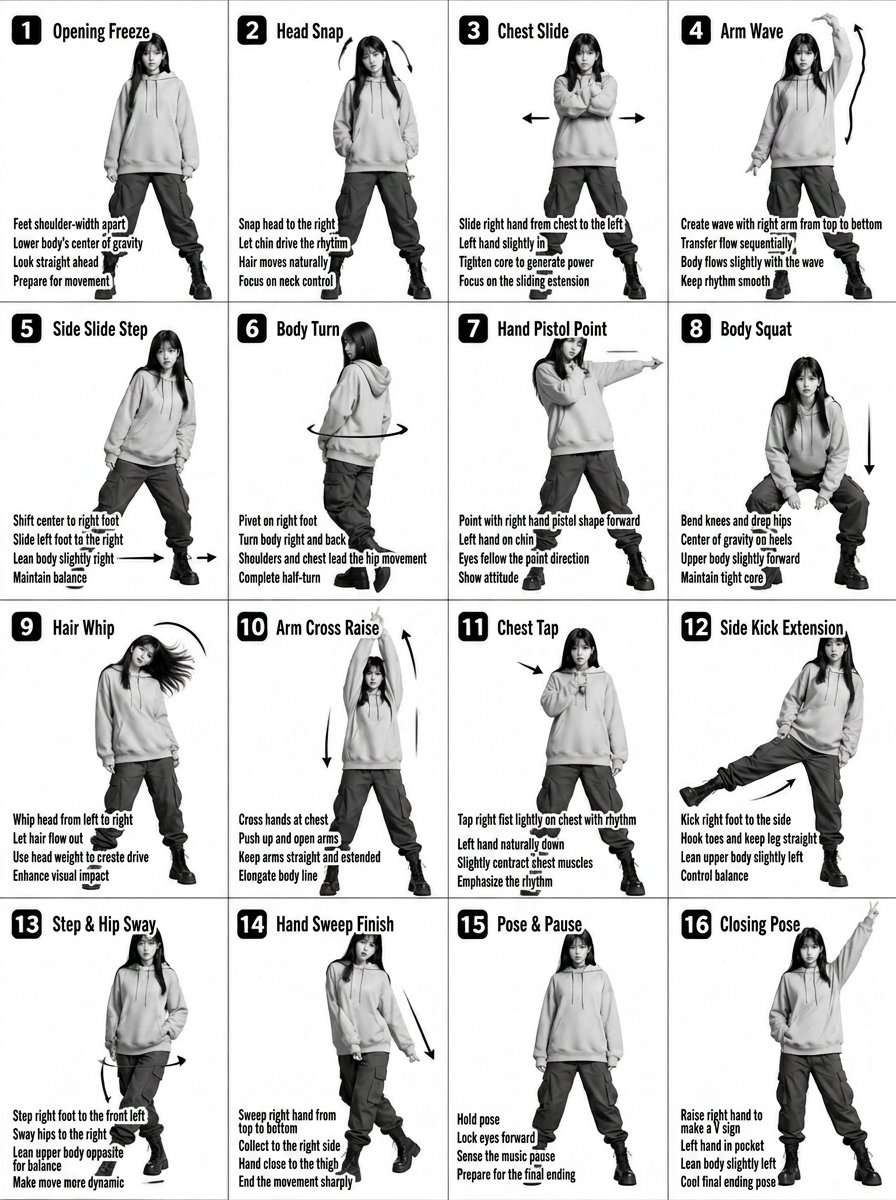
K-pop Dance Tutorial Poster Generator
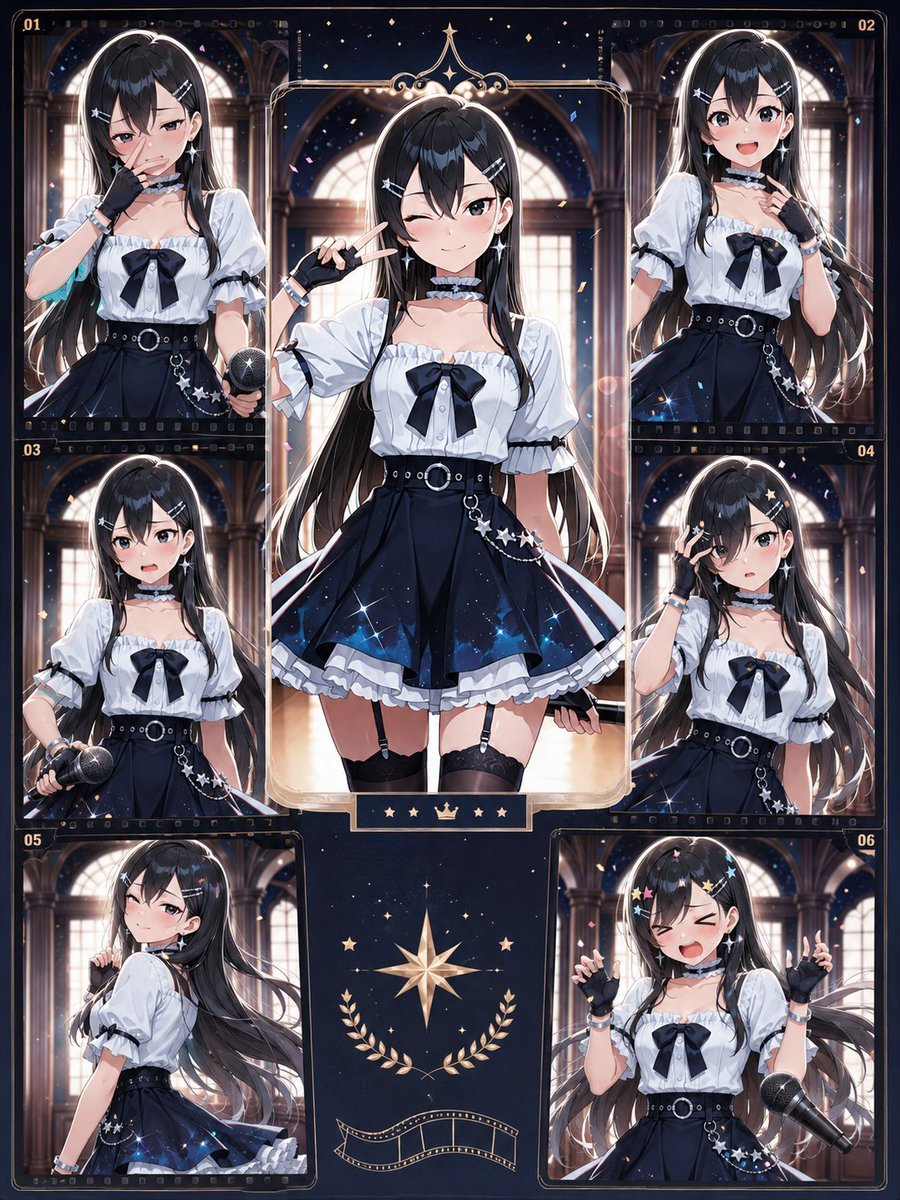
Celestial Anime Idol Collage
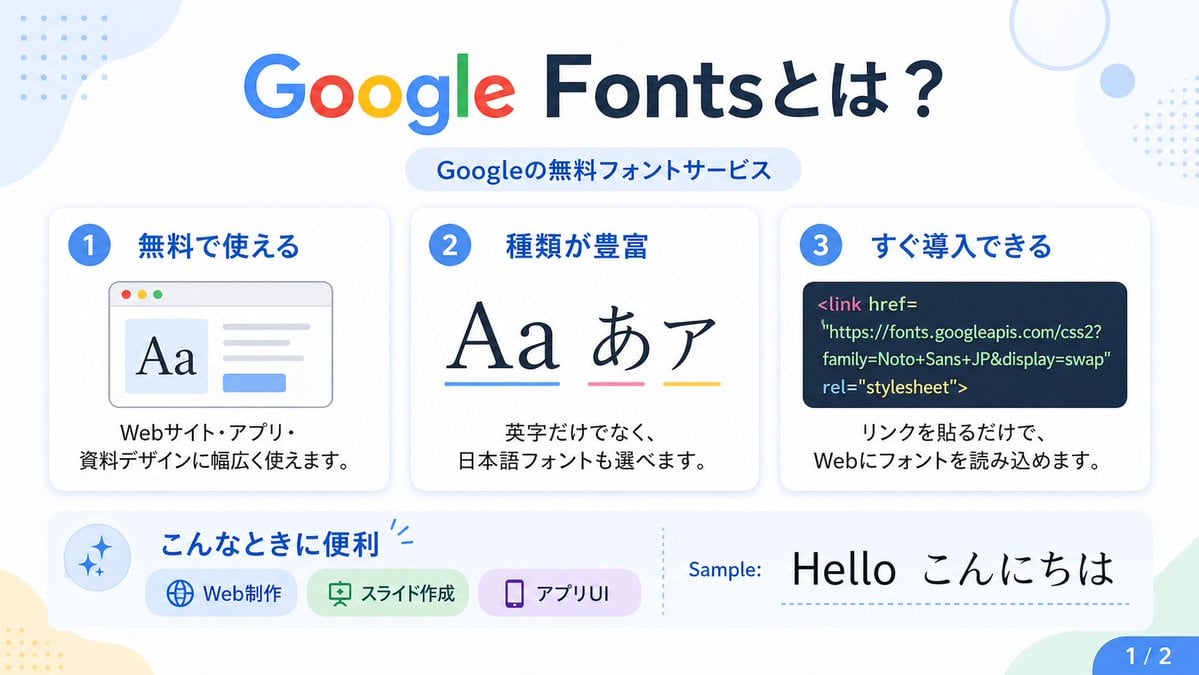
Google Fonts Japanese Infographic
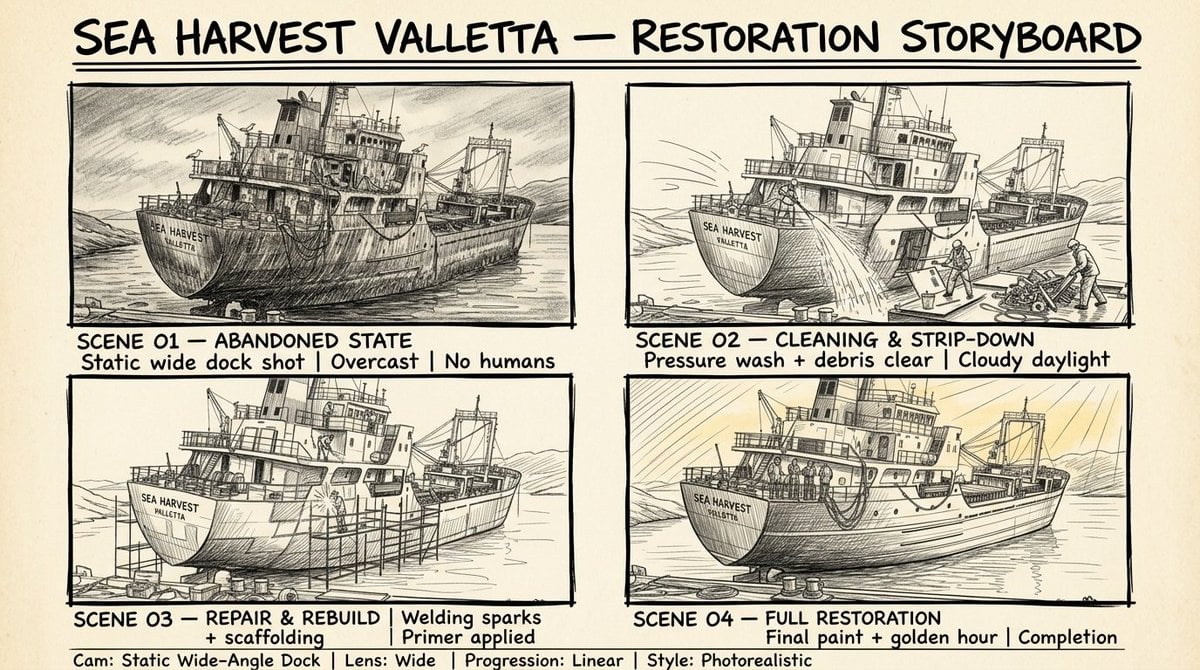
Hand Drawn Sketch Storyboard Sheet
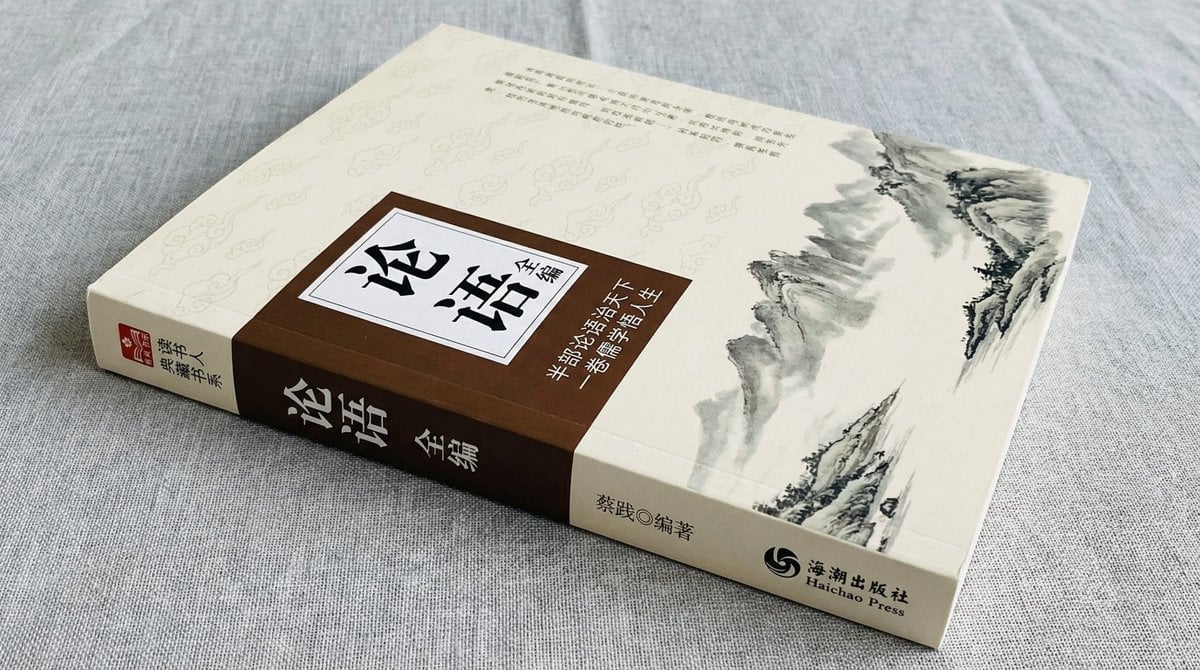
Book Product Photography Prompt
Browse template categories
High-detail 3D semi-realistic chibi character with slightly exaggerated questions
How do I use the High-detail 3D semi-realistic chibi character with slightly exaggerated template?
Add your photo if the template asks for one, edit the prompt if you like — the template's model and format are already selected — and press Generate. Your version opens in PicX Studio.
Can I customize the High-detail 3D semi-realistic chibi character with slightly exaggerated template?
Yes. You can change the subject, setting, lighting, mood, format, and available model controls before creating your image.
Is the High-detail 3D semi-realistic chibi character with slightly exaggerated template free?
Opening and editing this template is free. Generating uses credits, shown on the Generate button when you are signed in.
Which AI model should I use?
Start with GPT Image 2, which is the model associated with this template. You can compare another compatible model for a different finish.
Looking for something else? Browse all templates.

Your photo, any look
Thousands of ready templates for every top image and video model, from one credit balance.