
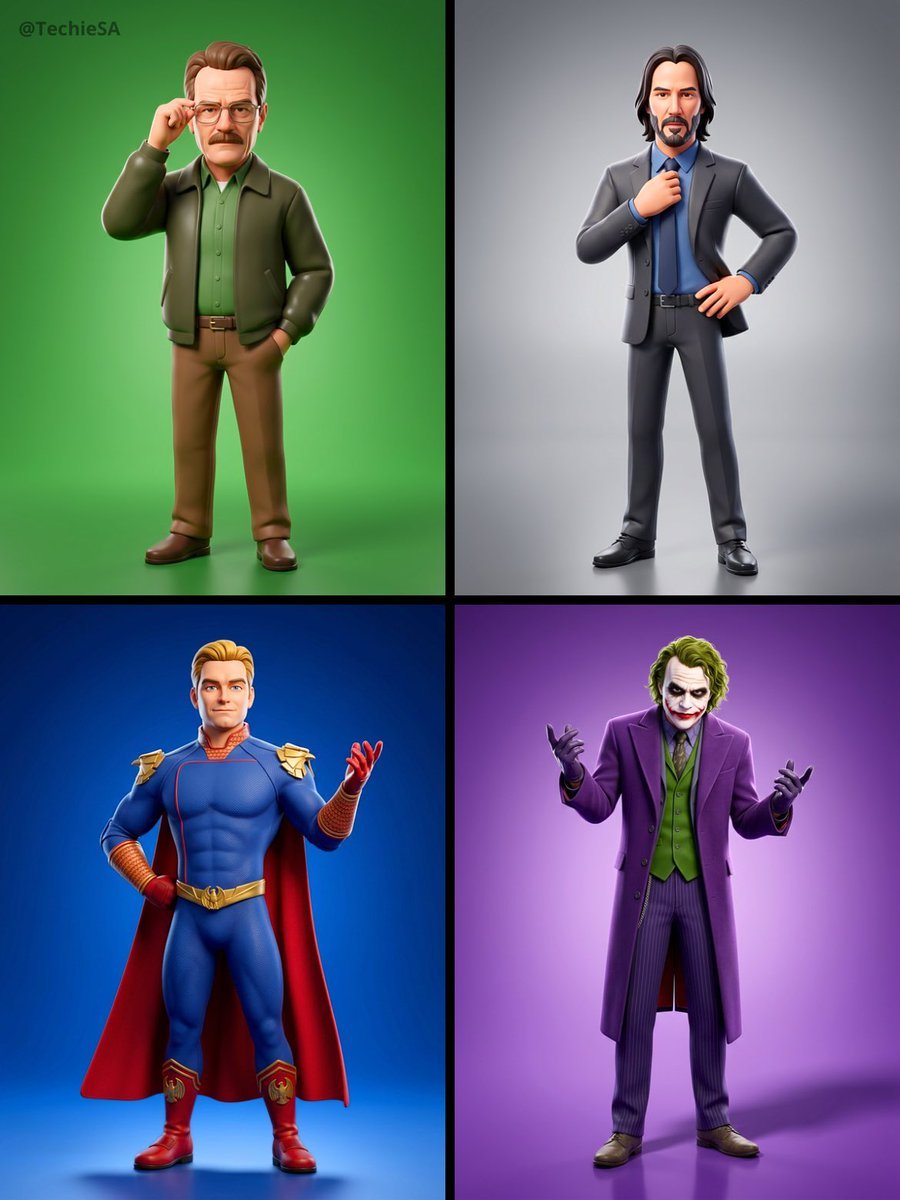
Slightly enlarged head 1 3x natural, compact torso, simplified facial
{ "renderEngine": "Blender Cycles / Unreal Engine 5 Lumen", "baseStyle": "Stylized 3D CGI character — Pixar meets high-fashion editorial", "proportions": "Slightly enlarged head (1.3x natural), compact torso, simplified…
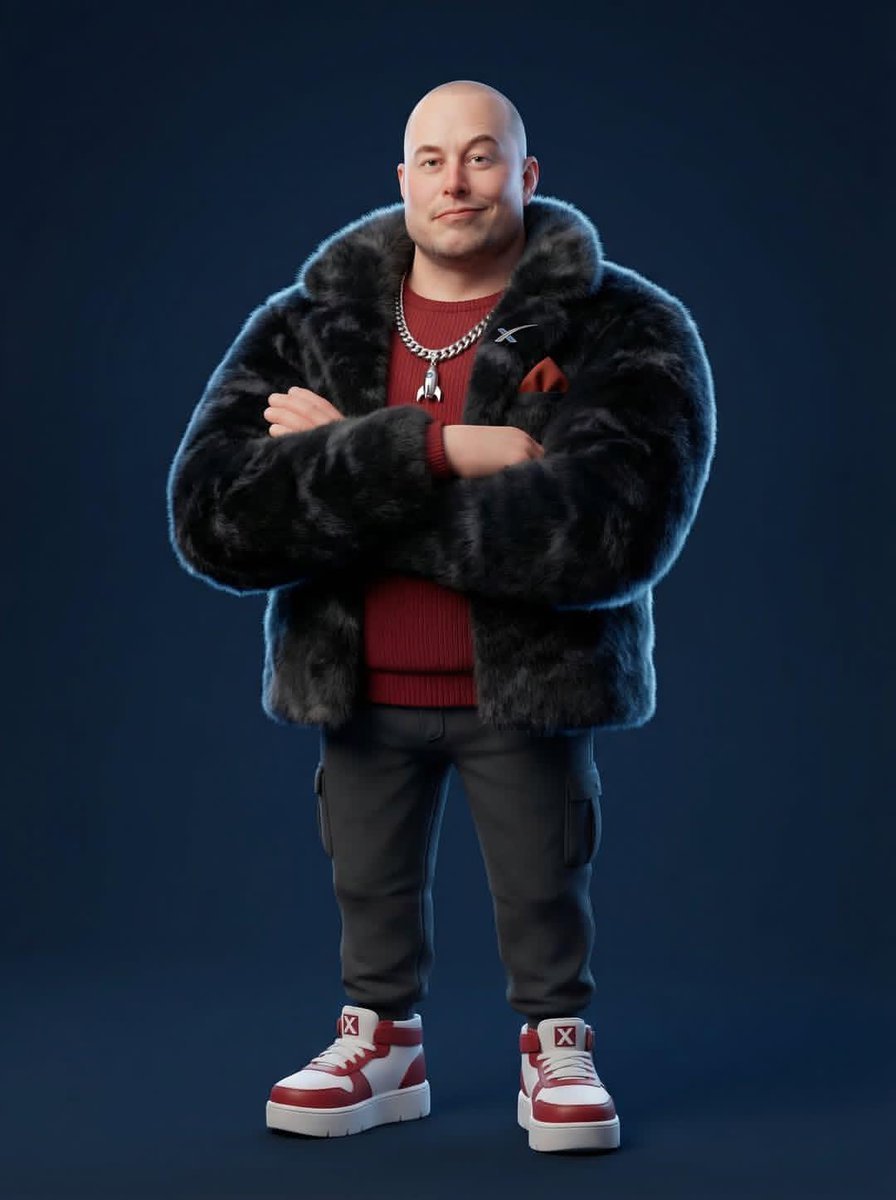
- Prompt included
- Model and format preset
- Free template
The prompt behind this image
Copy the exact prompt behind Slightly enlarged head 1 3x natural, compact torso, simplified facial, or open it in the studio and make it yours.
- RenderEngine
- Blender Cycles / Unreal Engine 5 Lumen
- BaseStyle
- Stylized 3D CGI character — Pixar meets high-fashion editorial
- Proportions
- Slightly enlarged head (1.3x natural), compact torso, simplified facial features, exaggerated chunky feet/shoes
- SkinShader
- Subsurface scattering with physically-based roughness, no pores, smooth cartoon-like finish
- ClothingPhysics
- Marvelous Designer simulation baked in, wrinkle maps, fabric-specific material shaders
- FurTech
- XGen or Ornatrix volumetric fur for faux-fur pieces, physics-simulated
- Resolution
- 8192x8192px minimum, 300DPI
- BackgroundStyle
- Solid flat color, no gradient, no texture — studio seamless backdrop
- LightingRig
- Three-point studio: key (45° front-top), fill (opposite side soft), rim (back edge definition)
- CameraLens
- 35-50mm equivalent, slight vignette, no fisheye
- PostProcessing
- Subtle chromatic aberration on edges, mild film grain 2%, slight color grade
Raw JSON
{
  "renderEngine": "Blender Cycles / Unreal Engine 5 Lumen",
  "baseStyle": "Stylized 3D CGI character — Pixar meets high-fashion editorial",
  "proportions": "Slightly enlarged head (1.3x natural), compact torso, simplified facial features, exaggerated chunky feet/shoes",
  "skinShader": "Subsurface scattering with physically-based roughness, no pores, smooth cartoon-like finish",
  "clothingPhysics": "Marvelous Designer simulation baked in, wrinkle maps, fabric-specific material shaders",
  "furTech": "XGen or Ornatrix volumetric fur for faux-fur pieces, physics-simulated",
  "resolution": "8192x8192px minimum, 300DPI",
  "backgroundStyle": "Solid flat color, no gradient, no texture — studio seamless backdrop",
  "lightingRig": "Three-point studio: key (45° front-top), fill (opposite side soft), rim (back edge definition)",
  "cameraLens": "35-50mm equivalent, slight vignette, no fisheye",
  "postProcessing": "Subtle chromatic aberration on edges, mild film grain 2%, slight color grade"
}How to use Slightly enlarged head 1 3x natural, compact torso, simplified facial in 3 steps
- 1
Open
The prompt is already in the box next to the preview, with the template's model and format selected.
- 2…a portrait of your subject in softgolden-hour light, 85mm…
Personalize
Edit the subject and creative details for your destination.
- 3Generate
Generate
Press Generate — your image is created in PicX Studio, so you can compare it with the original and refine one variable at a time.
More like this
Templates with the same subject, style or setup. Open one to see its prompt.
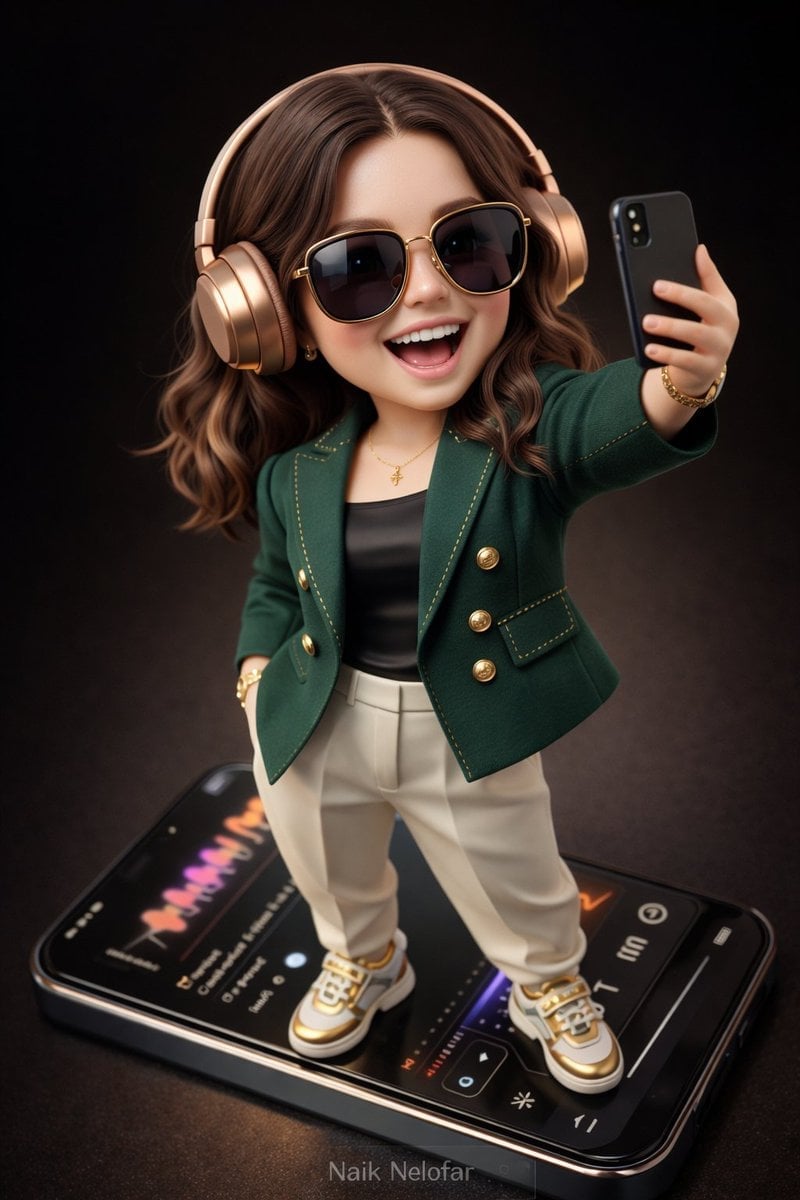
High-detail 3D semi-realistic chibi character with slightly exaggerated
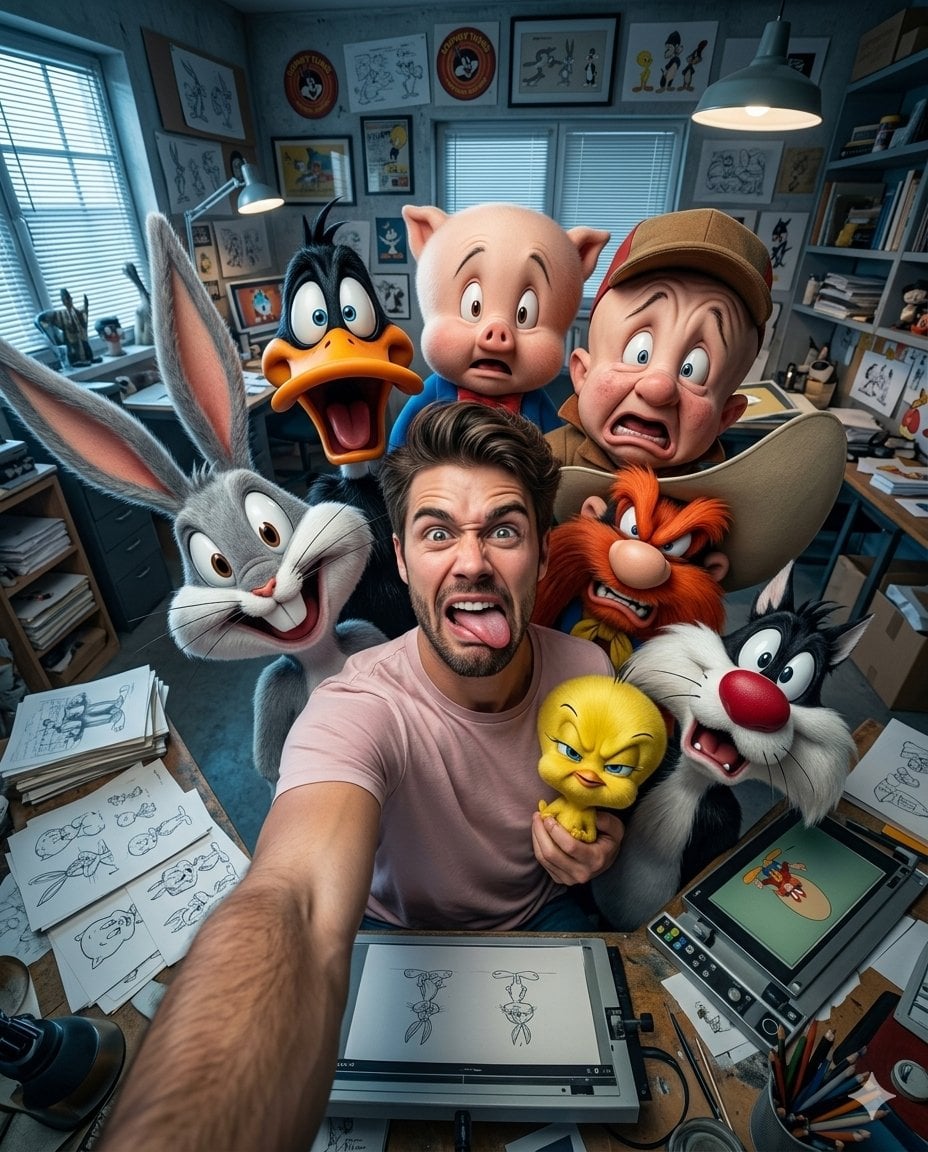
Illustration & 3D Prompt #533

Cinematic 3D action-packed advertisement captured in an intense
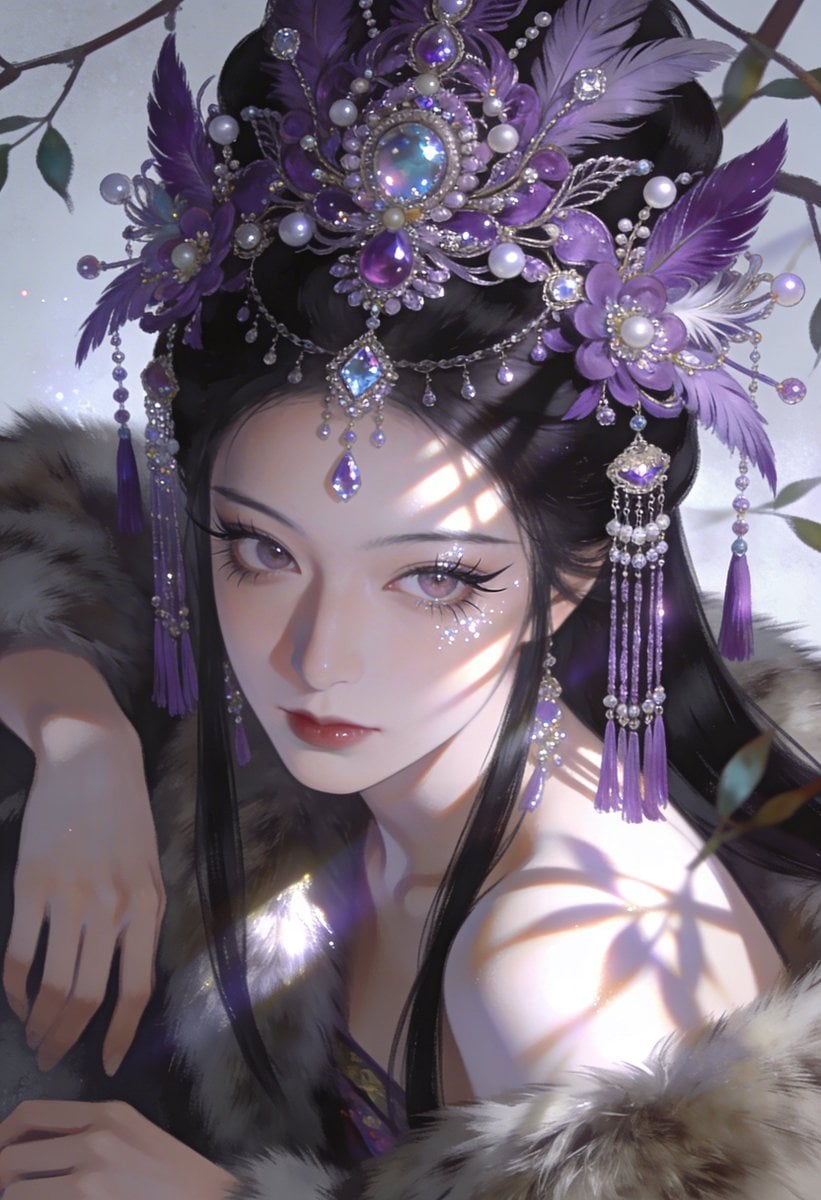
Ime characters into realistic human portraits Convert character

Clear, 45 top-down isometric miniature 3D cartoon scene of the iconic
Referenced person into a premium stylized 3D animated character, full
Illustration & 3D Prompt #1437
To hyper-realistic 3D CGI collectible figurine render
Illustration & 3D Prompt #1419
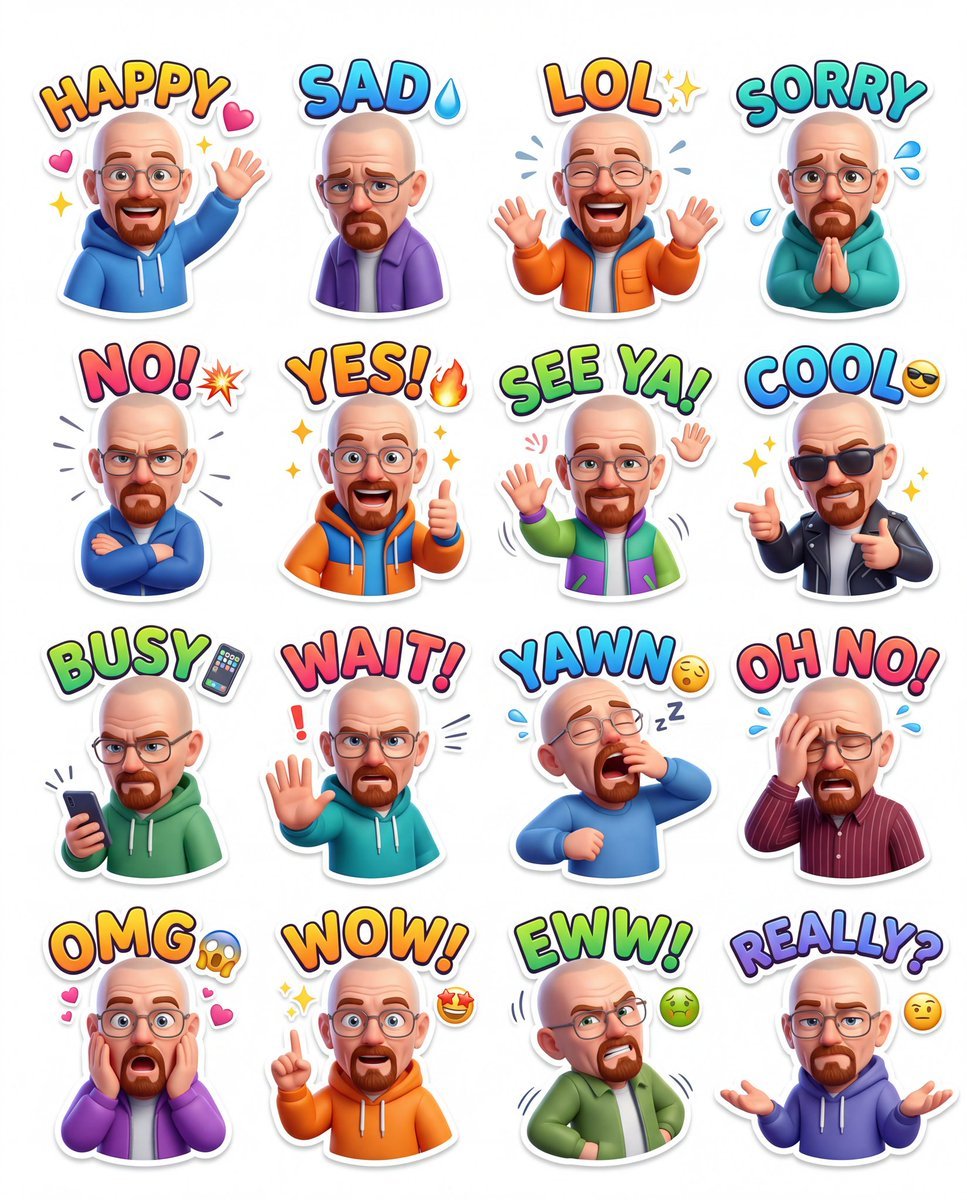
Illustration & 3D Prompt #813
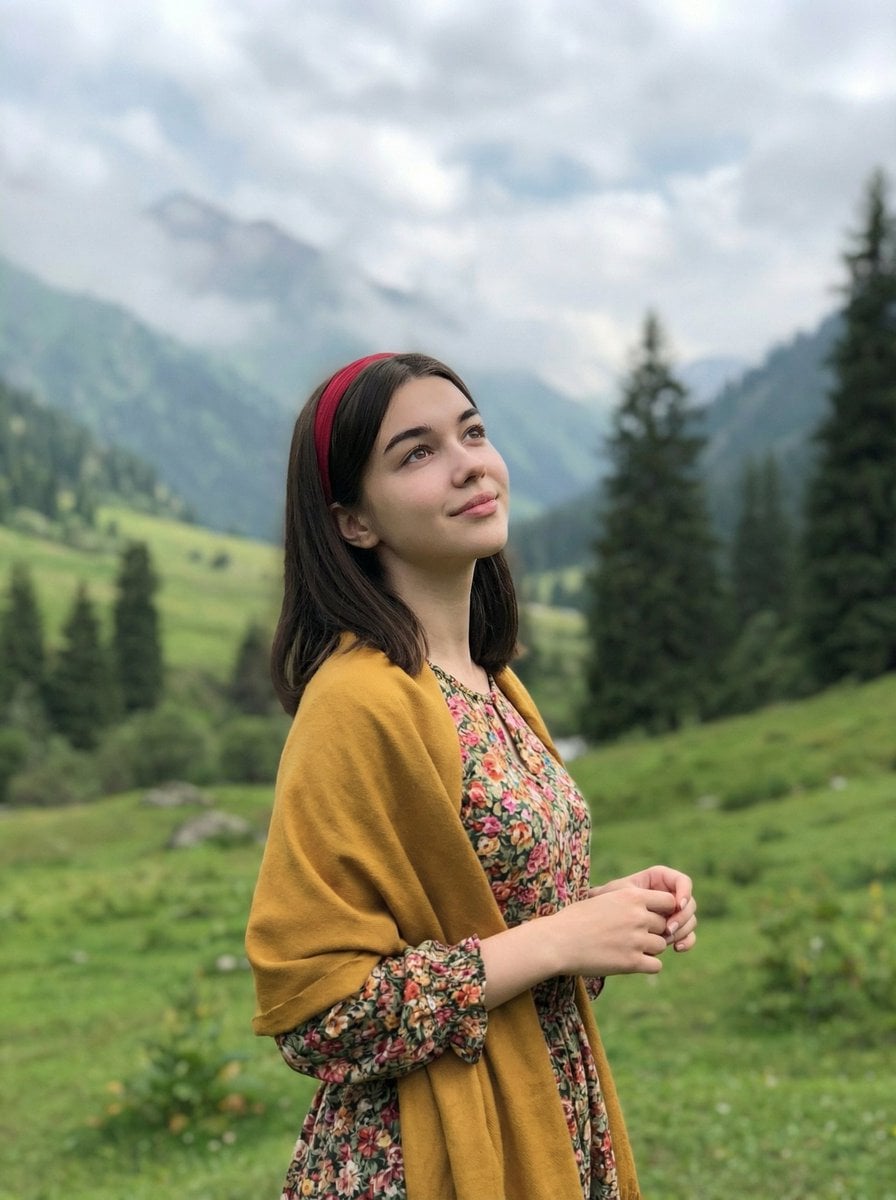
Standing naturally with hands gently together, looking slightly upward
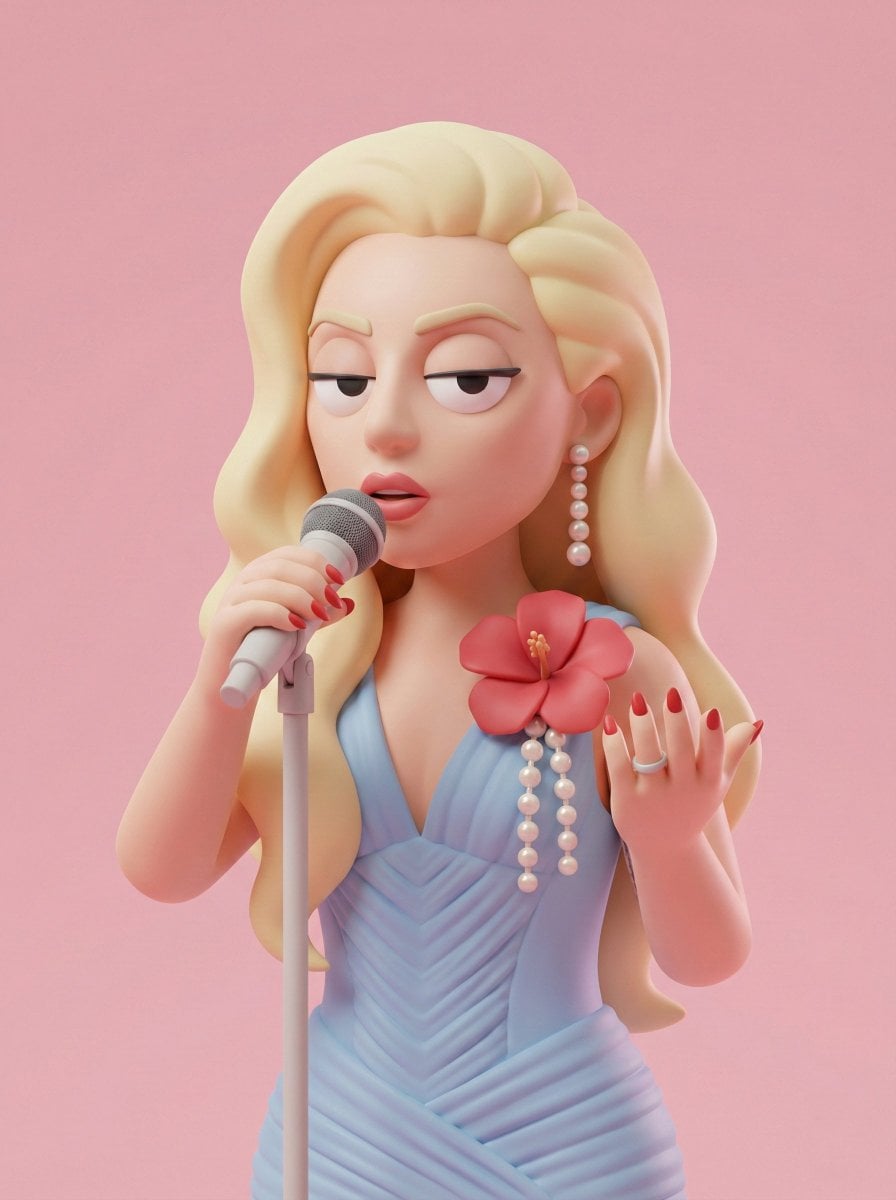
Illustration & 3D Prompt #313
Make it yours
Slightly enlarged head 1 3x natural, compact torso, simplified facial works as-is. These are the safest ways to change it without losing the look.
Swap the setting
Keep the rest of the prompt and replace the location block. The current setting is “Solid flat color, no gradient, no texture — studio seamless backdrop”.
Swap the light
One lighting change is enough to compare takes. Current light: “Three-point studio: key (45° front-top), fill (opposite side soft), rim (back ed”.
Change one field
Copy a single group, rewrite it, and generate again so you can see what that field is doing.
| If the result… | Why | Fix |
|---|---|---|
| The result drifts from the preview | Too many fields changed at once. | Reuse Slightly enlarged head 1 3x natural, compact torso, simplified facial as-is first, then change one group — subject, light, or setting. |
| Nano Banana 2 ignores part of the JSON | Some models flatten or skip nested keys. | Keep the same values and paste them as a short paragraph instead. |
More Nano Banana 2 templates
Other prompts made for Nano Banana 2.

Photorealistic Leaf Shaped Like a Dragon

K-Pop Idol Portrait Grid for Rapid Selection

Poetic Rain Forest Portrait During Golden Hour

Urban Street Portrait with Cartoon Inner Self Duo

Candid Nighttime Photo with Cat Prompt

High-Concept 3D Diorama Generation Prompt

Cinematic Futuristic Studio Portrait Template

Skincare Editorial Photography Collage Prompt

Hyper-Realistic Commercial Product Photography (Splash Effect)

Hyper-Realistic Nightclub Portrait Prompt
More image prompts
Fresh picks from across the catalog.
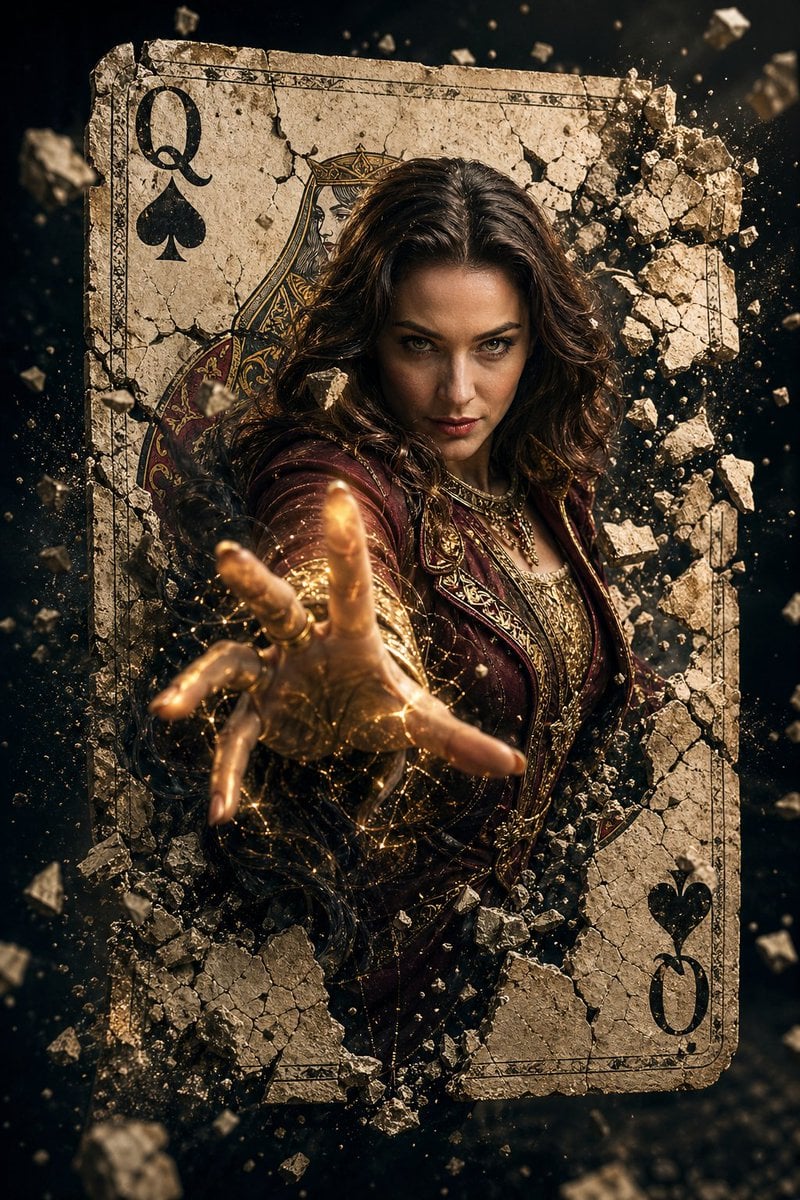
Epic Fantasy Movie Poster
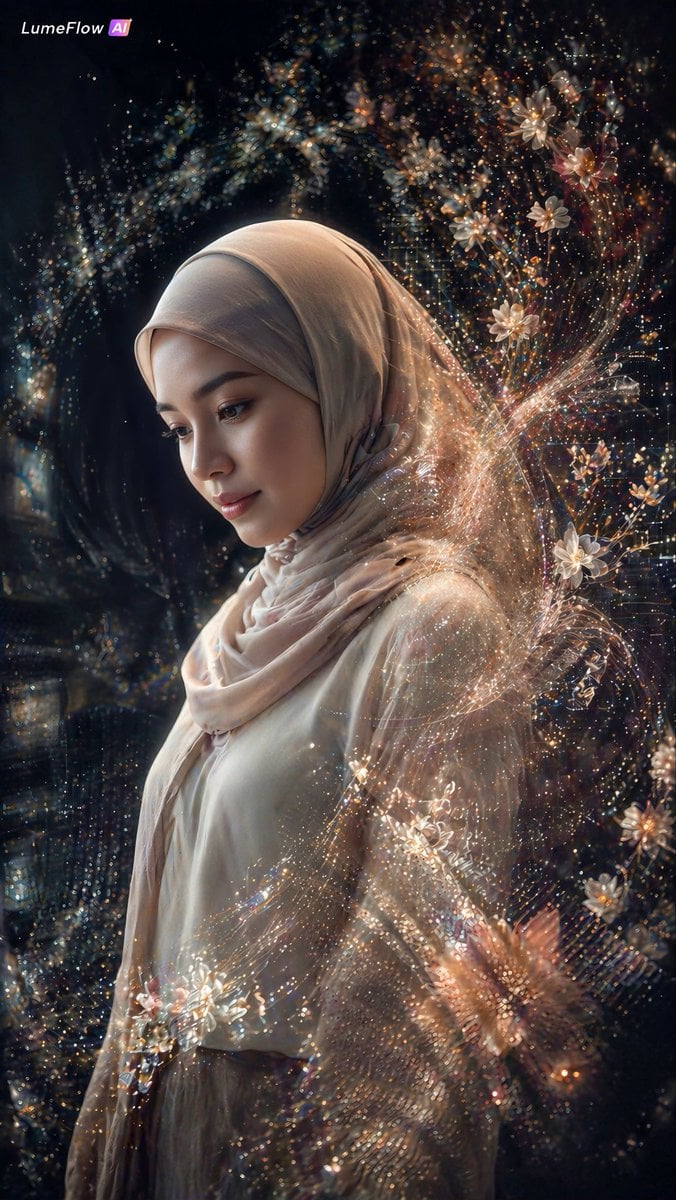
Ethereal Hijab Portrait in Golden Light

AI Tech Tutorial Thumbnail
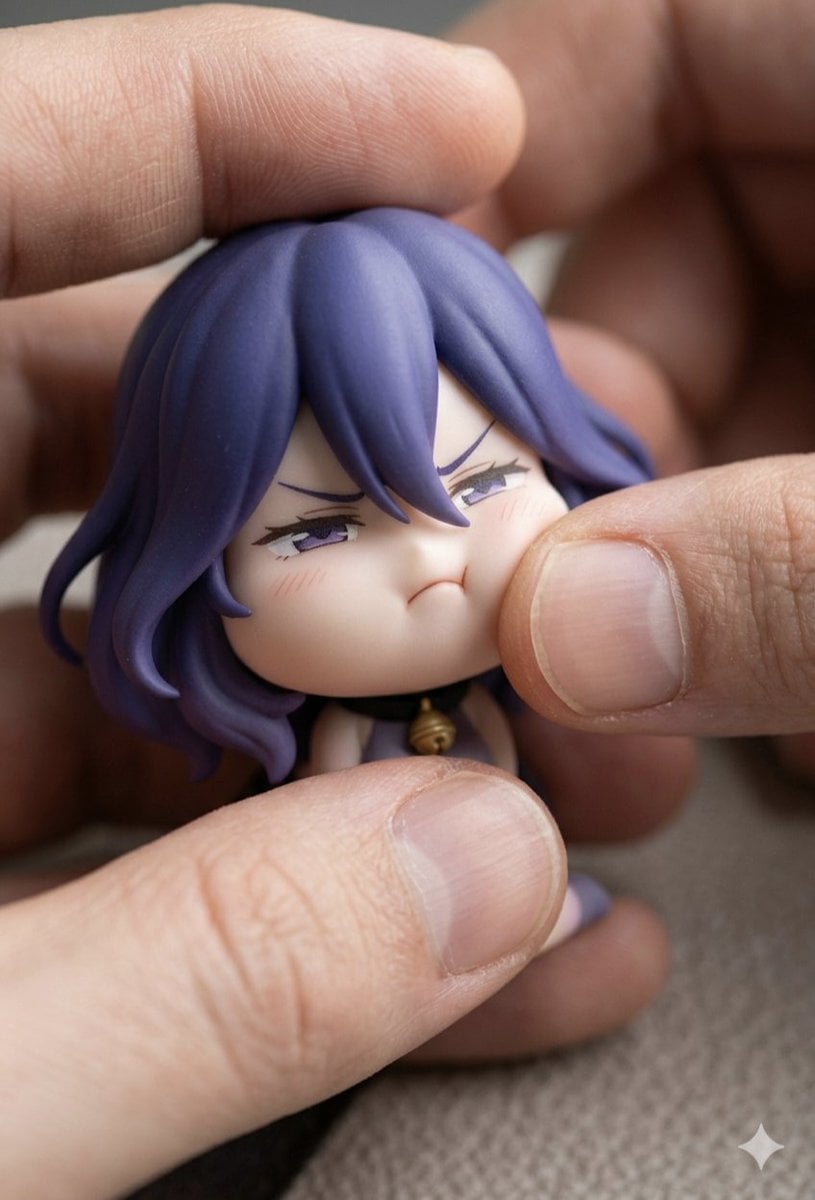
Macro Photography of Chibi Anime Figurine Prompt

Ultra-Photorealistic Cinematic Travel Photography
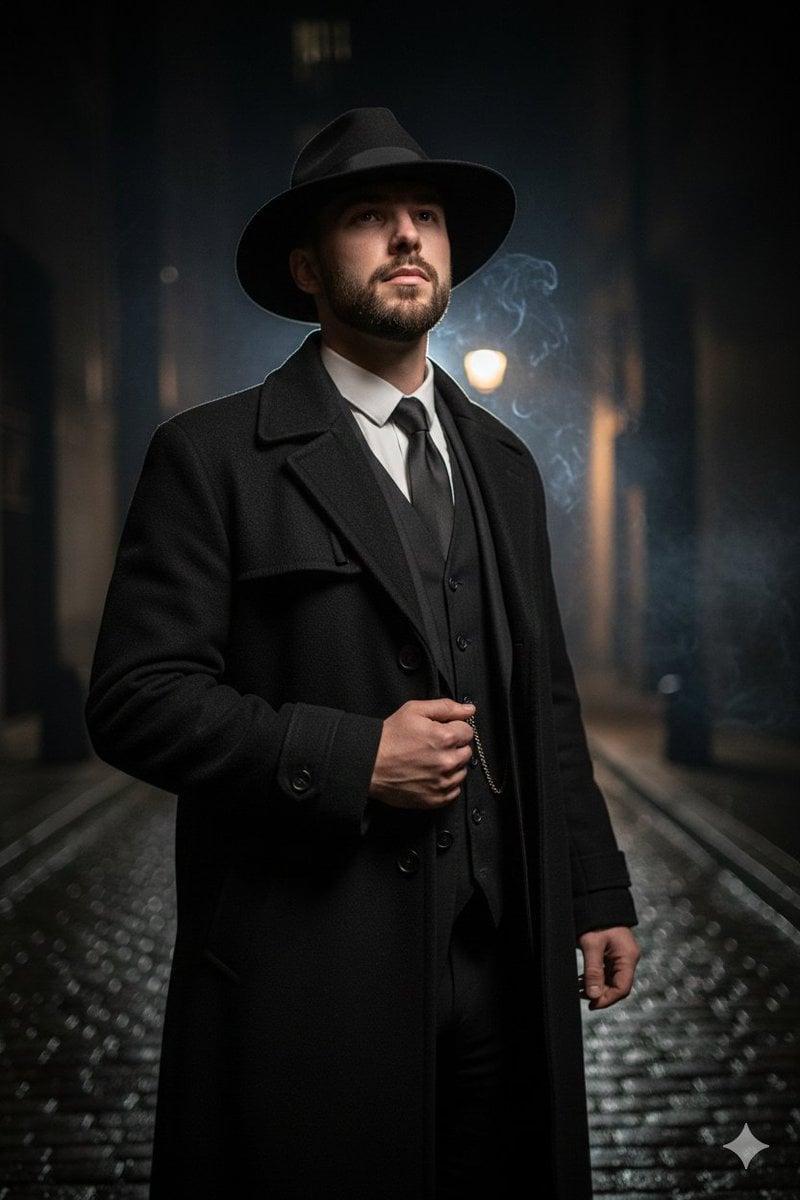
1920s Noir Gangster Portrait Prompt with Face Influence
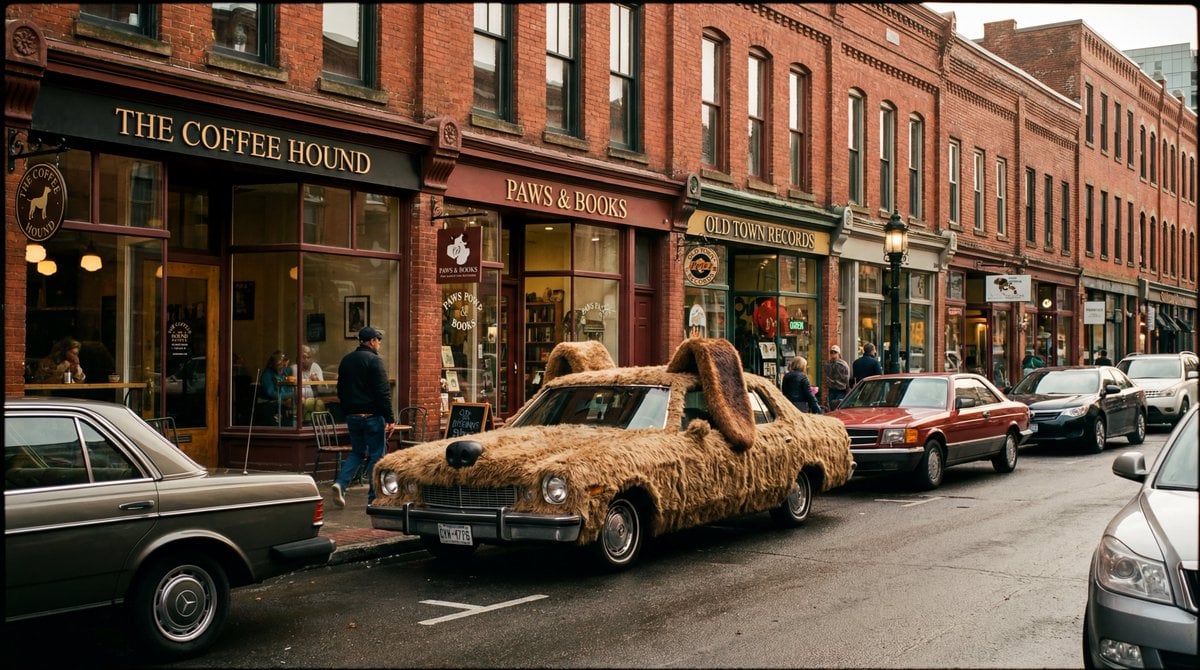
Cinematic Wide-Shot with Dog Fur Car
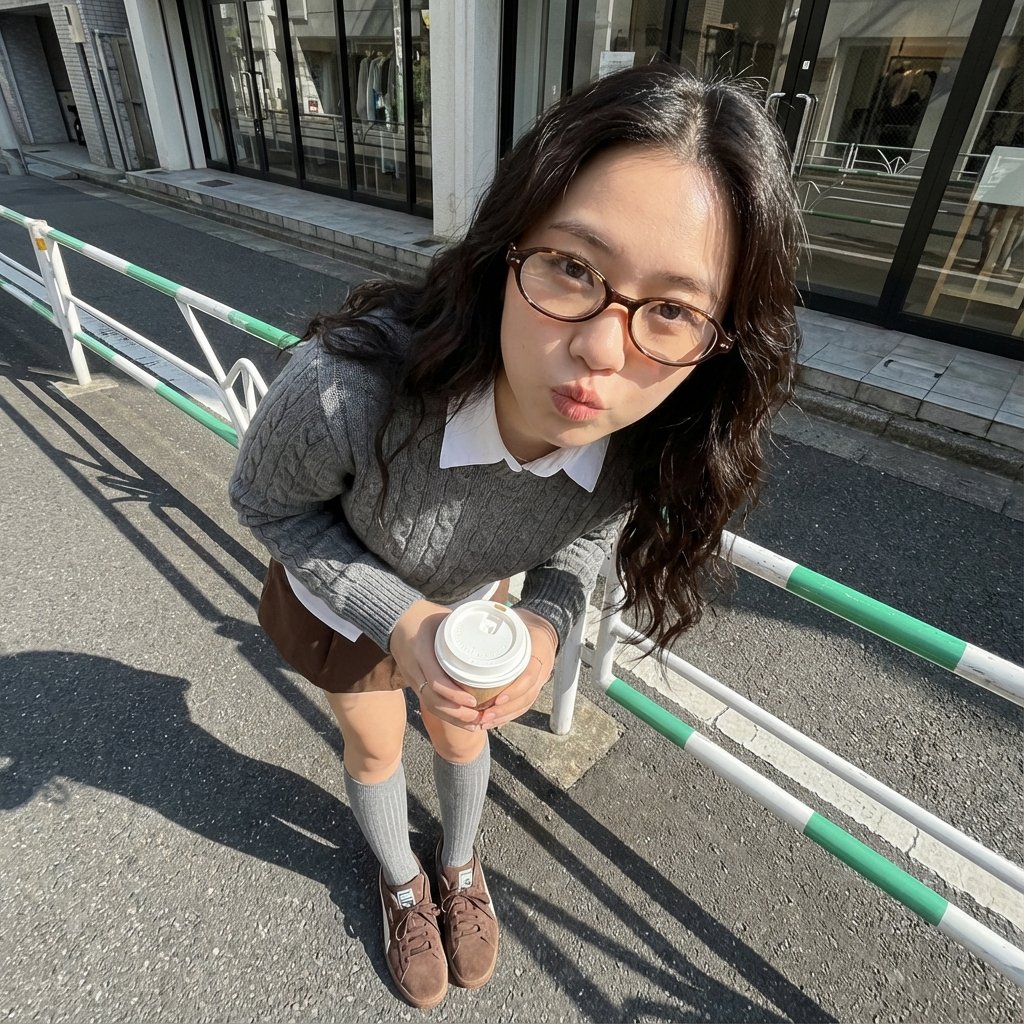
Photorealistic Cute Academic Street Photography Portrait
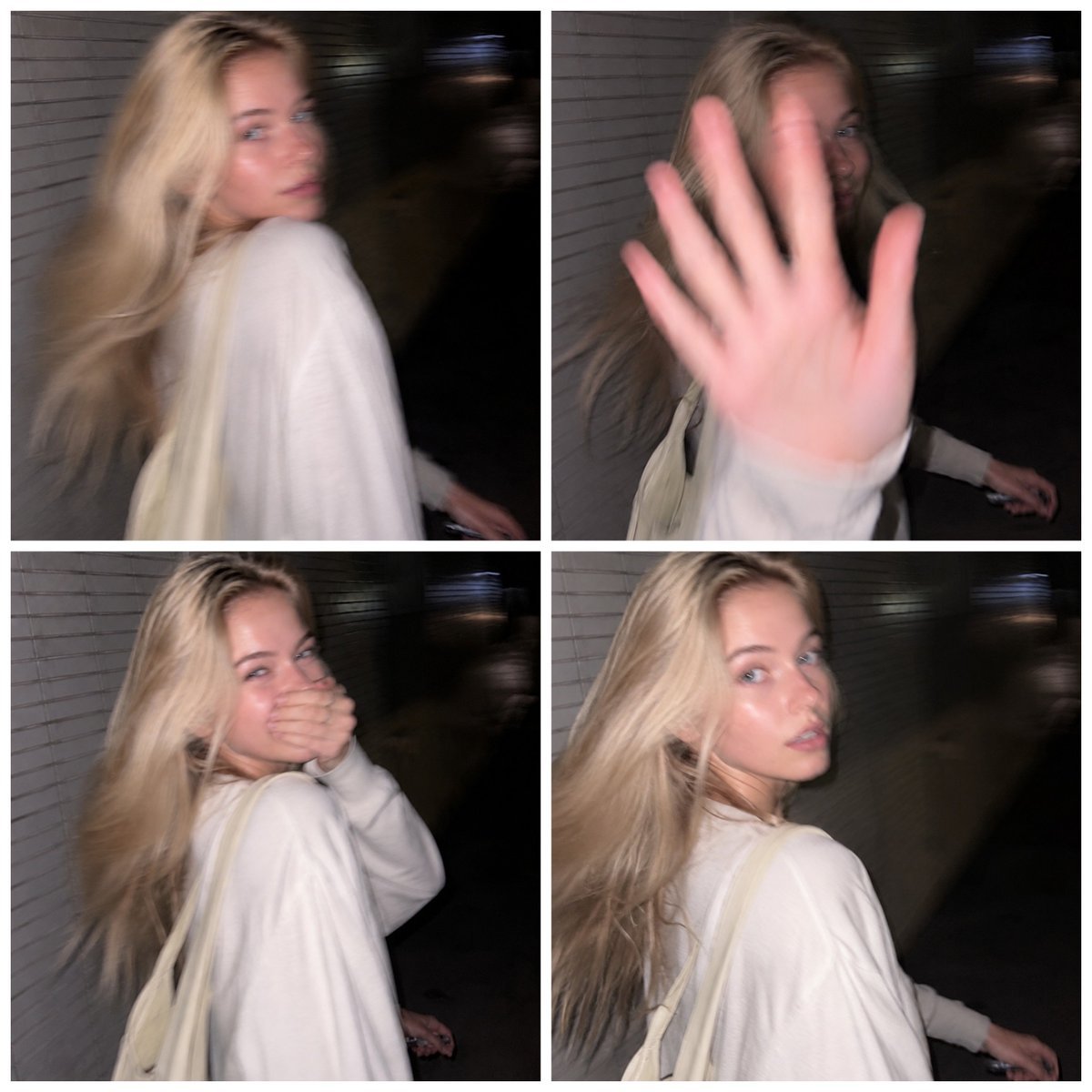
Tokyo Candid Smartphone Photography
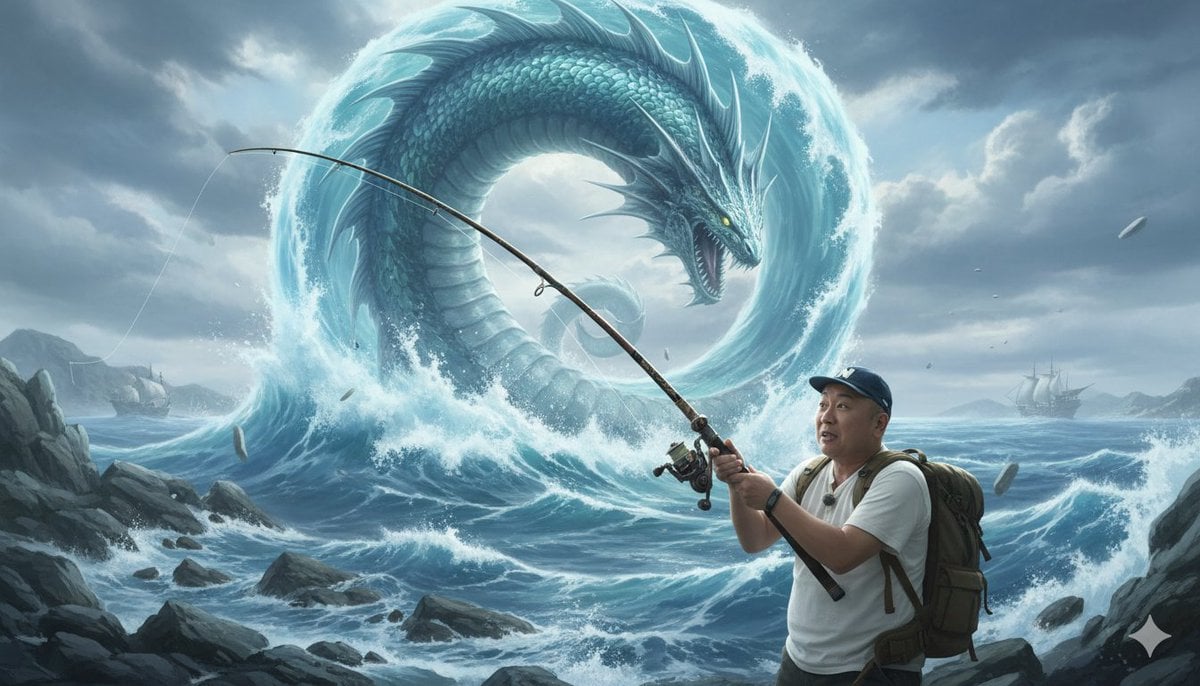
Image Generation Prompt: Nishimura Mizuki Fishing Leviathan
Browse template categories
Slightly enlarged head 1 3x natural, compact torso, simplified facial questions
How do I use the Slightly enlarged head 1 3x natural, compact torso, simplified facial template?
Add your photo if the template asks for one, edit the prompt if you like — the template's model and format are already selected — and press Generate. Your version opens in PicX Studio.
Can I customize the Slightly enlarged head 1 3x natural, compact torso, simplified facial template?
Yes. You can change the subject, setting, lighting, mood, format, and available model controls before creating your image.
Is the Slightly enlarged head 1 3x natural, compact torso, simplified facial template free?
Opening and editing this template is free. Generating uses credits, shown on the Generate button when you are signed in.
Which AI model should I use?
Start with Nano Banana 2, which is the model associated with this template. You can compare another compatible model for a different finish.
Looking for something else? Browse all templates.

Your photo, any look
Thousands of ready templates for every top image and video model, from one credit balance.