
Illustration & 3D Prompt #1437
<instructions> Input: famous person Analyze their public persona, values, strengths, weaknesses, and how they “show up” in stories about them.
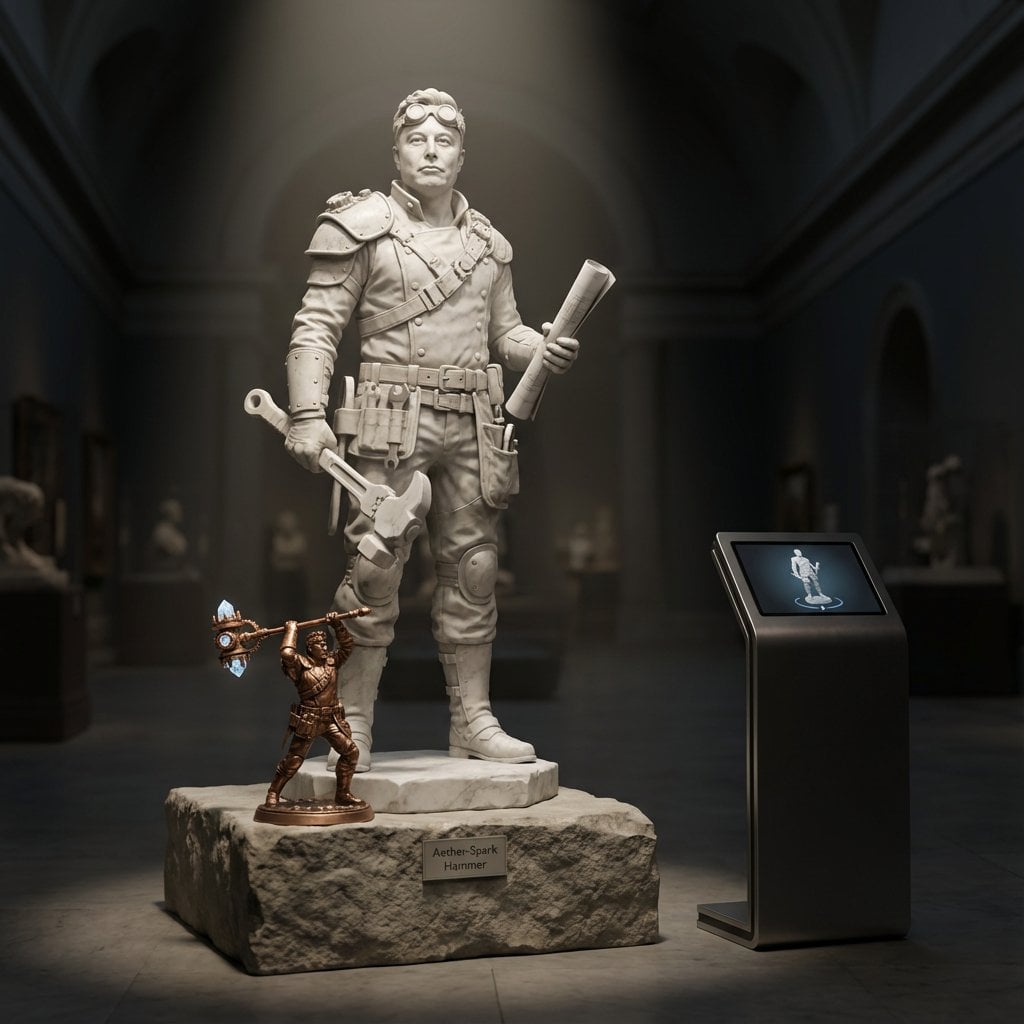
- Prompt included
- Model and format preset
- Free template
The prompt behind this image
Copy the exact prompt behind Illustration & 3D Prompt #1437, or open it in the studio and make it yours.
<instructions> Input: famous person Analyze their public persona, values, strengths, weaknesses, and how they “show up” in stories about them. Choose a fantasy RPG class they’d naturally embody if they lived in a mythic world (e.g., battle strategist → tactician, performer → bard, visionary → mage). Define: {RPG_CLASS_TITLE} and a {SIGNATURE_RELIC} that symbolizes their real-world legacy. Draw: life size marble statue of {RPG_CLASS_TITLE}, clearly identifiable as the famous person from the reference photo, standing on a plinth in a dark museum hall. • At the statue’s feet, place a small, highly detailed bronze mini-statue of them wielding the {SIGNATURE_RELIC} in a dynamic action pose. • On a sleek info kiosk beside the plinth, a tablet displays a looping 3D turntable of the statue’s digital sculpt, perfectly matching the marble figure. Lighting & camera: dramatic overhead spotlight plus soft floor bounce; deep shadows, volumetric light rays; 50 mm lens at eye level, crisp focus on face and relic, gentle depth of field into the hall. Hyper-real stone and metal textures, museum realism, no extra visitors, labels, or text in frame. </instructions>
How to use Illustration & 3D Prompt #1437 in 3 steps
- 1Upload ImagePNG, JPG or paste
Add your photo
Upload the photo the template builds on. The prompt, model and format are already set.
- 2…a portrait of your subject in softgolden-hour light, 85mm…
Personalize
Edit the subject and creative details for your destination.
- 3Generate
Generate
Press Generate — your image is created in PicX Studio, so you can compare it with the original and refine one variable at a time.
More like this
Templates with the same subject, style or setup. Open one to see its prompt.
Illustration & 3D Prompt #533
Illustration & 3D Prompt #1419
Illustration & 3D Prompt #813
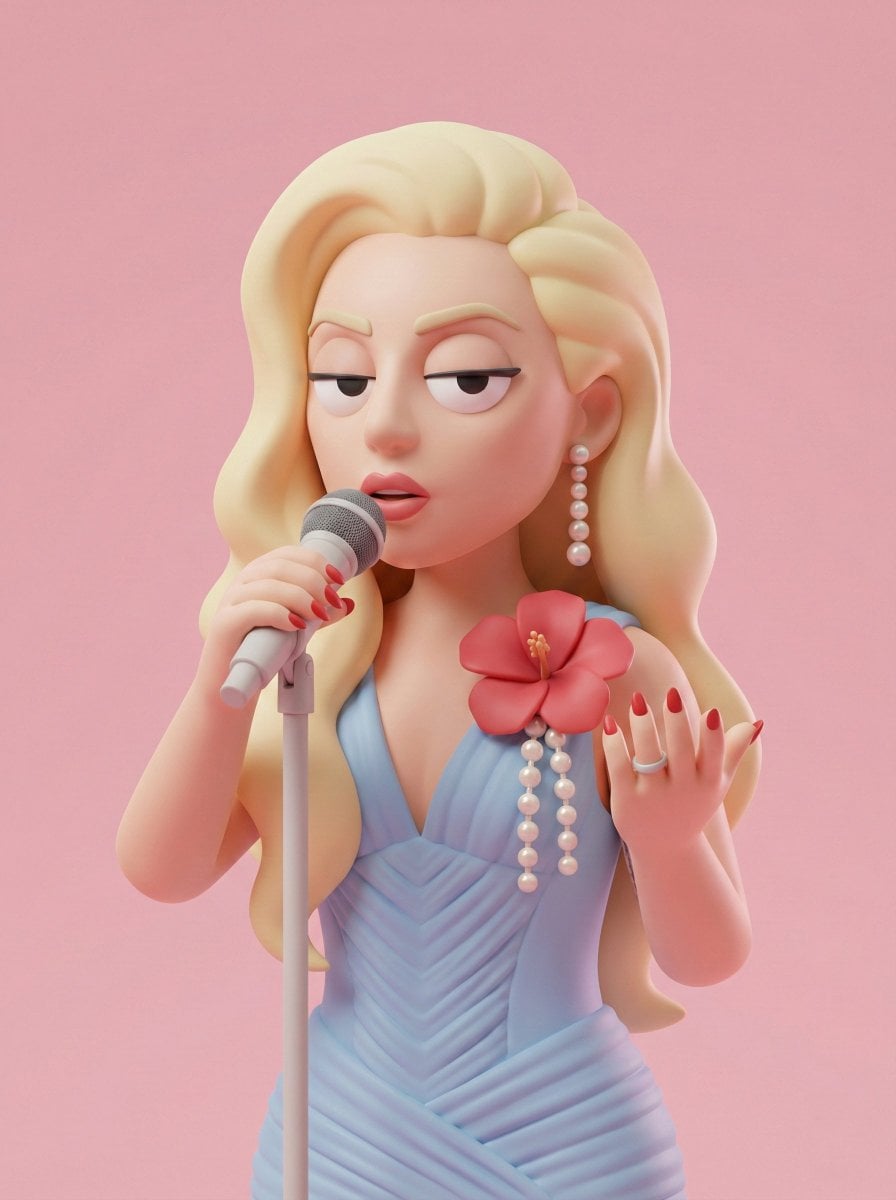
Illustration & 3D Prompt #313
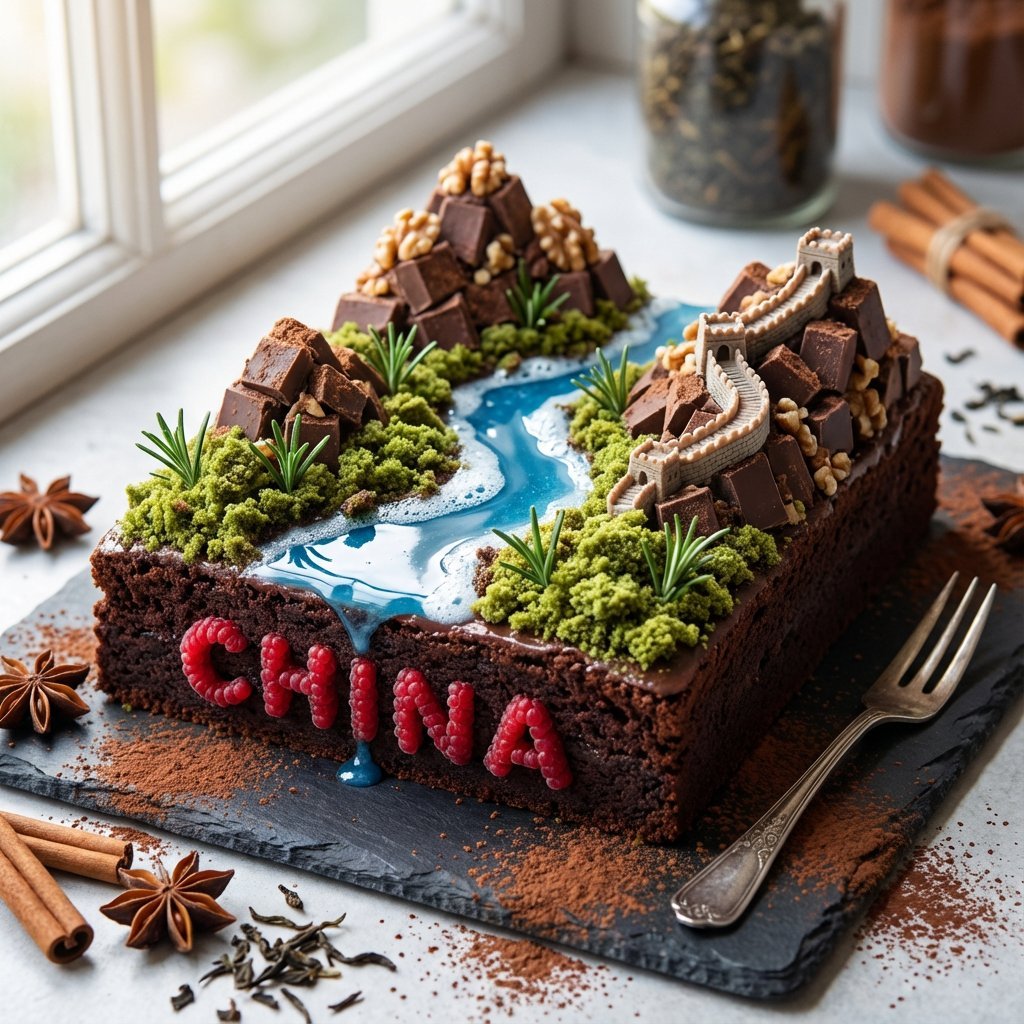
Illustration & 3D Prompt #1428
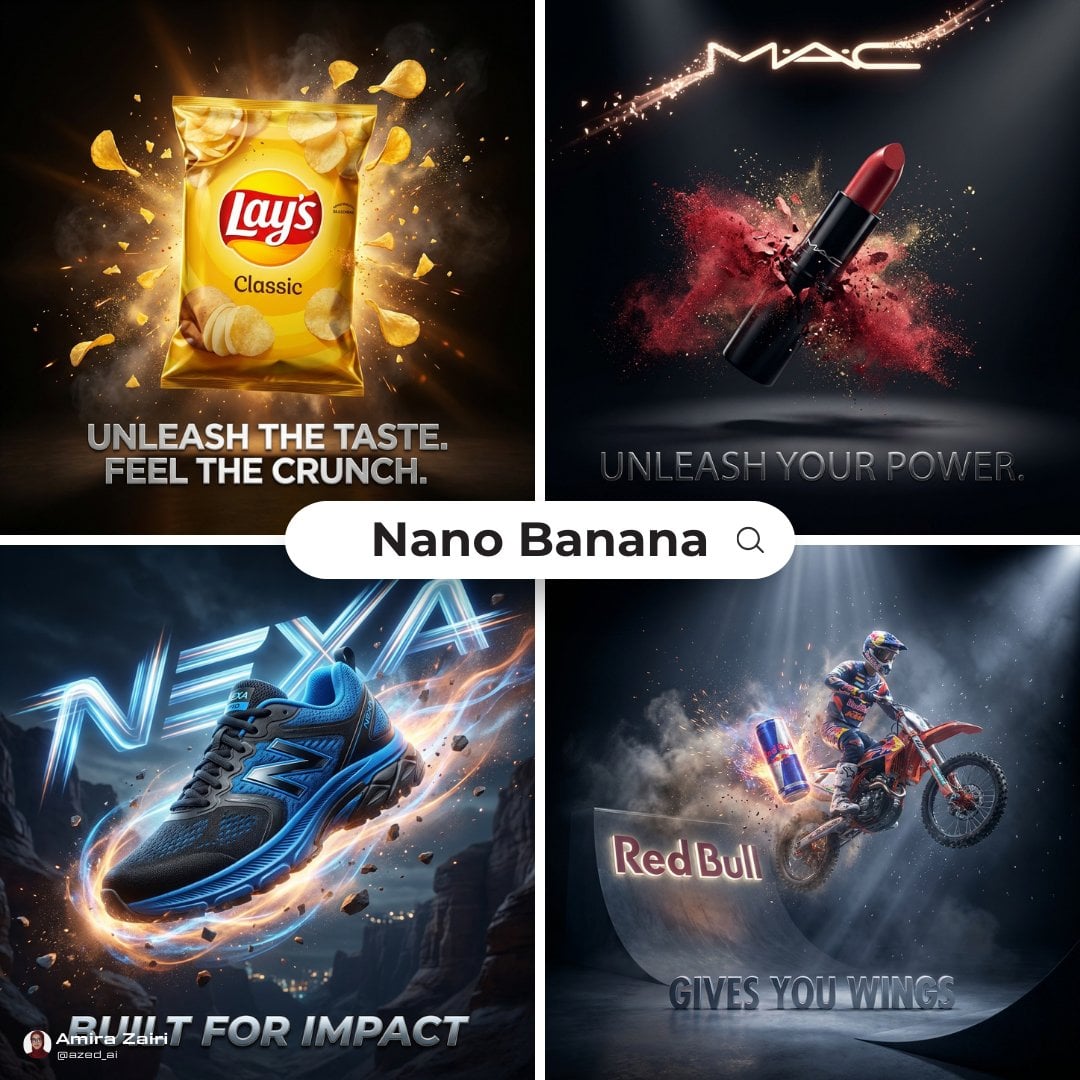
Cinematic 3D action-packed advertisement captured in an intense
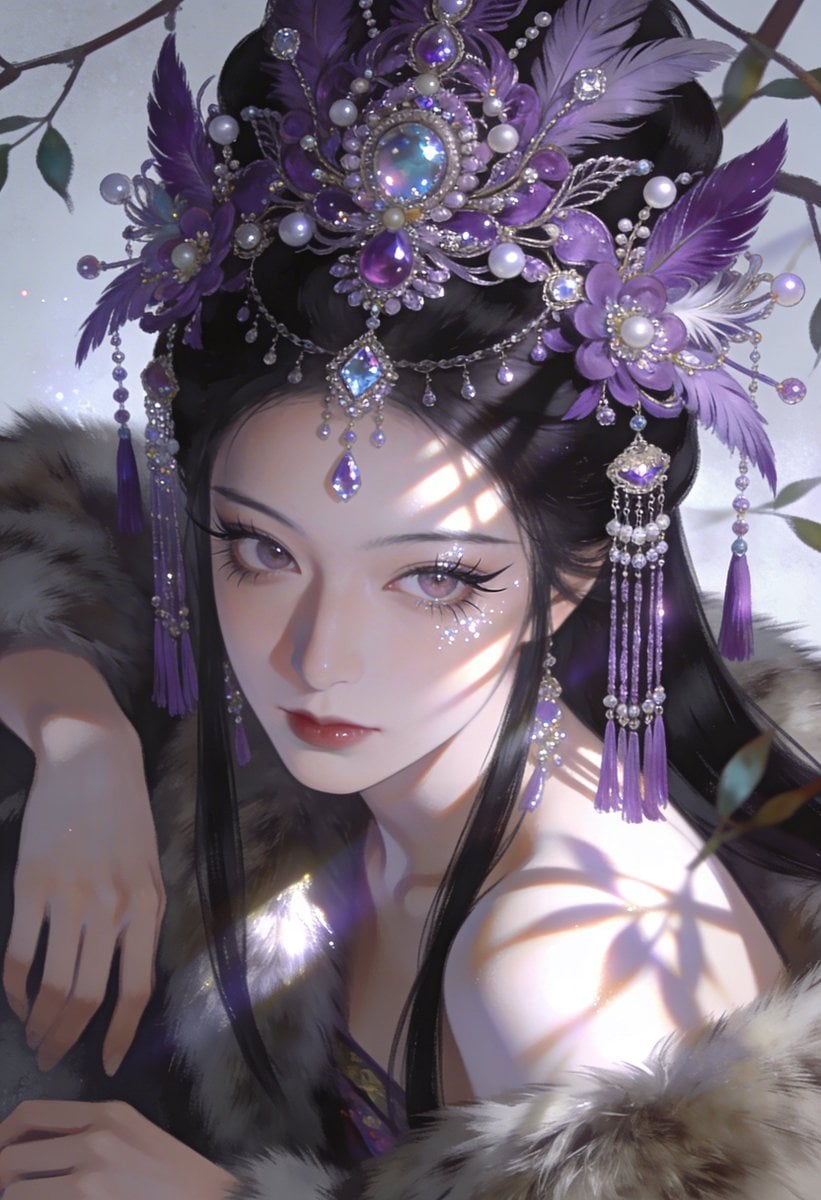
Ime characters into realistic human portraits Convert character

Clear, 45 top-down isometric miniature 3D cartoon scene of the iconic
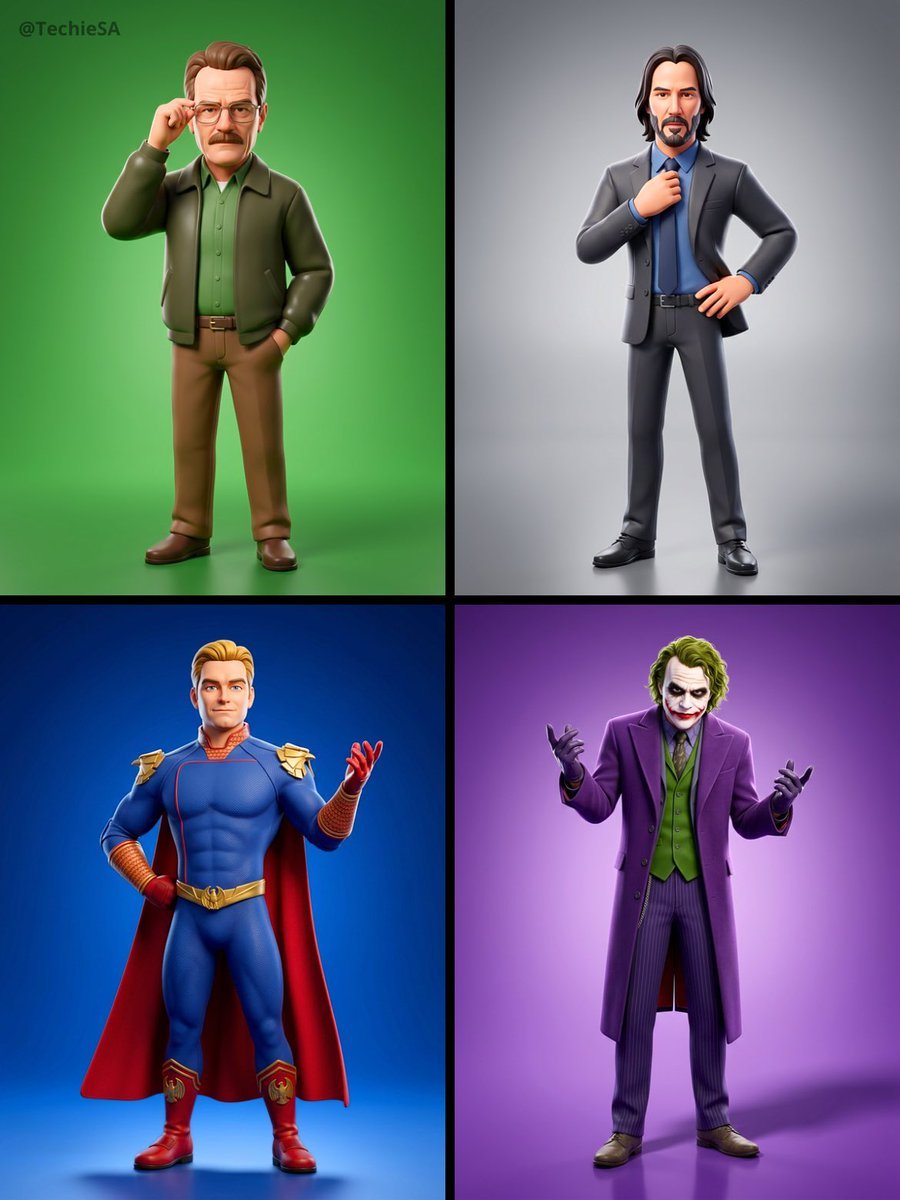
Referenced person into a premium stylized 3D animated character, full
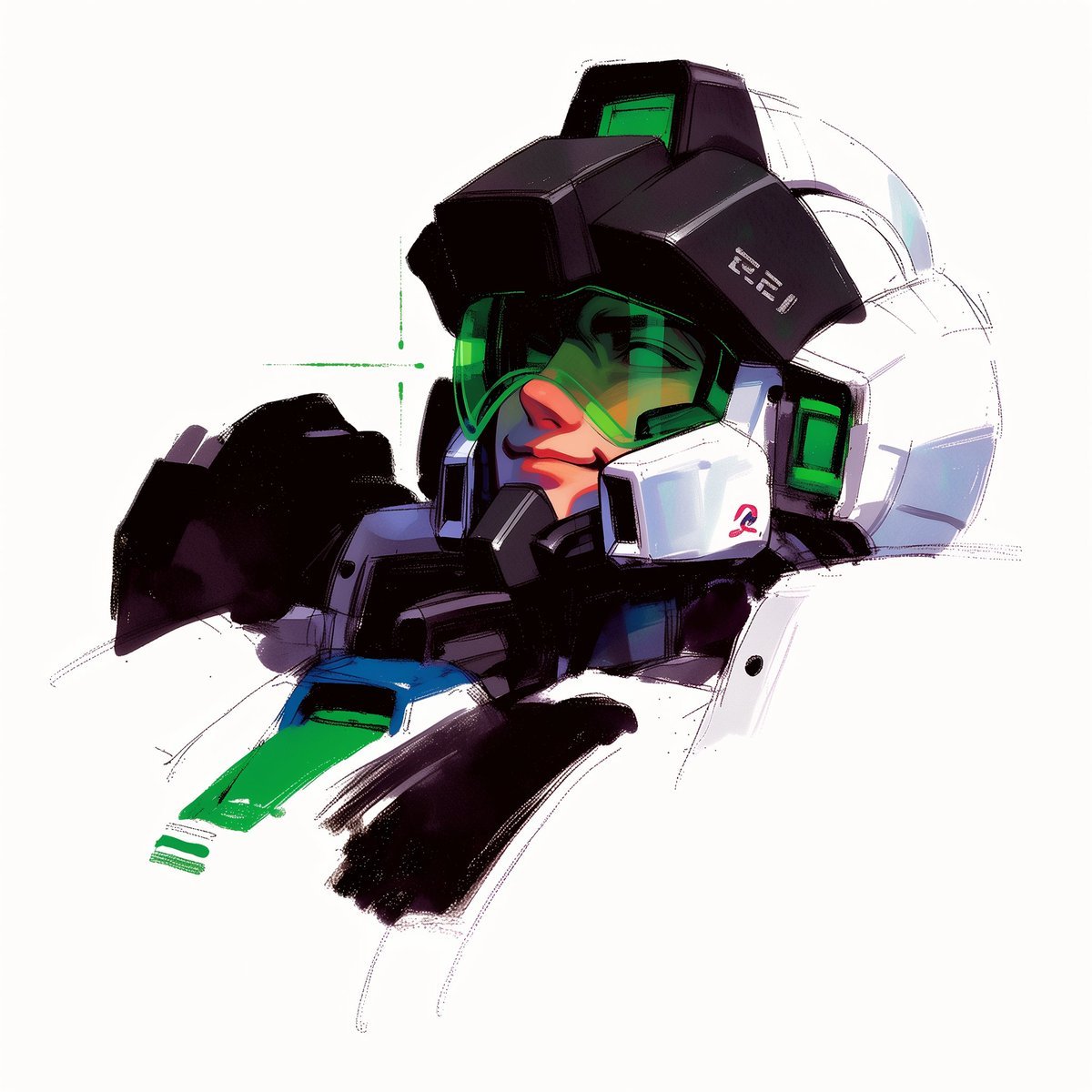
To hyper-realistic 3D CGI collectible figurine render
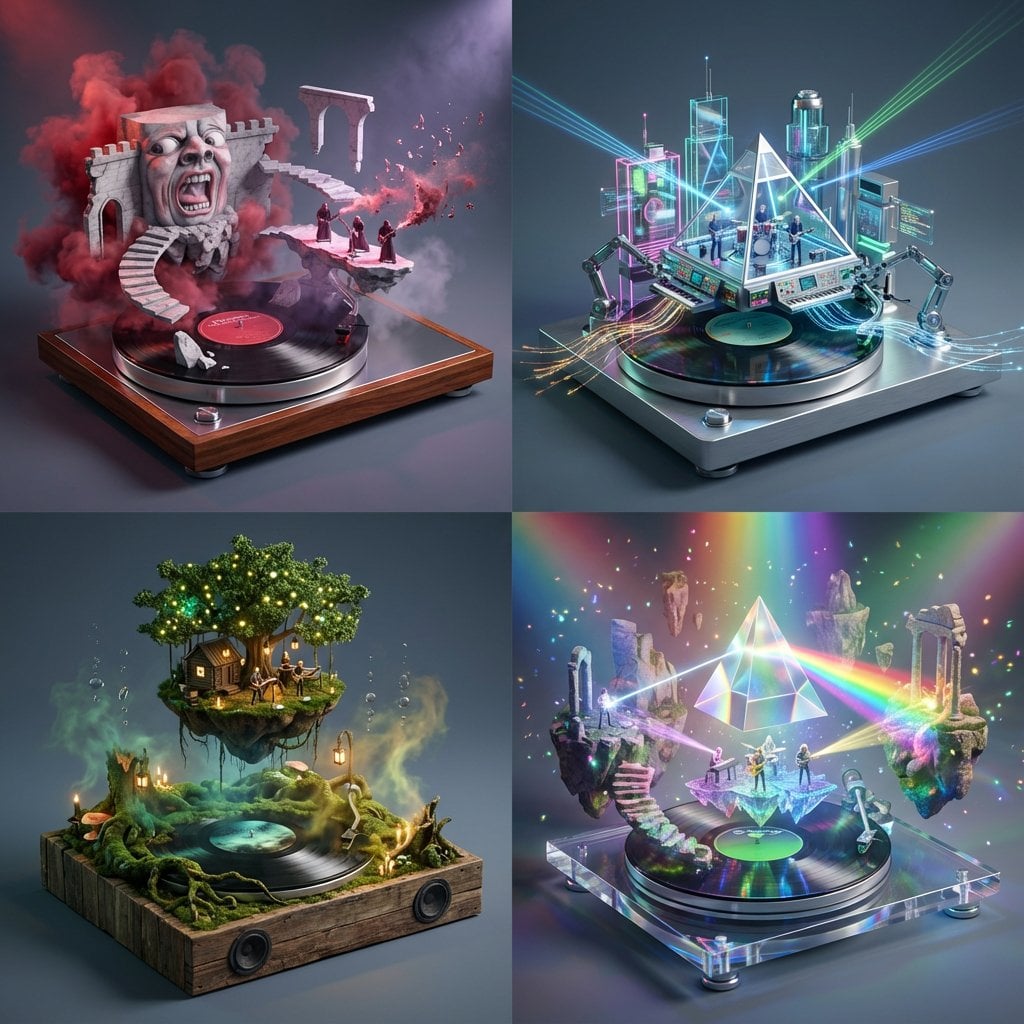
Act as a Music Historian and Set Designer
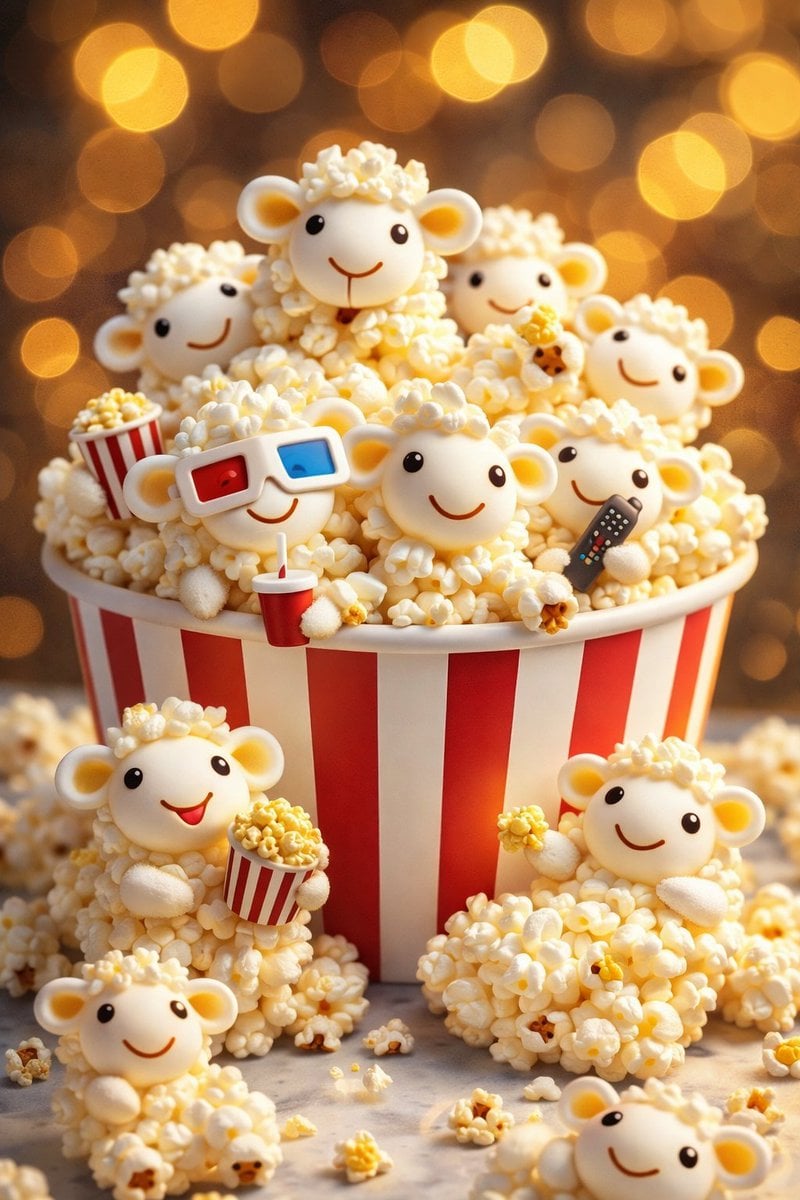
AI-edited, hyper-detailed, photorealistic with stylized realism
Make it yours
Illustration & 3D Prompt #1437 works as-is. These are the safest ways to change it without losing the look.
Change one field
Copy a single group, rewrite it, and generate again so you can see what that field is doing.
Keep the frame, change the subject
Hold the composition and light of Illustration & 3D Prompt #1437, then swap wardrobe, props or the person for a new take.
| If the result… | Why | Fix |
|---|---|---|
| The result drifts from the preview | Too many fields changed at once. | Reuse Illustration & 3D Prompt #1437 as-is first, then change one group — subject, light, or setting. |
| The model over-stylizes the scene | The prose prompt leaves finish and camera underspecified. | Add one camera or lighting sentence and stay on Nano Banana 2. |
More Nano Banana 2 templates
Other prompts made for Nano Banana 2.

Photorealistic Leaf Shaped Like a Dragon

K-Pop Idol Portrait Grid for Rapid Selection

Poetic Rain Forest Portrait During Golden Hour

Urban Street Portrait with Cartoon Inner Self Duo

Candid Nighttime Photo with Cat Prompt

High-Concept 3D Diorama Generation Prompt

Cinematic Futuristic Studio Portrait Template

Skincare Editorial Photography Collage Prompt

Hyper-Realistic Commercial Product Photography (Splash Effect)

Hyper-Realistic Nightclub Portrait Prompt
More image prompts
Fresh picks from across the catalog.
Dual-Themed Anime Boys in Crystal Boxes
Chinese AI Prompt Comparison Poster
X Ohmuyi 那就来个歪头杀吧

Moody Cinematic Portrait on Snowy Mountain Ridge
Luxury Fukubukuro (Lucky Bag) Advertisement Key Visual Prompt
AI hero
Mecha Anime Poster Art
Stone-carved statue on a sculptor's workbench prompt

Enchanted Forest Root Kiss Scene By Nano
Romantic Night Park Couple Portrait
Browse template categories
Illustration & 3D Prompt #1437 questions
How do I use the Illustration & 3D Prompt #1437 template?
Add your photo if the template asks for one, edit the prompt if you like — the template's model and format are already selected — and press Generate. Your version opens in PicX Studio.
Can I customize the Illustration & 3D Prompt #1437 template?
Yes. You can change the subject, setting, lighting, mood, format, and available model controls before creating your image.
Is the Illustration & 3D Prompt #1437 template free?
Opening and editing this template is free. Generating uses credits, shown on the Generate button when you are signed in.
Which AI model should I use?
Start with Nano Banana 2, which is the model associated with this template. You can compare another compatible model for a different finish.
Looking for something else? Browse all templates.

Your photo, any look
Thousands of ready templates for every top image and video model, from one credit balance.