
Act as a Music Historian and Set Designer
<instructions> Input Variable: [INSERT BAND/ALBUM] System Instruction: Act as a Music Historian and Set Designer.
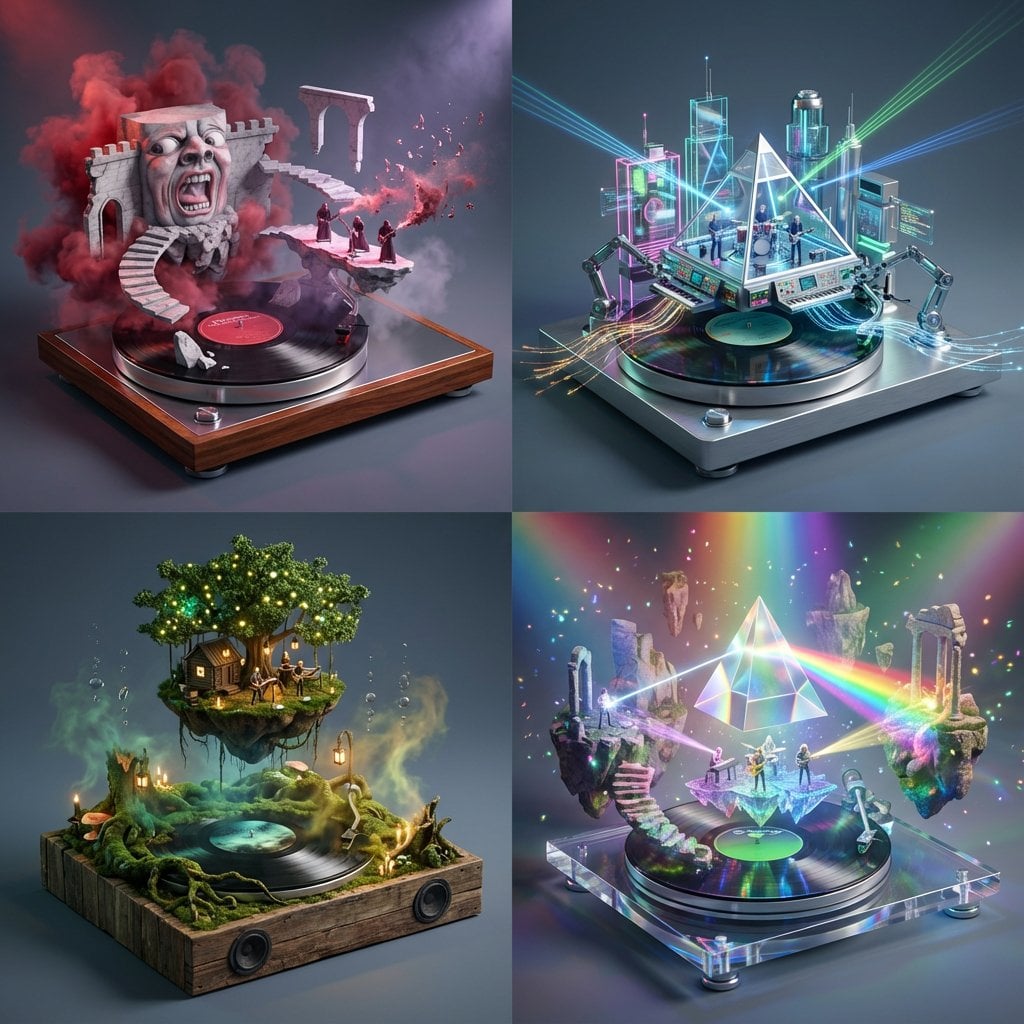
- Prompt included
- Model and format preset
- Premium template
The prompt behind this image
Copy the exact prompt behind Act as a Music Historian and Set Designer, or open it in the studio and make it yours.
<instructions> Input Variable: [INSERT BAND/ALBUM] System Instruction: Act as a Music Historian and Set Designer. Create a 2x2 Grid of "Audio-Visual Dioramas." 1. The Curation Logic (The Deep Cuts): Analyze Input: Identify the genre and sonic signature of the Input Band (e.g., Pink Floyd = Psychedelic/Prog Rock, Atmospheric, Surreal). Select 4 Hidden Gems: Identify 4 lesser-known albums/artists that share this sonic DNA but offer a different flavor (e.g., King Crimson, Porcupine Tree, Yes, The Alan Parsons Project). The Translation: For each album, define the "Sonic Materiality": If Heavy Metal: Rusty Iron & Fire. If Synth-Pop: Neon Glass & Chrome. If Folk: Mossy Wood & Candlelight. If Prog Rock: Surreal Marble & Floating Stone. 2. The "Immutable" Container (The Vinyl Stage): The Base: Each diorama is built on top of a Spinning Vinyl Record acting as the circular stage floor. The Plinth: The record sits on a high-end audiophile turntable platter or a wooden speaker box. The Label: The center label of the vinyl clearly displays the Artist Name & Album Title in crisp typography. 3. The Composition (The Sound Made Solid): CRITICAL: Do not just recreate the album cover. Build a world that feels like the music. The Structure: Architecture rises from the grooves of the vinyl record. Example: A wall of amplifiers, a surreal floating prism, a crumbling brick wall, or a forest of microphone stands. The Atmosphere: Use particle effects to visualize the sound waves. Visuals: Floating musical notes made of smoke, vibrating liquid surfaces, or shattered glass suspended in mid-air. The Figures: Tiny 1:87 scale band members performing inside this surreal landscape. 4. Visual Syntax (Per Panel): Panel A: Album 1 (Focus on Surrealism/Scale). Panel B: Album 2 (Focus on Technology/Machinery). Panel C: Album 3 (Focus on Nature/Organic Textures). Panel D: Album 4 (Focus on Light/Color). 5. Lighting & Atmosphere: Concert Lighting: Each box is lit like a stage show. Spotlights, laser beams, and stage haze. Depth: Shallow depth of field (Tilt-Shift) to make the vinyl record look massive. Background: Seamless Slate Grey to keep the focus on the colors. Output: 2x2 Grid, Hyper-Realistic Miniature Set Design, 8k Resolution, "Audiophile" Aesthetic. </instructions>
How to use Act as a Music Historian and Set Designer in 3 steps
- 1
Open
The prompt is already in the box next to the preview, with the template's model and format selected.
- 2…a portrait of your subject in softgolden-hour light, 85mm…
Personalize
Edit the subject and creative details for your destination.
- 3Generate
Generate
Press Generate — your image is created in PicX Studio, so you can compare it with the original and refine one variable at a time.
More like this
Templates with the same subject, style or setup. Open one to see its prompt.

Cinematic 3D action-packed advertisement captured in an intense
Ime characters into realistic human portraits Convert character
Referenced person into a premium stylized 3D animated character, full
Act as a High-End CGI Product Photographer and 3D Render Artist
Chibi Designer Toy Character on Smartphone
Illustration & 3D Prompt #533

Clear, 45 top-down isometric miniature 3D cartoon scene of the iconic
Illustration & 3D Prompt #1437

To hyper-realistic 3D CGI collectible figurine render
Illustration & 3D Prompt #1419
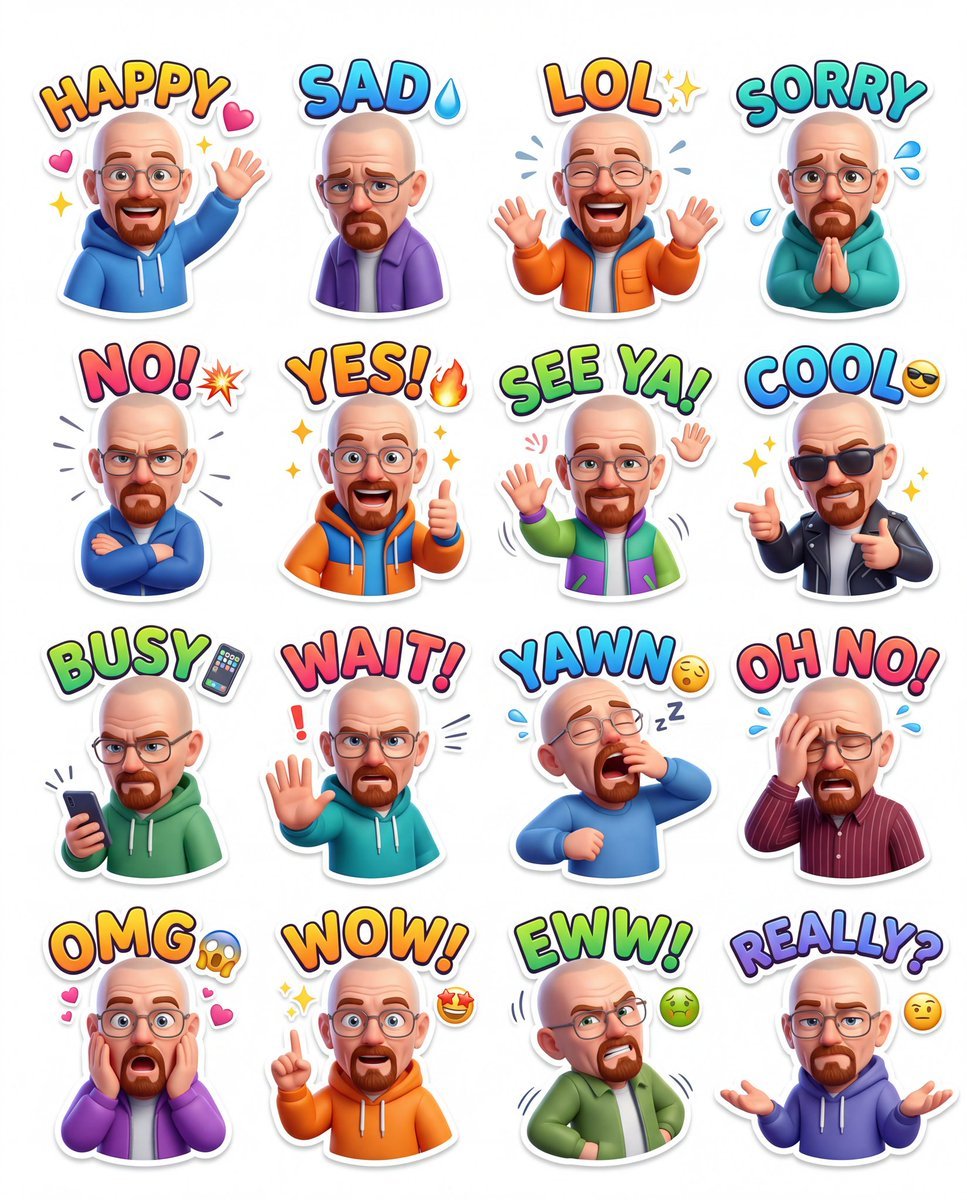
Illustration & 3D Prompt #813
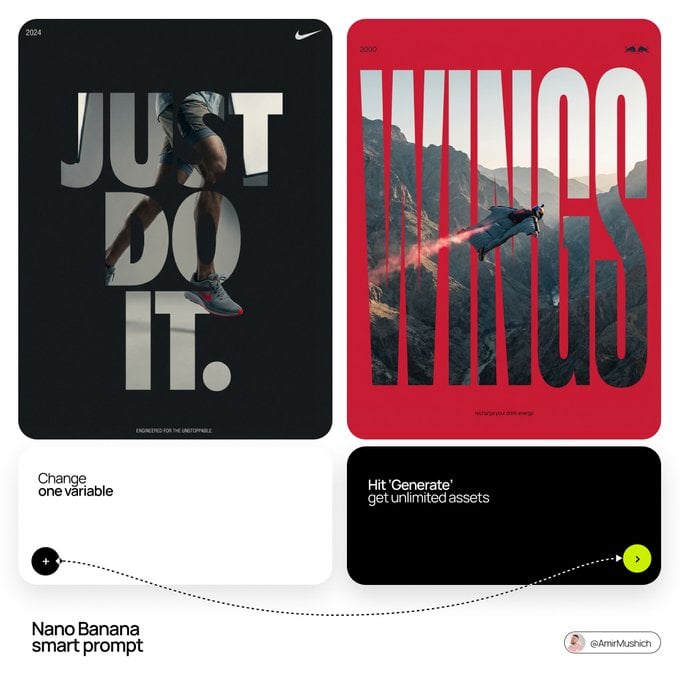
Act as a Senior Editorial Designer and Typographer
Make it yours
Act as a Music Historian and Set Designer works as-is. These are the safest ways to change it without losing the look.
Change one field
Copy a single group, rewrite it, and generate again so you can see what that field is doing.
Keep the frame, change the subject
Hold the composition and light of Act as a Music Historian and Set Designer, then swap wardrobe, props or the person for a new take.
| If the result… | Why | Fix |
|---|---|---|
| The result drifts from the preview | Too many fields changed at once. | Reuse Act as a Music Historian and Set Designer as-is first, then change one group — subject, light, or setting. |
| The model over-stylizes the scene | The prose prompt leaves finish and camera underspecified. | Add one camera or lighting sentence and stay on Nano Banana 2. |
More Nano Banana 2 templates
Other prompts made for Nano Banana 2.

Photorealistic Leaf Shaped Like a Dragon

K-Pop Idol Portrait Grid for Rapid Selection

Poetic Rain Forest Portrait During Golden Hour

Urban Street Portrait with Cartoon Inner Self Duo

Candid Nighttime Photo with Cat Prompt

High-Concept 3D Diorama Generation Prompt

Cinematic Futuristic Studio Portrait Template

Skincare Editorial Photography Collage Prompt

Hyper-Realistic Commercial Product Photography (Splash Effect)

Hyper-Realistic Nightclub Portrait Prompt
More image prompts
Fresh picks from across the catalog.
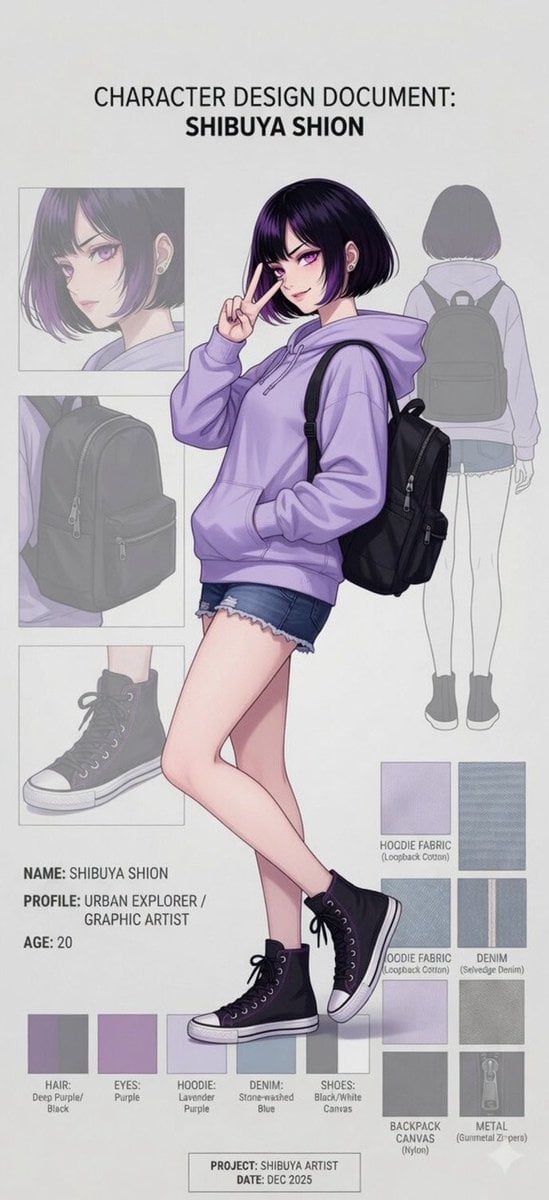
Anime Character Design Document

School Commercial Kids Advertisement Poster
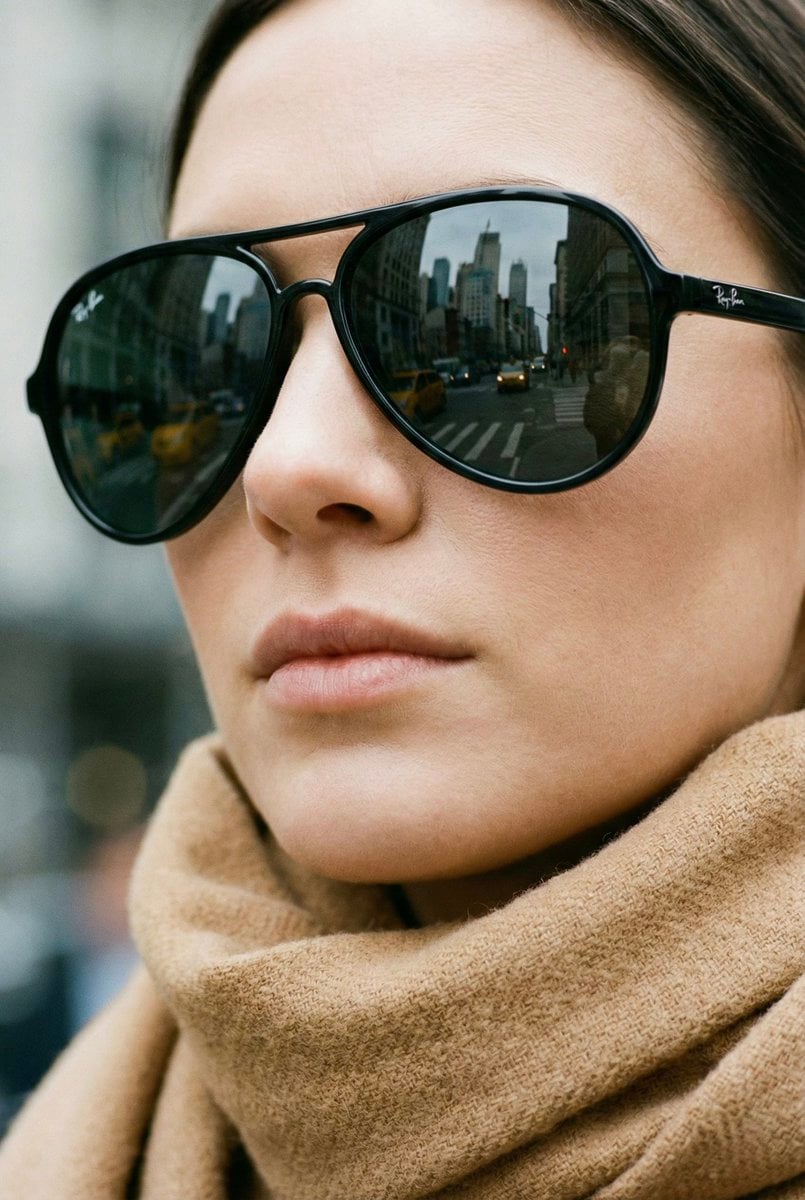
High-Fashion Aviator Sunglasses Portrait with NYC Reflection
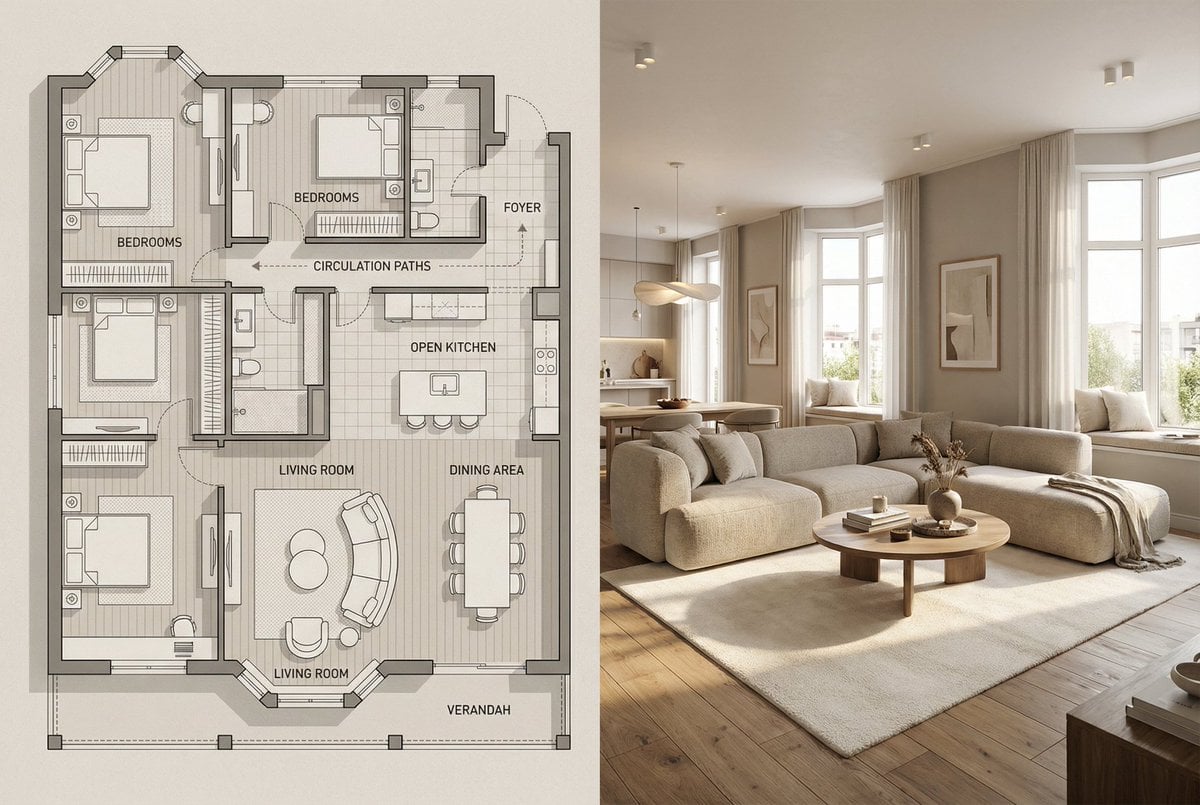
Architectural Floor Plan and Realistic Interior Photo Generation
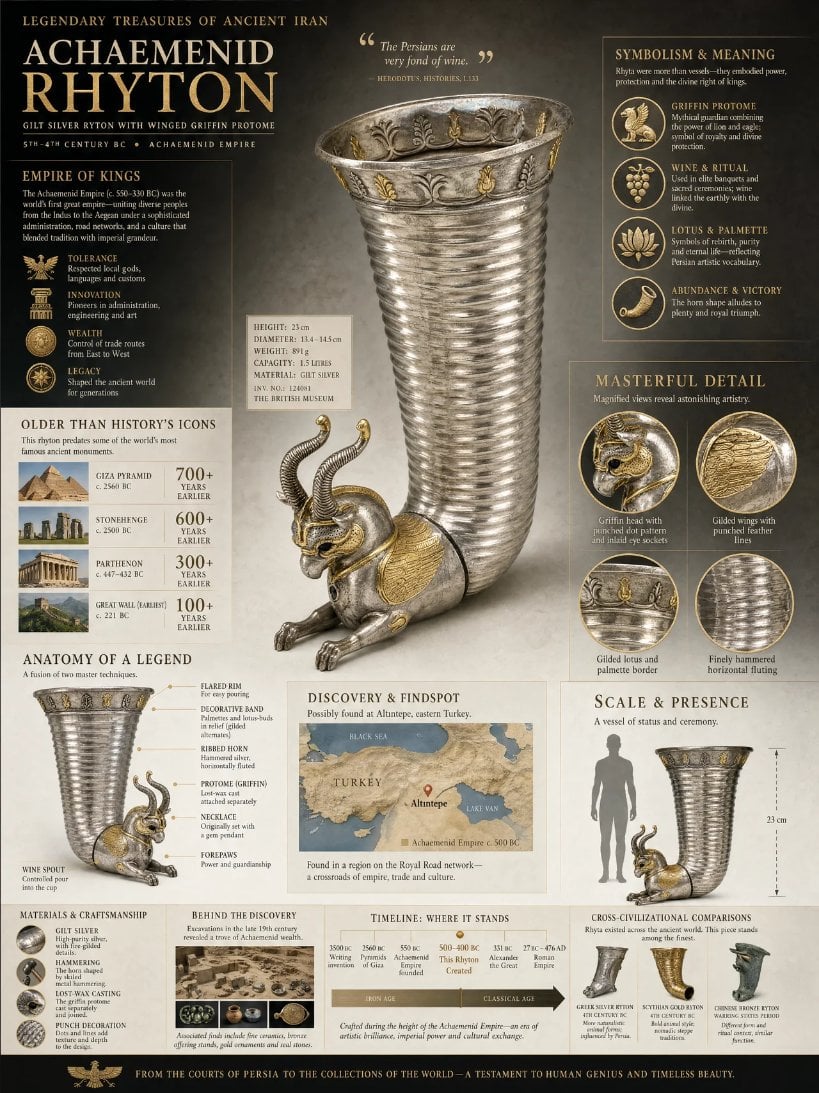
Museum Archaeological Infographic Plate

Japanese Himiko History Infographic Poster
Viral Chrome Pink BMW Selfie Prompt (JSON format)

Moody Cinematic Portrait in Brown Top
Dramatic Black-and-White Studio Portrait of a Stylish Man

Extreme Foreshortening Portrait with Feet in Foreground
Browse template categories
Act as a Music Historian and Set Designer questions
How do I use the Act as a Music Historian and Set Designer template?
Add your photo if the template asks for one, edit the prompt if you like — the template's model and format are already selected — and press Generate. Your version opens in PicX Studio.
Can I customize the Act as a Music Historian and Set Designer template?
Yes. You can change the subject, setting, lighting, mood, format, and available model controls before creating your image.
Is the Act as a Music Historian and Set Designer template free?
Opening and editing this template is free. Generating uses credits, shown on the Generate button when you are signed in.
Which AI model should I use?
Start with Nano Banana 2, which is the model associated with this template. You can compare another compatible model for a different finish.
Looking for something else? Browse all templates.

Your photo, any look
Thousands of ready templates for every top image and video model, from one credit balance.