
Act as a High-End CGI Product Photographer and 3D Render Artist
[BRAND NAME] Act as a High-End CGI Product Photographer and 3D Render Artist specializing in streetwear merch and limited-edition collectibles.
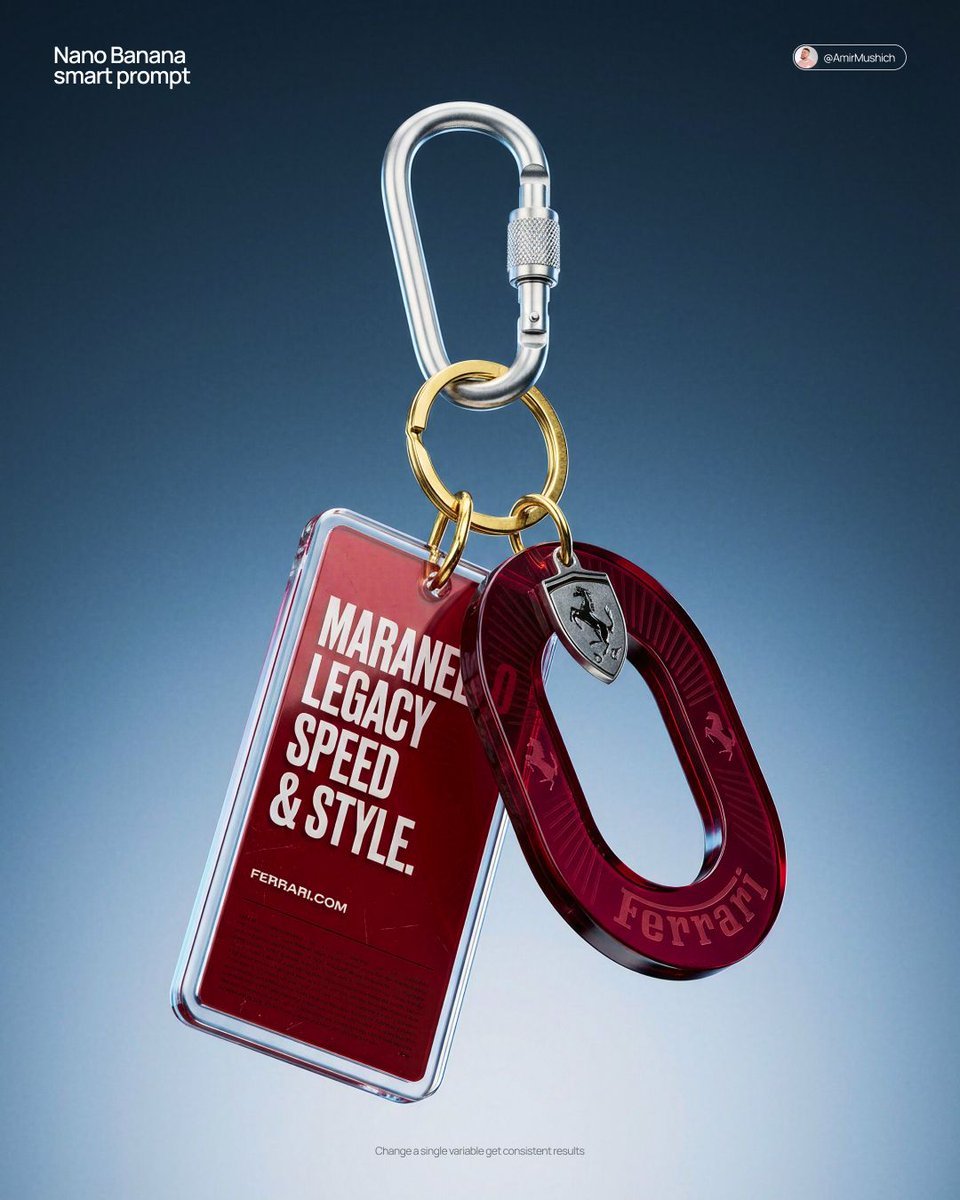
- Prompt included
- Model and format preset
- Premium template
The prompt behind this image
Copy the exact prompt behind Act as a High-End CGI Product Photographer and 3D Render Artist, or open it in the studio and make it yours.
[BRAND NAME] Act as a High-End CGI Product Photographer and 3D Render Artist specializing in streetwear merch and limited-edition collectibles. PHASE 1: CONCEPT & OBJECT Create a photorealistic CGI product shot of a premium keychain set suspended in mid-air against a neutral gradient studio background. The keychain set consists of THREE elements connected to a single polished silver carabiner clip with a gold-plated split ring: ELEMENT 1 — ACRYLIC TAG: A rectangular acrylic charm (approx. 4:9 ratio, rounded corners, 3mm thick). Layered construction: clear gloss acrylic front panel over a [BRAND NAME]-colored background insert. The background insert carries bold, condensed all-caps typography — autonomously generate a short poetic or brand-relevant phrase (4–8 words) that matches [BRAND NAME]'s tone of voice, set in a heavy condensed grotesque typeface (Bebas Neue / Impact / custom bold). Include [BRAND NAME]'s URL or tagline in small print at the bottom of the insert. Micro-printed fine text fills the lower third as a design texture element. ELEMENT 2 — OVAL MEDALLION CHARM: A die-cut oval hoop/ring shape (donut silhouette, 40mm diameter) made from tinted translucent acrylic or resin. Autonomously determine the iconic brand color of [BRAND NAME] and apply it as the tint (deep saturated, jewel-tone translucency — e.g., gold, cobalt, emerald, crimson). The [BRAND NAME] wordmark is engraved or UV-printed in bold all-caps along the inner curve of the ring. Add 1–2 small iconographic symbols (logo mark, globe icon, cloud glyph) laser-engraved onto the face. Subtle radial sun-ray pattern embossed on the surface. ELEMENT 3 — HARDWARE: Silver anodized aluminum carabiner with knurled locking barrel. Gold-plated brass split ring (key ring loop) at the top. All metal surfaces show micro-scratches and machining marks — no perfect CGI plastic. Industrial precision aesthetic. PHASE 2: MATERIAL & TEXTURE Render all acrylic elements with full Ray Tracing and Subsurface Scattering — light must visibly pass through the tinted acrylic creating internal glow. Apply Fresnel reflection on acrylic edges. Surface imperfections: hairline scratches, micro-dust particles, smudge traces on the clear panel (subtle, editorial-level — not dirty). Metal: PBR metallic workflow — anisotropic specular highlights on the carabiner barrel, brushed finish on the ring. Typography on acrylic must appear screen-printed or UV spot-coated — slight ink texture, not floating. PHASE 3: COMPOSITION & STAGING Levitation shot: the entire keychain set hangs suspended from the top of frame, centered with a 10–15 degree rotation to the right (showing dimensionality). Nothing touches a surface — pure float. Camera angle: slightly below eye-level looking up at ~5 degrees, portrait orientation (4:5 ratio). Depth of Field: focus plane centered on the oval medallion, acrylic tag in sharp secondary focus, top hardware with micro bokeh blur. Aperture equivalent: f/4.0. Negative space: generous — object occupies 55% of frame. PHASE 4: LIGHTING Primary: large octabox soft key light, positioned top-right at 45 degrees — creates clean specular bloom on acrylic edges. Secondary: subtle rim light from bottom-left, cool temperature (5500K), separates the object from background. Background: seamless gradient cyclorama — dark steel blue (#1a2535) at top transitioning to pale silver-grey (#d0d8e0) at bottom. No hard shadows cast. Global Illumination active. Chromatic Aberration: micro-level, visible only on acrylic edges (adds realism, prevents CGI-plastic look). No lens flare. No neon. No HDR overblown highlights. TECH SPECS Render engine: Octane Render or Blender Cycles (path-traced) Resolution: 4096 x 5120px (4:5 portrait) Samples: 4096 minimum Color profile: Adobe RGB, D65 white point Post-processing: subtle film grain overlay (ISO 400 equivalent), +5 clarity, -10 highlights, neutral color grade Output mood: High-end streetwear lookbook / limited drop product page Style references: Kith accessories, Highsnobiety product editorial, Fragment Design merch photography NEGATIVE: No white studio infinity cove. No flat lay. No hand holding the product. No fake bokeh blur filters. No AI plastic sheen. No floating text outside the object.
How to use Act as a High-End CGI Product Photographer and 3D Render Artist in 3 steps
- 1
Open
The prompt is already in the box next to the preview, with the template's model and format selected.
- 2…a portrait of your subject in softgolden-hour light, 85mm…
Personalize
Edit the subject and creative details for your destination.
- 3Generate
Generate
Press Generate — your image is created in PicX Studio, so you can compare it with the original and refine one variable at a time.
More like this
Templates with the same subject, style or setup. Open one to see its prompt.
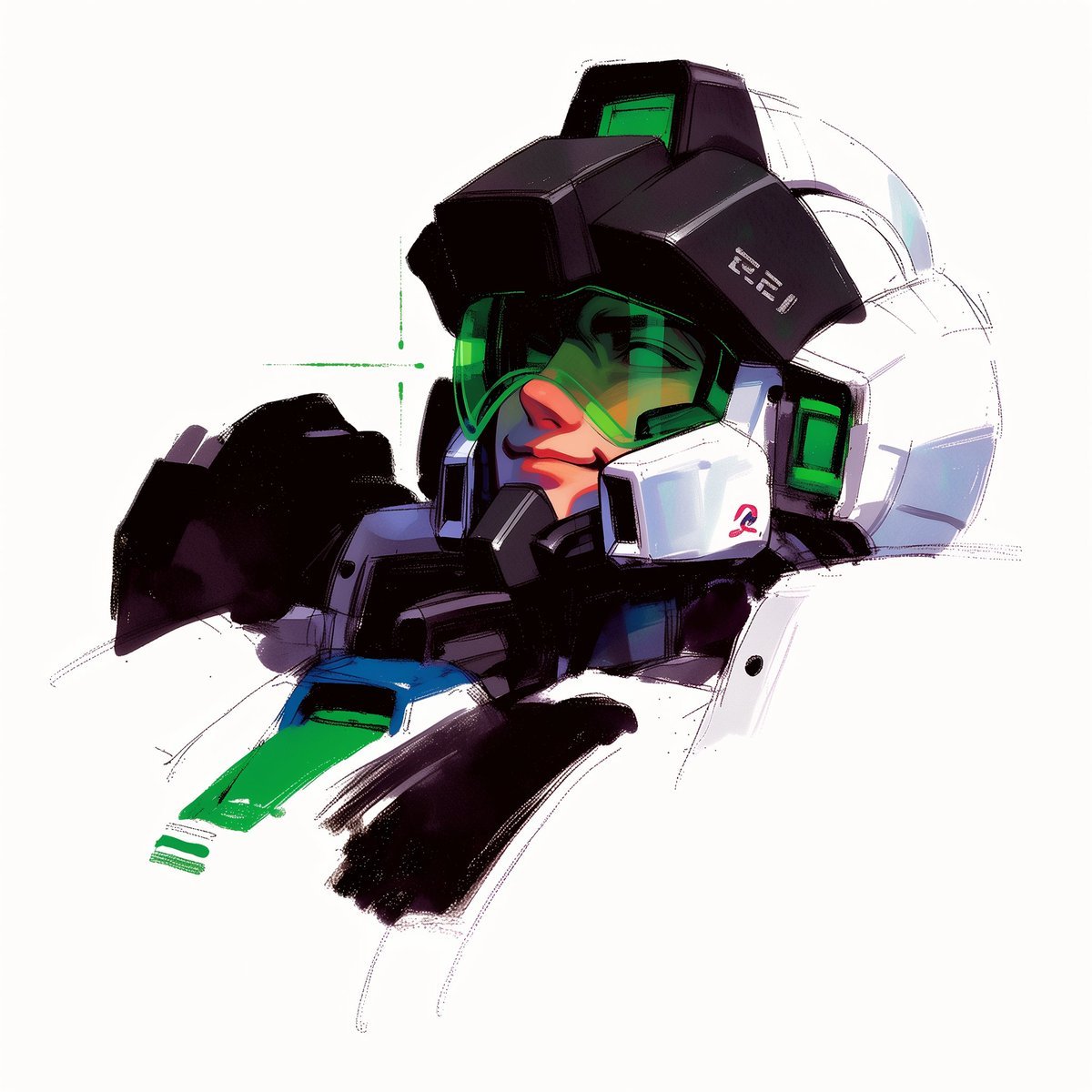
To hyper-realistic 3D CGI collectible figurine render
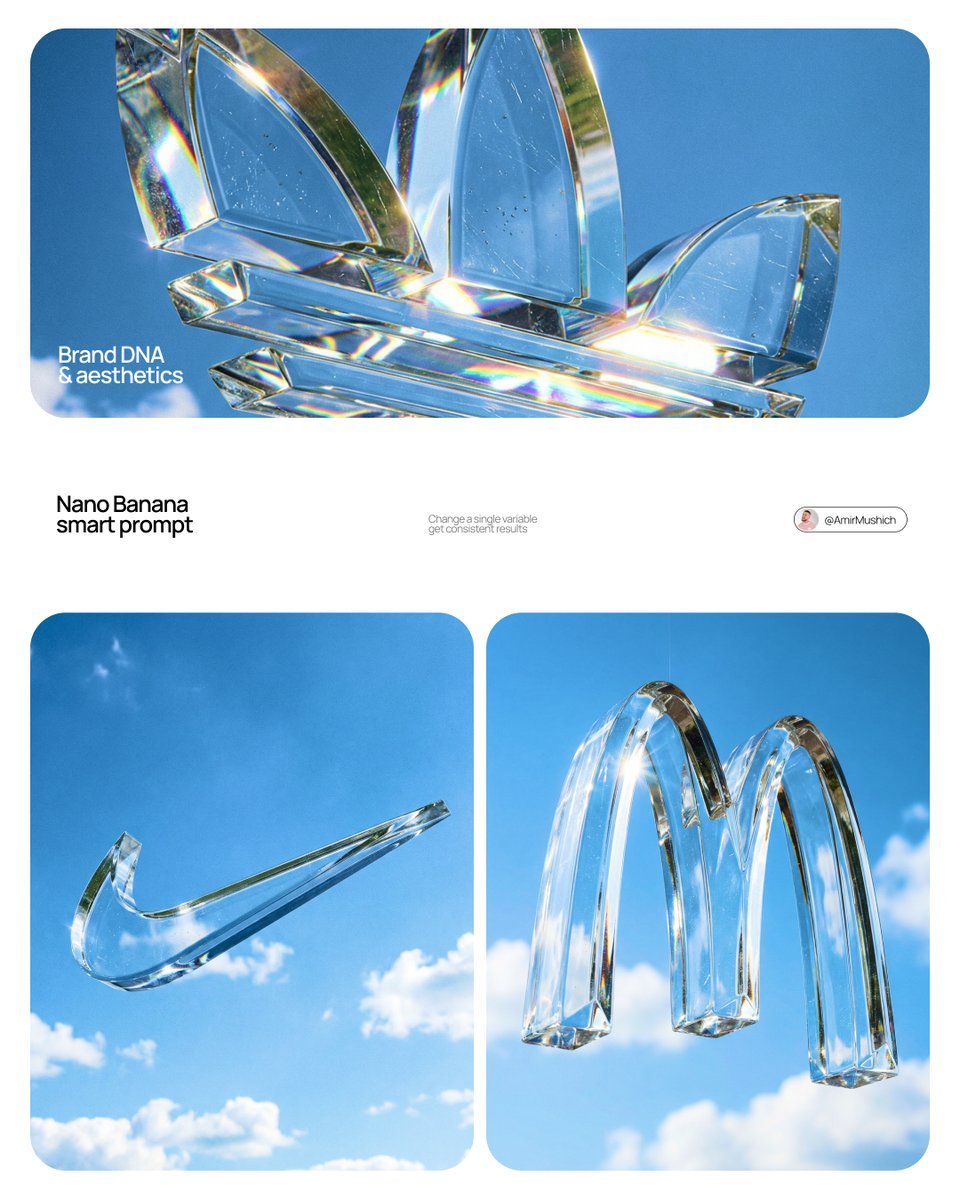
Act as a High-End Product Photographer and CGI Artist
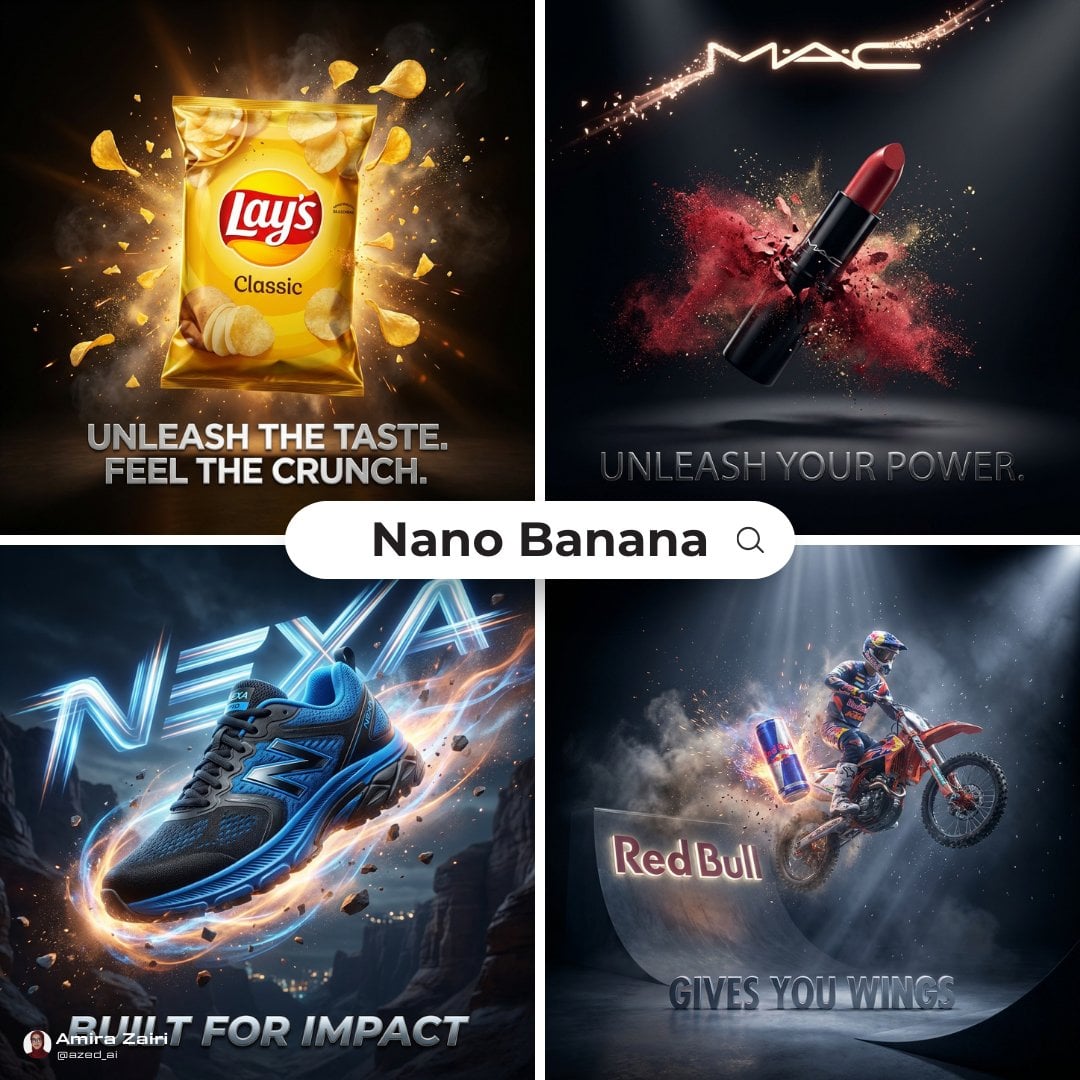
Cinematic 3D action-packed advertisement captured in an intense
Ime characters into realistic human portraits Convert character
Act as a Music Historian and Set Designer
Illustration & 3D Prompt #533

Clear, 45 top-down isometric miniature 3D cartoon scene of the iconic
Illustration & 3D Prompt #1437

Act as a 3D Product Visualization Artist
Illustration & 3D Prompt #1419
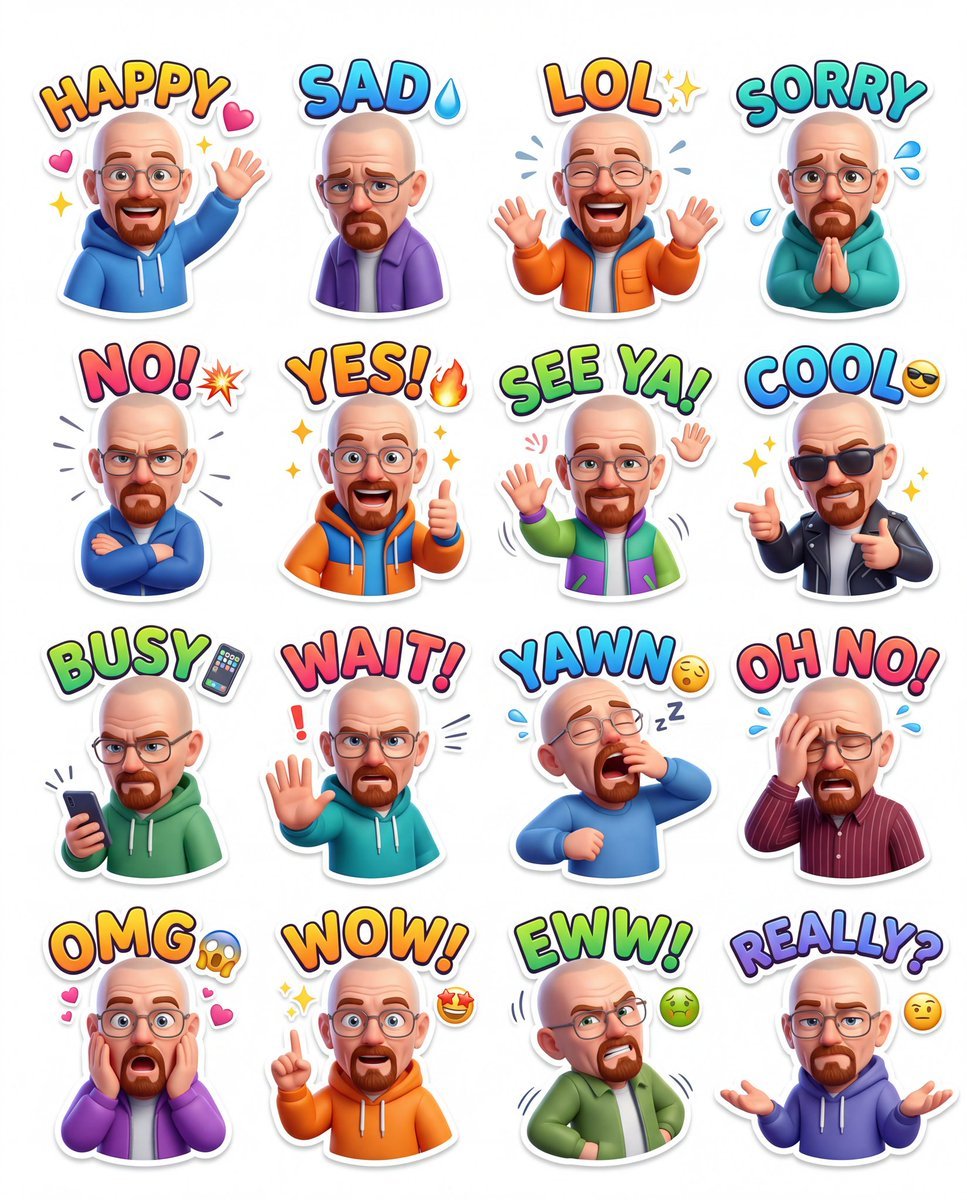
Illustration & 3D Prompt #813
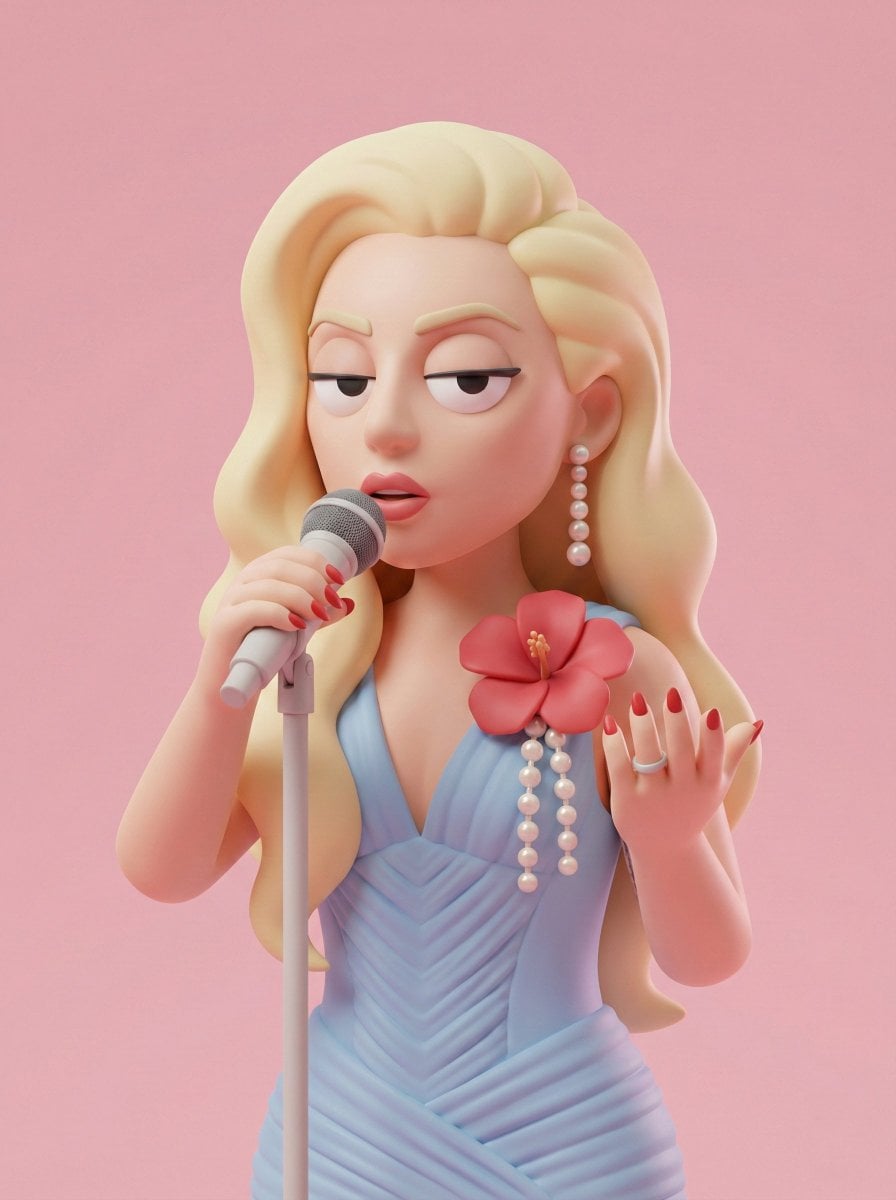
Illustration & 3D Prompt #313
Make it yours
Act as a High-End CGI Product Photographer and 3D Render Artist works as-is. These are the safest ways to change it without losing the look.
Change one field
Copy a single group, rewrite it, and generate again so you can see what that field is doing.
Keep the frame, change the subject
Hold the composition and light of Act as a High-End CGI Product Photographer and 3D Render Artist, then swap wardrobe, props or the person for a new take.
| If the result… | Why | Fix |
|---|---|---|
| The result drifts from the preview | Too many fields changed at once. | Reuse Act as a High-End CGI Product Photographer and 3D Render Artist as-is first, then change one group — subject, light, or setting. |
| The model over-stylizes the scene | The prose prompt leaves finish and camera underspecified. | Add one camera or lighting sentence and stay on Nano Banana 2. |
More Nano Banana 2 templates
Other prompts made for Nano Banana 2.

Photorealistic Leaf Shaped Like a Dragon

K-Pop Idol Portrait Grid for Rapid Selection

Poetic Rain Forest Portrait During Golden Hour

Urban Street Portrait with Cartoon Inner Self Duo

Candid Nighttime Photo with Cat Prompt

High-Concept 3D Diorama Generation Prompt

Cinematic Futuristic Studio Portrait Template

Skincare Editorial Photography Collage Prompt

Hyper-Realistic Commercial Product Photography (Splash Effect)

Hyper-Realistic Nightclub Portrait Prompt
More image prompts
Fresh picks from across the catalog.
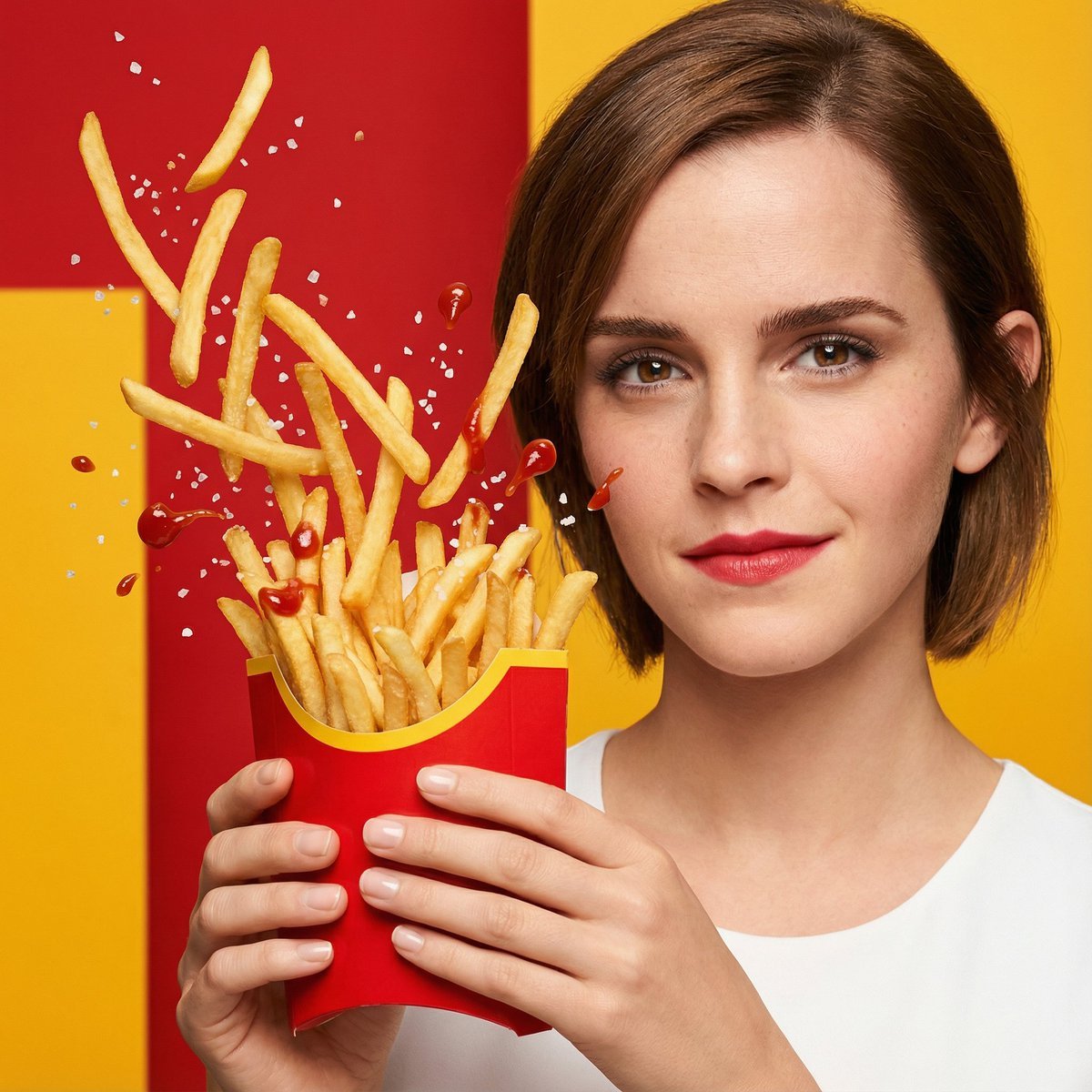
Hyper-Realistic Fast Food Ad Visual
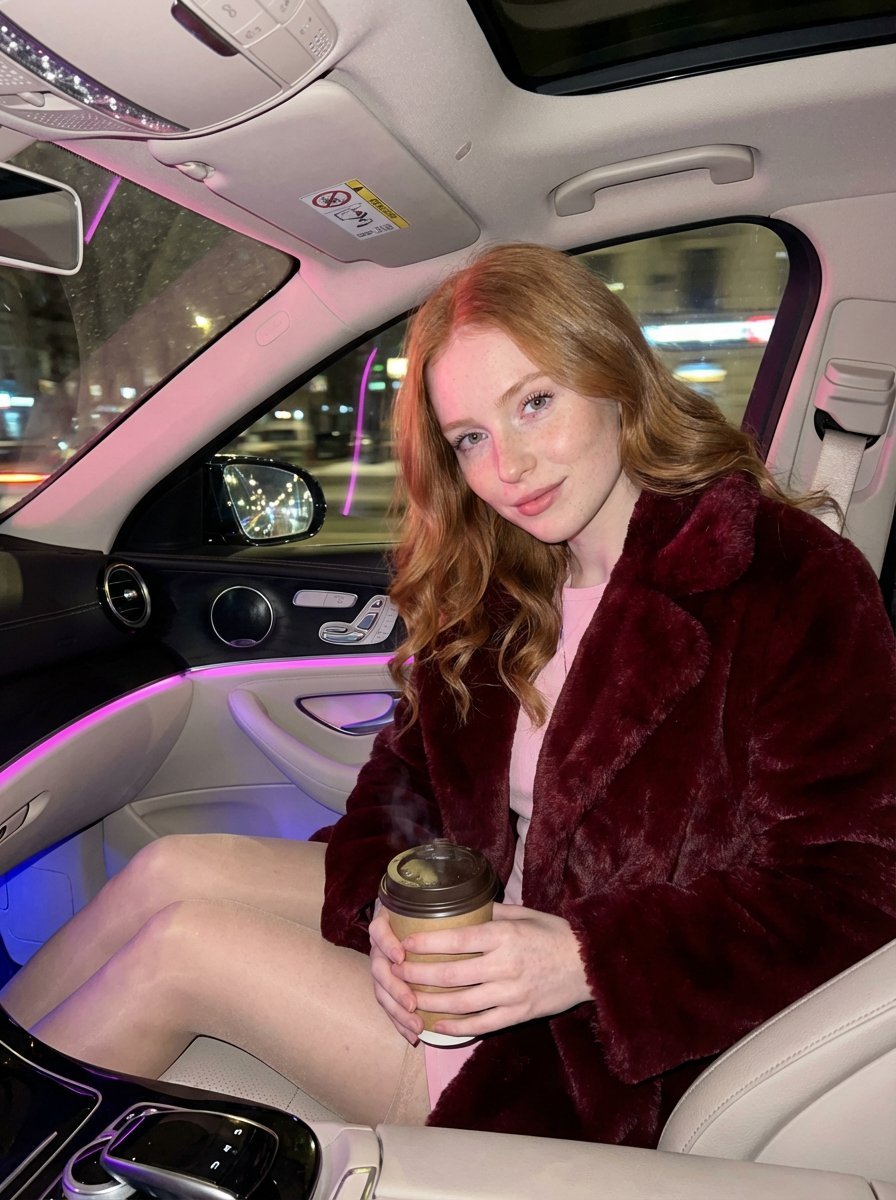
Intimate Luxury Car Interior Portrait
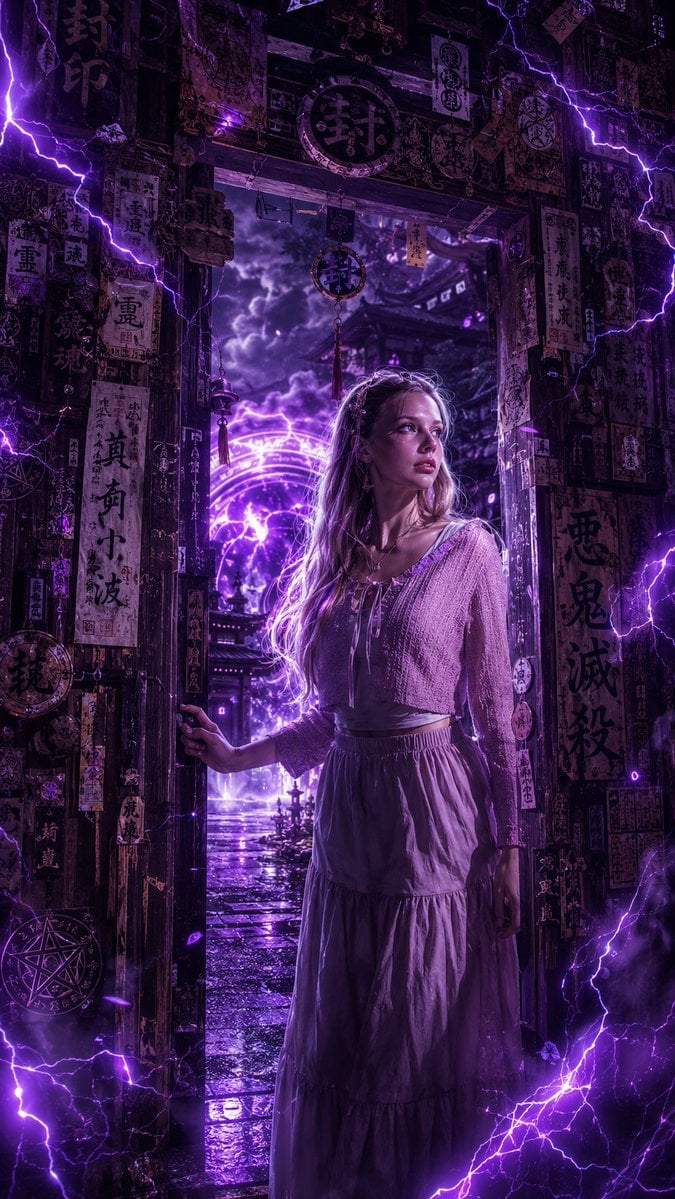
Dark Fantasy Anime Girl at Shrine
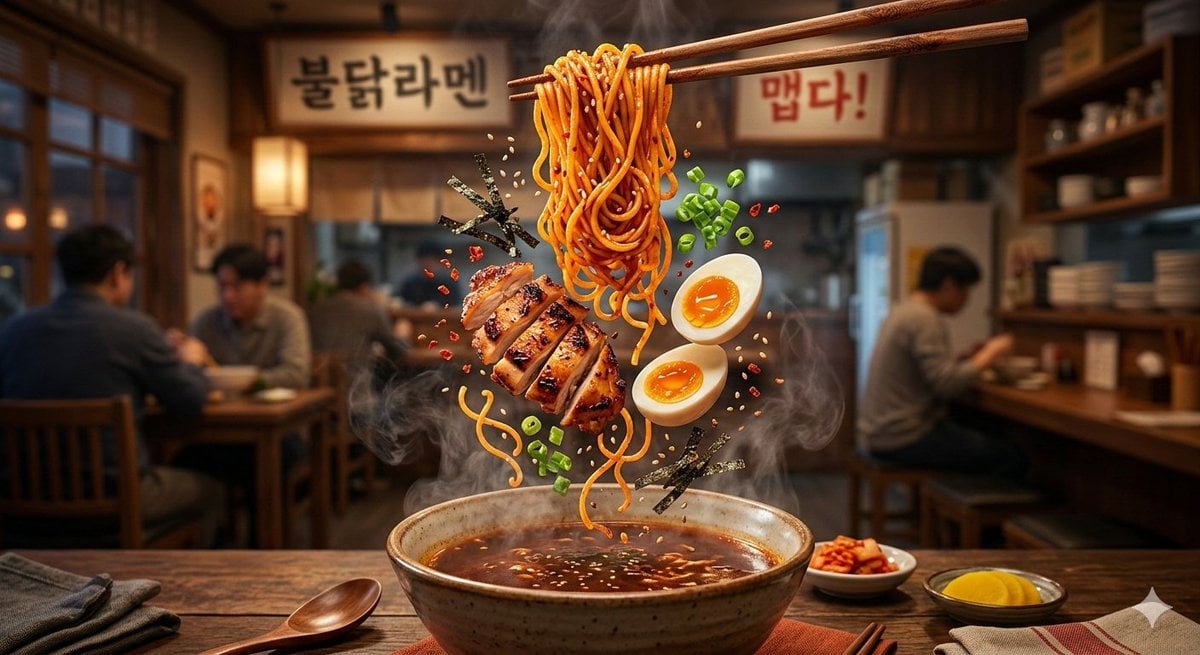
Cinematic Food Commercial Shot of Deconstructed Buldak Ramen
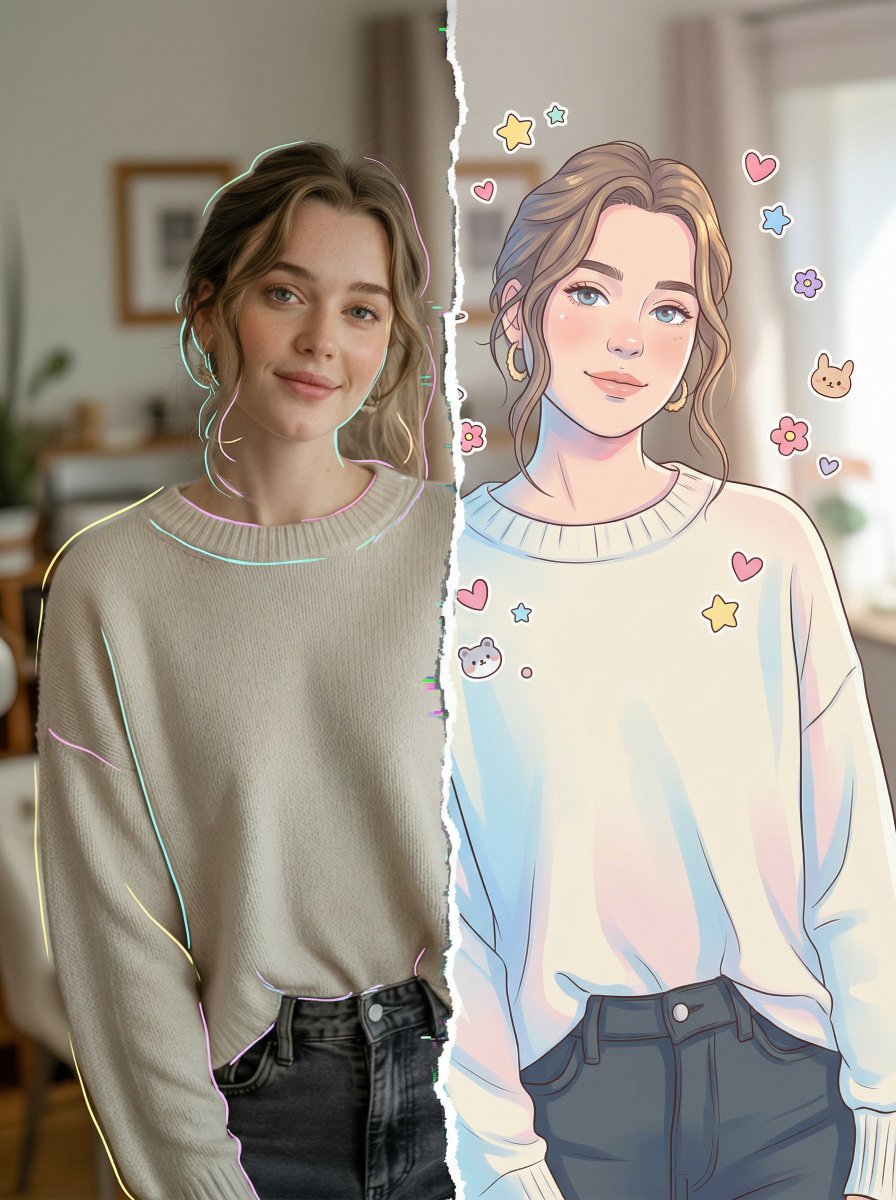
Split-Style Portrait: Photo vs. Digital Illustration
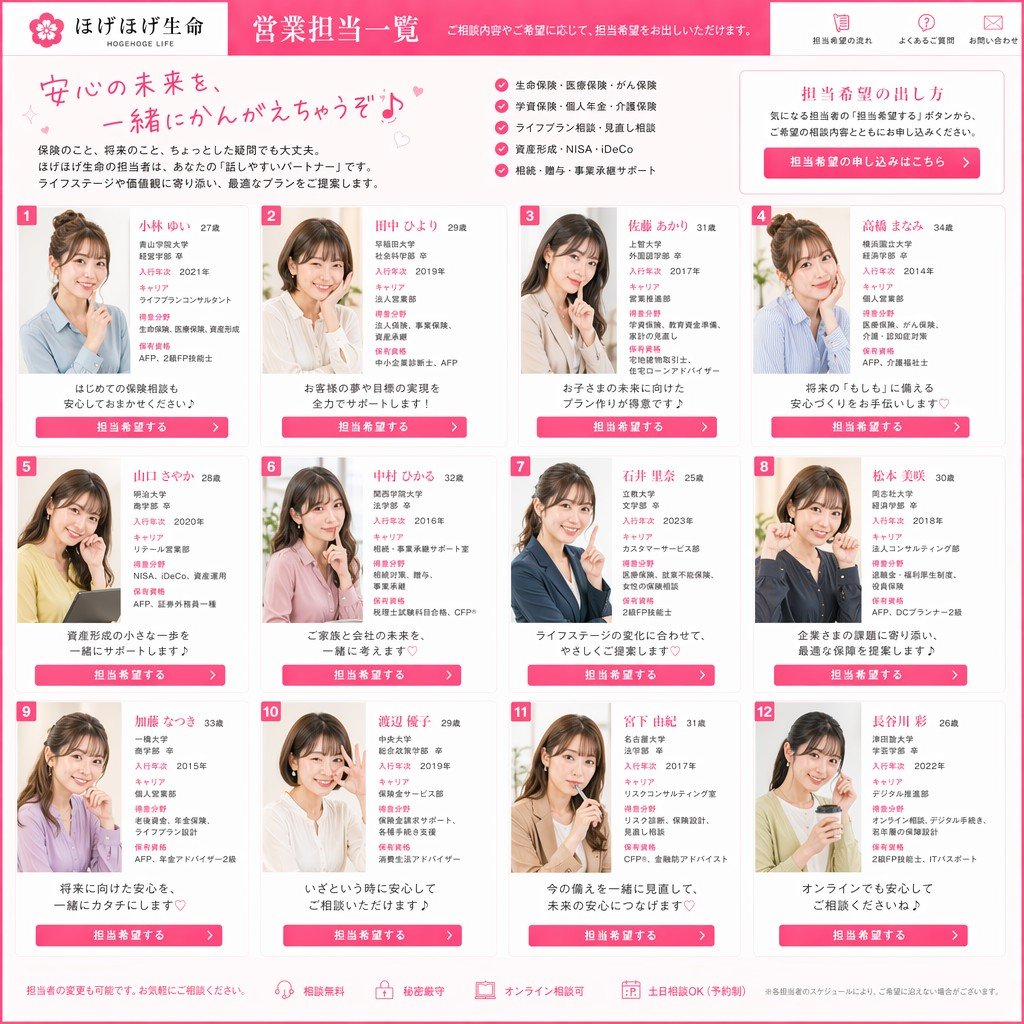
Japanese Insurance Staff Directory Mockup
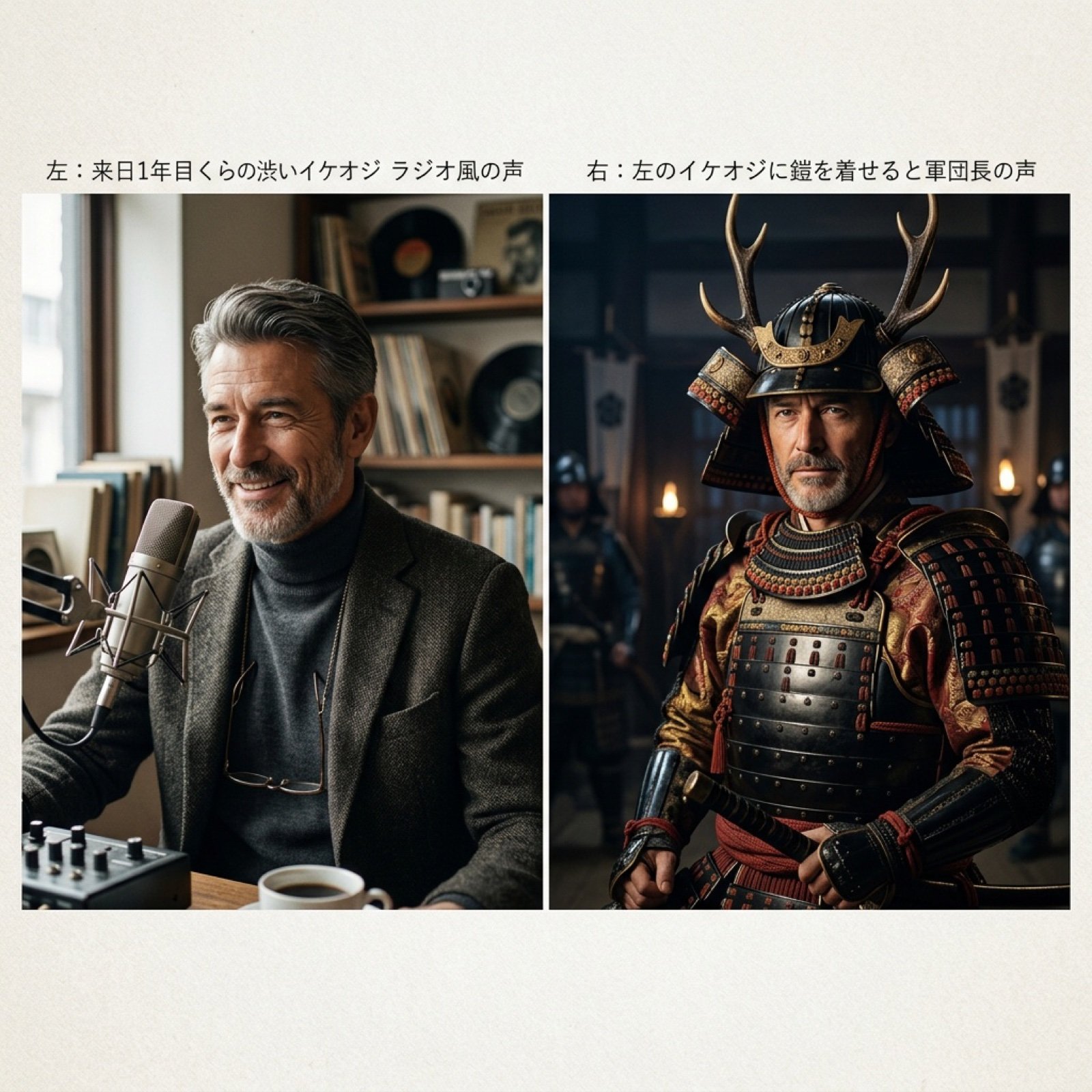
Grok Voice Generation Prompt Examples
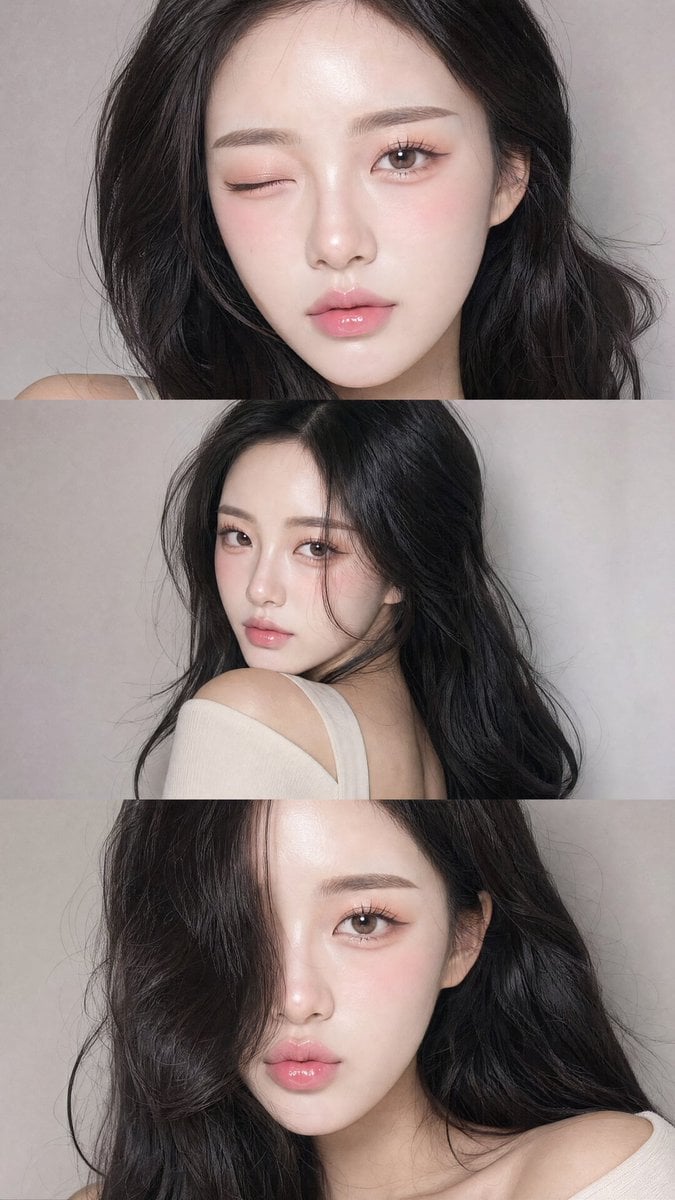
Face-Consistent Beauty Portrait Collage
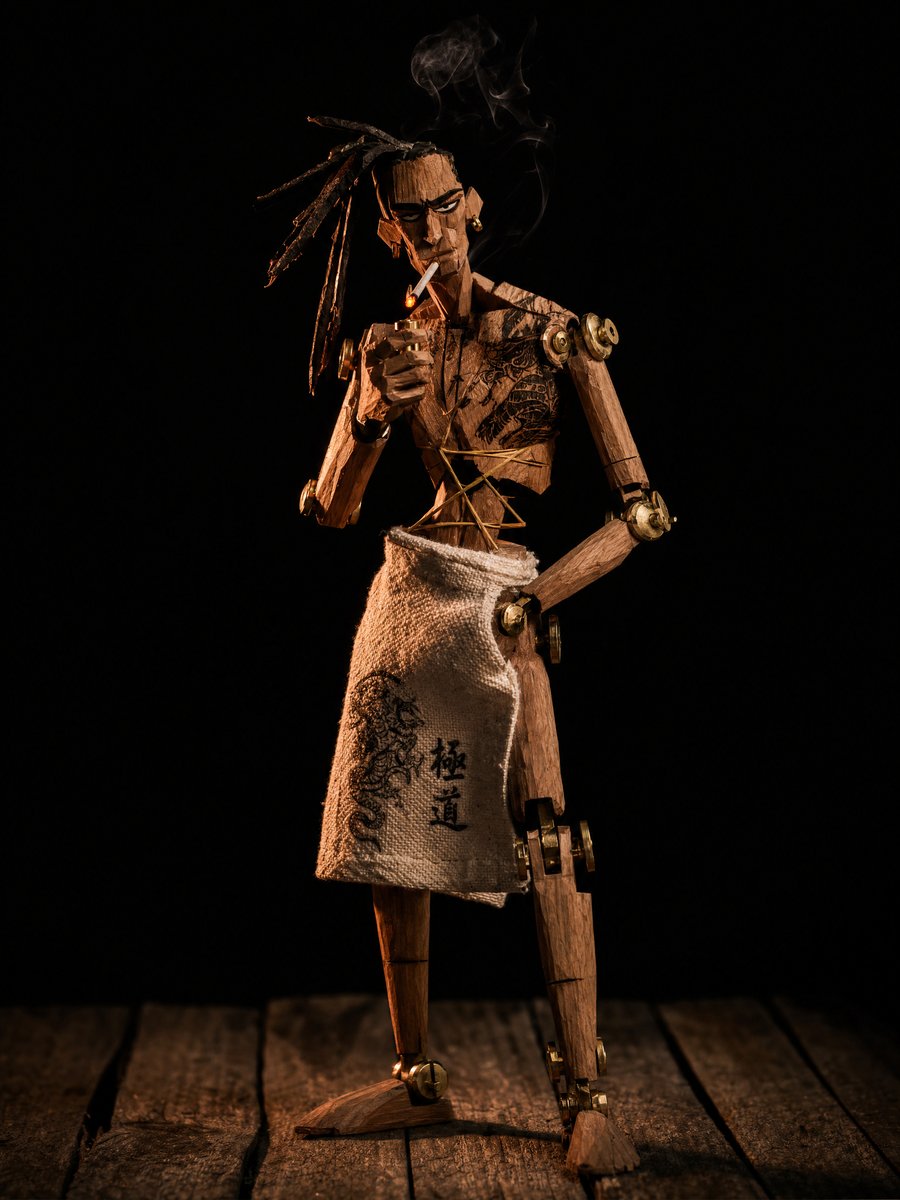
Concept to Stop-Motion Puppet

Image DM for a project using fetched info
Browse template categories
Act as a High-End CGI Product Photographer and 3D Render Artist questions
How do I use the Act as a High-End CGI Product Photographer and 3D Render Artist template?
Add your photo if the template asks for one, edit the prompt if you like — the template's model and format are already selected — and press Generate. Your version opens in PicX Studio.
Can I customize the Act as a High-End CGI Product Photographer and 3D Render Artist template?
Yes. You can change the subject, setting, lighting, mood, format, and available model controls before creating your image.
Is the Act as a High-End CGI Product Photographer and 3D Render Artist template free?
Opening and editing this template is free. Generating uses credits, shown on the Generate button when you are signed in.
Which AI model should I use?
Start with Nano Banana 2, which is the model associated with this template. You can compare another compatible model for a different finish.
Looking for something else? Browse all templates.

Your photo, any look
Thousands of ready templates for every top image and video model, from one credit balance.