
Viral Chrome Pink BMW Selfie Prompt (JSON format)
A highly detailed JSON prompt for generating a 'viral' style selfie image featuring a young woman with 'main character energy' leaning against a chrome pink BMW i8.
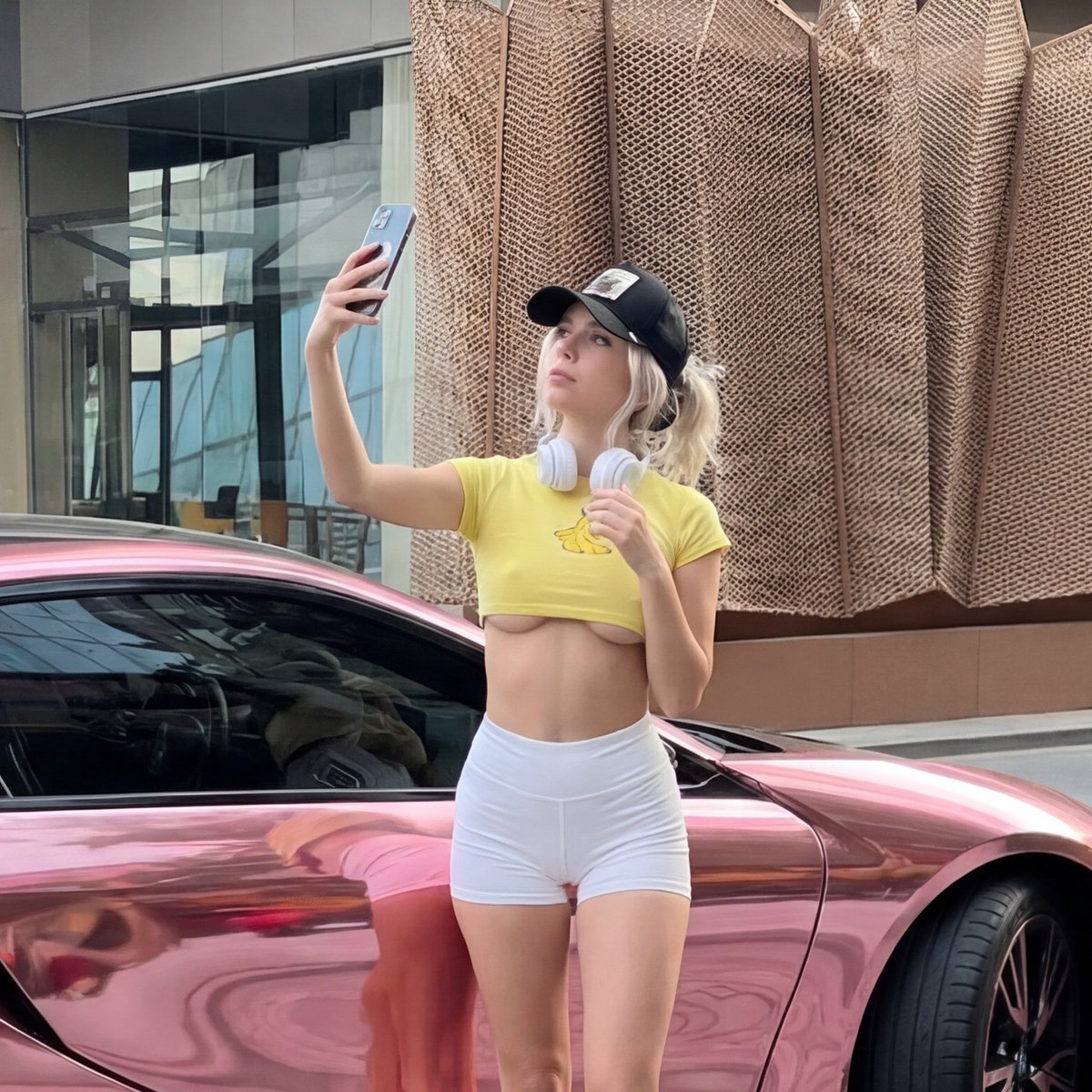
- Prompt included
- Model and format preset
- Free template
The prompt behind this image
Copy the exact prompt behind Viral Chrome Pink BMW Selfie Prompt (JSON format), or open it in the studio and make it yours.
{ "subject": { "description": "Young woman taking selfie next to chrome pink BMW i8, casual main character energy", "setting_rules": "street scene, luxury car, urban modern backdrop", "age": "early 20s", "expression": { "eyes": "focused on phone screen, taking selfie, casual confidence", "mouth": "relaxed, soft, natural", "brows": "relaxed, effortless", "overall": "unbothered, 'just casually next to a pink supercar' energy" }, "hair": { "color": "platinum blonde", "style": "loose, flowing from under cap", "details": "messy-pretty, some pieces falling forward, effortless waves", "length": "medium-long, past shoulders" }, "body": { "frame": "petite, slim, toned", "waist": "tiny, fully exposed midriff", "legs": "toned, athletic, fully visible", "stance": "casual lean against car, weight shifted" }, "pose": { "position": "standing next to driver door of car, leaning slightly against it", "upper_body": { "action": "one arm UP holding phone for selfie", "phone_angle": "high, classic selfie position", "other_arm": "relaxed at side" }, "lower_body": { "stance": "one leg straight, one slightly crossed or bent", "weight": "casual lean, hip near car", "energy": "relaxed but aware of angles" }, "overall": "the 'caught me with this random supercar' pose that's definitely not random" }, "clothing": { "top": { "type": "ultra cropped baby tee", "color": "bright YELLOW, sunshine yellow", "graphic": "small star or cute graphic on chest (or BANANA logo)", "fit": { "length": "EXTREME crop - ends just below chest, full stomach exposed", "tightness": "fitted, hugging curves", "sleeves": "short sleeves, casual" }, "effect": "entire midriff visible from just under chest to shorts" }, "bottom": { "type": "ultra mini athletic shorts", "color": "WHITE, clean bright white", "fit": { "style": "tight fitted athletic shorts", "length": "very short, upper thigh", "waist": "high-waisted, sits at natural waist", "effect": "shows full leg length, hugs curves" }, "material": "stretchy athletic fabric, smooth" }, "shoes": { "type": "white sneakers", "style": "clean, casual, athletic vibe", "effect": "completes sporty-cute look" } }, "face": { "features": "pretty, big eyes, small nose, soft lips", "makeup": "natural, minimal, fresh-faced", "expression": "focused on selfie, casual pretty" } }, "accessories": { "headwear": { "type": "baseball cap", "color": "BLACK", "style": "worn forward, classic", "logo": "small pa"
How to use Viral Chrome Pink BMW Selfie Prompt (JSON format) in 3 steps
- 1
Open
The prompt is already in the box next to the preview, with the template's model and format selected.
- 2…a portrait of your subject in softgolden-hour light, 85mm…
Personalize
Edit the subject and creative details for your destination.
- 3Generate
Generate
Press Generate — your image is created in PicX Studio, so you can compare it with the original and refine one variable at a time.
More like this
Templates with the same subject, style or setup. Open one to see its prompt.

Mirror Selfie Chibi Characters Pixar Style
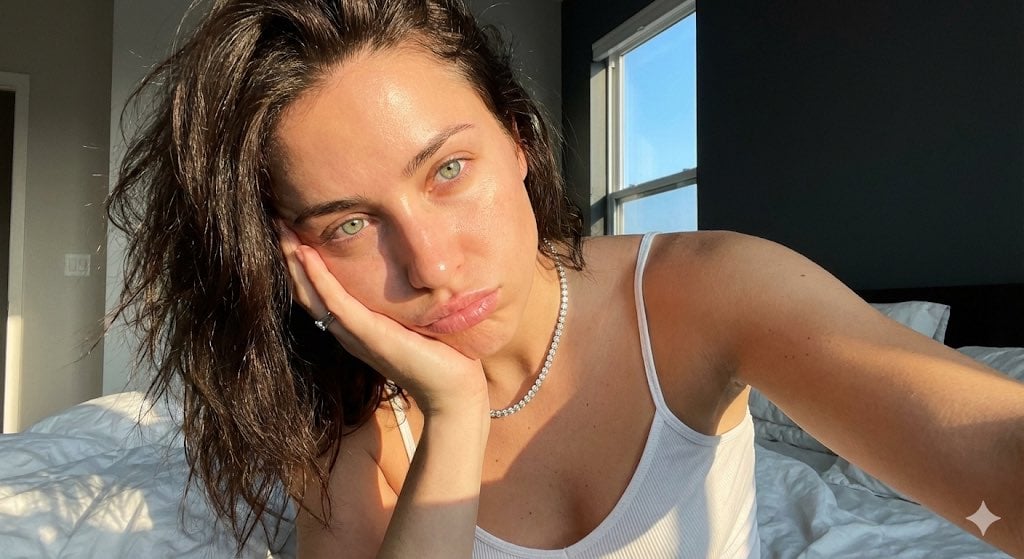
Detailed JSON Prompt for Viral Close-Up Selfie Image Generation
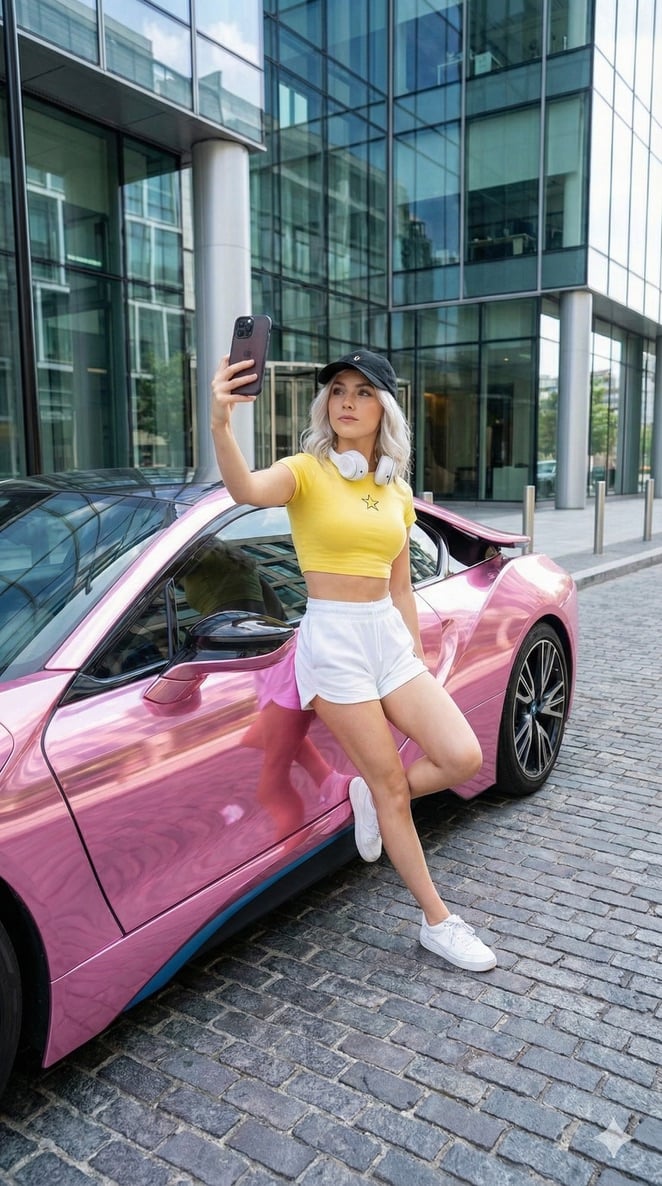
Casual Main Character Selfie with Pink BMW i8 Prompt
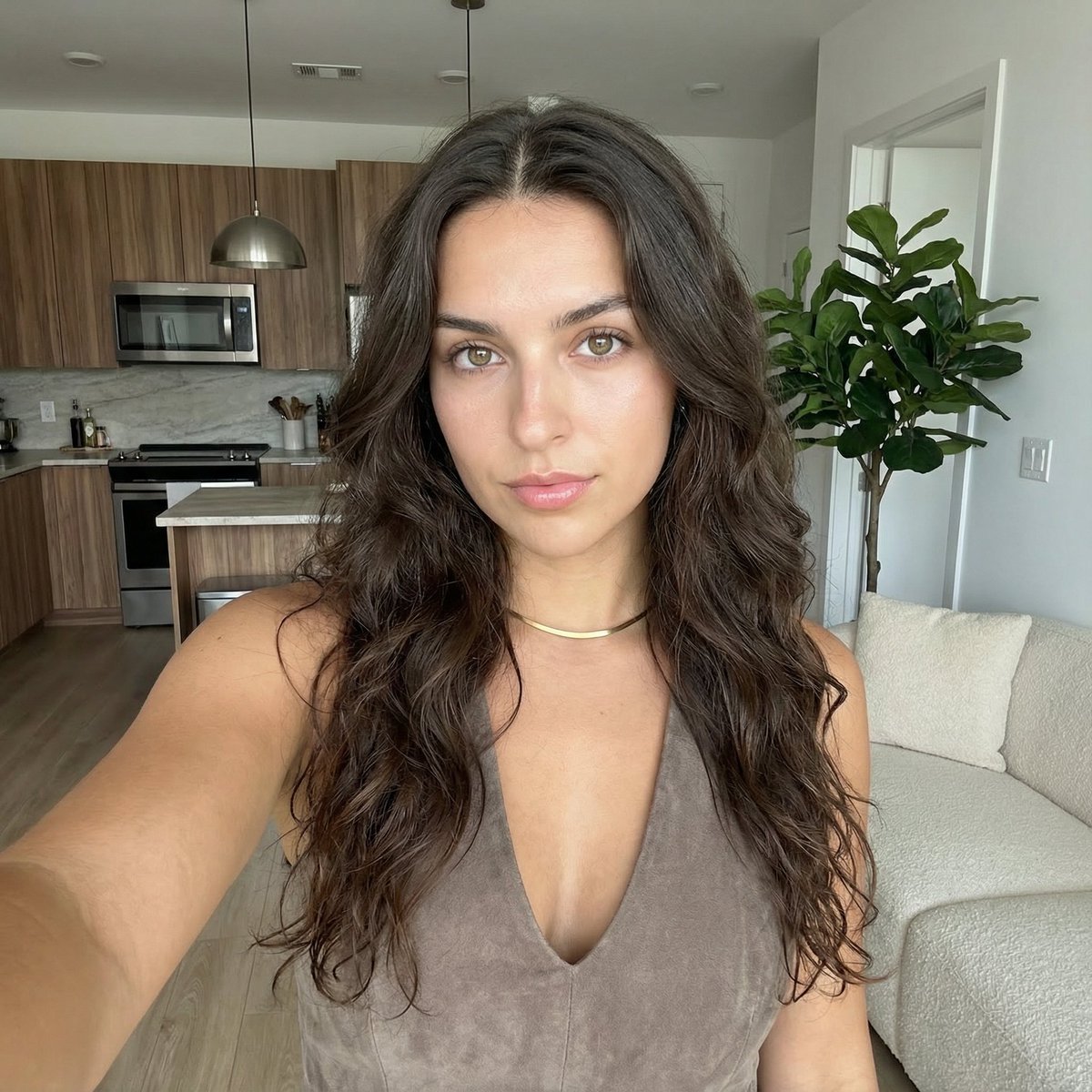
Clean Girl Aesthetic Selfie in Upscale Apartment (JSON Format)
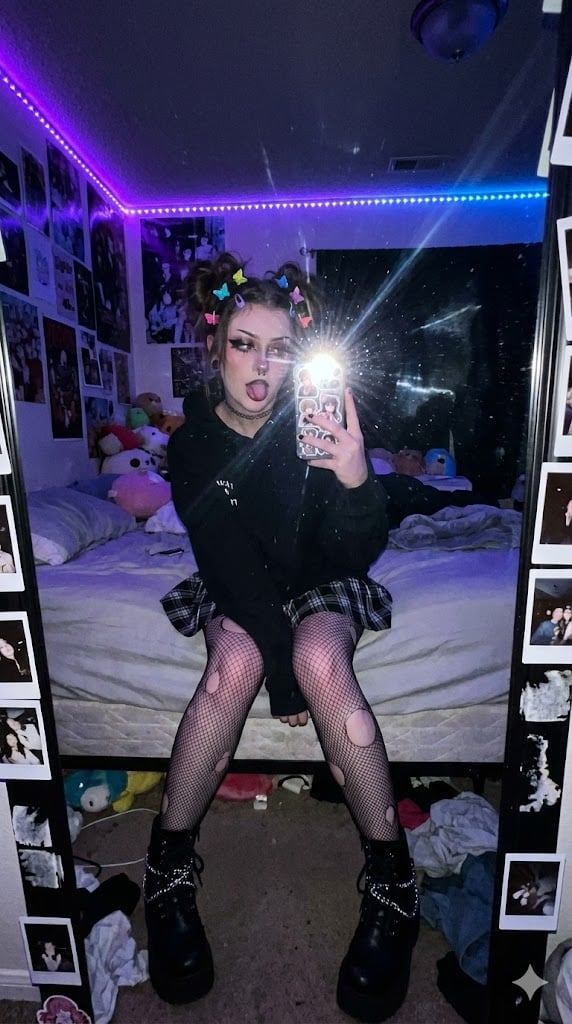
E-Girl Mirror Selfie Prompt (JSON Format)

Nano Banana Grwm Mirror Selfie Pink
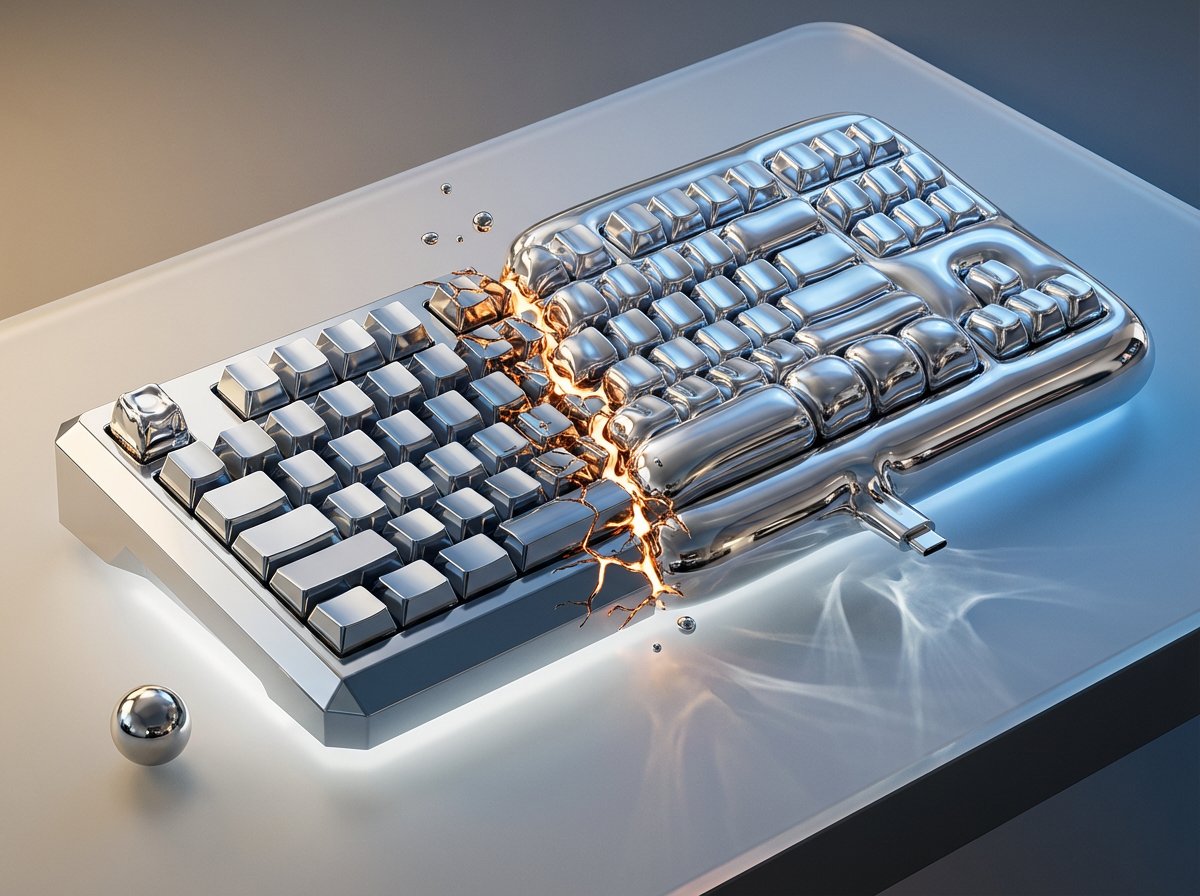
A in color-shifting chrome captured mid-transformation left side rigid
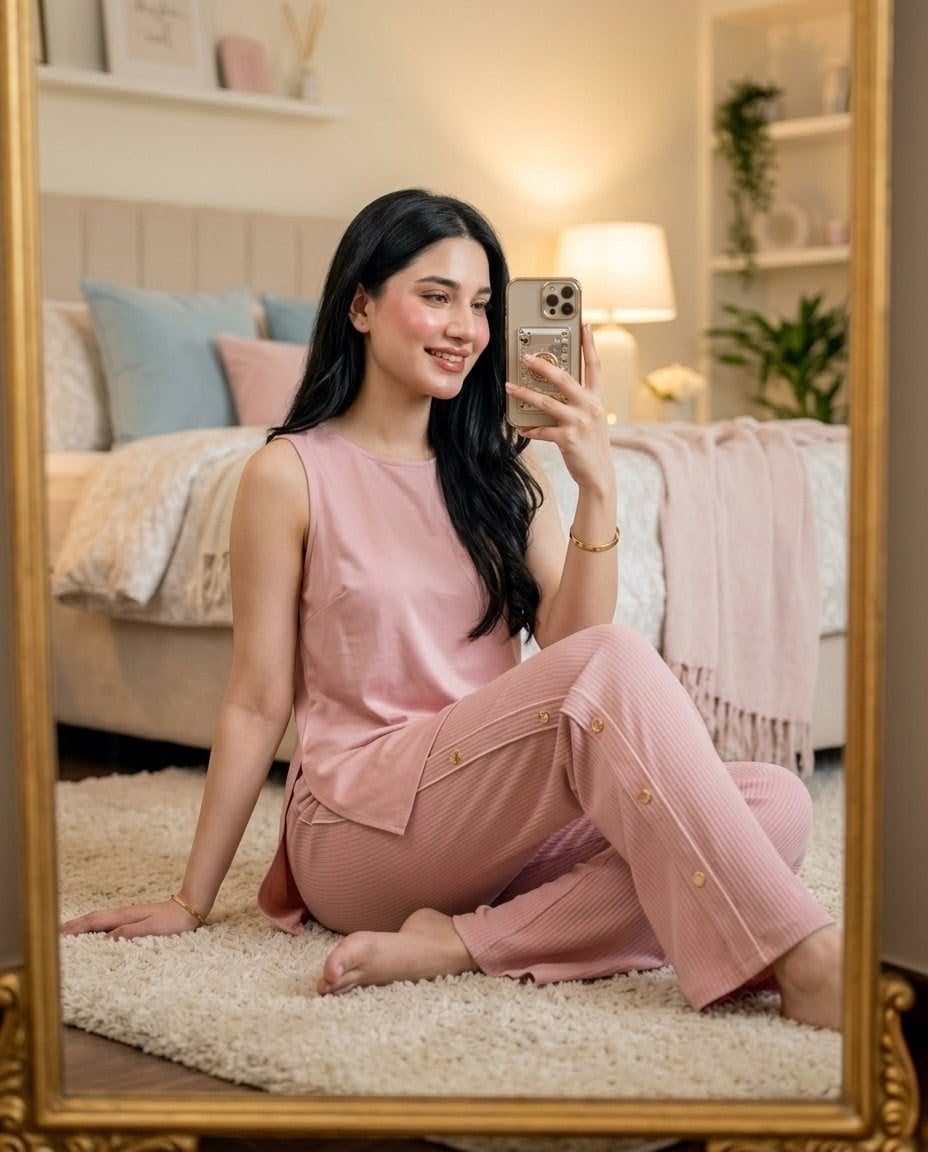
Pink Lounge Set Mirror Selfie

Rooftop Fisheye — Cat-Ear Balaclava at Golden Hour

Felt & Knit 3D Character — Photo-Exact Face, Pixar-Quality Plush Figurine

Eid al-Adha Cute Chaos — Fisheye Selfie with Farm Selfie, Mosque & Animals

Cat Photobomb Selfie — 0.5x Wide Angle Café Chaos
Make it yours
Viral Chrome Pink BMW Selfie Prompt (JSON format) works as-is. These are the safest ways to change it without losing the look.
Change one field
Copy a single group, rewrite it, and generate again so you can see what that field is doing.
Keep the frame, change the subject
Hold the composition and light of Viral Chrome Pink BMW Selfie Prompt (JSON format), then swap wardrobe, props or the person for a new take.
| If the result… | Why | Fix |
|---|---|---|
| The result drifts from the preview | Too many fields changed at once. | Reuse Viral Chrome Pink BMW Selfie Prompt (JSON format) as-is first, then change one group — subject, light, or setting. |
| The model over-stylizes the scene | The prose prompt leaves finish and camera underspecified. | Add one camera or lighting sentence and stay on Nano Banana 2. |
More Nano Banana 2 templates
Other prompts made for Nano Banana 2.

Photorealistic Leaf Shaped Like a Dragon

K-Pop Idol Portrait Grid for Rapid Selection

Poetic Rain Forest Portrait During Golden Hour

Urban Street Portrait with Cartoon Inner Self Duo

Candid Nighttime Photo with Cat Prompt

High-Concept 3D Diorama Generation Prompt

Cinematic Futuristic Studio Portrait Template

Skincare Editorial Photography Collage Prompt

Hyper-Realistic Commercial Product Photography (Splash Effect)

Hyper-Realistic Nightclub Portrait Prompt
More image prompts
Fresh picks from across the catalog.
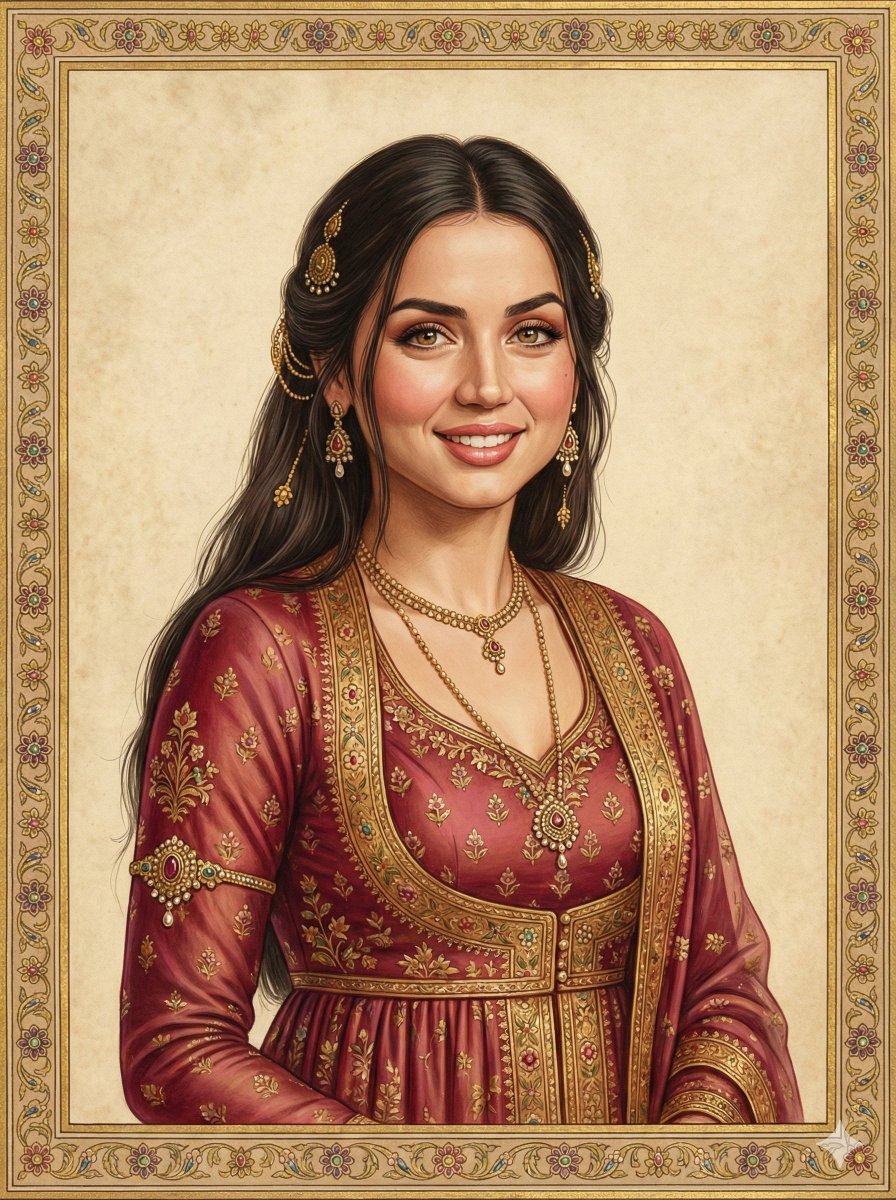
Indian Miniature Painting from Photo Reference
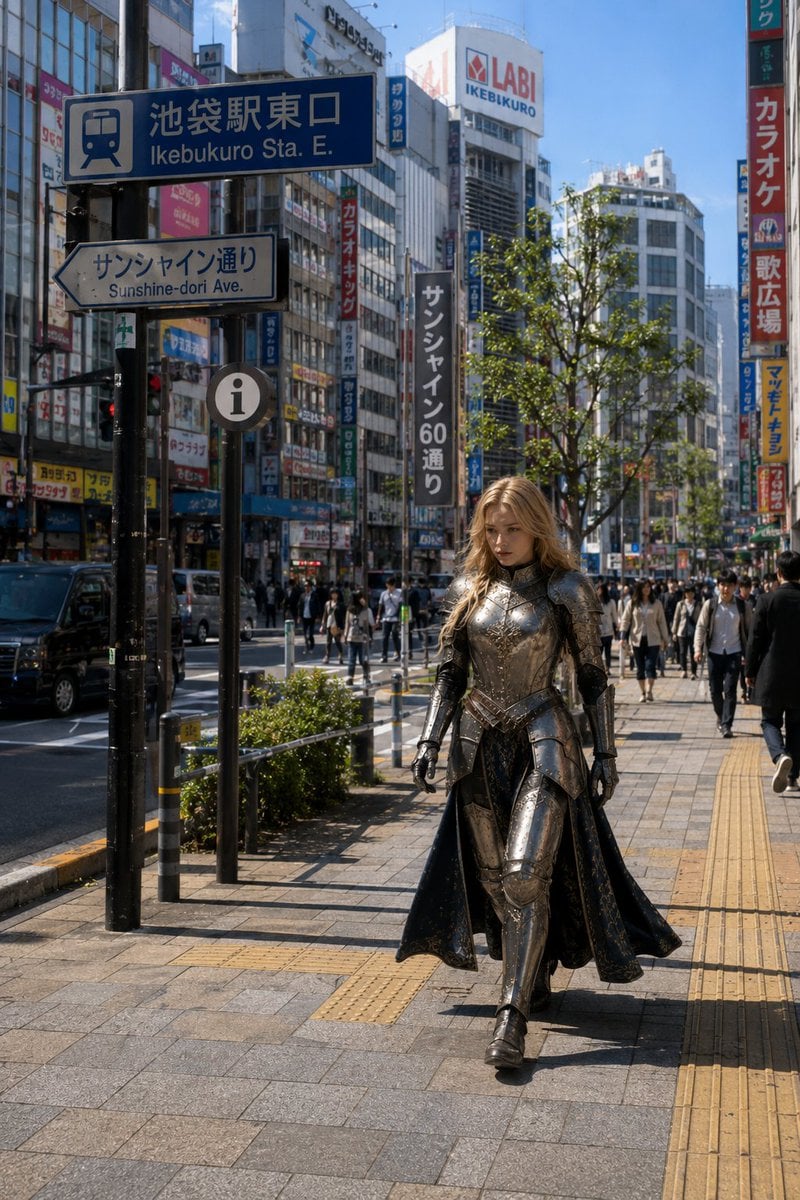
Armored Cosplayer in Ikebukuro
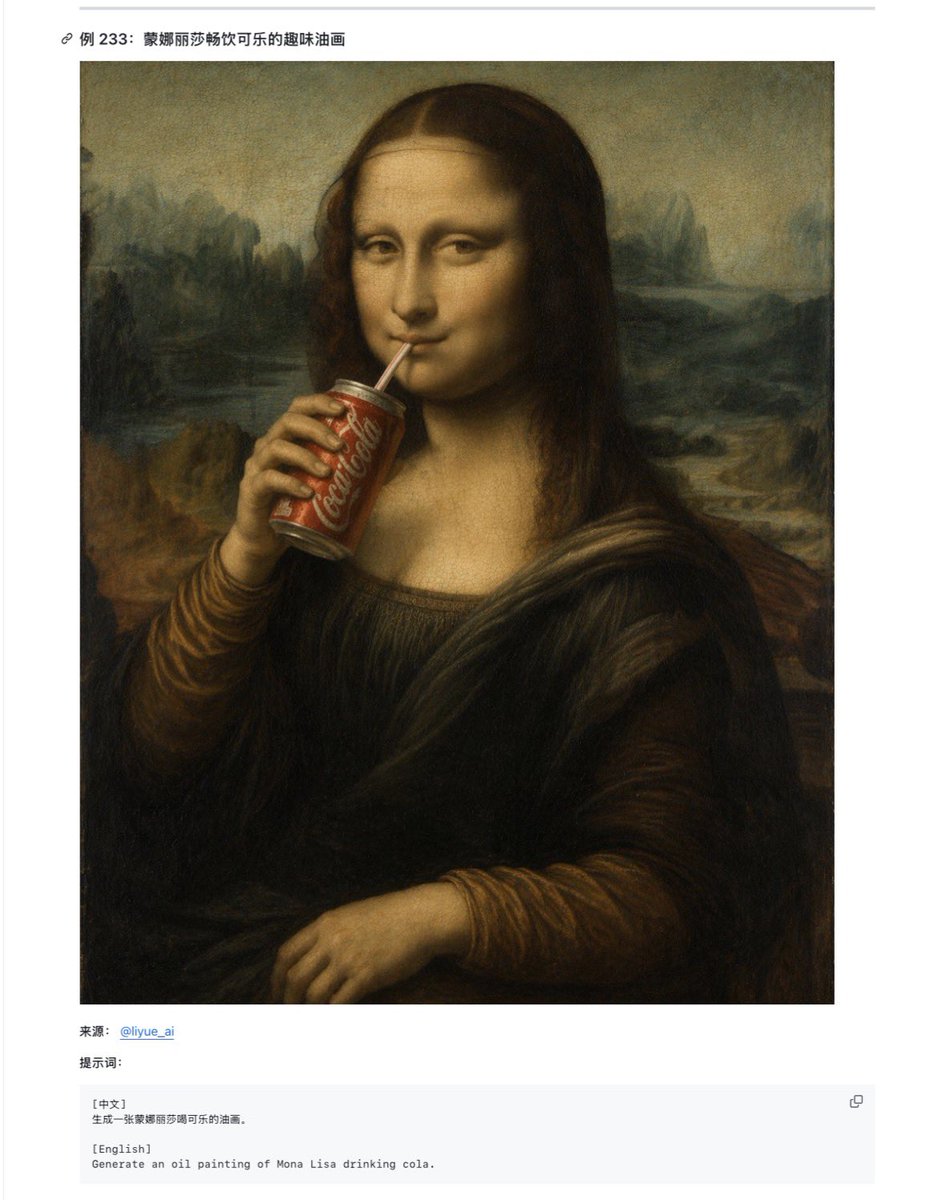
Mona Lisa Coca-Cola Web Example
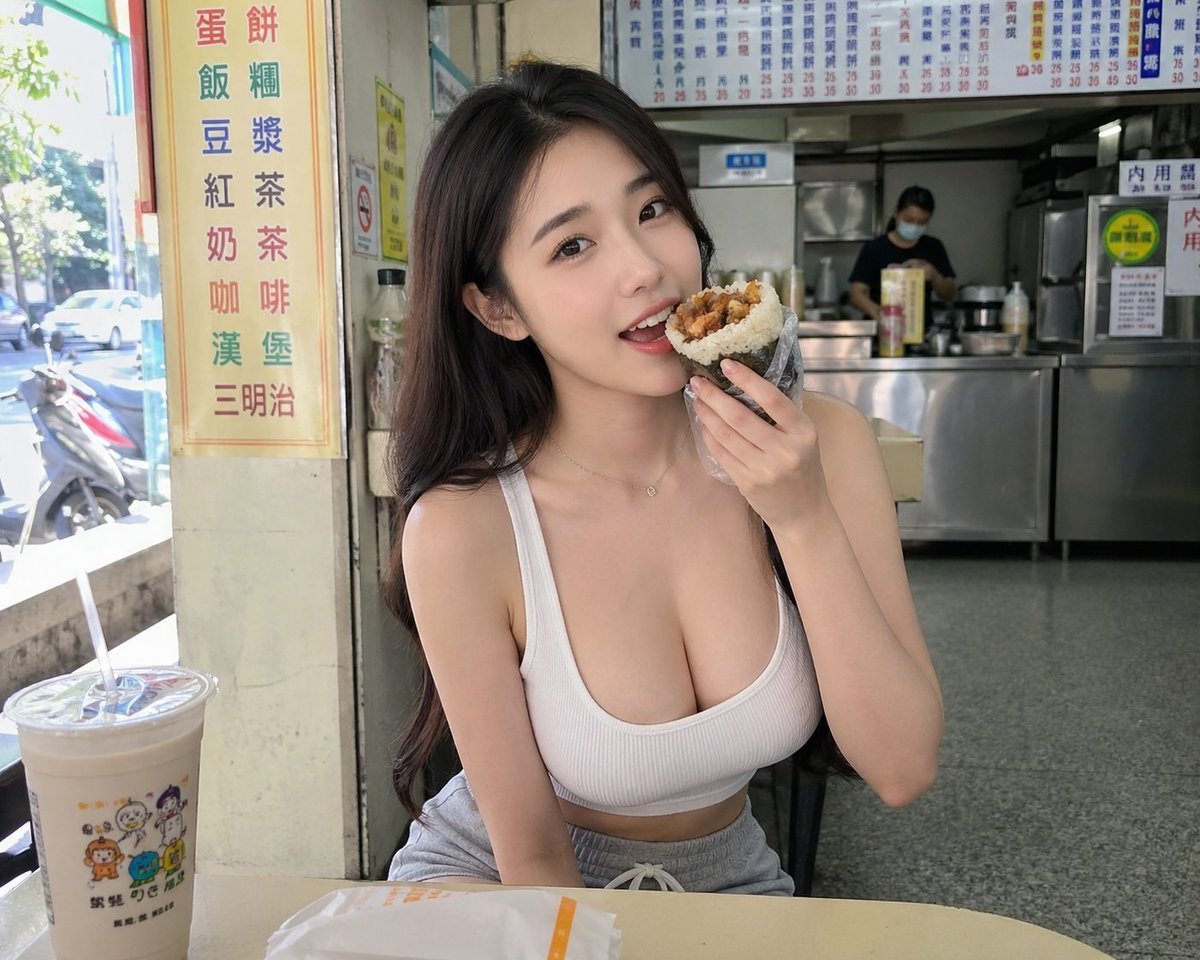
Taiwan Breakfast Shop Candid Portrait
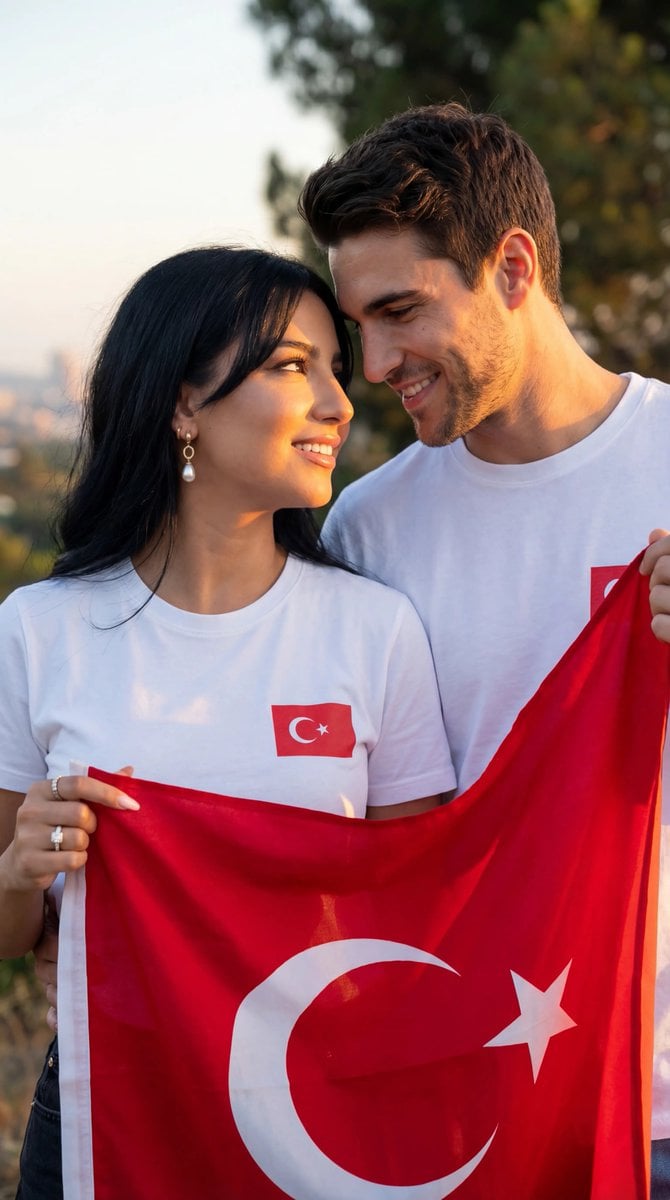
Photorealistic Romantic Couple with Turkish Flag Prompt
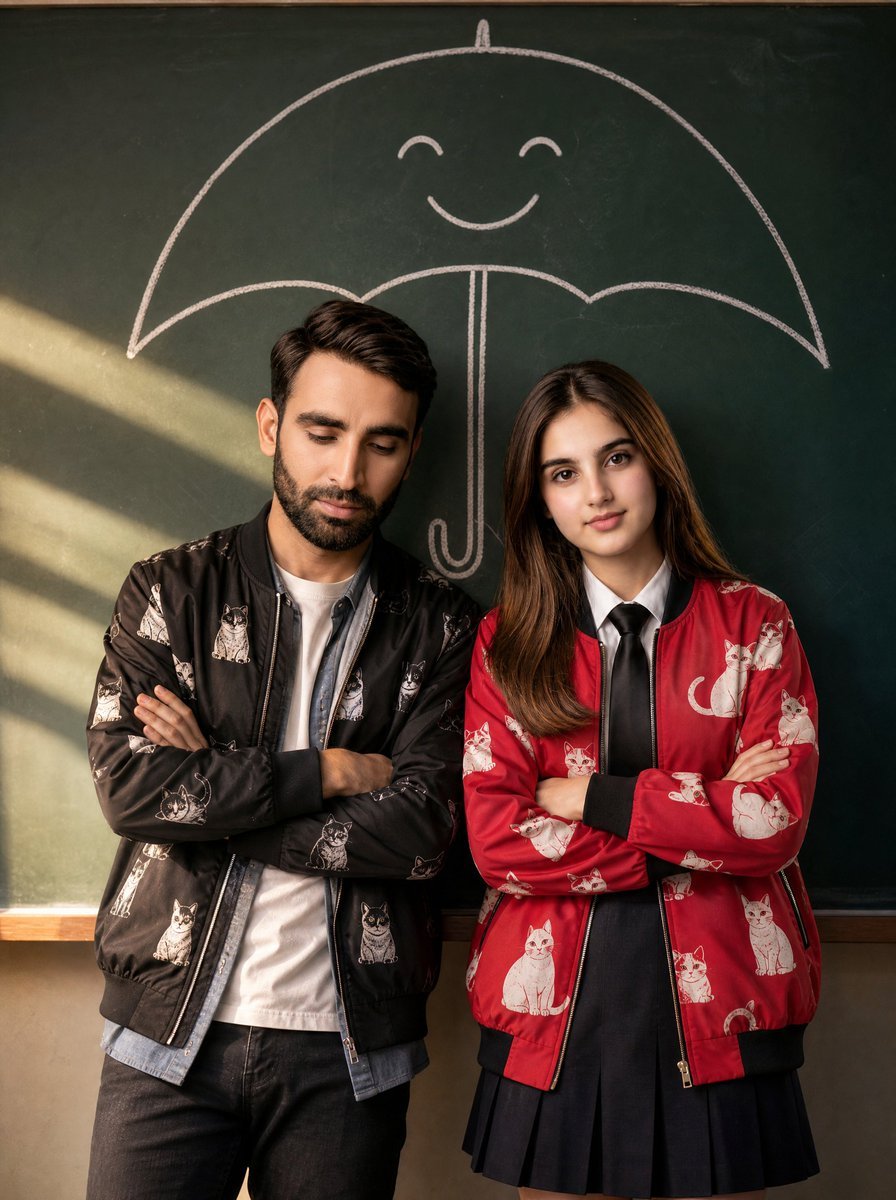
Korean Drama Style Classroom Portrait
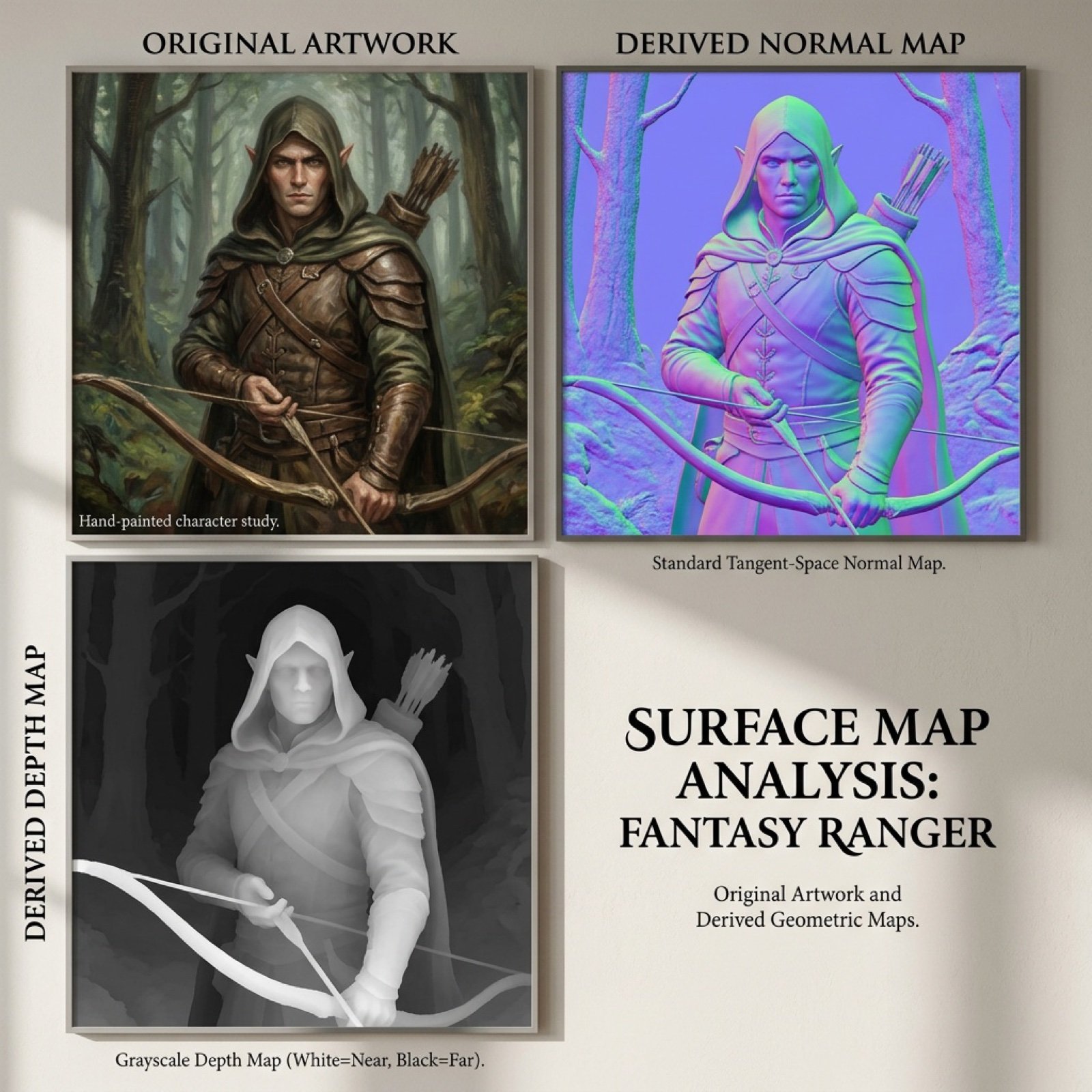
Normal and depth map generation prompts for Nano Banana Pro
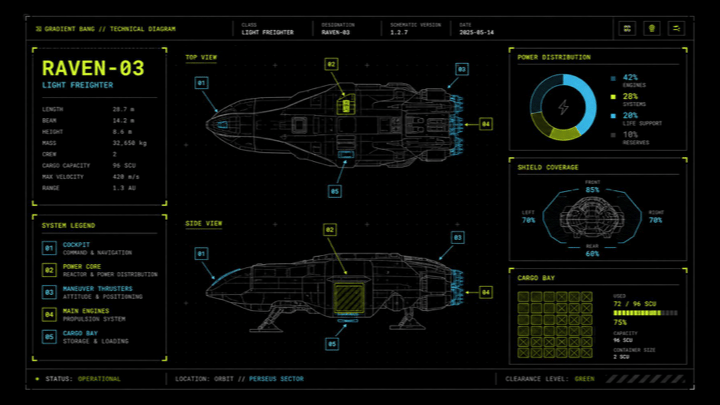
Sci-Fi Light Freighter Schematic HUD
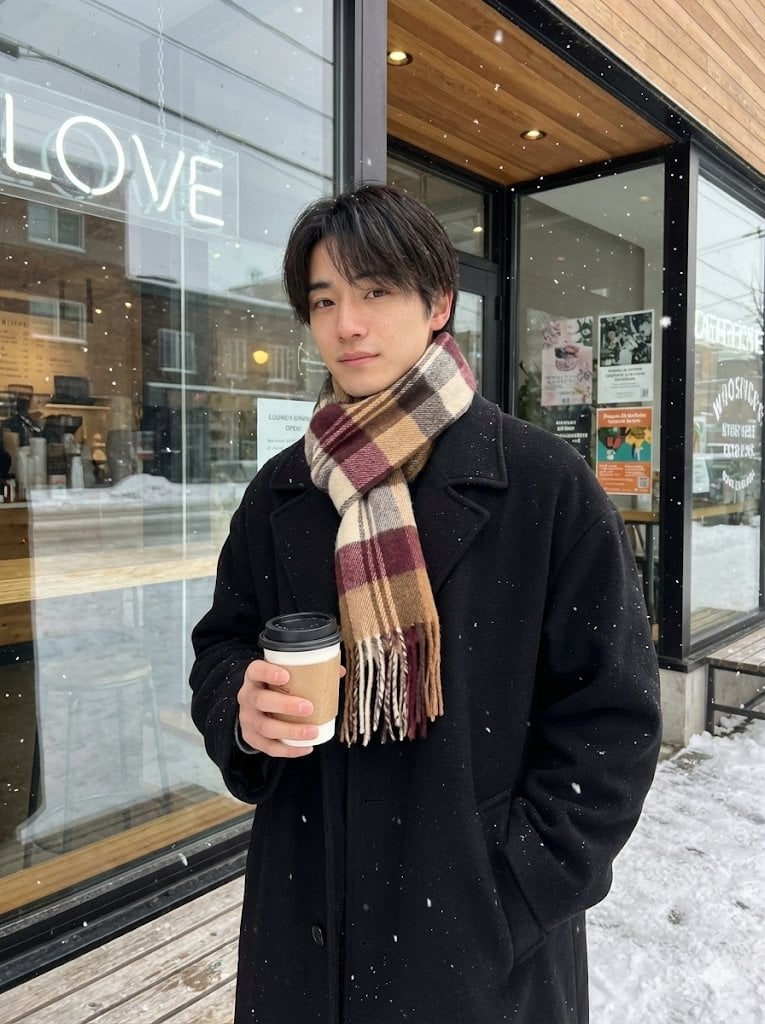
AI Profile Photo Generation Prompt (Angled Shot Modification)
Retro Sci-Fi Armor Back View
Browse template categories
Viral Chrome Pink BMW Selfie Prompt (JSON format) questions
How do I use the Viral Chrome Pink BMW Selfie Prompt (JSON format) template?
Add your photo if the template asks for one, edit the prompt if you like — the template's model and format are already selected — and press Generate. Your version opens in PicX Studio.
Can I customize the Viral Chrome Pink BMW Selfie Prompt (JSON format) template?
Yes. You can change the subject, setting, lighting, mood, format, and available model controls before creating your image.
Is the Viral Chrome Pink BMW Selfie Prompt (JSON format) template free?
Opening and editing this template is free. Generating uses credits, shown on the Generate button when you are signed in.
Which AI model should I use?
Start with Nano Banana 2, which is the model associated with this template. You can compare another compatible model for a different finish.
Looking for something else? Browse all templates.

Your photo, any look
Thousands of ready templates for every top image and video model, from one credit balance.