
Pink Lounge Set Mirror Selfie
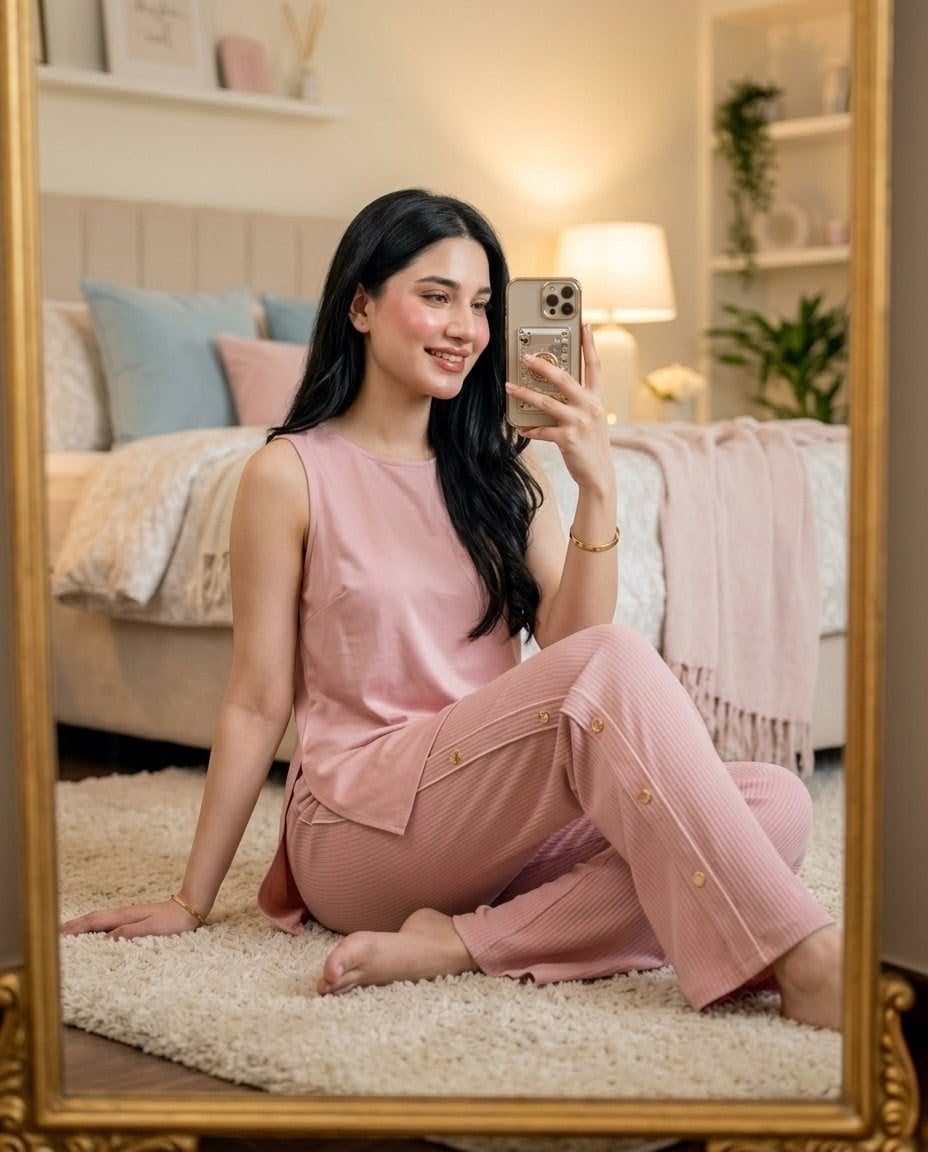
A realistic cozy bedroom mirror selfie featuring a young woman in a soft pink lounge co-ord outfit for lifestyle or fashion imagery.
- Prompt included
- Model and format preset
- Premium template
The prompt behind this image
Copy the exact prompt behind Pink Lounge Set Mirror Selfie, or open it in the studio and make it yours.
Create a realistic vertical mirror-selfie photograph of {argument name="character description" default="a beautiful young Pakistani woman with fair glowing skin and long silky black hair"} sitting comfortably on a cream shag rug in a cozy feminine bedroom. She wears {argument name="outfit" default="a soft pink sleeveless co-ord lounge set: loose sleeveless tank top and ribbed wide-leg lounge pants with gold side buttons"}. Her face is intentionally obscured by a soft rectangular blur for privacy, while her hair falls over one shoulder in loose waves. She poses seated on the floor with one hand resting on the rug, one leg bent up, the other folded, barefoot, holding {argument name="phone" default="a premium gold smartphone with a triple-camera module and a decorative clear case"} in front of her face for the mirror selfie. Frame the scene as seen through a large ornate gold floor mirror, with the gold mirror border visible on all sides. The bedroom background includes exactly 8 notable decor elements: 1 beige upholstered bed with vertical channel headboard, 2 pale blue pillows, 1 blush pink pillow, 1 cream patterned duvet, 1 pale pink throw blanket draped over the bed, 1 warm glowing bedside table lamp, and 1 white shelving unit with small plants and vases. Use soft warm evening lighting, shallow depth of field, pastel cream-pink-blue color palette, realistic skin and fabric texture, modern 2026 lounge fashion details, elegant cozy lifestyle aesthetic, high-resolution portrait orientation. Avoid text, logos, extra people, distorted hands, and any visible facial features.
How to use Pink Lounge Set Mirror Selfie in 3 steps
- 1Upload ImagePNG, JPG or paste
Add your photo
Upload the photo the template builds on. The prompt, model and format are already set.
- 2…a portrait of your subject in softgolden-hour light, 85mm…
Personalize
Edit the subject and creative details for your destination.
- 3Generate
Generate
Press Generate — your image is created in PicX Studio, so you can compare it with the original and refine one variable at a time.
More like this
Templates with the same subject, style or setup. Open one to see its prompt.

Rooftop Fisheye — Cat-Ear Balaclava at Golden Hour

Felt & Knit 3D Character — Photo-Exact Face, Pixar-Quality Plush Figurine

Eid al-Adha Cute Chaos — Fisheye Selfie with Farm Selfie, Mosque & Animals

Cat Photobomb Selfie — 0.5x Wide Angle Café Chaos

Gen Z Triple Selfie Collage — Y2K Flash Photography

Surreal Cat Astronaut — Humanoid Face Freefall

Nano Banana Grwm Mirror Selfie Pink
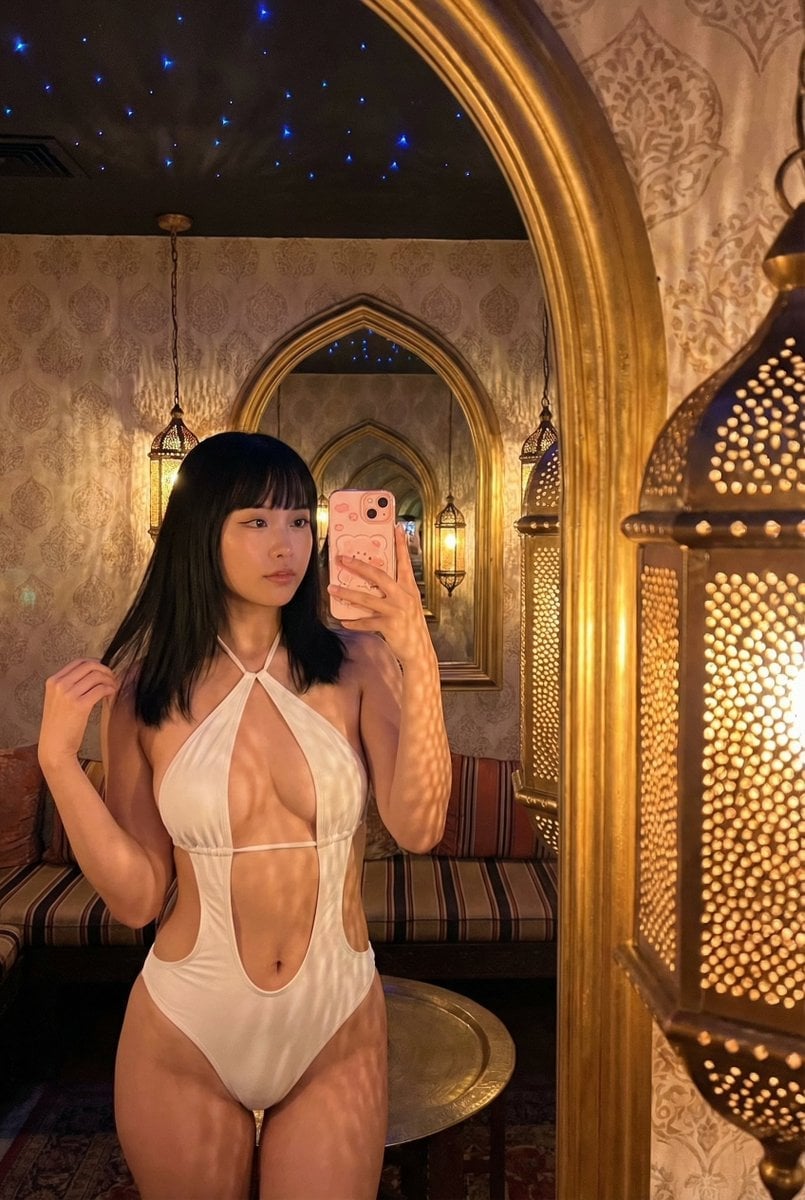
Mirror Selfie in Ornate Lounge
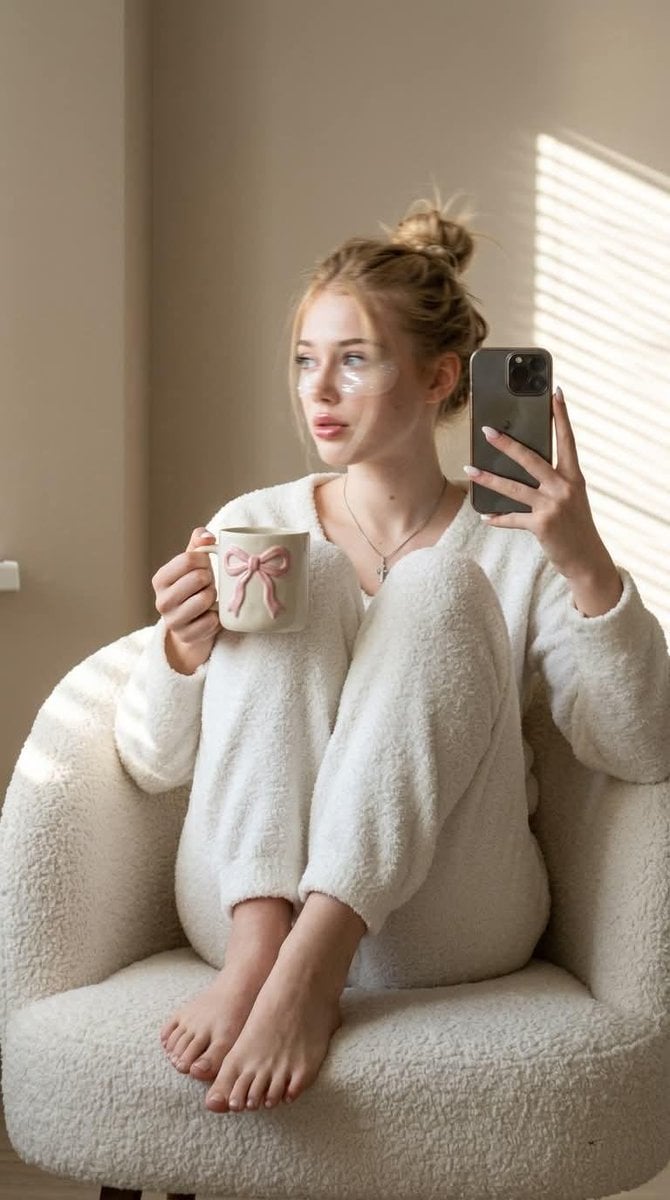
Morning Mirror Selfie Candid

Panel Mirror Selfie Collage
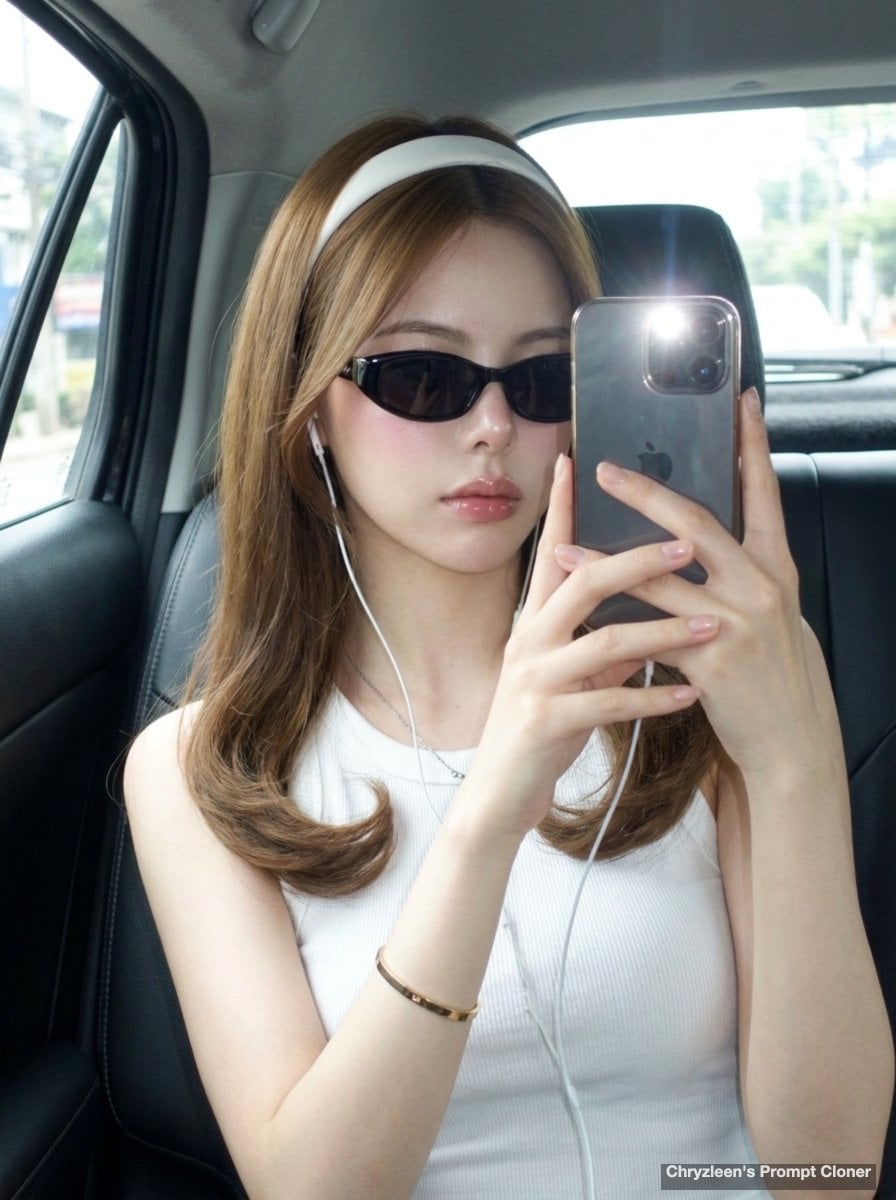
Backseat Mirror Selfie
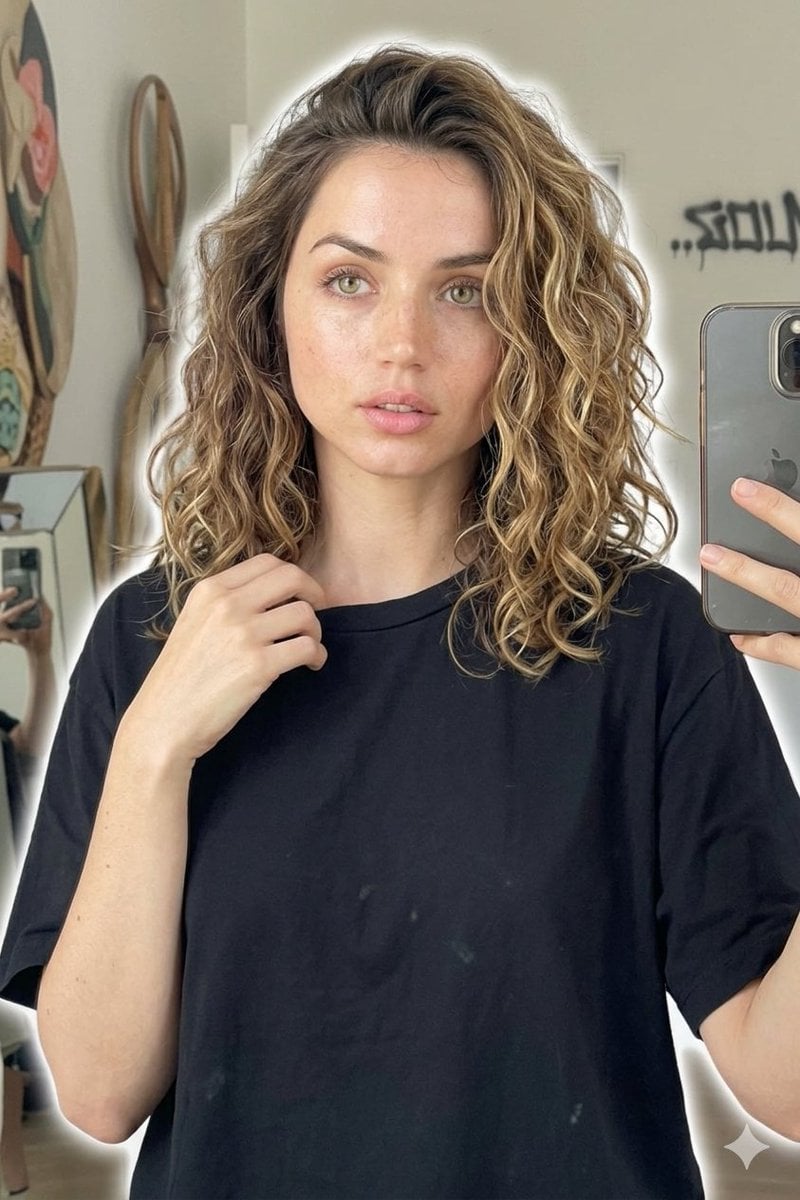
Candid Mirror Selfie Beauty Portrait
Make it yours
Pink Lounge Set Mirror Selfie works as-is. These are the safest ways to change it without losing the look.
Change one field
Copy a single group, rewrite it, and generate again so you can see what that field is doing.
Keep the frame, change the subject
Hold the composition and light of Pink Lounge Set Mirror Selfie, then swap wardrobe, props or the person for a new take.
| If the result… | Why | Fix |
|---|---|---|
| The result drifts from the preview | Too many fields changed at once. | Reuse Pink Lounge Set Mirror Selfie as-is first, then change one group — subject, light, or setting. |
| The model over-stylizes the scene | The prose prompt leaves finish and camera underspecified. | Add one camera or lighting sentence and stay on GPT Image 2. |
More GPT Image 2 templates
Other prompts made for GPT Image 2.

Six VTuber Japanese Logo Sheet

Realistic Portrait of Woman and Deer

The Vista Modular Condo Poster

AI Model Routing Comparison Infographic

2.5D Anime Art Board

Isometric Productivity Desk Scene

New York Double Exposure Poster

Four-Panel AI Landscape Comparison

Japanese Tatami Lifestyle Magazine Cover

NESCAFÉ Coffee Map Poster
More image prompts
Fresh picks from across the catalog.
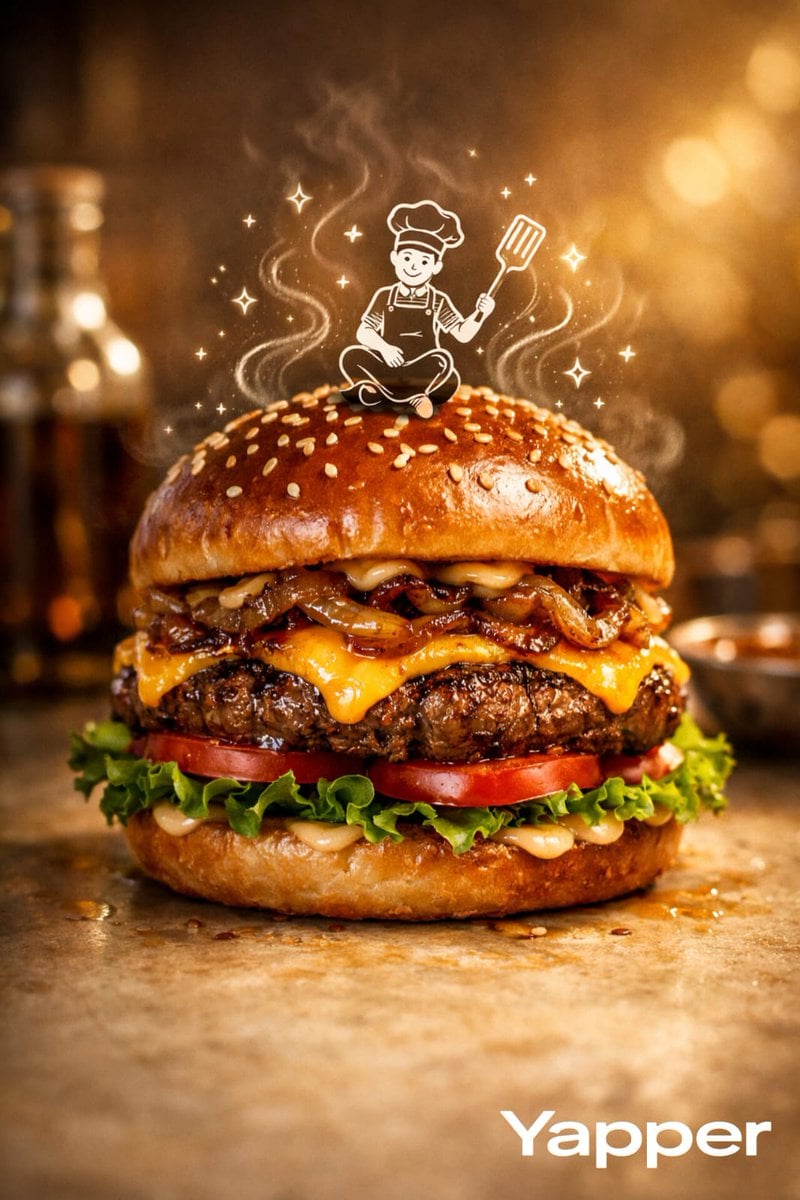
Luxury Food Advertisement Photography with Illustrated Chef
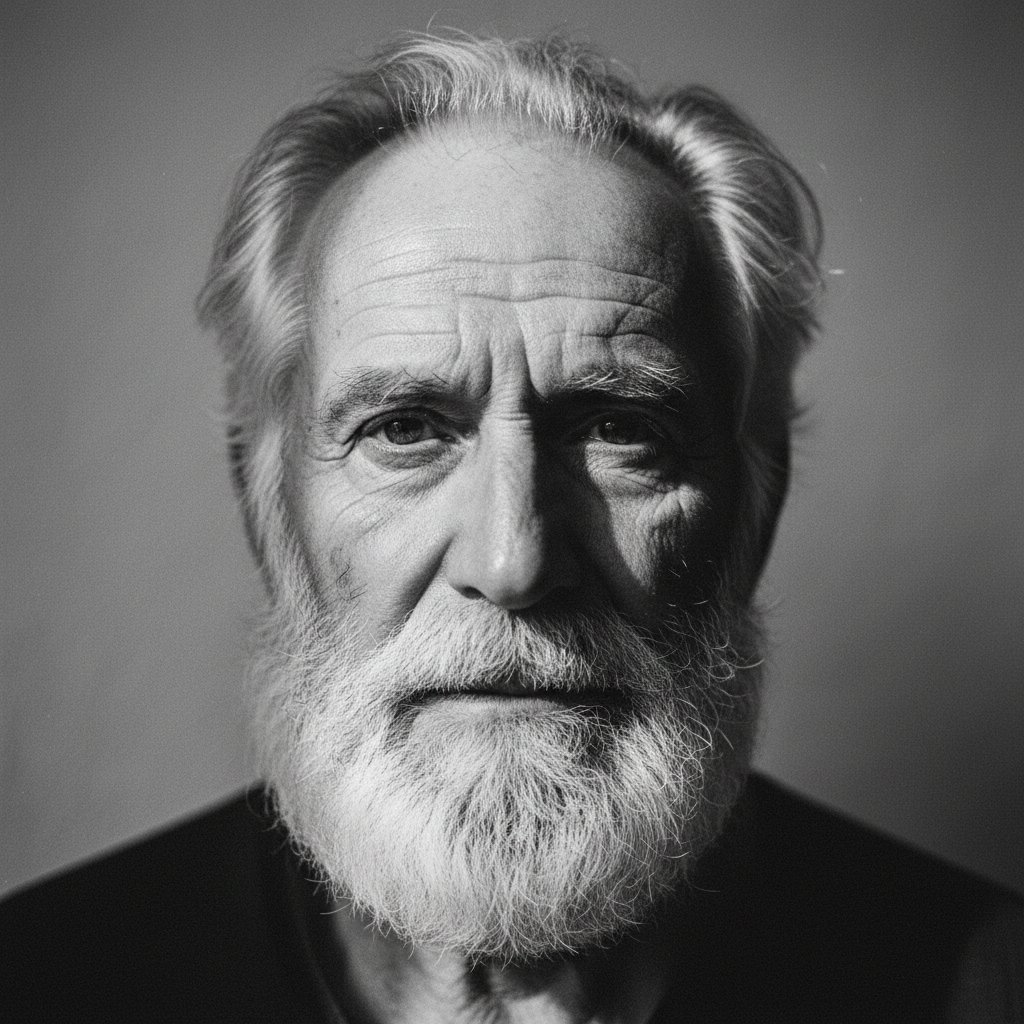
Elderly bearded man black-and-white portrait
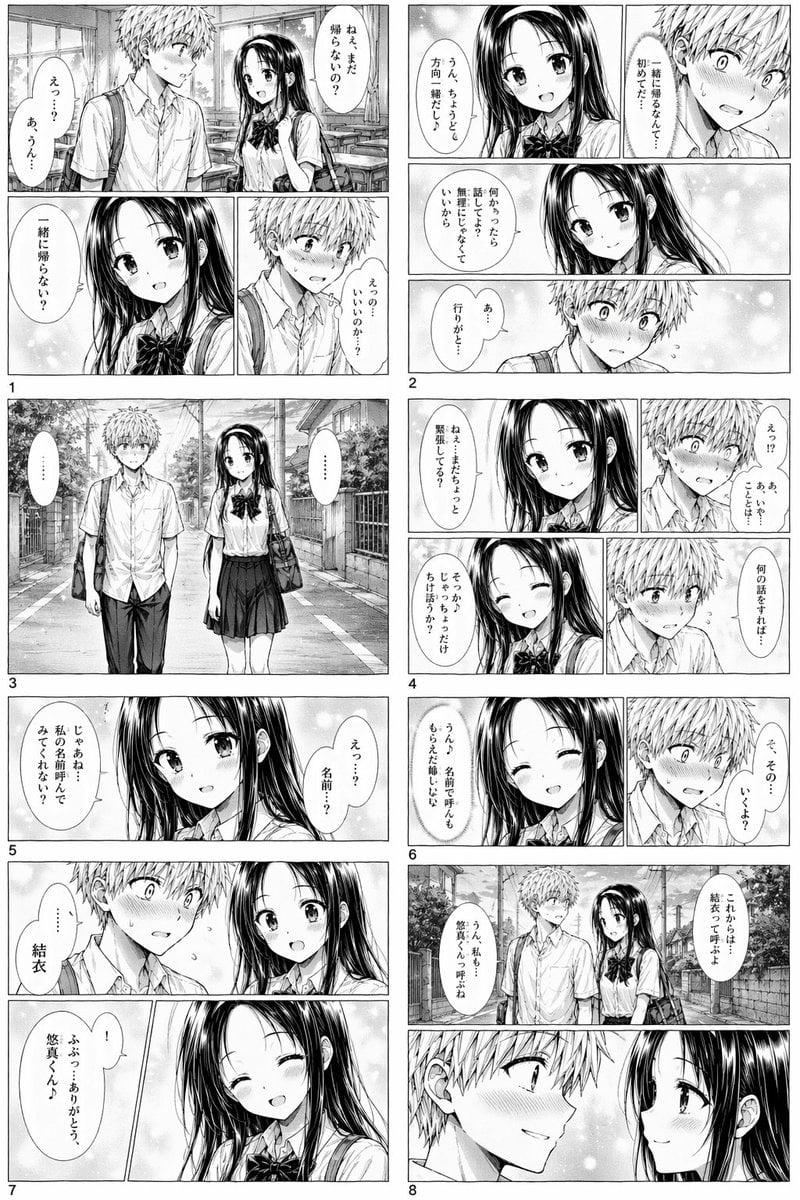
Romantic High School Manga Page
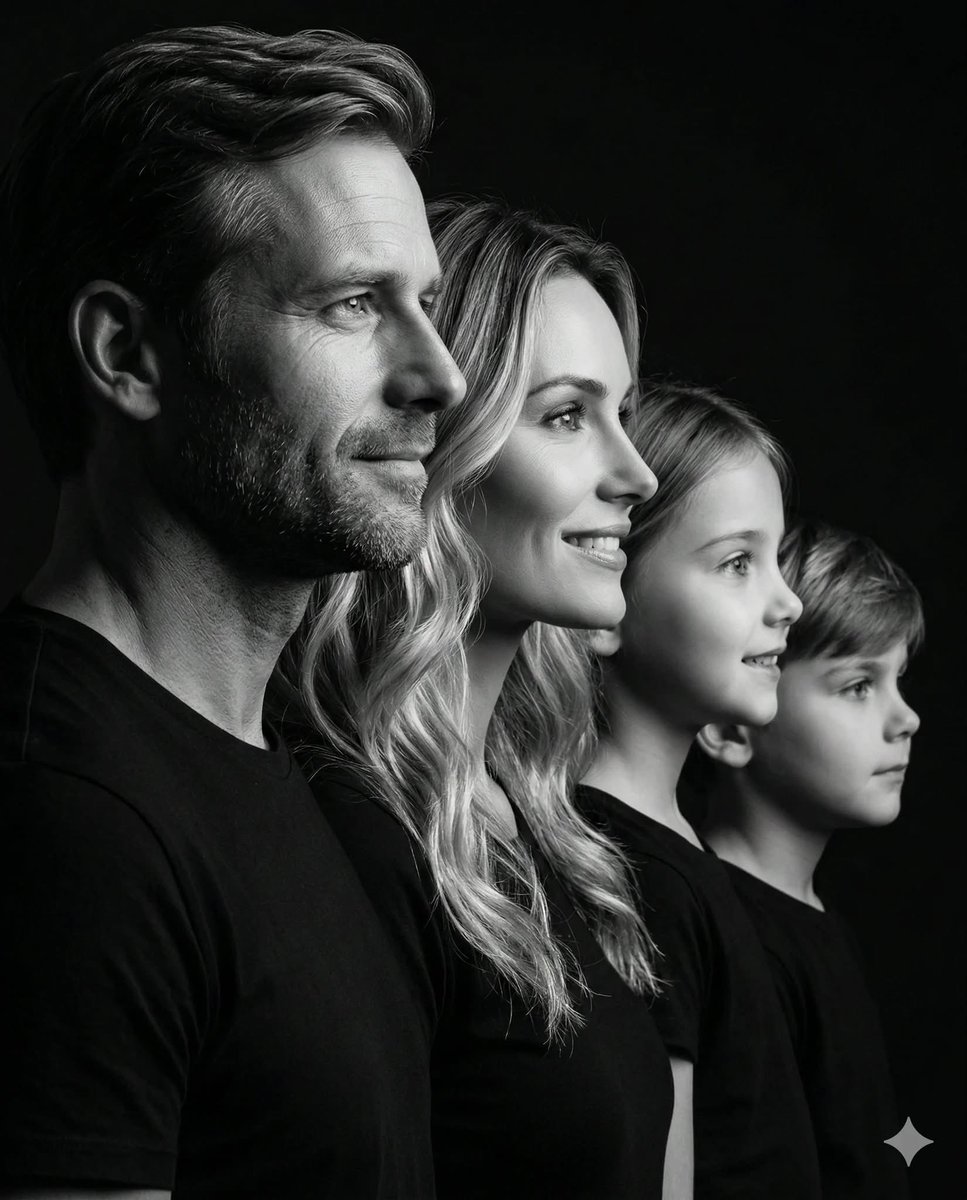
Photorealistic Black and White Family Portrait
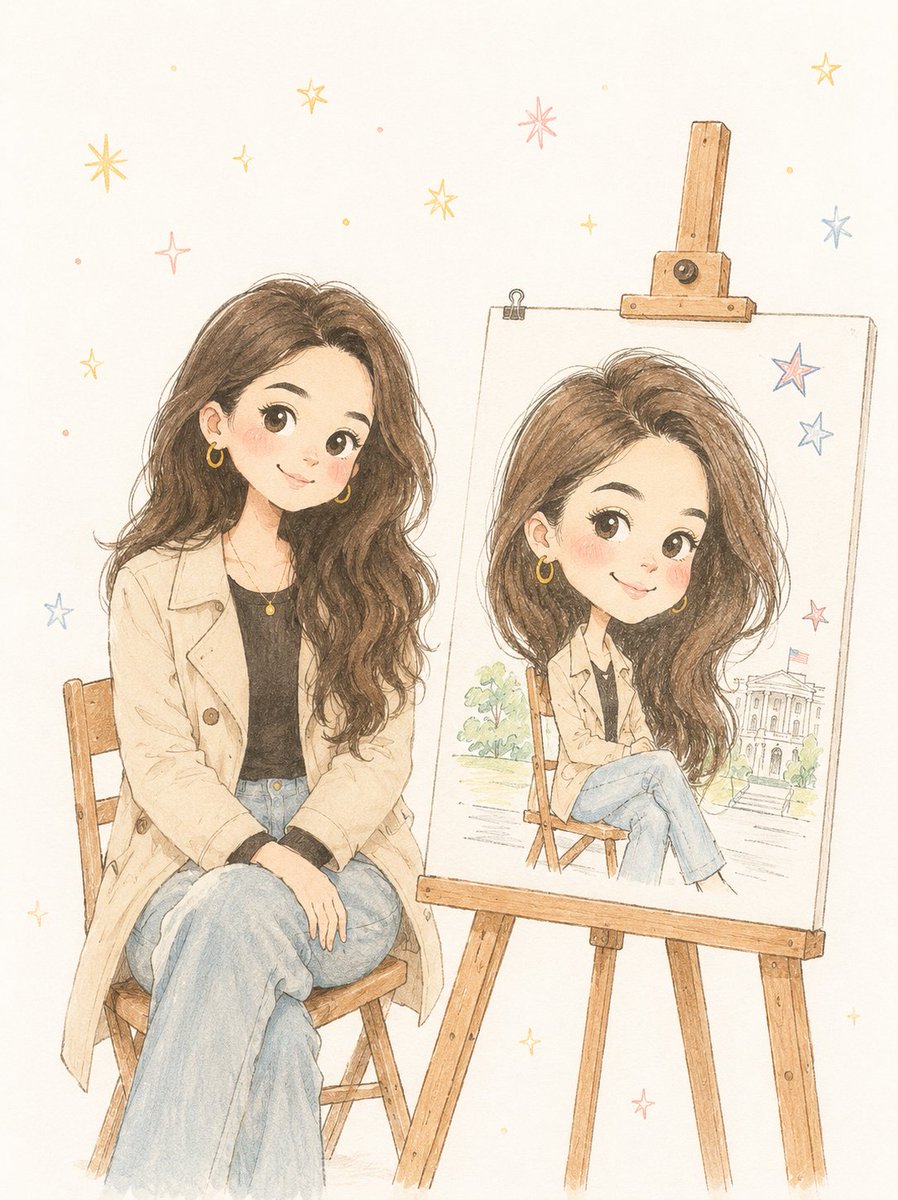
Minimalist Hand-Drawn Children Illustration
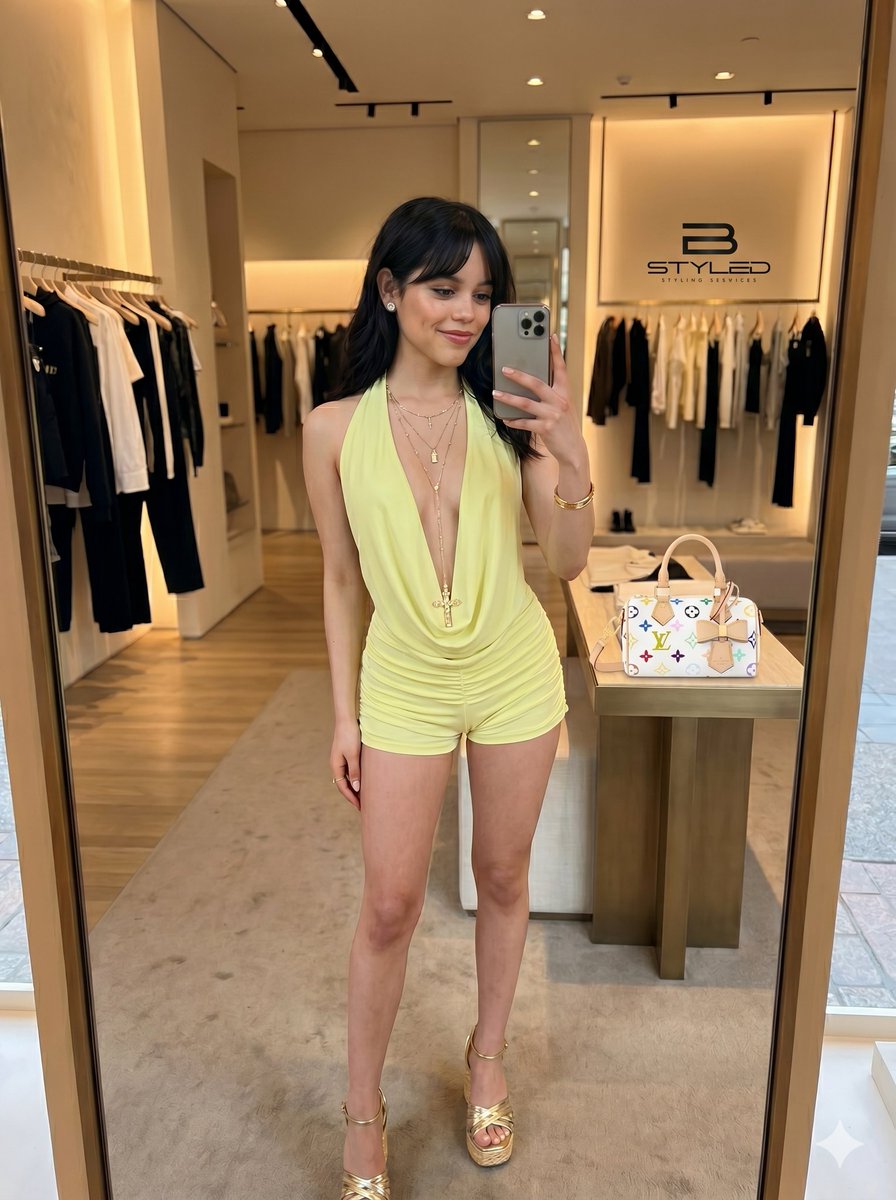
Ultra-Realistic Boutique Mirror Selfie
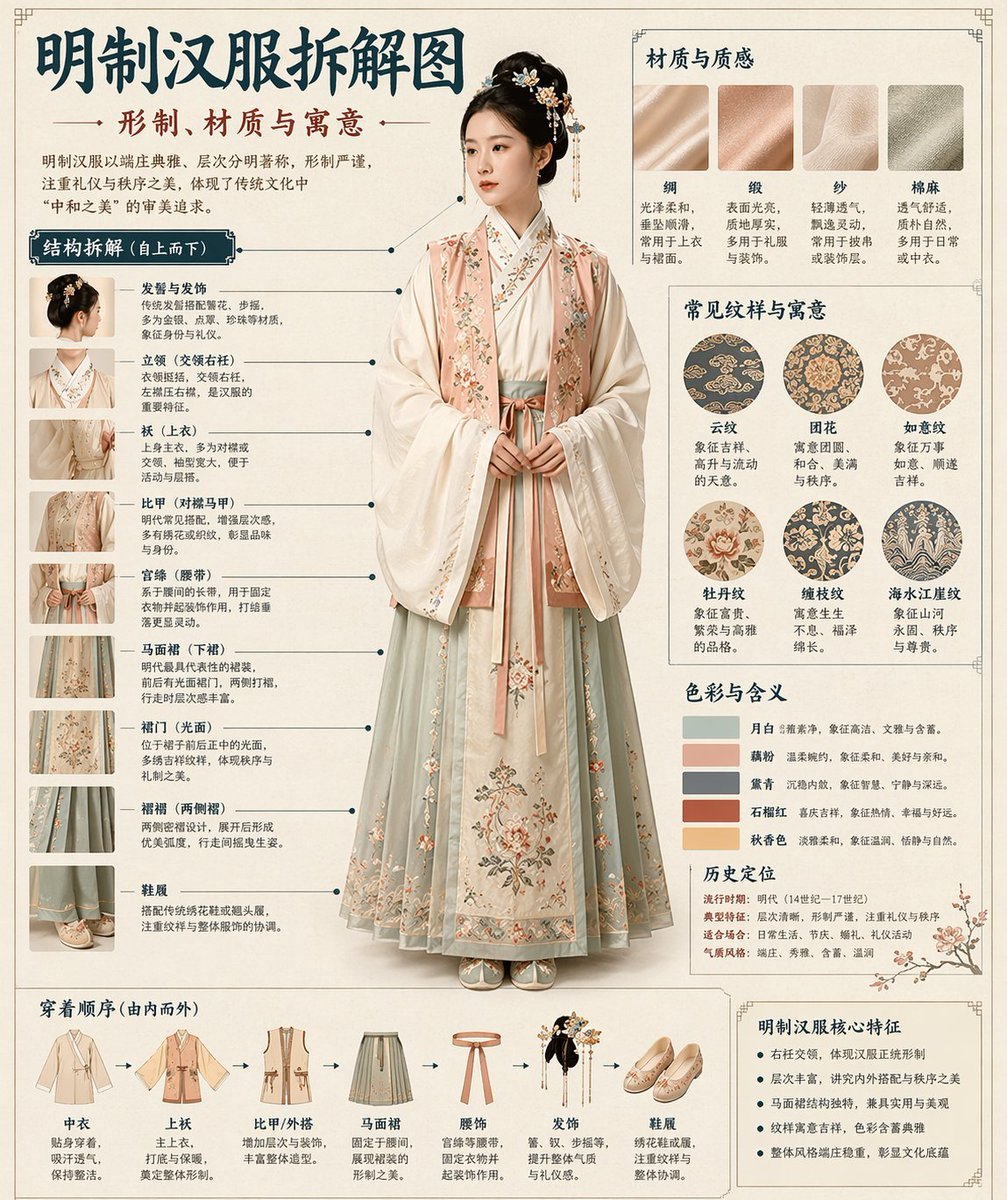
Museum Style Infographic Breakdown

Convert illustration to retro Game Boy Advance-style pixel art
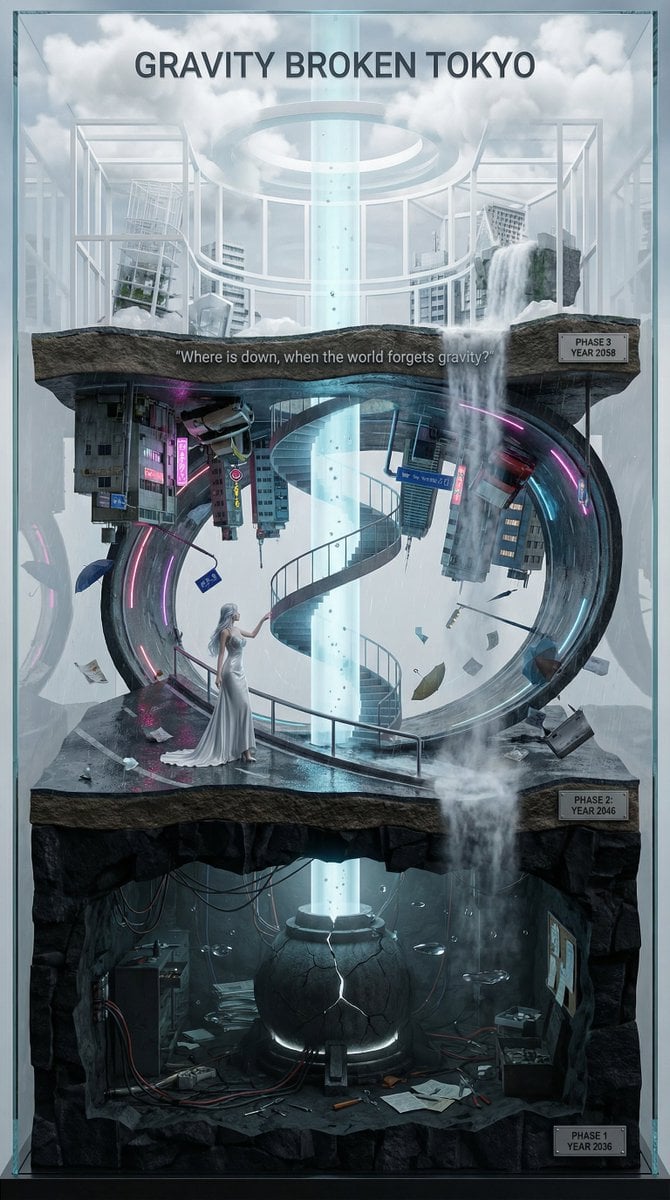
Vertical Layered Diorama Concept Art Prompt for Sci-Fi Film
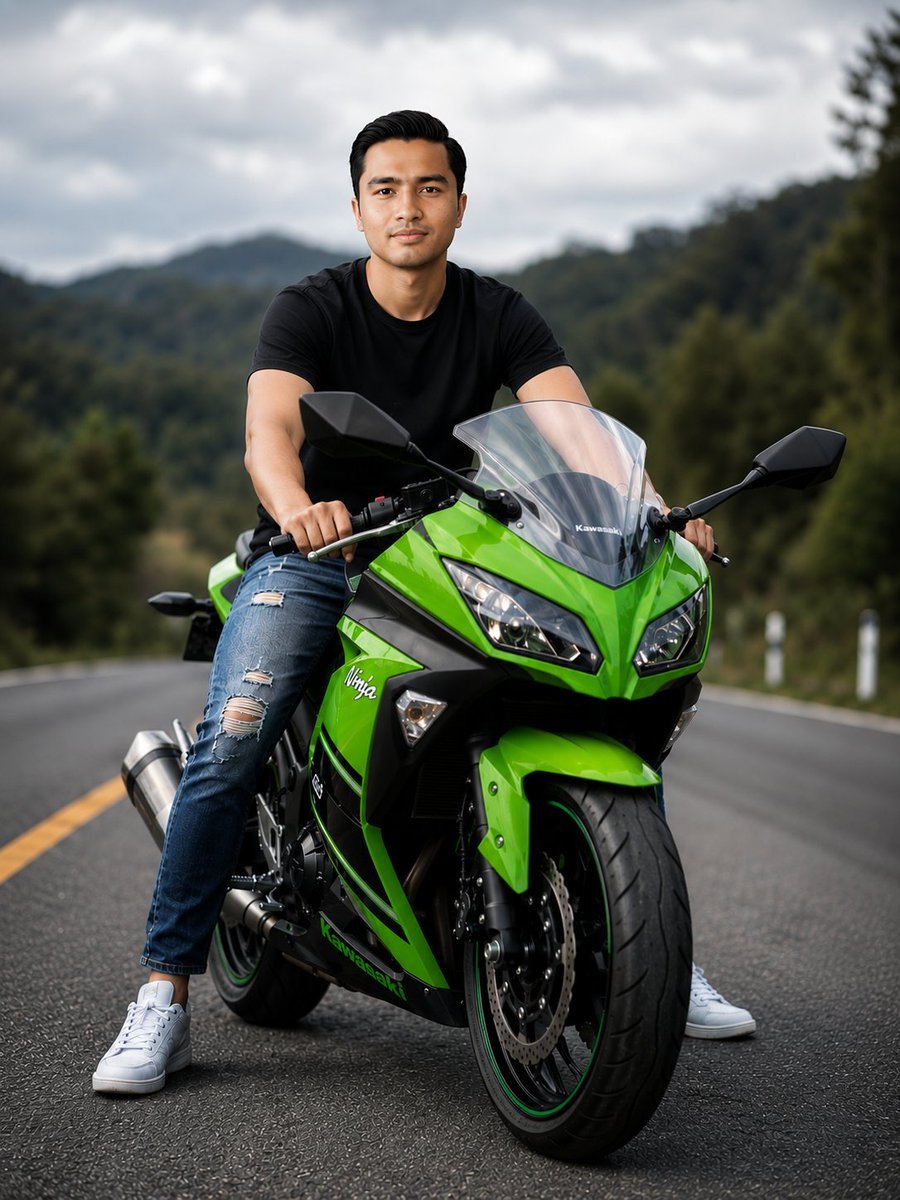
Green Sport Motorcycle Mountain Road
Browse template categories
Pink Lounge Set Mirror Selfie questions
How do I use the Pink Lounge Set Mirror Selfie template?
Add your photo if the template asks for one, edit the prompt if you like — the template's model and format are already selected — and press Generate. Your version opens in PicX Studio.
Can I customize the Pink Lounge Set Mirror Selfie template?
Yes. You can change the subject, setting, lighting, mood, format, and available model controls before creating your image.
Is the Pink Lounge Set Mirror Selfie template free?
Opening and editing this template is free. Generating uses credits, shown on the Generate button when you are signed in.
Which AI model should I use?
Start with GPT Image 2, which is the model associated with this template. You can compare another compatible model for a different finish.
Looking for something else? Browse all templates.

Your photo, any look
Thousands of ready templates for every top image and video model, from one credit balance.