
Museum Style Infographic Breakdown
A comprehensive prompt template for generating museum-style technical breakdown infographics for traditional items like Hanfu or artifacts.
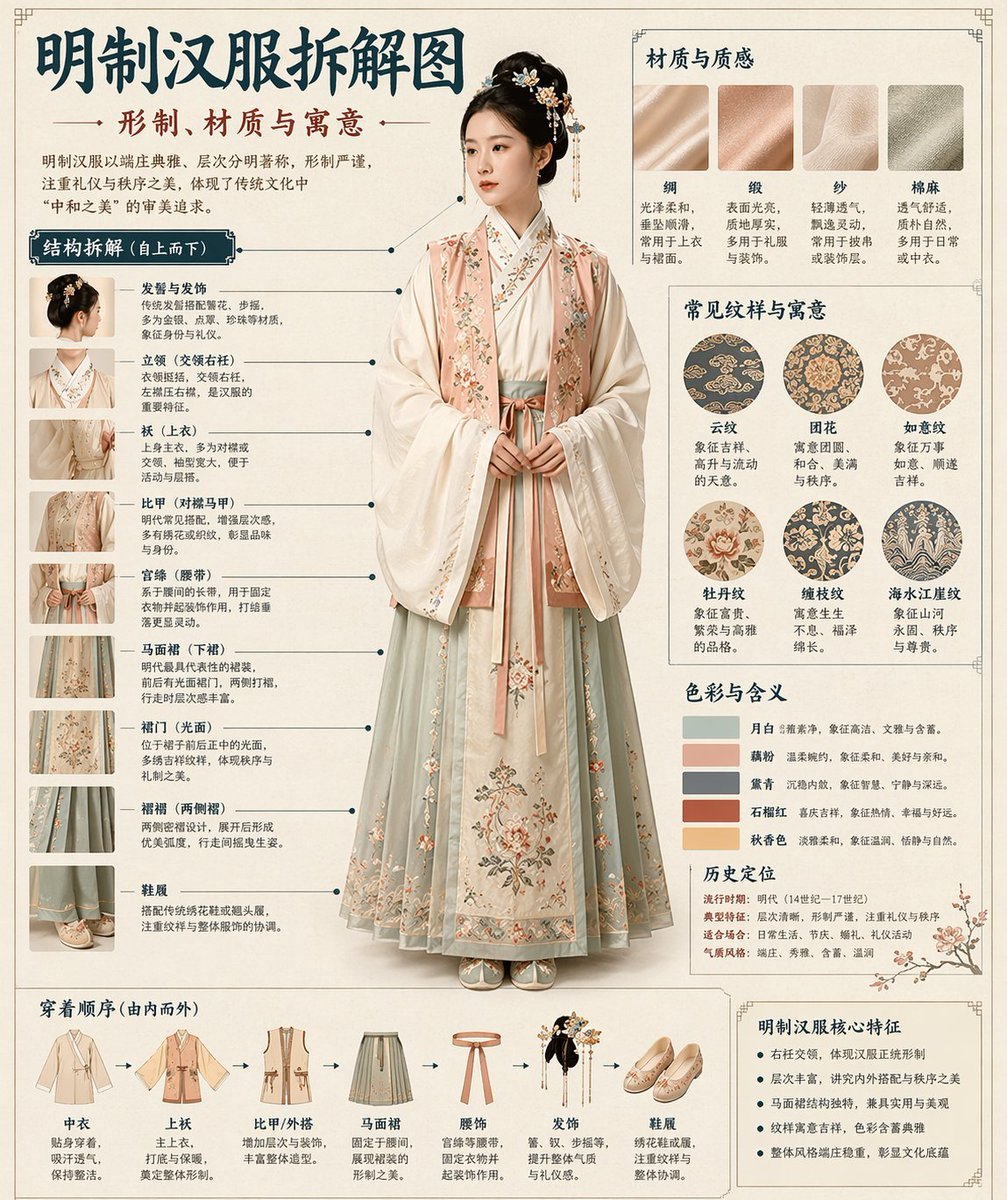
- Prompt included
- Model and format preset
- Free template
The prompt behind this image
Copy the exact prompt behind Museum Style Infographic Breakdown, or open it in the studio and make it yours.
Based on 【Theme: {argument name="theme" default="Hanfu"}】, automatically generate a "museum-catalog-style Chinese exploded-diagram infographic." The full image should combine a realistic main visual, a structural breakdown, Chinese annotations, material explanations, pattern symbolism, color meaning, and a summary of core features. Based on the 【theme】, you need to automatically determine the most suitable subject, clothing/costume system, artifact structure, era style, key components, materials and craftsmanship, color scheme, and layout structure — the user does not need to provide any further information. The overall style should be that of: a national-museum exhibition panel, a historical-costume illustrated guide, or a cultural-heritage feature infographic — not an ordinary poster, a guofeng (Chinese-style) photo shoot, an e-commerce product page, or an anime illustration. The background should use paper textures such as off-white, silk-paper white, or pale tea color, giving an overall premium, restrained, professional, collectible feel. The layout is fixed as follows: - Top: Chinese main title + subtitle + introductory text - Left side: the structural-breakdown zone, with Chinese leader-line labels marking key components, accompanied by close-up details - Upper right: the material / craftsmanship / texture zone, showing real texture swatches with explanations - Middle right: the pattern / color / symbolism zone, showing the main color palette, pattern samples, and cultural explanations - Bottom: a wearing-order / construction flow diagram + a summary of core features If the theme is suitable for showing a person, use a full-body standing figure as the central subject; if it is better suited to an object or a single structure, switch to a central exploded-diagram of that object instead — but the overall layout should still keep the complete Chinese-infographic format. All text must be in Simplified Chinese, clear, neat, and legible — no garbled characters, typos, English, or pinyin. Emphasize the real structure, material differences, cultural explanations, and the feel of an illustrated reference guide.
How to use Museum Style Infographic Breakdown in 3 steps
- 1
Open
The prompt is already in the box next to the preview, with the template's model and format selected.
- 2…a portrait of your subject in softgolden-hour light, 85mm…
Personalize
Edit the subject and creative details for your destination.
- 3Generate
Generate
Press Generate — your image is created in PicX Studio, so you can compare it with the original and refine one variable at a time.
More like this
Templates with the same subject, style or setup. Open one to see its prompt.

博物馆图鉴式汉服拆解图 — GPT-image-2

Japan Travel Brochure Poster

Isometric Process Educational Diorama

Isometric Vehicle Teardown Infographic Template
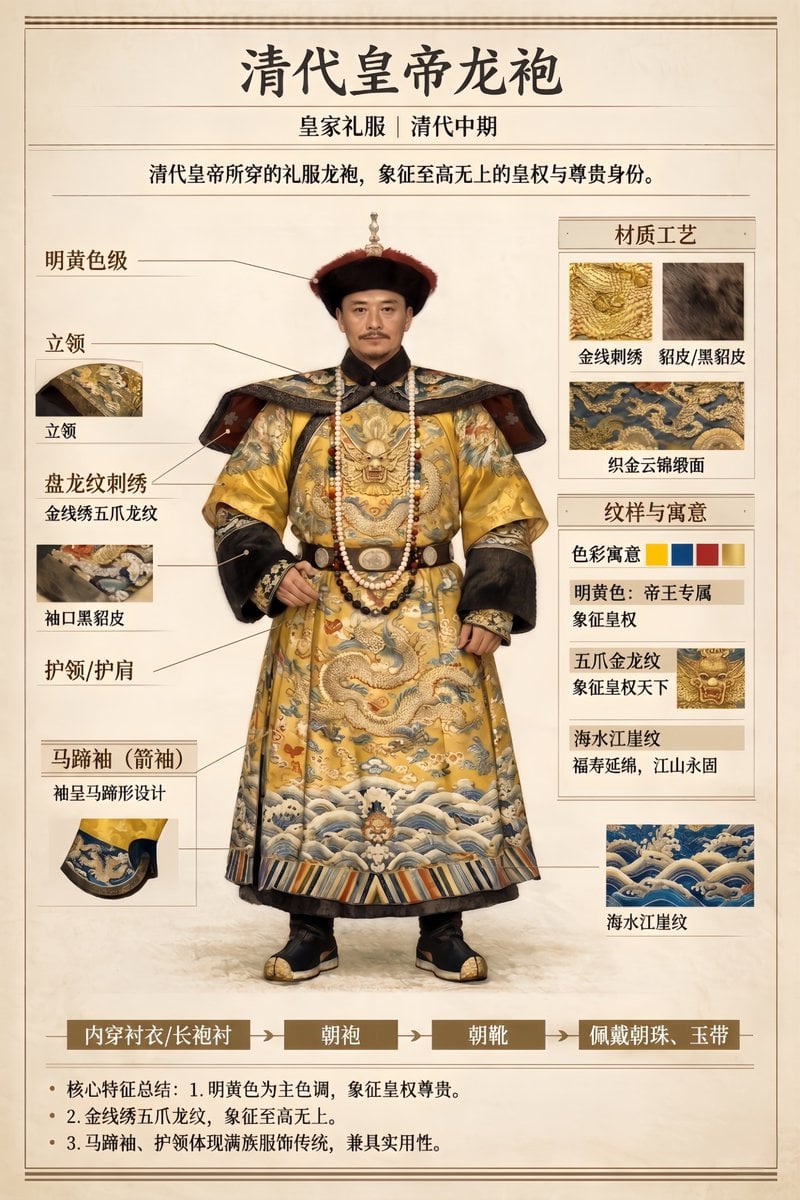
Museum Catalog Artifact Breakdown

Gpt2 E Commerce Main Image Earbuds E Commerce Infographic

Gpt2 Infographic Edu Visual Alishan One Day Travel Poster

Gpt2 Infographic Edu Visual Ethnographic Plate for Tibetan Ceremonial Hat

Gpt2 Infographic Edu Visual Earth Signs Zodiac Character Poster

Gpt2 Infographic Edu Visual Water Signs Zodiac Character Poster

Gpt2 Infographic Edu Visual Ink Wash Tribute Poster for Chen Uen

Gpt2 Infographic Edu Visual Vintage Claude Shannon Infographic Poster
Make it yours
Museum Style Infographic Breakdown works as-is. These are the safest ways to change it without losing the look.
Change one field
Copy a single group, rewrite it, and generate again so you can see what that field is doing.
Keep the frame, change the subject
Hold the composition and light of Museum Style Infographic Breakdown, then swap wardrobe, props or the person for a new take.
| If the result… | Why | Fix |
|---|---|---|
| The result drifts from the preview | Too many fields changed at once. | Reuse Museum Style Infographic Breakdown as-is first, then change one group — subject, light, or setting. |
| The model over-stylizes the scene | The prose prompt leaves finish and camera underspecified. | Add one camera or lighting sentence and stay on GPT Image 2. |
More GPT Image 2 templates
Other prompts made for GPT Image 2.

Six VTuber Japanese Logo Sheet

Realistic Portrait of Woman and Deer

The Vista Modular Condo Poster

AI Model Routing Comparison Infographic

2.5D Anime Art Board

Isometric Productivity Desk Scene

New York Double Exposure Poster

Four-Panel AI Landscape Comparison

Japanese Tatami Lifestyle Magazine Cover

NESCAFÉ Coffee Map Poster
More image prompts
Fresh picks from across the catalog.

Muted Speech Editorial Portrait
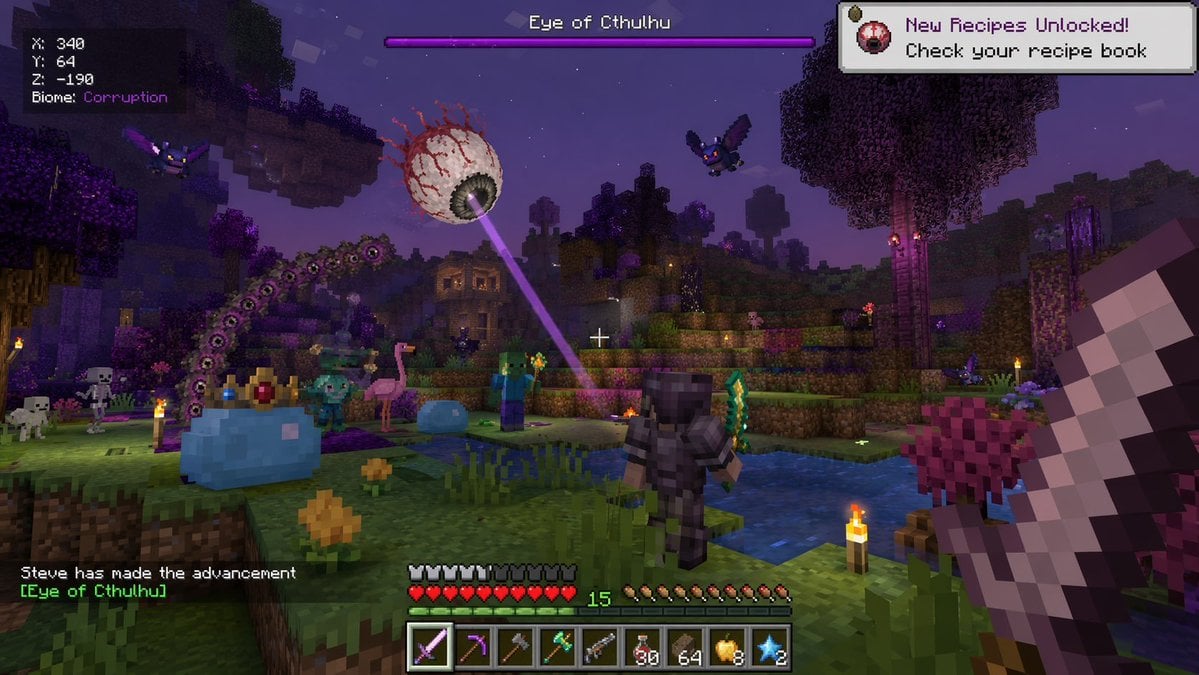
Voxel Survival Game Boss Fight UI

Commercial Photography Prompt: Still Subject in Motion Blur
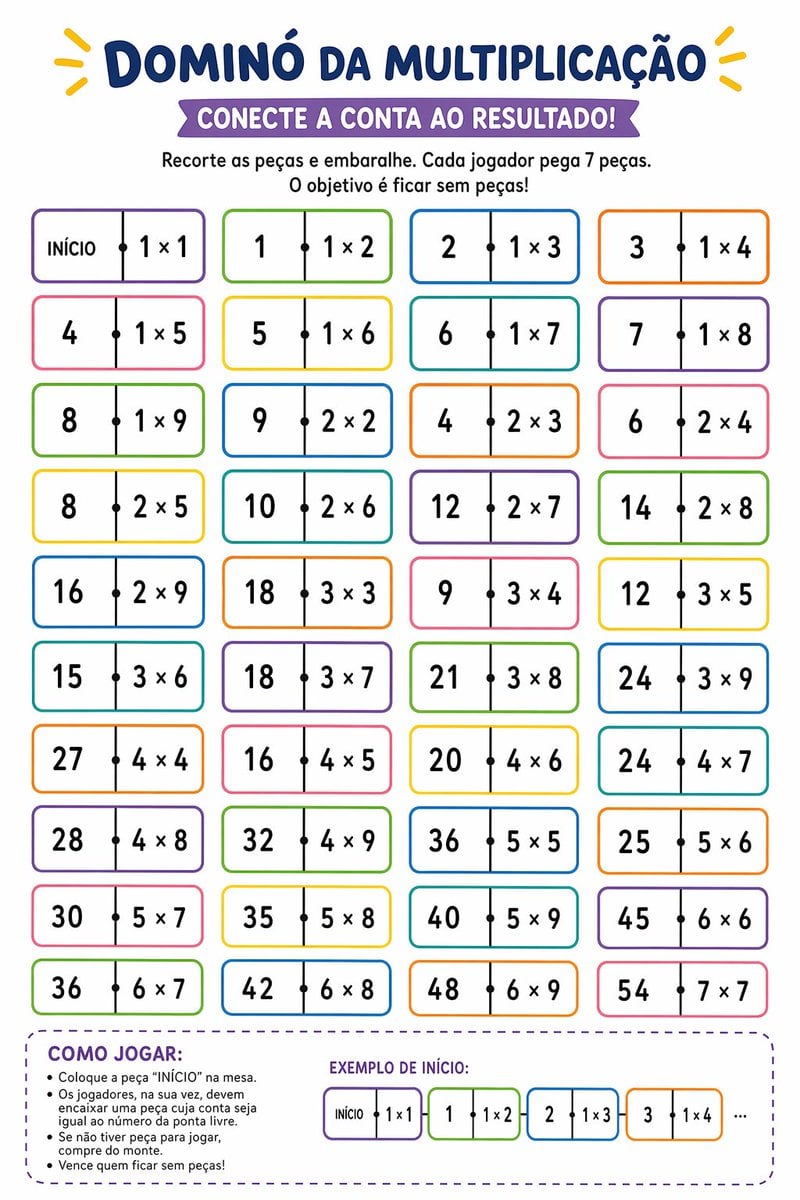
Printable Multiplication Domino Worksheet
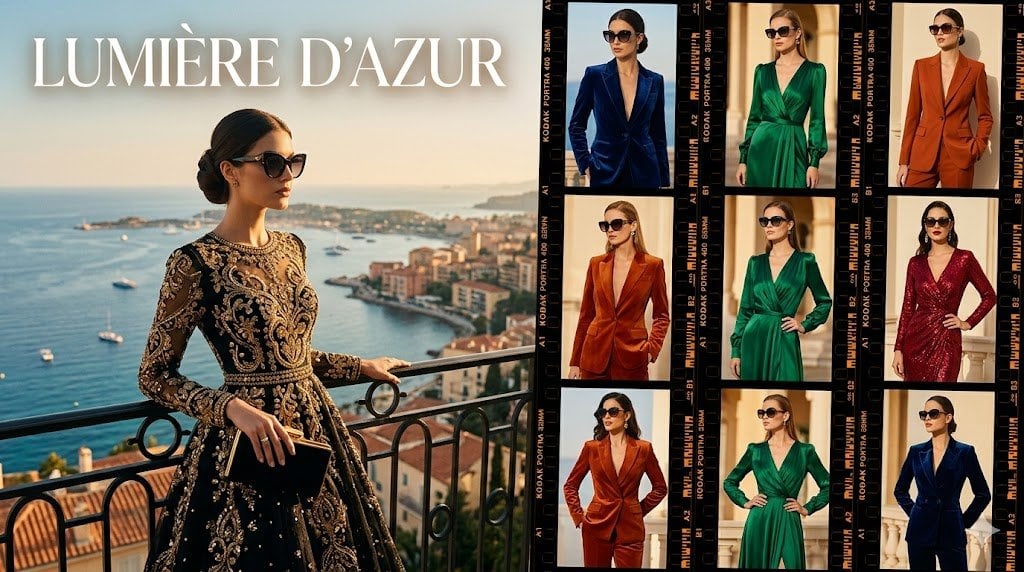
Lumière d’Azur Fashion Lookbook Collage

Candid Convenience Store Cashier
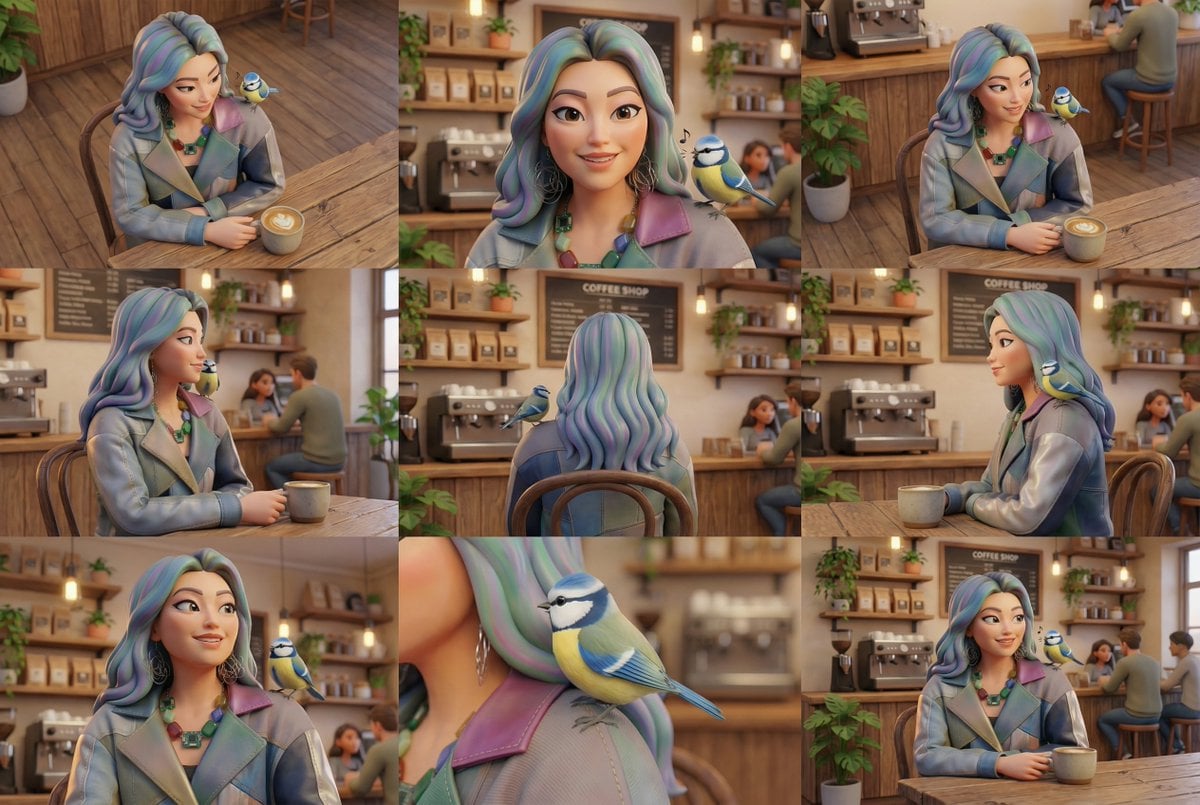
Generate Multiple Angles Grid from Single Image

High-End Studio Fashion Portrait Prompt for Nano Banana 2
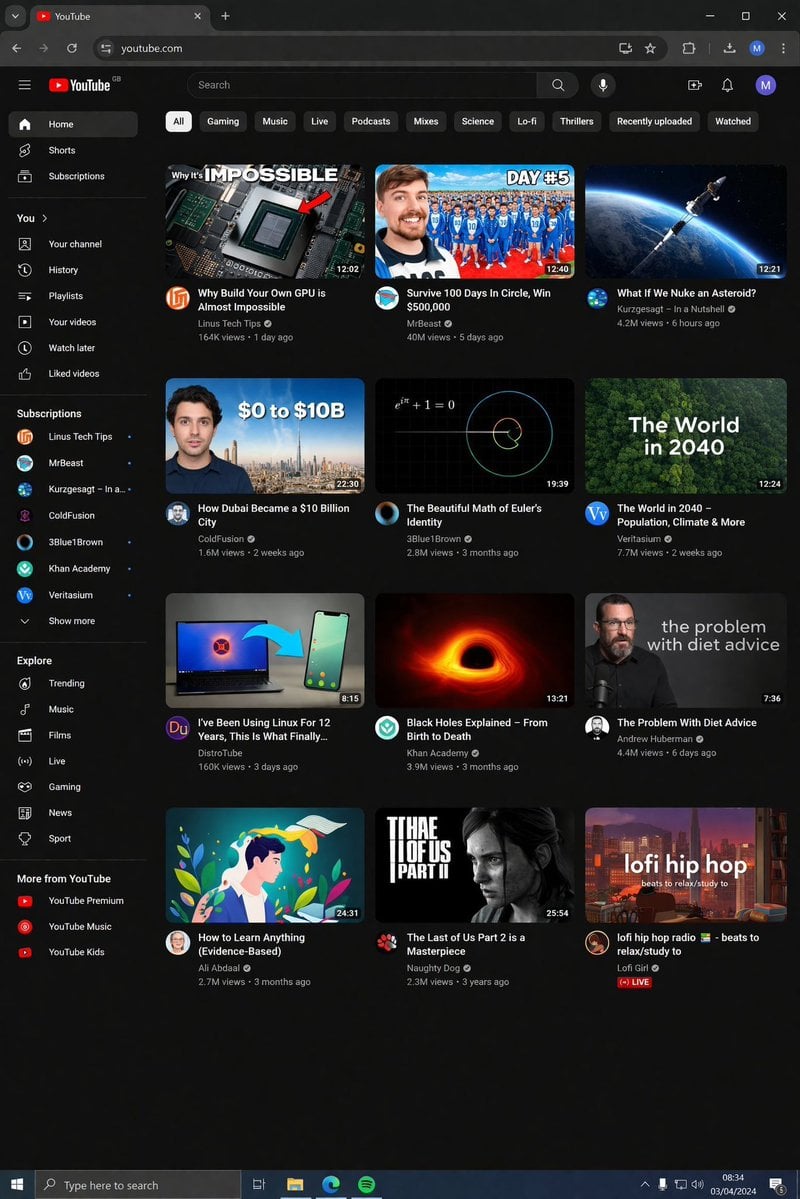
YouTube Dark Mode Desktop UI Mockup
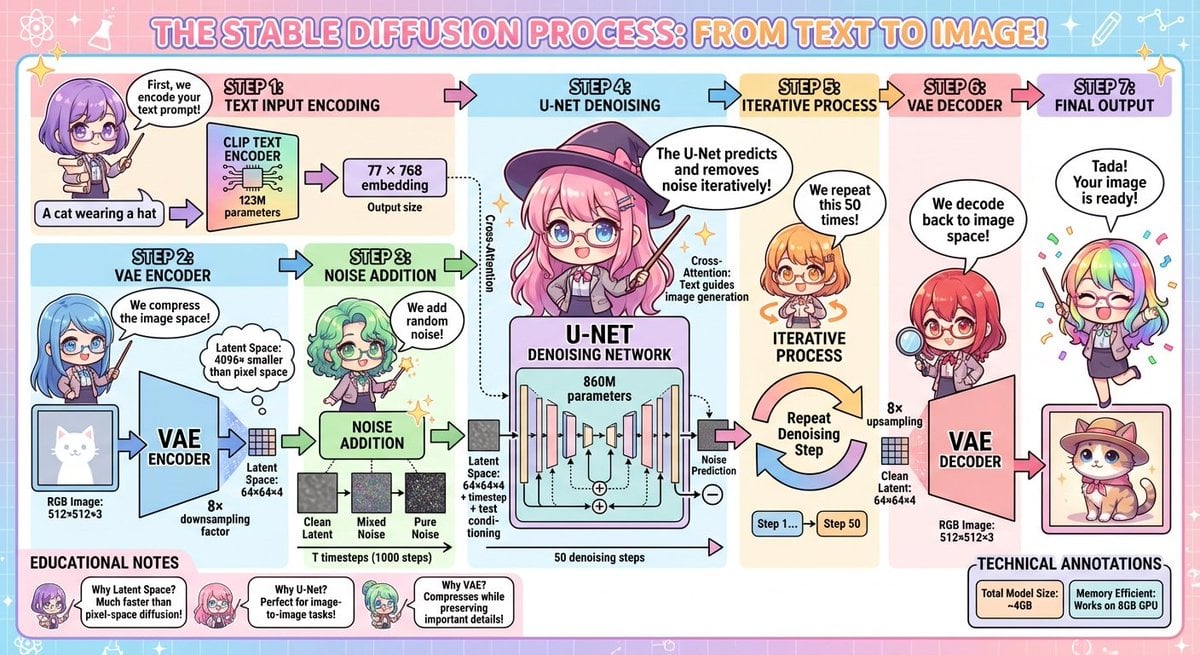
Stable Diffusion educational anime diagram
Browse template categories
Museum Style Infographic Breakdown questions
How do I use the Museum Style Infographic Breakdown template?
Add your photo if the template asks for one, edit the prompt if you like — the template's model and format are already selected — and press Generate. Your version opens in PicX Studio.
Can I customize the Museum Style Infographic Breakdown template?
Yes. You can change the subject, setting, lighting, mood, format, and available model controls before creating your image.
Is the Museum Style Infographic Breakdown template free?
Opening and editing this template is free. Generating uses credits, shown on the Generate button when you are signed in.
Which AI model should I use?
Start with GPT Image 2, which is the model associated with this template. You can compare another compatible model for a different finish.
Looking for something else? Browse all templates.

Your photo, any look
Thousands of ready templates for every top image and video model, from one credit balance.