
Printable Multiplication Domino Worksheet
A colorful Brazilian Portuguese classroom worksheet for practicing multiplication through a domino matching game, ideal for teachers, homeschooling, and printable math activities.
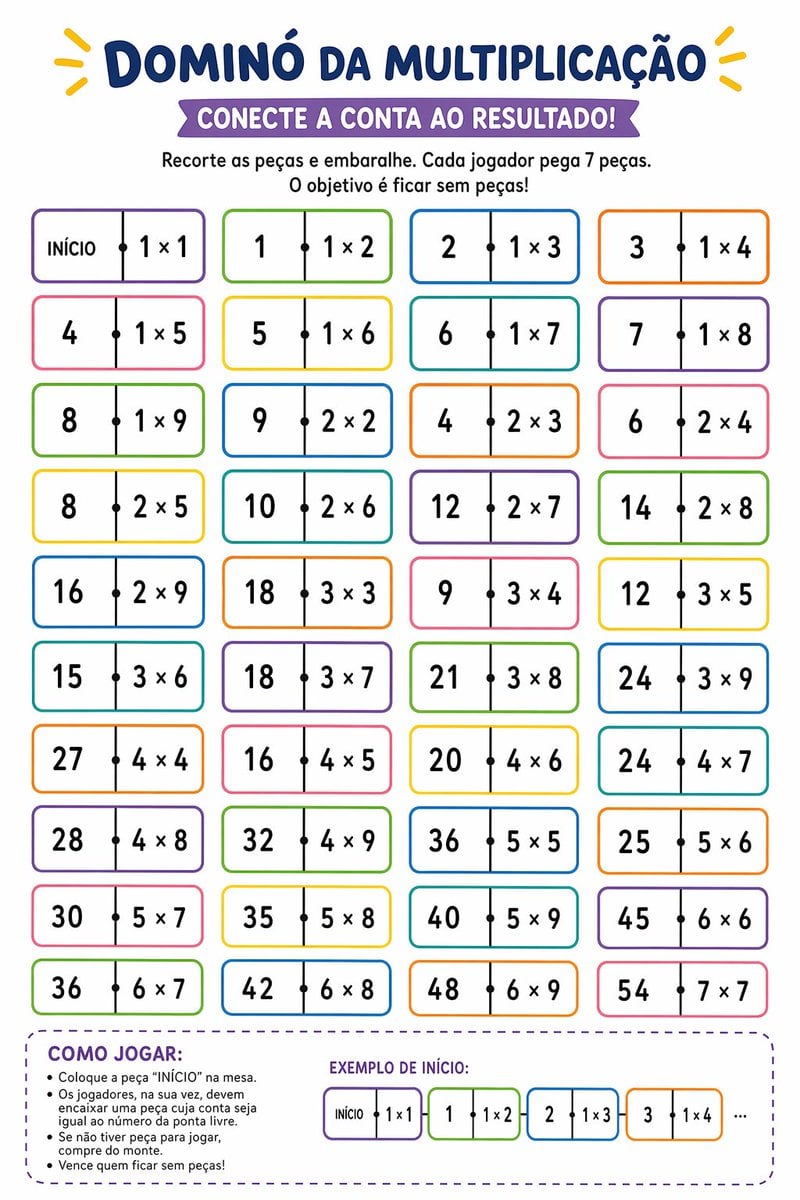
- Prompt included
- Model and format preset
- Free template
The prompt behind this image
Copy the exact prompt behind Printable Multiplication Domino Worksheet, or open it in the studio and make it yours.
Create a vertical printable educational worksheet in Brazilian Portuguese, clean white background, playful classroom design, centered composition, bold rounded typography, bright kid-friendly colors. At the very top, a large navy-blue headline reading {argument name="headline text" default="DOMINÓ DA MULTIPLICAÇÃO"}, with small yellow decorative rays on both sides. Below it, a purple ribbon banner with white uppercase text reading {argument name="subtitle text" default="CONECTE A CONTA AO RESULTADO!"}. Under the banner, add two centered instruction lines in black: "Recorte as peças e embaralhe. Cada jogador pega 7 peças." and "O objetivo é ficar sem peças!". The main area shows 40 domino-style tiles arranged in a 4-column by 10-row grid, evenly spaced. Each tile is a horizontal rounded rectangle with a thin colorful outline, white fill, a vertical divider at the center, and a small black dot on the divider. The left half contains either a number result or the word "INÍCIO" on the first tile, and the right half contains a multiplication expression. Use alternating border colors across the grid such as purple, green, blue, orange, pink, and yellow. The 40 tiles, in row order from left to right, top to bottom, are: 1) "INÍCIO | 1 × 1", 2) "1 | 1 × 2", 3) "2 | 1 × 3", 4) "3 | 1 × 4", 5) "4 | 1 × 5", 6) "5 | 1 × 6", 7) "6 | 1 × 7", 8) "7 | 1 × 8", 9) "8 | 1 × 9", 10) "9 | 2 × 2", 11) "4 | 2 × 3", 12) "6 | 2 × 4", 13) "8 | 2 × 5", 14) "10 | 2 × 6", 15) "12 | 2 × 7", 16) "14 | 2 × 8", 17) "16 | 2 × 9", 18) "18 | 3 × 3", 19) "9 | 3 × 4", 20) "12 | 3 × 5", 21) "15 | 3 × 6", 22) "18 | 3 × 7", 23) "21 | 3 × 8", 24) "24 | 3 × 9", 25) "27 | 4 × 4", 26) "16 | 4 × 5", 27) "20 | 4 × 6", 28) "24 | 4 × 7", 29) "28 | 4 × 8", 30) "32 | 4 × 9", 31) "36 | 5 × 5", 32) "25 | 5 × 6", 33) "30 | 5 × 7", 34) "35 | 5 × 8", 35) "40 | 5 × 9", 36) "45 | 6 × 6", 37) "36 | 6 × 7", 38) "42 | 6 × 8", 39) "48 | 6 × 9", 40) "54 | 7 × 7". At the bottom, add a large rounded dashed purple box spanning most of the width. Inside the left side of this box, place the section title "COMO JOGAR:" in bold purple uppercase, followed by 5 bullet points in black: "Coloque a peça “INÍCIO” na mesa.", "Os jogadores, na sua vez, devem encaixar uma peça cuja conta seja igual ao número da ponta livre.", "Se não tiver peça para jogar, compre do monte.", and "Vence quem ficar sem peças!". On the right side of the same box, add the title "EXEMPLO DE INÍCIO:" in purple uppercase and show 4 small domino tiles in sequence plus ellipsis: "INÍCIO | 1 × 1", then "1 | 1 × 2", then "2 | 1 × 3", then "3 | 1 × 4", followed by "...". Keep the overall style crisp, vector-like, printable, friendly for elementary math practice, with balanced spacing and highly legible text.
How to use Printable Multiplication Domino Worksheet in 3 steps
- 1Upload ImagePNG, JPG or paste
Add your photo
Upload the photo the template builds on. The prompt, model and format are already set.
- 2…a portrait of your subject in softgolden-hour light, 85mm…
Personalize
Edit the subject and creative details for your destination.
- 3Generate
Generate
Press Generate — your image is created in PicX Studio, so you can compare it with the original and refine one variable at a time.
More like this
Templates with the same subject, style or setup. Open one to see its prompt.
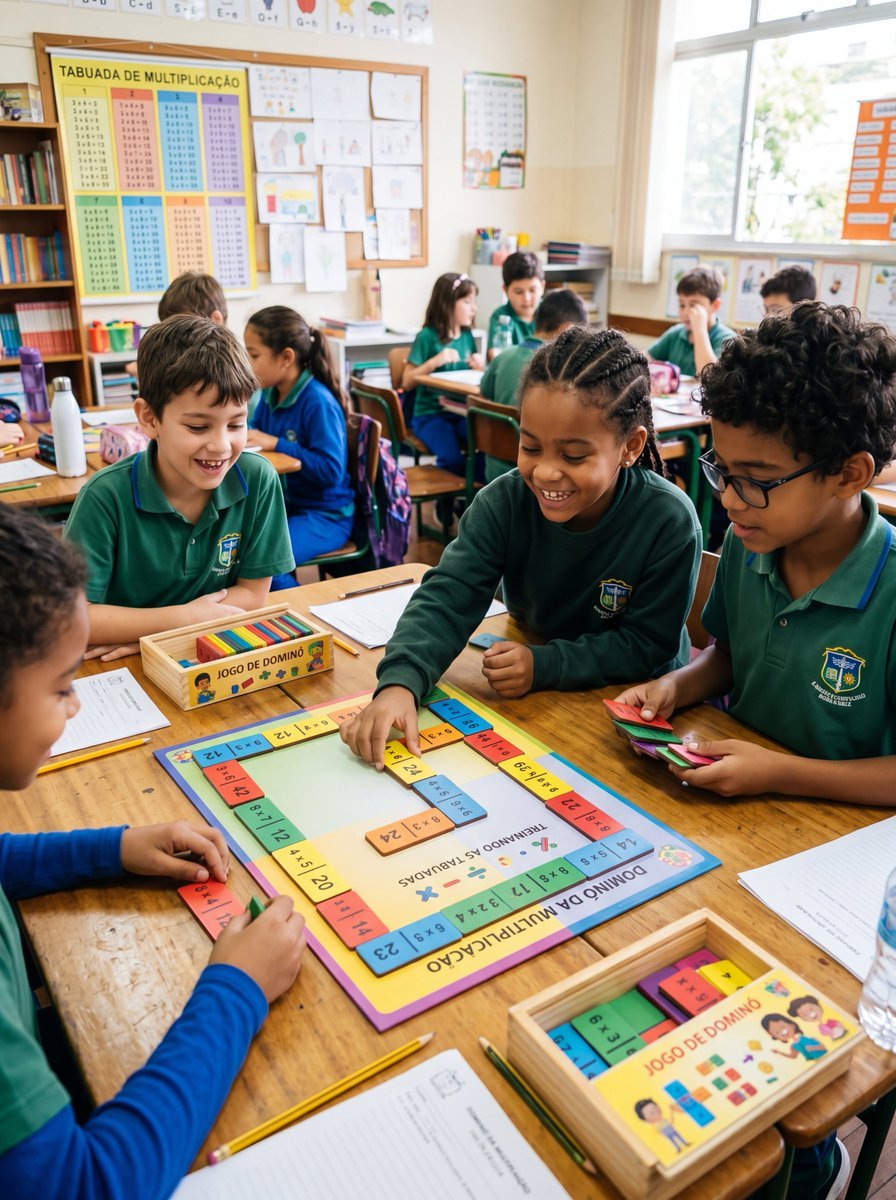
Multiplication Domino Classroom Activity
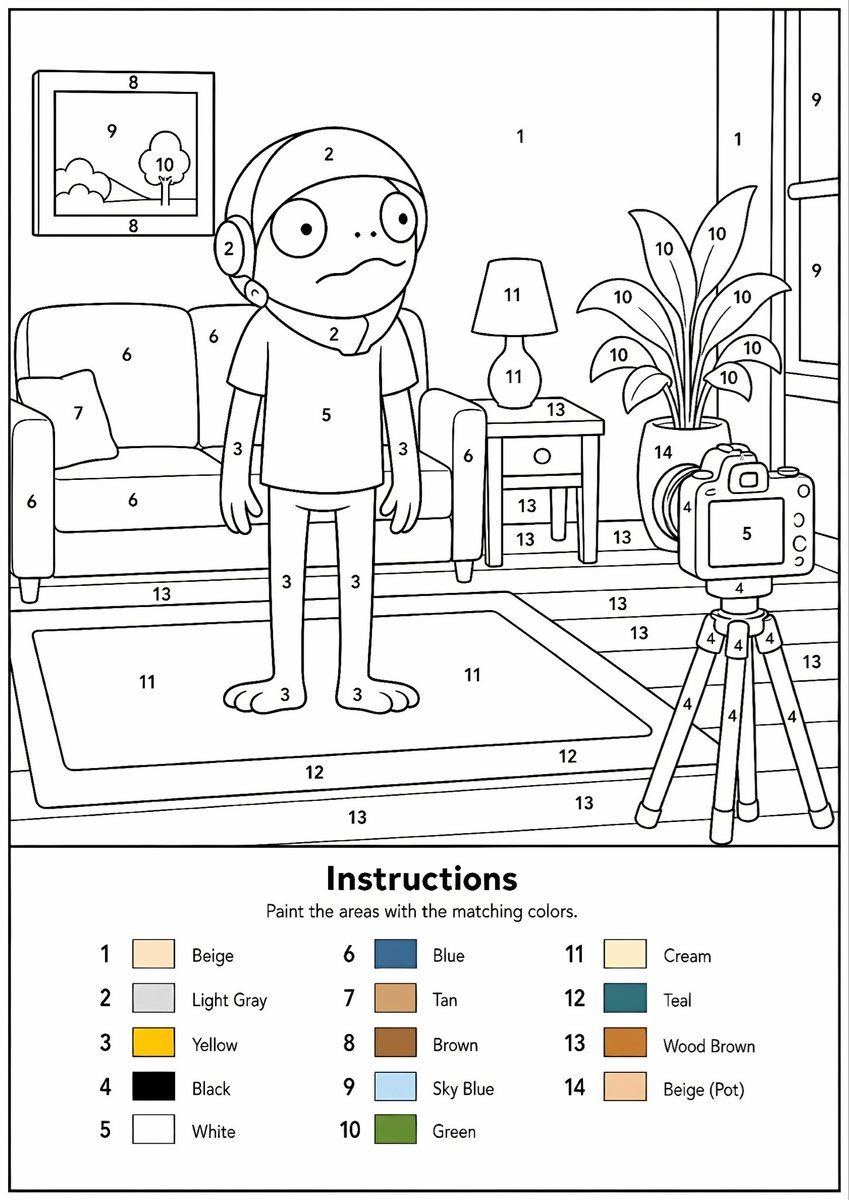
Printable Paint by Numbers Generator
Korean Infographic Worksheet Batch
Japanese Chibi Drawing Song Worksheet
Paint-by-Numbers Living Room Worksheet
Parrot Paint-by-Numbers Worksheet
Peacock Paint-by-Numbers Worksheet
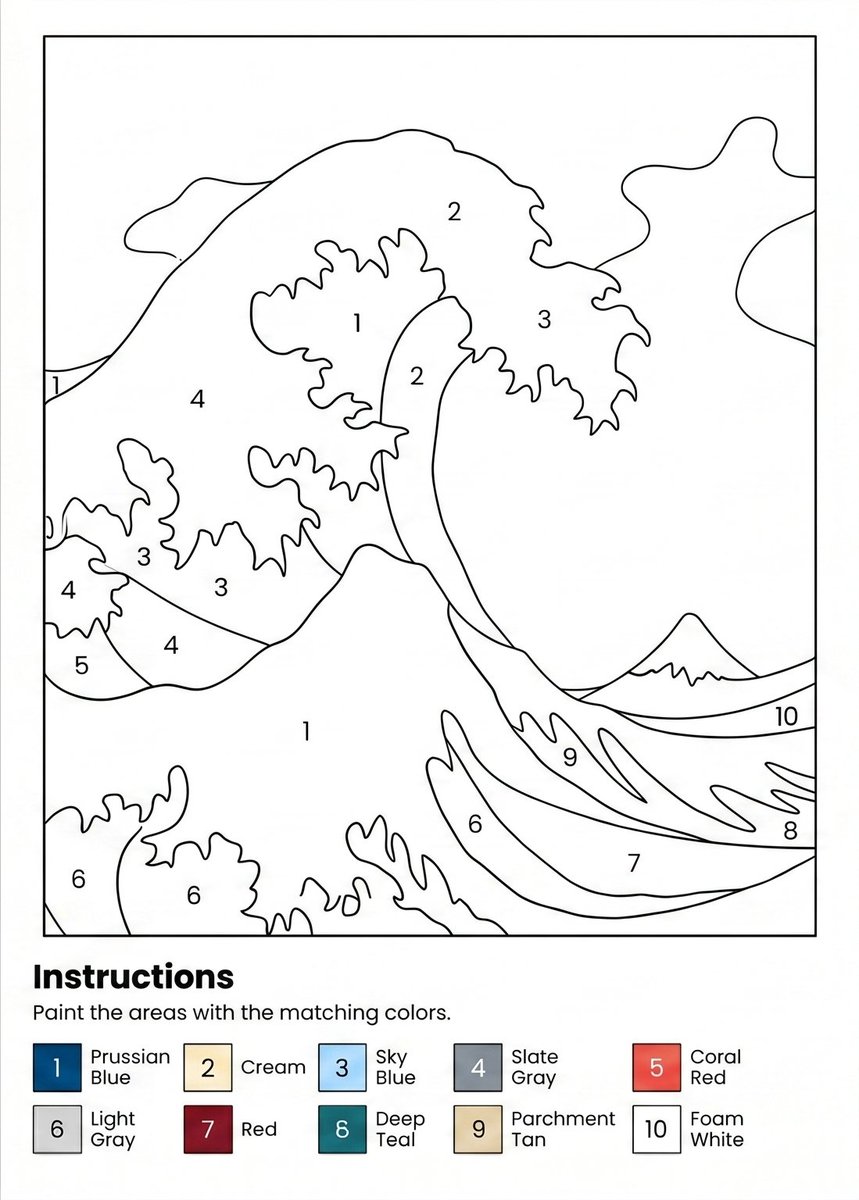
Paint-by-Numbers Wave Worksheet
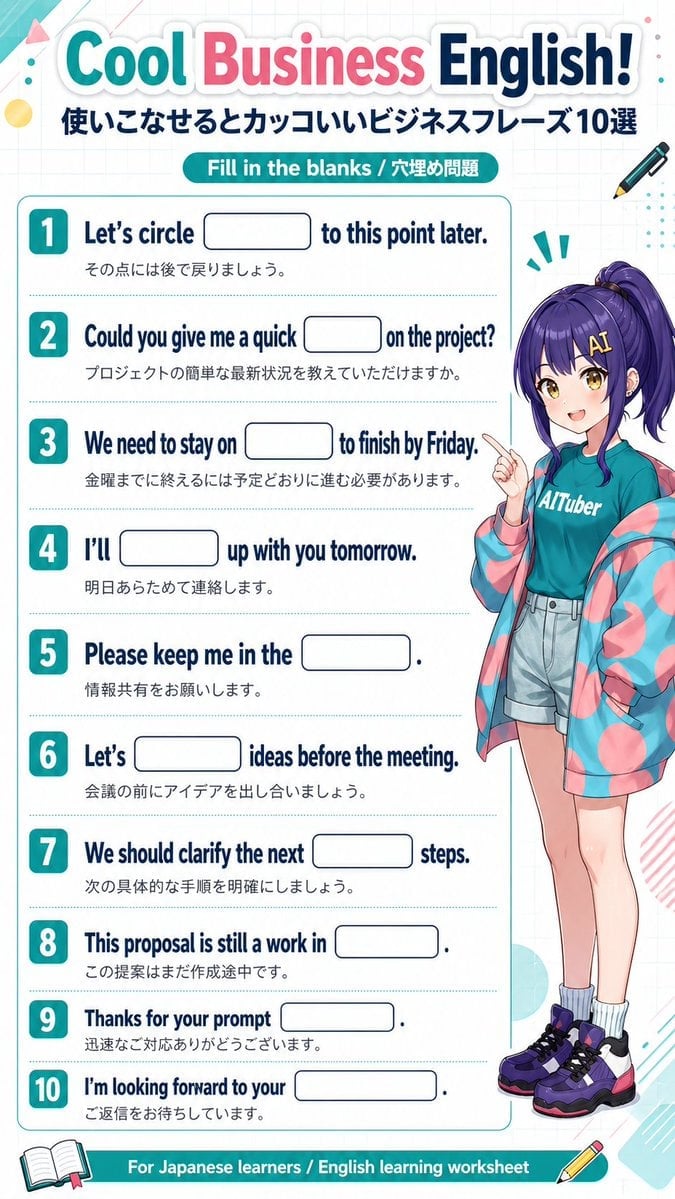
Anime Business English Worksheet
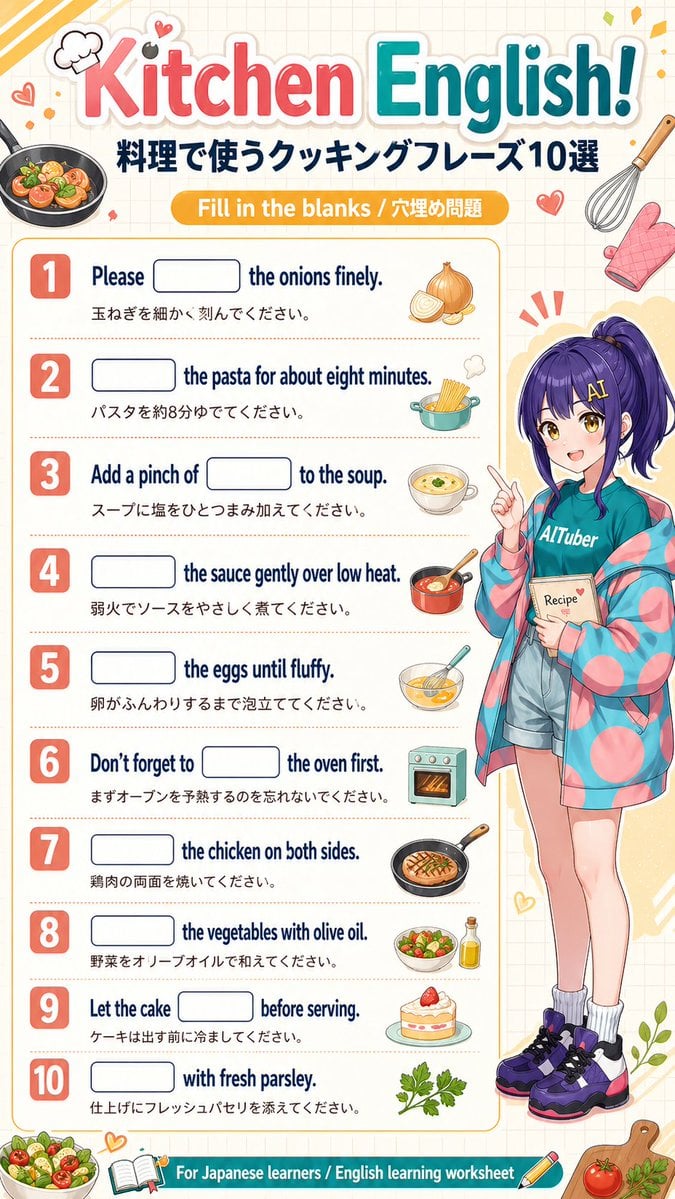
Kitchen English Fill-in Worksheet Poster

Indian Anarkali Fashion Collage

Obscured Cyberpunk Girl Poster
Make it yours
Printable Multiplication Domino Worksheet works as-is. These are the safest ways to change it without losing the look.
Change one field
Copy a single group, rewrite it, and generate again so you can see what that field is doing.
Keep the frame, change the subject
Hold the composition and light of Printable Multiplication Domino Worksheet, then swap wardrobe, props or the person for a new take.
| If the result… | Why | Fix |
|---|---|---|
| The result drifts from the preview | Too many fields changed at once. | Reuse Printable Multiplication Domino Worksheet as-is first, then change one group — subject, light, or setting. |
| The model over-stylizes the scene | The prose prompt leaves finish and camera underspecified. | Add one camera or lighting sentence and stay on GPT Image 2. |
More GPT Image 2 templates
Other prompts made for GPT Image 2.

Six VTuber Japanese Logo Sheet

Realistic Portrait of Woman and Deer

The Vista Modular Condo Poster

AI Model Routing Comparison Infographic

2.5D Anime Art Board

Isometric Productivity Desk Scene

New York Double Exposure Poster

Four-Panel AI Landscape Comparison

Japanese Tatami Lifestyle Magazine Cover

NESCAFÉ Coffee Map Poster
More image prompts
Fresh picks from across the catalog.
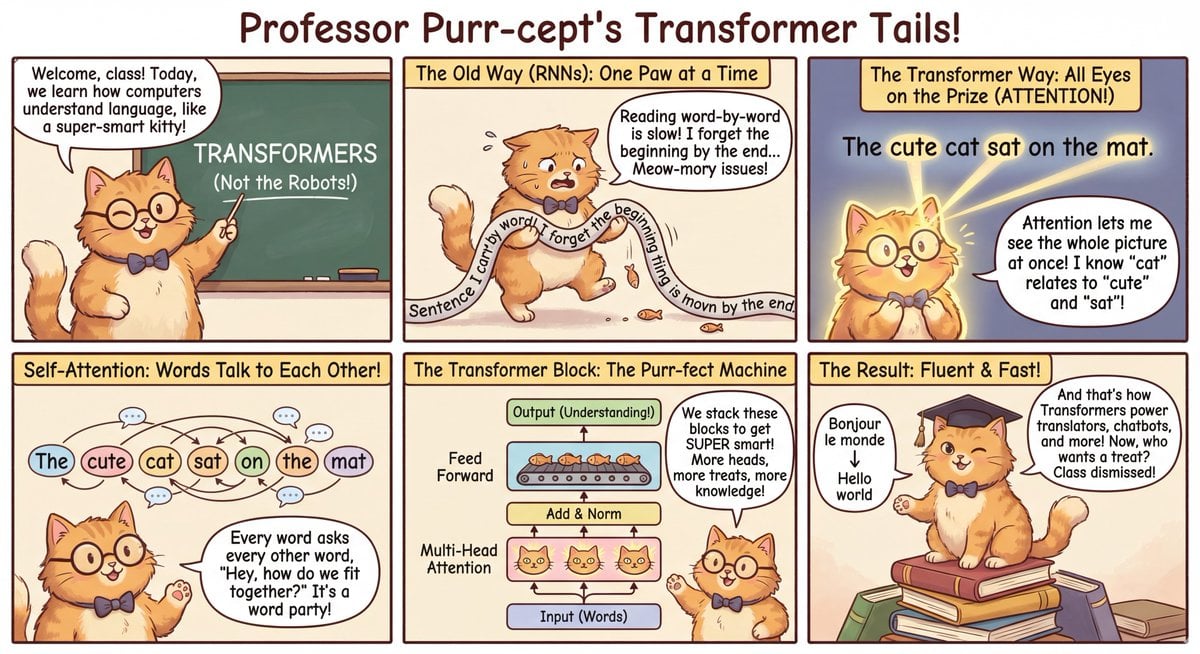
Outfit combinations using Sergey Brin as model
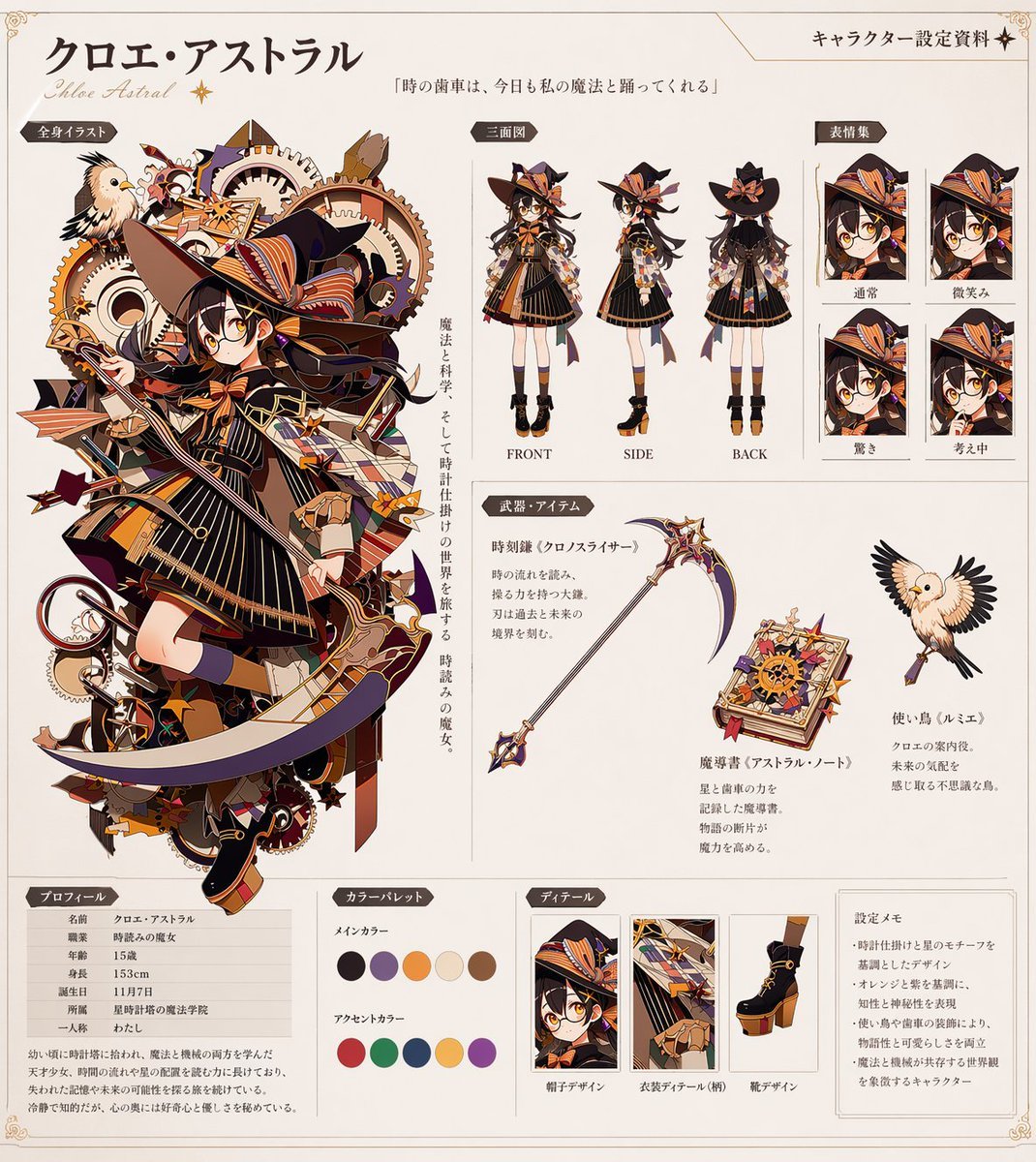
Anime Character Reference Sheet Generator

Early 2000s Flash Photo Identity Blend Prompt
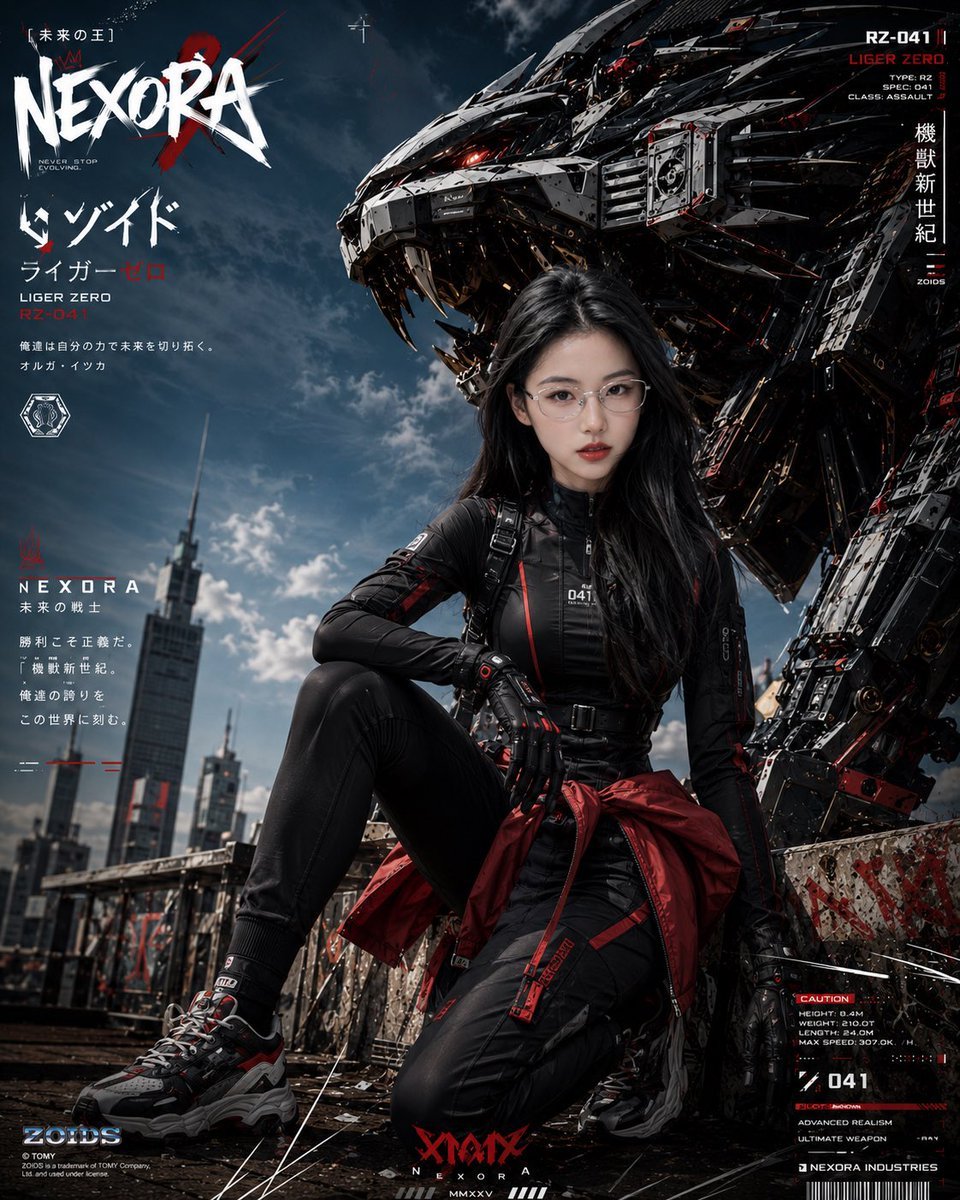
Cyberpunk Mecha Warrior Poster
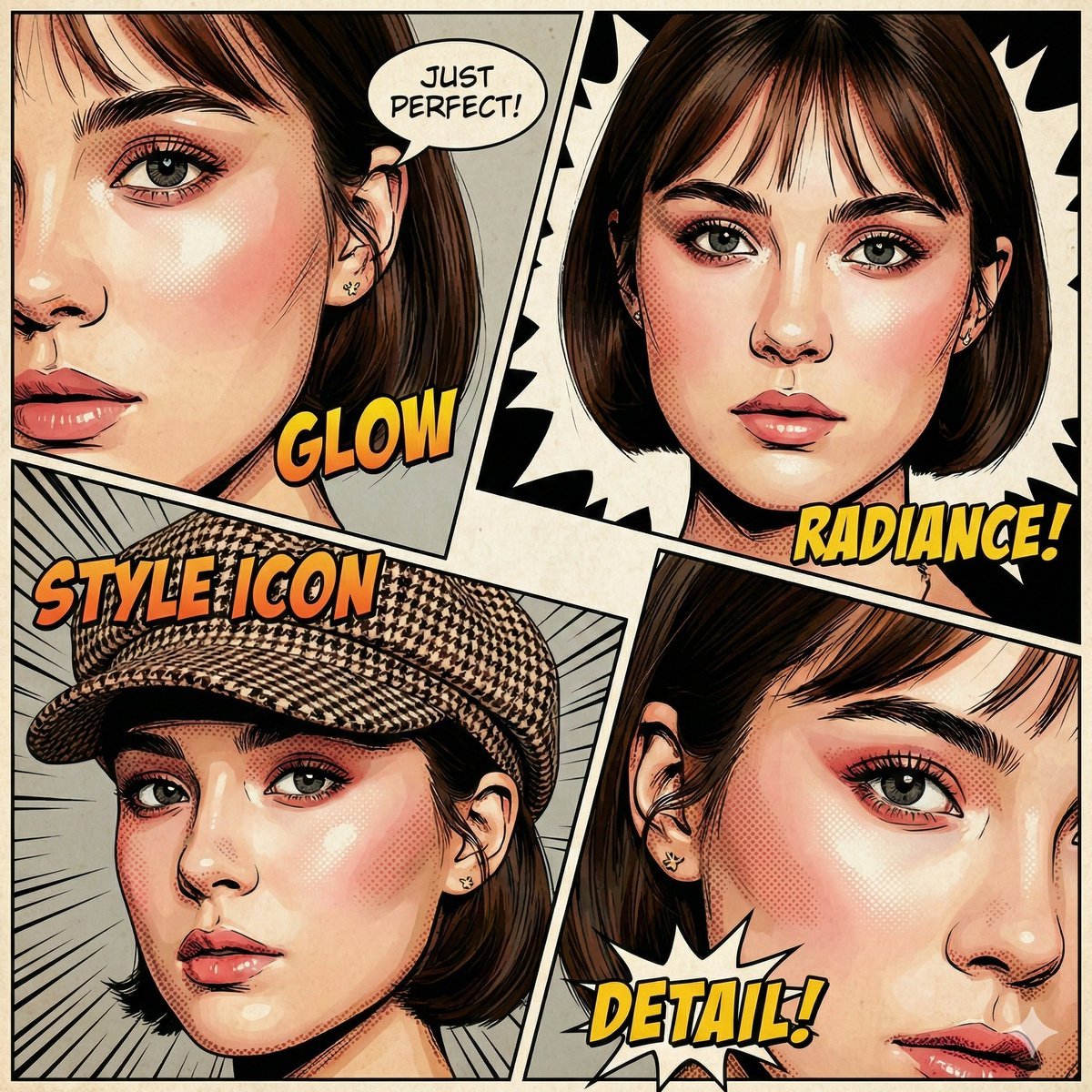
Image-to-Comic Style Conversion Prompt
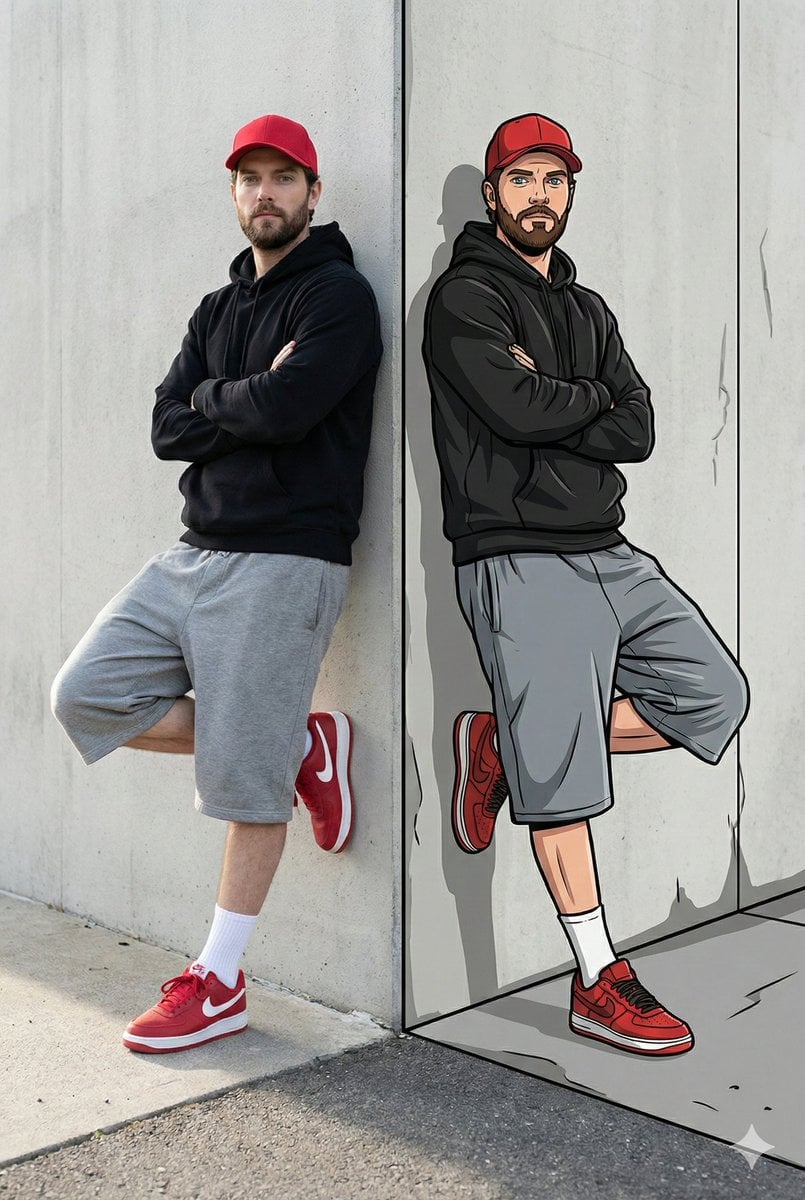
Split-Reality Street Art Portrait with Identity Lock

Hyper-Realistic Fisheye Street Portrait in Tokyo Rain
Surreal Top-Down iPhone Fashion
Gothic Rose Ballroom Duo
Coastal Reinforced Concrete Salt Damage
Browse template categories
Printable Multiplication Domino Worksheet questions
How do I use the Printable Multiplication Domino Worksheet template?
Add your photo if the template asks for one, edit the prompt if you like — the template's model and format are already selected — and press Generate. Your version opens in PicX Studio.
Can I customize the Printable Multiplication Domino Worksheet template?
Yes. You can change the subject, setting, lighting, mood, format, and available model controls before creating your image.
Is the Printable Multiplication Domino Worksheet template free?
Opening and editing this template is free. Generating uses credits, shown on the Generate button when you are signed in.
Which AI model should I use?
Start with GPT Image 2, which is the model associated with this template. You can compare another compatible model for a different finish.
Looking for something else? Browse all templates.

Your photo, any look
Thousands of ready templates for every top image and video model, from one credit balance.