
Multiplication Domino Classroom Activity
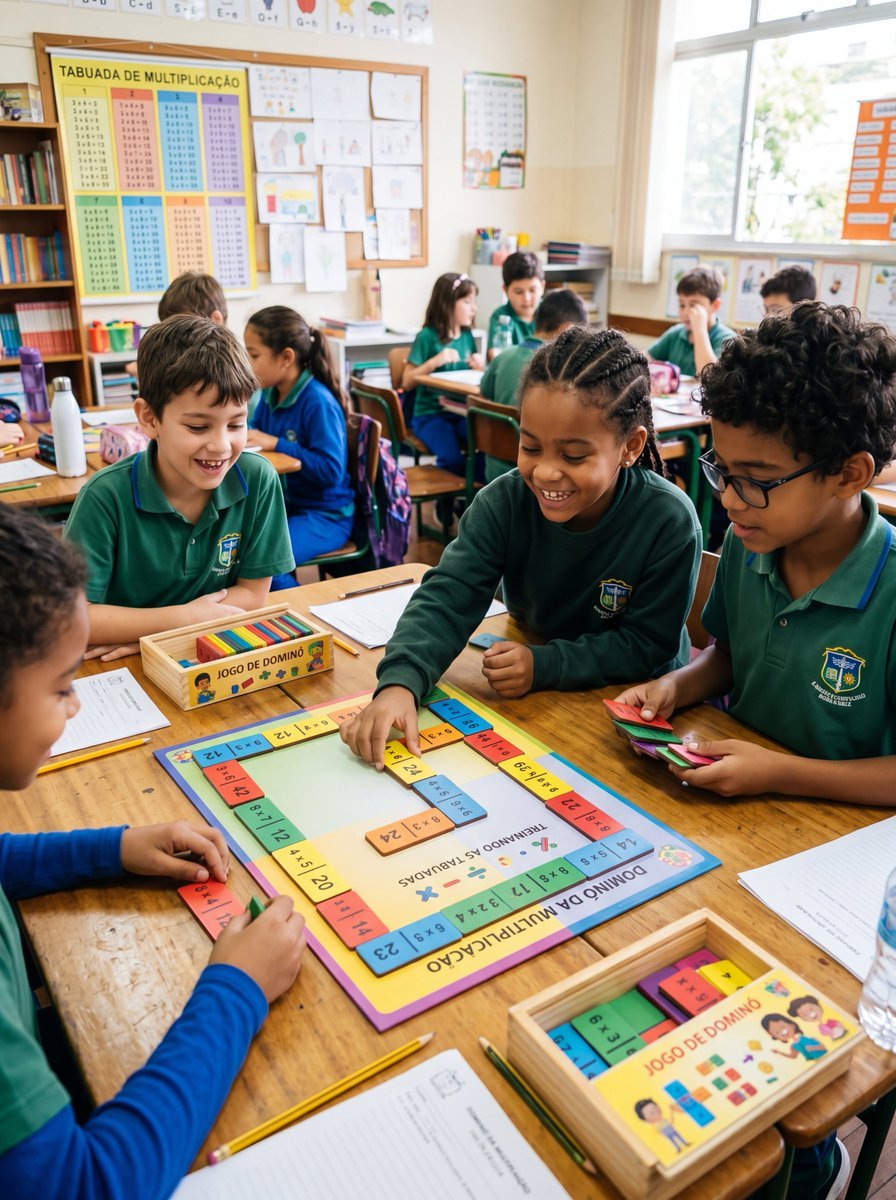
A realistic classroom photo showing children using a colorful multiplication domino board game, ideal for educational materials, school promotions, or math activity visuals.
- Prompt included
- Model and format preset
- Free template
The prompt behind this image
Copy the exact prompt behind Multiplication Domino Classroom Activity, or open it in the studio and make it yours.
A realistic documentary-style photo of an elementary school classroom during a math activity, with about 10 children seated around grouped wooden desks, wearing green and blue school uniforms, actively playing a colorful multiplication domino game. The camera is at child eye level, slightly angled downward toward the main table in the foreground. Center the scene on one square educational board game labeled in Portuguese, with the title "DOMINÓ DA MULTIPLICAÇÃO" on the lower edge and "TREINANDO AS TABUADAS" in the center, surrounded by a border of brightly colored domino-style multiplication tiles. Show 4 children clearly engaged around this main board: one child placing a yellow tile onto the board, one child holding a stack of multicolored tiles, one child watching from the left, and one child in a blue sleeve at the bottom edge arranging pieces. Include 2 shallow wooden boxes labeled "JOGO DE DOMINÓ," one near the center-left and one at the bottom-right, each containing colorful rectangular domino pieces. Scatter school materials naturally on the desks: 3 pencils, 2 worksheets, 1 water bottle, pencil cases, notebooks, and extra game tiles. In the background, show the rest of the classroom softly out of focus with additional students at desks, a bookshelf, a corkboard filled with children’s drawings, and a large multiplication chart poster on the left wall reading "TABUADA DE MULTIPLICAÇÃO." Bright natural daylight enters from tall windows on the right, giving the room a warm, lively, authentic school atmosphere. The educational board and tiles should use vivid classroom colors like yellow, blue, pink, green, and orange. Faces should be unobtrusive or de-emphasized, with the focus on hands-on learning, collaboration, and the multiplication domino activity. Vertical composition, highly realistic photography, candid classroom moment, sharp foreground details, soft depth of field in the background.
How to use Multiplication Domino Classroom Activity in 3 steps
- 1Upload ImagePNG, JPG or paste
Add your photo
Upload the photo the template builds on. The prompt, model and format are already set.
- 2…a portrait of your subject in softgolden-hour light, 85mm…
Personalize
Edit the subject and creative details for your destination.
- 3Generate
Generate
Press Generate — your image is created in PicX Studio, so you can compare it with the original and refine one variable at a time.
More like this
Templates with the same subject, style or setup. Open one to see its prompt.
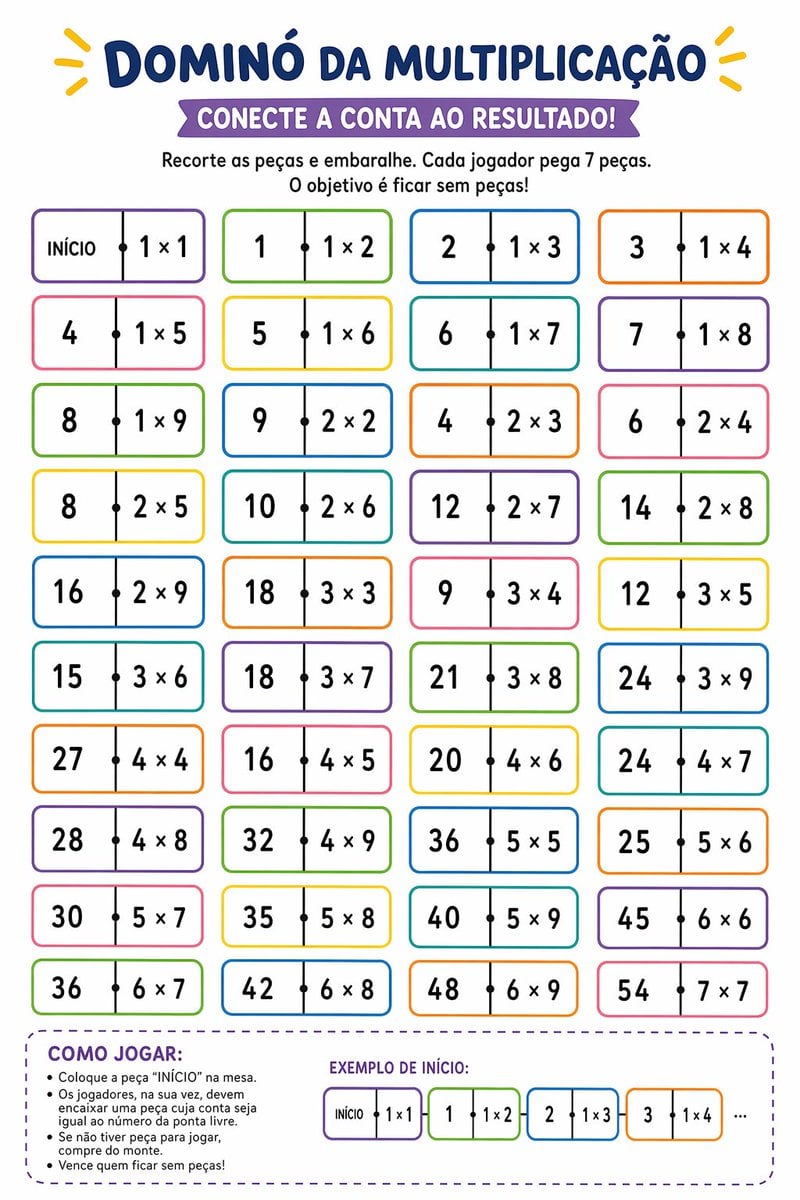
Printable Multiplication Domino Worksheet
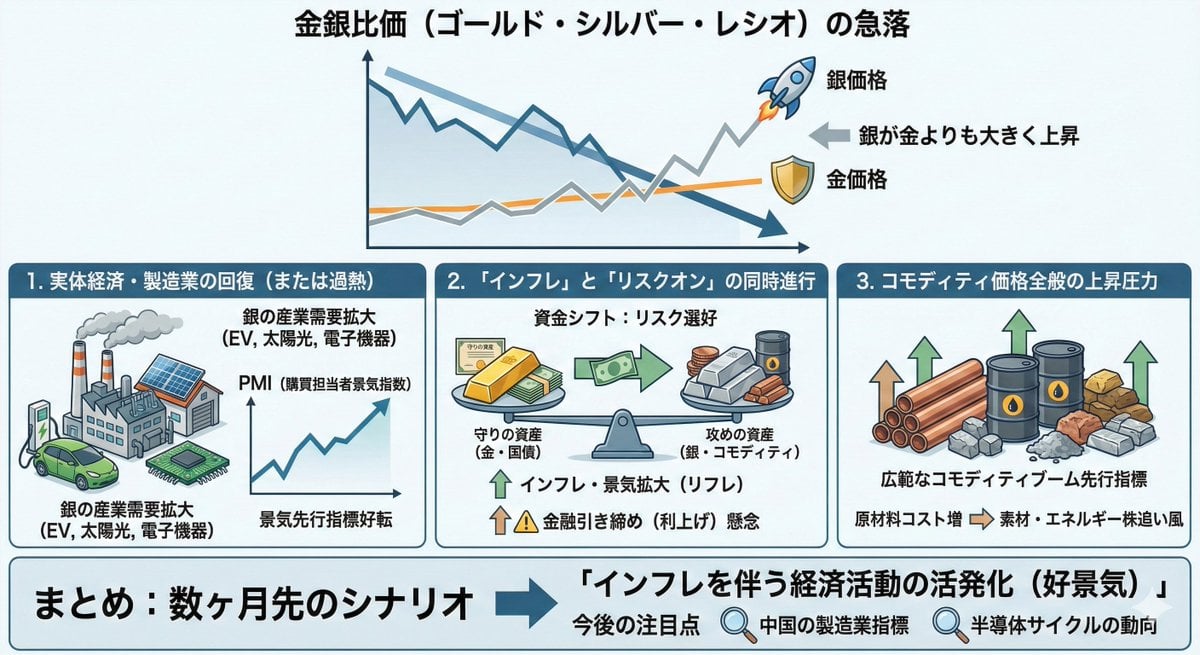
Macroeconomic Outlook Prompt (Inflation and Economic Activity)
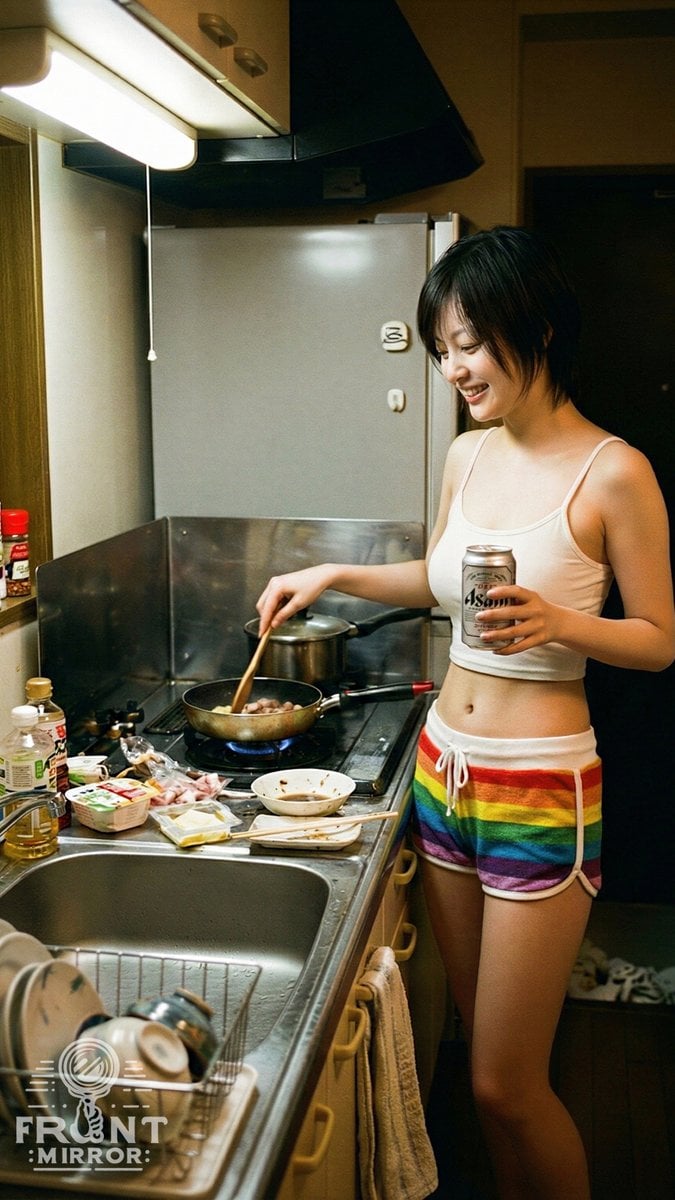
Overhead View of Late Night Activity Prompt (NanoBananaPro)
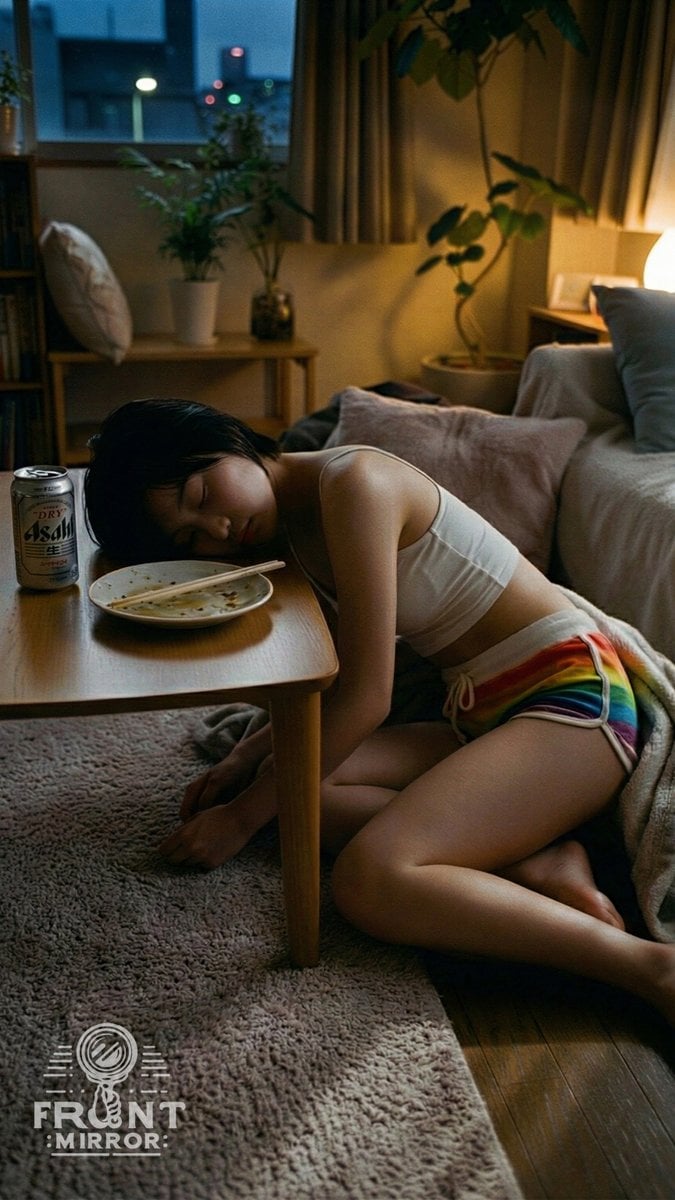
Overhead View of Saturday Morning Activity Prompt
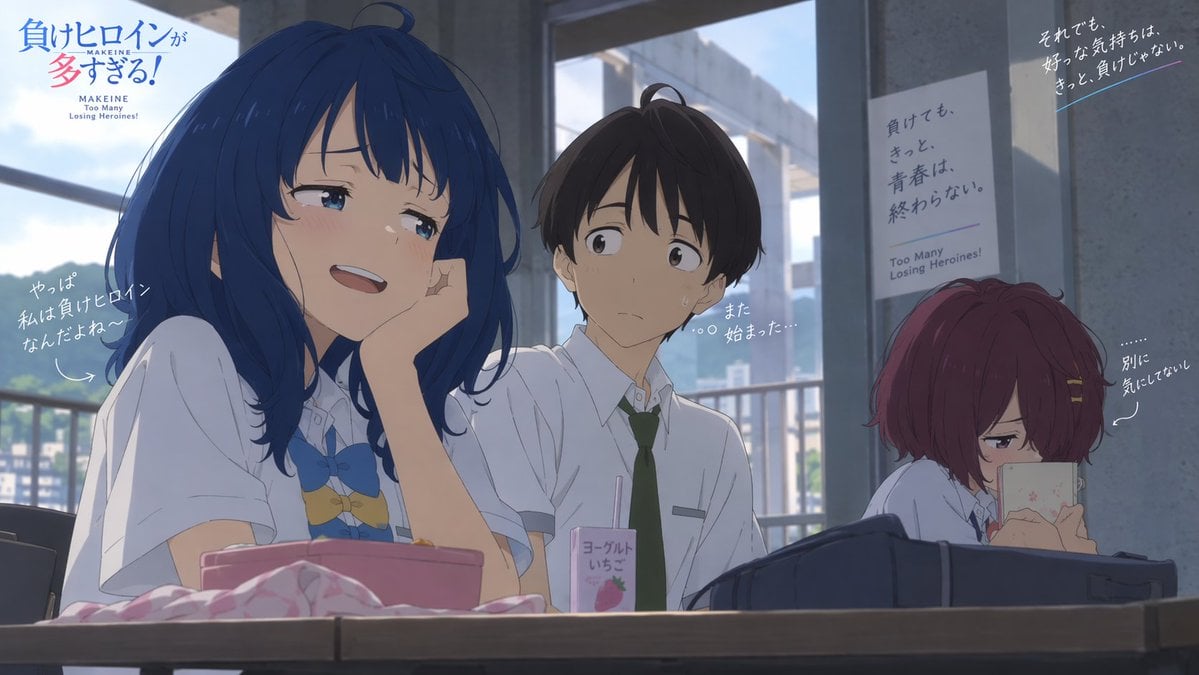
Anime Losing Heroines Classroom Still

Anime Classroom Losing Heroines Key Visual

Anime Losing Heroines Classroom Key Visual
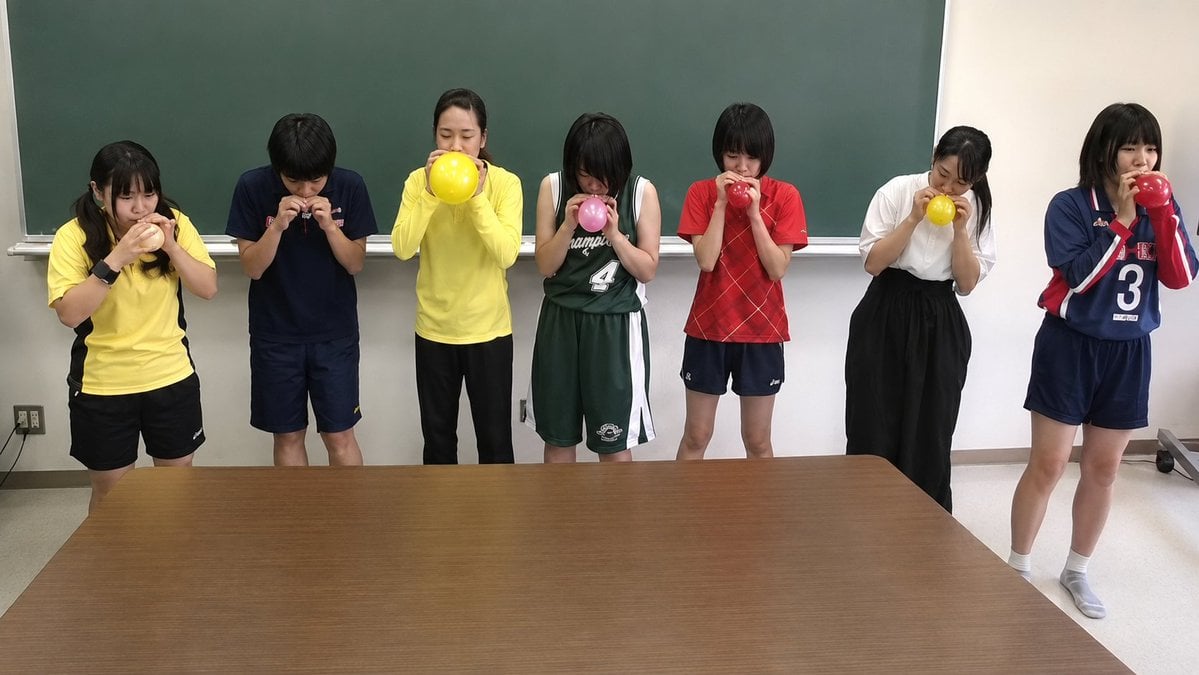
Classroom Balloon Photo Upscale
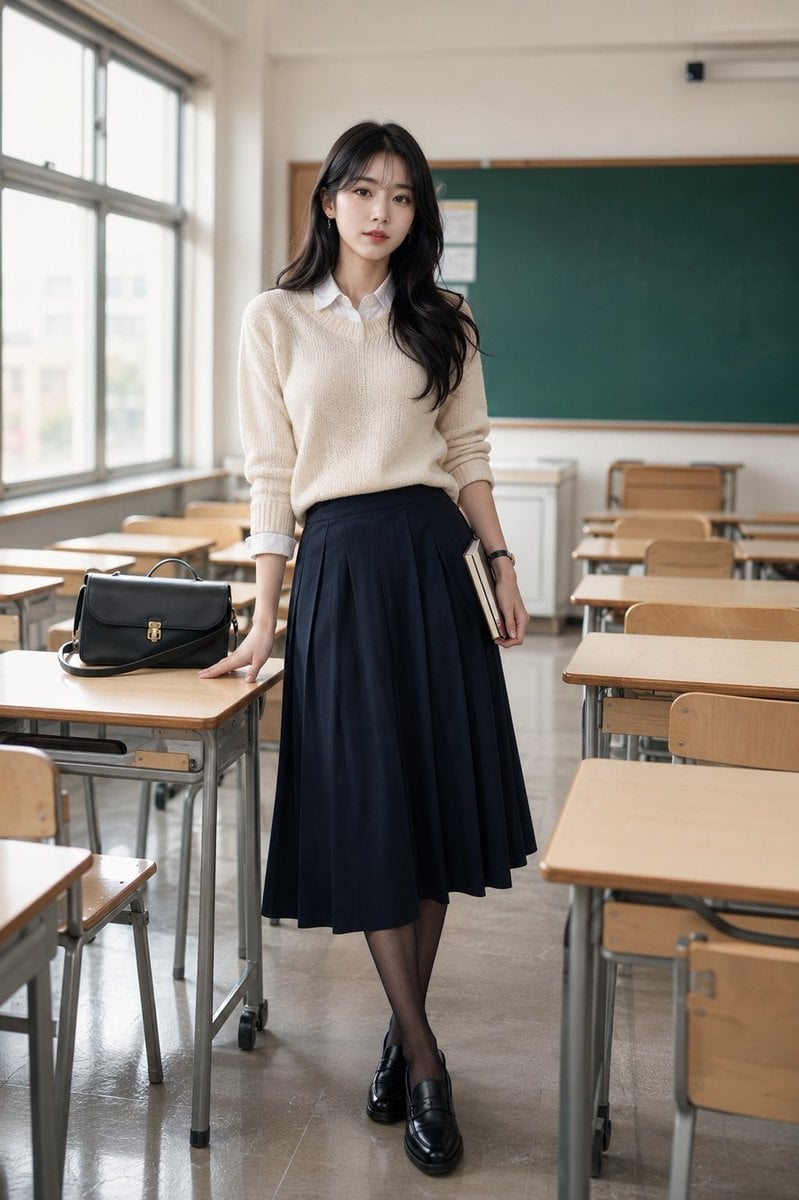
Korean Model Classroom Editorial
Anime Classroom Storyboard
Anime Visual Novel Classroom Banner
Futuristic STEM Classroom with Holograms
Make it yours
Multiplication Domino Classroom Activity works as-is. These are the safest ways to change it without losing the look.
Change one field
Copy a single group, rewrite it, and generate again so you can see what that field is doing.
Keep the frame, change the subject
Hold the composition and light of Multiplication Domino Classroom Activity, then swap wardrobe, props or the person for a new take.
| If the result… | Why | Fix |
|---|---|---|
| The result drifts from the preview | Too many fields changed at once. | Reuse Multiplication Domino Classroom Activity as-is first, then change one group — subject, light, or setting. |
| The model over-stylizes the scene | The prose prompt leaves finish and camera underspecified. | Add one camera or lighting sentence and stay on GPT Image 2. |
More GPT Image 2 templates
Other prompts made for GPT Image 2.

Six VTuber Japanese Logo Sheet

Realistic Portrait of Woman and Deer

The Vista Modular Condo Poster

AI Model Routing Comparison Infographic

2.5D Anime Art Board

Isometric Productivity Desk Scene

New York Double Exposure Poster

Four-Panel AI Landscape Comparison

Japanese Tatami Lifestyle Magazine Cover

NESCAFÉ Coffee Map Poster
More image prompts
Fresh picks from across the catalog.
Poetic Realism Portrait with Light and Shadow Interplay
Commercial Lip Oil Product Photography Prompt for Nano Banana Pro
Retro Japanese Tech Magazine Layout

Glowing Cat Profile Portrait
Raw, Motion-Blurred Nighttime Smartphone Flash Portrait
Image Generation Prompt: Debussy's 'Pelléas et Mélisande'
Cute Oil Pastel Woman Portrait
Chinese Dorm Livestream Screenshot
Avant-Garde Sculptural Fabric Portrait
Modern Broadcast Media Aesthetic Portrait
Browse template categories
Multiplication Domino Classroom Activity questions
How do I use the Multiplication Domino Classroom Activity template?
Add your photo if the template asks for one, edit the prompt if you like — the template's model and format are already selected — and press Generate. Your version opens in PicX Studio.
Can I customize the Multiplication Domino Classroom Activity template?
Yes. You can change the subject, setting, lighting, mood, format, and available model controls before creating your image.
Is the Multiplication Domino Classroom Activity template free?
Opening and editing this template is free. Generating uses credits, shown on the Generate button when you are signed in.
Which AI model should I use?
Start with GPT Image 2, which is the model associated with this template. You can compare another compatible model for a different finish.
Looking for something else? Browse all templates.

Your photo, any look
Thousands of ready templates for every top image and video model, from one credit balance.