
Chinese Dorm Livestream Screenshot
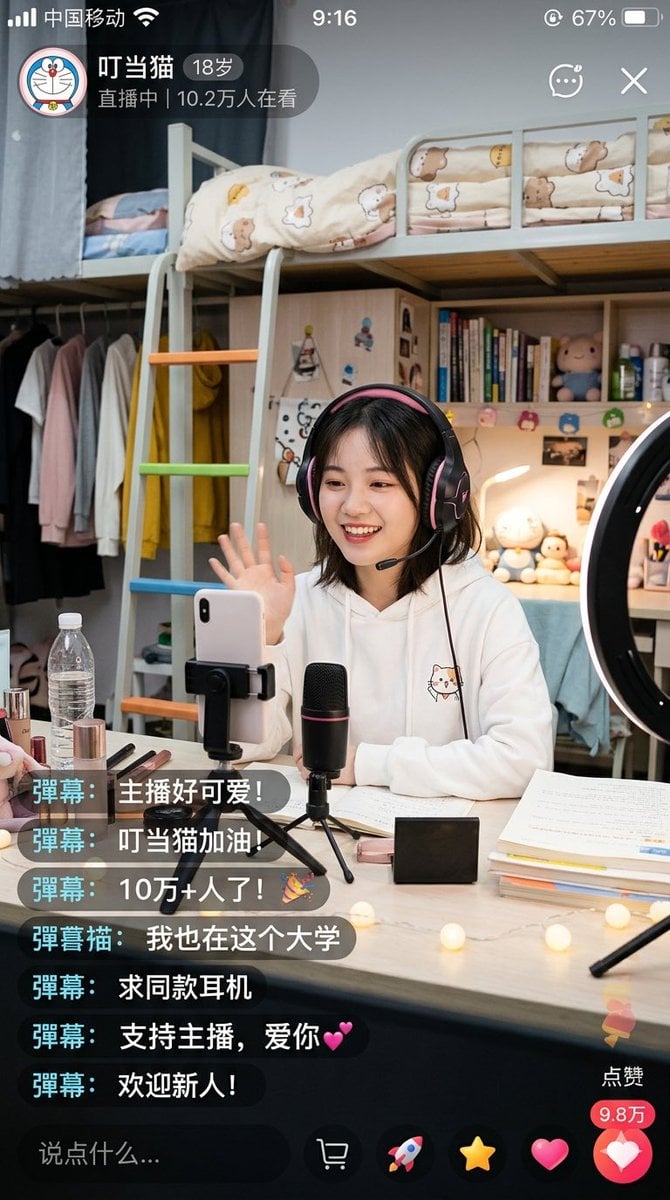
This generates a photorealistic mobile livestream app screenshot of a college girl streaming from her dorm room, useful for social-media UI mockups and realistic AI lifestyle scenes.
- Prompt included
- Model and format preset
- Free template
The prompt behind this image
Copy the exact prompt behind Chinese Dorm Livestream Screenshot, or open it in the studio and make it yours.
A highly realistic vertical smartphone screenshot of a Chinese livestream app showing a cozy college dorm room streamer scene. The interface should look like a real iPhone screen capture with status bar at the top, including Chinese carrier text, time 9:16, and battery around 67%. In the upper left, show a circular cartoon avatar and a livestream info badge with the streamer name "叮当猫", age "18岁", and the line "直播中 | 10.2万人在看". Add small app icons in the upper right for chat/menu and close. The main scene is a young female college student sitting at a desk, facing the phone camera and waving with one hand. Her face is intentionally obscured by a soft rectangular blur block. She has shoulder-length dark hair and wears large black-and-pink over-ear gaming headphones and a white hoodie with a small cute cat illustration on the chest. She is livestreaming from a tidy, warmly lit dorm bedroom. Behind her is a light-colored loft bed with a safety rail and cream bedding printed with bears and stars, plus a ladder with colorful rungs in orange, green, and blue. Under and beside the loft bed are shelves and a wardrobe area with hanging clothes in pale tones and one bright yellow hoodie. The shelves contain upright books, small plush toys, bottles, and personal items. A ring light is visible on the right edge of the frame. On the desk in front of her, place a smartphone in a clamp stand, a black desktop microphone with a subtle red accent on a mini tripod, open notebooks and papers, stacked textbooks, cosmetics including lipstick and brushes, a clear water bottle, a small black rectangular box, and warm fairy lights scattered across the tabletop. The lighting should feel soft, domestic, and inviting, with realistic indoor shadows and a slight phone-camera look. Overlay exactly 7 floating live chat comments stacked on the lower left in dark translucent rounded boxes with cyan name tags. The comments read, from top to bottom: "弹幕: 主播好可爱!", "弹幕: 叮当猫加油!", "弹幕: 10万+人了!🎉", "弹幕猫: 我也在这个大学", "弹幕: 求同款耳机", "弹幕: 支持主播,爱你💕", "弹幕: 欢迎新人!". At the bottom, include a dark comment input bar with placeholder text "说点什么..." and a row of livestream action icons. On the lower right, add a vertical like area with the label "点赞", a red count bubble showing "9.8万", and a large pink heart button. Overall style: photorealistic Chinese social media livestream screenshot, believable app UI, detailed dorm environment, cute youthful campus streamer aesthetic, natural composition, crisp text rendering, no extra panels.
How to use Chinese Dorm Livestream Screenshot in 3 steps
- 1Upload ImagePNG, JPG or paste
Add your photo
Upload the photo the template builds on. The prompt, model and format are already set.
- 2…a portrait of your subject in softgolden-hour light, 85mm…
Personalize
Edit the subject and creative details for your destination.
- 3Generate
Generate
Press Generate — your image is created in PicX Studio, so you can compare it with the original and refine one variable at a time.
More like this
Templates with the same subject, style or setup. Open one to see its prompt.
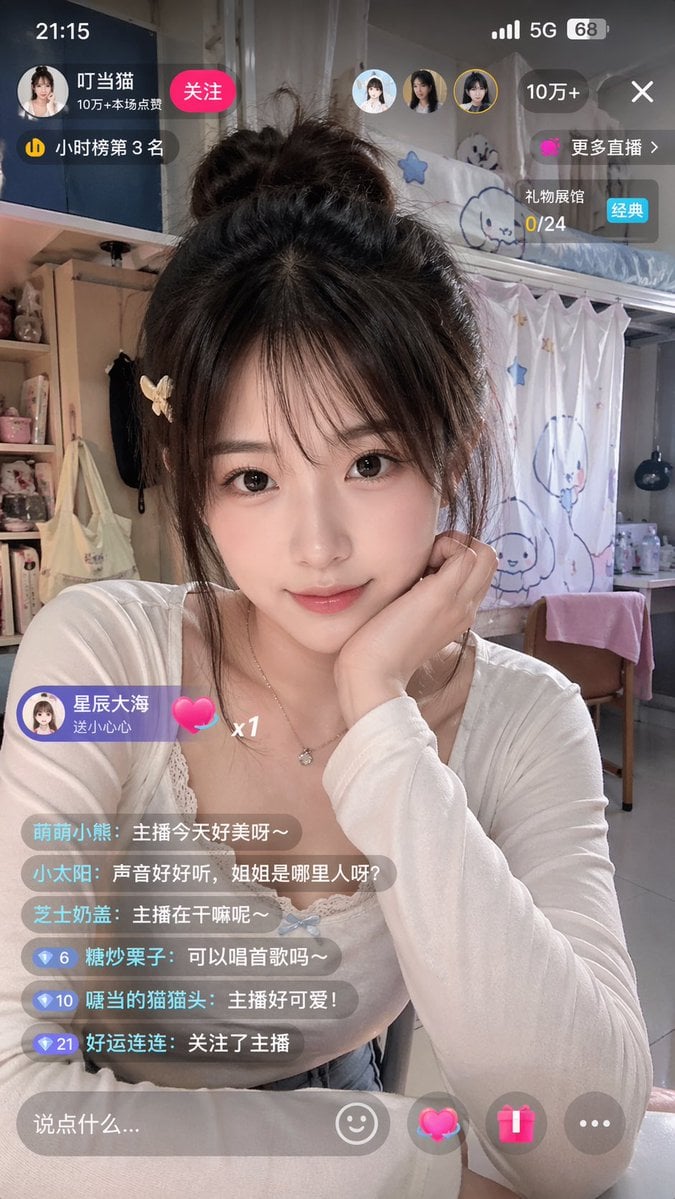
Chinese Livestream Dorm Selfie UI
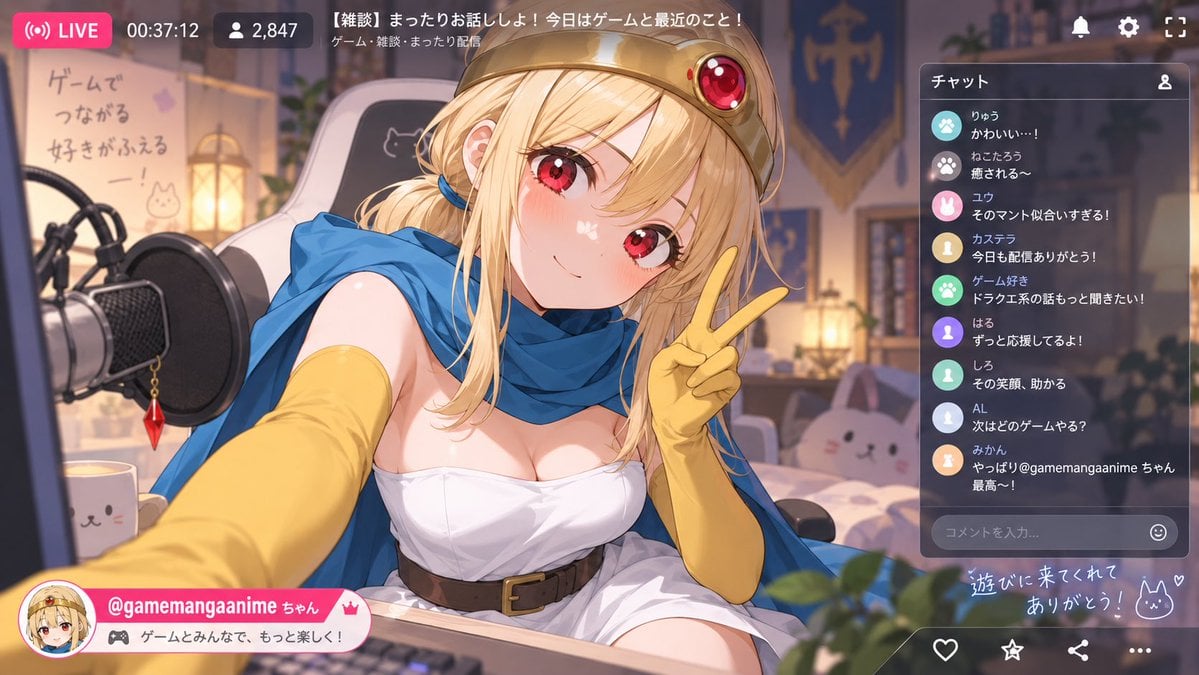
Anime VTuber Livestream Screenshot

Minecraft Next-Gen Voxel World Screenshot
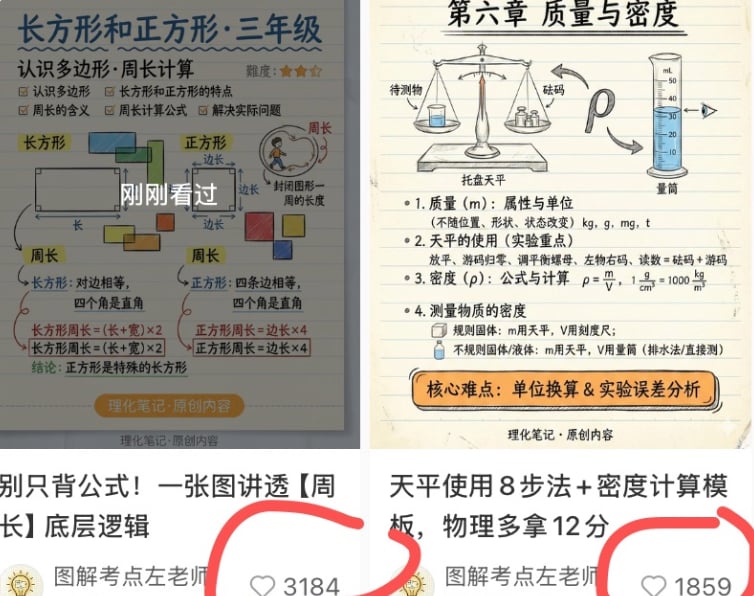
Chinese Study Card Social Screenshot
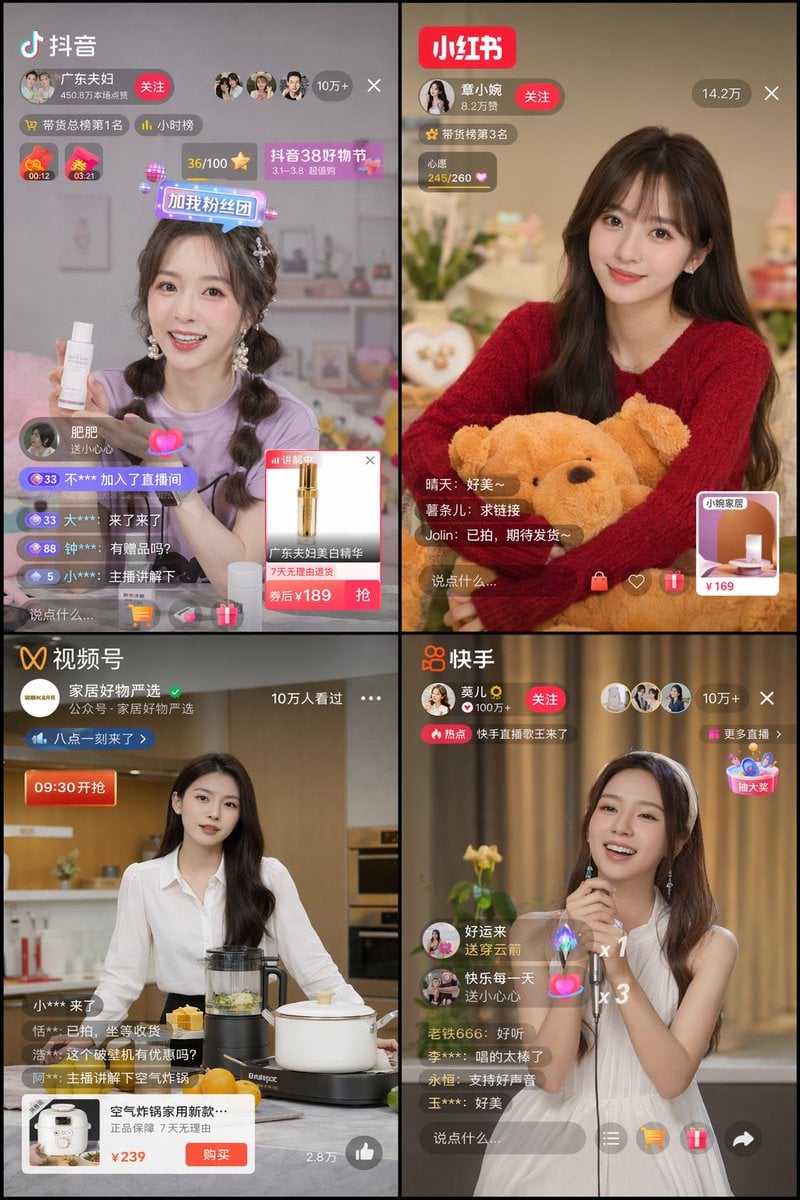
Chinese Livestreaming App UI Grid
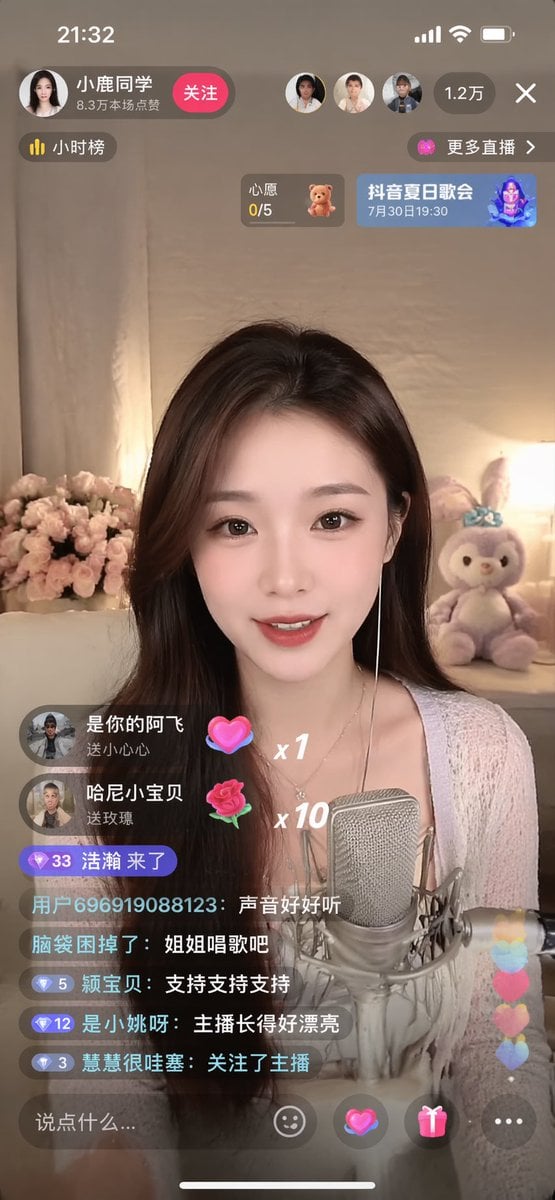
Simple Livestream Screenshot
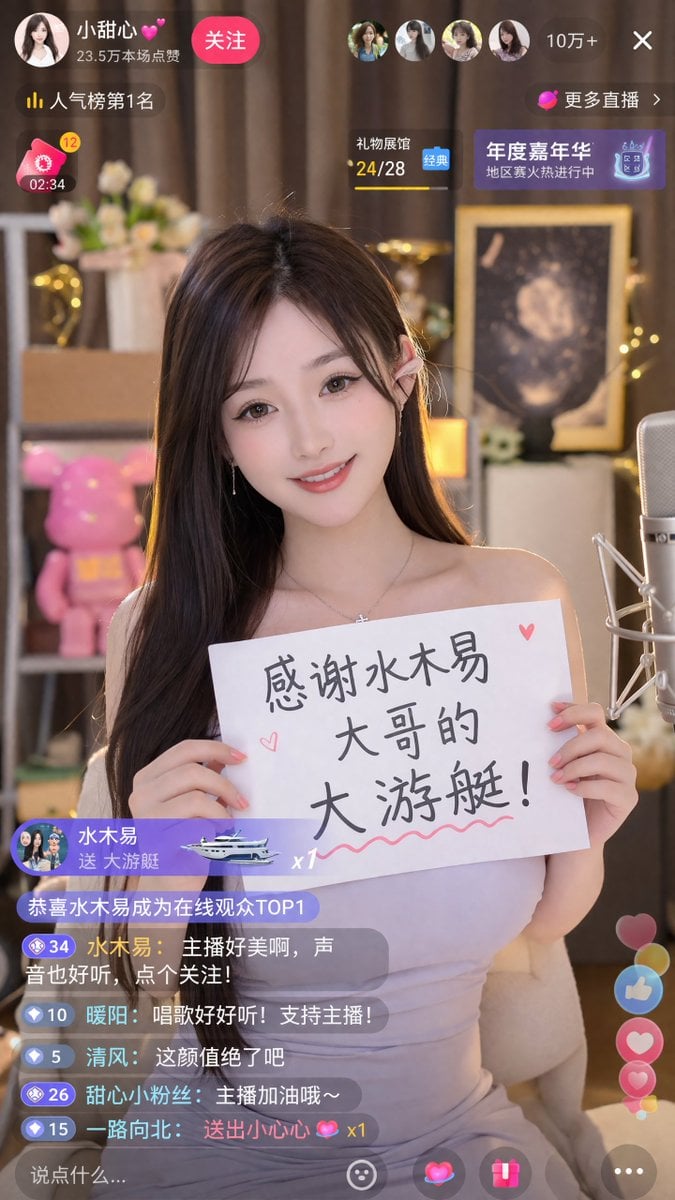
Livestream Screenshot Prompt
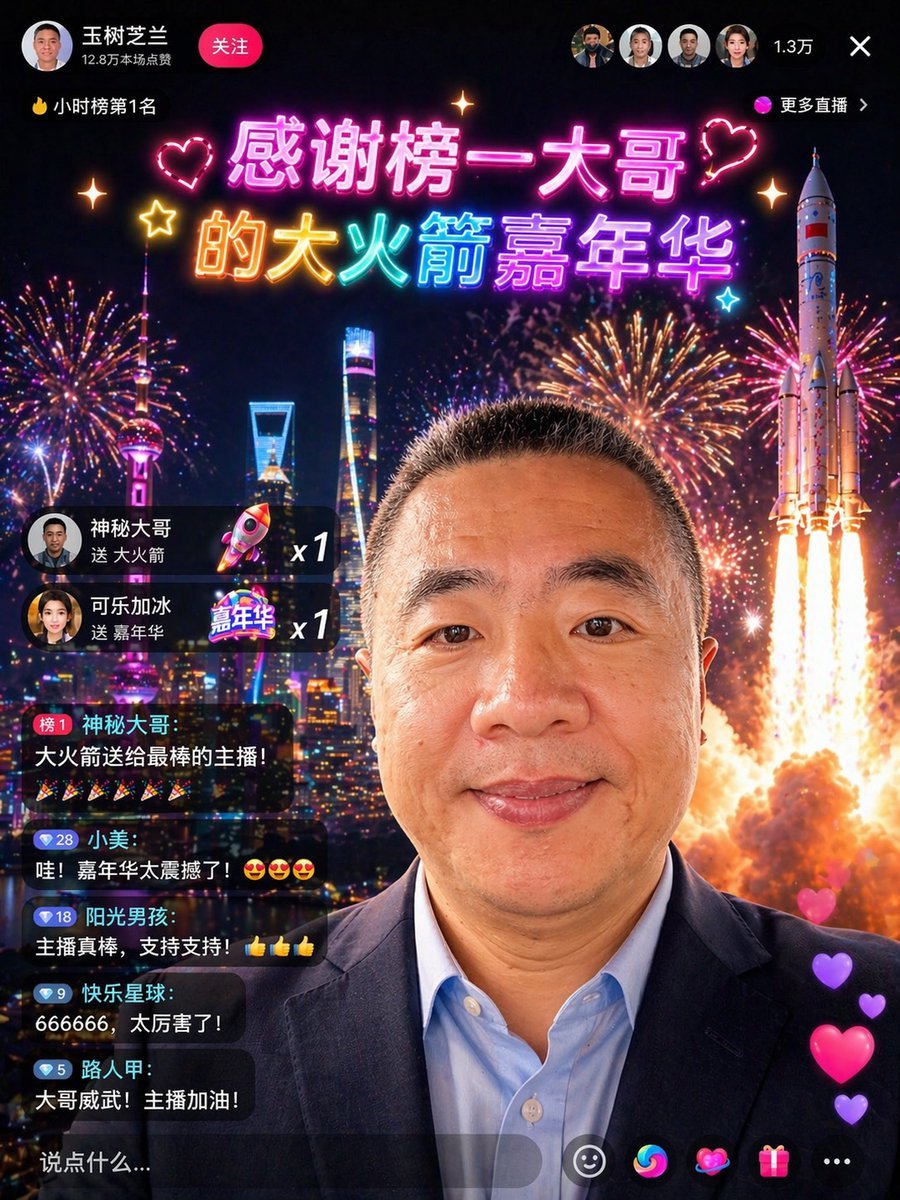
Chinese Livestream Rocket Gala Edit

敦煌纸雕飞天 — 3D Layered Paper Cutout

博物馆图鉴式汉服拆解图 — GPT-image-2
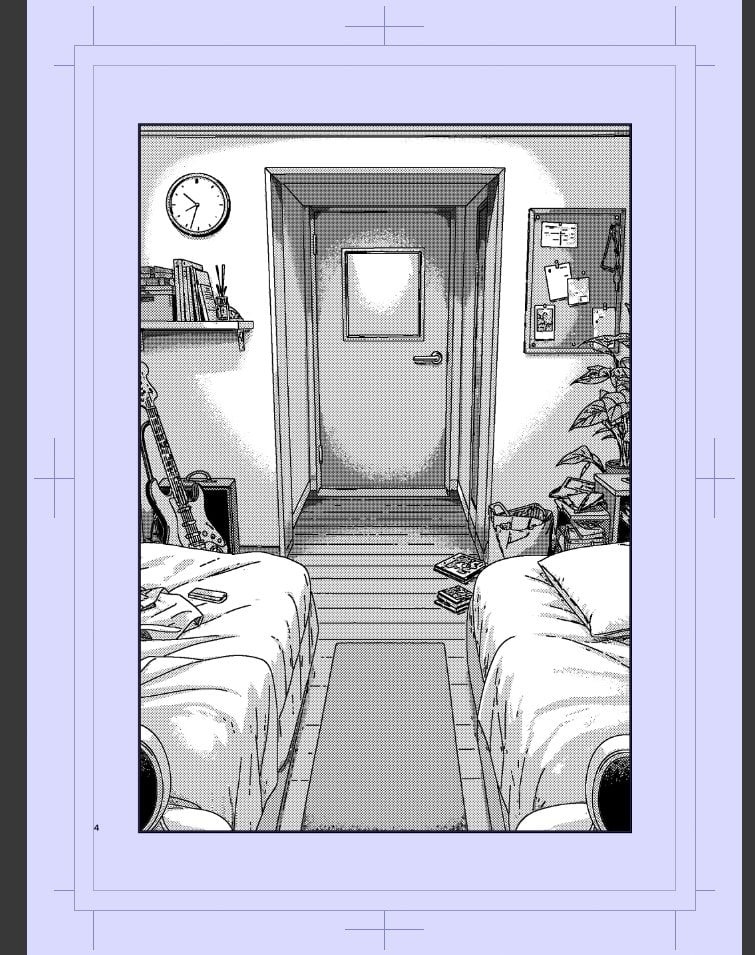
Polished Manga Dorm Room Background

Dessert Livestream Branding Cover System
Make it yours
Chinese Dorm Livestream Screenshot works as-is. These are the safest ways to change it without losing the look.
Change one field
Copy a single group, rewrite it, and generate again so you can see what that field is doing.
Keep the frame, change the subject
Hold the composition and light of Chinese Dorm Livestream Screenshot, then swap wardrobe, props or the person for a new take.
| If the result… | Why | Fix |
|---|---|---|
| The result drifts from the preview | Too many fields changed at once. | Reuse Chinese Dorm Livestream Screenshot as-is first, then change one group — subject, light, or setting. |
| The model over-stylizes the scene | The prose prompt leaves finish and camera underspecified. | Add one camera or lighting sentence and stay on GPT Image 2. |
More GPT Image 2 templates
Other prompts made for GPT Image 2.

Six VTuber Japanese Logo Sheet

Realistic Portrait of Woman and Deer

The Vista Modular Condo Poster

AI Model Routing Comparison Infographic

2.5D Anime Art Board

Isometric Productivity Desk Scene

New York Double Exposure Poster

Four-Panel AI Landscape Comparison

Japanese Tatami Lifestyle Magazine Cover

NESCAFÉ Coffee Map Poster
More image prompts
Fresh picks from across the catalog.
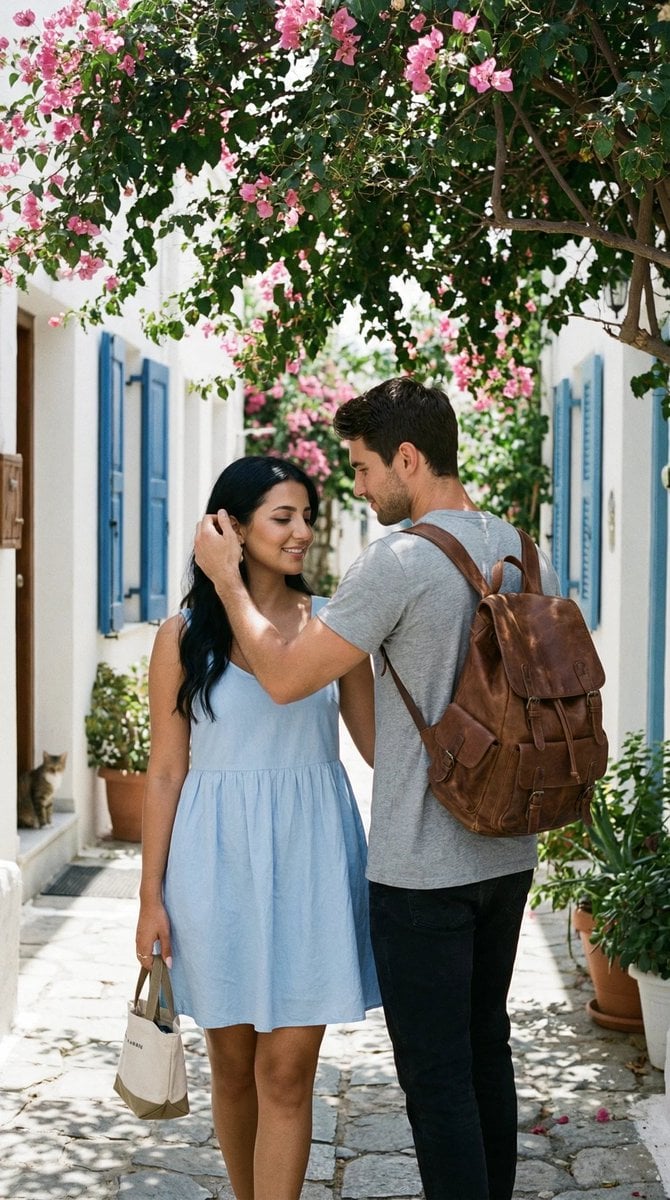
Ultra-Photorealistic Candid Travel Romance Scene: Aegean Stone Street

Krea K2 Large Five-Panel Showcase
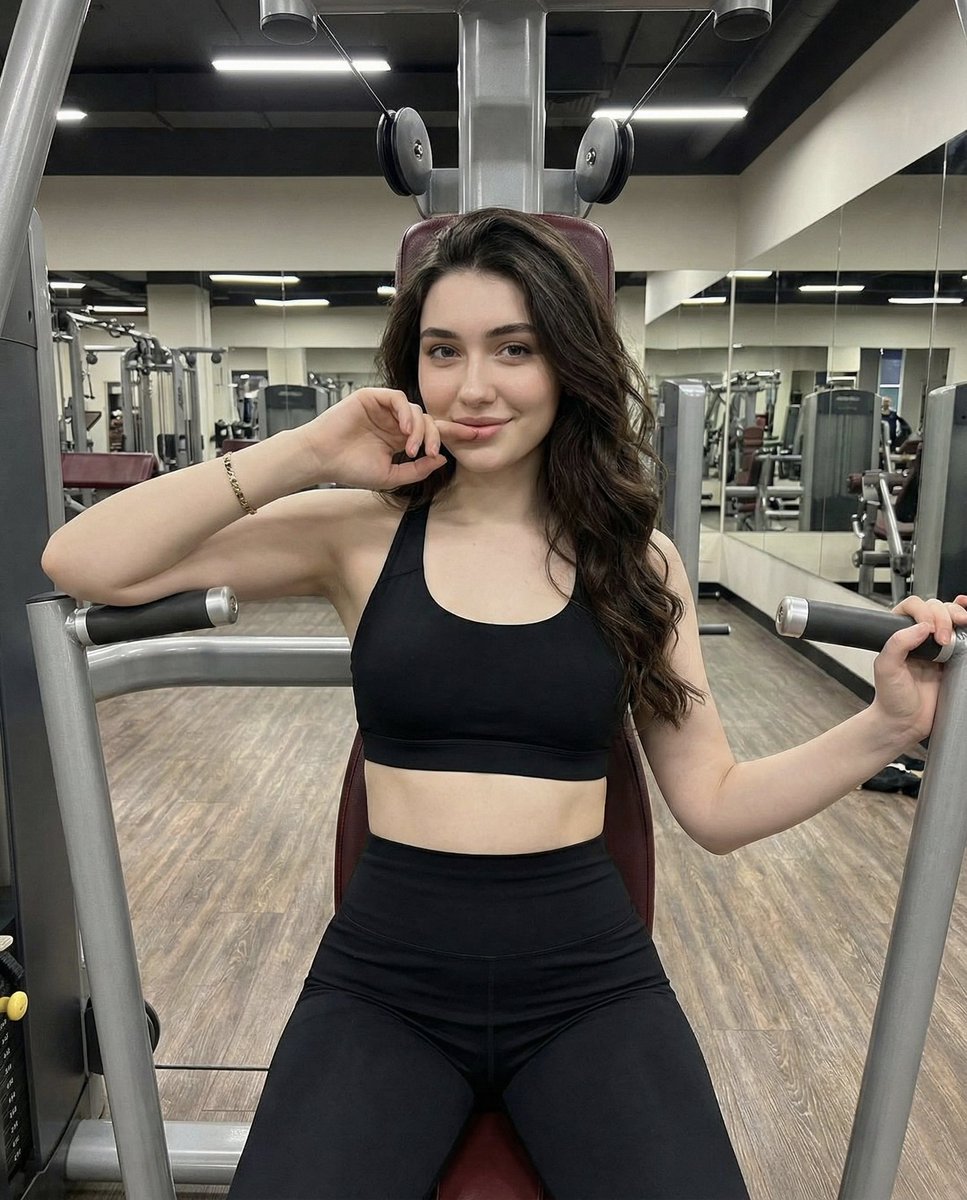
Lifestyle Fitness Portrait on Gym Machine
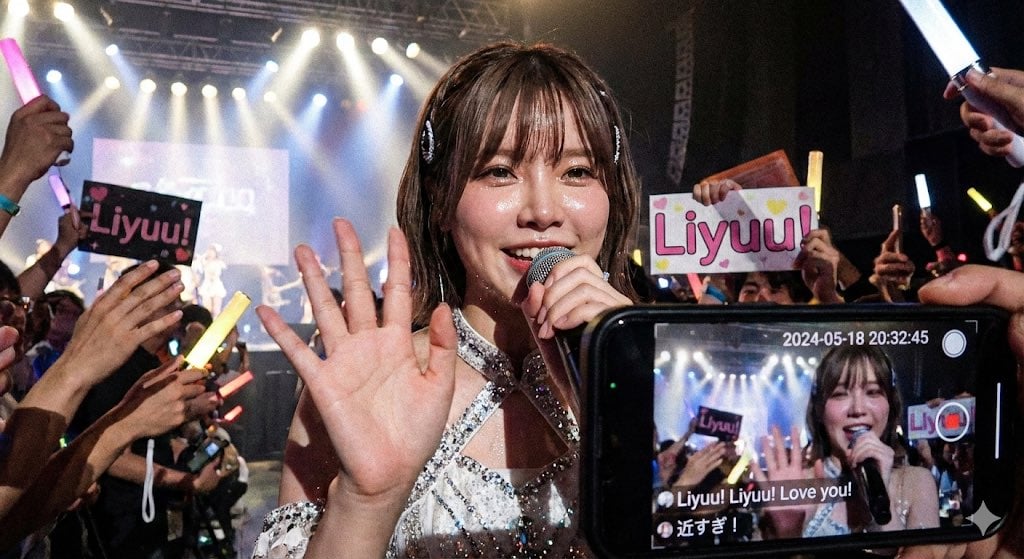
Liyuu live concert close-up fan cam
Luxury Boutique Fashion Portrait
Dramatic Digital Painting Portrait with Limited Palette

Anime Pop-Art Protest Poster
Pale Watercolor Line Art Transformation

3D Retro Futurism Space Poster

Lord Shiva Hand-Holding Cinematic Scene Prompt
Browse template categories
Chinese Dorm Livestream Screenshot questions
How do I use the Chinese Dorm Livestream Screenshot template?
Add your photo if the template asks for one, edit the prompt if you like — the template's model and format are already selected — and press Generate. Your version opens in PicX Studio.
Can I customize the Chinese Dorm Livestream Screenshot template?
Yes. You can change the subject, setting, lighting, mood, format, and available model controls before creating your image.
Is the Chinese Dorm Livestream Screenshot template free?
Opening and editing this template is free. Generating uses credits, shown on the Generate button when you are signed in.
Which AI model should I use?
Start with GPT Image 2, which is the model associated with this template. You can compare another compatible model for a different finish.
Looking for something else? Browse all templates.

Your photo, any look
Thousands of ready templates for every top image and video model, from one credit balance.