
Polished Manga Dorm Room Background
Transforms a rough room-layout sketch into a finished monochrome manga background panel with screentones and manuscript-page borders.
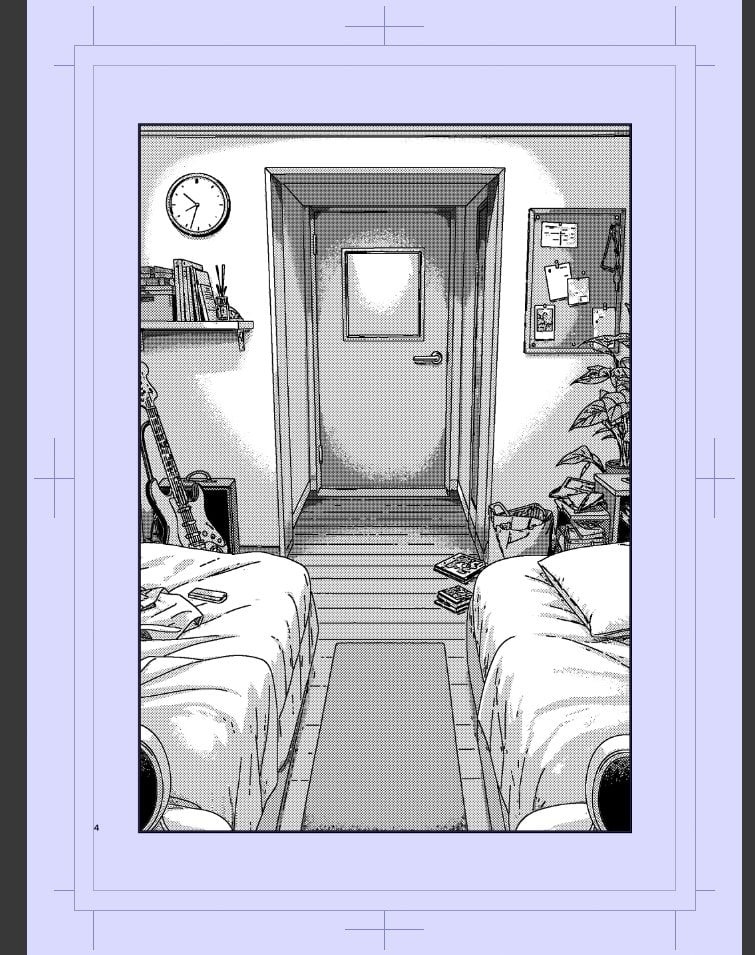
- Prompt included
- Model and format preset
- Free template
The prompt behind this image
Copy the exact prompt behind Polished Manga Dorm Room Background, or open it in the studio and make it yours.
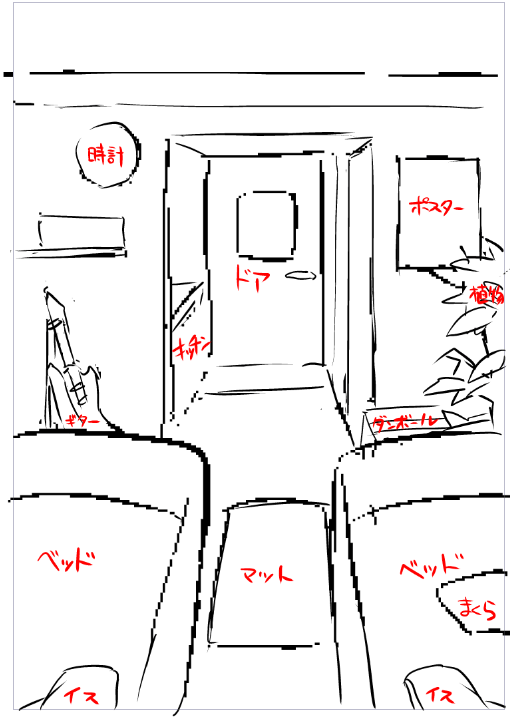
Using REFERENCE_0 as a rough manga background layout, convert the sketch into a polished black-and-white manga panel background. Keep the same one-point perspective composition: two beds framing the foreground, a central floor mat leading to a recessed door, a wall clock on the left, a shelf with books, a guitar leaning on the left bed, a poster/bulletin-board area on the right wall, and a potted plant plus small boxes/items on the right. Replace the loose red annotations and rough construction lines with clean finished line art, accurate perspective, detailed room objects, screentone shading, crosshatching, halftone gradients, and tidy manga-style textures. Add believable details not present in the sketch: wood plank flooring in the doorway area, rumpled bedding folds, small papers/books on the beds and floor, a corkboard with pinned notes, a shopping bag/bin near the right side, and subtle wall shadows around the doorway. Present the finished art as a single vertical manga page panel centered on a pale lavender manuscript-paper border with crop marks and page guide lines. No readable labels or red handwriting should remain; the result should look like a professional monochrome comic background ready for final human touch-up.
Reference images included
Polished Manga Dorm Room Background needs input media to work. They load alongside the prompt when you open it in the studio.
How to use Polished Manga Dorm Room Background in 3 steps
- 1Upload ImagePNG, JPG or paste
Add your photo
Upload the photo the template builds on. The prompt, model and format are already set.
- 2…a portrait of your subject in softgolden-hour light, 85mm…
Personalize
Edit the subject and creative details for your destination.
- 3Generate
Generate
Press Generate — your image is created in PicX Studio, so you can compare it with the original and refine one variable at a time.
More like this
Templates with the same subject, style or setup. Open one to see its prompt.

Photoreal Selfie Minecraft Block World
Polished Manga Page From Rough Storyboard
Background to Manga Layout Prompt
Photorealistic Student Dorm Room Scene
Nine-character group scene in living room background
Casual 'Lazy-Hot' Mirror Selfie in Dorm Room
Realistic 'Lazy-Hot' Mirror Selfie in Dorm Room
Nano Banana Pro Dorm Room Cinematic

Polished Anime Noble Portrait
Polished Child Crayon Drawing Photo
Polished Anime Edit from Rough Sketch
White Wing Nurse Break Room Portrait
Make it yours
Polished Manga Dorm Room Background works as-is. These are the safest ways to change it without losing the look.
Change one field
Copy a single group, rewrite it, and generate again so you can see what that field is doing.
Keep the frame, change the subject
Hold the composition and light of Polished Manga Dorm Room Background, then swap wardrobe, props or the person for a new take.
| If the result… | Why | Fix |
|---|---|---|
| The result drifts from the preview | Too many fields changed at once. | Reuse Polished Manga Dorm Room Background as-is first, then change one group — subject, light, or setting. |
| The model over-stylizes the scene | The prose prompt leaves finish and camera underspecified. | Add one camera or lighting sentence and stay on GPT Image 2. |
More GPT Image 2 templates
Other prompts made for GPT Image 2.

Six VTuber Japanese Logo Sheet

Realistic Portrait of Woman and Deer

The Vista Modular Condo Poster

AI Model Routing Comparison Infographic

2.5D Anime Art Board

Isometric Productivity Desk Scene

New York Double Exposure Poster

Four-Panel AI Landscape Comparison

Japanese Tatami Lifestyle Magazine Cover

NESCAFÉ Coffee Map Poster
More image prompts
Fresh picks from across the catalog.

Product Photography Prompt: Swiss Army Knife
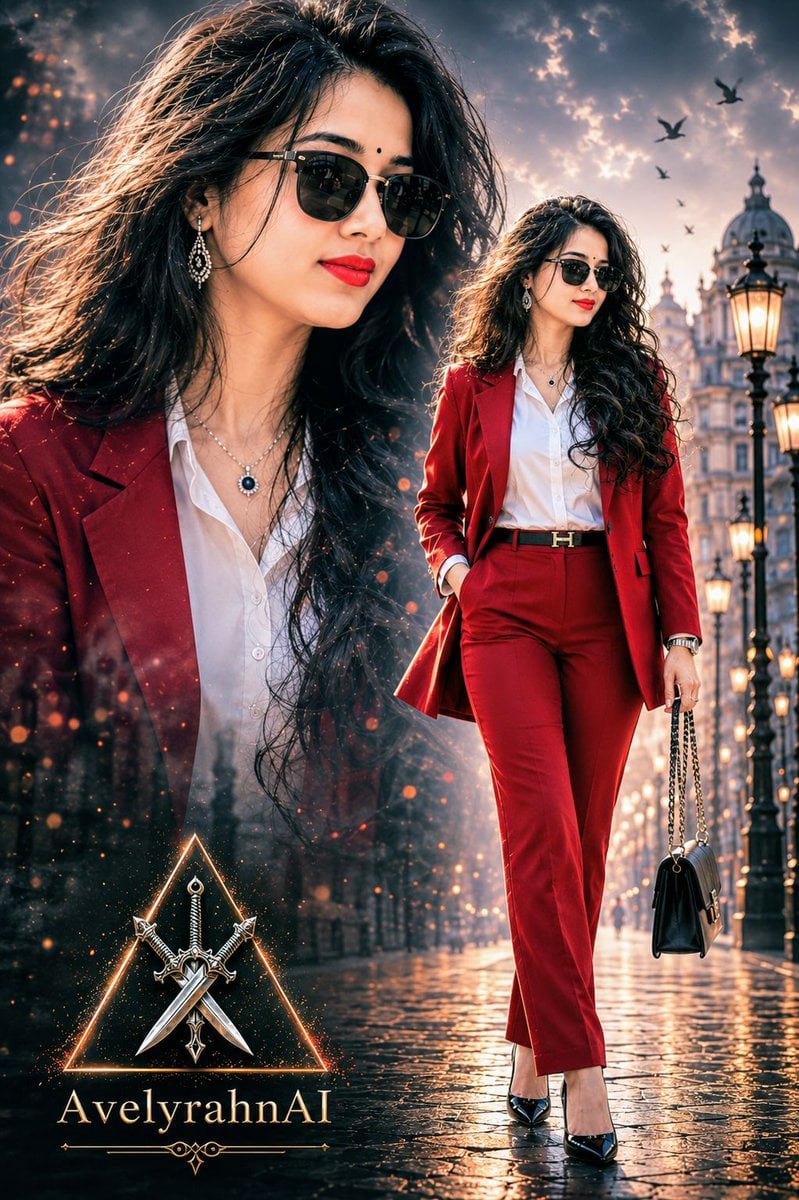
Multi-Exposure Indian Woman Fashion Poster
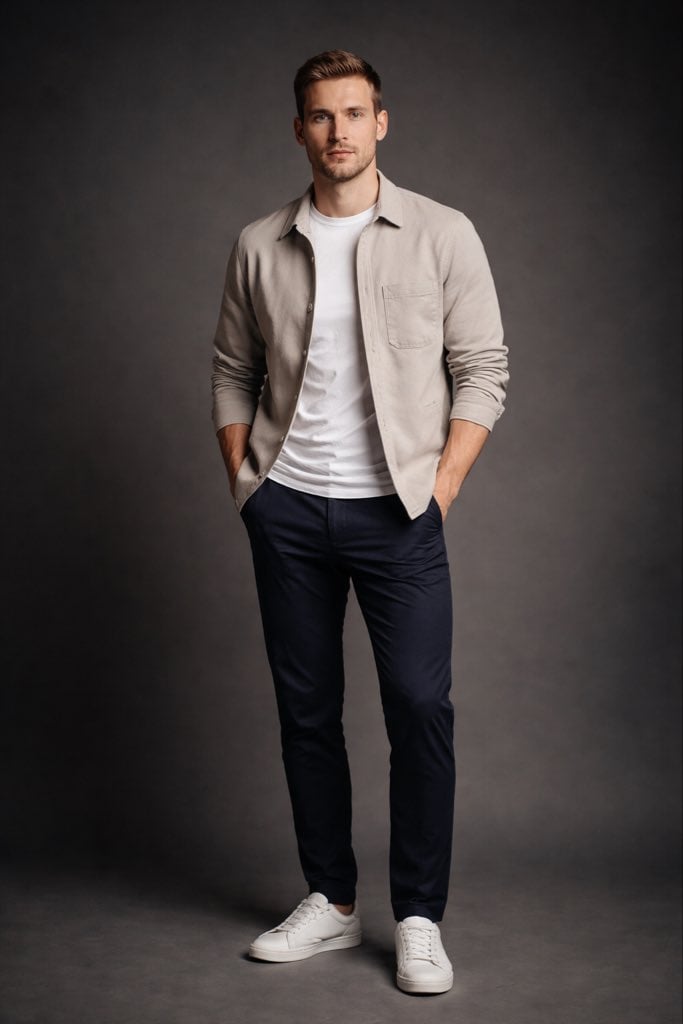
Modern Casual British Man Studio Portrait Prompt
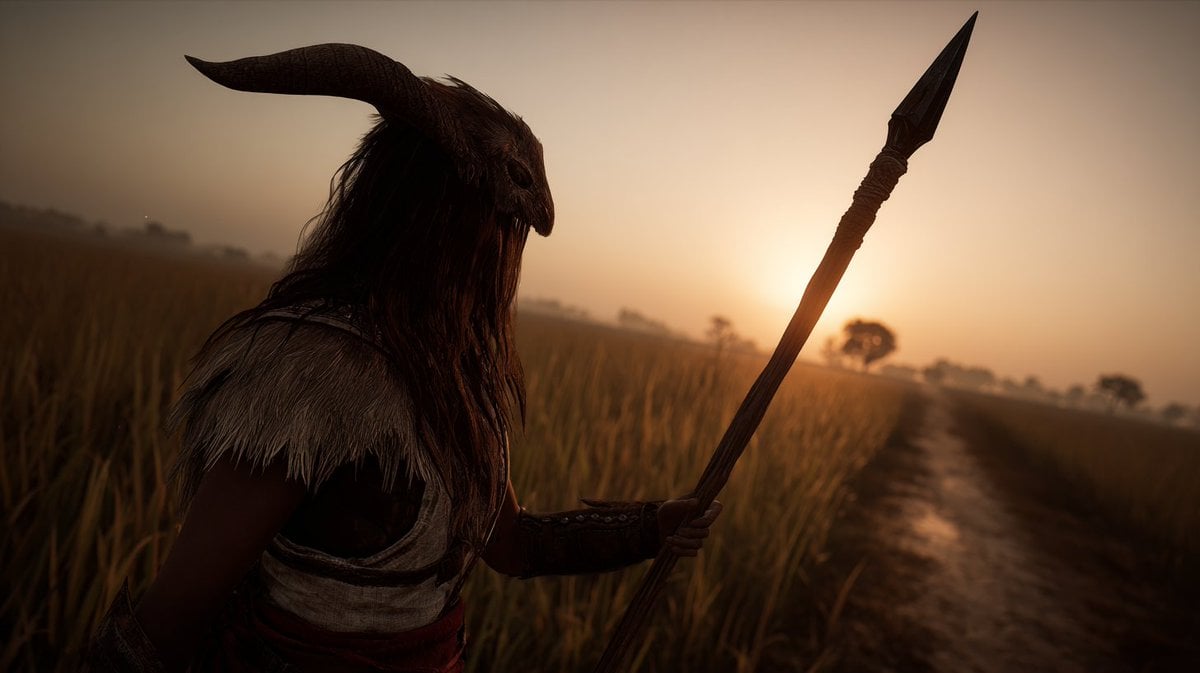
Storyboard Grid Generation Prompt

Premium Designer Collectible Toy Aesthetic

Hyper-Realistic Underwater Snorkeling Portrait

BMW Performance Social Poster

Cognitive bias Instagram infographic
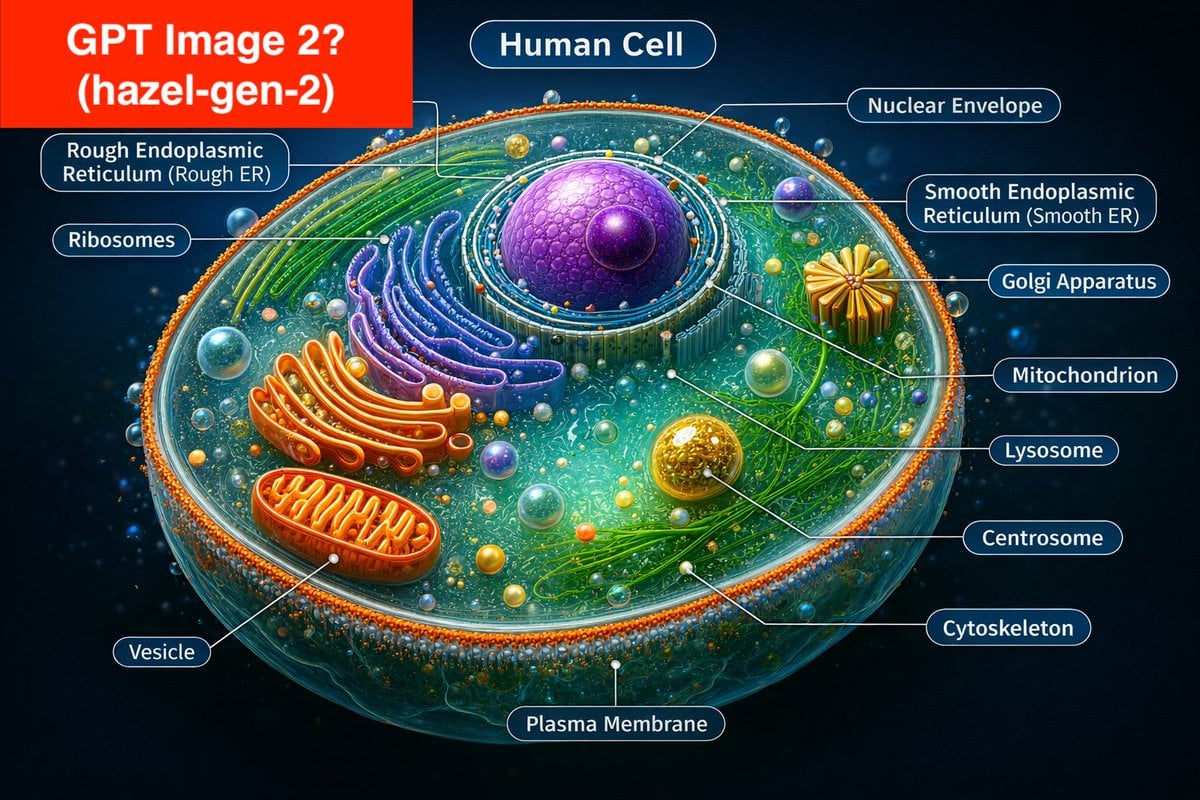
Labeled Diagram of a Human Cell (Comparison Prompt)
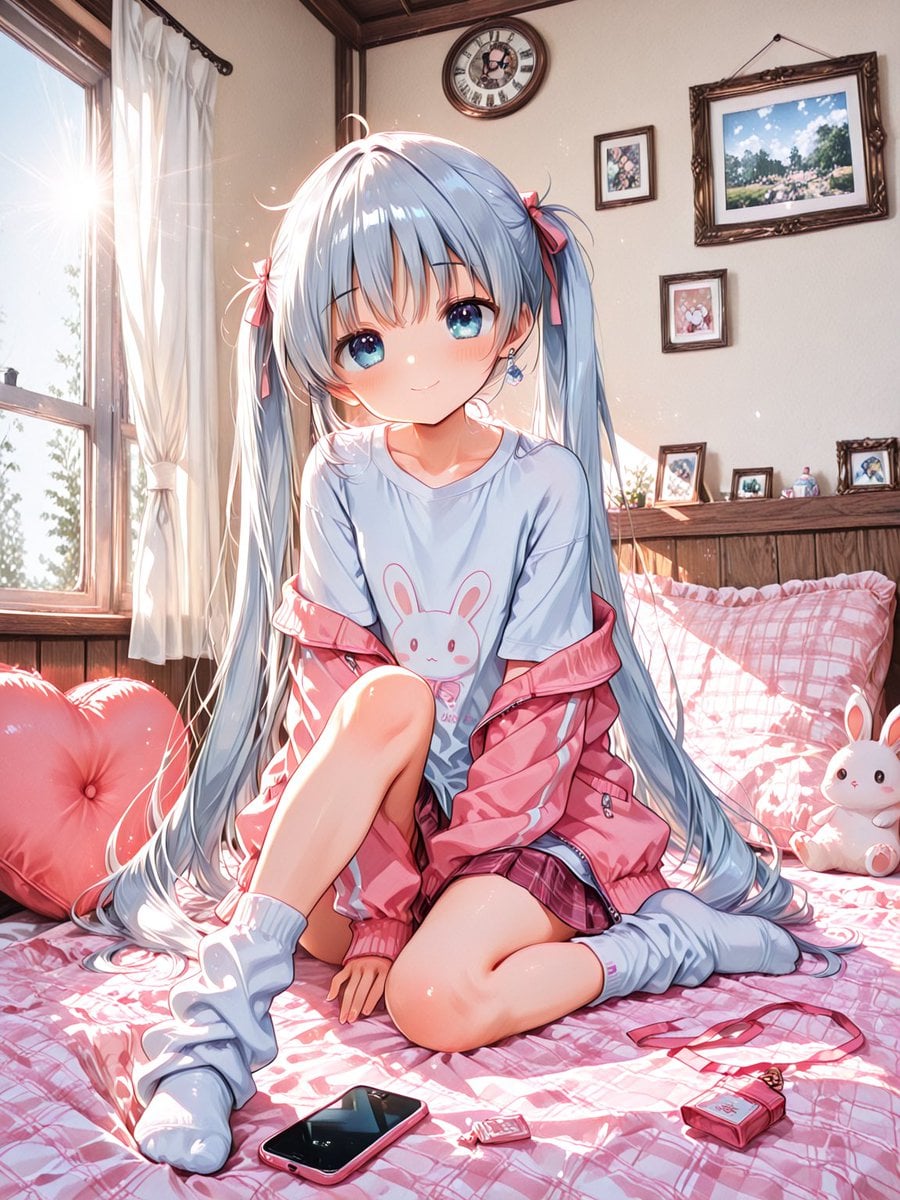
Sunlit Anime Bedroom Portrait
Browse template categories
Polished Manga Dorm Room Background questions
How do I use the Polished Manga Dorm Room Background template?
Add your photo if the template asks for one, edit the prompt if you like — the template's model and format are already selected — and press Generate. Your version opens in PicX Studio.
Can I customize the Polished Manga Dorm Room Background template?
Yes. You can change the subject, setting, lighting, mood, format, and available model controls before creating your image.
Is the Polished Manga Dorm Room Background template free?
Opening and editing this template is free. Generating uses credits, shown on the Generate button when you are signed in.
Which AI model should I use?
Start with GPT Image 2, which is the model associated with this template. You can compare another compatible model for a different finish.
Looking for something else? Browse all templates.

Your photo, any look
Thousands of ready templates for every top image and video model, from one credit balance.