
Premium Designer Collectible Toy Aesthetic
A comprehensive prompt that transforms any portrait into a stylized high-end vinyl or resin collectible art toy with sophisticated lighting and textures.
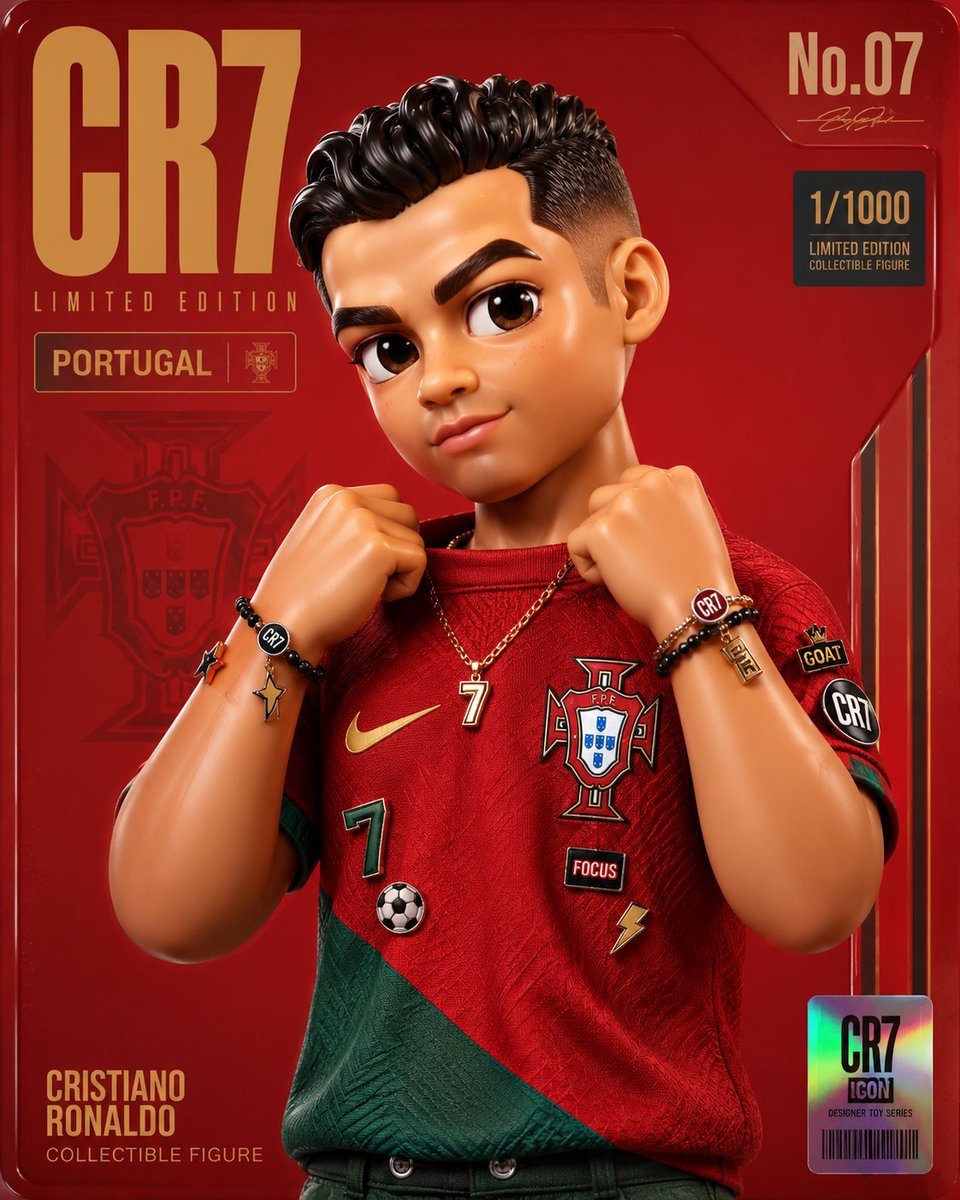
- Prompt included
- Model and format preset
- Free template
The prompt behind this image
Copy the exact prompt behind Premium Designer Collectible Toy Aesthetic, or open it in the studio and make it yours.
Transform the input image into a premium designer collectible-art toy aesthetic. Preserve the subject's identity, pose, composition, and key features, but reinterpret everything as a highly detailed stylized vinyl/resin character. Features: Cute yet sophisticated designer toy proportions Large expressive eyes with subtle side-glance attitude Smooth polished skin and soft sculpted facial features High-end 3D render quality Hyper-detailed materials and textures Soft ambient global illumination Studio-grade lighting with gentle bloom Slightly exaggerated facial proportions Clean toy-like surface finish Premium collectible figurine appearance Styling: Add playful graphic stickers, pins, patches, charms, decals, that match the subject's personality Decorative details should feel curated and collectible, not random Fashion and clothing should remain inspired by the original image but elevated into designer-toy aesthetics Rich layered materials such as knit fabrics, glossy plastics, enamel pins, embroidered patches, metallic jewelry, and soft textiles Subtle freckles, texture details, and micro-surface imperfections for realism Composition: Centered portrait framing Magazine-cover presentation Bold oversized typography Modern editorial layout Minimal geometric UI elements Limited edition collectible packaging design language Clean visual hierarchy Luxury streetwear toy-brand aesthetic Color System: Extract the dominant color from the outfit Use that color as the primary background gradient Create monochromatic harmony between background and wardrobe Add small complementary accent colors through stickers and accessories Vibrant but cohesive palette Rendering: Ultra-detailed 3D character render Octane/Redshift/Cinema4D quality Sharp focus High contrast Soft depth of field Commercial toy photography Luxury collectible product shot Premium designer art toy aesthetic Contemporary street-culture collectible design Ratio 4:5
How to use Premium Designer Collectible Toy Aesthetic in 3 steps
- 1Upload ImagePNG, JPG or paste
Add your photo
Upload the photo the template builds on. The prompt, model and format are already set.
- 2…a portrait of your subject in softgolden-hour light, 85mm…
Personalize
Edit the subject and creative details for your destination.
- 3Generate
Generate
Press Generate — your image is created in PicX Studio, so you can compare it with the original and refine one variable at a time.
More like this
Templates with the same subject, style or setup. Open one to see its prompt.

Felt & Knit 3D Character — Photo-Exact Face, Pixar-Quality Plush Figurine
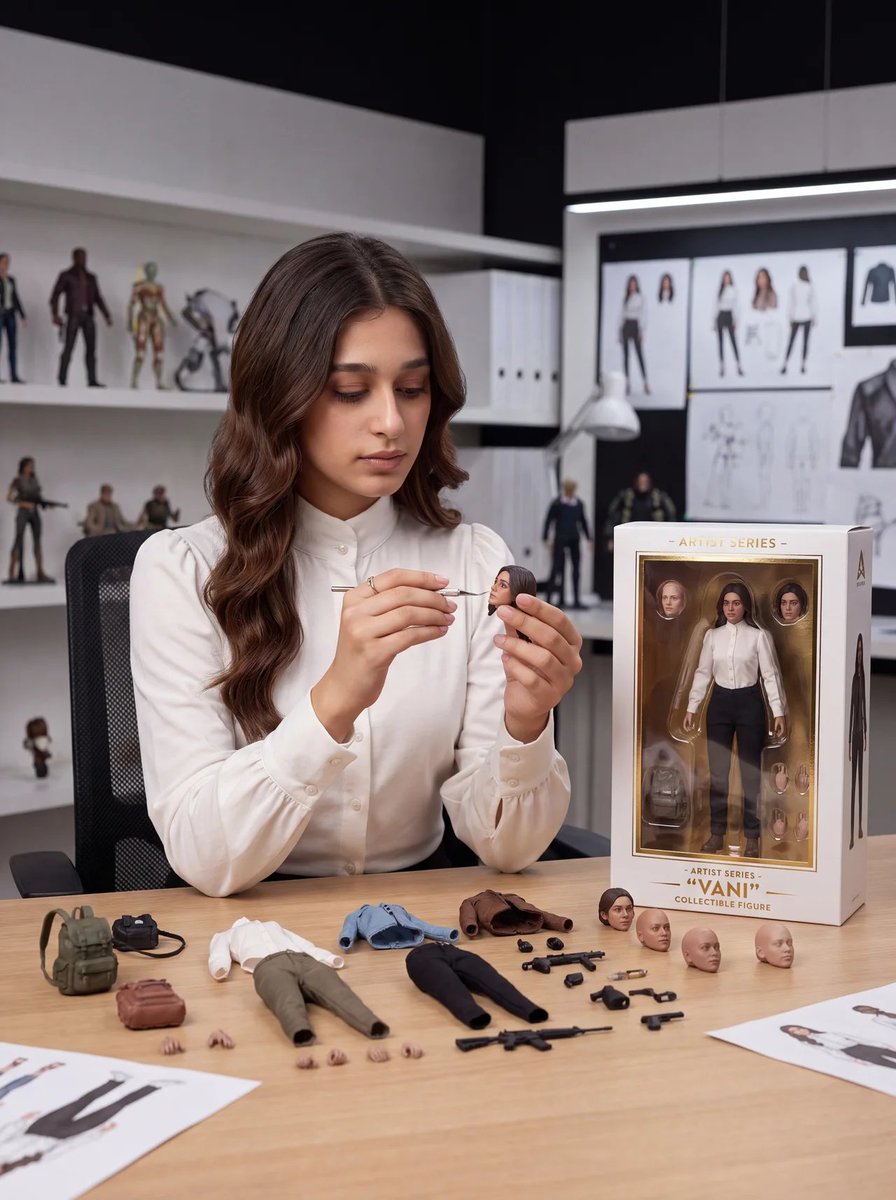
Toy Designer Collectible Figure Studio
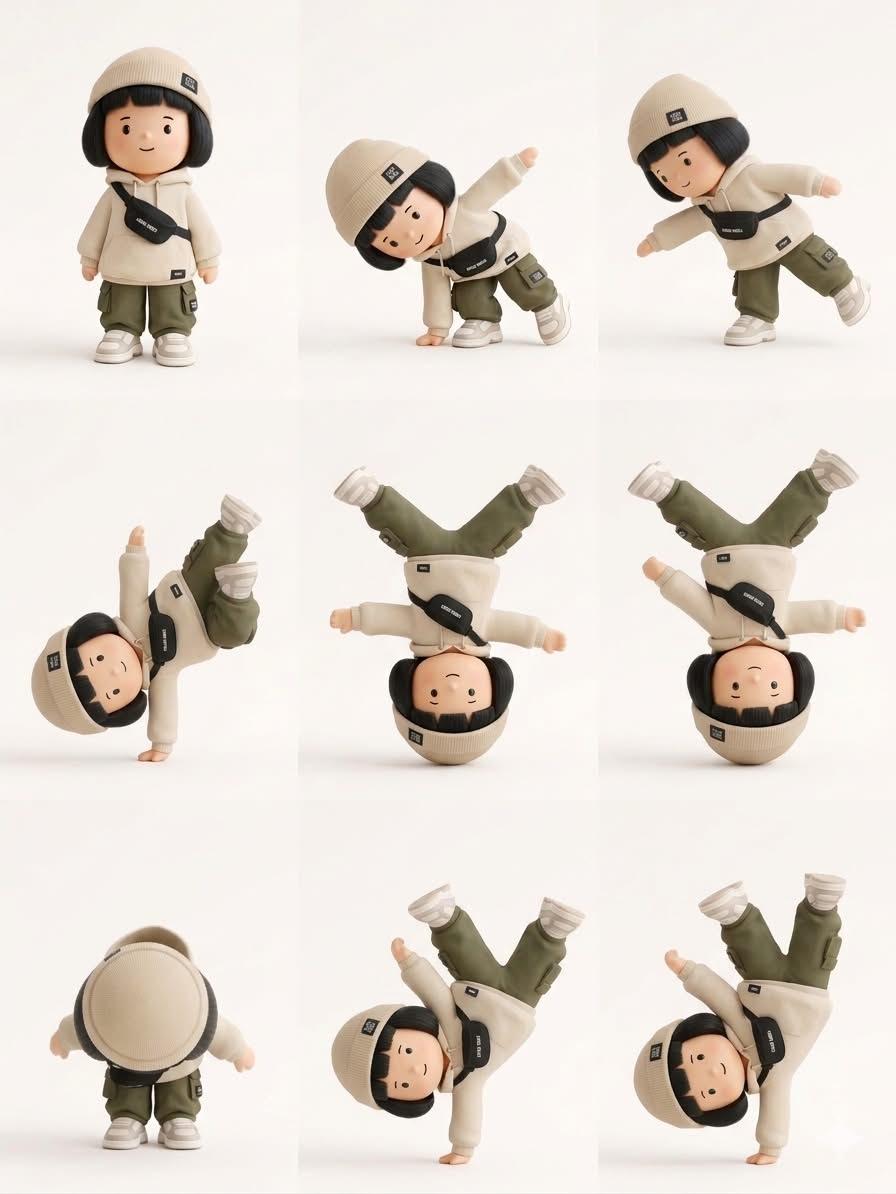
Designer Art Toy Collectible
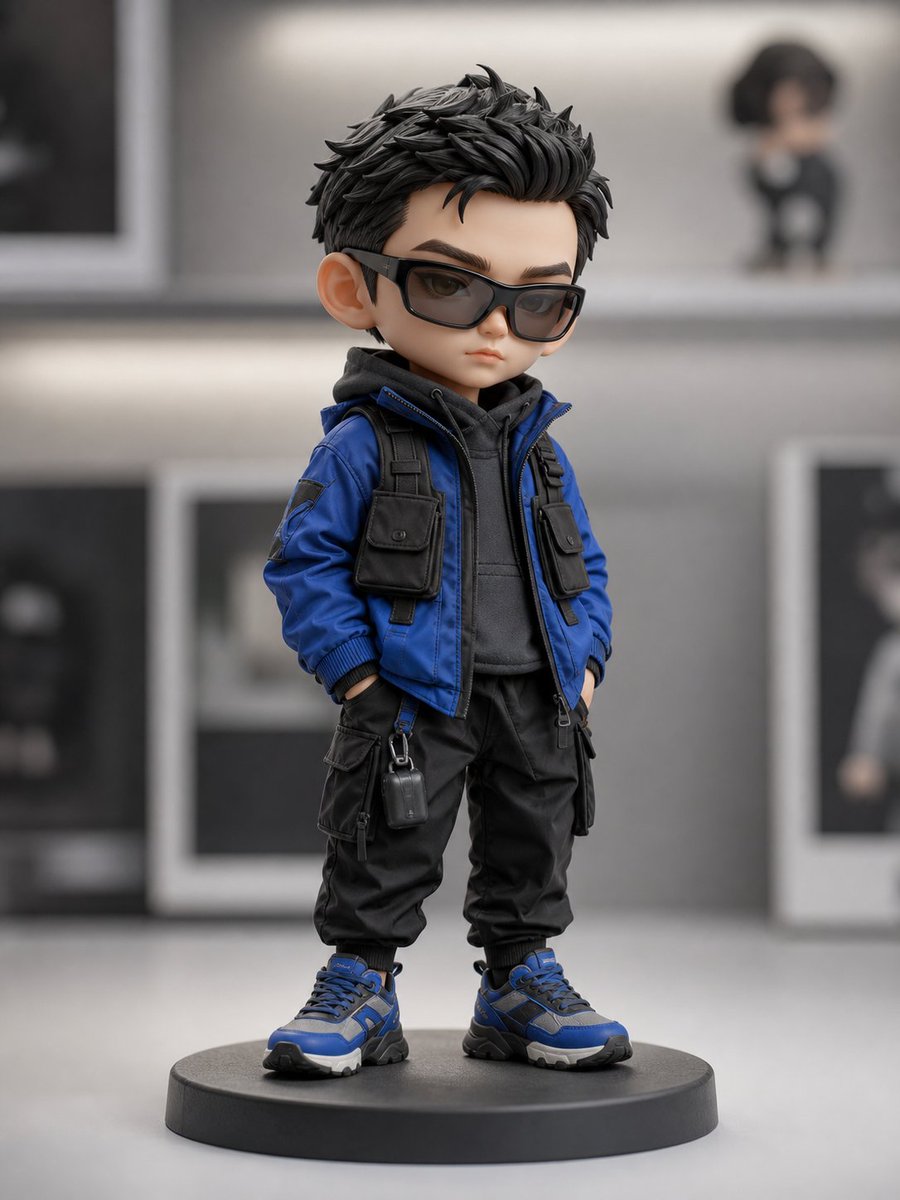
Chibi Streetwear Collectible Toy
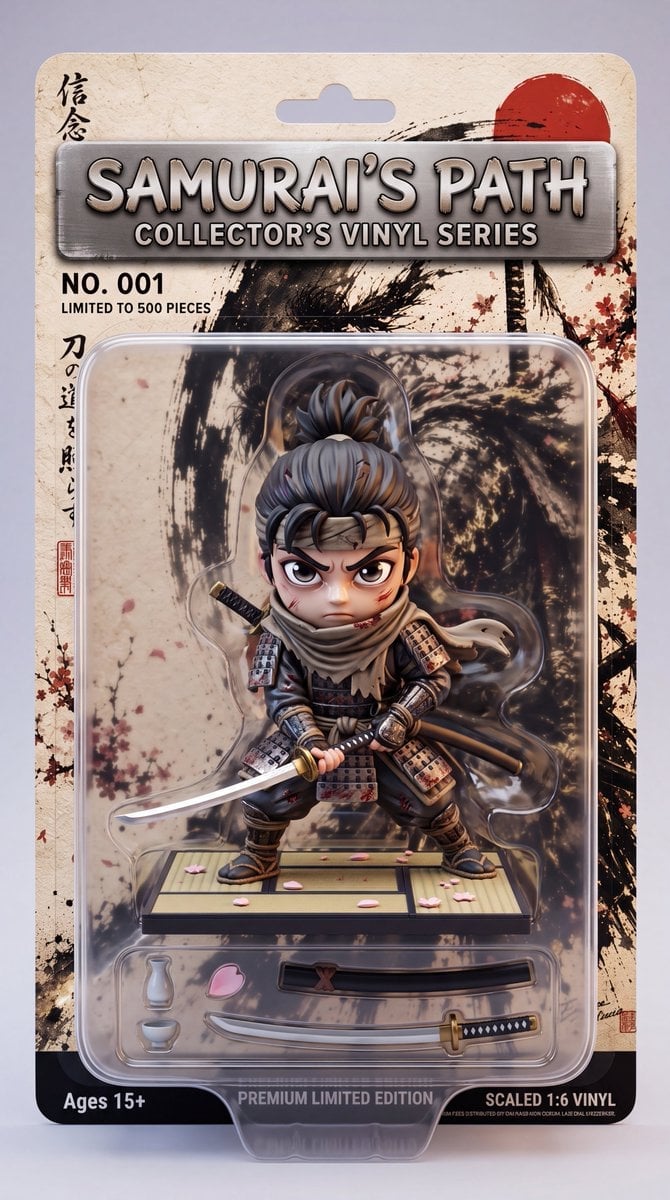
Stylized Collectible Toy Packaging
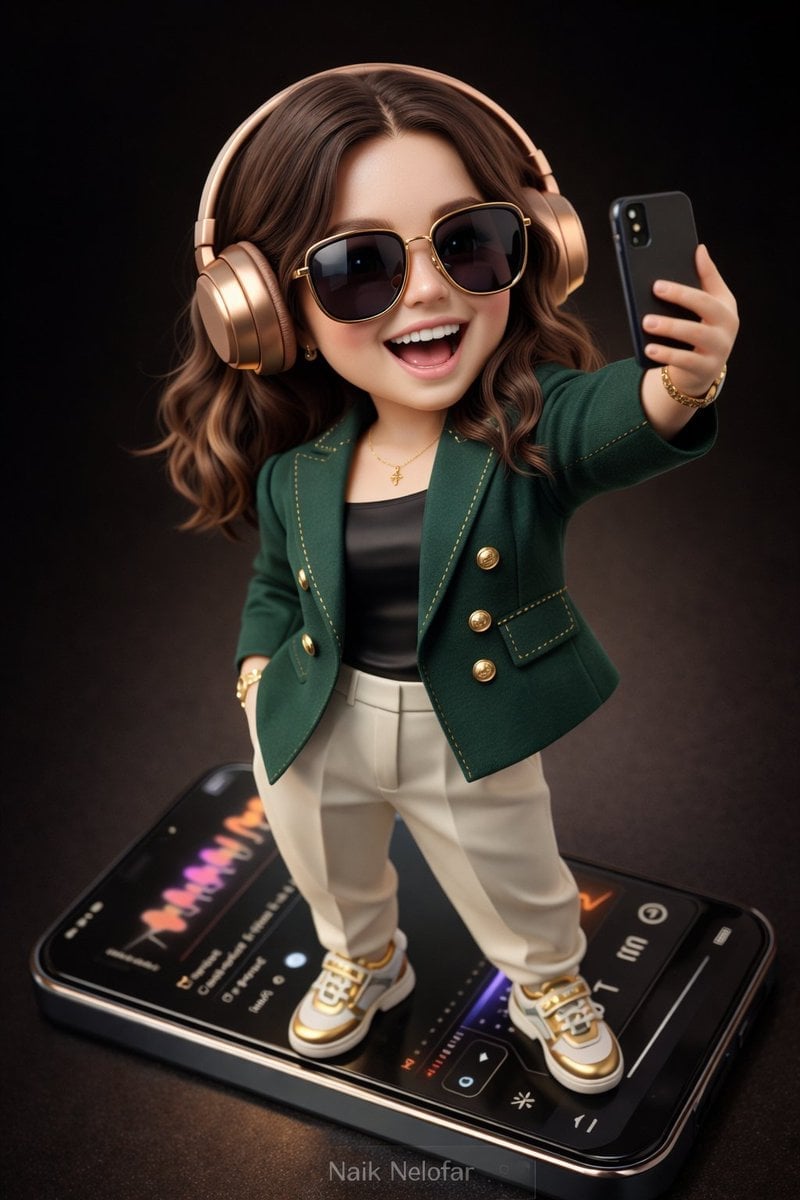
Chibi Designer Toy Character on Smartphone
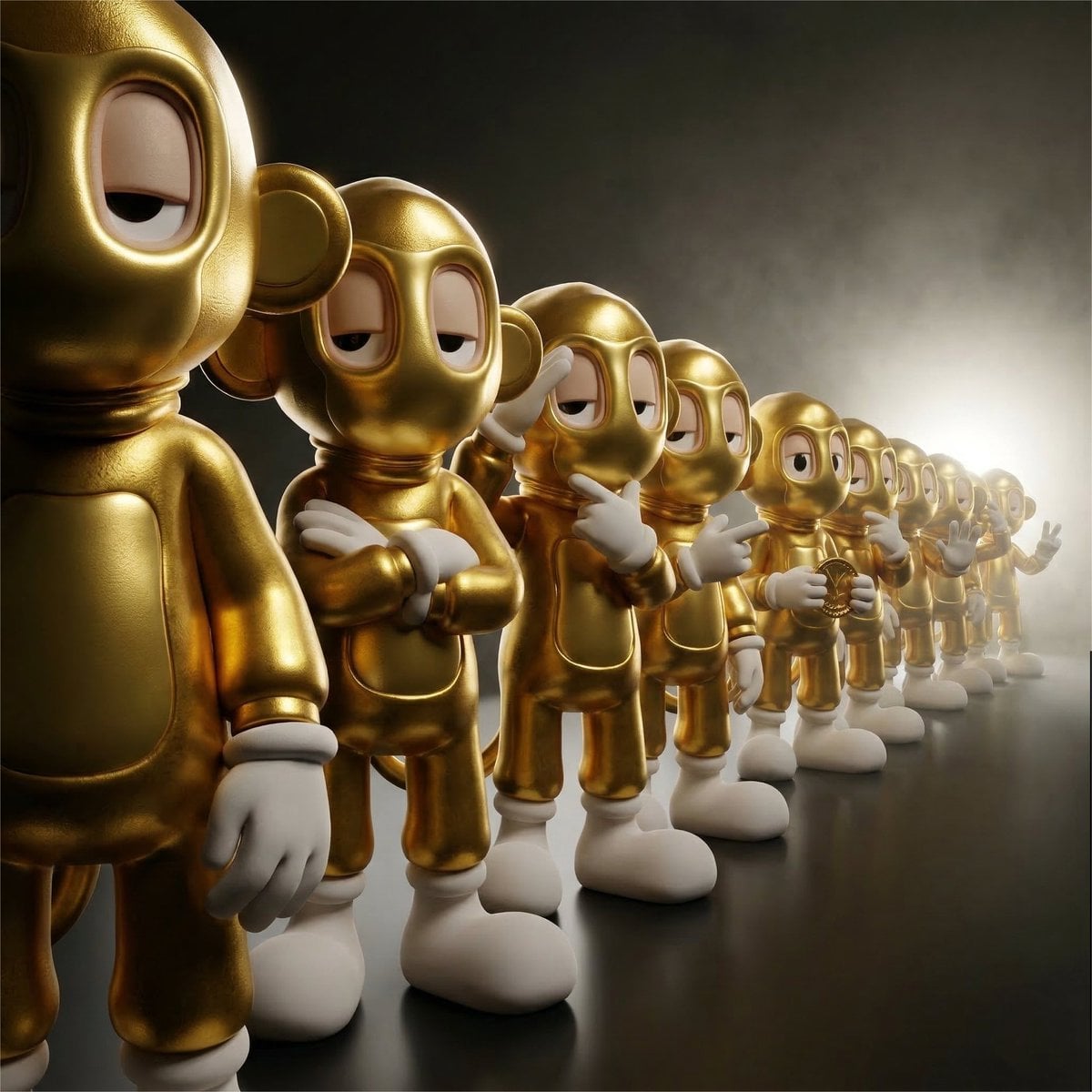
Collectible Vinyl Toy Procession 3D
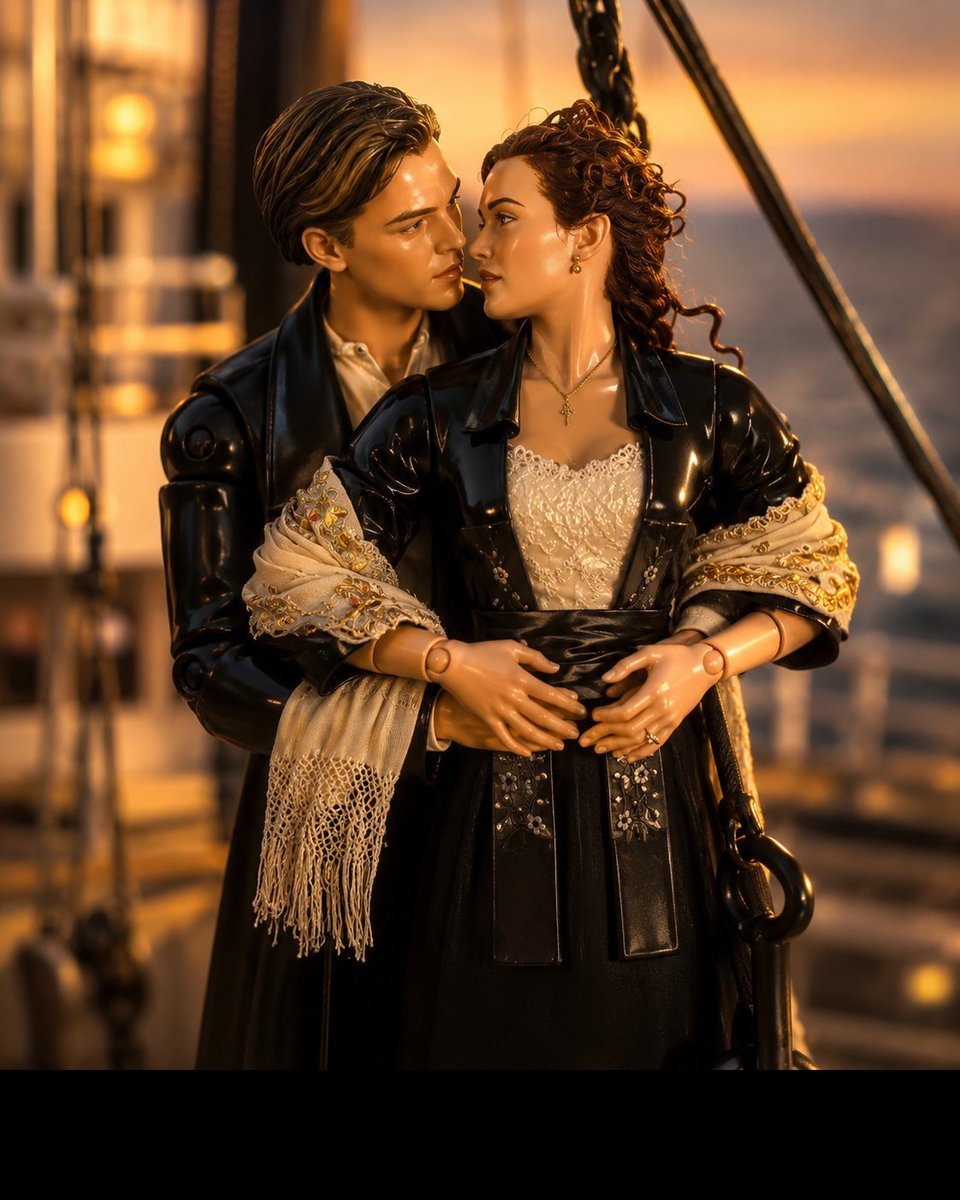
3D Collectible Toy Ocean Liner Render
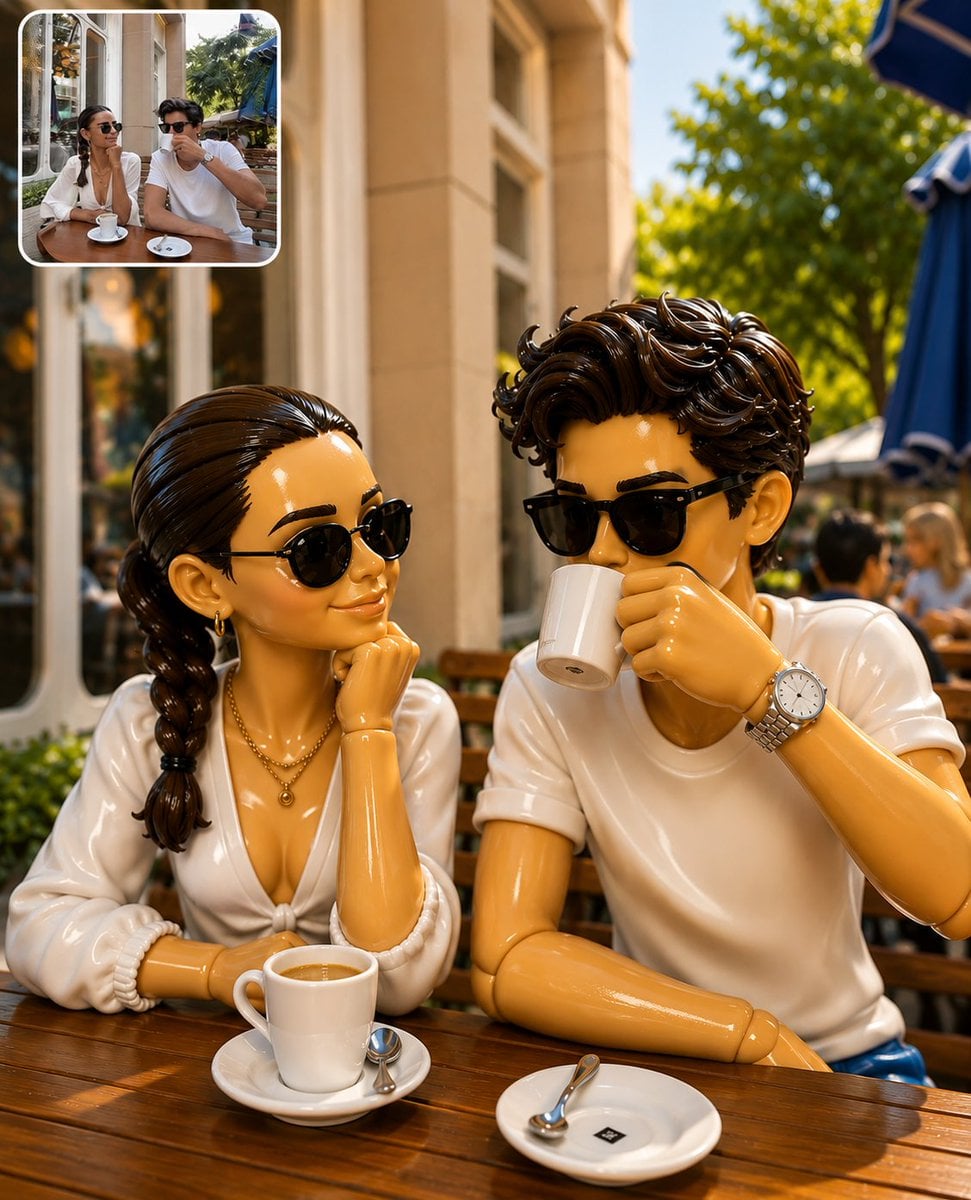
3D Collectible Toy Diorama

FIFA World Cup — Brazil National Pass Diorama
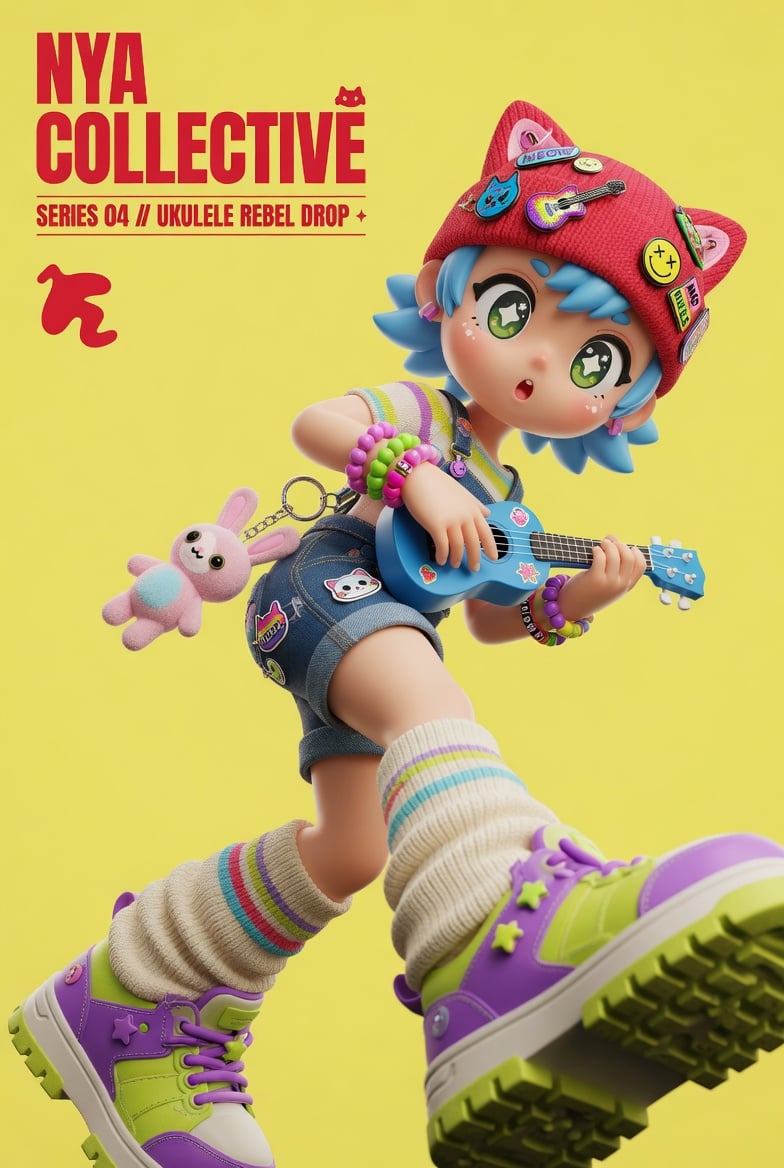
3D Designer Toy Poster
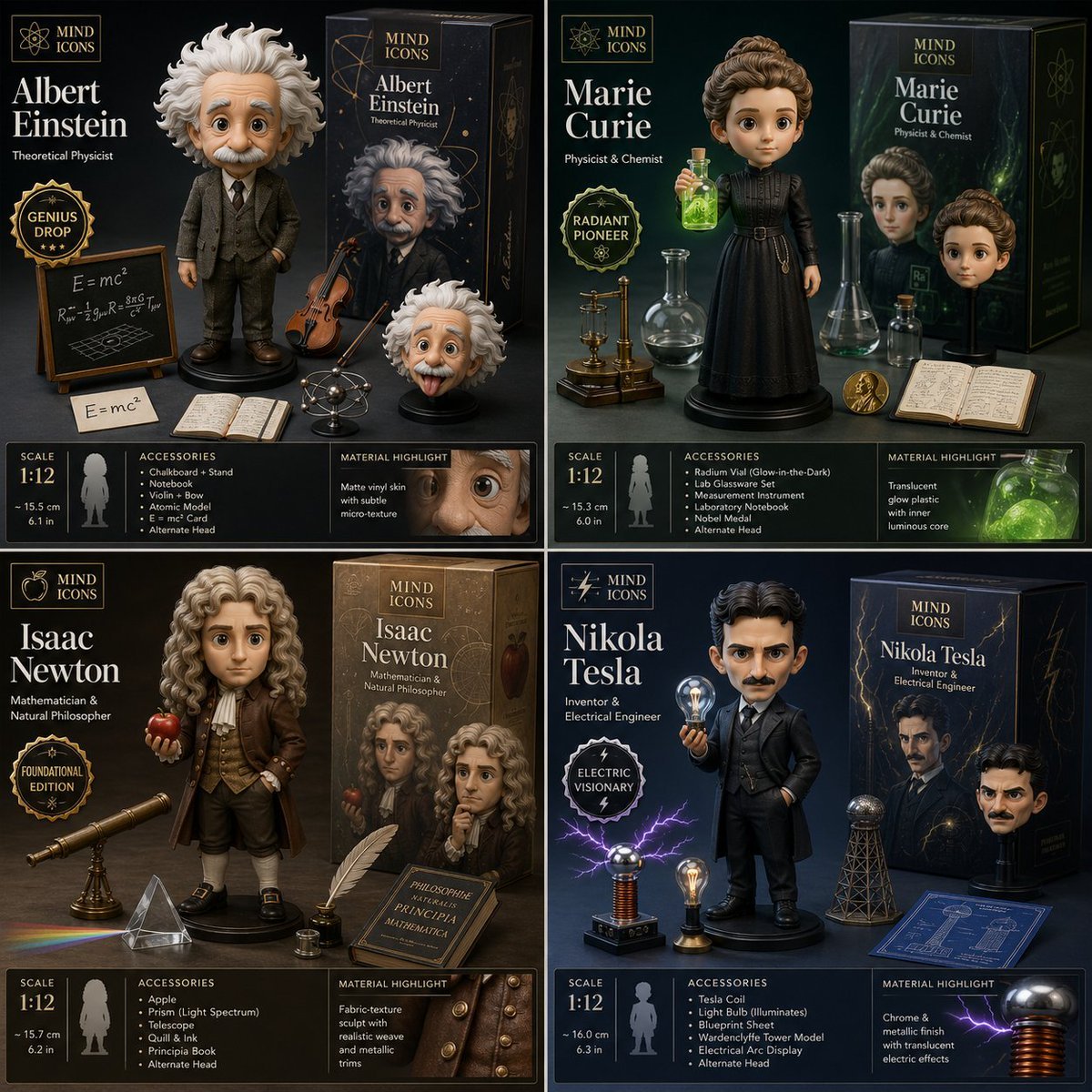
Limited Edition Designer Toy Launch
Make it yours
Premium Designer Collectible Toy Aesthetic works as-is. These are the safest ways to change it without losing the look.
Change one field
Copy a single group, rewrite it, and generate again so you can see what that field is doing.
Keep the frame, change the subject
Hold the composition and light of Premium Designer Collectible Toy Aesthetic, then swap wardrobe, props or the person for a new take.
| If the result… | Why | Fix |
|---|---|---|
| The result drifts from the preview | Too many fields changed at once. | Reuse Premium Designer Collectible Toy Aesthetic as-is first, then change one group — subject, light, or setting. |
| The model over-stylizes the scene | The prose prompt leaves finish and camera underspecified. | Add one camera or lighting sentence and stay on GPT Image 2. |
More GPT Image 2 templates
Other prompts made for GPT Image 2.

Six VTuber Japanese Logo Sheet

Realistic Portrait of Woman and Deer

The Vista Modular Condo Poster

AI Model Routing Comparison Infographic

2.5D Anime Art Board

Isometric Productivity Desk Scene

New York Double Exposure Poster

Four-Panel AI Landscape Comparison

Japanese Tatami Lifestyle Magazine Cover

NESCAFÉ Coffee Map Poster
More image prompts
Fresh picks from across the catalog.
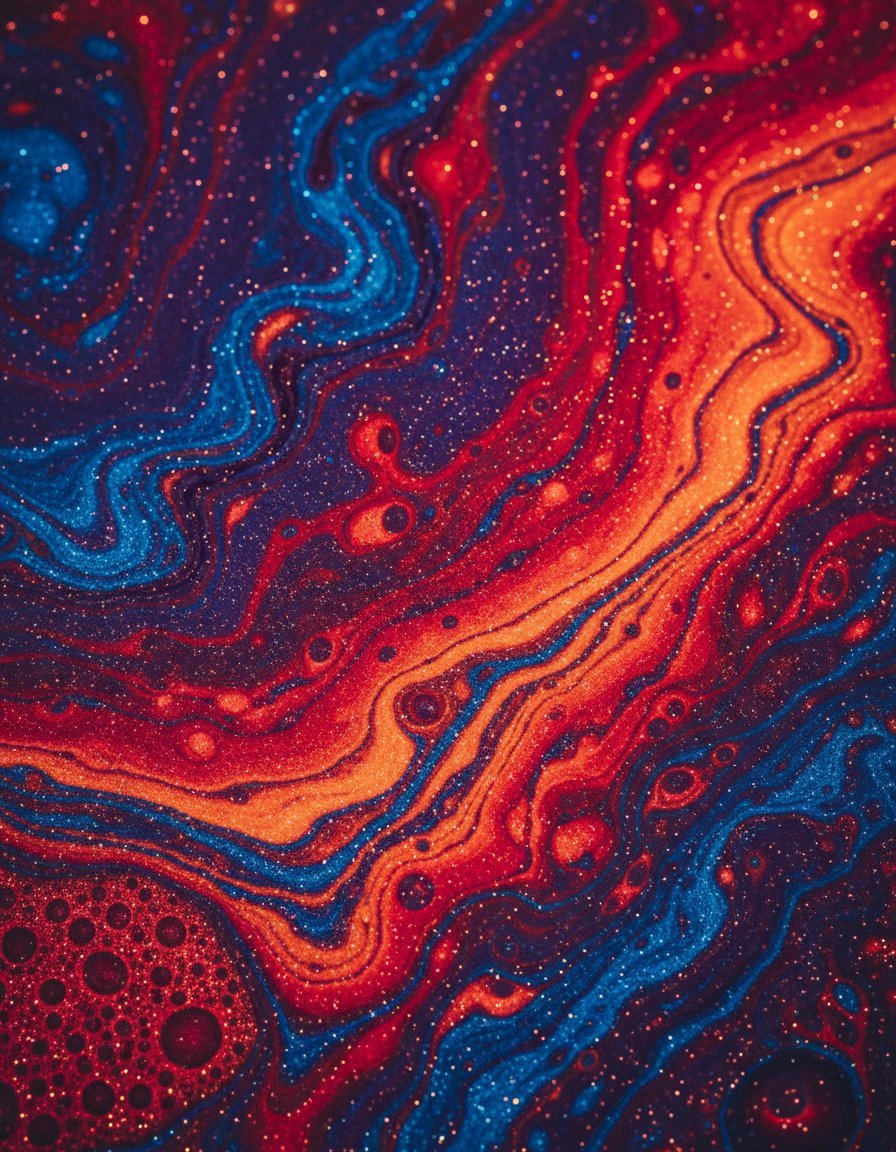
Abstract Iridescent Swirling Color Mixture
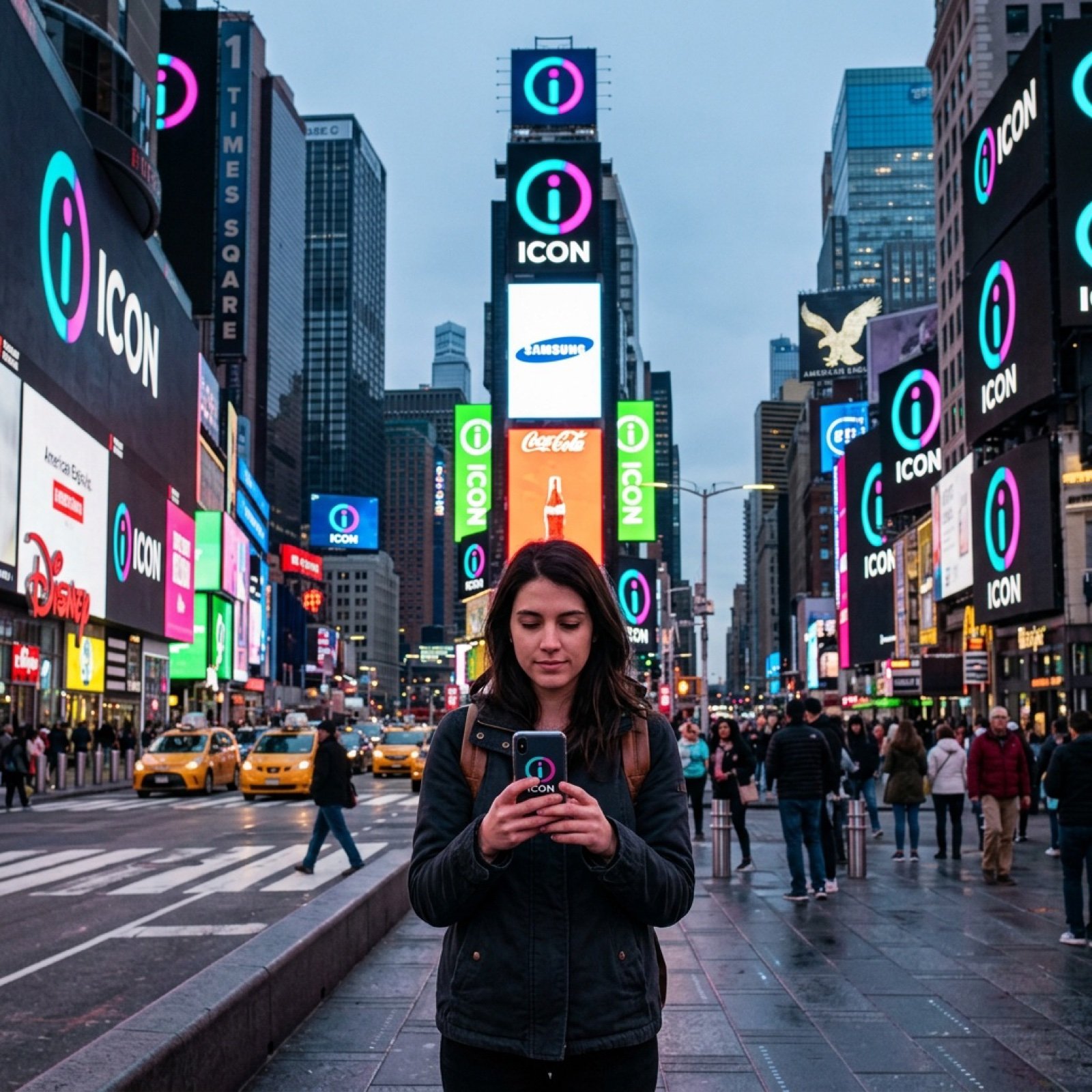
Times Square icon on many screens
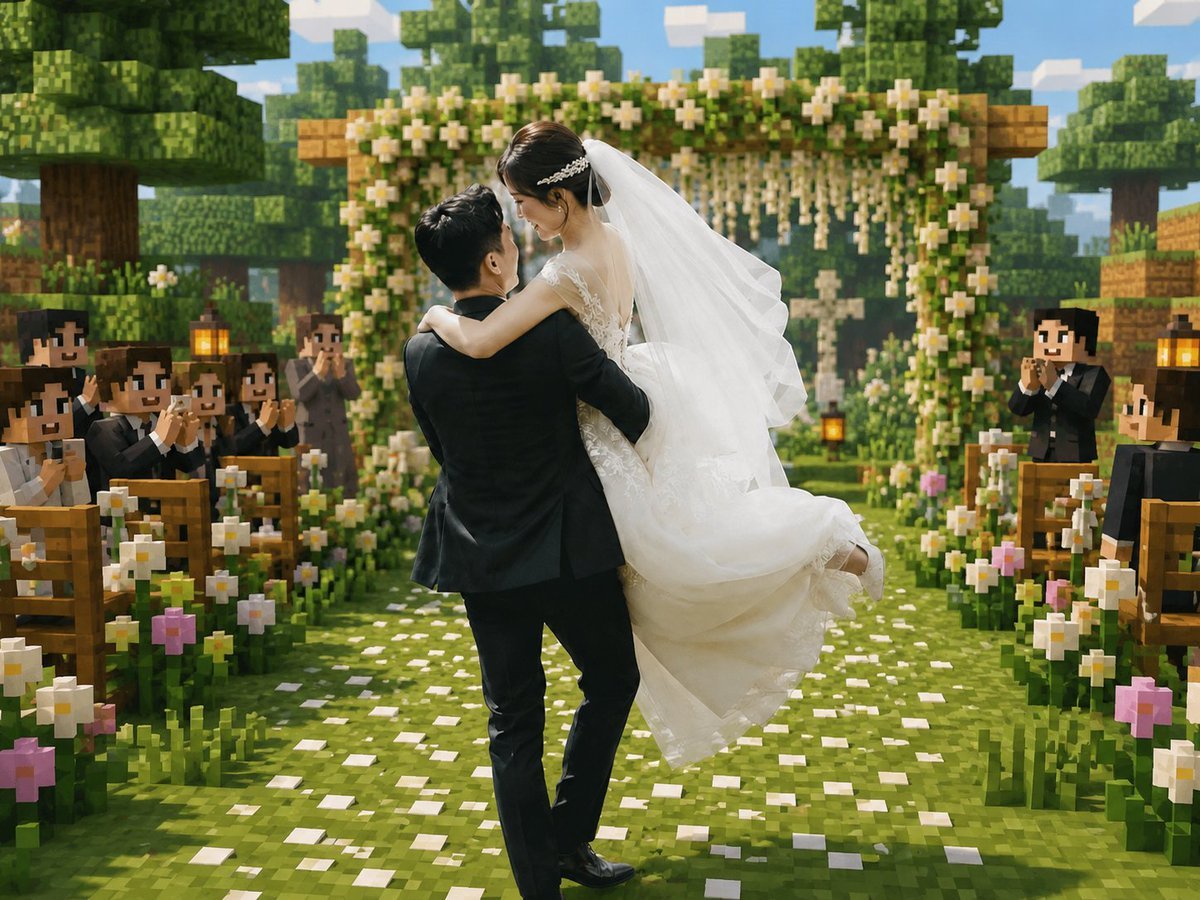
Minecraft Voxel Wedding Ceremony
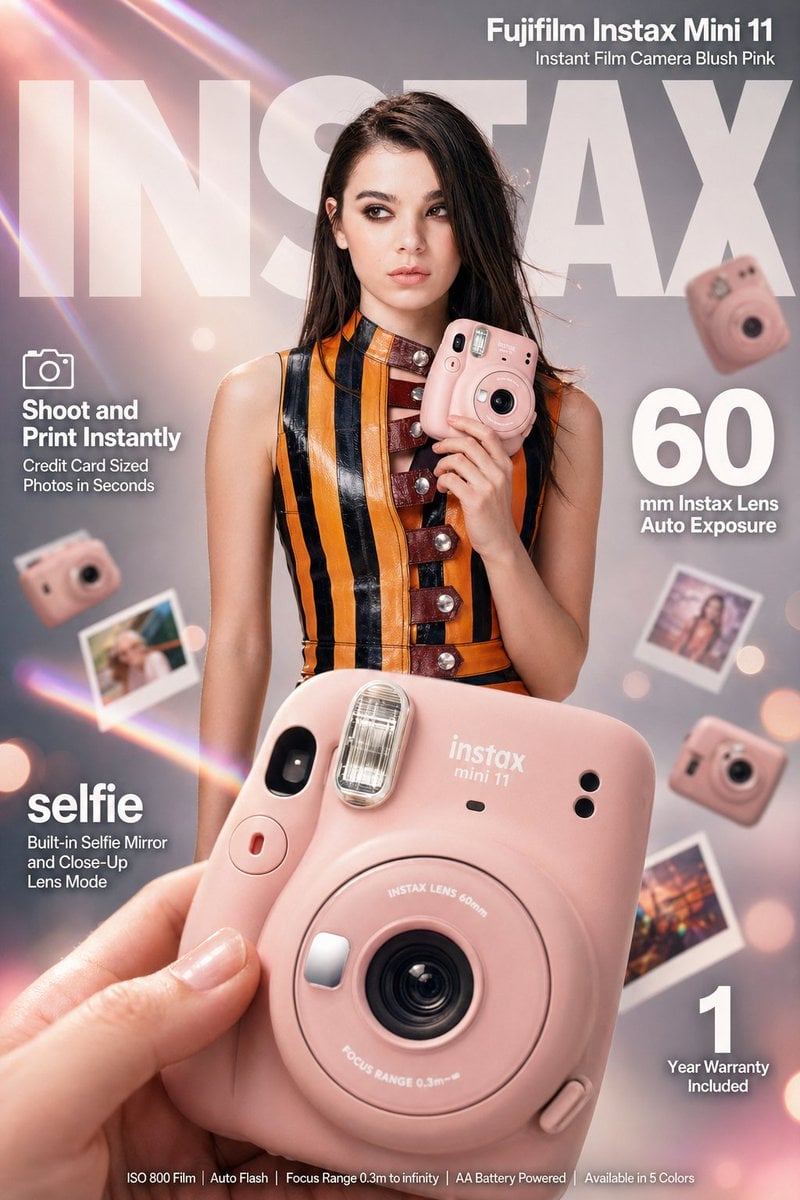
X Meng Dagg695 Gpt Image 2 on Socialsight
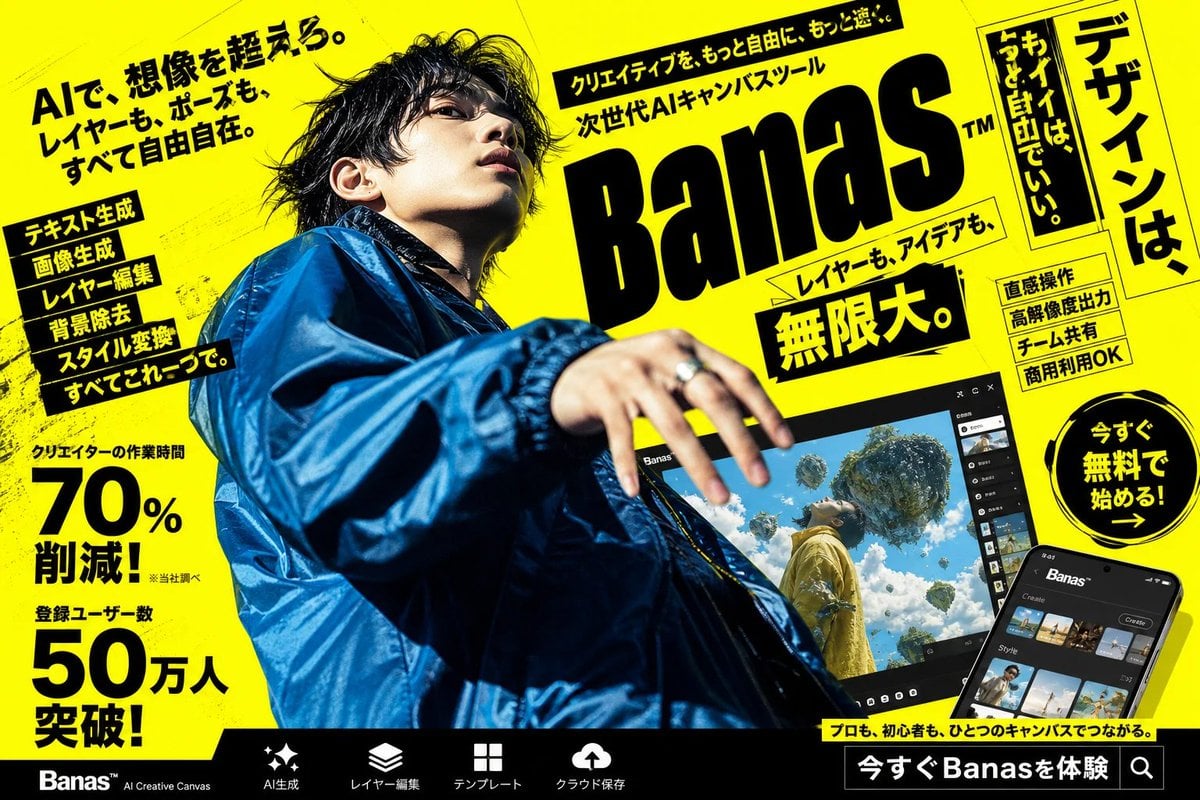
Neon Japanese AI Canvas Ad
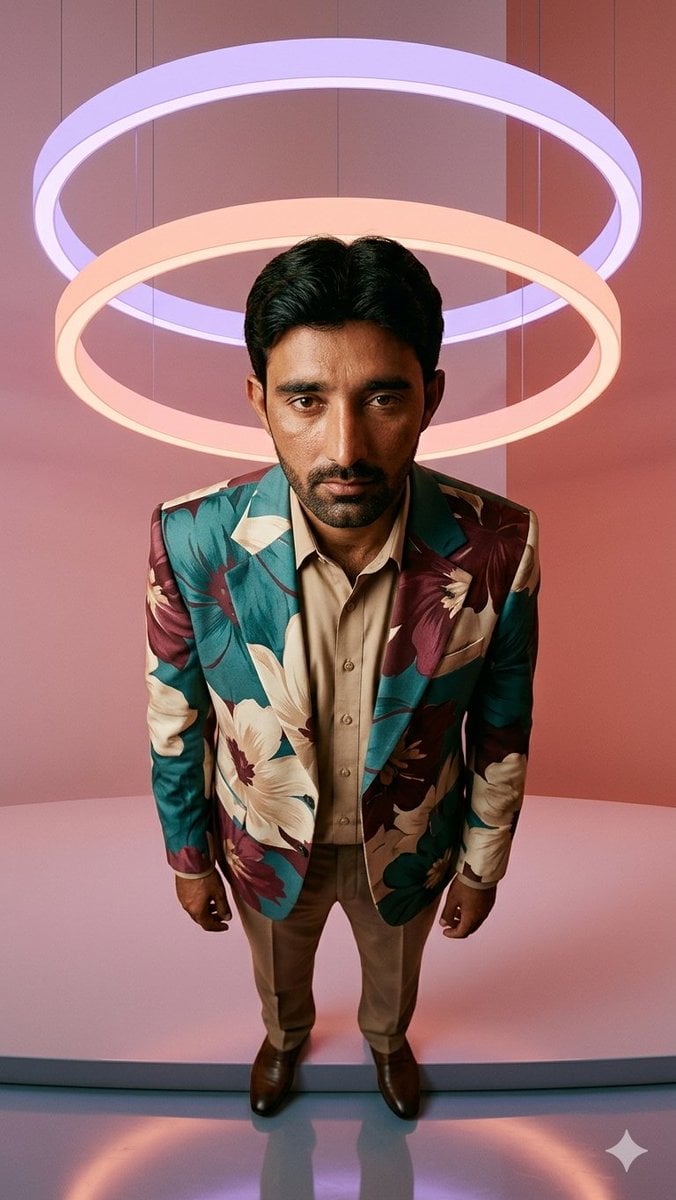
Low-Angle Fashion Portrait with Light Rings
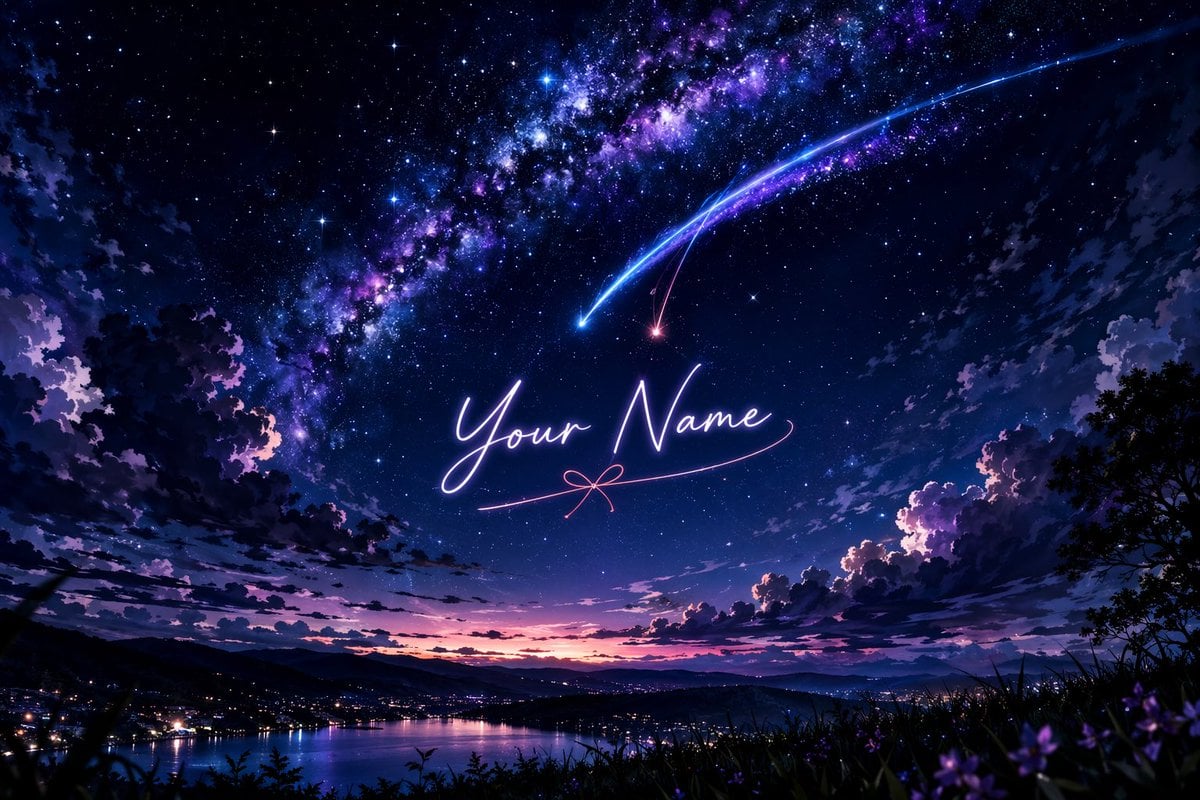
Anime Starry Night Sky with Custom Neon Text
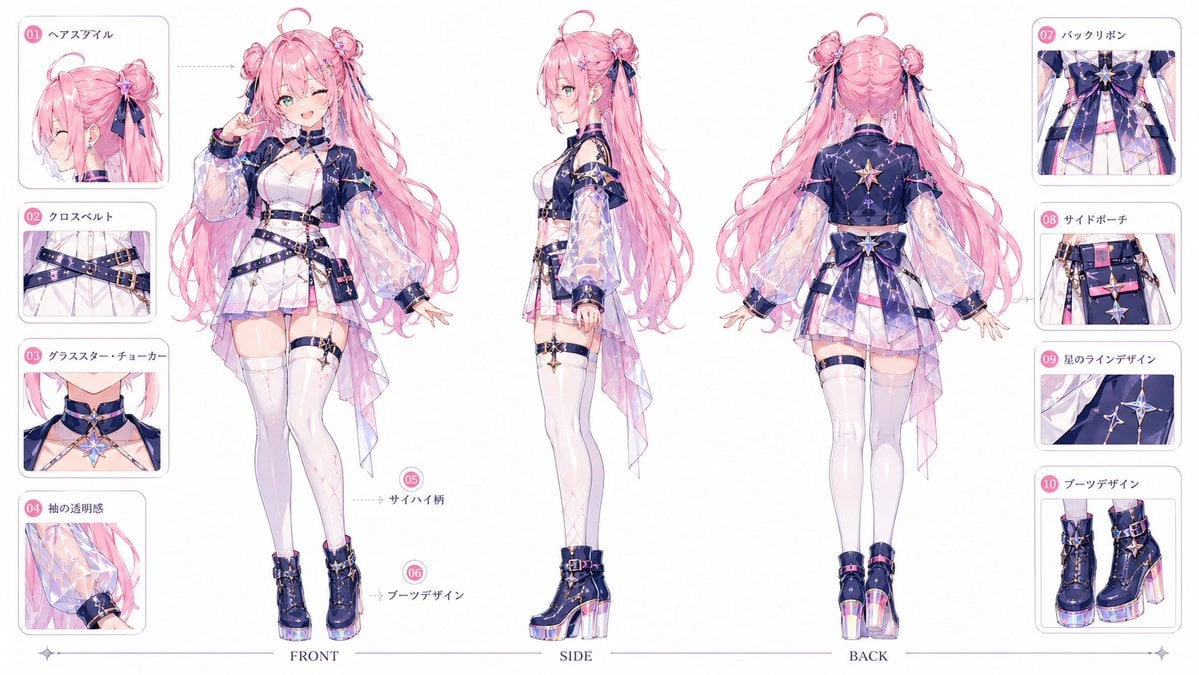
VTuber Character Prompt
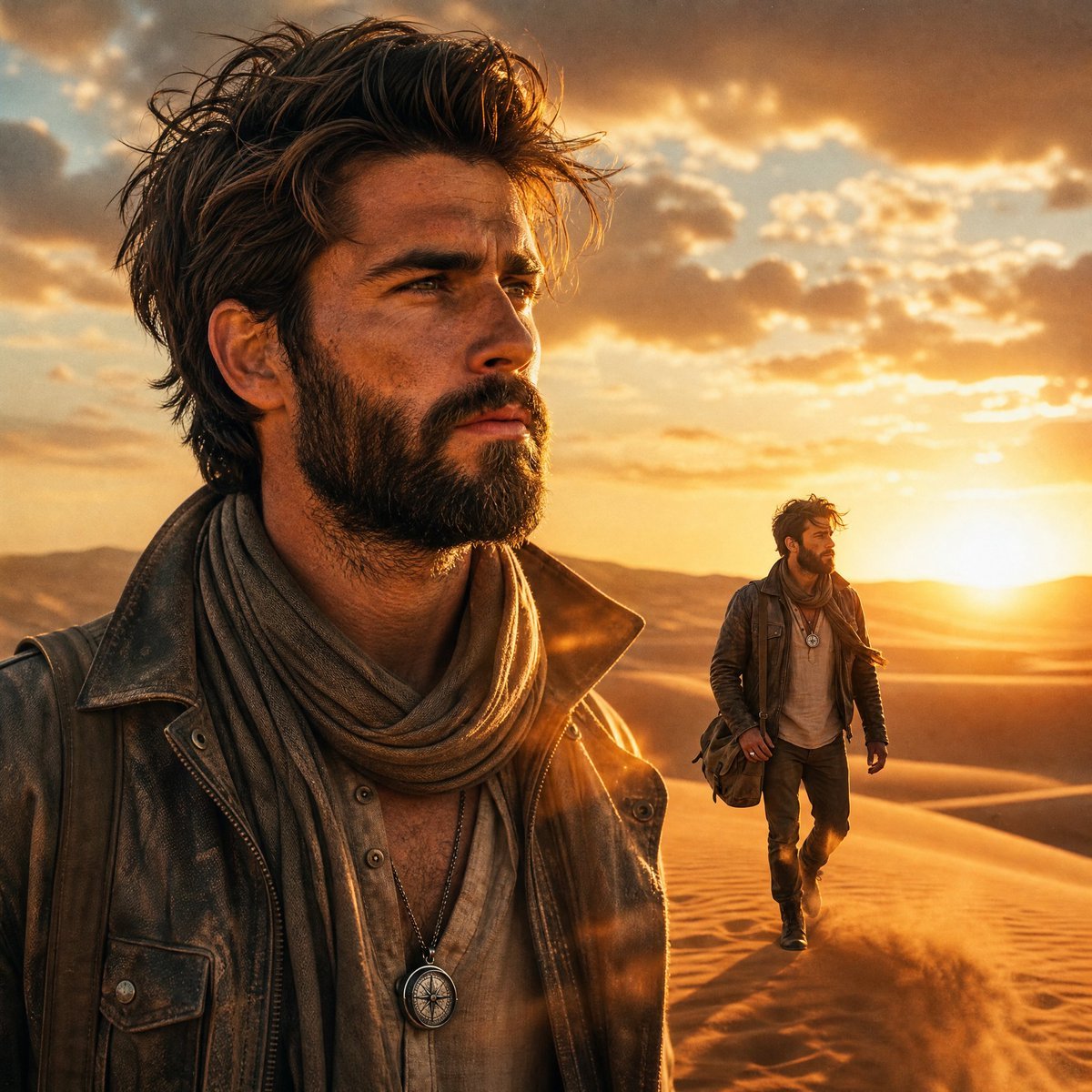
Desert Landscape Heroic Collage
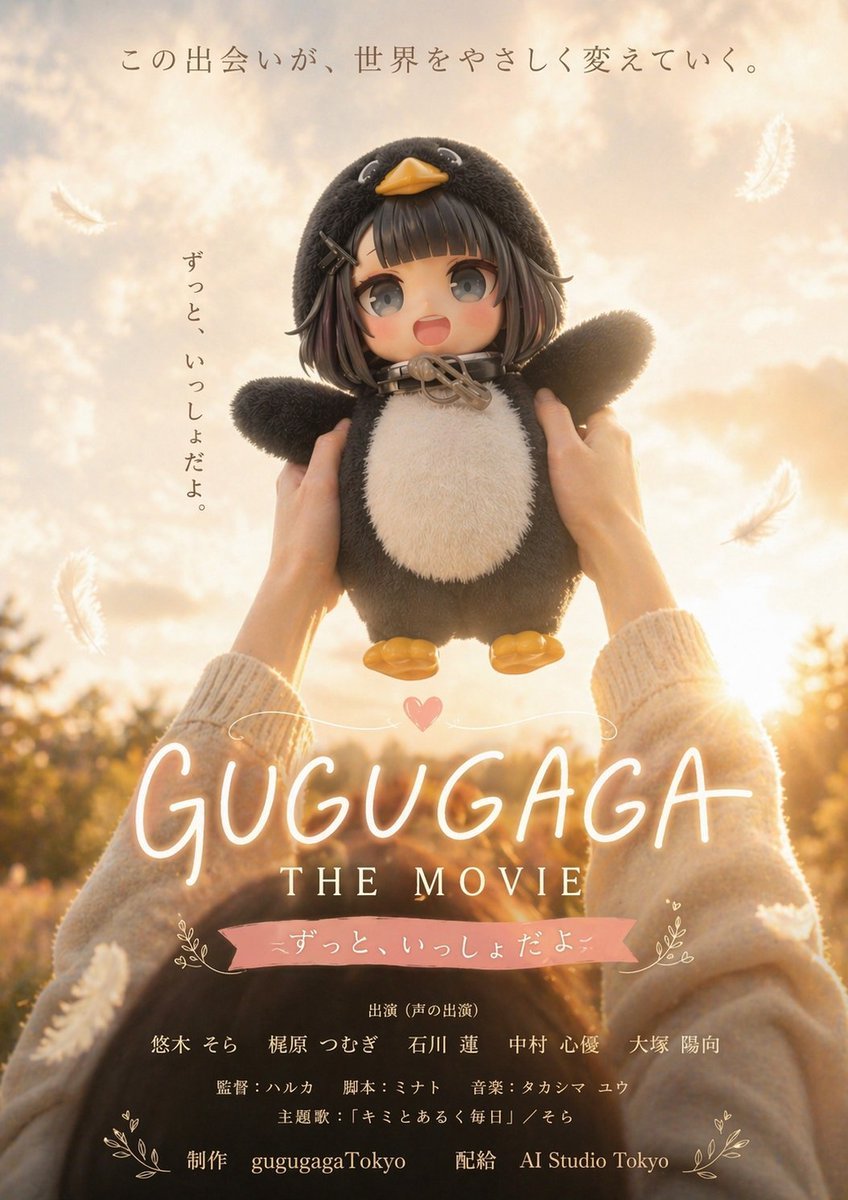
Warm Penguin Fantasy Movie Poster
Browse template categories
Premium Designer Collectible Toy Aesthetic questions
How do I use the Premium Designer Collectible Toy Aesthetic template?
Add your photo if the template asks for one, edit the prompt if you like — the template's model and format are already selected — and press Generate. Your version opens in PicX Studio.
Can I customize the Premium Designer Collectible Toy Aesthetic template?
Yes. You can change the subject, setting, lighting, mood, format, and available model controls before creating your image.
Is the Premium Designer Collectible Toy Aesthetic template free?
Opening and editing this template is free. Generating uses credits, shown on the Generate button when you are signed in.
Which AI model should I use?
Start with GPT Image 2, which is the model associated with this template. You can compare another compatible model for a different finish.
Looking for something else? Browse all templates.

Your photo, any look
Thousands of ready templates for every top image and video model, from one credit balance.