
Photorealistic Student Dorm Room Scene
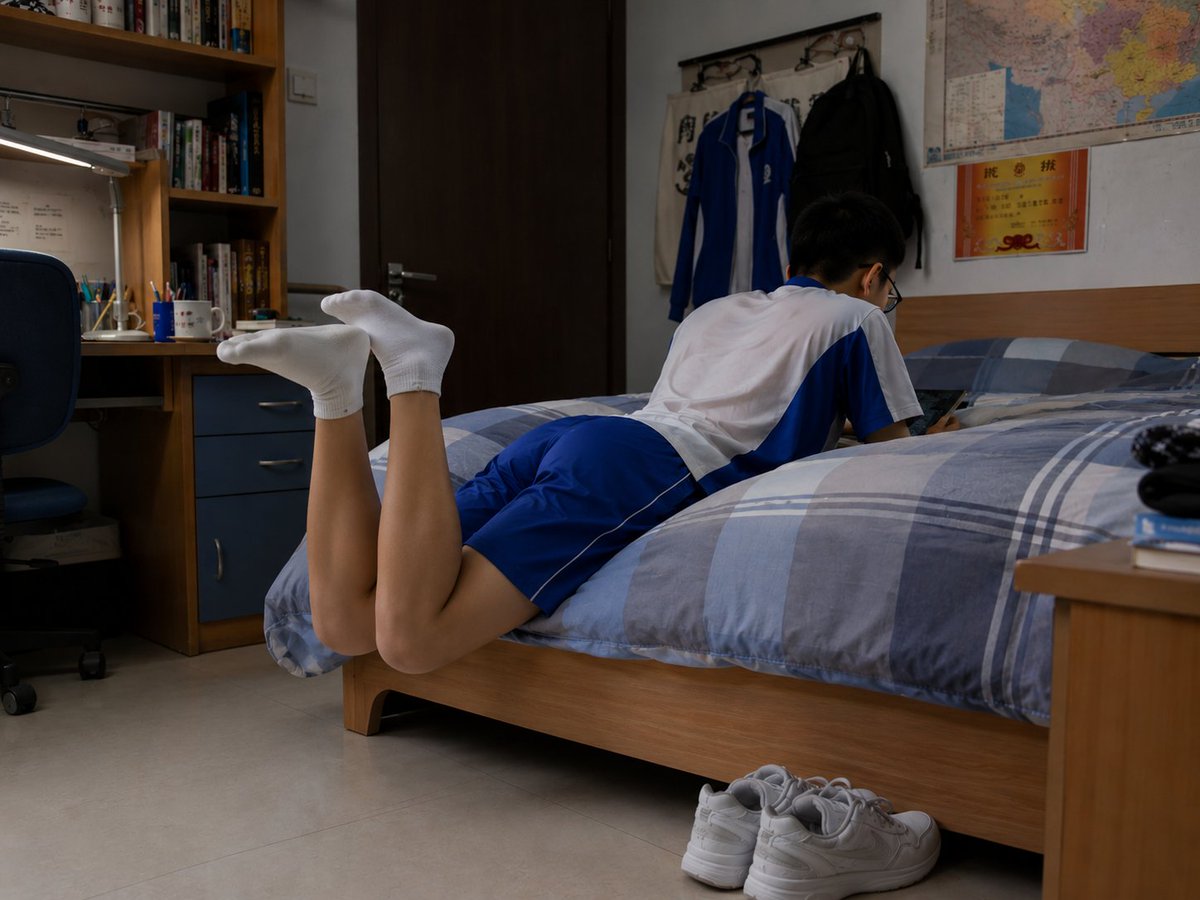
Generates a realistic documentary-style dormitory bedroom scene with a fully clothed student resting on a bed, useful for cinematic slice-of-life imagery.
- Prompt included
- Model and format preset
- Free template
The prompt behind this image
Copy the exact prompt behind Photorealistic Student Dorm Room Scene, or open it in the studio and make it yours.
Create a photorealistic documentary-style image of a quiet student dormitory bedroom in the evening, shot from a low side angle at bed height with natural indoor lighting. A {argument name="student age" default="teenage"} male student is lying face-down across a single wooden bed, fully clothed in a {argument name="school uniform colors" default="white and royal blue"} short-sleeve athletic school uniform with matching blue shorts. His head and upper body face toward the wall side of the bed, his face is intentionally obscured with a rectangular blur, and his lower legs are bent upward behind him with both feet wearing plain white ankle socks. The room feels realistic and lived-in: a blue-gray plaid duvet covers the bed, a pair of white sneakers sits neatly on the tile floor beside the bed, a wooden desk and bookshelf with books, stationery cups, a desk lamp, and a blue office chair appear on the left, while the back wall has a dark wooden door, wall hooks holding two hanging jackets, a large colorful map, and a small orange certificate or notice. Include exactly 1 student, 1 bed, 1 pair of white sneakers, 1 desk, 1 chair, 1 bookshelf, 1 desk lamp, 2 hanging jackets, 1 wall map, and 1 orange wall certificate. Use a realistic camera look with soft shadows, muted dorm-room colors, slight wide-angle perspective, and no stylization, no glamour lighting, no extra people, no visible text emphasis, and no watermark.
How to use Photorealistic Student Dorm Room Scene in 3 steps
- 1Upload ImagePNG, JPG or paste
Add your photo
Upload the photo the template builds on. The prompt, model and format are already set.
- 2…a portrait of your subject in softgolden-hour light, 85mm…
Personalize
Edit the subject and creative details for your destination.
- 3Generate
Generate
Press Generate — your image is created in PicX Studio, so you can compare it with the original and refine one variable at a time.
More like this
Templates with the same subject, style or setup. Open one to see its prompt.
Polished Manga Dorm Room Background
Anime Classroom Sleeping Student Scene

Cozy Knit Sweater Window Portrait

Gen Z Triple Selfie Collage — Y2K Flash Photography

Mountain Lake Sunset Landscape
Hyper-Photorealistic Bedroom Flash Selfie

Cinematic Destination Letter Panel Poster

Spider-Man Rooftop Golden Hour Cinematic Photo

Face-Locked Train Window Lifestyle Portrait

Face-Locked Cream Half-Zip Street Walk

Luxury Toothpaste Commercial Storyboard

Unfinished Sketch Comes Alive Portrait
Make it yours
Photorealistic Student Dorm Room Scene works as-is. These are the safest ways to change it without losing the look.
Change one field
Copy a single group, rewrite it, and generate again so you can see what that field is doing.
Keep the frame, change the subject
Hold the composition and light of Photorealistic Student Dorm Room Scene, then swap wardrobe, props or the person for a new take.
| If the result… | Why | Fix |
|---|---|---|
| The result drifts from the preview | Too many fields changed at once. | Reuse Photorealistic Student Dorm Room Scene as-is first, then change one group — subject, light, or setting. |
| The model over-stylizes the scene | The prose prompt leaves finish and camera underspecified. | Add one camera or lighting sentence and stay on GPT Image 2. |
More GPT Image 2 templates
Other prompts made for GPT Image 2.

Six VTuber Japanese Logo Sheet

Realistic Portrait of Woman and Deer

The Vista Modular Condo Poster

AI Model Routing Comparison Infographic

2.5D Anime Art Board

Isometric Productivity Desk Scene

New York Double Exposure Poster

Four-Panel AI Landscape Comparison

Japanese Tatami Lifestyle Magazine Cover

NESCAFÉ Coffee Map Poster
More image prompts
Fresh picks from across the catalog.
Old Photo Restoration Prompt for Nano Banana Pro 2.0
Cinematic POV Spinning Motion Photography
untitled
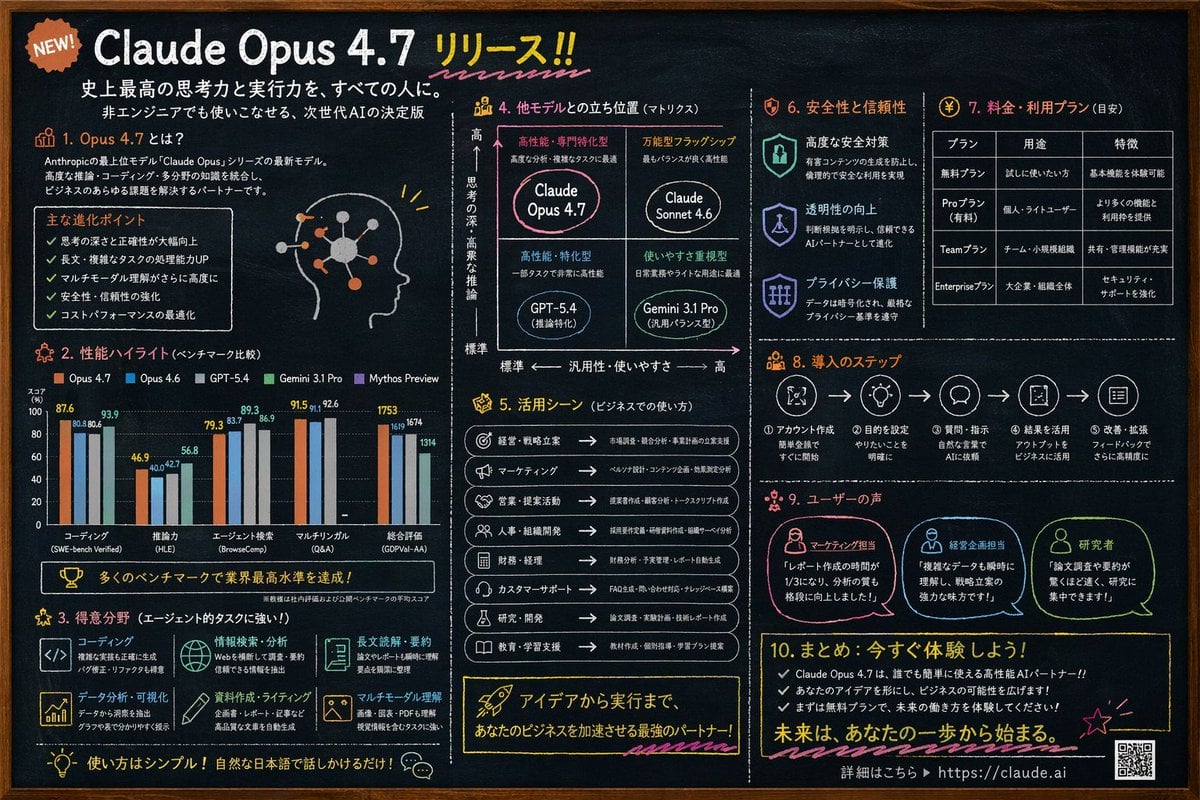
Chalkboard AI Product Infographic
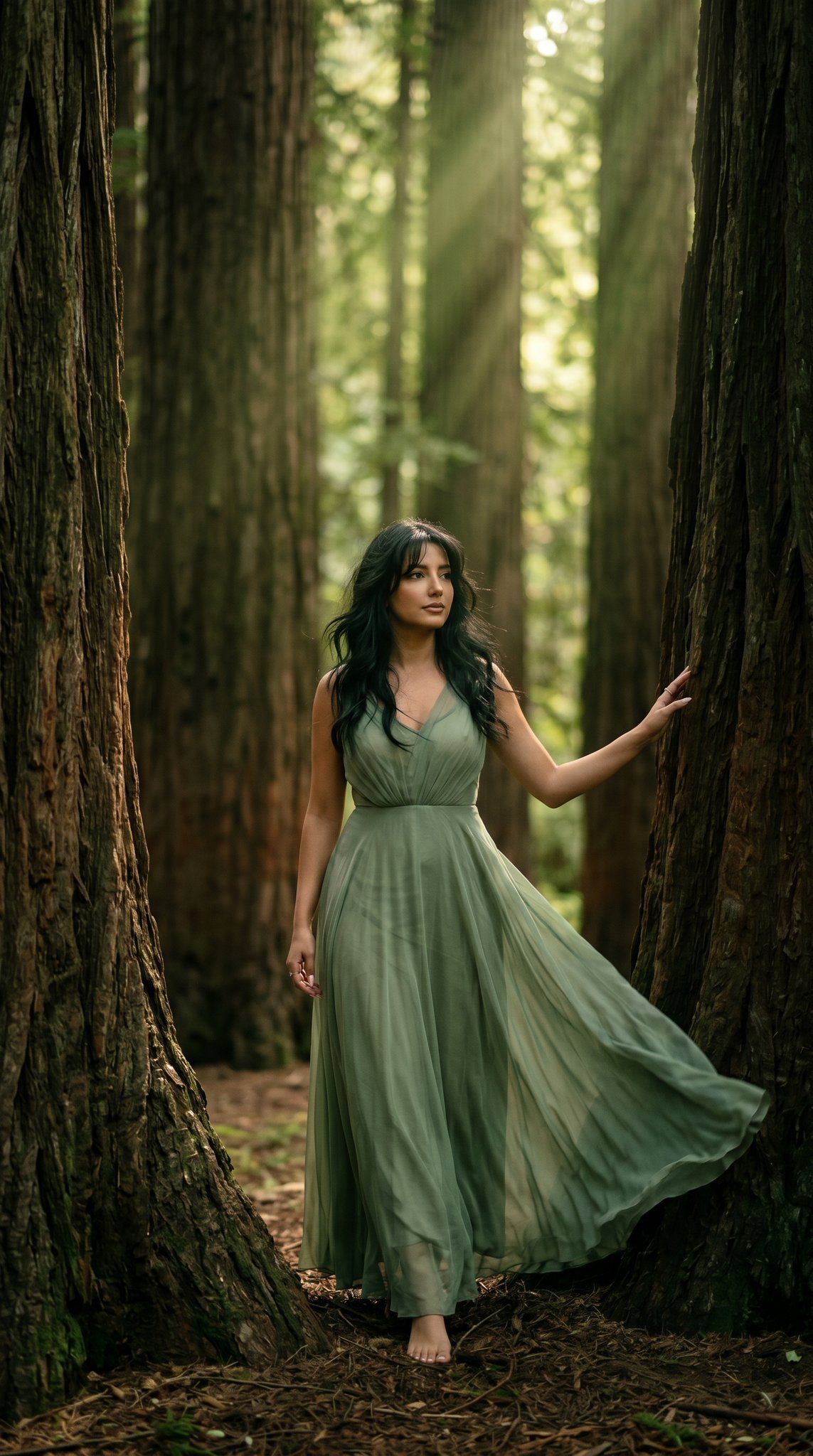
23 California Redwood Forest — California Series
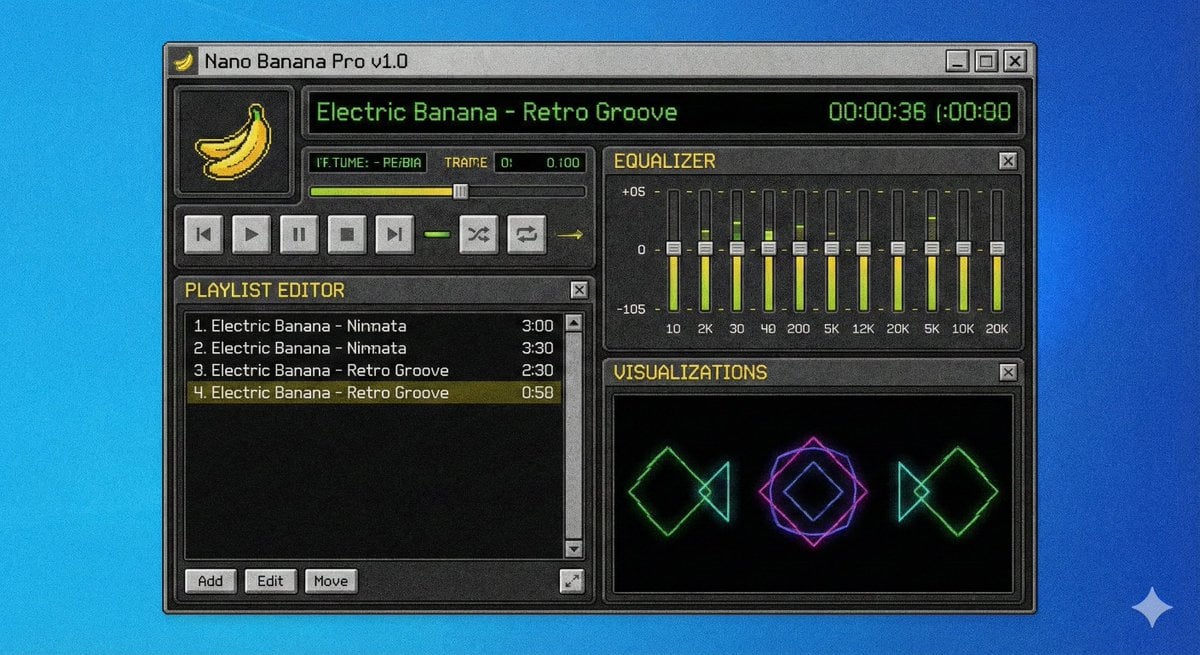
Winamp-style software screenshot prompt
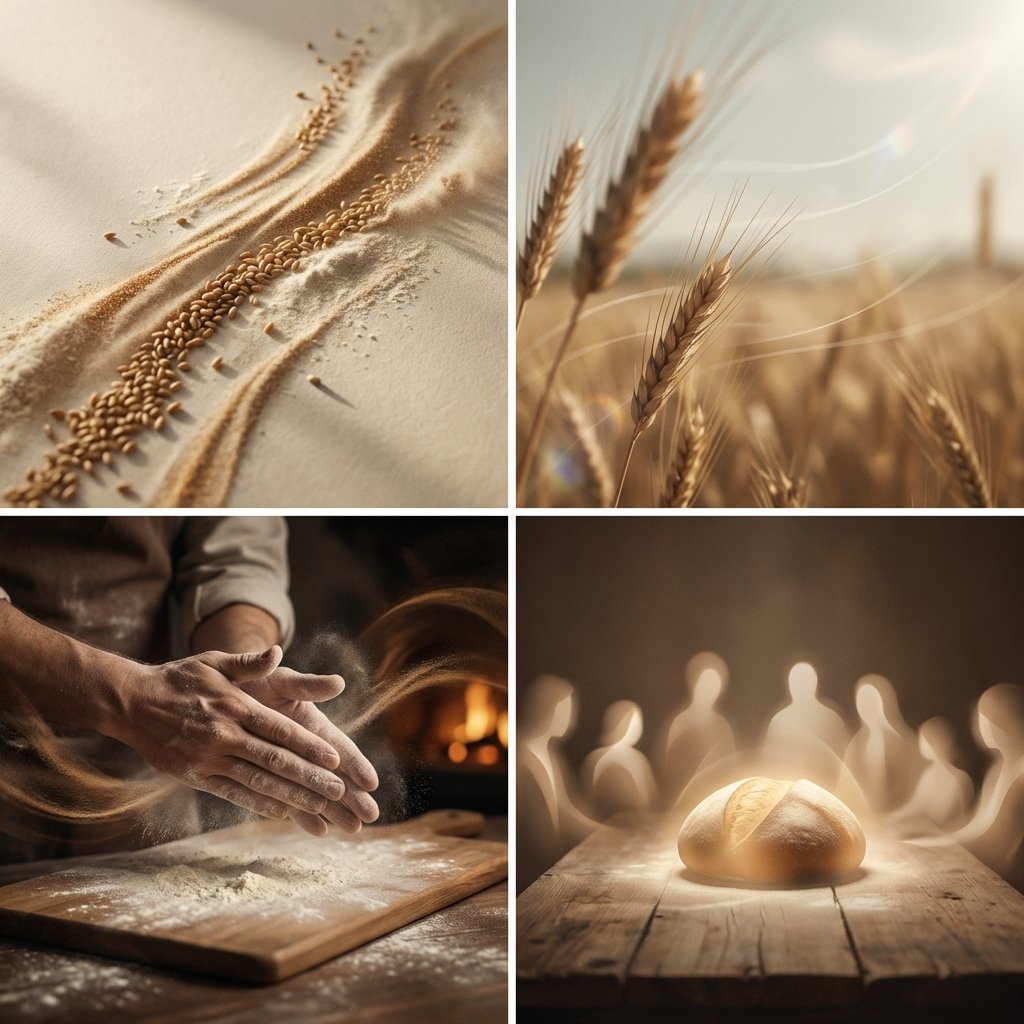
Conceptual Visual Storytelling Asset Prompt

untitled
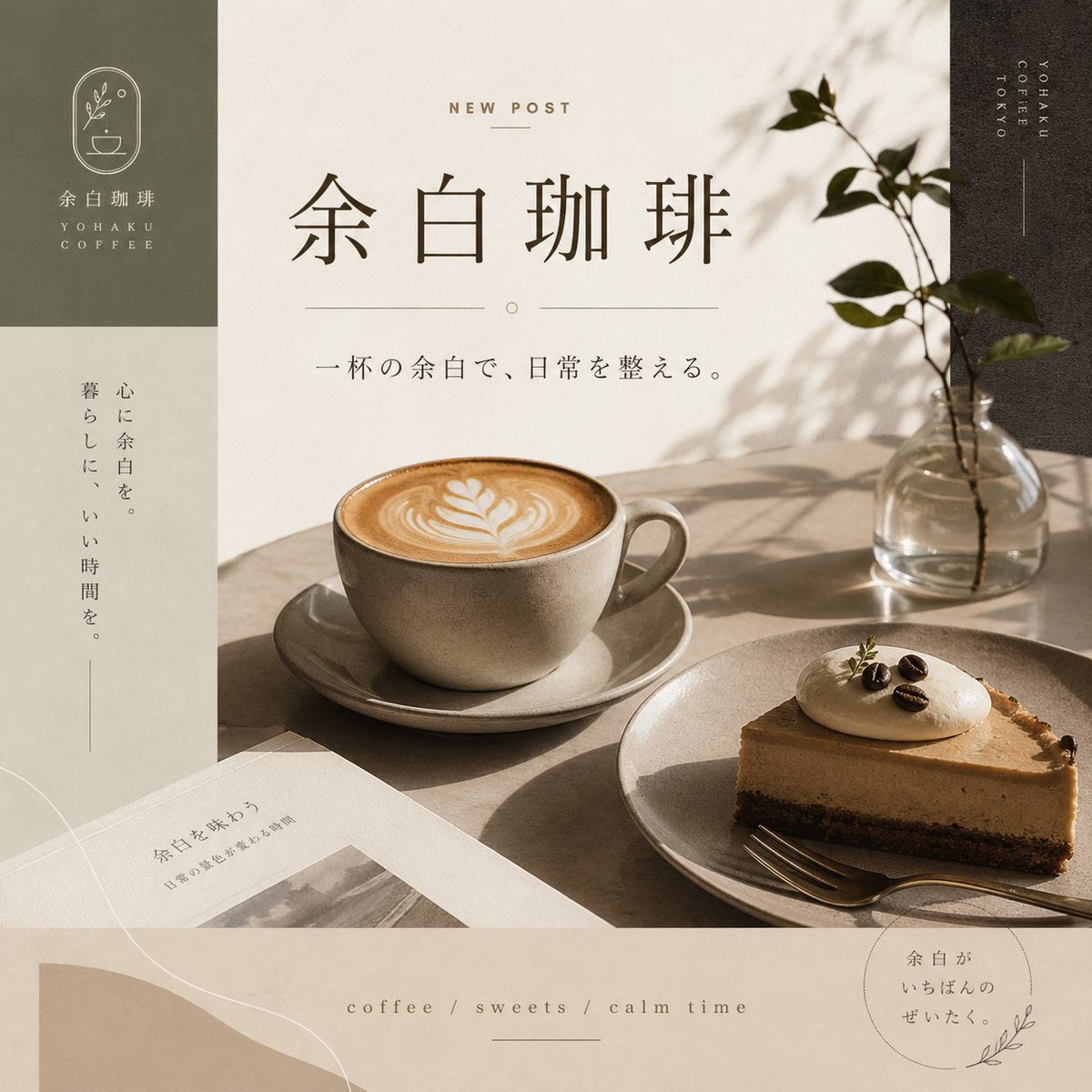
Yohaku Coffee Cafe Announcement Poster
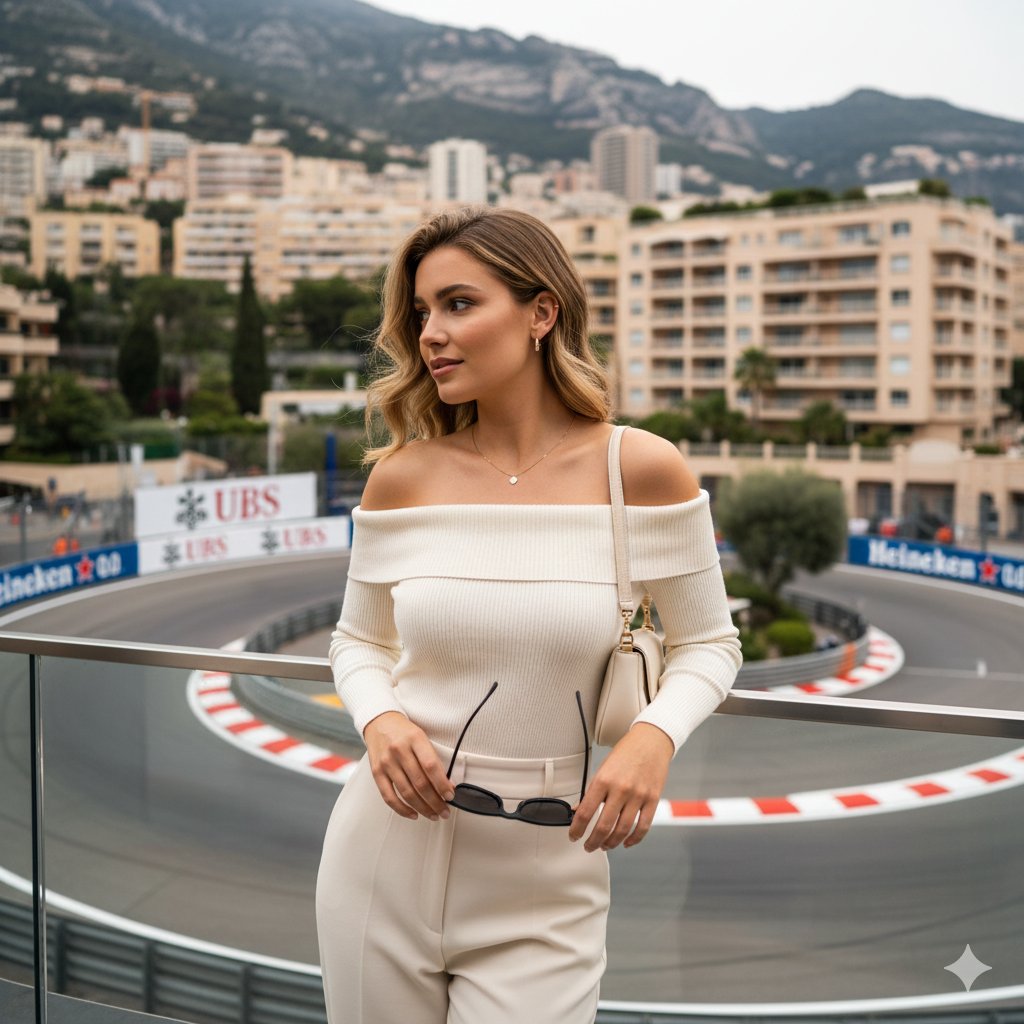
High-end lifestyle editorial image prompt for a young woman at Fairmont Hairpin
Browse template categories
Photorealistic Student Dorm Room Scene questions
How do I use the Photorealistic Student Dorm Room Scene template?
Add your photo if the template asks for one, edit the prompt if you like — the template's model and format are already selected — and press Generate. Your version opens in PicX Studio.
Can I customize the Photorealistic Student Dorm Room Scene template?
Yes. You can change the subject, setting, lighting, mood, format, and available model controls before creating your image.
Is the Photorealistic Student Dorm Room Scene template free?
Opening and editing this template is free. Generating uses credits, shown on the Generate button when you are signed in.
Which AI model should I use?
Start with GPT Image 2, which is the model associated with this template. You can compare another compatible model for a different finish.
Looking for something else? Browse all templates.

Your photo, any look
Thousands of ready templates for every top image and video model, from one credit balance.