
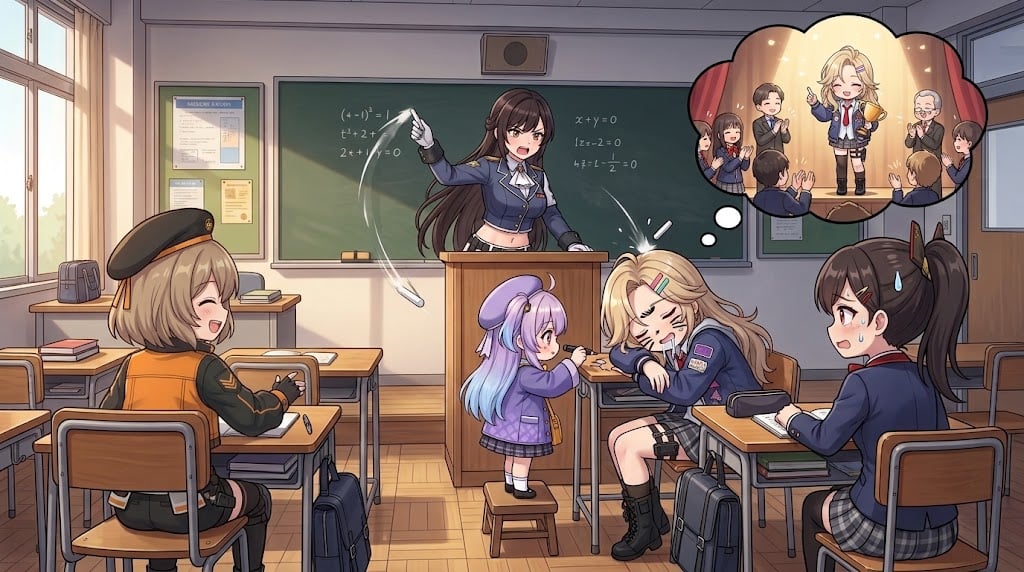
Anime Classroom Sleeping Student Scene
Generates a humorous wide anime classroom scene with five main characters and a stage-like dream bubble above a sleeping student.
- Prompt included
- Model and format preset
- Free template
The prompt behind this image
Copy the exact prompt behind Anime Classroom Sleeping Student Scene, or open it in the studio and make it yours.
Create a wide 16:9 anime-style classroom illustration with warm afternoon sunlight streaming through tall windows on the left, wooden desks, school bags, a green chalkboard with faint math equations, wall posters, a teacher's podium, and a door on the right. Show exactly 5 main characters in the classroom: 1) a strict young female teacher with long dark brown hair in a navy school-uniform-like jacket standing behind the podium, angrily pointing and throwing a piece of chalk; 2) a cheerful short blonde girl at the left desk wearing a black military-style beret and orange-black jacket, laughing with eyes closed; 3) a tiny purple-haired chibi girl in a lavender beret and outfit standing on a small stool beside a desk, gently poking or trying to wake someone; 4) a blonde schoolgirl asleep face-down at the front-right desk, messy hair, hair clips, navy blazer, plaid skirt, black boots, looking exhausted; 5) a dark-haired ponytail schoolgirl at the right desk in a navy uniform, startled with a sweat drop while watching the sleeping girl. Add a large comic thought bubble above the sleeping blonde girl showing exactly 7 miniature characters on a stage scene: the same blonde girl standing proudly in the center under warm spotlight, one smiling adult male teacher or host beside her, one elderly bald man clapping, and four smaller students around them applauding or watching. Use expressive manga faces, clean line art, soft cel shading, detailed classroom props, dynamic motion lines around the flying chalk, and a humorous school-comedy mood. Character customization: the sleeping girl is {argument name="sleeping character" default="a blonde schoolgirl with hair clips"}, the teacher is {argument name="teacher character" default="a strict long-haired brunette teacher"}, the small helper is {argument name="small helper character" default="a tiny purple-haired chibi girl in lavender"}, the left student is {argument name="left student character" default="a cheerful blonde girl in a black beret and orange jacket"}, and the setting is {argument name="classroom setting" default="a Japanese-style classroom at sunset"}. Avoid photorealism, avoid extra characters outside the listed 12 visible figures, and do not add readable text beyond faint chalkboard equations.
How to use Anime Classroom Sleeping Student Scene in 3 steps
- 1Upload ImagePNG, JPG or paste
Add your photo
Upload the photo the template builds on. The prompt, model and format are already set.
- 2…a portrait of your subject in softgolden-hour light, 85mm…
Personalize
Edit the subject and creative details for your destination.
- 3Generate
Generate
Press Generate — your image is created in PicX Studio, so you can compare it with the original and refine one variable at a time.
More like this
Templates with the same subject, style or setup. Open one to see its prompt.












Make it yours
Anime Classroom Sleeping Student Scene works as-is. These are the safest ways to change it without losing the look.
Change one field
Copy a single group, rewrite it, and generate again so you can see what that field is doing.
Keep the frame, change the subject
Hold the composition and light of Anime Classroom Sleeping Student Scene, then swap wardrobe, props or the person for a new take.
| If the result… | Why | Fix |
|---|---|---|
| The result drifts from the preview | Too many fields changed at once. | Reuse Anime Classroom Sleeping Student Scene as-is first, then change one group — subject, light, or setting. |
| The model over-stylizes the scene | The prose prompt leaves finish and camera underspecified. | Add one camera or lighting sentence and stay on GPT Image 2. |
More GPT Image 2 templates
Other prompts made for GPT Image 2.

Six VTuber Japanese Logo Sheet

Realistic Portrait of Woman and Deer

The Vista Modular Condo Poster

AI Model Routing Comparison Infographic

2.5D Anime Art Board

Isometric Productivity Desk Scene

New York Double Exposure Poster

Four-Panel AI Landscape Comparison

Japanese Tatami Lifestyle Magazine Cover

NESCAFÉ Coffee Map Poster
More image prompts
Fresh picks from across the catalog.
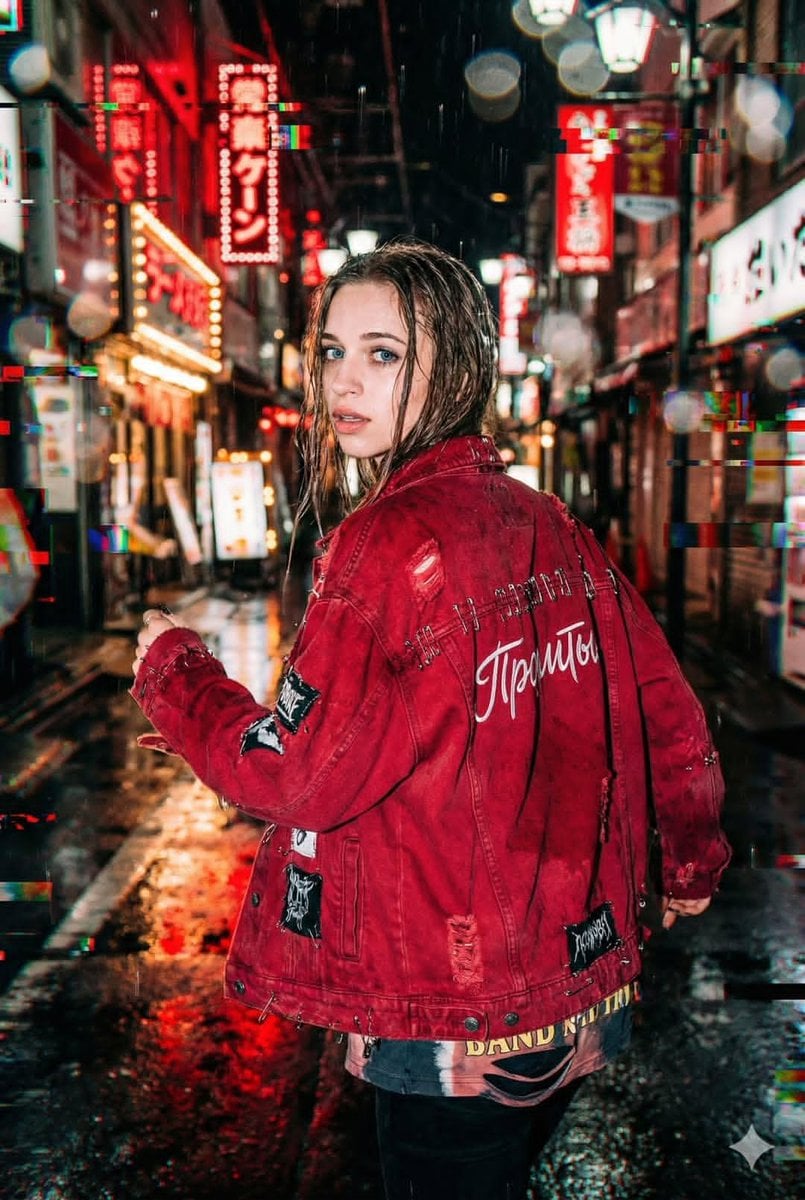
Neo-Tokyo Street Style Portrait Prompt with Glitch Effects
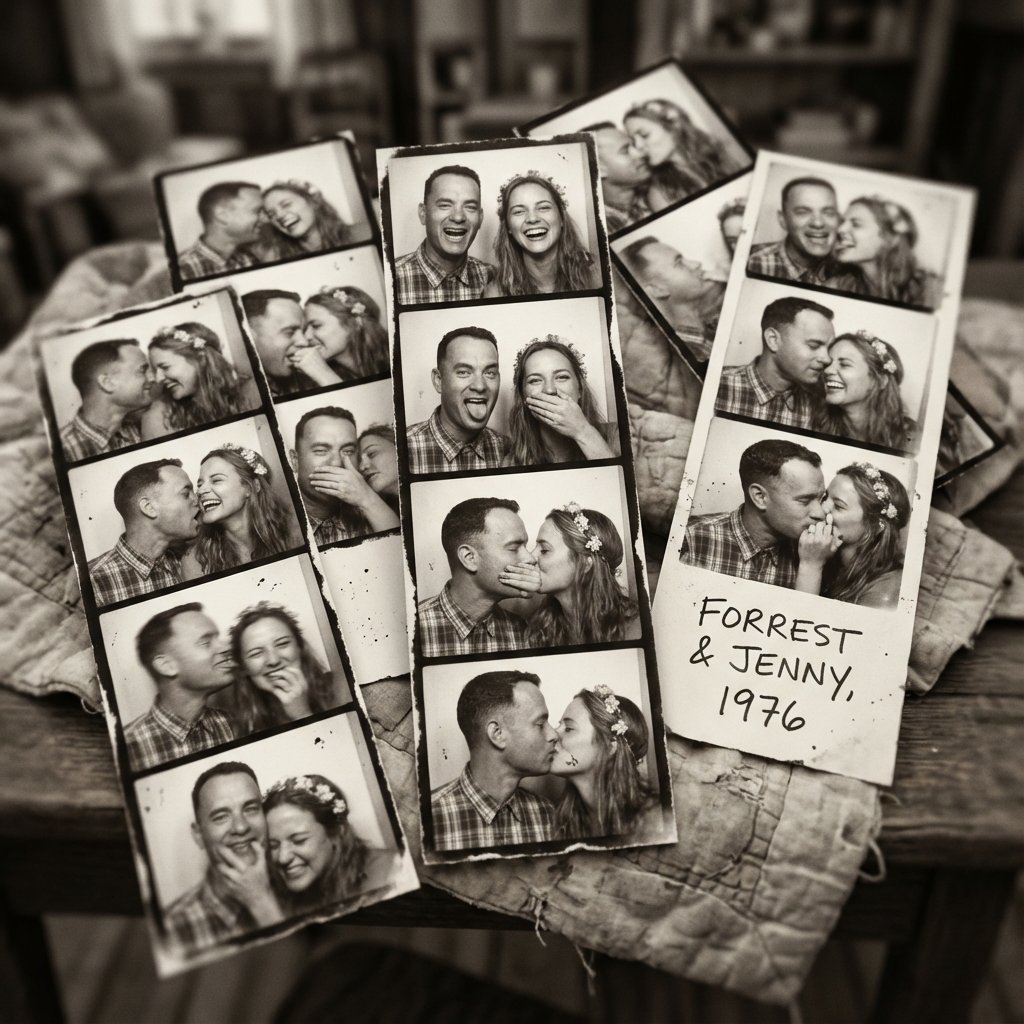
Forrest Gump & Jenny Analog Photobooth Collage

Premium Activewear Landing Page
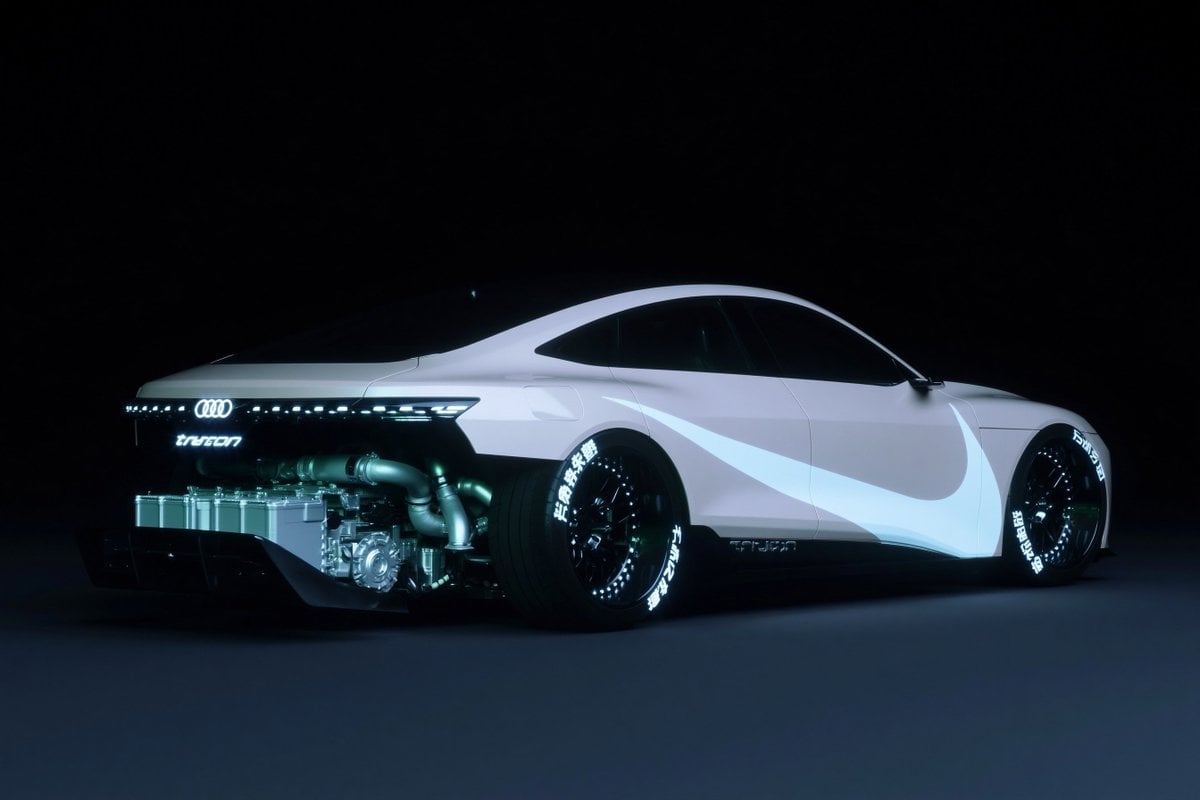
Futuristic Audi Tron Concept Coupe
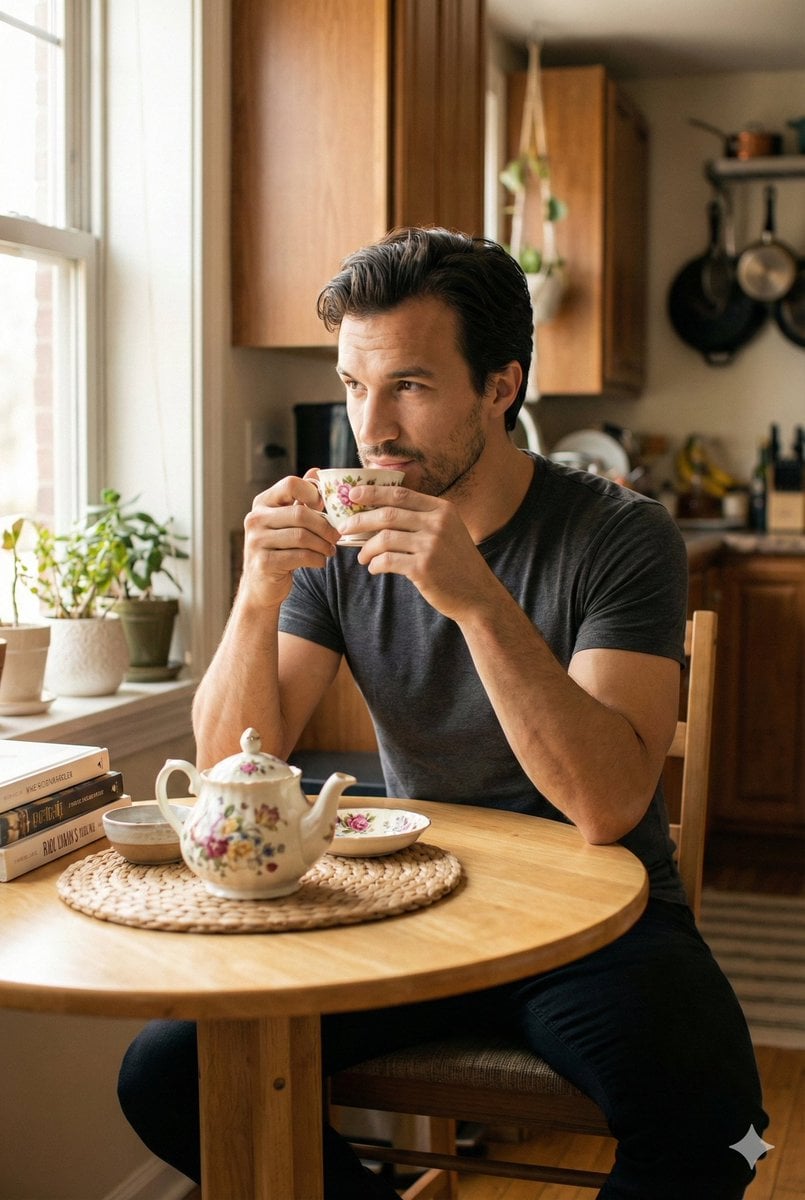
Photorealistic Cinematic Kitchen Scene Prompt (JSON structure)

Cinematic Travel Photos with Nano Banana
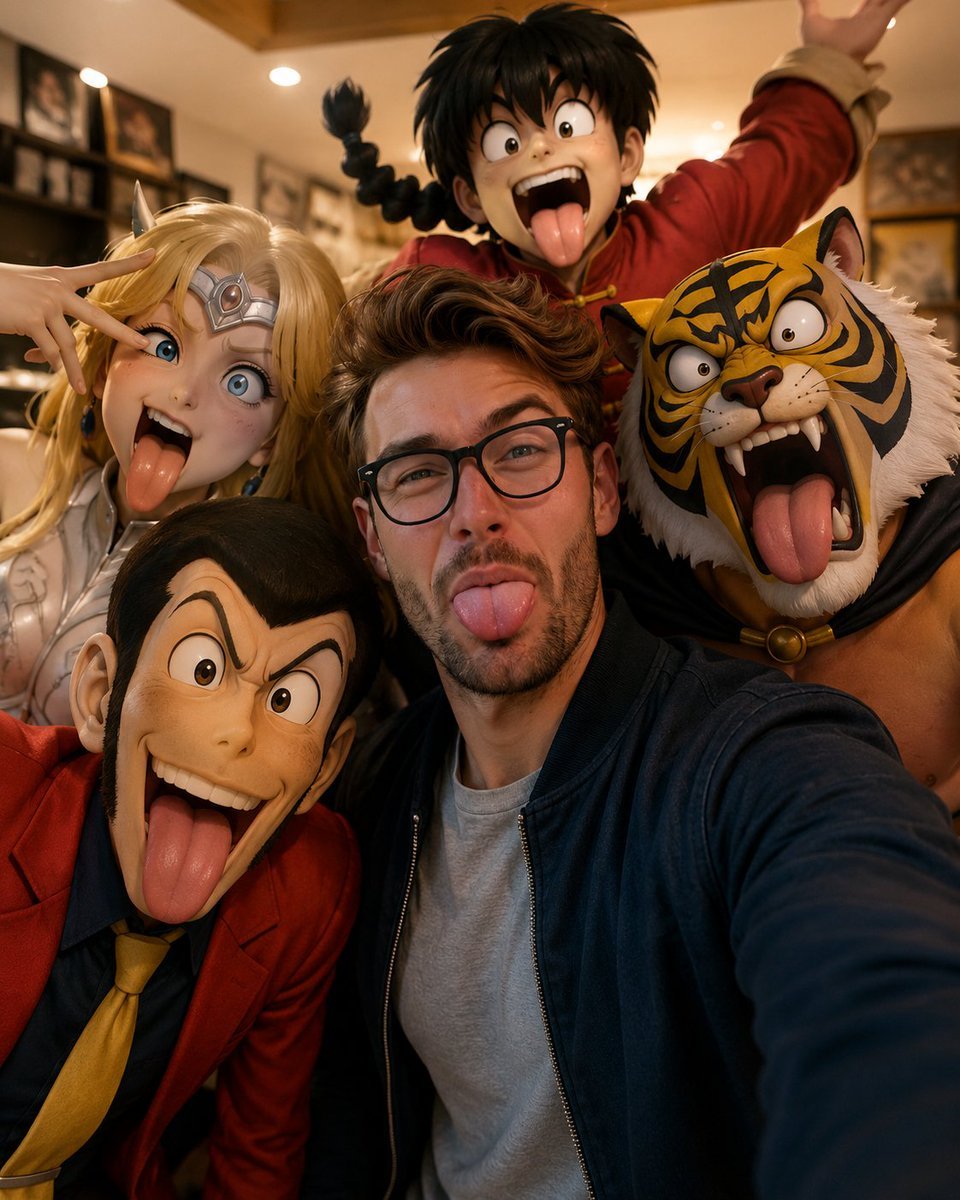
Realistic Selfie with Cartoon Characters
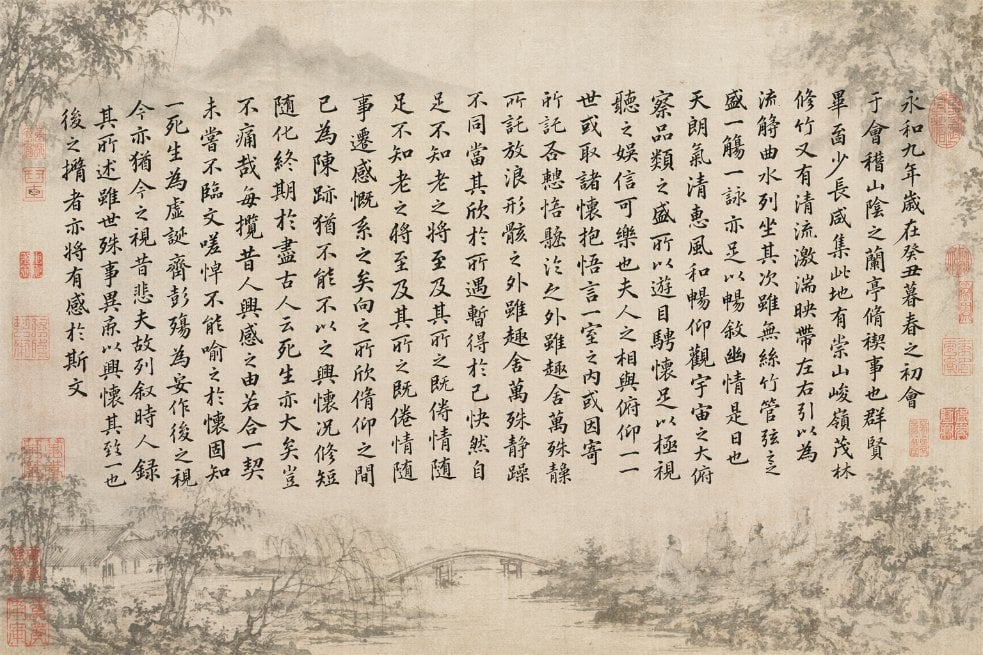
Classical Calligraphy Scroll Prompt

Luxury Food Editorial with Heart-Shaped Bagels
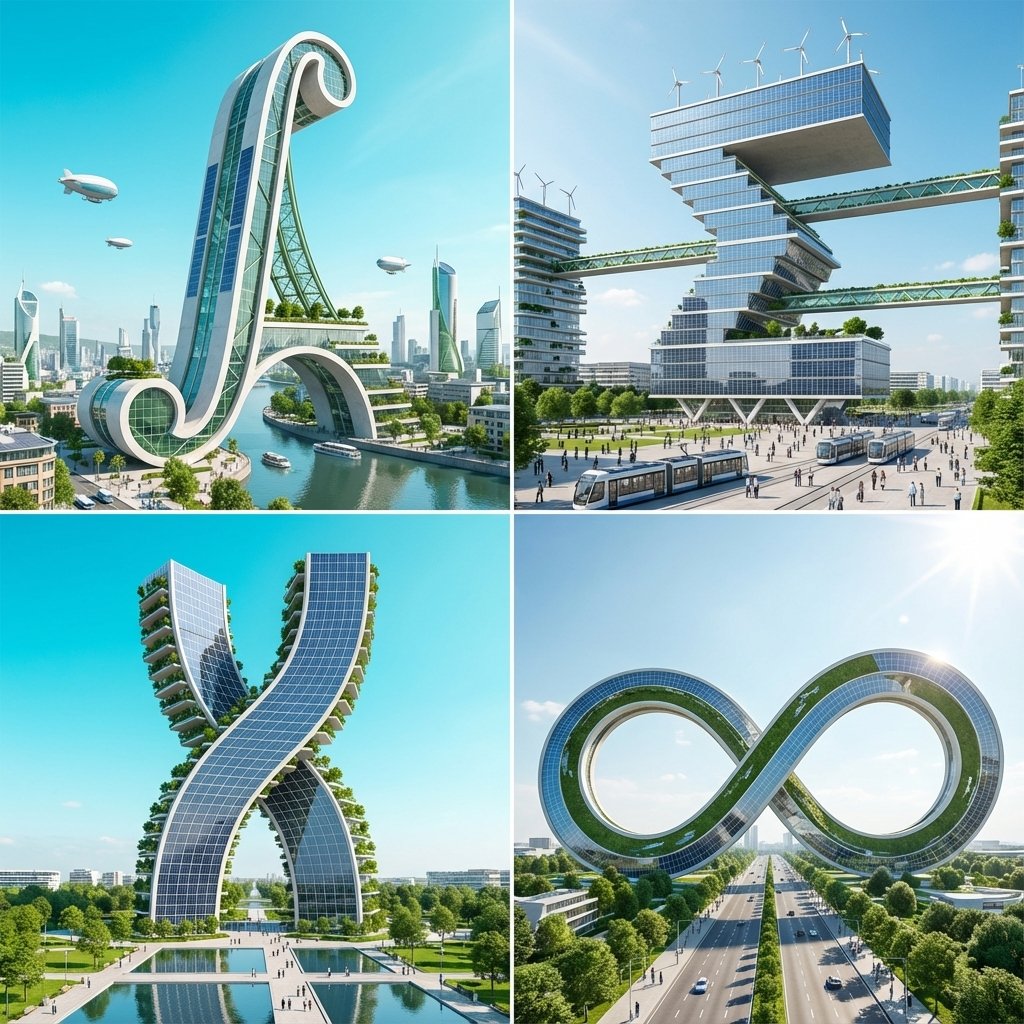
Calculus Symbols as Futuristic Architecture
Browse template categories
Anime Classroom Sleeping Student Scene questions
How do I use the Anime Classroom Sleeping Student Scene template?
Add your photo if the template asks for one, edit the prompt if you like — the template's model and format are already selected — and press Generate. Your version opens in PicX Studio.
Can I customize the Anime Classroom Sleeping Student Scene template?
Yes. You can change the subject, setting, lighting, mood, format, and available model controls before creating your image.
Is the Anime Classroom Sleeping Student Scene template free?
Opening and editing this template is free. Generating uses credits, shown on the Generate button when you are signed in.
Which AI model should I use?
Start with GPT Image 2, which is the model associated with this template. You can compare another compatible model for a different finish.
Looking for something else? Browse all templates.

Your photo, any look
Thousands of ready templates for every top image and video model, from one credit balance.